

If your team is still wrestling with clunky, outdated forms that bury leads and frustrate users, you're leaving growth on the table. Modern form tools have evolved far beyond simple data collection. Today's best platforms combine intelligent design, conditional logic, and AI-powered qualification to turn every submission into a meaningful business signal.
But with so many options claiming to be the "best," picking the right one for your team's specific workflow can feel overwhelming. This list cuts through the noise. We've evaluated six standout form tools on design flexibility, team collaboration, lead qualification capabilities, integration depth, and pricing so you can match the right platform to your growth goals.
Whether you're a lean SaaS startup capturing demo requests, a marketing agency managing multi-client campaigns, or a revenue team qualifying inbound leads at scale, there's a tool here built for your use case. Let's get into it.
1. Orbit AI
Best for: High-growth SaaS and B2B teams that need forms to qualify leads, not just collect them.
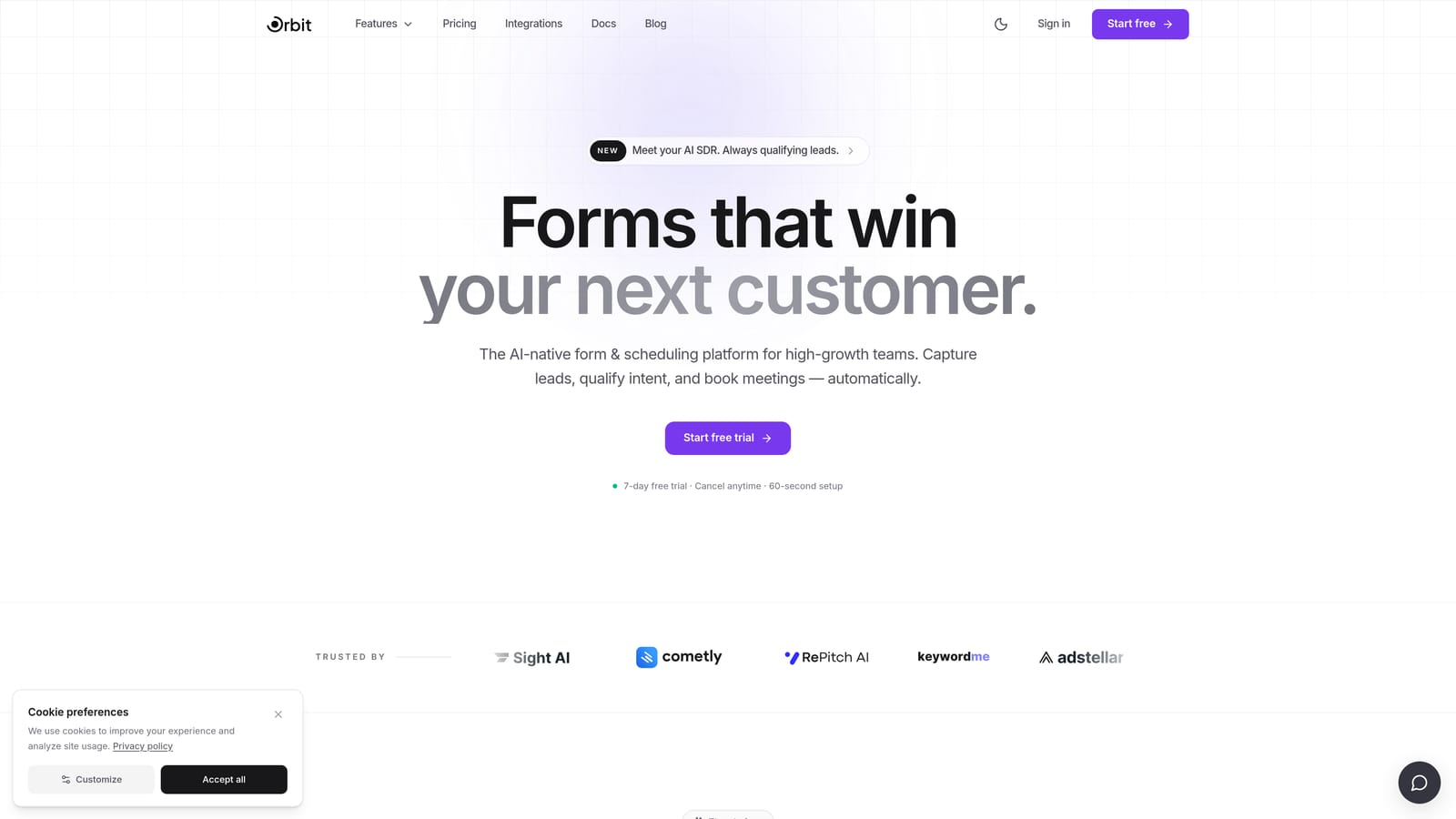
Orbit AI is an AI-powered form builder that embeds lead scoring and qualification logic directly into the form experience itself.
Where This Tool Shines
Most form tools treat qualification as an afterthought. You collect submissions, export them to a CRM, and then manually figure out which leads are worth pursuing. Orbit AI flips that model entirely. The AI qualification logic lives inside the form flow, which means by the time a submission hits your inbox, it's already been scored, filtered, and routed based on criteria your team defines.
For revenue and marketing teams managing high volumes of inbound leads, that shift is significant. Instead of spending time triaging a messy spreadsheet, your team can focus immediately on the prospects most likely to convert. The form design itself is built around conversion-optimized UX patterns, so you're not sacrificing experience quality to get that intelligence layer.
Key Features
AI-Powered Lead Qualification: Qualification logic runs inside the form flow, scoring and filtering submissions before they reach your team.
Conversion-Optimized Design: Modern UX patterns are built into the platform, reducing friction and improving completion rates.
Automatic Lead Routing: Submissions are prioritized and routed based on lead score, so high-value prospects surface immediately.
SaaS and B2B Workflow Focus: The platform is purpose-built for the use cases that matter most to growth-stage teams: demo requests, trial signups, and inbound qualification.
Actionable Revenue Signals: Form data is structured to feed directly into your revenue workflows, not just sit in a database.
Best For
Orbit AI is the strongest fit for SaaS companies, B2B marketing teams, and revenue operations teams where lead quality is as important as lead volume. If your team is measured on pipeline quality, not just form submissions, this is the tool built around that priority.
Pricing
Visit orbitforms.ai for current pricing plans. The platform is designed to scale with high-growth team needs, so plan options reflect different team sizes and usage levels.
2. Typeform
Best for: Marketing and research teams that want beautiful, conversational form experiences with strong brand control.
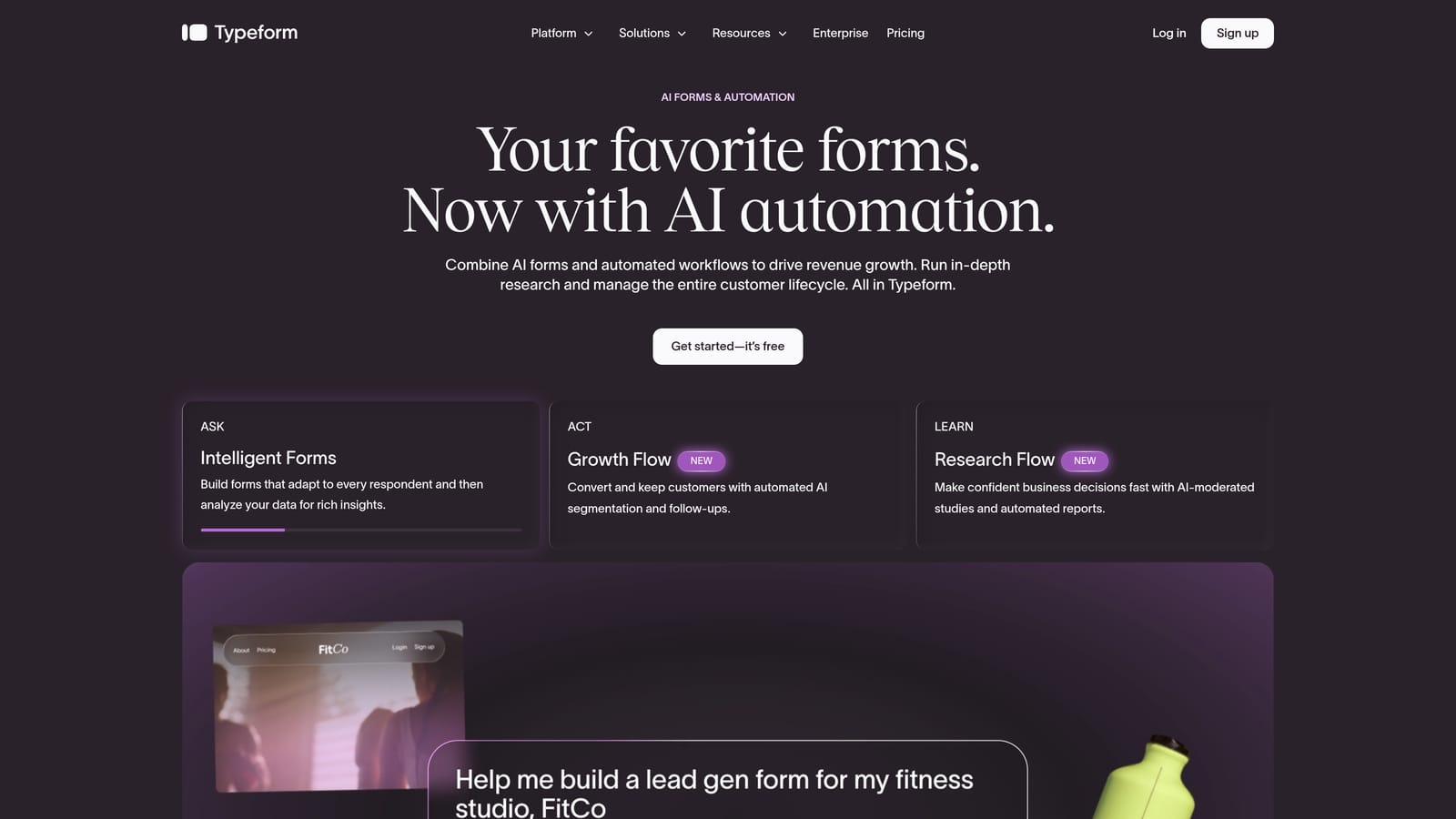
Typeform is a conversational form platform known for its one-question-at-a-time interface that reduces abandonment and keeps respondents engaged.
Where This Tool Shines
Typeform's core strength is experience design. The one-question-at-a-time format feels less like filling out a form and more like having a conversation, which tends to improve completion rates for longer or more complex forms. For brand-conscious teams, the customization options are genuinely strong: you can match colors, fonts, and media to your visual identity with relative ease.
It's also a mature platform with a broad integration ecosystem. HubSpot, Slack, Zapier, and most major CRMs connect without much friction. Where Typeform has limitations is on the lead qualification side. It offers conditional logic and hidden fields, but there's no native AI scoring or automated routing built into the platform. Teams that need that layer will typically need to wire it up through external automation tools.
Key Features
Conversational UI: One-question-at-a-time format keeps respondents focused and engaged throughout the form.
Rich Media Support: Embed images and video directly within form questions to create more dynamic experiences.
Conditional Logic: Show or hide questions based on previous answers, keeping forms relevant to each respondent.
CRM and Tool Integrations: Native connections to HubSpot, Slack, Zapier, and other major platforms in the marketing stack.
Brand Customization: Strong visual controls let teams align form aesthetics closely with their brand identity.
Best For
Typeform is a great fit for marketing teams running campaigns, product teams running user research, and any team where the form experience itself is part of the brand impression. It's less suited to teams that need built-in lead qualification intelligence.
Pricing
A free plan is available with limited responses. Paid plans scale based on response volume and feature access, making it accessible for small teams but potentially costly at higher volumes.
3. Tally
Best for: Budget-conscious teams that want clean, functional forms with minimal setup time.
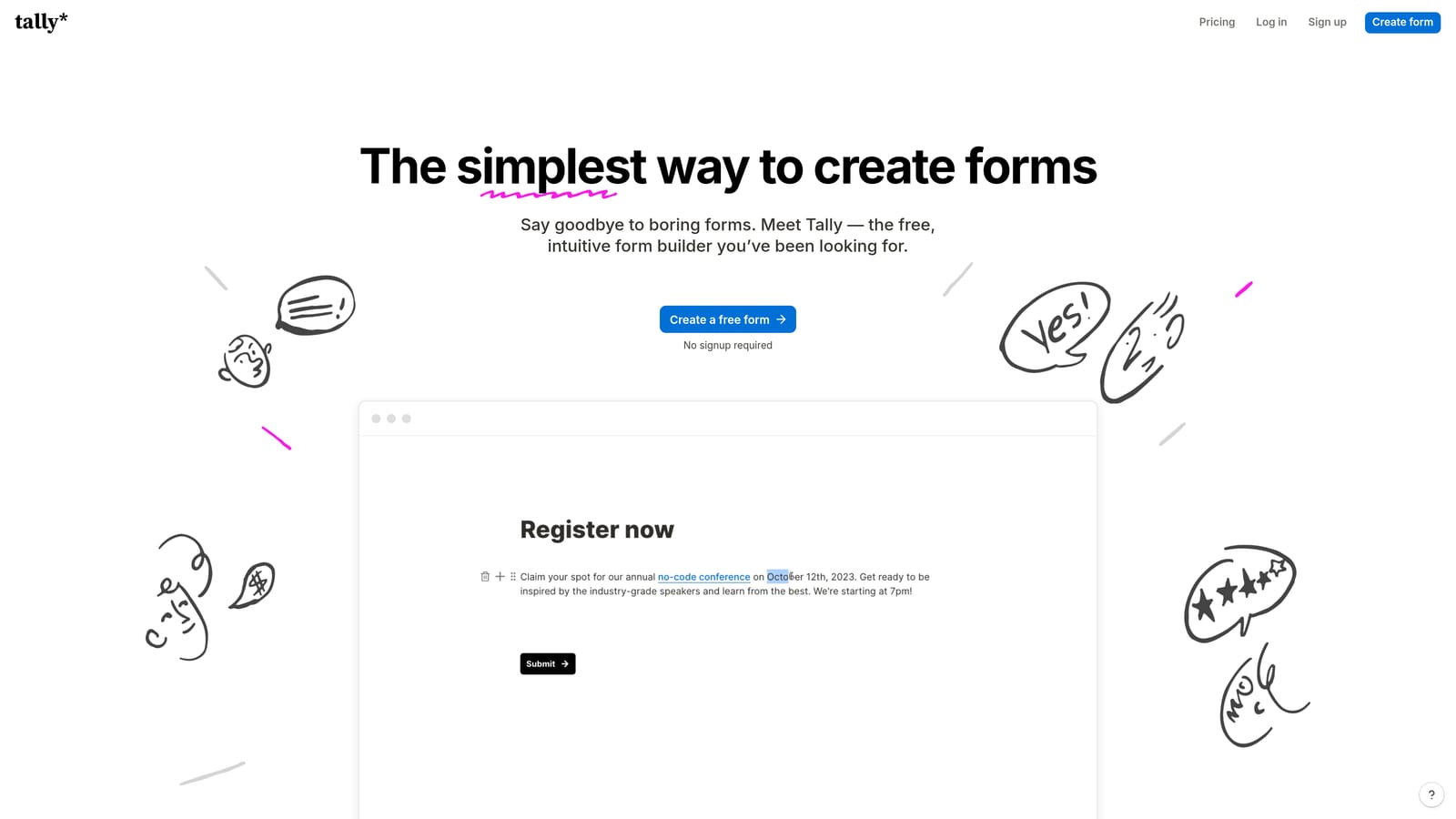
Tally is a Notion-inspired block-based form builder with one of the most generous free tiers available in the market today.
Where This Tool Shines
If your team lives in Notion and wants a form tool that feels immediately familiar, Tally is the most natural transition. The block editor is genuinely fast to learn. Most users can build a functional, good-looking form within minutes of signing up, without any documentation or onboarding. That low friction makes it popular with early-stage teams and lean operations that don't have time to invest in platform learning curves.
The free tier is unusually generous: unlimited forms and unlimited responses with Tally branding included. For teams that can tolerate that branding, it's a strong value proposition. The paid plan removes the branding and unlocks more advanced features. The trade-off is depth. Tally doesn't offer AI qualification, advanced lead scoring, or the kind of team workflow features that larger revenue teams need. It's a great tool for what it is, but it has a clear ceiling.
Key Features
Block-Based Editor: Notion-style interface makes form creation fast and intuitive, even for non-technical users.
Generous Free Tier: Unlimited forms and responses on the free plan, making it accessible with no upfront cost.
Conditional Logic and File Uploads: Core logic features are available even on the free plan.
Stripe Payments: Accept payments directly through forms without needing a separate integration setup.
Notion and Website Embeds: Forms embed cleanly into Notion pages and websites with minimal configuration.
Best For
Tally is ideal for early-stage startups, indie teams, and individual contributors who need functional forms quickly and affordably. Teams that have outgrown it typically cite the lack of advanced qualification features and limited team collaboration tools as the reason they move on.
Pricing
Free plan with Tally branding on all forms. Paid plan removes branding and unlocks advanced features at a competitive price point relative to other tools in this category.
4. Paperform
Best for: Teams that want forms to function more like branded landing pages with built-in commerce and scheduling.
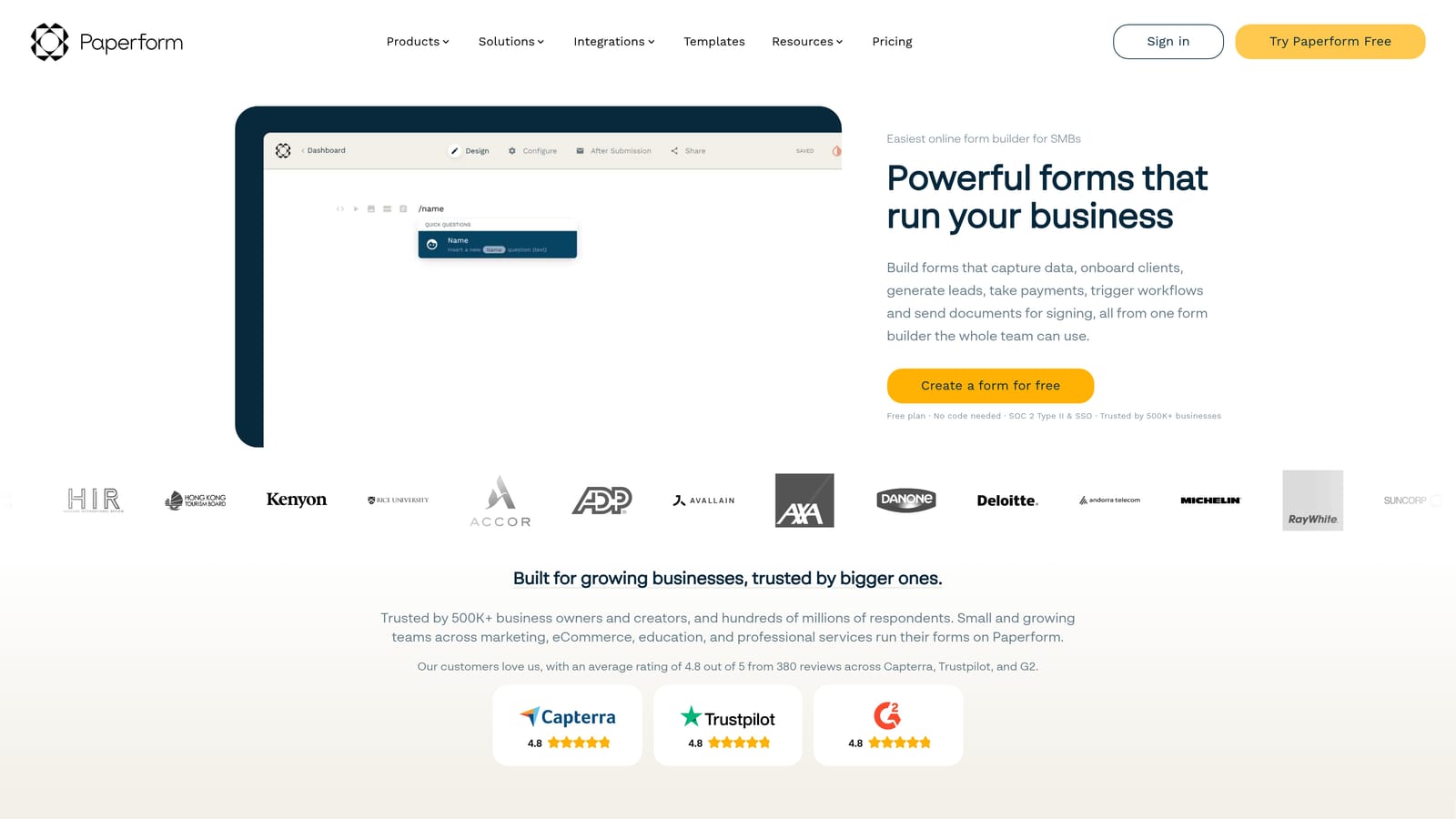
Paperform is a flexible form builder with a document-style editor that lets teams blend questions with rich content, images, and video in a single cohesive experience.
Where This Tool Shines
Paperform occupies an interesting middle ground between a form tool and a lightweight landing page builder. The document-style editor lets you mix form fields with written content, images, and video in a way that feels natural rather than bolted on. The result is forms that can stand alone as branded experiences without needing a separate landing page behind them.
Beyond design, Paperform has built-in support for payments, product sales, and appointment scheduling, which makes it genuinely multi-purpose. A single Paperform can function as a service inquiry form, a booking tool, and a checkout page simultaneously. Teams that need that flexibility without managing multiple platforms will find it useful. The limitation is that Paperform's strength is in design and commerce flexibility, not in lead qualification depth or AI-assisted routing.
Key Features
Document-Style Editor: Mix form questions with rich text, images, and video for a landing page-style experience.
Built-In Payments and Scheduling: Accept payments and bookings directly within the form without third-party tools.
Conditional Logic and Calculations: Dynamic fields that respond to user input and perform calculations in real time.
Custom Domains and Branding: Full control over domain, styling, and visual presentation for a polished brand experience.
Integration Library: Native integrations plus Zapier connectivity cover most common marketing and CRM stack connections.
Best For
Paperform works well for marketing teams, consultants, and service businesses that want forms to double as branded sales or booking experiences. It's a strong choice when design flexibility and commerce functionality matter more than advanced lead qualification.
Pricing
Paid plans only, with no permanent free tier. A free trial is available so teams can evaluate the platform before committing. Plan tiers scale based on features and submission volume.
5. Jotform
Best for: Mid-market and enterprise teams that need deep feature sets, compliance options, and workflow automation at scale.
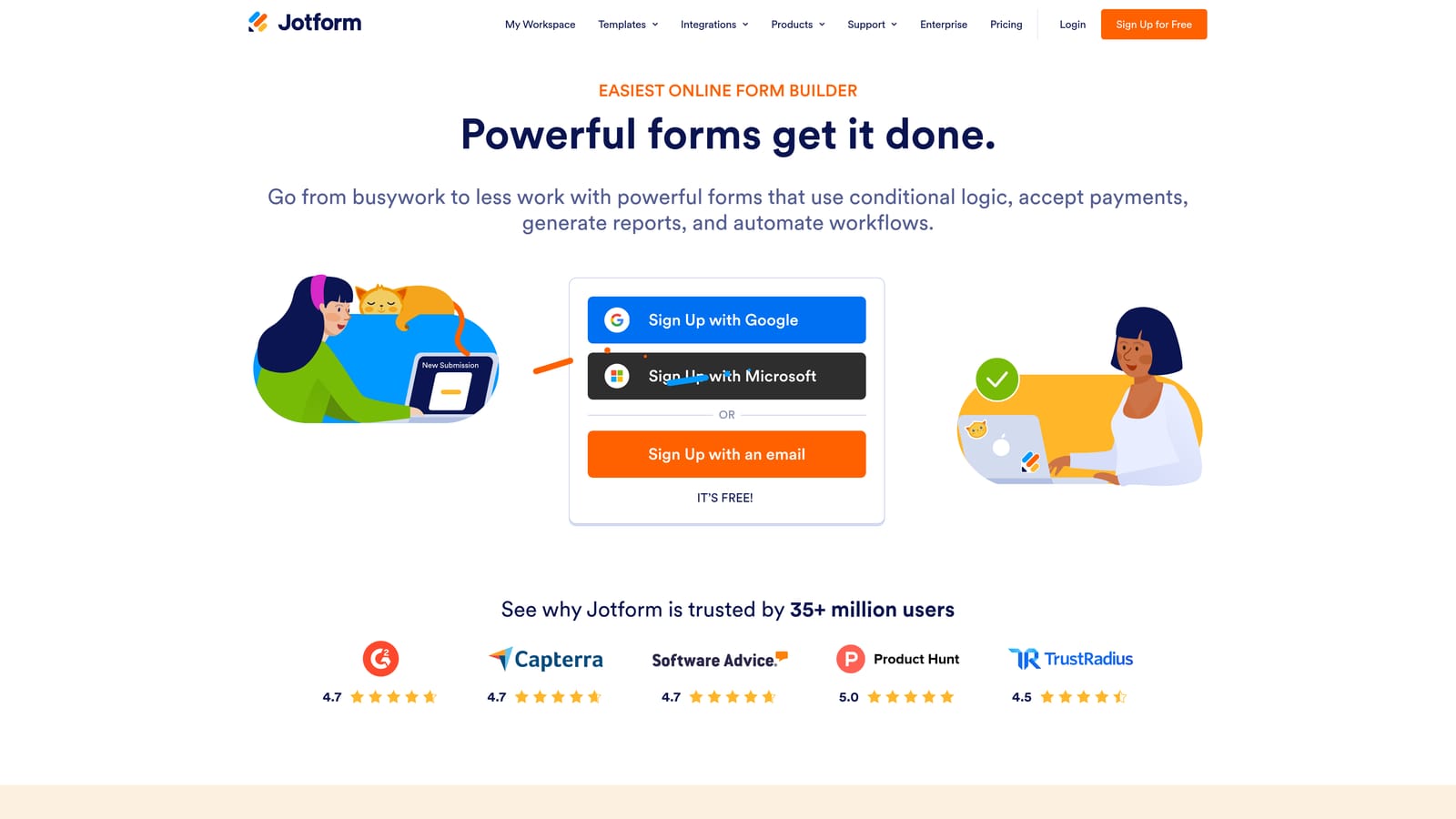
Jotform is one of the most feature-rich form platforms available, offering thousands of templates, enterprise-grade compliance, and extensive workflow automation capabilities.
Where This Tool Shines
Jotform's breadth is genuinely impressive. With thousands of industry-specific templates covering everything from healthcare intake forms to event registrations to HR onboarding, it's rare to encounter a use case the platform hasn't already anticipated. For teams operating in regulated industries, the HIPAA-compliant plan tier is a meaningful differentiator that most competitors don't offer at all.
The workflow automation capabilities go well beyond basic form routing. Approval workflows, PDF generation, e-signature support, and role-based team workspaces make Jotform viable for complex internal processes, not just external-facing data collection. The trade-off is that all this depth comes with interface complexity. Smaller teams or those with straightforward needs may find the platform more than they need, and the learning curve reflects that.
Key Features
Thousands of Templates: Industry-specific templates across healthcare, HR, legal, education, and more accelerate setup significantly.
HIPAA-Compliant Plans: Purpose-built compliance options for teams in regulated industries handling sensitive data.
Approval Workflows and PDF Generation: Automate multi-step approval processes and generate structured documents from form submissions.
E-Signature Support: Collect legally binding signatures directly within the form workflow.
Team Workspaces with Permissions: Role-based access controls and shared team workspaces for larger organizations managing multiple forms and users.
Best For
Jotform is best suited to mid-market and enterprise teams across healthcare, HR, legal, and operations that need compliance, workflow depth, and template variety. It can be overkill for lean growth teams focused primarily on lead generation.
Pricing
A free plan is available with submission and storage limits. Paid plans scale considerably based on submission volume, storage, and feature access. Enterprise pricing is available for larger organizations.
6. Formstack
Best for: Operations, HR, and compliance-heavy teams that need form submissions to trigger structured document and signature workflows.
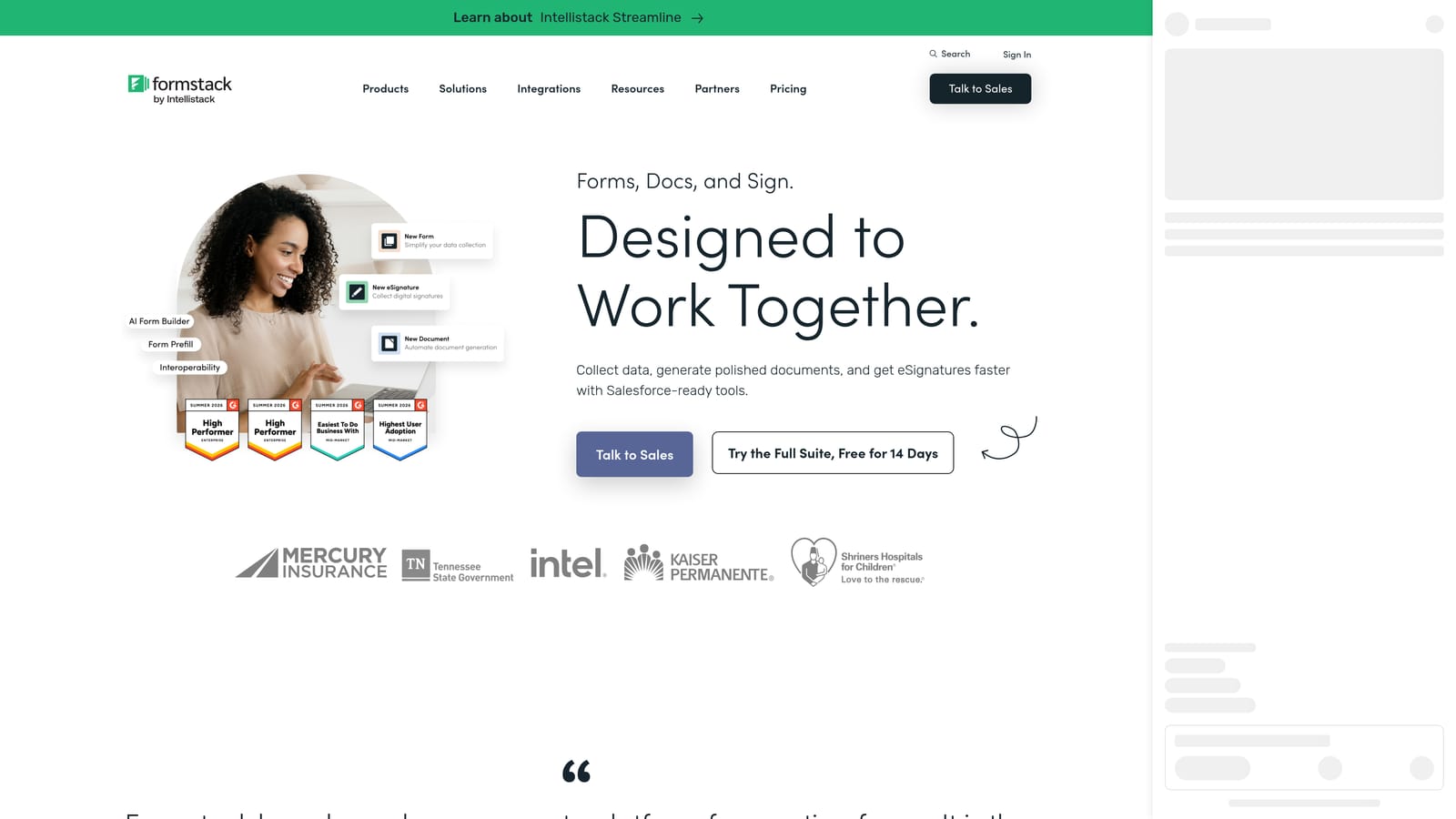
Formstack is a suite platform combining forms, document generation, and e-signatures into a unified workflow tool designed for process-driven teams.
Where This Tool Shines
Formstack's differentiation is the integration between its three core products: Forms, Documents, and Sign. Where most form tools stop at collecting data, Formstack takes that submission data and automatically pre-fills it into structured documents, which can then be routed for e-signature collection. For teams managing contracts, onboarding packets, compliance records, or legal documents, that end-to-end automation eliminates significant manual work.
It's a tool built for operational rigor rather than marketing agility. The compliance and data security controls are strong, and the workflow routing with conditional approval logic makes it well-suited to organizations where form submissions need to pass through multiple stakeholders before being finalized. Teams looking for a lead generation or marketing-focused form tool will likely find Formstack's priorities don't align with their primary use case.
Key Features
Integrated Forms, Documents, and Sign Suite: Three products working together in a single platform to cover the full data-to-document workflow.
Automatic Document Pre-Fill: Submission data from forms populates directly into document templates without manual data entry.
Compliance and Data Security Controls: Strong security standards suited to regulated industries and enterprise data requirements.
Conditional Approval Workflows: Route submissions through multi-step approval logic based on form answers and team roles.
Cross-Industry Use Cases: Deployed across HR, legal, healthcare, and operations teams where document workflows are central to daily operations.
Best For
Formstack is the right choice for operations, HR, legal, and compliance teams where forms are the starting point of a structured document and signature process. It's not optimized for marketing lead generation or conversion-focused use cases.
Pricing
Suite pricing covers all three products together; a forms-only plan is also available for teams that don't need the full suite. Contact Formstack directly for enterprise pricing details.
Which Tool Is Right for Your Team?
The honest answer is that the best modern form tool depends entirely on what your team is trying to accomplish. These six platforms are genuinely strong at different things, and the wrong choice for your workflow won't become the right one just because it has more features.
Here's a quick way to think through the decision:
Growth and SaaS teams focused on lead qualification: Orbit AI is the clearest fit. If your team needs forms that score, filter, and route leads automatically rather than just collect submissions, no other tool on this list has that capability built natively into the form flow.
Teams that prioritize conversational brand experiences: Typeform delivers the most polished one-question-at-a-time experience and has the integration depth that marketing teams expect.
Budget-conscious teams that need clean, functional forms fast: Tally's free tier and minimal learning curve make it the most accessible starting point, especially for early-stage teams.
Teams that want forms to function as branded landing pages: Paperform's document-style editor and built-in commerce features make it uniquely suited to this use case.
Mid-market and enterprise teams with compliance requirements: Jotform's template library, HIPAA-compliant plans, and workflow automation depth are hard to match at that scale.
Operations and HR teams managing document workflows: Formstack's Forms plus Documents plus Sign suite is purpose-built for teams where a form submission is the start of a structured document process, not the end goal.
If you're a high-growth team and lead quality is a core metric, the qualification layer matters more than almost anything else on this list. Start building free forms today with Orbit AI and see how embedding intelligence directly into your form flow changes what your team can do with inbound leads. When your forms qualify prospects automatically, your team stops sorting and starts selling.


