

When you're trying to capture leads, gather feedback, or qualify prospects, the tool you choose matters — but so does understanding what kind of tool you actually need. Survey platforms and form builders aren't the same thing, even though they're often treated that way.
Surveys are designed to collect structured opinions and research data at scale. Form builders are built to capture, qualify, and route individual submissions: think lead gen, registrations, and conversions. Choosing the wrong tool means lower completion rates, weaker data, and missed pipeline.
This guide breaks down the best tools across both categories, starting with platforms built specifically for high-growth teams that need both beautiful design and intelligent lead qualification. Whether you're running a marketing campaign, qualifying inbound leads, or collecting customer feedback, you'll find the right fit here. We've also linked to resources on how to build effective web forms and lead scoring best practices if you want to go deeper.
Survey Tool vs. Form Builder: Why the Distinction Matters
Before diving into the tools, it's worth getting clear on what separates these two categories — because the design philosophy behind each one directly affects your results.
Survey tools are optimized for research: structured questionnaires, Likert scales, branching logic, and aggregate reporting. The output is insights. Respondents are often anonymous, and the goal is pattern recognition across many responses.
Form builders are optimized for action: capturing individual submissions, routing leads, triggering workflows, and integrating with CRMs and marketing stacks. Each submission represents a person to follow up with. The output feeds a pipeline.
Many platforms blur this line, but the underlying philosophy differs — and that affects completion rates, data quality, and downstream outcomes. Use a survey tool when your goal is research or feedback at scale. Use a form builder when your goal is conversion, lead capture, or workflow automation.
Hybrid use cases — post-purchase feedback that captures upsell intent, or onboarding flows that double as qualification funnels — are where the most sophisticated tools on this list really shine.
1. Orbit AI
Best for: High-growth B2B and SaaS teams that need lead qualification built into the form experience
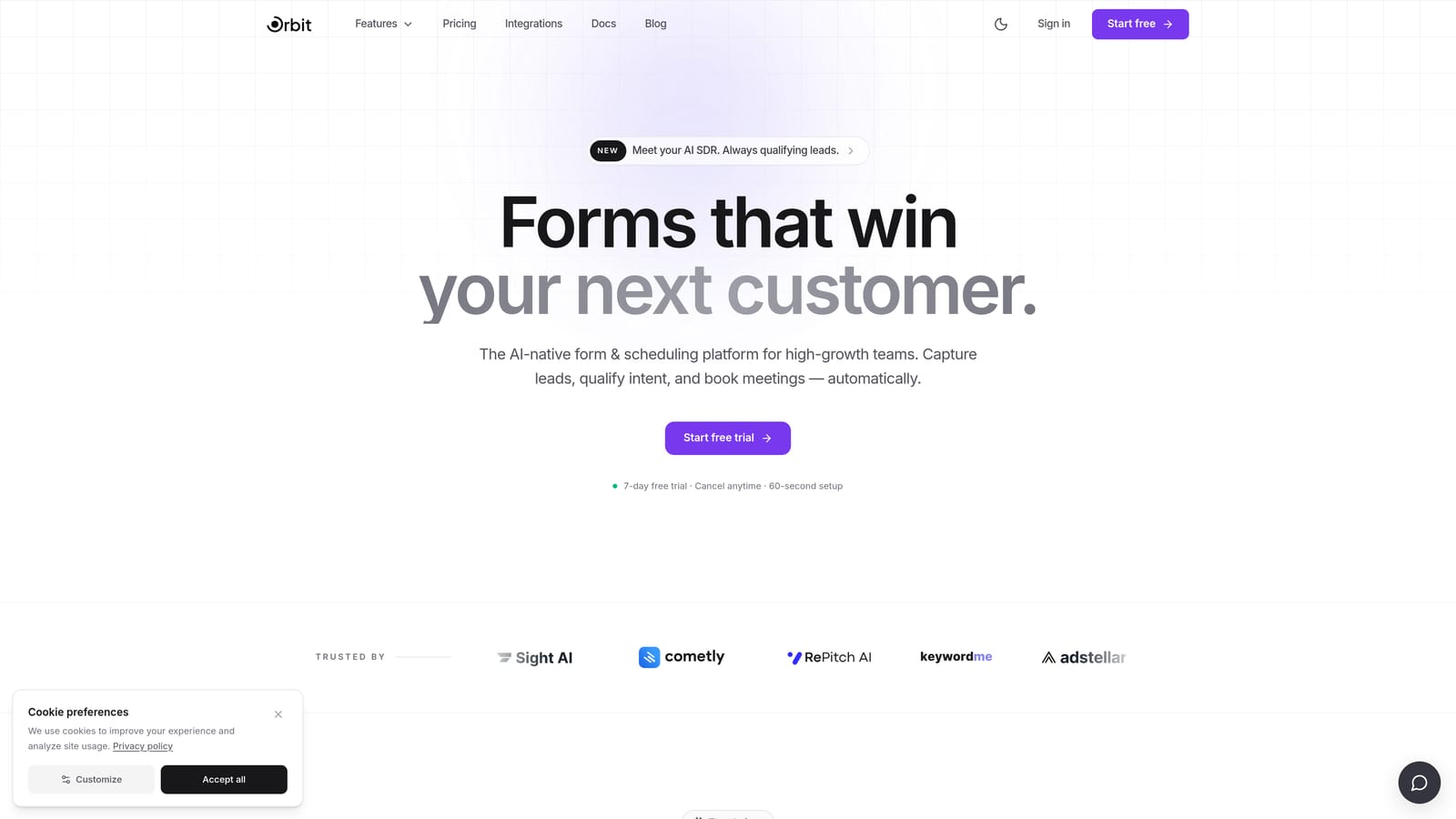
Orbit AI is an AI-powered form builder designed specifically for teams where pipeline quality matters as much as pipeline volume.
Where This Tool Shines
Most form builders collect data and hand it off. Orbit AI goes a step further by qualifying leads in real time, inside the form experience itself. That means your sales team isn't wading through unqualified submissions — the scoring happens before a lead ever hits your CRM.
The design philosophy is conversion-first. Forms built on Orbit AI are clean, modern, and built to reduce friction at every step. For teams running demo request flows, inbound lead gen campaigns, or SaaS onboarding sequences, that combination of aesthetic quality and intelligent qualification is genuinely rare in the market.
Key Features
AI-Driven Lead Scoring: Automatically scores and qualifies leads based on form responses, so your team focuses on the right prospects without a separate CRM step.
Conversion-Optimized Design: Modern, clean UI built to maximize completion rates on lead gen and demo request forms.
B2B and SaaS-Focused Templates: Pre-built flows for demo requests, onboarding, and qualification funnels that reflect real sales motion.
Real-Time Qualification Logic: Conditional routing and qualification happen dynamically as respondents move through the form, not after the fact.
Pipeline-Ready Integrations: Designed to connect directly with the CRM and marketing stack tools that high-growth teams already use.
Best For
Orbit AI is the right choice for SaaS companies, B2B marketing teams, and growth-focused operators who need forms that do more than collect data. If lead quality and pipeline efficiency are priorities, the built-in qualification layer sets it apart from general-purpose form builders.
Pricing
Visit orbitforms.ai for current pricing details and available plans.
2. Typeform
Best for: Teams that prioritize conversational UX, brand aesthetics, and NPS or research surveys
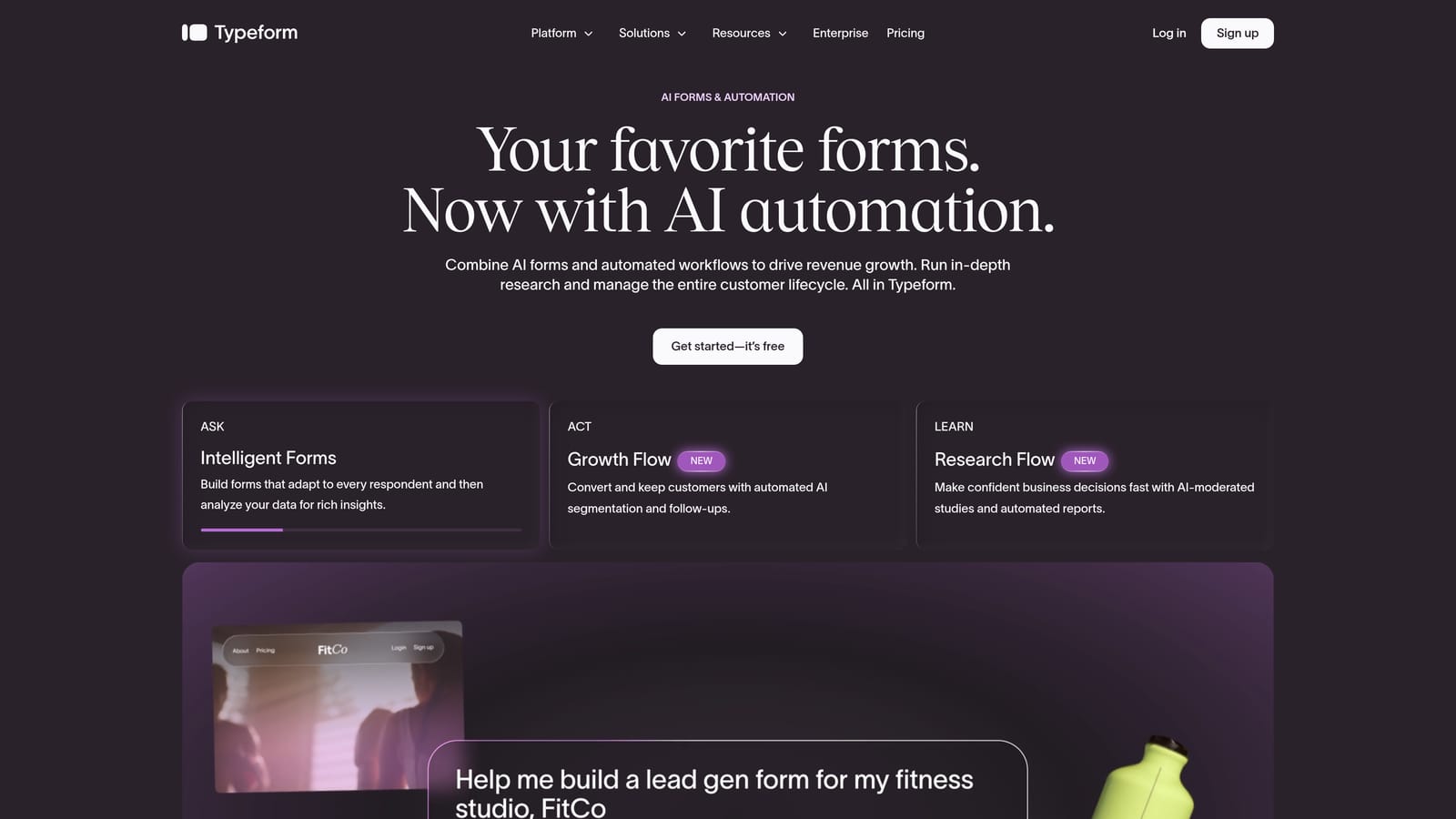
Typeform is a conversational form and survey platform known for its one-question-at-a-time interface and polished visual design.
Where This Tool Shines
Typeform's signature format — presenting one question at a time — is genuinely effective at reducing form fatigue. Respondents feel like they're having a conversation rather than filling out a spreadsheet, which tends to improve completion rates on longer forms and surveys.
It sits comfortably at the intersection of survey tool and form builder. Teams use it for NPS surveys, onboarding flows, research questionnaires, and lead capture. The brand customization options are strong, and the overall aesthetic is hard to beat without custom development.
Key Features
Conversational Interface: One-question-at-a-time format reduces cognitive load and keeps respondents engaged through longer flows.
Logic Jumps and Branching: Conditional logic on paid plans lets you route respondents based on their answers, making forms feel personalized.
Brand Customization: Fonts, colors, backgrounds, and imagery can all be tailored to match your brand identity.
CRM and Marketing Integrations: Connects with major platforms to route submissions into existing workflows.
Survey and Form Hybrid: Works well for both structured research and lead capture, depending on how you configure it.
Best For
Typeform works well for marketing teams running NPS programs, product teams collecting user research, and companies that want forms to feel like an extension of their brand. It's less specialized for lead qualification than Orbit AI, but strong for engagement-focused use cases.
Pricing
Free plan available. Paid plans start around $25/month — verify current pricing at typeform.com.
3. Jotform
Best for: Teams that need broad feature coverage across payments, e-signatures, and diverse integrations
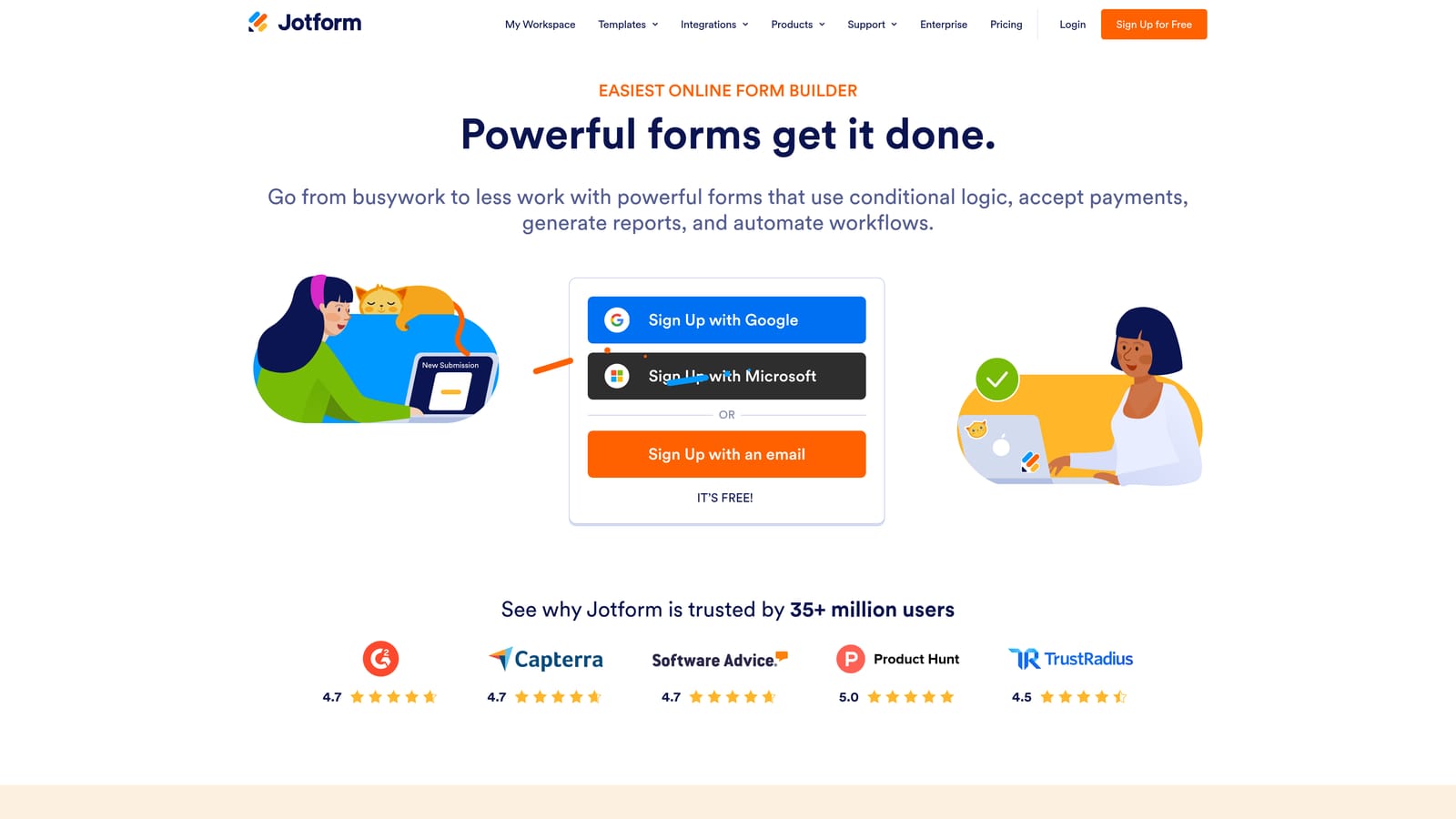
Jotform is one of the most feature-rich form builders on the market, serving everything from simple contact forms to complex multi-step workflows.
Where This Tool Shines
Jotform's strength is breadth. If you need a form builder that handles payments, e-signatures, conditional logic, HIPAA compliance, and 150+ integrations all under one roof, Jotform is hard to beat. It's the kind of tool that can serve almost any team in almost any industry.
The template library is enormous, covering use cases from healthcare intake forms to event registrations to job applications. For teams with diverse form needs across departments, that flexibility is genuinely valuable.
Key Features
Payment and E-Signature Support: Collect payments and legally binding signatures directly within forms, without third-party workarounds.
150+ Native Integrations: Connects with CRMs, payment processors, productivity tools, and marketing platforms out of the box.
HIPAA-Compliant Plans: Available for healthcare and regulated industries that need compliant data handling.
Extensive Template Library: Thousands of pre-built templates covering virtually every industry and use case.
Conditional Logic: Route respondents and show or hide fields based on previous answers.
Best For
Jotform is a strong choice for SMBs and mid-market teams that need a versatile, all-in-one form tool without the complexity of enterprise platforms. It's particularly well-suited for teams managing diverse form needs across multiple departments or use cases.
Pricing
Free plan available. Paid plans start around $34/month — verify current pricing at jotform.com.
4. Tally
Best for: Lean teams and individuals who need functional, no-fuss forms without paying for features they won't use
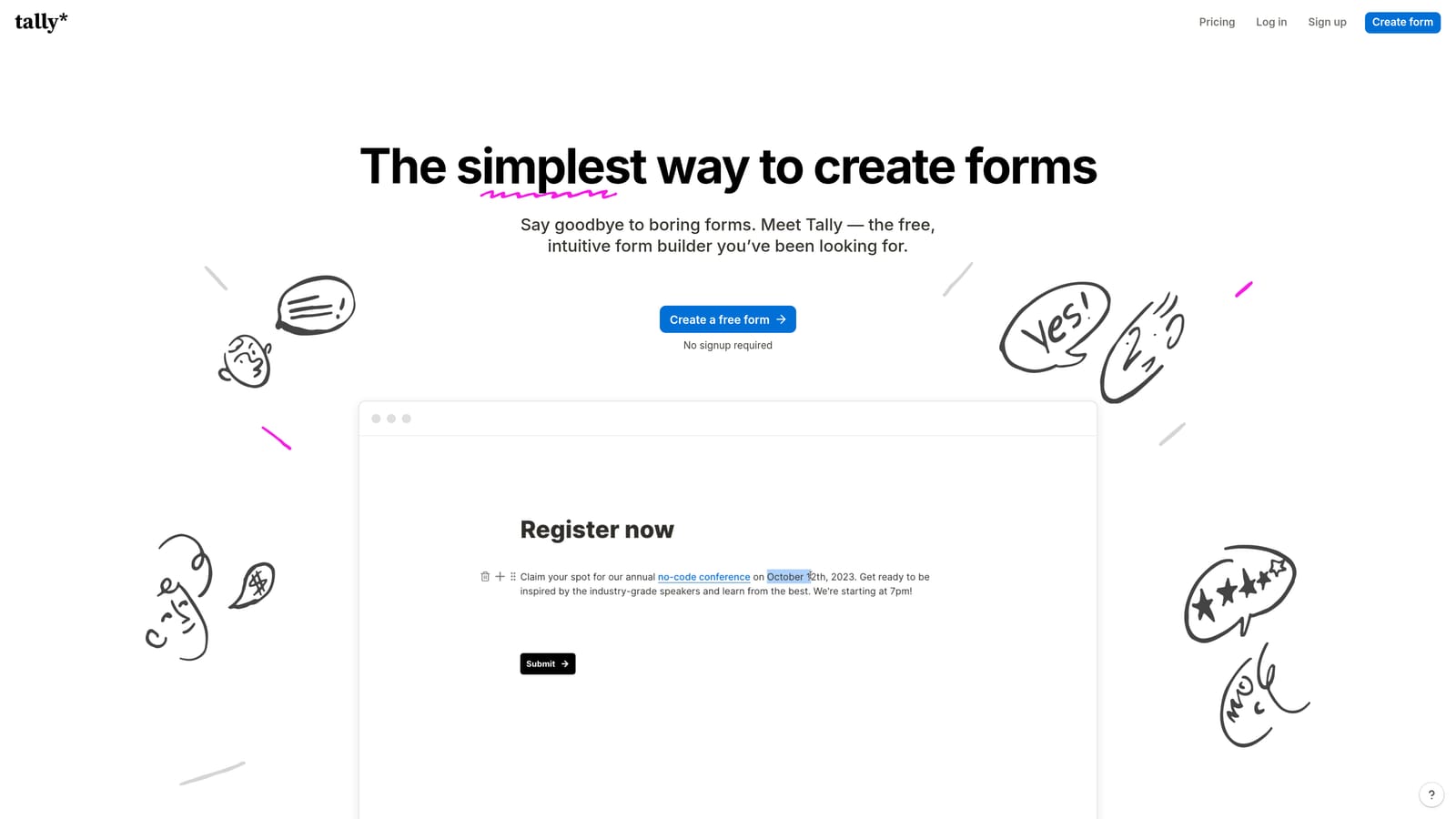
Tally is a minimalist, Notion-inspired form builder with one of the most generous free plans in the market.
Where This Tool Shines
Tally's appeal is straightforward: unlimited forms and unlimited responses on the free tier, with no Tally branding. That's genuinely rare. Most free plans in this category cap responses, add watermarks, or lock basic features behind a paywall. Tally doesn't.
The editor feels familiar to anyone who uses Notion. It's block-based, minimal, and quick to learn. You're not going to get AI-powered lead scoring or deep CRM integrations, but for teams that just need clean, functional forms that work, Tally delivers without friction.
Key Features
Unlimited Free Forms and Responses: No caps on the free tier, making it genuinely usable without upgrading.
Notion-Style Block Editor: Familiar, low-friction editing experience with minimal learning curve.
No Branding on Free Plan: Forms look clean and professional without a "Powered by Tally" footer.
Basic Conditional Logic: Simple branching and hidden fields for straightforward routing needs.
Zapier and Make Integrations: Connect form responses to automation workflows without native integration complexity.
Best For
Tally is ideal for startups, solo operators, content creators, and lean teams that need reliable forms without budget or complexity. It's not built for enterprise lead qualification, but for simple intake forms, feedback collection, or internal requests, it's hard to argue with the value.
Pricing
Free plan with no response limits. Tally Pro is around $29/month — verify current pricing at tally.so.
5. Paperform
Best for: Creators and small businesses that want forms to feel like branded landing pages
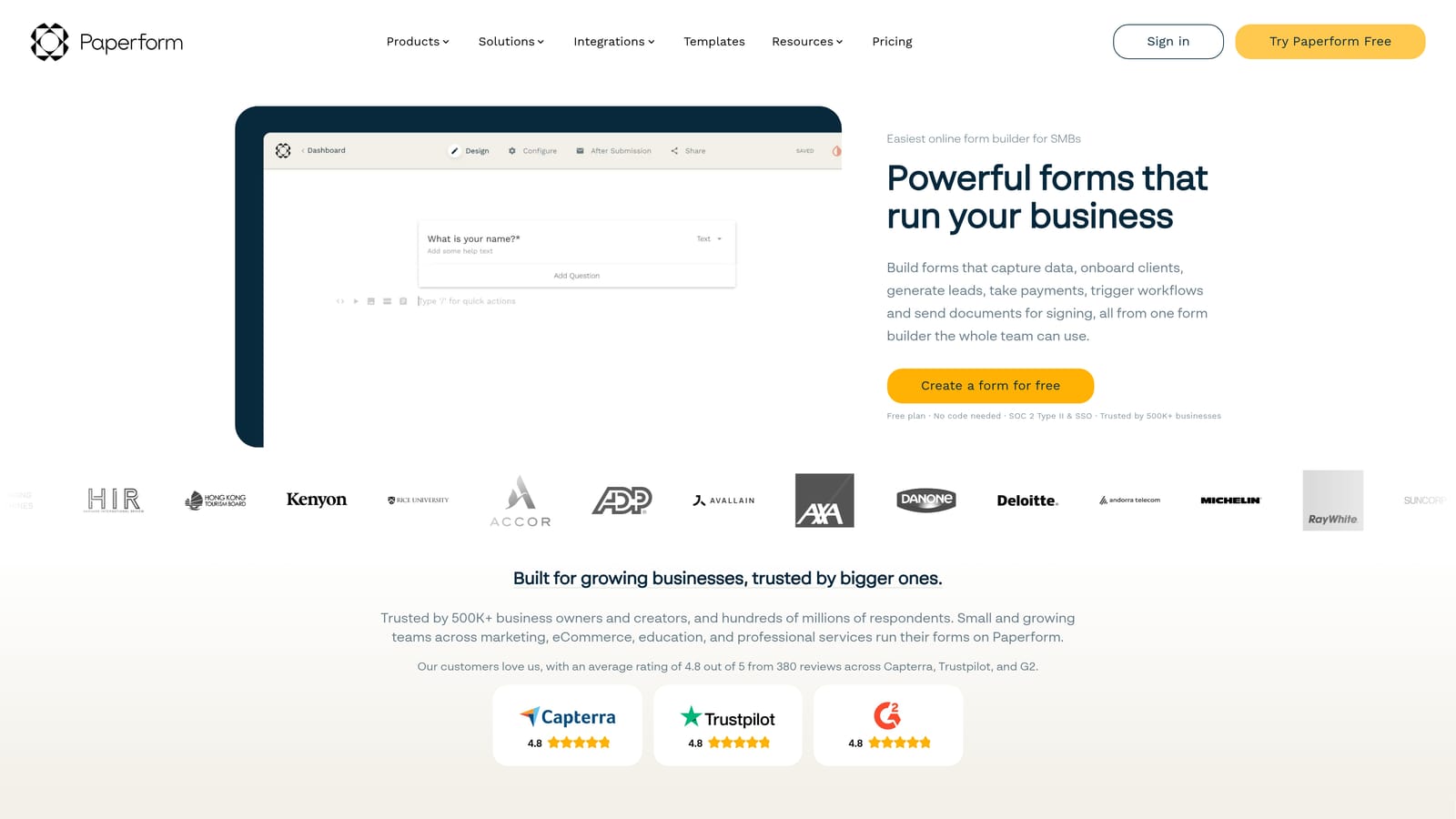
Paperform is a hybrid form builder and landing page creator that lets teams embed rich media alongside form fields.
Where This Tool Shines
Paperform takes a different approach to form design. Instead of a stripped-down field-by-field layout, it gives you a rich text editor where you can weave copy, images, and video in between form questions. The result feels less like a form and more like a branded experience — closer to a mini landing page than a traditional form.
For product sales, event registrations, or any scenario where context and persuasion matter alongside data collection, that format is a genuine advantage. It's particularly popular with creators, coaches, and small businesses that want design flexibility without hiring a developer.
Key Features
Rich Text Editor: Embed images, video, and persuasive copy directly alongside form fields for a landing page-style experience.
Payment and Product Support: Accept payments and sell products or services directly through forms.
Event Registration Flows: Built-in support for ticket sales, RSVPs, and capacity management.
Conditional Logic and Calculations: Route respondents and perform calculations based on form inputs.
Brand-Forward Design: High degree of visual customization for teams that want forms to feel on-brand.
Best For
Paperform works well for small businesses, creators, and service providers who want forms that double as marketing assets. It's less suited for pure research surveys or enterprise-scale lead qualification, but excellent for sales-oriented flows where design and copy work together.
Pricing
Plans start around $24/month — verify current pricing at paperform.co.
6. Formstack
Best for: Enterprise teams in regulated industries that need HIPAA compliance, Salesforce integration, and multi-step workflow automation
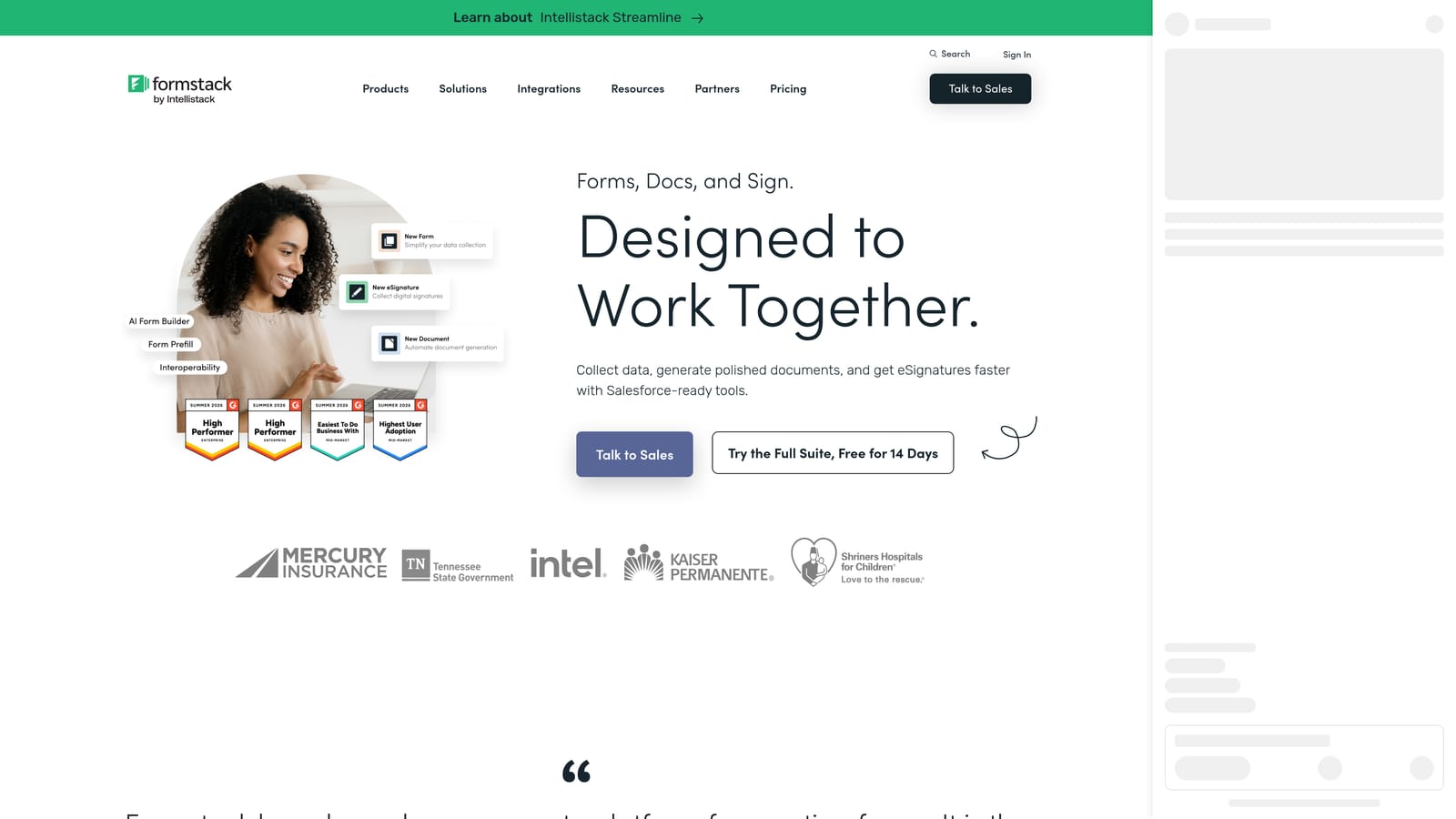
Formstack is an enterprise-grade form builder and workflow automation platform built for complex operational environments.
Where This Tool Shines
Formstack is designed for organizations where forms aren't just data collection tools — they're part of larger operational workflows. Multi-step approvals, document generation, Salesforce-native integration, and HIPAA compliance put it in a different category from consumer-grade form builders.
If you're in healthcare, financial services, legal, or any regulated industry where data handling requirements are strict and workflows involve multiple stakeholders, Formstack is built for that environment. It's not the tool for a lean startup building a lead gen form — it's the tool for an enterprise operations team managing complex, compliance-sensitive processes.
Key Features
HIPAA-Compliant Forms: Meets compliance requirements for healthcare and regulated industries handling sensitive data.
Native Salesforce Integration: Deep CRM workflow automation that goes beyond basic field mapping.
Multi-Step Approval Workflows: Route submissions through internal approval chains before data is acted upon.
Document Generation: Automatically generate documents from form submissions, reducing manual processing.
Advanced Conditional Logic and Data Routing: Sophisticated branching and routing for complex operational use cases.
Best For
Formstack is the right choice for enterprise operations teams, healthcare organizations, and large businesses that need compliance, Salesforce depth, and workflow automation in a single platform. Smaller teams will find it over-engineered for most use cases.
Pricing
Enterprise pricing — contact Formstack directly for current plans and verify at formstack.com.
Which Tool Is Right for Your Team?
The honest answer depends on what you're trying to accomplish. Here's a quick way to think through the decision.
If your primary goal is lead qualification and conversion for a B2B or SaaS team, Orbit AI is the clearest fit. The AI-driven qualification layer means your forms don't just collect data — they actively filter and score leads before they reach your pipeline. That's a meaningful operational advantage for growth-focused teams.
If you need conversational design and brand aesthetics for surveys or onboarding flows, Typeform is the go-to. For maximum feature breadth across payments, e-signatures, and integrations, Jotform covers the most ground. If you want functional forms at zero cost, Tally's free tier is genuinely hard to beat. For forms that read like landing pages, Paperform offers a unique hybrid approach. And for enterprise compliance and Salesforce-native workflows, Formstack is purpose-built for that environment.
For teams building lead gen flows, demo request forms, or qualification funnels, we've put together deeper resources on how to build effective web forms and lead scoring best practices worth reading alongside this guide.
Transform your lead generation with AI-powered forms that qualify prospects automatically while delivering the modern, conversion-optimized experience your high-growth team needs. Start building free forms today and see how intelligent form design can elevate your conversion strategy.


