

Most forms collect data. The best form automation tools turn that data into action: qualifying leads, routing submissions, and triggering workflows without any manual effort. For high-growth teams, the difference between a static form and an automated one can mean the difference between a pipeline that scales and one that stalls.
This guide covers the top form automation tools available in 2026, evaluated on automation depth, lead qualification capabilities, integration flexibility, and overall value. Whether you're a SaaS startup optimizing your onboarding funnel or a sales team that needs smarter lead routing, there's a tool on this list built for your workflow.
Selection criteria: automation features, ease of setup, integration ecosystem, pricing transparency, and suitability for conversion-focused teams.
1. Orbit AI
Best for: SaaS teams that need AI-powered lead qualification built directly into the form layer.
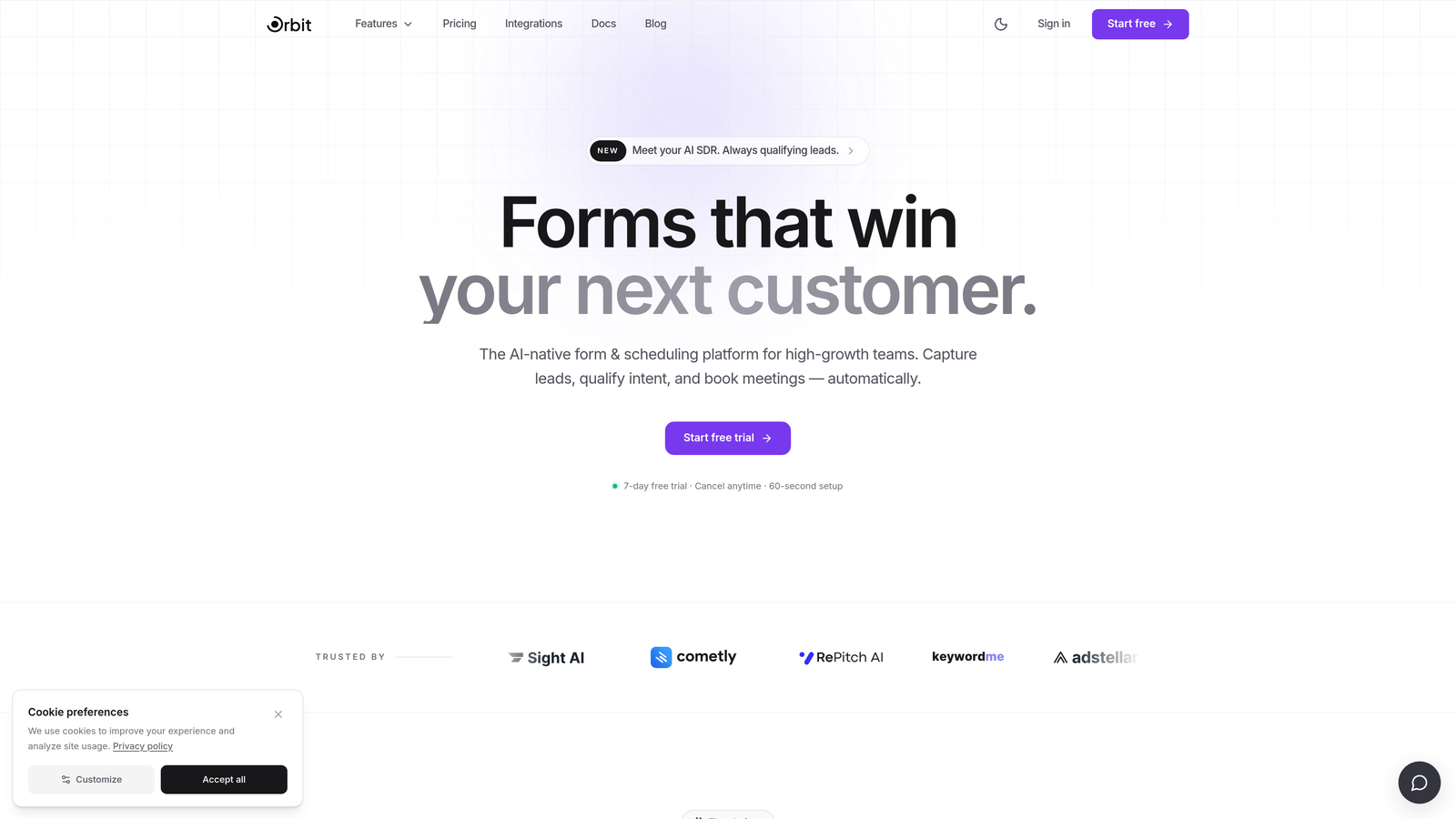
Orbit AI is an AI-powered form builder designed specifically for high-growth teams that treat lead generation as a strategic function, not just a data collection exercise.
Where This Tool Shines
Most form tools are built around data collection first, with lead qualification bolted on afterward through Zapier integrations or CRM rules. Orbit AI flips that model. Lead scoring and qualification happen at the form layer itself, meaning you know the quality of a lead the moment they submit, without needing an external tool to process the signal.
For SaaS sales and marketing teams running high-volume inbound, this distinction matters. Instead of waiting for a CRM workflow to fire and a rep to manually review a submission, qualified leads can be routed instantly based on real-time scoring built into the form experience itself.
Key Features
AI-Powered Lead Qualification: Intelligent scoring runs natively within the form, eliminating the need for third-party qualification tools.
Real-Time Lead Scoring: Scores are generated and available immediately upon submission, enabling faster routing decisions.
Conversion-Optimized Form Design: Forms are built to convert, not just collect, with modern design patterns that reduce drop-off.
Lead Routing and Segmentation: Route leads to the right team or workflow automatically based on qualification score and form responses.
SaaS-Native Workflow Design: The platform is purpose-built for SaaS sales and marketing workflows, not adapted from a generic form builder.
Best For
Orbit AI is the strongest fit for SaaS startups and growth-stage companies where lead quality directly impacts pipeline efficiency. If your team is spending meaningful time manually reviewing and qualifying form submissions, the native AI layer removes that bottleneck entirely.
Pricing
Visit orbitforms.ai for current pricing details. Plans are designed for high-growth teams with conversion optimization as a core priority.
2. Typeform
Best for: Teams that want a conversational form experience to improve engagement and completion rates.
Typeform is a conversational form builder known for its one-question-at-a-time format, which creates a more guided, interactive experience for respondents.

Where This Tool Shines
Typeform's core strength is the experience it creates for the person filling out the form. Rather than presenting a wall of fields, it surfaces one question at a time, which tends to feel less overwhelming and can improve completion rates for longer forms or surveys.
Its Logic Jumps feature allows meaningful conditional branching, so you can tailor the flow based on earlier answers. This makes Typeform a solid choice for lead gen flows where personalization matters, even if the automation depth doesn't match more workflow-heavy platforms.
Key Features
Conversational One-Question UX: The signature format reduces form fatigue and creates a more engaging respondent experience.
Logic Jumps: Conditional branching routes respondents through different question paths based on their answers.
Native CRM Integrations: Direct connections to HubSpot, Salesforce, and Slack without requiring middleware.
Quiz and Survey Templates: A wide library of templates suited for lead gen, research, and onboarding flows.
Zapier and Make Support: Extends automation capabilities beyond native integrations for more complex workflows.
Best For
Typeform works well for marketing teams running lead gen campaigns, customer research surveys, or onboarding flows where the respondent experience is a priority. It's less suited for teams that need deep native workflow automation or built-in lead scoring.
Pricing
A free tier is available with limited responses. Paid plans unlock higher response limits, advanced logic, and integrations. See typeform.com for current pricing.
3. Jotform
Best for: Operations-heavy teams that need multi-step approval workflows and a large template library.
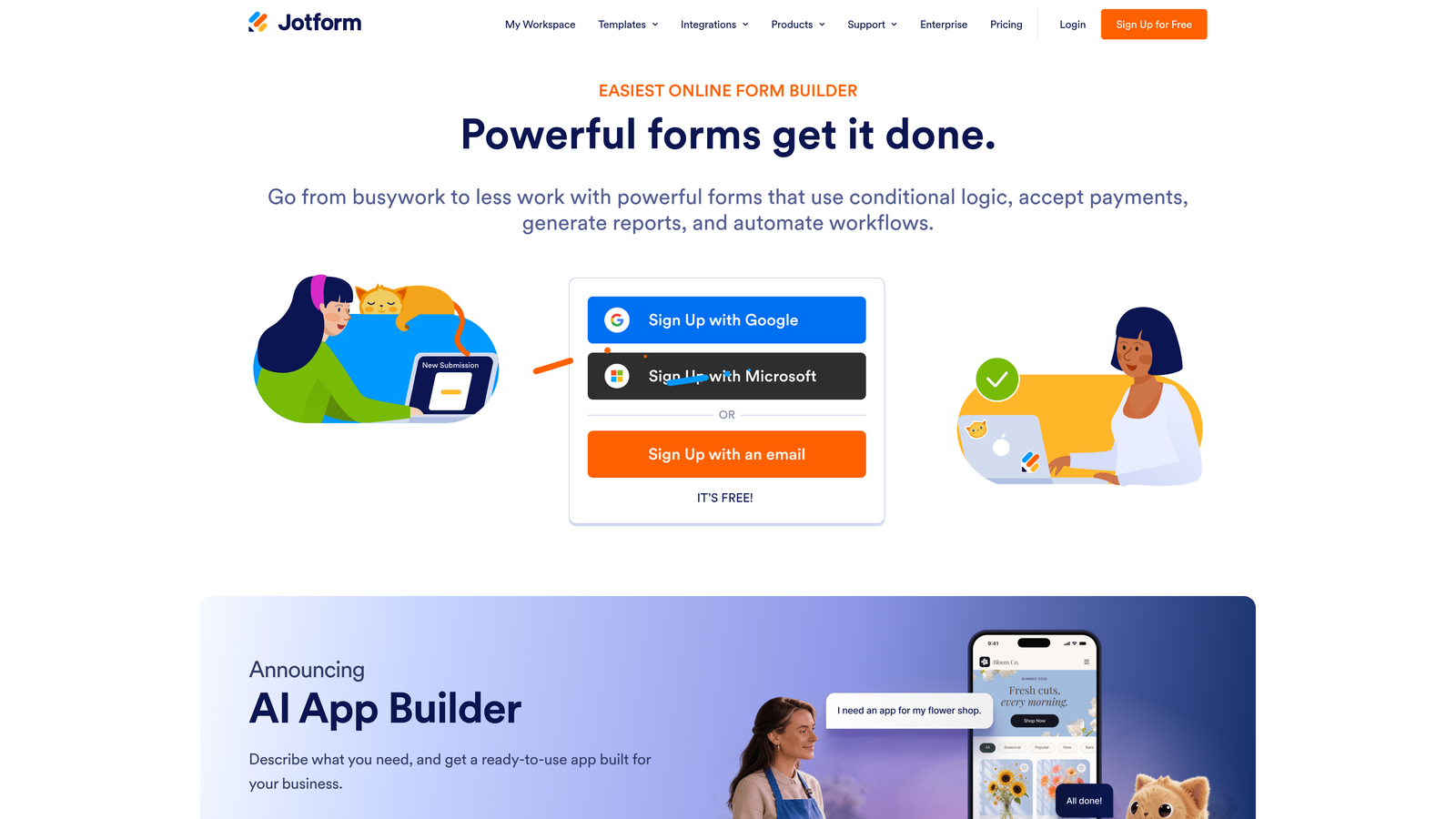
Jotform is one of the most feature-rich form builders available, with a particular strength in workflow automation through its native Jotform Workflows product.
Where This Tool Shines
Where most form tools stop at submission notifications, Jotform Workflows continues the process: routing submissions through approval chains, assigning tasks, sending conditional notifications, and triggering follow-up actions based on form data. This makes it genuinely useful for internal operations workflows, not just external lead gen.
The sheer breadth of the platform is also notable. With over 10,000 templates and 200 native integrations, Jotform covers an enormous range of use cases out of the box, which reduces setup time for teams with varied form needs across departments.
Key Features
Jotform Workflows: Multi-step approval automation with conditional routing, task assignment, and status tracking built in.
200+ Native Integrations: One of the broadest native integration libraries in the form builder category.
10,000+ Form Templates: An extensive starting-point library covering almost every use case imaginable.
Jotform Sign: Collect legally binding e-signatures directly within the form workflow.
Native Payment Support: Accept payments via Stripe, PayPal, and Square without third-party tools.
Best For
Jotform is a strong fit for teams managing complex internal processes: procurement approvals, HR onboarding, client intake, or any workflow where a form submission kicks off a multi-step review chain. It's less specialized for AI-driven lead qualification but covers operational automation comprehensively.
Pricing
A free tier is available with a generous submission limit. Paid plans scale with submission volume and advanced features. See jotform.com for current pricing.
4. Formstack
Best for: Enterprise teams in regulated industries that need HIPAA compliance, document generation, and approval workflows.
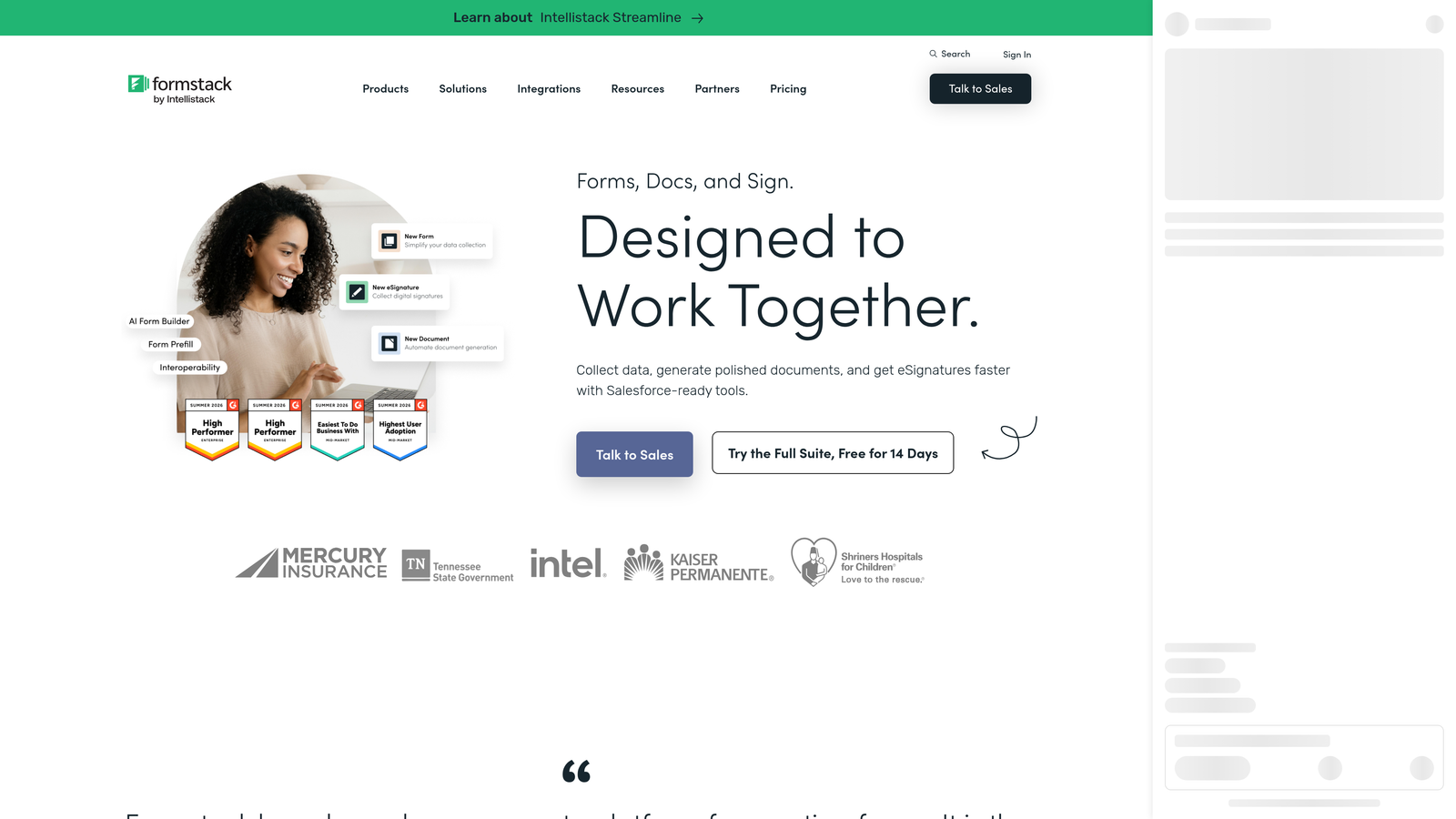
Formstack is an enterprise-grade form automation platform built for organizations where data compliance, document generation, and structured approval workflows are non-negotiable requirements.
Where This Tool Shines
Formstack occupies a distinct position in this category: it's not just a form builder, it's a document and workflow automation suite. The Formstack Documents product allows teams to automatically generate populated PDFs, contracts, and proposals from form submission data, which removes significant manual effort from document-heavy processes.
The HIPAA-compliant data collection capability makes Formstack one of the few form tools appropriate for healthcare, legal, and financial services organizations where data handling standards are strictly regulated. This compliance positioning is a genuine differentiator, not a marketing claim.
Key Features
HIPAA-Compliant Data Collection: Purpose-built for regulated industries with the compliance infrastructure to match.
Formstack Documents: Automatically generate and populate PDFs, contracts, and proposals from form data.
Formstack Sign: Collect e-signatures as part of the same workflow without switching platforms.
Conditional Approval Workflows: Route submissions through structured approval chains with conditional logic.
Enterprise CRM Integrations: Deep integrations with Salesforce and other enterprise data systems.
Best For
Formstack is the right choice for enterprise teams in healthcare, legal, finance, or any regulated environment where compliance is a hard requirement. It's also well-suited for organizations that need to automate document generation as part of their form workflow. For lean SaaS teams focused on conversion optimization, it may be more platform than needed.
Pricing
Formstack is positioned at the enterprise price point, reflecting its compliance infrastructure and feature depth. See formstack.com for current plans.
5. Paperform
Best for: Service businesses and agencies that need forms, payments, and scheduling in a single platform.
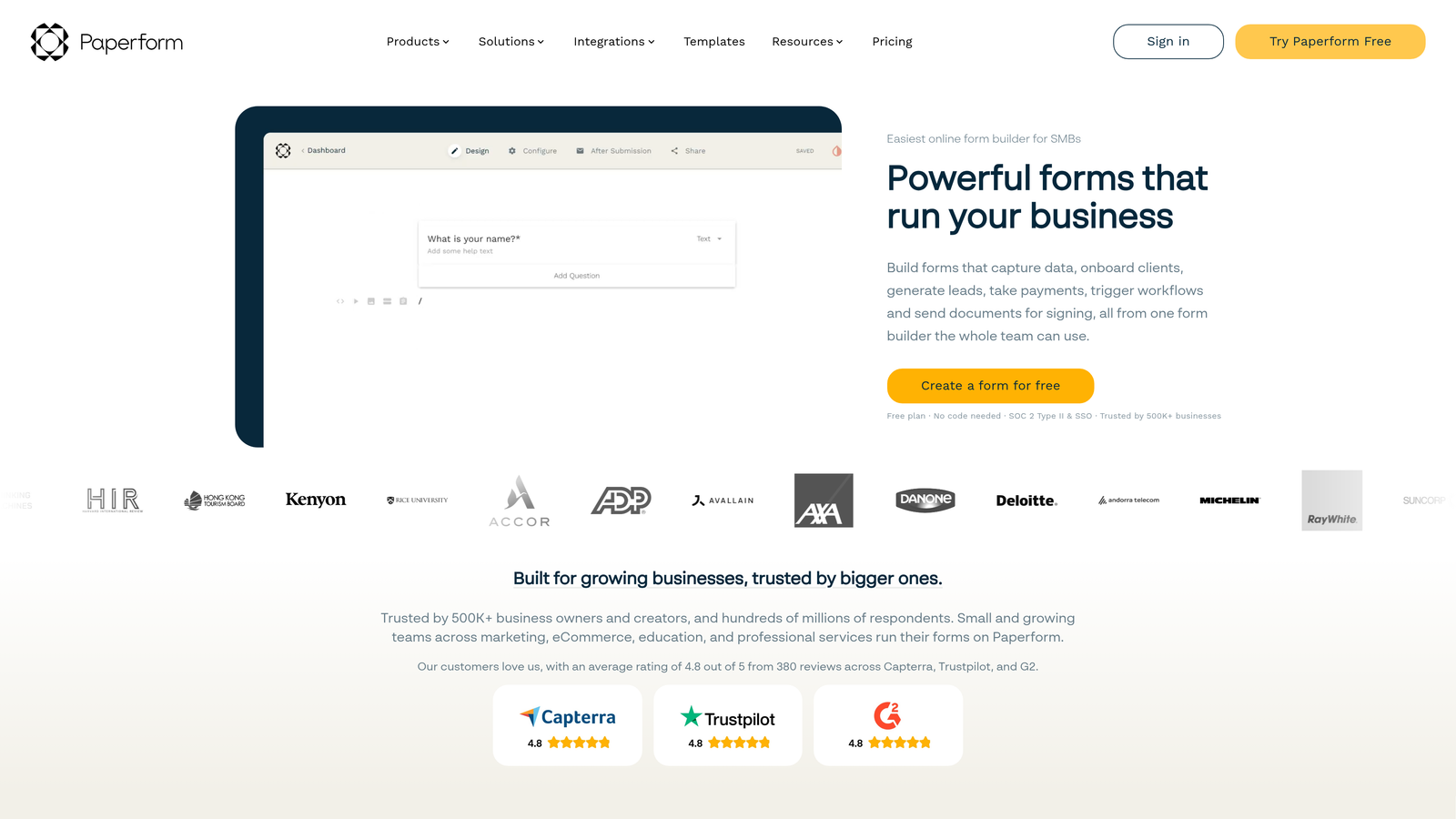
Paperform is a flexible form builder that combines form creation with native payment processing, booking capabilities, and automation rules in one unified tool.
Where This Tool Shines
Paperform's editor works more like a landing page builder than a traditional form grid, giving teams the freedom to create visually rich form pages that blend text, images, and form fields naturally. This freeform approach makes it particularly effective for service businesses where the form page itself needs to do some selling.
The native payment and scheduling capabilities are genuinely built in, not just integrations. Teams can accept one-time payments, set up subscriptions, and manage bookings without stitching together separate tools, which simplifies the tech stack for smaller operations.
Key Features
Native Payment Processing: Accept one-time and subscription payments directly within Paperform without external payment tools.
Built-In Booking and Scheduling: Manage appointment bookings and scheduling natively alongside form submissions.
Freeform Page-Style Editor: Create visually rich form pages that blend content and form fields freely.
Conditional Logic and Automation Rules: Build branching logic and trigger automated actions based on form responses.
Zapier and Make Integrations: Connect to external tools and workflows through major automation platforms.
Best For
Paperform is an excellent fit for coaches, agencies, consultants, and service businesses that need a single platform for intake forms, payments, and scheduling. It's less focused on enterprise compliance or AI-driven lead qualification, but for its target audience it consolidates meaningful workflow into one tool.
Pricing
Paperform offers paid plans only, with no permanent free tier. See paperform.co for current pricing options.
6. Tally
Best for: Individuals and small teams that need simple, clean forms with a genuinely useful free tier.
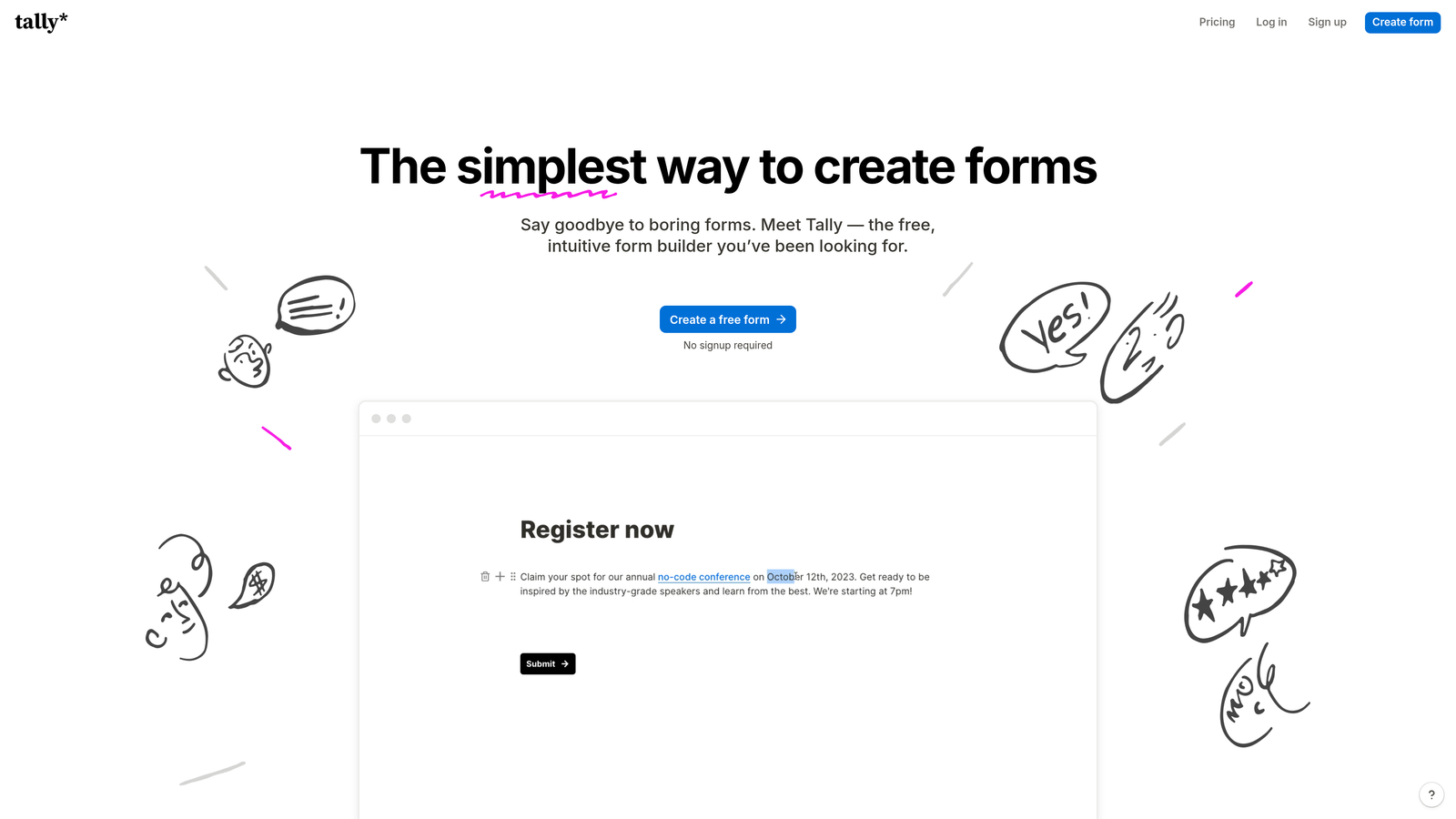
Tally is a Notion-style form builder that prioritizes simplicity and accessibility, with a free plan that includes unlimited forms and responses.
Where This Tool Shines
Tally's block-based editor will feel immediately familiar to anyone who uses Notion. The learning curve is minimal, and the resulting forms are clean and distraction-free by default. For teams that need to get a form live quickly without wrestling with a complex interface, Tally removes almost all friction from that process.
The free tier is genuinely generous by industry standards: unlimited forms and unlimited responses, with conditional logic included. Automation runs primarily through webhooks, Zapier, and Make, which covers most common use cases even if it lacks the native workflow depth of tools like Jotform.
Key Features
Notion-Like Block Editor: Familiar, minimal interface that requires almost no onboarding time to use effectively.
Unlimited Forms and Responses on Free Plan: One of the most accessible free tiers in the form builder category.
Conditional Logic on Free Tier: Basic branching logic is available without upgrading to a paid plan.
Webhook, Zapier, and Make Support: Connect to external workflows and automation platforms for submission handling.
Clean, Distraction-Free Design: Forms load fast and present a minimal, focused experience for respondents.
Best For
Tally is the right choice for individuals, early-stage startups, or small teams that need functional forms without a budget or a complex setup process. It's not built for enterprise compliance or native AI lead qualification, but for straightforward data collection with basic automation, it's hard to beat at the price point.
Pricing
The free tier is genuinely useful for most basic use cases. A Pro plan unlocks advanced features and branding removal. See tally.so for current pricing.
Which Tool Is Right for Your Team?
The right form automation tool depends heavily on what "automation" actually means for your workflow. These six tools cover very different ground, so the best choice comes down to your specific use case rather than a single universal winner.
Here's a quick breakdown by priority:
Need AI-powered lead qualification: Orbit AI is purpose-built for this. The native scoring layer means no external tools required to know the quality of a lead the moment they submit.
Prioritizing conversational UX: Typeform's one-question format creates a more engaging experience for respondents, which can improve completion rates on longer lead gen flows.
Managing complex multi-step workflows: Jotform Workflows handles approval chains, task routing, and conditional automation at a depth that most form tools don't approach natively.
Operating in a regulated industry: Formstack's HIPAA compliance and document generation capabilities make it the clear choice for healthcare, legal, and enterprise environments with strict data requirements.
Combining forms with payments and scheduling: Paperform consolidates intake, payment processing, and booking into a single platform, which simplifies the stack for service-based businesses.
Starting simple with a limited budget: Tally's free tier is genuinely capable, and the Notion-like editor means almost zero ramp-up time.
If lead generation and conversion optimization are your priority, Orbit AI is built specifically for that outcome. Transform your lead generation with AI-powered forms that qualify prospects automatically while delivering the modern, conversion-optimized experience your high-growth team needs. Start building free forms today and see how intelligent form design can elevate your conversion strategy.


