

Contact form builder pricing is surprisingly tricky to navigate. Most platforms advertise a low entry price, then gate the features that actually matter — lead qualification, conditional logic, custom branding, and integrations — behind premium tiers. For high-growth teams, picking the wrong plan means either overpaying for features you don't need or hitting a ceiling right when you're scaling.
This guide cuts through the noise and compares six contact form builders on real pricing transparency, what you actually get at each tier, and which platform makes the most sense depending on your team's goals. Whether you're a SaaS startup optimizing lead capture or a growth team running high-volume campaigns, the right pricing plan can meaningfully affect your conversion ROI. We've evaluated each tool on value at each tier, feature availability, and scalability so you can make a confident, informed decision.
1. Orbit AI
Best for: High-growth SaaS teams that need AI-powered lead qualification built directly into the form experience.
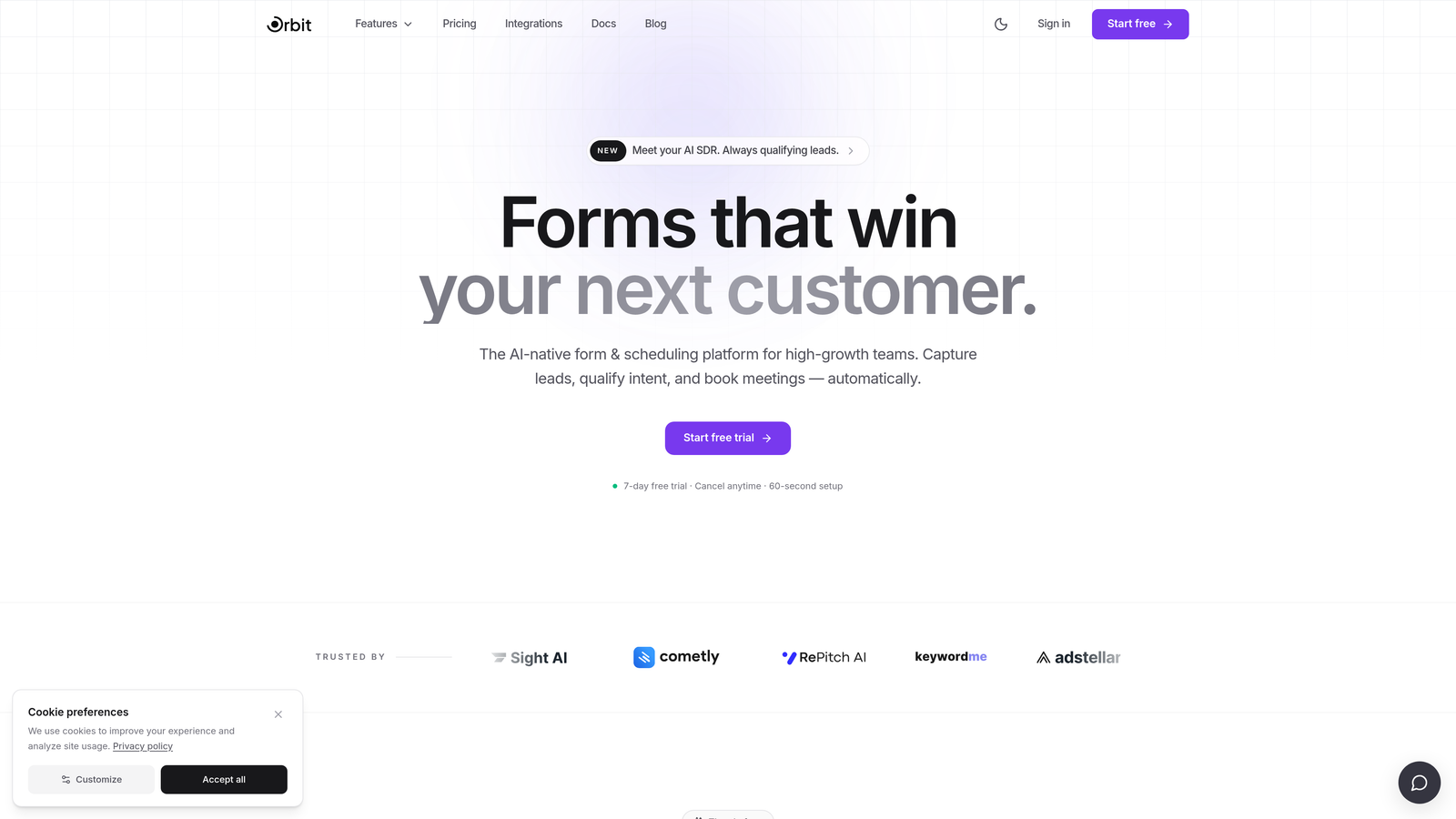
Orbit AI is an AI-powered form builder purpose-built for demand generation and conversion optimization, not a general-purpose tool trying to serve everyone.
Where This Tool Shines
Most form builders collect data and hand it off. Orbit AI goes a step further by embedding lead qualification and scoring directly at the form layer. That means your contact forms aren't just capturing submissions — they're actively prioritizing which leads deserve immediate follow-up and which need nurturing. For SaaS teams managing high volumes of inbound interest, this changes the economics of lead generation meaningfully.
The platform is also designed with conversion optimization as a first-class feature, not an afterthought. Branded, modern form experiences are built into the core product rather than unlocked at an enterprise tier. If your team cares about form completion rates and qualified pipeline — not just raw submissions — Orbit AI is built with that outcome in mind.
Key Features
AI Lead Qualification and Scoring: Automatically qualifies and scores leads at the form layer, eliminating the need for third-party integrations to achieve this functionality.
Conversion-Optimized Form Design: Modern, branded UI designed to maximize completion rates, not just collect responses.
Lead Routing and Segmentation: Routes leads based on qualification scores and form responses, so your sales team focuses on the right prospects first.
Purpose-Built for SaaS Teams: Workflows and features are designed around demand generation use cases, not adapted from a one-size-fits-all tool.
No Third-Party Dependency for Lead Scoring: Native AI scoring means fewer integrations to maintain and fewer points of failure in your lead flow.
Best For
Orbit AI is the strongest fit for SaaS companies and high-growth teams where lead quality matters as much as lead volume. If your team is running demand generation campaigns, qualifying inbound leads, or trying to reduce time-to-follow-up on high-intent prospects, this platform is built for exactly that workflow.
Pricing
Visit orbitforms.ai for current pricing plans. Given the platform's AI-native positioning, it's worth evaluating the per-tier feature set against the time your team currently spends on manual lead qualification.
2. Typeform
Best for: Teams where brand experience and high form completion rates are the top priority.
Typeform is a conversational form builder known for its polished one-question-at-a-time UX and strong visual design capabilities.

Where This Tool Shines
Typeform's biggest differentiator is the experience it creates for respondents. The conversational flow feels less like filling out a form and more like a dialogue, which typically improves completion rates on longer or more complex forms. For teams where the form itself is a brand touchpoint — product surveys, customer research, or onboarding flows — Typeform delivers a noticeably more refined experience than most alternatives.
The integration ecosystem is broad, and conditional logic (called "logic jumps") allows for branching paths based on responses. That said, logic jump limits at lower tiers can become a friction point for teams building more sophisticated qualification flows.
Key Features
Conversational Form Flow: One-question-at-a-time format designed to increase engagement and reduce form abandonment.
Visual Branding and Customization: Strong control over colors, fonts, imagery, and layout to match your brand identity.
Logic Jumps and Conditional Branching: Route respondents to different questions based on their answers, though limits apply at lower pricing tiers.
Wide Integration Ecosystem: Connects with CRMs, marketing automation tools, and productivity platforms.
Response-Based Pricing Model: Pricing scales with monthly response volume, which is worth modeling carefully at higher traffic levels.
Best For
Typeform works well for marketing teams, researchers, and product teams where the form experience itself influences how respondents engage. It's less suited to teams that need native lead scoring or advanced qualification logic without adding third-party tools on top.
Pricing
A free tier is available with limited responses. Paid plans start from approximately $25 per month. Verify current pricing at typeform.com as plans change frequently.
3. Jotform
Best for: Teams that need a wide variety of form types, templates, and integrations at accessible price points.
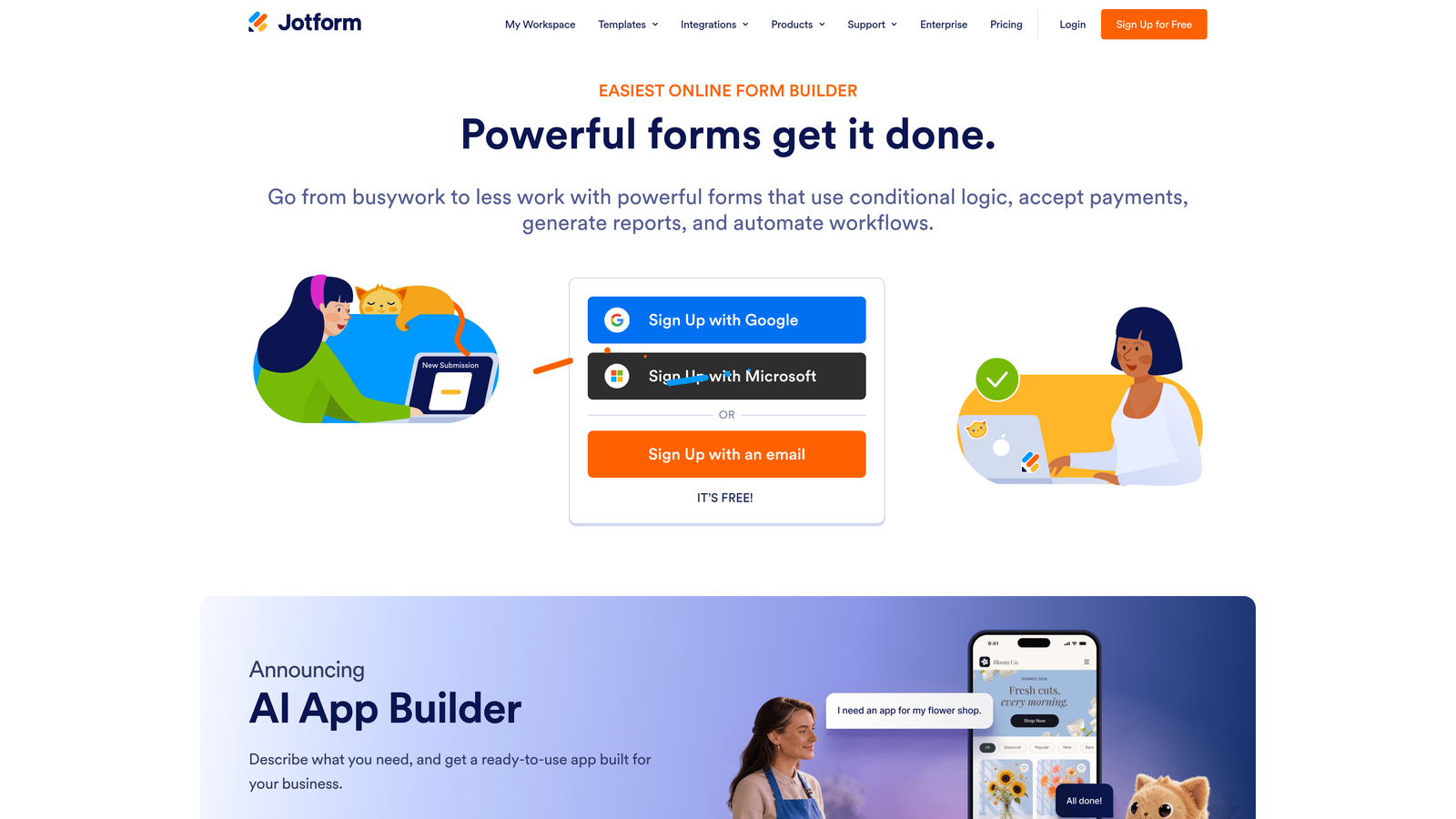
Jotform is one of the most feature-rich form builders available, covering everything from contact forms to payment collection and e-signatures.
Where This Tool Shines
Jotform's breadth is genuinely impressive. The template library is extensive, covering use cases across industries and departments — which makes it a practical choice for organizations managing diverse form needs from a single platform. If your team needs contact forms, event registrations, order forms, and HR documents all in one place, Jotform handles that variety without requiring multiple tools.
The submission-based pricing model is transparent and scales predictably for growing teams. Collaboration features on higher tiers make it usable across departments, and the integration support is strong enough to connect with most CRM and marketing stacks.
Key Features
Extensive Template Library: A large collection of pre-built templates spanning many industries and use cases, reducing setup time significantly.
Submission-Based Pricing Tiers: Pricing scales with monthly submission volume, making it easier to forecast costs as your form traffic grows.
Payment Collection and E-Signature Support: Handles transactions and document signing natively, useful for teams managing contracts or product sales.
Strong Third-Party Integration Support: Connects with a wide range of CRMs, payment processors, and productivity tools.
Team Collaboration Features: Higher tiers include multi-user access and team management capabilities.
Best For
Jotform suits operations teams, agencies, and businesses managing many different form types across multiple departments. It's a strong generalist tool but not purpose-built for lead qualification workflows or AI-driven conversion optimization.
Pricing
A free tier is available. Paid plans start from approximately $34 per month. Verify current pricing at jotform.com as plans and submission limits are updated regularly.
4. Tally
Best for: Early-stage teams or individuals who need simple, clean contact forms without complex qualification workflows.
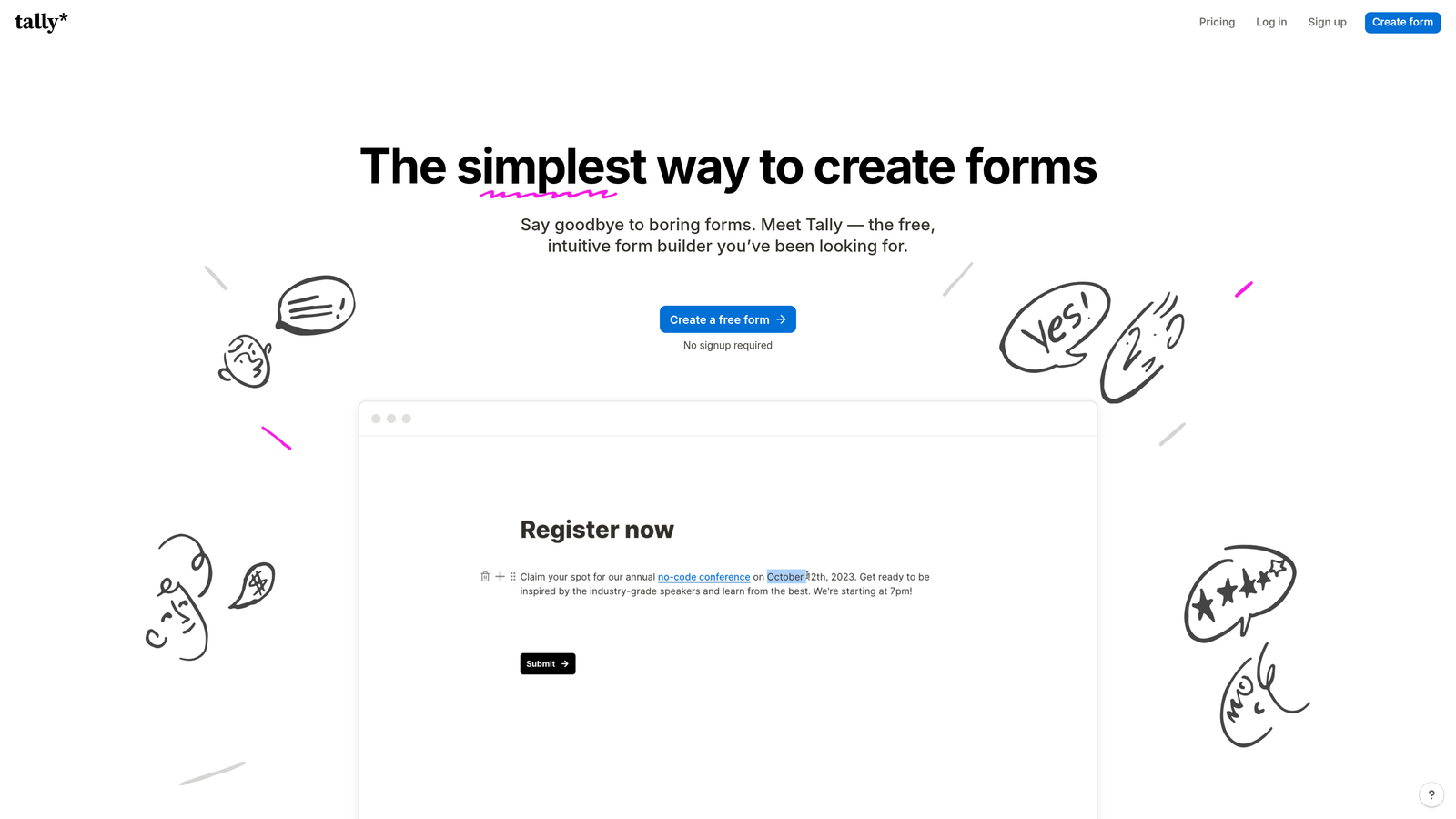
Tally is a lightweight, Notion-inspired form builder with one of the most generous free tiers in the market.
Where This Tool Shines
Tally's free plan is genuinely useful, not just a teaser. The block-based editor is fast to work with, and the clean interface means you can build and publish a professional-looking form in minutes without touching a template. For teams that need simple contact or feedback forms and don't want to pay for features they'll never use, Tally is a refreshingly straightforward option.
The Pro plan removes Tally branding and unlocks additional features like custom domains and more advanced logic. It's priced accessibly, making it a reasonable upgrade path for growing teams. The key limitation is that Tally isn't built for complex lead qualification or AI-driven scoring — it's a form tool, not a lead intelligence platform.
Key Features
Unlimited Forms on Free Plan: The free tier allows unlimited forms with generous response limits, making it genuinely usable without upgrading. Verify current limits at tally.so.
Block-Based Editor: Notion-style editing interface that's fast to learn and quick to build with, even for non-technical users.
Branding Removal on Pro Plan: Tally branding is removed entirely on the Pro tier, giving forms a cleaner, more professional appearance.
Conditional Logic and Hidden Fields: Supports branching logic and hidden field population for more dynamic form experiences.
Simple Embed Options: Clean embed code for adding forms to websites, landing pages, or Notion workspaces.
Best For
Tally is an excellent fit for freelancers, early-stage startups, or small teams that need functional contact forms without enterprise complexity. It's not the right choice for teams that need lead scoring, advanced routing, or AI-powered qualification at the form layer.
Pricing
Free tier available. Tally Pro from approximately $29 per month. Verify current pricing at tally.so.
5. Paperform
Best for: Teams that need forms to function as full landing pages, with built-in payment and scheduling support.
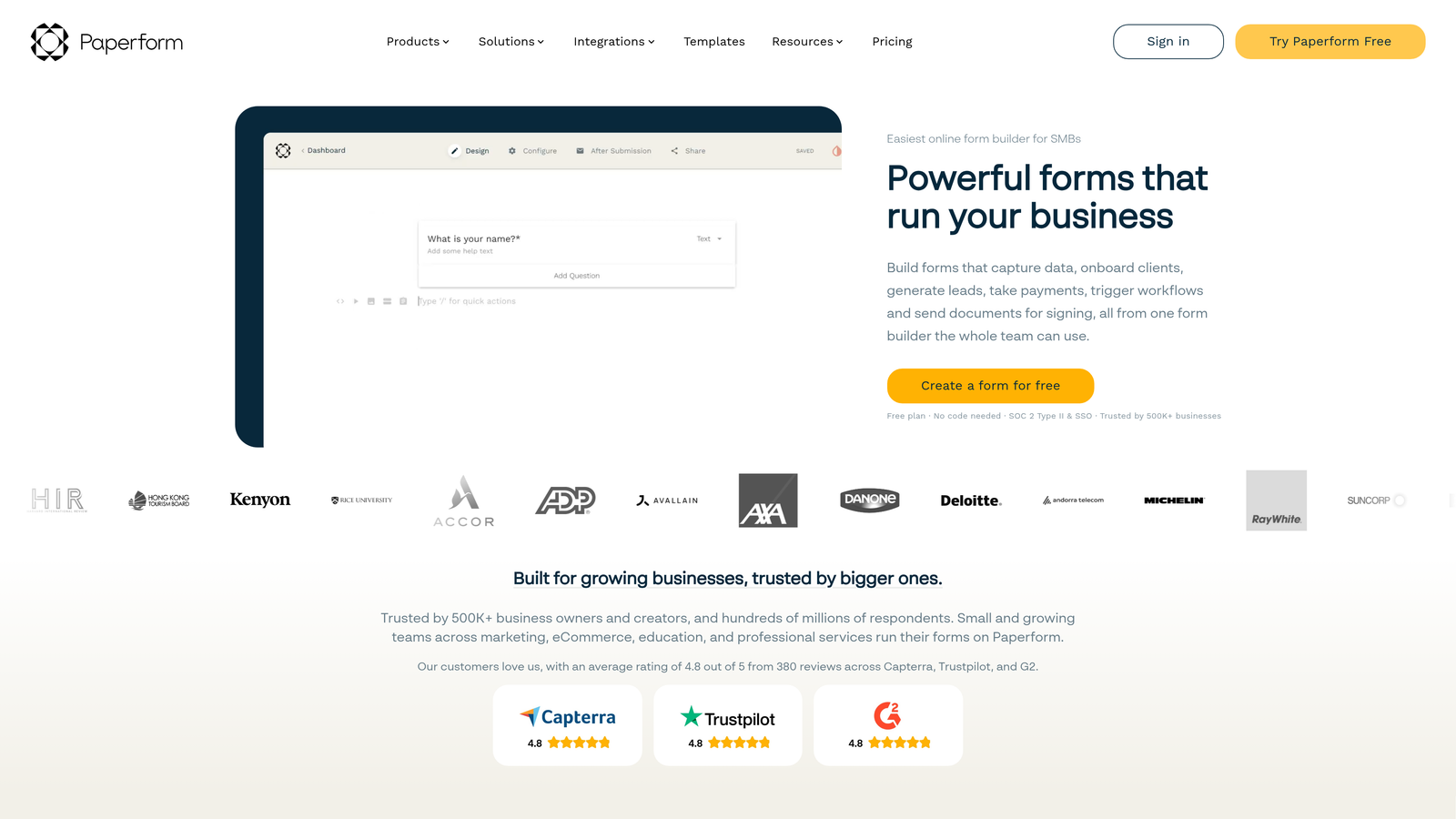
Paperform is a design-forward form builder that creates rich, page-like form experiences well beyond the standard field-and-submit layout.
Where This Tool Shines
Paperform's core strength is its design flexibility. Rather than presenting forms as a list of fields, Paperform lets you build something closer to a landing page — mixing text, images, video, and form elements in a single, cohesive layout. For teams that want their forms to double as a brand experience or a sales page, this approach offers more creative control than most form builders provide.
The built-in support for payments, appointment scheduling, and product sales makes it a versatile choice for small businesses or teams managing multiple transaction types. Analytics and partial submission tracking add useful visibility into where respondents drop off.
Key Features
Page-Like Form Layouts: Rich, flexible design canvas that combines form fields with content elements for a landing page-style experience.
Built-In Payment Collection: Native payment processing without requiring a separate integration for simple transactions.
Appointment Scheduling Support: Handles booking flows natively, useful for service businesses or teams with consultation-based sales processes.
Conditional Logic and Custom Themes: Dynamic question routing and visual theming options for more personalized form experiences.
Partial Submission Tracking: Analytics that capture where respondents abandon forms, providing actionable data for optimization.
Best For
Paperform suits small businesses, consultants, and creative teams that want forms to serve as polished, multi-purpose pages. It's less focused on lead qualification and scoring than platforms built specifically for demand generation.
Pricing
Paid plans start from approximately $24 per month. Verify current pricing at paperform.co as tiers and included features are updated periodically.
6. Formstack
Best for: Regulated industries and large organizations with complex data routing, compliance, and workflow automation needs.
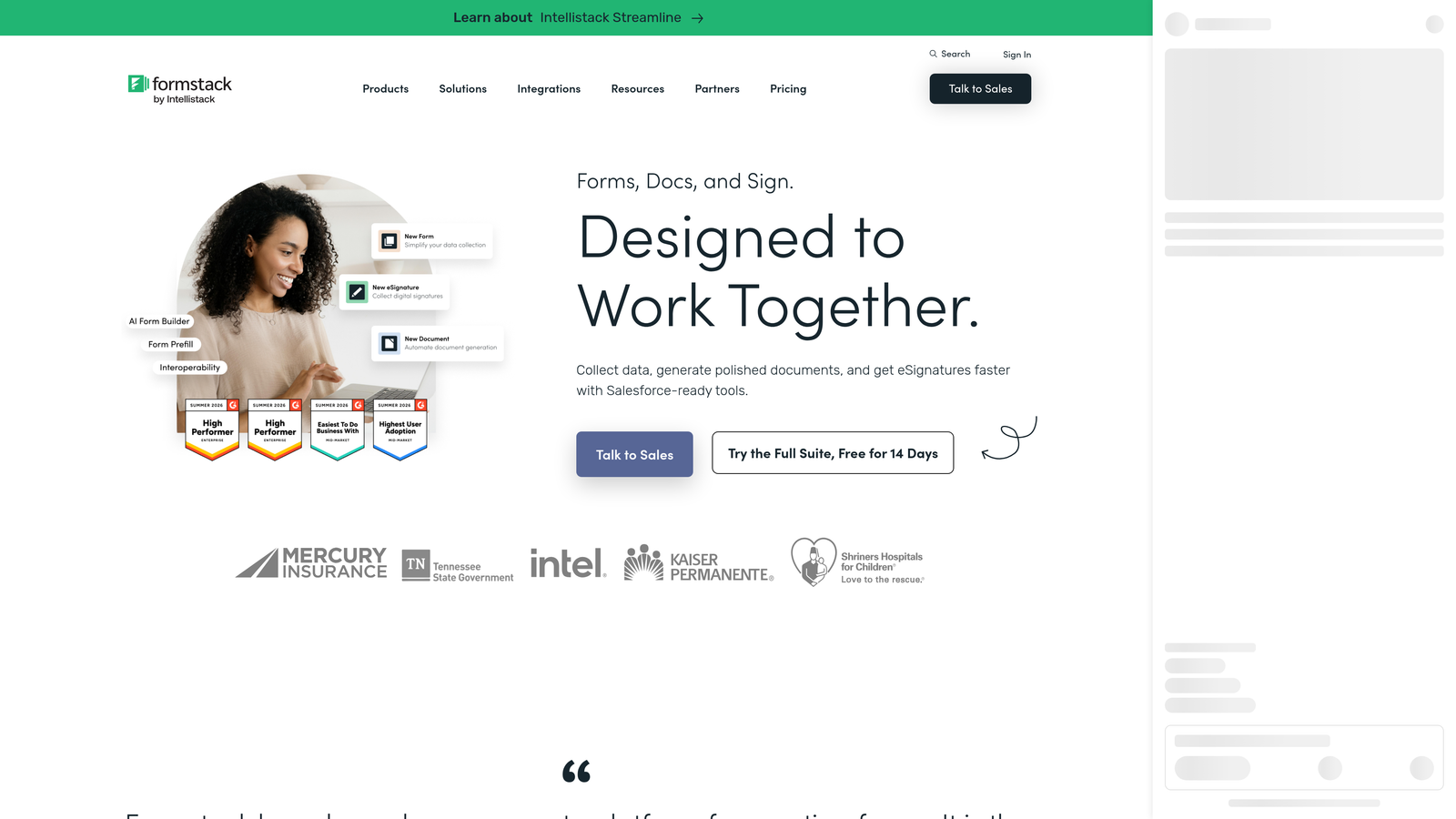
Formstack is an enterprise-grade form and workflow automation platform with strong compliance credentials and advanced document generation capabilities.
Where This Tool Shines
Formstack operates at a different level of complexity than most form builders on this list. Its HIPAA-compliant data collection, document generation, and multi-step approval workflows make it a serious platform for regulated industries like healthcare, financial services, and legal. If your organization has strict data handling requirements and needs forms to trigger complex internal workflows, Formstack has the infrastructure to support that.
The enterprise team management features, permission structures, and broad integration ecosystem are designed for large organizations with multiple departments and stakeholders involved in form data. That depth comes at a price point that reflects it.
Key Features
HIPAA-Compliant Form Collection: Built-in compliance infrastructure for regulated industries handling sensitive personal or health data.
Document Generation and E-Signature Workflows: Creates documents from form submissions and routes them for signature natively within the platform.
Advanced Approval Routing: Multi-step workflow automation that routes submissions through internal approval chains before action is taken.
Enterprise Team Management and Permissions: Granular user roles and access controls designed for large, multi-department organizations.
Broad Integration Ecosystem: Connects with enterprise CRMs, ERP systems, and operational tools at scale.
Best For
Formstack is built for enterprise and regulated-industry buyers who need compliance, document workflows, and complex data routing. For most SaaS growth teams, it's likely more platform than needed at a price point that reflects enterprise use cases.
Pricing
Higher-end pricing with enterprise-focused tiers. Contact Formstack directly for accurate quotes. Verify current pricing at formstack.com.
Which Contact Form Builder Is Right for Your Team?
The right choice here depends less on features in the abstract and more on what your team is actually trying to accomplish with your forms.
If lead qualification and conversion optimization are your primary goals, Orbit AI is the only platform on this list that treats AI-powered lead scoring as a native, first-class feature rather than something you bolt on later. For high-growth SaaS teams where every qualified lead matters, that distinction is worth paying attention to.
If brand experience and completion rate are your focus and you're willing to manage lead scoring separately, Typeform delivers the most polished respondent experience. If you need versatility across many form types and departments, Jotform's breadth is hard to match at its price point. For lightweight use cases with minimal budget, Tally's free tier is genuinely useful. Paperform suits teams that want forms to function as full landing pages with built-in transactions. And Formstack serves regulated industries with enterprise-grade compliance requirements.
One pattern worth noting across all six platforms: the features that matter most for conversion-focused teams — conditional logic, branding removal, lead routing, and advanced analytics — consistently sit behind mid-tier or higher pricing. That makes it worth modeling your expected submission volume and required features before committing to a plan.
For teams serious about turning contact forms into a real lead generation engine, the smartest move is to start with a platform built for that outcome from the ground up. Start building free forms today and see how intelligent form design can elevate your conversion strategy.


