

Conditional logic transforms static forms into dynamic conversations that adapt to each respondent. But finding the right form builder means navigating complex pricing tiers where conditional logic features often hide behind premium paywalls.
This guide breaks down nine form builders that offer conditional logic, comparing what you actually get at each price point. We've analyzed free tiers, mid-range plans, and enterprise options to help you find the best value for your specific needs—whether you're collecting simple feedback or building sophisticated lead qualification workflows.
1. Orbit AI
Best for: High-growth teams needing AI-powered lead qualification with conditional logic
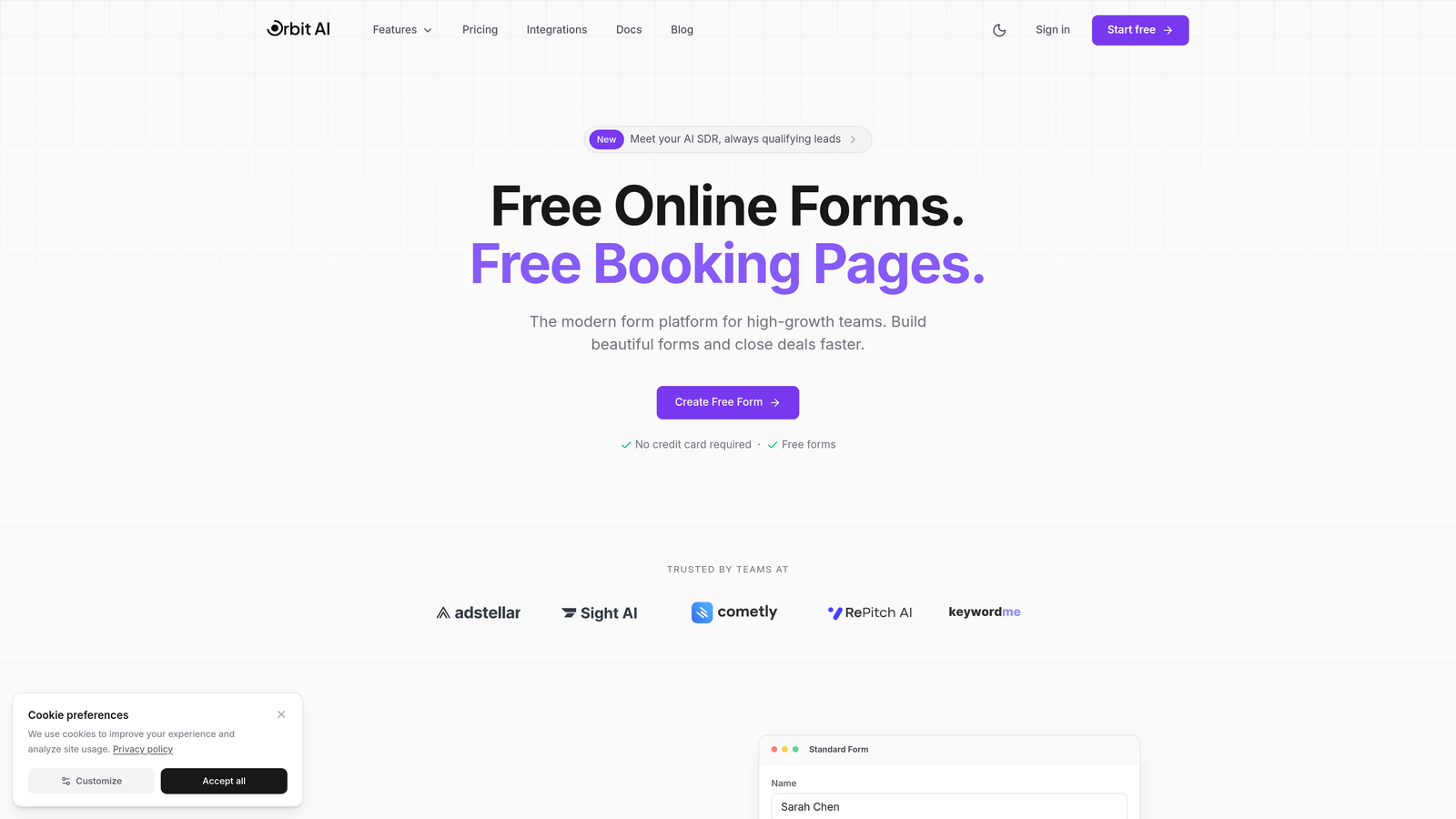
Orbit AI combines traditional conditional logic with AI agents that intelligently qualify leads as they complete your forms.
Where This Tool Shines
What sets Orbit AI apart is how it layers AI-powered lead scoring on top of conditional logic. Your forms don't just branch based on answers—they actively qualify prospects in real-time, routing high-value leads to sales while nurturing others automatically.
The platform focuses on conversion optimization for growth teams. You get modern, professionally designed forms that adapt their questions based on responses while simultaneously scoring lead quality behind the scenes.
Key Features
AI-Enhanced Conditional Logic: Smart routing that combines traditional branching with intelligent lead qualification based on response patterns.
Native Lead Scoring: Automatic prospect scoring integrated directly into your conditional form flows without external tools.
Workflow Automation: Conditional triggers that launch automated workflows based on form responses and lead scores.
CRM Integration: Direct connections to HubSpot, Salesforce, and Pipedrive that sync conditional logic outcomes with your sales pipeline.
Conversion-Optimized Design: Modern form templates built specifically for lead generation and conversion rather than generic data collection.
Best For
SaaS companies, B2B businesses, and marketing agencies that need to qualify leads at scale. Particularly valuable if you're tired of manual lead scoring or want your forms to do more than just collect information—you want them to actively identify your best prospects.
Pricing
Free tier available to get started. Paid plans with advanced AI features and integrations designed for growing teams focused on lead generation and conversion optimization.
2. Typeform
Best for: Creating conversational experiences with visual logic jump builders
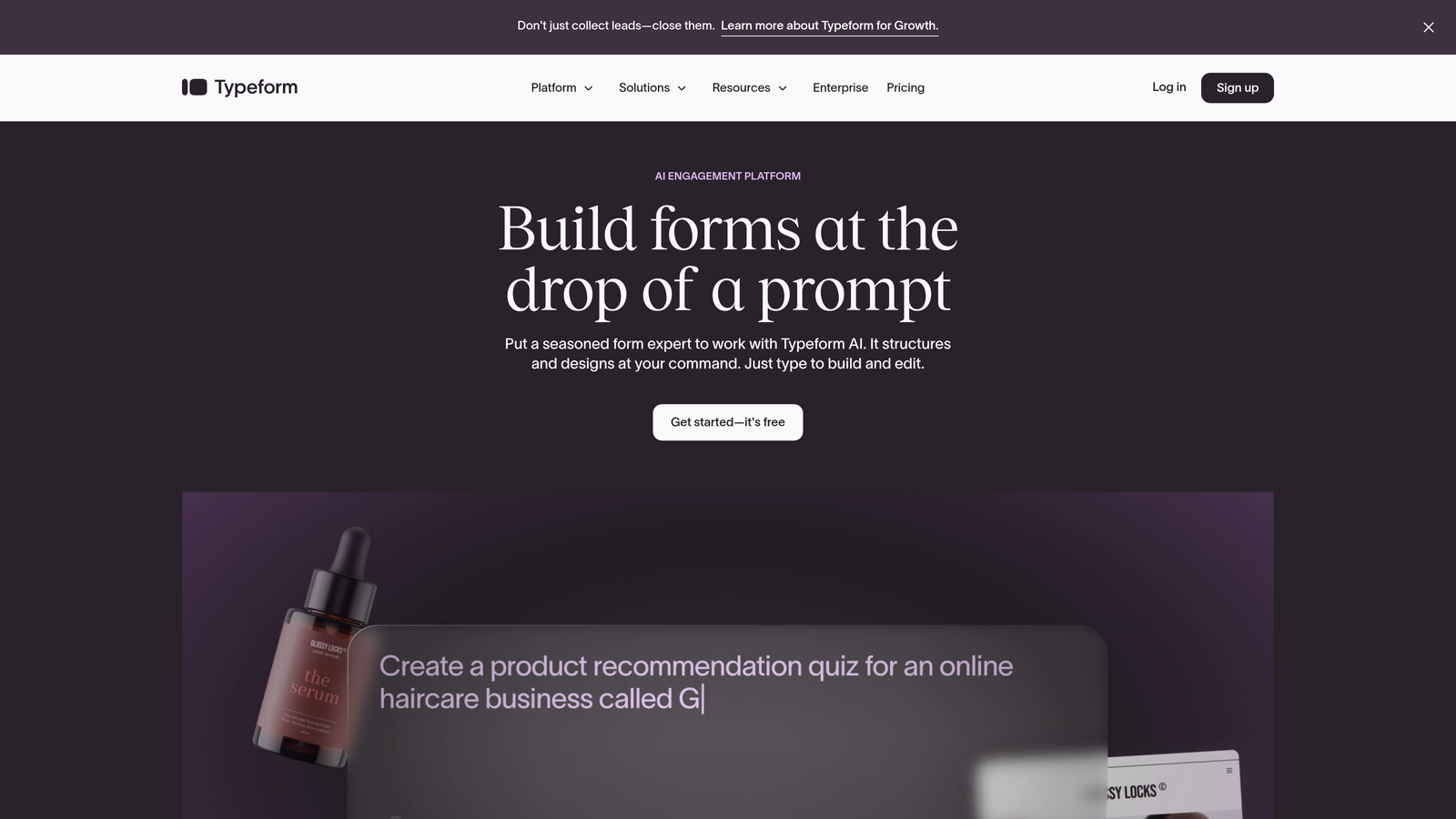
Typeform pioneered the one-question-at-a-time format that makes forms feel like conversations.
Where This Tool Shines
Typeform's visual logic jump builder makes complex branching intuitive. You can see your entire form flow as a diagram, making it easy to create sophisticated question paths without getting lost in technical configuration.
The conversational format keeps respondents engaged longer than traditional forms. When combined with logic jumps, you create personalized experiences that feel tailored to each person rather than generic questionnaires.
Key Features
Visual Logic Jump Builder: Drag-and-drop interface that shows your entire branching structure as a flowchart.
One-Question Format: Conversational design that presents questions individually for higher completion rates.
Hidden Fields: Track UTM parameters, user IDs, or other data to personalize logic without visible form fields.
Calculator Logic: Build scoring systems and calculations that determine which questions appear next.
Native Integrations: Connect conditional outcomes to tools like Slack, Google Sheets, and email marketing platforms.
Best For
Marketing teams creating surveys, quizzes, or lead generation forms where user experience matters as much as data collection. Works well for customer research and interactive content.
Pricing
Basic plan starts around $25/month with logic jumps included on all paid tiers. Higher plans add features like calculator logic and priority support.
3. Jotform
Best for: Teams wanting conditional logic without paying for premium plans
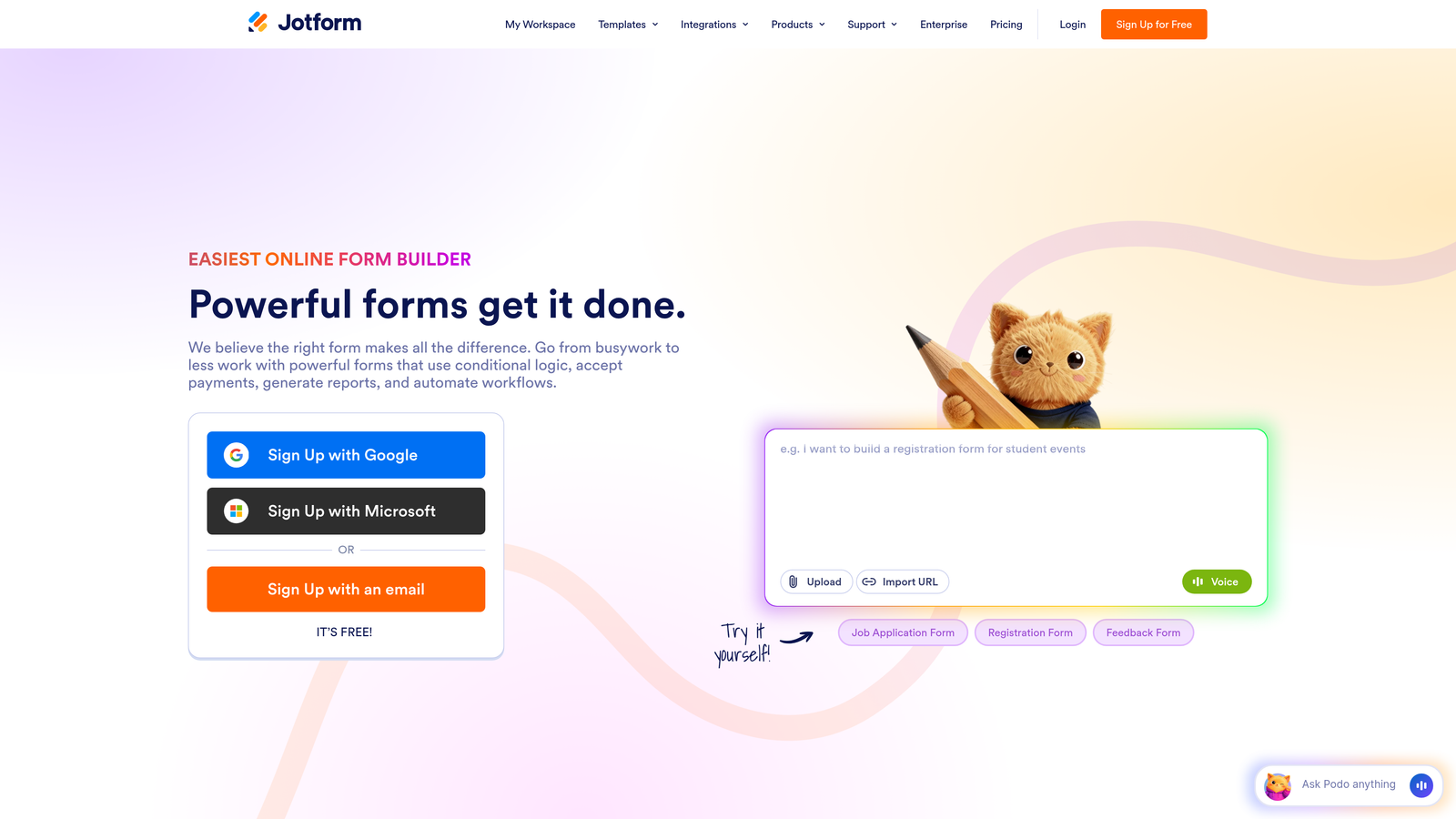
Jotform stands out by offering conditional logic on its free tier—a rarity in the form builder space.
Where This Tool Shines
Jotform's massive template library includes thousands of pre-built forms with conditional logic already configured. You can start with a template that's close to your needs and modify the logic rather than building from scratch.
The platform offers remarkable flexibility in what you can control with conditions. Show or hide individual fields, entire form pages, or sections. Send different email notifications based on responses. All of this works on the free plan.
Key Features
Free Tier Conditional Logic: Access to basic conditional rules without upgrading to paid plans.
Multi-Level Conditions: Show/hide fields, pages, sections, or trigger specific actions based on form responses.
Conditional Notifications: Send different emails to different recipients based on how respondents answer questions.
Form Calculations: Widget-based calculator that works with conditional logic to show dynamic pricing or scoring.
Template Library: Thousands of pre-built forms with conditional logic examples you can customize.
Best For
Small businesses, nonprofits, or teams with limited budgets who still need sophisticated conditional logic capabilities. Great for event registrations, order forms, and applications with branching requirements.
Pricing
Free tier includes 5 forms and 100 submissions monthly with conditional logic. Paid plans start at $34/month for higher limits and advanced features.
4. Tally
Best for: Unlimited forms with conditional logic on a generous free tier
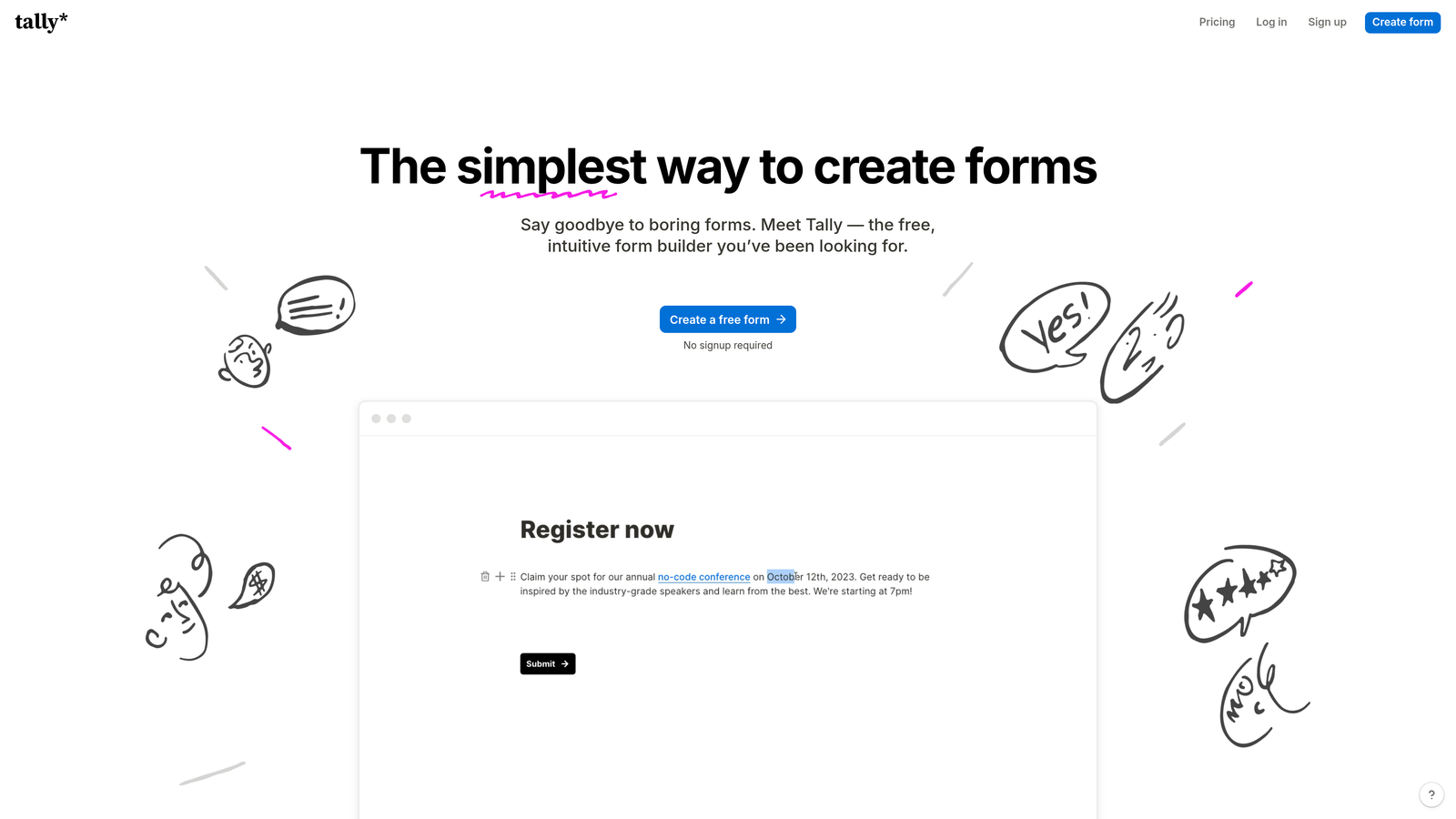
Tally brings Notion's block-based simplicity to form building with surprisingly powerful conditional logic.
Where This Tool Shines
Tally's free tier is genuinely unlimited—unlimited forms, unlimited submissions, with full conditional logic included. This makes it perfect for agencies managing multiple clients or businesses running numerous campaigns simultaneously.
The Notion-style editor feels familiar if you already use block-based tools. Building conditional logic works through simple dropdown menus rather than complex rule builders, making it accessible for non-technical users.
Key Features
Unlimited Free Forms: No artificial limits on form count or submissions with conditional logic fully available.
Block-Based Editor: Notion-inspired interface that makes form building intuitive and fast.
Logic Branching: Show or hide form blocks based on previous answers without complicated configuration.
URL Parameters: Pre-fill fields and create personalized form experiences using hidden fields.
Clean Design: Minimal, modern form aesthetics that work well for professional use cases.
Best For
Startups, solo entrepreneurs, or agencies needing multiple forms with conditional logic but operating on tight budgets. Excellent for content creators building quizzes or assessments.
Pricing
Free tier includes unlimited forms with conditional logic. Pro plan at $29/month adds custom branding, file uploads, and priority support.
5. Paperform
Best for: Advanced conditional calculations and document-style form creation
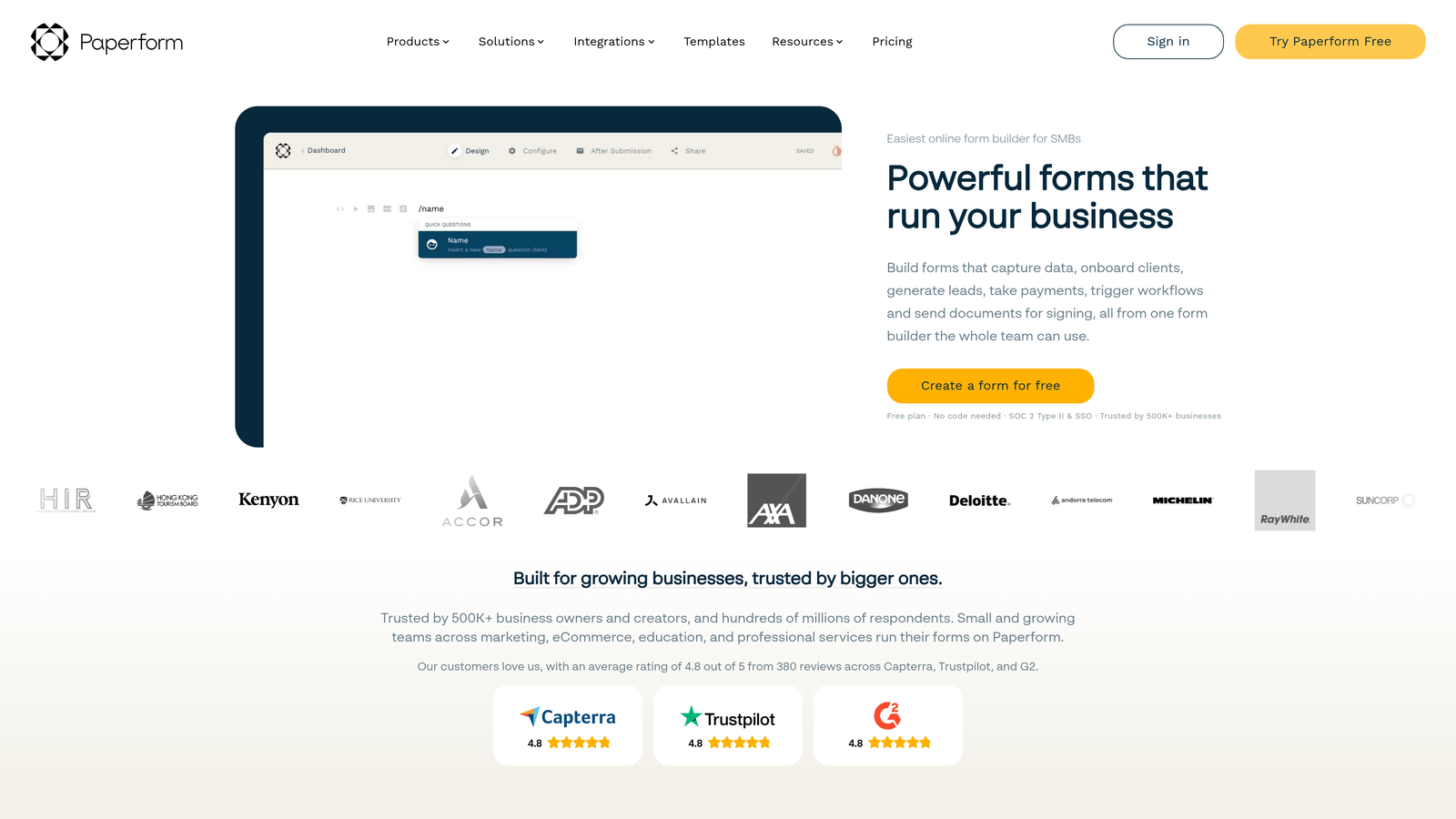
Paperform treats forms like editable documents, giving you unprecedented control over layout and conditional behavior.
Where This Tool Shines
Paperform excels at conditional calculations—think dynamic pricing for products, automatic quote generation, or scoring systems that adapt based on multiple inputs. The calculation engine integrates seamlessly with conditional logic.
The document-style editor lets you mix text, images, and form fields naturally. Your conditional logic can control not just which questions appear, but entire sections of content, creating truly dynamic documents.
Key Features
Advanced Calculations: Build complex formulas that change based on conditional responses for dynamic pricing or scoring.
Document-Style Creation: Design forms that look like branded documents rather than traditional questionnaires.
Conditional Products: Show different products or pricing options based on how respondents answer earlier questions.
Multi-Step Workflows: Create conditional page breaks and progress indicators for complex multi-stage forms.
Payment Integration: Stripe and PayPal integration with conditional pricing based on form logic.
Best For
E-commerce businesses, consultants offering custom quotes, or service providers with variable pricing models. Perfect when you need forms that calculate costs or generate proposals dynamically.
Pricing
Essentials plan from $24/month includes basic conditional logic. Pro at $49/month unlocks advanced calculations and conditional workflows.
6. Formstack
Best for: Enterprise teams needing compliance certifications with advanced conditional workflows
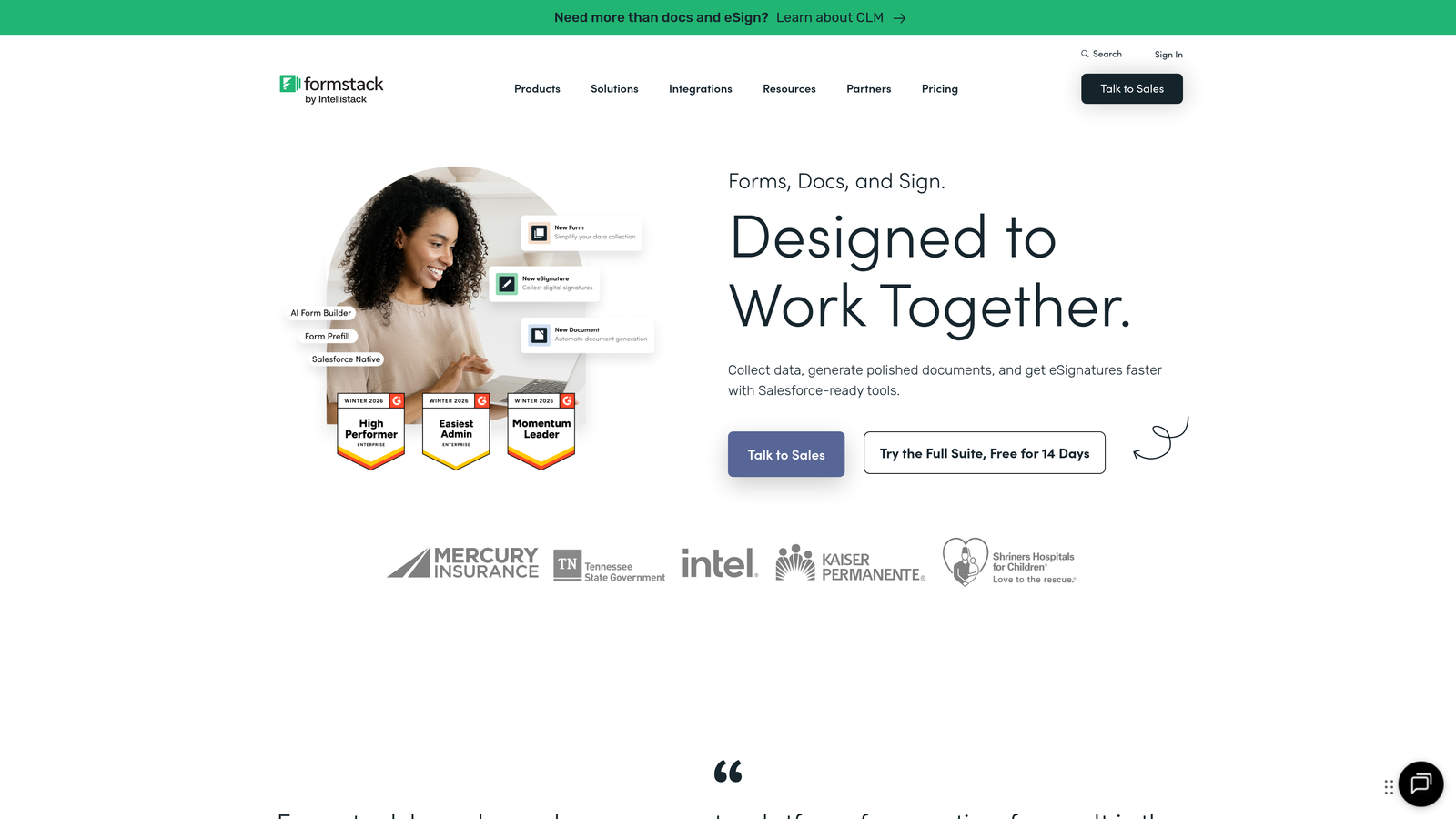
Formstack focuses on enterprise needs, combining powerful conditional logic with security and compliance features.
Where This Tool Shines
Formstack's conditional logic supports multiple conditions and complex AND/OR rules that enterprise workflows demand. You can create sophisticated routing based on combinations of responses, not just single-answer triggers.
The platform includes HIPAA compliance and enterprise security certifications, making it viable for healthcare, financial services, and other regulated industries where conditional logic must meet strict data handling requirements.
Key Features
Advanced Conditional Rules: Multiple conditions with AND/OR logic for complex enterprise workflow requirements.
HIPAA Compliance: Certified forms for healthcare and sensitive data collection with conditional logic intact.
Workflow Automation: Trigger automated processes based on conditional form outcomes without coding.
E-Signature Integration: Conditional document signing workflows for contracts and approvals.
Enterprise Security: SSO, advanced permissions, and audit trails for regulated industries.
Best For
Healthcare organizations, financial institutions, government agencies, or any enterprise needing conditional logic with compliance certifications. Ideal for complex approval workflows and regulated data collection.
Pricing
Starter plan from $50/month for basic features. Teams at $83/month includes advanced conditional logic and workflow automation.
7. Cognito Forms
Best for: Conditional calculations and payment forms with logic-based pricing
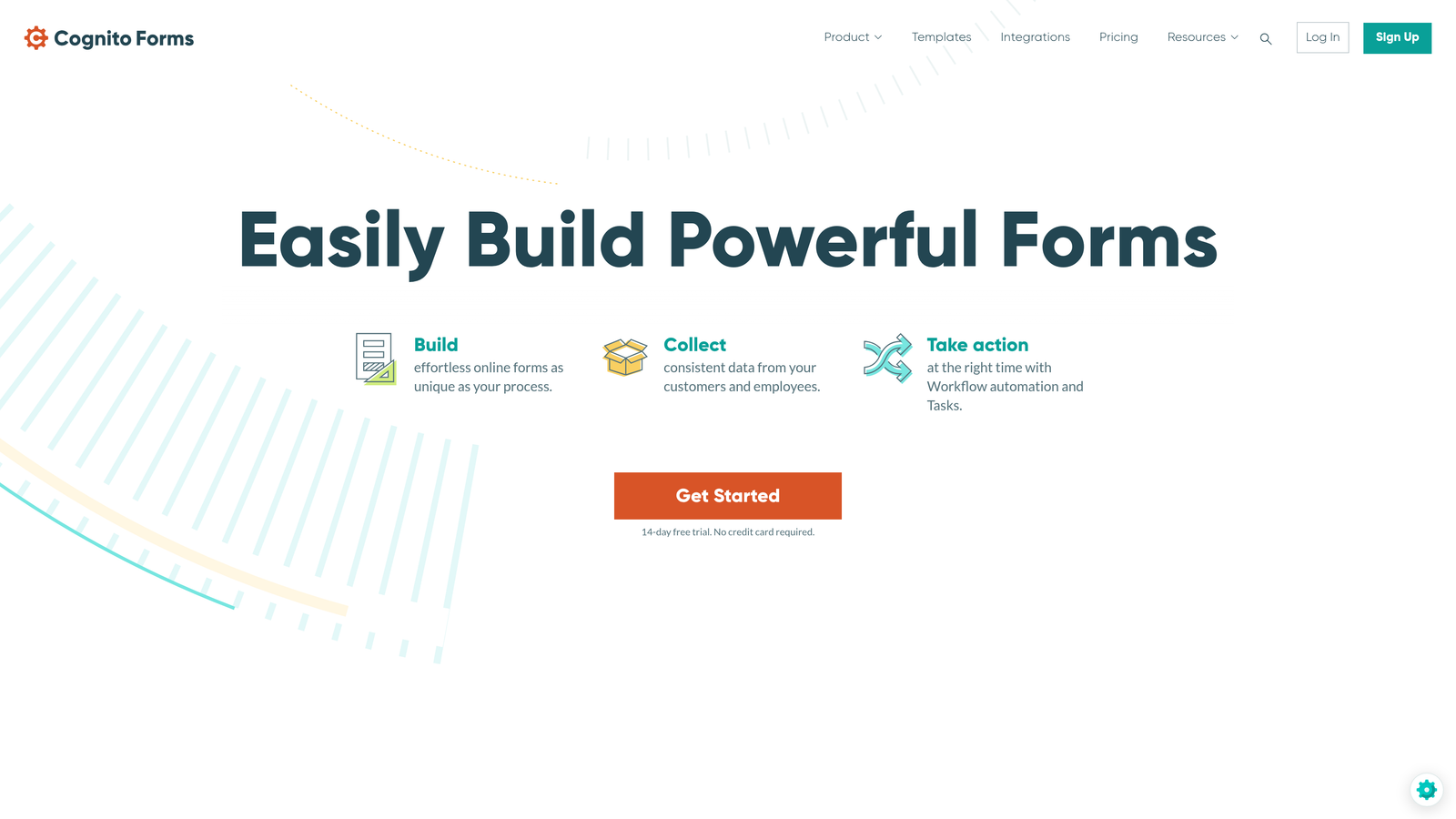
Cognito Forms offers conditional logic on all plans, including free, with particularly strong calculation capabilities.
Where This Tool Shines
Cognito Forms handles conditional calculations better than most competitors at its price point. Build order forms where pricing changes based on selections, or create application forms where fees vary by respondent type—all using intuitive conditional logic.
The repeating sections feature works with conditional logic, letting you show or hide entire groups of fields that respondents can add multiple times. This works well for applications, registrations with multiple attendees, or complex data collection.
Key Features
Free Tier Conditional Logic: Full conditional logic capabilities available without upgrading to paid plans.
Advanced Calculations: Build complex formulas that interact with conditional rules for dynamic pricing and scoring.
Conditional Pricing: Show different payment amounts based on form responses for flexible payment collection.
Repeating Sections: Conditional logic that controls repeatable field groups for applications and registrations.
Data Encryption: Field-level encryption and compliance options for sensitive conditional workflows.
Best For
Organizations collecting payments with variable pricing, schools managing registrations with conditional fees, or businesses needing sophisticated calculations without enterprise budgets.
Pricing
Free tier includes conditional logic with basic features. Pro from $15/month for individual use, Team at $35/month for collaboration.
8. 123FormBuilder
Best for: GDPR compliance with European hosting and multilingual conditional forms
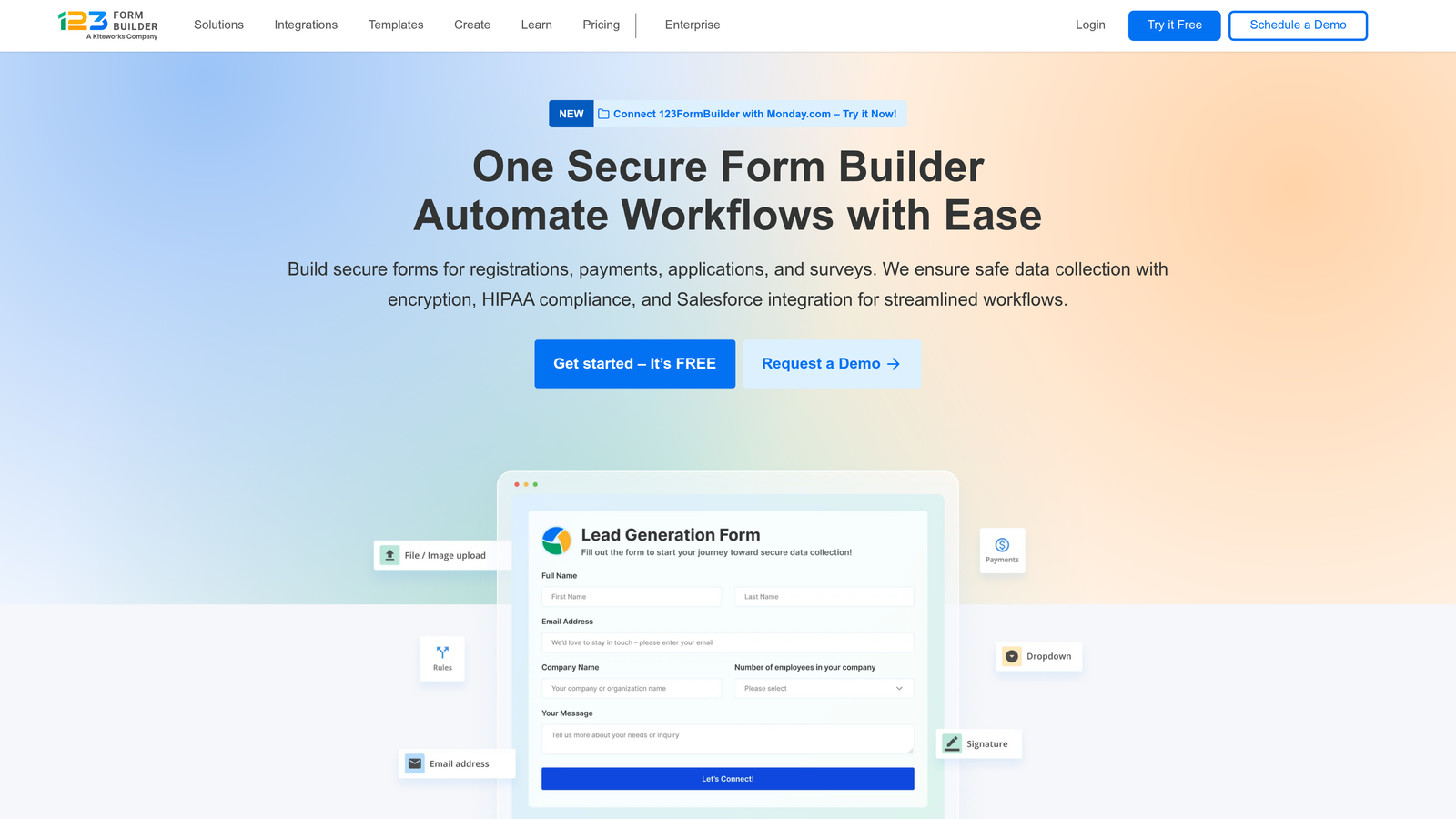
123FormBuilder emphasizes GDPR compliance and European data hosting alongside solid conditional logic features.
Where This Tool Shines
123FormBuilder offers EU-based hosting with GDPR compliance built in, making it valuable for European businesses or companies serving European customers. Your conditional logic works while keeping data within EU jurisdictions.
The platform supports multi-language forms where conditional logic works across different languages. Build one form with branching logic that adapts to respondent language preferences automatically.
Key Features
Conditional Field Rules: Show/hide fields and sections based on previous responses with straightforward rule configuration.
GDPR Compliance: European hosting and data handling that meets GDPR requirements for conditional workflows.
Skip Logic: Page-level branching that directs respondents through different form sections based on answers.
Conditional Email Routing: Send notifications to different recipients based on form responses and conditional outcomes.
Multi-Language Support: Conditional logic that works across translated versions of the same form.
Best For
European businesses requiring GDPR compliance, multinational companies needing multilingual forms, or organizations serving international audiences with data sovereignty concerns.
Pricing
Free tier available with basic features. Gold plan from $24.99/month includes advanced conditional logic and GDPR compliance tools.
9. Wufoo
Best for: Straightforward conditional logic without complexity or learning curves
Wufoo keeps conditional logic simple and accessible, focusing on basic branching without overwhelming users.
Where This Tool Shines
Wufoo's no-frills approach makes conditional logic approachable for non-technical users. The interface is straightforward—if someone selects this answer, show that field. No complex rule builders or overwhelming options.
As part of the SurveyMonkey family, Wufoo integrates seamlessly with SurveyMonkey for teams already using that platform. Your conditional form data flows directly into SurveyMonkey analytics without additional configuration.
Key Features
Basic Conditional Rules: Simple show/hide logic for fields based on previous responses without complex configuration.
Skip Logic: Direct respondents to different form pages based on their answers for basic branching workflows.
Field Visibility: Control which form fields appear based on dropdown selections or checkbox choices.
SurveyMonkey Integration: Native connection to SurveyMonkey for teams using both platforms together.
Simple Interface: Minimal learning curve for users who need basic conditional logic without advanced features.
Best For
Small teams or individuals who need basic conditional logic without complexity. Works well for simple surveys, contact forms with conditional fields, or straightforward applications.
Pricing
Free tier includes 5 forms with basic features. Starter plan from $14.08/month adds conditional logic and removes Wufoo branding.
Making the Right Choice for Your Budget and Use Case
The form builder you choose depends on where conditional logic fits in your broader workflow.
For Growth Teams Focused on Lead Quality: Orbit AI combines conditional logic with AI-powered lead scoring, making your forms do double duty—collecting information while automatically qualifying prospects. This matters when every lead counts and you need to identify high-value opportunities instantly.
For Budget-Conscious Teams: Tally and Jotform both offer conditional logic on free tiers, though with different strengths. Tally gives you unlimited forms, while Jotform provides more template options and conditional notification capabilities.
For E-commerce and Variable Pricing: Paperform and Cognito Forms excel at conditional calculations. If your forms need to calculate quotes, adjust pricing based on selections, or generate dynamic totals, these platforms handle the math elegantly.
For Enterprise and Compliance: Formstack and 123FormBuilder prioritize security certifications and compliance. Choose Formstack for U.S.-based enterprise needs or 123FormBuilder when GDPR and European hosting matter.
For User Experience: Typeform's conversational format combined with visual logic jump builders creates engaging experiences that feel personalized rather than procedural.
Think beyond base pricing when evaluating options. Consider your submission volume, integration needs, and whether you need conditional logic to trigger automated workflows or simply branch form questions. A platform with a higher monthly cost but included CRM integration might cost less overall than a cheaper option requiring third-party automation tools.
The conditional logic feature itself has become table stakes—what differentiates platforms now is how that logic integrates with your broader lead generation, sales, or data collection strategy. Choose based on where your forms fit in that bigger picture.
Transform your lead generation with AI-powered forms that qualify prospects automatically while delivering the modern, conversion-optimized experience your high-growth team needs. Start building free forms today and see how intelligent form design can elevate your conversion strategy.


