

Lead capture forms are one of the highest-leverage assets in any SaaS growth stack, yet most teams treat them as an afterthought. The right form doesn't just collect emails; it qualifies prospects, segments leads automatically, and feeds your CRM with data that actually means something.
This list covers the best lead capture form tools built for SaaS teams in 2026. We evaluated each on conversion-focused design, lead qualification capabilities, native integrations, and ease of setup for fast-moving teams. Whether you're optimizing a demo request flow, a free trial signup, or a gated content download, there's a tool here that fits your stack.
Quick note on selection: we only included tools with meaningful SaaS use cases, not generic form builders that happen to work for everyone. Each pick has a distinct angle worth knowing about.
1. Orbit AI
Best for: SaaS teams that prioritize lead quality, qualification, and conversion optimization
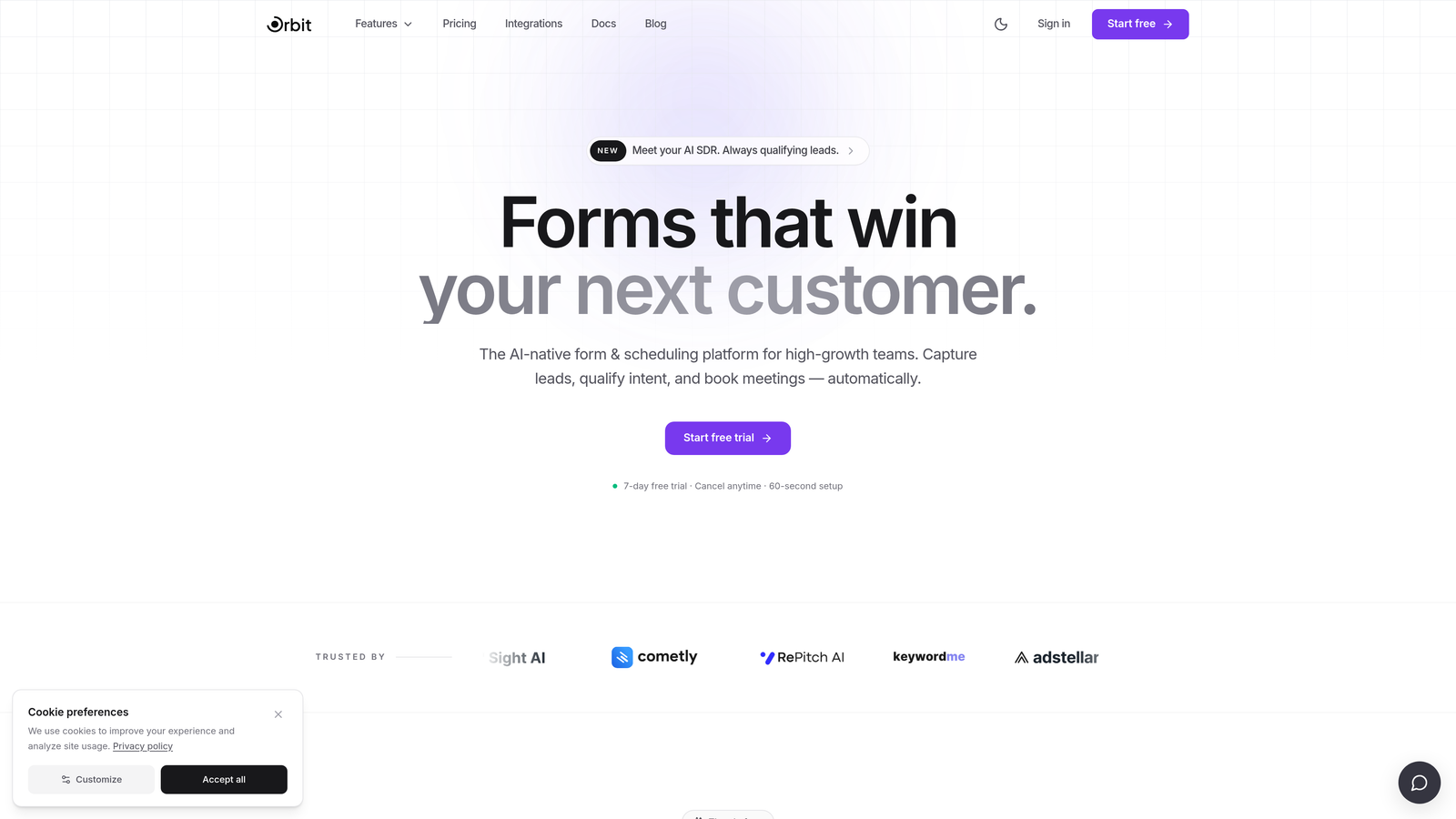
Orbit AI is an AI-powered form builder with built-in lead qualification and scoring, purpose-built for SaaS teams focused on conversion quality over volume.
Where This Tool Shines
Most form tools treat qualification as an afterthought, something you bolt on after the fact with a Zap or a manual SDR review. Orbit AI flips that model entirely. The AI qualification logic is baked directly into the form experience, scoring and segmenting leads in real time as they move through each question.
For high-growth SaaS teams, this matters a lot. Instead of dumping raw form submissions into your CRM and hoping your sales team can triage them, Orbit AI sends structured, pre-qualified lead data that's already mapped to the right segment, stage, or rep. That's time your SDRs can spend on conversations rather than data cleanup.
Key Features
AI-Powered Lead Qualification: Scores and segments leads in real time as they complete the form, so your CRM receives structured, qualified data from the first submission.
Conversion-Optimized Design: Modern, on-brand templates designed specifically for SaaS use cases like demo requests, free trial signups, and gated content downloads.
Adaptive Conditional Logic: Form flow adjusts dynamically based on prospect answers, creating a personalized path that feels relevant rather than generic.
CRM and Automation Integrations: Routes qualified leads automatically into your existing marketing automation and CRM stack without middleware.
No-Code, Fast to Deploy: Built for marketing and ops teams who need to build and iterate without pulling in engineering resources.
Best For
Orbit AI is the strongest fit for growth-stage and scaling SaaS teams where lead quality is a real business problem. If your sales team is spending meaningful time triaging form submissions rather than running qualified conversations, this is where the tool pays for itself quickly. It's also well-suited for teams running multiple lead capture flows simultaneously, such as demo requests, trials, and content gates, where consistent qualification logic across all entry points matters.
Pricing
Check current pricing and plan details at orbitforms.ai. Pricing is designed for high-growth teams with options to scale as your form volume and qualification complexity grow.
2. Typeform
Best for: Top-of-funnel SaaS flows where form completion rate is the primary metric
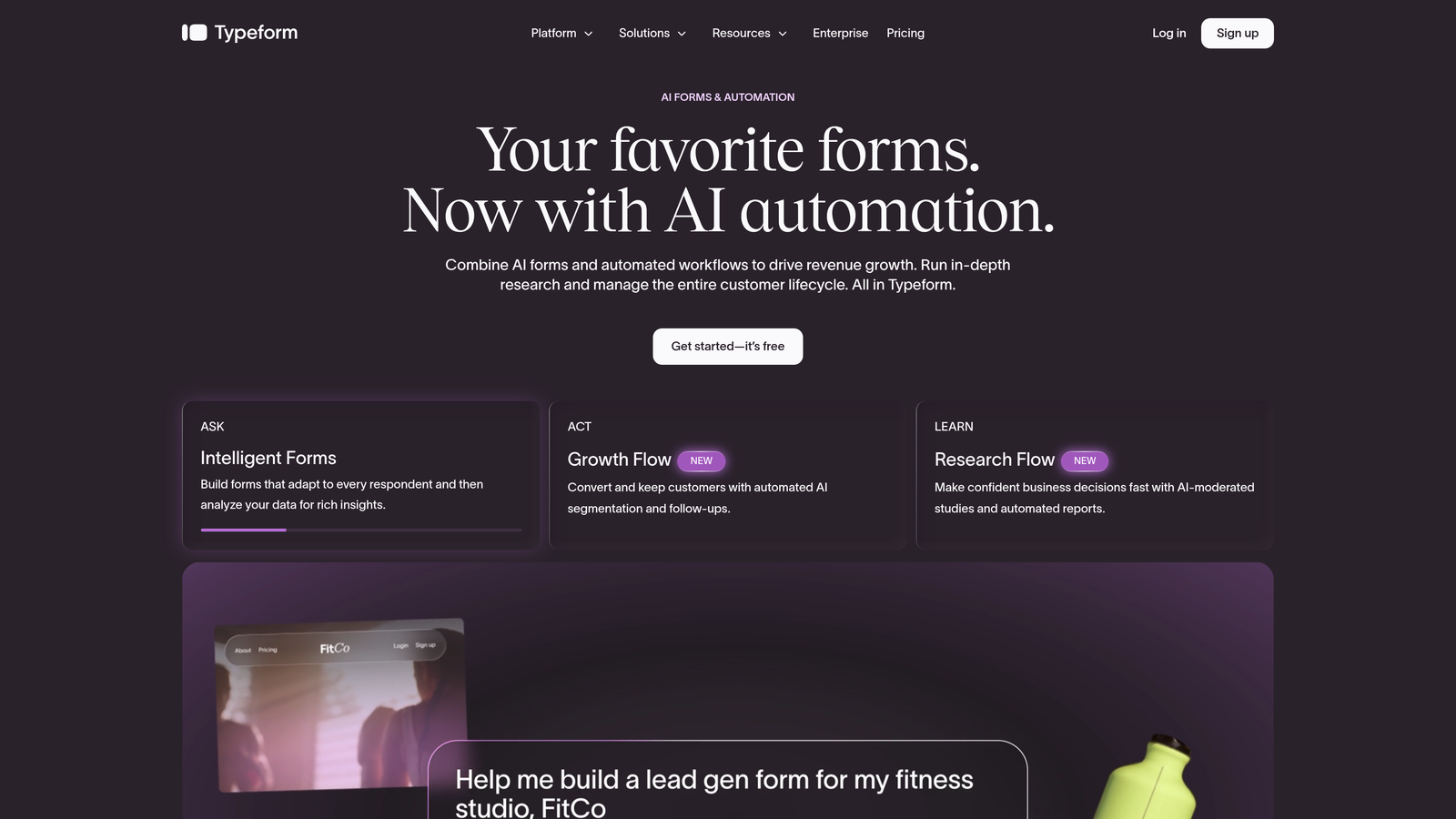
Typeform is a conversational form builder known for its one-question-at-a-time UX that consistently drives high completion rates.
Where This Tool Shines
Typeform's defining strength is its format. By presenting one question at a time, it reduces the visual overwhelm that causes prospects to abandon longer forms. For SaaS teams running top-of-funnel campaigns where a first impression matters, this approach can meaningfully improve the percentage of visitors who actually submit.
The trade-off is worth understanding. The conversational format works beautifully for shorter flows, but can feel slow for prospects who want to scan ahead or complete a longer qualification form quickly. It's a tool optimized for engagement over efficiency, which is the right call in some contexts and the wrong one in others.
Key Features
Conversational One-Question Format: Reduces abandonment by presenting questions sequentially, making longer forms feel shorter and more engaging.
Logic Jumps and Conditional Branching: Personalizes form flow based on answers, available on paid plans, so prospects see only the questions relevant to them.
SaaS Template Library: Includes pre-built templates for demo requests, NPS surveys, onboarding flows, and other common SaaS use cases.
CRM and Marketing Integrations: Connects natively with HubSpot, Salesforce, Slack, and major marketing automation platforms.
Rich Media Embedding: Supports video and image embedding within forms to add context or social proof at key decision points.
Best For
Typeform is a strong choice for SaaS marketing teams running campaign-specific lead capture where brand experience and completion rate are the top priorities. It's particularly effective for shorter forms, five to eight questions, where the conversational format shines. Teams needing deep qualification logic or complex routing may find it limiting compared to more qualification-focused tools.
Pricing
A free tier is available with basic functionality. Paid plans unlock logic jumps, integrations, and higher response limits. Verify current pricing at typeform.com as plans are updated periodically.
3. Paperform
Best for: SaaS teams running campaign-specific lead capture where brand design consistency matters
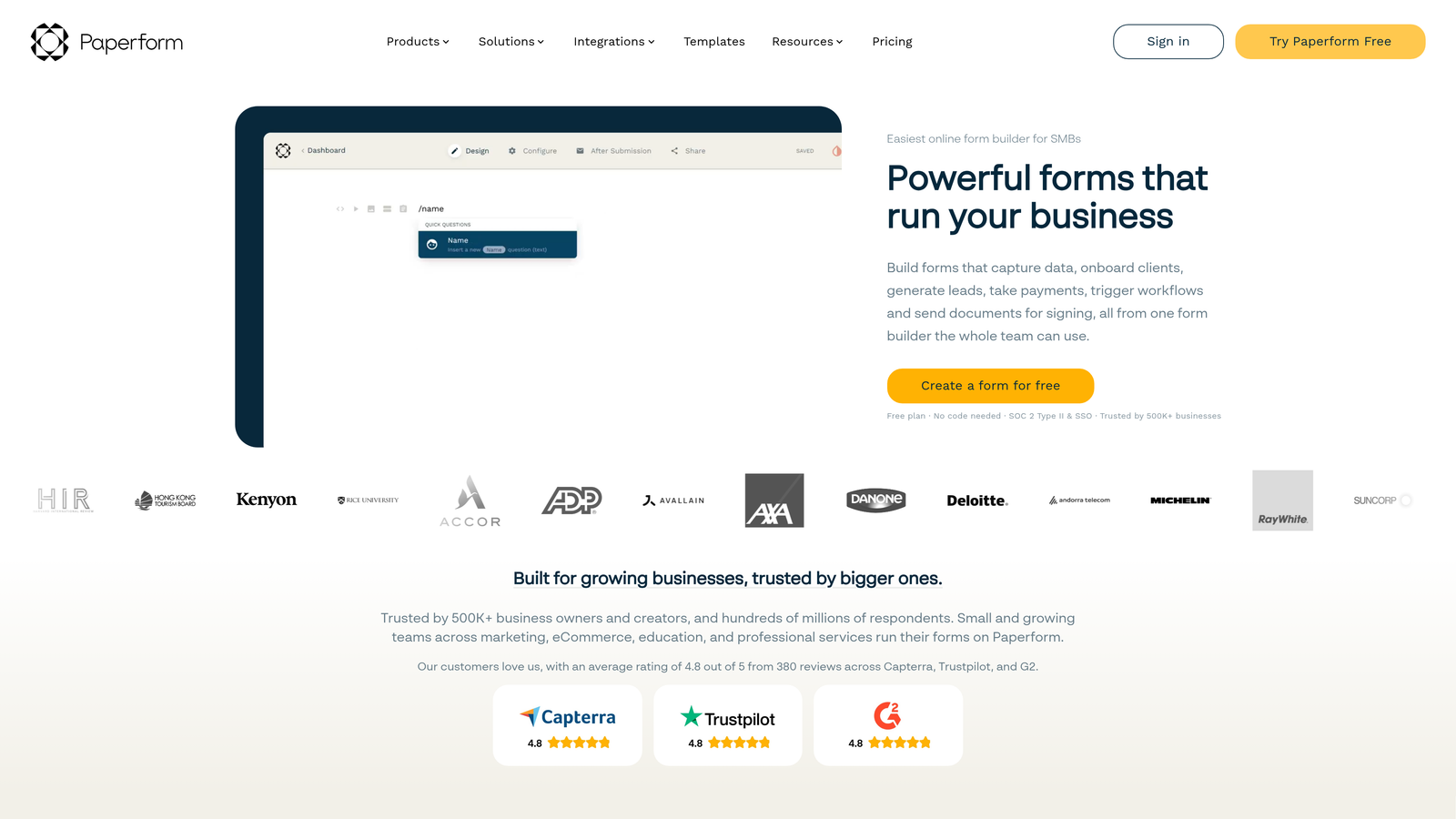
Paperform is a hybrid form builder and mini landing page tool with freeform layout control and strong conditional logic.
Where This Tool Shines
Paperform occupies an interesting position in this space. Most form builders constrain you to a fixed layout structure. Paperform gives you freeform design control, meaning you can build something that looks more like a branded landing page than a standard form. For SaaS teams running paid campaigns where the form is the landing page, this flexibility is genuinely useful.
The calculation fields and conditional logic are also worth highlighting. If you're building a form that needs to dynamically show pricing estimates, qualify leads based on company size, or branch into very different flows depending on answers, Paperform handles this more elegantly than most tools in this tier.
Key Features
Freeform Layout Editor: Full design control over form appearance, enabling branded, campaign-ready pages rather than standard form layouts.
Conditional Logic and Calculation Fields: Supports dynamic, personalized form flows including calculated outputs useful for pricing or qualification scoring.
Multi-Purpose Forms: Handles payments, bookings, and lead capture in a single form, reducing the need for separate tools in some workflows.
Integration Ecosystem: Connects with Zapier, HubSpot, Slack, and a range of other SaaS tools for lead routing and notifications.
Standalone Lead Capture Pages: Easy to create campaign-specific, fully branded pages without a separate landing page builder.
Best For
Paperform suits SaaS marketing teams that want design flexibility without hiring a developer, particularly for campaign-specific lead capture pages where visual consistency with ad creative matters. It's a solid choice for teams that also need to handle payments or bookings alongside lead capture in the same tool.
Pricing
Paperform offers paid plans only, with no permanent free tier. Verify current plan options and pricing at paperform.co before committing.
4. Tally
Best for: Lean SaaS teams or early-stage companies that need clean, functional forms shipped fast
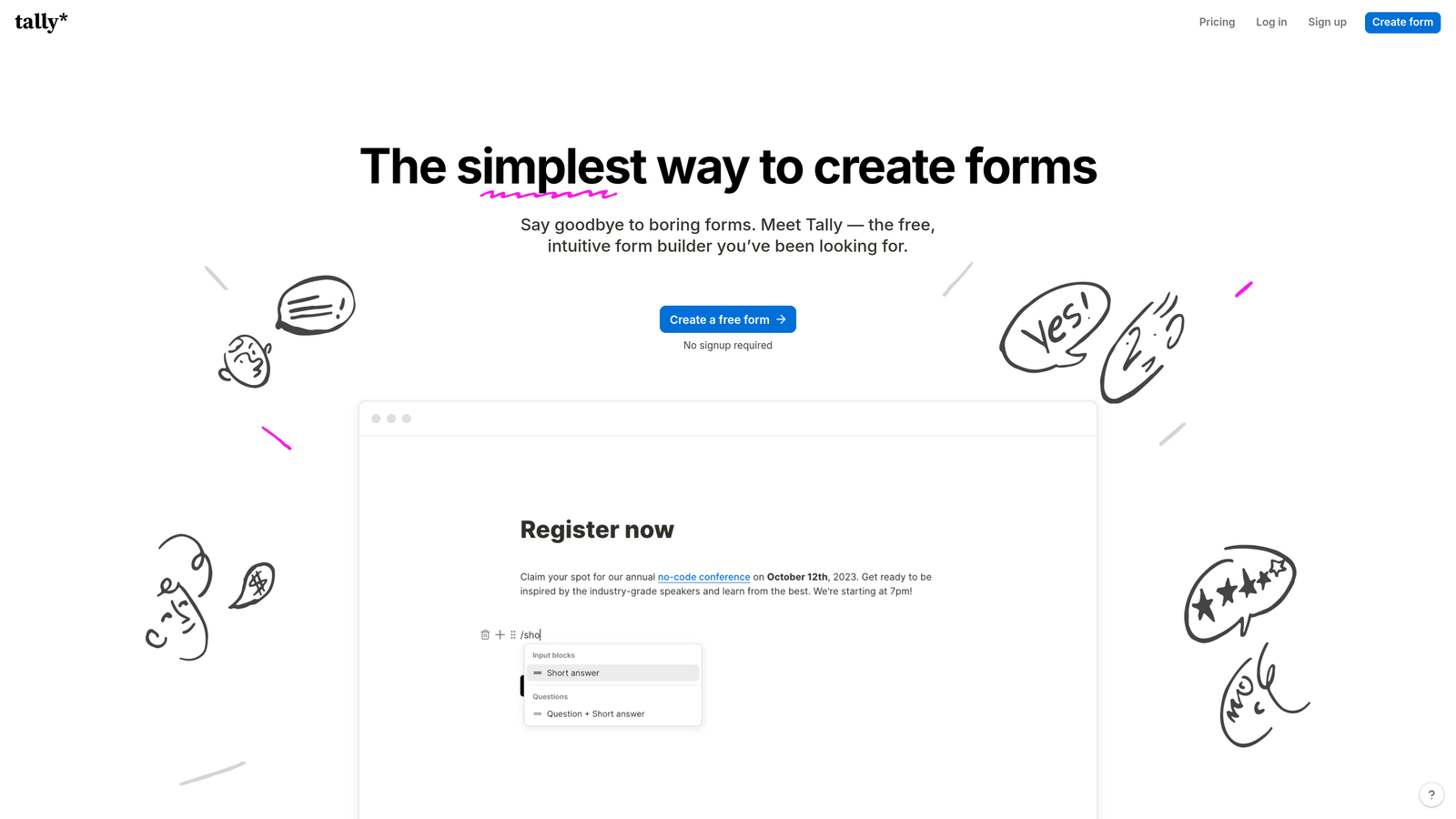
Tally is a Notion-inspired form builder that lets teams build clean, functional forms quickly with a genuinely useful free tier.
Where This Tool Shines
Tally's biggest differentiator is its free plan. Most form tools either limit functionality heavily on free tiers or add their own branding to your forms. Tally's free plan removes their branding entirely, which is unusual in this market and makes it a legitimate option for early-stage SaaS teams watching every dollar.
The block-based editor will feel immediately familiar to anyone who uses Notion. You can build a clean, functional lead capture form in minutes without any learning curve. It won't win awards for advanced qualification logic, but for teams that need to ship a working form today, it's hard to beat for speed and simplicity.
Key Features
Block-Based Editor: Notion-style interface makes form building intuitive and fast, with virtually no learning curve for modern SaaS teams.
No Branding on Free Plan: Unlike most competitors, Tally's free tier doesn't add their logo to your forms, keeping the experience clean and on-brand.
Conditional Logic and Hidden Fields: Supports basic conditional branching, hidden fields for tracking parameters, and file uploads without requiring a paid plan.
Integration Ecosystem: Native integrations plus Zapier coverage for connecting to CRMs, Slack, and marketing tools as your stack grows.
Lightweight Performance: Forms load fast and feel lightweight, which matters for conversion rates on paid traffic.
Best For
Tally is the right call for early-stage SaaS teams, solo founders, or lean ops teams that need functional lead capture without complexity or cost. As teams scale and need more sophisticated qualification logic or deeper CRM integration, they may eventually outgrow it, but as a starting point it's hard to fault.
Pricing
The free tier is genuinely useful and includes most core features. A paid plan unlocks advanced features and higher submission volumes. Verify current pricing at tally.so.
5. Jotform
Best for: SaaS teams with complex workflow automation needs or enterprise compliance requirements
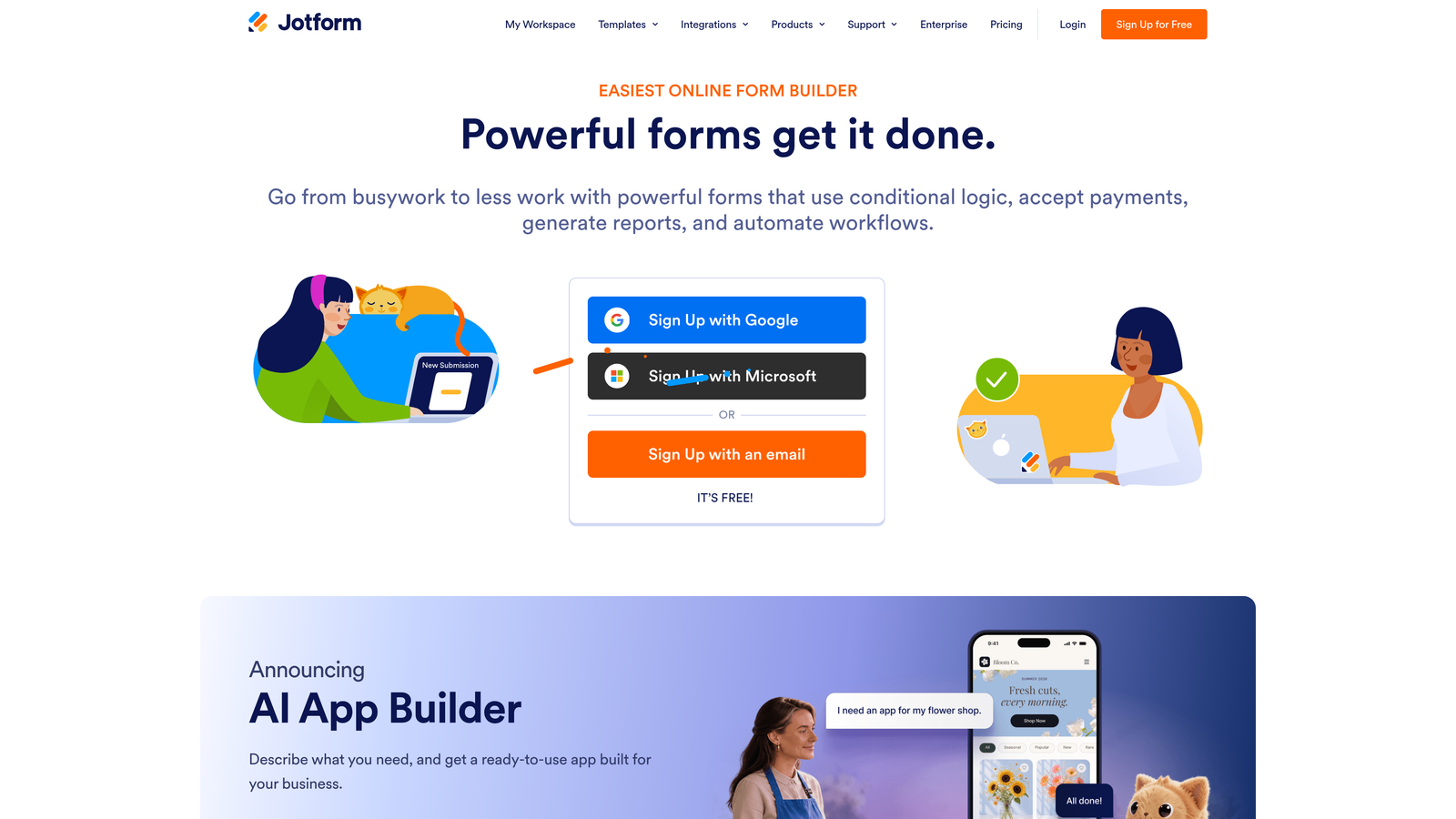
Jotform is a feature-rich form platform with thousands of templates, advanced workflow automation, and enterprise-grade security options.
Where This Tool Shines
Jotform's depth is its defining characteristic. Where most form tools focus on one or two core use cases, Jotform covers nearly every scenario you can imagine: lead capture, approvals, e-signatures, payment collection, document generation, and more. For SaaS teams selling into regulated verticals like healthcare, the enterprise tier's HIPAA compliance is a meaningful differentiator that few competitors match.
The flip side is that all this capability comes with complexity. Teams that just need a clean demo request form may find Jotform's interface overwhelming compared to lighter tools. It rewards teams willing to invest time in setup, and delivers significant value when that complexity is actually needed.
Key Features
Extensive Template Library: Thousands of templates covering SaaS-specific use cases including demo requests, lead qualification, and onboarding flows.
Advanced Workflow Automation: Supports approval chains, conditional notifications, and routing logic that goes well beyond basic form-to-email setups.
E-Signatures and Payments: Built-in e-signature collection and payment processing reduce the need for additional tools in complex sales workflows.
Enterprise Security and Compliance: HIPAA-compliant enterprise tier with advanced data security, relevant for SaaS teams selling into healthcare or regulated industries.
Broad Integration Library: Connects with a wide range of CRMs, marketing automation platforms, and business tools.
Best For
Jotform is the strongest fit for mid-market and enterprise SaaS teams with complex workflow requirements, particularly those selling into regulated verticals where compliance matters. It's also well-suited for teams that want to consolidate multiple tools, such as forms, e-signatures, and approvals, into a single platform.
Pricing
A free tier is available with submission limits. Paid plans scale with submission volume and feature access. Enterprise plans include compliance features. Verify current pricing at jotform.com.
6. Formstack
Best for: Sales-led SaaS teams deeply embedded in the Salesforce ecosystem
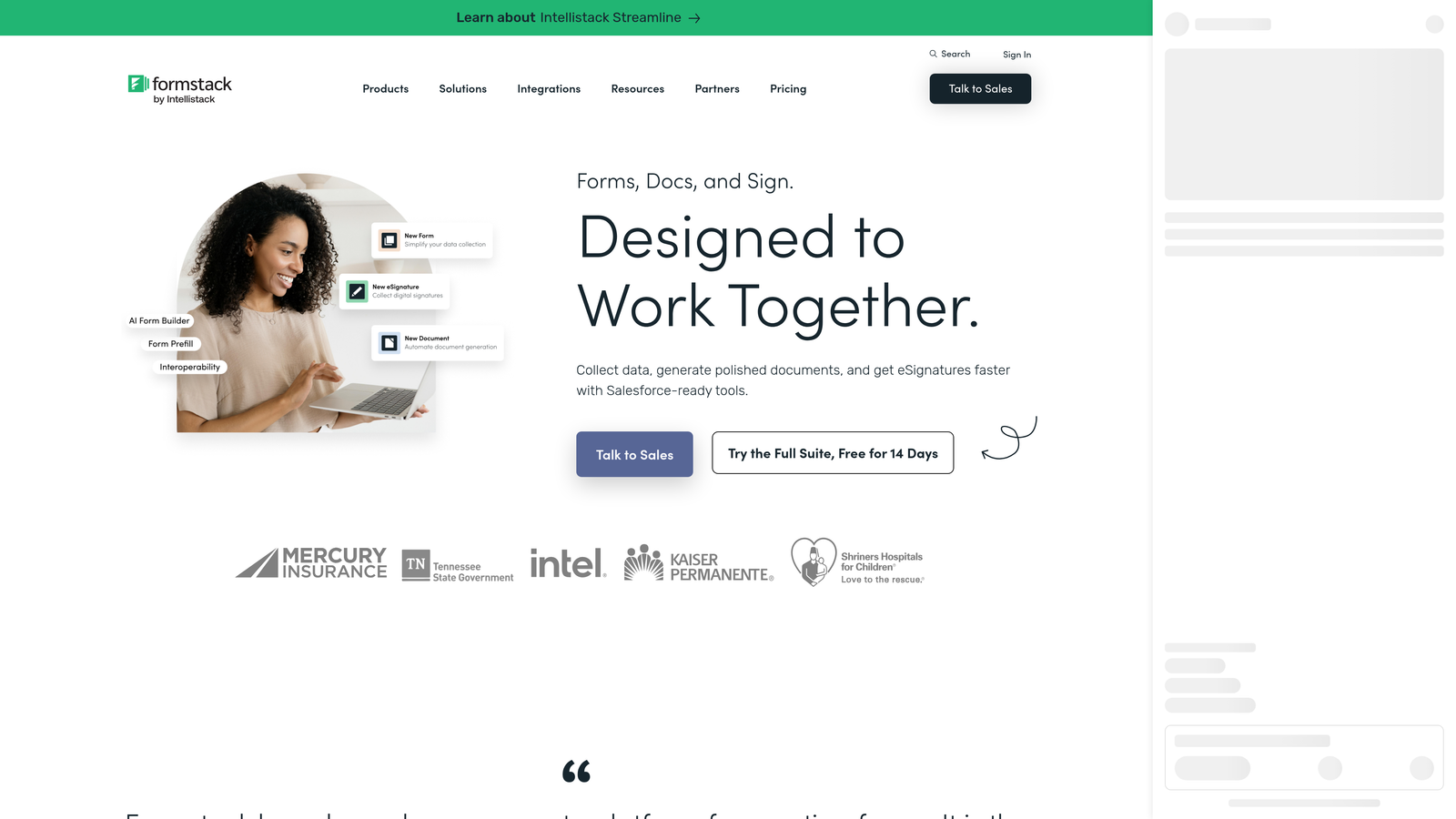
Formstack is an enterprise form platform with deep Salesforce integration and document generation, built for sales-led SaaS workflows.
Where This Tool Shines
If your revenue team runs on Salesforce, Formstack's native integration depth is worth serious consideration. Most form tools push data into Salesforce via a Zap or a basic connector. Formstack maps form fields directly to Salesforce objects, triggers workflows, and routes leads into CRM-based sequences without any middleware. For sales-led SaaS where form data needs to flow cleanly into complex CRM structures, that native depth saves significant ops time.
Formstack also positions itself as a broader platform: forms, documents, and e-signatures in one connected workflow. For SaaS teams running proposals, contracts, or onboarding documents alongside lead capture, having these connected in a single platform can simplify a messy toolchain.
Key Features
Deep Salesforce Integration: Direct CRM data mapping to Salesforce objects and lead routing without middleware, purpose-built for sales-led workflows.
Connected Platform: Forms, documents, and e-signatures work together in one platform, reducing handoffs between tools in complex sales processes.
Advanced Conditional Logic: Complex qualification forms with data validation to ensure clean, structured data reaches your CRM.
Workflow Automation: Triggers sales actions, notifications, and CRM updates automatically from form submissions.
Enterprise Security: Compliance and data security features suited for enterprise SaaS environments and regulated industries.
Best For
Formstack is the right choice for enterprise and mid-market SaaS teams running sales-led growth motions where Salesforce is the system of record. The investment in setup and cost makes most sense when your team is already deeply embedded in the Salesforce ecosystem and needs form data to flow directly into complex CRM workflows without manual intervention.
Pricing
Formstack is enterprise-oriented in its pricing. It's best evaluated by teams with budget and a clear Salesforce-native use case. Verify current plans at formstack.com.
Which Tool Is Right for Your SaaS Stack?
The honest answer is that the best lead capture form is the one your prospects actually complete, and the one that sends your sales team qualified data rather than a raw list of names and emails to sort through manually.
Here's how the six tools break down by use case:
AI-first qualification and conversion optimization: Orbit AI is the clear choice. If lead quality is a real problem for your team, having qualification logic baked into the form itself, rather than handled downstream by SDRs, is a meaningful operational advantage.
Conversational UX and high completion rates: Typeform remains the benchmark for top-of-funnel flows where form experience drives engagement. Best for shorter, campaign-specific forms.
Design control and campaign-specific pages: Paperform gives you the most flexibility to build branded, landing-page-style lead capture without a developer. Strong conditional logic is a bonus.
Lean teams and early-stage SaaS: Tally's free tier is genuinely hard to beat for teams that need clean, functional forms shipped fast without budget or complexity.
Complex workflows and enterprise compliance: Jotform covers the most ground for teams with advanced automation needs, regulated verticals, or a need to consolidate forms, e-signatures, and approvals in one platform.
Salesforce-native sales workflows: Formstack is built for exactly this scenario. If your revenue team lives in Salesforce and needs form data mapped directly to CRM objects, it's worth the investment.
Qualification built into the form itself saves significant downstream sales time. When your SDRs receive a submission that's already scored, segmented, and routed, they can skip the triage and go straight to the conversation. That's the operational case for choosing a tool like Orbit AI over a generic form builder, regardless of how polished the form looks.
If you're ready to see what AI-powered qualification looks like in practice, start building free forms today and experience how intelligent form design can change the quality of leads entering your pipeline.


