

Typeform is genuinely beautiful. But if you've ever hit a response limit mid-campaign, or realized that conditional logic is locked behind a higher tier, you know exactly how fast that beauty starts to feel expensive. For high-growth teams running lean, that pricing structure creates a real problem.
The good news: the alternatives have caught up. Several tools now match Typeform's polish, and some go further by adding AI-powered lead qualification and conversion optimization that Typeform simply doesn't offer. This list covers the best affordable Typeform alternatives in 2026, evaluated on pricing accessibility, form design quality, conditional logic depth, integrations, and overall value for teams focused on growth.
Whether you're a SaaS startup optimizing lead capture, a marketing agency managing forms across multiple clients, or a B2B team trying to qualify inbound leads without bolting on another tool, there's a right fit here. Only the tools worth your time made the cut.
1. Orbit AI
Best for: High-growth SaaS and B2B teams that want lead qualification built directly into their forms.
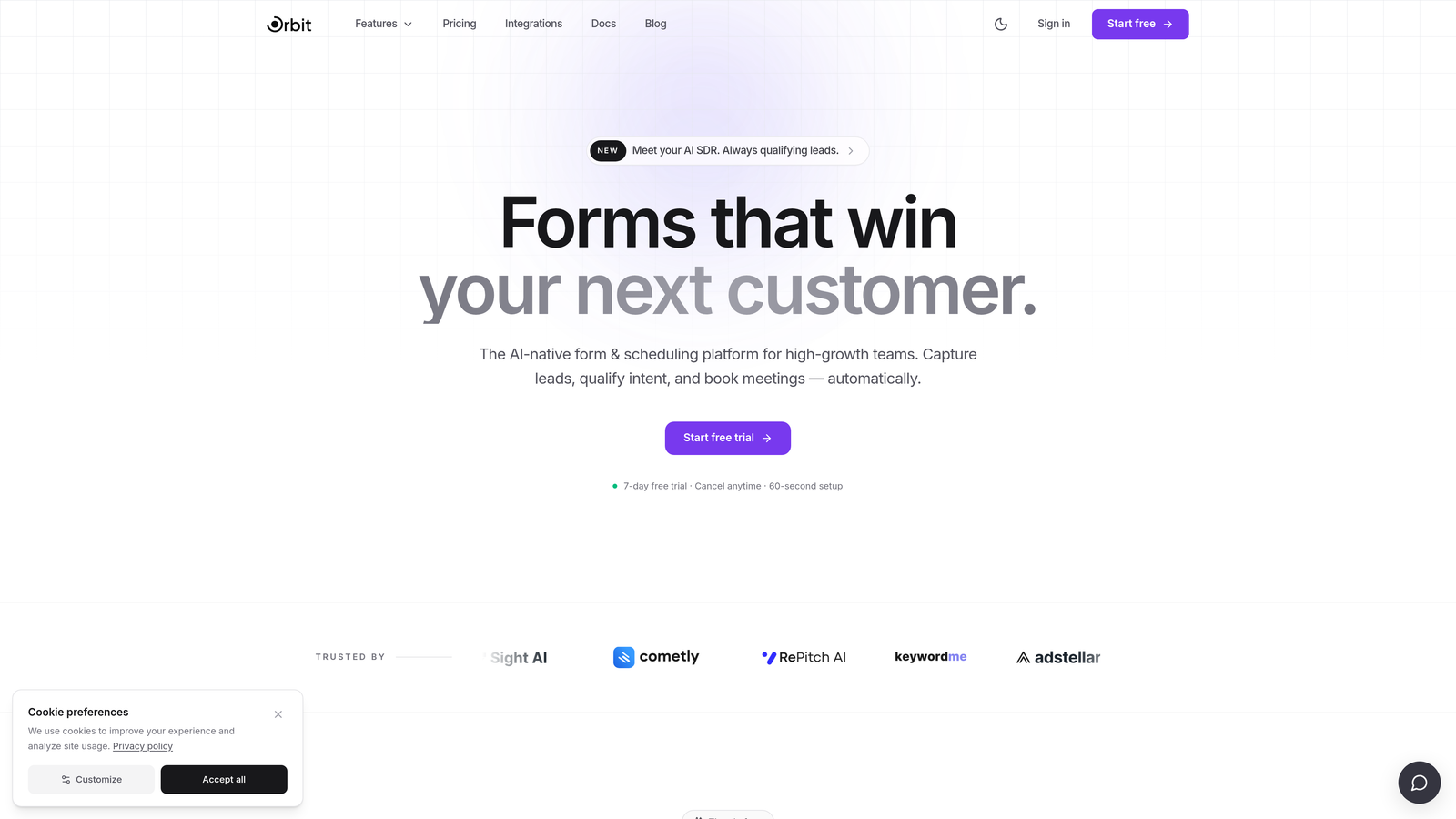
Orbit AI is an AI-powered form builder designed to qualify leads at the point of capture, not after the fact in your CRM.
Where This Tool Shines
Most form builders collect data and pass it downstream. Orbit AI takes a different approach: lead scoring and qualification logic live inside the form layer itself. That means your form isn't just gathering information, it's actively evaluating fit as someone moves through it. For B2B and SaaS teams where lead quality matters as much as volume, that's a meaningful distinction.
The design quality is also worth calling out. Orbit AI is built with conversion optimization as a core principle, not an afterthought. Forms are clean, modern, and structured to reduce drop-off, which is exactly what high-growth teams need when they're driving paid traffic or running outbound campaigns.
Key Features
AI-Powered Lead Qualification: Qualification logic runs natively inside the form, scoring and segmenting leads without requiring a separate CRM integration.
Conversion-Optimized Design: Modern, clean UX built to minimize friction and maximize completion rates across device types.
Conditional Logic and Dynamic Fields: Forms adapt in real time based on user input, creating a personalized experience for each respondent.
Lead Scoring Without Extra Tools: Assign scores based on responses directly in the form builder, no third-party setup required.
Built for High-Growth Teams: The platform prioritizes quality of leads over raw response volume, which aligns well with B2B and SaaS acquisition goals.
Best For
Orbit AI is the strongest fit for SaaS companies, B2B marketing teams, and growth-focused operators who want their form to do qualification work automatically. If you're tired of passing raw form data to a CRM and manually sorting through unqualified leads, this is the tool that closes that gap.
Pricing
Check current pricing and plan details at orbitforms.ai. Pricing is designed with high-growth teams in mind and is positioned as a strong value relative to Typeform at equivalent feature levels.
2. Tally
Best for: Teams that want a Typeform-style experience with a genuinely free, unlimited plan.
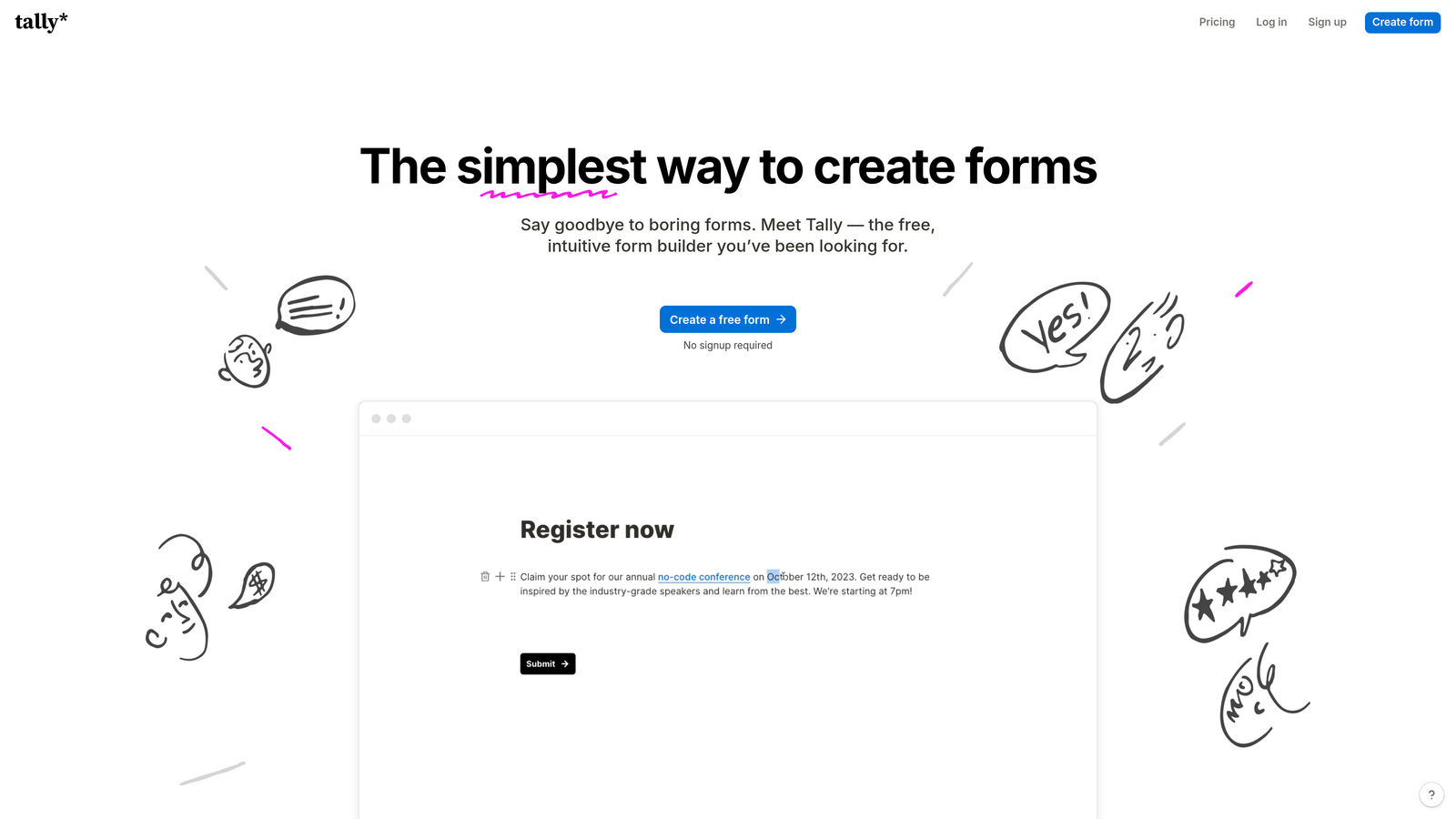
Tally is a conversational form builder that offers one of the most generous free plans in the category, with no response caps and no form limits.
Where This Tool Shines
Tally's free plan is the real story here. Unlimited forms, unlimited responses, and access to core features like conditional logic and hidden fields, all without paying anything. That's a rare combination in a space where most tools gate responses aggressively. For early-stage teams or agencies testing new form flows, that kind of runway matters.
The editor has a Notion-like feel, which makes it fast to learn if your team already lives in that kind of workspace. The one-question-at-a-time conversational format is comparable to Typeform's core experience, and it works well for surveys, lead capture, and onboarding flows.
Key Features
Unlimited Forms and Responses on Free: No artificial caps on the free plan, which is genuinely unusual in this category.
Conversational Format: One-question-at-a-time UX that keeps respondents focused and reduces drop-off.
Conditional Logic and Hidden Fields: Branch forms based on answers and pre-populate fields with URL parameters or prior responses.
Notion-Style Editor: Familiar, fast-to-learn interface that doesn't require a steep learning curve.
Tally Pro Upgrades: Custom domains, branding removal, and additional customization options available on the paid tier.
Best For
Tally is ideal for bootstrapped startups, indie makers, and small teams that need solid form functionality without a monthly bill. It also works well for agencies that want to spin up forms quickly across multiple projects without worrying about per-response pricing.
Pricing
Free plan available with no response or form limits. Tally Pro is a flat monthly fee rather than per-response pricing. Check tally.so for current plan details.
3. Paperform
Best for: Teams that want forms to feel like beautifully designed landing pages, with built-in payments and bookings.
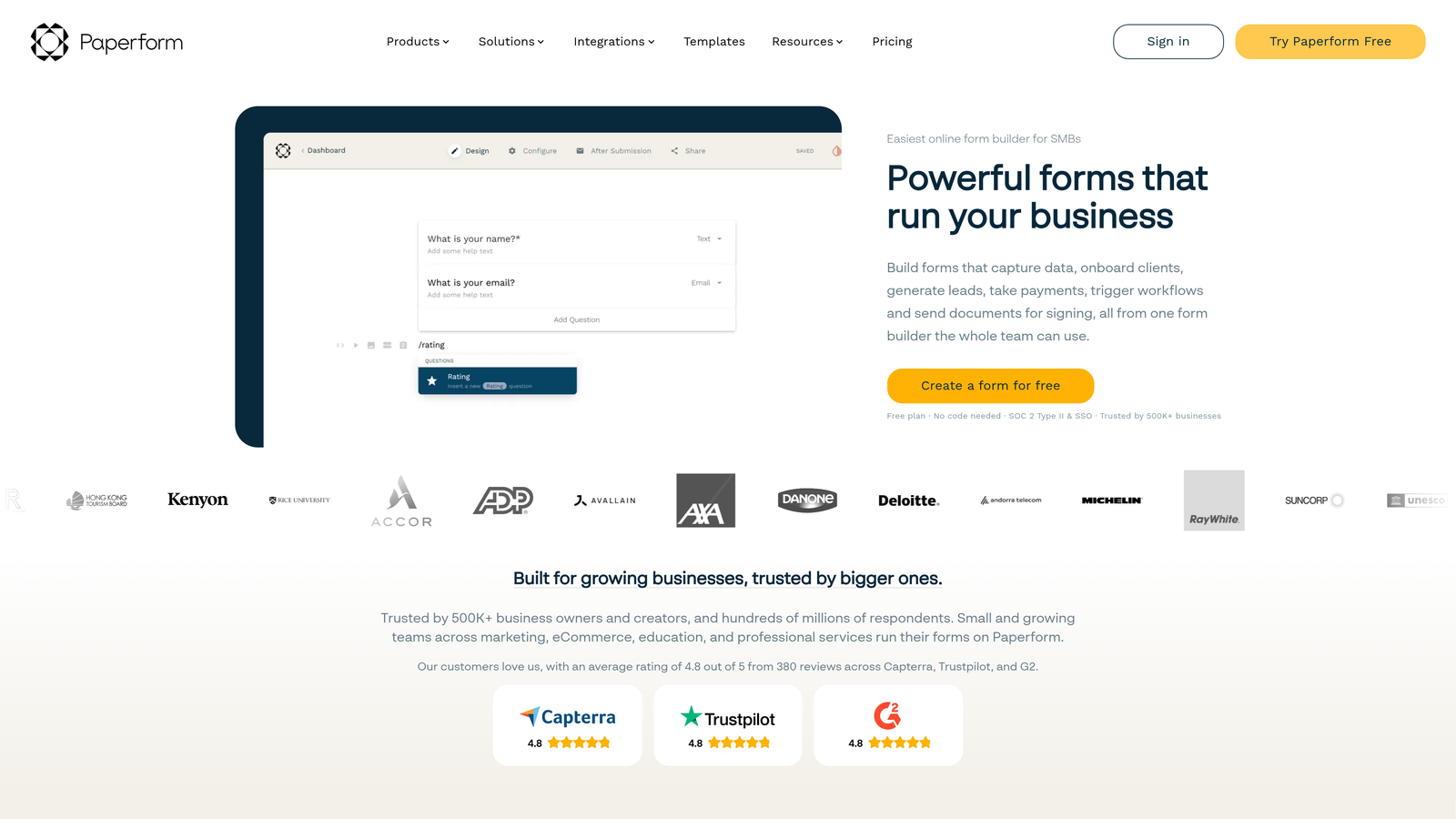
Paperform is a form builder with a document-editor interface that lets you write freely around your questions, blending text, media, and form fields into rich, page-like experiences.
Where This Tool Shines
Paperform's editor experience is genuinely different from anything else on this list. Instead of dragging form blocks into a canvas, you write the way you'd write a document, and your questions live naturally within that content. The result is forms that feel more like curated landing pages than traditional input screens. That matters a lot for brand perception and completion rates.
Beyond design, Paperform handles use cases that most form builders treat as edge cases: payments, product sales, appointment bookings, and calculation fields all work natively. If your team needs one tool to handle multiple conversion scenarios, Paperform covers a lot of ground.
Key Features
Document-Style Editor: Write freely around your form fields to create rich, contextual experiences that feel more like landing pages than forms.
Native Payments and Bookings: Accept payments and schedule appointments without requiring third-party integrations.
Conditional Logic and Calculation Fields: Build dynamic forms that adapt to responses and compute values on the fly.
Wide Integration Library: Connects with Zapier and a range of native integrations for CRMs, email tools, and productivity platforms.
Full Design Control: Custom themes, color schemes, and typography give teams strong brand consistency.
Best For
Paperform is a strong fit for marketing teams that want forms to function as standalone conversion assets, as well as small businesses that need to handle payments or bookings alongside standard lead capture. It's also a good choice for teams that care deeply about design quality and want more creative control than typical drag-and-drop builders allow.
Pricing
No free plan; a free trial is available. Paid tiers are structured monthly. Check paperform.co for current pricing details.
4. Jotform
Best for: Teams that need maximum feature breadth, a large template library, and extensive native integrations.
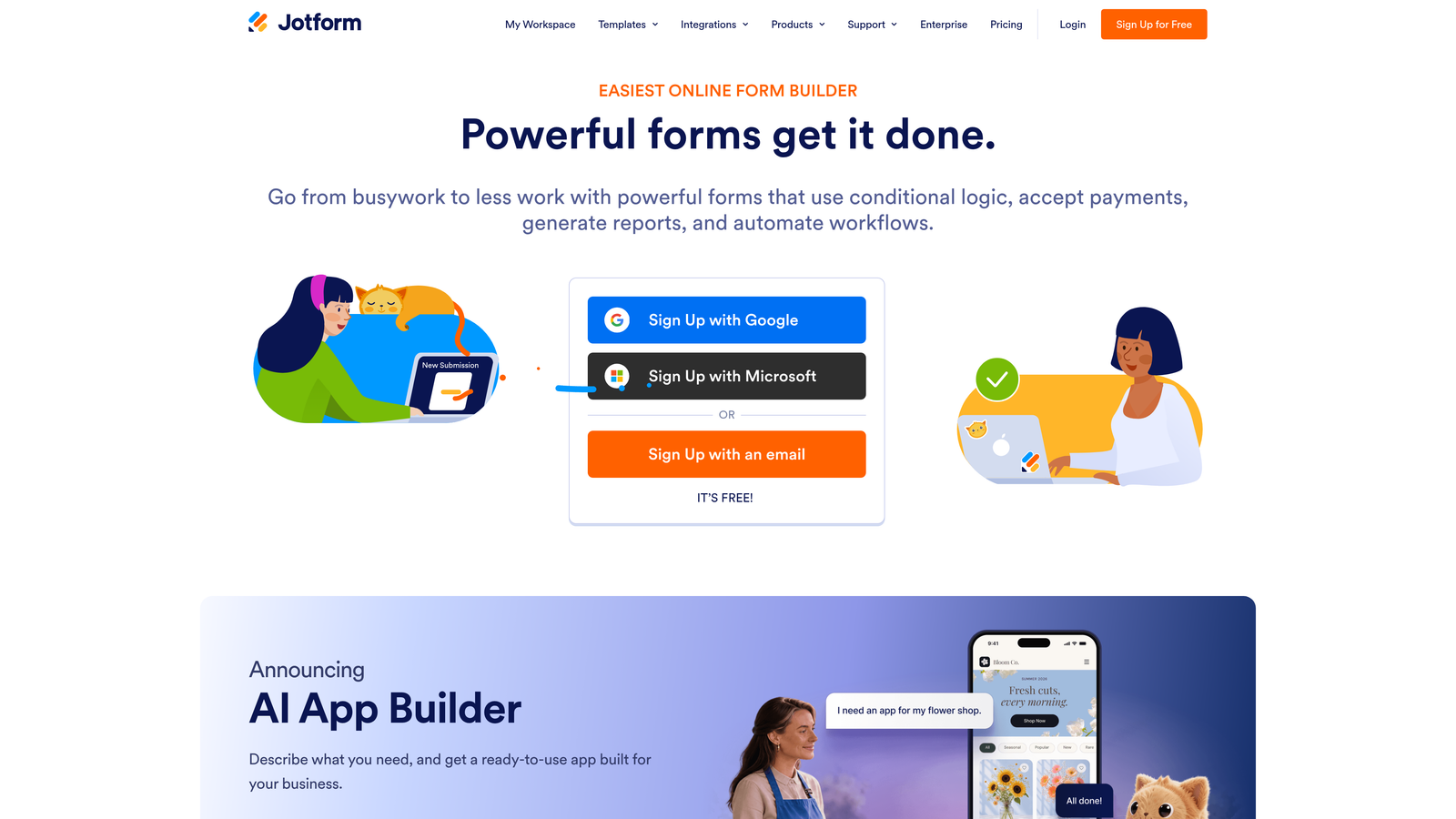
Jotform is one of the most feature-complete form builders available, covering everything from basic lead capture to PDF generation, e-signatures, and payment processing.
Where This Tool Shines
If breadth is your priority, Jotform is hard to beat. The template library alone covers dozens of use cases, and the native integration list spans CRMs, payment processors, project management tools, and more. For teams that want to avoid building custom Zapier workflows for every connection, that native coverage saves real time.
Jotform also handles more complex operational needs that other tools on this list don't touch: PDF generation from form submissions, e-signature collection, and approval workflows. It's a tool that can grow with an organization's needs rather than requiring a platform switch as requirements evolve.
Key Features
Thousands of Templates: Pre-built forms across dozens of categories that can be customized and deployed quickly.
Extensive Native Integrations: Direct connections with major CRMs, payment processors, and productivity platforms without requiring middleware.
PDF Generation and E-Signatures: Convert form submissions into formatted documents and collect legally binding signatures natively.
Conditional Logic and Calculation Fields: Build adaptive forms that respond to user input and perform mathematical operations.
Free Plan Available: Access core features with response and storage limits on the free tier.
Best For
Jotform is well-suited for operations teams, HR departments, and organizations that need a wide range of form types handled by a single platform. It's also a practical choice for teams that want to move fast using templates rather than building from scratch, and for those who need document generation or e-signature workflows alongside standard forms.
Pricing
Free plan available with limits on responses and storage. Paid plans scale based on response volume and feature access. Check jotform.com for current pricing tiers.
5. Formstack
Best for: Mid-market and enterprise teams that need forms connected to document automation, e-signatures, and compliance workflows.
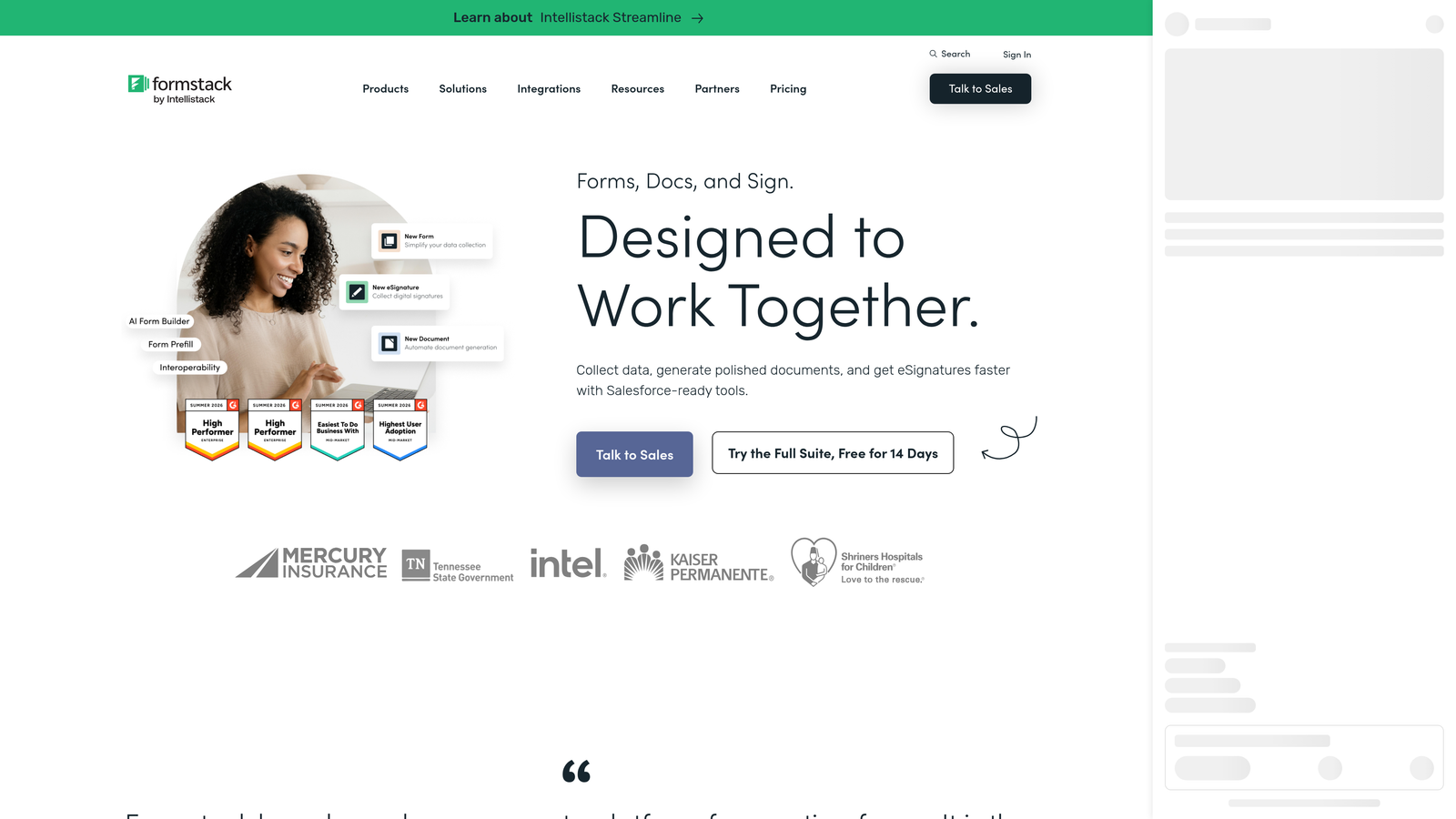
Formstack is a platform that extends well beyond form building into document generation, workflow automation, and regulated industry compliance.
Where This Tool Shines
Formstack is built for teams where a form submission is the beginning of a workflow, not the end of it. Approval chains, document generation, and e-signature collection are all native to the platform, which means operations and compliance teams can automate end-to-end processes without stitching together multiple tools.
The HIPAA-compliant plan option is a meaningful differentiator for teams in healthcare, legal, or financial services where data handling requirements are non-negotiable. Formstack's integrations with Salesforce and HubSpot also make it a natural fit for organizations already running those CRMs as their system of record.
Key Features
Document Automation and E-Signatures: Generate formatted documents from form data and collect signatures natively within the platform.
Advanced Workflow Routing: Build approval chains and conditional routing so submissions move through the right hands automatically.
HIPAA-Compliant Plans: Purpose-built compliance options for regulated industries that require strict data handling standards.
Enterprise Integrations: Native connections with Salesforce, HubSpot, and other major enterprise platforms.
Conditional Logic and Prefill: Adaptive forms that respond to user input and can pre-populate fields from existing data sources.
Best For
Formstack is the right choice for mid-market organizations and enterprise teams with complex workflow requirements, compliance obligations, or a need to connect forms directly to document generation processes. It's less suited to lean startup teams looking for a simple, affordable form builder, but for operations-heavy organizations, the platform depth justifies the investment.
Pricing
No free plan available. Pricing is positioned for mid-market teams and is structured around the platform's broader workflow capabilities. Check formstack.com for current pricing details.
Which Tool Is Right for Your Team?
Each tool on this list solves a real problem, but they're not interchangeable. Here's how to think about the choice based on your situation.
If you're a SaaS or B2B team focused on lead quality and conversion optimization, Orbit AI is the standout. The combination of AI-powered lead qualification built directly into the form layer, conversion-optimized design, and lead scoring without a separate CRM integration makes it the strongest fit for high-growth teams where every qualified lead matters. No other tool on this list does qualification work at the form layer natively.
If budget is your primary constraint and you need unlimited responses without paying anything, Tally is the clear answer. Its free plan is genuinely competitive with paid tiers elsewhere, and the flat-fee Pro plan removes the per-response anxiety that makes Typeform expensive at scale.
If your forms need to function as rich, branded landing pages with payments or bookings built in, Paperform's document-style editor gives you creative control that drag-and-drop builders simply can't match.
If you need maximum feature breadth, a large template library, and extensive native integrations across CRMs and payment tools, Jotform covers more ground than any other option here.
If your organization operates in a regulated industry or needs forms connected to document generation and approval workflows, Formstack is built for exactly that complexity.
The right tool depends on what's actually slowing your team down. For most high-growth teams focused on lead generation and conversion, the combination of AI qualification, design quality, and pricing accessibility makes Orbit AI the place to start.
Transform your lead generation with AI-powered forms that qualify prospects automatically while delivering the modern, conversion-optimized experience your high-growth team needs. Start building free forms today and see how intelligent form design can elevate your conversion strategy.


