

More than half of all web traffic now comes from mobile devices, and if your forms aren't built for thumbs, small screens, and spotty connections, you're losing leads before they even start typing. A mobile optimized form platform ensures every field, button, and interaction feels native on any device, keeping completion rates high and friction low.
Not every form builder treats mobile as a first-class priority. Some bolt on responsive design as an afterthought, while others engineer the entire experience around mobile users from the ground up. We evaluated dozens of platforms across mobile responsiveness, touch-friendly UX, loading speed, design flexibility, integrations, and pricing to narrow the field to nine standouts.
Whether you're capturing leads on landing pages, running event registrations, or qualifying prospects mid-funnel, this list will help you find the right platform for your team.
1. Orbit AI
Best for: High-growth teams that need AI-powered lead qualification built into every mobile form submission.
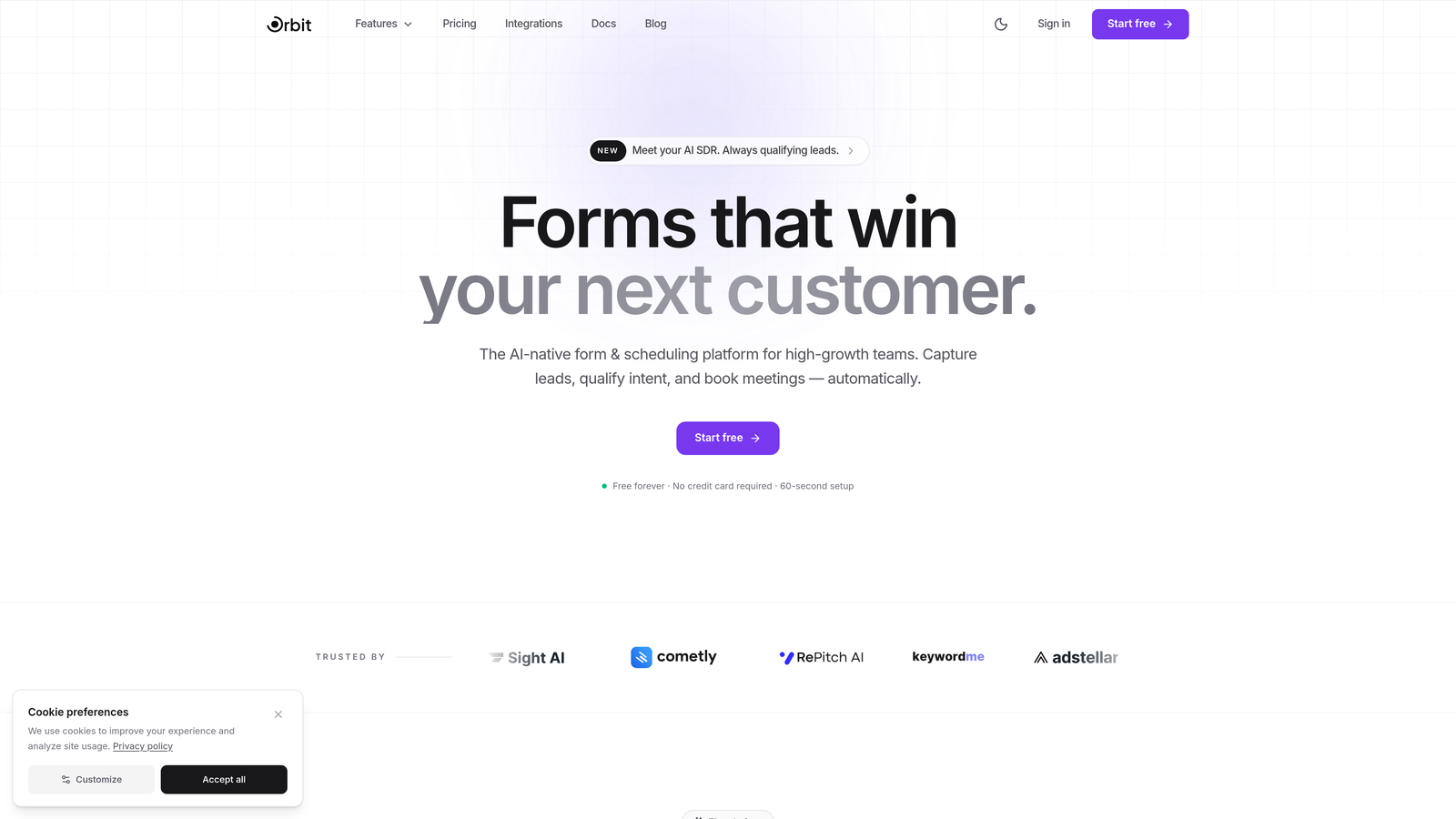
Orbit AI is an AI-powered form builder designed for conversion-focused teams who want more than just a pretty form on mobile.
Where This Tool Shines
Orbit AI approaches mobile form design from a conversion-first perspective. Every template and layout is engineered around the mobile user's journey, with touch-optimized inputs, thumb-friendly button placement, and conversational flows that reduce friction at every step. The result is a form experience that feels native on any device rather than adapted from a desktop layout.
What truly separates Orbit AI from the rest of this list is the built-in AI lead qualification layer. Instead of simply collecting submissions and passing raw data to your CRM, Orbit AI scores and qualifies leads automatically on every submission. For high-growth teams running paid campaigns or inbound funnels, this means your sales team gets context-rich, pre-qualified leads rather than an unfiltered inbox.
Key Features
AI-Powered Lead Qualification: Automatically scores and qualifies every submission so your team focuses on the highest-value prospects first.
Mobile-First Conversational Design: Touch-optimized, one-question-at-a-time layouts that reduce cognitive load and improve completion rates on small screens.
Conversion-Optimized Templates: Pre-built templates designed specifically for lead generation use cases, not generic data collection.
Dynamic Field Adaptation: Form fields adjust in real time based on user input, keeping mobile forms short and relevant for each respondent.
CRM and Marketing Integrations: Seamless connections to popular CRMs and marketing tools so qualified leads flow directly into your existing workflows.
Best For
Orbit AI is the strongest fit for SaaS companies, marketing teams, and growth-focused businesses that need mobile forms to do double duty: collect information and qualify prospects simultaneously. If lead quality matters as much as lead volume, this platform deserves the top spot on your shortlist.
Pricing
Free tier available. Paid plans start at competitive SaaS pricing. Visit orbitforms.ai for current plan details.
2. Typeform
Best for: Teams that want a polished, conversational form experience with strong mobile rendering out of the box.
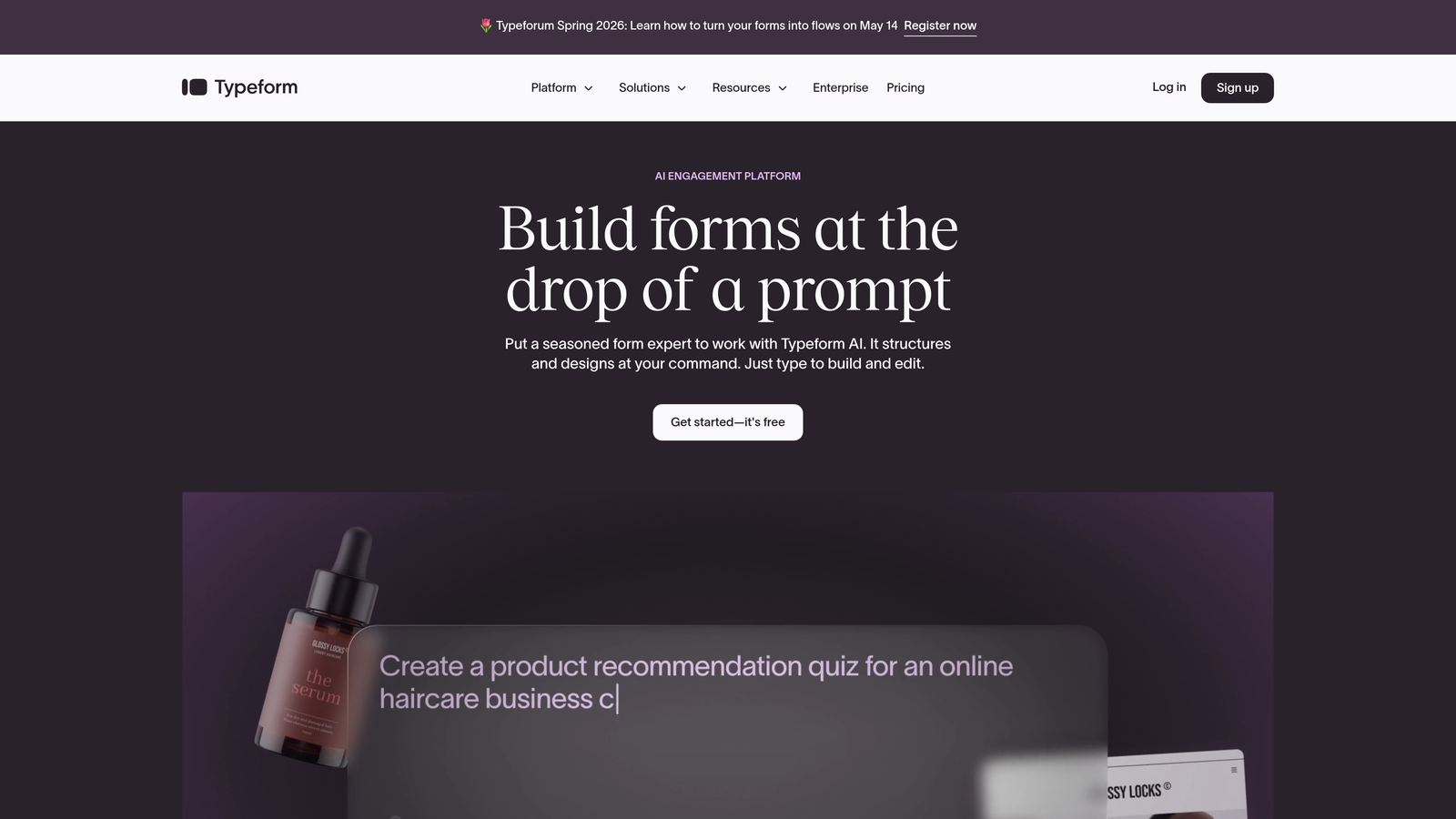
Typeform is a conversational form builder known for its one-question-at-a-time format that naturally translates to an excellent mobile experience.
Where This Tool Shines
Typeform's full-screen, single-question format was practically designed for mobile before mobile-first was a common phrase. Each question fills the screen cleanly, eliminating the visual overwhelm that kills completion rates on traditional multi-field forms. The transitions between questions feel smooth and intentional on a touchscreen.
The platform's default themes are genuinely beautiful, and they render well across screen sizes without requiring manual tweaking. Logic jumps and branching let you create personalized paths through a form, which keeps mobile users engaged by only showing them questions that are actually relevant to their situation.
Key Features
Full-Screen Conversational Format: One question at a time reduces cognitive load and keeps mobile users moving forward through the form.
Beautiful Default Themes: Polished visual design that renders consistently across devices without extra configuration.
Logic Jumps and Branching: Personalized form paths based on previous answers, keeping mobile flows short and relevant.
Extensive Integration Ecosystem: Native and Zapier-powered connections to HubSpot, Slack, Google Sheets, and hundreds of other tools.
Rich Media Embedding: Video and image support within forms, optimized for mobile display.
Best For
Typeform is ideal for marketing teams, researchers, and customer experience professionals who prioritize form aesthetics and engagement. It's a strong choice when brand perception matters as much as data collection, particularly for surveys, NPS forms, and lead capture on branded campaigns.
Pricing
Free plan with limited responses. Basic plan starts at $25/month. Higher tiers unlock more responses, logic, and integrations.
3. Jotform
Best for: Teams that need offline mobile data collection and a massive library of ready-to-use templates.
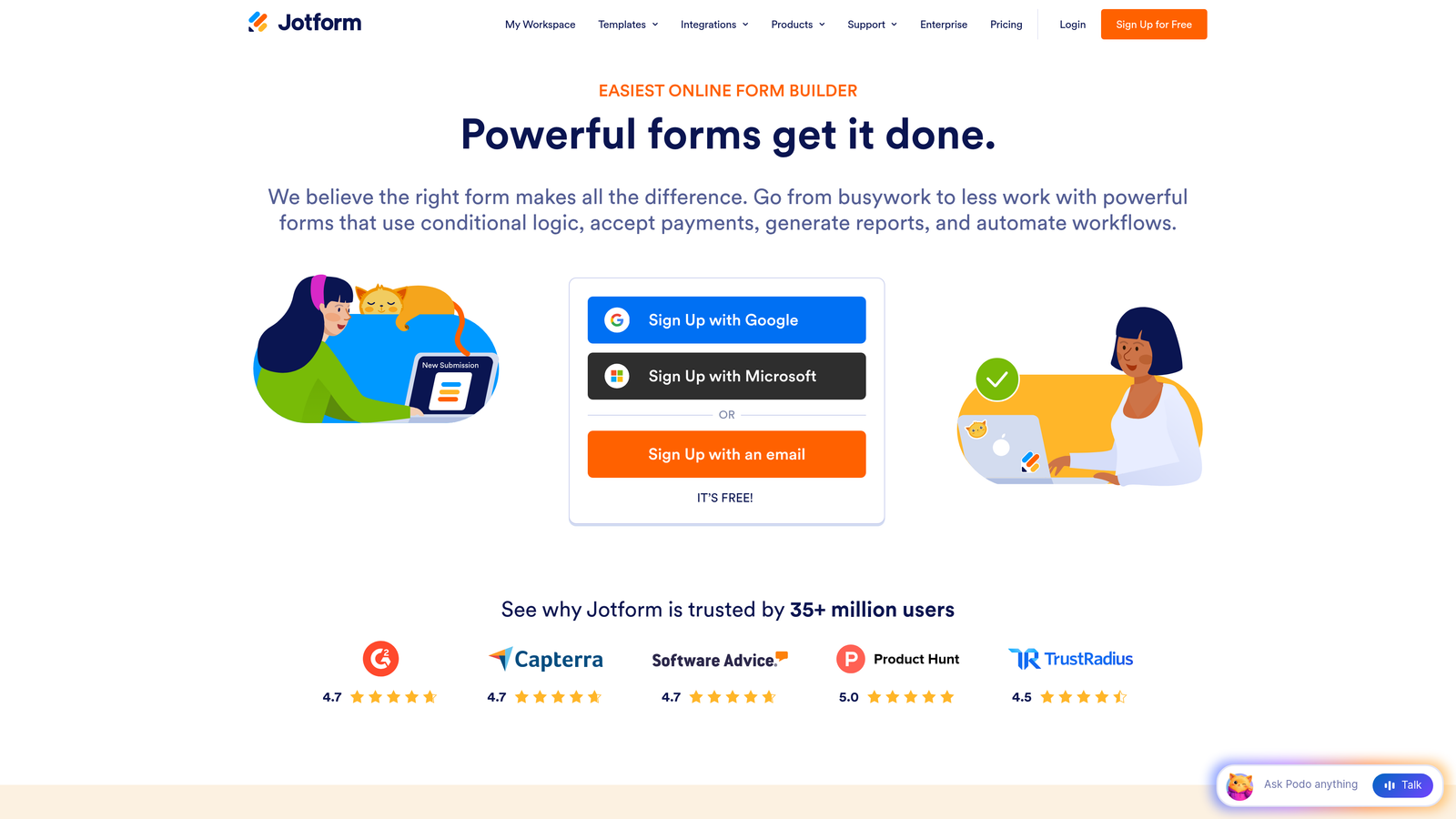
Jotform is a versatile form builder with thousands of templates and a dedicated mobile app for offline data capture in the field.
Where This Tool Shines
Jotform's depth is its biggest advantage. With over 10,000 mobile-responsive templates spanning industries from healthcare to real estate to event management, you're rarely starting from scratch. The drag-and-drop builder includes a responsive preview mode so you can see exactly how your form will look on mobile before publishing.
The standout feature for field teams is Jotform Mobile Forms, a dedicated app that lets users collect data without an internet connection. Submissions sync automatically when connectivity is restored, making it an excellent choice for teams operating in environments where mobile signal is unreliable.
Key Features
10,000+ Mobile-Responsive Templates: One of the largest template libraries in the industry, covering a wide range of use cases and industries.
Offline Data Capture: The Jotform Mobile Forms app collects submissions without internet access and syncs when connectivity returns.
Responsive Preview Mode: See exactly how your form renders on mobile during the building process, not after publishing.
Mobile Payment Collection: Accept payments via PayPal, Stripe, and Square directly through mobile forms.
Kiosk Mode: Transform a tablet or phone into a self-service data collection station for in-person events or retail environments.
Best For
Jotform is a natural fit for field teams, event organizers, healthcare providers, and small businesses that need breadth and offline capability. It's particularly strong for organizations that need to deploy many different form types across multiple departments.
Pricing
Free plan includes 5 forms and 100 submissions per month. Bronze plan starts at $34/month with higher limits and more features.
4. Tally
Best for: Individuals and small teams that want fast-loading, no-frills mobile forms with an exceptionally generous free tier.
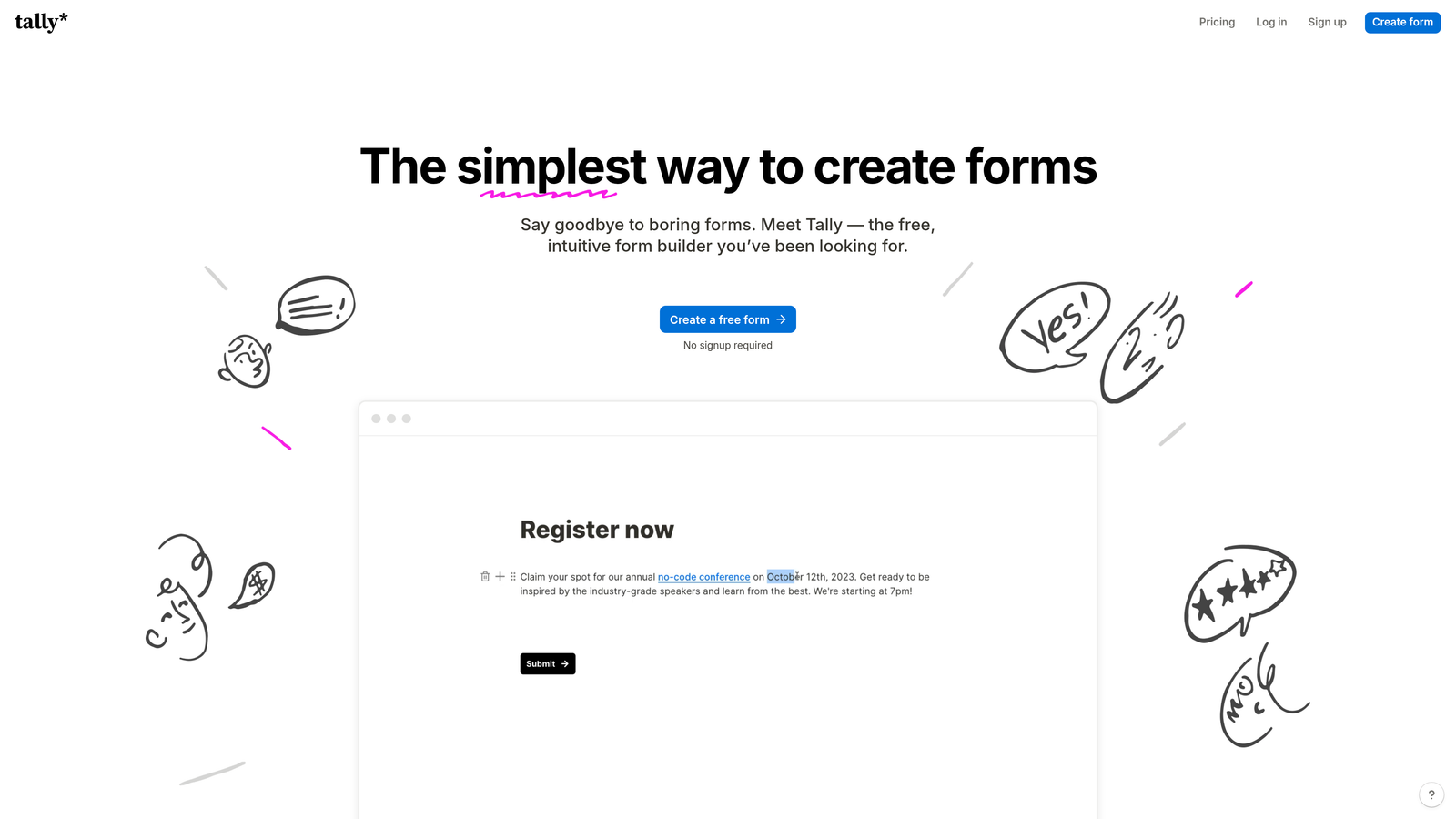
Tally is a minimalist, Notion-style form builder that produces ultra-lightweight forms with fast mobile load times.
Where This Tool Shines
Tally's biggest technical advantage is speed. Because its forms are extremely lightweight, they load quickly even on slower mobile connections, which directly reduces abandonment before the form even appears. The block-based editor feels familiar to anyone who has used Notion, making form creation intuitive without a learning curve.
What makes Tally genuinely unusual in this space is that its free tier includes unlimited forms and unlimited submissions. Features like conditional logic and hidden fields, which competitors charge for, are available at no cost. For early-stage startups or solo operators watching every dollar, this is a meaningful differentiator.
Key Features
Notion-Style Block Editor: Intuitive drag-and-drop interface that feels familiar to modern productivity tool users.
Extremely Fast Load Times: Lightweight form output that performs well on slower mobile networks, reducing pre-completion abandonment.
Unlimited Free Forms and Submissions: No artificial caps on the free tier for core form functionality.
Conditional Logic Included Free: Branching and hidden fields available without upgrading, unlike most competitors.
Clean Mobile Rendering: Distraction-free presentation that keeps respondents focused on completing the form.
Best For
Tally is the go-to choice for freelancers, early-stage startups, and individual creators who need reliable mobile forms without a monthly bill. It's also a smart option for teams that want a lightweight secondary tool for internal forms and simple surveys.
Pricing
Free for most features with unlimited forms and submissions. Tally Pro is $29/month, adding custom domains, branding removal, and priority support.
5. Fillout
Best for: Teams using Airtable, Notion, or Supabase who want polished mobile forms that write directly to their existing databases.
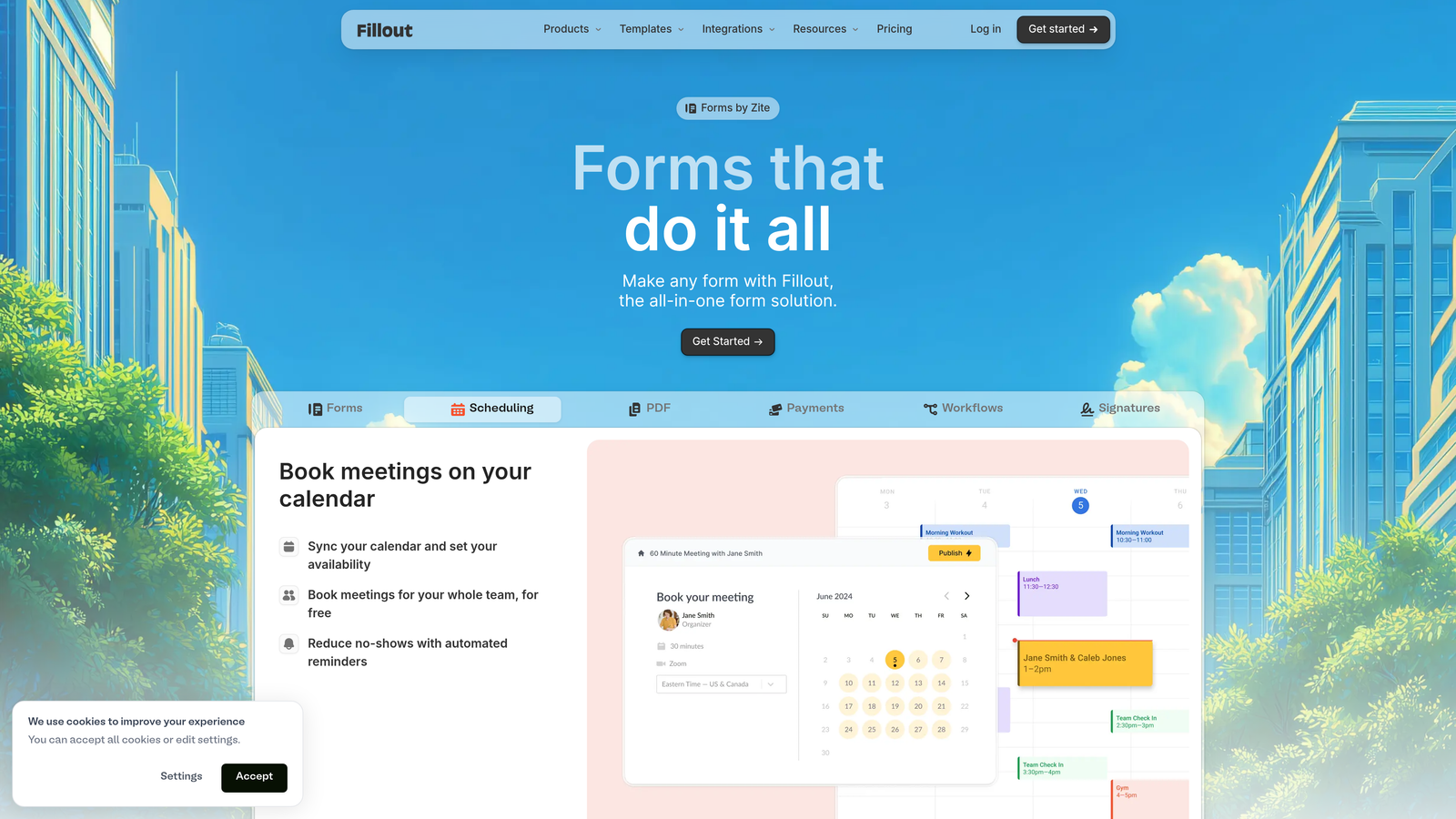
Fillout is a modern form builder with deep database integrations and polished mobile-responsive output.
Where This Tool Shines
Fillout's native integrations with Airtable, Notion, Supabase, and Google Sheets set it apart from most form builders, which rely on Zapier or webhooks for database connections. If your team already lives in one of these tools, Fillout eliminates the middleware layer and lets form submissions write directly to your existing data structure.
The mobile experience is genuinely well-considered. Multi-page forms include progress indicators that keep mobile users oriented, advanced conditional logic renders smoothly on small screens, and fields like file uploads and scheduling inputs are optimized for touch interaction. The custom theming options let you match your brand without sacrificing mobile performance.
Key Features
Native Database Integrations: Direct connections to Airtable, Notion, Supabase, and Google Sheets without requiring third-party automation tools.
Mobile-Optimized Conditional Logic: Advanced branching that renders cleanly on small screens without layout issues.
Touch-Optimized Specialty Fields: Scheduling, payment, and file upload inputs designed with mobile interaction patterns in mind.
Progress Indicators on Multi-Page Forms: Keeps mobile respondents informed of where they are in longer form sequences.
Custom Themes and Branding: Responsive design customization with a live preview to confirm mobile rendering before publishing.
Best For
Fillout is the strongest choice for product and operations teams that use Airtable or Notion as their central data layer and want a form front-end that connects natively. It's also a solid option for teams building multi-step flows with complex conditional logic.
Pricing
Free plan available. Starter plan at $19/month. Higher tiers unlock more submissions, team seats, and advanced features.
6. HubSpot Forms
Best for: Marketing and sales teams already using HubSpot who want mobile form submissions to flow directly into CRM workflows.
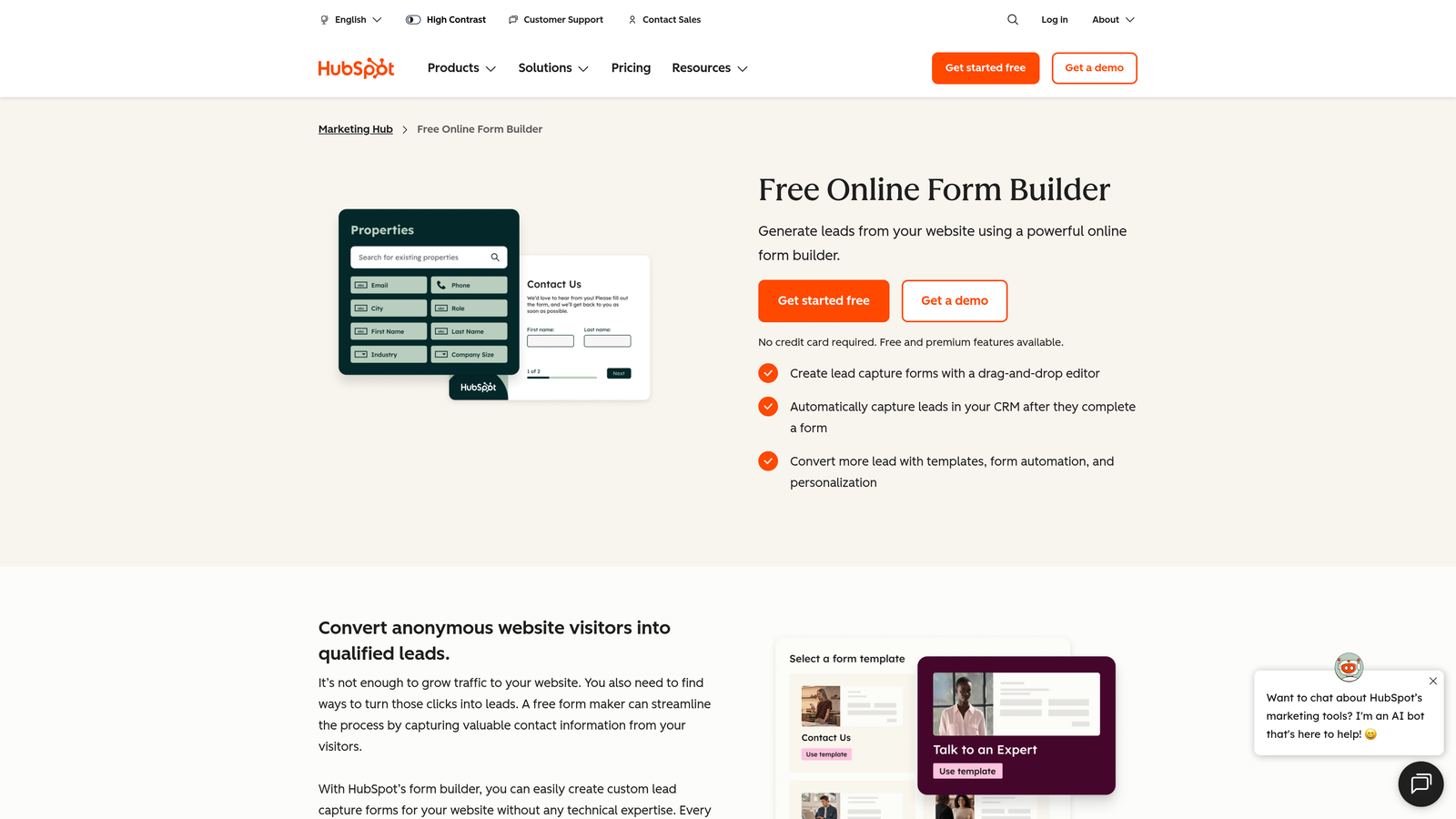
HubSpot Forms is a form builder natively embedded in HubSpot's CRM and marketing platform, ensuring mobile submissions instantly update contact records.
Where This Tool Shines
HubSpot Forms' core strength isn't the form builder itself; it's the native CRM integration. Every submission, whether from a desktop browser or a mobile device, automatically creates or updates a contact record, triggers workflows, and feeds into HubSpot's reporting. For teams already invested in the HubSpot ecosystem, this eliminates an entire layer of integration work.
Progressive profiling is a particularly smart mobile feature. Instead of presenting a long form to returning visitors, HubSpot shows only the fields it doesn't already have on record, keeping the mobile experience short and frictionless for known contacts while still enriching your database over time.
Key Features
Native CRM Integration: Submissions automatically create or update HubSpot contact records with zero configuration required.
Responsive Embedded and Standalone Forms: Forms adapt to any screen size whether embedded in a page or accessed via direct link.
Smart Fields for Returning Visitors: Recognizes known contacts across devices and pre-fills or skips fields already on record.
Progressive Profiling: Gradually collects additional data over multiple visits, keeping individual form interactions short on mobile.
Built-In A/B Testing: Test form variations to identify which mobile layouts and field configurations drive the best completion rates.
Best For
HubSpot Forms is the natural choice for marketing and sales teams that run their entire operation inside HubSpot. It's less compelling as a standalone form tool but becomes extremely powerful when you're already leveraging HubSpot's CRM, email, and automation capabilities.
Pricing
Free forms included with HubSpot CRM. Advanced features and higher limits require Marketing Hub Starter at $20/month or higher tiers.
7. Paperform
Best for: Brands that want rich, content-driven form pages with embedded media, text, and payments in a single mobile-responsive experience.
Paperform is a content-rich form builder that blends text, images, video, and form fields into a single responsive page ideal for branded intake experiences.
Where This Tool Shines
Paperform occupies a unique position: it's part form builder, part landing page builder. You can weave explanatory text, images, and video throughout a form, creating a guided experience that educates respondents as they fill it out. On mobile, this content adapts responsively, maintaining readability and visual hierarchy without horizontal scrolling or layout breaks.
The guided mode feature is particularly effective for mobile: it steps users through the form sequentially, similar to a conversational format, which reduces overwhelm on smaller screens. Built-in payment processing, booking functionality, and calculation fields make it a versatile tool for service businesses that need forms to do more than collect data.
Key Features
Landing-Page-Style Form Design: Rich media, text blocks, and form fields combined in a single responsive page for a branded, educational intake experience.
Fully Responsive Content Layout: Text, images, and fields all adapt to mobile screen sizes without requiring separate mobile configurations.
Built-In Payments and Bookings: Accept payments and schedule appointments directly within the form, optimized for mobile checkout flows.
Custom CSS and Themes: Deep visual customization options for teams with specific brand requirements.
Guided Mode for Mobile: Sequential step-by-step presentation that reduces cognitive load on small screens.
Best For
Paperform is an excellent fit for service businesses, coaches, consultants, and creative agencies that need forms to reflect their brand and guide clients through a detailed intake process. It works especially well when the form itself is part of the customer experience, not just a data collection step.
Pricing
Essentials plan at $24/month. Pro plan at $49/month with more submissions, custom domains, and advanced features.
8. Formstack
Best for: Enterprise teams in regulated industries that need HIPAA-compliant, secure mobile data collection at scale.
Formstack is an enterprise-grade form platform with HIPAA compliance, e-signatures, and workflow automation built for secure mobile data capture.
Where This Tool Shines
Formstack is built for environments where data security and regulatory compliance aren't optional. Its HIPAA, GDPR, and SOC 2 compliance certifications make it one of the few form platforms appropriate for healthcare, finance, and legal use cases where sensitive information is collected on mobile devices. This level of compliance infrastructure is genuinely difficult to replicate with lighter-weight tools.
Beyond compliance, Formstack's workflow automation and document generation capabilities set it apart from standard form builders. A mobile form submission can trigger a multi-step approval workflow, generate a pre-filled document, and route it for e-signature, all within the same platform. For enterprise teams managing complex processes, this end-to-end capability is significant.
Key Features
HIPAA, GDPR, and SOC 2 Compliance: Enterprise-grade security certifications for regulated industries collecting sensitive data on mobile.
Mobile E-Signature Capture: Collect legally binding signatures on mobile devices within the form flow.
Document Generation: Automatically generate pre-filled documents from mobile form submissions.
Workflow Automation and Approval Routing: Multi-step approval processes triggered by form submissions, reducing manual coordination.
Offline Mobile Capability: Field teams can collect data without connectivity and sync when back online.
Best For
Formstack is the right choice for healthcare organizations, financial services firms, legal teams, and large enterprises that need compliance certifications alongside mobile form capability. It's overkill for most small businesses but essential for regulated industries.
Pricing
Forms plan starts at $50/month. Higher tiers required for document generation, e-signatures, and full compliance feature sets.
9. Feathery
Best for: Developer and product teams that need pixel-level control over mobile form layouts within custom web or mobile applications.
Feathery is a developer-friendly form builder offering React-based components and fine-grained control over mobile form layouts for custom onboarding and signup flows.
Where This Tool Shines
Feathery exists in a category of its own: it bridges the gap between no-code form builders and fully custom-coded solutions. The React SDK lets engineering teams embed forms directly into web and mobile applications, while the visual builder gives non-technical stakeholders a way to iterate on form designs without touching code. The result is a tool that scales with team complexity.
The pixel-level layout control for mobile breakpoints is genuinely rare in this space. Most form builders give you responsive design with limited customization; Feathery lets you define exactly how a form looks and behaves at each screen size. For product teams building onboarding flows where every pixel of the mobile experience matters, this level of control is hard to find elsewhere.
Key Features
React SDK for Custom Embedding: Embed forms directly into web and mobile applications with full programmatic control.
Pixel-Level Mobile Layout Control: Define precise layouts for each mobile breakpoint rather than relying on generic responsive behavior.
Multi-Step Onboarding Flows: Complex conditional branching for product onboarding and user activation sequences.
Identity Verification and Payment Fields: Built-in support for KYC verification and payment collection within custom form flows.
API-First Architecture: Deep integration with product backends for teams that need forms tightly coupled to their application logic.
Best For
Feathery is built for product and engineering teams at SaaS companies who need forms that behave like a native part of their application rather than an embedded third-party widget. If your mobile form requirements exceed what no-code tools can deliver, Feathery is the logical next step before going fully custom.
Pricing
Free tier for up to 100 submissions per month. Growth plan starts at $49/month with higher limits and advanced features.
Finding the Right Fit for Your Team
The nine platforms on this list cover a wide spectrum of needs, and the right choice depends heavily on what you're optimizing for beyond basic mobile responsiveness.
If lead generation and conversion optimization are your primary goals, Orbit AI stands apart by combining mobile-first form design with built-in AI lead qualification. Most form builders collect data and hand it off; Orbit AI scores and qualifies that data automatically, giving high-growth teams a meaningful edge in how they prioritize follow-up.
For field data collection with offline capability, Jotform's dedicated mobile app and Formstack's enterprise-grade offline sync are the strongest options. If you're in a regulated industry where compliance certifications are non-negotiable, Formstack is the clear choice.
Developer and product teams building custom onboarding flows will find Feathery's React SDK and pixel-level mobile control difficult to match with no-code alternatives. And for teams already living inside HubSpot, HubSpot Forms eliminates integration overhead in a way no third-party tool can replicate.
For teams watching budget, Tally's unlimited free tier and Fillout's $19 starter plan offer genuine value without sacrificing mobile quality. Typeform and Paperform are the strongest choices when brand experience and visual polish are as important as data collection.
The bottom line: mobile optimization is no longer a differentiator, it's the baseline. The platforms that stand out in 2026 are the ones that go beyond responsive design to reduce friction, accelerate completion, and make every submission more valuable. Start building free forms today with Orbit AI and see how AI-powered lead qualification combined with conversion-optimized mobile design can transform your lead generation results.


