When you're launching a beta program, your application form is the first filter between you and the right early adopters. A clunky, generic form signals that your product isn't ready — and worse, it lets the wrong applicants through while turning away your ideal users.
The best beta application forms do more than collect names and emails: they qualify leads, reflect your brand, and create a seamless first impression of what's to come. This list covers the top tools for building beta program application forms in 2026, evaluated on ease of use, qualification logic, integrations, and how well they serve high-growth SaaS teams. Whether you're running a small closed beta or a large-scale waitlist program, there's a tool here that fits your workflow.
1. Orbit AI
Best for: SaaS teams that need intelligent applicant qualification built directly into the form
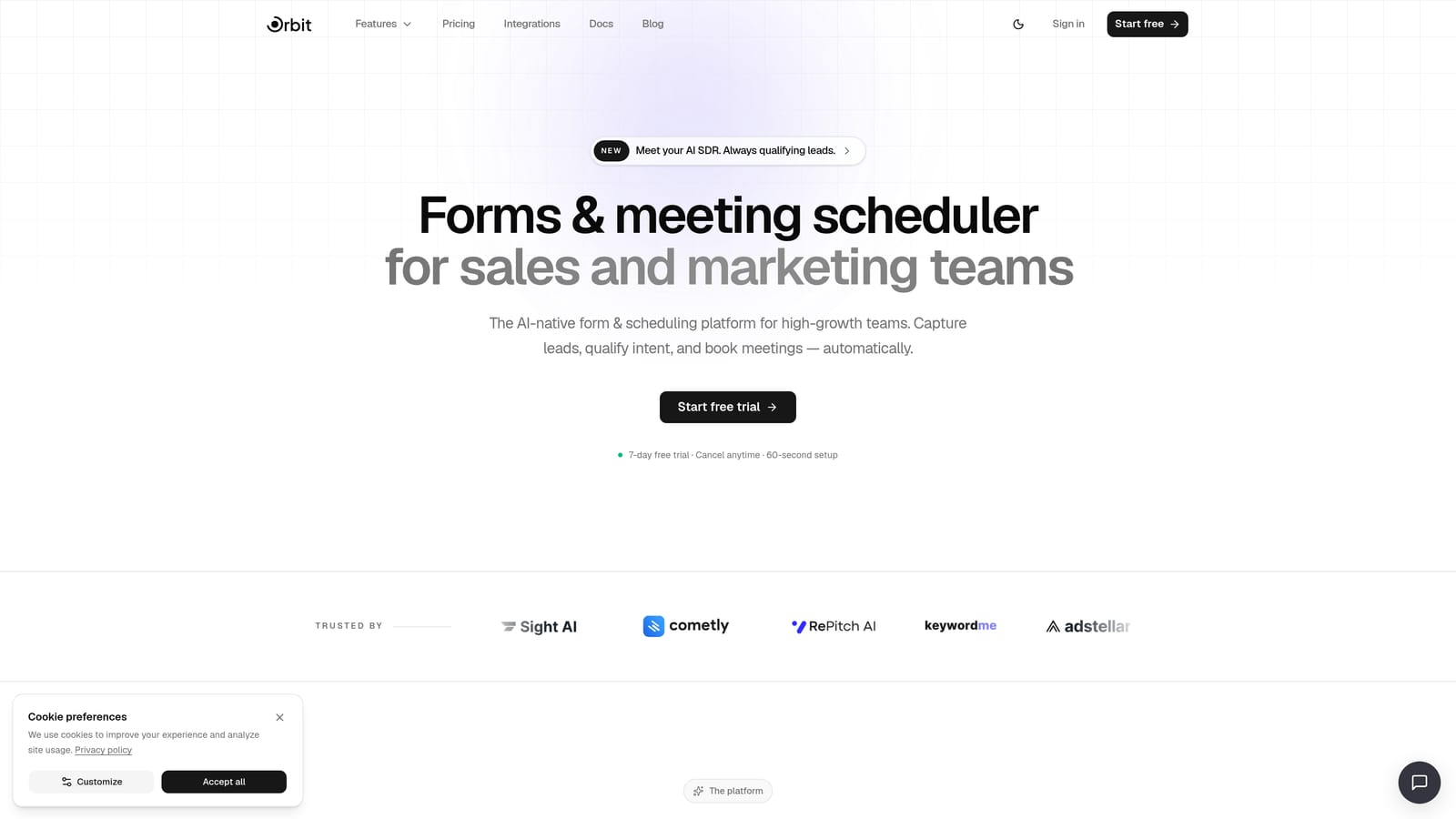
Orbit AI is an AI-powered form builder designed specifically for high-growth teams who want their beta application forms to do more than collect data.
Where This Tool Shines
What separates Orbit AI from every other tool on this list is its native AI qualification layer. Instead of dumping raw applicant data into a spreadsheet and manually sorting through responses, Orbit AI's AI agents automatically score and filter applicants based on the criteria you define. This means your team spends time talking to qualified beta users, not triaging a messy inbox.
The form design itself is clean and conversion-optimized, which matters when your beta application page is also a first impression of your product. Multi-step form flows keep applicants engaged without overwhelming them upfront, and built-in analytics show you exactly where drop-offs happen so you can iterate quickly.
Key Features
AI Agent Qualification: AI agents automatically score and filter beta applicants based on your defined criteria, removing manual review from the process.
Conditional Logic and Multi-Step Flows: Route applicants through tailored question paths based on their previous answers, keeping forms relevant and concise.
Built-In Analytics: Track form performance, completion rates, and drop-off points natively without needing a separate analytics tool.
Workflow and Sequence Automation: Trigger automated follow-up sequences and internal workflows the moment a form is submitted, so no applicant falls through the cracks.
Conversion-Optimized Design: Forms are built to look polished and professional, reflecting the quality of your product from the very first touchpoint.
Best For
Orbit AI is the strongest fit for SaaS teams running structured beta programs where applicant quality matters as much as volume. If you're managing a closed beta with limited spots, or you need to segment applicants by role, company size, or use case, the AI qualification layer makes this a category of its own.
Pricing
Paid plans available with full feature access. Visit orbitforms.ai/pricing for current plan details and tiers.
2. Typeform
Best for: Teams that want a conversational, low-abandonment application experience
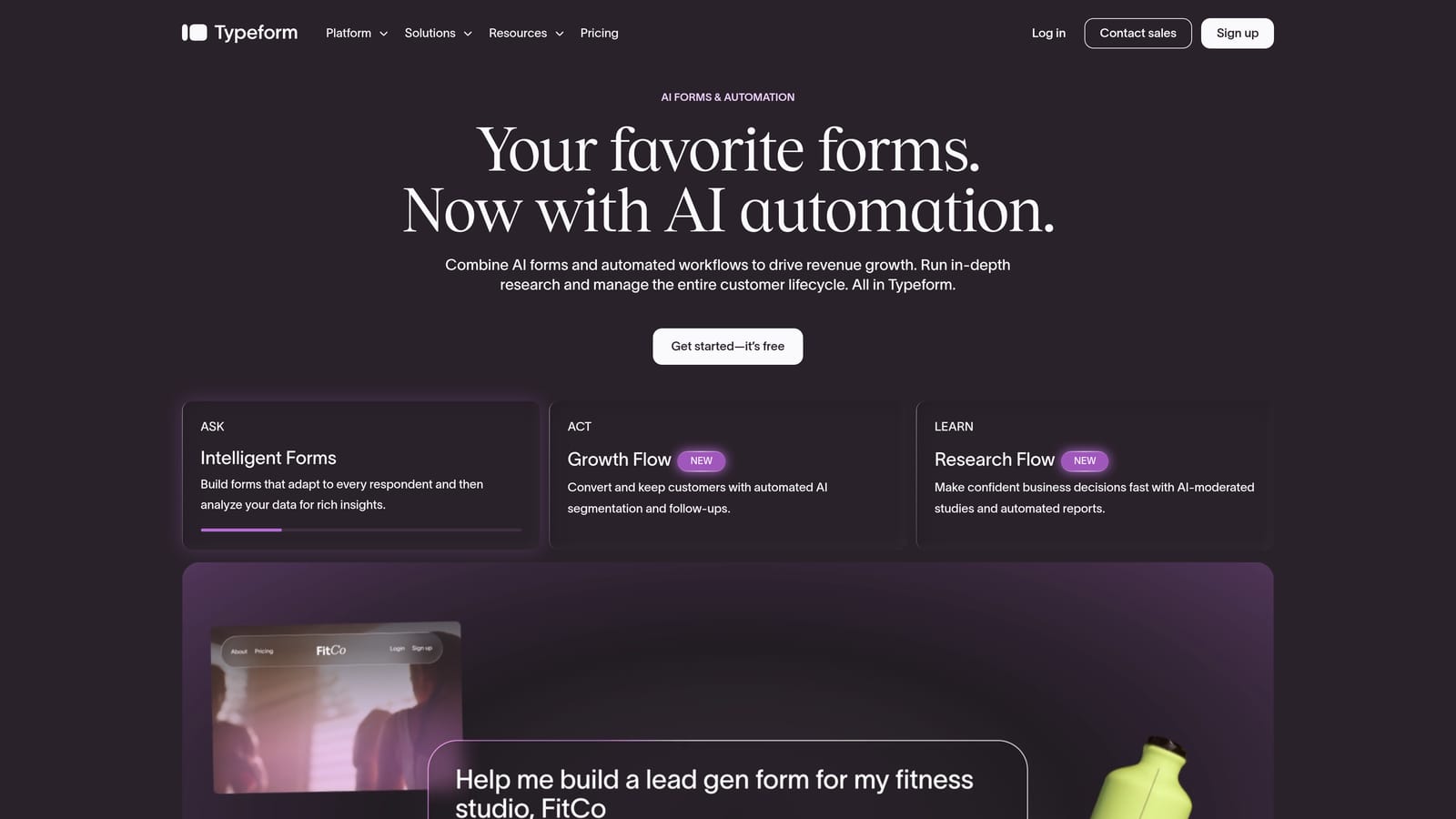
Typeform is a conversational form builder known for its one-question-at-a-time format that keeps applicants engaged through longer forms.
Where This Tool Shines
Typeform's signature UX works particularly well for beta application forms because it makes a lengthy intake process feel much lighter. When you need to ask 10 to 15 qualifying questions, presenting them one at a time dramatically reduces the perception of effort for the applicant.
Logic Jumps allow you to route applicants down different question paths based on their answers, which is useful when your ideal beta user profile varies by segment. The integration ecosystem is solid, connecting easily with HubSpot, Slack, and Zapier for downstream processing.
Key Features
Conversational One-Question UX: Presents questions one at a time to reduce form fatigue and improve completion rates on longer applications.
Logic Jumps: Conditional routing sends applicants down different question paths based on prior responses.
CRM and Tool Integrations: Native connections to HubSpot, Slack, and Zapier make it easy to route applicant data into your existing stack.
Branded Themes and Custom Domains: Maintain brand consistency across the application experience with custom styling and domain options.
Best For
Typeform works well for teams with a polished brand presence who want the application experience itself to feel premium. It's a strong choice when your beta program needs to impress applicants as much as screen them.
Pricing
Free tier available with limited responses; paid plans start from approximately $25 per month.
3. Tally
Best for: Early-stage teams that need a beta form live quickly with minimal setup
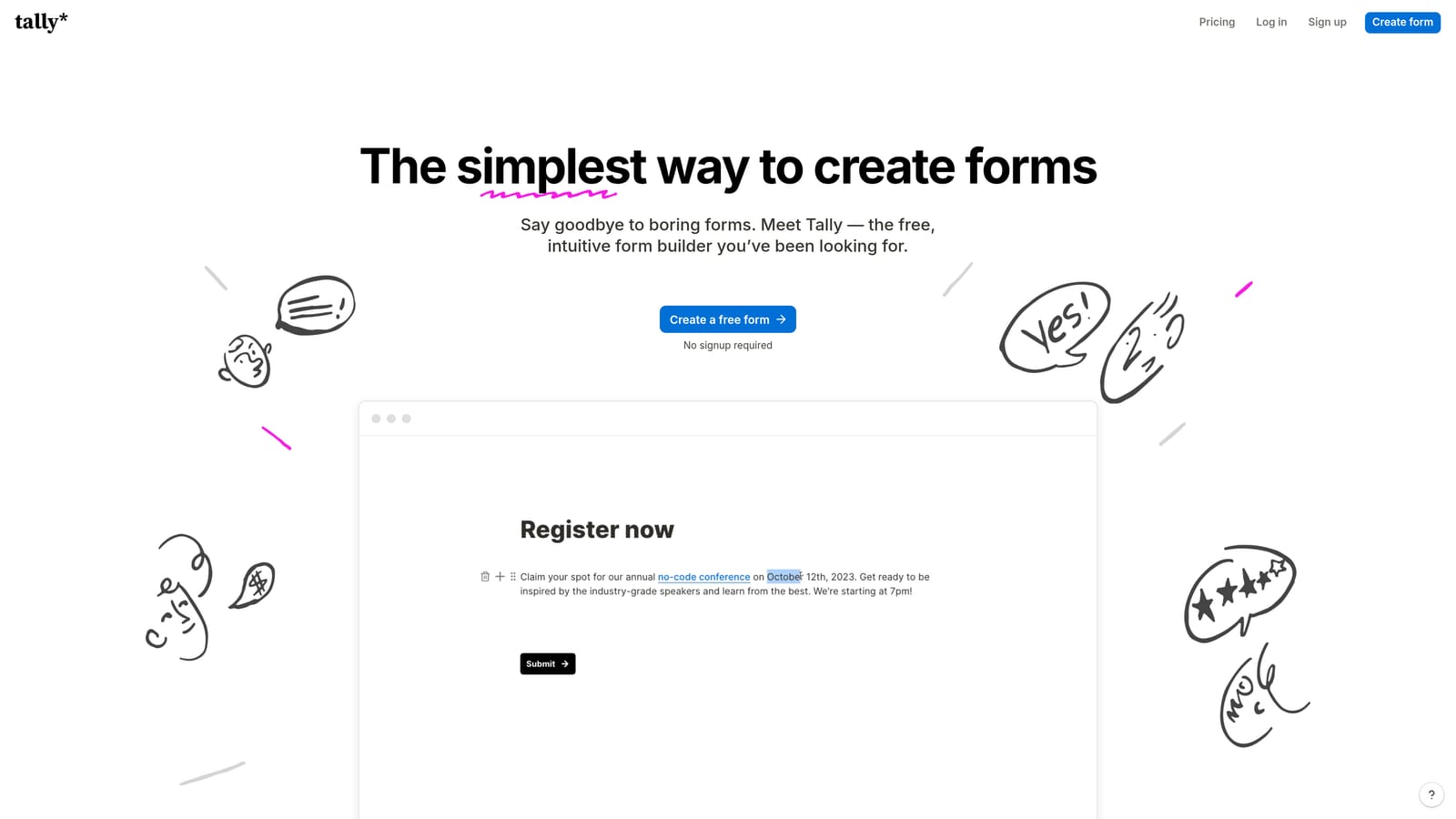
Tally is a lightweight, Notion-inspired form builder with a generous free tier that lets you build and publish forms in minutes.
Where This Tool Shines
Tally's block-based editor feels immediately familiar to anyone who has used Notion, which means there's almost no learning curve. You can have a functional beta application form live in under 30 minutes, which makes it a go-to for founders who need to move fast.
The free tier is genuinely useful: unlimited forms and unlimited responses with no artificial caps. For early-stage teams validating whether a beta program is even worth running, Tally removes any financial friction from the decision.
Key Features
Unlimited Forms and Responses on Free Tier: No response caps or form limits, making it one of the most generous free offerings available.
Notion-Like Block Editor: Drag-and-drop blocks make form building fast and intuitive for anyone familiar with modern productivity tools.
Basic Conditional Logic: Show or hide questions based on prior answers to create a more relevant applicant experience.
Embeddable Anywhere: Drop your form into a website, landing page, or Notion page with a simple embed code.
Best For
Tally is ideal for pre-seed and seed-stage teams, indie hackers, and solo founders running their first beta program. It's not the right tool if you need advanced qualification logic, but for simple signups and early waitlists, it's hard to beat at the price point.
Pricing
Free tier available with unlimited forms and responses; Pro plan from approximately $29 per month for advanced features.
4. Google Forms
Best for: Zero-budget teams that need a functional beta signup with no setup time
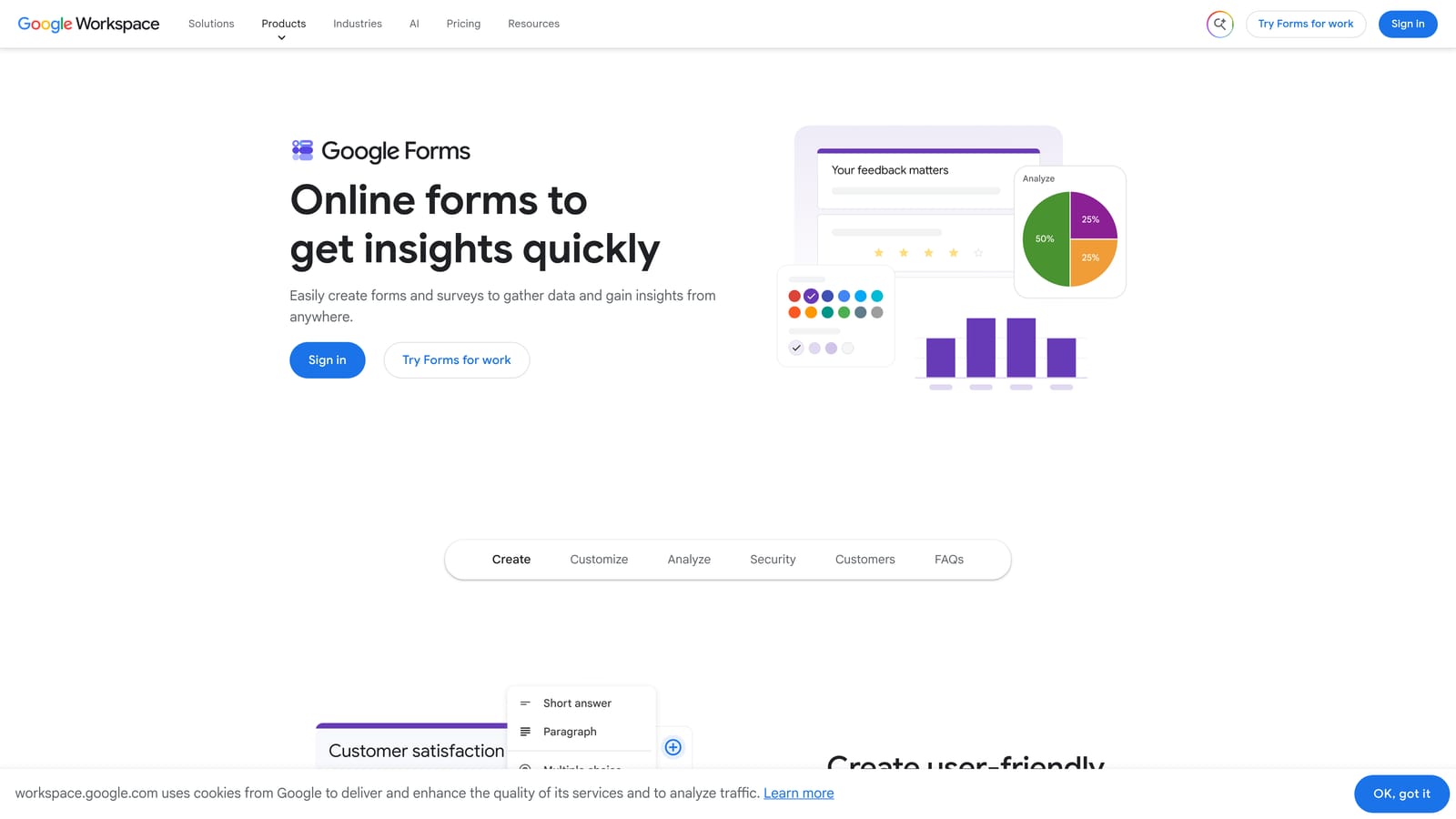
Google Forms is Google's free form tool that connects directly to Google Sheets for instant response collection.
Where This Tool Shines
Google Forms has one undeniable advantage: it costs nothing and requires no account creation beyond a standard Google account. For teams that are purely in exploration mode, it removes every possible barrier to getting a form in front of potential applicants.
The Google Sheets integration means every response lands in a structured spreadsheet automatically, which many teams find easy to work with for initial manual review. If your beta program is small-scale and your team already lives in Google Workspace, this is the path of least resistance.
Key Features
Completely Free: No paid tier required — full functionality is available with any Google account.
Automatic Google Sheets Sync: Every form response populates a connected spreadsheet in real time.
Basic Branching Logic: Route respondents to different sections based on multiple-choice answers.
Simple Sharing: Share via link or embed on any webpage with no technical setup needed.
Best For
Google Forms is best for teams with no budget, very low applicant volume, or those running a quick internal beta with colleagues. It's not suited for public-facing beta programs where brand impression and applicant quality both matter.
Pricing
Completely free with a Google account.
5. Jotform
Best for: Teams that need detailed applicant intake forms with complex conditional logic
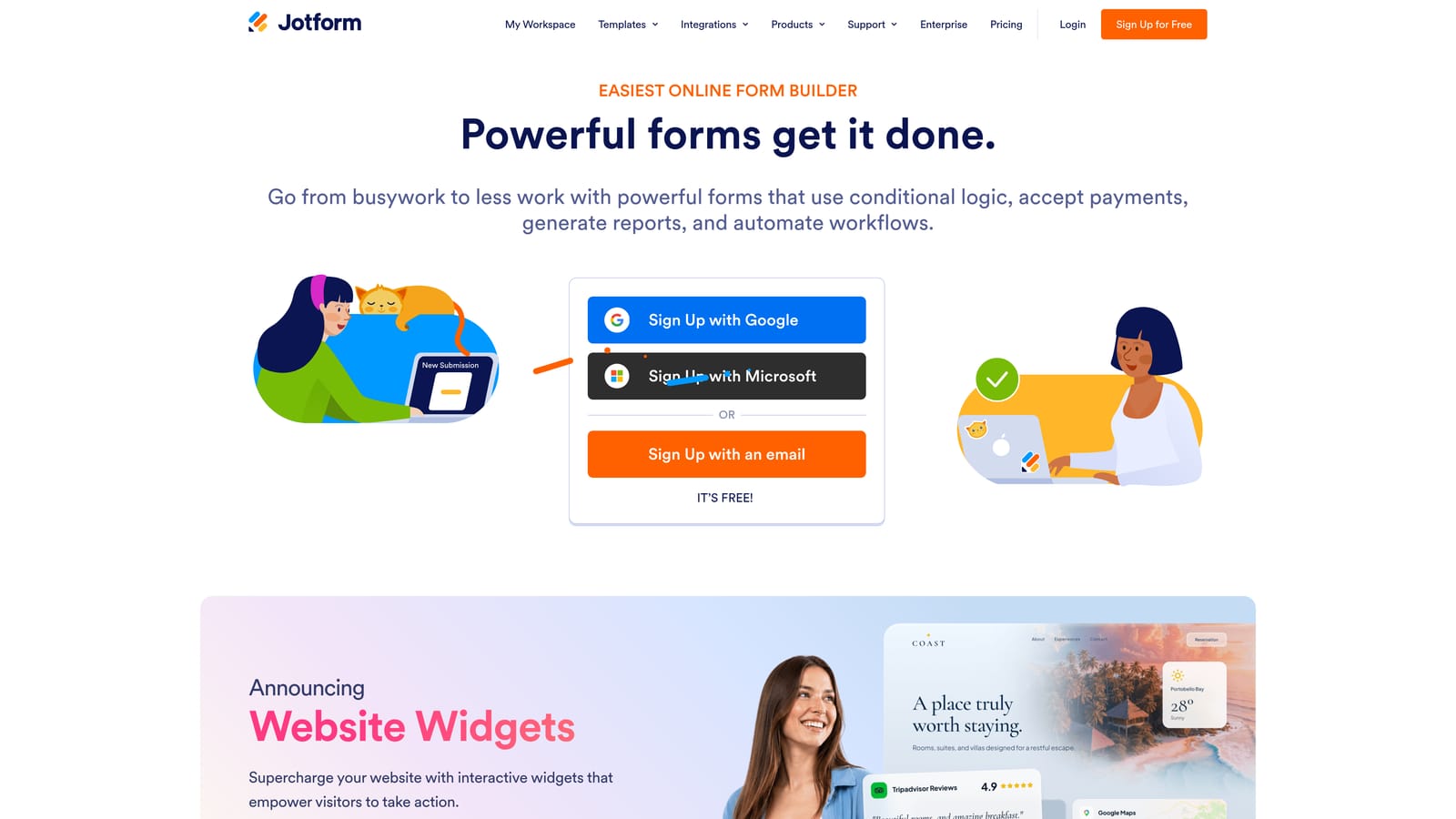
Jotform is a mature, full-featured form builder with thousands of templates and advanced workflow capabilities for structured application processes.
Where This Tool Shines
Jotform has been building form infrastructure for years, and it shows. The conditional logic engine is one of the most capable on the market, allowing you to create branching paths that feel almost like a decision tree. For beta programs with multiple applicant profiles — say, enterprise buyers versus individual power users — this level of routing control is genuinely useful.
The approval workflow feature is a practical addition for beta programs with a review process. You can set up notifications that route specific applicant types to different team members, keeping your intake organized without building a separate process around it.
Key Features
Advanced Conditional Logic: Build complex branching paths that adapt the form experience based on any combination of prior answers.
Extensive Template Library: Thousands of pre-built templates, including application-specific forms, reduce setup time significantly.
Approval Workflows: Route form submissions to specific team members for review and notification based on applicant responses.
CRM and Tool Integrations: Connects with HubSpot, Salesforce, Slack, Google Sheets, and many others for downstream data routing.
Best For
Jotform suits growth teams and operations-focused roles that need a configurable, template-rich form builder with solid workflow automation. It's a strong option when your beta application process involves multiple internal stakeholders reviewing applicants.
Pricing
Free tier available with submission limits; paid plans start from approximately $34 per month.
6. Fillout
Best for: Teams managing beta applicant data in Notion, Airtable, or Supabase
Fillout is a form builder with native database integrations that let form responses flow directly into structured data environments.

Where This Tool Shines
Fillout's core strength is the directness of its database connections. Rather than relying on Zapier or webhook gymnastics to get form data into Notion or Airtable, Fillout writes responses directly to your database of choice. For teams that have already built their beta applicant tracking pipeline inside one of these tools, this eliminates a meaningful amount of integration overhead.
The form UI is clean and modern, which gives it a polish that stands out compared to the native form features inside Notion or Airtable. You get the structural benefits of your database with a better front-end experience for applicants.
Key Features
Native Notion and Airtable Integrations: Form responses populate your existing databases directly, with no middleware required.
Conditional Logic and Multi-Step Forms: Build adaptive form flows that keep the experience relevant to each applicant type.
Scheduling and Payment Add-Ons: Extend forms with scheduling or payment collection for more complex beta onboarding workflows.
Clean Modern UI: Forms look polished and professional without requiring custom design work.
Best For
Fillout is the right choice for no-code teams already running their operations inside Notion or Airtable who want a better form front-end than the native options provide. It's particularly useful when your beta pipeline management happens directly inside your database.
Pricing
Free tier available; paid plans start from approximately $15 per month.
7. Paperform
Best for: Teams that want the beta application page to sell the product concept while collecting applicants
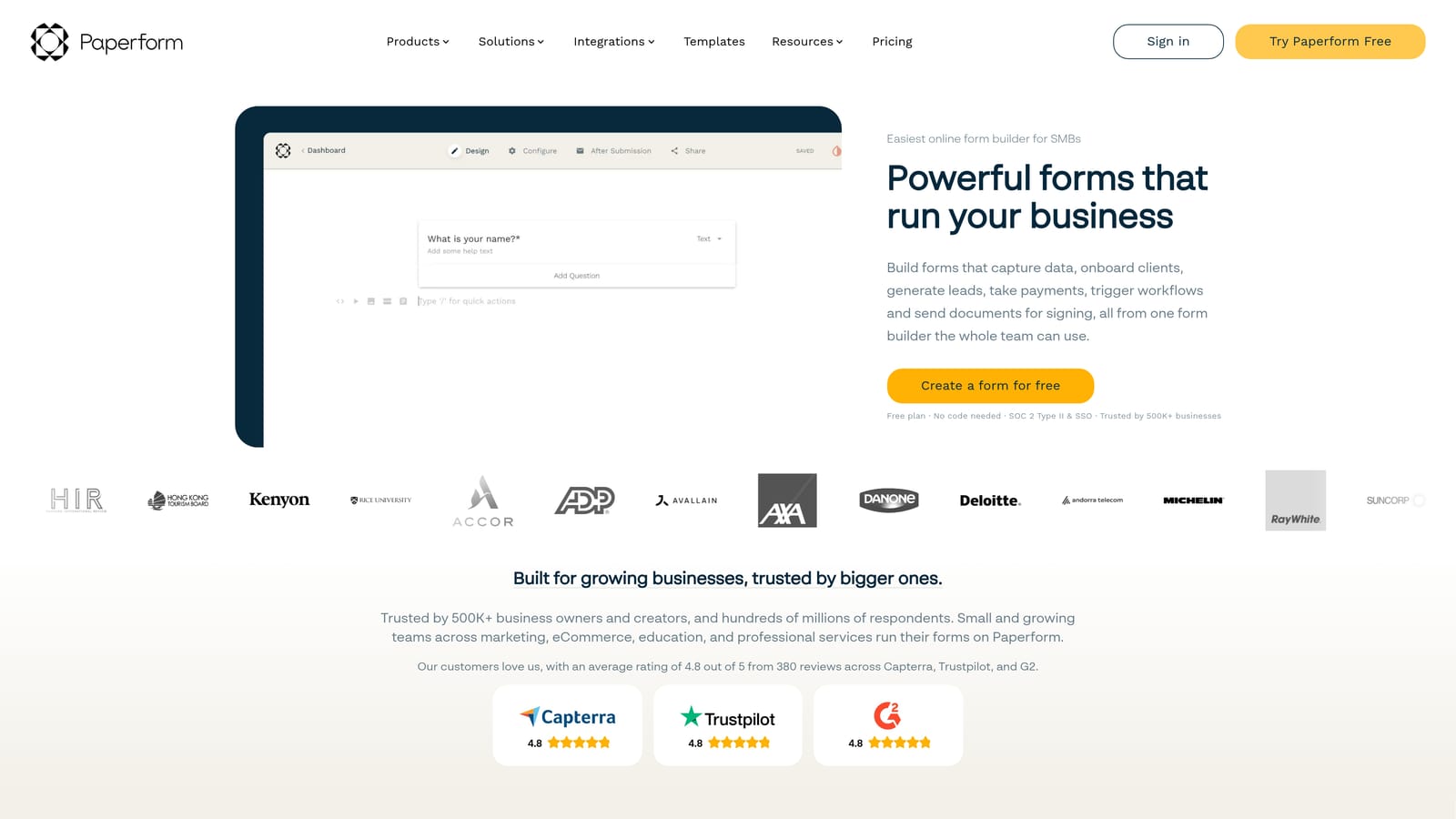
Paperform is a form and landing page hybrid that combines rich media content with form fields in a single, branded page experience.
Where This Tool Shines
Paperform occupies a unique position in this list because it treats the application page as a marketing asset, not just a data collection tool. You can embed images, videos, and descriptive text blocks between form fields, which means applicants are reading about your product and getting excited about it while they fill out the form.
This approach works particularly well for early-stage products where the beta itself is part of the marketing. If you're building anticipation and want applicants to leave the form feeling more interested in your product than when they arrived, Paperform's hybrid format creates that experience naturally.
Key Features
Landing Page and Form Hybrid: Combine rich content blocks with form fields on a single page, turning the application into a product pitch.
Rich Media Support: Embed images, video, and formatted text throughout the form to contextualize questions and build excitement.
Custom Domains and Branding: Publish forms on your own domain with full brand customization for a seamless experience.
Conditional Sections and Logic: Show or hide entire content sections and form fields based on applicant responses.
Best For
Paperform is best for product teams and marketers who want the beta application experience to double as a brand touchpoint. It's particularly effective for consumer-facing products or B2B tools with a strong visual identity.
Pricing
Paid plans from approximately $24 per month; no permanent free tier, though a trial is available.
8. NotionForms
Best for: Notion-first teams that manage their entire beta pipeline inside Notion databases
NotionForms is a dedicated tool for creating public-facing forms that feed responses directly into Notion databases with full property type support.
Where This Tool Shines
If your team lives inside Notion and has already built your beta applicant tracking system there, NotionForms is the most frictionless way to get public form submissions into that system. Unlike generic form tools that require Zapier to connect to Notion, NotionForms writes responses natively to any Notion database property type, including selects, multi-selects, dates, and relations.
The embeddable form option means you can drop the application form directly onto a Notion-published page or your own website, keeping the applicant experience consistent with however you've structured your public presence.
Key Features
Direct Notion Database Population: Responses map to Notion database properties automatically, supporting all native property types.
Full Notion Property Type Support: Select, multi-select, date, relation, and other property types are all supported without workarounds.
Custom Branding and Embeds: Apply your brand styling and embed forms on external websites or Notion-published pages.
Basic Conditional Logic: Show or hide fields based on prior answers to keep the form relevant.
Best For
NotionForms is the right pick for small to mid-sized teams that have built their entire beta program workflow inside Notion and want form submissions to slot directly into that system without any integration layer.
Pricing
Free tier available; paid plans from approximately $19 per month for branding and advanced features.
9. Airtable Forms
Best for: Teams already using Airtable who want applicants feeding directly into a relational tracking base
Airtable Forms is the native form feature inside Airtable, allowing beta teams to collect applicants directly into a relational base with views, filters, and automations built in.
Where This Tool Shines
Airtable Forms' biggest advantage is what happens after submission. Because responses land directly in an Airtable base, you can immediately apply views, filters, groupings, and automations to your applicant data without any export or integration step. Building a Kanban board that moves applicants from "Applied" to "Approved" to "Onboarded" takes minutes once your base is set up.
For teams that want to build a lightweight CRM around their beta program without adopting a separate tool, Airtable's combination of native forms and relational database features is genuinely powerful. The form itself is functional rather than flashy, but the back-end workflow capabilities more than compensate.
Key Features
Direct Airtable Base Integration: Responses populate your Airtable base in real time with no sync or import required.
Native Pipeline Views: Build applicant tracking views, Kanban boards, and filtered galleries directly from form submission data.
Conditional Field Visibility: Show or hide form fields based on prior answers to keep the form focused.
Airtable Automations on Submission: Trigger internal automations, Slack notifications, or email sequences the moment a new application arrives.
Best For
Airtable Forms is best for operations and product teams already running their work inside Airtable. It's not a standalone form tool worth adopting from scratch, but for existing Airtable users, it's the most efficient way to connect a public-facing application to an internal tracking system.
Pricing
Included in all Airtable plans; free tier available, with paid plans starting from approximately $20 per seat per month.
Choosing the Right Tool for Your Beta Program
The right tool depends less on feature lists and more on what your beta program actually needs to accomplish. Here's a quick way to think through the decision.
If applicant quality is your primary concern: Orbit AI is the clear choice. The AI qualification layer is purpose-built for exactly this problem, and it's the only tool on this list that scores and filters applicants automatically without manual review.
If you need a polished, brand-forward experience: Typeform or Paperform both deliver strong applicant-facing design. Typeform excels at conversational flow; Paperform is better when you want the application page to market your product at the same time.
If you're early-stage and need something live fast: Tally's free tier and Notion-like editor make it the fastest path from zero to a published beta form. Google Forms works too, though the brand experience is noticeably more generic.
If your team runs inside Notion or Airtable: NotionForms and Airtable Forms respectively are the most efficient choices. Fillout is worth considering if you want a better-designed front-end while still writing to those databases natively.
If you have a complex intake process with multiple applicant types: Jotform's conditional logic depth and approval workflow features handle this better than most tools on the list.
Beta program forms are a qualification tool, not just a data collection tool. The teams that get the most out of their early adopters are the ones who design their intake process to surface the right signals from the start. If you're ready to build a beta pipeline that qualifies applicants intelligently and reflects the quality of your product, Book a demo and see how AI-powered qualification can transform who shows up in your beta cohort.