If your team is spending engineering hours on form creation, something's broken. The best no-code form builders let marketers, ops teams, and founders ship polished, conversion-optimized forms in minutes — no developer handoff, no custom CSS, no waiting.
Whether you need a simple contact form or a sophisticated lead qualification flow, there's a no-code tool built for it. This list covers nine of the best options available in 2026, evaluated on ease of use, design quality, logic capabilities, integrations, and how well they serve high-growth teams focused on lead generation. We've included tools across different price points and use cases so you can find the right fit, whether you're a solo founder or scaling a SaaS GTM motion.
1. Orbit AI
Best for: High-growth teams that need AI-powered lead qualification built directly into their forms
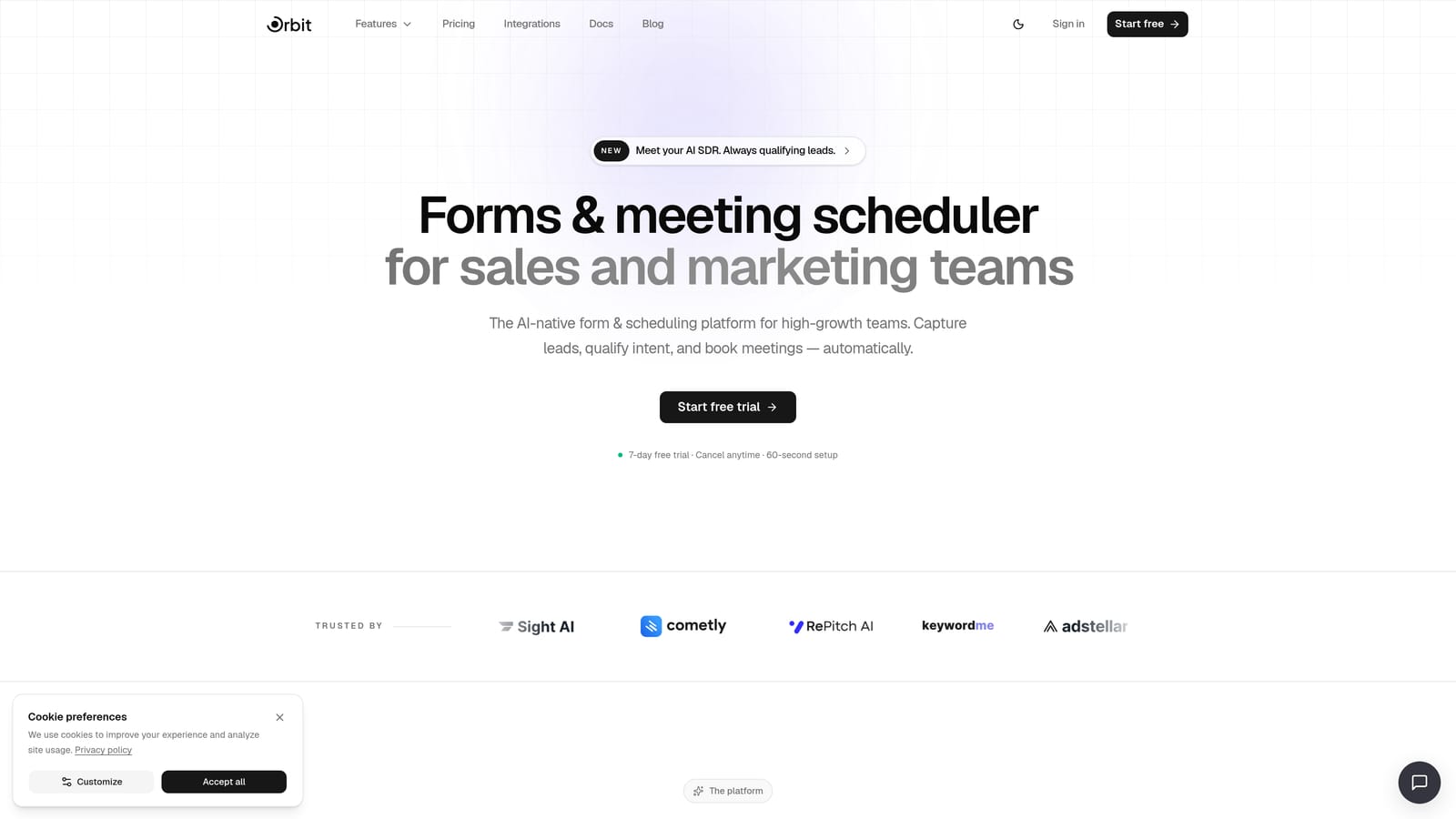
Orbit AI is an AI-powered form builder designed for teams that need more than a data collection tool — it qualifies, scores, and routes leads automatically at the form level.
Where This Tool Shines
Most form builders stop at collecting information. Orbit AI goes further by embedding AI agents directly into the form flow, so your leads are qualified before they ever reach your CRM or sales team. That means less time triaging submissions and more time talking to the right people.
The platform is also built with conversion in mind. Forms are designed to look polished and perform well without requiring any design or coding knowledge, making it a strong fit for marketing and ops teams who need to move fast without leaning on engineering.
Key Features
AI Lead Qualification: AI agents qualify and score leads directly within the form flow, routing high-intent prospects automatically.
Conversion-Optimized Design: Forms are built to convert, with modern templates and design controls that require zero coding.
Built-in Workflows and Sequences: Automate follow-up sequences and manage contacts without needing a separate CRM or automation tool.
Analytics Dashboard: Track form performance, completion rates, and lead quality from a single dashboard.
Scheduler Integration: Let qualified leads book directly from the form, removing friction from the handoff to sales.
Best For
SaaS teams, growth marketers, and founders who want their forms to do more than collect data. Particularly valuable for teams running inbound lead generation where qualification speed matters and manual lead review creates bottlenecks.
Pricing
Visit orbitforms.ai/pricing for current plan details. Multiple tiers are available to match different team sizes and usage levels.
2. Typeform
Best for: Marketers who want a polished, conversational form experience that drives higher completion rates
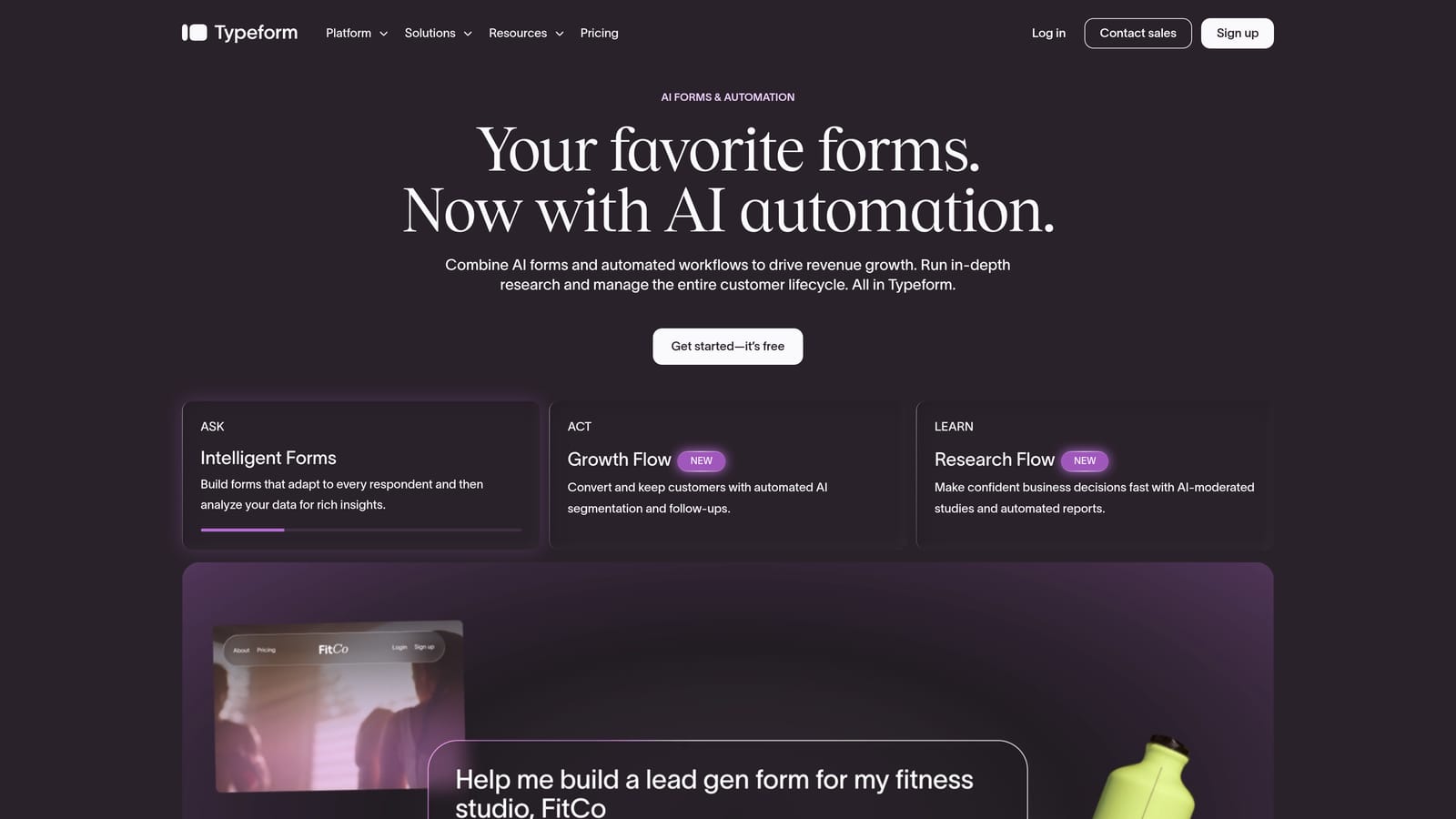
Typeform is a conversational form builder known for its one-question-at-a-time interface that makes surveys and lead gen forms feel less like forms and more like conversations.
Where This Tool Shines
Typeform's signature UX is genuinely differentiated. By presenting one question at a time, it reduces cognitive load and keeps respondents engaged longer than traditional multi-field forms. For brand surveys, customer research, and top-of-funnel lead capture, that experience matters.
The design quality is consistently high out of the box. Even without customization, Typeform outputs look polished and professional, which is a real advantage for teams that care about brand presentation.
Key Features
Conversational UX: One-question-at-a-time interface designed to improve completion rates on longer forms.
Conditional Logic: Branch the form experience based on previous answers to keep questions relevant.
Wide Integration Library: Connects to major CRMs, email platforms, and Zapier for flexible workflow automation.
Custom Branding: Apply your brand colors, fonts, and themes without touching code.
Media Support: Embed images and videos within form questions for richer, more engaging experiences.
Best For
Marketing teams running customer research, lead gen campaigns, or onboarding surveys where form experience directly affects completion rates. Also popular with agencies producing client-facing forms that need to look premium.
Pricing
Free tier available. Paid plans start from approximately $25/month. Verify current pricing at typeform.com.
3. Tally
Best for: Indie makers, early-stage startups, and teams that need unlimited forms at no cost
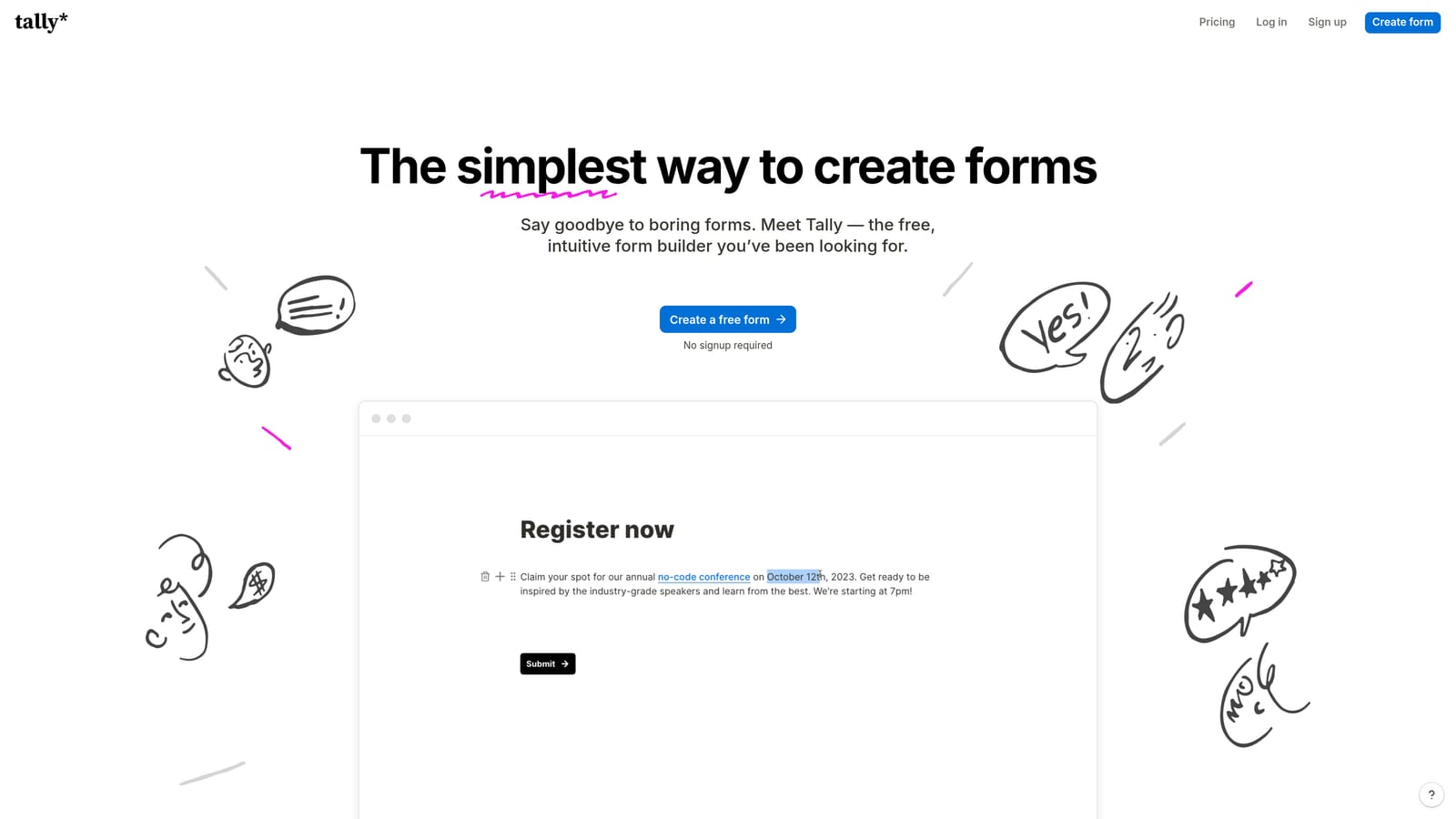
Tally is a Notion-inspired form builder with one of the most generous free tiers in the market: unlimited forms and unlimited responses at zero cost.
Where This Tool Shines
Tally's block-based editor feels immediately familiar to anyone who has used Notion. The learning curve is minimal, and you can build a functional, good-looking form in minutes. For teams that need to move fast without a budget, it's hard to beat.
The free plan is genuinely useful, not a stripped-down teaser. You get conditional logic, file uploads, and payment collection without paying a cent, which makes Tally a legitimate long-term option for smaller teams rather than just a starting point.
Key Features
Unlimited Free Forms: Build and publish unlimited forms with unlimited responses on the free plan, no credit card required.
Block-Based Editor: Notion-style editor with a very low learning curve for non-technical users.
Conditional Logic: Show or hide questions based on previous answers to create tailored form experiences.
Payment Collection: Accept payments via Stripe directly through your forms, even on the free plan.
Custom Domain Support: Available on the paid plan for teams that want branded form URLs.
Best For
Solo founders, indie hackers, and early-stage teams who need a capable form tool without the overhead of a paid subscription. Also a strong choice for internal ops forms where brand presentation is less critical.
Pricing
Free tier available with no submission limits. Pro plan from approximately $29/month. Verify at tally.so.
4. Jotform
Best for: Teams in regulated industries or anyone needing a massive template library and compliance-ready features
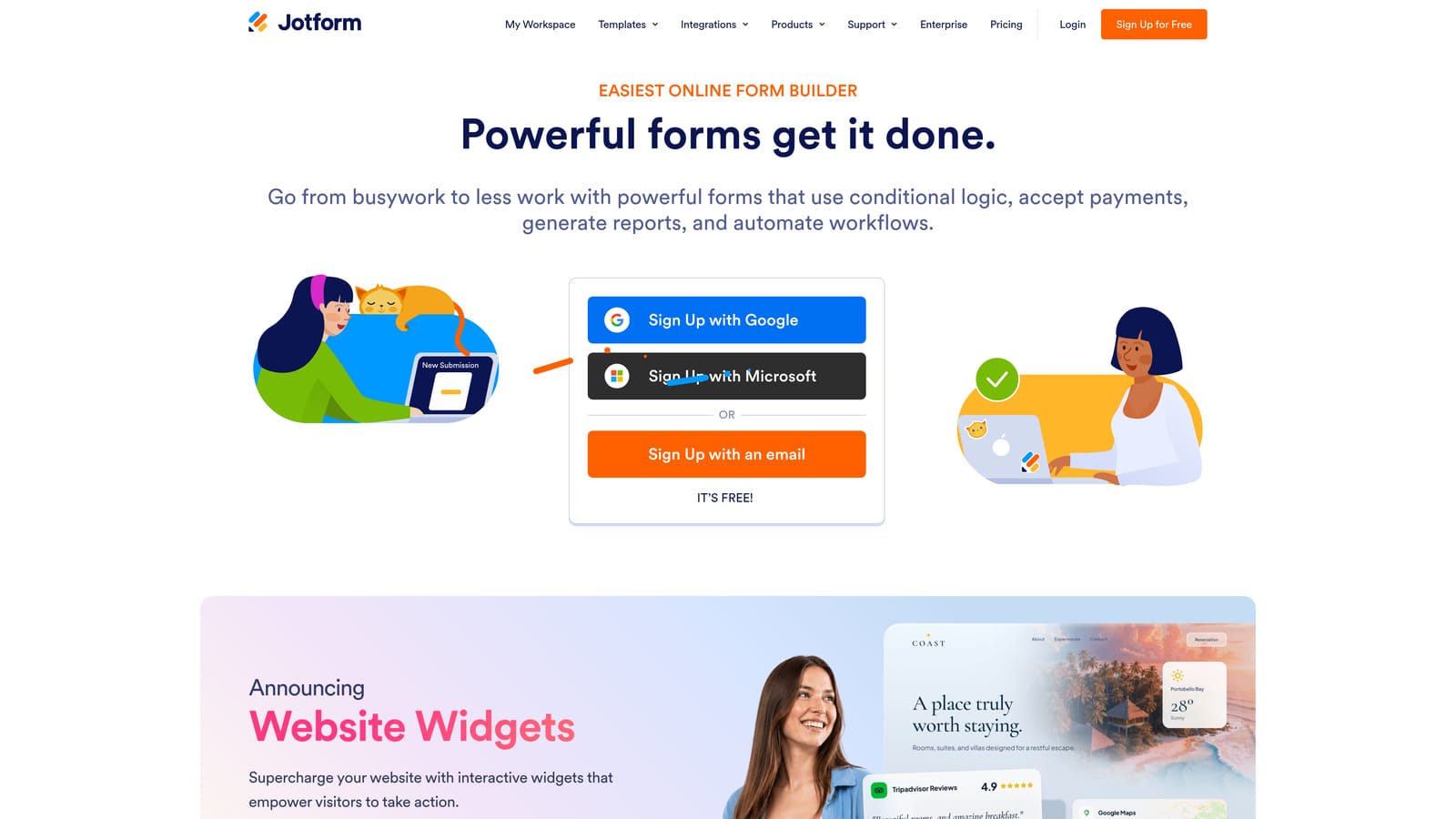
Jotform is one of the most established no-code form builders, offering a vast template library, HIPAA compliance options, and support for payments and e-signatures.
Where This Tool Shines
Jotform's depth is its biggest asset. With over 10,000 templates spanning industries from healthcare to legal to e-commerce, you're rarely starting from scratch. For teams with specific compliance requirements, particularly in healthcare, the HIPAA-compliant plan is a meaningful differentiator that few competitors match.
It also handles complex form needs that simpler tools can't: PDF generation from submissions, e-signature collection, and multi-step workflows are all available without any coding.
Key Features
10,000+ Templates: One of the largest template libraries available, covering virtually every industry and use case.
HIPAA Compliance: Dedicated plans for healthcare organizations that need to collect sensitive patient data safely.
Payment and E-Signature Support: Collect payments and legally binding signatures directly within forms.
PDF Generation: Automatically generate formatted PDF documents from form submissions.
Drag-and-Drop Builder: Extensive field types and a visual editor that requires no technical knowledge.
Best For
Healthcare providers, legal teams, and organizations in regulated industries. Also a strong fit for teams that want an established, feature-rich platform with a wide range of templates to accelerate form creation.
Pricing
Free tier available with submission limits. Paid plans from approximately $34/month. Verify current pricing at jotform.com.
5. Google Forms
Best for: Internal surveys, quick data collection, and teams already working within Google Workspace
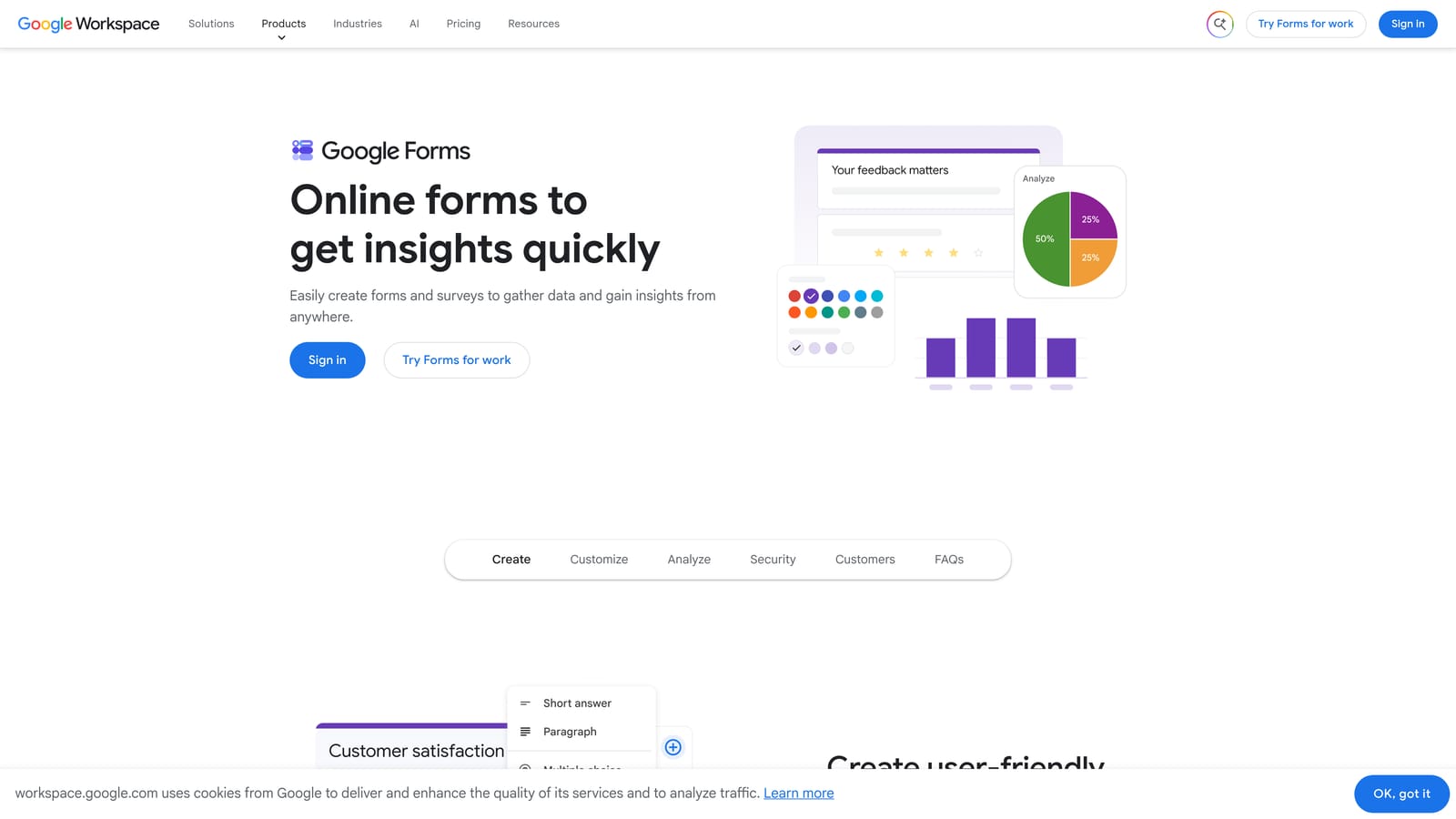
Google Forms is Google's free, no-frills form tool that integrates natively with Google Sheets — the right tool for internal data collection, not external lead generation.
Where This Tool Shines
The value proposition is straightforward: it's free, it's fast to set up, and it sends every response directly into a Google Sheet. For internal surveys, event RSVPs, and quick team polls, that's often all you need. There's no learning curve if your team already lives in Google Workspace.
Collaboration is also seamless. Multiple team members can edit the same form simultaneously, and sharing responses with stakeholders requires nothing more than a Sheets link.
Key Features
Completely Free: Available to anyone with a Google account, with no submission limits or paid tiers required for core functionality.
Google Sheets Integration: Responses flow directly into a connected spreadsheet for easy analysis and sharing.
Basic Conditional Logic: Show different sections based on answers, though logic capabilities are limited compared to dedicated form tools.
Easy Collaboration: Share and co-edit forms with teammates using standard Google permissions.
Quiz and Scoring: Built-in quiz mode with automatic scoring, useful for internal training and assessments.
Best For
Teams that need a quick, free solution for internal use. Not recommended for external lead capture, brand-forward marketing forms, or any use case where design quality and advanced logic matter.
Pricing
Free with a Google account. Google Workspace plans start from $6/user/month for business features.
6. Paperform
Best for: Coaches, consultants, and small businesses that want forms that double as landing pages
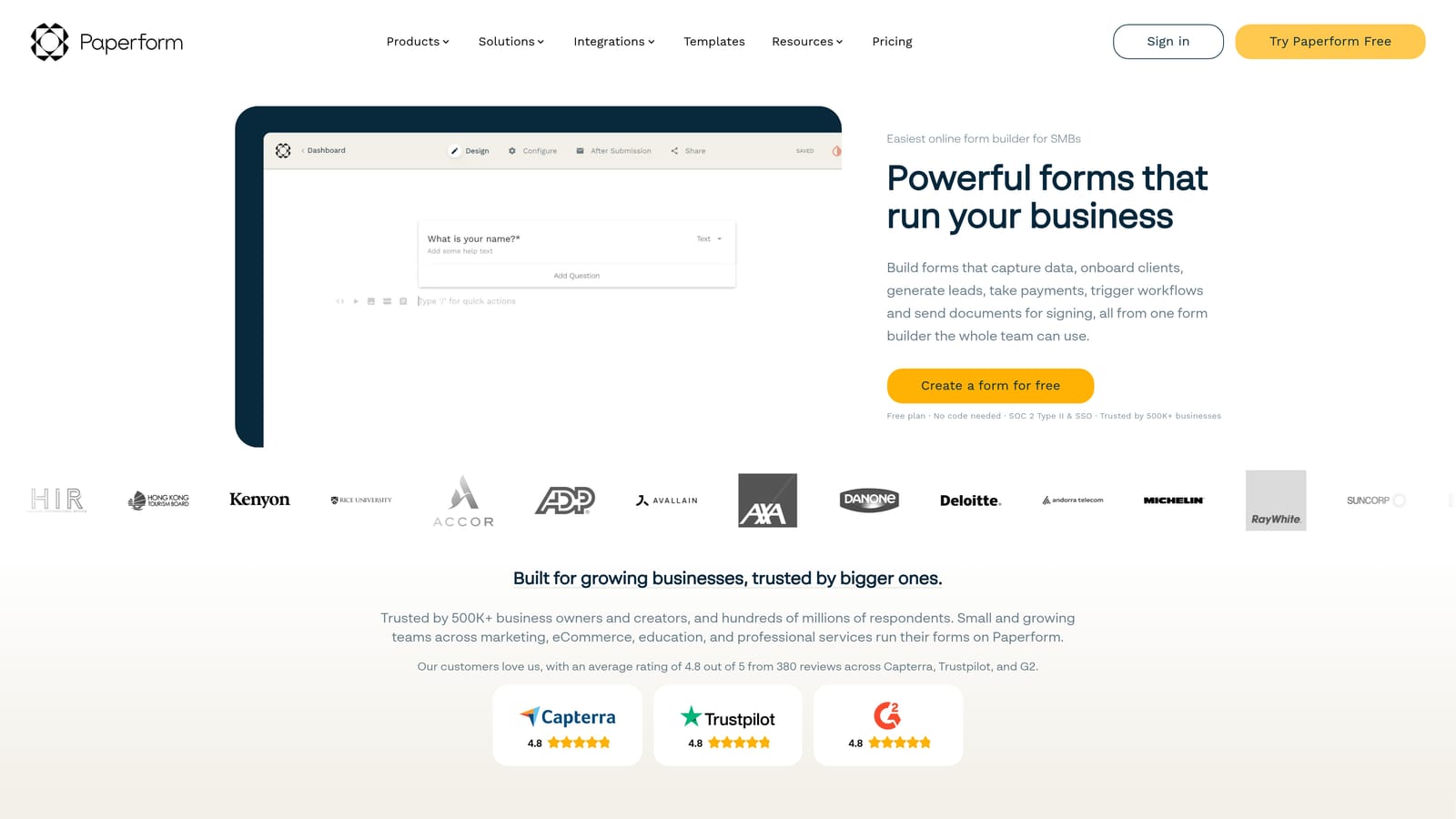
Paperform is a hybrid form builder and landing page tool that lets you create rich, media-filled forms — ideal for service businesses selling or booking online.
Where This Tool Shines
Paperform sits in an interesting middle ground between a form builder and a lightweight landing page tool. You can embed rich text, images, and videos alongside your form fields, which means a single Paperform page can serve as both your offer and your intake form. That's particularly useful for coaches and consultants who want to reduce the number of tools in their stack.
The built-in payment processing and scheduling features make it genuinely functional for service businesses without requiring additional integrations for basic sales and booking workflows.
Key Features
Rich Media Embeds: Add text, images, and videos directly within the form for a landing page-style experience.
Built-in Payments: Accept payments and sell products or services directly through the form.
Scheduling and Booking: Appointment booking built in, useful for service businesses without a separate scheduling tool.
Full Design Control: Custom themes and styling options that go beyond what most form builders offer.
Conditional Logic: Multi-step forms with branching logic to create tailored experiences for different respondents.
Best For
Coaches, consultants, freelancers, and small businesses that want a single tool to handle intake forms, payment collection, and appointment booking without stitching together multiple platforms.
Pricing
Plans from approximately $24/month. Verify current pricing at paperform.co.
7. Fillout
Best for: Product and ops teams that want forms connected directly to Notion, Airtable, or Supabase
Fillout is a modern form builder with native database integrations, letting you connect forms directly to your existing data infrastructure without middleware.

Where This Tool Shines
Fillout's standout feature is its native integration with databases like Notion, Airtable, and Supabase. Most form tools require Zapier or Make to push data anywhere useful. Fillout skips that entirely, reading from and writing to your databases directly. For ops teams and product builders who live in these tools, that's a significant workflow improvement.
The form builder itself is clean and capable, with conditional logic and multi-step forms handled well. But the database connectivity is the real reason teams choose Fillout over alternatives.
Key Features
Native Database Integrations: Connect directly to Notion, Airtable, and Supabase without any middleware or third-party automation tools.
Read and Write Capabilities: Forms can both pull data from and push data to connected databases, enabling dynamic, personalized form experiences.
Conditional Logic: Multi-step forms with branching logic for more relevant respondent experiences.
Scheduling Integrations: Calendar and scheduling connections for booking-enabled forms.
Generous Free Tier: A solid free plan for teams getting started before committing to a paid subscription.
Best For
Product teams, ops managers, and technical non-developers who use Notion, Airtable, or Supabase as their primary data layer and want forms that connect natively without extra tooling.
Pricing
Free tier available. Paid plans from approximately $15/month. Verify current pricing at fillout.com.
8. HubSpot Forms
Best for: Marketing and sales teams already using HubSpot who want zero-friction CRM sync
HubSpot Forms is a CRM-native form tool built into HubSpot's free tier, designed to feed form submissions directly into HubSpot contacts and lists without any integration work.
Where This Tool Shines
If your team is already in HubSpot, this is the path of least resistance. Every submission automatically creates or updates a contact record, triggers workflows, and segments lists without any manual setup or Zapier connections. For HubSpot-centric teams, the time savings are real.
Progressive profiling is a particularly useful feature: HubSpot Forms can recognize returning visitors and ask new questions rather than repeating ones they've already answered, gradually building a richer contact profile over multiple interactions.
Key Features
Native CRM Sync: Every submission instantly creates or updates a HubSpot contact record with zero configuration required.
Embedded and Standalone Options: Deploy forms as embedded website widgets or standalone hosted pages.
Progressive Profiling: Automatically show new questions to returning visitors to collect richer data over time.
List Segmentation: Automatically segment contacts into lists based on form responses for targeted follow-up.
Free Plan Access: Available on HubSpot's free CRM tier, making it accessible without a paid commitment.
Best For
Marketing and sales teams that are already invested in the HubSpot ecosystem. Less compelling as a standalone form tool if you're not using HubSpot, since the design flexibility is limited compared to dedicated form builders.
Pricing
Free with HubSpot CRM. Advanced features available on Marketing Hub paid plans. Visit hubspot.com for current plan details.
9. Cognito Forms
Best for: Legal, finance, and registration workflows that require complex conditional logic and calculation fields
Cognito Forms is a powerful form builder built for complex conditional logic, formula-based calculations, and multi-step workflows — all without writing a single line of code.
Where This Tool Shines
Cognito Forms goes deeper on logic than almost any other no-code form builder. Its calculation fields support formula-based math, making it genuinely useful for quote generators, registration forms with dynamic pricing, and complex intake workflows where the output depends on multiple inputs.
Repeating sections are another standout feature. Users can dynamically add rows to a form, which is essential for workflows like expense reports, multi-item orders, or any situation where the number of entries isn't fixed in advance.
Key Features
Advanced Conditional Logic: Highly granular branching rules that go well beyond show/hide basics to handle complex workflow requirements.
Calculation Fields: Formula-based fields that perform math on user inputs, useful for pricing, scoring, and dynamic totals.
Repeating Sections: Allow users to dynamically add multiple entries within a single form submission.
Multi-Page Forms: Progress indicators and multi-step layouts for longer, more structured form experiences.
Payment and E-Signature: Collect payments and signatures directly within forms for end-to-end workflow completion.
Best For
Legal firms, financial services teams, event registration managers, and anyone building forms where the logic is genuinely complex. Less suited for teams prioritizing visual design or conversational UX over functional depth.
Which Tool Is Right for Your Team?
The right form builder depends almost entirely on what you need forms to do. Here's a quick way to think through the decision.
If lead qualification is your primary goal, Orbit AI is the only tool on this list built specifically for that job. It doesn't just collect submissions — it qualifies and routes them automatically, which is a meaningful advantage for any team running inbound lead generation at scale.
For conversational form experiences where completion rate matters, Typeform remains the benchmark. If budget is the constraint, Tally gives you a surprisingly capable free option. Teams in regulated industries should look at Jotform for its compliance features, while anyone deep in Google Workspace will find Google Forms sufficient for internal needs.
Service businesses that want forms and landing pages in one place will find Paperform worth the investment. Database-driven teams should evaluate Fillout for its native Notion and Airtable connections. HubSpot users have an obvious answer in HubSpot Forms, and anyone building logic-heavy workflows should take a close look at Cognito Forms.
For high-growth teams focused on converting leads rather than just capturing them, the gap between a standard form builder and an AI-powered qualification tool is significant. Transform your lead generation with AI-powered forms that qualify prospects automatically while delivering the modern, conversion-optimized experience your team needs. Book a demo and see how intelligent form design can elevate your conversion strategy.