

For developers, choosing a form builder isn't just about drag-and-drop convenience—it's about finding a tool that respects your workflow, offers robust APIs, and doesn't fight you when you need custom functionality. The wrong choice means wrestling with limited customization, vendor lock-in, or clunky integrations that break your architecture.
This guide evaluates the best form builders specifically through a developer lens: API quality, extensibility, code access, and how well each tool fits into modern development stacks. Whether you're building internal tools, customer-facing applications, or complex multi-step workflows, these seven options represent the strongest choices for developers who refuse to compromise on control.
Let's explore each solution and what makes it particularly valuable for development teams.
1. Orbit AI: Intelligence-First Forms for Conversion-Focused Teams
The Challenge It Solves
Traditional form builders treat all submissions equally, forcing your sales team to manually qualify leads after submission. For high-growth teams where conversion optimization matters, this creates bottlenecks and delays response times to your best prospects. Developers building customer-facing forms need a solution that combines modern design with intelligent lead qualification without requiring custom AI integration work.
The Platform Explained
Orbit AI brings AI-powered lead qualification directly into the form-building experience. As prospects fill out forms, the platform analyzes responses in real-time to identify high-value leads and route them appropriately. For developers, this means deploying conversion-optimized forms without building custom qualification logic or integrating separate AI services.
The platform focuses on the intersection of beautiful form design and intelligent data handling. You get a modern form builder that your marketing team can use while maintaining the API access and webhook capabilities developers need for custom workflows. The AI qualification layer operates transparently, enriching form data without requiring changes to your existing tech stack.
Implementation Approach
1. Design forms using the visual builder with conversion optimization built into the interface—no need to manually implement best practices for form field ordering or conditional logic.
2. Configure AI qualification rules based on your ideal customer profile, letting the platform automatically score and route leads based on response patterns.
3. Integrate via webhook to your CRM or custom application, receiving enriched submission data with qualification scores and routing recommendations included in the payload.
Developer Advantages
The API documentation provides clear webhook payload structures and authentication patterns. You can embed forms via JavaScript snippet, iframe, or direct link—whatever fits your architecture. For teams building lead generation flows, the AI qualification removes the need to build custom scoring logic while maintaining full control over how qualified leads enter your systems.
The platform handles the complexity of real-time AI analysis while exposing clean, predictable APIs for integration. This makes it particularly valuable when you need sophisticated lead qualification without dedicating engineering resources to building and maintaining custom AI infrastructure.
2. Typeform: Conversational UX Without Heavy Development
The Challenge It Solves
Standard multi-field forms often overwhelm users with too much information at once, leading to abandonment before completion. When your product team wants a polished, conversational form experience but doesn't have weeks of development time, you need a solution that delivers sophisticated UX patterns without custom frontend work.
The Platform Explained
Typeform pioneered the one-question-at-a-time format that feels more like a conversation than a traditional form. Each question appears individually with smooth transitions, creating an engaging experience that tends to improve completion rates for longer forms. The platform handles the complex frontend state management and animation logic that would otherwise require significant React or Vue development.
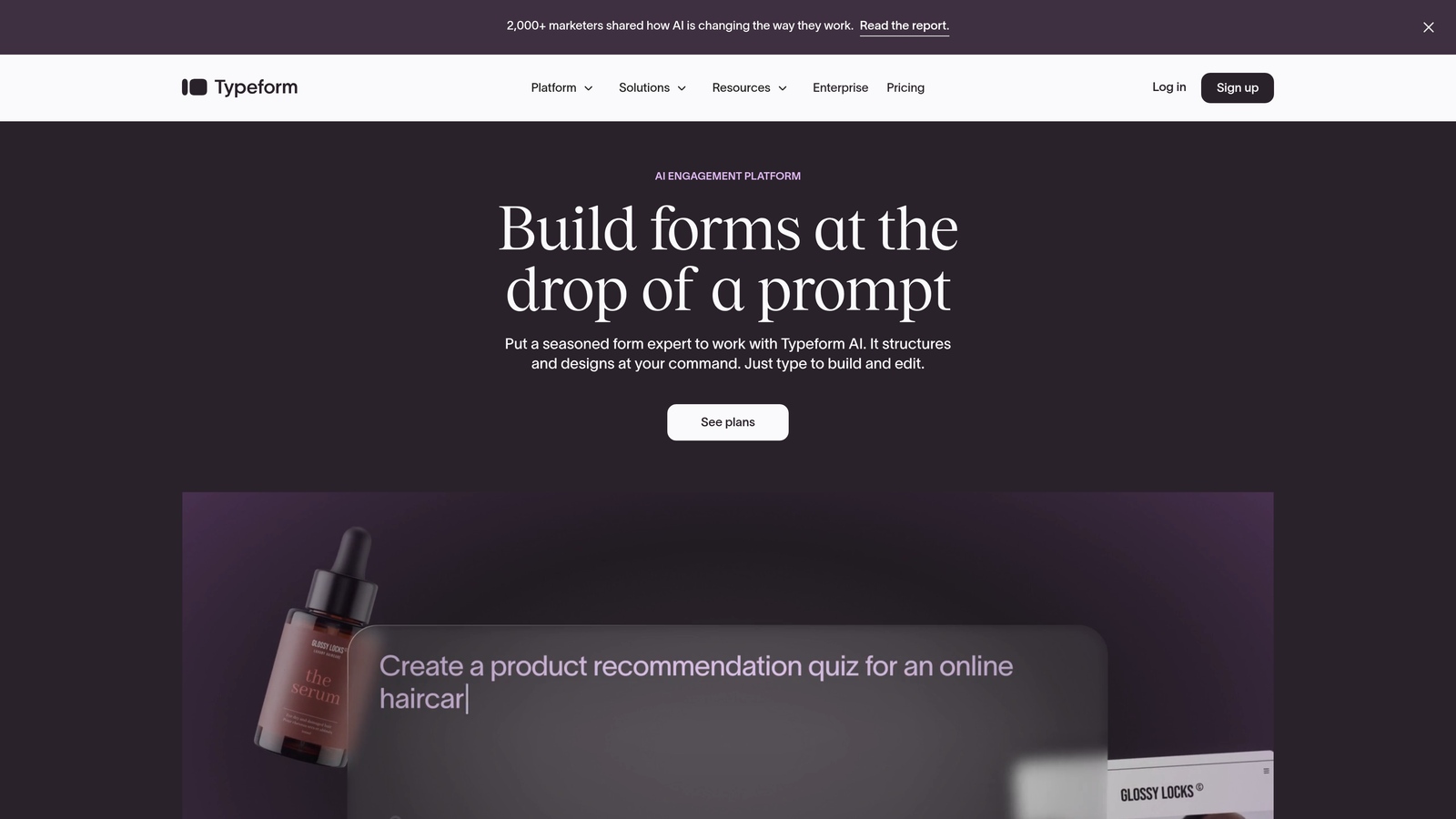
For developers, Typeform's value lies in offloading the UX complexity while maintaining integration flexibility. The API provides programmatic form creation and response retrieval, letting you build Typeform into automated workflows or custom dashboards without manual export processes. You can learn more about how it stacks up in our Typeform vs alternative form builders comparison.
Implementation Approach
1. Build forms using the visual editor with logic jumps and conditional paths—the platform handles the state management complexity that would otherwise require custom frontend code.
2. Embed forms via JavaScript SDK for seamless integration into existing applications, or use popup and slider modes for less intrusive lead capture.
3. Connect webhooks to receive real-time submission notifications, or use the REST API to programmatically fetch responses and sync with your data warehouse.
Developer Advantages
The JavaScript SDK provides granular control over embed behavior, including custom CSS for styling and event listeners for tracking user progress through multi-step forms. Webhook reliability is strong, with automatic retry logic for failed deliveries. The API documentation includes code examples in multiple languages, making integration straightforward for most tech stacks.
Where Typeform particularly shines is handling complex conditional logic without requiring developers to build custom form state management. The visual logic builder lets non-technical team members create sophisticated branching forms while developers focus on the integration layer.
3. Formik + React Hook Form: Maximum Control for React Applications
The Challenge It Solves
When building forms directly into React applications, managing form state, validation, and error handling quickly becomes complex. Third-party form builders often conflict with your component architecture or introduce unnecessary dependencies. For applications where forms are core to the product experience, you need libraries that integrate seamlessly with React's patterns while handling the repetitive aspects of form management.
The Libraries Explained
Formik and React Hook Form represent the code-first approach to form building. Rather than visual builders, these libraries provide React hooks and components that handle form state management, validation, and submission logic while leaving complete control over markup and styling in your hands.
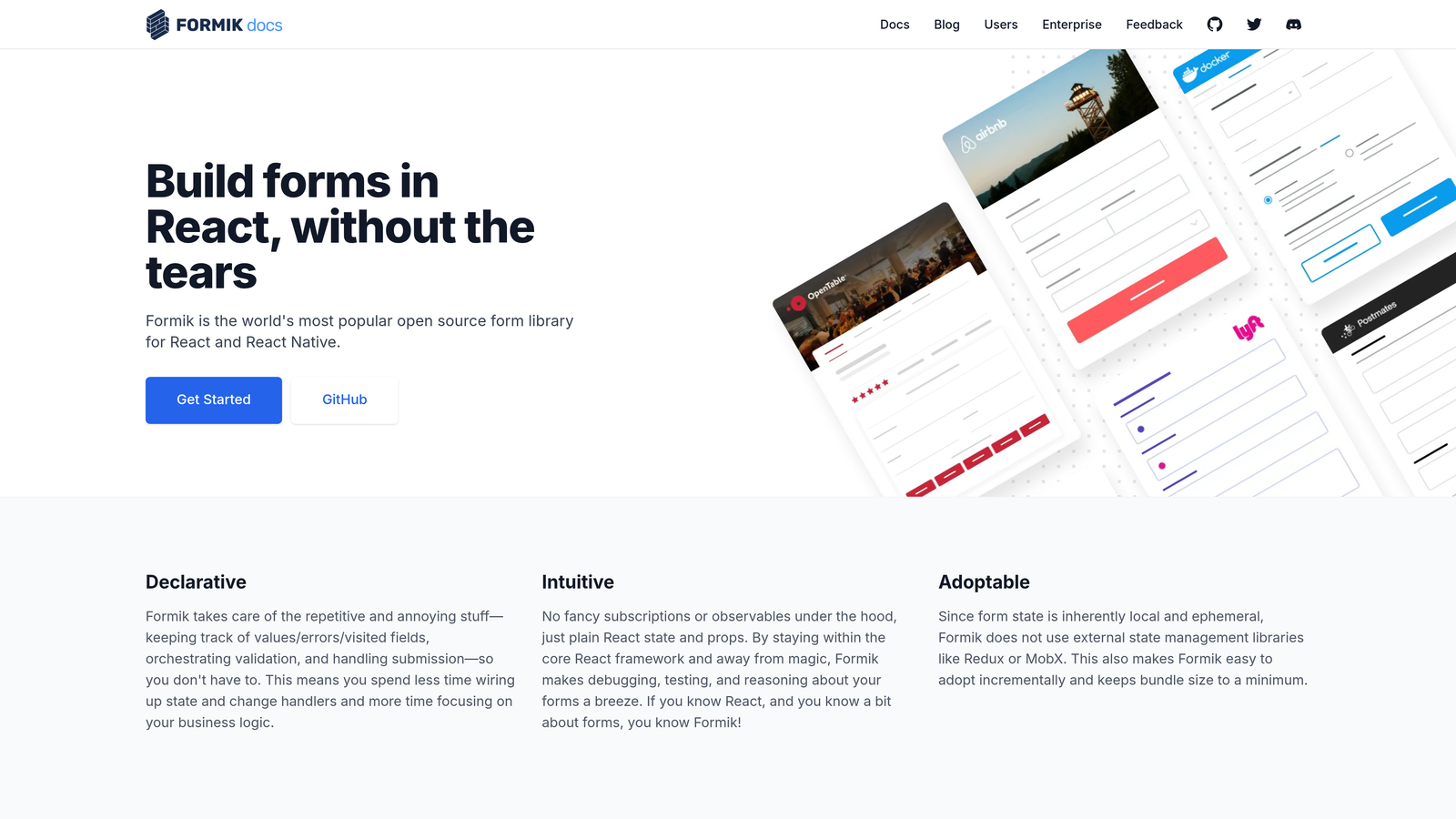
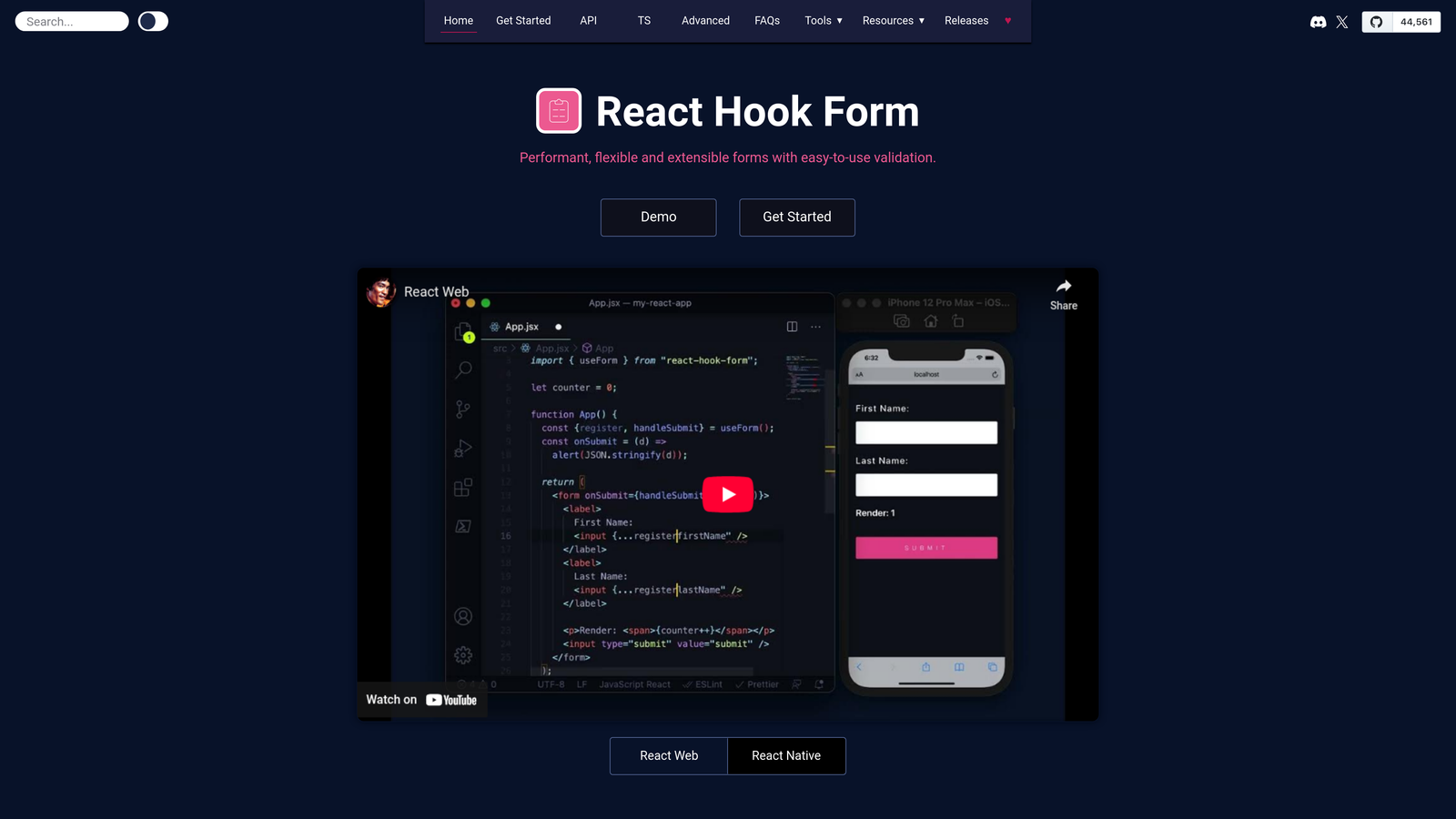
Formik offers a component-based API with built-in validation using Yup schemas, making it intuitive for developers familiar with React's component patterns. React Hook Form takes a performance-focused approach using uncontrolled components and minimal re-renders, making it particularly effective for large forms with many fields.
Implementation Approach
1. Install the library via npm and import the necessary hooks into your React components—no external services or third-party accounts required.
2. Define form schemas with validation rules using Yup (for Formik) or the library's built-in validation (for React Hook Form), keeping validation logic close to your form components.
3. Handle submission logic directly in your application code, giving you complete control over API calls, error handling, and success states without middleware or proxies.
Developer Advantages
These libraries integrate perfectly with existing React applications because they are React applications. You maintain complete control over styling, accessibility, and user experience while the library handles the complex state management and validation logic that's tedious to build from scratch.
For applications where forms are deeply integrated with application state—think multi-step onboarding flows, dynamic configuration builders, or complex data entry interfaces—code-first libraries eliminate the impedance mismatch that comes from trying to embed third-party form builders into your React architecture. You get TypeScript support, full test coverage capabilities, and no external dependencies that could introduce breaking changes outside your control.
4. Tally: Notion-Style Simplicity With Developer-Friendly Features
The Challenge It Solves
Many form builders force you to choose between ease of use and technical flexibility. Non-technical team members struggle with complex interfaces, while developers find simplified tools too restrictive for custom workflows. When you need a form solution that both marketers and developers can work with effectively, finding the right balance becomes critical.
The Platform Explained
Tally brings Notion's intuitive block-based editing to form building. You create forms by typing and selecting field types inline, making form creation feel more like writing a document than configuring a tool. Despite the simplified interface, Tally includes conditional logic, payment collection via Stripe, and file uploads—features typically reserved for enterprise platforms.
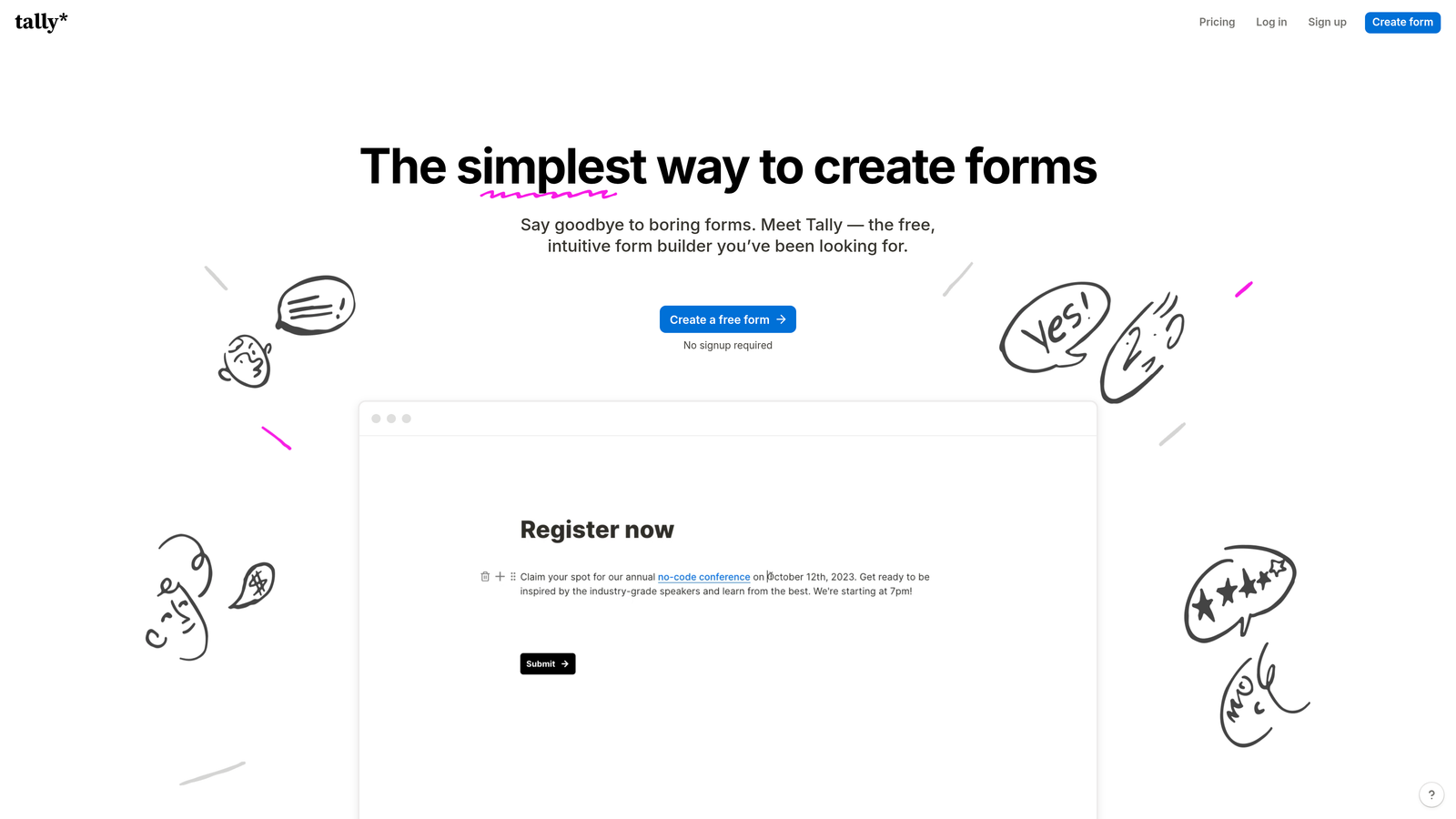
For developers, Tally's generous free tier and straightforward embedding make it practical for client projects and internal tools without budget negotiations. The platform handles form submissions and stores responses, eliminating the need to build backend infrastructure for simple use cases.
Implementation Approach
1. Create forms using the block-based editor where adding fields feels natural and requires no learning curve—ideal for rapid prototyping or when non-developers need to create forms independently.
2. Configure conditional logic and calculations directly within the form builder, handling complex form flows without writing custom JavaScript.
3. Embed forms via iframe or direct link, and connect webhooks to push submissions to your application or integrate with Zapier for automated workflows.
Developer Advantages
The webhook implementation is reliable and includes all form data in a clean JSON structure. For static sites or applications where you don't want to build form handling infrastructure, Tally provides a complete backend solution. The platform supports custom domains for form hosting, maintaining brand consistency without complex DNS configuration.
Tally's pricing model is particularly developer-friendly—the free tier includes unlimited forms and submissions, making it viable for client projects where per-submission costs would otherwise add up. The lack of artificial limitations on the free tier means you can build production-ready forms without immediate budget approval, then upgrade only when you need advanced features like custom branding removal or priority support. For startups evaluating form builders, this approach significantly reduces initial costs.
5. Formspark: Privacy-First Backend for Static Sites
The Challenge It Solves
Static site generators like Next.js, Gatsby, and Hugo create fast, secure websites, but they lack server-side form processing by definition. Building a separate backend just to handle contact form submissions is overkill, yet many form services require JavaScript that conflicts with privacy policies or adds unnecessary page weight. Developers need a form backend that respects static site architecture while maintaining user privacy.
The Service Explained
Formspark provides form endpoints that accept POST requests and handle everything server-side—spam filtering, email notifications, and data storage—without requiring JavaScript on your frontend. You build your form in plain HTML, point the action attribute to your Formspark endpoint, and the service handles the rest. This approach works perfectly with static sites, progressive enhancement strategies, and privacy-conscious implementations.
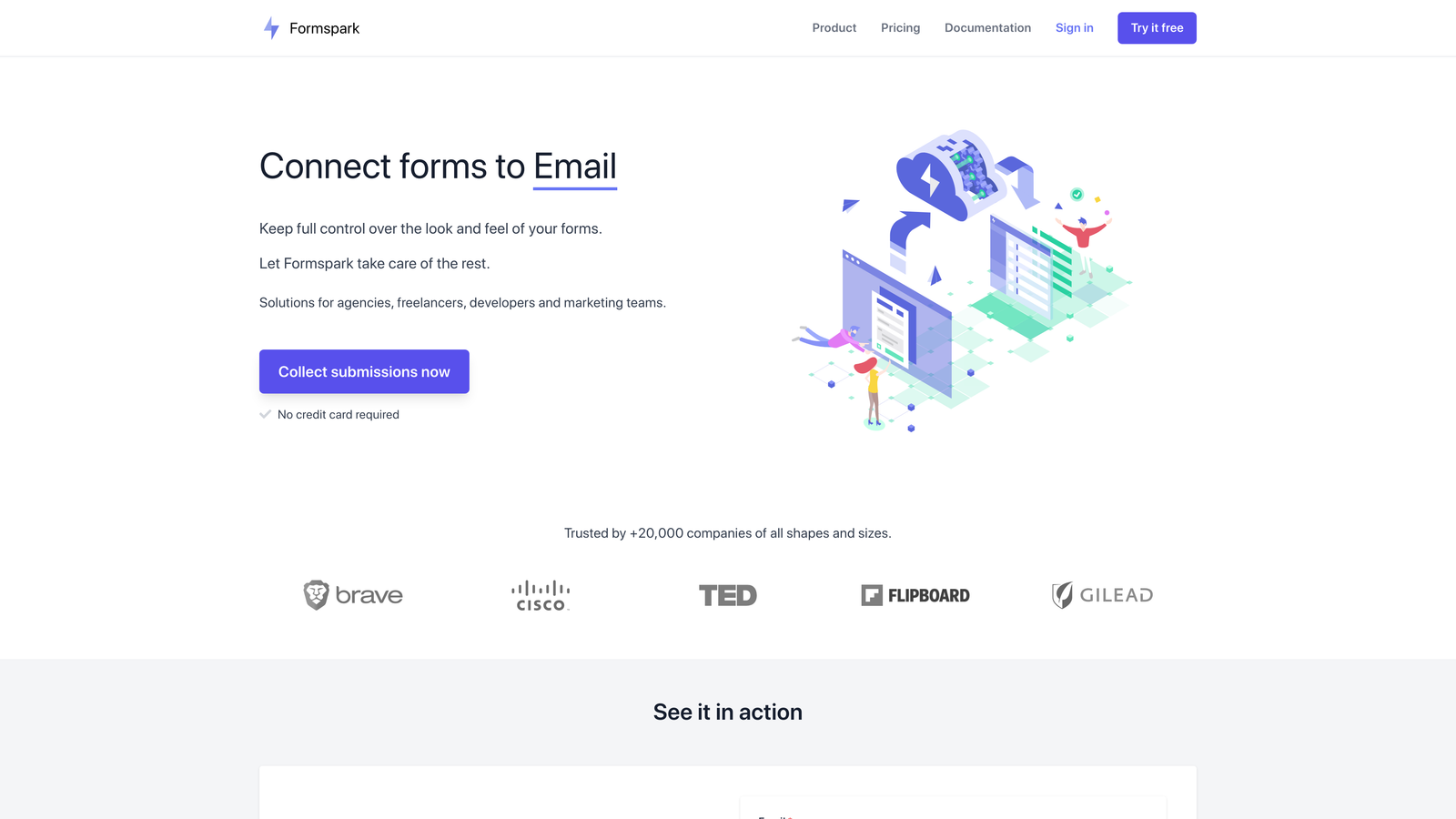
The platform emphasizes data ownership and privacy. Form submissions are stored temporarily and can be automatically deleted after a specified period, addressing GDPR and data minimization requirements without custom implementation work.
Implementation Approach
1. Create a form endpoint in the Formspark dashboard and receive a unique endpoint URL that accepts form submissions.
2. Build your HTML form with standard form elements and set the action attribute to your Formspark endpoint—no JavaScript required for basic functionality.
3. Configure email notifications, auto-responses, and webhook forwarding to push submissions into your existing systems or trigger automated workflows.
Developer Advantages
The service works with any static site generator or framework because it's just an HTTP endpoint. You maintain complete control over form markup, styling, and validation logic on the frontend while Formspark handles the backend complexity. For developers building privacy-focused sites or working in regulated industries, the no-JavaScript option and automatic data deletion features simplify compliance.
Webhook support lets you forward submissions to your own systems while still benefiting from Formspark's spam filtering and email notifications. This hybrid approach works well when you need both immediate email alerts and long-term data storage in your own database. The API provides programmatic access to submissions for building custom dashboards or integrating with internal tools.
6. Jotform: Enterprise Features Without Enterprise Complexity
The Challenge It Solves
Enterprise environments often require compliance certifications, advanced access controls, and integration with legacy systems that newer form builders don't support. Building custom form solutions that meet enterprise security requirements is time-consuming, yet many modern form builders lack the compliance documentation or integration options that enterprise IT departments require for approval.
The Platform Explained
Jotform has been building forms since 2006, which means it's accumulated integrations with virtually every business system you might need to connect to—from Salesforce and ServiceNow to legacy database systems via direct SQL connections. The platform offers HIPAA-compliant forms, GDPR features, and the kind of audit logging that enterprise security teams expect.
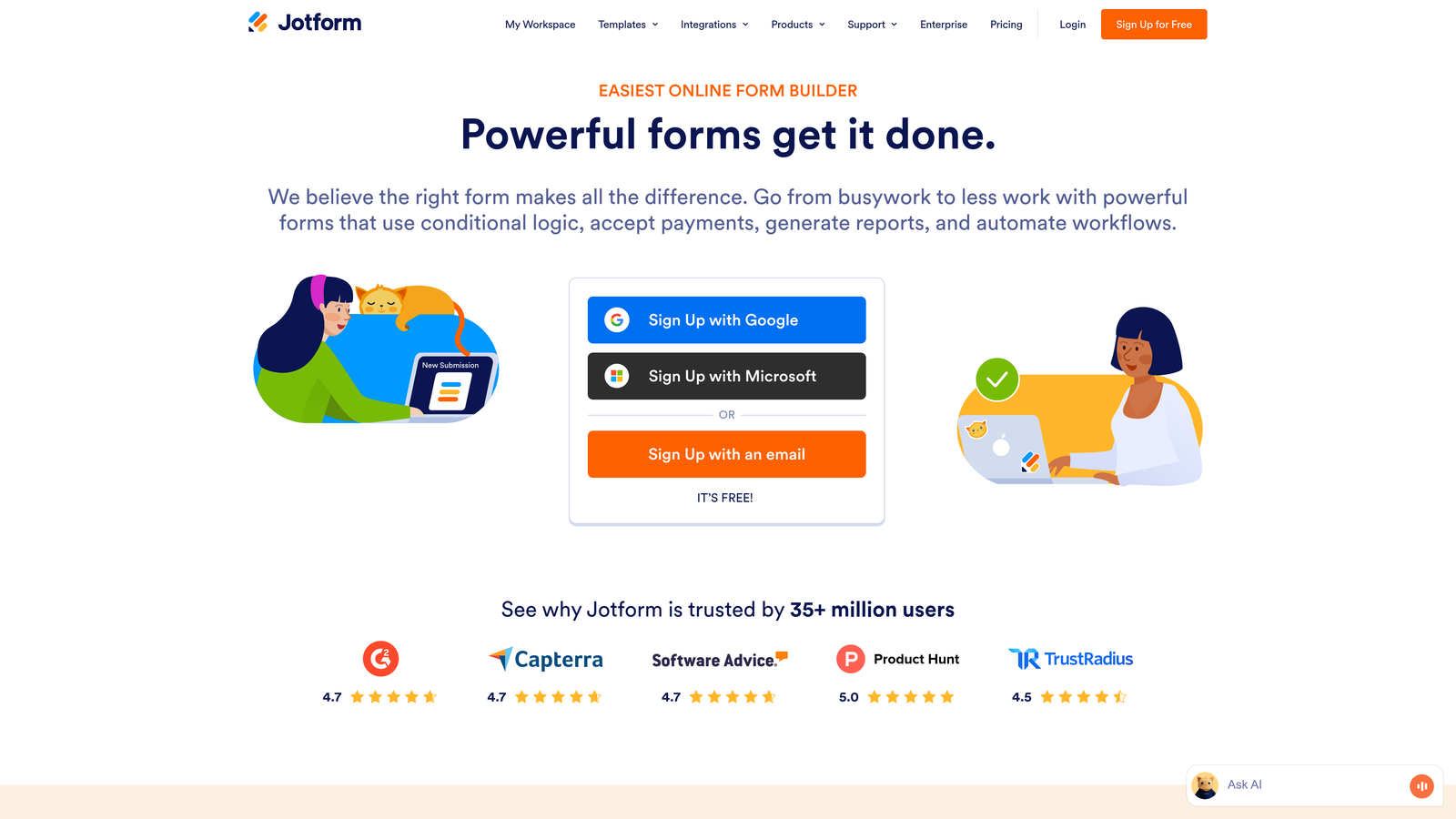
For developers in enterprise environments, Jotform's value is comprehensive integration coverage and compliance certifications that would take months to implement in a custom solution. The platform includes conditional logic, approval workflows, and payment processing across multiple providers—features that individually would require significant development effort. For a detailed comparison, see our Jotform vs other form builders analysis.
Implementation Approach
1. Build forms using the drag-and-drop builder with access to over 10,000 templates covering common enterprise use cases from HR onboarding to compliance documentation.
2. Configure integrations using the visual integration builder that connects to 150+ applications, or use webhooks and the REST API for custom system connections.
3. Set up approval workflows and conditional routing that handle complex business logic without custom development—particularly valuable for internal forms where process automation matters.
Developer Advantages
The API is comprehensive, offering programmatic form creation, submission management, and user administration. For agencies or SaaS platforms that need to generate forms programmatically for clients, Jotform's API enables white-label form solutions without building form infrastructure from scratch.
The platform's longevity means integration documentation is mature and edge cases are well-documented. When you need to connect forms to systems that newer platforms don't support—think SharePoint, Oracle databases, or industry-specific software—Jotform likely has either a native integration or documented API patterns for building custom connections. The enterprise plans include dedicated IP addresses and custom SSL certificates, addressing security requirements that would otherwise require significant infrastructure work.
7. Basin: Developer-Friendly Form Endpoints With Minimal Configuration
The Challenge It Solves
Setting up backend infrastructure to handle form submissions—even simple contact forms—requires configuring servers, databases, email services, and spam protection. For developers building client sites or side projects, this infrastructure overhead is disproportionate to the actual complexity of receiving and forwarding form data. You need a form backend that requires minimal setup while remaining developer-friendly.
The Service Explained
Basin provides form endpoints that receive submissions and forward them to your email or webhook destinations. You create an endpoint, point your HTML form to it, and Basin handles spam filtering, email delivery, and optional submission storage. The service is designed specifically for developers who want backend handling without building it, but also don't want to deal with complex form builder interfaces.
The platform focuses on simplicity—there's no visual form builder because you're expected to build forms in code. Basin just handles the submission processing, which is exactly what developers building custom sites need.
Implementation Approach
1. Create a form endpoint in Basin and receive a submission URL that accepts POST requests from your HTML forms.
2. Build your form using standard HTML and CSS, maintaining complete control over markup and styling without framework-specific requirements.
3. Configure email forwarding rules and webhook destinations to route submissions to your email, Slack, or custom application endpoints.
Developer Advantages
Basin's API-first approach means integration is straightforward—it's just HTTP POST requests with JSON responses. The service includes automatic spam detection using Akismet, saving you from implementing your own spam filtering logic. For developers building multiple client sites, Basin's project-based organization makes it easy to manage forms across different domains without complex configuration.
The webhook functionality is particularly useful for building custom workflows. Basin can forward submissions to your application in real-time while also sending email notifications, giving you both immediate alerts and programmatic access to submission data. The service handles email delivery reliability and retry logic, eliminating the complexity of managing SMTP servers or dealing with email deliverability issues that plague custom implementations.
Choosing Your Form Solution: A Developer's Decision Framework
The best form builder for developers depends on your specific constraints and priorities. If you're building forms within an existing React application where they're core to the product experience, Formik or React Hook Form give you maximum control while handling the tedious state management that makes form development complex.
For static sites prioritizing privacy and minimal JavaScript, Formspark and Basin handle the backend infrastructure so you can focus on frontend experience. These services work particularly well when you're building client sites where ongoing backend maintenance isn't part of the engagement.
When you need polished UX without heavy development investment—think marketing sites, lead capture, or customer feedback—Typeform and Tally deliver sophisticated form experiences that would take weeks to build custom. Tally's generous free tier makes it especially practical for projects with budget constraints. For teams focused on user experience, understanding form design best practices can further improve results.
For enterprise environments where compliance, integrations with legacy systems, and security certifications matter, Jotform provides the comprehensive feature set and documentation that IT departments require for approval. The platform's maturity means you're less likely to encounter integration gaps or unsupported use cases.
When your primary goal is lead generation and conversion optimization—not just collecting form data—Orbit AI's intelligence layer adds value that traditional form builders can't match. The AI-powered qualification means your sales team receives enriched lead data without building custom scoring logic, while the modern form builder keeps the technical implementation straightforward. Teams focused on lead quality will find this approach particularly valuable.
Start by identifying your primary constraint: Is it development time? Control over the implementation? Integration complexity? Conversion goals? Let that constraint guide your choice. For rapid prototyping and client work, services like Basin and Tally minimize setup overhead. For product applications where forms are deeply integrated, code-first libraries maintain architectural consistency. For teams focused on lead quality and conversion optimization, intelligent form builders like Orbit AI transform forms from data collection tools into conversion optimization systems.
Transform your lead generation with AI-powered forms that qualify prospects automatically while delivering the modern, conversion-optimized experience your high-growth team needs. Start your free trial today and see how intelligent form design can elevate your conversion strategy.


