

Managing forms for multiple clients shouldn't feel like juggling chainsaws. Yet here you are—switching between platforms, maintaining brand consistency across dozens of accounts, tracking conversions for different campaigns, and somehow keeping all those integrations from breaking when clients change their minds (again). The form builder that works perfectly for a single business often collapses under the weight of agency operations.
The challenge isn't just about creating forms. It's about scaling without drowning in administrative overhead. It's about white-labeling solutions that don't scream "third-party tool" to your clients. It's about managing permissions across team members, tracking performance across campaigns, and integrating with the diverse tech stacks your clients insist on using.
Most form builders were designed for individual businesses, not agencies managing complex multi-client operations. They lack the workspace management features you need. They charge per form or per submission in ways that make scaling prohibitively expensive. They offer limited customization options that make maintaining brand consistency a nightmare.
This guide evaluates seven form builders specifically for agency needs. We've assessed each platform based on multi-client management capabilities, white-labeling options, integration flexibility, pricing scalability, design customization, and the specific features agencies need to deliver exceptional results without proportional increases in overhead. Whether you're managing five clients or fifty, one of these tools will transform how you handle form creation and lead capture.
1. Orbit AI: AI-Powered Lead Qualification for High-Growth Agencies
The Agency Challenge It Solves
Your clients don't just want form submissions—they want qualified leads. The problem? Most form builders dump every submission into the same bucket, forcing your clients to manually sift through tire-kickers, competitors doing research, and actual prospects. This creates friction in the sales process and makes it harder to demonstrate the ROI of your marketing campaigns.
Traditional qualification approaches require complex conditional logic that breaks easily and still can't adapt to nuanced responses. You end up building elaborate form flows that confuse users or oversimplified forms that capture everyone but qualify no one.
The Orbit AI Solution
Orbit AI brings artificial intelligence directly into the form experience, automatically qualifying leads based on their responses without requiring you to build complex logic trees. The platform analyzes submissions in real-time, scoring lead quality and routing prospects to the appropriate next steps based on their fit. This approach represents the evolution of form builders for lead qualification that agencies have been waiting for.
For agencies, this means you can deliver sophisticated lead qualification to clients without the technical complexity. The AI adapts to different industries and qualification criteria, making it versatile across your client portfolio. The modern, conversion-optimized design ensures forms don't just collect information—they create experiences that high-growth teams expect.
The platform handles workflows that automatically trigger based on lead quality, so hot prospects get immediate attention while lower-priority leads enter appropriate nurture sequences. This automation reduces the manual work your clients face while improving their conversion rates from form submission to actual opportunity.
Implementation for Agencies
1. Set up client workspaces with branded form templates that match their visual identity and messaging.
2. Configure AI qualification criteria based on each client's ideal customer profile and sales priorities.
3. Build automated workflows that route qualified leads to sales teams, CRMs, or marketing automation platforms.
4. Monitor performance across clients with analytics that show not just submission volume but lead quality metrics.
Best For
Agencies working with high-growth B2B clients who need more than basic contact forms. Particularly valuable when your clients have defined ideal customer profiles and sales teams that benefit from automatic lead prioritization. The focus on conversion optimization and lead quality makes it ideal for performance-driven agency relationships where demonstrating ROI matters.
2. Typeform: Conversational Experiences That Increase Completion Rates
The Agency Challenge It Solves
Form abandonment kills conversion rates. When you present users with long, intimidating forms that display every field at once, completion rates plummet. Your clients see traffic coming to their forms but not enough submissions to justify the ad spend or content marketing investment.
Traditional forms create cognitive overload by showing users everything they need to complete upfront. This psychological barrier increases friction and reduces the likelihood that visitors will engage with the form at all.
The Typeform Approach
Typeform pioneered the conversational, one-question-at-a-time format that reduces cognitive load and increases completion rates. Instead of confronting users with a wall of fields, the platform presents questions sequentially, creating a more engaging, less intimidating experience. Understanding multi-step form best practices helps explain why this approach works so effectively.
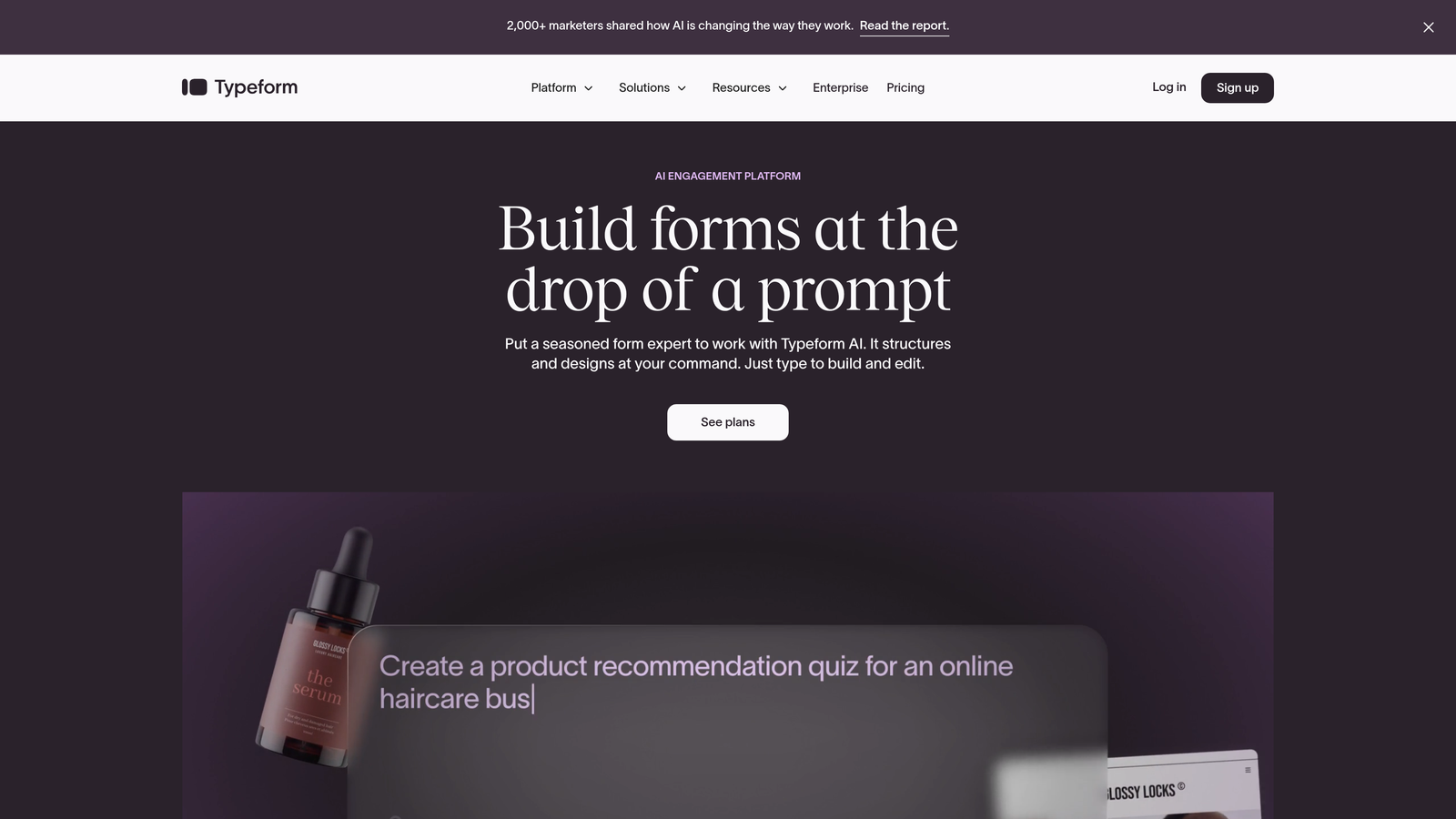
For agencies, this approach works particularly well for lead generation campaigns, customer research, event registrations, and any scenario where you need to collect detailed information without overwhelming prospects. The visual design capabilities allow you to create on-brand experiences that feel premium and considered.
The platform offers robust conditional logic that lets you create branching paths based on responses, making forms feel personalized and relevant. Integration capabilities connect to most marketing automation platforms, CRMs, and analytics tools your clients use.
Implementation for Agencies
1. Create template libraries for common client use cases like lead capture, event registration, and customer feedback.
2. Use conditional logic to build dynamic experiences that adapt based on prospect responses.
3. Implement consistent branding across client forms using custom themes and design elements.
4. Set up integrations with client tech stacks to ensure form data flows into existing workflows.
Best For
Agencies focused on user experience and completion rates, particularly for longer forms that collect detailed information. Works well when your clients value design aesthetics and are willing to invest in premium form experiences. The conversational approach particularly benefits B2C clients and lead generation campaigns where engagement matters as much as conversion.
3. Jotform: High-Volume Operations With Extensive Template Library
The Agency Challenge It Solves
Managing dozens of clients means creating hundreds of forms. Building every form from scratch becomes unsustainable as your agency scales. You need a template library that covers diverse use cases while remaining customizable enough to match different brand identities.
Additionally, submission volume adds up quickly across multiple clients. Pricing models that charge per submission or impose strict limits make it difficult to predict costs and can create awkward conversations when clients experience submission spikes. Understanding form platform pricing for agencies helps you navigate these decisions.
The Jotform Solution
Jotform offers over 10,000 pre-built templates covering virtually every form use case imaginable—from contact forms and surveys to complex applications and payment collection. This extensive library dramatically reduces the time required to launch new forms for clients.
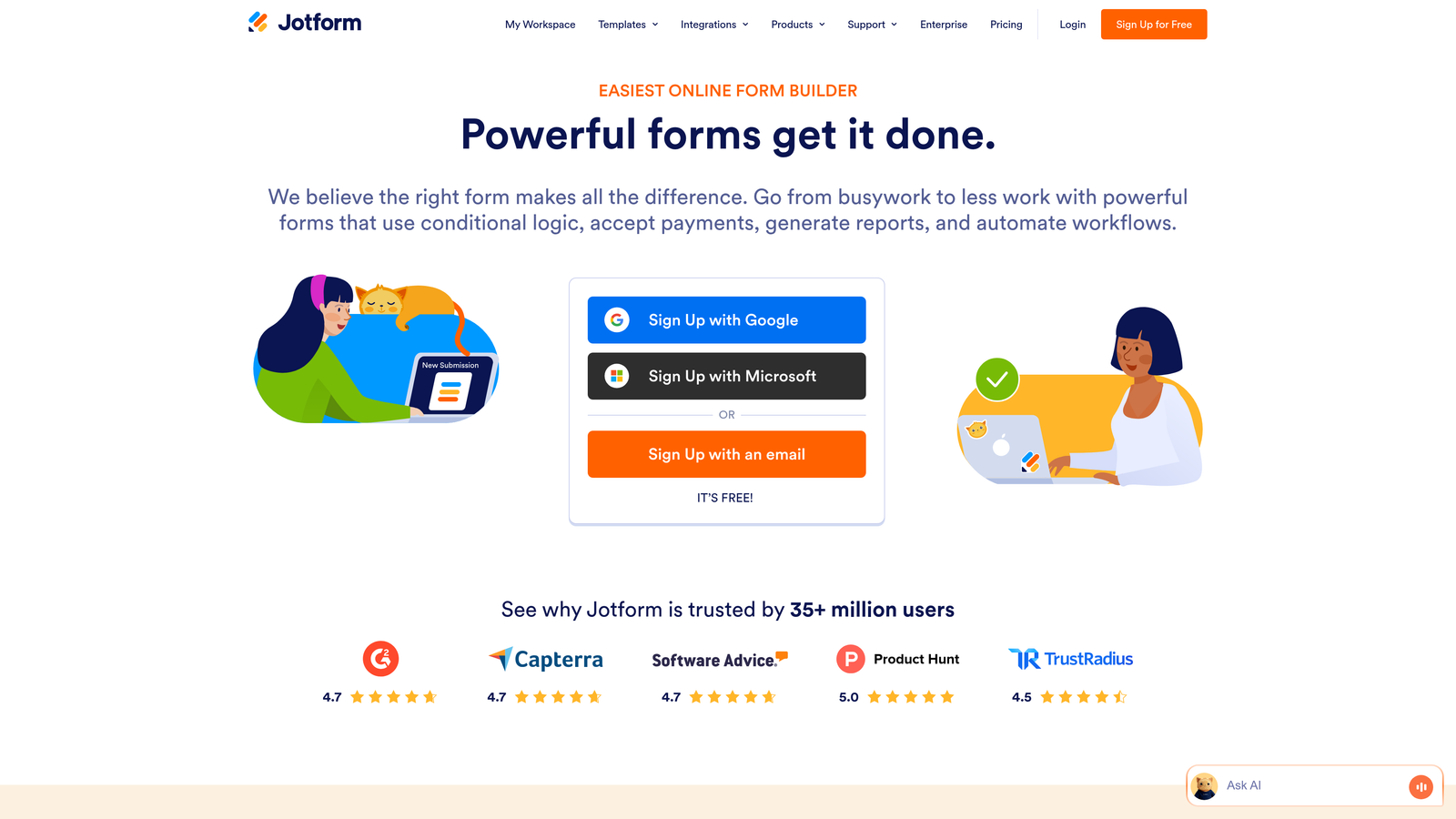
The platform's pricing structure accommodates high submission volumes more affordably than many competitors, making it practical for agencies managing multiple high-traffic clients. The form builder itself balances ease of use with customization depth, allowing both quick template deployments and detailed custom builds. For a detailed comparison, see our analysis of Jotform vs other form builders.
Integration options cover hundreds of applications, and the platform includes payment processing, e-signature capabilities, and approval workflows. This versatility means you can handle diverse client requirements within a single platform rather than maintaining multiple tool subscriptions.
Implementation for Agencies
1. Build a curated template library from Jotform's collection, customized for your most common client needs.
2. Establish branding guidelines that can be quickly applied to templates for new client projects.
3. Configure integrations with popular CRMs, email marketing platforms, and project management tools your clients use.
4. Set up team permissions to allow junior team members to handle routine form creation while maintaining quality control.
Best For
Agencies managing high volumes of forms across diverse client types and industries. Particularly valuable when you need to launch forms quickly without sacrificing customization. The affordable scaling makes it practical for agencies with clients who generate significant submission volume or need multiple forms for different campaigns and purposes.
4. Paperform: Landing Page-Style Forms With Strong Payment Integration
The Agency Challenge It Solves
Some client needs blur the line between forms and landing pages. Event registrations, product pre-orders, service bookings, and lead magnets often require more visual design flexibility than traditional form builders offer, but don't justify building full custom landing pages.
Payment collection adds another layer of complexity. Many form builders treat payments as an afterthought, offering limited payment gateway options or clunky checkout experiences that increase abandonment.
The Paperform Approach
Paperform positions itself as a landing page builder that happens to collect information, rather than a form builder trying to look pretty. The platform uses a document-style editor that lets you mix form fields with images, videos, text blocks, and design elements to create visually rich experiences.
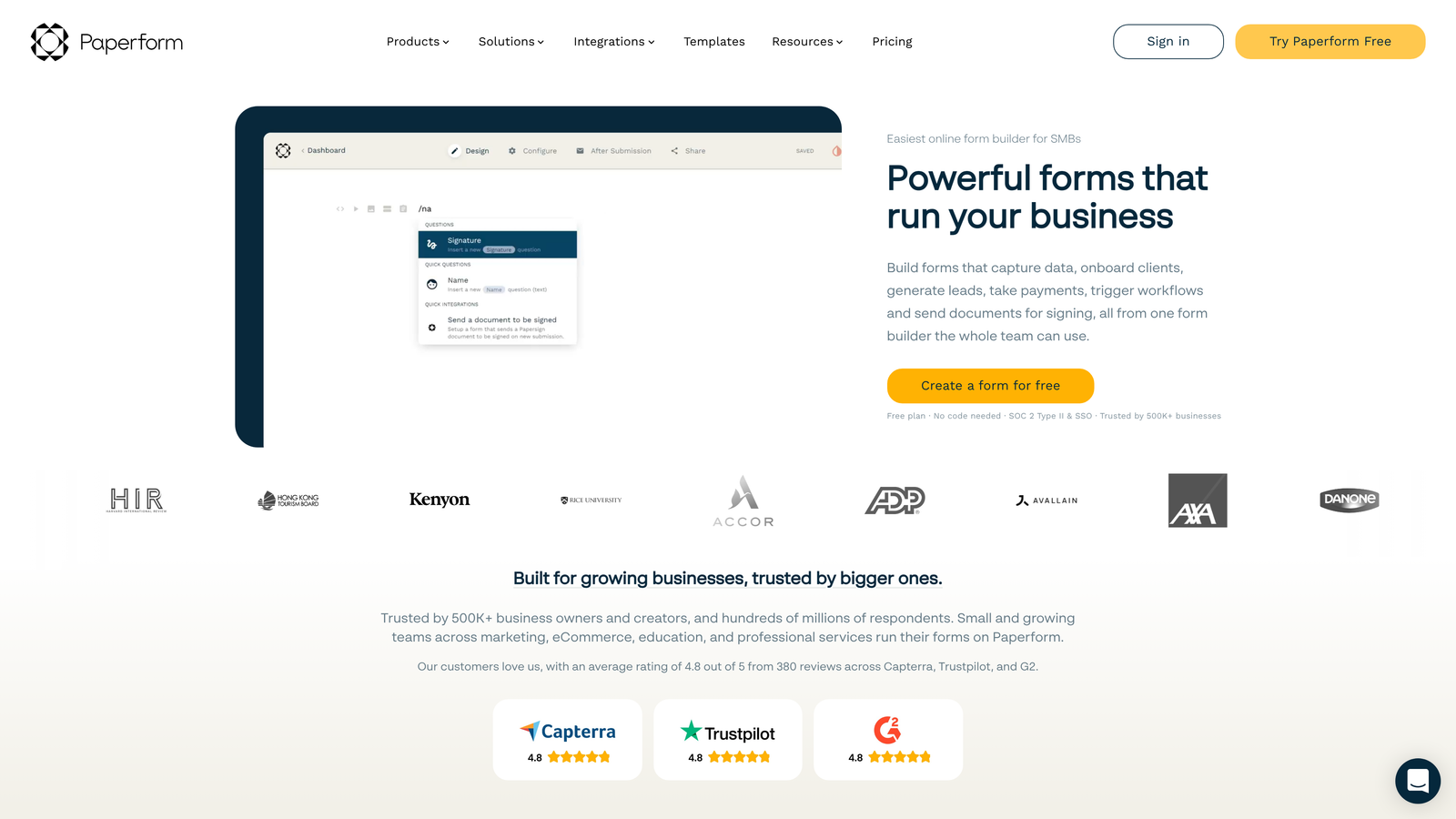
Payment integration is genuinely robust, supporting Stripe, PayPal, Square, and Braintree with native checkout experiences that feel seamless. This makes it particularly valuable for clients who need to collect payments for events, products, services, or donations.
The platform includes calculation fields, conditional logic, and workflow automation that handle complex scenarios like tiered pricing, appointment scheduling, and multi-step processes. Mastering form design best practices for conversions helps maximize the impact of these visual capabilities.
Implementation for Agencies
1. Develop landing page-style templates for common use cases like event registration, service booking, and product launches.
2. Configure payment gateway integrations based on client preferences and geographic requirements.
3. Build conditional pricing logic for clients with tiered services or complex product catalogs.
4. Create branded themes that can be quickly applied across different client projects while maintaining visual consistency.
Best For
Agencies working with clients who need visually sophisticated forms with payment collection capabilities. Particularly valuable for event management, e-commerce, professional services, and any scenario where the form experience needs to feel like a complete landing page rather than a simple contact form. The design flexibility appeals to clients who prioritize aesthetics and brand presentation.
5. Formstack: Enterprise-Grade Security and Compliance for Regulated Industries
The Agency Challenge It Solves
Healthcare, finance, legal, and government clients operate under strict compliance requirements that most form builders can't accommodate. HIPAA compliance, GDPR adherence, SOC 2 certification, and advanced security features aren't optional—they're mandatory for these clients to even consider a platform.
Beyond compliance, enterprise clients often need document generation, approval workflows, and integration with legacy systems that standard form builders don't support. Managing these complex requirements while maintaining usability creates significant challenges.
The Formstack Solution
Formstack built its platform specifically for enterprise and regulated industry requirements. The platform offers HIPAA-compliant forms, GDPR tools, SOC 2 Type II certification, and advanced security features like field-level encryption and custom data retention policies. For agencies serving large organizations, understanding the best form builder for enterprise needs is essential.
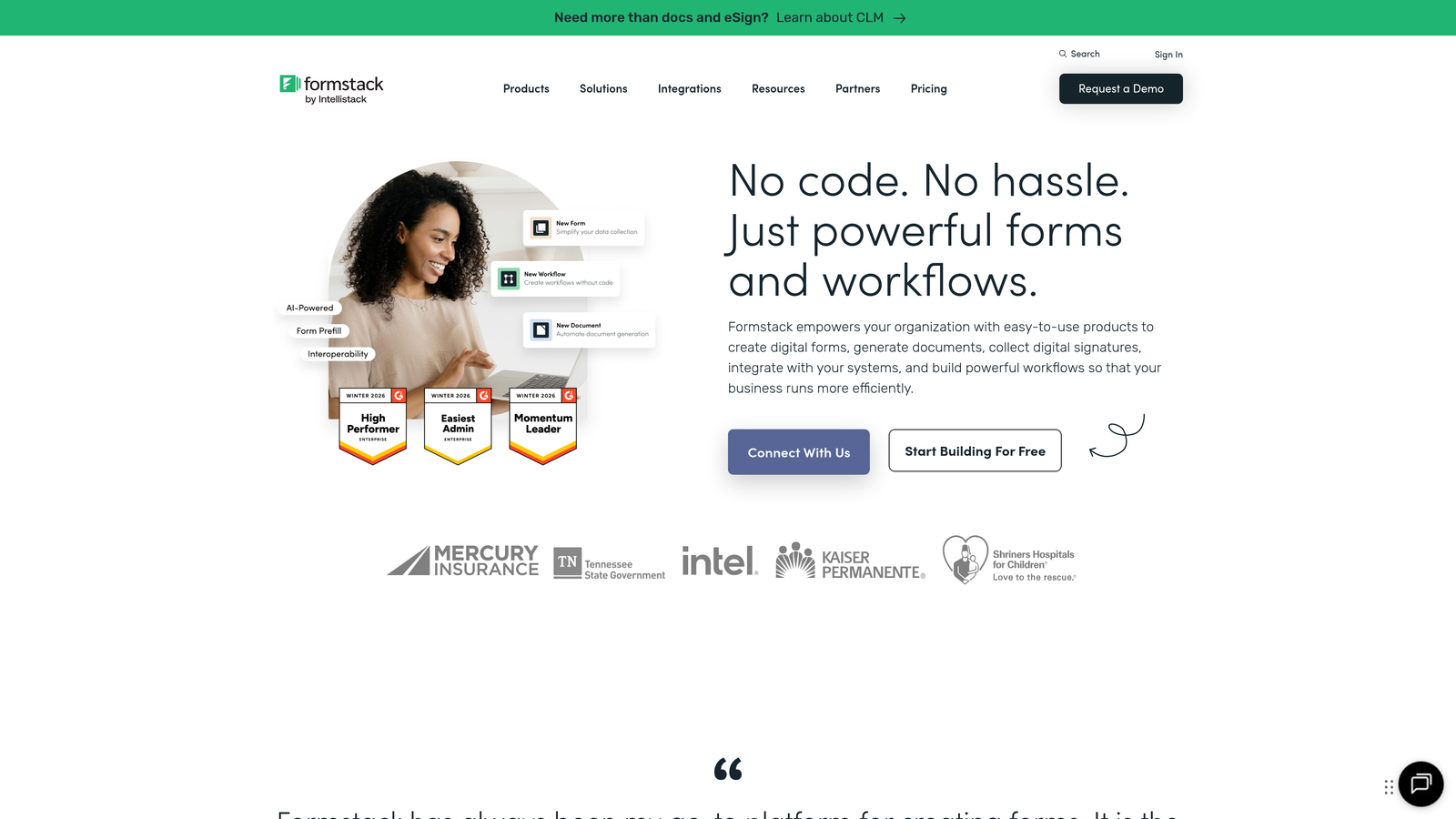
Document generation capabilities automatically populate PDF templates with form data, creating contracts, applications, and reports without manual data entry. Approval workflows route submissions through multi-step review processes with audit trails that satisfy compliance requirements.
For agencies serving enterprise clients, Formstack provides the security documentation, compliance certifications, and enterprise features that procurement departments require. The platform integrates with Salesforce, SharePoint, and other enterprise systems that smaller form builders don't prioritize.
Implementation for Agencies
1. Configure HIPAA or compliance-specific settings for clients in regulated industries.
2. Build document generation templates that automatically create contracts, applications, or reports from form submissions.
3. Set up approval workflows that route submissions through client-specific review processes.
4. Implement integrations with enterprise systems like Salesforce, SharePoint, or custom APIs.
Best For
Agencies serving enterprise clients or organizations in regulated industries like healthcare, finance, legal, or government. The compliance features and security certifications make it essential when clients have strict requirements that disqualify consumer-grade tools. Document generation and workflow capabilities also benefit agencies handling complex business processes beyond simple lead capture.
6. Gravity Forms: WordPress-Native Solution With One-Time Pricing
The Agency Challenge It Solves
Many agency clients run WordPress websites, and maintaining separate form platforms creates integration headaches and increases technical complexity. Additionally, subscription pricing for form builders adds up quickly when you're managing dozens of client sites, making cost predictability difficult.
WordPress form plugins often feel like afterthoughts—limited in functionality, poorly designed, or abandoned by developers. You need a solution that's genuinely WordPress-native while offering the features and reliability your clients expect.
The Gravity Forms Approach
Gravity Forms operates as a WordPress plugin with one-time license pricing rather than monthly subscriptions. This pricing model makes it economically attractive for agencies managing multiple client sites, as you can deploy the same license across different projects without recurring costs multiplying. Our guide to the best form builders for WordPress explores this ecosystem in detail.
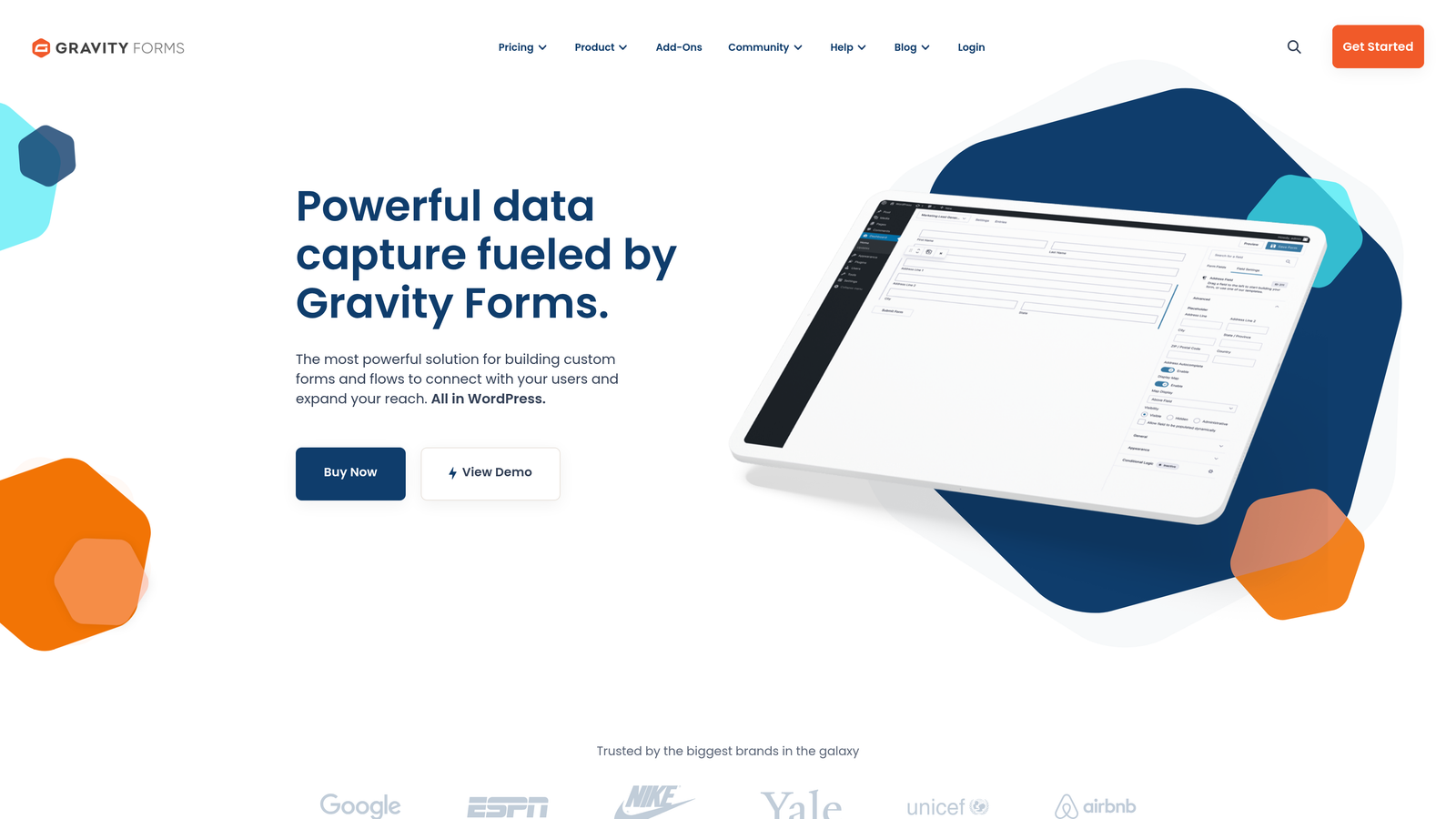
The platform integrates natively with WordPress, leveraging existing user roles, permissions, and workflows. This deep integration means forms feel like part of the website rather than embedded third-party tools. The extensive add-on ecosystem covers payment processing, CRM integration, marketing automation, and specialized functionality.
For agencies, the WordPress-native approach simplifies client handoffs and ongoing maintenance. Clients who manage their own WordPress sites can handle basic form updates without needing separate platform access or training. You might also explore contact form plugins for WordPress as alternatives.
Implementation for Agencies
1. Purchase appropriate license tiers based on the number of client sites you manage.
2. Build a library of form templates optimized for common client use cases and industries.
3. Configure essential add-ons for payment processing, email marketing, and CRM integration.
4. Document form management procedures for clients who will handle ongoing updates themselves.
Best For
Agencies primarily serving WordPress clients who want to minimize platform fragmentation and ongoing subscription costs. The one-time pricing model particularly benefits agencies managing many client sites where subscription costs would accumulate significantly. Best when clients prefer keeping functionality within WordPress rather than relying on external platforms.
7. Tally: Budget-Conscious Option With Generous Free Tier
The Agency Challenge It Solves
Not every client has the budget for premium form solutions, yet they still need functional, professional-looking forms. Agencies need options that serve budget-conscious clients without compromising too heavily on features or appearing cheap.
Additionally, some projects require quick, simple forms where investing time in complex platform setup doesn't make sense. You need a tool that's fast to deploy, easy to use, and doesn't require extensive training or configuration.
The Tally Solution
Tally offers a genuinely generous free tier with unlimited forms and unlimited submissions—a rarity in the form builder space. The platform takes design inspiration from Notion, creating clean, minimalist forms that look modern without requiring extensive customization.
The simplicity is intentional. Tally focuses on core form functionality without overwhelming users with advanced features they might not need. This makes it fast to deploy and easy for clients to manage independently if needed. For agencies evaluating cost-effective options, our best value form builder software comparison provides additional context.
For agencies, Tally serves as the practical option for smaller clients, internal projects, or situations where speed and simplicity matter more than advanced features. The free tier eliminates the awkward conversation about form platform costs for clients with minimal budgets.
Implementation for Agencies
1. Use Tally for smaller client projects where budget constraints make premium platforms impractical.
2. Deploy quickly for time-sensitive campaigns or projects with short timelines.
3. Create simple, clean forms that prioritize functionality over complex design customization.
4. Leverage the free tier for internal agency needs like job applications, client intake forms, or feedback collection.
Best For
Agencies serving budget-conscious clients or managing projects where simplicity and speed matter more than advanced features. The generous free tier makes it practical for smaller clients who can't justify premium form platform costs. Also valuable for agencies that need a simple solution for internal operations without adding to their software stack expenses.
Matching Tools to Your Client Portfolio
The right form builder depends entirely on your client mix and their specific needs. No single platform serves every scenario equally well, which is why many successful agencies maintain two or three solutions for different client segments.
Start by categorizing your clients based on their primary requirements. High-growth B2B clients focused on lead quality benefit from AI-powered qualification like Orbit AI offers. Enterprise clients in regulated industries require the compliance features Formstack provides. Budget-conscious small businesses might be perfectly served by Tally's free tier. Agencies focused on lead capture forms for marketing agencies should prioritize platforms with strong conversion features.
Consider your client's technical ecosystem. WordPress-heavy portfolios naturally align with Gravity Forms. Clients who prioritize user experience and design aesthetics lean toward Typeform or Paperform. Those needing high submission volumes at predictable costs fit well with Jotform's pricing structure.
The implementation approach matters as much as platform selection. Build template libraries that let you deploy forms quickly while maintaining quality. Document your processes so team members can handle routine form creation without bottlenecking on senior staff. Establish clear guidelines for when to use which platform based on client characteristics and project requirements.
Testing matters more than theoretical evaluation. Most platforms offer free trials or free tiers—use them. Build actual client forms on multiple platforms to understand their real-world strengths and limitations. Pay attention to the details that only emerge during implementation: how easy integrations actually are to configure, whether the editor feels intuitive under deadline pressure, how responsive support becomes when you encounter issues.
Don't hesitate to use different solutions for different client segments. The cost of maintaining multiple platforms is often less than the friction of forcing every client into a one-size-fits-all solution. A WordPress agency might use Gravity Forms as their default while keeping Formstack for healthcare clients and Orbit AI for high-growth B2B accounts.
The form builder landscape continues evolving, with new features and capabilities emerging regularly. What works for your agency today might need reassessment in six months. Stay informed about platform updates, new entrants to the market, and changing client expectations around form experiences.
For agencies prioritizing lead qualification and conversion optimization, start building free forms today with Orbit AI's intelligent platform that automatically qualifies prospects while delivering the modern, high-converting experiences your high-growth clients demand. Transform basic contact forms into strategic lead generation assets that demonstrate clear ROI and justify your agency's value.


