Your website's contact form is a critical gateway for customers, leads, and feedback. Choosing from the best contact form plugins for WordPress isn't just about collecting messages; it's about optimizing conversions, integrating with your sales and marketing tools, and ensuring a seamless user experience. A powerful form builder can transform a simple contact page into an automated lead qualification machine, directly impacting your sales pipeline and operational efficiency.
This guide cuts through the noise to provide an in-depth analysis of the top WordPress form solutions. We move beyond generic feature lists to give you practical insights, honest assessments of limitations, and specific use-case scenarios tailored for growth-focused teams. We'll explore everything from AI-powered innovators like Orbit AI, which automates lead qualification, to established industry giants known for their robust customization and extensive integration capabilities.
Inside, you will find a detailed breakdown of each plugin, complete with:
- Screenshots and direct links for easy evaluation.
- Clear pros and cons based on real-world application.
- Ideal user profiles, from startups to large enterprises.
- Notes on key integrations with CRMs and marketing automation platforms.
Our goal is to help you select the perfect plugin that aligns with your specific business goals, whether you're a digital marketing agency building client sites, a B2B SaaS company capturing qualified leads, or a product team needing to integrate user feedback directly into your workflows. Let's find the right tool to turn your forms into a strategic asset.
1. Orbit AI
Best for: AI-Powered Lead Qualification & High-Growth Sales Teams
Orbit AI transcends the traditional WordPress contact form plugin, positioning itself as a complete lead capture and qualification platform. It's built for B2B companies that view every form submission as a potential sales conversation, not just a data entry. Its core differentiator is the built-in AI Sales Development Representative (SDR) that analyzes, enriches, and scores leads the moment they hit submit.
This AI-driven approach provides sales teams with a prioritized, sales-ready pipeline directly from their website, eliminating manual qualification tasks. The visual drag-and-drop builder focuses heavily on creating a modern, high-converting user experience, which is a significant step up from the utilitarian feel of many classic form builders. For teams serious about optimizing their sales funnel, Orbit AI is one of the best contact form plugins for WordPress because it directly connects lead capture to revenue generation.
The platform provides real-time analytics on form performance, including conversion trends and drop-off points, giving marketers actionable data to improve their lead capture strategy. With enterprise-grade security and over 50 native integrations, it seamlessly connects to tools like Salesforce, HubSpot, and Slack.
Key Details & Features:
- AI SDR: Automatically qualifies and scores leads in real-time.
- High-Converting UX: Modern, clean builder designed to maximize submissions.
- Robust Integrations: Connects natively with 50+ CRMs and marketing automation tools.
- Analytics Suite: Tracks conversion rates, source performance, and user drop-off points.
- Pricing: Custom pricing based on lead volume and feature requirements. A free plan is available for basic use cases.
| Pros | Cons |
|---|---|
| Drastically improves lead quality with AI | AI features can be overkill for simple contact forms |
| Modern UI improves user experience and conversions | Best for teams with a consistent lead flow |
| Seamlessly integrates with sales and marketing stacks | Higher price point than basic form plugins |
Website: https://orbitforms.ai
2. CodeCanyon (WordPress Forms marketplace)
Best for: Niche Solutions & One-Time Purchases
CodeCanyon isn't a single plugin but a vast marketplace where developers sell premium, specialized WordPress plugins. For users with unique requirements that go beyond a standard contact form, like complex calculation forms, multi-step wizards, or specific booking systems, this is an essential resource. It operates on a different model than subscription-based plugins, with most items offered as a one-time purchase that includes a set period of support and updates.
This model is ideal for developers and small businesses looking to add advanced functionality to a single site without committing to recurring annual fees. The platform’s strength lies in its diversity; you can find highly specific tools that aren’t available in the mainstream plugin repositories. When searching for the best contact form plugins for WordPress to solve a particular problem, CodeCanyon often has a purpose-built solution.
However, the quality can vary. It’s crucial to vet plugins by checking their sales history, user ratings, comments, and how recently they were updated. Sticking to top-selling and well-reviewed items from established authors mitigates the risk and ensures you get a reliable product with ongoing support.
Key Details & Features:
- Vast Selection: A huge library of form plugins for almost any niche or specialized function.
- One-Time Licensing: Most plugins are sold with a single-site, lifetime license with 6-12 months of included support.
- Community Reviews: Transparent ratings, sales data, and user comments help evaluate plugin quality.
- Developer Support: Direct support from the plugin's author is included for a limited time, with options to extend.
- Pricing: Varies per plugin, typically ranging from $19 to $79 for a one-time purchase.
| Pros | Cons |
|---|---|
| Excellent for finding specialized or niche form solutions | Quality can be inconsistent; requires careful vetting |
| Cost-effective one-time purchase model for single sites | Support and updates are time-limited unless renewed |
| Clear compatibility and update information on listings | No single standard for UI or feature sets across plugins |
Website: https://codecanyon.net/category/wordpress/forms
3. WPForms
Best for: Beginners & Small Businesses Needing a User-Friendly, All-in-One Form Builder
WPForms has earned its reputation as one of the most user-friendly and approachable form builders on the market. It’s designed for users who prioritize simplicity and speed without sacrificing essential functionality. The core of its appeal lies in its intuitive drag-and-drop visual builder, which allows anyone to create a professional-looking form in minutes, regardless of technical skill.
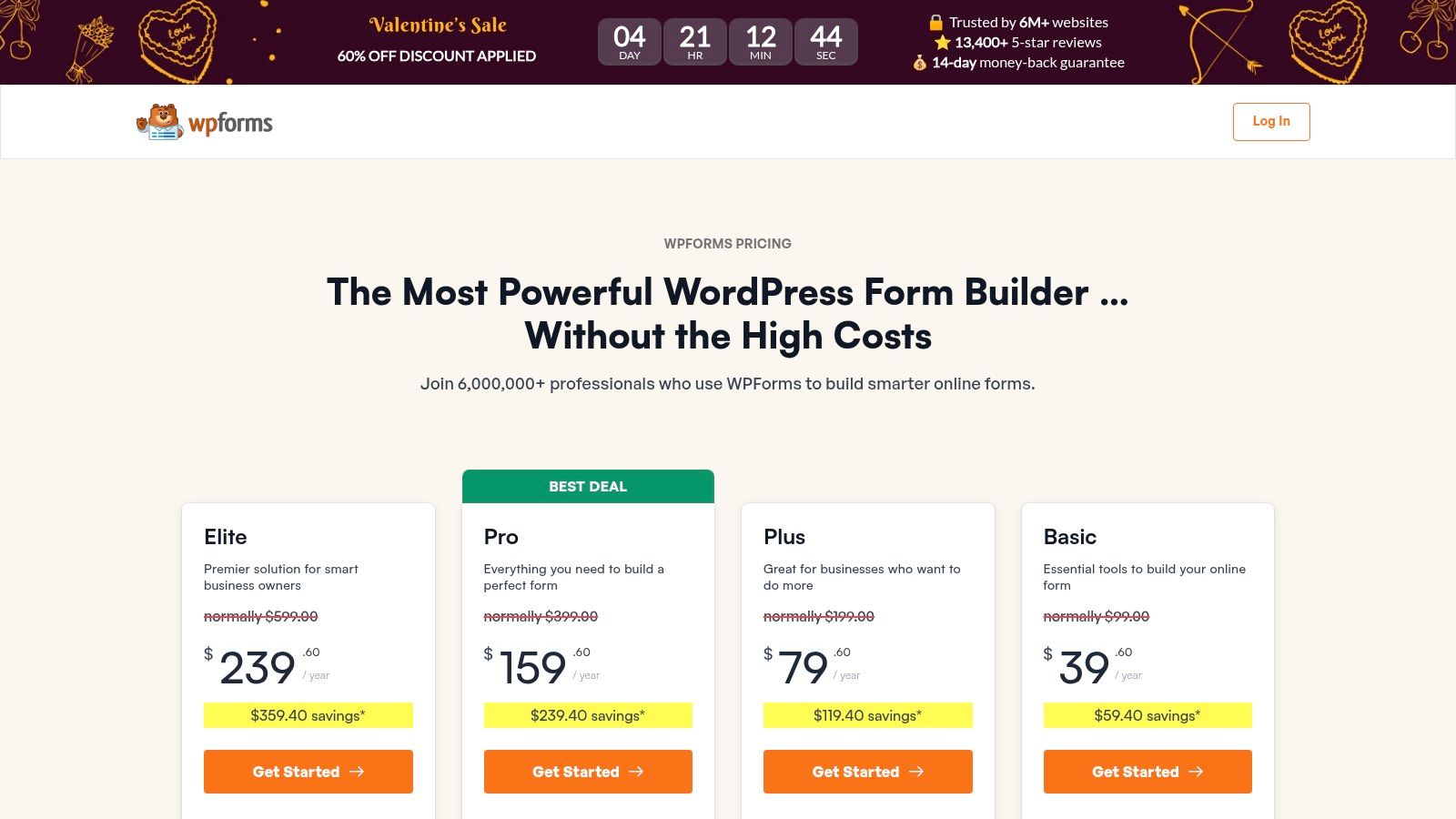
This plugin goes beyond simple contact forms by offering a vast library of over 2,000 pre-built templates for almost any use case, from payment collection to surveys and event registrations. For businesses looking for a versatile tool that can handle various data collection needs, WPForms stands out as one of the best contact form plugins for WordPress due to its extensive feature set and gentle learning curve. By adhering to solid web form design best practices, its templates help ensure a smooth user experience.
WPForms is an excellent starting point for new WordPress users thanks to its popular free version, WPForms Lite, which provides a solid foundation. As needs grow, users can upgrade to unlock powerful features like payment integrations with Stripe and PayPal, conditional logic, multi-page forms, and connections to popular marketing and CRM platforms.
Key Details & Features:
- Drag-and-Drop Builder: A highly intuitive visual interface for fast form creation.
- 2,000+ Form Templates: A massive library of pre-made templates to get started quickly.
- Payment & Survey Add-ons: Collect payments, donations, and conduct surveys directly from your forms.
- Marketing Integrations: Connects with popular email marketing services and CRMs.
- Pricing: A free Lite version is available. Paid plans start at $49.50/year (introductory pricing) and scale up based on features and site licenses.
| Pros | Cons |
|---|---|
| Extremely beginner-friendly and easy to use | Many key features are only in expensive Pro/Elite tiers |
| Huge library of templates saves significant time | Introductory pricing increases significantly upon renewal |
| Strong reputation with a massive user base and support | Can become costly for businesses needing advanced features |
Website: https://wpforms.com/pricing/
4. Gravity Forms
Best for: Developers & Agencies Needing Advanced, Extensible Solutions
Gravity Forms is a veteran in the WordPress ecosystem, establishing itself as the go-to premium solution for developers and agencies who require unparalleled flexibility and power. It's built for complex scenarios that go far beyond a simple contact submission, such as custom registration forms, user-submitted content, and intricate multi-page workflows. Its core strength lies in its robust foundation, which includes some of the most advanced conditional logic and calculation fields available.
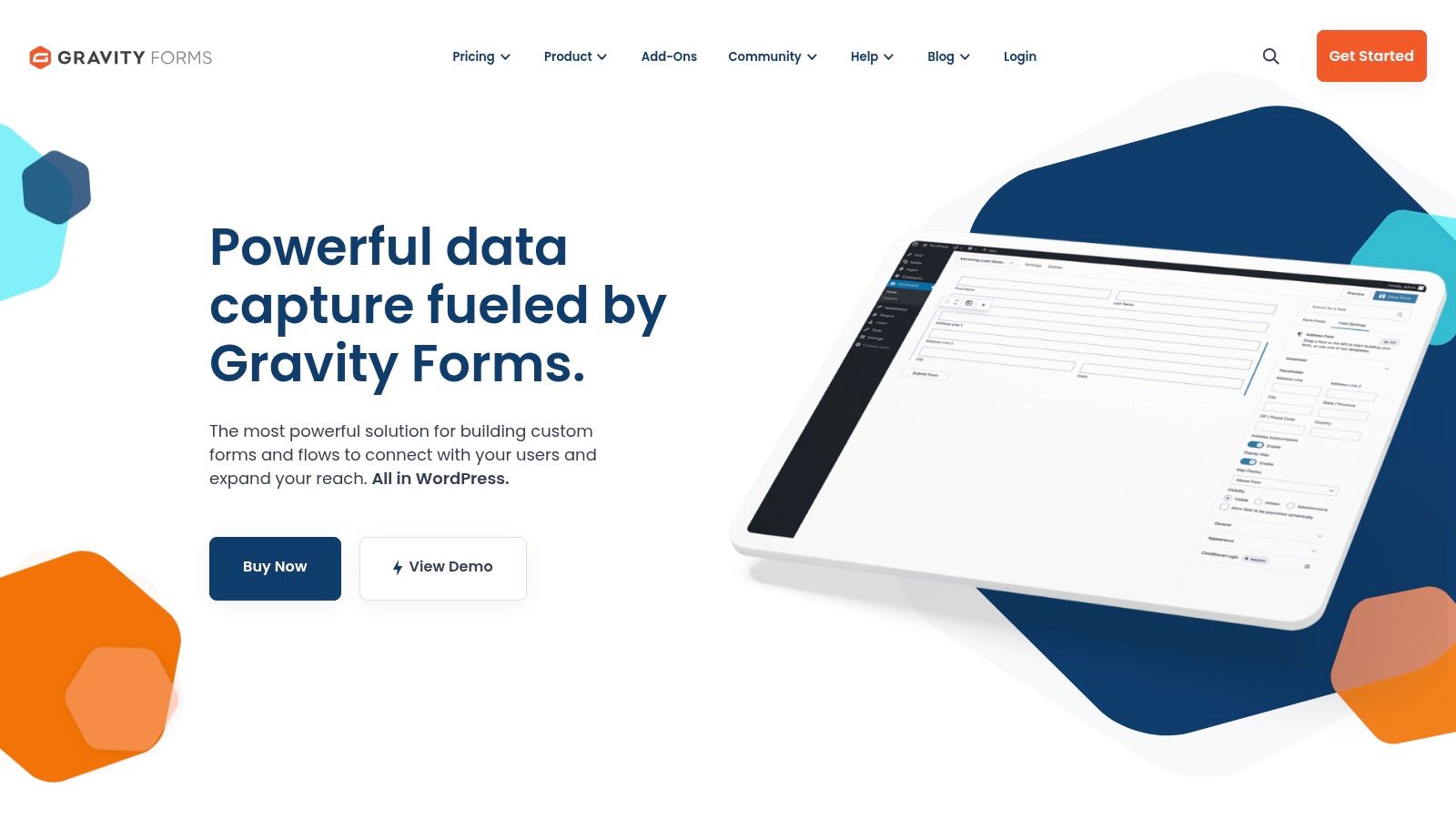
This plugin is a developer's dream, featuring extensive hooks and filters that allow for deep customization and integration with proprietary systems. For businesses needing to build sophisticated, data-driven applications on top of WordPress, Gravity Forms is often considered one of the best contact form plugins for WordPress due to its stability and vast ecosystem of both official and third-party add-ons. You can learn more about how to leverage its capabilities by exploring guides on how a form builder with conditional logic can streamline user pathways.
While it lacks a free version, its professional support and consistent release schedule justify the investment for serious projects. Gravity Forms excels in scenarios where reliability and extensibility are non-negotiable, offering a powerful toolkit to create nearly any type of form-based solution imaginable, from payment processing to automated data entry into custom databases.
Key Details & Features:
- Advanced Conditional Logic: Show or hide fields, sections, or entire pages based on user input.
- Calculations & File Uploads: Perform complex mathematical calculations and securely accept file submissions.
- Vast Add-On Ecosystem: Connects natively with payment gateways, CRMs, automation tools, and cloud storage.
- Developer-Friendly: Strong developer hooks, filters, and extensive documentation for custom solutions.
- Pricing: Starts at $59/year for the Basic License. Higher-tier plans unlock more add-ons and features.
| Pros | Cons |
|---|---|
| Enterprise-friendly and highly extensible | No free tier available for basic use |
| Powerful features for complex form building | Some essential integrations require higher-priced plans |
| Stable release cadence and professional support | User interface can feel dated compared to newer builders |
Website: https://www.gravityforms.com/
5. Ninja Forms
Best for: Developers & Businesses Needing a Scalable, Modular Solution
Ninja Forms stands out with its powerful and flexible framework, making it a favorite among developers and businesses that anticipate their needs growing over time. Its core strength lies in its modular approach; you can start with the free version for basic forms and purchase individual add-ons as required. This "a la carte" model prevents you from paying for a bloated suite of features you'll never use.
The plugin features a clean drag-and-drop interface that is beginner-friendly but also offers extensive developer hooks for deep customization. Whether you need to accept payments via Stripe, connect to a CRM like HubSpot, or create complex multi-part forms with conditional logic, there's likely an add-on for it. For those who need more advanced functionality, Ninja Forms offers one of the best contact form plugins for WordPress because its extensibility allows it to evolve with your business requirements, from a simple contact page to a complex application portal.
This scalability makes it a cost-effective choice for users who want to start small and add functionality later. Instead of a large upfront investment, you can build your ideal form solution piece by piece or opt for a bundled membership which provides significant value for agencies and power users managing multiple sites and complex integrations.
Key Details & Features:
- Modular Add-Ons: Purchase specific features like conditional logic, file uploads, and payment gateways individually.
- Developer Friendly: Built with hooks, filters, and custom field templates for extensive customization.
- User Management: Allows users to save form progress and manage their submissions from the front end.
- Payment & CRM Integrations: Connects with Stripe, PayPal, HubSpot, Salesforce, and many other popular services.
- Pricing: Core plugin is free. Add-ons can be purchased individually (starting at $49/year) or in bundles (starting at $99/year).
| Pros | Cons |
|---|---|
| Highly flexible and scalable with its add-on model | Costs can add up quickly when buying many add-ons |
| Excellent for developers who need to customize | The learning curve can be steep for complex workflows |
| Pay only for the specific functionality you need | The free version is quite limited compared to some rivals |
Website: https://ninjaforms.com/
6. Fluent Forms
Best for: Performance-Conscious Users & Modern Conversational Forms
Fluent Forms has quickly become a top contender by focusing on speed, a modern user interface, and a wealth of features typically reserved for more expensive plugins. It's built for users who prioritize performance and refuse to let their contact forms slow down their site. The plugin is remarkably lightweight, ensuring fast load times while still offering a powerful drag-and-drop building experience.
Its clean interface, pre-built templates, and unique features like conversational forms and form landing pages make it a standout choice. For those looking for one of the best contact form plugins for WordPress that balances advanced functionality with ease of use and affordability, Fluent Forms is a compelling option. It offers a comprehensive solution without the bloat, making it suitable for everyone from bloggers to growing businesses.
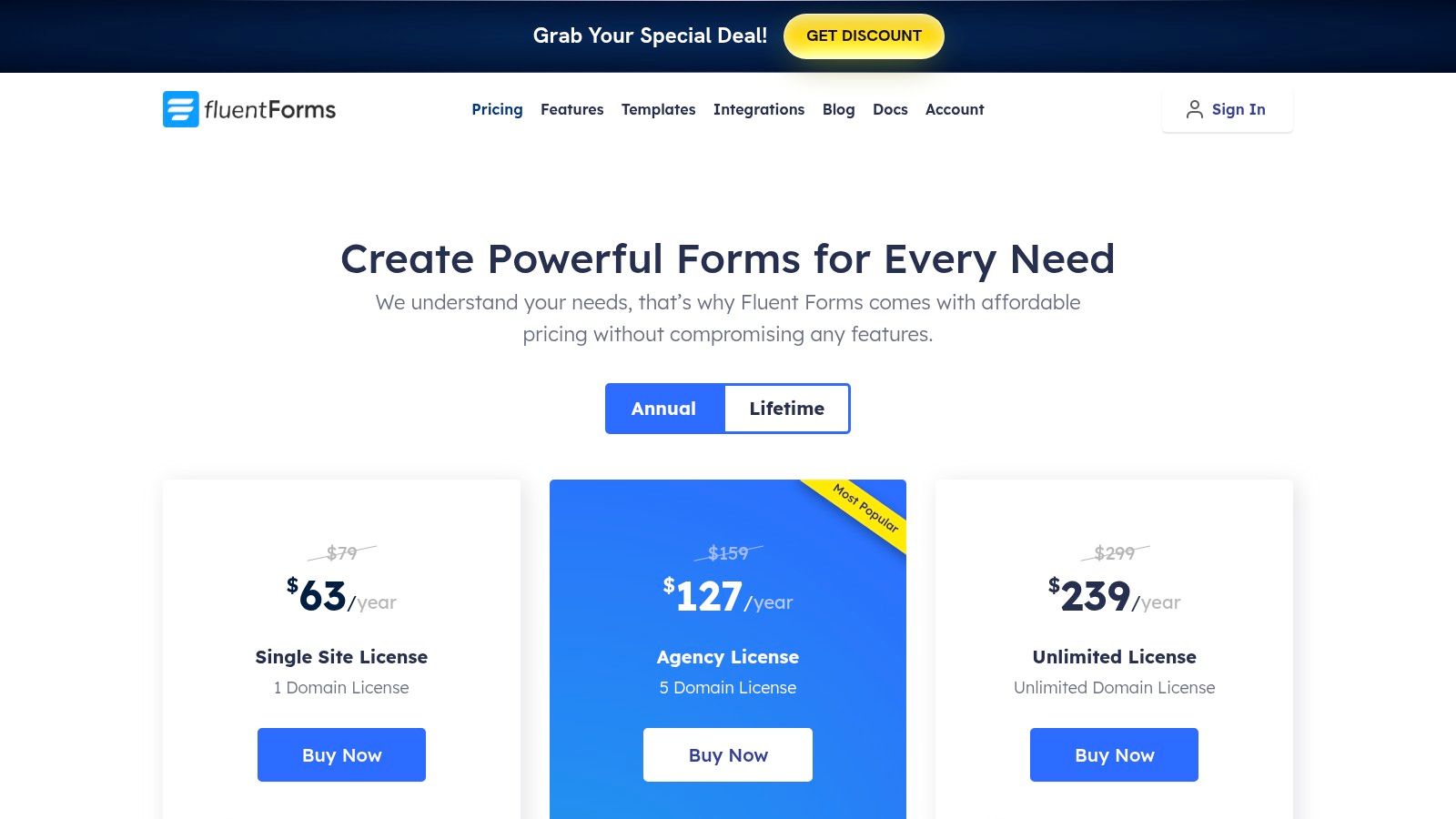
The plugin includes advanced features like conditional logic, multi-page forms, and file uploads even in its free version. The premium plans unlock over 60 third-party integrations, including popular CRMs, email marketing services, and payment gateways like PayPal and Stripe, making it a versatile tool for lead generation and e-commerce.
Key Details & Features:
- Performance-Focused: Engineered to be one of the fastest form builders available for WordPress.
- Conversational Forms: Create interactive, one-question-at-a-time forms to boost engagement.
- Visual Data Reporting: Built-in analytics to visualize submission data with charts and graphs.
- Extensive Integrations: Connects with over 60 third-party tools, including payment gateways.
- Pricing: A powerful free version is available. Premium plans start at $48/year for a single site, with lifetime deals also offered.
| Pros | Cons |
|---|---|
| Excellent performance and lightweight code | Some advanced features are restricted to the Pro version |
| Modern, intuitive drag-and-drop interface | The third-party ecosystem is smaller than industry giants |
| Competitive pricing with generous features | Conversational form customization could be more extensive |
Website: https://fluentforms.com/pricing/
7. Formidable Forms
Best for: Data-Driven Applications & Complex Calculations
Formidable Forms goes far beyond simple contact forms, positioning itself as a WordPress application builder. It's the ideal solution for developers and businesses that need to do more than just collect data; they need to display, manipulate, and utilize that data on the front end. Its standout feature, Views, allows you to transform form submissions into directories, real-time graphs, event calendars, and user-generated content without writing custom code.
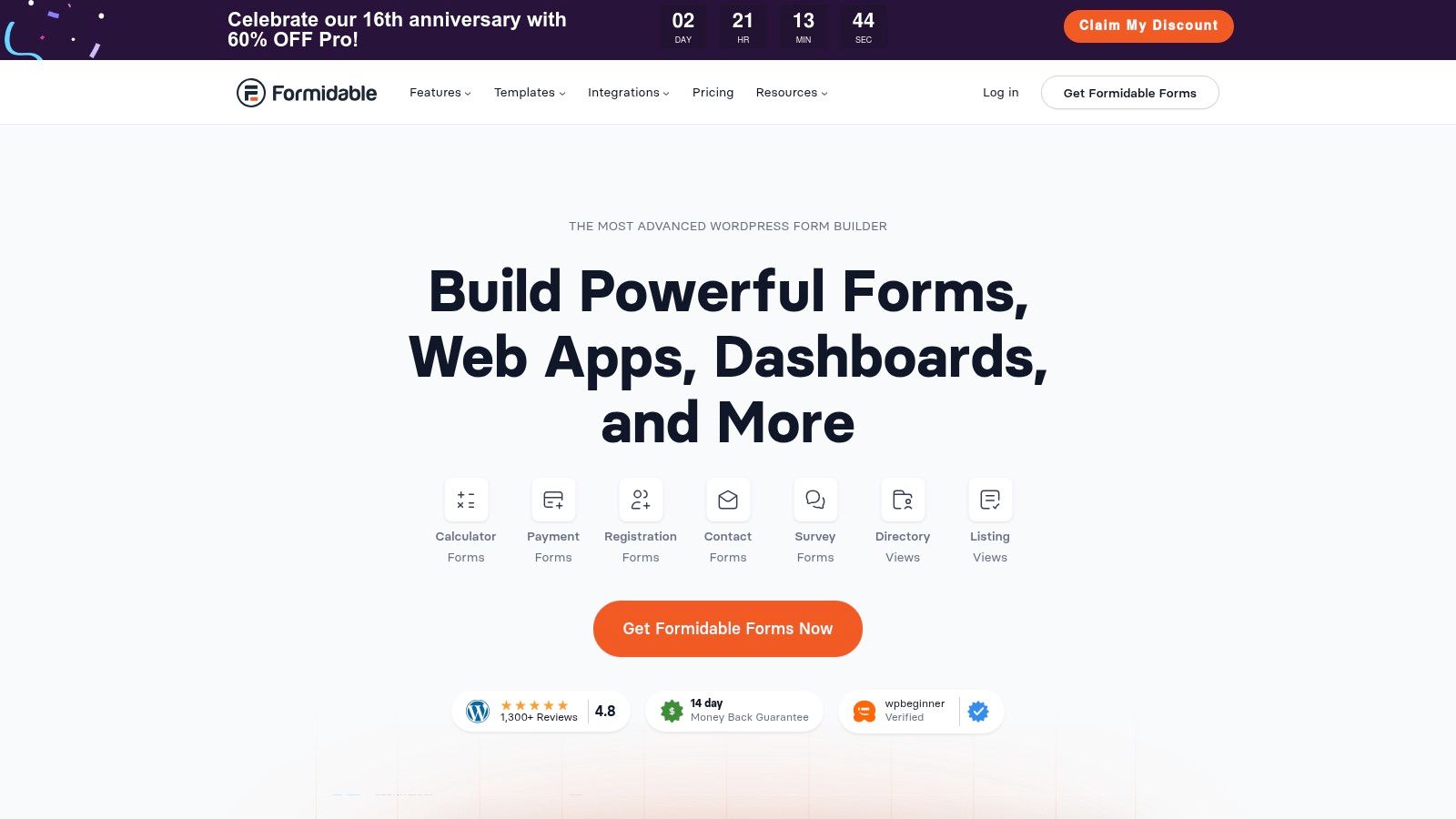
This makes Formidable Forms one of the best contact form plugins for WordPress for creating sophisticated, data-driven web applications. Its powerful calculated fields enable you to build complex calculators for quotes, financial assessments, and product configurators. While it offers a standard drag-and-drop interface, its true power is unlocked by those who need to leverage its advanced functionalities for building bespoke solutions, such as real estate listing sites or business directories.
The platform integrates deeply with tools like WooCommerce, Salesforce, and HubSpot, making it a robust central hub for data management. For those with complex requirements, Formidable Forms provides a developer-focused framework that is both powerful and flexible, distinguishing it from more basic form builders.
Key Details & Features:
- Formidable Views: Display submitted form data on the front end in custom layouts.
- Calculated Fields: Create powerful calculators for quotes, estimates, and more.
- Developer-Focused: Includes extensive hooks and customization options for advanced users.
- Application Templates: Pre-built templates for directories, job boards, and other applications.
- Pricing: A free version is available. Premium plans start at $79 per year, with advanced features like Views in higher tiers.
| Pros | Cons |
|---|---|
| Unmatched for creating data-driven applications | Steeper learning curve than simpler plugins |
| Powerful calculation and conditional logic features | Core features like Views require premium plans |
| Excellent developer tools and extensibility | Can be overkill for basic contact or lead forms |
Website: https://formidableforms.com/
8. Contact Form 7
Best for: Developers & Users Needing a Free, Minimalist, and Widely-Supported Solution
Contact Form 7 is a foundational plugin in the WordPress ecosystem, known for its longevity, simplicity, and massive install base. It offers a no-frills, code-based approach to creating forms, making it extremely lightweight and reliable. Instead of a visual builder, you create forms using simple markup and shortcodes, giving developers precise control over the final output. This minimalist philosophy ensures it works seamlessly with almost any theme or page builder.
Its core strength lies not in its built-in features, but in its vast ecosystem of third-party add-ons. Users can extend its functionality to include database entry storage, conditional logic, and advanced integrations. While it requires a more hands-on setup compared to drag-and-drop builders, its status as one of the best contact form plugins for WordPress is cemented by its unbeatable price (free) and unparalleled community support. It’s the go-to choice for simple contact pages where performance and cost are the primary concerns.
The plugin relies on add-ons for robust spam filtering, though basic CAPTCHA support is available. For users struggling with unwanted submissions, it is crucial to implement advanced contact form spam prevention techniques through these extensions.
Key Details & Features:
- Lightweight & Fast: Minimalist code-based approach ensures excellent site performance.
- Extensive Add-on Ecosystem: A massive library of free and premium extensions for any needed feature.
- Shortcode-Based: Easily embed forms anywhere on your site using simple shortcodes.
- Spam Filtering: Supports popular services like reCAPTCHA and Turnstile to reduce spam.
- Pricing: Completely free. Functionality is extended via third-party plugins, which may have costs.
| Pros | Cons |
|---|---|
| Completely free and extremely widely supported | Lacks a visual, drag-and-drop form builder |
| Lightweight and won't slow down your website | No built-in entry storage (requires an add-on) |
| Works with nearly all WordPress themes and plugins | Advanced features depend on multiple third-party plugins |
Website: https://contactform7.com/
9. Forminator Pro by WPMU DEV
Best for: Developers, Agencies & Users Already in the WPMU DEV Ecosystem
Forminator Pro is more than just a form builder; it's a comprehensive data collection tool that is part of the larger WPMU DEV membership suite. While the free version is highly capable, the Pro version elevates its functionality with advanced features like e-signatures, PDF generation, and powerful automation through its n8n integration. This makes it ideal for creating service agreements, generating invoices, or automating complex workflows directly from your WordPress dashboard.
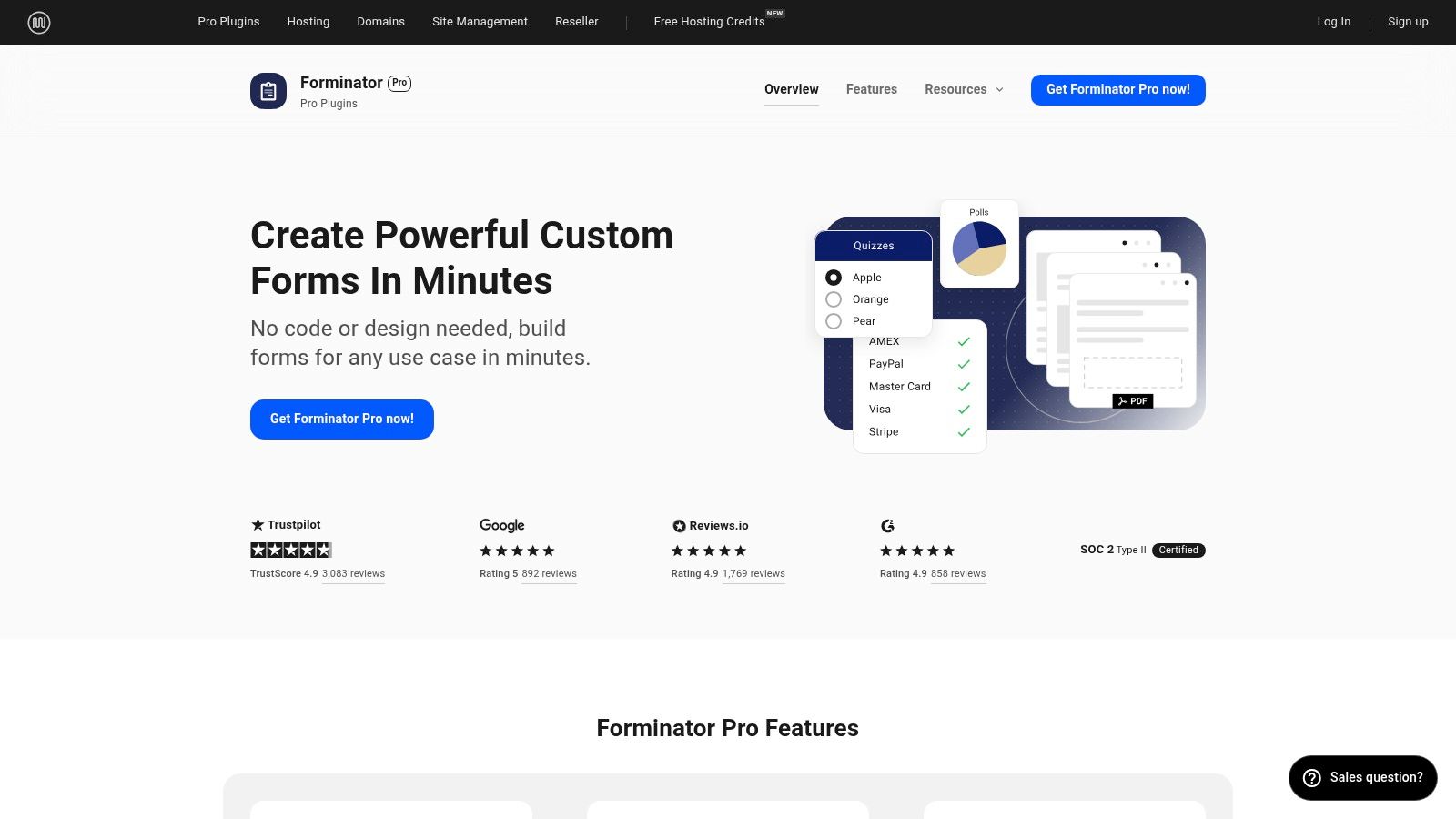
The primary value proposition of Forminator Pro is its inclusion within the WPMU DEV membership, which provides access to a full suite of premium plugins for backups, security, SEO, and performance. For agencies or developers managing multiple client sites, this bundle offers immense value and centralized support. If you're looking for one of the best contact form plugins for WordPress as part of an all-in-one toolkit rather than a standalone purchase, Forminator Pro is an excellent and cost-effective choice. The builder itself is intuitive, supporting not just forms but also interactive quizzes and polls to boost user engagement.
Key Details & Features:
- Multi-Functional Builder: Create forms, interactive quizzes, polls, and even accept payments via Stripe and PayPal.
- Advanced Pro Features: Includes e-signatures, PDF generation from submissions, and advanced form fields.
- Automation Integration: Connects with n8n for powerful, custom workflow automation.
- Part of WPMU DEV Suite: Access is bundled with other premium plugins for hosting, security, and optimization.
- Pricing: Included with a WPMU DEV membership (starting from $36/month). A free version is available on WordPress.org.
| Pros | Cons |
|---|---|
| Incredible value if you use other WPMU DEV tools | Pro version requires a full WPMU DEV membership |
| Includes powerful features like e-signatures and quizzes | Can be overkill if you just need a simple contact form |
| Agency-friendly plans and a 30-day money-back guarantee | Not sold as a standalone plugin |
Website: https://wpmudev.com/project/forminator-pro/
10. HappyForms
Best for: Beginners & Users Who Value Simplicity and a Live Preview Experience
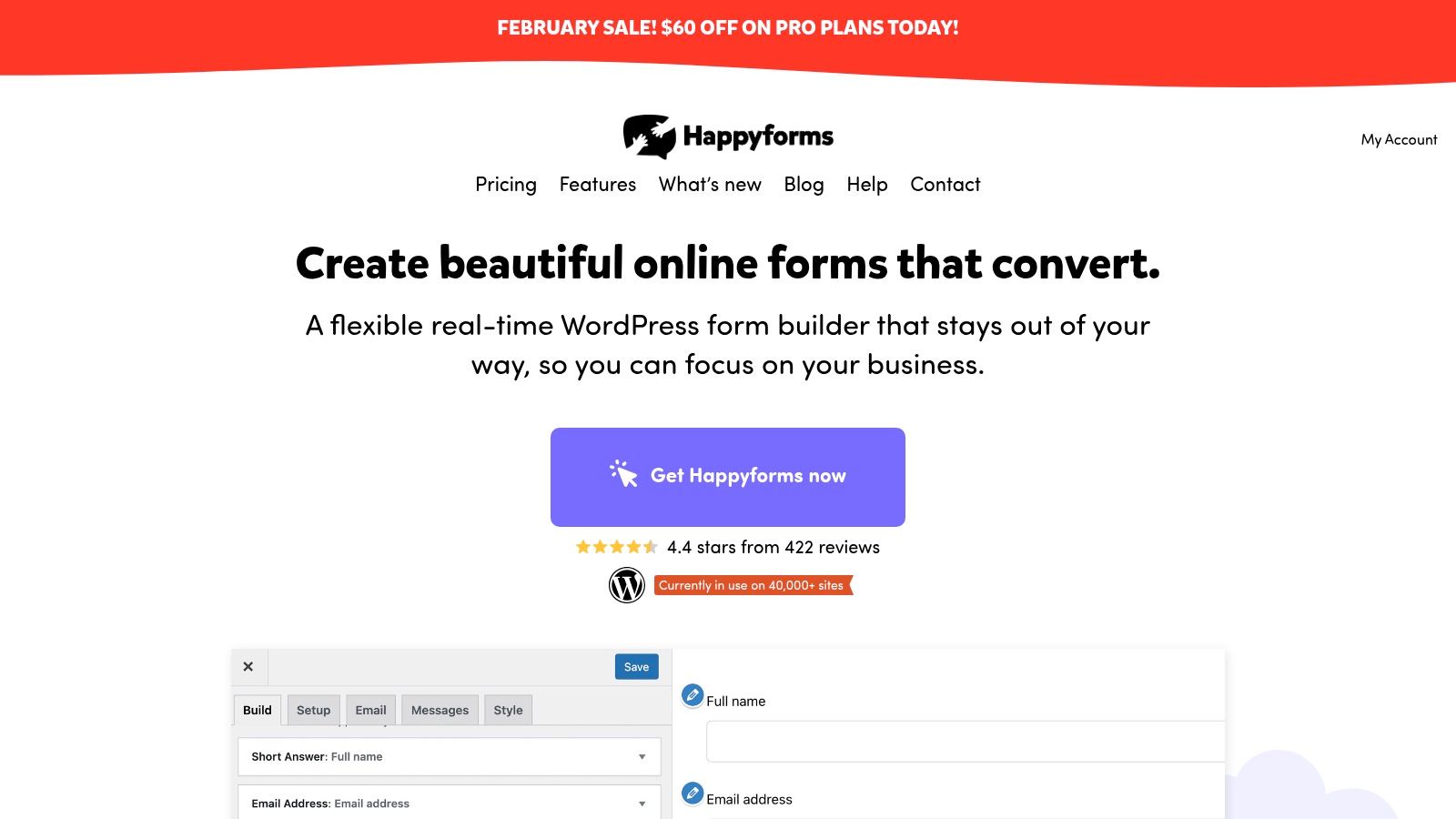
HappyForms offers a refreshingly straightforward approach to form building by integrating directly into the familiar WordPress Customizer. This unique setup allows you to build and style your forms with a real-time preview, eliminating the guesswork of how your form will look on the front end. It’s designed for users who want to create clean, effective forms without navigating a complex interface or bloated feature sets.
The builder is lightweight and performance-focused, ensuring it won't slow down your site. While it may not have the exhaustive integration library of larger platforms, it provides all the essential features needed for most small businesses and personal websites, making it a strong contender among the best contact form plugins for WordPress for those prioritizing ease of use and speed. Its "what you see is what you get" philosophy makes form creation fast and intuitive.
HappyForms comes with built-in spam protection, including Google reCAPTCHA and a Honeypot trap, to keep submissions clean. Premium features like conditional logic, file uploads, and multi-page forms are available in the paid version, offering a clear upgrade path as your needs grow.
Key Details & Features:
- Live Preview Builder: Create and customize forms directly within the WordPress Customizer.
- Drag-and-Drop Interface: Simple, intuitive controls for adding and arranging form fields.
- Built-in Spam Protection: Includes Honeypot and Google reCAPTCHA integration.
- Core Features: Supports conditional logic, file uploads, and multi-page forms in its premium plans.
- Pricing: A free version is available for basic forms. Paid plans start at $49 per year, unlocking advanced features and support.
| Pros | Cons |
|---|---|
| Extremely easy to use, especially for beginners | Smaller ecosystem than larger competitors |
| Live preview in the WordPress Customizer is intuitive | Fewer advanced integrations with niche CRMs |
| Lightweight and focused on performance | The free version has notable limitations |
Website: https://happyforms.io/
11. Kali Forms
Best for: Freelancers & Small Businesses on a Budget
Kali Forms carves out its niche by offering a powerful, yet remarkably affordable, form-building experience. It’s designed for users who need essential functionality like conditional logic, multi-page forms, and payment integrations without the enterprise-level price tag. This makes it a go-to choice for freelancers, small businesses, and agencies looking to deploy effective forms on client sites while managing costs.
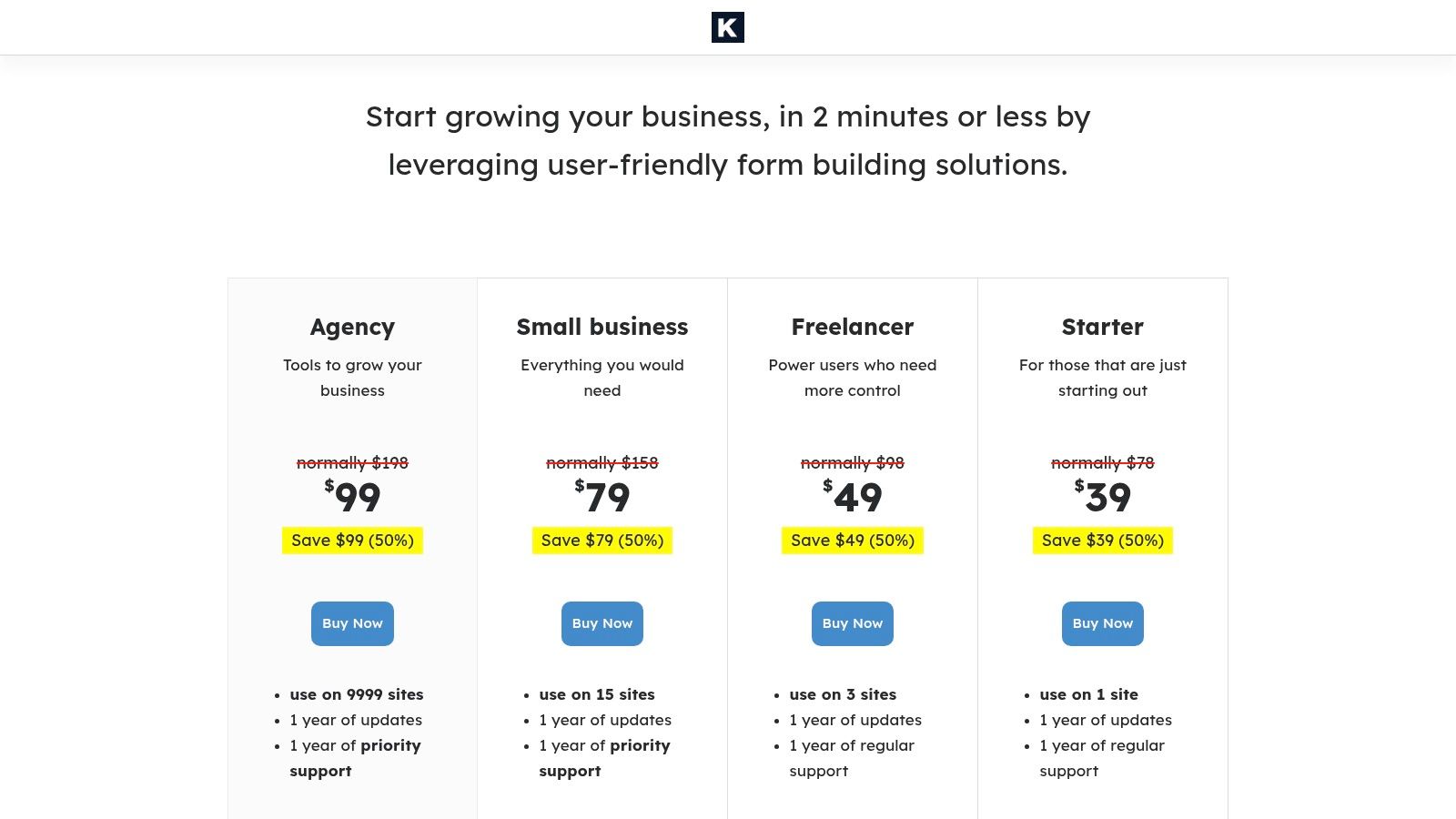
The plugin strikes an excellent balance between simplicity and capability. Its user-friendly interface and pre-designed templates allow for quick setup, while features like calculated fields enable more complex use cases such as simple quote calculators or order forms. For those who need a reliable and straightforward tool, Kali Forms is one of the best contact form plugins for WordPress because it delivers core premium features at an exceptionally competitive price point.
It includes crucial integrations like PayPal and Stripe for e-commerce, along with webhooks for connecting to a wider ecosystem of apps. Built-in spam protection through reCAPTCHA and Akismet ensures that submissions remain clean, making it a practical and secure solution for everyday business needs.
Key Details & Features:
- Pre-designed Templates: Quickly launch common forms like contact, registration, and payment forms.
- Conditional Logic & Calculators: Create dynamic forms that react to user input and perform calculations.
- Payment Gateways: Accepts payments directly through Stripe and PayPal integrations.
- Essential Integrations: Connects to Google Sheets and other apps via webhooks.
- Pricing: Offers a free version for basic forms, with premium plans starting at a very accessible price.
| Pros | Cons |
|---|---|
| Highly competitive pricing is ideal for smaller budgets | Smaller integration library compared to larger plugins |
| Straightforward feature set covers most common business needs | Limited community and third-party ecosystem |
| User-friendly interface simplifies the form-building process | Fewer advanced features for enterprise-level use cases |
Website: https://kaliforms.com/pricing/
12. HubSpot WordPress Plugin
Best for: Businesses Seeking an All-in-One CRM, Marketing, and Forms Solution
The HubSpot WordPress Plugin is much more than a simple form builder; it's a gateway to HubSpot's entire ecosystem directly within your WordPress dashboard. It is designed for businesses that want their website forms to be the starting point for a complete customer journey, seamlessly feeding leads into a powerful, free CRM. This integration eliminates the need for third-party connectors like Zapier for basic lead management.
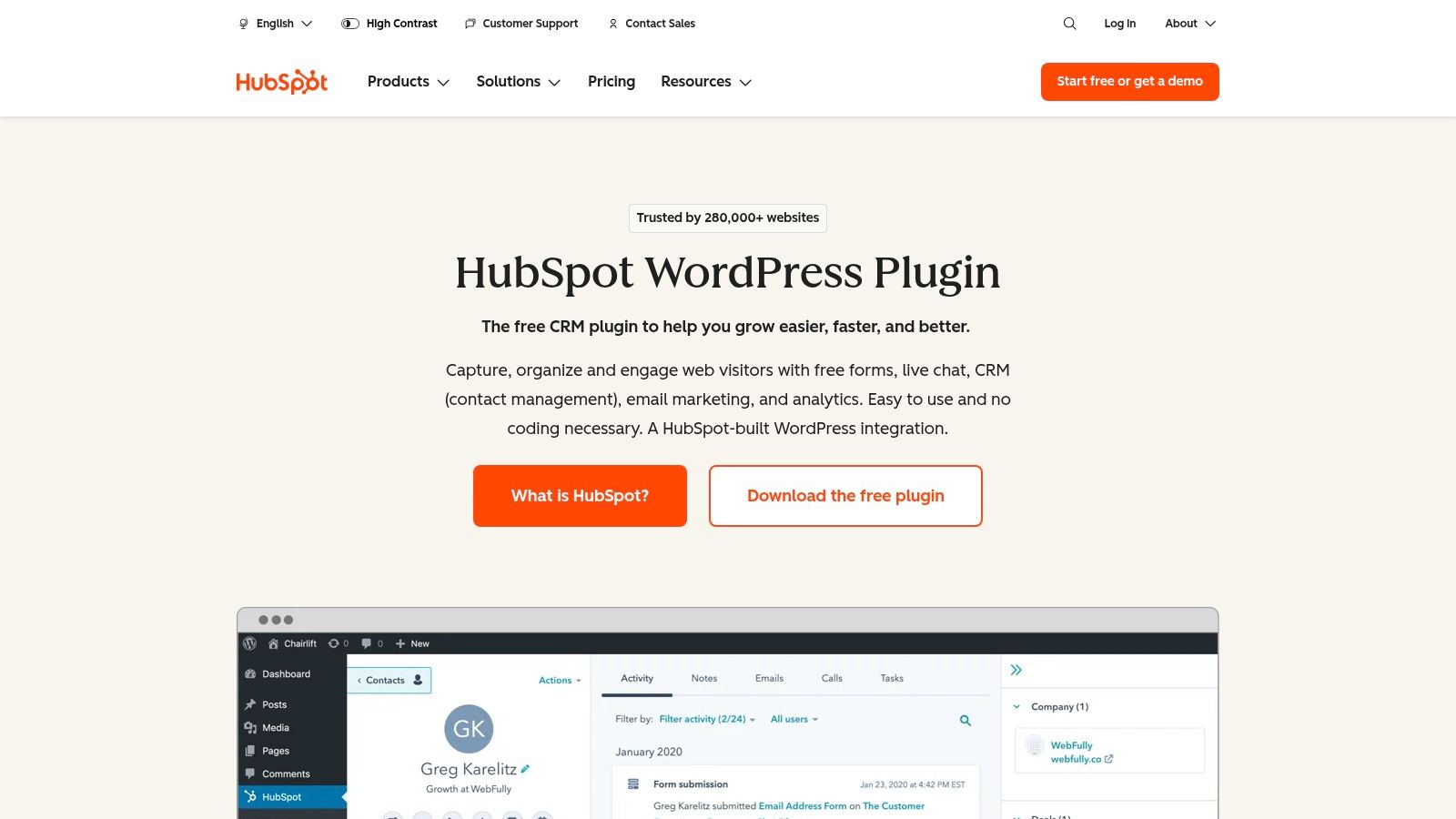
This plugin bundles form creation with live chat, email marketing, and built-in analytics. When a user submits a form, their data is instantly organized in the HubSpot CRM, providing a complete timeline of their interactions with your brand. For companies invested in the HubSpot ecosystem, this is one of the best contact form plugins for WordPress because it centralizes customer data and marketing efforts without requiring technical setup. If you are looking for a form builder with CRM integration, HubSpot provides a uniquely unified experience.
The plugin allows you to create forms, pop-ups, and chatflows that are all managed and tracked within the HubSpot platform. While the form builder itself is straightforward, its true power lies in the automation and segmentation capabilities it unlocks within the connected CRM, making it a robust engine for growth.
Key Details & Features:
- Free CRM Integration: All form submissions automatically sync with the powerful and free HubSpot CRM.
- All-in-One Marketing Tools: Includes forms, live chat, chatbots, email marketing, and analytics in one plugin.
- Contact Activity Tracking: View every interaction a contact has had with your site directly in their CRM profile.
- Built-in Analytics: Track form performance and see which pages and traffic sources are generating the most leads.
- Pricing: The plugin and core CRM features are free. Advanced marketing and sales features require paid HubSpot plans.
| Pros | Cons |
|---|---|
| Powerful all-in-one solution for forms, CRM, and marketing | Primarily benefits users committed to the HubSpot ecosystem |
| Free to start with a very generous feature set | Form data is stored in HubSpot, not just your WordPress DB |
| Unlocks sophisticated marketing automation and analytics | Advanced customization and features require paid HubSpot tiers |
Website: https://www.hubspot.com/products/wordpress/crm
Top 12 WordPress Contact Form Plugins — Feature Comparison
| Product | Key features | Best for | Unique selling point | Ease of use | Pricing |
|---|---|---|---|---|---|
| WordPress.org Plugin Directory (Contact Form tag) | Discovery hub, ratings, install counts, support forums | Users researching free plugins | Community-vetted catalog with transparency | Easy (browse & install) | Free to use |
| CodeCanyon (Forms marketplace) | Curated premium plugins, sales history, changelogs | Buyers needing niche/specialized solutions | One-time premium plugins with marketplace reviews | Moderate (purchase + install) | One-time license (paid) |
| WPForms | Drag-and-drop builder, templates, payments, CRM integrations | SMBs & marketers wanting visual builder | Large template library and polished UX | Easy | Freemium → Paid tiers |
| Gravity Forms | Advanced conditional logic, calculations, add-ons, developer hooks | Agencies & enterprise workflows | Highly extensible with professional support | Advanced | Premium (no free tier) |
| Ninja Forms | Modular add-ons, drag-and-drop, payments, CRM connectors | Sites scaling feature-by-feature | Buy-only-needed add-ons or membership bundles | Moderate | Freemium → Add-ons/membership |
| Fluent Forms | Fast performance, 65+ fields, 60+ integrations, reporting | Users prioritizing speed & UX | Performance-focused builder with unlimited-site options | Easy | Freemium → Pro |
| Formidable Forms | Repeater fields, Views, calculators, app-like displays | Data-heavy sites, directories, dashboards | Front-end Views and complex data handling | Advanced | Premium (tiered) |
| Contact Form 7 | Lightweight shortcodes, reCAPTCHA support, wide extensions | Developers & budget-conscious sites | Completely free, broad extension ecosystem | Moderate (no visual builder) | Free |
| Forminator Pro (WPMU DEV) | Forms, quizzes, polls, e-signatures, PDFs, automations | Agencies needing bundled tools | Pro included in WPMU DEV suite with agency tools | Easy–Moderate | Membership (paid) |
| HappyForms | Live preview in Customizer, conditional logic, spam protection | Small teams wanting simple, live builder | Real-time Customizer building and speed | Easy | Freemium → Paid |
| Kali Forms | Templates, conditional logic, payments, webhooks | Freelancers & small businesses on budget | Very competitive pricing for core features | Easy | Budget-friendly (freemium/pro) |
| HubSpot WordPress Plugin | Forms → HubSpot CRM, live chat, email, analytics | Teams wanting built-in CRM + marketing stack | Native CRM sync + marketing automation | Easy | Free → Paid HubSpot tiers |
Making Your Final Decision: It's All About Your Workflow
Navigating the crowded landscape of WordPress contact form plugins can feel overwhelming, but the right choice ultimately boils down to a single, critical factor: your unique business workflow. We've explored a dozen powerful solutions, from the AI-driven intelligence of Orbit AI to the foundational reliability of Contact Form 7. Your decision shouldn't be about finding a universally "best" plugin, but about identifying the tool that most effectively supports your specific objectives.
If your primary goal is to transform your website from a passive brochure into an active revenue-generation engine, a tool like Orbit AI stands in a class of its own. It moves beyond simple data collection, actively engaging, qualifying, and enriching leads in real-time. This is the choice for growth-focused marketing and sales teams who measure success not in submissions, but in qualified pipeline and closed deals.
On the other hand, if your needs are rooted in deep customization and developer-centric flexibility, Gravity Forms and Formidable Forms offer unparalleled power. Their extensive hooks, filters, and advanced add-ons provide the raw material for building nearly any data-capture application you can imagine, making them ideal for agencies and businesses with complex, bespoke requirements.
Key Takeaways for Selecting Your Plugin
As you weigh your options, revisit your core priorities. The sheer number of choices in the WordPress ecosystem means there is a perfect fit for every scenario, but clarity is essential to finding it.
- For Lead Quality and Conversion: If your success hinges on converting high-intent visitors into sales-ready leads, prioritize plugins with conversational AI, lead scoring, and deep CRM integration. Traditional forms capture data; modern solutions like Orbit AI create conversations and opportunities.
- For Maximum Flexibility and Development: Developers and agencies building complex, data-driven applications should look to the established powerhouses. The developer-friendly frameworks of Gravity Forms and the application-building capabilities of Formidable Forms are unmatched for custom projects.
- For Simplicity and Budget: If you're just starting out or have basic needs, the free versions of WPForms, Ninja Forms, or the stalwart Contact Form 7 offer a no-cost entry point. They provide a solid foundation for simple contact forms, but be mindful of their limitations as you scale.
Final Implementation Checklist
Once you've made your selection, successful implementation is key. Before you go live, run through these final checks to ensure your new form is an asset, not a liability:
- Test Your Integrations: Does the data flow correctly into your CRM, email marketing platform, and analytics tools? A broken integration is a leaky funnel.
- Verify Notifications: Ensure that your team receives submission notifications reliably and that auto-responder emails are being sent to users without delay.
- Review Performance: Use a tool like Google PageSpeed Insights to check that your new form isn’t slowing down your site. A bloated plugin can harm your SEO and user experience.
- Confirm Security: Double-check that you have robust spam protection (like reCAPTCHA, Honeypot, or AI-powered filtering) enabled to protect your inbox and user data.
Ultimately, the best contact form plugins for WordPress are those that become an invisible, yet indispensable, part of your growth machine. They should reduce friction for your users and eliminate manual work for your team, allowing you to focus on building relationships and closing deals. Choose the tool that aligns with your ambition, integrates with your workflow, and empowers you to achieve your goals.
Ready to move beyond basic data collection and start generating qualified pipeline directly from your website? See how Orbit AI uses conversational AI to engage, qualify, and route high-intent leads in real-time, turning your static forms into an automated sales development engine. Explore Orbit AI and transform your lead capture today.