

Enterprise organizations can't afford to use consumer-grade form builders. When you're managing sensitive data across global teams, integrating with complex tech stacks, and ensuring compliance with HIPAA, GDPR, and SOC 2 standards, you need a platform built for scale. The wrong choice leads to security vulnerabilities, integration nightmares, and form sprawl across departments that nobody can control.
We evaluated enterprise form builders based on security certifications, integration depth with CRM and ERP systems, customization capabilities, and scalability. Here are the top platforms that meet the demanding requirements of enterprise organizations.
1. Orbit AI
Best for: High-growth teams needing AI-powered lead qualification with conversion-optimized form experiences
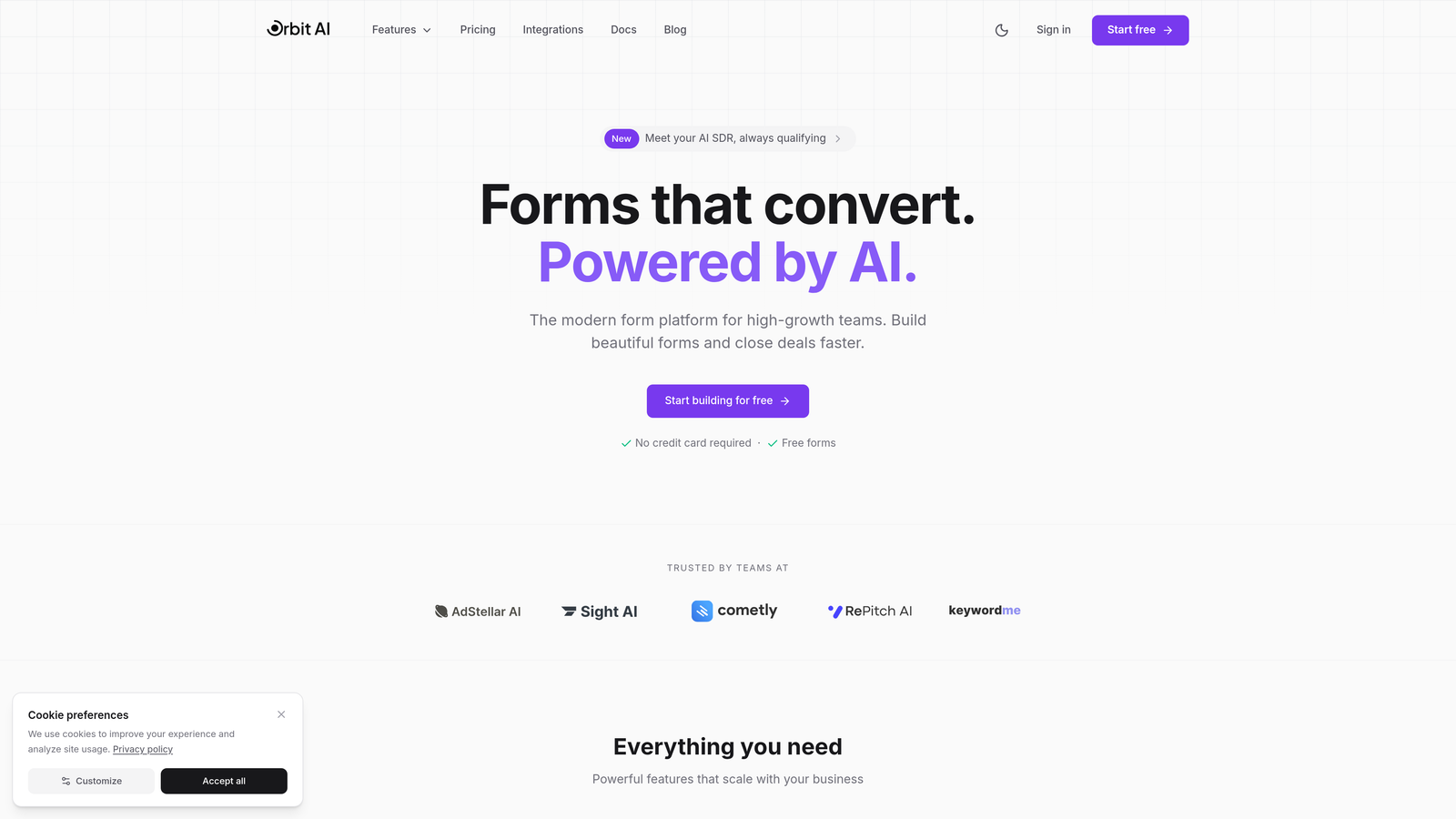
Orbit AI combines intelligent lead scoring with modern form design to help enterprise teams prioritize high-value prospects automatically.
Where This Tool Shines
The AI-powered lead qualification sets Orbit AI apart from traditional form builders. Instead of collecting submissions and manually sorting through them later, the platform scores and routes leads in real-time based on behavioral signals and response patterns.
The conversion-optimized templates are built specifically for enterprise lead generation scenarios, not generic data collection. This focus means your forms are designed to maximize completion rates while gathering the qualification data your sales team actually needs.
Key Features
AI Lead Qualification: Automatically scores and prioritizes submissions based on engagement signals and response quality.
Conversion-Optimized Templates: Pre-built form designs tested for maximum completion rates in enterprise contexts.
Advanced Workflow Automation: Route qualified leads to the right team members instantly based on custom rules.
Enterprise Integrations: Native connections with Salesforce, HubSpot, and 15+ business tools your teams already use.
Real-Time Analytics: Dashboard showing form performance, conversion rates, and lead quality metrics.
Best For
High-growth B2B companies that generate significant lead volume and need to automatically identify the most promising prospects. Particularly valuable for organizations where sales teams struggle with lead prioritization or where marketing wants to prove form ROI with concrete conversion data.
Pricing
Contact for enterprise pricing based on form volume and feature requirements.
2. Formstack
Best for: Healthcare and regulated industries requiring HIPAA-compliant forms with document automation
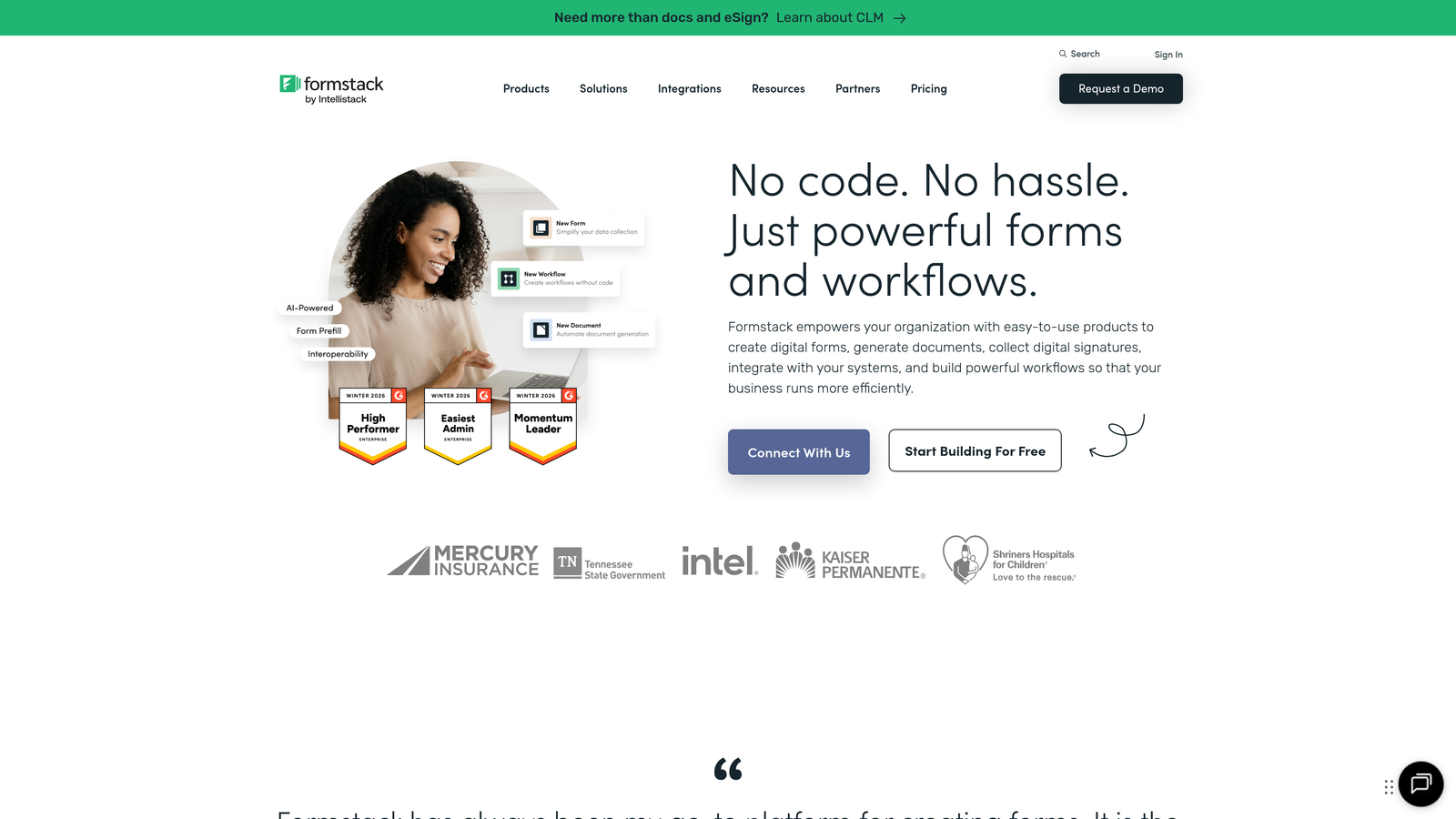
Formstack is an enterprise workflow platform that combines form building with document generation and electronic signatures.
Where This Tool Shines
Formstack excels in regulated environments where compliance isn't optional. The platform maintains SOC 2 Type II certification and offers HIPAA Business Associate Agreements, making it a go-to choice for healthcare organizations and financial services firms.
The document generation capability transforms form submissions into professional PDFs, contracts, or reports automatically. This workflow automation eliminates manual data entry and reduces the time between form submission and document delivery from hours to seconds.
Key Features
HIPAA Compliance: Business Associate Agreement available with encrypted data storage and transmission.
Document Generation: Automatically populate templates with form data to create contracts, reports, and certificates.
E-Signature Integration: Built-in electronic signature capability for contract workflows.
Advanced Conditional Logic: Show or hide fields based on complex rule sets and user responses.
SOC 2 Type II Certified: Independently verified security controls and data protection standards.
Best For
Healthcare providers, insurance companies, and any enterprise handling protected health information or sensitive financial data. The document automation makes it particularly valuable for organizations processing high volumes of contracts or certificates.
Pricing
Enterprise plans start at $83 per user per month with volume discounts available.
3. Typeform
Best for: Enterprises prioritizing user experience with conversational, one-question-at-a-time form designs
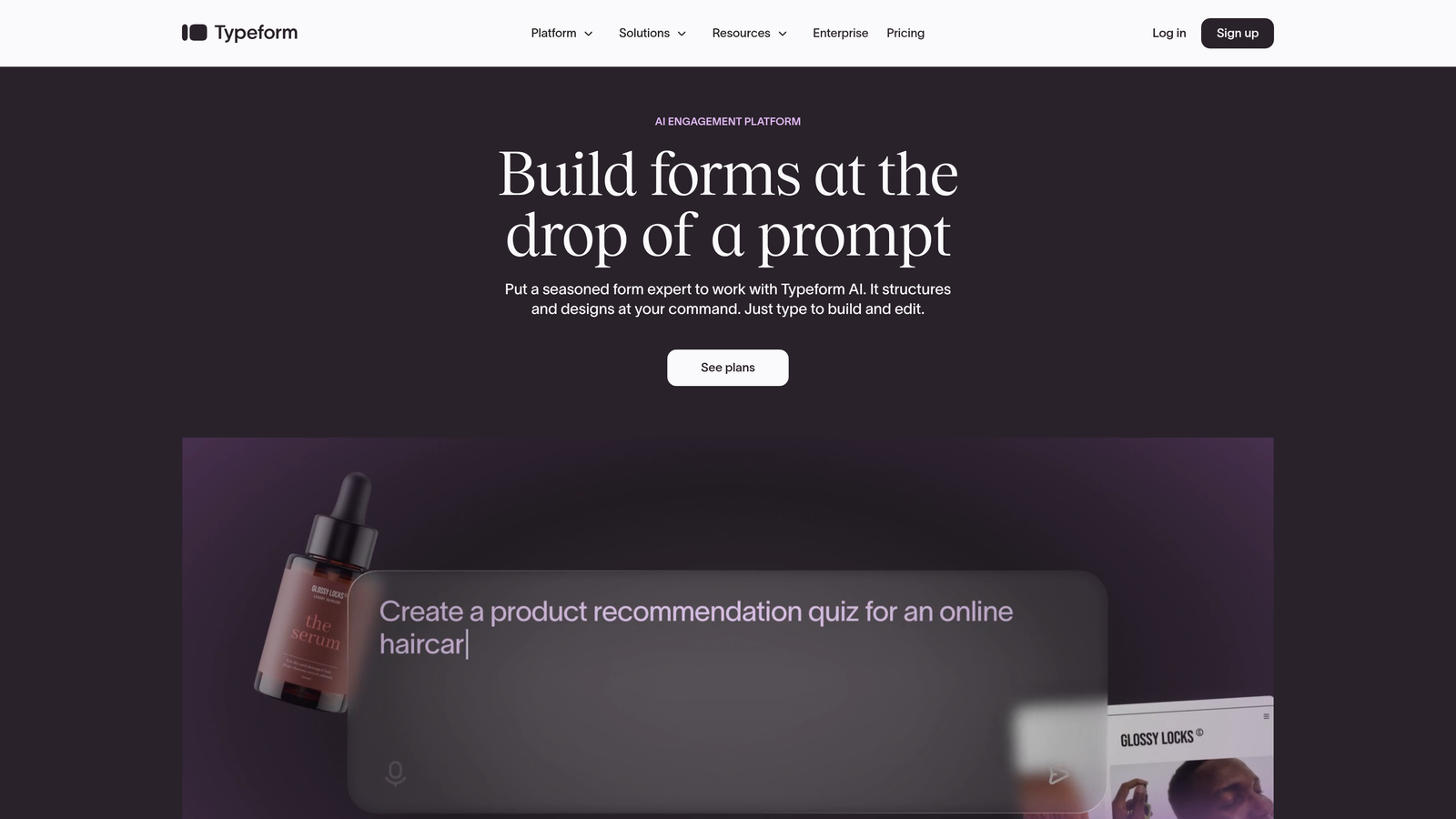
Typeform pioneered the conversational form format that presents questions individually rather than in overwhelming long-form layouts.
Where This Tool Shines
The conversational interface significantly improves completion rates compared to traditional forms. By showing one question at a time, Typeform reduces cognitive load and makes complex surveys feel manageable. This approach works particularly well for employee engagement surveys, customer feedback, and qualification forms where you need thoughtful responses.
The brand customization capabilities let enterprises maintain visual consistency across all forms. You can match your exact brand colors, fonts, and imagery to create forms that feel like native parts of your website rather than embedded third-party tools.
Key Features
Conversational Design: One-question-at-a-time interface that improves completion rates and response quality.
Brand Customization: Complete control over colors, fonts, backgrounds, and custom domains.
Logic Jumps: Branching paths that adapt questions based on previous answers for personalized experiences.
Rich Media Integration: Embed videos, images, and GIFs to create engaging form experiences.
Enterprise SSO: Single sign-on support for secure team access management.
Best For
Marketing teams running customer research, HR departments conducting employee surveys, and any enterprise where form experience directly impacts brand perception. The conversational format particularly suits situations where you're asking sensitive questions or need detailed qualitative feedback.
Pricing
Business plans from $83 per month with Enterprise pricing available on request for larger teams.
4. Jotform Enterprise
Best for: Large organizations needing white-label portals and centralized multi-user management
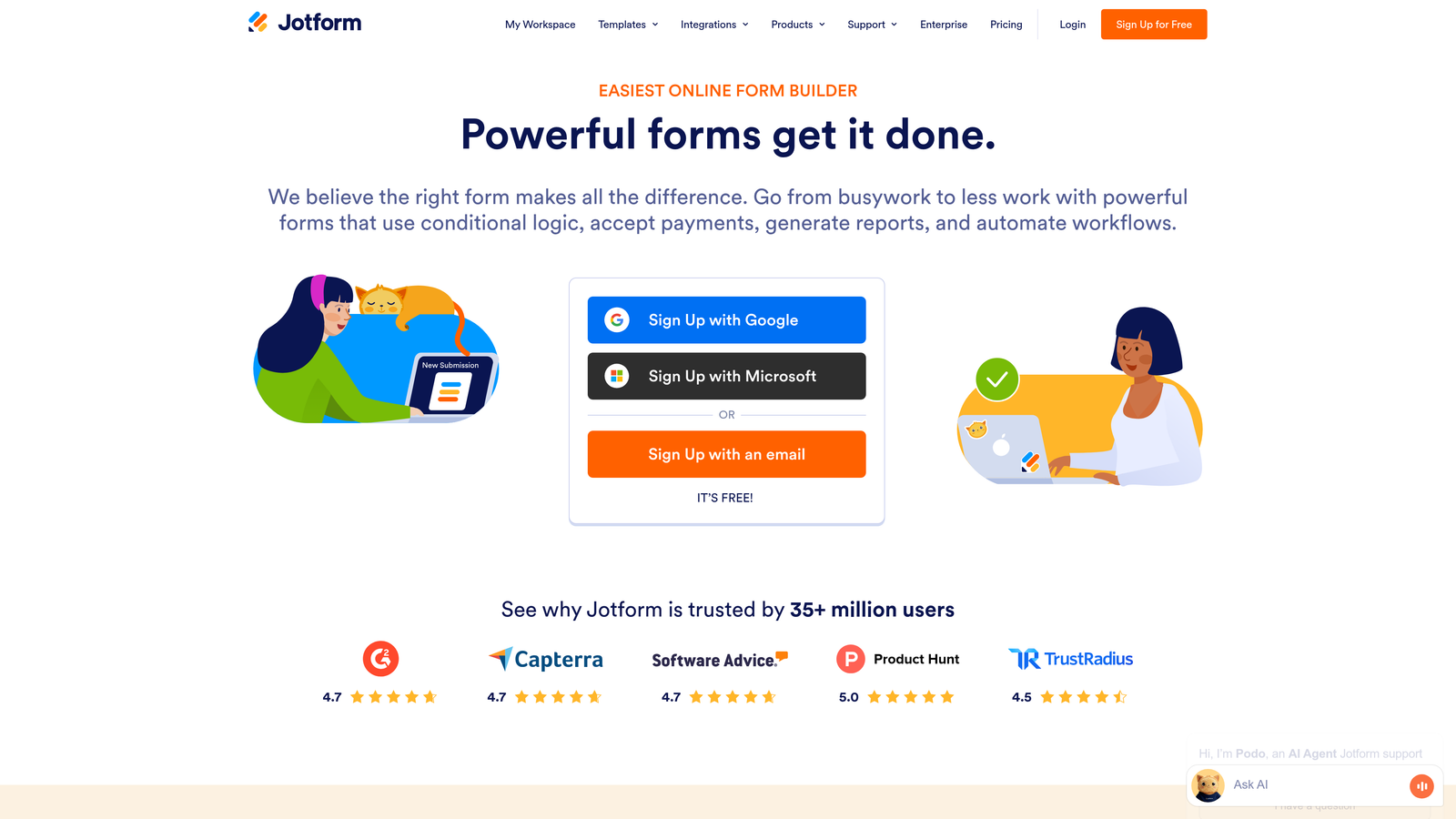
Jotform Enterprise provides unlimited forms and submissions with enterprise-grade administration controls.
Where This Tool Shines
The white-label capability lets you create branded form portals that look completely native to your organization. Remove all Jotform branding and host forms on your own domain with custom styling that matches your design system perfectly.
Jotform's centralized user management solves the form sprawl problem that plagues large organizations. IT administrators can manage permissions, monitor form usage across departments, and enforce security policies from a single dashboard rather than chasing down rogue forms created by individual teams.
Key Features
White-Label Portals: Create fully branded form experiences with no third-party branding visible.
Unlimited Forms: No restrictions on form creation or submission volumes at enterprise tier.
Multi-User Controls: Granular permissions for team members with role-based access.
Data Residency Options: Choose where your data is stored to meet regional compliance requirements.
Dedicated Success Manager: Assigned support contact for onboarding and ongoing optimization.
Best For
Global enterprises with distributed teams that need centralized governance over form creation. Particularly valuable for organizations with strict branding requirements or data residency regulations that require forms hosted in specific geographic regions.
Pricing
Enterprise pricing starts with custom quotes based on user count and submission volume.
5. Microsoft Power Apps
Best for: Microsoft 365 organizations wanting deep ecosystem integration and custom app development
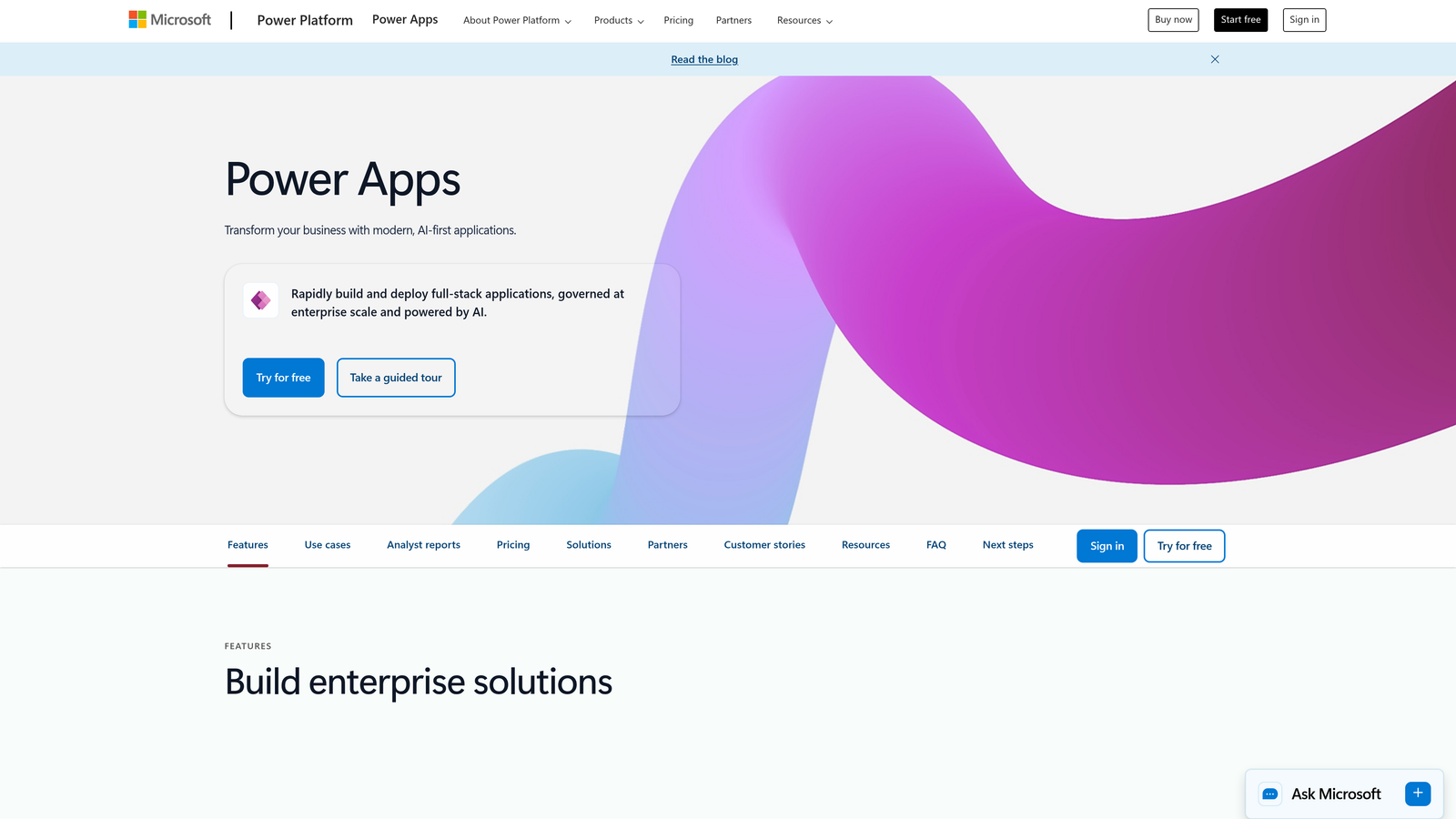
Microsoft Power Apps is a low-code platform that extends beyond forms into custom business applications.
Where This Tool Shines
If your enterprise runs on Microsoft 365, Power Apps provides seamless integration that no third-party tool can match. Forms automatically connect to SharePoint, Teams, Outlook, and other Microsoft services without complex authentication setup.
The AI Builder adds intelligent capabilities like sentiment analysis, entity extraction, and prediction models to your forms. This means you can build forms that automatically categorize feedback, extract key information from text responses, or predict outcomes based on submission patterns.
Key Features
Microsoft 365 Integration: Native connections to SharePoint, Teams, Outlook, and the entire Microsoft ecosystem.
AI Builder: Add pre-built or custom AI models for intelligent form processing and automation.
Dataverse Storage: Enterprise data platform with built-in security and compliance features.
Enterprise Security: Inherits your existing Azure AD security policies and compliance settings.
Custom App Development: Extend forms into complete business applications with low-code tools.
Best For
Organizations already invested in the Microsoft ecosystem that want to leverage existing licenses and security infrastructure. The low-code platform particularly suits enterprises with citizen developers who need to build custom workflows beyond standard forms.
Pricing
Included in many Microsoft 365 plans, or available standalone from $20 per user per month.
6. Cognito Forms
Best for: Enterprises processing payments through forms with complex calculation requirements
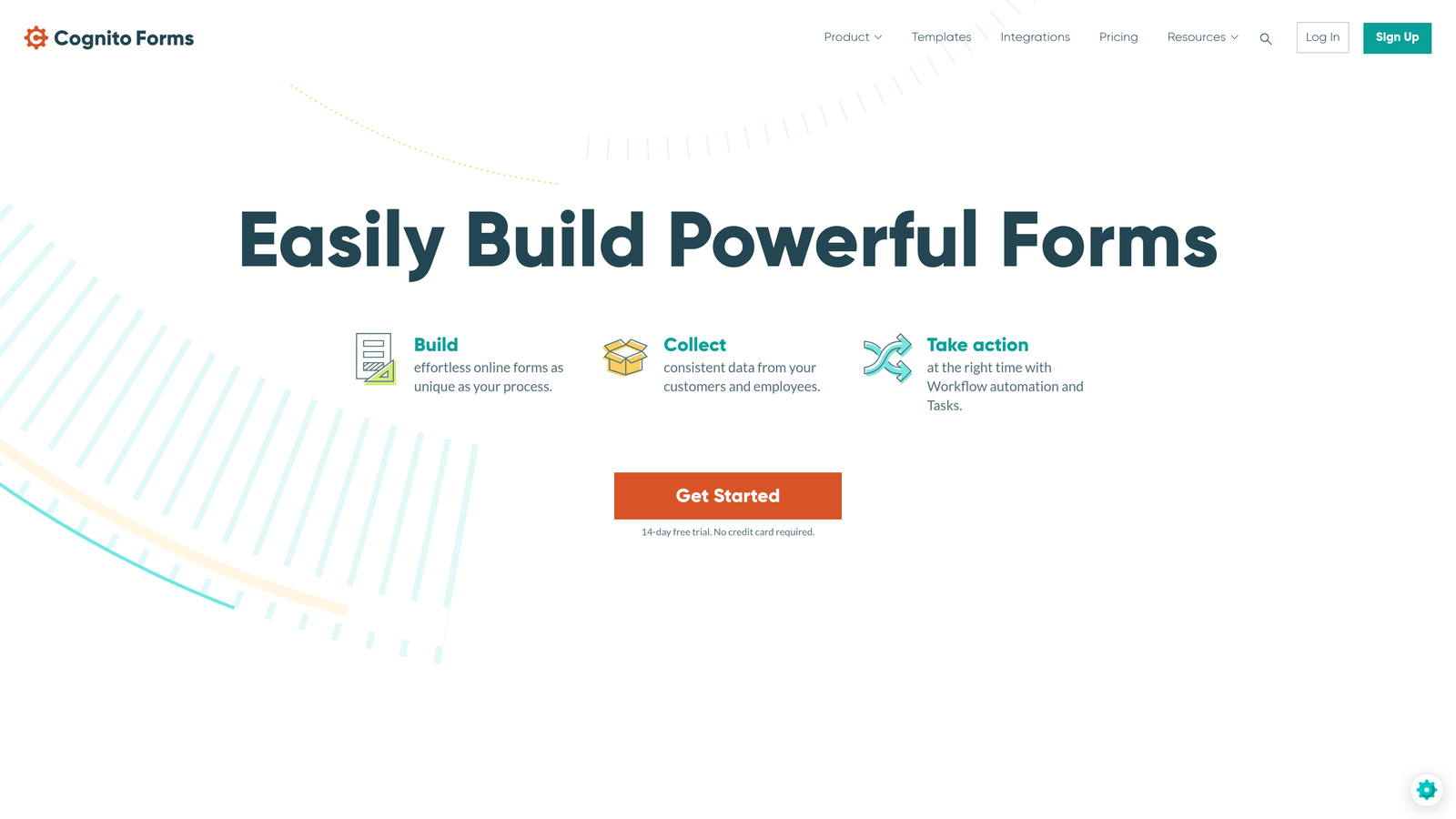
Cognito Forms combines robust calculation capabilities with native payment processing for order forms and applications.
Where This Tool Shines
The calculation engine handles complex mathematical operations that most form builders can't touch. Build forms that calculate pricing based on multiple variables, apply conditional discounts, compute totals across repeating sections, and display results to users before submission.
Payment processing is built directly into the platform rather than requiring third-party integrations. Accept credit cards, connect to Stripe or Square, and process transactions without users leaving your form. This seamless experience improves completion rates for registration forms, event tickets, and service applications.
Key Features
Built-In Payments: Native credit card processing with PCI compliance and fraud protection.
Complex Calculations: Mathematical operations, conditional logic, and dynamic pricing formulas.
Repeating Sections: Let users add multiple items, attendees, or entries within a single form.
HIPAA Compliance: Available with Business Associate Agreement for healthcare applications.
Workflow Automation: Trigger actions and notifications based on form submission data.
Best For
Organizations selling products or services through forms, event registration systems, or any application requiring complex pricing calculations. The repeating sections make it ideal for forms where users need to add multiple items or participants.
Pricing
Team plan at $24 per month with Enterprise pricing available for larger organizations.
7. Formsite
Best for: Security-focused enterprises in regulated industries prioritizing data protection
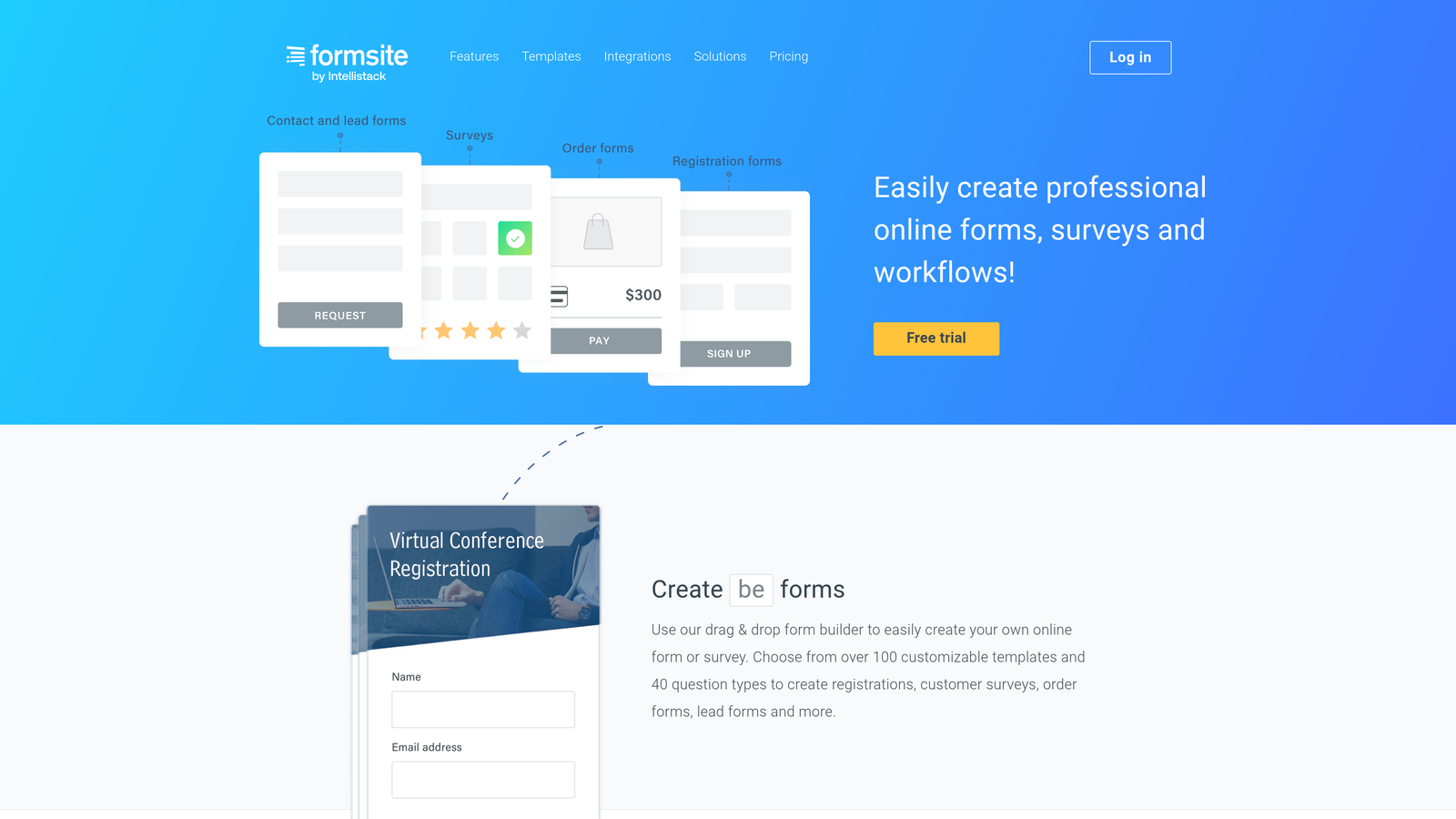
Formsite emphasizes encryption and compliance features trusted by government agencies and healthcare organizations.
Where This Tool Shines
Security isn't an afterthought with Formsite—it's the foundation. Every form uses 256-bit SSL encryption by default, and the platform offers HIPAA Business Associate Agreements for healthcare organizations. This security-first approach makes it a trusted choice for government contractors and financial institutions.
The Results Tables feature provides powerful data management capabilities. View submissions in spreadsheet format, filter and sort responses, export to multiple formats, and manage large datasets without leaving the platform. This eliminates the need to export data to Excel for basic analysis.
Key Features
256-Bit SSL Encryption: Bank-level encryption for all form data transmission and storage.
HIPAA BAA Available: Business Associate Agreement for organizations handling protected health information.
100+ Templates: Pre-built forms for common enterprise scenarios across industries.
Results Tables: Built-in data management and analysis tools for viewing and filtering submissions.
Workflow Routing: Automatically route submissions to different team members based on responses.
Best For
Government agencies, healthcare providers, and financial services firms where security compliance drives technology decisions. Organizations that need to demonstrate data protection practices to auditors or regulatory bodies.
Pricing
Enterprise plans from $83 per month with volume discounts for larger deployments.
8. Zoho Forms
Best for: Global enterprises using Zoho ecosystem with mobile-first form requirements
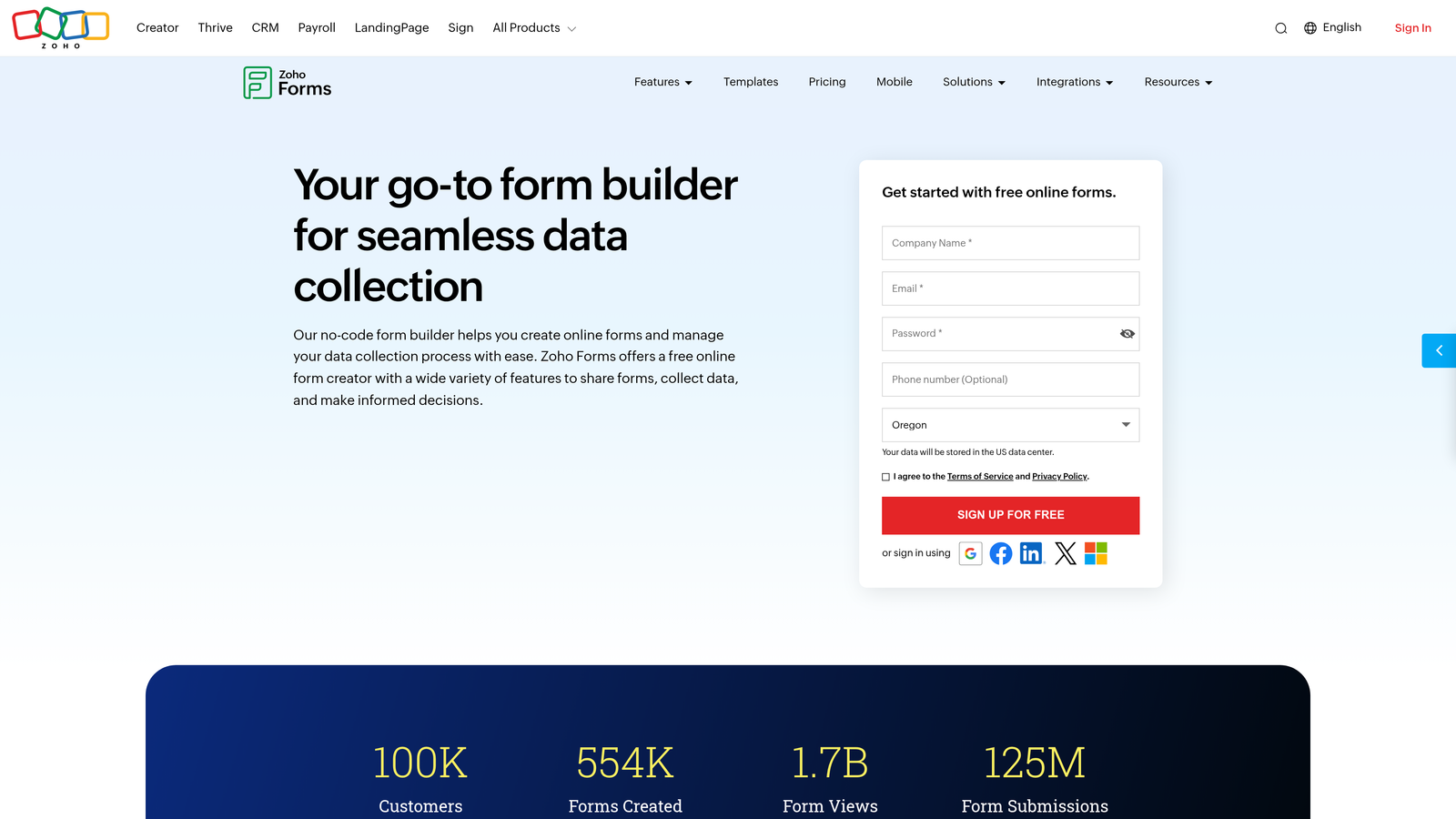
Zoho Forms provides seamless integration with Zoho CRM and the broader Zoho suite of business applications.
Where This Tool Shines
The offline form capability solves a critical problem for field teams. Sales representatives, inspectors, and service technicians can fill out forms without internet connectivity, and submissions automatically sync when connection is restored. This makes Zoho Forms particularly valuable for enterprises with mobile workforces.
Multi-language support goes beyond simple translation. Create forms that automatically detect user language preferences and display appropriate versions. This capability is essential for global enterprises serving customers across multiple countries and languages.
Key Features
Native Zoho Integration: Seamless data flow to Zoho CRM, Projects, Books, and other Zoho applications.
Offline Capability: Mobile app lets users complete forms without internet and sync later.
Multi-Language Support: Create forms in 20+ languages with automatic language detection.
Custom Domain Hosting: Host forms on your own domain for brand consistency.
Team Collaboration: Share forms, manage permissions, and collaborate on form design.
Best For
Organizations already using Zoho CRM or other Zoho applications that want unified data management. Companies with field teams who need reliable offline form access, or global enterprises requiring multi-language form deployment.
Pricing
Professional at $25 per month with Enterprise pricing available for larger teams.
9. 123FormBuilder
Best for: Marketing and HR teams needing quick deployment with extensive pre-built integrations
123FormBuilder offers rapid form creation with 2,000+ templates and 80+ native integrations.
Where This Tool Shines
The massive template library means you rarely build forms from scratch. Find templates for specific use cases—employee onboarding, event registration, customer surveys, lead capture—and customize them rather than starting with a blank canvas. This dramatically reduces time-to-deployment for new forms.
The 80+ native integrations cover the most common enterprise tools without requiring Zapier or custom API work. Connect directly to Salesforce, Mailchimp, Google Workspace, Slack, and dozens of other platforms. This plug-and-play approach lets marketing and HR teams deploy forms independently without IT involvement.
Key Features
2,000+ Templates: Pre-built forms for virtually every business scenario and industry.
80+ Integrations: Native connections to CRMs, email platforms, payment processors, and business tools.
Smart Lists: Dynamic dropdowns that pull data from external sources or other forms.
Electronic Signatures: Built-in e-signature capability for contract and agreement workflows.
GDPR Compliance: Tools for managing consent, data access requests, and privacy compliance.
Best For
Marketing teams that need to launch campaigns quickly, HR departments managing multiple recruitment and onboarding workflows, or any organization that values speed of deployment over deep customization. The template library particularly benefits teams without dedicated form designers.
Pricing
Gold plan at $42 per month with Enterprise custom pricing for larger organizations.
Finding Your Best Fit
The right enterprise form builder depends on your specific requirements. If intelligent lead qualification matters most, Orbit AI's AI-powered scoring helps sales teams focus on high-value prospects automatically. Organizations in healthcare or regulated industries should prioritize Formstack or Formsite for their compliance certifications and security features.
Microsoft 365 shops get the most value from Power Apps through seamless ecosystem integration, while Zoho users benefit from native CRM connectivity with Zoho Forms. Need white-label capabilities? Jotform Enterprise delivers complete branding control. Prioritizing user experience? Typeform's conversational interface improves completion rates significantly.
For payment processing and complex calculations, Cognito Forms handles scenarios other platforms struggle with. Global enterprises requiring multi-language support and offline capability should evaluate Zoho Forms, while teams needing rapid deployment benefit from 123FormBuilder's extensive template library.
Transform your lead generation with AI-powered forms that qualify prospects automatically while delivering the modern, conversion-optimized experience your high-growth team needs. Start building free forms today and see how intelligent form design can elevate your conversion strategy.


