

When your team is scaling fast, launching new campaigns, running A/B tests, collecting feedback across departments, the last thing you need is a form builder that caps you at five or ten forms and forces an upgrade. Unlimited forms aren't a luxury; they're a baseline requirement for high-growth teams.
But "unlimited" can mean different things depending on the platform. Some tools offer unlimited forms but limit submissions. Others remove form caps but gate essential features like conditional logic or integrations behind premium tiers.
This guide cuts through the noise. We evaluated form builders that genuinely offer unlimited form creation, comparing them on the features that matter: submission limits, design flexibility, integrations, analytics, and pricing transparency. Whether you're a solo marketer or part of a scaling operations team, you'll find the right fit below.
1. Orbit AI
Best for: High-growth teams that need unlimited forms with AI-powered lead qualification and conversion optimization.
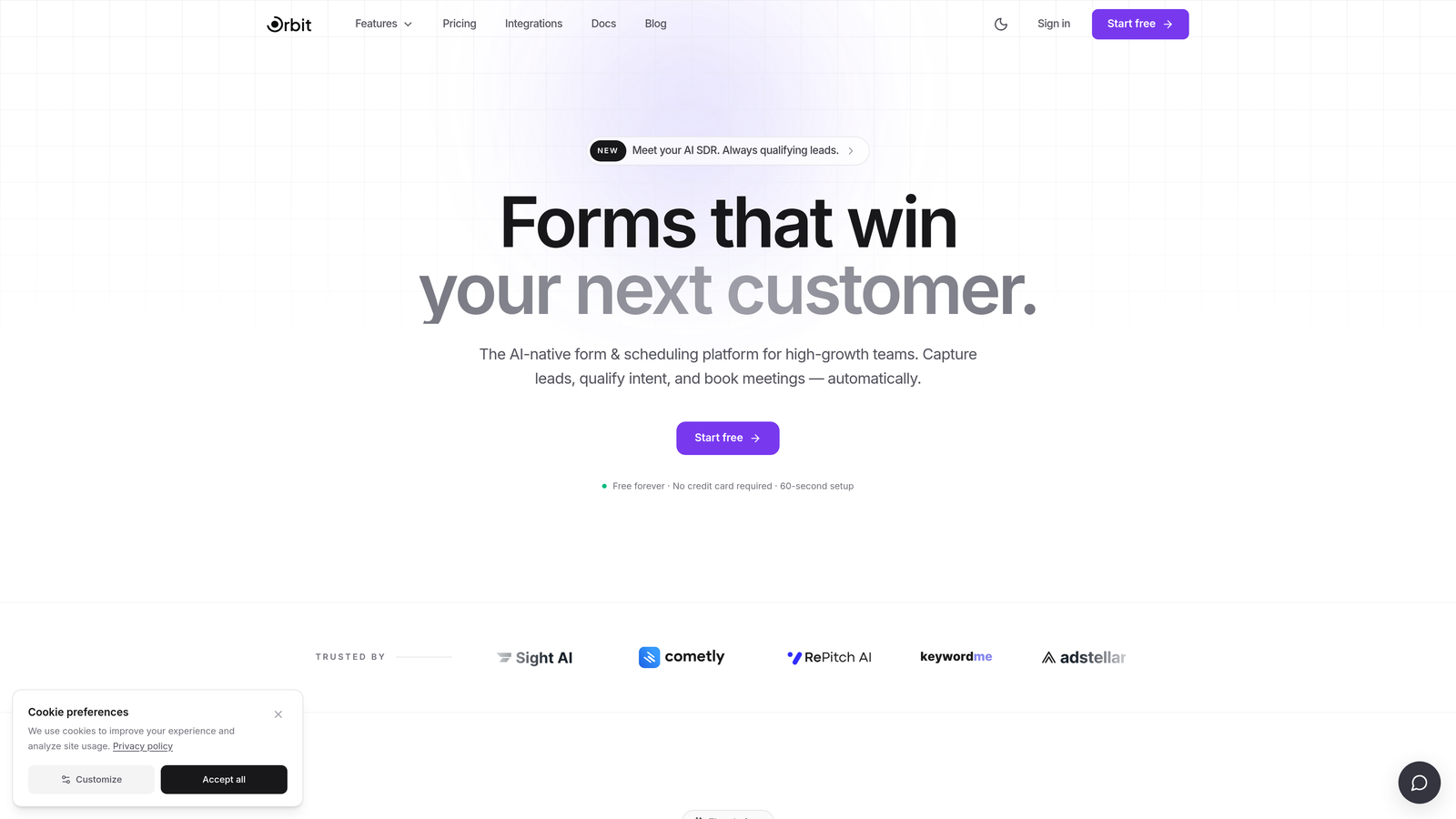
Orbit AI is an AI-powered form builder designed specifically for teams that care about lead quality, not just lead volume.
Where This Tool Shines
Most form builders collect data passively. Orbit AI goes further by qualifying leads in real time as they fill out your forms. This means your sales team spends time on prospects who actually fit your criteria, rather than manually sorting through every submission.
The platform is built with conversion optimization at its core. Templates are designed to reduce drop-off, conditional logic keeps forms focused and relevant, and the overall experience feels modern enough to reflect well on your brand. For teams running multiple campaigns simultaneously, having unlimited forms without worrying about plan limits is a genuine operational advantage.
Key Features
AI-Powered Lead Qualification: Automatically scores and qualifies leads based on form responses, so high-value prospects are surfaced immediately.
Conversion-Optimized Templates: Pre-built form designs focused on reducing friction and improving completion rates.
Conditional Logic and Dynamic Fields: Show or hide questions based on previous answers to keep forms concise and relevant.
CRM and Marketing Tool Integrations: Connect directly to your existing stack so qualified leads flow into the right pipelines automatically.
Real-Time Analytics and Lead Scoring: Track form performance and lead quality metrics in one dashboard without switching between tools.
Best For
Marketing teams and growth-focused businesses that need more than a data collection tool. If lead quality and conversion rate are KPIs you actively track, Orbit AI's AI layer adds meaningful value over standard form builders. Particularly strong for SaaS companies, agencies, and demand generation teams running high volumes of campaigns.
Pricing
Free plan available with core form building features. Paid plans unlock advanced AI qualification features and deeper integrations. Check orbitforms.ai for current pricing tiers.
2. Jotform
Best for: Teams that need a feature-rich builder with a massive template library and broad integration support.
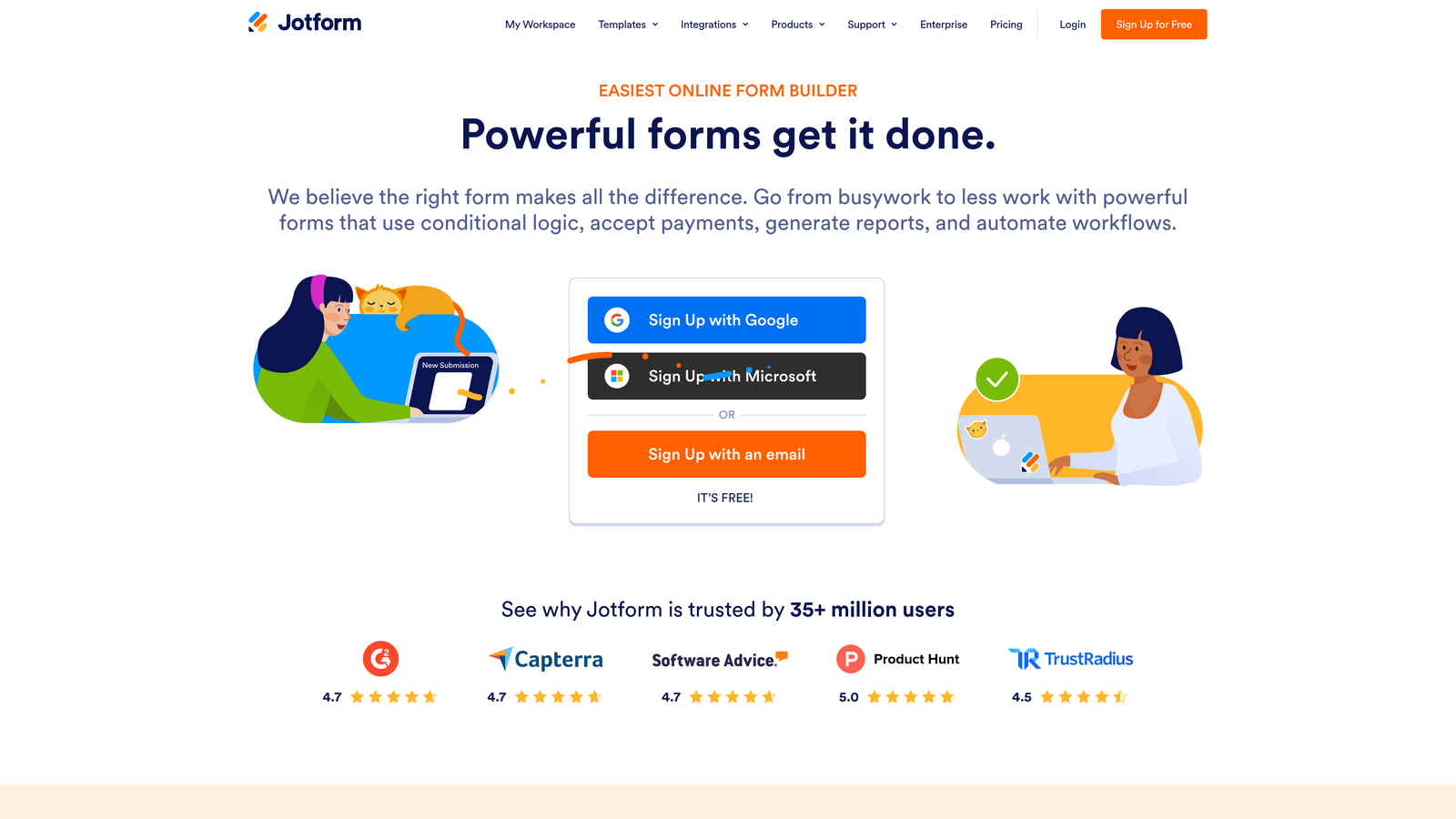
Jotform is one of the most established drag-and-drop form builders available, offering unlimited forms on all paid plans alongside a library of over 10,000 templates.
Where This Tool Shines
Jotform's depth is its biggest selling point. Whether you need payment collection, complex conditional logic, calculated fields, or a specific integration, there's a good chance Jotform already supports it. The widget ecosystem alone covers dozens of use cases that other builders simply don't address out of the box.
For teams managing submissions at scale, Jotform Tables provides a spreadsheet-style view of all incoming data, which makes it easier to organize and act on responses without exporting to a separate tool.
Key Features
10,000+ Templates: One of the largest template libraries in the category, covering virtually every industry and use case.
Drag-and-Drop Builder with Widgets: Highly customizable interface with add-on widgets for calendars, signatures, file uploads, and more.
Payment Collection: Native support for PayPal, Stripe, and Square without needing a third-party integration.
Conditional Logic and Calculations: Build forms that calculate totals, show relevant fields, or route submissions based on responses.
Jotform Tables: A built-in database view for managing and organizing form submissions.
Best For
Operations teams, small businesses, and agencies that need a versatile, battle-tested form builder. Especially useful when payment collection or complex logic is a core requirement. The free plan is limited to five forms, so users who need unlimited forms will need to upgrade.
Pricing
Free plan includes five forms and 100 submissions per month. Paid plans start at approximately $34 per month and include unlimited forms with higher submission caps at each tier.
3. Tally
Best for: Budget-conscious teams that want unlimited forms and submissions without paying anything.
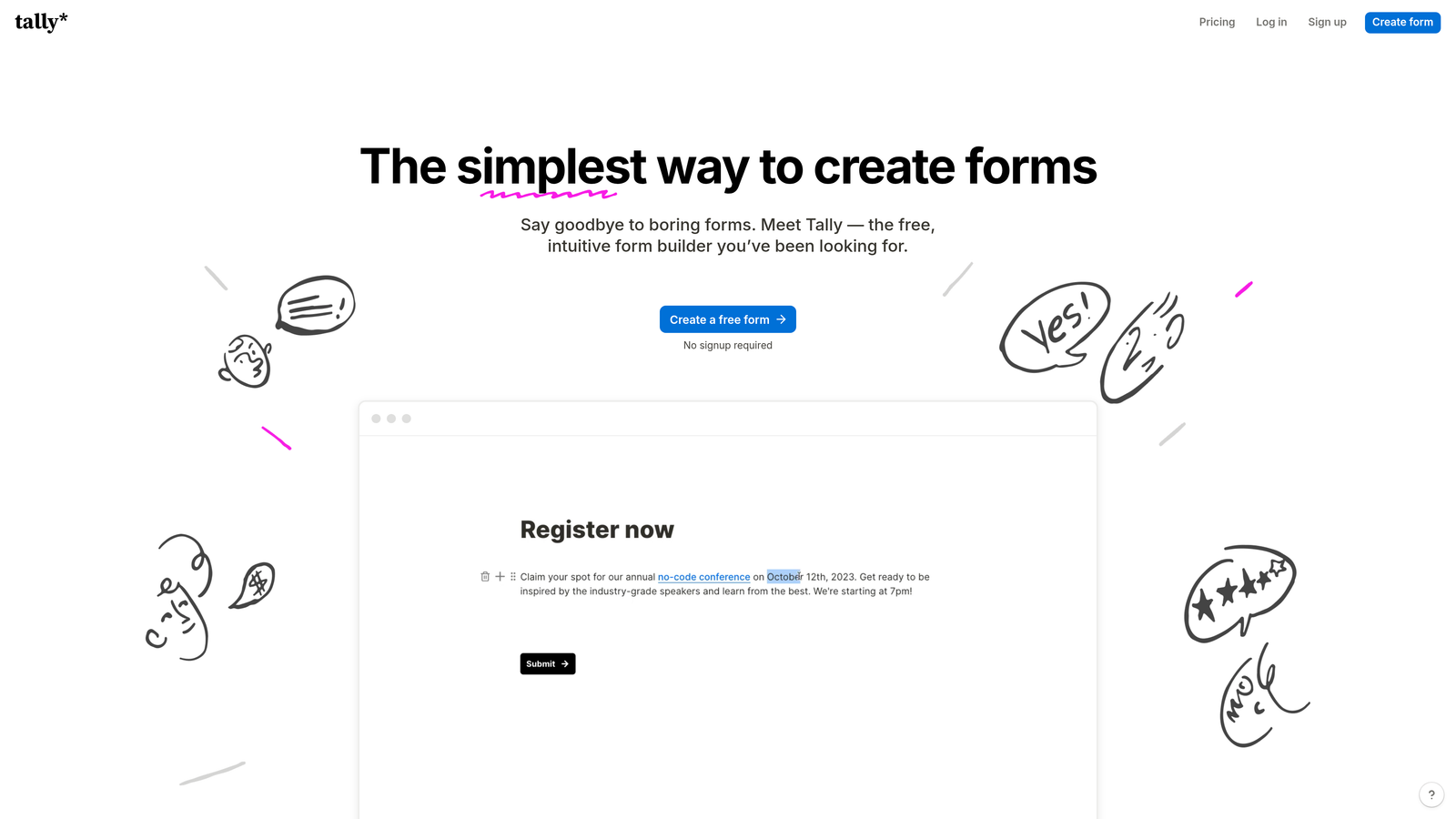
Tally is a minimalist form builder that offers something genuinely rare: unlimited forms and unlimited submissions on its free plan.
Where This Tool Shines
Tally's Notion-style block-based editor makes it feel intuitive to anyone already comfortable with modern productivity tools. You build forms the same way you'd write a document, which lowers the learning curve significantly compared to traditional drag-and-drop interfaces.
The free plan is unusually generous. No submission caps, no form limits, and no forced branding removal requirement at the free tier. For startups, freelancers, or teams testing out form-based workflows, this makes Tally a low-risk starting point.
Key Features
Unlimited Forms and Submissions on Free Plan: No artificial limits on the free tier, which is genuinely uncommon in this category.
Notion-Style Block Editor: Build forms using a familiar document-like interface rather than a traditional form builder.
Conditional Logic and Hidden Fields: Personalize form paths based on responses and pass data through hidden fields.
Integrations via Zapier and Webhooks: Connect to hundreds of tools through automation platforms and native webhook support.
Embeddable Forms: Embed forms directly into websites or share as standalone pages.
Best For
Freelancers, early-stage startups, and teams that need a clean, functional form builder without a budget. Also a good fit for Notion users who want a consistent editing experience across their workflow tools.
Pricing
Free plan includes unlimited forms and submissions. Pro plan at $29 per month adds custom domains, team collaboration features, and expanded file upload storage.
4. Google Forms
Best for: Teams already in the Google Workspace ecosystem who need a completely free, no-setup solution.
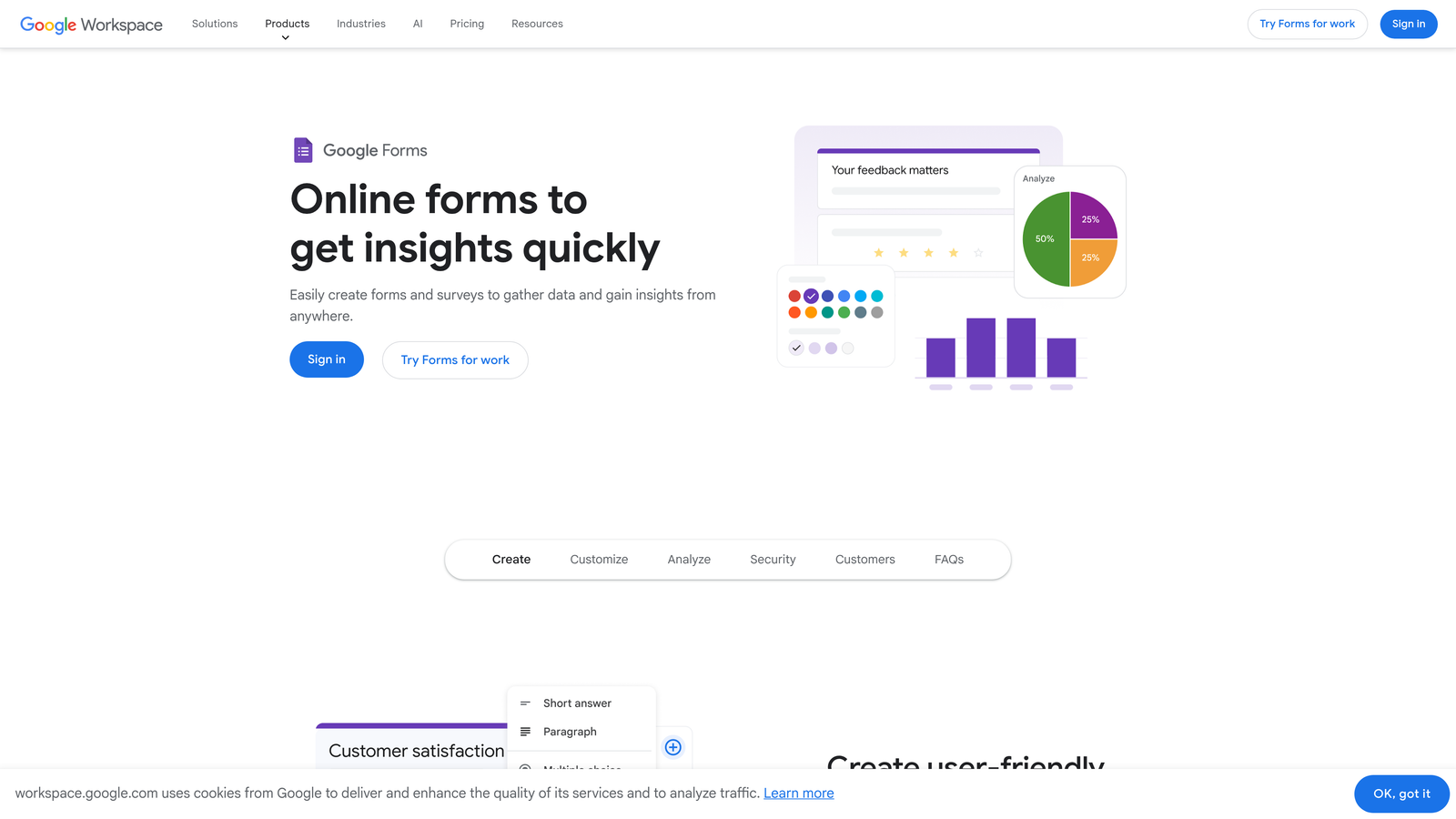
Google Forms is the simplest free option available, with no form or submission limits and seamless integration with Google Sheets.
Where This Tool Shines
If your team lives in Google Workspace, Google Forms removes every barrier to getting started. There's no account setup beyond your Google login, no pricing decisions to make, and responses feed directly into a Google Sheet for easy analysis. For internal surveys, quick feedback collection, or event registrations, it covers the basics without friction.
Real-time collaboration is built in, so multiple team members can edit the same form simultaneously. This makes it practical for teams that need to build and iterate quickly without a dedicated tool owner.
Key Features
Completely Free with No Limits: No form caps, no submission limits, no hidden pricing tiers for core functionality.
Automatic Google Sheets Integration: All responses sync to a connected spreadsheet in real time.
Basic Conditional Logic: Section branching allows for simple routing based on answers.
Real-Time Collaboration: Multiple editors can work on the same form simultaneously.
Quiz Mode with Auto-Grading: Useful for education and training use cases with automatic scoring.
Best For
Internal teams, educators, and anyone who needs a fast, free solution without design requirements or advanced logic. Not ideal for customer-facing forms where brand experience matters, or for teams that need advanced integrations and analytics.
Pricing
Completely free with a personal Google account. Google Workspace plans start at approximately $7 per user per month for business features, though Forms itself remains free within those plans.
5. Typeform
Best for: Teams prioritizing form experience and engagement, particularly for surveys and lead capture.
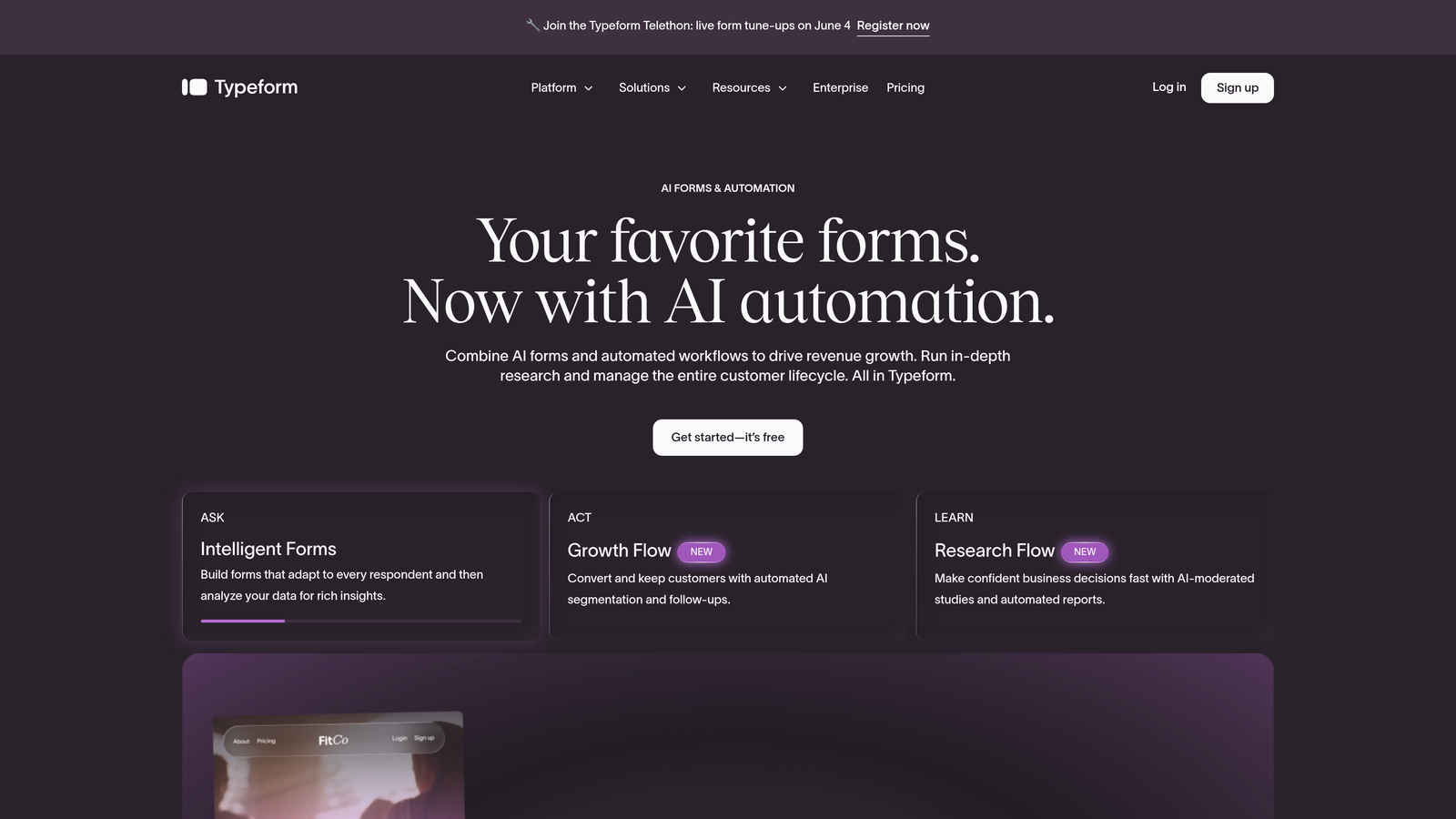
Typeform is a conversational form builder known for its one-question-at-a-time interface, offering unlimited forms on all paid plans.
Where This Tool Shines
Typeform's format genuinely changes how respondents experience a form. Rather than presenting a long page of fields, it guides users through one question at a time, which tends to feel less overwhelming and more engaging. This approach works particularly well for surveys, lead qualification flows, and onboarding sequences where completion rate matters.
The visual design options are strong, and the ability to embed images and video within questions makes Typeform stand out for brand-conscious teams. Native integrations with HubSpot, Salesforce, and Slack mean data flows directly into the tools your team already uses.
Key Features
Conversational One-Question Interface: Guides respondents through forms one step at a time, reducing drop-off and improving completion rates.
Unlimited Forms on All Paid Plans: No form caps on any paid tier.
Advanced Logic Jumps and Branching: Complex conditional paths based on previous answers.
Native CRM Integrations: Direct connections to HubSpot, Salesforce, Slack, and other key tools.
Video and Image-Rich Experiences: Embed multimedia content within form questions for richer interactions.
Best For
Marketing teams, researchers, and customer success teams that prioritize form experience over raw functionality. Worth noting: Typeform caps monthly responses on paid plans, not just forms. Teams with high submission volumes should review response limits carefully before committing.
Pricing
Free plan available with limited features. Basic plan starts at approximately $29 per month with 100 responses per month. Higher tiers increase response limits and unlock advanced features.
6. Cognito Forms
Best for: Teams that need payment processing and advanced calculations built directly into their forms.
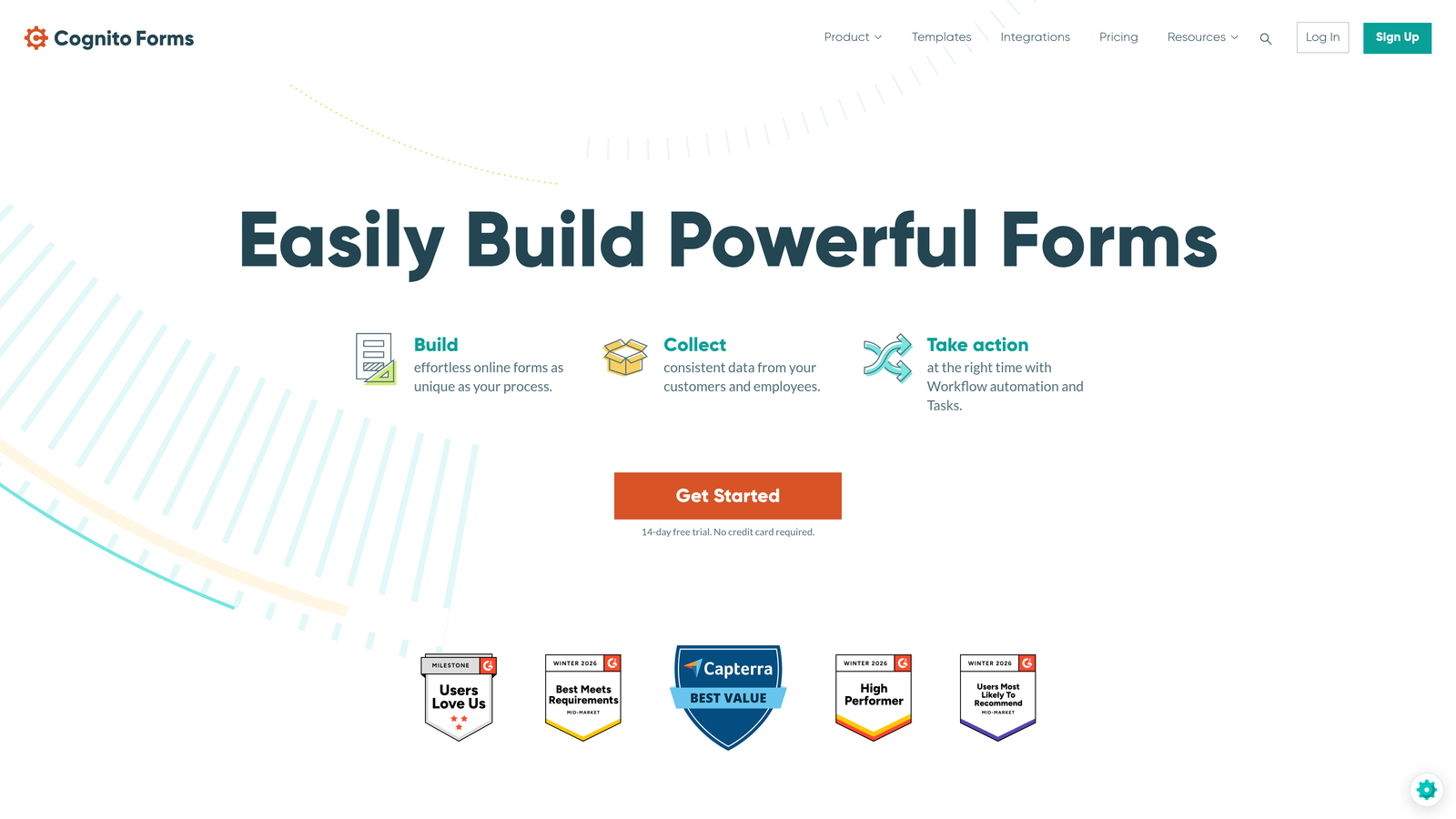
Cognito Forms is a form builder with built-in payment collection and calculation fields, offering unlimited forms on every plan including the free tier.
Where This Tool Shines
Cognito Forms handles use cases that most form builders treat as edge cases. If you need a form that calculates a quote, processes a payment, or handles repeating line items, Cognito Forms manages all of it natively without requiring workarounds or third-party tools.
The free plan is genuinely useful, with unlimited forms and 500 entries per month. For small businesses or nonprofits collecting orders, registrations, or donations, this provides real functionality without any upfront cost.
Key Features
Unlimited Forms on All Plans: Including the free tier, which is a meaningful differentiator.
Built-In Payment Collection: Native Stripe, PayPal, and Square support without third-party plugins.
Calculation and Pricing Fields: Build forms that compute totals, apply discounts, or generate quotes dynamically.
Conditional Logic and Repeating Sections: Add dynamic sections that repeat based on user input, useful for order forms and multi-item registrations.
HIPAA Compliance: Available on the enterprise plan for healthcare and regulated industries.
Best For
Small businesses, event organizers, and operations teams that need order forms, payment collection, or complex calculations. Also relevant for healthcare organizations that need HIPAA-compliant data collection at the enterprise tier.
Pricing
Free plan includes unlimited forms and 500 entries per month. Pro plans start at approximately $15 per month with increased entry limits and additional features.
7. Formstack
Best for: Enterprise teams that need compliance certifications, workflow automation, and document generation alongside form building.
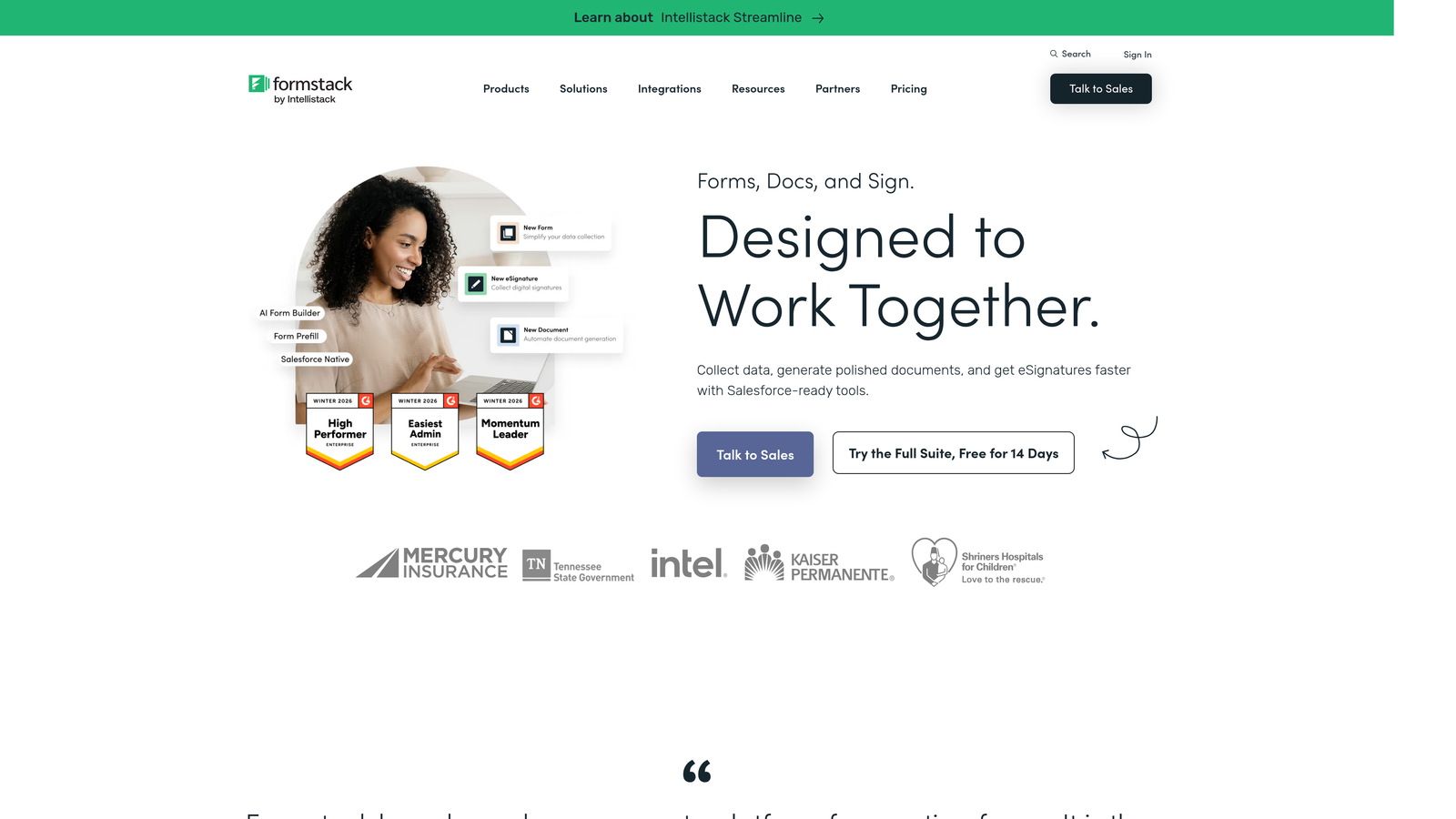
Formstack is an enterprise-grade platform offering unlimited forms alongside HIPAA, GDPR, and SOC 2 compliance, workflow automation, and e-signature capabilities.
Where This Tool Shines
Formstack is built for organizations where data handling isn't just a feature request, it's a legal requirement. HIPAA compliance, SOC 2 certification, and GDPR tools are built into the platform, making it a viable option for healthcare, finance, and regulated industries that can't compromise on data security.
Beyond compliance, Formstack's workflow automation connects forms to document generation and e-signatures, which means a single form submission can trigger a complete document workflow without manual intervention. This level of process automation sets it apart from most form builders in this list.
Key Features
Unlimited Forms on All Plans: No form caps at any pricing tier.
HIPAA, GDPR, and SOC 2 Compliance: Enterprise-grade security and compliance certifications built into the platform.
Workflow Automation with Document Generation: Trigger document creation and e-signature requests directly from form submissions.
A/B Testing: Test different form versions to optimize conversion rates over time.
Advanced Analytics and Conversion Tracking: Detailed reporting on form performance, completion rates, and field-level drop-off.
Best For
Mid-market and enterprise teams in regulated industries, or operations teams that need forms connected to broader document and workflow processes. The pricing reflects its enterprise positioning, so it's less suited to small teams or budget-constrained buyers.
Pricing
Forms-only plans start at approximately $50 per month. Suite bundles that include Documents and Sign capabilities are available at higher tiers.
8. 123FormBuilder
Best for: Teams that need deep integrations with CRMs, ERPs, and payment gateways as a primary requirement.
123FormBuilder is an integration-focused form builder offering unlimited forms on paid plans with connections to Salesforce, HubSpot, and a wide range of business tools.
Where This Tool Shines
123FormBuilder's integration depth is its core differentiator. While most form builders offer Zapier-based connections, 123FormBuilder maintains native integrations with enterprise CRMs and ERPs that are difficult to replicate through automation middleware. For teams where form data needs to flow directly into Salesforce or HubSpot without custom development, this reduces setup complexity considerably.
Team collaboration features and role-based access make it practical for larger teams where multiple people need to manage forms with different permission levels.
Key Features
Unlimited Forms on Paid Plans: Available from the Gold tier upward.
Deep CRM Integrations: Native connections to Salesforce, HubSpot, and other enterprise platforms.
Payment Processing: Supports Stripe, PayPal, and Braintree for transactional forms.
Conditional Logic and Multi-Page Forms: Build complex, multi-step form flows with branching logic.
Team Collaboration and Role-Based Access: Assign different permissions to team members for form management.
Best For
Sales and marketing teams that use Salesforce or HubSpot as their primary CRM and need form data to sync reliably without middleware. Also useful for larger teams that need access controls and collaboration features built in.
Pricing
Free plan is limited to five forms. Gold plan starts at approximately $32 per month with unlimited forms and higher submission limits.
9. Fillout
Best for: Teams that use Notion, Airtable, or Google Sheets as their primary database and want forms that connect natively to those tools.
Fillout is a modern form builder with unlimited forms on all plans and native integrations that treat Notion, Airtable, and Google Sheets as both data sources and storage destinations.
Where This Tool Shines
Fillout's approach to integrations goes beyond simple data export. You can pre-fill form fields from existing records in your connected database, which is particularly useful for update forms, renewal flows, or any scenario where you need respondents to confirm or amend existing information. This bidirectional relationship with databases is something most form builders don't support natively.
The platform has gained traction quickly among teams already working in Notion and Airtable ecosystems, where the ability to build forms that interact with existing structured data removes a significant workflow gap.
Key Features
Unlimited Forms on Free and Paid Plans: No form caps at any tier.
Native Database Integrations: Direct connections to Notion, Airtable, Google Sheets, and Smartsheet as both input and output destinations.
Pre-Fill from Existing Records: Populate form fields automatically from connected database records.
Conditional Logic and Multi-Page Forms: Build branching, multi-step form flows with clean design.
Scheduling, Payment, and Quiz Form Types: Specialized form templates for common use cases beyond basic data collection.
Best For
Product teams, operations teams, and no-code builders who use Notion or Airtable as their operational backbone. Fillout removes the need for Zapier middleware when the goal is simply syncing form data to and from an existing structured database.
Pricing
Free plan includes unlimited forms and 1,000 submissions per month. Starter plan at approximately $19 per month adds increased submission limits and custom branding options.
Which Tool Is Right for Your Team?
The right form builder depends less on which platform offers "unlimited forms" and more on what limitations still apply once you're inside the product. Submission caps, feature gating, and integration depth vary considerably across these tools, and those differences matter more at scale than the form count itself.
Here's a quick-reference breakdown by use case to help you narrow it down:
Best for lead generation and AI qualification: Orbit AI stands out here. The combination of unlimited forms, built-in lead scoring, and conversion-optimized design makes it the strongest option for teams where form performance is directly tied to pipeline quality.
Best free options: Tally and Google Forms are the two genuinely free choices. Tally wins if you need unlimited submissions and a modern editing experience. Google Forms wins if you're already in Google Workspace and need zero setup.
Best for design and engagement: Typeform delivers the most polished respondent experience, though response limits on paid plans are worth reviewing before committing. Orbit AI also performs well here with its conversion-focused templates.
Best for enterprise and compliance: Formstack is the clear choice for teams in regulated industries that need HIPAA, SOC 2, or GDPR compliance built into their form infrastructure.
Best for database-native workflows: Fillout is the obvious pick for Notion and Airtable users who want forms that interact bidirectionally with their existing structured data.
One final note: always evaluate submission limits alongside form limits. A platform that offers unlimited forms but caps you at 1,000 submissions per month may still create friction for high-volume campaigns. Read the fine print on each tier before making a decision.
If lead generation is your primary goal, start building free forms today with Orbit AI and see how AI-powered qualification and conversion-optimized design can change the quality of leads your forms generate, not just the quantity.


