

Traditional static forms are conversion killers. When prospects encounter a wall of fields demanding information all at once, abandonment rates spike and qualified leads slip away. The cognitive load of seeing fifteen questions at once creates immediate friction—prospects make split-second decisions about whether your offer is worth the effort, and often, they choose to leave.
Conversational form builders flip this dynamic entirely. By transforming data collection into engaging, dialogue-style experiences, they make filling out forms feel more like chatting with a helpful assistant than completing paperwork. Each question appears one at a time, creating a natural flow that reduces overwhelm and keeps prospects moving forward.
For high-growth teams focused on lead generation, choosing the right conversational form builder can dramatically impact your pipeline. The difference between a clunky traditional form and a well-designed conversational experience often shows up immediately in your completion rates. This guide breaks down the best conversational form builders available in 2026, examining what makes each platform unique, who they serve best, and how to leverage their strengths for maximum conversion impact.
1. Orbit AI: AI-Powered Lead Qualification Built Into Your Forms
The Challenge It Solves
Most conversational form builders collect information beautifully but leave you to manually sort through responses to identify qualified leads. Your sales team wastes time reaching out to prospects who aren't ready to buy, while hot leads wait in a queue mixed with tire-kickers. The disconnect between form completion and lead qualification creates bottlenecks that slow your entire revenue engine.
The Platform Explained
Orbit AI combines conversational form building with intelligent lead qualification that happens automatically as prospects answer questions. The platform uses AI to analyze responses in real-time, scoring leads based on criteria you define and routing qualified prospects directly to your sales team while nurturing others through automated workflows.
What sets Orbit AI apart is how it eliminates the gap between data collection and action. Traditional platforms require you to export data, analyze it elsewhere, and manually trigger follow-ups. Orbit AI handles qualification and routing automatically, so your highest-value prospects get immediate attention while others enter appropriate nurture sequences.
The platform is purpose-built for high-growth teams who need their forms to do more than just collect information. Every conversational form you create becomes an intelligent qualification engine that works 24/7 to identify and prioritize your best opportunities.
Implementation Steps
1. Define your lead qualification criteria based on factors like company size, budget, timeline, and specific pain points that indicate buying readiness.
2. Build your conversational form with questions that naturally uncover these qualification signals while maintaining an engaging dialogue flow.
3. Configure AI-powered routing rules that automatically send qualified leads to sales, medium-fit prospects to nurture campaigns, and low-fit contacts to educational content.
4. Connect your CRM and marketing automation tools so qualified leads flow seamlessly into your existing workflows without manual data entry.
Pro Tips
Start with your highest-traffic lead capture forms and implement conversational versions with built-in qualification. The combination of improved completion rates and automatic lead scoring typically shows measurable impact within the first week. Use conditional logic to ask deeper qualification questions only when initial responses indicate strong fit—this keeps the experience brief for everyone while gathering rich data on your best prospects.
2. Typeform: Visual-First Design for Brand-Conscious Teams
The Challenge It Solves
Your brand identity matters in every customer touchpoint, but most form builders force you into templates that look generic and forgettable. When your forms don't match your brand's visual language, they create disconnects that undermine trust and professionalism. You need forms that feel like natural extensions of your website, not obvious third-party widgets.
The Platform Explained
Typeform pioneered the one-question-at-a-time approach that defines conversational forms, and they've refined it into a highly visual platform where design is a first-class feature. Every form you create can be customized with your brand colors, fonts, images, and even video backgrounds to create immersive experiences.
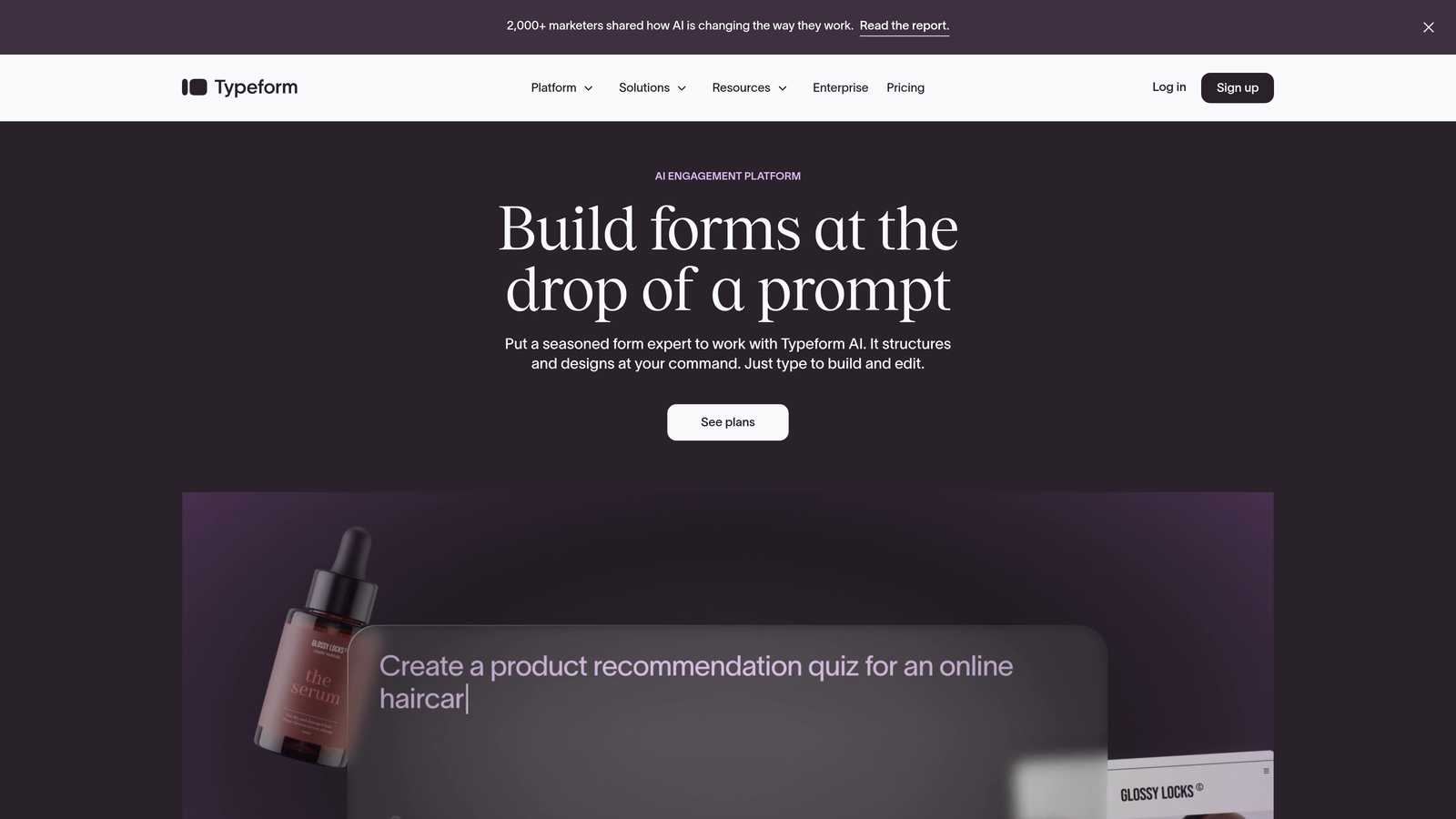
The platform excels at creating forms that feel more like interactive content than data collection tools. You can embed images and GIFs directly into questions, use custom layouts that match your brand guidelines, and create transitions and animations that make the experience feel polished and professional.
Typeform's strength lies in its flexibility for creative teams who want complete control over how their forms look and feel. The platform treats form design as a brand experience, giving you tools to create something that feels uniquely yours rather than obviously templated. For a detailed comparison with other options, explore our breakdown of Typeform vs alternative form builders.
Implementation Steps
1. Create a design system for your forms that mirrors your brand guidelines, including color palettes, typography choices, and image styles.
2. Build your first conversational form using Typeform's visual editor, customizing every element to match your brand identity.
3. Add visual elements like images, videos, or GIFs that enhance the conversational flow and make questions more engaging.
4. Test your forms across devices to ensure the visual experience remains consistent and professional on mobile, tablet, and desktop.
Pro Tips
Use Typeform's Logic Jumps feature to create branching conversations that adapt based on responses. This lets you maintain visual polish while delivering personalized question flows. Consider creating multiple form templates for different use cases—event registrations might use vibrant imagery while lead capture forms maintain a more professional aesthetic. The key is consistency with your overall brand while matching the context of each specific form.
3. Landbot: Multi-Channel Conversational Experiences Beyond Forms
The Challenge It Solves
Your prospects interact with you across multiple channels—website, WhatsApp, Facebook Messenger, and more—but most form builders lock you into web-only experiences. Managing separate tools for each channel creates fragmented data and inconsistent experiences. You need a unified approach that delivers conversational interactions wherever your prospects are.
The Platform Explained
Landbot started as a chatbot builder and evolved into a comprehensive conversational platform that works across web, WhatsApp, Facebook Messenger, and other channels. What makes it unique is how it treats forms as conversations that can happen anywhere, not just embedded on your website.
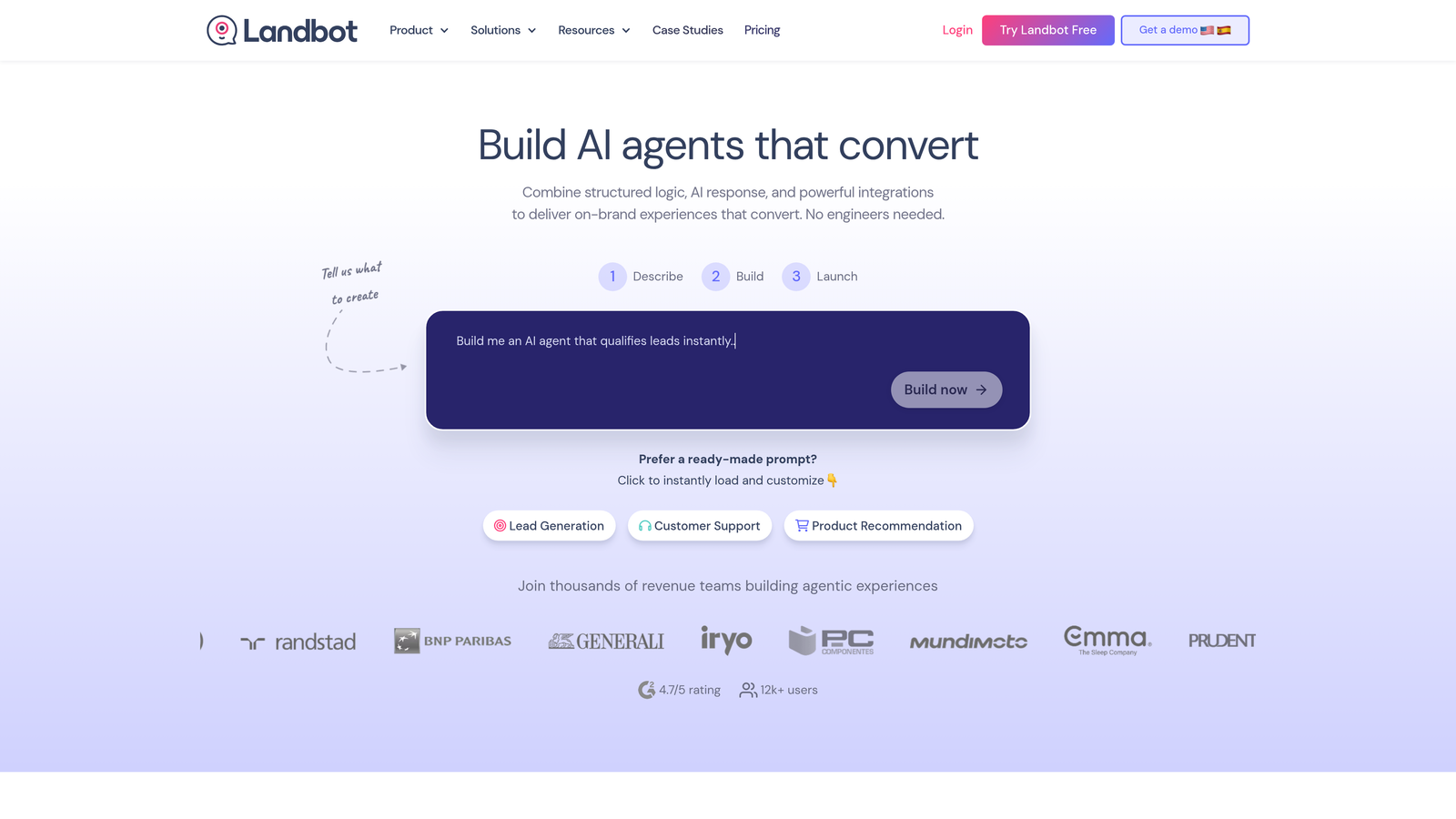
The no-code builder uses a visual flow chart interface where you design conversation paths by connecting blocks. This makes it intuitive to create complex branching logic without writing code. You can build a single conversational flow and deploy it across multiple channels, or create channel-specific variations that leverage each platform's unique features.
For teams running multi-channel marketing campaigns, Landbot provides consistency in how you collect information and qualify leads regardless of where the conversation starts. A prospect might begin on your website, continue via WhatsApp, and complete the conversation through Facebook Messenger—all within a single, tracked interaction.
Implementation Steps
1. Map out your ideal conversational flow using Landbot's visual builder, starting with your core questions and qualification logic.
2. Choose which channels make sense for your audience—website chat widgets, WhatsApp Business integration, Facebook Messenger, or a combination.
3. Customize the conversation for each channel's unique context while maintaining consistent qualification criteria across all touchpoints.
4. Set up integrations with your CRM and marketing tools to ensure data from all channels flows into your central systems.
Pro Tips
Think beyond traditional form use cases. Use Landbot to create conversational experiences for customer support triage, appointment booking, or product recommendations. The platform's strength is versatility—a single conversational flow can serve multiple purposes across different channels. Test WhatsApp for high-intent prospects who prefer messaging apps, while keeping traditional web chat for visitors still in research mode.
4. Fillout: Budget-Friendly Power Without Enterprise Pricing
The Challenge It Solves
Enterprise form platforms charge hundreds of dollars monthly for features you actually need, while free tools lack the capabilities required for serious lead generation. You're caught between overpaying for unused features or settling for platforms that can't handle your growth. Budget constraints shouldn't mean sacrificing conversion-critical functionality.
The Platform Explained
Fillout delivers conversational form capabilities with surprisingly advanced features at a fraction of typical platform costs. The platform includes native database functionality, letting you store and manage form responses directly without paying for separate database services or complex integrations.
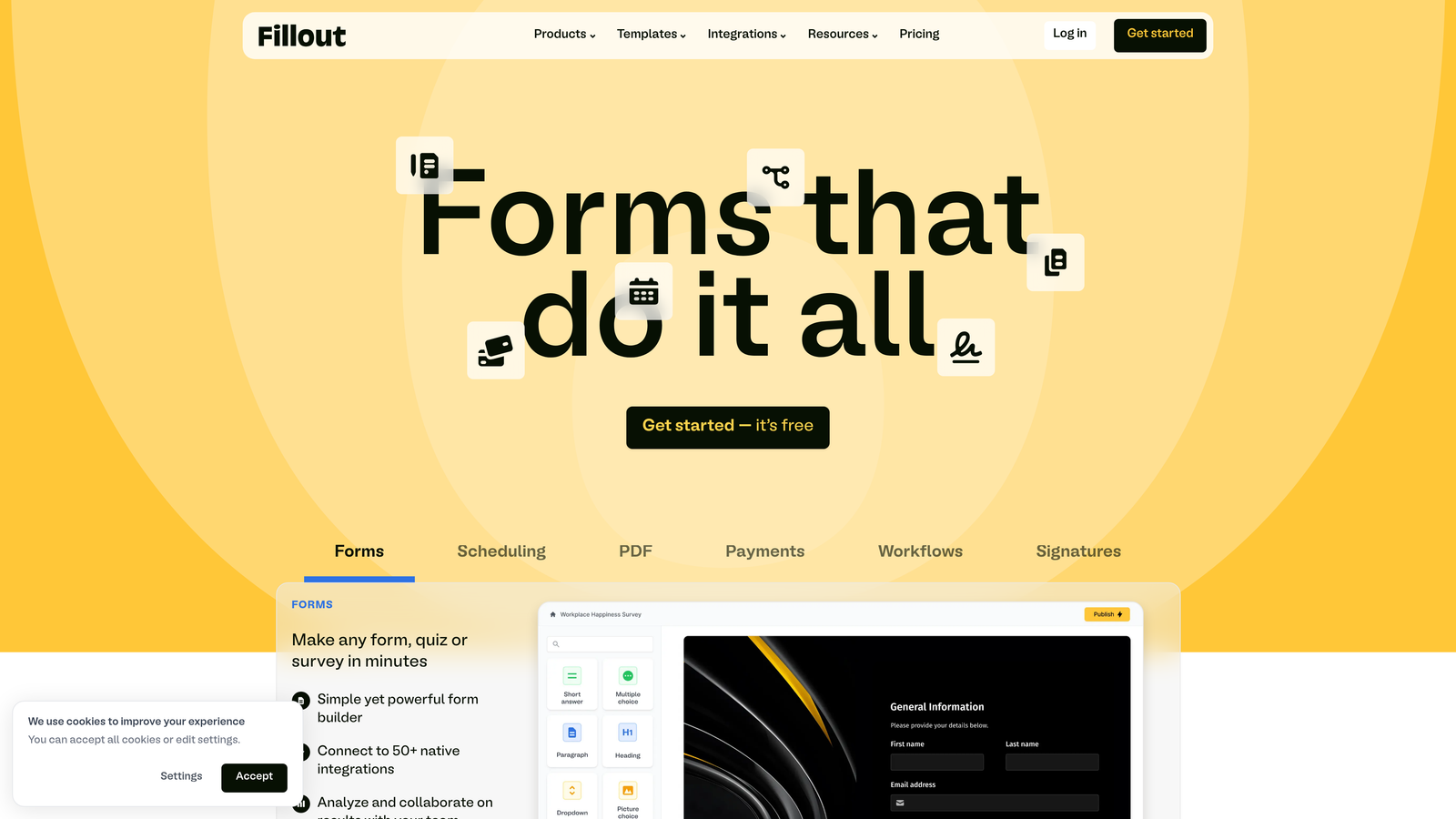
What makes Fillout compelling for growing teams is its feature-to-price ratio. You get conditional logic, custom branding, payment collection, file uploads, and scheduling features that typically require expensive enterprise plans elsewhere. The conversational interface is clean and modern, creating engaging one-question-at-a-time experiences without the premium price tag. If you're evaluating options, our guide to best value form builder software provides additional context.
The platform's database features are particularly valuable for teams building directories, resource libraries, or internal tools alongside their lead generation forms. You can create forms that feed into databases, then use those databases to power other forms or public-facing pages—all within a single platform.
Implementation Steps
1. Audit your current form platform costs and identify which features you actually use versus which you're paying for but ignoring.
2. Build your first conversational form in Fillout, focusing on your highest-priority lead capture use case.
3. Configure the native database to store responses in a structured way that makes analysis and follow-up easier.
4. Set up integrations with your essential tools—CRM, email marketing, and analytics—to maintain your existing workflows.
Pro Tips
Leverage Fillout's database features to create dynamic forms that reference previous submissions. For example, build a multi-step onboarding process where later forms pre-fill information from earlier ones, or create customer portals where users can view and update their previous form submissions. This functionality typically requires custom development or expensive enterprise platforms, but Fillout includes it at all pricing tiers.
5. Tally: Minimal Design Meets Unlimited Free Forms
The Challenge It Solves
Many conversational form builders impose strict limits on free plans—capping responses, restricting features, or watermarking your forms with their branding. For early-stage companies or teams testing conversational approaches, these limitations make it difficult to properly evaluate whether the format works for your audience before committing to paid plans.
The Platform Explained
Tally takes a radically different approach with truly unlimited free forms, unlimited responses, and no Tally branding required. The platform's design philosophy emphasizes simplicity and speed—you can create a conversational form in minutes with a clean, minimal interface that feels modern without being flashy.
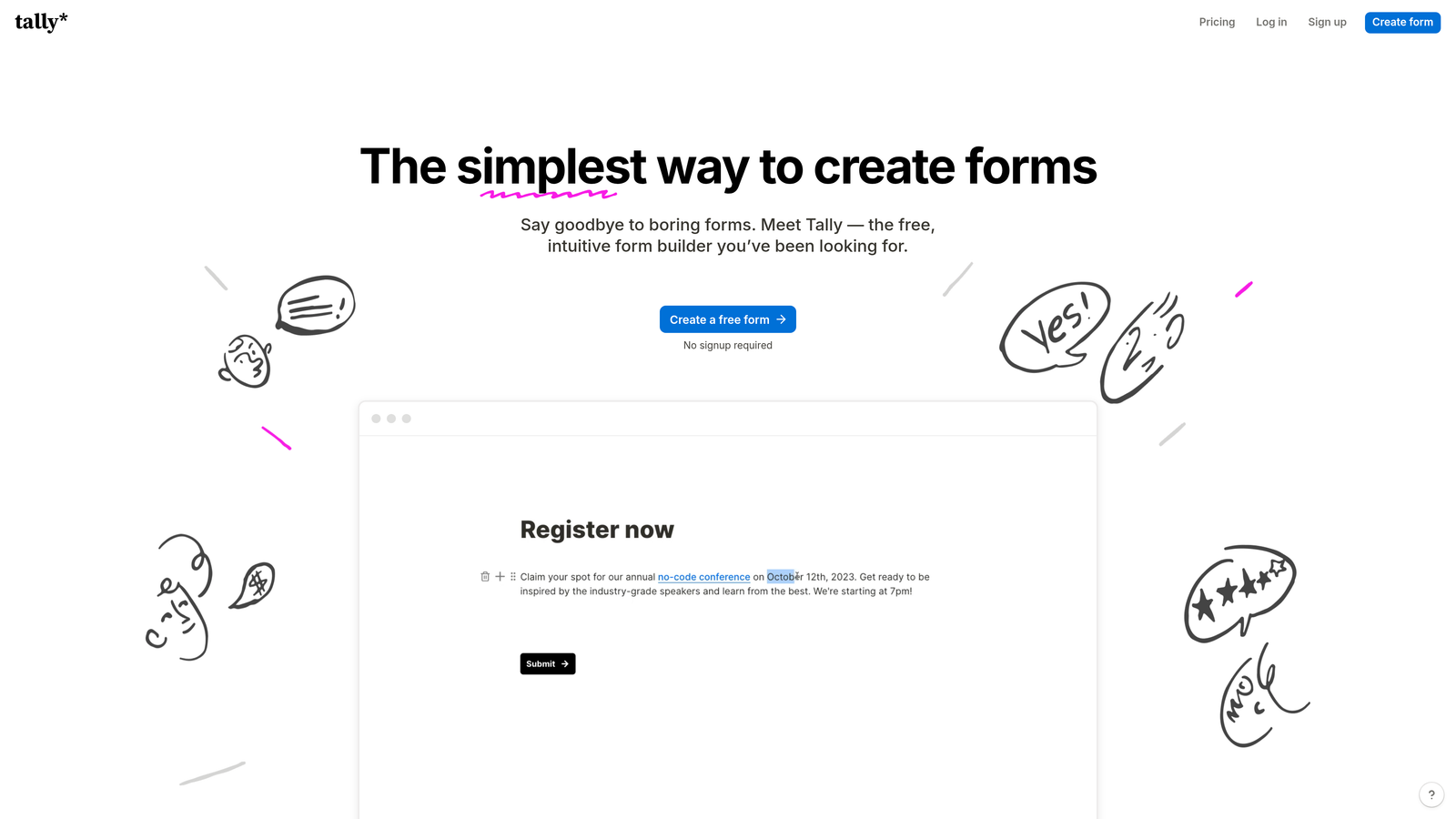
The Notion integration is particularly powerful for teams already using Notion for documentation and project management. Forms can feed directly into Notion databases, creating seamless workflows where form responses automatically become tasks, leads, or database entries in your existing workspace.
Tally's minimal aesthetic works especially well for SaaS products, consulting services, and professional services where clean, distraction-free design communicates competence and focus. The conversational flow is straightforward—one question at a time with smooth transitions—without elaborate animations or visual flourishes that might feel excessive for certain audiences. For startups evaluating their options, our roundup of best form builders for startups offers additional recommendations.
Implementation Steps
1. Create your first Tally form focusing on essential questions only—the minimal interface encourages brevity and clarity.
2. If you use Notion, connect your forms to Notion databases so responses automatically populate your existing workspace.
3. Customize the basic styling to match your brand without overcomplicating the design—Tally's strength is simplicity.
4. Test the conversational flow with real prospects, using the unlimited responses to gather meaningful data about what questions resonate and where people hesitate.
Pro Tips
Use Tally for high-volume forms where response costs would add up quickly on other platforms. The unlimited free tier makes it ideal for event registrations, community surveys, or content downloads where you expect thousands of submissions. The Notion integration shines for internal processes—use Tally forms for employee onboarding, IT requests, or project intake that feeds directly into your Notion workspace.
6. Jotform: Enterprise-Grade Compliance and Templates
The Challenge It Solves
Regulated industries like healthcare, finance, and legal services need forms that meet strict compliance requirements while still delivering modern conversational experiences. Most conversational form builders prioritize design and engagement but lack the security certifications, compliance features, and audit trails that enterprise legal teams demand.
The Platform Explained
Jotform brings conversational form capabilities to enterprise environments with HIPAA compliance, GDPR tools, SOC 2 certification, and comprehensive security features. The platform's conversational mode transforms traditional forms into one-question-at-a-time experiences while maintaining the compliance infrastructure required for sensitive data. For more details on protecting user information, review our guide to form security best practices.
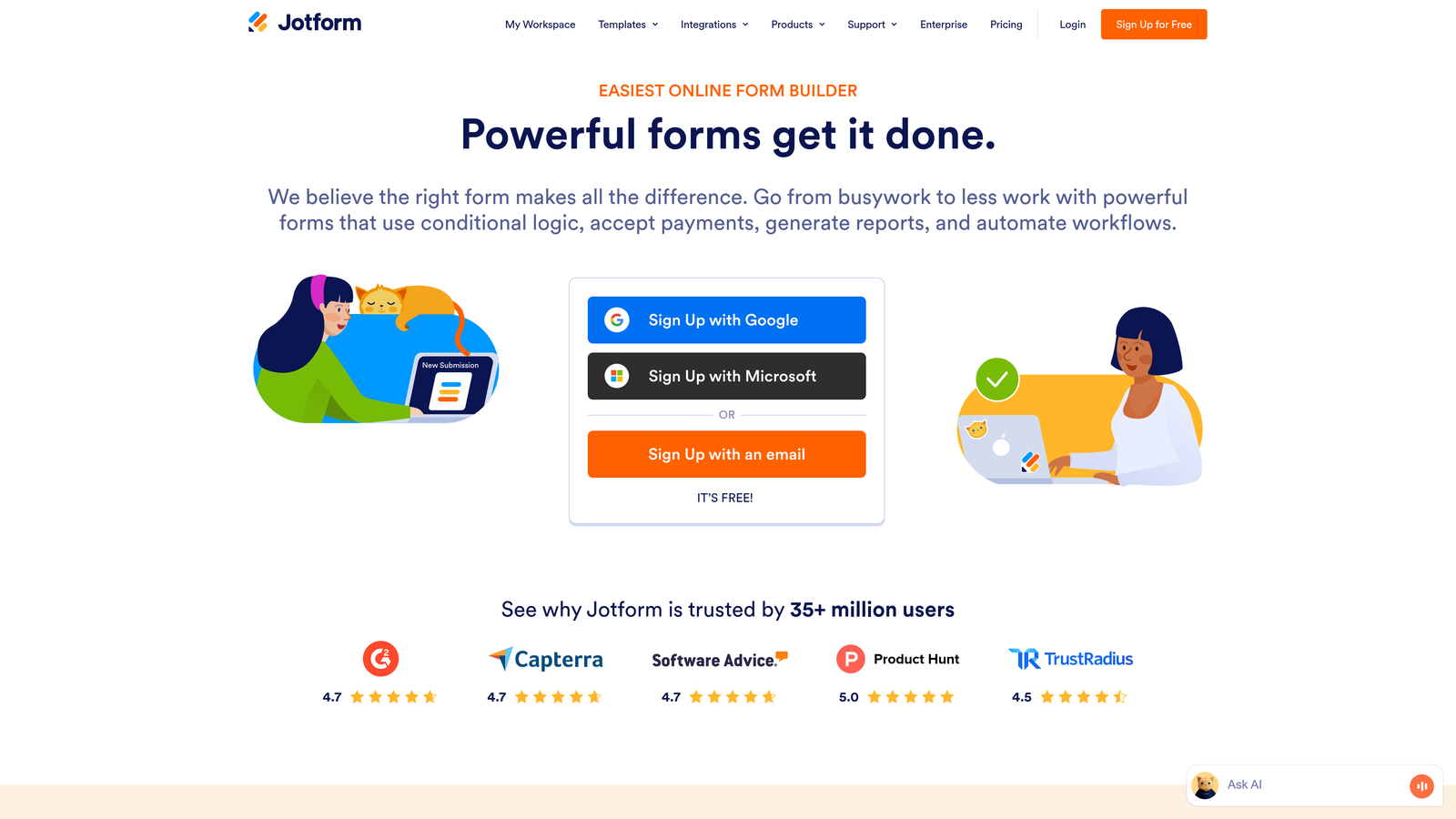
What sets Jotform apart is its massive template library—over 10,000 pre-built forms covering virtually every industry and use case. You can start with templates designed specifically for healthcare intake, financial applications, legal consultations, or any other specialized need, then customize them with conversational flows rather than building from scratch. Our comparison of Jotform vs other form builders explores how it stacks up against competitors.
The platform also offers advanced features like conditional logic, payment processing with PCI compliance, e-signature collection, and approval workflows. For enterprise teams, these capabilities mean you can handle complex, multi-step processes entirely within forms rather than cobbling together multiple tools.
Implementation Steps
1. Browse Jotform's template library to find forms designed for your specific industry or use case as starting points.
2. Enable conversational mode on your selected template to transform the traditional layout into a one-question-at-a-time experience.
3. Configure compliance settings relevant to your industry—HIPAA for healthcare, GDPR for EU data, or other regulatory requirements.
4. Set up approval workflows and notification rules so completed forms trigger the right internal processes automatically.
Pro Tips
Leverage Jotform's conditional logic to create complex branching that maintains compliance while delivering personalized experiences. For example, healthcare forms can show different questions based on insurance type or medical history, ensuring you collect required information without overwhelming patients. Use the platform's white-label options to create branded form experiences that don't reveal you're using a third-party tool—important for enterprise environments where brand consistency matters.
7. HubSpot Forms: CRM-Native Conversion for Existing HubSpot Users
The Challenge It Solves
Teams already invested in HubSpot's CRM and marketing automation often struggle with disconnected form tools that require complex integrations and create data sync issues. Every additional platform means another potential point of failure, delayed data updates, and fragmented customer records that make it harder to deliver personalized experiences.
The Platform Explained
HubSpot Forms lives natively inside the HubSpot ecosystem, eliminating integration complexity for teams already using HubSpot CRM, Marketing Hub, or Sales Hub. Forms automatically sync with contact records in real-time, trigger workflows instantly, and leverage existing contact data for progressive profiling. For a deeper dive into how HubSpot stacks up, read our analysis of HubSpot forms vs dedicated form builders.
Progressive profiling is particularly powerful—HubSpot forms can automatically hide questions you've already asked a contact and show new questions instead. This means returning visitors never see the same form twice, allowing you to gradually build complete contact profiles over multiple interactions without creating repetitive experiences.
The conversational format in HubSpot Forms creates engaging one-question-at-a-time experiences while maintaining tight integration with your CRM data. Every form submission immediately updates contact properties, scores leads based on your criteria, and triggers appropriate workflows—all without leaving the HubSpot environment. Teams looking to connect forms with their CRM should also explore our list of best CRM form integration tools.
Implementation Steps
1. Create your conversational form directly in HubSpot's form builder, selecting which contact properties you want to collect or update.
2. Configure progressive profiling rules so returning contacts see different questions based on what information you already have about them.
3. Set up automated workflows that trigger based on form submissions, routing qualified leads to sales and others to appropriate nurture sequences.
4. Use HubSpot's built-in analytics to track form performance, conversion rates, and which questions cause the most drop-off.
Pro Tips
If you're already paying for HubSpot, maximize your investment by using native forms rather than adding another platform to your stack. The tight integration means you can create sophisticated lead nurturing based on form responses without complex Zapier workflows or custom API connections. Use progressive profiling strategically—ask basic qualification questions on first contact, then gather deeper information like specific pain points or budget ranges on subsequent form submissions.
Choosing Your Conversion Partner
The best conversational form builder for your team depends on where you are in your growth journey and what you're optimizing for. If lead qualification and conversion are your primary goals, platforms with built-in AI capabilities and workflow automation will deliver the strongest ROI by eliminating the gap between data collection and action.
For teams prioritizing brand experience, visual-first platforms let you create forms that feel like natural extensions of your website rather than obvious third-party widgets. If you're operating on tight budgets or testing whether conversational formats work for your audience, freemium options provide solid starting points without financial commitment.
Start by auditing your current form completion rates. Pull data on where prospects drop off—is it after the first few questions, or do they abandon right at the beginning when they see how long the form is? These patterns reveal whether you need better engagement throughout the entire experience or just a less intimidating first impression. Understanding form design best practices for conversions can help you identify quick wins.
Test a conversational approach on your highest-traffic forms first. These are typically your homepage lead capture, content download gates, or demo request forms—places where even small conversion improvements create meaningful pipeline impact. The shift from static to conversational typically shows measurable results quickly because the reduced cognitive load and progressive disclosure of questions address fundamental UX principles.
Consider your technical ecosystem when choosing a platform. Teams already invested in specific CRMs or marketing automation tools benefit from native integrations that eliminate data sync delays and reduce integration complexity. The fewer platforms in your stack, the fewer potential points of failure.
Think beyond just collecting information. The most powerful conversational form builders do more than make data collection feel better—they actively qualify leads, trigger appropriate follow-ups, and route prospects to the right next steps automatically. This intelligence layer transforms forms from passive collection tools into active revenue drivers.
Start building free forms today and see how intelligent form design can elevate your conversion strategy. Transform your lead generation with AI-powered forms that qualify prospects automatically while delivering the modern, conversion-optimized experience your high-growth team needs.


