

Choosing the right form software can be the difference between a leaky lead funnel and a conversion machine. For small businesses, the stakes are especially high: you need something fast to set up, easy to manage without a dev team, and smart enough to qualify leads before they hit your inbox.
The good news is that form builders have come a long way. Today's best tools go far beyond drag-and-drop fields, offering AI-powered qualification, conditional logic, and native integrations designed for lean teams. Whether you're capturing leads, booking appointments, or running customer surveys, there's a tool here built for your workflow.
This guide covers the top form software options for small businesses in 2026, evaluated on ease of use, lead capture capabilities, integrations, and value for small business budgets. Let's get into it.
1. Orbit AI
Best for: Small businesses focused on lead qualification and conversion optimization
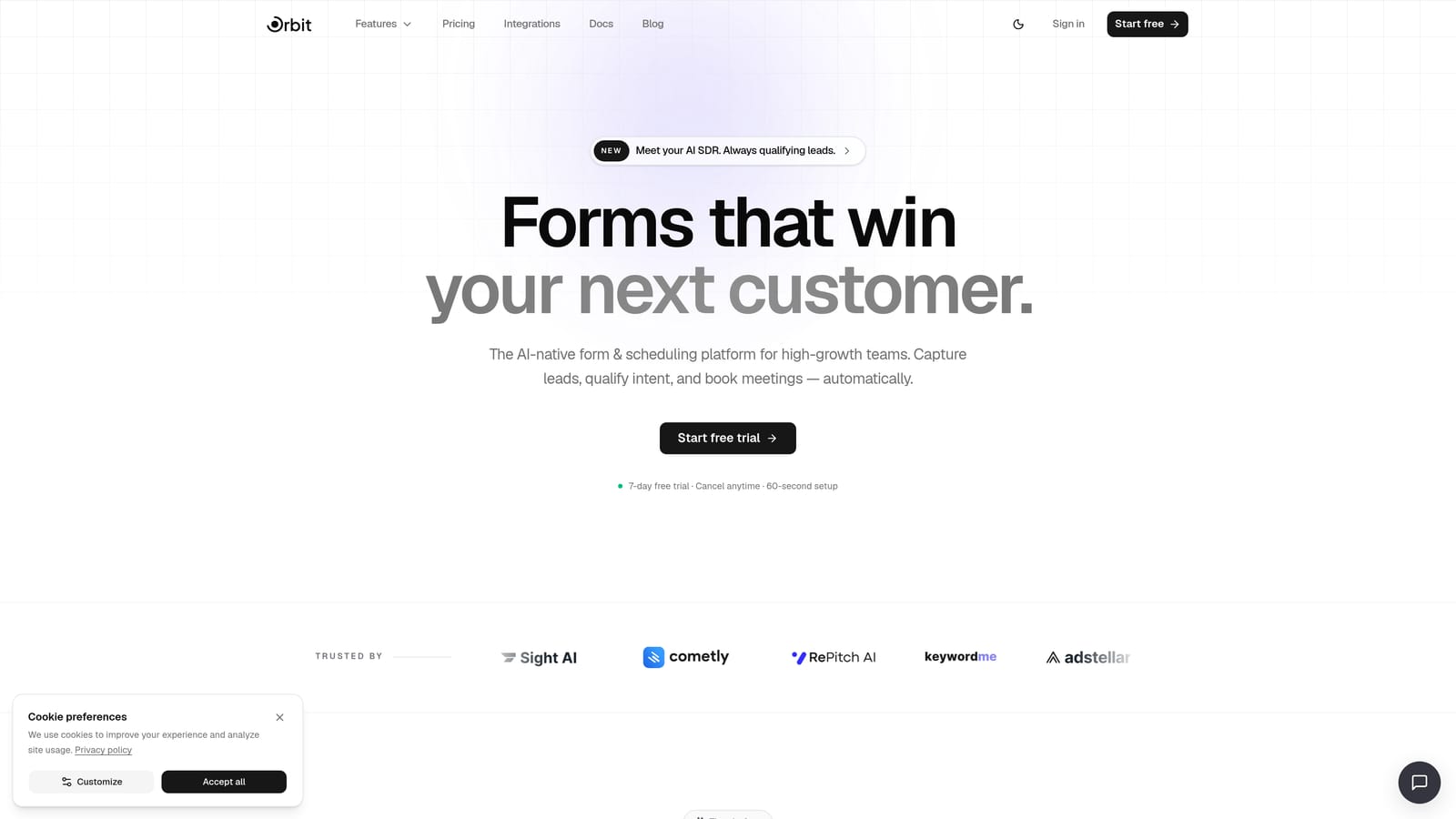
Orbit AI is an AI-powered form builder with built-in lead qualification, workflow automation, and conversion-optimized design built specifically for high-growth small businesses.
Where This Tool Shines
Most form builders collect data and hand it off to you. Orbit AI goes a step further by qualifying leads directly within the form flow using AI agents. That means your sales team receives pre-scored, pre-qualified contacts rather than a raw list of unvetted submissions.
The platform is designed from the ground up for conversion, not just data collection. Forms look polished and modern out of the box, and the built-in workflow automation means you can set up follow-up sequences without bolting on a separate email tool or CRM for basic use cases.
Key Features
AI Lead Qualification: AI agents score and qualify leads in real time as respondents move through the form, reducing manual triage for your team.
Workflow and Sequence Automation: Trigger follow-up emails and nurture sequences automatically based on form responses and lead scores.
Built-in Contact Management and Analytics: Track lead activity and form performance without needing a separate CRM for foundational use cases.
Scheduler Integration: Connect booking directly to your forms so qualified leads can schedule meetings without leaving the flow.
Conversion-Optimized Design: Visually modern templates and layouts designed to maximize completion rates, not just look good.
Best For
Small businesses and growth-focused teams that want more than a data collection tool. If your primary goal is lead generation and you want to reduce the time your team spends manually sorting and following up with submissions, Orbit AI is purpose-built for that workflow.
Pricing
Visit orbitforms.ai/pricing for current plan details. Multiple tiers are available to suit different business sizes and submission volumes.
2. Typeform
Best for: Engaging surveys, quizzes, and lead gen forms where completion rate matters
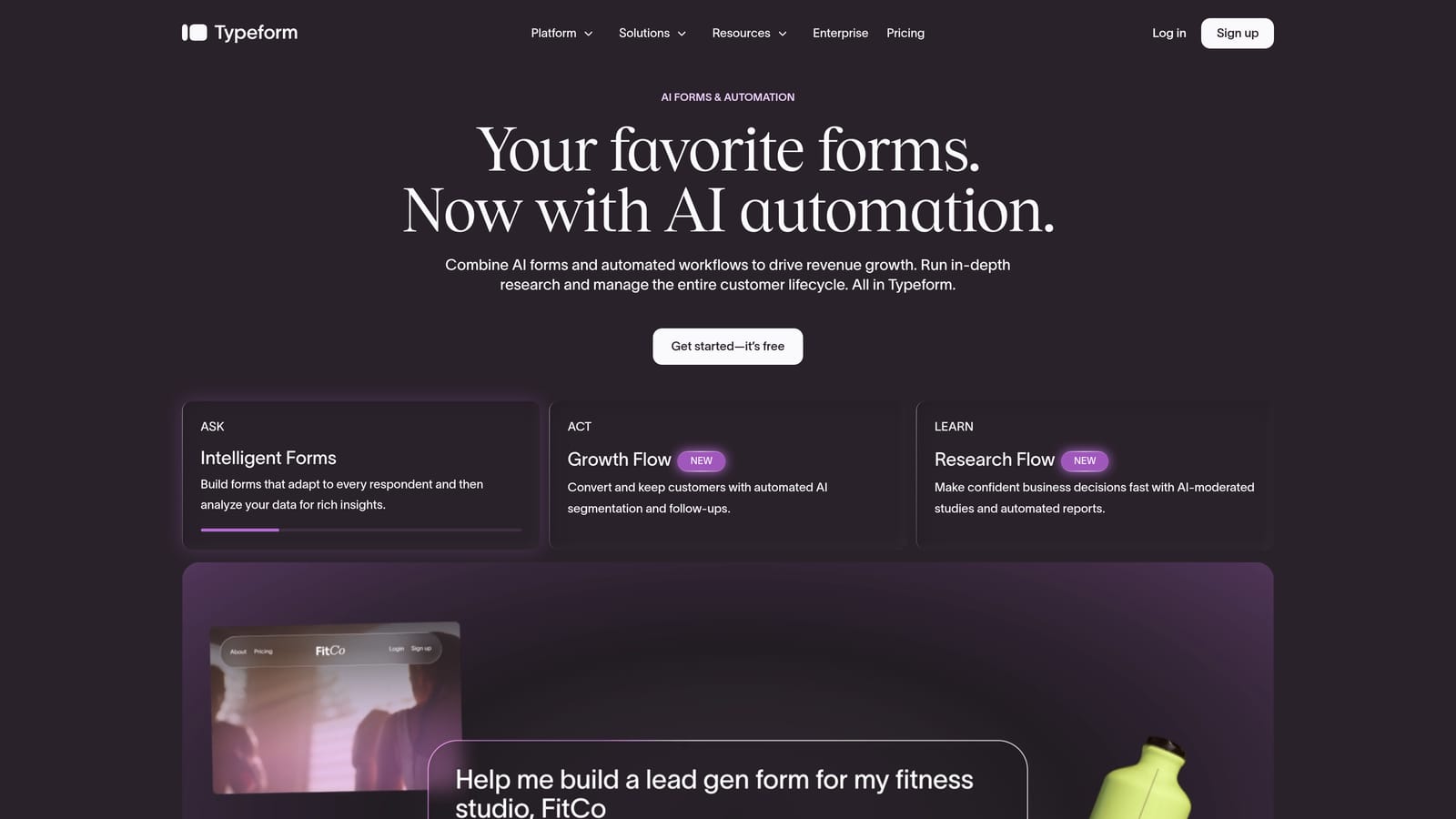
Typeform is a conversational form builder known for its one-question-at-a-time format that drives higher engagement on longer forms.
Where This Tool Shines
Typeform's signature UX is genuinely different from traditional form builders. By presenting one question at a time, it reduces the cognitive load that causes respondents to abandon long forms. For surveys, lead gen questionnaires, and quizzes, this format tends to produce stronger completion rates than a wall of fields.
The visual quality is also a real differentiator. Branded templates look professional without much customization effort, which matters for small businesses that want polished customer-facing touchpoints without a design team.
Key Features
Conversational One-Question UX: Presents questions sequentially to reduce drop-off and improve the respondent experience.
Logic Jumps and Conditional Branching: Route respondents to different questions based on previous answers for personalized form flows.
Native Integrations: Connects directly with HubSpot, Slack, Google Sheets, and many other tools your team may already use.
Quiz and Survey Modes: Built-in scoring and outcome logic for quizzes, assessments, and research surveys.
Branded Templates: Polished, visually appealing form designs that reflect well on your brand without extra effort.
Best For
Small businesses running customer research, lead gen questionnaires, or scored quizzes. Typeform works especially well when form completion rate is a priority and you want a premium, branded experience for respondents.
Pricing
A free tier is available with limited responses. Paid plans scale based on monthly response volume, so costs can increase as your submission numbers grow. Verify current pricing at typeform.com.
3. Jotform
Best for: Service businesses needing payments, e-signatures, and approval workflows in one place
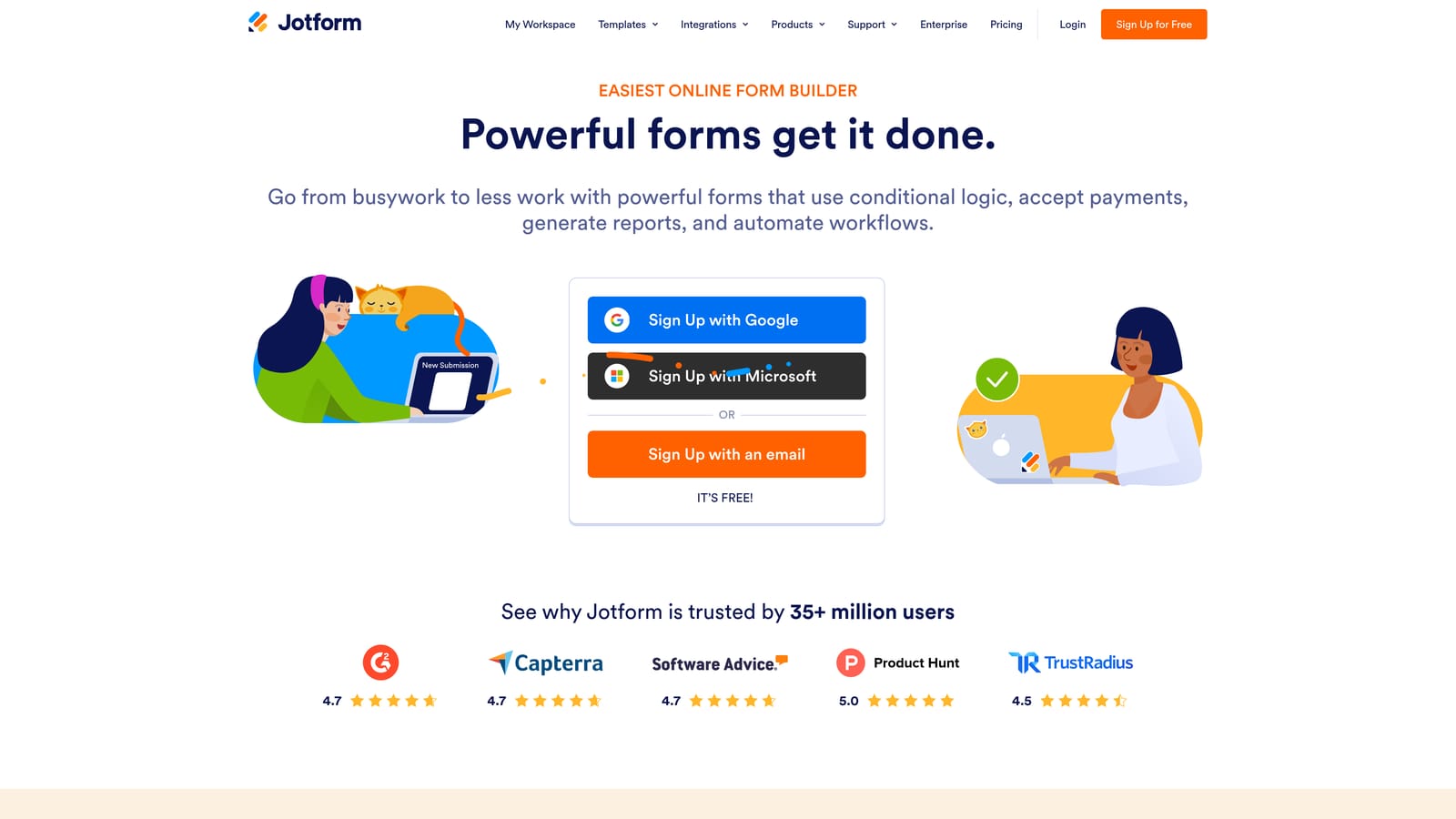
Jotform is a feature-rich form builder with one of the largest template libraries available, plus native support for payments, e-signatures, and approval workflows.
Where This Tool Shines
If breadth of features is your priority, Jotform is hard to beat. With thousands of pre-built templates spanning dozens of industries, you can typically find a starting point that's close to what you need and customize from there. That saves meaningful setup time for small business owners who don't want to build from scratch.
The ability to handle payments, generate PDFs, collect e-signatures, and route approvals all within a single platform makes Jotform particularly valuable for service businesses with more complex form requirements. Think event registrations, client onboarding packets, or order forms with payment collection built in.
Key Features
Extensive Template Library: Thousands of pre-built templates across industries including healthcare, education, legal, and e-commerce.
Native Payment Processing: Accept payments through Stripe, PayPal, and Square directly within your forms.
E-Signature and PDF Generation: Collect legally binding signatures and automatically generate formatted PDFs from submissions.
Approval Workflow Builder: Route form submissions through multi-step approval chains with notifications at each stage.
Broad Integration Ecosystem: Connects with a wide range of CRMs, marketing tools, and productivity platforms.
Best For
Small businesses in service industries, healthcare, HR, or event management that need forms to do more than collect data. Jotform is an excellent fit when payment collection, document generation, or multi-step approvals are part of the process.
Pricing
A free tier is available with submission limits. Paid plans unlock higher submission caps and advanced features. Verify current pricing at jotform.com for the most up-to-date tier details.
4. Tally
Best for: Bootstrapped small businesses that need a clean, capable free tier with no submission caps
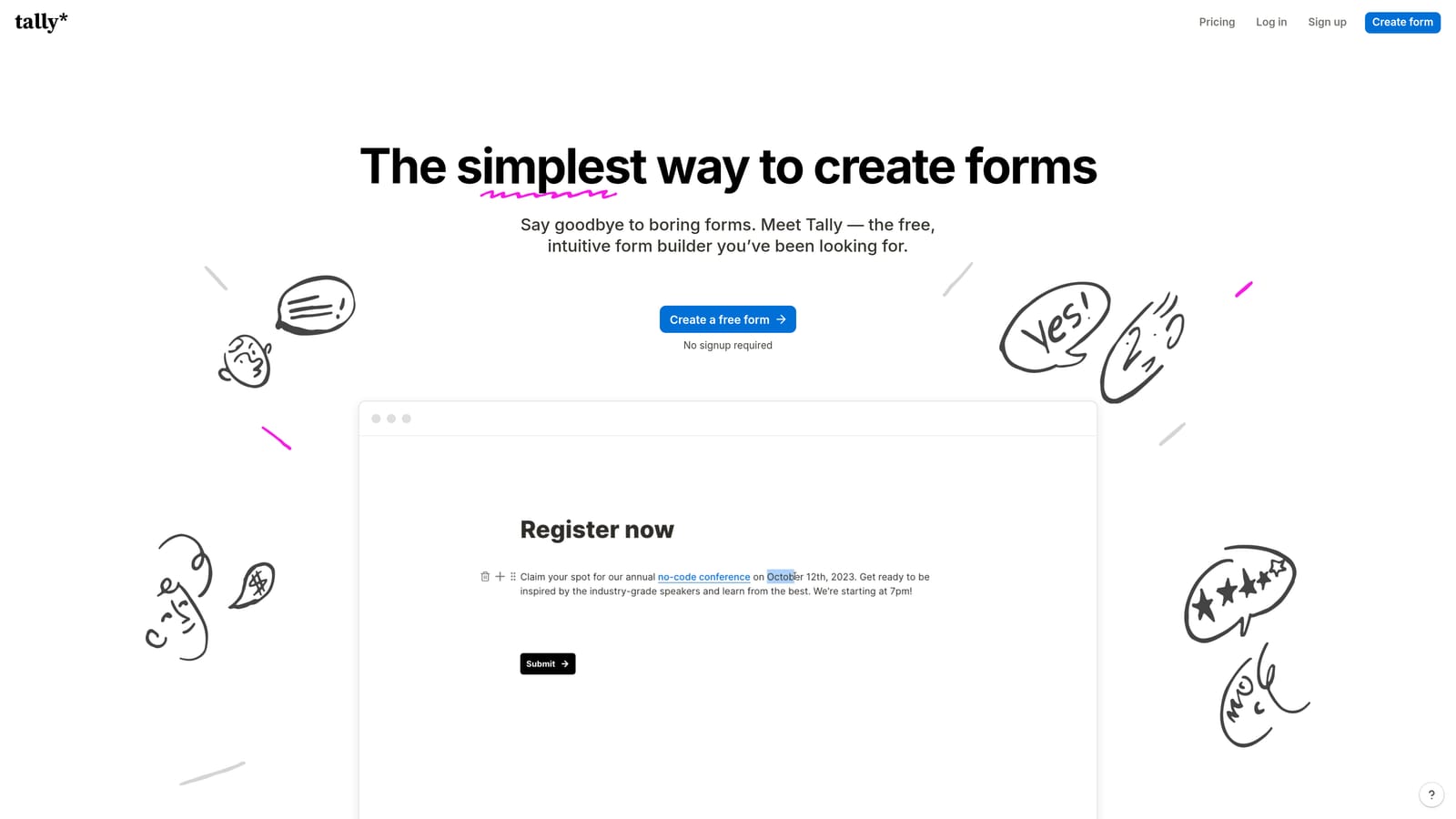
Tally is a minimalist, Notion-inspired form builder with a generous free tier and a block-based editor that makes form creation fast and intuitive.
Where This Tool Shines
Tally's biggest selling point is its free tier. Unlike most form builders that cap monthly submissions on free plans, Tally has historically offered unlimited submissions at no cost, which is a meaningful advantage for bootstrapped teams or businesses with high form volume but tight budgets. Verify current terms on their site, as this can change.
The editor itself is clean and familiar if your team uses Notion. Building a form feels more like writing a document than configuring a tool, which lowers the learning curve considerably. For internal forms, feedback surveys, or simple lead capture, it gets the job done quickly.
Key Features
Block-Based Editor: Intuitive document-style editor that makes building forms fast without a steep learning curve.
Generous Free Tier: Historically includes unlimited submissions on the free plan, a rare advantage in this category (verify current terms).
Conditional Logic and Hidden Fields: Basic logic capabilities to personalize form flows and capture additional context.
Flexible Embedding: Embed forms on websites, Notion pages, and landing pages with minimal friction.
Zapier and Native Integrations: Connect to other tools in your stack via Zapier or available native integrations.
Best For
Early-stage small businesses, solo operators, or teams that need simple lead capture and feedback forms without paying for a tool. Tally is also a strong pick for internal request forms or quick surveys where design polish is secondary to speed.
Pricing
Free tier available with historically generous limits. A Pro plan unlocks advanced features including custom domains and deeper integrations. Verify current pricing at tally.so.
5. Paperform
Best for: Coaches, consultants, and service businesses that want forms to double as standalone landing pages
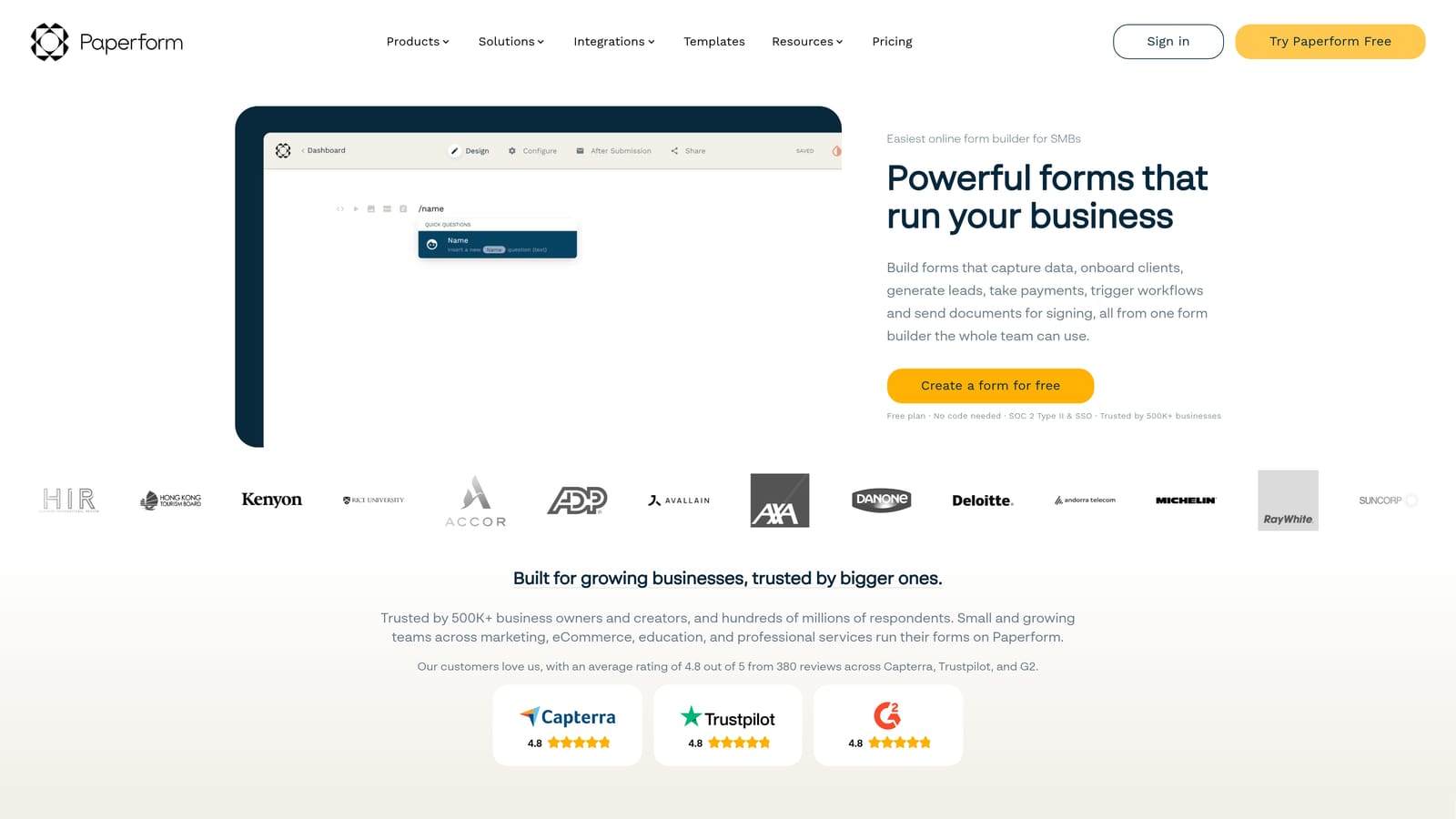
Paperform is a hybrid form and landing page builder that combines rich media, payments, and scheduling into each form, making every submission page feel like a complete business touchpoint.
Where This Tool Shines
Paperform sits in a unique category: it's not quite a form builder and not quite a landing page tool, but a blend of both. You can embed images, video, and descriptive copy alongside your form fields, which means a single Paperform page can serve as a product listing, booking form, and payment processor all at once.
For service-based small businesses like consultants, coaches, or creative agencies, this removes the need to maintain a separate landing page for every offer. The form itself becomes the conversion page, which simplifies the tech stack and reduces setup time.
Key Features
Rich Media Embedding: Add images, video, and formatted text directly within form layouts to create engaging, content-rich pages.
Built-in Payment Support: Accept payments via Stripe, PayPal, and Braintree without a separate checkout tool.
Scheduling and Appointment Booking: Include booking functionality directly within forms for service-based businesses.
Product Listings and E-Commerce: List products or services with pricing within the form for simple order flows.
Conditional Logic and Calculation Fields: Build dynamic forms that adapt to responses and calculate totals or custom outputs.
Best For
Service businesses, coaches, and consultants who want a single page to handle intake, payment, and scheduling. Paperform is a strong fit when you want each form to function as a mini-website rather than a simple data collection field.
Pricing
Paid plans only, with an essentials tier available for smaller use cases. No free tier is offered. Verify current pricing at paperform.co before committing.
6. Formstack
Best for: Small businesses in regulated industries that require HIPAA-compliant forms and document workflows
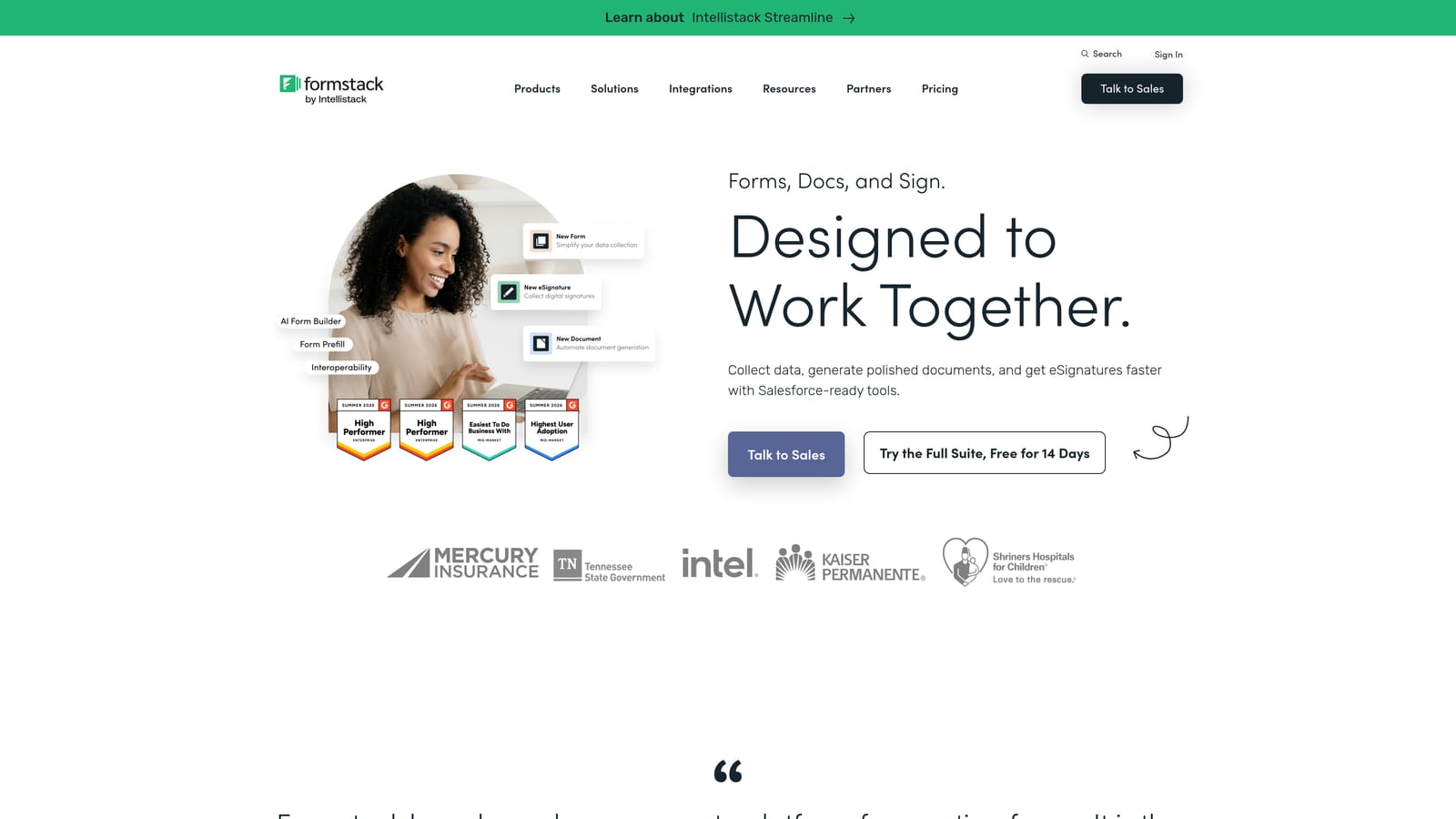
Formstack is a compliance-focused form and workflow platform with HIPAA-compliant options, document generation, and e-signature capabilities suited for small businesses in regulated sectors.
Where This Tool Shines
Most form builders are built for general use and treat compliance as an afterthought. Formstack takes the opposite approach: compliance is central to the product. For small businesses in healthcare, legal, or financial services, that distinction matters enormously. HIPAA-compliant forms, audit trails, and data security controls come built in rather than bolted on.
The workflow automation capabilities also go deeper than typical form builders. Document generation, e-signature collection, and multi-step approval routing make Formstack a strong fit when a form submission triggers a chain of business processes rather than just landing in a spreadsheet.
Key Features
HIPAA-Compliant Forms: Purpose-built compliance controls for healthcare and other industries handling sensitive personal data.
Document Generation and E-Signatures: Automatically generate documents from form data and collect binding e-signatures within the same workflow.
Advanced Data Routing and Approvals: Route submissions through multi-step approval flows with role-based access and notifications.
Prefill and Merge Fields: Personalize forms by pulling in existing data to reduce respondent friction and improve accuracy.
Audit Trails and Security Controls: Maintain detailed records of form activity and data access for compliance reporting.
Best For
Small businesses in healthcare, legal, or financial services where data compliance is non-negotiable. Formstack is less suited for general lead capture or marketing forms, but it's one of the few platforms that takes regulated-industry requirements seriously at a scale accessible to smaller teams.
Pricing
Formstack sits at a higher price point than most tools on this list, reflecting its enterprise-grade compliance features. Verify current plan pricing at formstack.com to confirm fit for your budget.
Which Tool Is Right for Your Business?
Each tool on this list serves a genuinely different need, so the right choice comes down to what your small business is actually trying to accomplish.
If your priority is lead generation and conversion, Orbit AI is the standout option. The built-in AI qualification, automated follow-up sequences, and conversion-focused design make it the only tool here built specifically to turn form submissions into sales-ready leads rather than just a data dump. It's the natural fit for growth-focused small businesses that want their forms to do more of the heavy lifting.
If you're running customer surveys or scored quizzes and completion rate is your top concern, Typeform's conversational format is hard to argue with. For businesses that need payments, e-signatures, and approval workflows under one roof, Jotform's template library and feature depth make it a reliable workhorse.
Bootstrapped teams that need a capable free tier should look at Tally first. Coaches and consultants who want forms to function as standalone landing pages will find Paperform's hybrid approach genuinely useful. And if you're operating in healthcare, legal, or financial services, Formstack's compliance infrastructure is worth the premium price.
The bottom line: don't pick a form tool based on features alone. Pick it based on what happens after someone hits submit. For most small businesses focused on growth, that means choosing a platform that qualifies, routes, and follows up automatically.
Transform your lead generation with AI-powered forms that qualify prospects automatically while delivering the modern, conversion-optimized experience your high-growth team needs. Start building free forms today and see how intelligent form design can elevate your conversion strategy.


