

If your team lives in Salesforce, your forms need to live there too. Disconnected form tools create manual data entry, duplicate records, and leads slipping through the cracks — none of which high-growth teams can afford. The right form builder for Salesforce pushes submissions directly into your CRM, maps fields accurately, and keeps your pipeline clean without extra work.
But not every tool integrates equally well. Some offer native connectors, others rely on middleware, and a few are built specifically for conversion optimization on top of CRM sync. Understanding how Salesforce workflows connect with form data is key to choosing the right solution, especially if you've already seen why forms lose leads before they ever reach your pipeline.
This list covers the best form builders that work with Salesforce in 2026, evaluated on integration depth, form design flexibility, lead qualification features, and overall ease of use. Whether you're capturing inbound leads, qualifying prospects, or routing contacts to the right rep, there's a tool here for your stack.
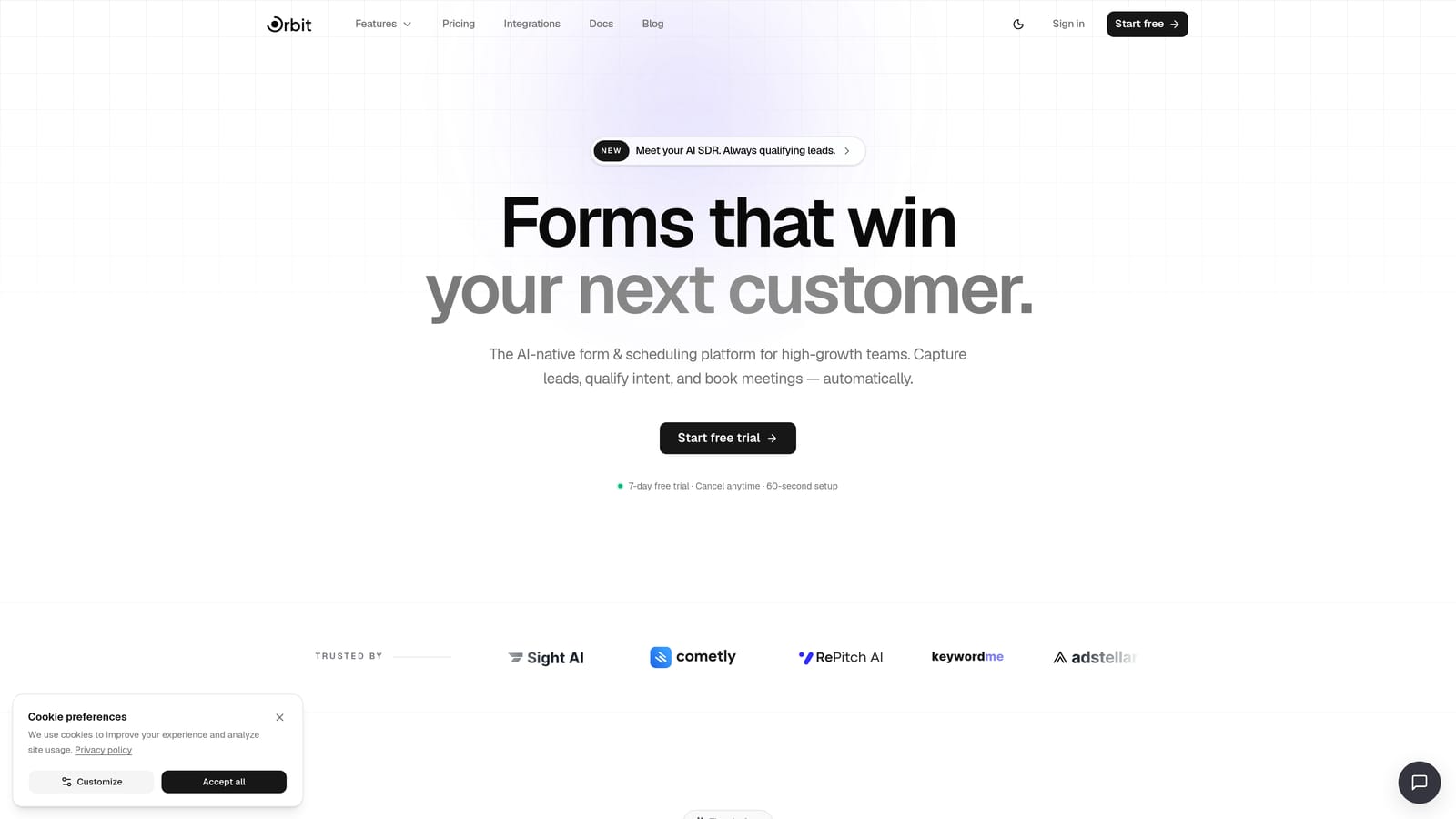
1. Orbit AI
Best for: High-growth teams that need AI-powered lead qualification before data hits Salesforce.
Orbit AI is an AI-powered form builder that qualifies and scores leads at the form level before pushing them into Salesforce.
Where This Tool Shines
Most form builders treat qualification as an afterthought, dumping every submission into your CRM and letting your sales team sort through the noise. Orbit AI flips that model. Its AI qualification layer evaluates responses as they come in, scores leads against your criteria, and only sends the right contacts into your Salesforce pipeline.
For demand gen teams tired of reps complaining about lead quality, this is a meaningful shift. The forms themselves are conversion-optimized by design, with a modern UI that reflects the kind of experience high-growth SaaS brands want to put in front of prospects.
Key Features
AI Lead Qualification and Scoring: Evaluates form responses in real time and scores leads before they reach your CRM, reducing pipeline noise from the start.
Salesforce Integration: Pushes qualified, scored leads directly into Salesforce so your pipeline reflects genuine intent rather than raw submission volume.
Conversion-Optimized Form Design: Templates and layouts built specifically for lead capture performance, not just data collection.
Conditional Logic and Smart Routing: Routes leads to the right rep or workflow based on form responses, keeping follow-up fast and relevant.
No-Code Setup: Clean, intuitive interface that marketing and ops teams can configure without developer support.
Best For
SaaS companies and demand generation teams using Salesforce who need more than a basic lead sync. Particularly well-suited for teams where lead quality is a recurring friction point between marketing and sales, and where form design is treated as part of the conversion strategy.
Pricing
Visit orbitforms.ai/pricing for current plan details. A free starting option is available.
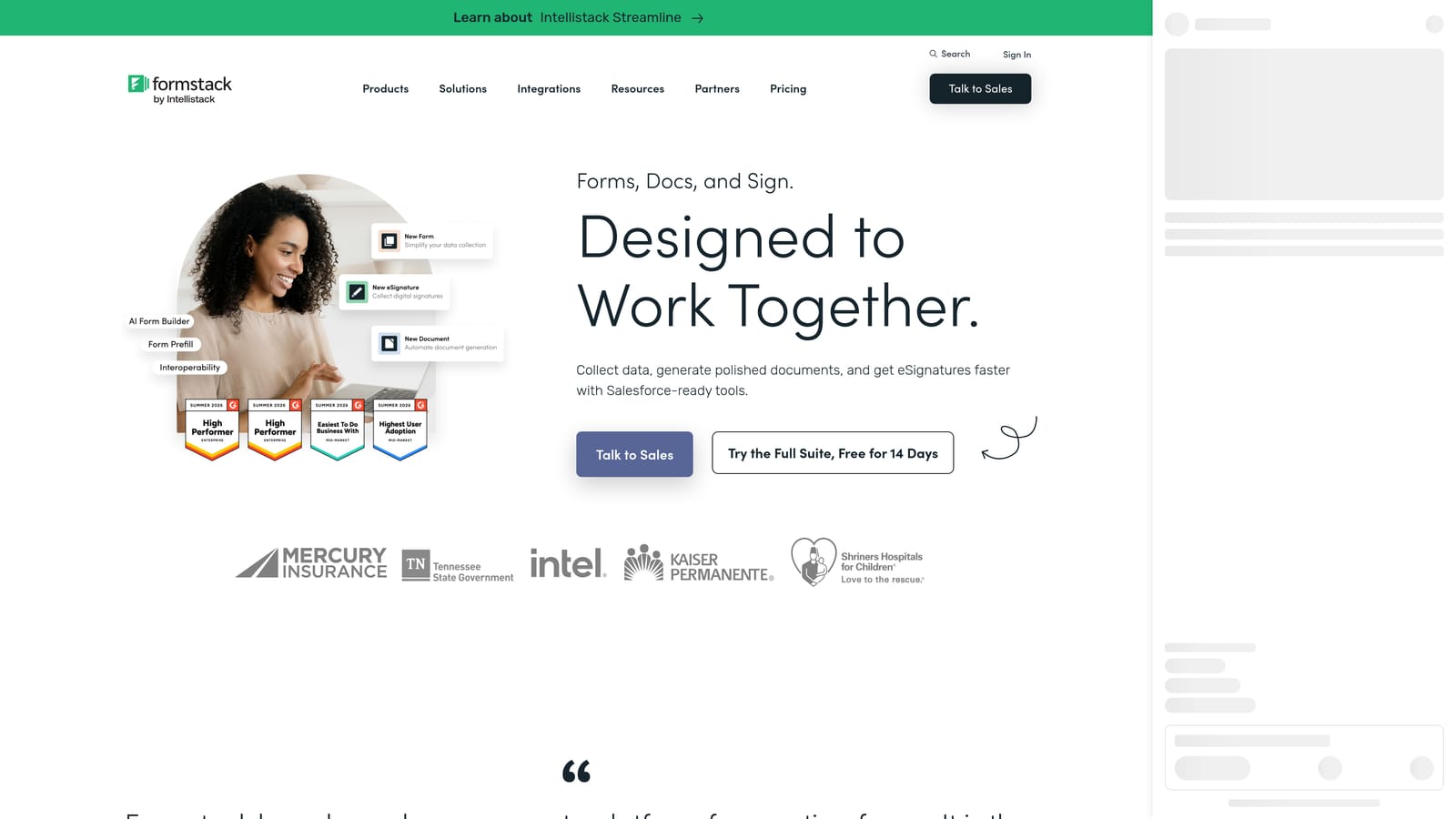
2. Formstack
Best for: Enterprise teams that need deep, native Salesforce object mapping and workflow automation.
Formstack is an enterprise-grade form builder with one of the most comprehensive native Salesforce integrations on the market.
Where This Tool Shines
Formstack is listed on the Salesforce AppExchange, which signals something important: this isn't a third-party connector bolted on after the fact. It's built to operate within the Salesforce ecosystem, supporting mapping to standard objects like Leads, Contacts, and Opportunities, as well as custom objects your team has configured.
The record prefill capability is particularly valuable for teams managing existing customer relationships. You can populate form fields from existing Salesforce records, making renewal, upsell, and update workflows significantly smoother. Combined with approval routing and document generation, Formstack handles complex operational use cases that simpler tools can't touch.
Key Features
Native Salesforce App (AppExchange): Available directly through AppExchange, enabling deeper system-level integration than middleware-based tools.
Multi-Object Mapping: Maps form fields to standard and custom Salesforce objects, giving admins granular control over where data lands.
Record Prefill: Pulls existing Salesforce data into form fields, reducing friction for returning contacts and improving data accuracy.
Workflow Triggers and Approval Routing: Automates internal processes based on form submissions without leaving the Salesforce environment.
Document Generation: Creates formatted documents from form data, useful for contracts, proposals, and onboarding workflows.
Best For
Salesforce admins, RevOps teams, and enterprise organizations with complex object structures and multi-step approval workflows. If your Salesforce instance is heavily customized, Formstack is built to handle that complexity.
Pricing
Enterprise-tier pricing applies. Check formstack.com for current plan details and to request a quote.
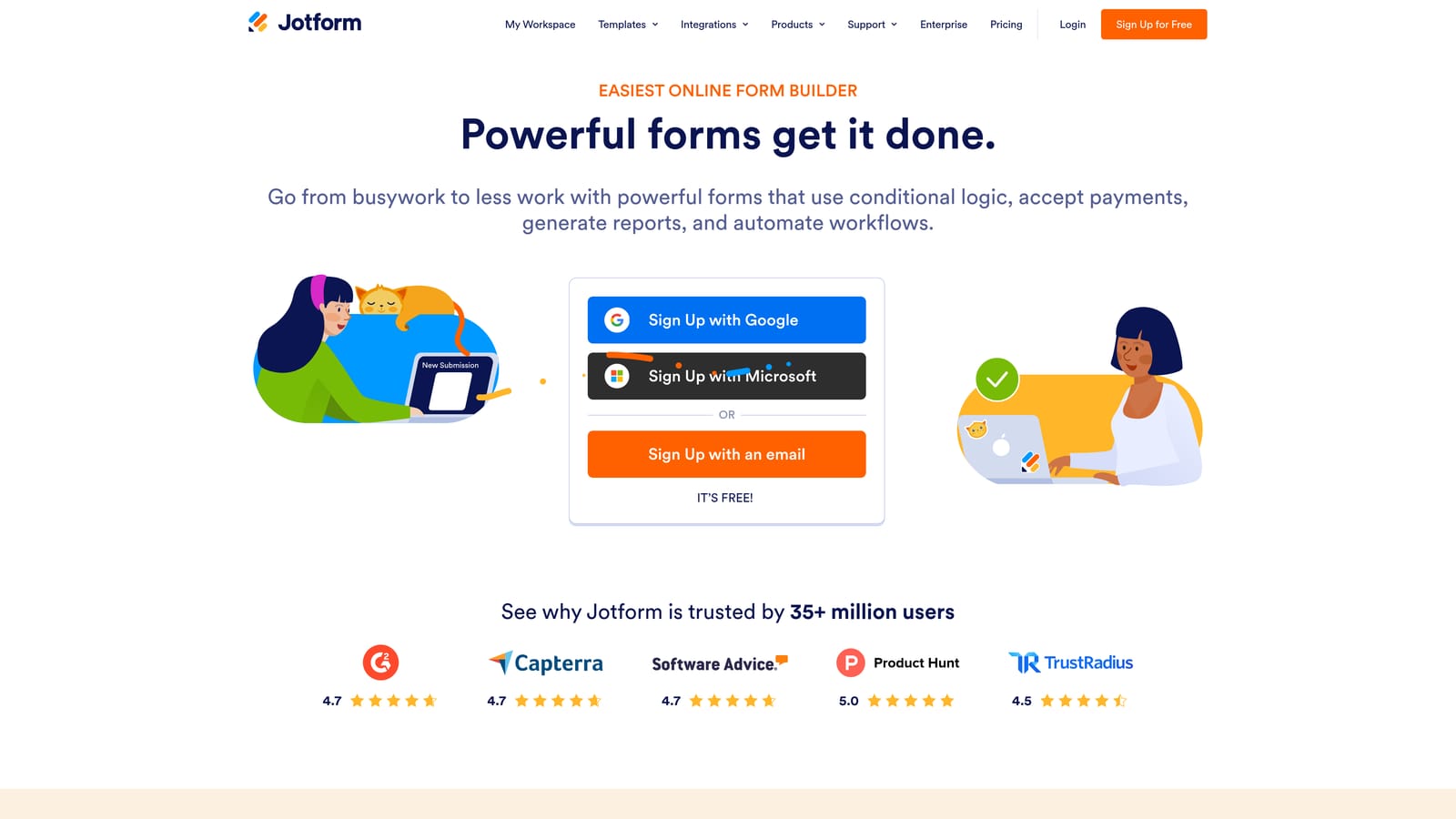
3. Jotform
Best for: SMBs and non-technical marketing teams that need a quick Salesforce connection with minimal setup.
Jotform is a widely-used, template-rich form builder with a built-in Salesforce connector designed for teams that prioritize speed and simplicity.
Where This Tool Shines
Jotform's biggest strength is accessibility. With thousands of pre-built templates and a drag-and-drop builder that requires no coding knowledge, teams can go from zero to a live, Salesforce-connected form in a short time. The template library spans industries and use cases, making it easy to find a starting point rather than building from scratch.
The Salesforce integration maps submissions to Leads and Contacts through Jotform's built-in connector. It's not a native AppExchange app, but for teams capturing straightforward inbound leads, the built-in connector handles the job reliably. The free tier also makes it an accessible entry point for teams testing the waters before committing to a paid plan.
Key Features
Thousands of Pre-Built Templates: Extensive library covering lead capture, surveys, registrations, and more, reducing time to launch.
Built-In Salesforce Integration: Connects form submissions to Salesforce Leads and Contacts without requiring a separate middleware account.
Drag-and-Drop Builder: No coding required; marketers and ops teams can build and update forms independently.
Broad Third-Party Integration Support: Connects with many other tools beyond Salesforce, making it easy to fit into existing stacks.
Free Tier Available: Generous free plan with paid tiers scaling by submission volume and features.
Best For
Small to mid-sized businesses, non-technical marketing teams, and anyone who needs a fast, reliable form with basic Salesforce lead sync. Less suited for teams that need custom object mapping or complex CRM workflows.
Pricing
Free plan available. Paid plans scale by submission volume and feature access. Check jotform.com for current pricing.
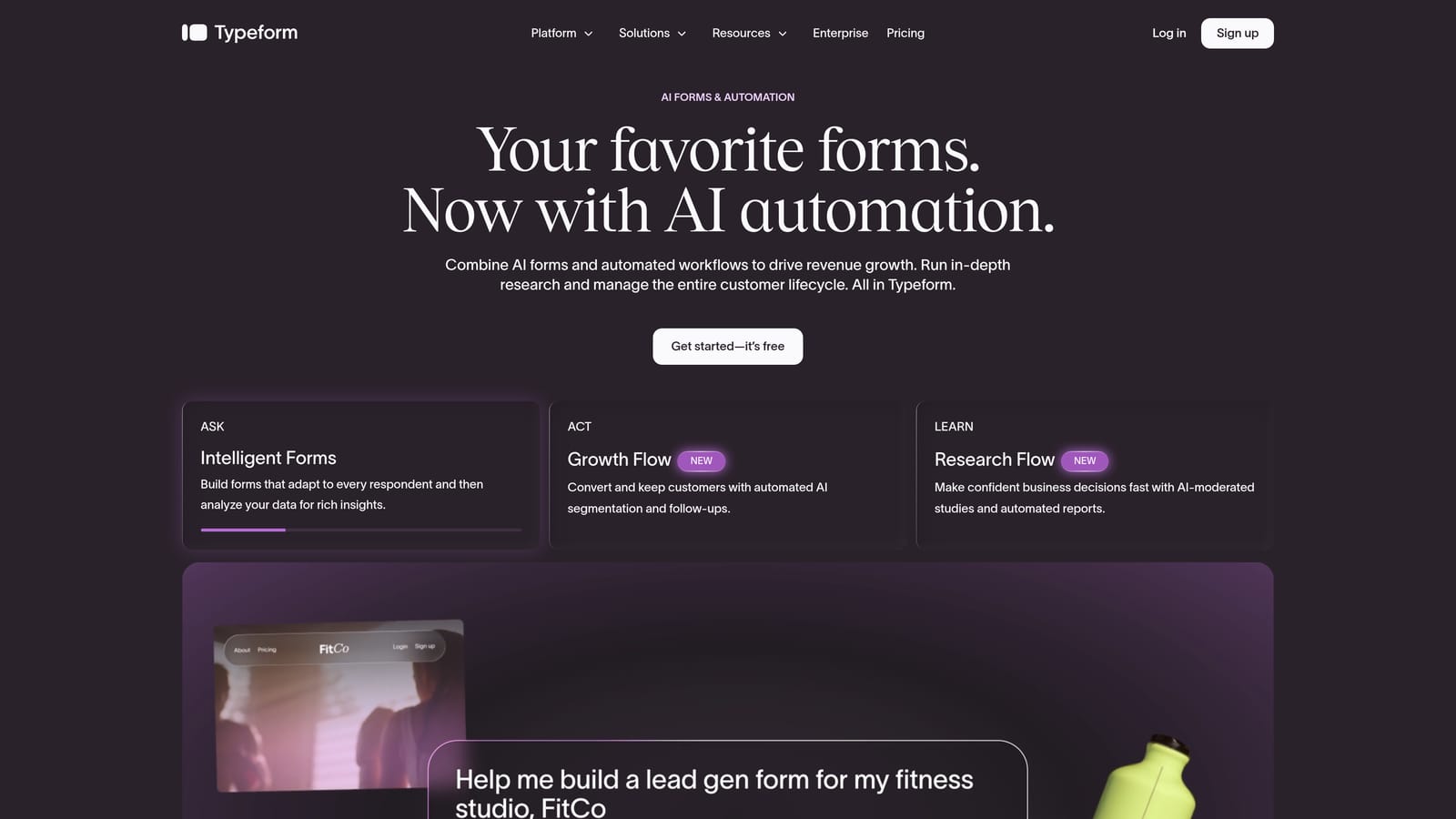
4. Typeform
Best for: Top-of-funnel lead capture where form completion rate and user experience are the primary priorities.
Typeform is a conversational form builder known for its one-question-at-a-time format, with Salesforce connectivity for lead capture workflows.
Where This Tool Shines
Typeform's format is genuinely different from traditional form builders. By presenting one question at a time, it creates a more engaging, dialogue-like experience that tends to drive higher completion rates on lead capture forms, particularly at the top of the funnel where attention is short and drop-off is common.
The logic jump feature allows you to branch question paths based on previous answers, so respondents only see questions relevant to them. This keeps forms feeling lean and personal rather than exhausting. Salesforce connectivity is available through both a native connector and Zapier, giving teams flexibility in how they route data. That said, Typeform is better suited for straightforward lead creation than complex multi-object Salesforce mapping.
Key Features
Conversational One-Question-at-a-Time UX: Presents questions sequentially to create an engaging experience that supports higher completion rates.
Salesforce Integration: Available via native connector and Zapier, supporting lead capture into standard Salesforce objects.
Logic Jumps: Branches question paths based on responses, keeping forms relevant and concise for each respondent.
Strong Brand Customization: Fonts, colors, imagery, and layout options that let teams match the form to their brand identity.
Completion Rate Focus: The format is purpose-built for reducing drop-off on lead generation forms.
Best For
Marketing teams running top-of-funnel campaigns where user experience and completion rate drive results. Less ideal for Salesforce admins who need custom object mapping, record updates, or complex workflow triggers.
Pricing
Tiered plans available. Check typeform.com for current pricing and feature breakdown by plan.
5. Paperform
Best for: Creative and small business teams that want design-forward forms with Salesforce sync via Zapier.
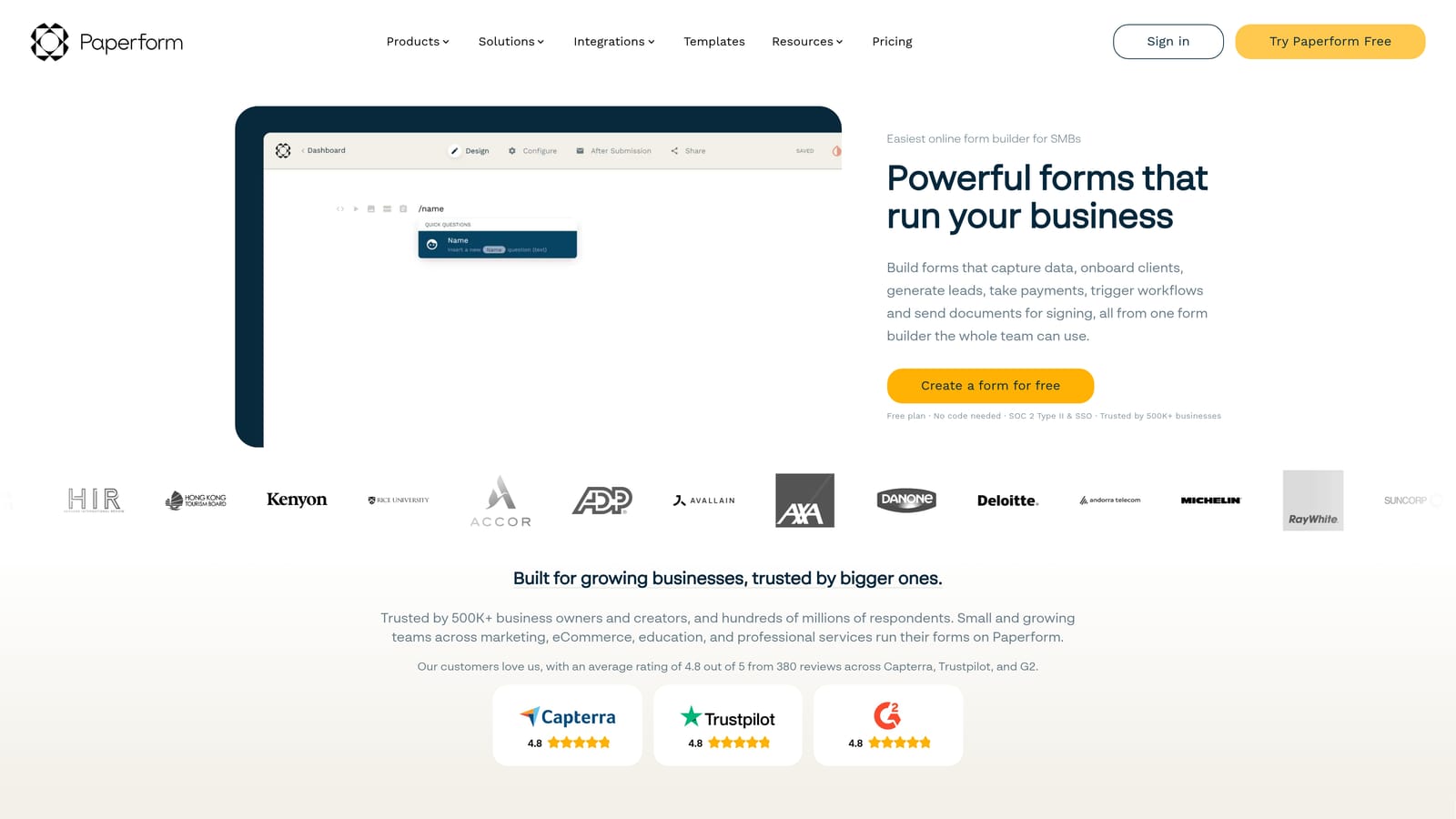
Paperform is a flexible form and landing page builder with rich media support, connecting to Salesforce through Zapier for teams that prioritize design freedom.
Where This Tool Shines
Paperform sits in an interesting middle ground between a form builder and a lightweight landing page tool. You can embed images, video, and formatted text directly within your form, creating a richer experience than a standard field-and-submit layout. This makes it particularly effective for teams that want their forms to feel like branded content rather than plain data collection.
The Salesforce connection runs through Zapier, which works reliably for basic lead capture but does add a dependency and potential sync delay compared to native integrations. For teams that don't need deep CRM mapping and value design flexibility above all else, that trade-off is often acceptable.
Key Features
Rich Media Form Layouts: Embed images, video, and formatted text within forms to create engaging, branded experiences.
Salesforce Sync via Zapier: Connects form submissions to Salesforce through Zapier, suitable for standard lead capture workflows.
Calculation Fields and Conditional Logic: Supports dynamic pricing calculators, scoring logic, and branching based on responses.
Payments and Scheduling Built In: Handles transactions and appointment booking natively, reducing the need for additional tools.
Creative Layout Flexibility: More design control than most form builders, making it a good fit for brand-conscious teams.
Best For
Small businesses, creative agencies, and teams where form aesthetics matter as much as function. Not the right fit for enterprise Salesforce environments that require custom object mapping or native CRM workflow triggers.
Pricing
Tiered plans available at accessible price points. Check paperform.co for current pricing details.
6. Tally
Best for: Lean teams with simple Salesforce sync needs and a preference for a fast, free-first tool.
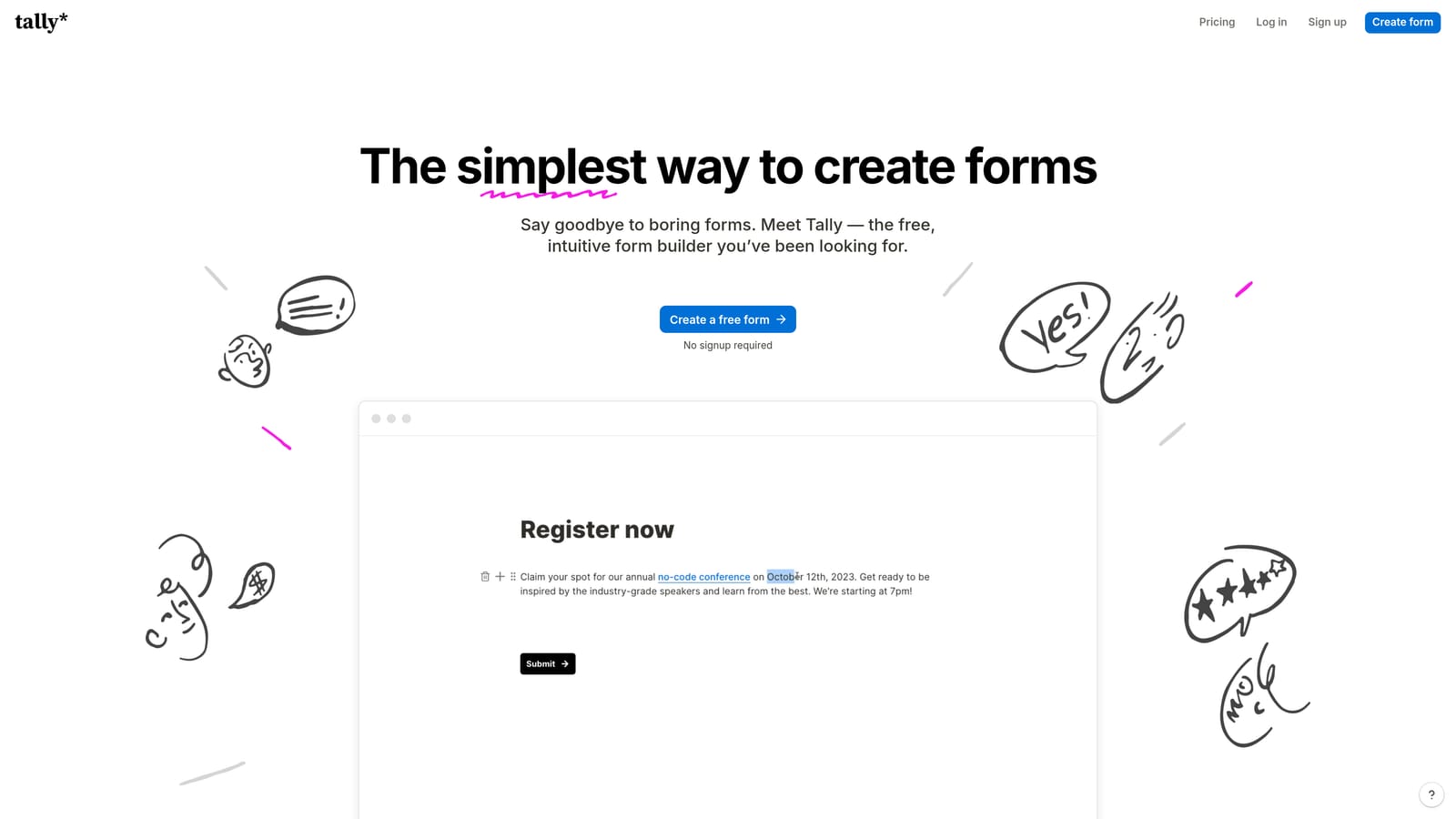
Tally is a lightweight, Notion-inspired form builder with a generous free plan and Salesforce connectivity through Zapier.
Where This Tool Shines
Tally's appeal is its simplicity. The block-based editor feels familiar to anyone who uses Notion, which means the learning curve is minimal. Teams can build and publish forms quickly without navigating a complex interface or sitting through onboarding. For straightforward use cases like event registrations, contact forms, or basic lead capture, it does the job without friction.
The free plan is genuinely generous, offering unlimited forms without a submission cap on the free tier. Salesforce connectivity runs through Zapier, which is standard for a tool at this price point. The trade-off is limited advanced logic and no native CRM integration, so teams with more complex qualification or routing needs will hit the ceiling quickly.
Key Features
Free-First Model: Unlimited forms on the free plan, making it accessible for budget-conscious teams and early-stage companies.
Notion-Style Block Editor: Familiar, fast-to-learn interface that reduces the time from idea to live form.
Salesforce Connection via Zapier: Routes form submissions into Salesforce through Zapier for basic lead capture workflows.
Basic Conditional Logic: Supports simple branching to show or hide fields based on responses.
Embed Anywhere: Lightweight embed options with minimal friction for adding forms to websites, docs, or landing pages.
Best For
Lean teams, early-stage startups, and individuals who need a quick, low-cost form solution with basic Salesforce sync. Not suited for teams that need native CRM integration, complex object mapping, or AI-driven lead qualification.
Pricing
Free plan available with unlimited forms. Pro plan unlocks advanced features. Check tally.so for current pricing.
Choosing the Right Tool for Your Salesforce Stack
The most important distinction across these tools isn't features — it's integration depth. Formstack stands out for enterprise teams that need native Salesforce object mapping, record prefill, and workflow automation without relying on middleware. If your Salesforce instance is complex and your ops team lives in it, that native AppExchange connection is hard to replace.
Jotform and Typeform serve different but overlapping audiences. Jotform is the practical choice for SMBs that need a fast, template-driven solution with basic lead sync. Typeform earns its place for top-of-funnel campaigns where completion rate is the metric that matters most. Both connect to Salesforce, but neither is built for deep CRM workflows.
Paperform and Tally are the right fit for lean teams with simple needs. Both route data through Zapier, which works for standard lead capture but adds a dependency. If your Salesforce use case is basic and your budget is tight, either can get you there without overcomplicating the stack.
For high-growth teams that need more than a data pipe, Orbit AI is in a different category. The AI qualification layer means your Salesforce pipeline receives leads that have already been scored and filtered — not raw submissions that your sales team has to manually evaluate. That distinction matters when lead quality is a constant friction point between marketing and sales.
Transform your lead generation with AI-powered forms that qualify prospects automatically while delivering the modern, conversion-optimized experience your high-growth team needs. Start your free trial today and see how intelligent form design can elevate your conversion strategy.


