

Static forms are quietly killing your conversion rates. When every respondent sees the same questions regardless of their answers, you end up with frustrated users, abandoned submissions, and a pile of data that's only half useful. Conditional logic fixes this by making forms dynamic: fields appear or disappear, pages branch in different directions, and the experience adapts in real time based on what each person tells you.
The challenge is that not all form builders handle conditional logic the same way. Some offer basic show/hide rules that get the job done. Others deliver advanced multi-condition branching, calculation fields, AI-driven path suggestions, and logic tied directly to your CRM workflows. Choosing the wrong tool means either paying for features you'll never use or hitting a ceiling right when your forms need to get smarter.
To help you find the right fit, we evaluated the top form builders with conditional logic across five criteria: depth of logic capabilities, ease of use, integrations, pricing, and suitability for different team sizes. Whether you're building lead qualification forms, multi-step surveys, or complex order flows, there's a tool on this list for you. You can also explore our deeper guide on form builders with conditional logic and how to use dynamic form fields based on user input to get the most from these platforms.
1. Orbit AI
Best for: High-growth teams that want AI-powered conditional logic and built-in lead qualification.
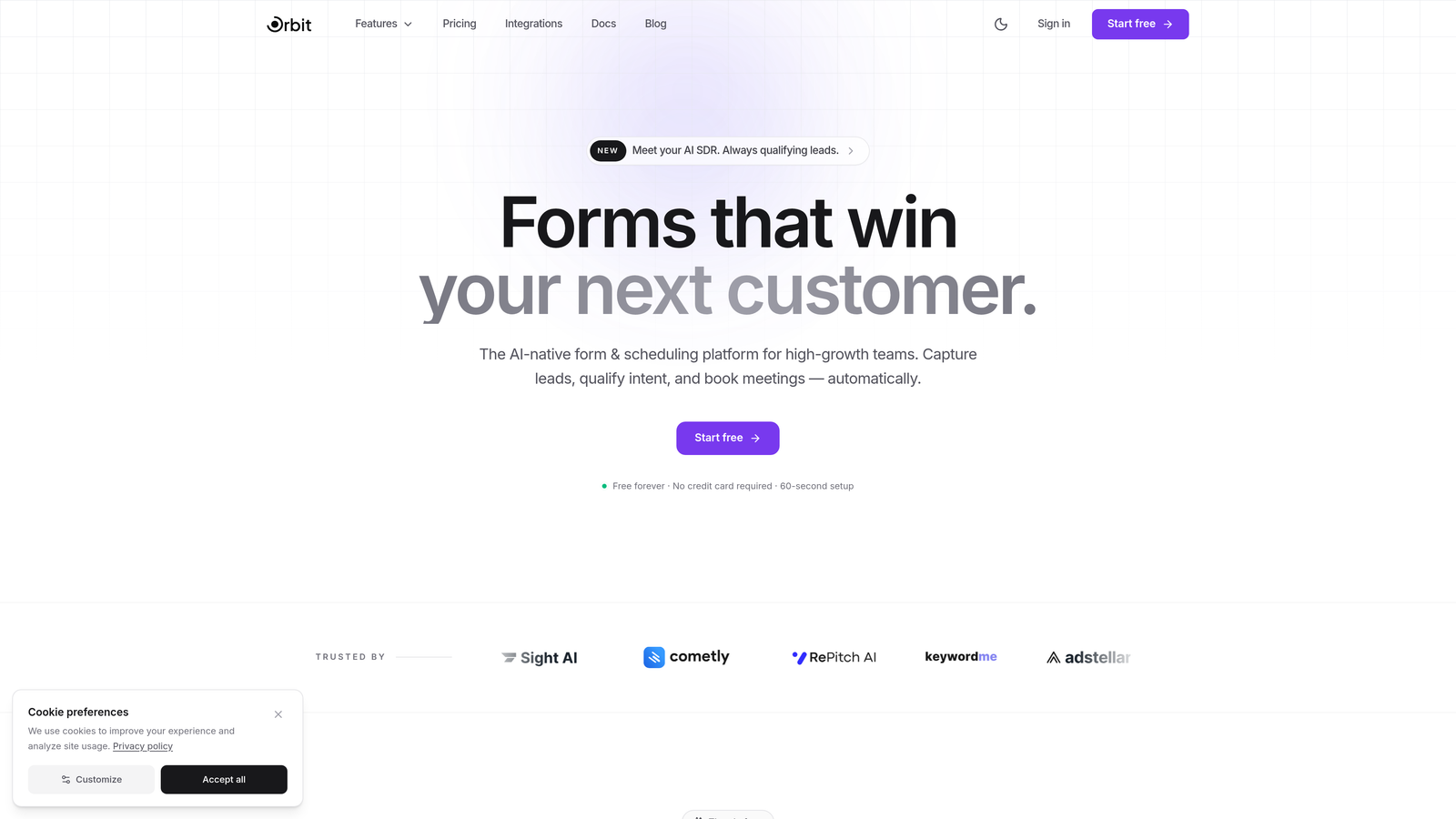
Orbit AI is an AI-powered form builder that combines conditional logic with real-time lead qualification, built specifically for teams focused on conversion optimization.
Where This Tool Shines
Most form builders make you manually configure every branching rule. Orbit AI takes a different approach: its AI engine analyzes your form goals and suggests conditional branching paths automatically, cutting setup time significantly and helping you build smarter forms without needing to think through every logic scenario from scratch.
What really sets it apart for growth teams is the built-in lead qualification layer. As respondents move through your form, Orbit AI scores their responses in real time, so you're not just collecting data, you're actively identifying your best prospects before they even hit submit. For teams running lead generation at scale, this is a meaningful shift from passive data collection to active pipeline building.
Key Features
AI-Suggested Conditional Branching: The platform recommends logic paths based on your form's purpose, reducing manual configuration and helping you build more effective branching flows faster.
Built-In Lead Qualification Scoring: Responses are scored in real time based on patterns, letting you prioritize and route leads without a separate tool or manual review process.
Conversion-Optimized Templates: Form designs are built with completion rates in mind, combining modern aesthetics with layouts that reduce friction at every step.
Real-Time Analytics and Response Tracking: Monitor form performance, drop-off points, and response trends as they happen so you can iterate quickly.
CRM and Marketing Tool Integrations: Connect seamlessly with popular CRMs and marketing platforms to push qualified leads directly into your existing workflows.
Best For
Orbit AI is the right choice for high-growth SaaS teams, marketing teams, and demand generation professionals who want conditional logic that does more than show and hide fields. If lead qualification is a core part of your form strategy, this is the tool built for that job.
Pricing
Free plan available. Paid plans start at an accessible tier for growing teams. Visit orbitforms.ai for current pricing details.
2. Typeform
Best for: Teams that prioritize beautiful, conversational form experiences with smooth logic jumps.
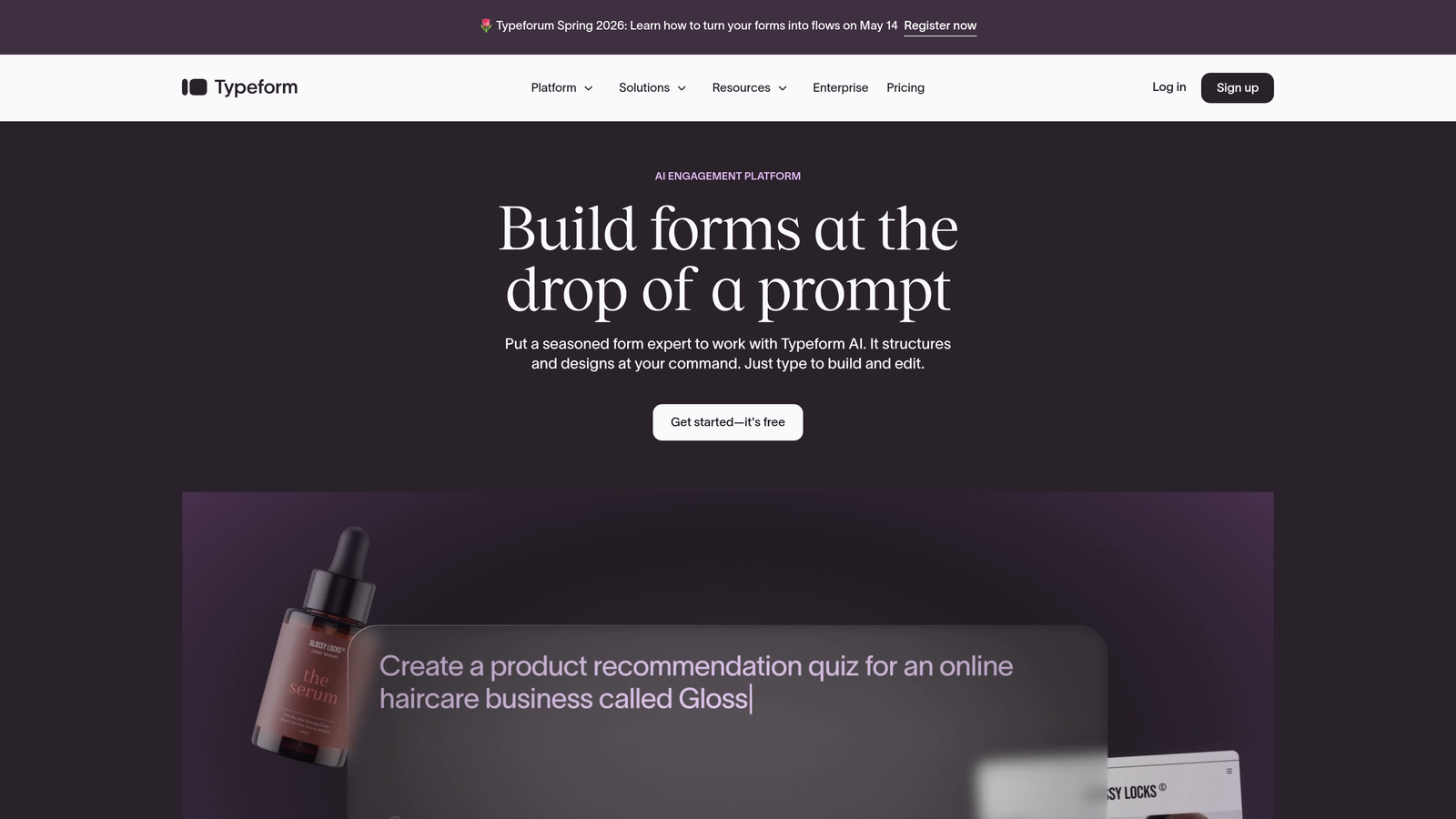
Typeform is a conversational form builder known for its one-question-at-a-time format and visually polished approach to conditional branching.
Where This Tool Shines
Typeform's logic jumps feel natural to respondents because the entire form experience is already conversational. Instead of a long scrollable form with hidden fields, respondents move through a flowing sequence that adapts based on their answers. This makes the conditional logic feel less like a technical feature and more like a genuine conversation.
The design quality is genuinely best-in-class. If brand presentation matters to your team and you want forms that look like a premium product rather than a utility tool, Typeform consistently delivers that experience.
Key Features
Logic Jumps: Route respondents to different questions or endings based on their answers, creating seamless, personalized conversational paths.
One-Question-Per-Screen Design: Reduces cognitive load and keeps completion rates high by presenting one focused question at a time.
Hidden Fields and URL Parameters: Pass data into forms from external sources to personalize the experience before a respondent even starts.
Calculator and Scoring: Assign values to answers and use them within logic paths for quizzes, assessments, or lead scoring.
Native Integrations: Connects with Zapier, HubSpot, Google Sheets, Slack, and many more tools out of the box.
Best For
Marketing teams, agencies, and product teams that want high-quality form experiences for surveys, lead capture, or customer research where design and respondent experience are as important as the data collected.
Pricing
Free plan available with limited responses. Paid plans start around $25 per month, with higher tiers unlocking more responses, logic features, and integrations.
3. Jotform
Best for: Teams that need extensive templates, broad integrations, and versatile conditional logic across a wide range of use cases.
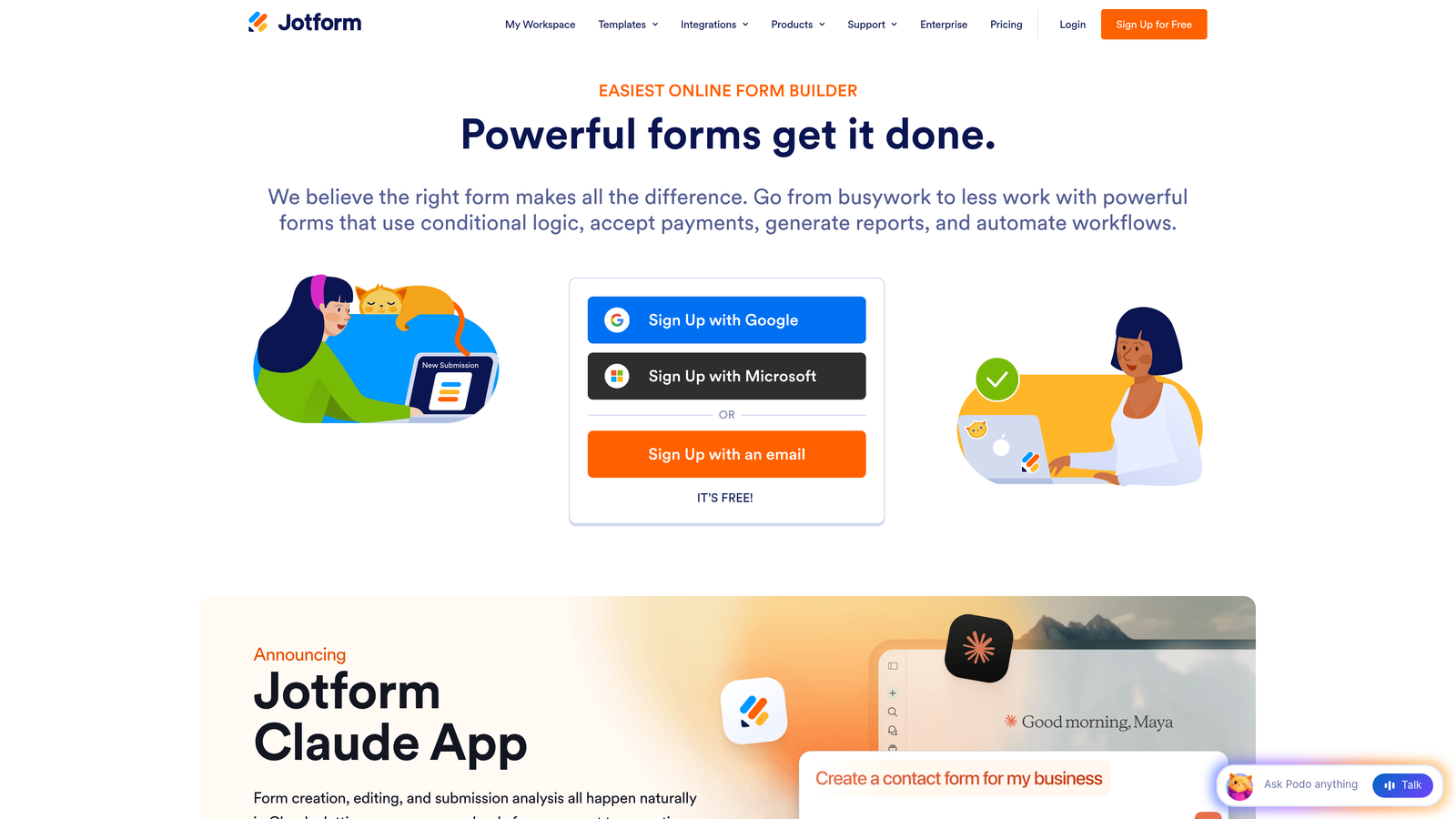
Jotform is a feature-rich form builder with one of the largest template libraries available and conditional logic that covers everything from simple field visibility to complex multi-page routing.
Where This Tool Shines
Jotform's breadth is its superpower. With over 10,000 templates, it's rare to encounter a use case the platform hasn't already anticipated. Conditional logic is woven throughout: you can show or hide fields, skip entire pages, disable form elements, or trigger different confirmation messages based on responses.
The platform also handles payments particularly well. Conditional pricing rules let you adjust order totals, apply discounts, or surface different product options based on what a respondent selects, making it a strong choice for e-commerce and service businesses that need smart order forms.
Key Features
Conditional Logic Engine: Show/hide fields, skip pages, enable/disable elements, and trigger different actions based on single or multiple conditions.
10,000+ Templates: Pre-built forms across industries, many with conditional logic already configured and ready to customize.
Conditional Payment Rules: Adjust pricing, apply discounts, or surface different products dynamically based on form responses.
Jotform Tables: Manage and filter form submissions as a structured database without needing a separate tool.
PDF Auto-Generation: Automatically create formatted PDF documents based on conditional responses for contracts, quotes, or reports.
Best For
Small to mid-sized businesses, nonprofits, and operations teams that need a versatile form builder handling a wide variety of use cases, from simple contact forms to complex payment and registration flows.
Pricing
Free plan includes 5 forms and 100 monthly submissions. Paid plans start around $34 per month with significantly higher submission limits and access to advanced features.
4. Tally
Best for: Individuals and small teams that want conditional logic without paying for it.
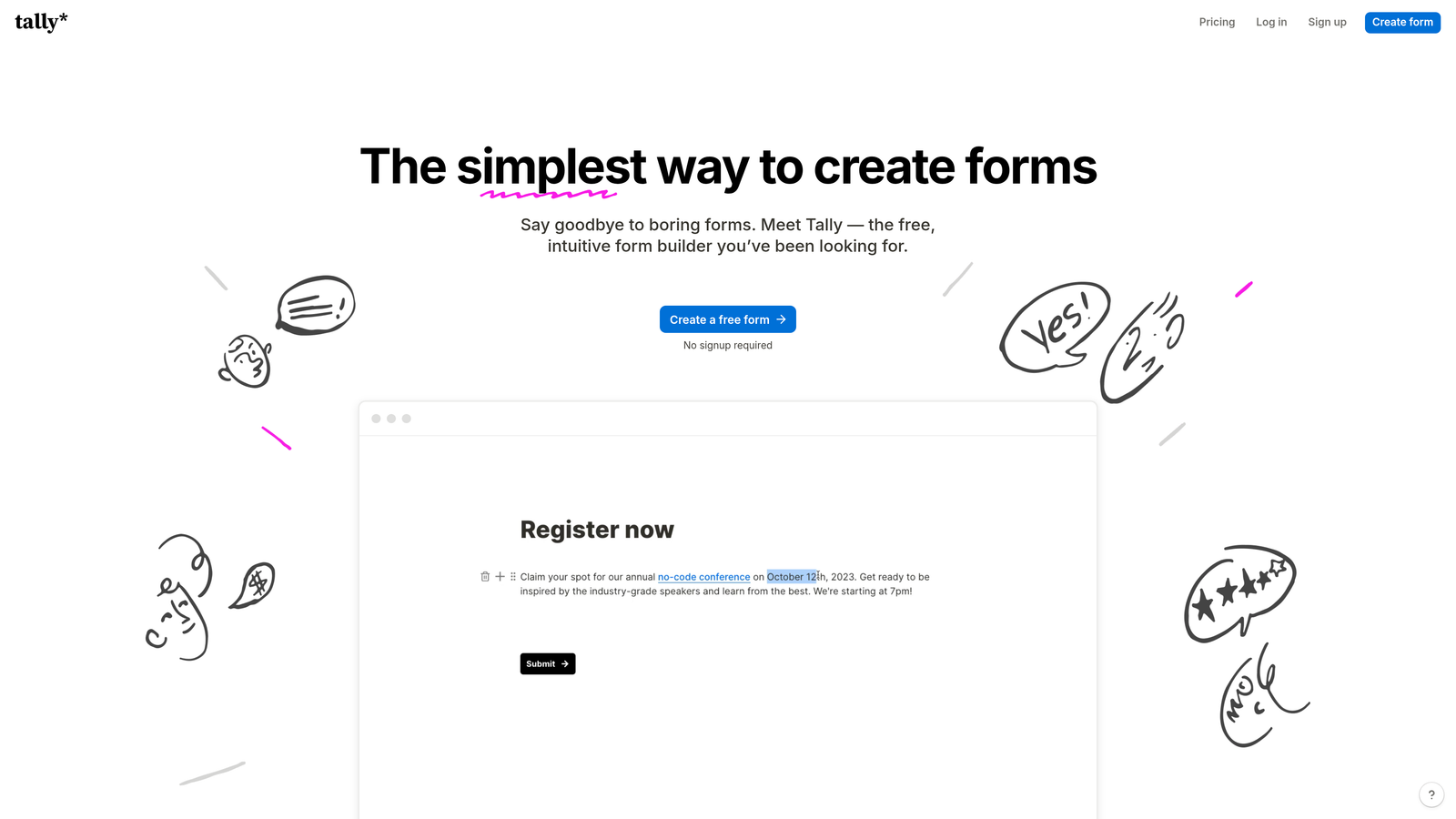
Tally is a free-first form builder with a clean, Notion-inspired interface that includes conditional logic on every plan, including the free tier.
Where This Tool Shines
The free plan is genuinely generous. Unlimited forms, unlimited responses, and conditional logic included at no cost makes Tally an easy choice for individuals, startups, or anyone who needs capable forms without a monthly subscription. Most competitors lock conditional logic behind paid tiers, so this is a real differentiator.
The block-based editor feels immediately familiar if you've ever used Notion. Building forms is intuitive and fast, and the clean aesthetic means your forms look polished without any design effort on your part.
Key Features
Free Conditional Logic: Full conditional show/hide and branching logic available on the free plan with no artificial restrictions.
Block-Based Editor: Notion-style interface that makes form building fast and intuitive without a steep learning curve.
Answer Piping: Reference previous responses within later questions to create personalized, conversational form experiences.
Hidden Fields and Webhooks: Pass external data into forms and connect to other tools via native integrations or webhooks.
No Branding on Free Plan: Publish clean, unbranded forms without upgrading, which is genuinely rare at this price point.
Best For
Freelancers, early-stage startups, and small teams that need solid conditional logic without a budget for form software. Also a great option for internal forms, quick surveys, or lightweight lead capture.
Pricing
Free plan with unlimited forms and conditional logic. Tally Pro is available from $29 per month, adding features like custom domains, file uploads, and priority support.
5. Formstack
Best for: Enterprise teams that need conditional logic tied to compliance workflows, document generation, and e-signatures.
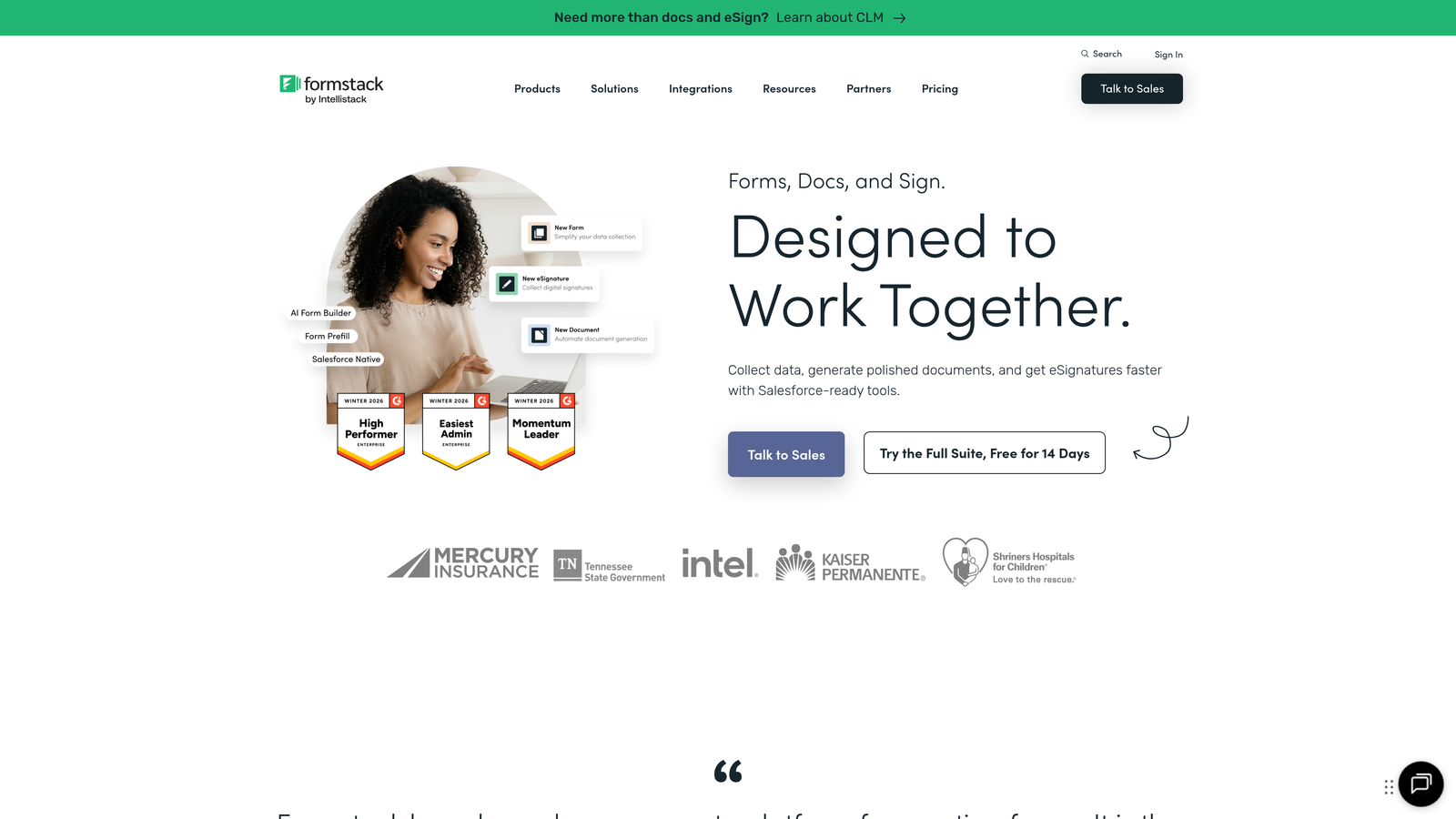
Formstack is an enterprise workflow platform that combines forms, documents, and e-signatures with advanced conditional logic and compliance-grade data handling.
Where This Tool Shines
Formstack operates at a different level than most form builders. It's not just about collecting data: it's about connecting that data to automated workflows that generate documents, route approvals, and collect signatures, all governed by conditional logic at each step. For regulated industries where every touchpoint needs to be auditable, this matters enormously.
HIPAA compliance and data encryption make Formstack one of the few form platforms genuinely suitable for healthcare, legal, and financial services teams. The conditional logic here isn't just a UX feature; it's a compliance and workflow tool.
Key Features
Advanced Multi-Rule Conditional Logic: Build complex conditions combining multiple rules, field calculations, and conditional routing across multi-page forms.
Workflow Automation: Connect form submissions to document generation and e-signature collection in a single automated flow.
HIPAA Compliance: Data encryption and compliance features make it suitable for healthcare and other regulated industries.
Prefill and Conditional Routing: Populate fields from existing data sources and route submissions to different teams or processes based on responses.
A/B Testing: Test different form versions to optimize completion rates and conversion performance over time.
Best For
Enterprise teams in healthcare, legal, financial services, or any regulated industry where forms are part of a larger compliance and document workflow rather than standalone data collection tools.
Pricing
Plans start around $50 per month. Enterprise plans are available with custom pricing based on workflow complexity and team size.
6. Gravity Forms
Best for: WordPress sites that need powerful conditional logic with a deep ecosystem of add-ons.
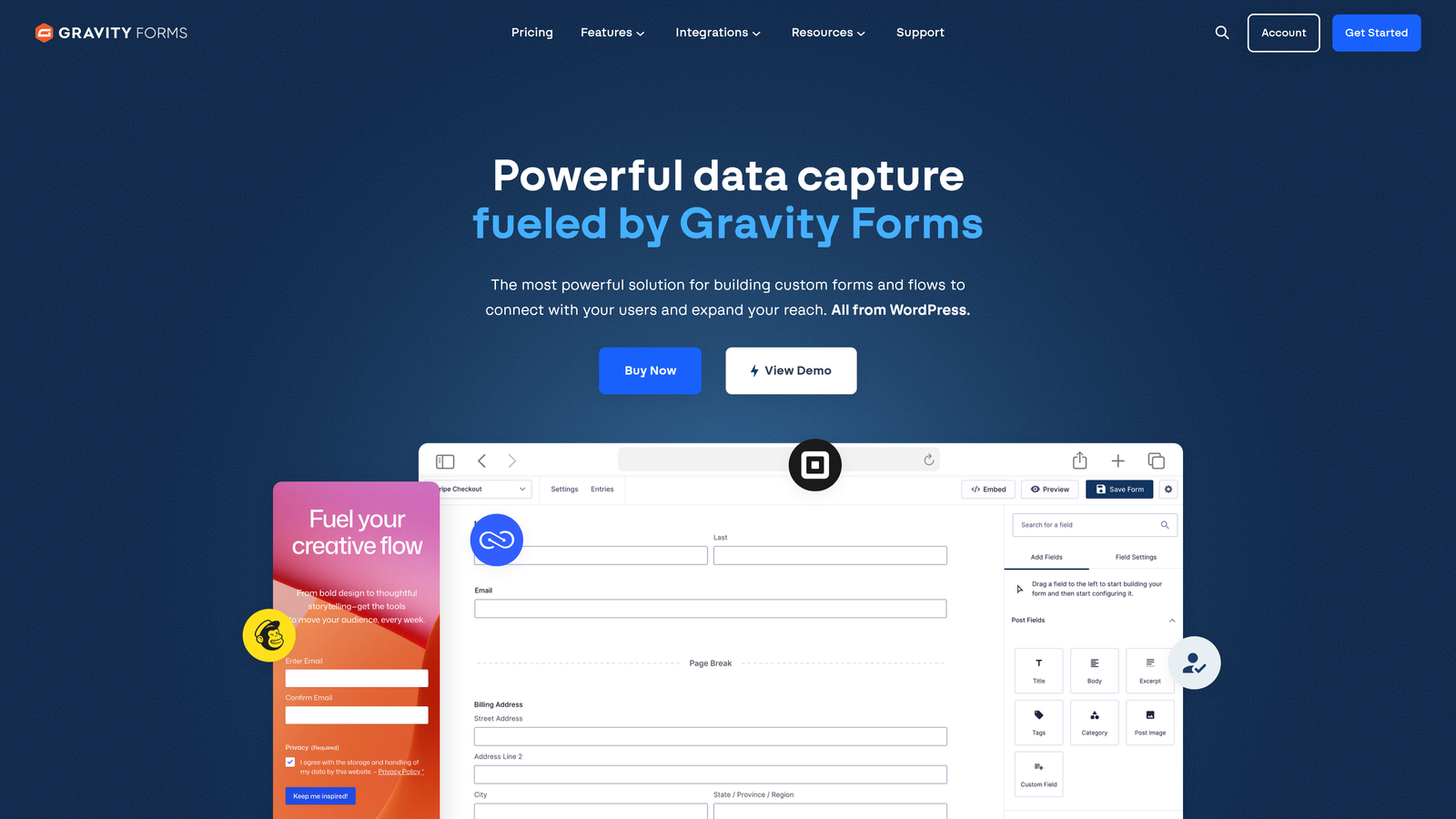
Gravity Forms is a WordPress-native form plugin that delivers robust conditional logic and one of the most extensive add-on marketplaces in the WordPress ecosystem.
Where This Tool Shines
If your site runs on WordPress and you want conditional logic that goes deep, Gravity Forms is the standard. You can apply conditional rules to individual fields, entire sections, form pages, submit buttons, notifications, and confirmation messages. That level of granularity gives developers and power users precise control over every aspect of the form experience.
The add-on ecosystem extends this further. Payment gateways, CRM connections, email marketing integrations, and specialized tools like quiz builders or signature fields are all available as official or community add-ons, many with their own conditional logic hooks.
Key Features
Granular Conditional Logic: Apply conditions to fields, sections, pages, buttons, notifications, and confirmations independently for precise control.
Extensive Add-On Marketplace: Official and third-party add-ons for payments, CRMs, email marketing, signatures, and more.
Merge Tags and Conditional Notifications: Personalize email notifications and confirmation messages dynamically based on form responses.
Multi-Page Forms with Conditional Routing: Build long forms that branch across pages based on earlier answers.
Developer-Friendly Architecture: Extensive hooks and filters allow custom logic beyond the visual interface for teams with development resources.
Best For
WordPress site owners, developers, and agencies that need a mature, extensible form solution with conditional logic that can be customized well beyond the out-of-the-box interface.
Pricing
Starts at $59 per year for a single site license. The Elite license, which includes all add-ons and unlimited site usage, is $259 per year.
7. Cognito Forms
Best for: Teams building pricing forms, quote calculators, or order forms that combine conditional logic with dynamic calculations.
Cognito Forms is a form builder that excels at pairing conditional logic with calculation fields, making it a go-to for any form where numbers need to change based on user inputs.
Where This Tool Shines
Cognito Forms handles calculation logic more elegantly than most competitors. You can build forms where prices update dynamically, totals recalculate as options are selected, and conditional rules determine which calculation formulas apply. For businesses that need quote generators, event registration with variable pricing, or complex order forms, this combination is genuinely powerful.
Repeating sections are another standout feature: respondents can add multiple entries of the same field group, with conditional rules and calculations applying to each instance independently. This is particularly useful for itemized quotes or multi-product orders.
Key Features
Conditional Logic with Calculation Fields: Combine show/hide rules with dynamic math so totals, prices, and values update in real time based on selections.
Repeating Sections: Let respondents add multiple instances of a field group, each governed by its own conditional and calculation rules.
Conditional Payment Amounts: Connect calculated totals directly to payment integrations so the amount charged reflects the form's logic.
Data Lookups and Conditional Pre-Population: Pull in external data to pre-fill fields conditionally based on earlier responses.
Conditional Approval Routing: Route submissions through different approval workflows based on form responses and calculated values.
Best For
Service businesses, event organizers, and operations teams that regularly build pricing, quoting, or order forms where the intersection of conditional logic and calculations is the core requirement.
Pricing
Free plan available with core features. Paid plans start from $15 per month, making it one of the more affordable options for teams that need calculation-heavy forms.
8. Fillout
Best for: Operations and data teams that want forms natively connected to Airtable, Notion, or Supabase with solid conditional logic built in.
Fillout is a database-connected form builder with native integrations for Airtable, Notion, Google Sheets, and Supabase, combined with clean conditional logic for routing and field visibility.
Where This Tool Shines
Fillout's key differentiator is how tightly it connects to databases. Instead of just sending form responses to a spreadsheet, Fillout can read from and write to Airtable bases, Notion databases, and Supabase tables natively. This means you can pre-fill form fields from existing records and use conditional logic to update or create records dynamically based on responses.
The form-taking experience is clean and modern, which matters when you're asking external respondents to interact with your internal data systems. Fillout bridges the gap between ops tooling and user-facing forms without requiring custom development.
Key Features
Native Database Integrations: Connect directly to Airtable, Notion, Google Sheets, and Supabase to read and write data without middleware.
Conditional Logic for Page Routing and Field Visibility: Show or hide fields and route respondents to different pages or custom endings based on their answers.
Database Pre-Fill: Pull existing records into form fields conditionally, creating personalized experiences from your existing data.
Scheduling, Payments, and File Uploads with Conditional Rules: Advanced field types all support conditional logic so complex forms stay manageable.
Modern UI: Clean, well-designed form interface that holds up well for external-facing use cases.
Best For
Operations teams, no-code builders, and data-driven companies already working in Airtable or Notion who want forms that feel like a natural extension of their existing database workflows.
Pricing
Free plan available. Paid plans start from $19 per month with higher response limits and access to advanced database integration features.
9. HubSpot Forms
Best for: HubSpot users who want CRM-native forms with progressive profiling and smart conditional fields that leverage existing contact data.
HubSpot Forms is a CRM-integrated form builder with progressive profiling and smart conditional fields that adapt based on what HubSpot already knows about each contact.
Where This Tool Shines
HubSpot Forms takes a fundamentally different approach to conditional logic: instead of just branching based on what a respondent types, it branches based on what HubSpot already knows about them. Known contacts see different fields than unknown visitors. Returning leads skip questions they've already answered. This progressive profiling approach means you collect richer data over multiple interactions without ever asking the same question twice.
For teams already running their marketing and sales in HubSpot, the integration is seamless in a way that third-party form tools can't fully replicate. Form submissions trigger workflows, update contact properties, and feed directly into deal pipelines without any configuration overhead.
Key Features
Progressive Profiling: Conditionally swap form fields based on data already stored in HubSpot, so returning contacts always see fresh questions.
Dependent Fields: Change dropdown options and field visibility based on previous selections within the same form session.
Deep HubSpot CRM Integration: Submissions automatically update contact records, trigger workflows, and feed into sales pipelines natively.
Smart Content Based on Lifecycle Stage: Adapt which form displays or which fields appear based on a contact's current stage in the HubSpot lifecycle.
Free Tier Included with HubSpot CRM: Access basic forms at no additional cost if you're already using the free HubSpot CRM.
Best For
Marketing and sales teams already operating within the HubSpot ecosystem who want forms that leverage CRM data intelligently rather than collecting information they already have.
Pricing
Free with HubSpot CRM. Advanced features like smart content and A/B testing require Marketing Hub Starter, which begins at $20 per month.
Smarter Forms Start with Smarter Logic
The right form builder with conditional logic depends almost entirely on what you're trying to accomplish and where your team already lives. Here's a quick way to think through the decision.
If lead qualification is your primary goal and you want AI to do the heavy lifting on branching logic, Orbit AI is built for exactly that. It's the only tool on this list that actively scores and qualifies leads in real time as respondents move through your form, which is a meaningful advantage for growth-focused teams.
If design and conversational experience matter most, Typeform remains the gold standard. For teams that need maximum versatility and a massive template library, Jotform covers virtually every use case. If you're budget-constrained and need conditional logic for free, Tally is the clear winner. Enterprise teams in regulated industries should look closely at Formstack, while WordPress-powered sites will find Gravity Forms hard to beat.
For calculation-heavy forms like quotes and pricing tools, Cognito Forms excels. Teams working in Airtable or Notion will feel at home with Fillout. And if HubSpot is already your CRM, HubSpot Forms is the most natural extension of your existing stack.
Ultimately, the best conditional logic is the kind that makes your forms feel less like forms and more like conversations that actually go somewhere useful. If you want to see what that looks like when AI is doing the thinking for you, start building free forms today with Orbit AI and experience how intelligent form design can elevate your conversion strategy.
Ready to go deeper? Explore our guides on how to improve form conversion rates and how to qualify leads with forms to put these tools to work for your pipeline.


