

Mobile traffic now dominates web usage, yet poorly optimized forms remain one of the biggest conversion killers on small screens. Tiny tap targets, horizontal scrolling, and multi-column layouts that collapse into chaos — these are problems that cost high-growth teams real leads every day.
This list focuses on form builders that genuinely prioritize mobile responsiveness: adaptive layouts, touch-friendly inputs, fast load times, and smart UX that doesn't punish users for being on their phones. We've evaluated each tool based on mobile layout quality, customization flexibility, conditional logic, integrations, and overall value for teams focused on lead generation and conversion.
Whether you're building a quick contact form or a multi-step lead qualification flow, there's a right tool for the job. For deeper context on mobile form design principles, check out our guide on best practices for mobile form design before diving in.
1. Orbit AI
Best for: High-growth teams that need AI-powered lead qualification with mobile-first form design.
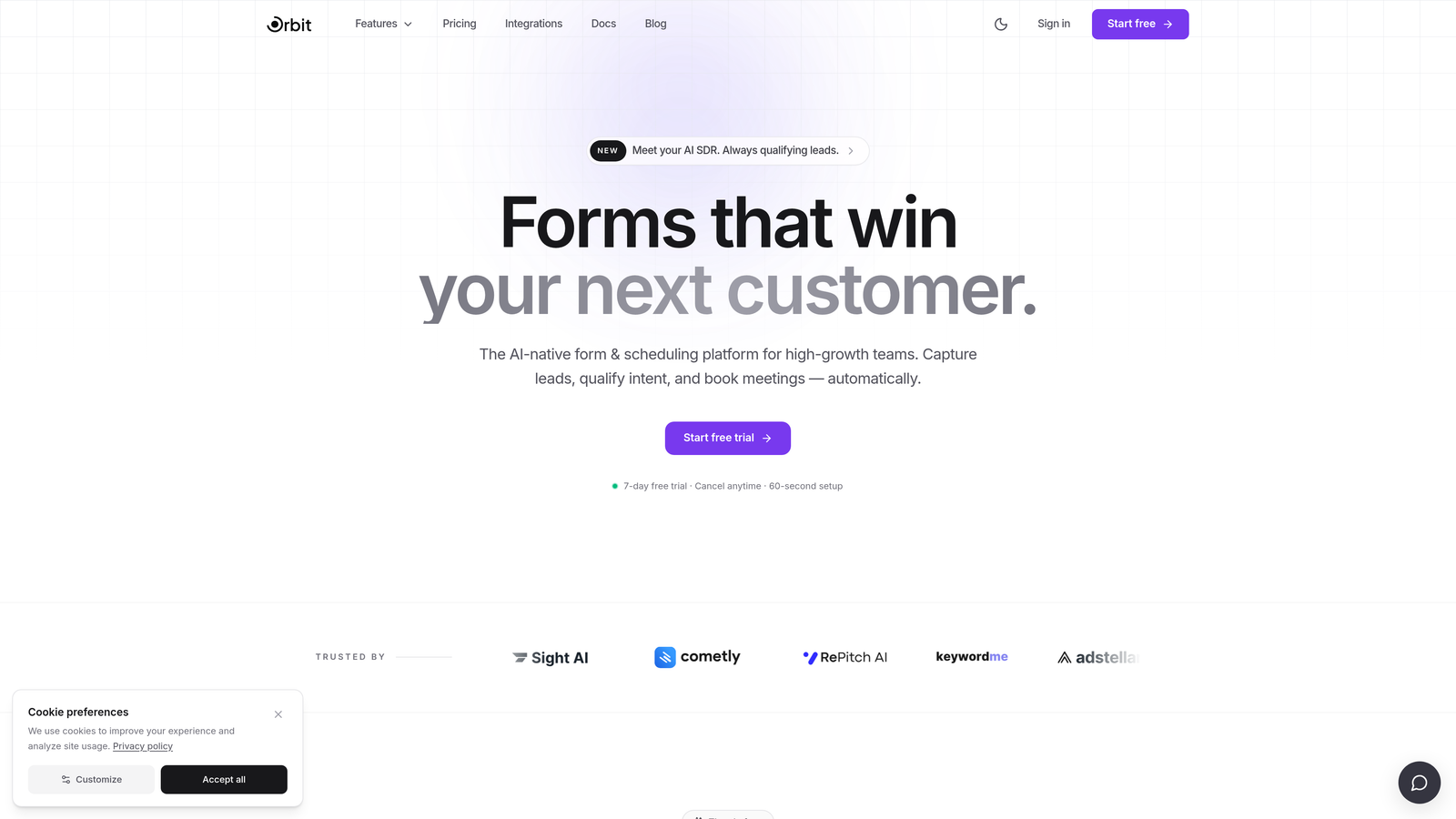
Orbit AI is an AI-powered form builder built specifically for conversion-focused teams who need more than just a pretty form on mobile.
Where This Tool Shines
Most form builders collect data and stop there. Orbit AI goes further by embedding lead qualification logic directly into the form experience. As a prospect fills out your form on their phone, the AI scores and routes them based on their responses in real time, so your sales team receives pre-qualified leads rather than a raw list of submissions to sort through manually.
The mobile experience is clean and intentional. Forms are designed with conversion optimization as the starting point, not an afterthought. If you're serious about turning mobile traffic into pipeline, that distinction matters. You can also explore how to qualify leads effectively to get the most from Orbit AI's qualification features.
Key Features
AI-Powered Lead Qualification: Automatically scores and routes leads based on form responses, so high-value prospects get fast-tracked without manual review.
Mobile-First Form Design: Clean, modern UI built with small screens in mind, ensuring strong rendering and tap-friendly interactions across devices.
Conditional Logic and Smart Fields: Forms adapt in real time based on user input, reducing friction and keeping mobile users engaged through the full flow.
Lead Generation Workflows: Purpose-built for capturing and converting leads, not just collecting data for spreadsheets.
CRM and Marketing Integrations: Connects with the tools your team already uses for seamless lead handoff and follow-up automation.
Best For
SaaS companies, marketing teams, and growth-focused businesses that want their forms to do more than collect information. Ideal if lead quality matters as much as lead volume, and if mobile conversion is a core part of your acquisition strategy.
Pricing
Visit orbitforms.ai for current pricing details. A free starting option is available.
2. Typeform
Best for: Conversational form experiences where mobile engagement and completion rates are the priority.
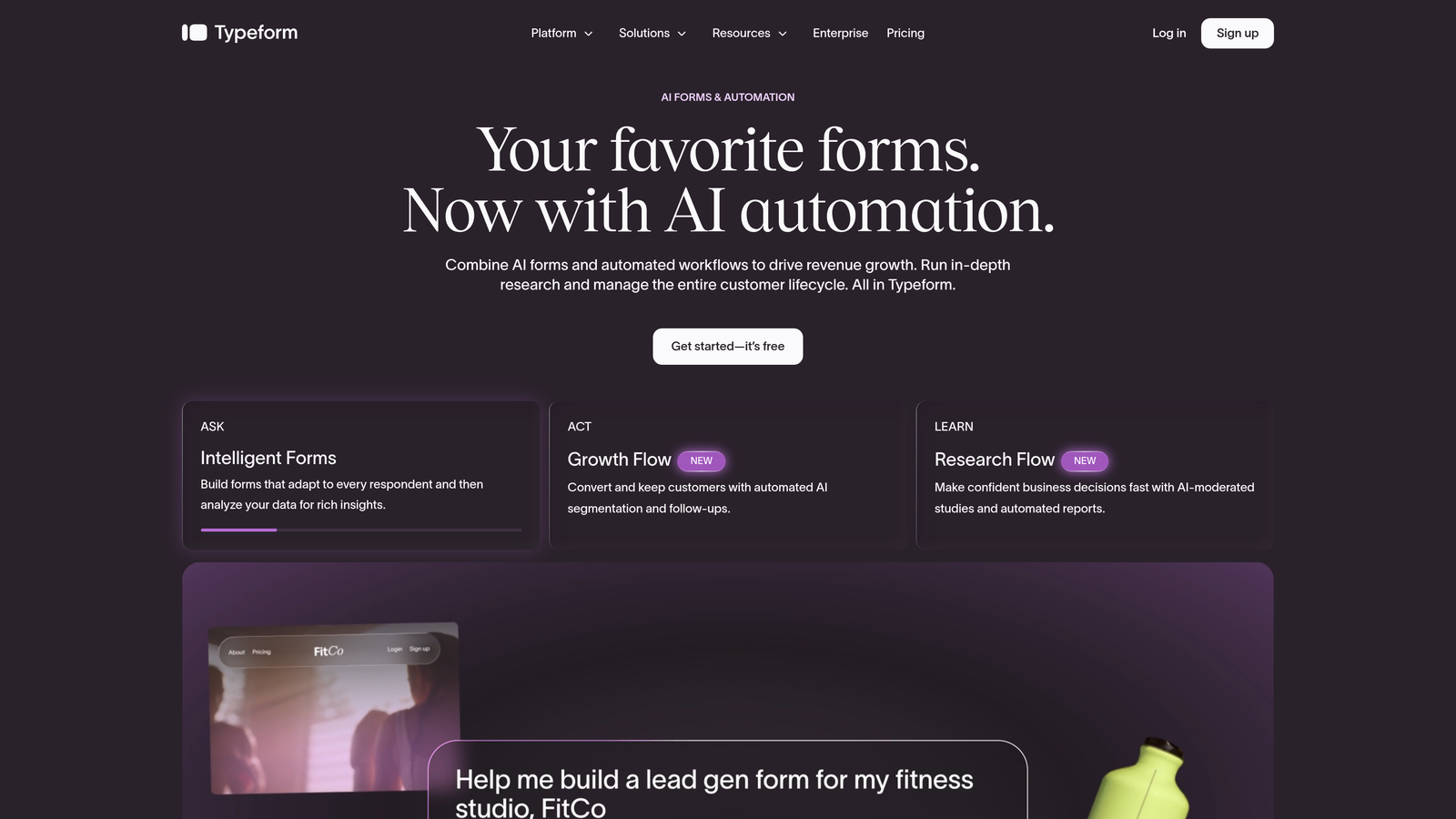
Typeform is a conversational form builder known for its one-question-at-a-time format that translates naturally to mobile screens.
Where This Tool Shines
Typeform's format is almost accidentally perfect for mobile. Showing one question at a time eliminates the overwhelming wall-of-fields experience that kills completion rates on small screens. Users scroll vertically through a focused, guided experience rather than hunting for the next field in a dense layout.
The tradeoff is worth knowing upfront: users can't scan ahead or jump between questions easily. For longer forms, some respondents find this frustrating. But for short-to-medium lead capture flows where engagement and brand impression matter, Typeform consistently delivers a polished mobile experience.
Key Features
Conversational One-Question Format: Presents questions sequentially, reducing cognitive load and keeping mobile users focused on each step.
Conditional Logic and Branching: Personalizes the form flow based on answers, so respondents only see questions relevant to them.
Wide Integration Library: Connects with Zapier, HubSpot, Slack, and many other tools for automated follow-up workflows.
Video and Image Support: Embed rich media within forms to create more engaging, branded experiences.
Analytics Dashboard: Track completion rates and drop-off points to identify where mobile users are abandoning the form.
Best For
Marketing teams, agencies, and creators who want a polished, branded form experience on mobile. Works especially well for lead capture, surveys, and onboarding flows where engagement quality matters more than speed.
Pricing
Free plan available; paid plans start around $25/month. Verify current pricing at typeform.com/pricing.
3. Jotform
Best for: Teams that need a massive template library and complex form functionality out of the box.
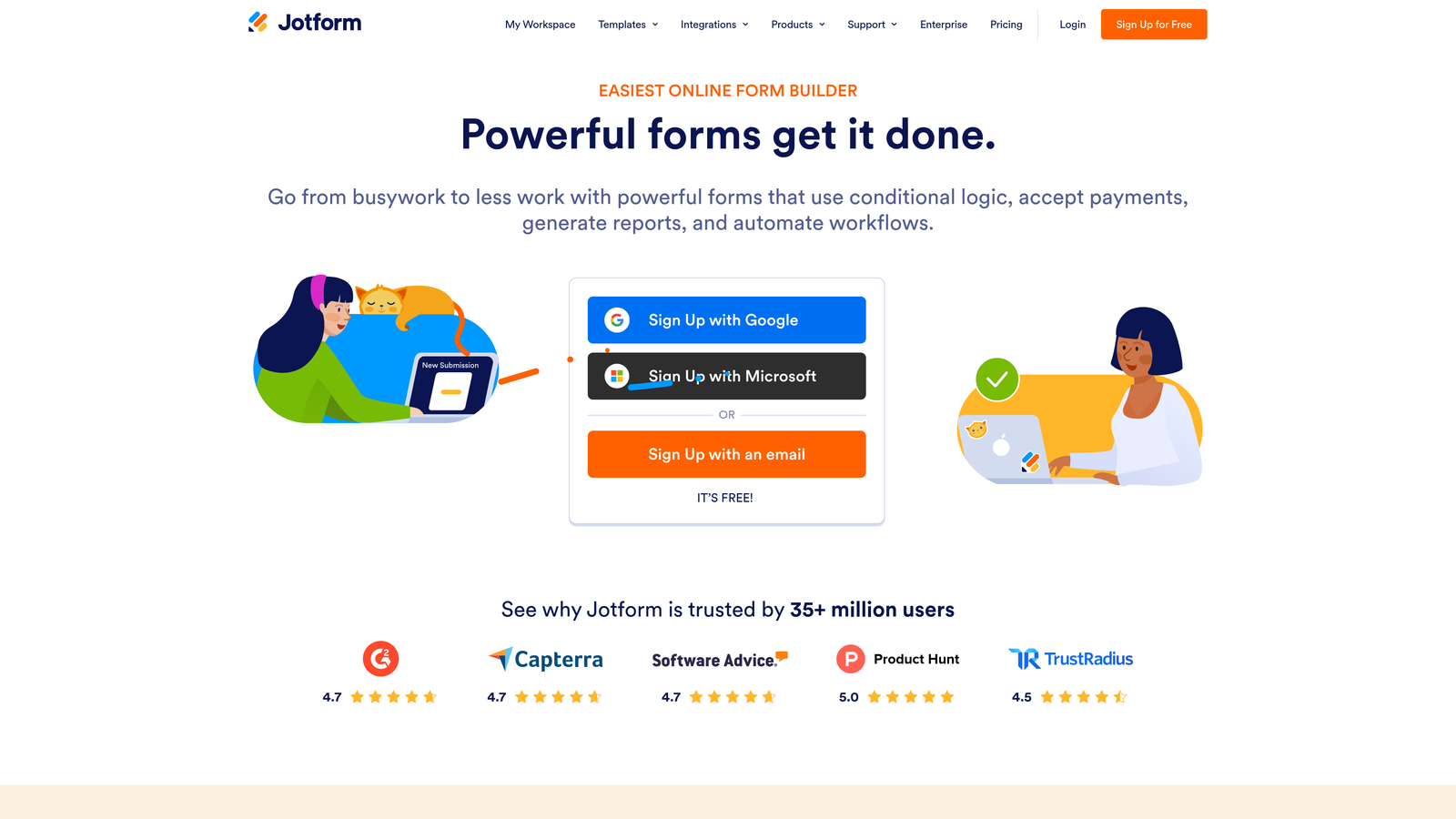
Jotform is a feature-rich form builder with one of the largest template libraries available, plus a dedicated mobile app for form management.
Where This Tool Shines
If breadth is what you need, Jotform delivers. With over 10,000 templates covering virtually every use case imaginable, you're rarely starting from scratch. The mobile rendering is solid, and the dedicated Jotform Mobile Forms app means you can manage, review, and respond to submissions directly from your phone.
Where Jotform really earns its place is in complex workflows. Payment collection, e-signatures, file uploads, and advanced conditional logic are all built in without requiring third-party workarounds. For agencies managing forms across multiple clients, the breadth of functionality is hard to match.
Key Features
10,000+ Templates: One of the largest template libraries available, covering industries from healthcare to e-commerce to education.
Jotform Mobile Forms App: Manage submissions, review responses, and handle form operations directly from iOS or Android.
Payment and E-Signature Support: Collect payments and signatures natively without additional integrations.
Advanced Conditional Logic: Build complex branching flows and calculation fields for sophisticated form experiences.
Broad Integration Support: Connects with Salesforce, Google Sheets, Zapier, and hundreds of other tools.
Best For
Agencies, operations teams, and businesses that need to handle a wide variety of form types across multiple projects. Also strong for use cases requiring payment collection or e-signatures alongside standard form fields.
Pricing
Free tier available; paid plans start around $34/month. Verify current pricing at jotform.com/pricing.
4. Tally
Best for: Budget-conscious teams that want clean, unlimited forms with a Notion-like editing experience.
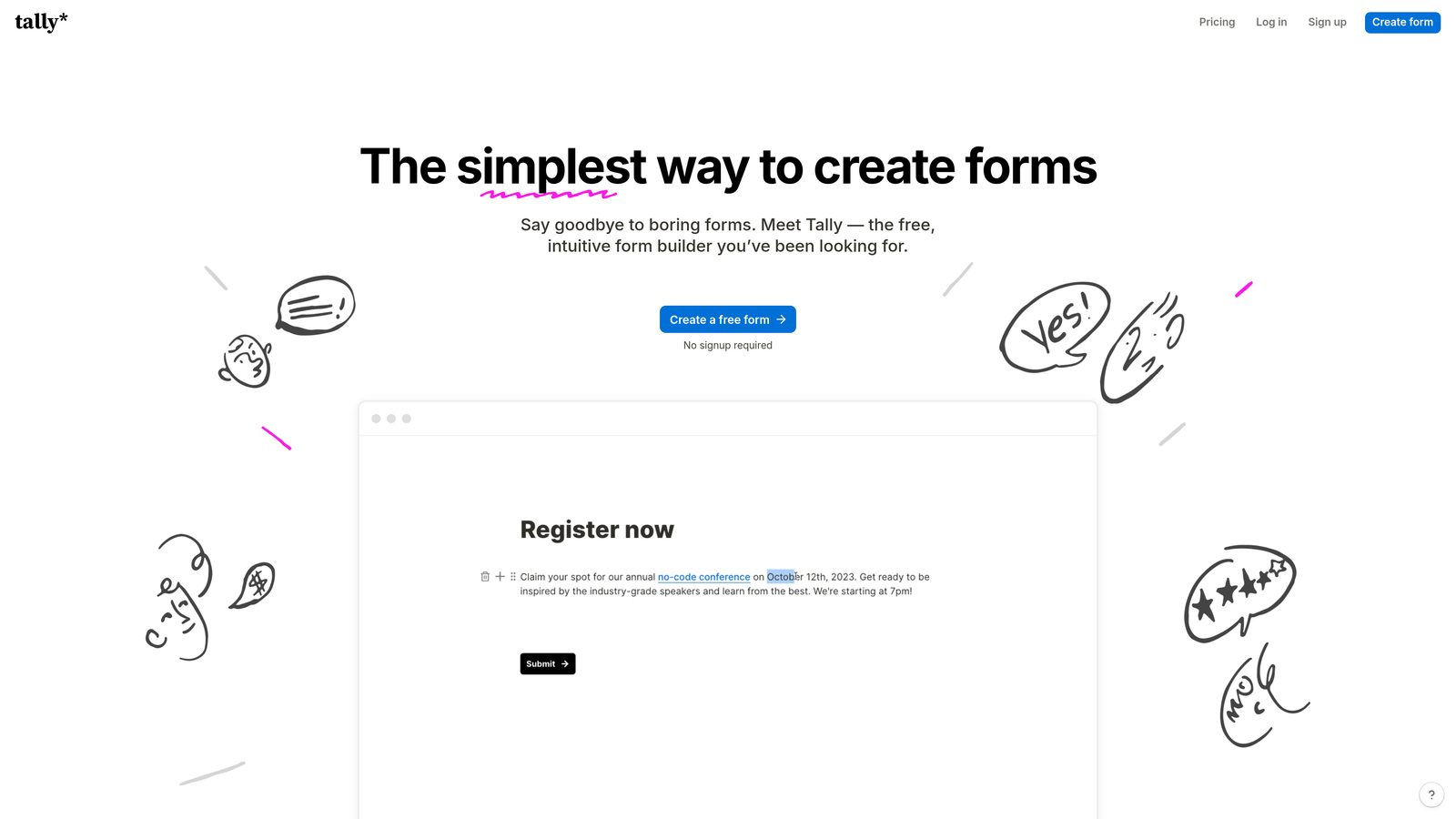
Tally is a Notion-inspired form builder offering unlimited free forms with clean, minimal design that renders well on mobile devices.
Where This Tool Shines
Tally's free plan is genuinely generous in a market where most tools gate basic functionality behind paid tiers. Unlimited forms, unlimited submissions, conditional logic, and hidden fields are all available without spending a dollar. For early-stage teams or anyone testing a new lead capture workflow, that's a meaningful advantage.
The mobile experience benefits directly from Tally's minimal design philosophy. There's no visual clutter competing for attention on small screens. The builder itself feels familiar to anyone who uses Notion, making it fast to get forms up without a learning curve.
Key Features
Unlimited Free Forms and Submissions: No submission caps or form limits on the free plan, which is rare in this category.
Clean Minimal Design: Distraction-free form layouts that translate well to mobile without configuration.
Conditional Logic on Free Tier: Build branching flows and hidden fields without upgrading to a paid plan.
Easy Embedding: Embeds cleanly into websites and Notion pages with minimal friction.
Zapier and Make Integrations: Connect to automation workflows for lead routing and notifications.
Best For
Startups, solo operators, and small teams that need functional, mobile-friendly forms without a budget. Also a strong choice for Notion-heavy workflows where embedded forms make sense.
Pricing
Generous free plan with no submission limits; Tally Pro available for advanced features. Verify current pricing at tally.so/pricing.
5. HubSpot Forms
Best for: Teams already using HubSpot CRM who want native, zero-configuration mobile-responsive forms.
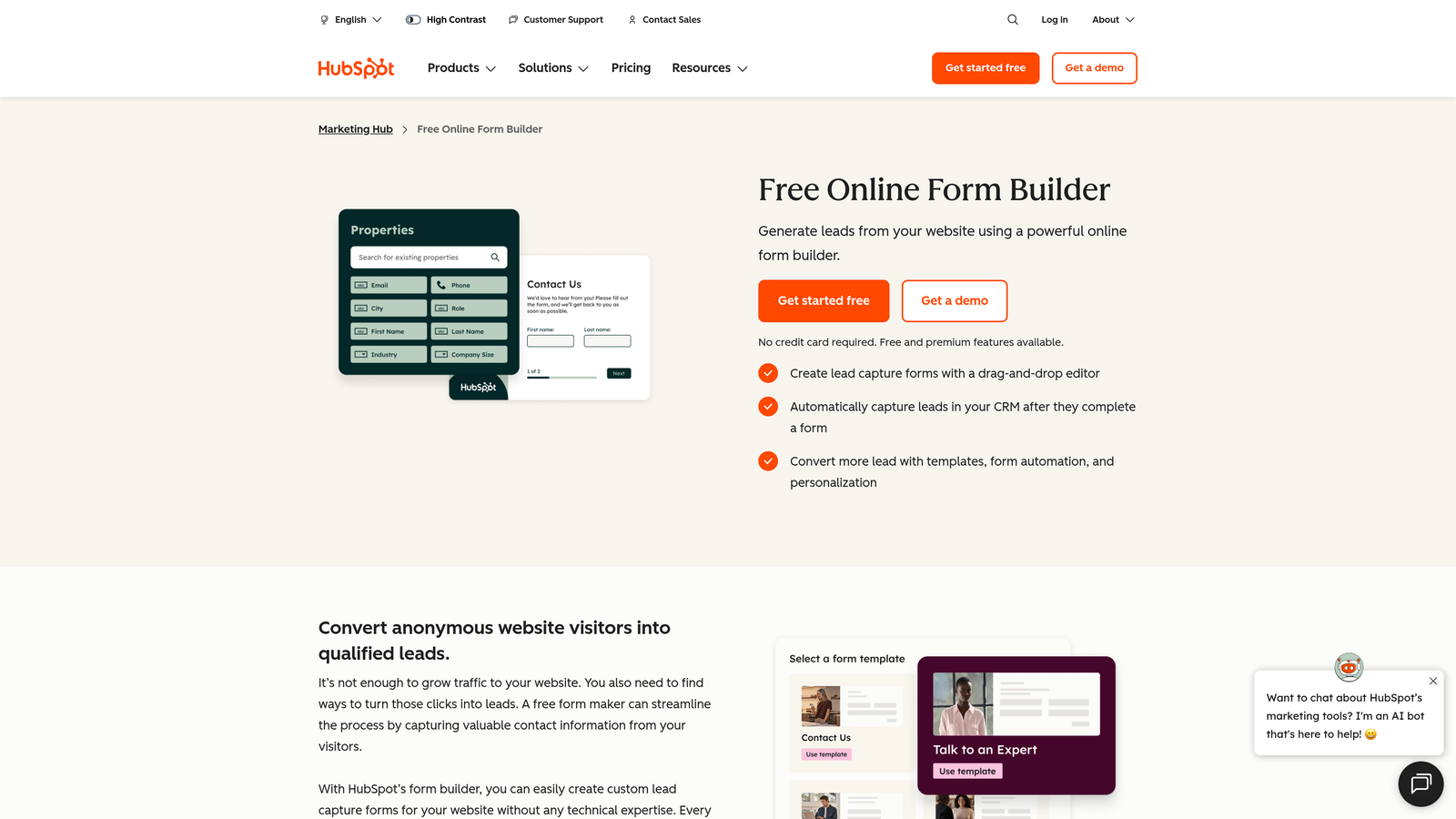
HubSpot Forms is a native form builder within the HubSpot ecosystem, offering mobile-responsive forms with progressive profiling and direct CRM sync.
Where This Tool Shines
If your team lives in HubSpot, this is the obvious choice. Every form submission flows directly into HubSpot contacts without a Zapier step, a webhook, or any manual intervention. Mobile responsiveness is on by default, so there's nothing to configure. The forms just work across devices from the moment you publish them.
Progressive profiling is the standout feature for returning visitors. HubSpot automatically hides fields it already knows about, so a lead who filled out your form last month sees a shorter, less repetitive experience on their next visit. That kind of intelligent form behavior is difficult to replicate in standalone form tools.
Key Features
Native CRM Sync: Every submission flows directly into HubSpot contacts with no third-party connector required.
Progressive Profiling: Hides already-known fields for returning visitors, reducing friction and gathering new data over time.
Mobile Responsive by Default: No configuration needed, forms render correctly on all screen sizes automatically.
Smart Form Behavior: Forms can adapt based on contact list membership and lifecycle stage.
Free with HubSpot CRM: Available at no additional cost for teams on HubSpot's free tier.
Best For
Marketing and sales teams already operating within HubSpot. The value is highest when you're leveraging the full ecosystem. Outside of HubSpot, the tool offers limited standalone appeal compared to dedicated form builders.
Pricing
Free with HubSpot CRM; advanced features require a Marketing Hub subscription. Verify current pricing at hubspot.com/pricing.
6. Google Forms
Best for: Simple internal data collection where cost is zero and reliability matters more than design.
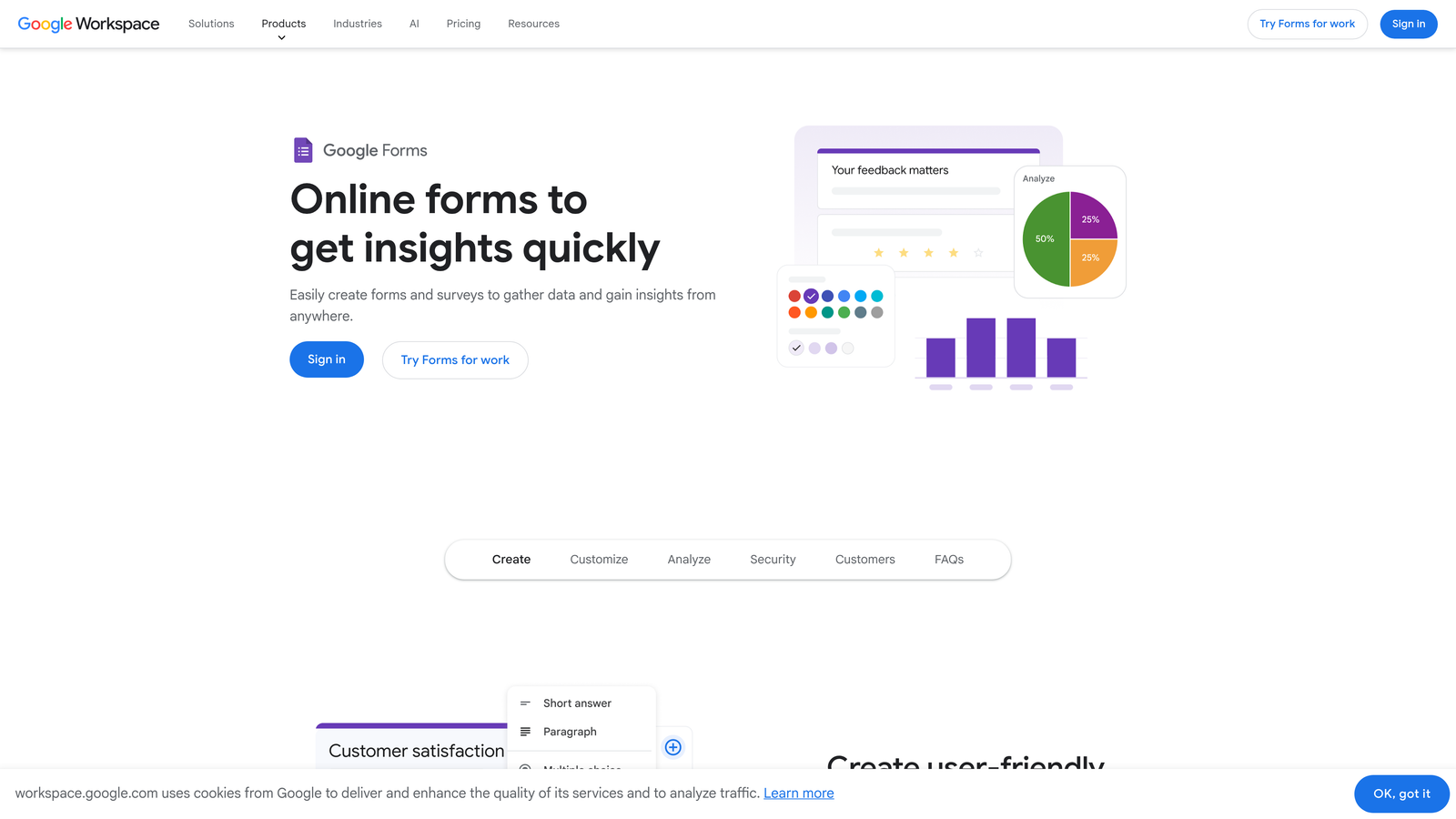
Google Forms is a completely free, no-frills form builder from Google that renders reliably on any mobile device and integrates with Google Workspace.
Where This Tool Shines
Google Forms doesn't win on features or aesthetics. It wins on reliability and accessibility. The forms render consistently across every browser and device, load quickly on mobile connections, and require zero technical setup. For internal surveys, event registrations, or quick data collection tasks, it's hard to argue against free and functional.
The Google Sheets integration is seamless. Every response flows automatically into a connected spreadsheet, making it easy to analyze results without exporting or connecting additional tools. For teams already in Google Workspace, this is the path of least resistance.
Key Features
Completely Free: No submission limits, no paid tiers, no hidden costs. Just a Google account.
Reliable Mobile Rendering: Consistent display across all devices, browsers, and screen sizes without any configuration.
Automatic Google Sheets Integration: Responses populate a connected spreadsheet in real time.
Basic Conditional Logic: Show or hide sections based on answers, covering straightforward branching needs.
Simple Sharing: Share via link, embed in a website, or send directly by email.
Best For
Internal teams, educators, event organizers, and anyone with simple data collection needs and no budget. Not suitable for lead generation, branded experiences, or anything requiring advanced logic or integrations.
Pricing
Completely free with any Google account. No paid tiers.
7. Paperform
Best for: Creators and small businesses that want forms to look and feel like branded landing pages.
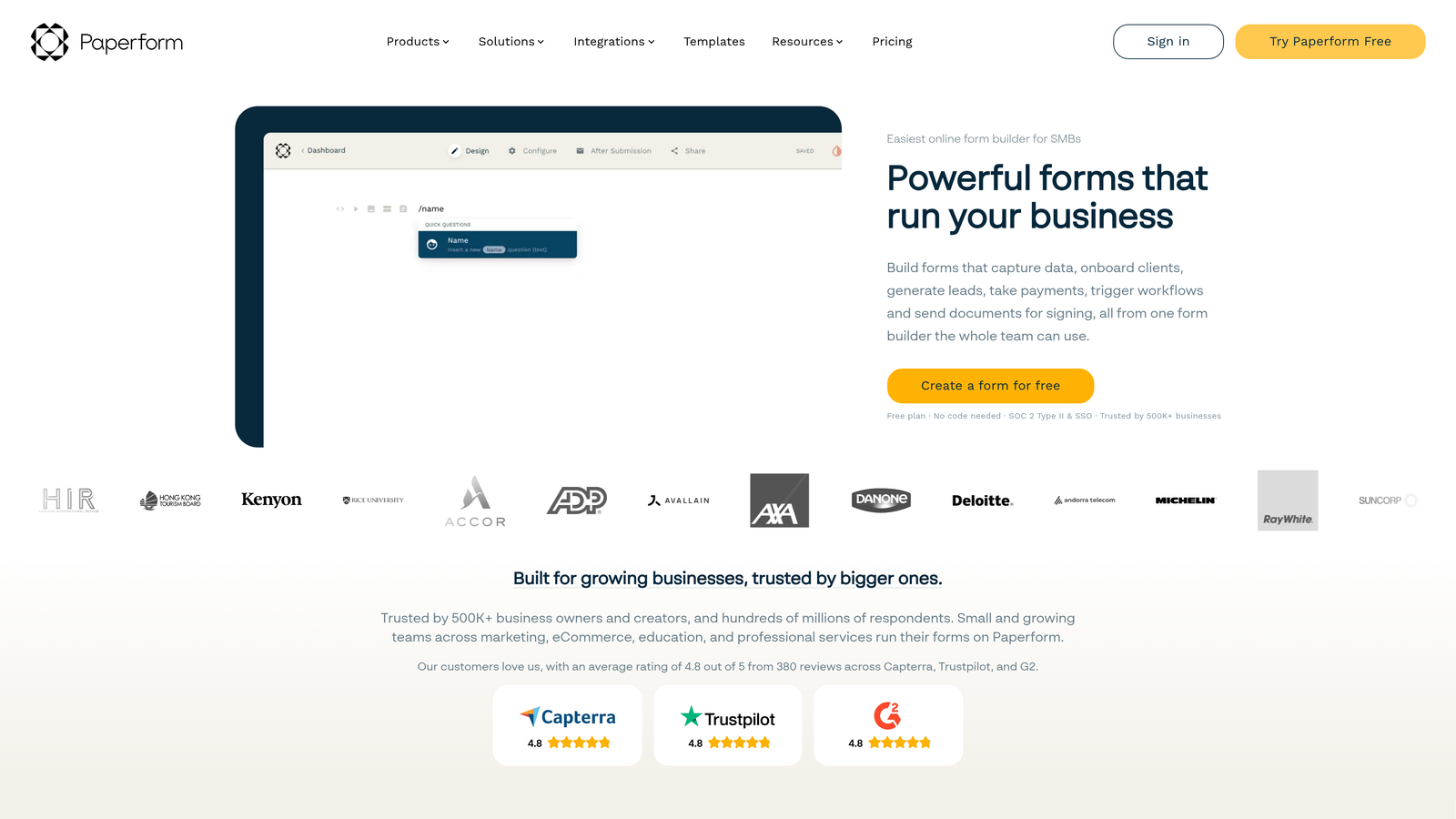
Paperform is a form builder that blends forms with landing page aesthetics, supporting rich media content within forms that display beautifully on mobile.
Where This Tool Shines
Paperform occupies a unique position in this category. Rather than presenting a sterile form on a white background, it lets you build a full-page experience with images, videos, text blocks, and custom branding woven throughout. On mobile, this creates something closer to a mini landing page than a traditional form, which can meaningfully improve how prospects perceive your brand during the lead capture moment.
The payment collection capability is a strong secondary feature. Coaches, consultants, and small businesses that need to collect both information and payment in a single mobile-friendly flow will find Paperform handles this more elegantly than most tools in this price range.
Key Features
Rich Media Support: Embed images, videos, and formatted text blocks directly within the form experience.
Branded Landing Page Aesthetic: Customizable themes that make forms look like polished, on-brand pages rather than generic inputs.
Payment Collection: Accept payments via Stripe, PayPal, and Square without leaving the form.
Conditional Logic and Calculations: Build dynamic forms that adapt to responses and compute values in real time.
200+ Integrations: Connect via native connectors and Zapier to marketing, CRM, and automation tools.
Best For
Coaches, creators, consultants, and small businesses that want a visually polished mobile form experience with payment functionality. Less suited for high-volume enterprise workflows.
Pricing
Plans start around $24/month. Verify current pricing at paperform.co/pricing.
8. Formstack
Best for: Regulated industries that need HIPAA-compliant forms with enterprise workflow automation.
Formstack is an enterprise-grade form builder with HIPAA compliance, workflow automation, and document generation — all with mobile-responsive output.
Where This Tool Shines
For most teams on this list, Formstack is overkill. But for healthcare, legal, and financial services organizations, it fills a gap that simpler tools simply can't. HIPAA-compliant data collection with proper business associate agreements, combined with approval routing and document generation, makes it a serious operational platform rather than just a form tool.
The mobile responsiveness is solid and meets accessibility compliance standards, which matters for regulated industries where ADA compliance is a requirement rather than a preference. The Salesforce native app is a meaningful differentiator for enterprise sales teams managing complex lead workflows.
Key Features
HIPAA Compliance: Secure data collection with appropriate compliance infrastructure for regulated industries.
Workflow Automation: Approval routing, conditional notifications, and multi-step review processes built into the platform.
Document Generation: Automatically create documents from form submission data, streamlining paperwork-heavy workflows.
Accessibility Compliance Support: Mobile-responsive forms built with ADA compliance considerations.
Salesforce Native App: Deep CRM integration for enterprise sales and operations teams.
Best For
Healthcare providers, legal firms, financial services companies, and any enterprise organization operating under regulatory requirements that demand more than standard form tools can offer.
Pricing
Higher price point reflecting enterprise features and compliance infrastructure. Verify current pricing at formstack.com/pricing.
9. Fillout
Best for: Product and ops teams that need forms tightly connected to databases like Airtable, Notion, and Google Sheets.
Fillout is a modern form builder with deep native integrations into databases like Airtable, Notion, and Google Sheets — with strong mobile responsiveness.
Where This Tool Shines
Fillout's core strength is its database-first integration approach. Where most form tools treat integrations as an afterthought handled by Zapier, Fillout builds two-way connections directly into Airtable, Notion, and Google Sheets. You can pre-fill form fields from existing records, update database entries on submission, and create genuinely bidirectional data flows without a middleware layer.
The mobile UI is clean and modern, holding up well against more established tools in terms of rendering quality. For a relatively newer entrant to the market, the free plan is competitive, and the paid tiers are priced accessibly compared to enterprise alternatives.
Key Features
Native Two-Way Database Integrations: Direct connections to Airtable, Notion, and Google Sheets with bidirectional data sync.
Pre-Fill from Existing Records: Populate form fields automatically from database records to reduce manual entry.
Modern Mobile UI: Clean, well-rendered form experience across screen sizes with no configuration required.
Multi-Step Forms and Conditional Logic: Build complex flows with branching and scheduling integrations built in.
Generous Free Plan: Solid submission limits on the free tier, making it accessible for early-stage teams.
Best For
Product teams, operations teams, and no-code builders who use Airtable, Notion, or Google Sheets as their primary data layer and want forms that connect natively rather than through workarounds.
Pricing
Free plan available; paid plans start around $15/month. Verify current pricing at fillout.com/pricing.
Which Tool Is Right for Your Mobile Strategy
Every tool on this list handles mobile responsiveness competently. The real differentiator is what happens after the form is submitted. Does it qualify the lead? Does it sync to your CRM? Does it trigger the right workflow? That's where the right choice becomes clear.
Here's a quick breakdown by use case to help you decide:
Lead qualification and conversion optimization: Orbit AI is purpose-built for this. The AI qualification logic and mobile-first design make it the strongest choice for growth-focused teams where lead quality matters.
Conversational engagement on mobile: Typeform's one-question format is hard to beat for completion rates and brand impression.
Maximum template variety and complex functionality: Jotform covers almost every scenario with its massive template library and built-in payment and e-signature support.
Tight budget with clean design: Tally gives you unlimited forms for free with a minimal aesthetic that works well on small screens.
HubSpot-native workflows: HubSpot Forms wins for teams already living in that CRM, with progressive profiling and zero-config mobile responsiveness.
Simple internal data collection: Google Forms handles the basics at zero cost with reliable rendering across every device.
Branded, content-rich experiences: Paperform is the pick for coaches, creators, and small businesses that want forms to feel like landing pages.
Regulated industries: Formstack is the go-to for healthcare, legal, and financial services teams with compliance requirements.
Database-connected workflows: Fillout is the strongest choice for product and ops teams working natively in Airtable or Notion.
Mobile responsiveness is table stakes in 2026. The tools above all clear that bar. To go deeper on the design side, explore how to design mobile-friendly forms and how to qualify leads effectively to get the most out of whichever platform you choose.
And if you're ready to see what AI-powered lead qualification looks like in practice, start building free forms today with Orbit AI and experience how intelligent form design can transform your mobile conversion strategy.


