

Static forms are conversion killers. When prospects encounter a wall of fields, they bounce—taking their potential revenue with them. Interactive form builders solve this by transforming data collection into engaging, conversational experiences that guide users through one question at a time.
But with dozens of platforms claiming to boost conversions, which ones actually deliver?
We evaluated the top interactive form builders based on ease of use, customization depth, integration capabilities, and conversion-focused features. Whether you're capturing leads, qualifying prospects, or gathering customer feedback, here are the platforms that help high-growth teams turn form fills into pipeline.
1. Orbit AI
Best for: High-growth teams needing AI-powered lead qualification with beautiful, conversion-optimized form experiences.
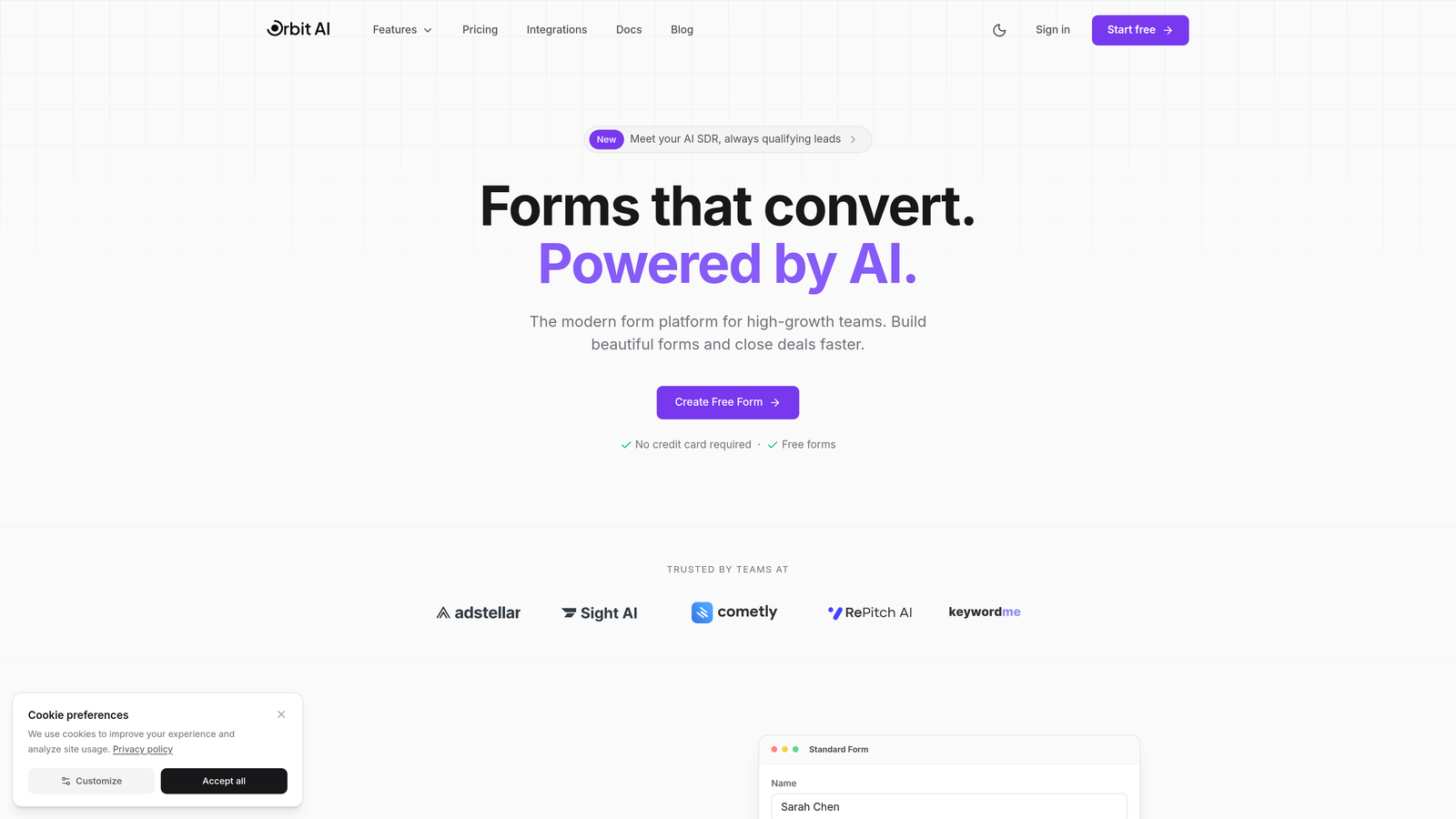
Orbit AI is an interactive form builder that combines modern design with intelligent lead qualification and automated routing.
Where This Tool Shines
Orbit AI stands out by solving two problems at once: creating engaging form experiences while automatically qualifying leads before they reach your sales team. The platform uses AI to score prospects based on their responses, routing high-value leads directly to sales while nurturing others through automated sequences.
The conversational interface keeps prospects engaged through conditional logic that adapts questions based on previous answers. This approach transforms what would be a 15-field static form into a guided conversation that feels natural and maintains momentum through the qualification process.
Key Features
AI-Powered Lead Qualification: Automatically scores and routes leads based on fit and intent signals captured through form responses.
Conversational Form Experiences: One-question-at-a-time interface with conditional logic that personalizes the path for each prospect.
Native CRM Integrations: Direct connections to major CRMs and automation tools eliminate manual data entry and sync delays.
Real-Time Analytics: Conversion tracking and drop-off analysis help you identify and fix friction points in your forms.
Customizable Workflows: Build sophisticated routing rules that send qualified leads to the right team member instantly.
Best For
High-growth B2B teams that need to qualify leads at scale without adding headcount. Companies running paid acquisition campaigns will appreciate how the AI qualification reduces wasted sales time on low-fit prospects while accelerating response times for high-value opportunities.
Pricing
Free tier available for teams getting started. Paid plans start at competitive rates designed for growing teams that need advanced qualification and routing capabilities.
2. Typeform
Best for: Teams prioritizing user experience and brand presentation in their data collection.
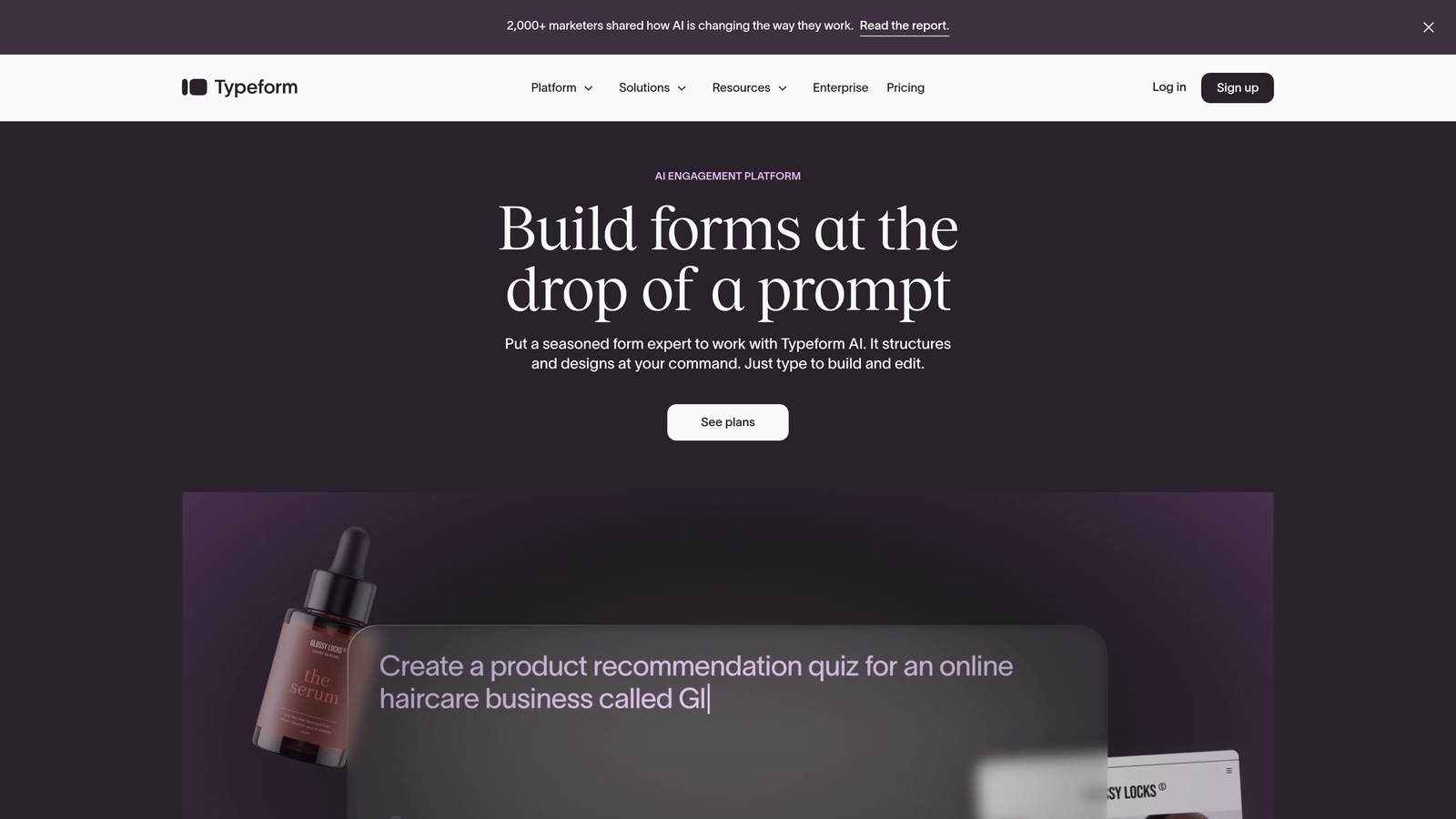
Typeform is the original conversational form builder known for its signature one-question-at-a-time interface and polished design.
Where This Tool Shines
Typeform pioneered the conversational form format and continues to set the standard for visual polish and user experience. The platform's design-first approach means every form feels modern and professional, with smooth transitions and thoughtful micro-interactions that keep respondents engaged.
The template library offers beautifully designed starting points for virtually any use case, from lead generation to customer feedback. Teams that care deeply about brand presentation often choose Typeform because the forms genuinely feel like an extension of their website rather than a generic data collection tool.
Key Features
One-Question-at-a-Time Format: The signature interface reduces cognitive load and improves completion rates by focusing attention on a single question.
Beautiful Themes and Templates: Extensive customization options let you match forms to your brand without touching code.
Logic Jumps: Create personalized paths that adapt based on responses, showing relevant questions while hiding irrelevant ones.
Rich Media Support: Embed videos, images, and GIFs to create engaging, multimedia experiences.
Integration Marketplace: Connect to hundreds of tools through native integrations and webhook support.
Best For
Marketing teams at design-conscious companies that need forms to reflect their brand quality. Organizations running customer research or feedback programs will appreciate the platform's ability to make surveys feel less like work and more like conversations.
Pricing
Free plan includes basic features with 10 responses per month. Basic plan starts at $25/month with 100 responses, while Plus and Business tiers unlock advanced logic and integrations.
3. Jotform
Best for: Organizations needing extensive template variety and specialized form types across multiple departments.
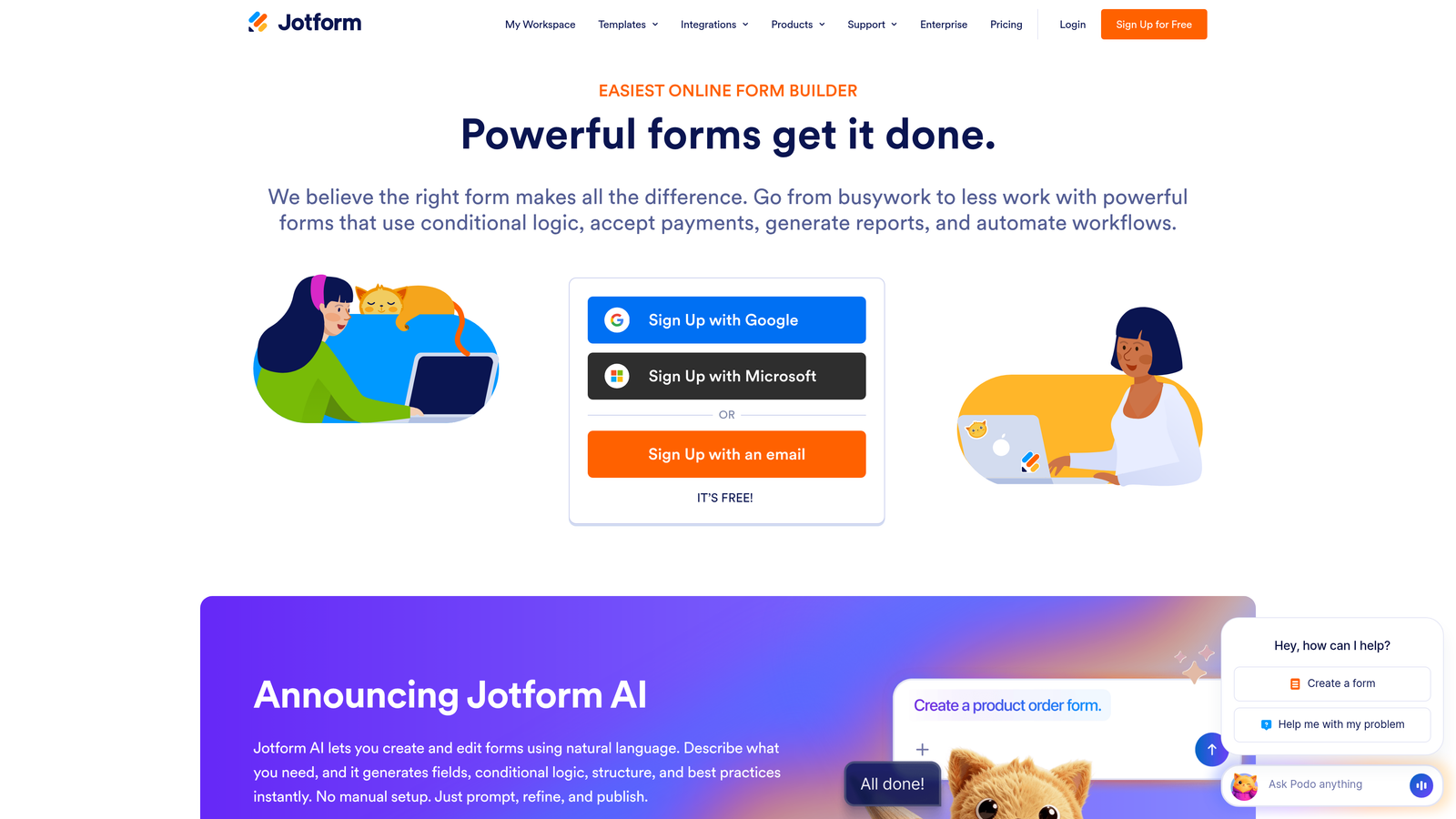
Jotform is a feature-rich form builder offering thousands of templates and customization options for virtually any use case.
Where This Tool Shines
Jotform's massive template library means you're rarely starting from scratch. With over 10,000 pre-built forms spanning industries from healthcare to education to e-commerce, you can find a starting point that's 80% complete before you make a single edit.
The platform excels at specialized use cases that go beyond simple lead capture. Need to collect payments? Built-in. Require e-signatures? Included. Want to generate PDF contracts from form submissions? Jotform handles it. This breadth makes it particularly valuable for organizations where multiple departments need different form types.
Key Features
10,000+ Templates: Pre-built forms for virtually every industry and use case, dramatically reducing setup time.
Widget Marketplace: Extend functionality with hundreds of widgets for payments, signatures, file uploads, and specialized inputs.
Payment Collection: Native integrations with payment processors let you collect fees, donations, or payments directly through forms.
PDF Generation: Automatically create formatted PDF documents from submission data for contracts, receipts, or reports.
HIPAA Compliance: Enterprise plans include HIPAA-compliant forms for healthcare organizations handling protected health information.
Best For
Organizations with diverse form needs across multiple departments or teams. Healthcare providers, educational institutions, and service businesses benefit from the specialized templates and compliance features that address industry-specific requirements.
Pricing
Free plan includes 5 forms with 100 monthly submissions. Bronze starts at $34/month for 25 forms, with Silver and Gold tiers adding advanced features and higher limits.
4. Tally
Best for: Budget-conscious startups and small teams needing unlimited forms without subscription costs.
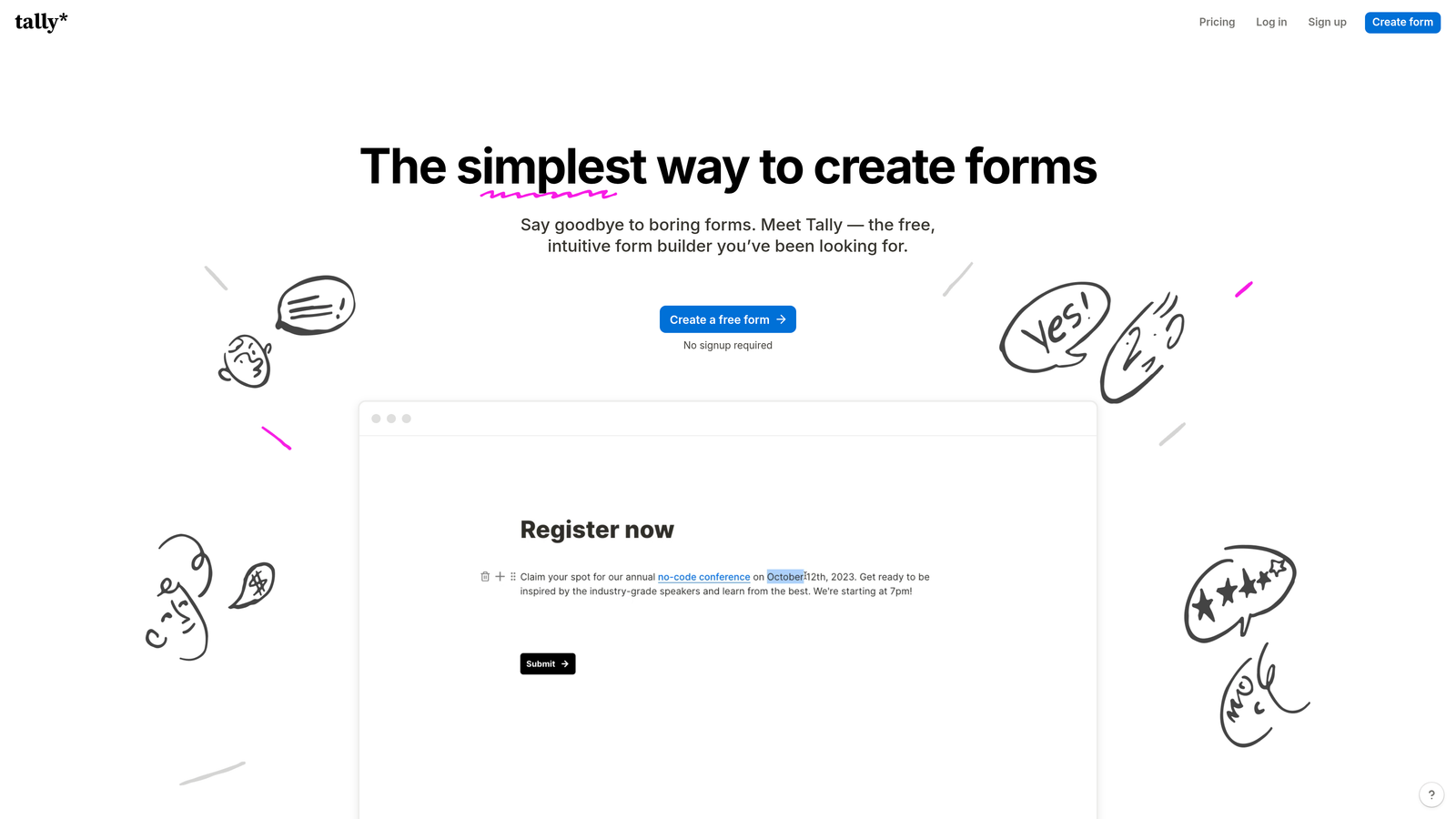
Tally is a minimalist form builder with a Notion-like editing experience and one of the most generous free tiers available.
Where This Tool Shines
Tally's free plan is genuinely remarkable—unlimited forms, unlimited submissions, and no branding watermark. For bootstrapped startups or small teams, this eliminates the recurring cost that typically comes with form builders while still providing essential features like conditional logic and integrations.
The Notion-style block editor will feel immediately familiar if you use Notion for documentation or project management. You build forms by stacking blocks—text, questions, images, embeds—in a simple, intuitive interface that requires no learning curve. This simplicity extends to the form-taking experience, which feels clean and distraction-free.
Key Features
Unlimited Free Tier: No limits on forms, submissions, or responses on the free plan—genuinely unlimited usage.
Block-Based Editor: Notion-style interface makes form building intuitive for teams already familiar with block-based tools.
Conditional Logic: Show or hide questions based on previous answers to create personalized paths through your forms.
Custom Domains: Use your own domain for forms even on the free plan, maintaining brand consistency.
Webhook Support: Connect to automation tools and custom systems through webhooks without requiring paid plans.
Best For
Early-stage startups and bootstrapped teams that need professional forms without monthly costs. Side projects, community organizers, and small businesses will appreciate the zero-cost entry point that doesn't compromise on essential features.
Pricing
Genuinely generous free tier with unlimited everything. Pro plan at $29/month adds features like payment collection, file uploads, and priority support for teams that need advanced capabilities.
5. Paperform
Best for: Service businesses and e-commerce teams needing forms that handle payments and bookings.
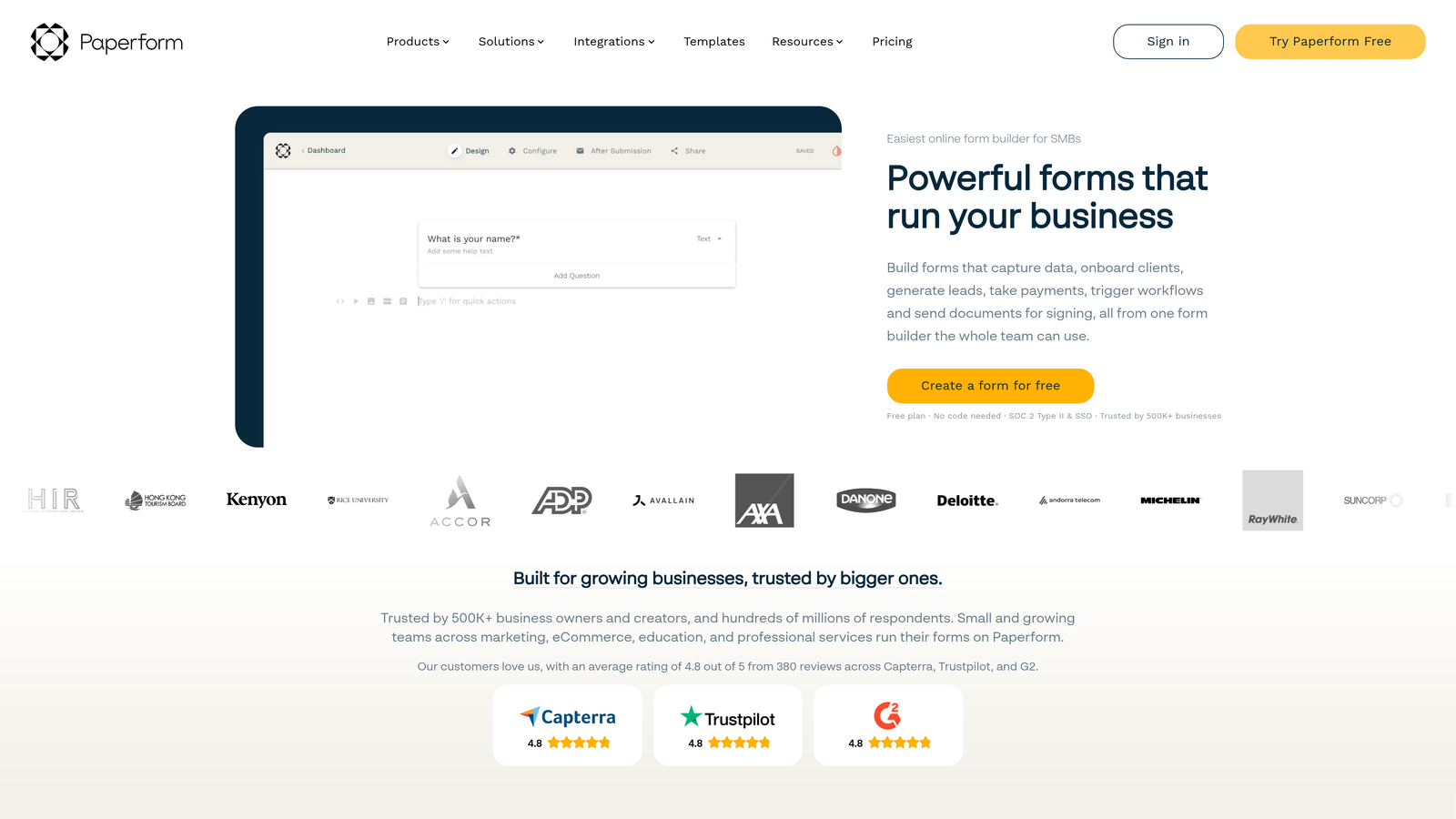
Paperform is a document-style form builder that blends content and questions with strong payment and scheduling capabilities.
Where This Tool Shines
Paperform takes a unique approach by letting you create forms that read like documents. You can mix explanatory text, images, videos, and form fields in a flowing layout that feels more like a landing page than a traditional form. This makes it particularly effective for forms that need context or storytelling.
The platform's payment and booking features are notably robust. You can build complete e-commerce experiences, calculate prices based on user selections, accept deposits, and even handle appointment scheduling—all within a single form. Service businesses often use Paperform as their entire booking and payment system.
Key Features
Rich Content Embedding: Mix form fields with text, images, videos, and formatted content to create engaging, informative experiences.
Native Payment Processing: Accept payments through Stripe and PayPal with support for subscriptions, deposits, and complex pricing.
Appointment Scheduling: Built-in calendar integration lets customers book time slots directly through your forms.
Calculations and Pricing: Create dynamic pricing that updates based on user selections, perfect for quotes and estimates.
Custom Success Pages: Design branded confirmation pages or redirect users to specific URLs based on their responses.
Best For
Service providers, consultants, and e-commerce businesses that need forms to handle both information collection and transactions. Coaches, trainers, and event organizers benefit from the integrated booking and payment capabilities that eliminate the need for separate scheduling tools.
Pricing
Essentials plan starts at $24/month with 1,000 submissions. Pro plan at $49/month adds advanced features like calculations, custom domains, and priority support.
6. Fillout
Best for: Operations teams managing data in Airtable, Notion, or Google Sheets who need native form connections.
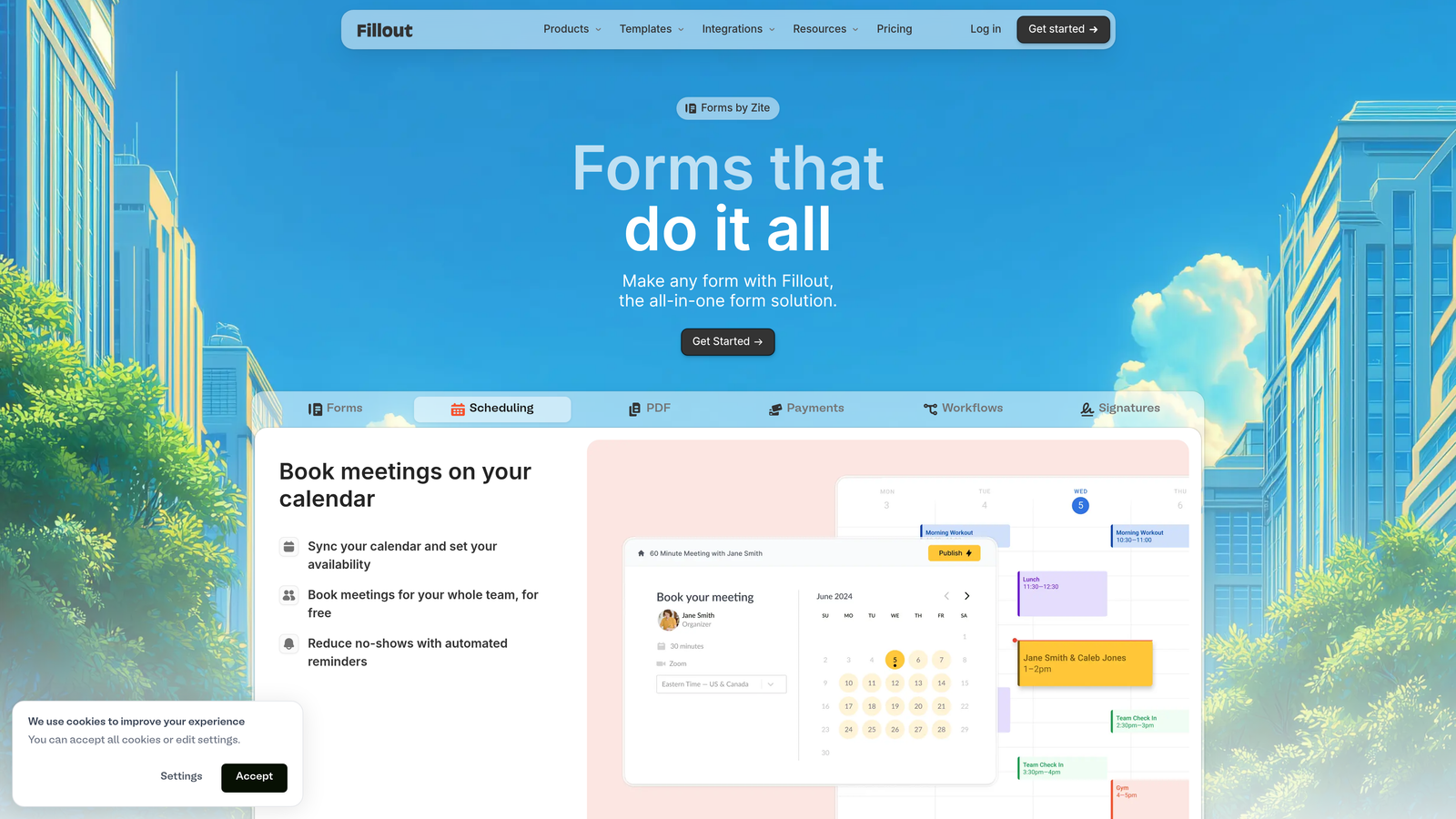
Fillout is a database-first form builder with native integrations for Airtable, Notion, and Google Sheets.
Where This Tool Shines
Fillout solves a specific pain point: creating forms that write directly to your existing databases without middleware. If you run operations in Airtable or Notion, Fillout lets you generate forms that create or update records natively, maintaining data integrity and eliminating sync delays.
The platform's multi-page form capabilities with progress indicators keep respondents engaged through longer workflows. You can create sophisticated intake forms, applications, or surveys that feel manageable by breaking them into logical sections with clear progress tracking throughout the experience.
Key Features
Native Database Integration: Create forms that write directly to Airtable, Notion, or Google Sheets without third-party automation tools.
Multi-Page Forms: Break long forms into sections with progress indicators that show completion status.
Conditional Logic: Show or hide questions based on previous answers, with answer piping that references earlier responses.
File Uploads: Collect documents, images, and other files directly through your forms with secure storage.
Scheduling Integration: Connect to Calendly and other scheduling tools for appointment booking within forms.
Best For
Operations teams and project managers who live in Airtable or Notion for data management. Companies running application processes, intake workflows, or data collection that feeds directly into their operations database will eliminate manual data entry with Fillout's native connections.
Pricing
Free plan available with basic features and 100 submissions per month. Starter plan at $15/month increases limits and adds advanced features like custom domains and branding removal.
7. HubSpot Forms
Best for: Marketing and sales teams already using HubSpot who need forms that trigger automation workflows.
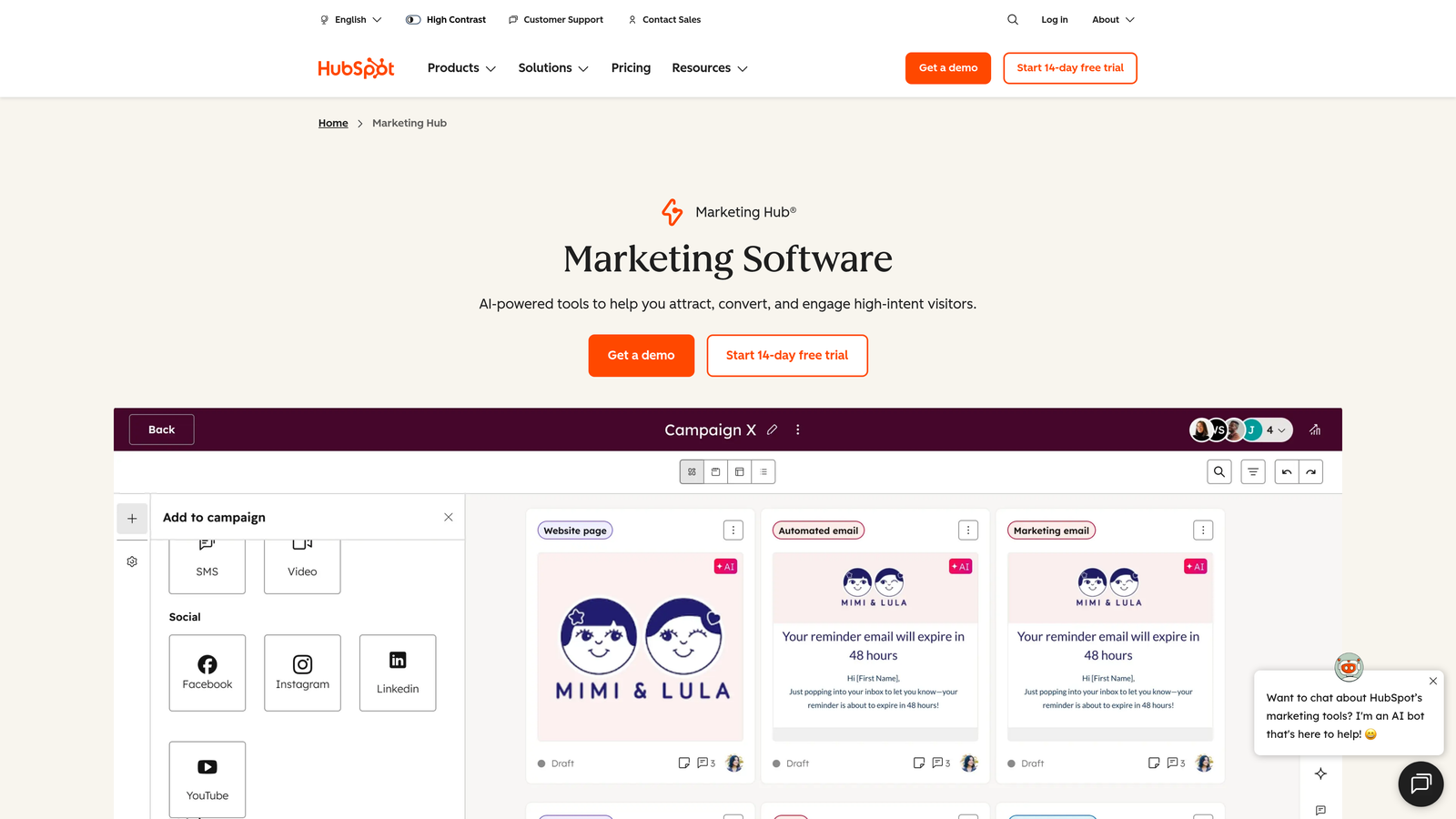
HubSpot Forms is a CRM-native form builder that feeds directly into HubSpot's marketing and sales automation ecosystem.
Where This Tool Shines
HubSpot Forms' biggest advantage is its seamless integration with the broader HubSpot ecosystem. Form submissions automatically create or update contact records, trigger email sequences, notify sales reps, and feed into attribution reporting—all without connecting external tools or writing custom code.
Progressive profiling sets HubSpot Forms apart from standalone builders. The system remembers previous form submissions and automatically shows new questions to returning visitors, gradually building complete contact profiles without asking the same questions twice. This reduces form fatigue while increasing the data quality in your CRM over time.
Key Features
CRM Contact Creation: Form submissions automatically create contacts in HubSpot with complete activity history and attribution tracking.
Progressive Profiling: Show different questions to returning visitors to gradually build complete profiles without repetitive fields.
Smart Fields: Pre-populate known information for returning visitors and use dependent logic to show relevant questions.
A/B Testing: Test different form versions to optimize conversion rates with built-in analytics and winner selection.
Automation Triggers: Launch email sequences, assign tasks, or update deal stages automatically based on form submissions.
Best For
Companies already invested in the HubSpot ecosystem who want forms that leverage their existing CRM data and trigger marketing automation. Sales teams benefit from instant lead notifications and automatic contact enrichment that eliminates manual data entry.
Pricing
Free with HubSpot CRM, including basic form features and unlimited forms. Advanced capabilities like progressive profiling and A/B testing require paid Marketing Hub tiers starting at $45/month.
8. Involve.me
Best for: Marketing teams creating interactive content like quizzes and calculators for lead generation campaigns.
Involve.me is an interactive content platform specializing in quizzes, calculators, and personalized outcome pages.
Where This Tool Shines
Involve.me goes beyond standard forms by focusing on interactive content that educates while collecting data. The platform excels at creating personality quizzes, ROI calculators, assessments, and recommendation engines that provide value to users while capturing qualified leads.
The personalized outcome pages are particularly powerful for content marketing. Based on user responses, you can show customized results, recommendations, or next steps that feel tailored to their specific situation. This approach generates higher engagement than generic forms because users receive immediate value in exchange for their information.
Key Features
Quiz and Calculator Builders: Create interactive assessments, ROI calculators, and personality quizzes that engage while qualifying leads.
Personalized Outcomes: Show customized results pages based on user responses with tailored recommendations and next steps.
Payment Collection: Accept one-time payments or set up subscription billing for paid assessments or premium content.
Funnel Analytics: Track completion rates, drop-off points, and conversion metrics across your interactive content.
Embeddable Widgets: Add interactive elements to existing pages without redirecting users to external forms.
Best For
Content marketing teams running lead generation campaigns that need to provide value upfront. SaaS companies, consultants, and agencies use Involve.me to create ROI calculators and assessments that qualify leads while demonstrating expertise.
Pricing
Free plan available with basic features and branding. Starter plan at $29/month removes branding and adds advanced logic, while Business and Agency tiers unlock white-label options and higher limits.
9. Formsort
Best for: Enterprise teams in regulated industries needing complex qualification flows with compliance guarantees.
Formsort is an enterprise-grade form builder designed for sophisticated multi-step workflows in healthcare, finance, and insurance.
Where This Tool Shines
Formsort is built for complexity. The platform handles intricate branching logic, multi-step qualification flows, and conditional paths that would overwhelm simpler form builders. Insurance carriers, healthcare providers, and financial services companies use Formsort to replicate complex paper processes in digital form while maintaining regulatory compliance.
The A/B testing capabilities operate at the question level, letting you optimize individual steps within longer flows rather than just testing entire form versions. Combined with detailed analytics that show exactly where users drop off and why, this enables continuous optimization of complex qualification funnels.
Key Features
Advanced Branching Logic: Create sophisticated decision trees with complex conditional paths based on multiple variables and calculated fields.
Question-Level A/B Testing: Test individual questions, wording, and field types within multi-step flows to optimize completion rates.
Compliance Certifications: HIPAA and SOC 2 compliance for regulated industries handling sensitive personal or health information.
Developer-Friendly API: Robust API and webhook system for custom integrations and complex data workflows.
Conversion Analytics: Detailed funnel analysis shows drop-off points, completion times, and optimization opportunities across complex flows.
Best For
Enterprise teams in regulated industries building complex qualification, application, or onboarding flows. Insurance carriers creating quote flows, healthcare providers managing patient intake, and financial services firms handling account applications benefit from the compliance guarantees and sophisticated logic capabilities.
Pricing
Custom pricing based on submission volume, complexity requirements, and compliance needs. Contact sales for enterprise quotes tailored to your specific use case and integration requirements.
Making the Right Choice
Your ideal interactive form builder depends on your specific workflow and growth goals.
For AI-powered lead qualification combined with modern design, Orbit AI delivers the intelligent routing and conversion optimization that high-growth teams need. The platform stands out by solving both the experience problem and the qualification challenge in a single solution.
Typeform remains the gold standard for pure conversational UX and brand presentation, while Jotform offers unmatched template variety for organizations with diverse form needs across multiple departments.
Budget-conscious startups should explore Tally's genuinely unlimited free tier. Teams embedded in HubSpot will find native forms most efficient for triggering automation workflows. Service businesses needing integrated payments and booking should evaluate Paperform's document-style approach.
Operations teams living in Airtable or Notion benefit from Fillout's native database connections that eliminate sync delays. Marketing teams running interactive content campaigns will appreciate Involve.me's quiz and calculator capabilities. Enterprise organizations in regulated industries should evaluate Formsort's compliance guarantees and sophisticated branching logic.
Start with your primary use case—lead capture, qualification, or engagement—then prioritize the integrations that connect to your existing stack. The right platform should feel like a natural extension of your workflow rather than another tool to manage.
Start building free forms today and see how intelligent form design can elevate your conversion strategy. Transform your lead generation with AI-powered forms that qualify prospects automatically while delivering the modern, conversion-optimized experience your high-growth team needs.


