

B2B lead capture has evolved beyond basic contact forms. Today's high-growth teams need form builders that qualify leads in real-time, integrate seamlessly with their CRM stack, and deliver conversion rates that justify the investment. The difference between a modern form builder and a legacy solution often translates directly to pipeline quality and sales team efficiency.
This guide evaluates nine form builders specifically designed for B2B use cases—from lead qualification and multi-step workflows to enterprise security requirements. Each tool is assessed on its ability to capture, qualify, and route leads effectively for B2B sales cycles.
1. Orbit AI
Best for: B2B teams prioritizing AI-powered lead qualification and conversion optimization
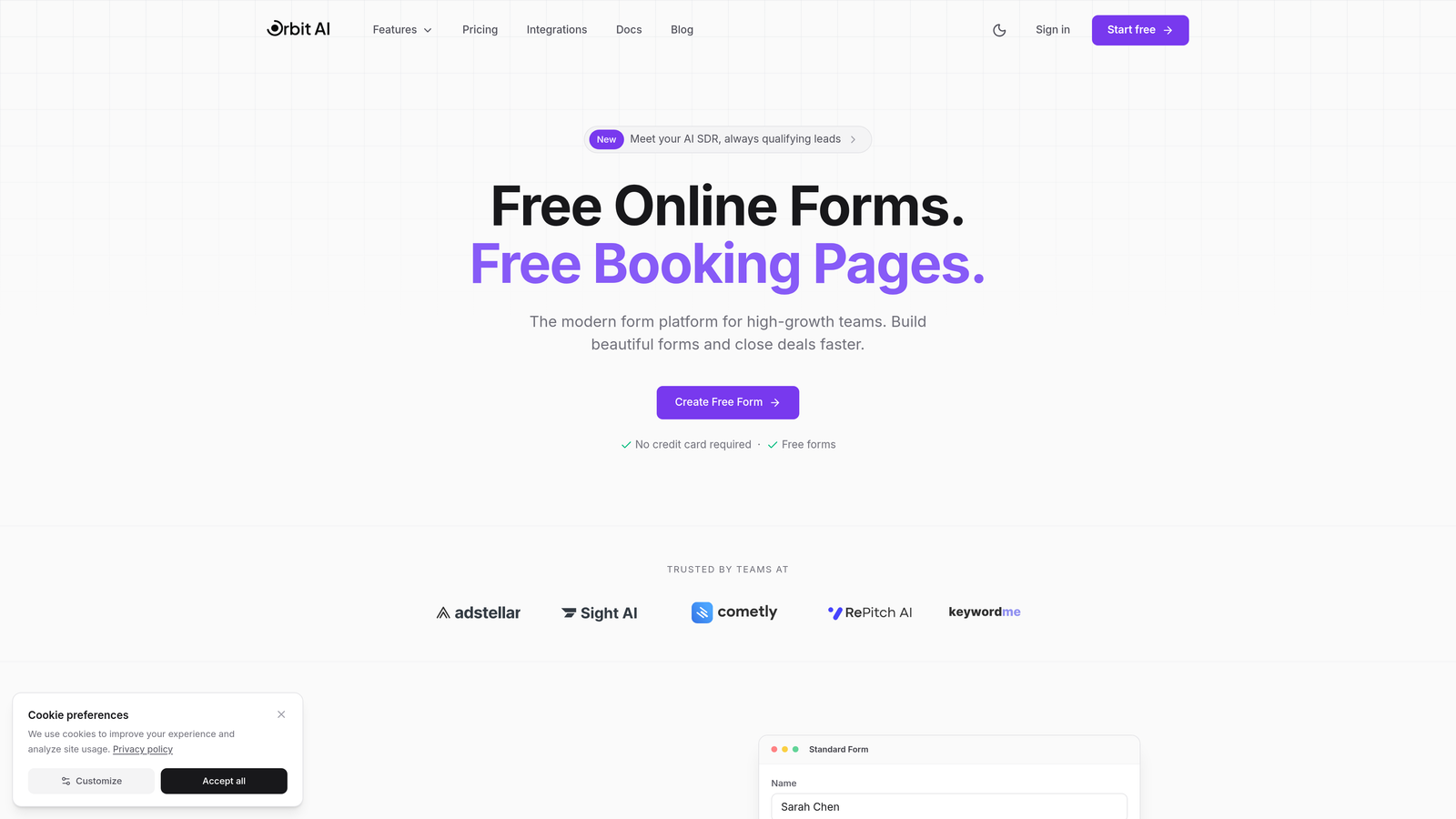
Orbit AI is an AI-powered form builder platform designed specifically for high-growth B2B teams who need forms that do more than collect data.
Where This Tool Shines
The standout feature is AI-powered lead qualification that happens during form completion, not after. While prospects fill out your form, the platform analyzes their responses and scores leads in real-time, routing high-intent prospects to sales immediately.
This approach transforms forms from passive data collection tools into active pipeline generators. The conversion-optimized templates are built specifically for B2B use cases, addressing common friction points that cause form abandonment in complex sales cycles.
Key Features
AI-Powered Lead Qualification: Automatically scores and qualifies leads based on their form responses, eliminating manual review time.
Conversion-Optimized Templates: Pre-built B2B form templates designed to maximize completion rates while gathering qualification data.
Modern CRM Integrations: Native connections to HubSpot, Salesforce, and emerging CRMs that sync lead data and scores automatically.
Real-Time Lead Routing: Instantly directs qualified leads to the right sales rep based on territory, product interest, or company size.
Pipeline Analytics: Tracks form performance not just by submissions, but by actual pipeline contribution and conversion to closed deals.
Best For
High-growth B2B teams who need to scale lead generation without drowning their sales team in unqualified prospects. Particularly valuable for companies with complex sales cycles where early qualification significantly impacts close rates and sales efficiency.
Pricing
Free tier available for teams getting started. Paid plans begin at $29/month with access to AI qualification features and advanced integrations.
2. Typeform
Best for: Maximizing form completion rates with conversational, one-question-at-a-time interfaces
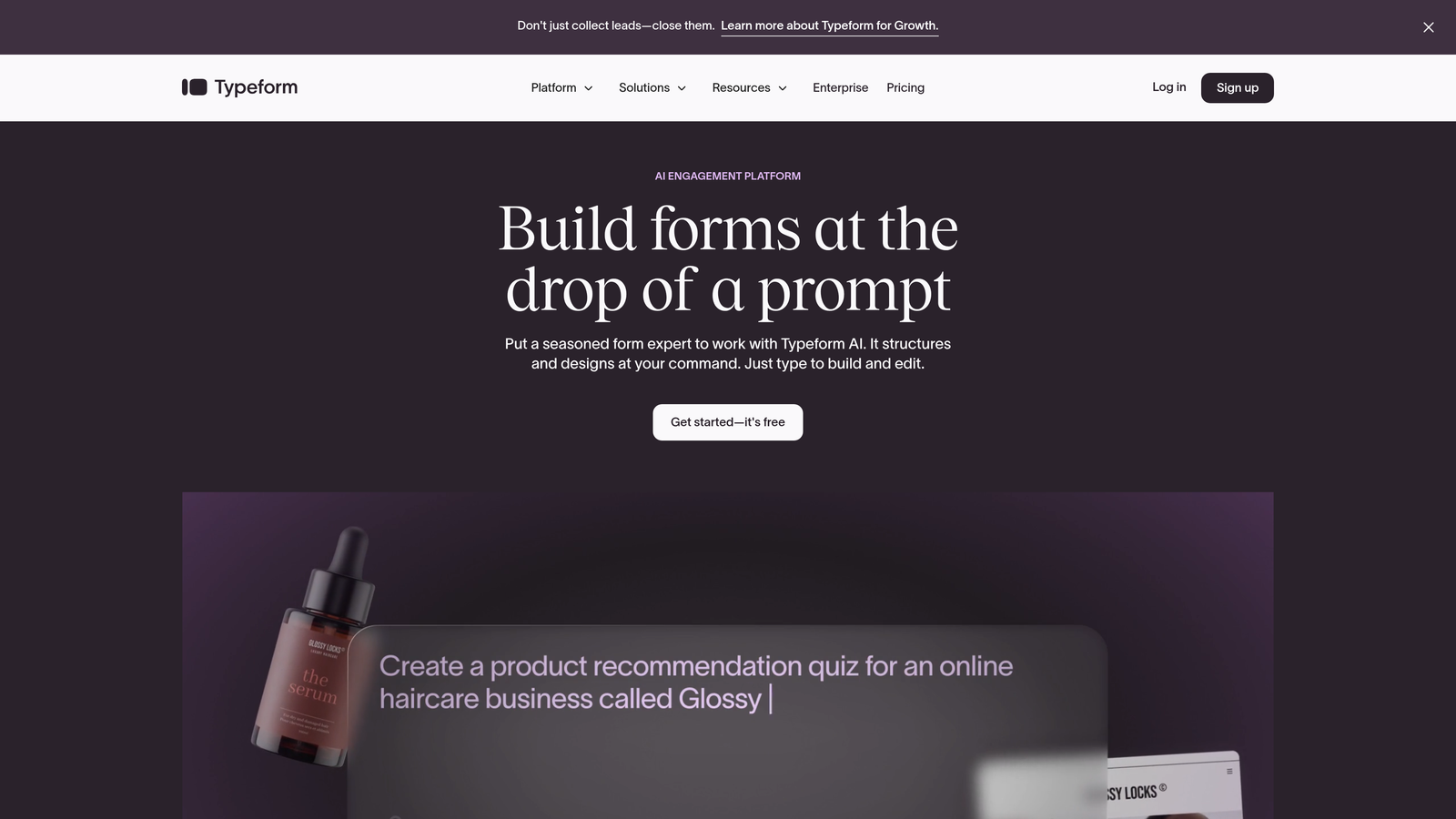
Typeform pioneered the conversational form format that presents one question at a time, creating a more engaging experience than traditional multi-field forms.
Where This Tool Shines
The single-question approach reduces cognitive load and form abandonment, particularly effective for top-of-funnel campaigns where you're capturing cold leads. The interface feels more like a conversation than an interrogation.
Companies often see completion rate improvements when switching from traditional forms to Typeform's format. The visual design and smooth transitions create a premium feel that aligns well with modern B2B brand expectations.
Key Features
Conversational Format: One-question-at-a-time interface that guides prospects through your form with minimal friction.
Logic Jumps: Branching paths that adapt questions based on previous answers, creating personalized qualification flows.
Rich Media Support: Embed videos, images, and GIFs to make forms more engaging and explain complex offerings visually.
CRM Integrations: Connect to major platforms including Salesforce, HubSpot, and Marketo for automatic lead sync.
Custom Branding: Full control over colors, fonts, and design to match your brand identity.
Best For
B2B marketing teams running lead generation campaigns where completion rates directly impact pipeline. Especially effective for content downloads, event registrations, and qualification surveys where you need to ask multiple questions without overwhelming prospects.
Pricing
Free tier available with Typeform branding. Basic plan starts at $25/month, with Professional and Premium tiers for advanced features and higher submission volumes.
3. HubSpot Forms
Best for: Teams already using HubSpot who need native CRM integration and progressive profiling
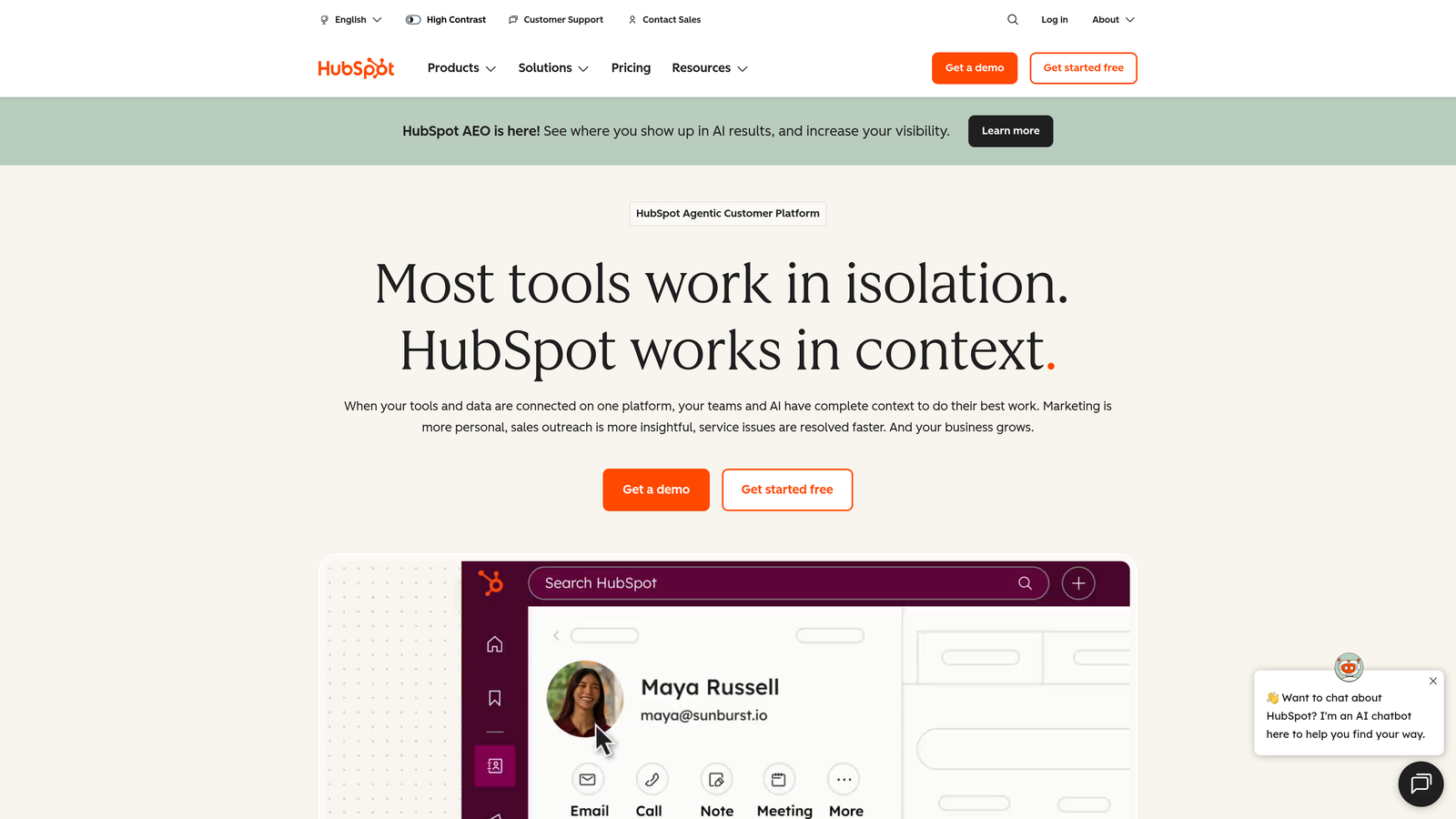
HubSpot Forms is the native form builder within HubSpot's marketing platform, offering deep integration with their CRM and marketing automation tools.
Where This Tool Shines
Progressive profiling is the killer feature here. Instead of asking the same questions every time someone fills out a form, HubSpot remembers what it already knows about contacts and asks new questions to gradually build complete profiles.
For companies invested in the HubSpot ecosystem, the seamless data flow eliminates the integration headaches that plague multi-tool stacks. Form submissions automatically create or update contact records, trigger workflows, and attribute conversions to the right campaigns.
Key Features
Progressive Profiling: Automatically rotates questions based on what you already know about each contact, gathering data over multiple interactions.
Native CRM Integration: Zero-friction connection to HubSpot CRM with automatic contact creation and activity logging.
Smart Fields: Forms adapt to known versus anonymous visitors, showing different fields based on contact status.
Flexible Deployment: Embed forms on your website, use as pop-ups, or deploy as standalone landing pages.
Built-In Analytics: Track form performance with attribution to specific campaigns and revenue impact.
Best For
B2B companies already using HubSpot for CRM or marketing automation. The value multiplies significantly if you're leveraging HubSpot's workflows, lead scoring, and attribution features alongside forms.
Pricing
Free with HubSpot CRM. Advanced form features including progressive profiling require Marketing Hub, which starts at $800/month for Professional tier.
4. Jotform
Best for: Teams needing extensive templates, payment collection, and document generation capabilities
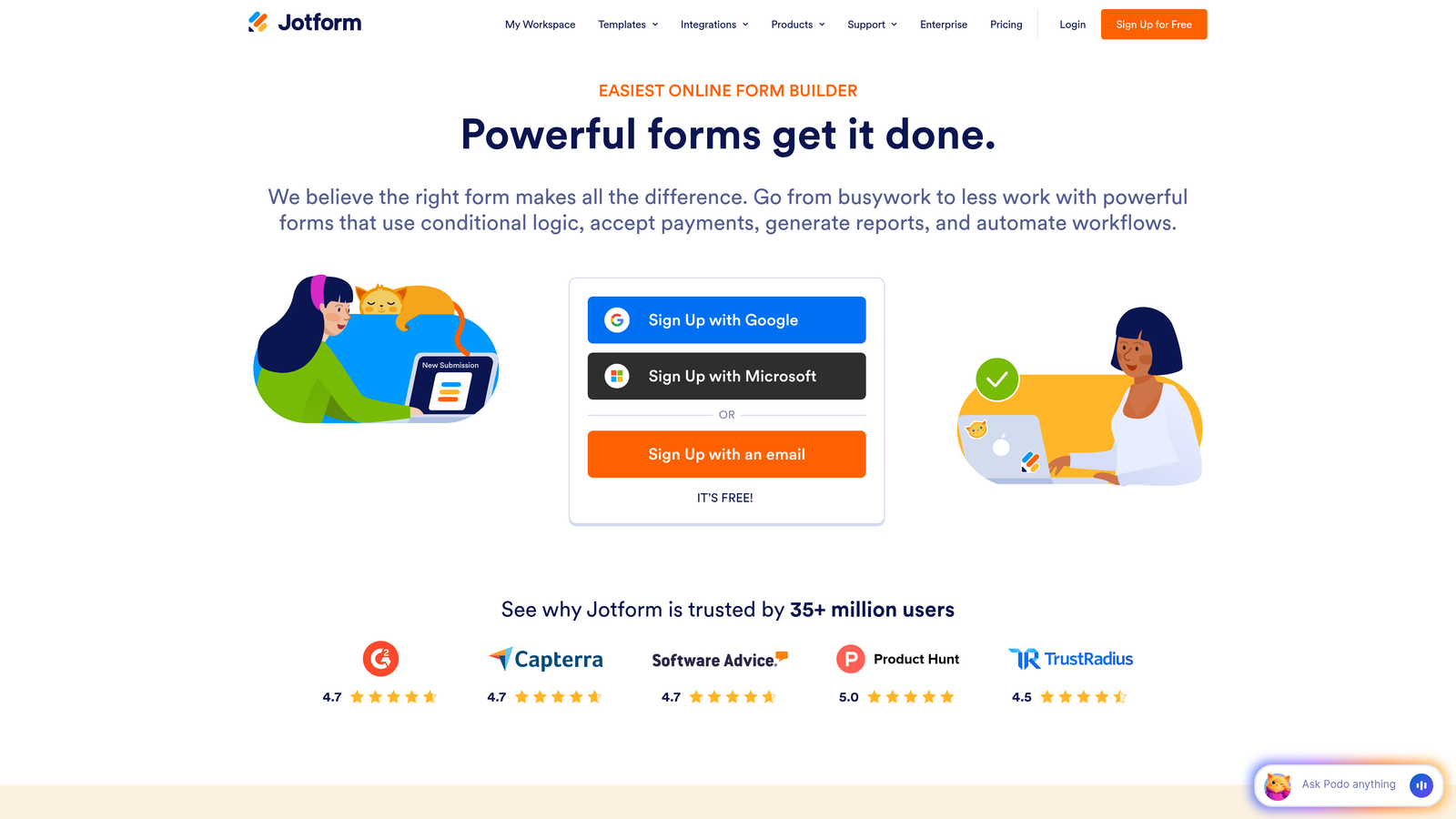
Jotform offers a massive template library and versatile feature set that extends beyond basic lead capture to handle complex workflows.
Where This Tool Shines
The 10,000+ template library means you can find a starting point for virtually any B2B use case, from RFP submissions to customer onboarding. The platform's strength lies in handling forms that need to do more than capture leads—collecting payments, generating PDFs, or gathering e-signatures.
For professional services firms or B2B companies with complex intake processes, Jotform's ability to combine data collection with document generation streamlines workflows that typically require multiple tools.
Key Features
Template Library: Over 10,000 pre-built form templates covering everything from lead capture to contract signing.
Conditional Logic: Advanced branching that shows or hides fields based on previous answers, creating dynamic qualification paths.
Payment Processing: Accept payments directly through forms via Stripe, PayPal, Square, and other processors.
PDF Generation: Automatically create PDF documents from form submissions for proposals, contracts, or reports.
HIPAA Compliance: Available compliance features for healthcare and regulated industries requiring data protection.
Best For
B2B service providers who need forms that handle the full client journey from inquiry to contract signing. Particularly valuable for consulting firms, agencies, and professional services requiring payment collection or document generation.
Pricing
Free tier allows up to 5 forms with 100 monthly submissions. Bronze plan starts at $34/month, with higher tiers for increased submissions and advanced features.
5. Formstack
Best for: Enterprise B2B teams requiring strict compliance and advanced workflow automation
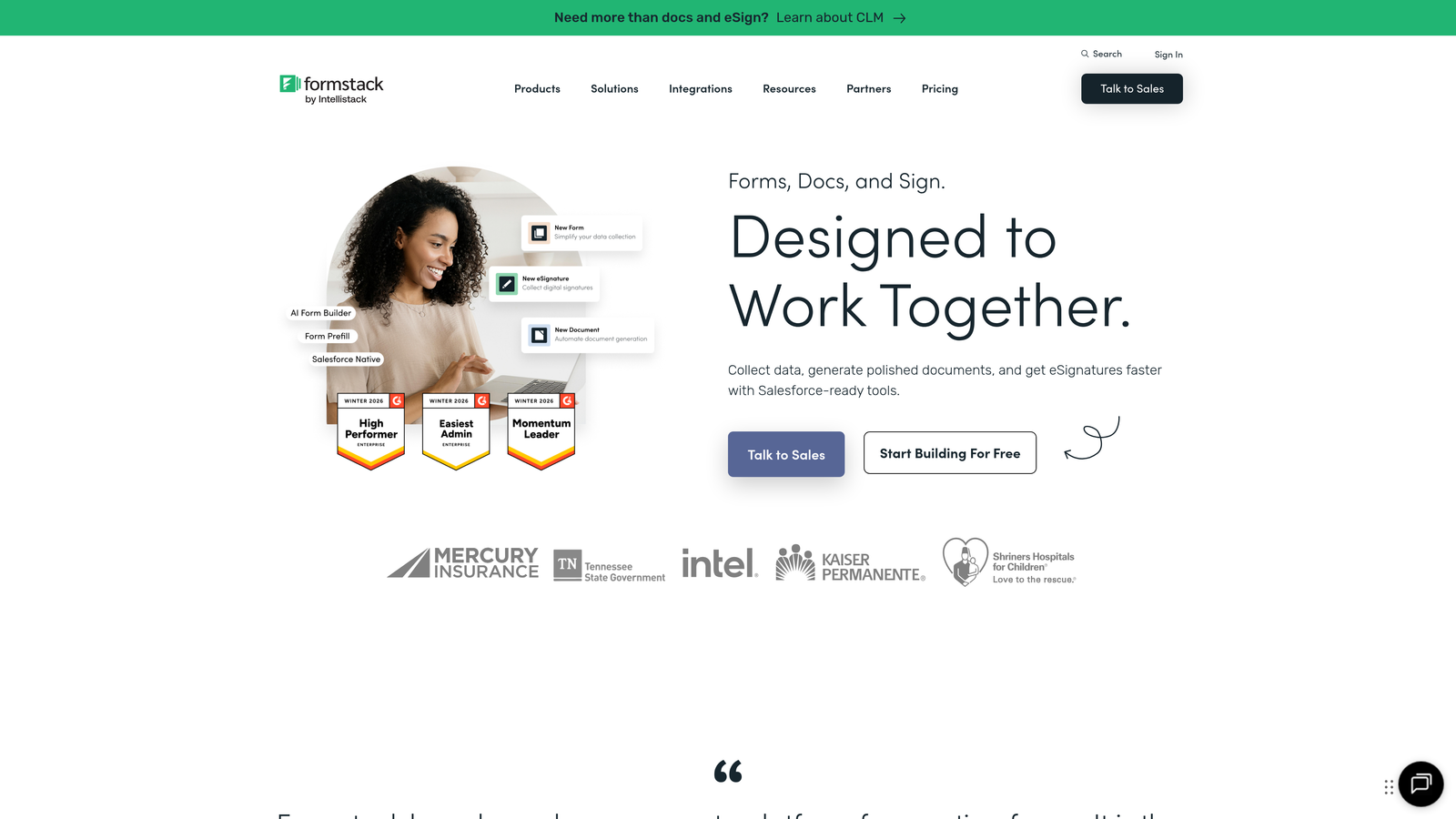
Formstack is an enterprise-grade form builder built for regulated industries and complex organizational workflows.
Where This Tool Shines
Compliance features set Formstack apart. HIPAA, GDPR, and SOC 2 compliance aren't add-ons—they're built into the platform architecture. For B2B companies in healthcare, finance, or other regulated industries, this eliminates significant risk and compliance overhead.
The workflow automation goes beyond basic integrations. You can build multi-step approval processes, generate documents automatically, and route submissions through complex organizational hierarchies without custom development.
Key Features
Enterprise Compliance: HIPAA, GDPR, and SOC 2 compliance built-in, with audit trails and data encryption.
Workflow Automation: Create complex multi-step workflows with approvals, notifications, and conditional routing.
Document Generation: Automatically populate templates and generate contracts, proposals, or reports from form data.
Salesforce-Native Integration: Deep integration with Salesforce that goes beyond basic data sync to support custom objects and workflows.
Electronic Signatures: Built-in e-signature capability for contracts and agreements without third-party tools.
Best For
Enterprise B2B organizations with strict compliance requirements or complex approval workflows. Particularly valuable for healthcare, financial services, and companies selling to regulated industries where data handling is scrutinized.
Pricing
Starter plan begins at $50/month. Enterprise pricing available with custom features, dedicated support, and volume discounts for large organizations.
6. Cognito Forms
Best for: Budget-conscious B2B teams needing calculation fields and payment processing
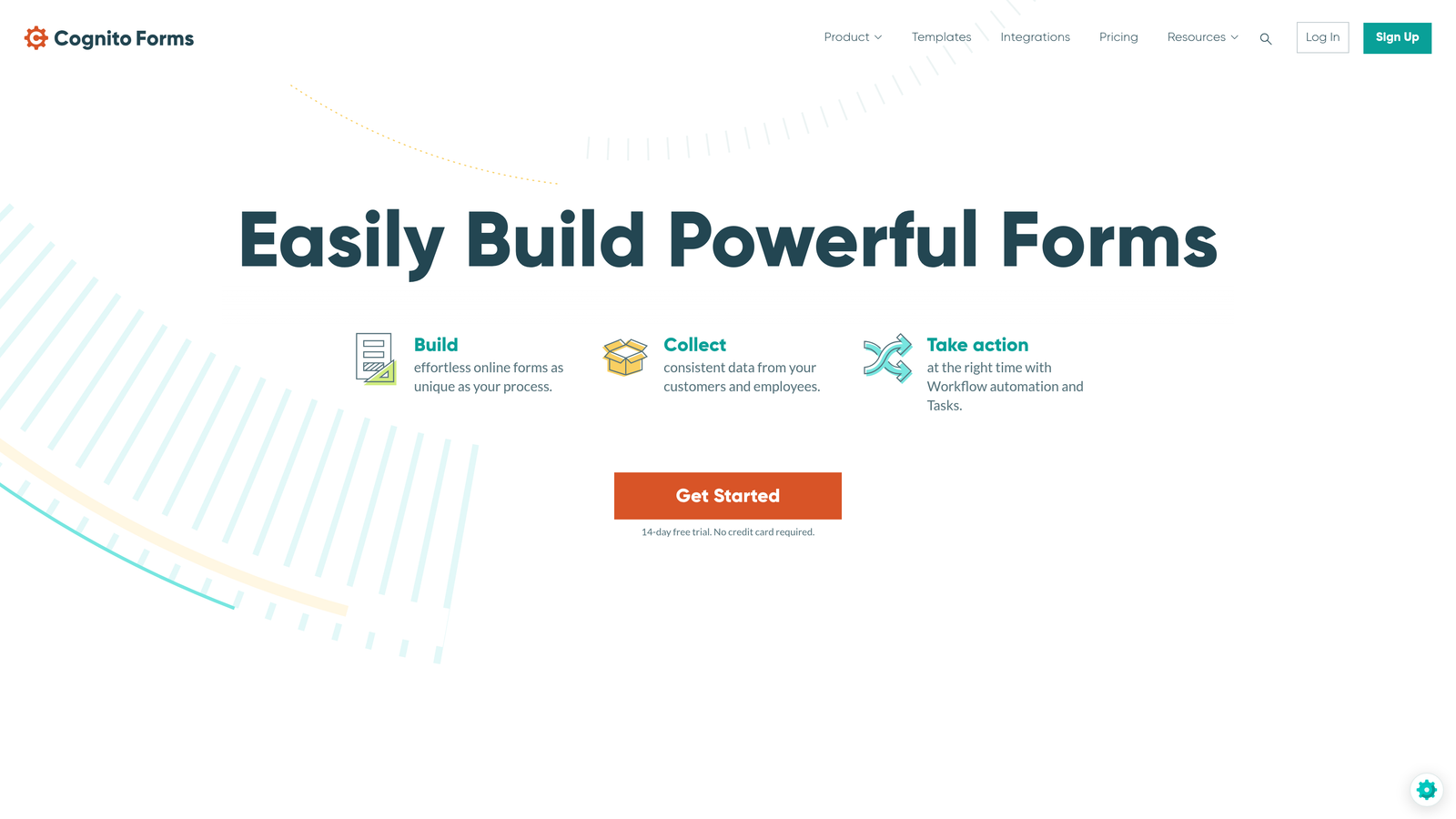
Cognito Forms delivers powerful features at a significantly lower price point than enterprise competitors.
Where This Tool Shines
The calculation engine is remarkably sophisticated for the price. You can build forms that calculate pricing, generate quotes, or compute complex values based on user inputs—functionality that typically requires custom development or expensive enterprise tools.
For B2B companies offering configurable products or services, this enables self-service quoting that qualifies leads while providing immediate value. The payment processing with no transaction fees on higher tiers makes it cost-effective for collecting deposits or processing orders.
Key Features
Calculation Fields: Build complex calculations directly into forms for pricing, quotes, or data analysis.
No Transaction Fees: Payment processing through Stripe and PayPal without additional fees on Pro tier and above.
Repeating Sections: Allow users to add multiple items or entries within a single form submission for complex data collection.
Advanced Logic: Conditional visibility, validation rules, and branching that adapts forms based on user input.
Data Security: Encryption and compliance options including HIPAA availability for regulated use cases.
Best For
Small to mid-sized B2B companies that need enterprise features without enterprise pricing. Especially valuable for businesses offering configurable products or services where quote generation is part of the lead qualification process.
Pricing
Free tier available for basic forms. Pro plan starts at just $15/month, offering exceptional value for teams with limited budgets.
7. Paperform
Best for: Design-focused B2B brands wanting forms that double as landing pages
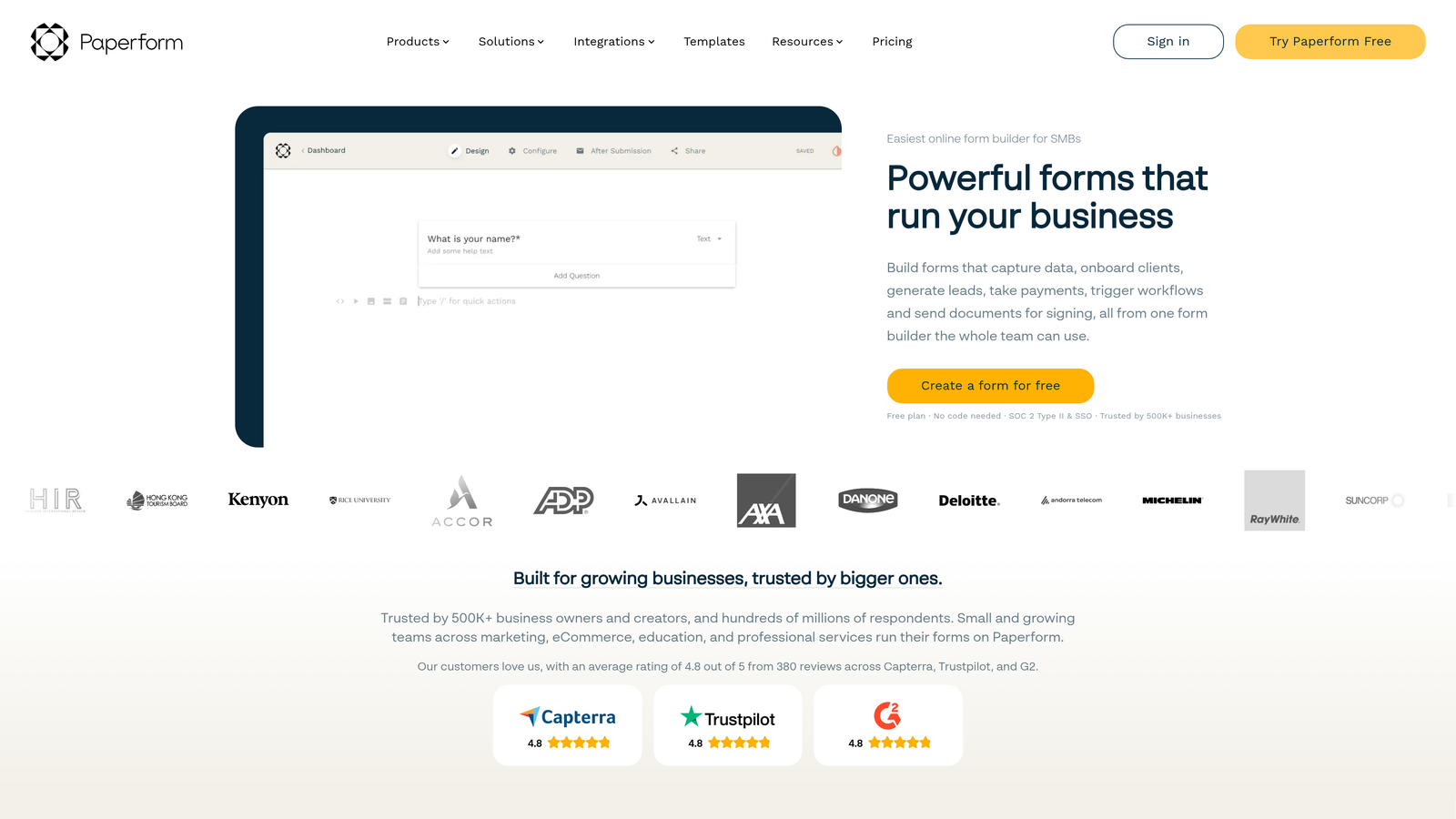
Paperform blurs the line between forms and landing pages, creating visually rich experiences that go beyond traditional form aesthetics.
Where This Tool Shines
The design flexibility is exceptional. You can create forms that look like fully designed landing pages, incorporating rich media, custom layouts, and brand elements that make your lead capture experience feel premium and on-brand.
For B2B companies where brand perception matters—design agencies, consulting firms, premium SaaS products—Paperform lets you create lead capture experiences that reinforce your positioning rather than undermining it with generic form templates.
Key Features
Hybrid Builder: Create experiences that combine landing page design with form functionality in a single tool.
Rich Media Embedding: Integrate images, videos, GIFs, and custom HTML to create engaging, multimedia experiences.
Advanced Styling: Custom fonts, layouts, and design elements that give you landing page-level control over appearance.
Conditional Logic: Show or hide sections, calculate values, and create dynamic experiences based on user responses.
Payment Collection: Accept payments through Stripe and Square with flexible pricing configurations.
Best For
B2B companies with strong brand identities who want lead capture experiences that match their visual standards. Particularly effective for agencies, consultancies, and premium product companies where form design impacts brand perception.
Pricing
Essentials plan starts at $24/month, with higher tiers for additional features and submission volumes.
8. Tally
Best for: Startups and lean teams wanting unlimited forms on a generous free tier
Tally brings a Notion-like simplicity to form building with one of the most generous free tiers in the market.
Where This Tool Shines
The free tier is genuinely useful, not a trial disguised as free. Unlimited forms and unlimited submissions mean early-stage B2B companies can build their entire lead capture infrastructure without spending a dollar until they need custom domains or advanced features.
The Notion-style block-based editor feels immediately familiar if your team already uses Notion. You can build forms quickly without learning a new interface paradigm, and the native Notion integration creates seamless workflows for ops-focused teams.
Key Features
Block-Based Editor: Notion-style interface that makes form building intuitive for teams already familiar with block-based tools.
Unlimited Free Tier: No limits on forms or submissions on the free plan, only on advanced features.
Conditional Logic: Show or hide questions based on previous answers, with hidden fields for tracking sources.
Notion Integration: Native connection to Notion databases for teams managing leads and operations in Notion.
Custom Branding: Remove Tally branding and add custom domains on paid plans.
Best For
Early-stage B2B startups and lean teams who need professional forms without budget for paid tools. Particularly valuable for Notion-centric teams who want forms that integrate seamlessly with their existing workflows.
Pricing
Extremely generous free tier with unlimited forms and submissions. Pro plan at $29/month adds custom domains, branding removal, and advanced features.
9. Fillout
Best for: Operations teams using Airtable or Notion as their primary database
Fillout takes a database-first approach, treating forms as interfaces to your existing data rather than standalone tools.
Where This Tool Shines
The native Airtable and Notion integrations go deeper than typical form builders. You can create forms that update existing database records, not just add new ones. This enables use cases like customer portals, data update requests, or progressive profiling that builds on existing contact records.
For B2B teams that have built their operations in Airtable or Notion, Fillout eliminates the data sync friction that comes with traditional form builders. Changes flow directly into your source of truth without middleware or Zapier connections.
Key Features
Native Database Integrations: Deep connections to Airtable and Notion that support both creating and updating records.
Record Updates: Build forms that modify existing database entries, enabling customer portals and data maintenance workflows.
Multi-Page Forms: Break long forms into multiple pages with progress indicators and conditional logic.
Scheduling Integration: Embed calendar booking alongside form collection for demo requests or consultations.
Payment Collection: Accept payments through Stripe for orders, deposits, or subscription sign-ups.
Best For
Operations-focused B2B teams who have built their systems in Airtable or Notion and need forms that integrate natively with those platforms. Especially valuable for companies using Airtable as a lightweight CRM or customer database.
Pricing
Free tier available for basic forms. Starter plan begins at $15/month with increased submission limits and advanced features.
Making the Right Choice
The modern B2B form builder landscape offers solutions for every use case and budget. Your choice depends on three key factors: your existing tech stack, your specific workflow requirements, and whether you need forms that simply collect data or actively improve lead quality.
If lead qualification and conversion optimization are your primary concerns, Orbit AI delivers AI-powered intelligence that transforms forms from passive data collectors into active pipeline generators. The real-time scoring and routing capabilities directly address the challenge of scaling lead gen without overwhelming sales teams with unqualified prospects.
For teams prioritizing completion rates on top-of-funnel campaigns, Typeform's conversational interface consistently outperforms traditional multi-field forms. The one-question-at-a-time approach reduces friction at the exact moment prospects are deciding whether to engage.
HubSpot users should seriously evaluate HubSpot Forms, particularly if you're already paying for Marketing Hub. The progressive profiling and native CRM integration eliminate data sync issues and enable sophisticated lead nurturing that builds contact profiles over time rather than through a single lengthy form.
Enterprise teams in regulated industries need Formstack's compliance features and workflow automation. The platform handles the security and audit requirements that create risk in healthcare, finance, and other regulated B2B sectors.
Budget-conscious teams have strong options. Tally's free tier offers unlimited forms and submissions—genuinely useful for startups building their initial lead capture infrastructure. Cognito Forms delivers enterprise features like calculations and payment processing at $15/month, a fraction of what competitors charge.
For Airtable or Notion-centric operations teams, Fillout's database-first approach eliminates the integration complexity that plagues traditional form builders. The ability to update existing records rather than just create new ones enables customer portals and data maintenance workflows that typically require custom development.
The right form builder does more than collect contact information. It qualifies prospects, routes leads appropriately, and integrates seamlessly with your sales process. Choose based on where forms fit in your specific go-to-market motion, not just feature checklists.
Start building free forms today and see how intelligent form design can elevate your conversion strategy. The difference between a form that captures leads and one that qualifies your pipeline often determines whether your sales team spends time on prospects worth pursuing or chasing dead ends.


