

Every form on your website is a conversion opportunity—or a missed one. Generic, clunky forms frustrate visitors and leak potential leads. Custom form builder software lets you create branded, intelligent forms that match your workflow and actually convert.
But with dozens of options available, choosing the right one matters. This guide breaks down nine form builders that stand out for customization, ease of use, and conversion optimization. Whether you need AI-powered lead qualification, complex conditional logic, or seamless CRM integration, you'll find the right fit below.
1. Orbit AI
Best for: High-growth teams needing AI-powered lead qualification and conversion-optimized forms
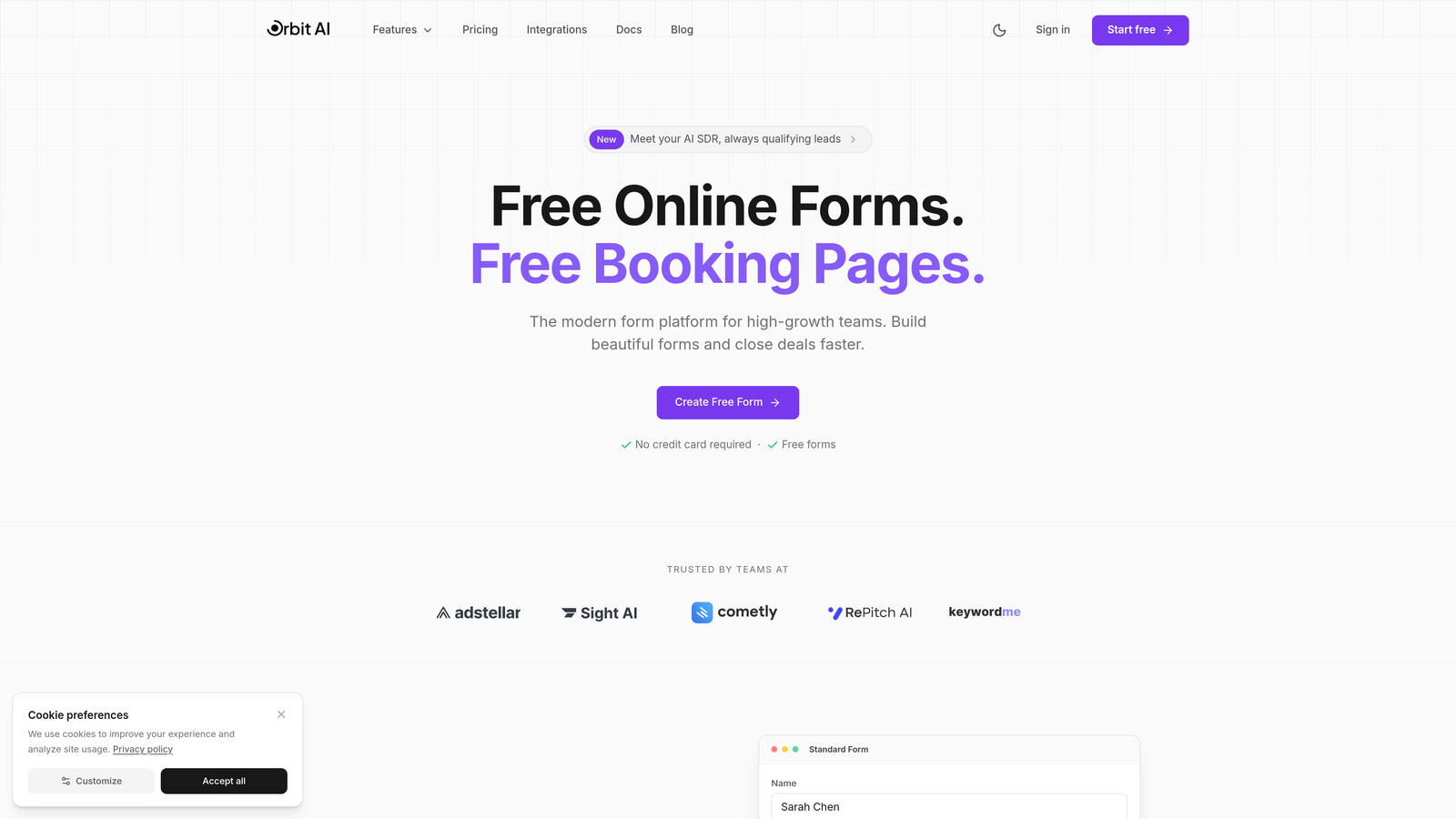
Orbit AI is an intelligent form builder platform designed for teams serious about conversion optimization and lead quality.
Where This Tool Shines
Orbit AI takes a fundamentally different approach to form building by baking intelligence directly into the form experience. Instead of just collecting data, the platform actively qualifies leads as they fill out forms, scoring prospects based on their responses and routing high-value leads to sales immediately.
The platform excels at creating forms that don't just look modern—they convert. Every template is optimized for completion rates, with smart field ordering, progressive disclosure, and mobile-first design that reduces friction at every step.
Key Features
AI-Powered Lead Qualification: Automatically scores and qualifies leads based on form responses, eliminating manual lead review.
Conversion-Optimized Templates: Pre-built forms designed specifically for high completion rates and lead quality.
Native CRM Integration: Direct connections to HubSpot, Salesforce, and other platforms with intelligent lead routing.
Real-Time Analytics: Track form performance, conversion rates, and lead quality metrics in a unified dashboard.
Workflow Automation: Route qualified leads to the right team members automatically based on scoring criteria.
Best For
Orbit AI is ideal for B2B companies, SaaS businesses, and marketing teams where lead quality matters as much as lead volume. If you're tired of sifting through unqualified form submissions or want to give sales teams only the hottest prospects, this platform delivers.
Pricing
Free tier available for getting started. Paid plans begin at competitive rates designed for growing teams, scaling with your form volume and feature needs.
2. Typeform
Best for: Creating conversational, one-question-at-a-time forms with high engagement rates
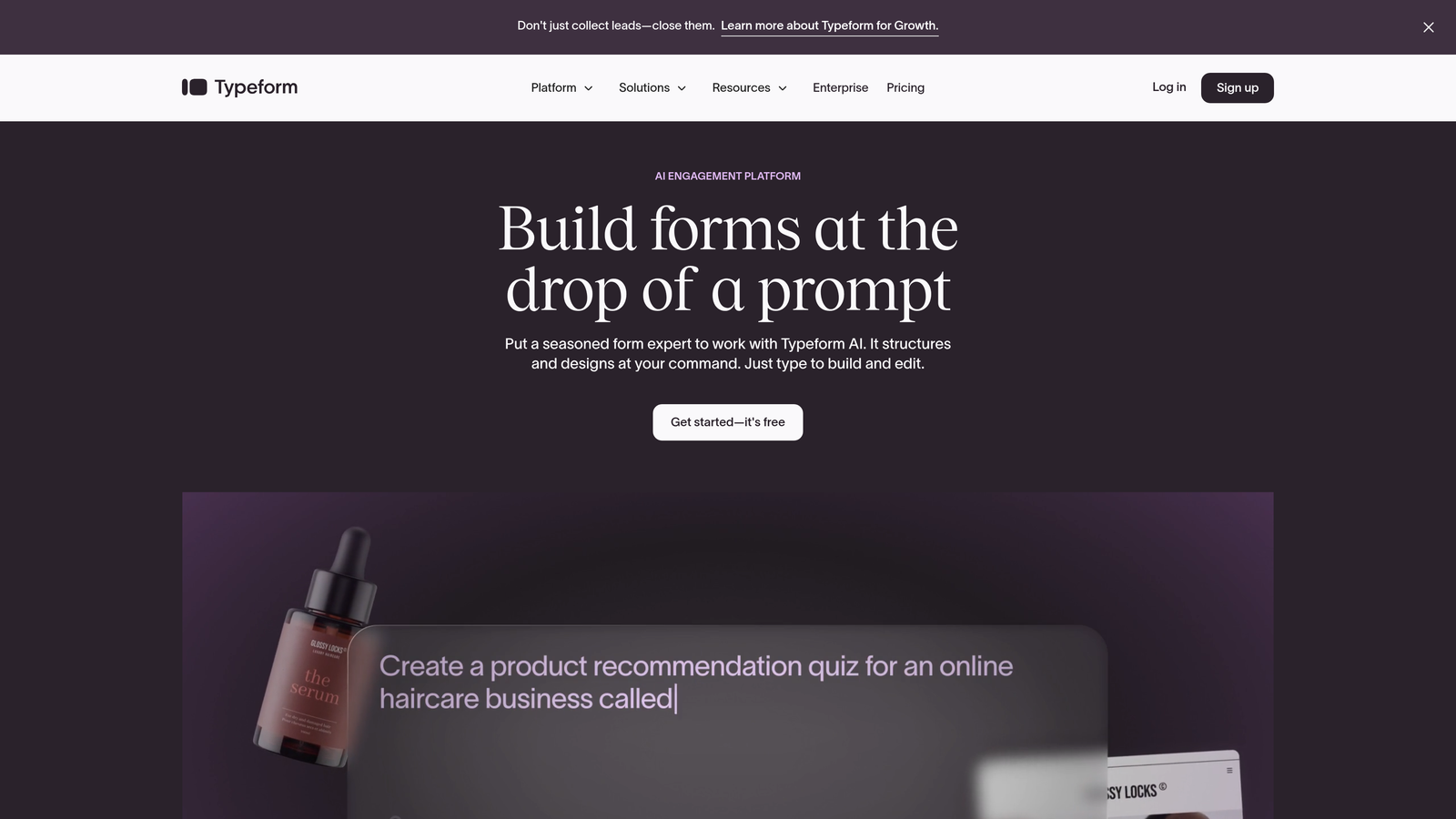
Typeform pioneered the conversational form format that feels more like a dialogue than a traditional web form.
Where This Tool Shines
Typeform's signature one-question-at-a-time interface creates a focused, distraction-free experience that significantly boosts completion rates. The approach works particularly well for surveys, quizzes, and lead capture where you want to guide users through a thoughtful journey rather than overwhelming them with a wall of fields.
The platform's design-first philosophy means your forms can be stunningly beautiful without touching code. Custom fonts, brand colors, background images, and video integration let you create forms that feel like natural extensions of your brand.
Key Features
Conversational Interface: One question appears at a time, creating a focused experience that increases completion rates.
Advanced Customization: Control every visual element including fonts, colors, backgrounds, and media.
Logic Jumps: Branch users down different paths based on their answers for personalized experiences.
Rich Media Support: Embed videos, images, and GIFs directly into your forms for engaging interactions.
Integration Ecosystem: Connect to hundreds of tools through native integrations and Zapier.
Best For
Typeform works best for customer research, event registrations, feedback collection, and any scenario where user experience and completion rates matter more than raw speed. It's less suited for complex data collection or forms requiring extensive calculations.
Pricing
Free tier includes basic features with limited responses. Basic plan starts at $25/month, with Plus and Business tiers adding advanced logic and team features.
3. Jotform
Best for: Teams needing extensive template variety and feature-rich form building without coding
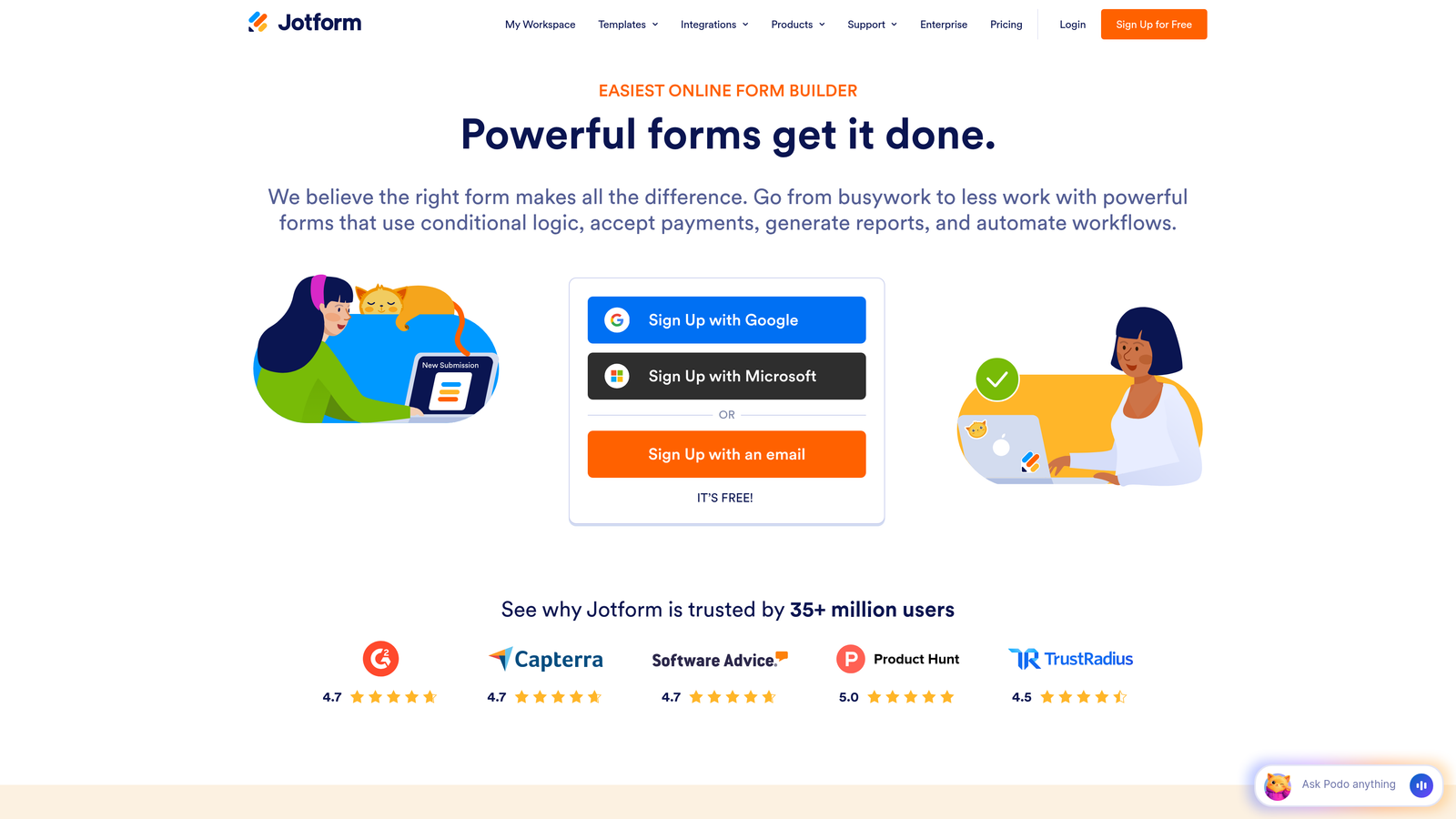
Jotform offers one of the most comprehensive form building platforms with over 10,000 templates and deep customization options.
Where This Tool Shines
Jotform's massive template library means you can find a pre-built form for virtually any use case—from healthcare intake forms to restaurant reservations to job applications. This saves hours of setup time when you need a specific form type quickly.
The platform's widget marketplace adds functionality that competitors treat as premium features. Need appointment scheduling, payment processing, or electronic signatures? Just drag in a widget. The flexibility rivals custom-coded solutions without requiring developer resources.
Key Features
10,000+ Templates: Industry-specific templates covering healthcare, education, business, events, and more.
Widget Marketplace: Hundreds of add-ons for payments, scheduling, signatures, calculations, and integrations.
Payment Processing: Accept payments through Square, Stripe, PayPal, and other gateways directly in forms.
PDF Generation: Automatically create PDF documents from form submissions for records or sharing.
Approval Workflows: Route submissions through multi-step approval processes with e-signature support.
Best For
Jotform suits organizations that need versatility across many different form types—schools managing registrations, healthcare providers handling patient intake, or businesses running everything from lead capture to internal requests through forms.
Pricing
Free tier allows up to 5 forms with 100 monthly submissions. Bronze starts at $34/month, Silver at $39/month, with Gold and Enterprise tiers for larger teams.
4. Tally
Best for: Budget-conscious teams wanting unlimited forms with clean, minimalist design
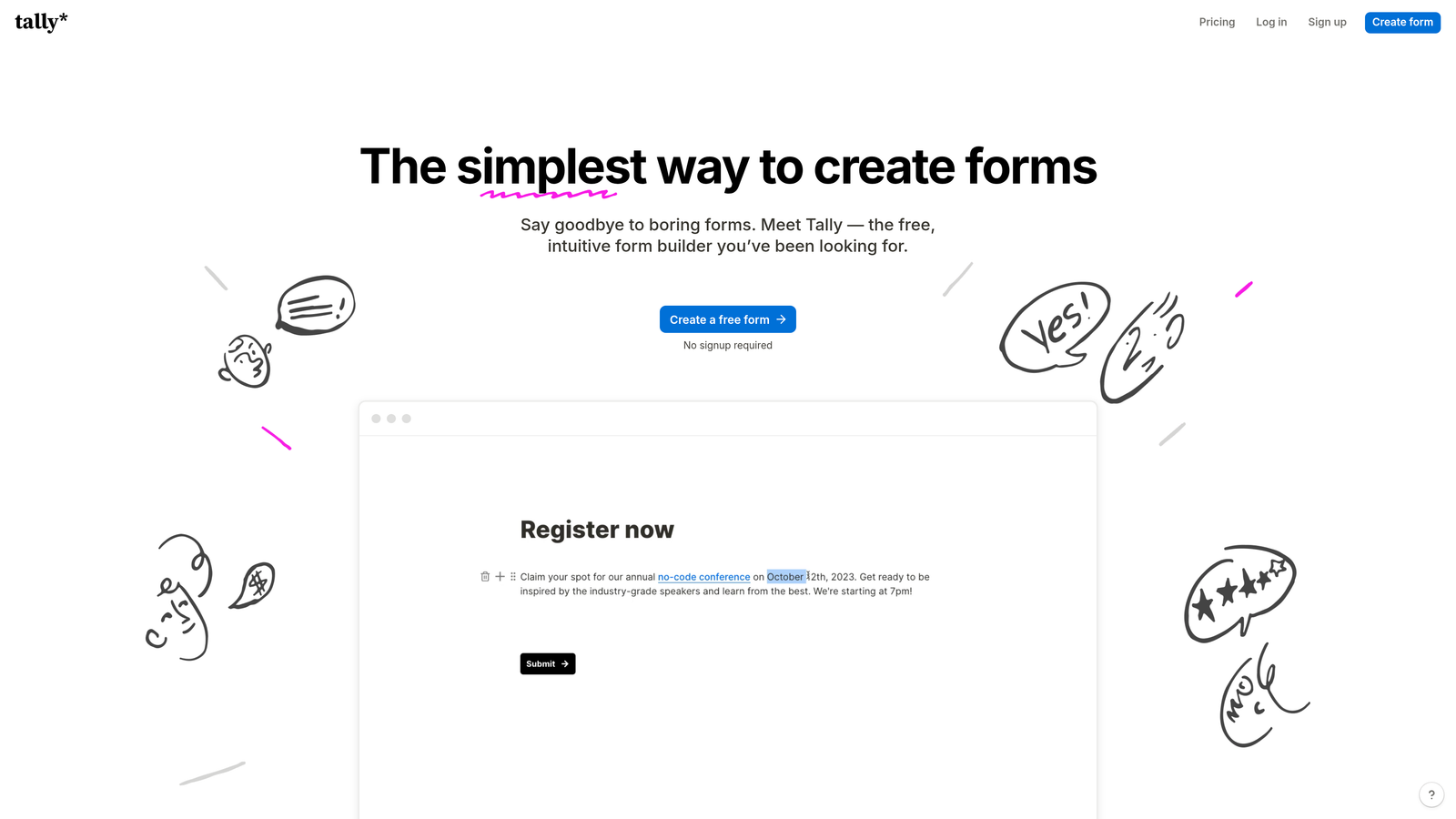
Tally brings Notion-style simplicity to form building with an exceptionally generous free tier that includes unlimited forms and submissions.
Where This Tool Shines
Tally's block-based editor feels immediately familiar to anyone who uses Notion. You build forms by stacking content blocks—text, questions, images, videos—in a clean, linear flow. The learning curve is essentially zero, making it perfect for teams that want to create forms quickly without training.
The free plan's lack of artificial limitations stands out. While competitors cap you at a handful of forms or responses, Tally lets you create unlimited forms with unlimited submissions at no cost. This makes it viable for startups and small businesses that can't justify form builder subscriptions yet.
Key Features
Unlimited Free Forms: No caps on form creation or submission volume on the free tier.
Block-Based Editor: Notion-style interface for intuitive form building without complexity.
Clean Design: Minimalist aesthetic that looks professional without customization effort.
Conditional Logic: Show or hide questions based on previous answers to create dynamic forms.
Calculations: Perform math operations on form fields for quotes, scores, or assessments.
Best For
Tally works well for startups, solo entrepreneurs, and teams prioritizing simplicity over advanced features. It's ideal when you need clean, functional forms quickly without budget constraints or design complexity.
Pricing
Free tier is remarkably generous with unlimited forms and submissions. Pro plan at $29/month adds custom domains, branding removal, and file uploads.
5. Paperform
Best for: Creating landing page-style forms with rich media and built-in e-commerce capabilities
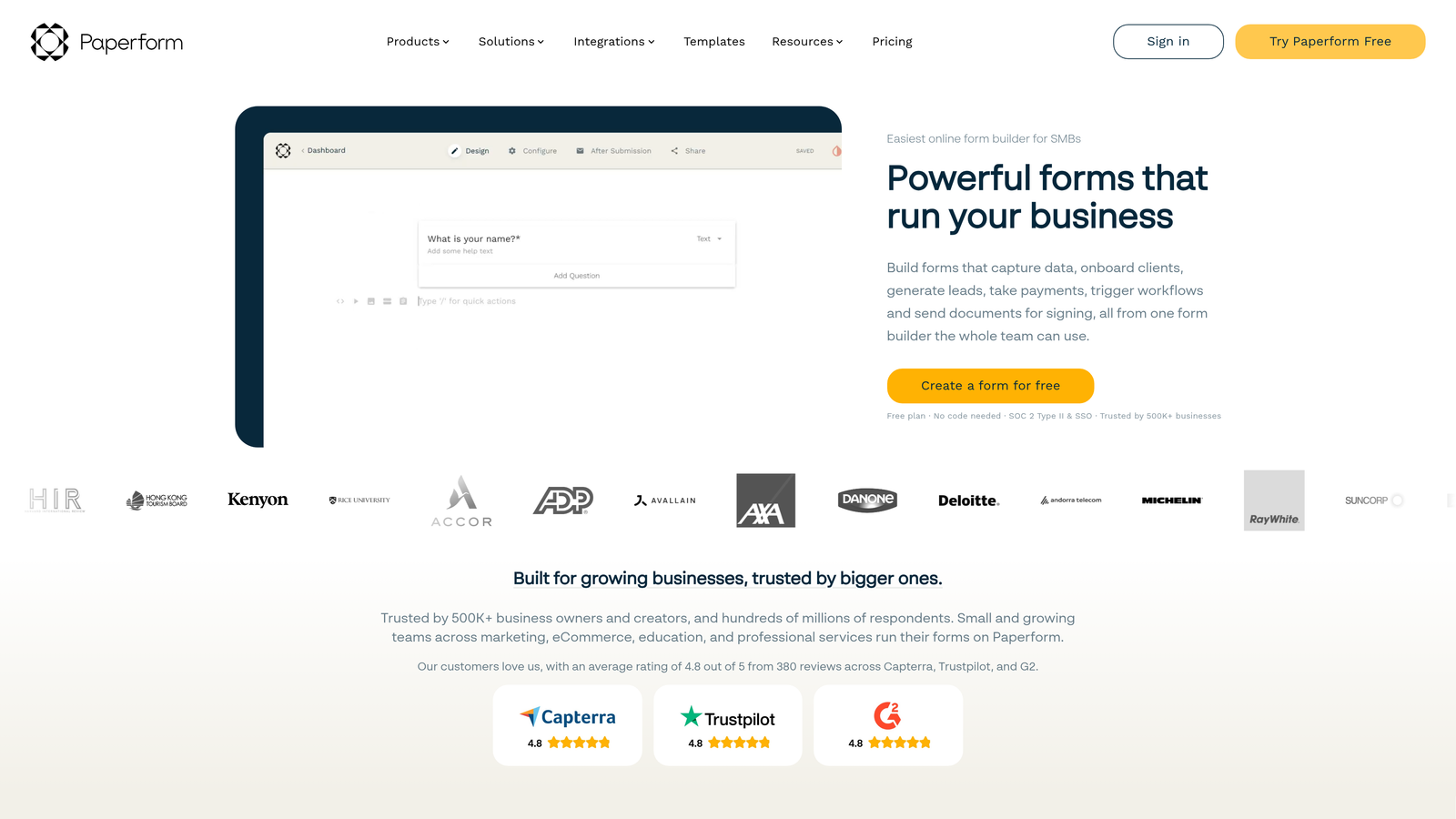
Paperform blurs the line between forms and landing pages with document-style editing and extensive media support.
Where This Tool Shines
Paperform's editing experience feels more like creating a document than building a form. You type naturally, then highlight text to convert it into form fields. This approach makes it incredibly easy to create forms that include substantial explanatory content, images, videos, and formatting alongside your questions.
The platform's e-commerce features go beyond basic payment collection. You can build product catalogs, manage inventory, handle bookings, and create checkout experiences—all within forms. This makes it powerful for service businesses, consultants, and small shops selling products or appointments.
Key Features
Document-Style Editor: Write naturally and convert text to form fields inline for intuitive building.
Built-In Payments: Accept payments through Stripe, PayPal, Square, and Braintree with product catalogs.
Booking System: Schedule appointments and manage availability directly through forms.
Custom Success Pages: Design unique confirmation pages with dynamic content based on form responses.
Advanced Logic: Complex conditional rules, calculations, and page redirects based on user input.
Best For
Paperform excels for coaches, consultants, event organizers, and service businesses that need forms to do more than collect data. If you're selling products, booking appointments, or creating interactive experiences, the platform delivers.
Pricing
Essentials plan starts at $24/month with core features. Pro at $49/month adds advanced integrations, custom domains, and increased submission limits.
6. Formstack
Best for: Enterprise teams requiring compliance certifications and advanced workflow automation
Formstack is an enterprise-grade form platform built for organizations with strict security, compliance, and workflow requirements.
Where This Tool Shines
Formstack's HIPAA compliance capabilities make it the go-to choice for healthcare organizations handling protected health information. The platform provides Business Associate Agreements, data encryption, and audit trails that meet healthcare regulatory requirements—features most form builders can't offer.
The workflow automation goes far beyond simple email notifications. You can route submissions through multi-step approval processes, generate documents automatically, trigger actions in connected systems, and create sophisticated business processes entirely through forms.
Key Features
HIPAA Compliance: Full compliance features including BAAs, encryption, and audit logs for healthcare data.
Document Generation: Automatically create PDFs, contracts, or reports from form data with custom templates.
Workflow Automation: Build complex approval chains, routing rules, and multi-step processes.
Electronic Signatures: Collect legally binding signatures directly within forms for contracts and agreements.
Enterprise Security: SSO, advanced user permissions, and compliance certifications for regulated industries.
Best For
Formstack serves healthcare providers, financial services, government agencies, and any enterprise organization where compliance, security, and workflow automation are non-negotiable requirements. The platform is overkill for simple lead capture but essential for regulated industries.
Pricing
Starter plan begins at $50/month for individuals. Teams plan at $83/month adds collaboration features. Enterprise pricing available for organizations with custom compliance needs.
7. Cognito Forms
Best for: Complex forms requiring advanced calculations and repeating sections
Cognito Forms stands out for powerful calculation capabilities and dynamic form sections that adapt based on user input.
Where This Tool Shines
Cognito Forms' calculation engine rivals spreadsheet functionality. You can perform complex math operations, reference other fields, use conditional formulas, and even calculate dates. This makes it perfect for quote generators, order forms with pricing logic, or any scenario requiring real-time calculations.
The repeating sections feature lets users add multiple instances of the same field group—like adding multiple attendees to an event registration or line items to an order. Most form builders struggle with this, but Cognito handles it elegantly without coding.
Key Features
Advanced Calculations: Spreadsheet-like formulas for pricing, scoring, date math, and conditional calculations.
Repeating Sections: Let users dynamically add multiple entries for items, attendees, or any repeating data.
Payment Integration: Accept payments through Stripe, PayPal, and Square with product options and discounts.
Conditional Logic: Show, hide, or require fields based on complex conditions without custom code.
Data Security: Field-level encryption, HIPAA compliance options, and secure data handling.
Best For
Cognito Forms works best for organizations building order forms, registration forms with complex pricing, applications requiring calculations, or any form where mathematical logic drives the user experience. It's particularly strong for nonprofits and educational institutions.
Pricing
Free tier includes core features with reasonable limits. Pro plan at $15/month for individuals, Team plan at $35/month for collaboration and advanced features.
8. 123FormBuilder
Best for: Security-conscious organizations needing strong compliance certifications and data residency options
123FormBuilder emphasizes security and compliance with certifications that enterprise buyers demand.
Where This Tool Shines
123FormBuilder holds ISO 27001 and SOC 2 certifications—third-party validated security standards that many enterprise procurement teams require. These aren't just marketing claims; they represent audited security practices and controls that protect your data.
The platform's data residency options let you choose where form data is stored geographically. This matters for organizations subject to GDPR or other regulations requiring data to stay within specific regions. Combined with strong encryption and access controls, it creates a security-first form solution.
Key Features
Compliance Certifications: ISO 27001, SOC 2, and GDPR compliance with documented security controls.
Data Residency: Choose storage location for data to meet regional compliance requirements.
Workflow Automation: Route submissions through approval processes with notifications and status tracking.
Multi-Page Forms: Split long forms across pages with progress indicators to improve completion rates.
Integration Ecosystem: Connect to CRMs, marketing platforms, and business tools through native integrations.
Best For
123FormBuilder serves enterprises, government agencies, and organizations with strict security requirements or regulatory compliance needs. If your procurement team asks about SOC 2 reports or data residency, this platform has answers.
Pricing
Free tier available with basic features. Gold plan at $24.99/month, Platinum at $44.99/month with advanced features and higher limits.
9. Fillout
Best for: Teams using Airtable or Notion who want database-connected forms
Fillout specializes in creating forms that sync directly with Airtable and Notion databases for seamless data management.
Where This Tool Shines
Fillout's native Airtable integration is remarkably sophisticated. Forms can read from and write to Airtable bases, pre-populate fields from existing records, update entries, and trigger Airtable automations. If your team lives in Airtable, Fillout eliminates the awkward workarounds other form builders require.
The platform's modern interface feels contemporary compared to older form builders. Clean design, smooth animations, and mobile-optimized layouts create professional forms without design effort. The quiz and assessment features add interactivity that works well for lead qualification or educational content.
Key Features
Airtable Sync: Bidirectional sync with Airtable bases for reading, writing, and updating records directly.
Notion Integration: Send form submissions directly to Notion databases with field mapping.
Modern Design: Contemporary form aesthetics with smooth interactions and mobile optimization.
Scheduling Forms: Built-in calendar integration for booking appointments and managing availability.
Quiz Features: Create assessments with scoring, branching logic, and custom result pages.
Best For
Fillout is ideal for teams already using Airtable or Notion as their system of record. If you're collecting data that needs to flow into these platforms without Zapier middleware, Fillout provides the cleanest path. It's also strong for creating quizzes and interactive assessments.
Pricing
Free tier includes 1,000 submissions per month. Starter plan at $15/month, Pro at $40/month with increased limits and advanced features.
Making the Right Choice
The right custom form builder depends on your specific needs and priorities. Each platform in this guide excels in different scenarios, so matching features to your use case matters more than chasing the "best" tool.
For teams focused on lead quality and conversion optimization, Orbit AI delivers intelligent forms that qualify leads automatically while providing the modern experience high-growth teams need. The AI-powered approach eliminates manual lead review and ensures sales teams focus on the hottest prospects.
Typeform remains the gold standard for conversational forms when user experience and completion rates matter most. Jotform's template library and feature breadth make it versatile for organizations running many different form types. Enterprise teams with compliance requirements should evaluate Formstack or 123FormBuilder for their security certifications.
Budget-conscious startups will appreciate Tally's generous free tier, while Airtable power users should look at Fillout's native database integration. Teams needing complex calculations or repeating sections will find Cognito Forms handles these scenarios better than alternatives.
Start by identifying your primary use case—lead generation, payments, surveys, internal workflows, or compliance-driven data collection. Then test two or three options from this list. Most platforms offer free trials or free tiers, letting you experience the builder firsthand before committing.
Pay attention to integration capabilities with your existing tech stack. A form builder that connects seamlessly to your CRM, marketing automation platform, or project management tools will save hours of manual data entry and reduce errors.
Start building free forms today and see how intelligent form design can elevate your conversion strategy. The right form builder transforms data collection from a friction point into a competitive advantage.


