

Zoho Forms is a solid tool if you're already living inside the Zoho ecosystem. But if you're not, or if you've been bumping into pricing walls, clunky integrations, or a design experience that feels a few years behind, you're probably ready to explore what else is out there.
The form builder market has matured significantly, and small businesses now have access to tools that go well beyond simple data collection. From AI-powered lead qualification to conversational interfaces and WordPress-native plugins, there's a purpose-built solution for almost every use case and budget.
Here are the top Zoho Forms alternatives for small businesses in 2026, evaluated on ease of use, pricing transparency, integration depth, and conversion-focused features.
1. Orbit AI
Best for: High-growth B2B and SaaS teams that need forms to qualify leads, not just collect them.
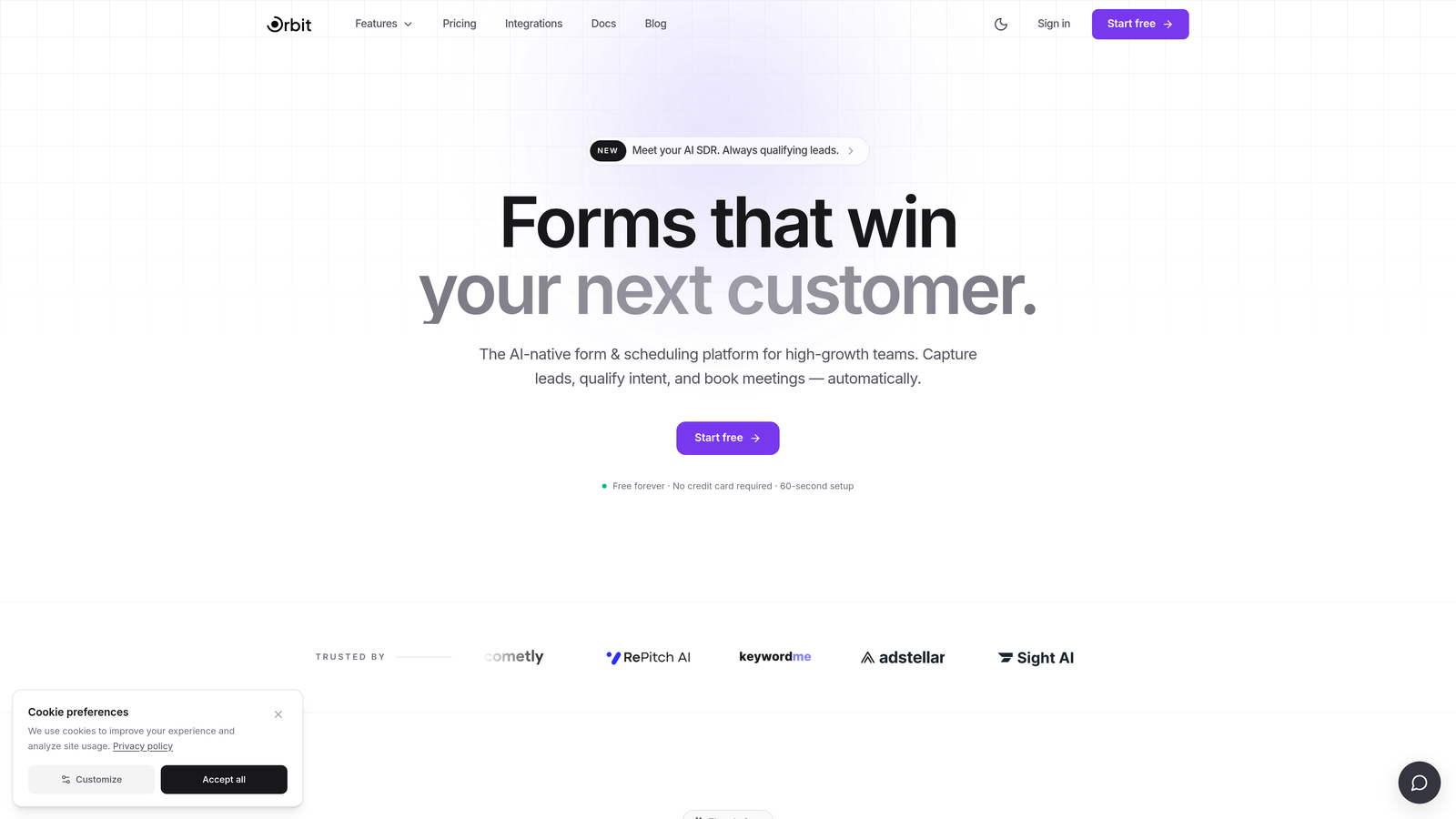
Orbit AI is an AI-powered form builder with built-in lead qualification capabilities designed for conversion-focused teams.
Where This Tool Shines
Most form builders stop at data collection. Orbit AI goes further by embedding lead scoring and qualification directly into the form flow, so your team knows which submissions are worth pursuing before they even open their inbox. This is a meaningful differentiator for B2B teams where lead quality matters more than lead volume.
The platform is built with a modern, clean interface that makes it easy to create branded, conversion-optimized forms without needing a designer. If your current forms feel like a chore to fill out, Orbit AI's templates and builder are designed to change that experience for your prospects.
Key Features
AI-Powered Lead Qualification: Automatically scores and qualifies leads as they move through the form, surfacing high-intent prospects without manual review.
Conversion-Optimized Templates: Pre-built form designs focused on maximizing completion rates and capturing quality data.
Lead Scoring Engine: Assigns scores to incoming leads based on their responses, helping sales teams prioritize follow-up.
Modern Drag-and-Drop Builder: Clean, intuitive builder that produces branded, professional-looking forms without technical skills.
B2B and SaaS Workflow Support: Built specifically for lead generation workflows common in SaaS and agency environments.
Best For
Orbit AI is the right fit for B2B SaaS companies, agencies, and high-growth teams where the quality of leads matters as much as the quantity. If your current form builder is treating every submission equally, Orbit AI gives you the intelligence layer to change that.
Pricing
Check current pricing at orbitforms.ai. A free starting option is available.
2. Typeform
Best for: Teams that want an engaging, conversational form experience that feels more like a dialogue than a survey.
Typeform is a conversational form builder known for its one-question-at-a-time format that creates an interview-style experience for respondents.

Where This Tool Shines
Typeform's signature format works well when you need respondents to stay engaged through a longer form. By presenting one question at a time, it reduces the visual overwhelm that causes people to abandon traditional multi-field forms. This approach tends to work especially well for lead capture, customer research, and onboarding flows.
Its integration ecosystem is strong, connecting natively with HubSpot, Slack, Zapier, and others. The analytics dashboard also gives you visibility into where respondents are dropping off, which is genuinely useful for iterating on form performance.
Key Features
Conversational Format: One-question-at-a-time flow that creates an engaging, low-friction experience for respondents.
Logic Jumps: Personalize form paths based on previous answers to keep the experience relevant for each respondent.
Integration Ecosystem: Connects with HubSpot, Salesforce, Slack, Zapier, and dozens of other tools.
Rich Media Support: Add images and video within forms to create more immersive experiences.
Drop-Off Analytics: See exactly where respondents are abandoning your form so you can optimize accordingly.
Best For
Typeform works well for marketing teams running lead generation campaigns, customer research, and onboarding surveys where engagement and completion rate are priorities. Worth noting: some advanced features like logic jumps and integrations are locked behind paid tiers.
Pricing
Free plan available. Paid plans start at approximately $25/month. Verify current pricing at typeform.com.
3. Google Forms
Best for: Solopreneurs, nonprofits, and teams with zero budget who need basic data collection fast.
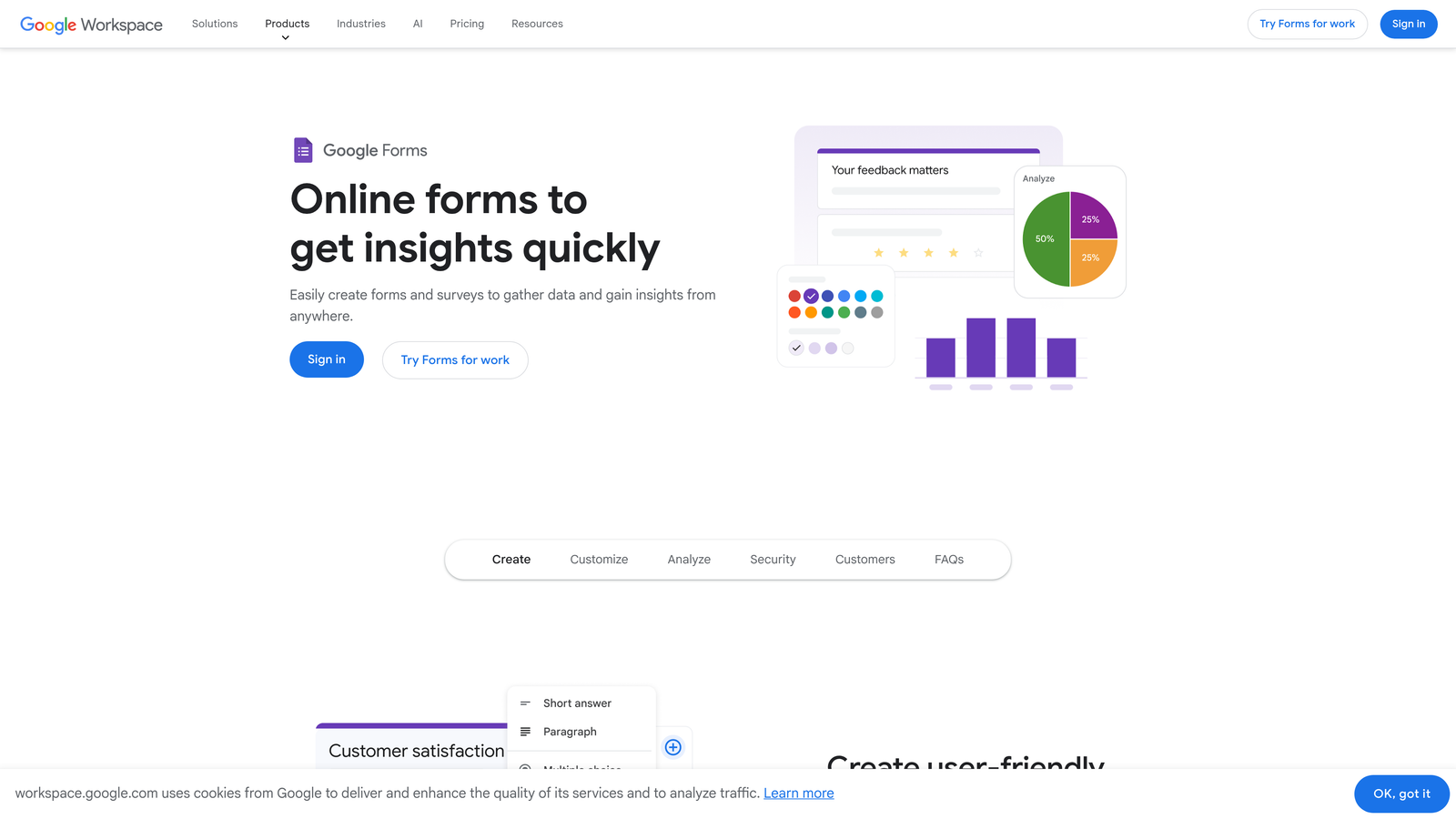
Google Forms is a completely free form builder that integrates natively with Google Workspace for simple, no-frills data collection.
Where This Tool Shines
There's no simpler path from "I need a form" to "the form is live" than Google Forms. With a Google account, you can build and share a form in minutes, with responses flowing automatically into a Google Sheet. For internal surveys, event sign-ups, or simple feedback collection, it's hard to argue with free and fast.
The native Google Sheets integration is genuinely useful for teams already working in Google Workspace. You get a live, auto-updating spreadsheet of responses without any setup. It's not glamorous, but it works reliably.
Key Features
Completely Free: No paid tiers, no submission limits, no storage caps tied to form responses.
Google Sheets Integration: Responses automatically populate a linked spreadsheet in real time.
Basic Conditional Logic: Show or hide questions based on previous answers for simple branching.
Unlimited Forms and Responses: No artificial caps on how many forms you can create or how many responses you can collect.
Simple Sharing: Share via link, embed on a website, or send directly from Google Drive.
Best For
Google Forms is ideal for teams with no form budget, internal data collection, and simple use cases where branding, design, and lead qualification are not priorities. It's not built for conversion optimization or lead scoring.
Pricing
Free with any Google account. No paid tiers.
4. Jotform
Best for: Small businesses that need a wide variety of form types, especially those involving payments or order collection.
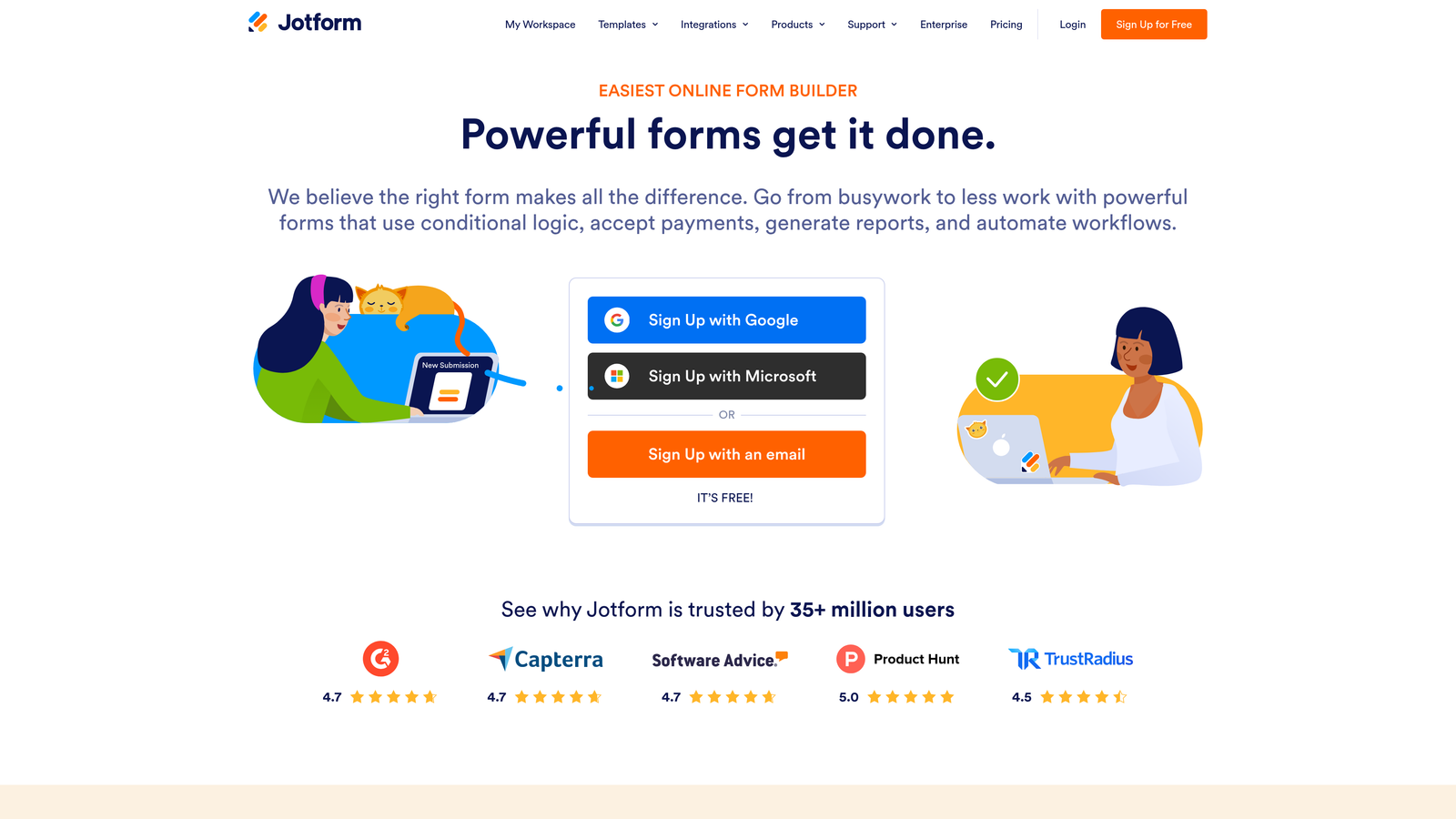
Jotform is one of the most established form builders available, offering a massive template library and strong payment processing integrations.
Where This Tool Shines
Jotform's depth is its biggest strength. With over 10,000 templates spanning industries from healthcare to e-commerce, there's a strong chance a template already exists for your specific use case. This makes it particularly fast to get up and running, even for non-technical users.
Payment processing is where Jotform stands out from many competitors. Native integrations with Stripe, PayPal, and Square make it a natural choice for small businesses collecting deposits, selling products, or processing event registrations directly through a form.
Key Features
10,000+ Templates: Massive library covering virtually every industry and form type.
Built-In Payment Processing: Native integrations with Stripe, PayPal, and Square for collecting payments directly through forms.
PDF Generation: Automatically create PDF documents from form submissions for contracts, receipts, or records.
Conditional Logic: Multi-page forms with branching logic to guide respondents through relevant paths.
Extensive Field Types: Drag-and-drop builder with a wide variety of field options beyond standard text inputs.
Best For
Jotform suits small businesses running order forms, event registrations, appointment bookings, or any workflow where payment collection is part of the form process. The free plan limits you to 5 forms and 100 submissions per month, so growing teams will likely need a paid tier.
Pricing
Free plan available (5 forms, 100 submissions/month). Paid plans start at approximately $34/month. Verify current pricing at jotform.com.
5. Tally
Best for: Bootstrapped founders and indie makers who want a clean, powerful form builder with a genuinely generous free plan.
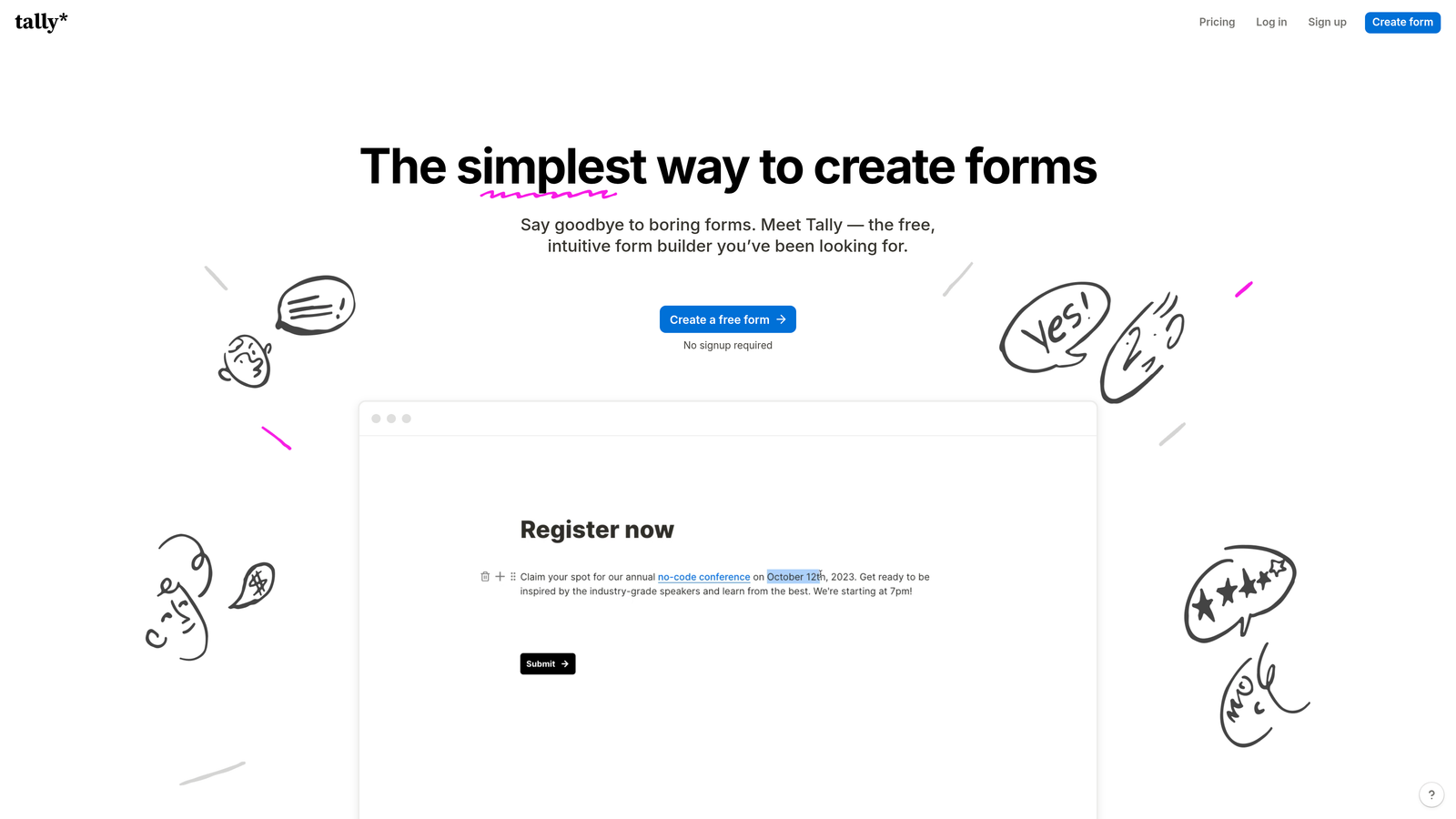
Tally is a minimalist, Notion-inspired form builder with unlimited forms and responses on its free tier, popular with lean teams that value simplicity.
Where This Tool Shines
Tally's free plan is legitimately generous in a market where most tools cap free users at a handful of forms or a few hundred responses. Unlimited forms and unlimited responses on the free tier makes it a standout option for early-stage teams or anyone who's been burned by surprise limits on other platforms.
The block-based builder has a clean, distraction-free interface that feels familiar to anyone who uses Notion. Building a form is intuitive, and the output is polished without requiring any design work. It also embeds cleanly into Notion pages and websites, which is a practical bonus for teams that live in that ecosystem.
Key Features
Unlimited Free Plan: No caps on forms or responses, making it one of the most generous free tiers in the market.
Block-Based Builder: Clean, Notion-inspired interface that's fast to learn and use.
Conditional Logic: Multi-page support and branching logic available on both free and paid plans.
Clean Embeds: Embeds smoothly into Notion, websites, and landing pages without visual clutter.
Automation Integrations: Connects with Zapier and Make for workflow automation.
Best For
Tally is an excellent fit for bootstrapped teams, indie makers, and early-stage startups that need capable forms without a monthly bill. It has fewer native integrations than established players, so teams with complex tech stacks may need to rely on Zapier or Make to connect it to other tools.
Pricing
Free plan with unlimited forms and responses. Tally Pro at approximately $29/month. Verify current pricing at tally.so.
6. Paperform
Best for: Service businesses, consultants, and creative teams that need beautiful, branded forms without hiring a designer.
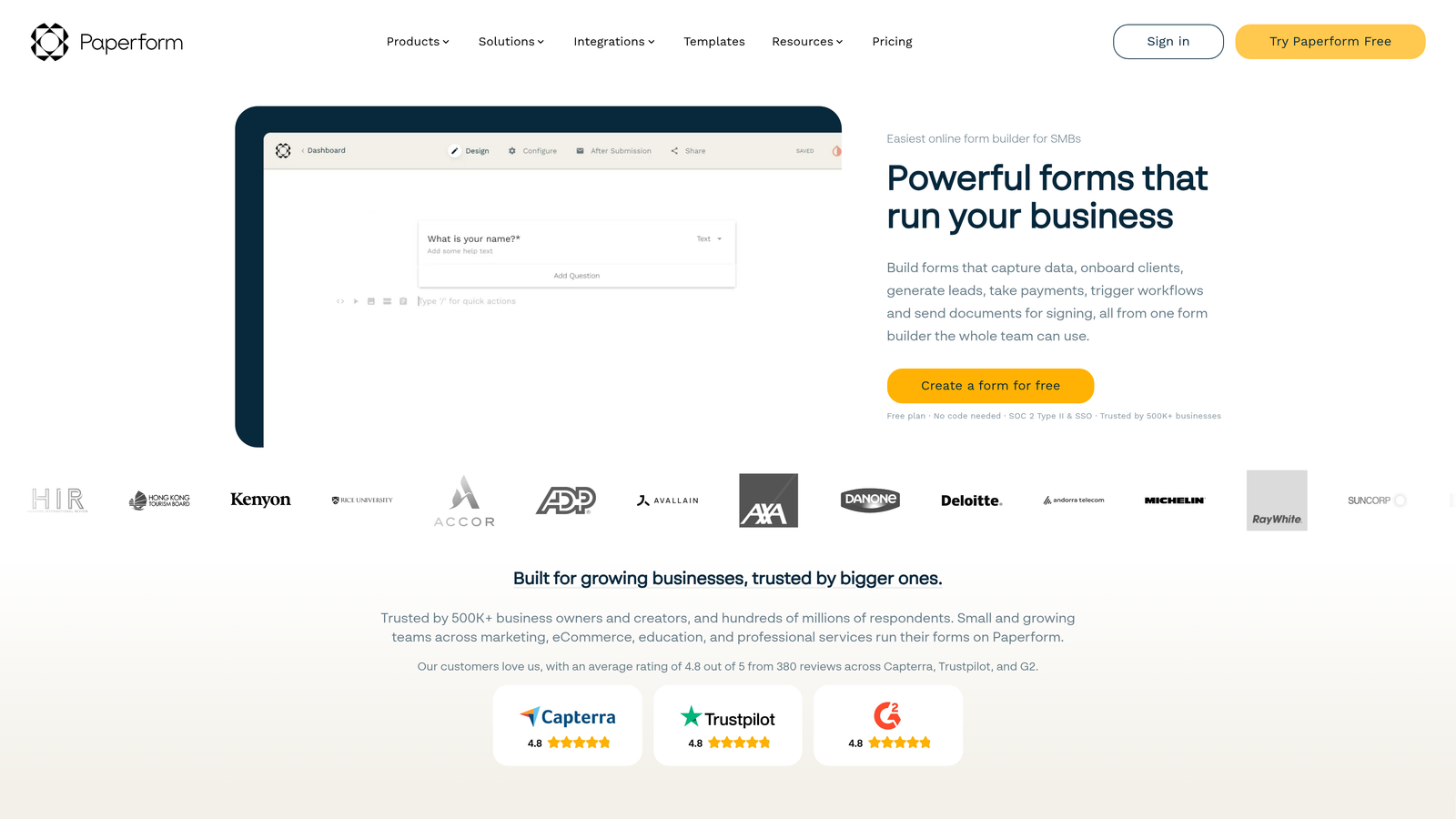
Paperform is a design-forward form builder that lets small businesses create rich, media-heavy forms with strong branding controls.
Where This Tool Shines
Paperform takes a page-style approach rather than the traditional stacked-field format. This means your form can look and feel more like a branded landing page, complete with images, video, and custom typography. For businesses where first impressions matter, this level of visual polish is hard to replicate with more utilitarian builders.
It also handles payments and product listings natively, making it a practical choice for service businesses that want to combine intake forms with payment collection in a single, attractive experience.
Key Features
Page-Style Layouts: Forms that look like branded landing pages, with full support for rich media including images and video.
Strong Branding Controls: Customize fonts, colors, backgrounds, and layout to match your brand without any CSS knowledge.
Built-In Payments: Accept payments and display product listings directly within the form.
Calculation Fields: Build dynamic pricing calculators, quote generators, and scoring logic.
200+ Integrations: Connects with HubSpot, Mailchimp, Zapier, and many others.
Best For
Paperform is a strong pick for consultants, creative agencies, and service-based small businesses that want forms to reflect their brand quality. There is a steeper learning curve compared to simpler tools, but the design output justifies the investment for teams where aesthetics matter.
Pricing
Starts at approximately $24/month. Verify current pricing at paperform.co.
7. WPForms
Best for: Small businesses running WordPress websites who want a native, beginner-friendly form solution.
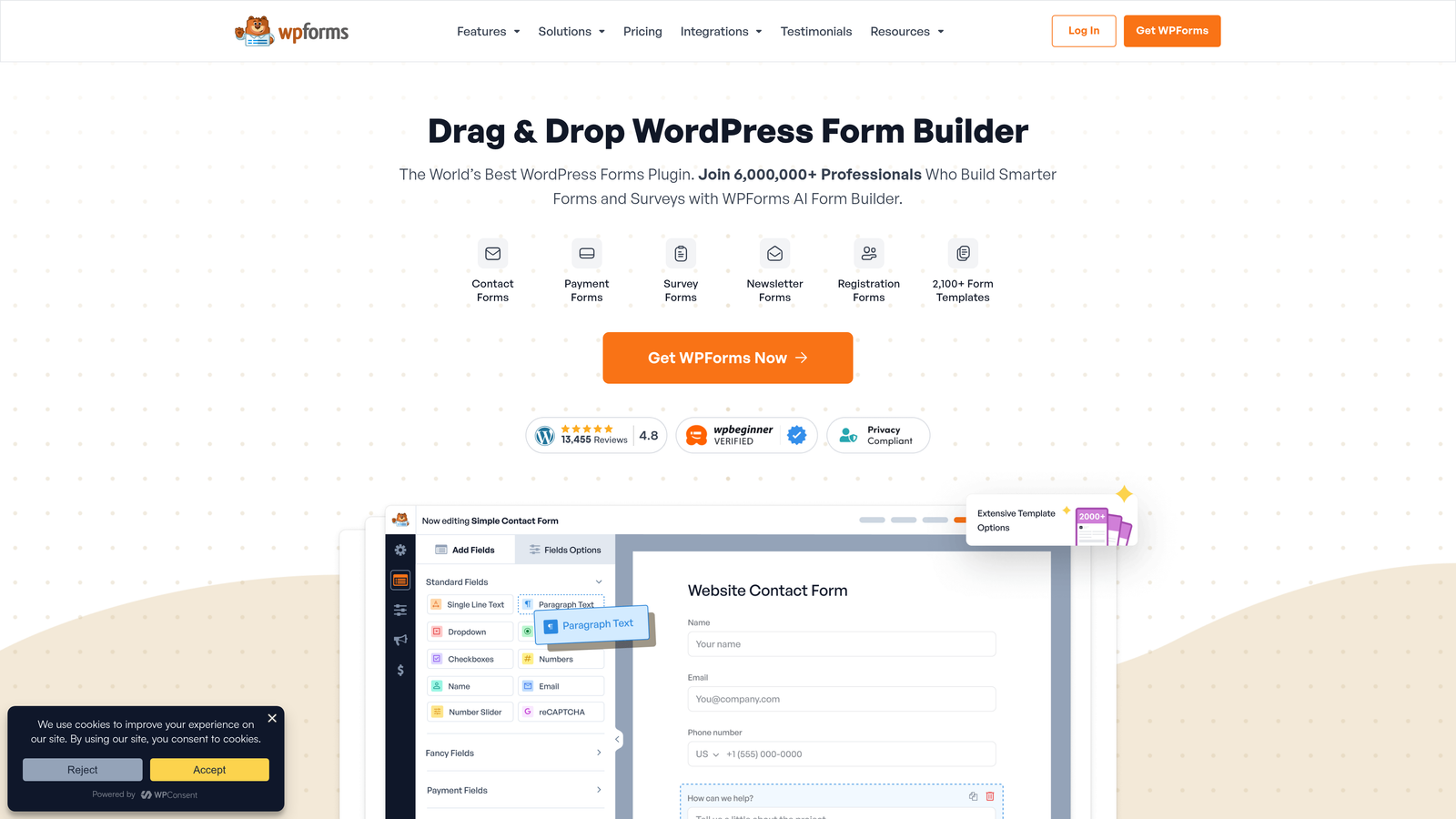
WPForms is the leading WordPress-native form plugin, offering a drag-and-drop builder with deep integration into the WordPress and WooCommerce ecosystem.
Where This Tool Shines
If your business runs on WordPress, WPForms is the most seamless option on this list. It installs like any other plugin, integrates with your existing theme automatically, and doesn't require you to manage a separate SaaS subscription just to get a contact form on your site. The drag-and-drop builder is genuinely beginner-friendly, with over 300 templates to start from.
The WooCommerce integration is a meaningful advantage for WordPress-based e-commerce stores. You can build order forms, quote request forms, and custom checkout flows that connect directly to your store without third-party connectors.
Key Features
WordPress-Native: Installs directly in WordPress with seamless theme compatibility and no external dependencies.
300+ Templates: Wide variety of pre-built form templates for contact, payment, registration, and more.
WooCommerce Integration: Build order and payment forms that connect directly to your WooCommerce store.
Smart Conditional Logic: Show or hide fields based on user responses to keep forms clean and relevant.
Built-In Anti-Spam: Honeypot and CAPTCHA protection included to reduce junk submissions.
Best For
WPForms is the right choice specifically for WordPress users. If you're not on WordPress, it doesn't apply. But for small businesses that are, it's one of the most practical and cost-effective options available.
Pricing
Lite version is free. Pro starts at approximately $49.50/year. Verify current pricing at wpforms.com.
8. Cognito Forms
Best for: Small businesses that need advanced logic, calculation fields, and enterprise-grade form capabilities on a tight budget.
Cognito Forms is a powerful form builder known for its advanced conditional logic and calculation fields, delivering sophisticated functionality at accessible pricing.
Where This Tool Shines
Cognito Forms punches well above its price point when it comes to form logic. The calculation fields let you build dynamic order forms with automatic price totals, quote generators, and custom scoring systems, all without writing a line of code. For small businesses that need this level of sophistication, it's one of the most capable options at this price.
Repeating sections are another standout feature: they let respondents add multiple entries within a single form, which is particularly useful for things like multi-item order forms or applications where the number of inputs varies per submission.
Key Features
Advanced Conditional Logic: Complex branching rules that can handle sophisticated multi-path form flows.
Calculation Fields: Build automatic price totals, quote generators, and scoring logic directly in the form.
Repeating Sections: Allow respondents to add multiple entries dynamically within a single form submission.
Stripe Payments: Native payment processing for order and registration forms.
Generous Free Tier: Unlimited forms with up to 500 entries per month at no cost.
Best For
Cognito Forms is ideal for small businesses that need complex form logic and calculations but can't justify enterprise pricing. The UI is less polished than newer tools, and design customization is limited, but for teams prioritizing function over form, it delivers significant value.
Pricing
Free tier available (unlimited forms, 500 entries/month). Paid plans from approximately $15/month. Verify current pricing at cognitoforms.com.
9. HubSpot Forms
Best for: Small businesses building or managing a sales pipeline in HubSpot who want forms that feed directly into their CRM.
HubSpot Forms is a CRM-native form tool that automatically syncs submissions into HubSpot's contact database, making it the natural choice for HubSpot-first teams.
Where This Tool Shines
The core value of HubSpot Forms isn't the form builder itself, it's the zero-friction path from form submission to CRM contact. When someone fills out your form, they're immediately added or updated in HubSpot's database, with no Zapier connection or manual import required. For teams using HubSpot as their CRM, this removes a meaningful point of friction in the lead capture process.
Progressive profiling is a particularly useful feature for teams running ongoing marketing. Rather than asking the same questions every time a known contact fills out a form, HubSpot Forms can automatically replace already-known fields with new questions, gradually building a richer contact profile over multiple interactions.
Key Features
Native CRM Sync: Form submissions flow directly into HubSpot's contact database with no third-party connector needed.
Progressive Profiling: Automatically collect new data on return visitors by replacing known fields with new questions.
Smart Fields: Auto-fill fields for contacts already in your HubSpot database to reduce friction for returning visitors.
Follow-Up Automation: Trigger email sequences and workflow automations directly from form submissions.
Free to Start: Available as part of HubSpot's free tools with no credit card required.
Best For
HubSpot Forms is the right fit for small businesses that are already using or actively evaluating HubSpot as their CRM. If you're not in the HubSpot ecosystem, the form builder alone isn't compelling enough to justify adopting the platform. Advanced features also require paid HubSpot plans, which can become expensive as your team grows.
Pricing
Free with HubSpot's free tools. Advanced features require paid HubSpot plans. Verify current pricing at hubspot.com.
Which Tool Is Right for Your Team?
The right Zoho Forms alternative depends almost entirely on what you're trying to accomplish with your forms. Here's a quick way to think through it.
AI-powered lead qualification: Orbit AI is the clear choice. If your forms are generating submissions but your team is spending time manually sorting through low-quality leads, built-in lead scoring changes the game. It's purpose-built for B2B and SaaS teams where conversion quality is the priority.
Free and simple: Google Forms or Tally. Google Forms wins on pure simplicity and zero cost. Tally wins if you want a more polished experience and still need unlimited responses for free.
WordPress site: WPForms is the obvious answer. It's native to the platform, beginner-friendly, and cost-effective for the level of functionality it provides.
CRM-first approach: HubSpot Forms, assuming you're already in the HubSpot ecosystem. The native sync alone removes enough friction to make it worth using over a third-party builder.
Beautiful, branded design: Paperform gives you the most design flexibility of any tool on this list, making it a strong fit for consultants and service businesses where presentation matters.
Conversational experience: Typeform's one-question-at-a-time format is still one of the best ways to improve engagement on longer forms.
Volume of templates or payment forms: Jotform's template library and native payment integrations make it the most practical option for businesses that need to get a payment or order form live quickly.
Complex logic on a budget: Cognito Forms delivers enterprise-grade conditional logic and calculation fields at a price point that makes sense for small businesses.
If lead quality is your growth lever, the intelligence built into Orbit AI is worth exploring seriously. Transform your lead generation with AI-powered forms that qualify prospects automatically while delivering the modern, conversion-optimized experience your high-growth team needs. Start building free forms today and see how intelligent form design can elevate your conversion strategy.


