

Every business collects applications—whether for job candidates, vendor partnerships, grant requests, or customer onboarding. But clunky forms with poor user experience lead to abandoned submissions and lost opportunities. The right application form builder helps you capture complete, qualified data while making the process painless for applicants. We evaluated dozens of form builders based on customization options, conditional logic capabilities, integration ecosystems, and value for business use cases. Here are the top application form solutions for businesses in 2026.
1. Orbit AI
Best for: High-growth teams needing AI-powered lead qualification and conversion optimization
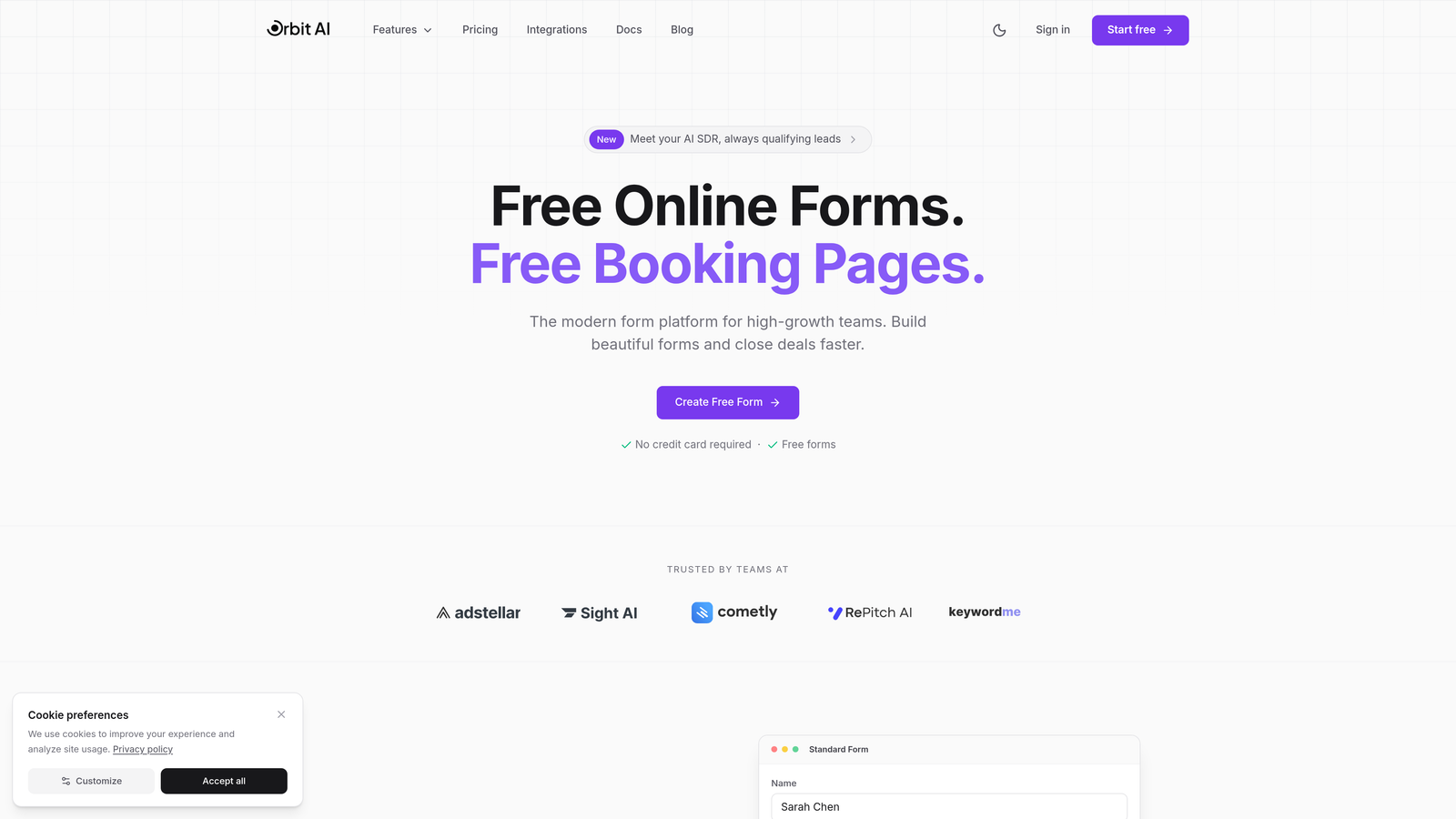
Orbit AI is an AI-powered form builder platform designed specifically for businesses focused on maximizing conversion rates and qualifying leads automatically.
Where This Tool Shines
Orbit AI takes a fundamentally different approach to application forms by building intelligence directly into the form experience. Instead of just collecting data, the platform actively qualifies applicants in real-time, scoring leads based on their responses and routing high-priority applications to the right team members immediately.
The platform's conversion-optimized design templates are built from the ground up for modern businesses. Forms feel native to your brand while incorporating proven UX patterns that reduce abandonment and increase completion rates.
Key Features
AI-Powered Lead Qualification: Automatically scores and qualifies applicants based on their responses, helping teams prioritize the most promising opportunities.
Conversion-Optimized Designs: Pre-built templates engineered for maximum completion rates with modern, professional aesthetics.
Smart Conditional Logic: Advanced branching that adapts forms dynamically based on applicant responses for personalized experiences.
Native Integrations: Seamless connections with HubSpot, Salesforce, Slack, and other essential business tools for automated workflows.
Real-Time Analytics Dashboard: Live insights into form performance, completion rates, and lead quality metrics.
Best For
Orbit AI is ideal for high-growth teams in sales, marketing, and customer success who need more than basic data collection. It's particularly valuable for businesses where lead quality matters more than quantity, and teams want AI to handle the initial qualification work automatically.
Pricing
Free tier available for getting started. Paid plans start at competitive rates designed for growing teams, with pricing that scales based on form submissions and advanced features needed.
2. Typeform
Best for: Creating engaging, conversational application experiences with strong brand presence
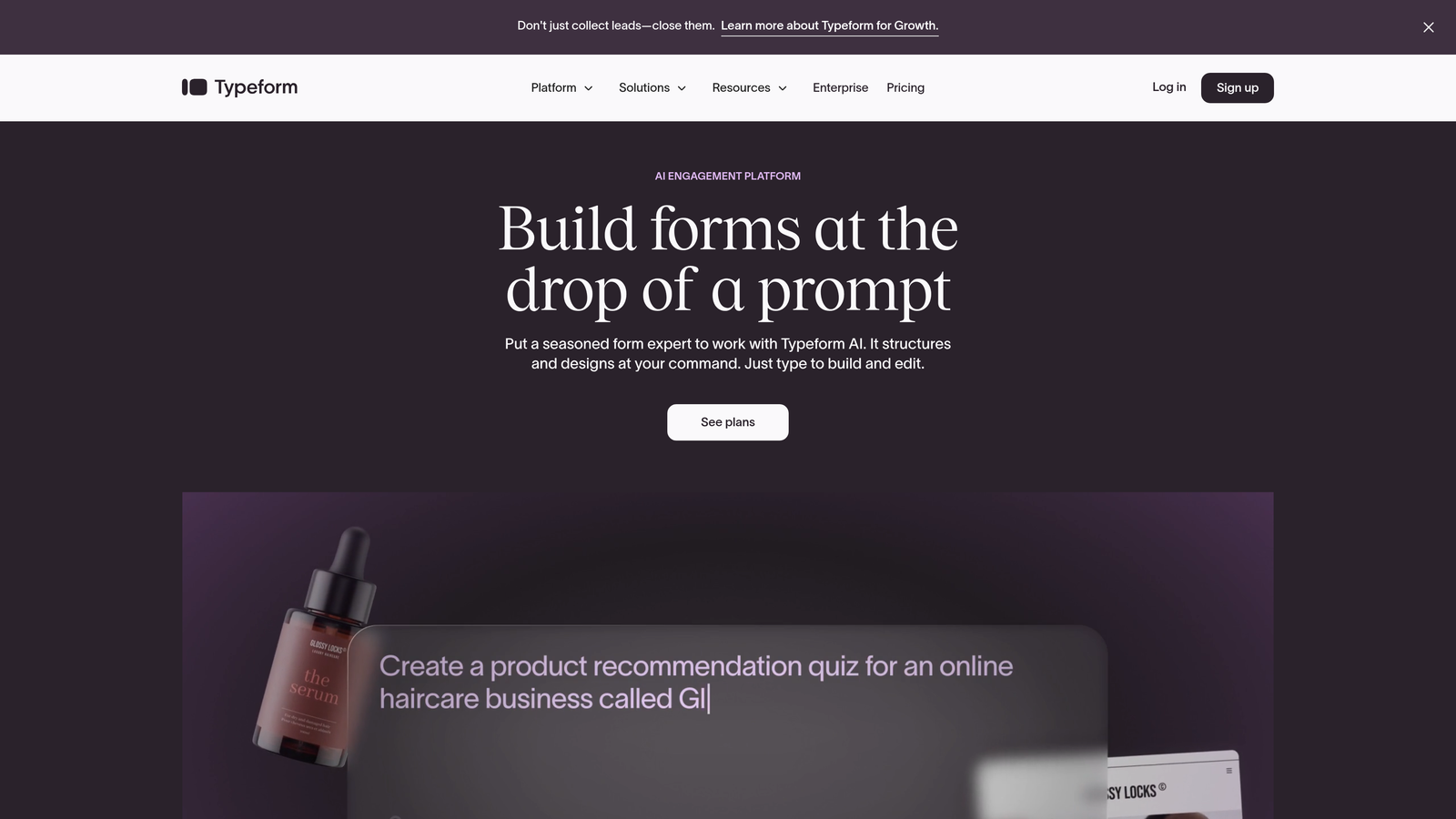
Typeform is a conversational form builder that presents one question at a time, creating an engaging dialogue-style experience for applicants.
Where This Tool Shines
Typeform revolutionized form design by ditching the traditional all-questions-on-one-page approach. The one-question-at-a-time format reduces cognitive load and makes even lengthy applications feel manageable. This approach typically leads to higher completion rates, especially for complex business applications.
The platform's design flexibility is exceptional. You can customize every visual element to match your brand perfectly, from colors and fonts to background images and button styles. This makes Typeform particularly popular with design-conscious companies.
Key Features
Conversational Interface: One-question-at-a-time format that creates engaging, dialogue-style form experiences.
Advanced Brand Customization: Complete control over visual design including custom fonts, colors, backgrounds, and button styles.
Logic Jumps and Branching: Sophisticated conditional logic that shows different questions based on previous answers.
Rich Media Embedding: Seamlessly incorporate videos, images, and GIFs to create multimedia application experiences.
Extensive Integration Library: Connect with hundreds of tools including CRMs, email platforms, and project management systems.
Best For
Typeform works best for businesses that prioritize applicant experience and brand presentation. It's particularly effective for customer onboarding applications, partnership inquiries, and any scenario where you want to make a strong impression.
Pricing
Free plan available with basic features. Basic plan starts at $25/month, with higher tiers adding advanced logic, integrations, and removal of Typeform branding.
3. JotForm
Best for: Teams needing extensive templates and built-in approval workflows
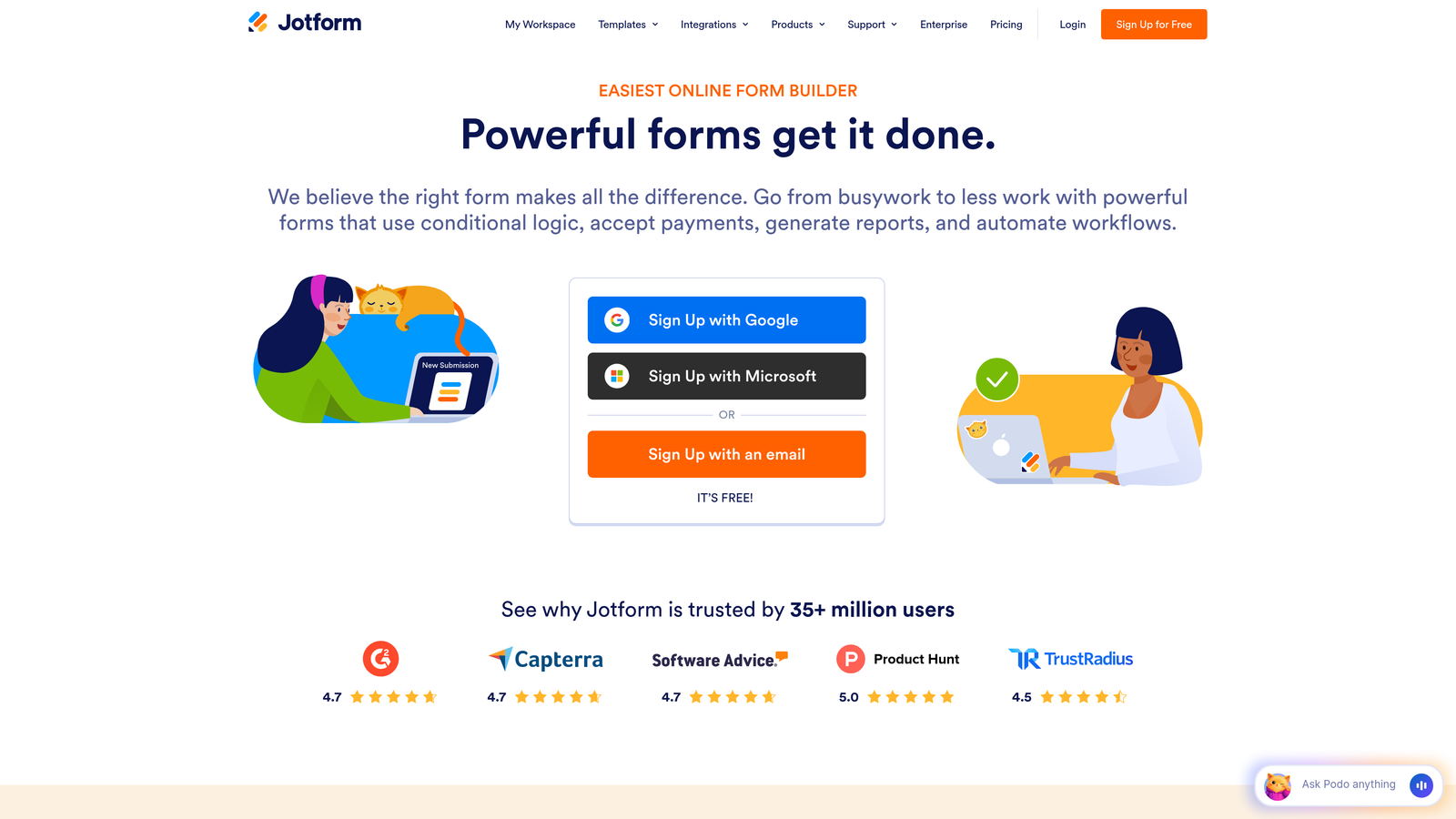
JotForm is a feature-rich form builder offering thousands of pre-built templates and powerful workflow automation capabilities.
Where This Tool Shines
JotForm's massive template library is its standout feature. With over 4,000 pre-built templates covering virtually every business scenario, you can launch professional application forms in minutes. The templates aren't just basic starting points—many include sophisticated logic and workflows already configured.
The approval workflow system is particularly valuable for business applications. You can route submissions through multiple approval stages, notify stakeholders automatically, and track application status without leaving the platform.
Key Features
4,000+ Pre-Built Templates: Extensive library covering job applications, vendor forms, grant requests, and virtually every business use case.
Approval Workflow Automation: Built-in multi-stage approval routing with notifications and status tracking.
PDF Form Conversion: Upload existing PDF forms and convert them to fillable online forms automatically.
E-Signature Collection: Native e-signature capabilities for applications requiring formal sign-off.
Offline Form Capabilities: Mobile app allows data collection even without internet connectivity.
Best For
JotForm excels for businesses with complex approval processes or teams that want to get started quickly using proven templates. It's particularly popular in HR departments for job applications and in operations teams managing vendor onboarding.
Pricing
Free plan available with JotForm branding. Bronze plan starts at $34/month, with higher tiers adding more submissions, storage, and advanced features.
4. Google Forms
Best for: Teams already using Google Workspace seeking a free, straightforward solution
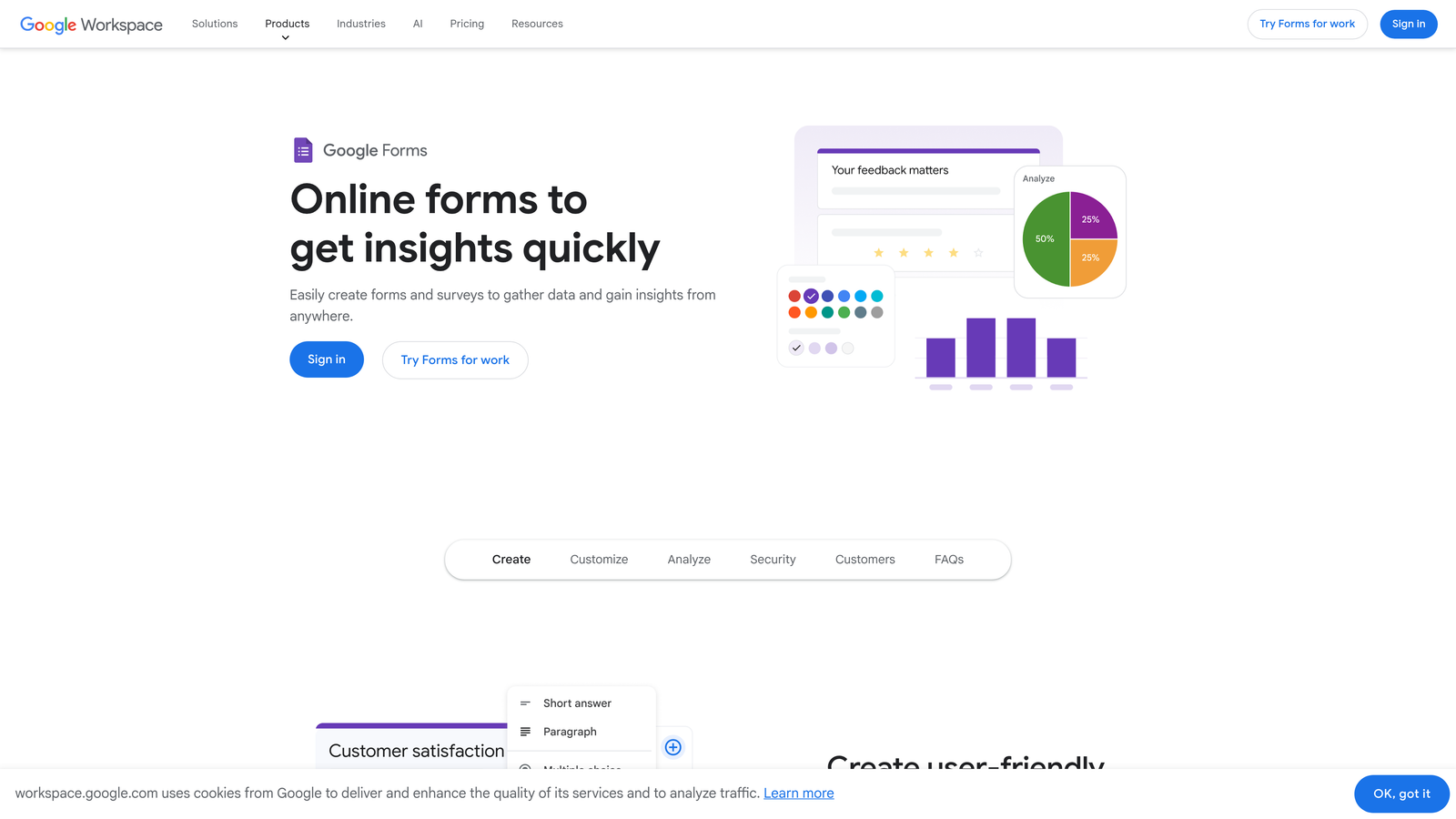
Google Forms is a free form builder that integrates seamlessly with Google Sheets and other Google Workspace tools.
Where This Tool Shines
Google Forms wins on simplicity and cost. It's completely free with no submission limits, making it ideal for businesses with tight budgets or simple application needs. The learning curve is minimal—most users can create their first form within minutes.
The native Google Sheets integration is genuinely useful. Responses flow automatically into spreadsheets where teams can analyze, filter, and share data using familiar tools. Real-time collaboration means multiple team members can build and edit forms simultaneously.
Key Features
Completely Free: No cost for unlimited forms and responses with any Google account.
Native Google Sheets Integration: Automatic response collection in spreadsheets for easy analysis and sharing.
Real-Time Collaboration: Multiple team members can edit forms simultaneously with instant updates.
Basic Conditional Logic: Show or hide questions based on previous answers for personalized experiences.
Automatic Response Summaries: Built-in charts and graphs that visualize response data automatically.
Best For
Google Forms is perfect for small businesses, startups, or any team already invested in the Google Workspace ecosystem. It handles straightforward applications well but lacks the advanced features needed for complex business processes.
Pricing
Free with any Google account. Google Workspace plans (starting at $6/user/month) add administrative controls and enhanced security but don't change core Forms functionality.
5. Cognito Forms
Best for: Applications requiring payment processing and advanced calculations
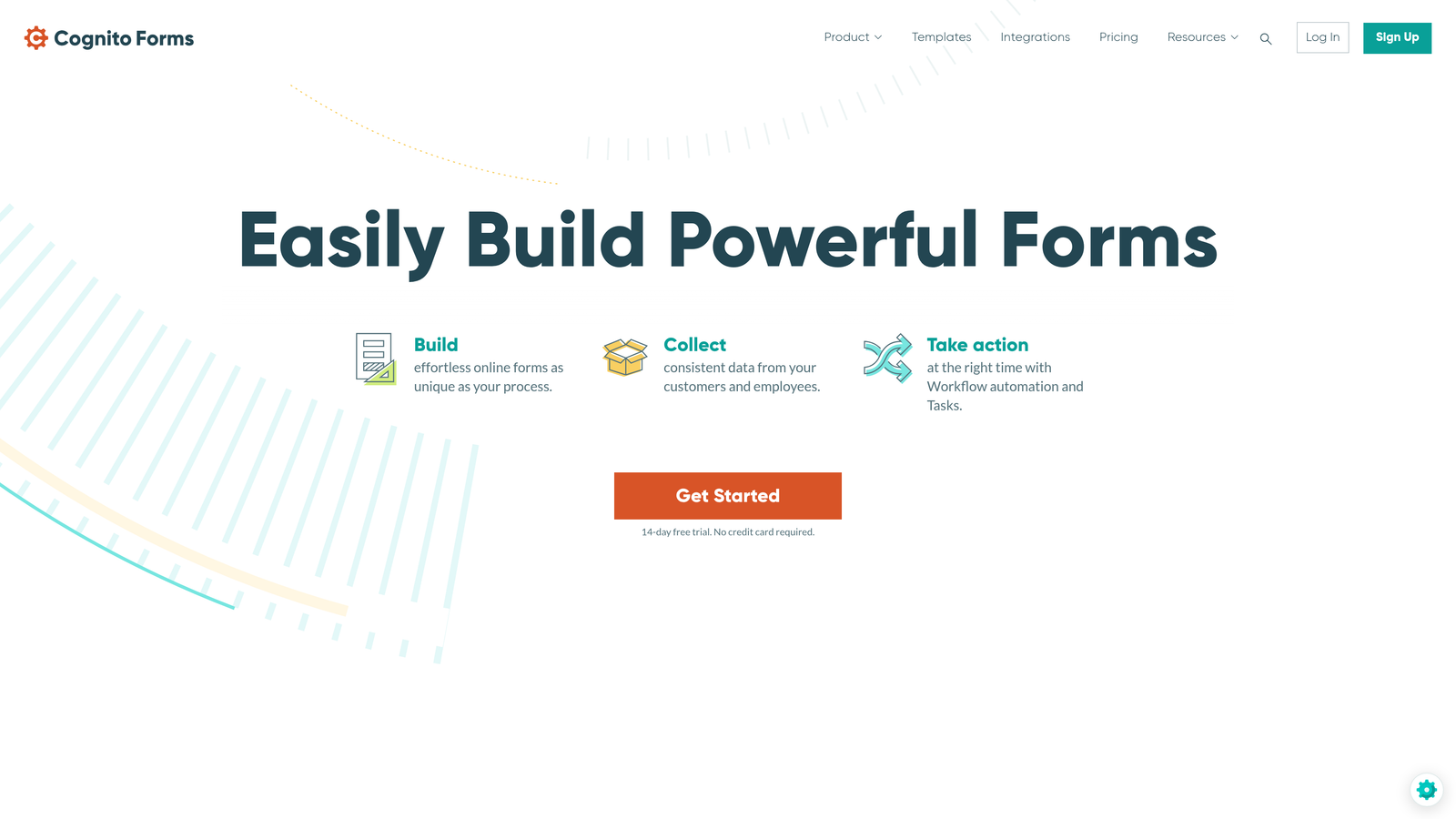
Cognito Forms is a form builder with powerful calculation capabilities and built-in payment processing for application fees.
Where This Tool Shines
Cognito Forms handles complex calculations better than most competitors. You can build sophisticated formulas that calculate fees, scores, or totals based on applicant responses. This makes it ideal for applications involving pricing, assessments, or financial calculations.
The built-in payment processing is seamlessly integrated. Applicants can submit application fees through Stripe or PayPal without leaving the form, and you can configure different pricing based on their selections using conditional logic.
Key Features
Built-In Payment Processing: Native Stripe and PayPal integration for collecting application fees directly within forms.
Advanced Calculations and Formulas: Powerful calculation engine for scoring, pricing, and complex mathematical operations.
HIPAA-Compliant Plans: Business Associate Agreements available for healthcare organizations handling protected health information.
Repeating Sections: Allow applicants to add multiple entries for complex data like work history or references.
Workflow and Approval Routing: Configure multi-step approval processes with conditional routing based on submission data.
Best For
Cognito Forms is ideal for businesses collecting application fees, organizations in healthcare requiring HIPAA compliance, or any scenario involving complex calculations and conditional pricing.
Pricing
Free plan available for basic needs. Pro plan starts at $15/month, with Team and Enterprise tiers adding HIPAA compliance and advanced features.
6. Formstack
Best for: Enterprise teams needing advanced workflows and document generation
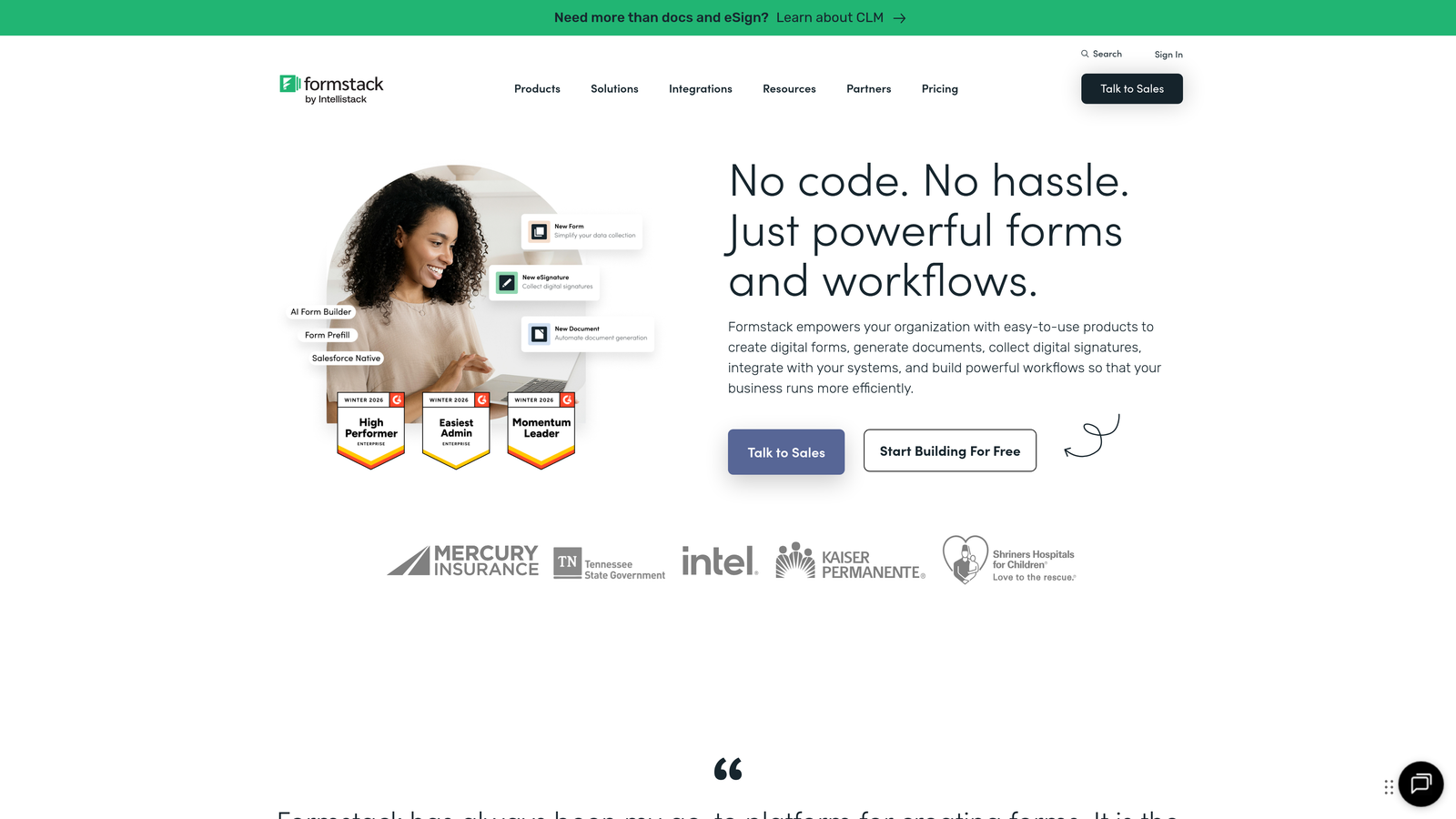
Formstack is an enterprise-grade form platform with sophisticated workflow automation and document generation capabilities.
Where This Tool Shines
Formstack is built for complex business processes. The workflow automation goes far beyond simple notifications—you can create multi-stage approval chains, route applications based on sophisticated criteria, and trigger actions across multiple systems automatically.
The document generation feature is particularly powerful for business applications. Formstack can automatically populate contracts, agreements, or onboarding documents using submission data, then route them for e-signatures without manual intervention.
Key Features
Advanced Approval Workflows: Multi-stage approval routing with conditional logic and automated escalations.
Document Generation: Automatically create populated documents from submission data for contracts and agreements.
E-Signature Integration: Native DocuSign integration for collecting legally binding signatures on generated documents.
Salesforce-Native Options: Forms that live directly in Salesforce for seamless CRM integration.
HIPAA and SOC 2 Compliance: Enterprise-grade security and compliance certifications for regulated industries.
Best For
Formstack targets mid-market and enterprise businesses with complex application workflows, particularly in regulated industries like healthcare, finance, and government where compliance is critical.
Pricing
Plans start at $50/month for basic features. Enterprise pricing available for teams needing advanced security, compliance, and dedicated support.
7. Paperform
Best for: Creating branded landing page-style application experiences
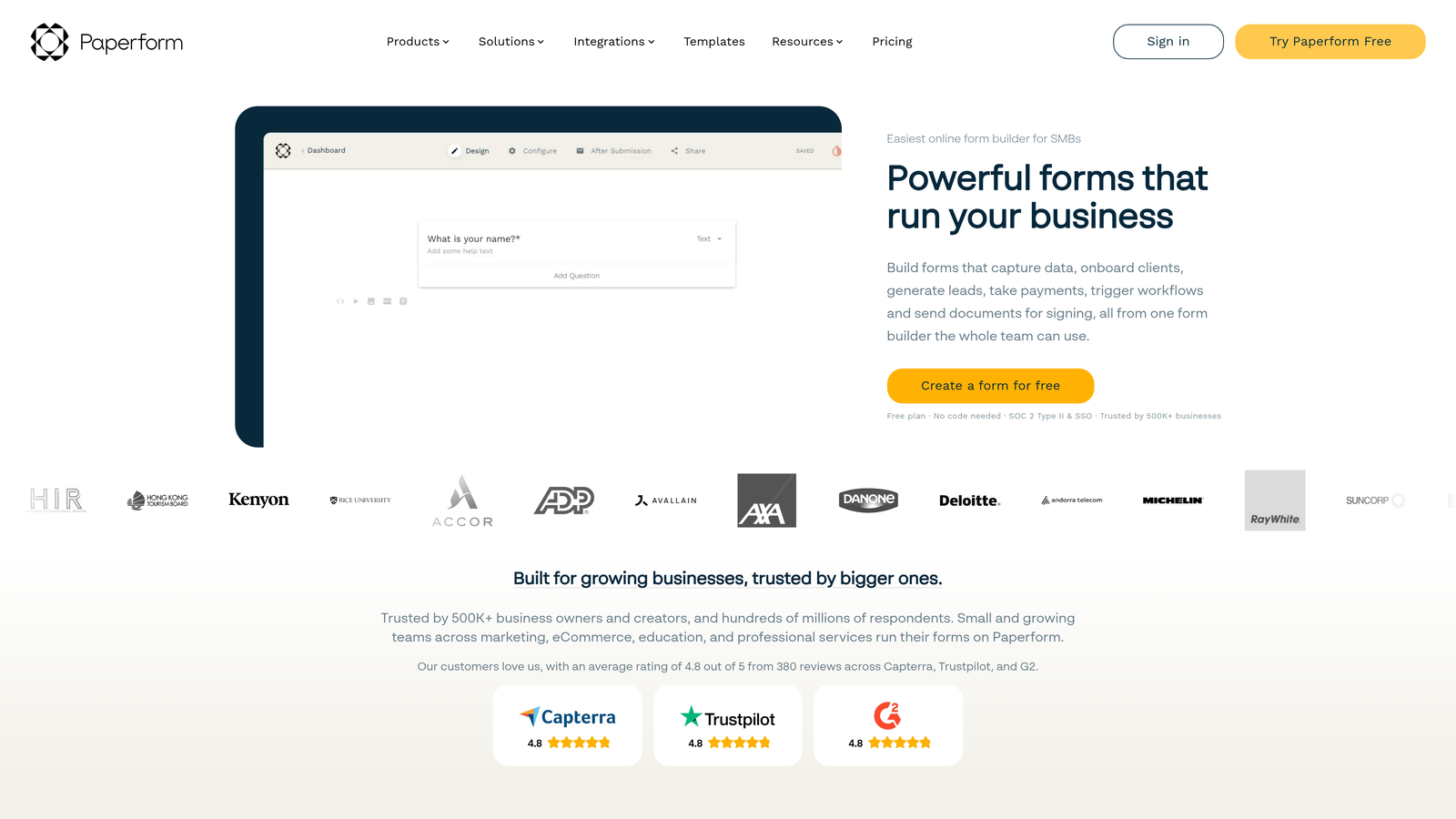
Paperform is a form builder that creates content-rich landing pages, blending forms with marketing content for highly branded experiences.
Where This Tool Shines
Paperform breaks the traditional form mold by letting you create landing page-style experiences. You can mix form fields with rich content—text blocks, images, videos, and custom HTML—to create application pages that tell your brand story while collecting data.
The visual editor feels more like a website builder than a traditional form tool. This approach works exceptionally well for partnership applications, vendor onboarding, or any scenario where you want to provide context and build trust before asking questions.
Key Features
Landing Page-Style Design: Create content-rich application pages that blend forms with marketing content seamlessly.
Rich Content Embedding: Incorporate videos, images, custom HTML, and formatted text alongside form fields.
E-Commerce and Payment Support: Built-in payment processing with product catalogs for applications involving purchases.
Conditional Logic and Calculations: Show/hide content and calculate values based on applicant responses.
Custom Thank-You Pages: Design branded confirmation experiences with personalized content based on submissions.
Best For
Paperform excels for businesses that view application forms as brand touchpoints. It's particularly effective for high-value partnership applications, premium customer onboarding, or any scenario where presentation matters as much as data collection.
Pricing
Essentials plan starts at $24/month. Pro plan adds advanced features like custom domains and priority support.
8. Wufoo
Best for: Teams wanting simple, reliable forms without complexity
Wufoo is an established form builder known for its straightforward approach and reliable performance.
Where This Tool Shines
Wufoo prioritizes simplicity and reliability over cutting-edge features. The drag-and-drop builder is genuinely intuitive—new users can create professional application forms without training or tutorials. This simplicity extends to the entire platform experience.
The platform's stability and uptime are excellent. Wufoo has been around since 2006 and maintains a reputation for consistent performance. For businesses where reliability matters more than flashy features, this track record provides peace of mind.
Key Features
Simple Drag-and-Drop Builder: Intuitive interface that lets anyone create forms quickly without technical knowledge.
Payment Integration Options: Accept payments through Stripe, PayPal, and other processors for application fees.
File Upload Support: Collect resumes, portfolios, and supporting documents directly through forms.
Basic Reporting and Analytics: View submission data with simple charts and export options.
Zapier and Native Integrations: Connect with popular business tools through direct integrations and Zapier.
Best For
Wufoo is ideal for small to medium businesses that want reliable application forms without learning complex software. It's particularly popular with teams that value ease of use over advanced automation.
Pricing
Free plan available with Wufoo branding and limited features. Starter plan begins at $14.08/month with higher tiers adding more forms and submissions.
9. 123FormBuilder
Best for: Regulated industries requiring strong security and compliance features
123FormBuilder is a security-focused form builder with comprehensive compliance features for businesses in regulated industries.
Where This Tool Shines
123FormBuilder takes security and compliance seriously. The platform offers GDPR and HIPAA compliance options with Business Associate Agreements, making it suitable for healthcare, finance, and other regulated industries where data protection is paramount.
The security features go beyond basic encryption. You get advanced options like IP restrictions, two-factor authentication, and detailed audit trails that track every interaction with submitted data. This level of control is essential for businesses handling sensitive application information.
Key Features
GDPR and HIPAA Compliance: Comprehensive compliance features including Business Associate Agreements for regulated industries.
Advanced Security Features: IP restrictions, two-factor authentication, and detailed audit trails for sensitive data.
Multi-Page Form Support: Break long applications into multiple pages for better user experience.
Payment Collection: Integrated payment processing for application fees through multiple providers.
Workflow Automation: Automate approval processes and notifications based on submission data.
Best For
123FormBuilder is ideal for healthcare organizations, financial institutions, government agencies, or any business in regulated industries where security and compliance are non-negotiable requirements.
Pricing
Free plan available for basic needs. Gold plan starts at $19.99/month, with Platinum and Diamond tiers adding compliance features and advanced security.
Finding Your Perfect Application Form Solution
The right application form builder depends on your specific business needs and priorities. Here's how to choose:
For high-growth teams focused on conversion optimization and lead quality, Orbit AI delivers AI-powered qualification that automatically prioritizes your best applicants. The platform's conversion-optimized designs and smart conditional logic help you capture more complete, qualified data while providing applicants with a modern experience.
If you're working with tight budgets and simple requirements, Google Forms provides solid basic functionality at no cost. For teams prioritizing brand experience, Typeform's conversational interface creates engaging applications that reflect well on your business.
Need complex workflows and document generation? Formstack handles sophisticated enterprise processes. Collecting application fees? Cognito Forms and Paperform both offer seamless payment integration. Operating in regulated industries? 123FormBuilder's compliance features provide the security you need.
The common thread across successful application forms is intentional design. The best solutions balance business needs—data quality, integration requirements, workflow automation—with applicant experience. Forms that are easy to complete, visually appealing, and respectful of applicants' time generate higher completion rates and better data quality.
Start by identifying your primary use case and must-have features. Most platforms offer free trials or plans, so test your top candidates with real application scenarios before committing. Pay attention to completion rates, data quality, and how well the form integrates with your existing tools.
Start building free forms today and see how intelligent form design can elevate your conversion strategy. Transform your lead generation with AI-powered forms that qualify prospects automatically while delivering the modern, conversion-optimized experience your high-growth team needs.


