

Finding the right form software can make or break your lead generation efforts. Monthly subscription models give teams flexibility to scale up or down without long-term commitments—perfect for fast-moving businesses testing new markets or optimizing conversion funnels. But with dozens of options available, choosing the right platform means weighing features against budget, ease of use against customization depth, and basic form building against advanced lead qualification.
We've evaluated nine monthly form software subscriptions based on conversion capabilities, integration ecosystems, AI features, and overall value for high-growth teams. Whether you're a startup capturing your first leads or an enterprise optimizing complex multi-step forms, this guide breaks down exactly which tool fits your needs.
1. Orbit AI
Best for: High-growth teams needing AI-powered lead qualification with conversion-optimized form design
Orbit AI is an AI-powered form builder platform that automatically qualifies leads while they fill out forms, eliminating manual scoring workflows.
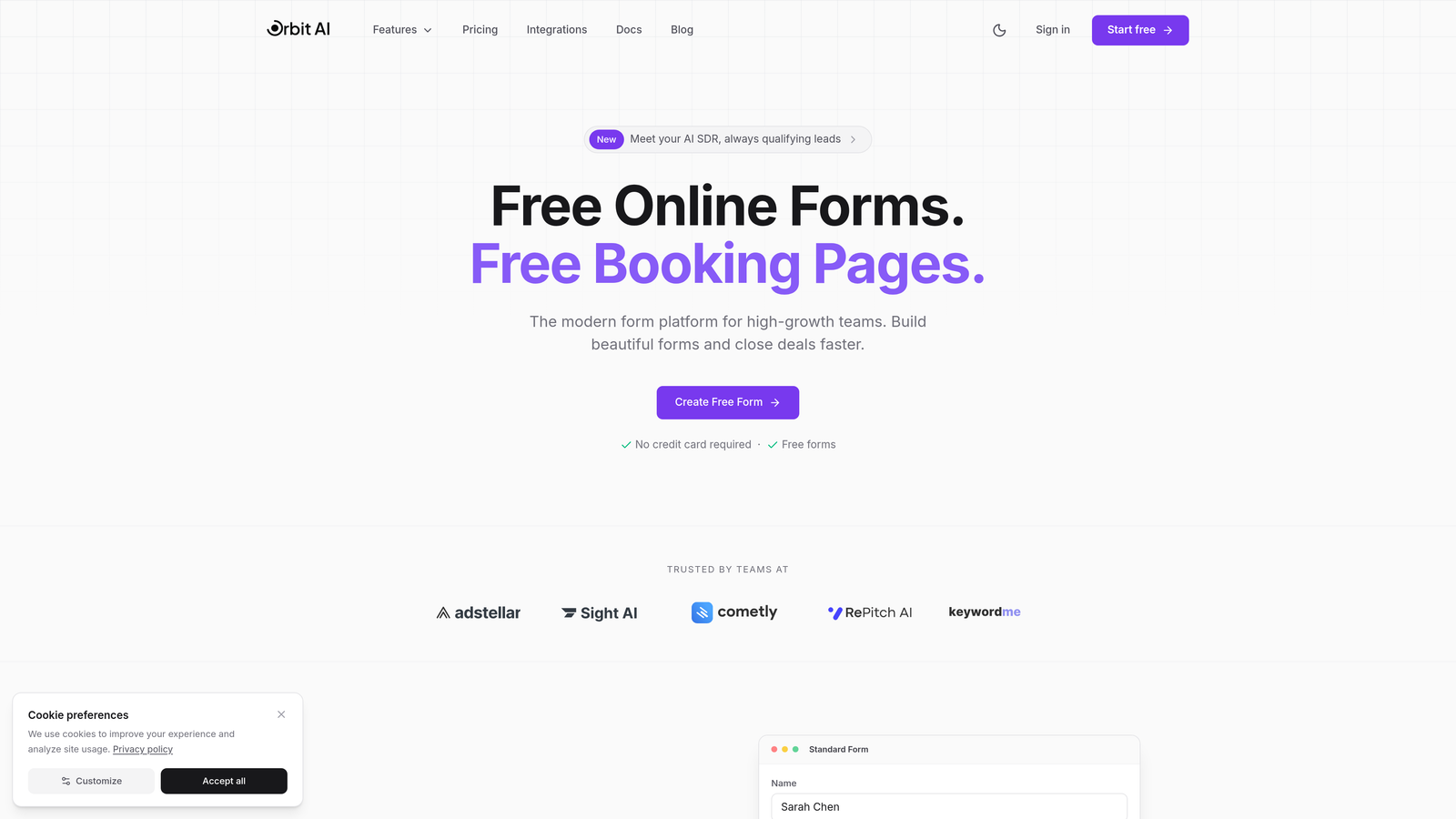
Where This Tool Shines
The platform's AI agents analyze responses in real-time, scoring lead quality and routing prospects to the right team members automatically. This means your sales team spends time on qualified opportunities rather than sorting through every submission.
What sets Orbit AI apart is how it combines intelligent qualification with conversion optimization. The forms themselves are designed to maximize completion rates while the AI works behind the scenes to understand prospect intent and fit.
Key Features
AI-Powered Lead Qualification: Automatically scores and qualifies leads based on responses, routing high-value prospects immediately.
Conversion-Optimized Templates: Pre-built form designs tested for maximum completion rates across industries.
Native CRM Integrations: Direct connections to HubSpot, Salesforce, and Pipedrive with bi-directional data sync.
Real-Time Analytics: Track conversion rates, drop-off points, and lead quality metrics in a unified dashboard.
Workflow Automation: AI agents trigger follow-up sequences, assign leads to reps, and update CRM records without manual intervention.
Best For
This platform excels for B2B companies and high-growth teams where lead quality matters more than lead volume. If you're tired of sorting through unqualified submissions or want to accelerate your sales cycle with intelligent routing, Orbit AI delivers exactly that capability.
Pricing
Monthly plans available with flexible tiers based on form submissions and AI features. Visit the pricing page for current options tailored to team size and automation needs.
2. Typeform
Best for: Creating engaging, conversational form experiences with one-question-at-a-time format
Typeform is a conversational form platform that presents questions sequentially, creating a human-like interaction that boosts completion rates.
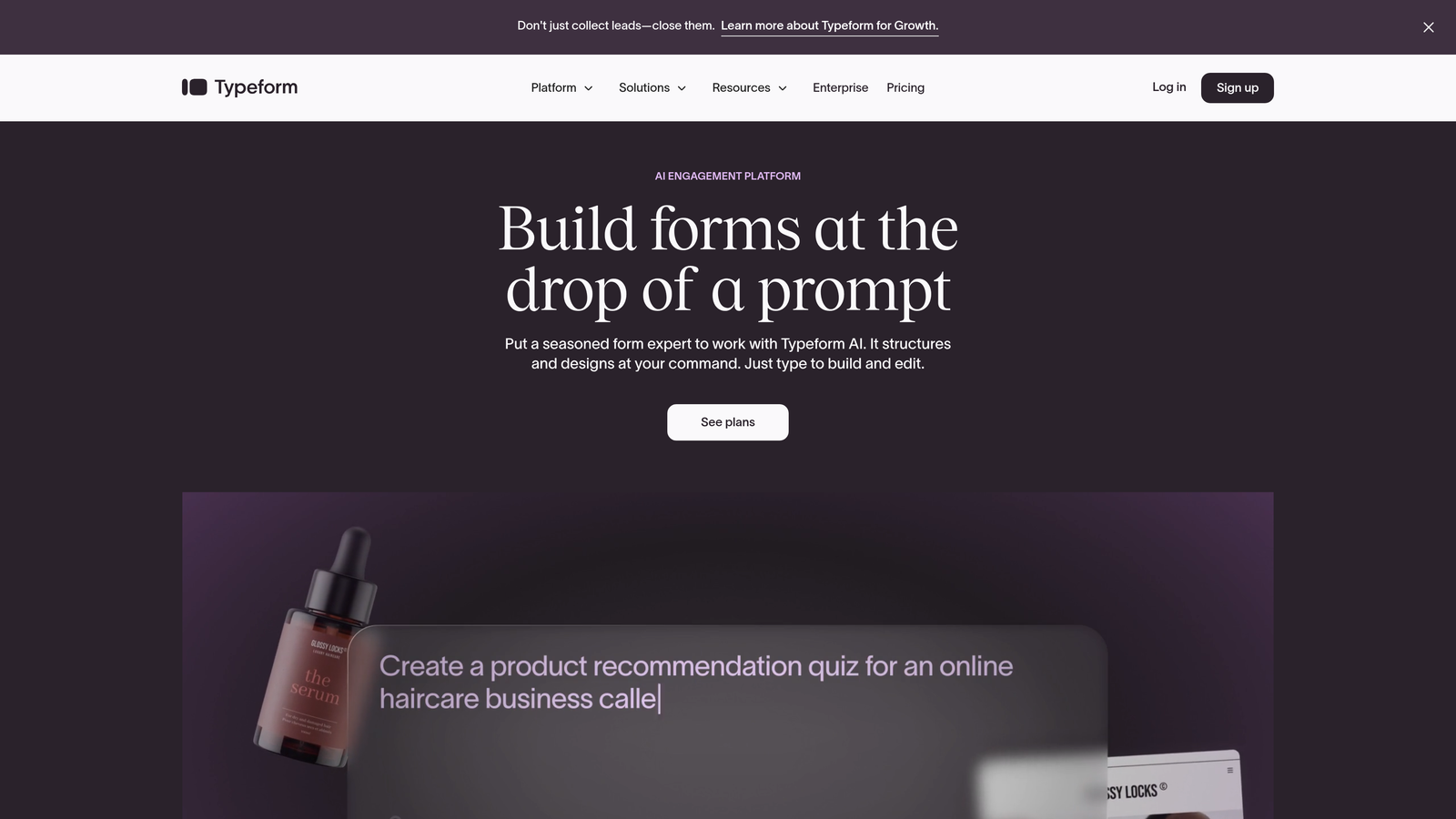
Where This Tool Shines
The one-question-at-a-time approach reduces cognitive load and makes long forms feel shorter. Instead of overwhelming visitors with a wall of fields, Typeform guides them through a conversation that feels natural and engaging.
This format works exceptionally well for surveys, lead capture, and customer feedback where you need thoughtful, complete responses rather than rushed submissions. The visual design is clean and modern, making forms feel less like data entry and more like dialogue.
Key Features
Conversational Interface: One-question-at-a-time format with smooth transitions and engaging animations.
Logic Jumps: Branch questions based on previous answers to create personalized form paths.
Rich Media Embedding: Add videos, images, and GIFs to make forms more engaging and explain complex questions.
Integration Ecosystem: Connect with 120+ tools including all major CRMs, email platforms, and analytics tools.
Custom Branding: Full control over colors, fonts, and design to match your brand identity perfectly.
Best For
Typeform works best for teams prioritizing engagement and completion rates over speed. If you're collecting detailed information through surveys, assessments, or multi-step lead qualification forms, the conversational format significantly improves response quality.
Pricing
Basic starts at $25/month, Plus at $50/month, and Business at $83/month. Each tier increases response limits and adds advanced features like payment collection and priority support.
3. Jotform
Best for: Teams needing extensive templates and widgets for virtually any form type
Jotform is a versatile form builder with thousands of pre-built templates and a massive widget marketplace for customization.
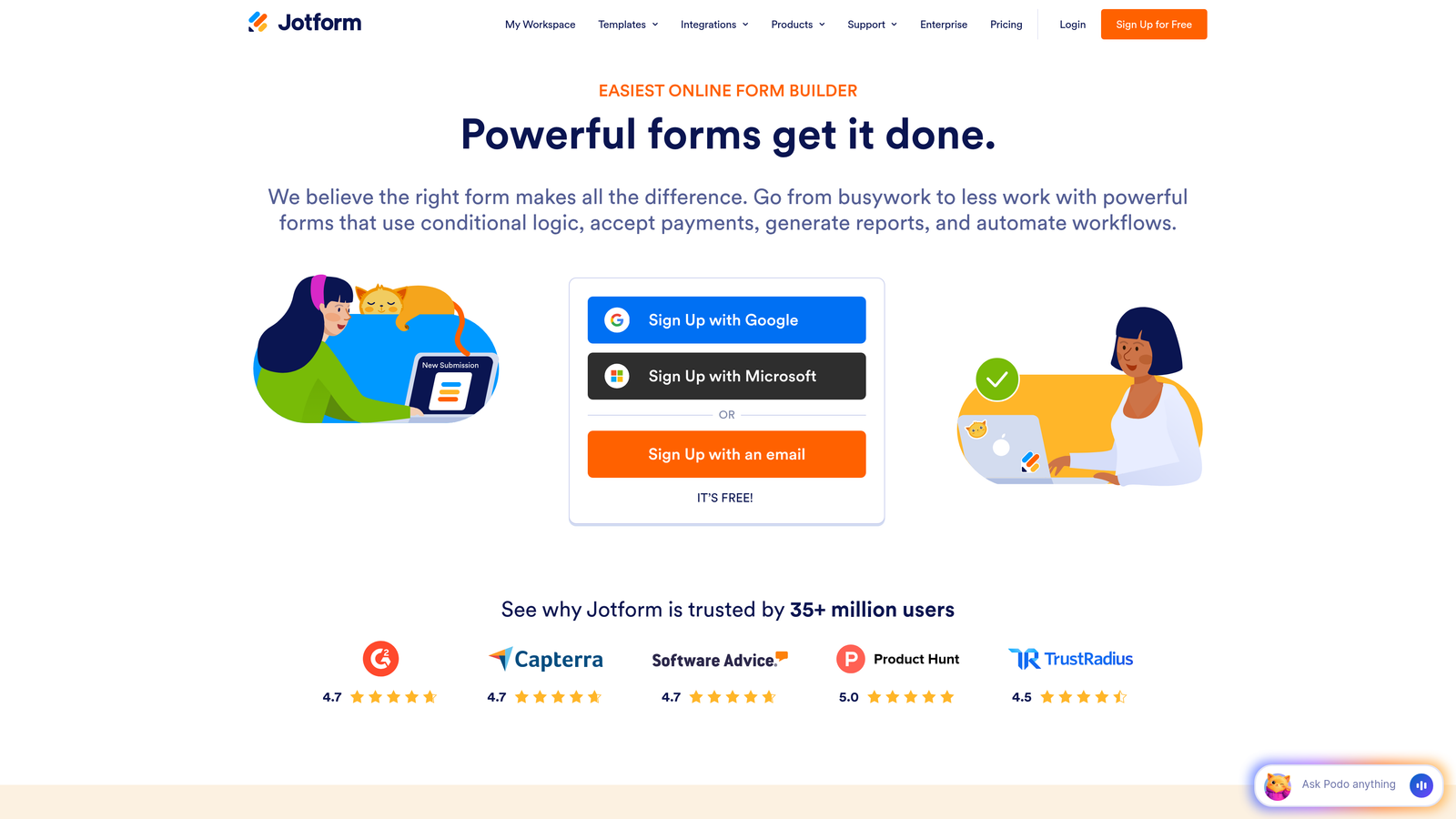
Where This Tool Shines
The sheer breadth of options makes Jotform a Swiss Army knife for form creation. Need a registration form? There's a template. Payment collection? Multiple widgets available. HIPAA-compliant patient intake? Covered.
The widget marketplace extends functionality far beyond basic forms. You can add appointment scheduling, signature capture, file uploads, calculations, and dozens of other specialized features without custom development. This flexibility makes it suitable for teams handling diverse form needs across departments.
Key Features
Template Library: Over 10,000 pre-built form templates across industries and use cases.
Widget Marketplace: Hundreds of widgets adding specialized functionality from payment processing to advanced calculations.
PDF Forms and E-Signatures: Create fillable PDFs and collect legally binding electronic signatures.
HIPAA Compliance: Enterprise plans include HIPAA-compliant forms for healthcare organizations.
Jotform Tables: Built-in spreadsheet interface for managing and analyzing form submissions.
Best For
Jotform fits teams managing multiple form types across different departments. If you need registration forms, surveys, payment collection, and intake forms all in one platform, the template library and widgets eliminate the need for multiple tools.
Pricing
Starter is free with limitations, Bronze at $34/month, Silver at $39/month, and Gold at $99/month. Higher tiers increase submission limits and add features like HIPAA compliance and white labeling.
4. Tally
Best for: Teams wanting powerful forms with a generous free tier and Notion-like simplicity
Tally is a simple form builder with a block-based editor similar to Notion, offering unlimited forms and submissions on its free plan.
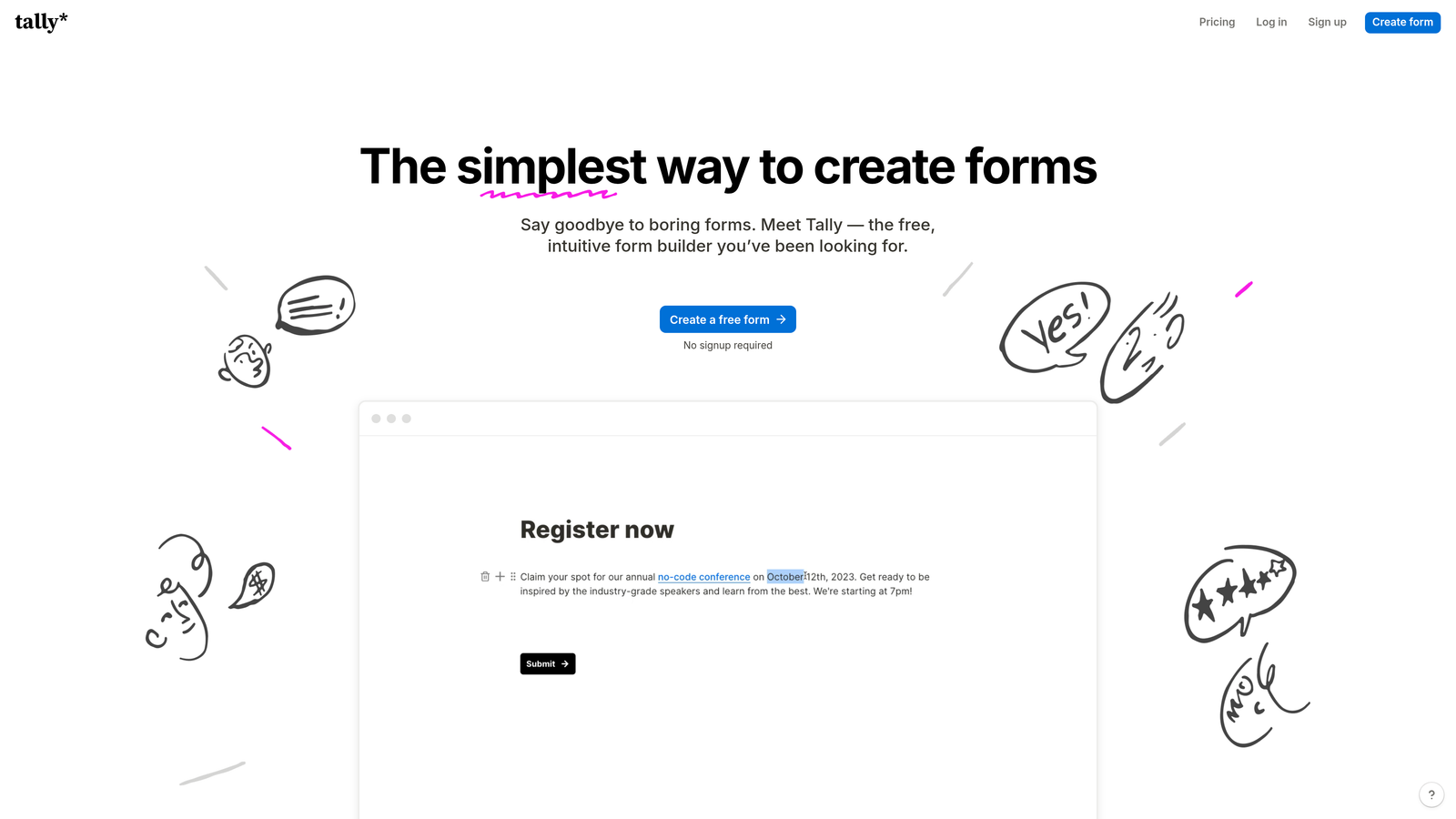
Where This Tool Shines
The free tier is remarkably generous—unlimited forms, unlimited submissions, and no branding requirements. This makes Tally perfect for startups and small teams that need professional forms without monthly costs eating into tight budgets.
The Notion-style editor feels immediately familiar if you've used block-based tools. You build forms by adding blocks for different question types, dragging to reorder, and configuring options inline. It's fast, intuitive, and eliminates the learning curve common with more complex form builders.
Key Features
Unlimited Free Plan: No limits on forms or submissions, making it viable for growing teams on any budget.
Block-Based Editor: Notion-style interface that's intuitive and fast for building forms of any complexity.
Conditional Logic: Show or hide questions based on previous answers to create dynamic form experiences.
Calculations: Perform math operations on form fields for quotes, assessments, or order forms.
Clean Embeds: Forms embed beautifully on websites with minimal styling conflicts.
Best For
Tally excels for budget-conscious teams, startups, and side projects where you need professional forms without monthly fees. The free tier handles serious volume, making it viable even as you scale.
Pricing
Free tier includes unlimited forms and submissions. Pro at $29/month adds features like file uploads, payment collection, and custom domains.
5. Formstack
Best for: Enterprise teams requiring robust compliance, security certifications, and workflow automation
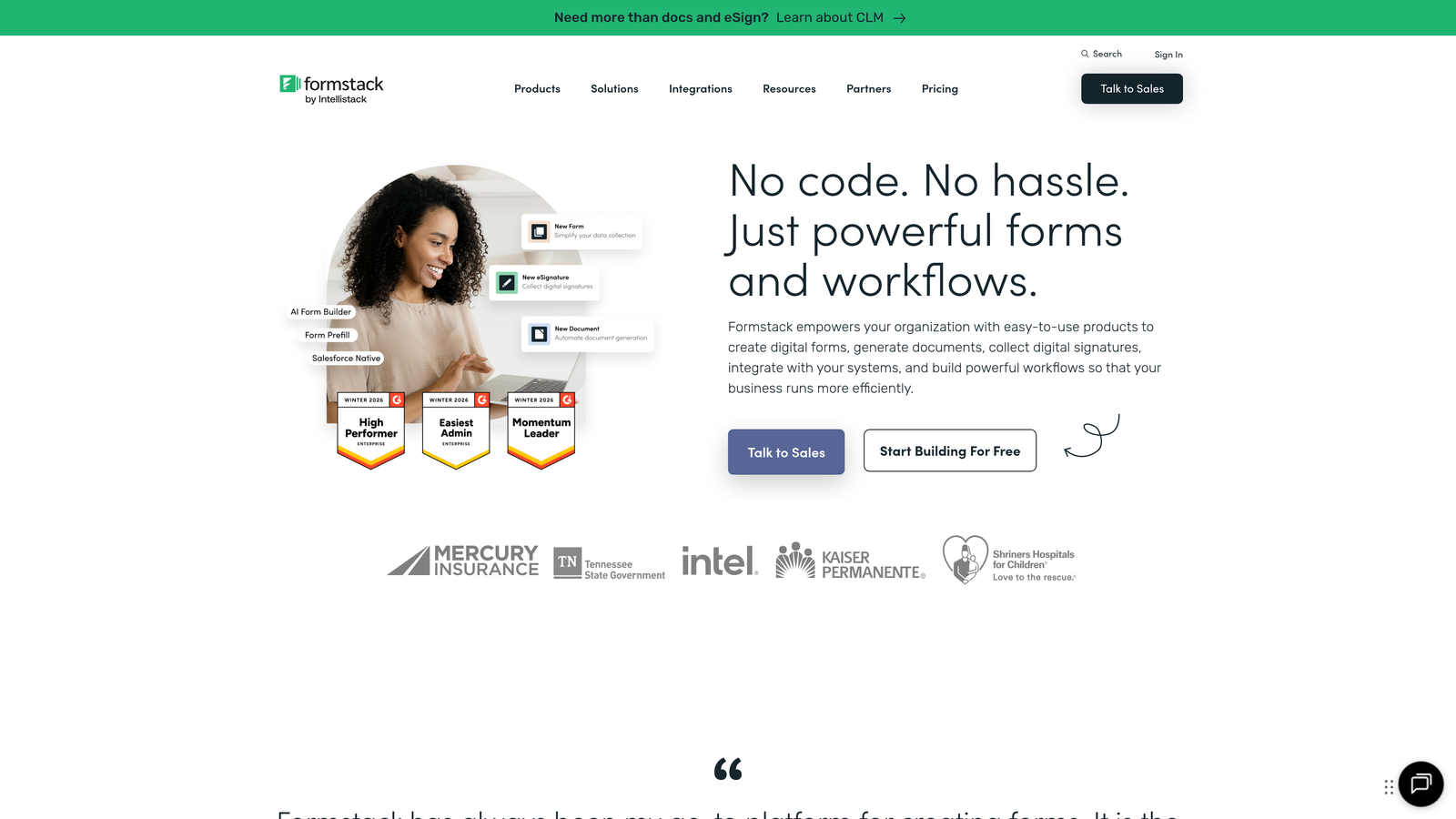
Formstack is an enterprise-grade form platform with advanced compliance features, workflow automation, and security certifications for regulated industries.
Where This Tool Shines
Compliance and security are where Formstack separates from consumer-grade form tools. HIPAA, GDPR, and SOC 2 certifications mean healthcare providers, financial institutions, and enterprises can collect sensitive data confidently.
The workflow automation goes beyond basic form submission. You can build approval processes, route documents for signatures, generate PDFs from submissions, and trigger complex multi-step workflows—all without writing code. This makes Formstack a process automation tool that happens to include powerful forms.
Key Features
Compliance Certifications: HIPAA, GDPR, and SOC 2 compliance with audit trails and data encryption.
Advanced Workflow Automation: Build complex approval processes, routing rules, and multi-step workflows.
Document Generation: Automatically create PDFs from form data and route for electronic signatures.
Approval Workflows: Set up multi-level approval processes with conditional routing based on submission data.
Enterprise SSO: Single sign-on integration with SAML providers and granular permission controls.
Best For
Formstack fits regulated industries and enterprise teams where compliance isn't optional. If you're in healthcare, finance, or any industry with strict data handling requirements, the certifications and security features justify the higher price point.
Pricing
Starter at $50/month, Teams at $83/month, and Enterprise with custom pricing. Higher tiers add compliance features, workflow automation, and dedicated support.
6. Paperform
Best for: Creating beautiful, content-rich forms that function like mini landing pages
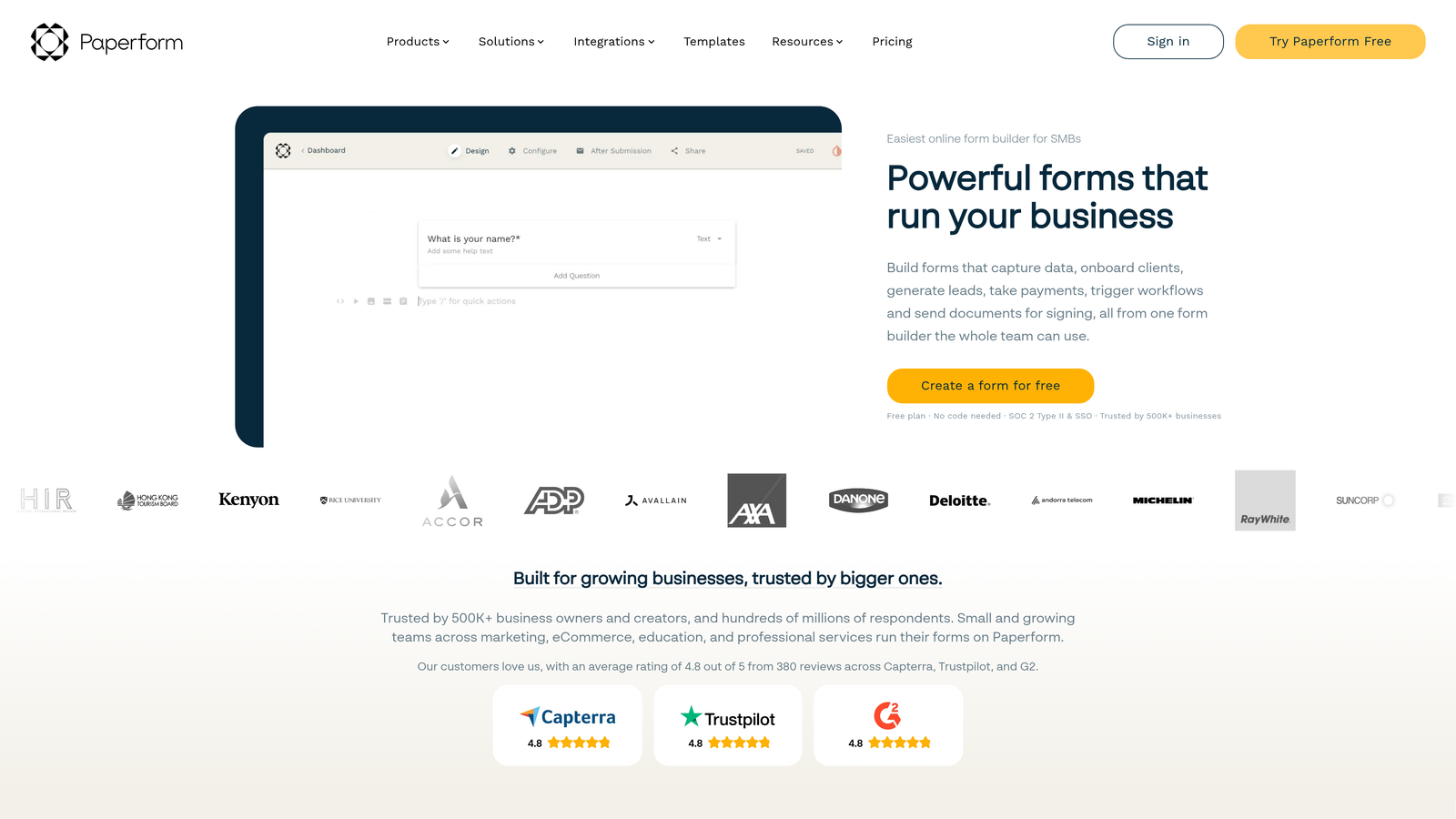
Paperform is a design-forward form builder that lets you create forms with rich content blocks, making them look more like landing pages than traditional forms.
Where This Tool Shines
Think of Paperform as a landing page builder that happens to collect form data. You can add images, videos, text blocks, and product catalogs alongside form fields, creating experiences that educate and convert simultaneously.
This approach works brilliantly for event registrations, course signups, and product orders where you need to provide context before asking for information. The design flexibility means your forms can match your brand aesthetic perfectly without feeling like generic web forms.
Key Features
Rich Content Blocks: Add images, videos, text sections, and media galleries anywhere in your forms.
Custom Themes: Full control over colors, fonts, spacing, and layout with CSS customization available.
Product Catalogs: Display products with images and descriptions, letting users select items within the form.
Calculations and Logic: Build dynamic pricing, conditional questions, and calculated fields for complex scenarios.
Built-In Analytics: Track completion rates, drop-off points, and conversion metrics without external tools.
Best For
Paperform excels for teams where form aesthetics matter as much as functionality. If you're selling products, collecting event registrations, or creating customer-facing forms where brand presentation impacts conversion, the design flexibility delivers real value.
Pricing
Essentials at $24/month, Pro at $49/month, and Business at $99/month. Each tier increases submission limits and adds features like payment processing and advanced integrations.
7. Fillout
Best for: Teams managing complex data workflows with native Airtable and Notion integration
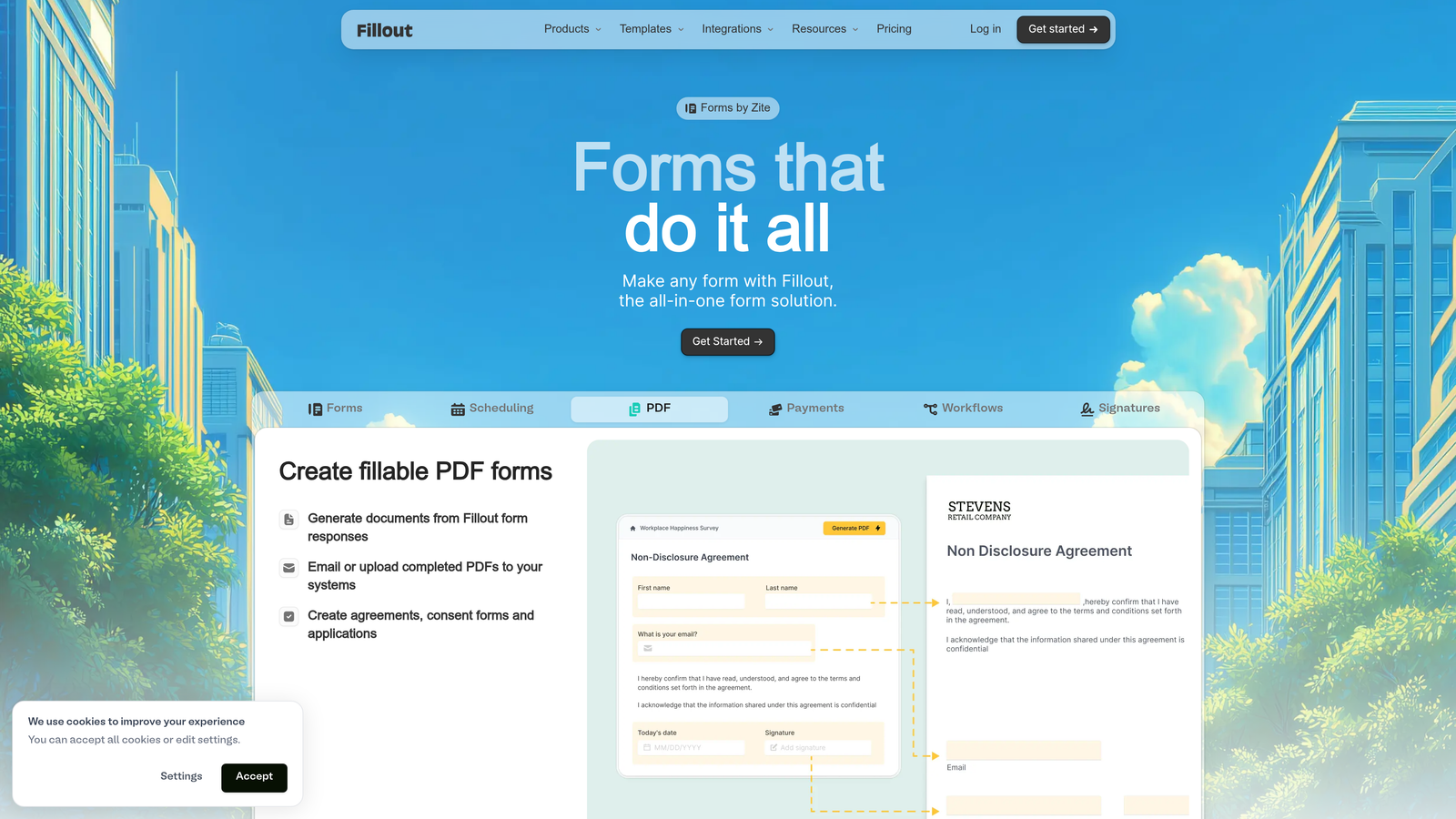
Fillout is a database-connected form builder that syncs natively with Airtable and Notion, perfect for teams using these platforms as their data backbone.
Where This Tool Shines
The native database connections set Fillout apart. Instead of using middleware like Zapier, forms write directly to Airtable bases or Notion databases. You can even update existing records through forms, not just create new ones.
This capability transforms how you manage data workflows. Customer portal updates, inventory management, event registration with attendance tracking—any scenario where you need forms to interact with existing database records becomes dramatically simpler. The two-way sync means changes in Airtable or Notion reflect immediately in form dropdown options and pre-filled fields.
Key Features
Native Airtable Sync: Direct connection to Airtable bases with two-way data sync and record updates.
Notion Integration: Write form submissions directly to Notion databases with field mapping.
Record Updates: Let users update existing database records via forms, not just create new entries.
Scheduling Features: Built-in calendar booking that syncs with your database for appointment management.
Quiz Mode: Create assessments with scoring, correct answers, and conditional feedback.
Best For
Fillout fits teams already using Airtable or Notion as their system of record. If you're managing projects, customer data, or operations in these platforms and need forms to interact with that data, the native integration eliminates complex middleware setups.
Pricing
Free tier available with basic features. Starter at $15/month and Pro at $40/month add unlimited submissions, advanced features, and remove branding.
8. Cognito Forms
Best for: Payment collection, order forms, and scenarios requiring complex calculations
Cognito Forms is a calculation-focused form builder excellent for handling payment processing, order forms, and complex pricing scenarios.
Where This Tool Shines
The calculation engine is remarkably powerful. You can build order forms with line items, apply discounts based on quantity, calculate taxes by region, and show running totals as users fill out forms. This makes it perfect for registration forms with variable pricing or product orders with complex pricing rules.
Payment processing integrates directly with Stripe, PayPal, and Square without requiring separate merchant accounts or complex setup. The forms handle the entire transaction flow, including receipt generation and payment confirmation emails.
Key Features
Advanced Calculations: Build complex formulas with mathematical operations, conditional logic, and field references.
Payment Processing: Native integration with Stripe, PayPal, and Square for secure payment collection.
Repeating Sections: Let users add multiple line items, attendees, or products within a single form.
Conditional Logic: Show or hide fields, sections, and pages based on user responses or calculated values.
HIPAA Compliance: Enterprise plans include HIPAA-compliant forms for healthcare organizations.
Best For
Cognito Forms excels for event registrations, product orders, donation forms, and any scenario where you need to collect payments with variable pricing. The calculation capabilities handle complex scenarios that would require custom development in other platforms.
Pricing
Free tier available with limitations. Pro at $15/month, Team at $35/month, and Enterprise at $99/month. Higher tiers add payment processing, increased submissions, and compliance features.
9. HubSpot Forms
Best for: Teams using HubSpot CRM wanting seamless lead capture and workflow integration
HubSpot Forms is a CRM-native form builder that captures leads directly into HubSpot's marketing and sales ecosystem without middleware.
Where This Tool Shines
If you're already using HubSpot, the native forms eliminate integration headaches entirely. Submissions create contacts automatically, trigger workflows, and appear in your sales team's pipeline immediately. No Zapier, no API connections, no sync delays.
Progressive profiling is where HubSpot Forms delivers unique value. The system remembers what information you've already collected from known contacts, showing different questions on repeat visits. This means you can gather comprehensive data over multiple interactions without overwhelming visitors with long forms on first visit.
Key Features
Direct CRM Integration: Submissions create or update contacts in HubSpot CRM automatically with full activity history.
Progressive Profiling: Show different questions to known contacts, building complete profiles over multiple interactions.
Smart Fields: Pre-fill form fields with data you already have on known contacts to reduce friction.
Multiple Form Types: Create embedded forms, pop-ups, slide-ins, and standalone landing pages from one builder.
Workflow Triggers: Forms trigger HubSpot workflows for email sequences, lead scoring, and task assignment automatically.
Best For
HubSpot Forms makes sense exclusively for teams already committed to the HubSpot ecosystem. If you're using HubSpot CRM and Marketing Hub, the native forms provide seamless data flow that's difficult to replicate with third-party tools.
Pricing
Basic forms are free with HubSpot CRM. Advanced features like progressive profiling and automation require Marketing Hub starting at $45/month.
Matching Your Monthly Subscription to Your Growth Goals
The right form software depends less on features and more on where you are in your growth journey. Startups testing product-market fit need flexibility and low costs—Tally's free tier or Cognito Forms' affordable plans deliver exactly that. Mid-market teams optimizing conversion funnels benefit from platforms like Typeform or Paperform that prioritize engagement and design.
For high-growth teams where lead quality matters more than lead volume, AI-powered qualification changes the game entirely. Manually scoring hundreds of form submissions wastes hours your sales team could spend closing deals. Platforms like Orbit AI automate that qualification process, routing hot leads immediately while nurturing prospects that need more time.
Integration depth often matters more than form features themselves. If you're heavily invested in HubSpot, native forms eliminate middleware complexity. Teams using Airtable as their system of record benefit dramatically from Fillout's direct database connections. The best form tool is the one that fits seamlessly into your existing workflow rather than forcing you to adapt around it.
Budget considerations extend beyond monthly fees. A $25/month tool that requires hours of manual lead sorting costs more than a $75/month platform with intelligent automation. Calculate the true cost including team time, not just subscription price.
Compliance requirements narrow your options quickly. If you're in healthcare or finance, platforms like Formstack or Cognito Forms with HIPAA certifications aren't optional—they're mandatory. The compliance features justify higher costs when regulatory violations carry serious consequences.
Think about your forms as part of a larger conversion funnel, not isolated data collection tools. The form that converts at 40% beats the one that converts at 25% even if it costs more monthly. Test different platforms, measure actual conversion rates, and optimize based on results rather than feature lists.
Transform your lead generation with AI-powered forms that qualify prospects automatically while delivering the modern, conversion-optimized experience your high-growth team needs. Start building free forms today and see how intelligent form design can elevate your conversion strategy.


