

Every startup needs forms—for lead capture, user feedback, job applications, event registrations. But here's the challenge: you need forms that actually convert without burning through limited dev resources or budget. The right form builder becomes a growth engine. The wrong one becomes friction that costs you leads.
The best form builders for startups in 2026 share key traits: intuitive interfaces that don't require technical expertise, pricing that scales with your growth, seamless integrations with your existing tech stack, and features that optimize for conversion rather than just data collection. Some leverage AI to qualify leads automatically. Others excel at creating conversational experiences that feel less like interrogations.
We evaluated dozens of platforms based on ease of use, pricing flexibility, integration capabilities, mobile responsiveness, and conversion optimization features. Here are the top form builders that help startups capture more leads, gather better data, and grow faster.
1. Orbit AI
Best for: High-growth startups focused on lead generation and conversion optimization
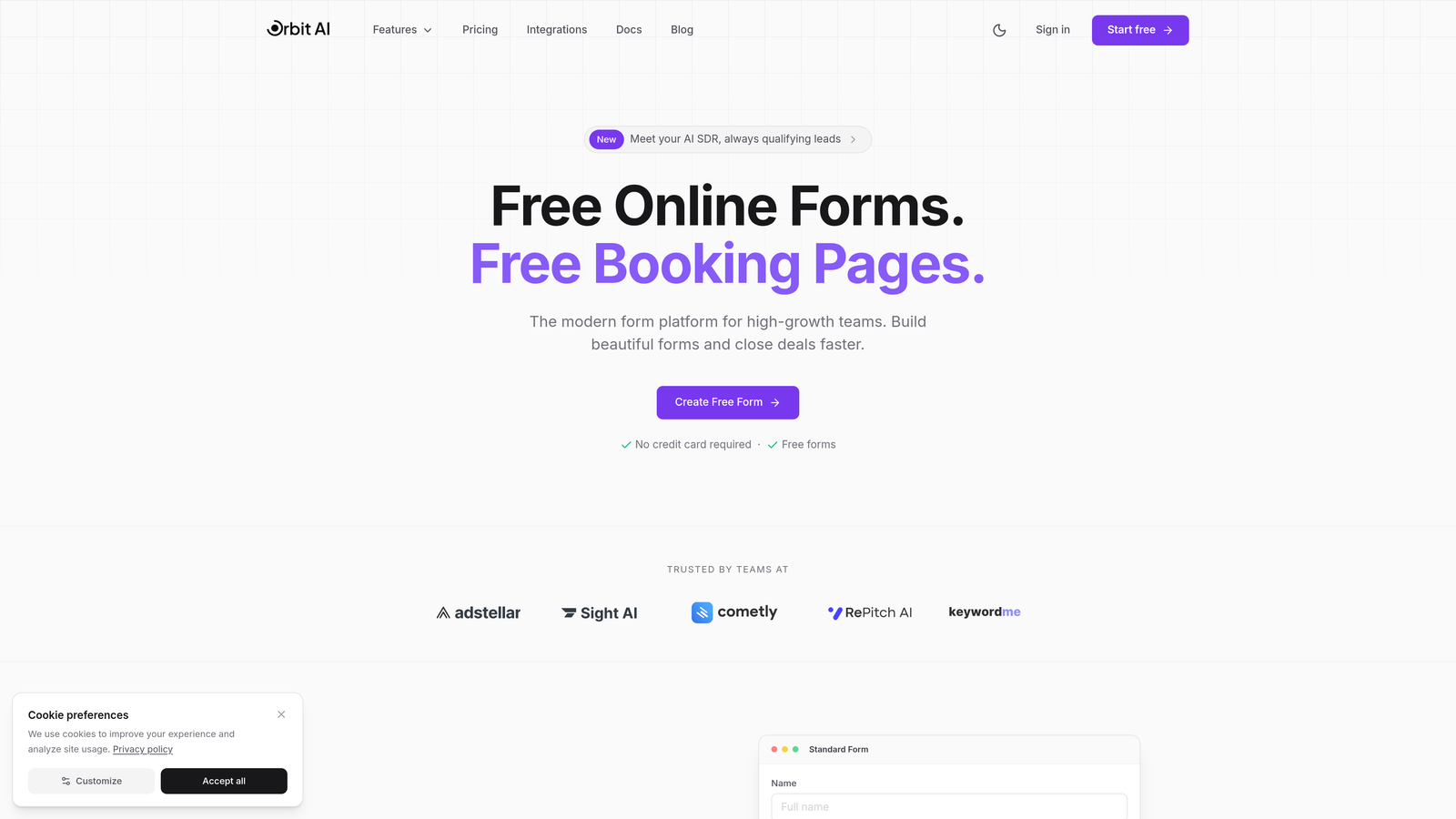
Orbit AI is an AI-powered form builder platform designed specifically for teams that need forms to do more than collect data—they need forms that qualify leads and drive conversions.
Where This Tool Shines
The standout feature is AI-powered lead qualification that happens automatically as prospects fill out your forms. Instead of manually sorting through submissions later, the platform identifies high-value leads in real-time based on their responses. This means your sales team focuses on prospects most likely to convert.
The conversion-optimized templates are built on actual performance data rather than aesthetic preferences. Every element—from field order to button placement—is designed to reduce abandonment and increase completion rates.
Key Features
AI-Powered Lead Qualification: Automatically scores and segments leads based on their responses, routing high-priority prospects to your team immediately.
Conversion-Optimized Templates: Pre-built forms designed for maximum completion rates across different use cases and industries.
Advanced Analytics and Insights: Track not just submissions but also drop-off points, time-to-complete, and field-level performance to continuously improve conversion.
Workflow Automation: Trigger actions based on form responses—send to CRM, notify team members, or initiate follow-up sequences without manual intervention.
Native CRM Integrations: Connect directly with popular CRMs to ensure lead data flows seamlessly into your existing sales processes.
Best For
Startups with serious lead generation goals who need more than basic data collection. Particularly valuable for B2B companies where lead quality matters as much as quantity, and for teams that want intelligent automation without complex setup.
Pricing
Free tier available to get started. Paid plans scale with usage, making it accessible for early-stage startups while growing with your needs.
2. Typeform
Best for: Creating engaging, conversational form experiences with strong brand presence
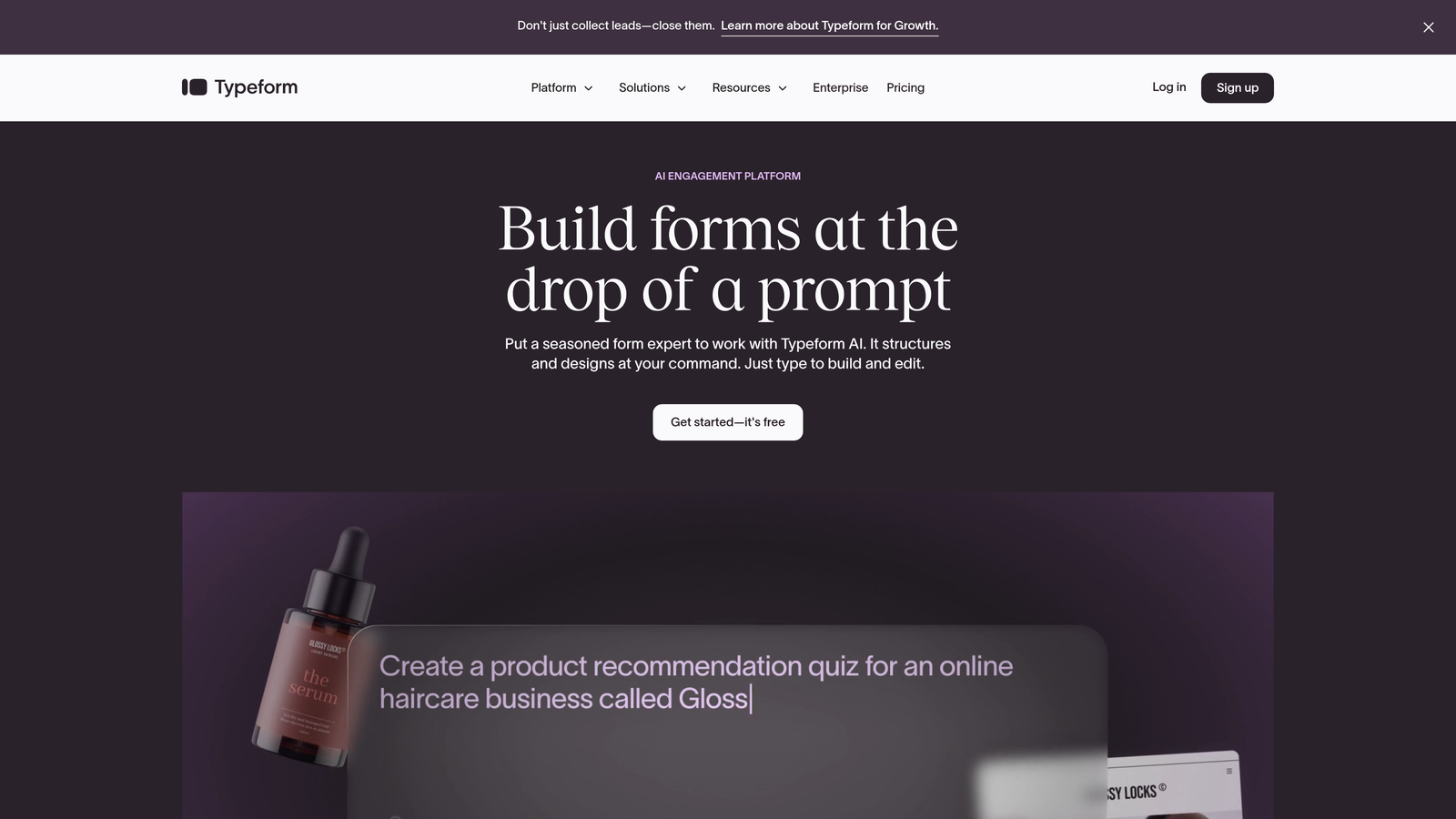
Typeform pioneered the one-question-at-a-time interface that feels more like a conversation than a form.
Where This Tool Shines
The conversational format significantly reduces the psychological overwhelm of traditional multi-field forms. Users see one question, answer it, then move to the next. This approach often improves completion rates, especially for longer surveys or applications.
The design aesthetic is unmatched if brand presentation matters to your startup. Every interaction feels polished and modern, which reinforces professionalism during critical touchpoints like job applications or customer feedback.
Key Features
Conversational One-Question Format: Display questions sequentially to create a more engaging, less intimidating experience that encourages completion.
Logic Jumps and Branching: Show different questions based on previous answers to create personalized pathways through your form.
Video and Image Embedding: Incorporate rich media directly into questions to provide context or create more engaging experiences.
Native Integrations: Connect with 120+ tools including Slack, Google Sheets, Mailchimp, and most major marketing platforms.
Custom Branding Options: Fully customize colors, fonts, backgrounds, and thank-you screens to match your brand identity.
Best For
Startups where brand experience is critical—think consumer apps, creative agencies, or any company where form aesthetics influence brand perception. Also excellent for longer surveys where traditional formats might intimidate respondents.
Pricing
Free tier allows 10 responses per month. Basic plan starts at $25/month for 100 responses, scaling up from there.
3. Tally
Best for: Budget-conscious startups needing unlimited forms without feature restrictions
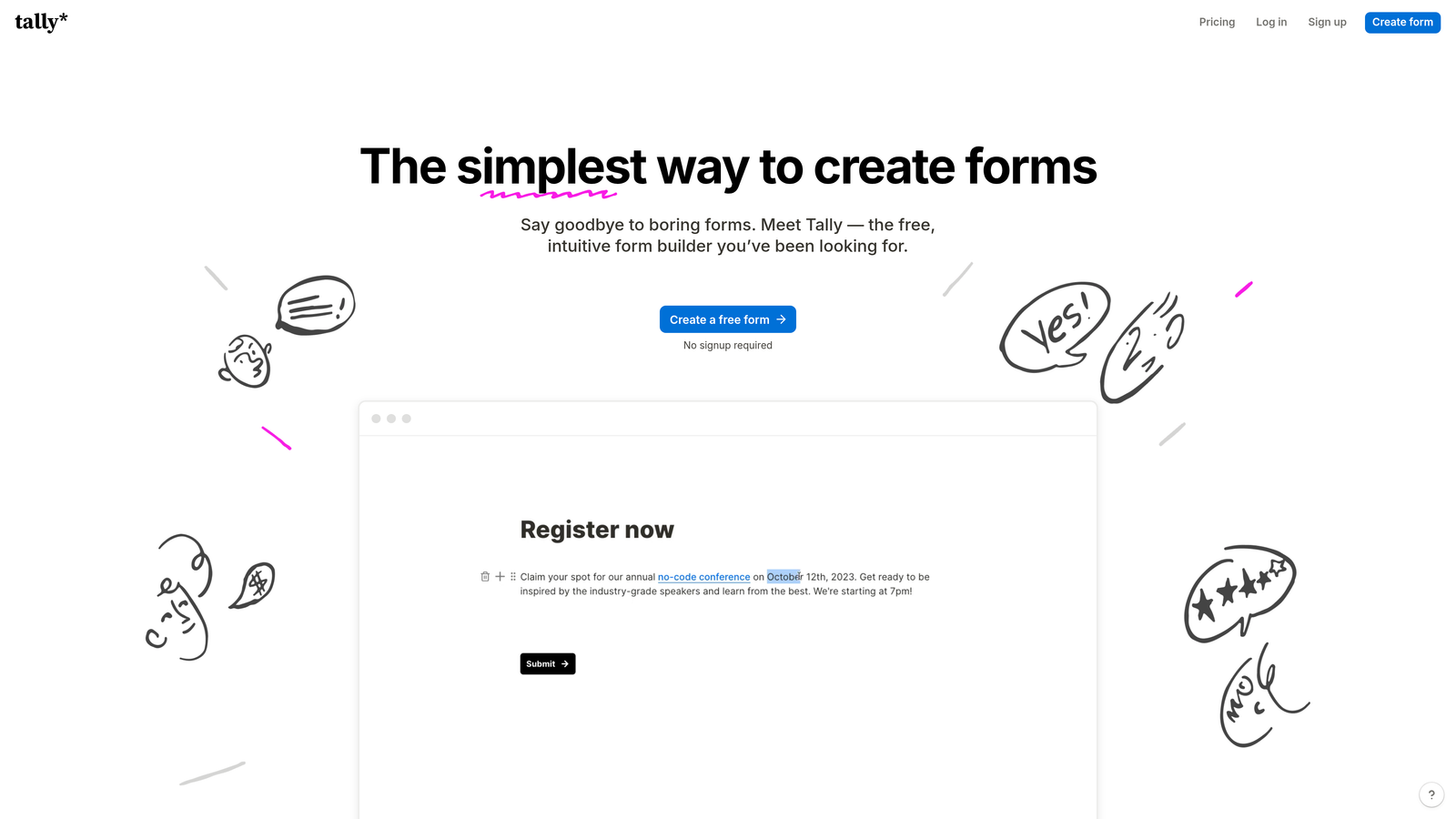
Tally brings Notion's intuitive block-based editing to form building, with a remarkably generous free tier.
Where This Tool Shines
The free tier includes unlimited forms and unlimited responses—a game-changer for early-stage startups watching every dollar. Most competitors restrict response counts or form numbers on free plans, but Tally removes those barriers.
If you're already a Notion user, the editing experience feels immediately familiar. The block-based approach makes form building intuitive without sacrificing power—you can still add conditional logic, calculations, and file uploads.
Key Features
Unlimited Forms on Free Tier: Create as many forms as needed and collect unlimited responses without paying, removing growth constraints.
Notion-Style Block Editor: Build forms by adding and arranging blocks—text, multiple choice, file uploads—in a familiar, intuitive interface.
Conditional Logic: Show or hide questions based on previous answers to create dynamic, personalized form experiences.
File Uploads: Collect documents, images, or any files directly through your forms without separate storage solutions.
Calculations and Hidden Fields: Perform calculations based on responses or pass hidden data for tracking and attribution.
Best For
Bootstrap startups and early-stage companies that need full-featured forms without budget constraints. Perfect for teams already using Notion who want consistent editing experiences across tools.
Pricing
Free tier includes most features with unlimited usage. Pro plan at $29/month adds advanced customization, remove Tally branding, and priority support.
4. Jotform
Best for: Startups needing payment collection or industry-specific compliance
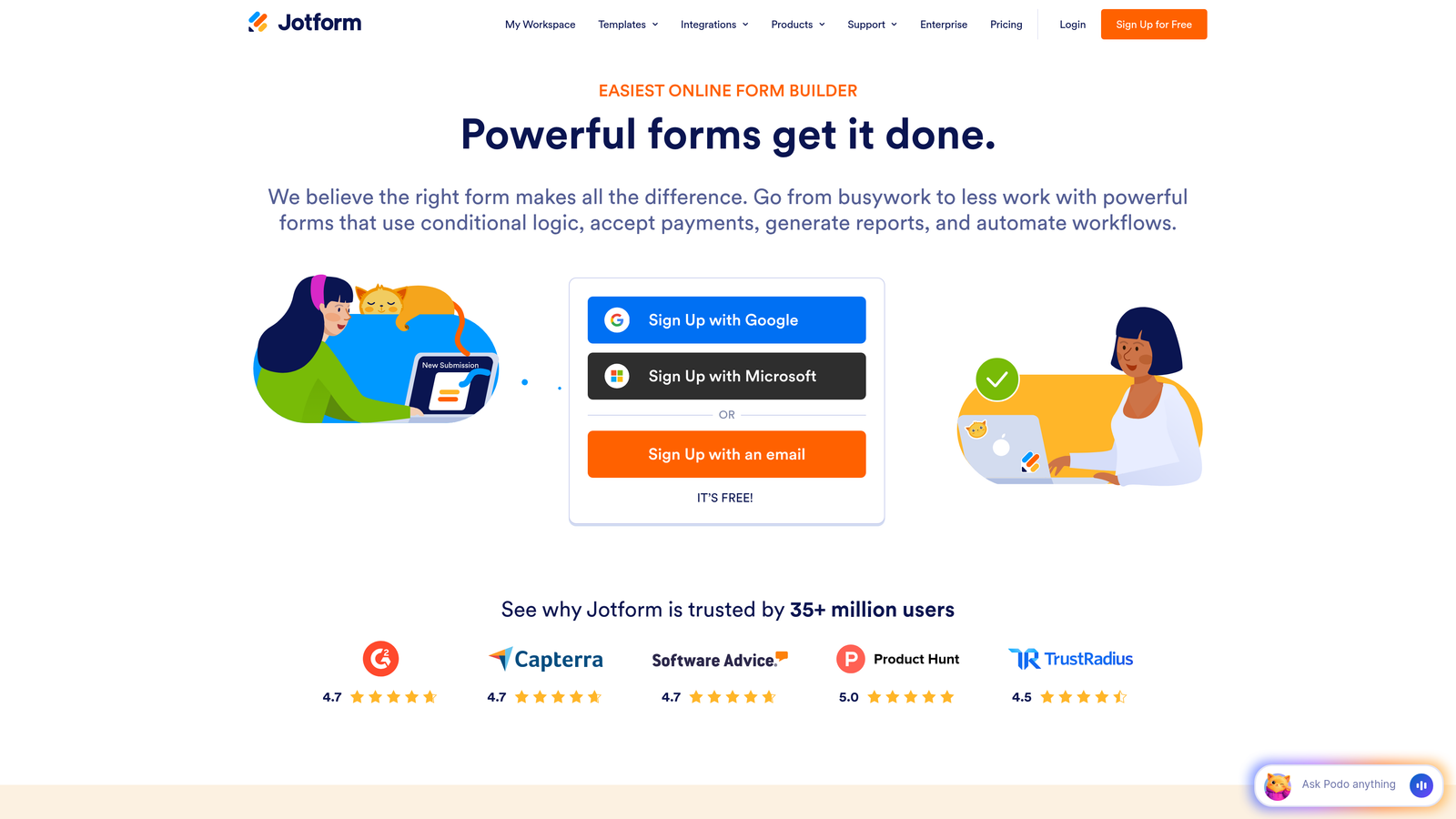
Jotform is the veteran of the form builder space, offering depth and breadth that newer tools haven't matched.
Where This Tool Shines
The template library contains over 10,000 pre-built forms covering virtually every use case imaginable. Instead of starting from scratch, you'll find templates for your specific industry or function—whether that's healthcare intake forms, event registrations, or donation collection.
Payment integration is exceptionally robust with 30+ gateway options including Square, Stripe, PayPal, and Authorize.net. If your startup sells products, collects donations, or charges fees through forms, Jotform handles it seamlessly.
Key Features
10,000+ Form Templates: Access industry-specific templates that cover everything from job applications to HIPAA-compliant medical forms.
30+ Payment Gateway Integrations: Accept payments directly through forms with extensive gateway support and automatic receipt generation.
PDF Report Generation: Automatically convert form submissions into formatted PDF reports for professional documentation.
Approval Workflows: Route submissions through multi-step approval processes with notifications and status tracking.
HIPAA Compliance Option: Available for healthcare startups that need to collect protected health information securely.
Best For
Startups in regulated industries requiring compliance features, companies that need robust payment processing, or teams that prefer starting with proven templates rather than building from scratch.
Pricing
Free tier allows 5 forms with 100 monthly submissions. Bronze plan starts at $34/month for 25 forms and 1,000 submissions.
5. Fillout
Best for: Startups using Airtable or Notion as their database
Fillout specializes in creating forms that sync natively with Airtable, Notion, and other modern databases.

Where This Tool Shines
The native database integrations eliminate the middleware typically required to connect forms with your data layer. When someone submits a Fillout form, the data flows directly into your Airtable base or Notion database with proper field mapping—no Zapier required.
This direct connection means you can also pre-populate forms with existing database records, create update forms that modify existing entries, or build multi-step workflows where each form submission triggers the next step in your Airtable automation.
Key Features
Native Airtable and Notion Sync: Connect directly to your databases without third-party integration tools, enabling two-way data flow.
Scheduling Integration: Embed calendar scheduling directly in forms to book meetings or appointments as part of the submission process.
Payment Collection: Accept payments through Stripe with automatic receipt generation and payment status tracking.
Multi-Page Forms: Break long forms into multiple pages with progress indicators to improve completion rates.
Custom Domains: Host forms on your own domain to maintain brand consistency and improve trust.
Best For
Startups that have built their operations around Airtable or Notion and need forms that integrate seamlessly with those systems. Perfect for teams that want to eliminate integration complexity.
Pricing
Free tier available with basic features. Starter plan at $15/month unlocks advanced features and removes submission limits.
6. Paperform
Best for: Creating forms that double as landing pages or product catalogs
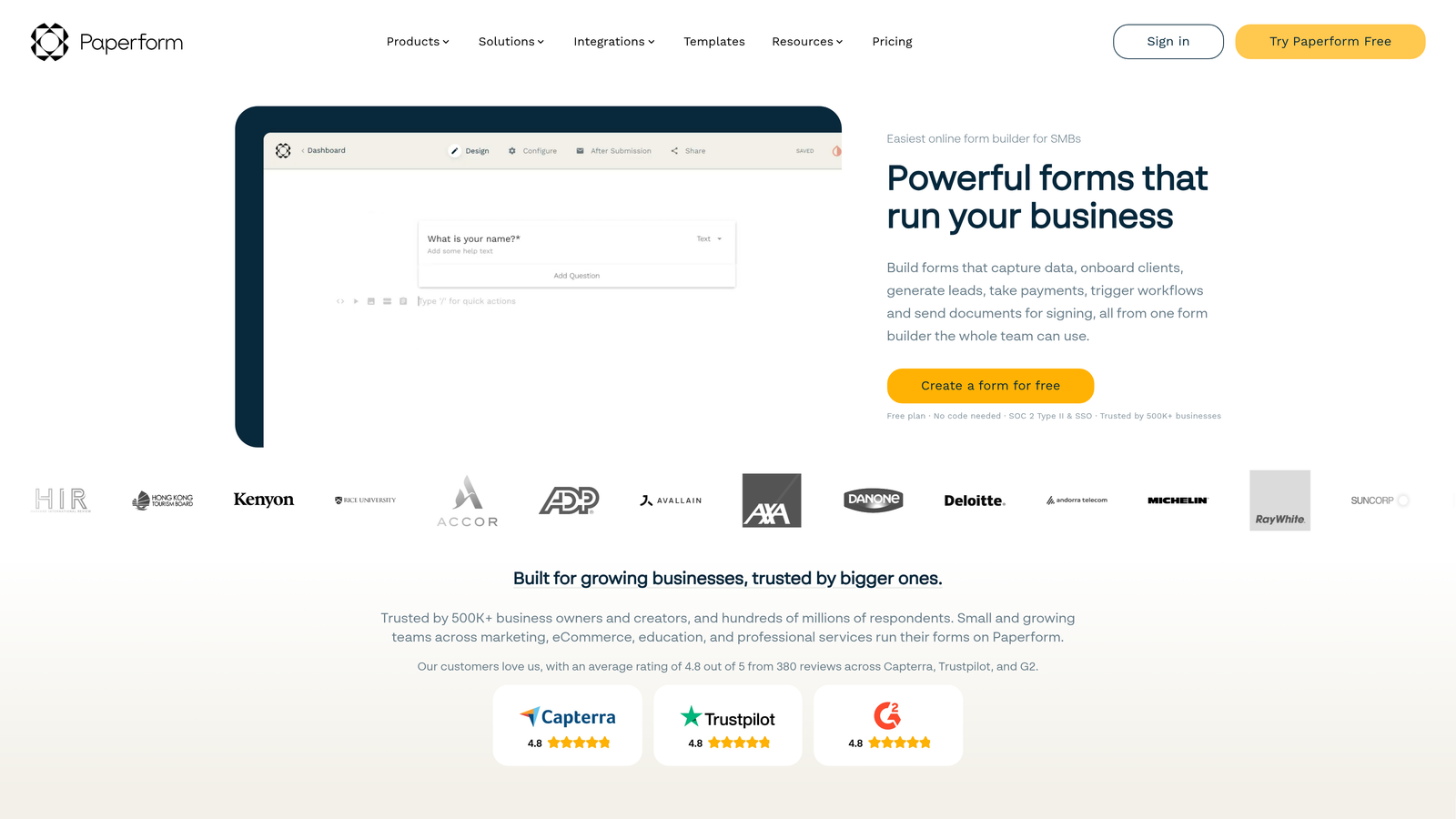
Paperform blurs the line between forms and landing pages with its document-style editor and rich media capabilities.
Where This Tool Shines
The rich text editor lets you create forms that look like designed web pages rather than traditional forms. Embed images, videos, and formatted text anywhere within the form to provide context, tell stories, or showcase products.
Product catalog functionality transforms forms into storefronts where customers can browse items, select quantities, and check out—all within a single, cohesive experience. This works exceptionally well for startups selling physical products, event tickets, or service packages.
Key Features
Rich Text and Media Embedding: Incorporate images, videos, and formatted text throughout forms to create engaging, content-rich experiences.
Product Catalogs: Build shopping experiences where customers select products, choose options, and complete purchases within the form.
Booking and Scheduling: Integrate calendar functionality for appointment booking, class registration, or resource reservation.
Calculations and Scoring: Perform complex calculations based on responses, useful for quotes, assessments, or pricing calculators.
Custom Success Pages: Create personalized thank-you pages with dynamic content based on submission data.
Best For
E-commerce startups, service businesses that need booking capabilities, or companies that want forms to serve dual purposes as both data collection and landing pages.
Pricing
Essentials plan starts at $24/month. Pro plan at $49/month adds advanced features like custom domains and priority support.
7. Google Forms
Best for: Early-stage startups prioritizing zero cost over advanced features
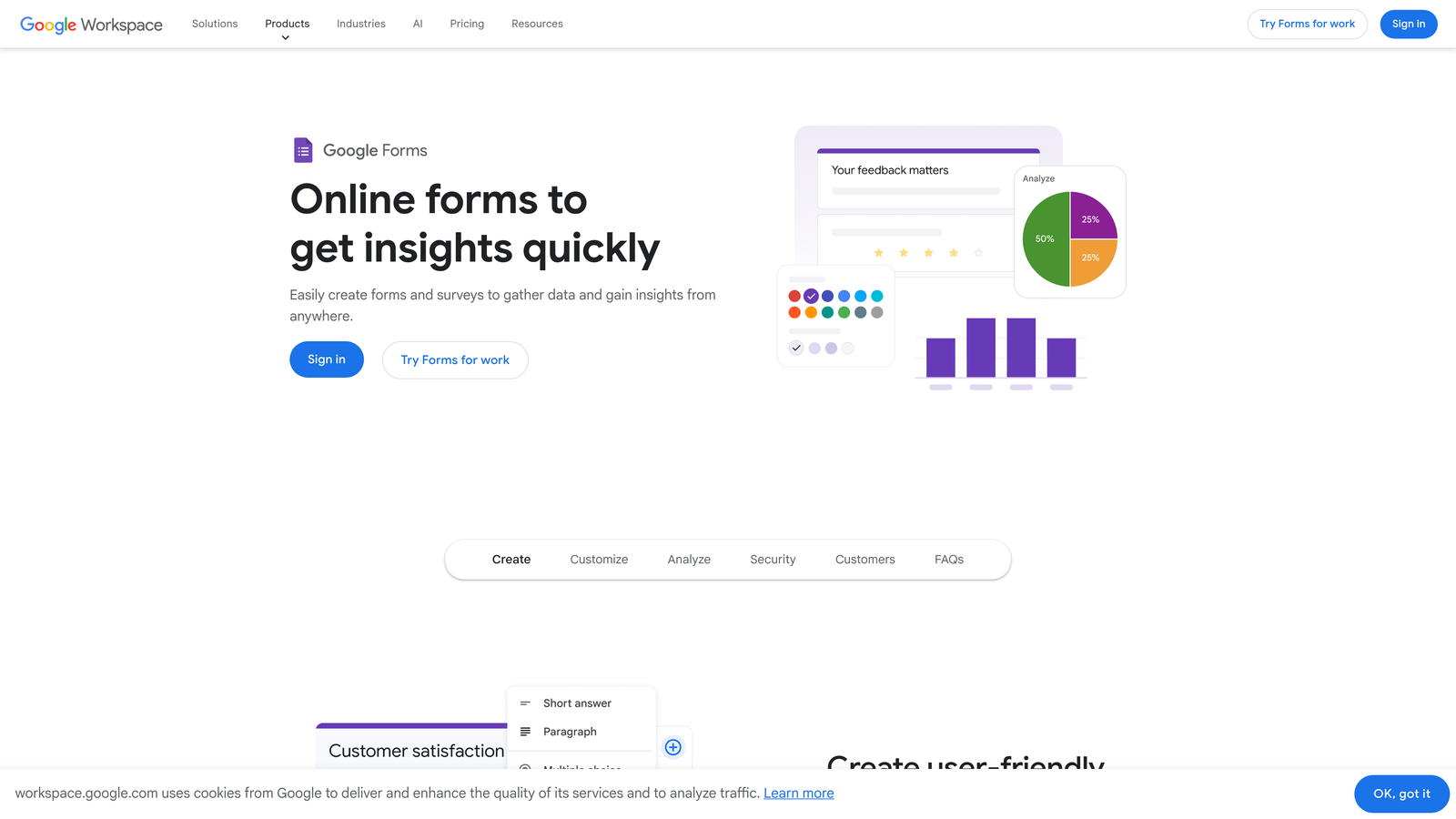
Google Forms is the completely free option that covers basic form needs without any pricing tiers or feature gates.
Where This Tool Shines
It's genuinely free with no response limits, no form limits, and no hidden upgrade prompts. For bootstrapped startups in the earliest stages, this removes all financial barriers to collecting data.
The Google Sheets integration is seamless and powerful. Every submission automatically populates a spreadsheet where you can analyze data, create charts, or export to other tools. Real-time collaboration means your entire team can edit forms simultaneously.
Key Features
Completely Free: No pricing tiers, no response limits, no feature restrictions—everything is included with a Google account.
Google Sheets Integration: Automatic data flow into spreadsheets for analysis, with real-time updates as submissions arrive.
Real-Time Collaboration: Multiple team members can edit forms simultaneously with changes syncing instantly.
Basic Branching Logic: Show different questions based on previous answers to create simple conditional pathways.
Quiz Functionality: Create assessments with automatic grading, answer feedback, and score calculation.
Best For
Pre-revenue startups where every dollar counts, internal forms where brand presentation isn't critical, or simple data collection that doesn't require advanced features.
Pricing
Completely free with a Google account. No paid tiers exist.
8. Formstack
Best for: Later-stage startups needing enterprise-grade security and compliance
Formstack is the enterprise-ready platform for startups preparing to scale into regulated environments or complex workflows.
Where This Tool Shines
Workflow automation goes beyond simple notifications. Formstack can route submissions through multi-step approval processes, trigger document generation, initiate e-signature workflows, and update multiple systems—all from a single form submission.
Security and compliance features meet enterprise requirements including HIPAA, GDPR, and SOC 2 compliance. If your startup operates in healthcare, finance, or other regulated industries, Formstack provides the infrastructure needed for compliant data collection.
Key Features
Workflow Automation: Build complex multi-step processes that trigger actions across your tech stack based on form submissions.
Document Generation: Automatically create formatted documents from form data—contracts, reports, certificates, or any templated output.
E-Signature Integration: Collect legally binding signatures as part of form workflows without separate signature tools.
Advanced Security Compliance: Meet HIPAA, GDPR, and SOC 2 requirements with enterprise-grade security and data handling.
Salesforce Native Integration: Deep integration with Salesforce for startups already invested in that ecosystem.
Best For
Growth-stage startups moving upmarket into enterprise sales, companies in regulated industries requiring compliance certifications, or teams with complex approval workflows.
Pricing
Starts at $50/month for basic features. Pricing scales significantly with advanced features and compliance requirements.
9. HubSpot Forms
Best for: Startups already using HubSpot CRM or marketing automation
HubSpot Forms is the native form builder included with HubSpot's platform, designed for seamless CRM integration.
Where This Tool Shines
The direct CRM connection means every form submission automatically creates or updates contact records with zero integration setup. Lead data flows instantly into your sales pipeline, triggering whatever automation you've configured in HubSpot.
Progressive profiling is particularly powerful for startups with longer sales cycles. Instead of asking the same questions repeatedly, HubSpot remembers what it already knows about each contact and asks new questions each time they submit a form—gradually building complete profiles without overwhelming users.
Key Features
Direct CRM Integration: Automatic contact creation and updating with instant data sync to your HubSpot database and sales pipeline.
Progressive Profiling: Dynamically change form questions based on known contact information to gather more data over time without repetition.
Smart Content Personalization: Display different form fields or messaging based on contact properties, lifecycle stage, or list membership.
A/B Testing: Test different form variations to optimize for conversion rates with built-in statistical analysis.
Marketing Automation Triggers: Automatically enroll contacts in email sequences, assign to sales reps, or trigger workflows based on form submissions.
Best For
Startups already invested in the HubSpot ecosystem who want forms tightly integrated with their CRM and marketing automation. Less suitable if you're not using HubSpot for other functions.
Pricing
Free with HubSpot CRM. Advanced features like A/B testing and progressive profiling require paid Marketing Hub tiers starting at $45/month.
Finding Your Perfect Match
The right form builder depends on where your startup is and what you're optimizing for. Here's how to choose:
Early-stage and budget-focused? Start with Tally or Google Forms. Both offer unlimited usage without cost, letting you validate your approach before investing. Tally provides more features and customization, while Google Forms wins on simplicity and familiarity.
Focused on lead generation and conversion? Orbit AI's intelligent lead qualification and conversion-optimized design help you capture more high-quality leads without manual sorting. The AI automatically identifies your best prospects so your team focuses on leads most likely to convert.
Brand experience is critical? Typeform creates the most polished, engaging form experiences. If your forms are customer-facing touchpoints where brand perception matters—think job applications, customer feedback, or product surveys—the conversational format and design flexibility justify the investment.
Already using Airtable or Notion? Fillout eliminates integration complexity with native database sync. Your forms become direct interfaces to your existing data layer without middleware.
Need payment processing? Jotform or Paperform handle transactions smoothly. Jotform offers more gateway options, while Paperform creates more visually appealing checkout experiences.
Deep in the HubSpot ecosystem? HubSpot Forms provides unmatched CRM integration if you're already using their platform. The progressive profiling and automation triggers become powerful as your marketing sophistication grows.
The form builder market has matured significantly, with tools now offering specialized strengths rather than trying to be everything to everyone. Match your choice to your primary need—whether that's budget, brand, conversion, or integration—and you'll find a tool that accelerates rather than hinders your growth.
Start building free forms today and see how intelligent form design can elevate your conversion strategy. Transform your lead generation with AI-powered forms that qualify prospects automatically while delivering the modern, conversion-optimized experience your high-growth team needs.


