

Your contact form is often the first real interaction potential customers have with your business—and most forms are quietly killing conversions. Generic templates, clunky interfaces, and zero intelligence mean qualified leads bounce before they ever reach your inbox.
The right contact form builder does more than collect information. It qualifies leads, creates seamless experiences, and integrates with your existing workflow without adding friction to your process.
We evaluated dozens of form builders based on conversion optimization features, ease of use, integration capabilities, and value for growing teams. Here are the top contact form builders worth your attention in 2026.
1. Orbit AI
Best for: High-growth teams that need AI-powered lead qualification and conversion-optimized forms
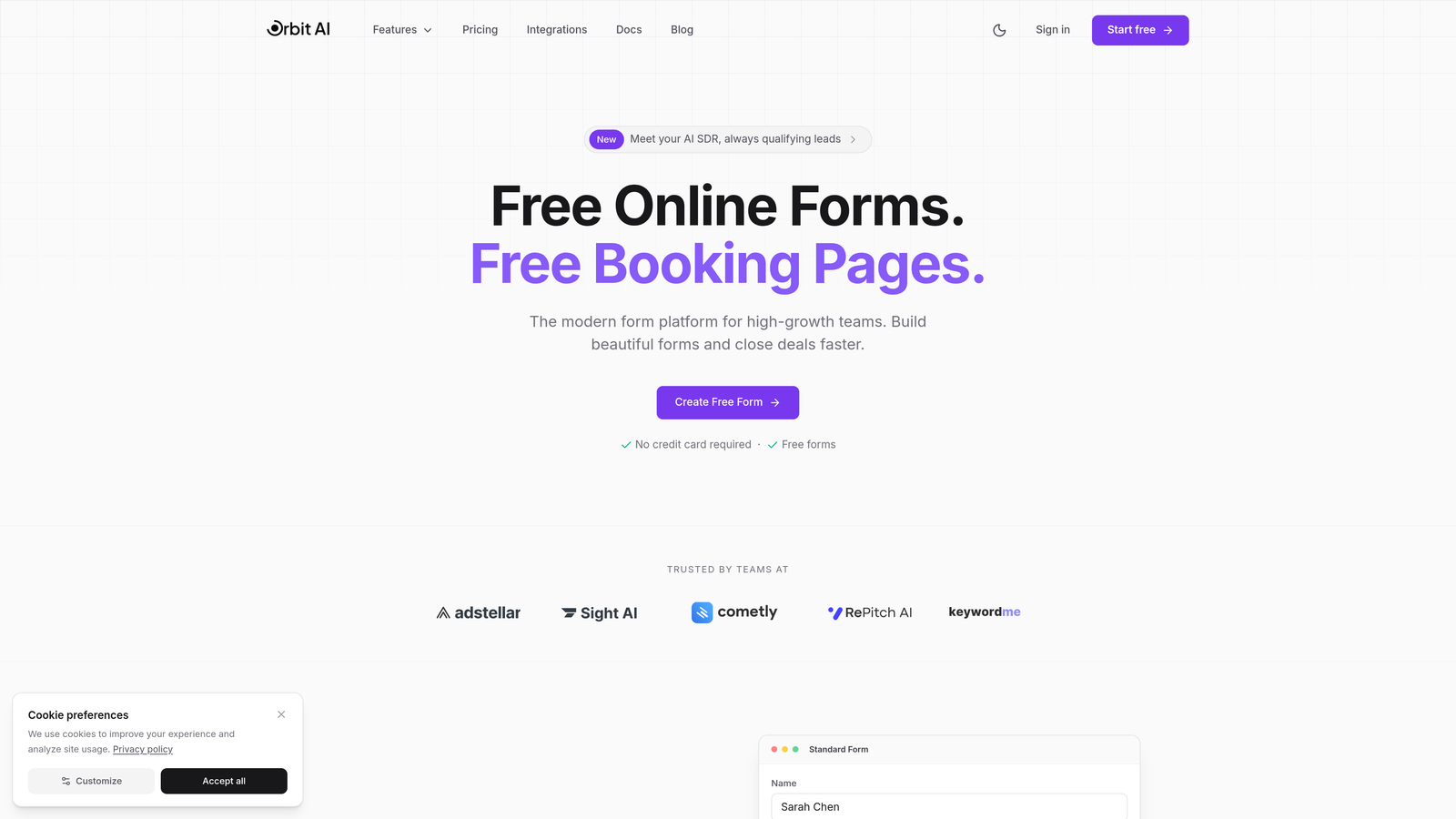
Orbit AI is an intelligent form builder platform designed specifically for teams focused on lead generation and conversion optimization.
Where This Tool Shines
The platform's standout feature is its AI-powered lead qualification system that automatically scores and routes leads based on their responses. This means your sales team gets high-intent prospects immediately while lower-priority inquiries get handled appropriately.
Unlike traditional form builders that simply collect data, Orbit AI analyzes responses in real-time to determine lead quality. The built-in analytics dashboard shows exactly where prospects drop off, giving you actionable insights to improve conversion rates continuously.
Key Features
AI-Powered Lead Qualification: Automatically scores and routes leads based on response patterns and intent signals.
Conversion-Optimized Templates: Pre-built form designs specifically created for lead generation with proven conversion patterns.
Native Integrations: Direct connections with HubSpot, Salesforce, Slack, and 15+ essential tools without requiring Zapier.
Built-In Analytics: Track form performance, identify drop-off points, and measure conversion rates in real-time.
Workflow Automation: Trigger email sequences, Slack notifications, and CRM updates based on specific response combinations.
Best For
High-growth SaaS companies, marketing agencies, and B2B businesses that need to distinguish between tire-kickers and serious prospects. Particularly valuable for teams drowning in low-quality leads who want their forms to do the heavy lifting of initial qualification.
Pricing
Free tier available for teams getting started. Paid plans start at competitive rates designed for growing teams, with pricing that scales based on submission volume and advanced features.
2. Typeform
Best for: Creating engaging, conversational experiences with visually striking one-question-at-a-time forms
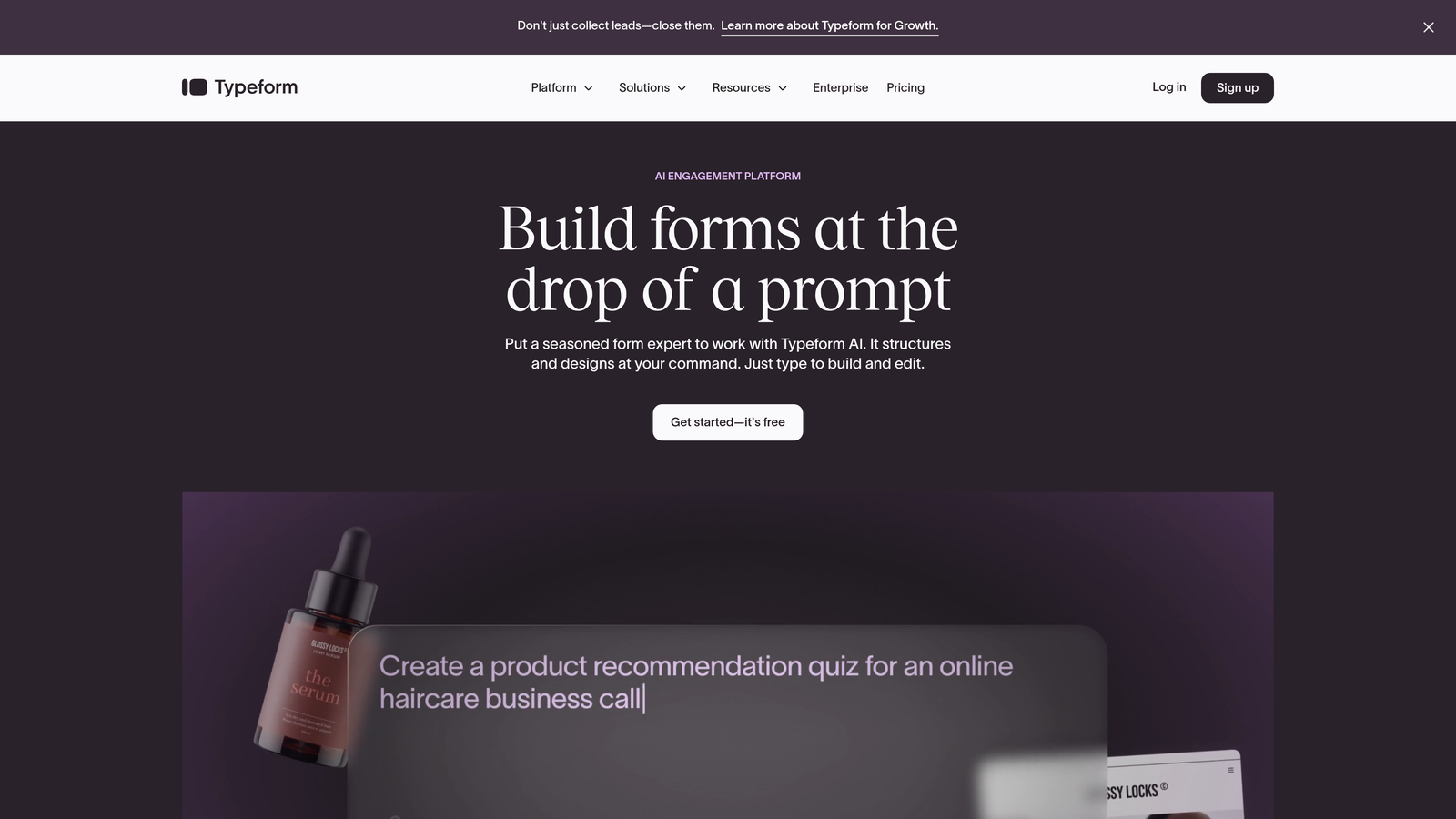
Typeform is a conversational form builder that revolutionized form design with its signature one-question-at-a-time approach.
Where This Tool Shines
Typeform's conversational format reduces cognitive load by showing only one question at a time. This approach can significantly improve completion rates compared to traditional long-form layouts that overwhelm respondents with fields.
The platform's design flexibility is exceptional. You can create forms that feel more like interactive experiences than data collection tools, which works particularly well for surveys, feedback collection, and brand-conscious applications.
Key Features
Conversational Format: One-question-at-a-time interface that creates a dialogue-like experience and reduces form abandonment.
Design Customization: Beautiful themes with extensive branding options including custom fonts, colors, and background images.
Logic Jumps: Conditional branching that personalizes the form experience based on previous answers.
Rich Media Support: Embed videos, images, and GIFs directly within questions to create engaging experiences.
Integration Ecosystem: Connects with major marketing automation platforms, CRMs, and productivity tools.
Best For
Brands prioritizing user experience and design aesthetics, marketing teams running surveys or feedback campaigns, and businesses where form completion rates are more important than collecting maximum data upfront.
Pricing
Free plan available with limited responses per month. Basic plan starts at $25/month, with Plus and Business tiers offering advanced features and higher response limits.
3. Jotform
Best for: Teams needing extensive template variety and specialized widgets for diverse use cases
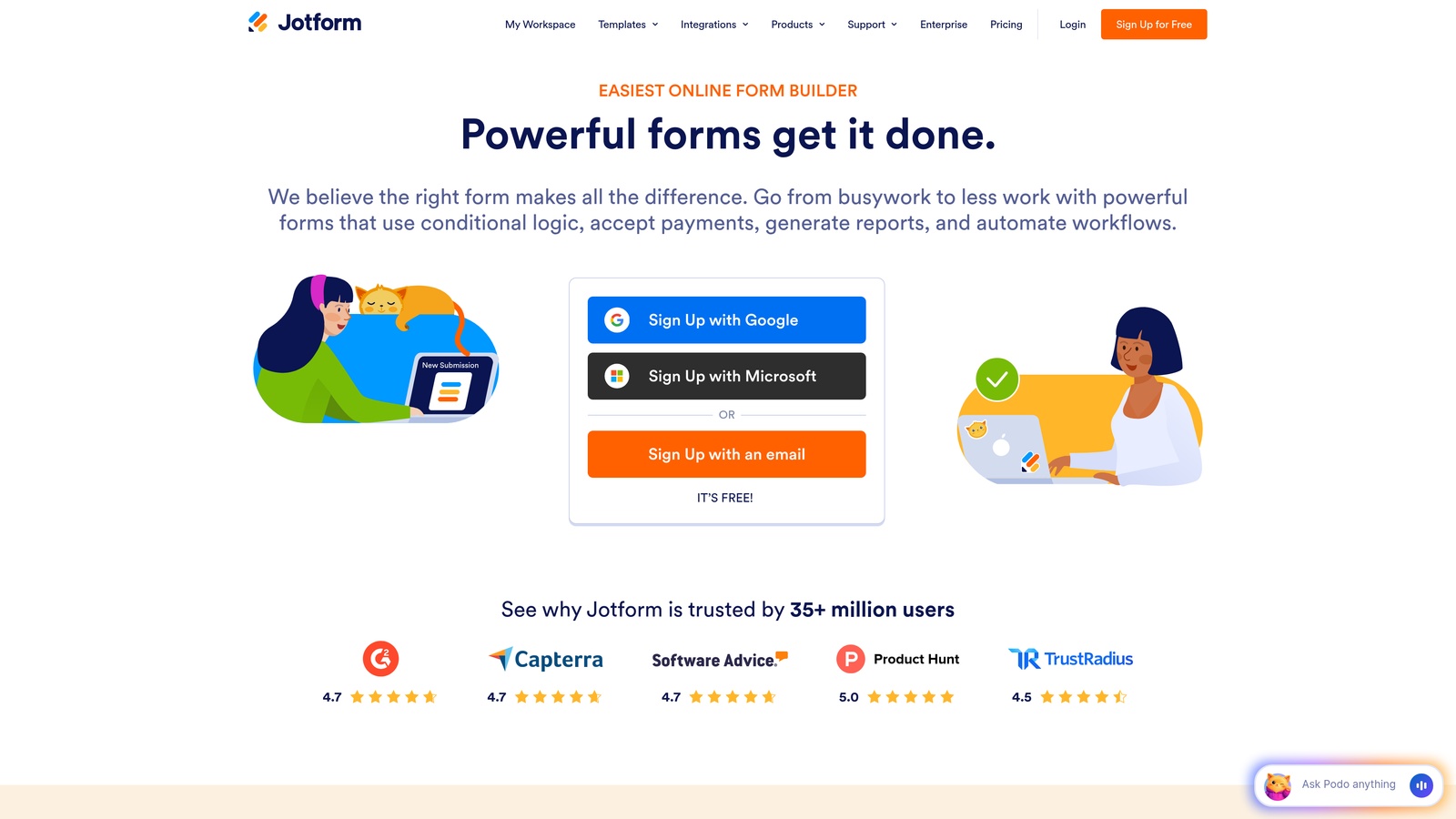
Jotform is a feature-rich form builder offering one of the largest template libraries in the industry with over 10,000 pre-built forms.
Where This Tool Shines
The sheer breadth of templates and widgets makes Jotform incredibly versatile. Whether you need a complex application form, event registration, or payment collection, there's likely a template that gets you 80% of the way there immediately.
The platform's widget library includes over 100 specialized elements—from appointment schedulers to signature fields to file upload managers. This extensibility means you can build sophisticated forms without custom development work.
Key Features
10,000+ Templates: Pre-built forms spanning every industry and use case imaginable, from healthcare intake to job applications.
100+ Widgets: Drag-and-drop elements including appointment booking, e-signatures, file uploads, and calculation fields.
Payment Processing: Accept payments directly through forms via PayPal, Stripe, Square, and other processors.
PDF Generation: Automatically convert form submissions into formatted PDF documents with custom branding.
HIPAA Compliance: Enterprise plans include HIPAA-compliant options for healthcare and sensitive data collection.
Best For
Organizations with diverse form needs across departments, healthcare providers requiring HIPAA compliance, businesses collecting payments through forms, and teams that want to start from proven templates rather than blank canvases.
Pricing
Free plan includes 5 forms with 100 monthly submissions. Bronze starts at $34/month, Silver at $39/month, and Gold at $99/month with increasing limits and features.
4. HubSpot Forms
Best for: Teams already using HubSpot CRM who want seamless native integration and marketing automation
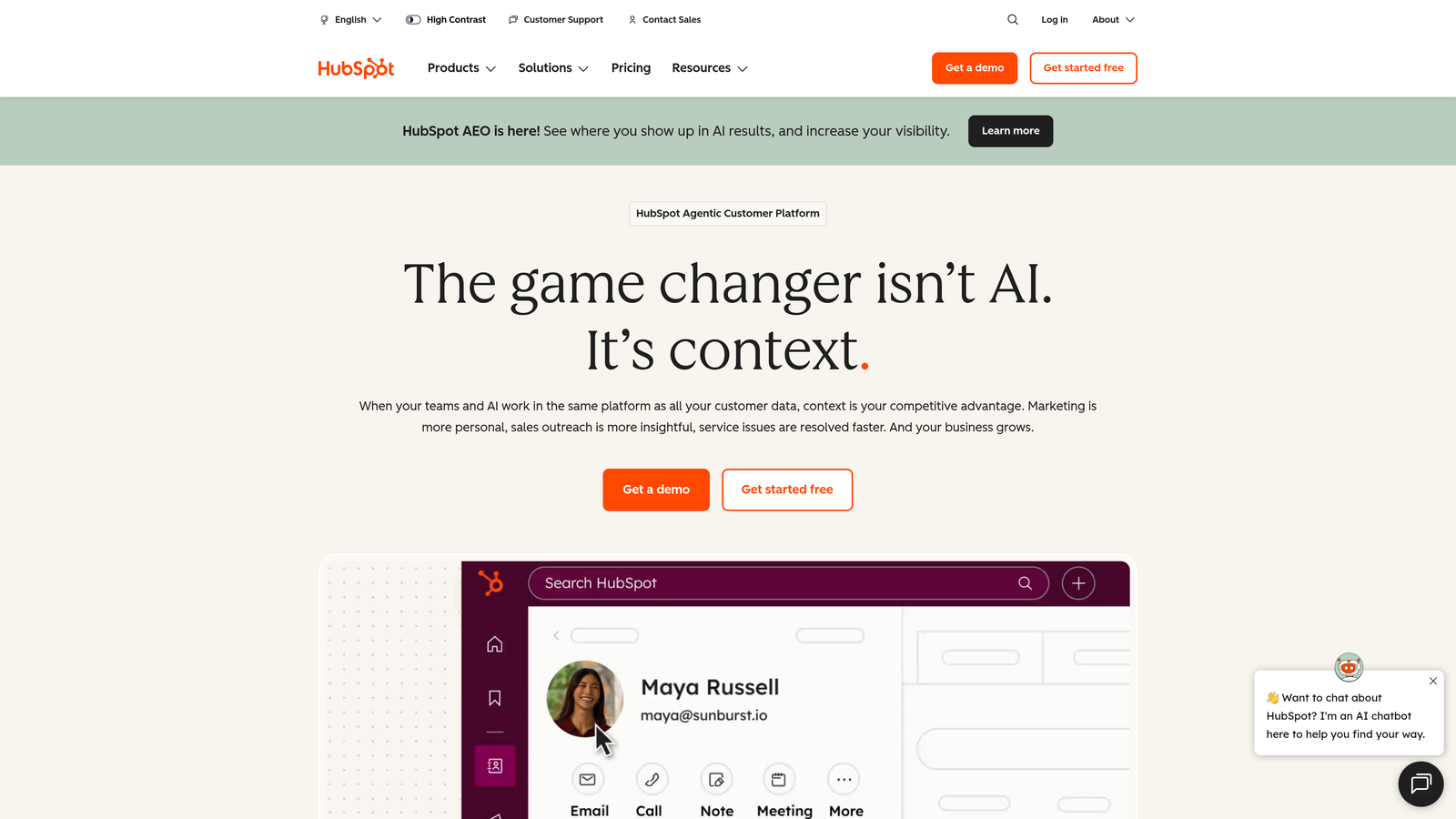
HubSpot Forms is the native form builder within the HubSpot ecosystem, offering deep integration with CRM and marketing automation capabilities.
Where This Tool Shines
If you're already in the HubSpot ecosystem, the native forms integration is unmatched. Every submission automatically creates or updates contact records, triggers workflows, and feeds into your marketing automation sequences without any middleware.
Progressive profiling is a standout feature—forms automatically adjust which fields they show based on what information HubSpot already has about a contact. This means returning visitors see fewer, more relevant questions rather than being asked for information you already collected.
Key Features
Native CRM Integration: Submissions instantly sync with contact records, deal pipelines, and marketing lists without third-party tools.
Progressive Profiling: Smart fields that adapt based on known contact data, gathering new information without repetition.
Smart Fields: Pre-populate form fields with existing contact data to reduce friction for known visitors.
Automatic Lead Scoring: Forms feed directly into HubSpot's lead scoring system to prioritize follow-up.
A/B Testing: Test different form variations to optimize conversion rates with built-in analytics.
Best For
Companies already using HubSpot CRM or Marketing Hub, marketing teams running sophisticated nurture campaigns, and businesses that want forms tightly integrated with their entire customer journey tracking.
Pricing
Free with HubSpot CRM. Advanced features like progressive profiling and A/B testing require Marketing Hub starting at $45/month for Starter tier.
5. Gravity Forms
Best for: WordPress sites requiring advanced functionality, conditional logic, and extensive developer customization
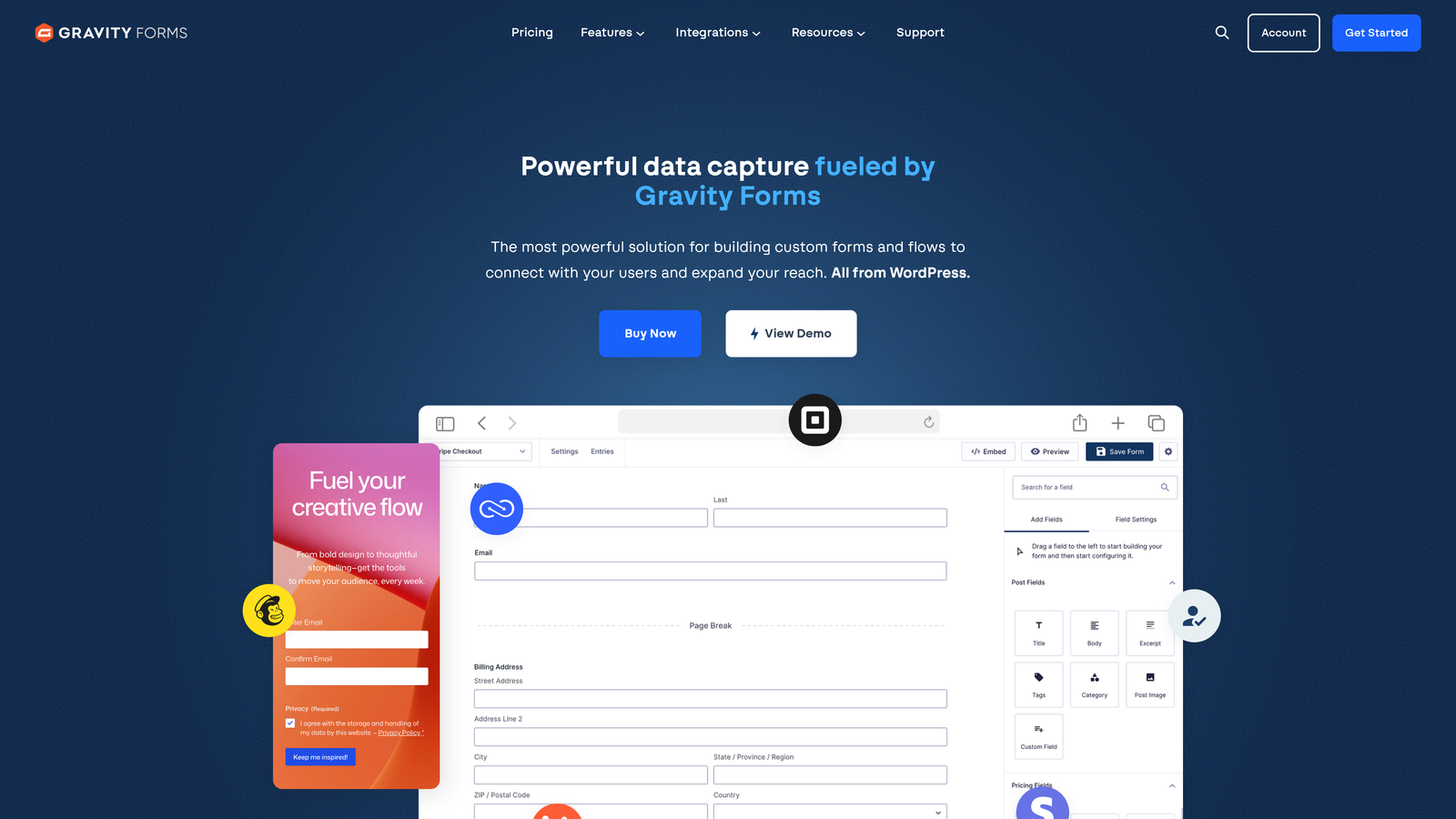
Gravity Forms is a premium WordPress form plugin that has become the industry standard for advanced WordPress form functionality.
Where This Tool Shines
For WordPress sites, Gravity Forms offers unmatched depth and flexibility. The plugin integrates natively with WordPress, supports Gutenberg blocks, and provides developer-friendly hooks that allow virtually unlimited customization.
The add-on ecosystem is extensive—over 30 official add-ons cover everything from payment processing to CRM integration to advanced calculations. This modular approach means you only pay for the specific functionality you need.
Key Features
Deep WordPress Integration: Native Gutenberg block support, custom post type creation, and user registration capabilities.
Advanced Conditional Logic: Show or hide fields, sections, and pages based on complex rule combinations.
30+ Official Add-ons: Extend functionality with payment processors, CRM connectors, email marketing tools, and more.
Multi-Page Forms: Split long forms across multiple pages with save-and-continue functionality for incomplete submissions.
Developer-Friendly: Extensive hooks, filters, and API for custom functionality without modifying core plugin files.
Best For
WordPress-based businesses needing advanced form capabilities, developers building custom form solutions for clients, and organizations requiring complex conditional logic or calculations in their forms.
Pricing
Annual license model: Basic at $59/year for one site, Pro at $159/year for three sites, Elite at $259/year for unlimited sites plus priority support.
6. Tally
Best for: Teams wanting unlimited forms and submissions without paying, with a Notion-like editing experience
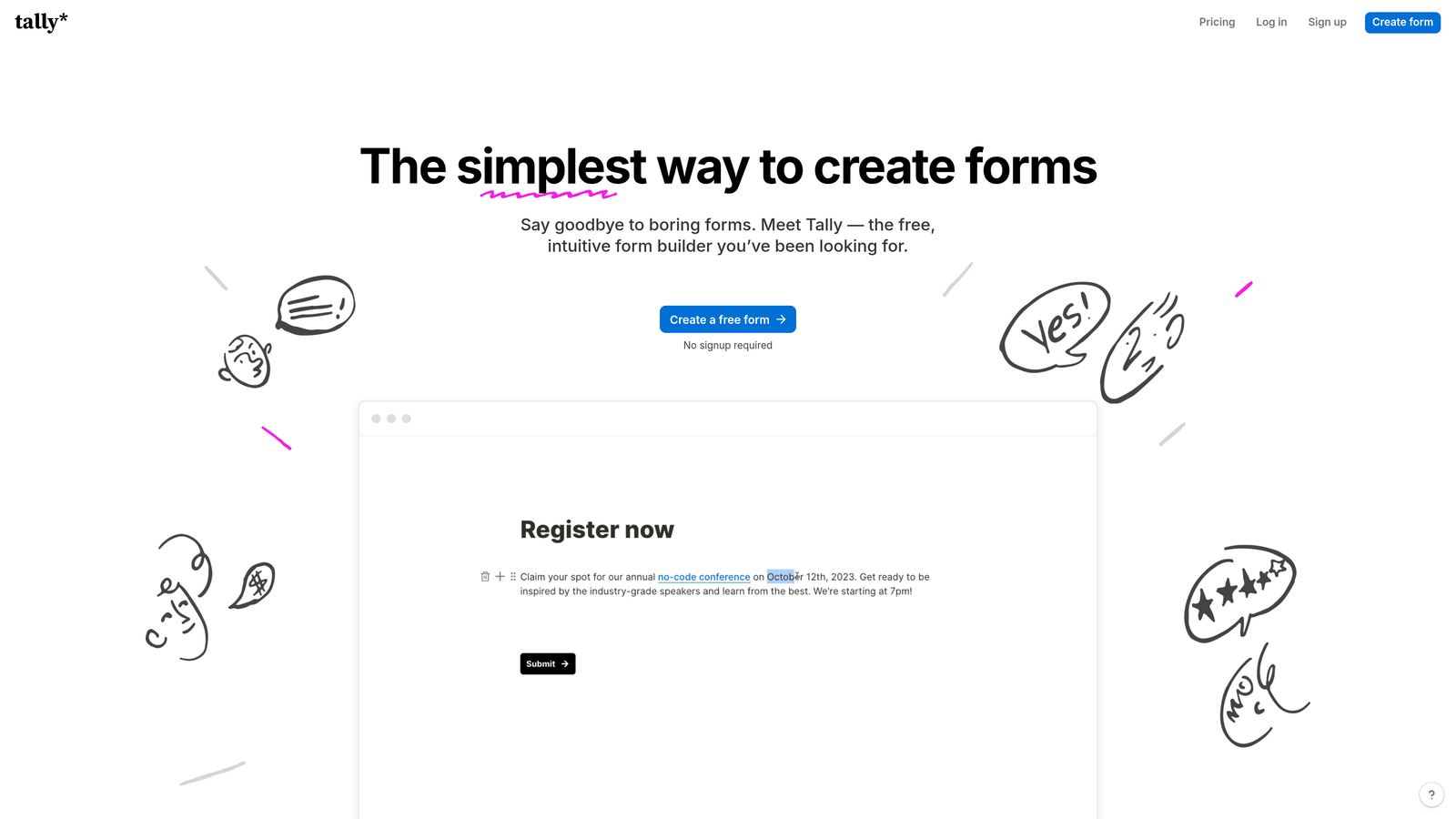
Tally is a minimalist form builder with a Notion-style block-based editor and one of the most generous free tiers available.
Where This Tool Shines
Tally's free plan is remarkably generous—unlimited forms, unlimited submissions, and access to core features without paywalls. This makes it ideal for bootstrapped startups, side projects, or teams testing form strategies before committing to paid tools.
The Notion-inspired editing experience feels familiar if you're already using block-based editors. You can quickly build forms by typing "/" to add blocks, creating a fast workflow that doesn't require clicking through menus.
Key Features
Unlimited Free Tier: Create unlimited forms with unlimited submissions at no cost, removing volume-based pricing constraints.
Block-Based Editor: Notion-style interface where you add form elements by typing slash commands.
Conditional Logic: Show or hide questions based on previous responses to create personalized form flows.
Custom Thank-You Pages: Redirect respondents to specific URLs or display custom messages based on their answers.
Webhooks and Zapier: Connect form submissions to thousands of apps through webhooks or Zapier integration.
Best For
Startups and bootstrapped teams with tight budgets, individuals running side projects or personal sites, and teams wanting to test form strategies before investing in premium tools.
Pricing
Free plan includes full core features with unlimited forms and submissions. Pro plan at $29/month adds custom branding removal, file uploads, and advanced integrations.
7. Paperform
Best for: Creating landing page-style forms with rich media content alongside questions
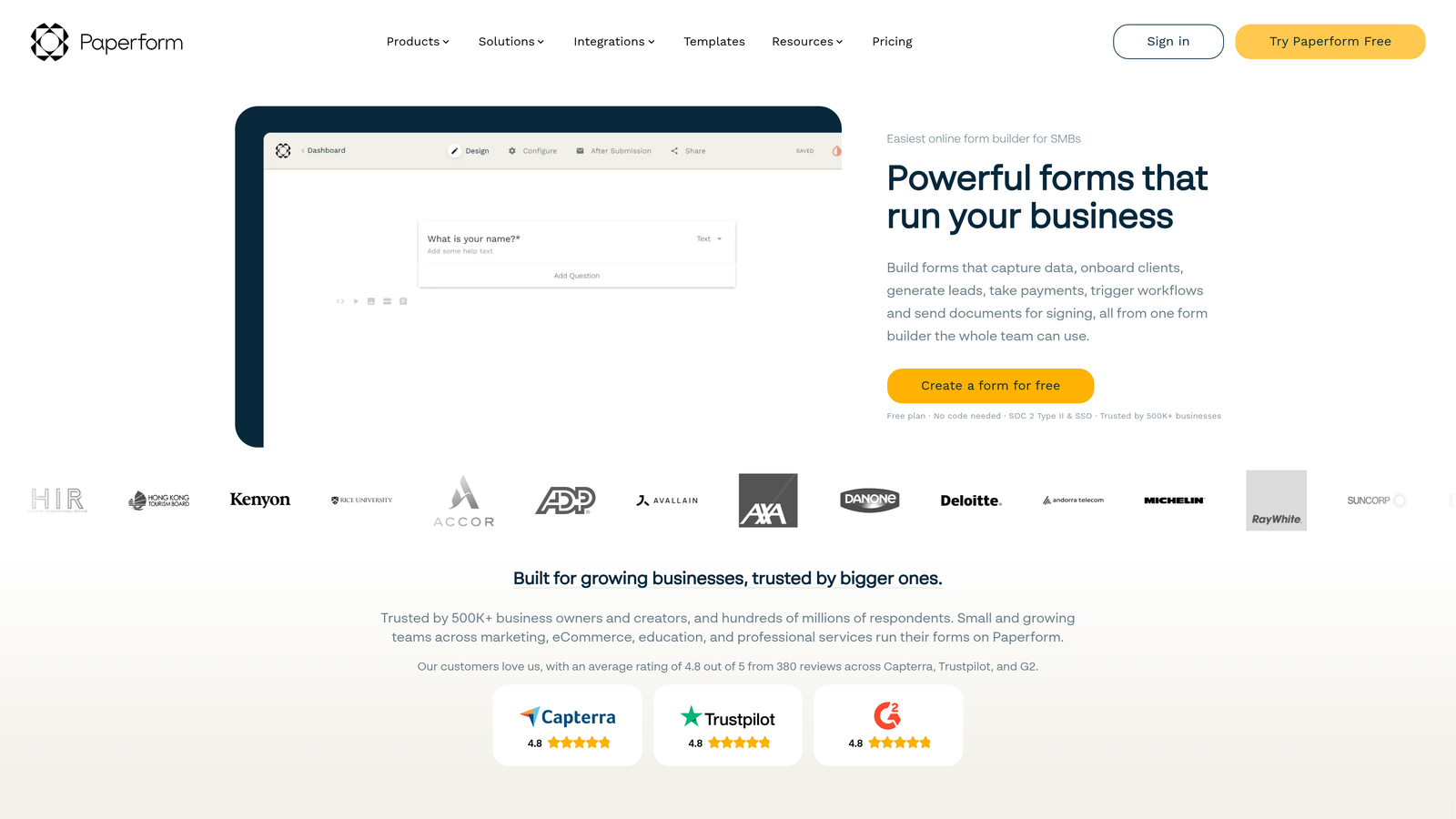
Paperform is a form builder that doubles as a landing page creator, allowing you to mix rich content blocks with form fields seamlessly.
Where This Tool Shines
Paperform blurs the line between forms and landing pages. You can embed videos, add explanatory text blocks, include images, and create compelling narratives around your questions—all within the same interface.
This approach works particularly well for product catalogs, booking systems, and applications where context matters as much as data collection. The built-in payment processing and product catalog features make it a viable option for simple e-commerce needs.
Key Features
Landing Page-Style Forms: Mix form fields with rich content blocks including text, images, videos, and custom HTML.
Rich Media Embedding: Add videos, image galleries, and formatted text to provide context alongside questions.
Payment Processing: Accept payments through Stripe or PayPal with customizable product catalogs.
Booking Functionality: Schedule appointments, manage availability, and send automatic confirmations.
Custom Success Pages: Design branded confirmation pages or redirect to specific URLs based on submission data.
Best For
Service businesses offering booking and payments, product-focused companies needing visual catalogs within forms, and brands where storytelling and context enhance the form experience.
Pricing
Essentials plan at $24/month for basic features, Pro at $49/month with advanced functionality, Agency at $159/month for white-label and team features.
8. Formstack
Best for: Enterprise organizations requiring compliance certifications, advanced security, and workflow automation
Formstack is an enterprise-grade form builder with robust security features, compliance certifications, and sophisticated workflow automation capabilities.
Where This Tool Shines
Formstack takes compliance seriously with HIPAA, GDPR, and SOC 2 certifications—critical for healthcare, finance, and other regulated industries. The platform's security features include data encryption, access controls, and audit trails that enterprise compliance teams require.
The workflow automation goes beyond basic email notifications. You can build approval processes, route submissions through multi-step workflows, and create complex business logic without custom development.
Key Features
Compliance Certifications: HIPAA, GDPR, and SOC 2 compliance with necessary documentation and security controls.
Advanced Workflow Automation: Build multi-step approval processes and routing rules based on submission data.
Electronic Signatures: Collect legally binding e-signatures directly within forms with audit trails.
Salesforce-Native Forms: Build forms directly within Salesforce that update records without third-party integration tools.
Team Collaboration: Role-based access controls, shared workspaces, and collaboration features for larger teams.
Best For
Healthcare organizations requiring HIPAA compliance, financial services with strict data security requirements, enterprise teams needing approval workflows, and companies already using Salesforce as their primary CRM.
Pricing
Starter plan at $50/month, Teams at $83/month with advanced features. Enterprise pricing available on request with custom compliance and security requirements.
9. Google Forms
Best for: Quick surveys, basic data collection, and teams already using Google Workspace
Google Forms is Google's free, straightforward form builder ideal for surveys, feedback collection, and simple data gathering.
Where This Tool Shines
Google Forms excels at simplicity and accessibility. Anyone with a Google account can create a form in minutes without training or technical knowledge. The automatic Google Sheets integration means responses flow directly into spreadsheets for analysis.
For teams already using Google Workspace, the collaboration features are seamless. Multiple team members can edit forms simultaneously, share them through Google Drive, and access responses from anywhere.
Key Features
Completely Free: Unlimited forms and responses at no cost with a Google account.
Real-Time Collaboration: Multiple users can edit forms simultaneously with automatic saving and version control.
Google Sheets Integration: Responses automatically populate spreadsheets for analysis and reporting.
Basic Conditional Logic: Show or hide sections based on previous answers to create branching surveys.
Quiz Mode: Create self-grading quizzes with automatic scoring and answer feedback.
Best For
Teams running internal surveys or feedback collection, educators creating quizzes and assessments, nonprofits with limited budgets, and anyone needing quick, simple data collection without advanced features.
Pricing
Completely free with a Google account. Google Workspace plans starting at $6/user/month add team management and advanced admin controls but don't change Forms functionality.
Matching Your Form Builder to Your Growth Goals
The right contact form builder depends entirely on where you are and where you're headed. Think about your actual workflow, not just feature lists.
If you're drowning in low-quality leads and need intelligence built into your forms, Orbit AI delivers AI-powered qualification that separates serious prospects from tire-kickers automatically. For teams already living in HubSpot, the native HubSpot Forms integration eliminates friction and keeps everything in one ecosystem.
Budget-conscious teams should look at Tally for its remarkably generous free tier, while WordPress sites get the most flexibility from Gravity Forms. Enterprise organizations with compliance requirements can't ignore Formstack's certifications and security features.
Here's the bottom line: your contact form isn't just collecting information—it's making a first impression, qualifying leads, and either moving prospects forward or watching them bounce. The difference between a generic form and an intelligent one compounds over thousands of submissions.
Most teams underestimate how much conversion rate improvement matters. A form that converts at 8% instead of 5% doesn't sound dramatic until you realize that's a 60% increase in leads from the same traffic. Small improvements in form experience create outsized results in pipeline.
Transform your lead generation with AI-powered forms that qualify prospects automatically while delivering the modern, conversion-optimized experience your high-growth team needs. The right form builder doesn't just collect data—it becomes your first line of qualification, working 24/7 to identify your best opportunities.


