

Your contact form is often the first handshake between your business and potential customers—yet most forms feel like filling out a DMV application. The right contact form software transforms this friction point into a conversion engine, qualifying leads automatically and routing them to the right team members. We evaluated dozens of subscription-based form builders based on ease of use, lead qualification features, integration capabilities, and value for growing teams. Whether you need AI-powered lead scoring or simple embeddable forms, this list covers the best options for high-growth businesses in 2026.
1. Orbit AI
Best for: High-growth teams prioritizing lead qualification and conversion optimization
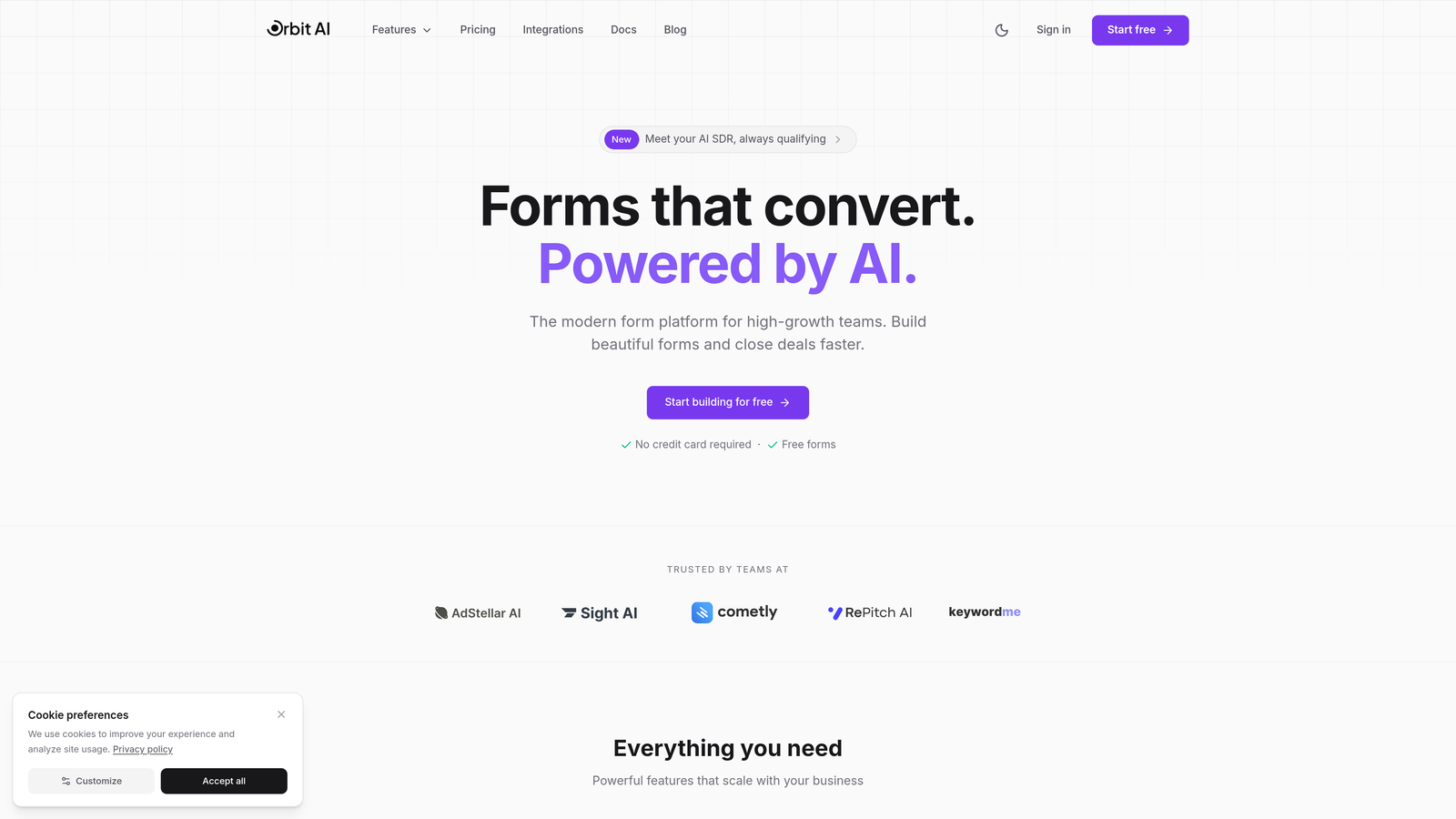
Orbit AI is an AI-powered form builder platform designed specifically for teams that need to qualify leads automatically while maintaining a modern, conversion-focused experience.
Where This Tool Shines
Orbit AI stands out by solving a problem most form builders ignore: not all leads are created equal. The platform uses AI to score and qualify prospects as they fill out forms, automatically routing high-value leads to sales while filtering out tire-kickers.
The conversion-optimized templates are built from real data about what actually works, not just what looks pretty. This means you're starting with forms that have been tested and refined for maximum completion rates.
Key Features
AI-Powered Lead Qualification: Automatically scores leads based on their responses and behavior, prioritizing your best prospects.
Conversion-Optimized Templates: Pre-built form designs based on conversion research, not guesswork.
Native CRM Integrations: Connects directly with major CRMs to ensure qualified leads flow seamlessly into your sales pipeline.
Advanced Analytics: Track form performance with detailed insights into completion rates, drop-off points, and lead quality.
Automated Workflows: Trigger actions based on lead scores and responses without manual intervention.
Best For
Orbit AI is ideal for SaaS companies, B2B businesses, and any high-growth team where lead quality matters more than lead quantity. If you're tired of your sales team wasting time on unqualified prospects, this platform helps you filter and prioritize automatically.
Pricing
Free tier available for getting started; paid plans begin at competitive SaaS pricing with features that scale as your lead volume grows.
2. Typeform
Best for: Creating engaging, conversational form experiences that boost completion rates
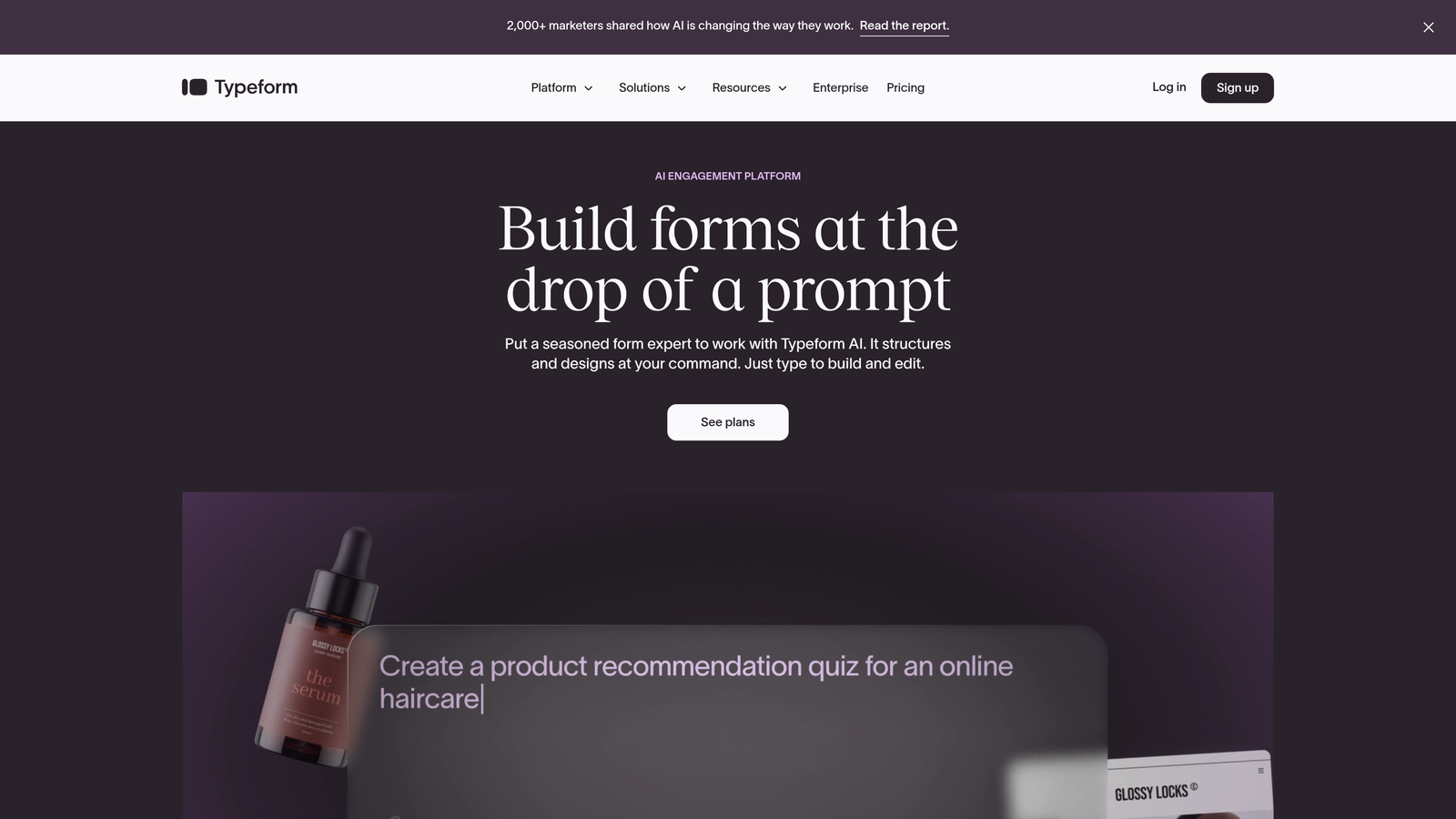
Typeform is a conversational form builder that presents one question at a time, creating a more engaging experience than traditional multi-field forms.
Where This Tool Shines
Typeform revolutionized form design by ditching the overwhelming wall-of-fields approach. Instead, it guides users through a conversation-style experience that feels more like chatting than form-filling. This approach consistently delivers higher completion rates, especially for longer forms.
The platform excels at brand-focused campaigns where the form experience itself becomes part of your marketing. Custom fonts, colors, images, and videos create immersive experiences that reinforce your brand identity.
Key Features
One-Question-at-a-Time Interface: Reduces cognitive load and increases completion rates by focusing attention on single questions.
Extensive Design Customization: Match your brand with custom fonts, colors, backgrounds, and embedded media.
Logic Jumps: Create dynamic form paths based on previous answers for personalized experiences.
Rich Media Support: Embed videos, images, and GIFs directly into your forms.
Integration Marketplace: Connect with hundreds of tools through native integrations and Zapier.
Best For
Typeform works best for marketing teams running brand-focused campaigns, customer research projects, or any scenario where engagement and completion rates are critical. It's particularly effective for surveys and feedback collection.
Pricing
Free tier includes basic features with limited responses; Basic plan starts at $25/month for increased response limits and additional features.
3. JotForm
Best for: Teams needing extensive templates and customization options without coding
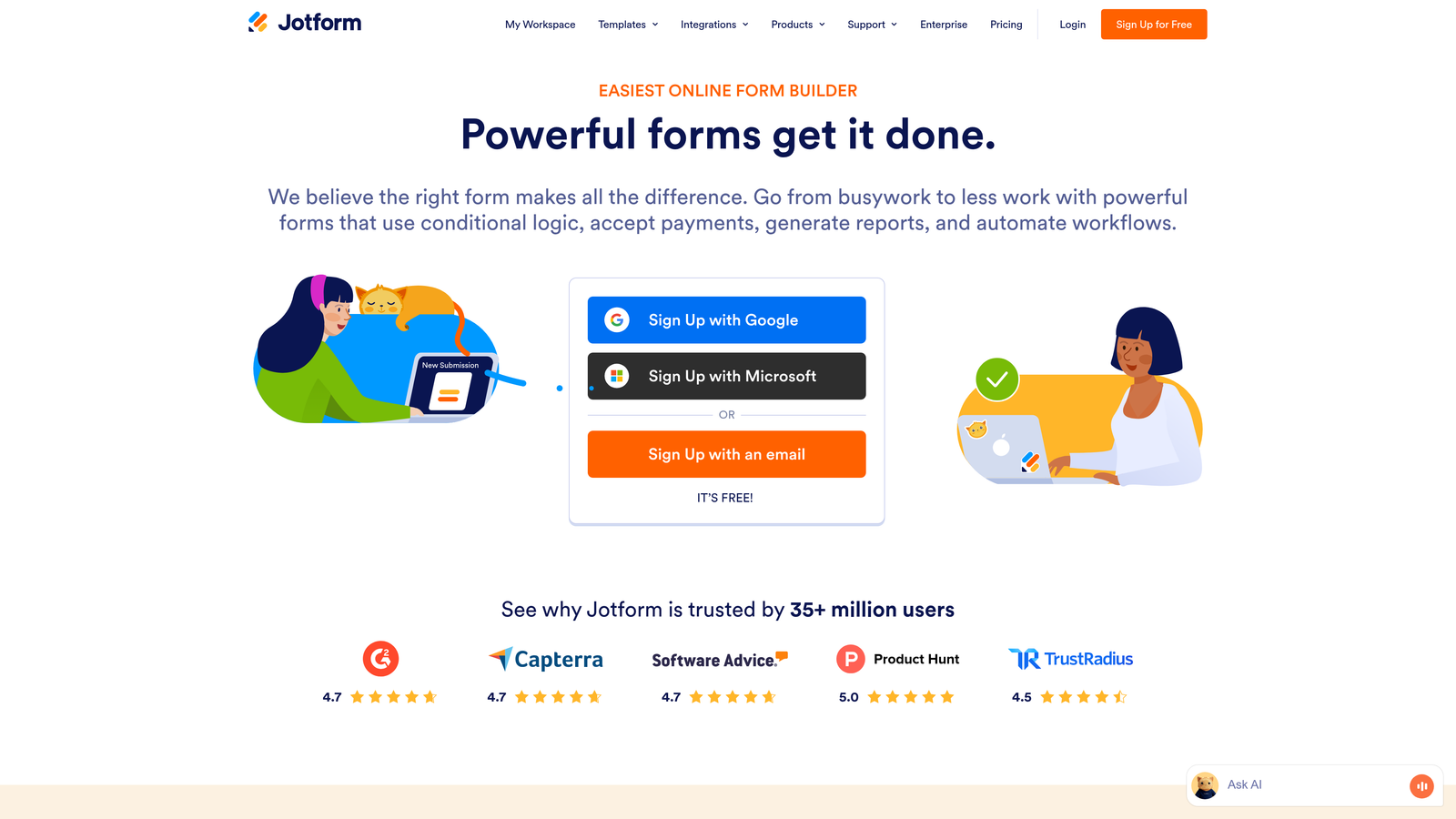
JotForm is a feature-rich form builder offering over 10,000 templates and a massive widget library for virtually any use case.
Where This Tool Shines
JotForm's greatest strength is its sheer versatility. With thousands of pre-built templates covering everything from event registrations to complex application forms, you can usually find something close to what you need and customize from there. The widget library extends functionality far beyond basic forms.
The platform handles payment processing particularly well, with direct integrations for Stripe, PayPal, Square, and others. This makes it a solid choice for businesses collecting payments through forms without needing separate payment infrastructure.
Key Features
10,000+ Templates: Pre-built forms for virtually every industry and use case imaginable.
Drag-and-Drop Builder: Intuitive interface with extensive widget library for adding functionality.
Payment Processing: Built-in support for major payment gateways with secure transaction handling.
PDF Generation: Automatically convert form submissions into formatted PDF documents.
HIPAA Compliance: Enterprise plans offer HIPAA-compliant forms for healthcare applications.
Best For
JotForm suits small to medium businesses that need versatile form capabilities without technical expertise. It's particularly strong for organizations collecting payments, handling registrations, or needing industry-specific compliance features.
Pricing
Free tier includes 5 forms with basic features; Bronze plan starts at $34/month for increased form limits and advanced capabilities.
4. Gravity Forms
Best for: WordPress sites needing powerful forms with extensive developer customization
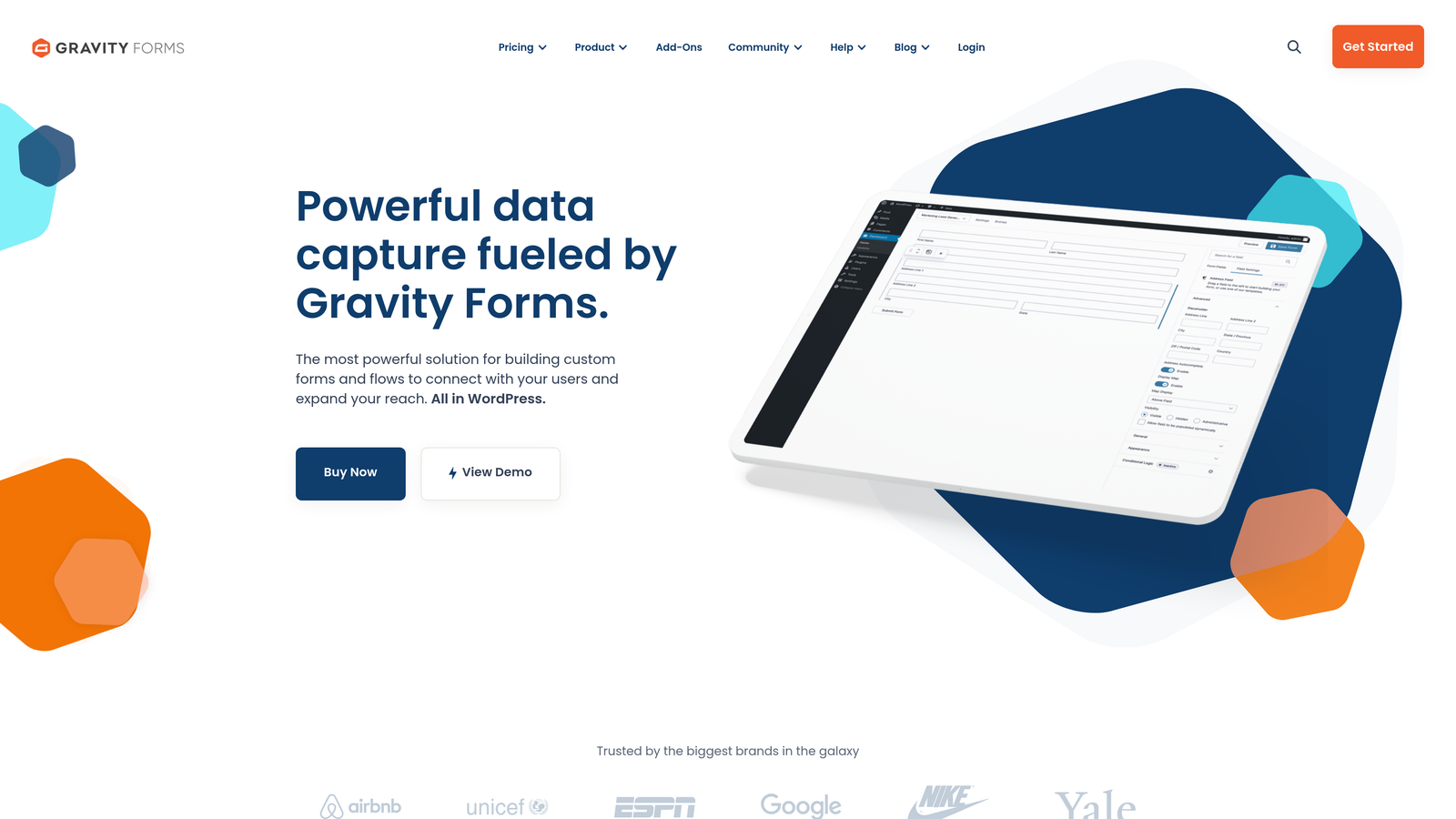
Gravity Forms is a premium WordPress plugin that has become the de facto standard for advanced form functionality on WordPress sites.
Where This Tool Shines
For WordPress users, Gravity Forms offers the deepest native integration available. It's not just a form plugin—it's a complete form management system that feels like a natural extension of WordPress itself. The add-on ecosystem provides specialized functionality for virtually any need.
Developers love Gravity Forms because it's built with customization in mind. Extensive hooks, filters, and documentation make it possible to extend the platform in ways most SaaS form builders can't match. If you need custom functionality, you can build it.
Key Features
Native WordPress Integration: Works seamlessly with WordPress themes, plugins, and user management.
Add-On Marketplace: Extend functionality with official add-ons for payments, CRMs, email marketing, and more.
Advanced Conditional Logic: Create complex form behaviors based on user inputs and WordPress data.
Developer-Friendly: Extensive hooks, filters, and documentation for custom development.
Multi-Page Forms: Break long forms into steps with save-and-continue functionality.
Best For
Gravity Forms is ideal for WordPress-based businesses that need advanced form capabilities and have some technical resources. It's particularly valuable for sites requiring custom integrations or complex form logic that goes beyond standard form builders.
Pricing
Basic license starts at $59/year for one site; higher tiers unlock additional add-ons and support for multiple sites.
5. HubSpot Forms
Best for: Teams already using HubSpot CRM or considering the HubSpot ecosystem
HubSpot Forms is a free form builder that integrates directly with HubSpot's CRM, creating a unified system for capturing and managing leads.

Where This Tool Shines
The magic of HubSpot Forms lies in its seamless CRM integration. Every form submission automatically creates or updates a contact record with complete interaction history. No middleware, no data syncing delays—just instant visibility into every lead's journey.
Progressive profiling is particularly clever: returning visitors see different questions than first-time visitors, letting you gradually build complete contact profiles without overwhelming anyone with long forms. This approach significantly improves completion rates while gathering comprehensive data over time.
Key Features
Direct CRM Integration: Form submissions automatically create contact records with full activity tracking.
Progressive Profiling: Show different questions to returning visitors to build complete profiles gradually.
Smart Fields: Auto-populate known information for returning contacts to reduce friction.
Built-In Analytics: Track form performance with conversion rates, views, and submission data.
Generous Free Tier: Core functionality available at no cost with the free HubSpot CRM.
Best For
HubSpot Forms makes perfect sense if you're already using HubSpot CRM or considering their platform. The tight integration eliminates the complexity of connecting separate tools, making it ideal for small to mid-sized businesses building their marketing stack.
Pricing
Free with HubSpot CRM; advanced features like smart content and A/B testing require paid Marketing Hub subscriptions.
6. Paperform
Best for: Creating beautifully branded form experiences with advanced logic
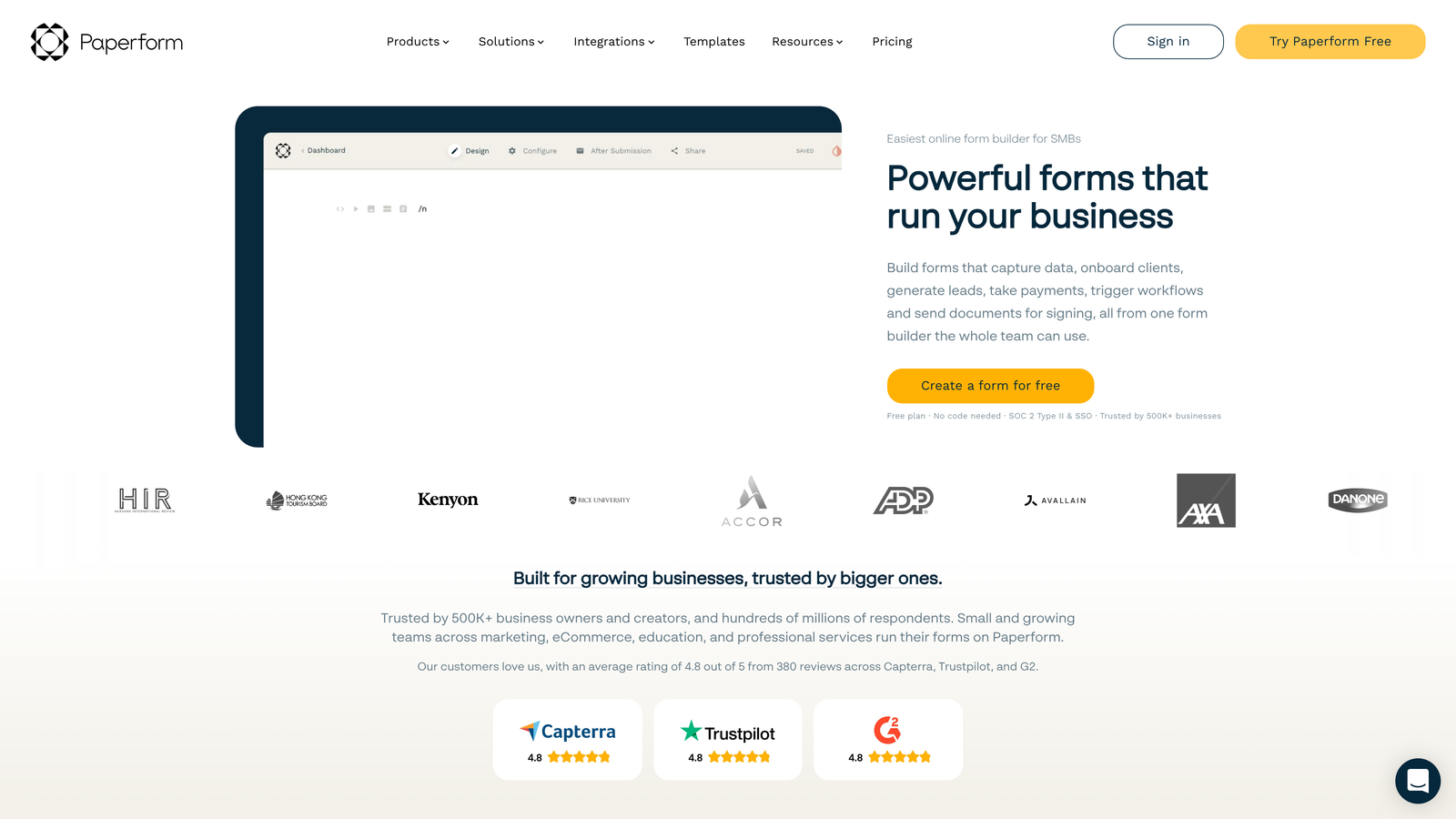
Paperform is a design-focused form builder that lets you create rich, content-heavy forms that feel more like landing pages than traditional forms.
Where This Tool Shines
Paperform treats forms as content experiences rather than data collection tools. You can embed rich text, images, videos, and custom formatting directly within your forms, creating branded experiences that maintain your design standards throughout the conversion process.
The platform's calculation fields are particularly powerful for businesses that need to generate quotes, estimates, or pricing within forms. Combined with conditional logic, you can create dynamic pricing calculators that adapt based on user selections.
Key Features
Rich Content Editor: Add formatted text, images, videos, and custom styling throughout your forms.
Advanced Conditional Logic: Show or hide sections, calculate values, and create dynamic form paths.
Payment Processing: Accept payments through Stripe, PayPal, Square, and Braintree.
Custom Success Pages: Design branded confirmation pages with dynamic content based on submissions.
Calculation Fields: Build pricing calculators, quote generators, and dynamic totals.
Best For
Paperform excels for businesses that need forms to match their brand standards, particularly those in creative industries, consulting, or service businesses that generate quotes through forms. It's ideal when the form itself is part of your brand experience.
Pricing
Essentials plan starts at $24/month with unlimited forms and submissions; higher tiers add advanced features and remove branding.
7. Formstack
Best for: Enterprise teams needing compliance features and advanced workflow automation
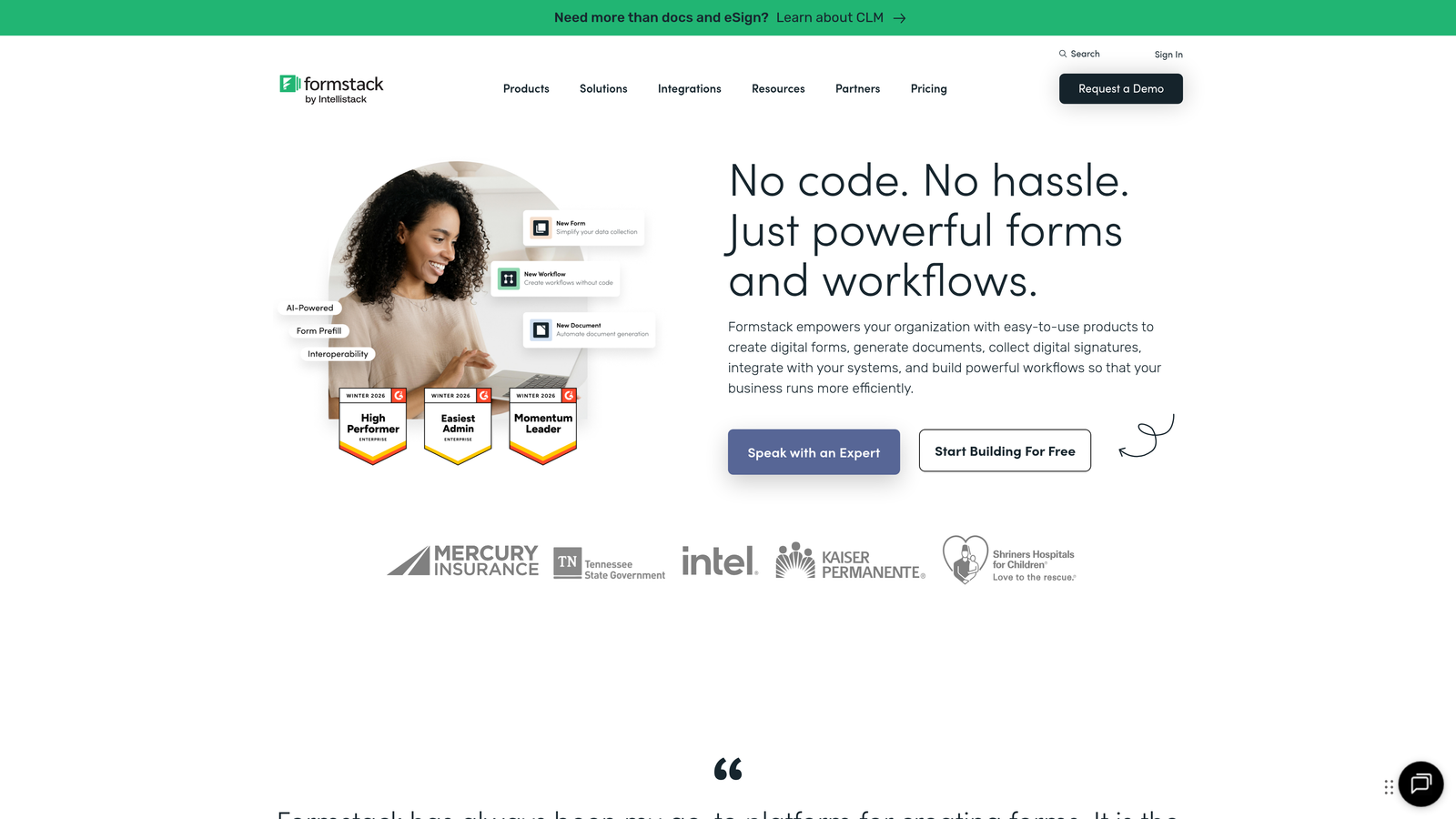
Formstack is an enterprise-grade form platform with robust security, compliance features, and sophisticated workflow capabilities.
Where This Tool Shines
Formstack takes workflow automation seriously. Beyond basic form submissions, you can build complex approval processes, data routing rules, and multi-step workflows that involve multiple team members and departments. This makes it powerful for organizations with formal processes around data collection.
Compliance features are built into the platform's core rather than bolted on. HIPAA and GDPR compliance options, along with advanced security controls, make Formstack suitable for regulated industries like healthcare, finance, and legal services where data protection isn't optional.
Key Features
Advanced Workflow Automation: Build multi-step approval processes and data routing with conditional logic.
Compliance Options: HIPAA, GDPR, and other compliance features for regulated industries.
Electronic Signatures: Collect legally binding signatures directly within forms.
Data Routing: Automatically send submissions to different teams or systems based on rules.
Salesforce Integration: Native Salesforce version available for deep CRM integration.
Best For
Formstack serves enterprise teams and organizations in regulated industries that need robust compliance features and complex workflow capabilities. It's particularly valuable for companies with formal approval processes or strict data handling requirements.
Pricing
Starter plan begins at $50/month; higher tiers unlock compliance features, increased submission limits, and advanced capabilities.
8. Cognito Forms
Best for: Budget-conscious teams needing payment processing with a generous free tier
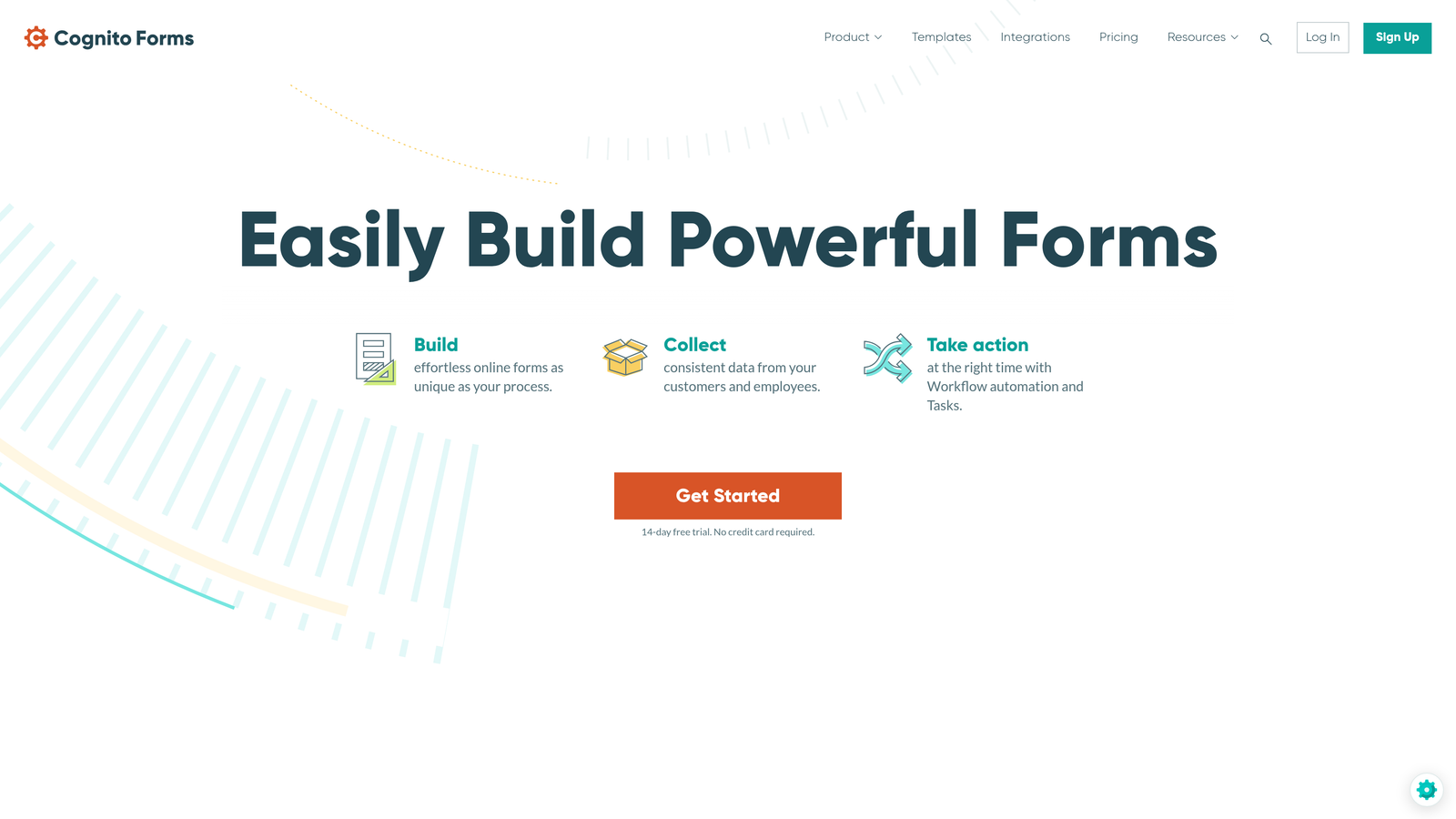
Cognito Forms is a user-friendly form builder that offers unlimited forms even on its free tier, with particularly strong payment integration capabilities.
Where This Tool Shines
Cognito Forms delivers impressive value at every pricing tier. The free plan includes unlimited forms, which immediately sets it apart from competitors that limit form counts. This makes it accessible for small businesses and organizations managing multiple projects without budget constraints.
Payment processing is handled exceptionally well, with native support for Stripe, PayPal, and Square. The platform calculates totals, applies discounts, and handles complex pricing scenarios without requiring third-party tools or complicated workarounds.
Key Features
Unlimited Forms on Free Tier: No artificial limits on form creation, even for free users.
Built-In Payment Processing: Native integrations with Stripe, PayPal, and Square for secure transactions.
Calculation Fields: Build dynamic forms that calculate totals, apply discounts, and handle complex math.
Repeating Sections: Let users add multiple entries within a single form submission.
Data Security: Encryption and compliance features built into the platform.
Best For
Cognito Forms suits small businesses, nonprofits, and organizations that need professional form capabilities without breaking the budget. It's particularly strong for businesses collecting payments or managing event registrations.
Pricing
Generous free tier with unlimited forms; Pro plan starts at $15/month for increased submissions and advanced features.
9. Tally
Best for: Teams wanting unlimited forms for free with a clean, minimal interface
Tally is a Notion-inspired form builder that offers unlimited forms and submissions on its free tier with a refreshingly simple, block-based editor.
Where This Tool Shines
Tally's pricing model is almost too good to be true: unlimited forms and unlimited submissions for free. No catch, no artificial limits. This makes it incredibly appealing for startups, side projects, and budget-conscious teams that need multiple forms without monthly costs.
The Notion-style interface will feel immediately familiar to teams already using block-based editors. You build forms by adding blocks and arranging them, creating a workflow that's intuitive and fast once you understand the paradigm.
Key Features
Unlimited Free Tier: Create unlimited forms with unlimited submissions at no cost.
Block-Based Editor: Notion-style interface for building forms quickly and intuitively.
Conditional Logic: Show or hide questions based on previous answers.
File Uploads: Accept file submissions directly through your forms.
Webhooks and Integrations: Connect to other tools through webhooks and native integrations.
Best For
Tally is perfect for startups, solopreneurs, and small teams that need professional form capabilities without any monthly costs. It's also great for teams already using Notion who want a similar editing experience for forms.
Pricing
Free tier includes most features with unlimited forms and submissions; Pro plan at $29/month adds advanced customization and removes Tally branding.
Making the Right Choice
The best contact form software ultimately depends on your specific needs and growth stage. Orbit AI stands out if lead qualification and conversion optimization are priorities—the AI-powered scoring ensures your sales team focuses on prospects most likely to convert. Typeform delivers maximum engagement for brand-focused campaigns where the form experience itself matters. HubSpot Forms makes perfect sense if you're already invested in their ecosystem and want seamless CRM integration.
For budget-conscious teams, Tally offers an unbeatable free tier with unlimited forms, while Cognito Forms provides strong payment processing capabilities without breaking the bank. WordPress users should seriously consider Gravity Forms for its deep native integration and developer-friendly architecture.
Think about your integration requirements first. The most beautiful form in the world loses value if it doesn't connect smoothly with your CRM, email marketing platform, or sales tools. Also consider your team's technical comfort level—some platforms require more setup and configuration than others.
Transform your lead generation with AI-powered forms that qualify prospects automatically while delivering the modern, conversion-optimized experience your high-growth team needs. Start building free forms today and see how intelligent form design can elevate your conversion strategy. Any tool on this list beats a generic HTML form, but the right choice depends on whether you prioritize lead quality, budget constraints, or ecosystem integration.


