

Choosing the right form builder depends entirely on what you're trying to accomplish. Survey forms prioritize data collection, response analysis, and research insights. Lead generation forms focus on conversion optimization, qualification, and pipeline building. Some tools excel at one, others try to do both—and a few actually succeed.
This guide breaks down the top form builders across both categories, helping you match the right tool to your specific goals. Whether you need deep survey analytics or conversion-focused lead capture, you'll find the right fit here.
1. Orbit AI
Best for: High-growth teams needing AI-powered lead qualification with conversion-optimized forms
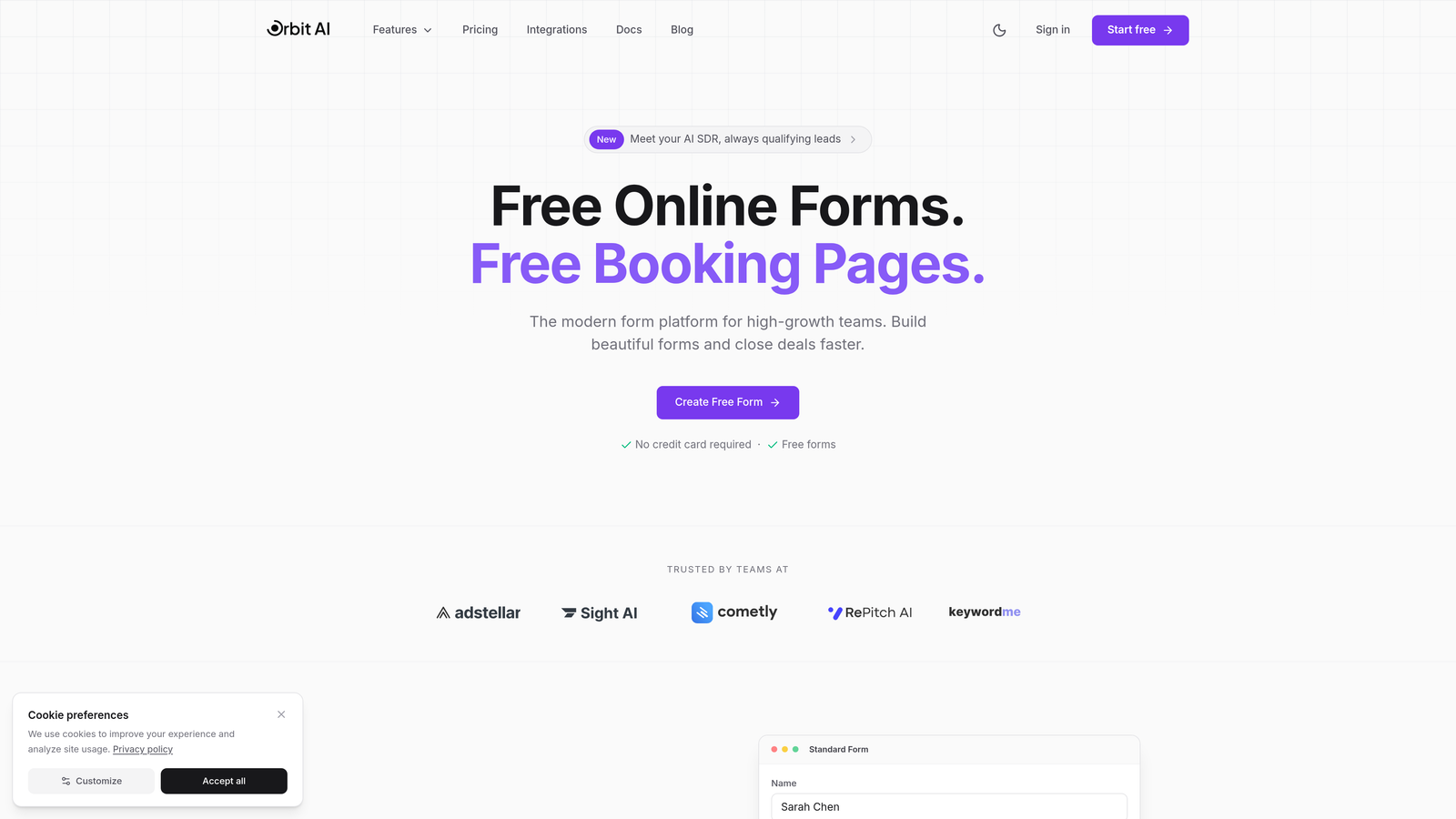
Orbit AI is an AI-powered form builder designed specifically for lead generation and qualification.
Where This Tool Shines
Orbit AI stands out by combining beautiful form design with intelligent lead qualification. The platform automatically scores and routes leads based on their responses, eliminating manual qualification work.
The AI analyzes form submissions in real-time, identifying high-value prospects and triggering appropriate follow-up workflows. This means your sales team focuses on qualified leads while marketing nurtures everyone else appropriately.
Key Features
AI-Powered Lead Qualification: Automatically scores and qualifies leads based on response patterns and criteria you define.
Real-Time Lead Routing: Sends qualified leads directly to the right sales rep based on territory, product interest, or deal size.
Conversion-Optimized Templates: Pre-built form designs tested for maximum conversion across industries and use cases.
Native CRM Integrations: Syncs seamlessly with popular CRMs to maintain clean data flow without manual entry.
Analytics Dashboard: Tracks conversion rates, qualification scores, and form performance to optimize your lead generation strategy.
Best For
Orbit AI works best for B2B companies and high-growth teams where lead quality matters as much as quantity. If you're tired of sifting through unqualified form submissions or want to automate your qualification process, this platform delivers real value.
Pricing
Free tier available for getting started. Paid plans begin at competitive rates with scaling options for growing teams.
2. Typeform
Best for: Creating engaging, conversational form experiences with high completion rates
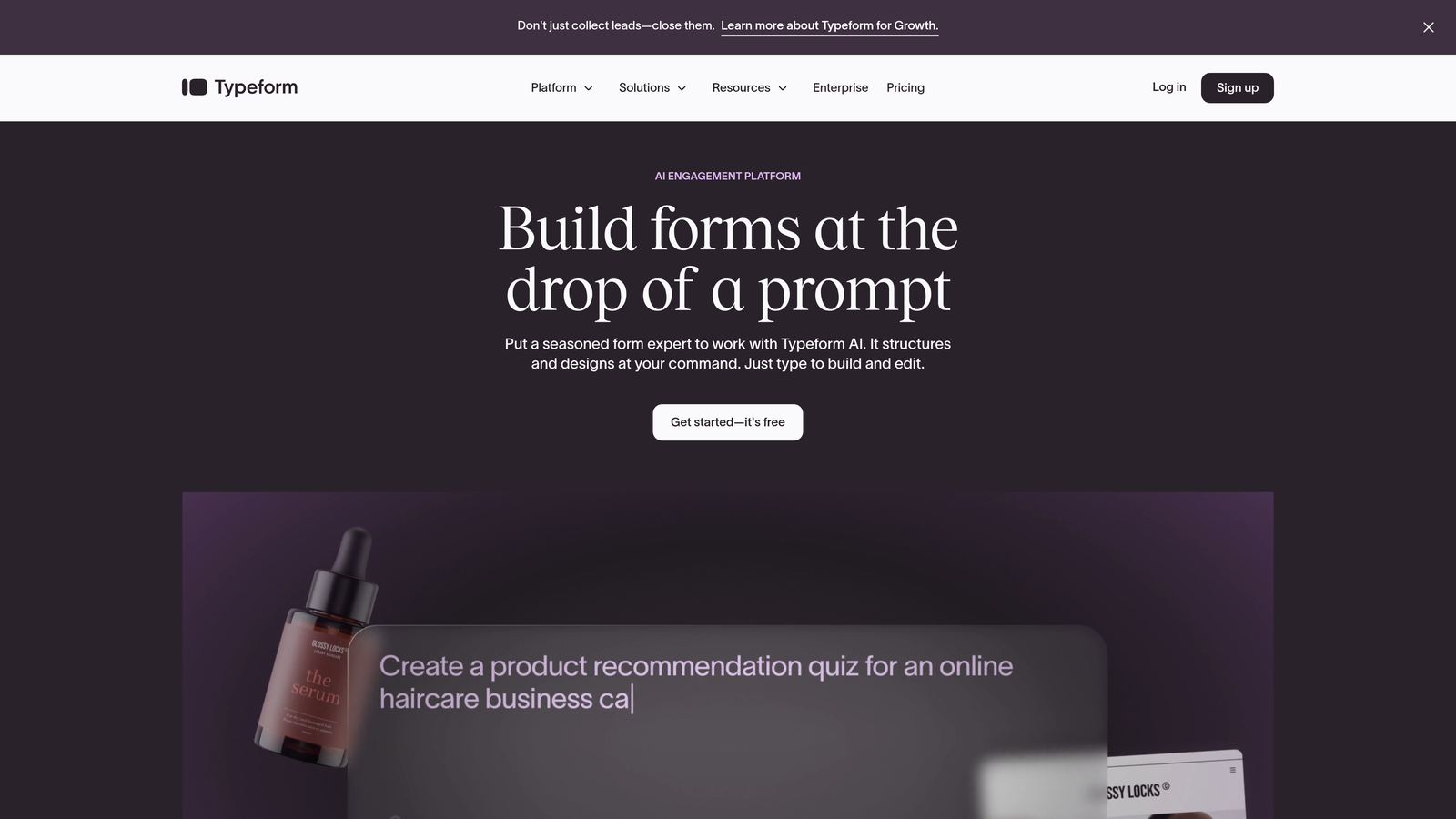
Typeform is a conversational form builder known for its one-question-at-a-time interface.
Where This Tool Shines
Typeform revolutionized form design by presenting one question at a time, creating a conversational flow that feels more like a dialogue than a data collection exercise. This approach significantly improves completion rates compared to traditional multi-field forms.
The platform excels at creating memorable brand experiences. Whether you're collecting survey responses or capturing leads, Typeform makes the process feel intentional and engaging rather than transactional.
Key Features
Conversational Format: One-question-at-a-time interface that reduces form abandonment and improves user experience.
Logic Jumps: Advanced branching that shows different questions based on previous answers, creating personalized paths.
Beautiful Designs: Stunning default templates that look professional without customization, plus extensive design controls.
Media Embedding: Add videos, images, and GIFs to make forms more engaging and explain complex questions visually.
Integration Marketplace: Connects with hundreds of tools including CRMs, email platforms, and analytics services.
Best For
Typeform works exceptionally well for brands that prioritize user experience and completion rates. It's ideal for customer feedback surveys, event registrations, and lead capture when brand perception matters.
Pricing
Free tier available with Typeform branding. Basic plan starts at $25/month for removing branding and adding logic jumps.
3. Jotform
Best for: Teams needing extensive templates and versatile form-building options
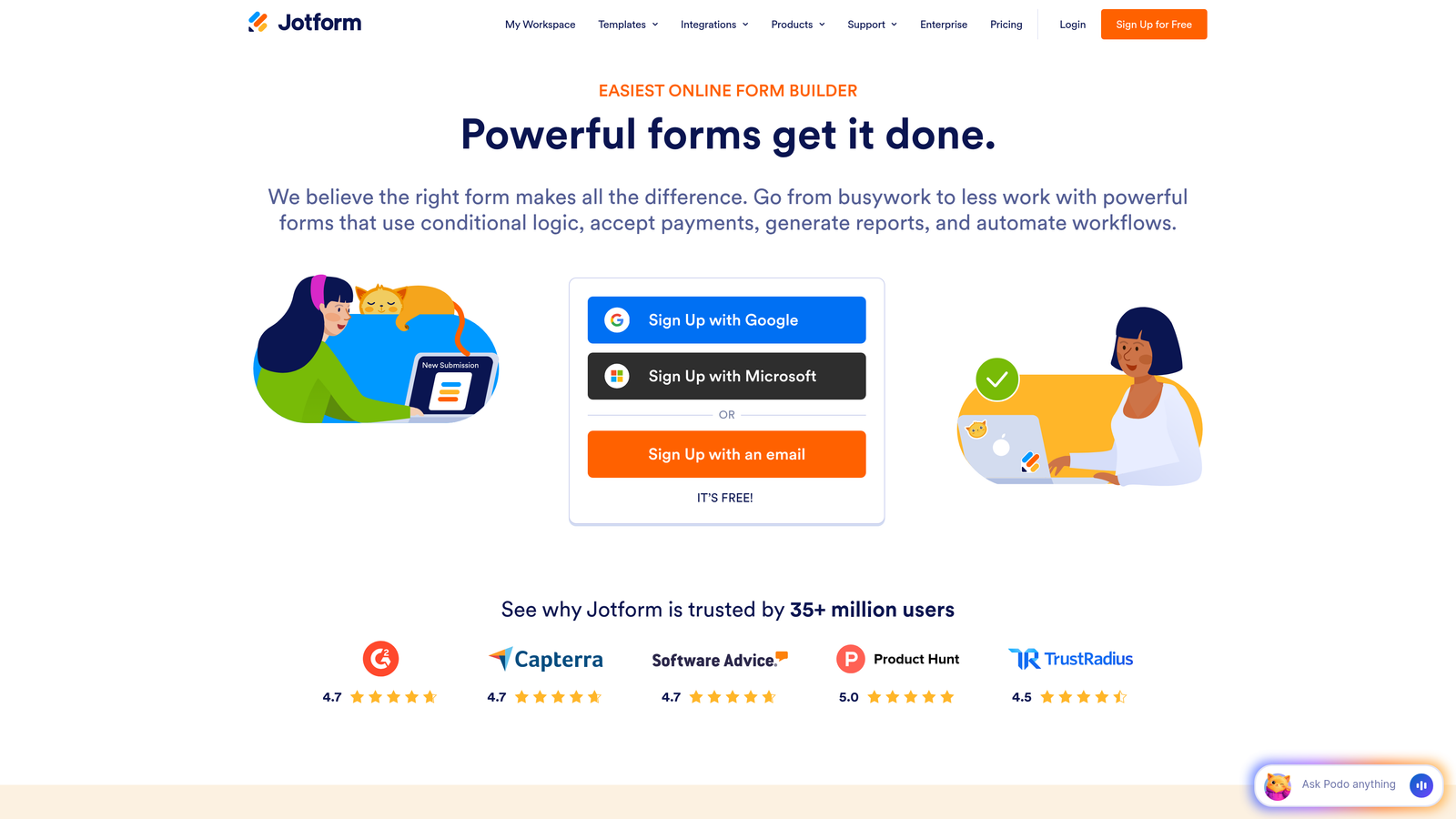
Jotform is a versatile form builder with an extensive template library covering surveys and lead capture.
Where This Tool Shines
Jotform's massive template library means you can find a pre-built form for virtually any use case. With over 10,000 templates, you're rarely starting from scratch. This dramatically reduces setup time.
The platform handles complex workflows that go beyond simple data collection. Payment processing, PDF generation, and approval workflows make it suitable for operational processes, not just surveys or lead capture.
Key Features
10,000+ Templates: Pre-built forms for every industry and use case, from medical intake to event registration.
Drag-and-Drop Builder: Intuitive interface that makes form creation accessible without technical skills.
Payment Collection: Integrated payment processing through multiple gateways for selling products or collecting fees.
PDF Generation: Automatically converts form submissions into formatted PDF documents for contracts or reports.
Approval Workflows: Built-in routing for submissions that require review or authorization before processing.
Best For
Jotform excels for organizations needing forms that do more than collect data. If you need payment processing, document generation, or approval workflows alongside data collection, this platform handles it all.
Pricing
Free tier includes 5 forms with 100 monthly submissions. Bronze plan starts at $34/month for 25 forms and 1,000 submissions.
4. SurveyMonkey
Best for: Research-focused surveys requiring statistical analysis and industry benchmarking
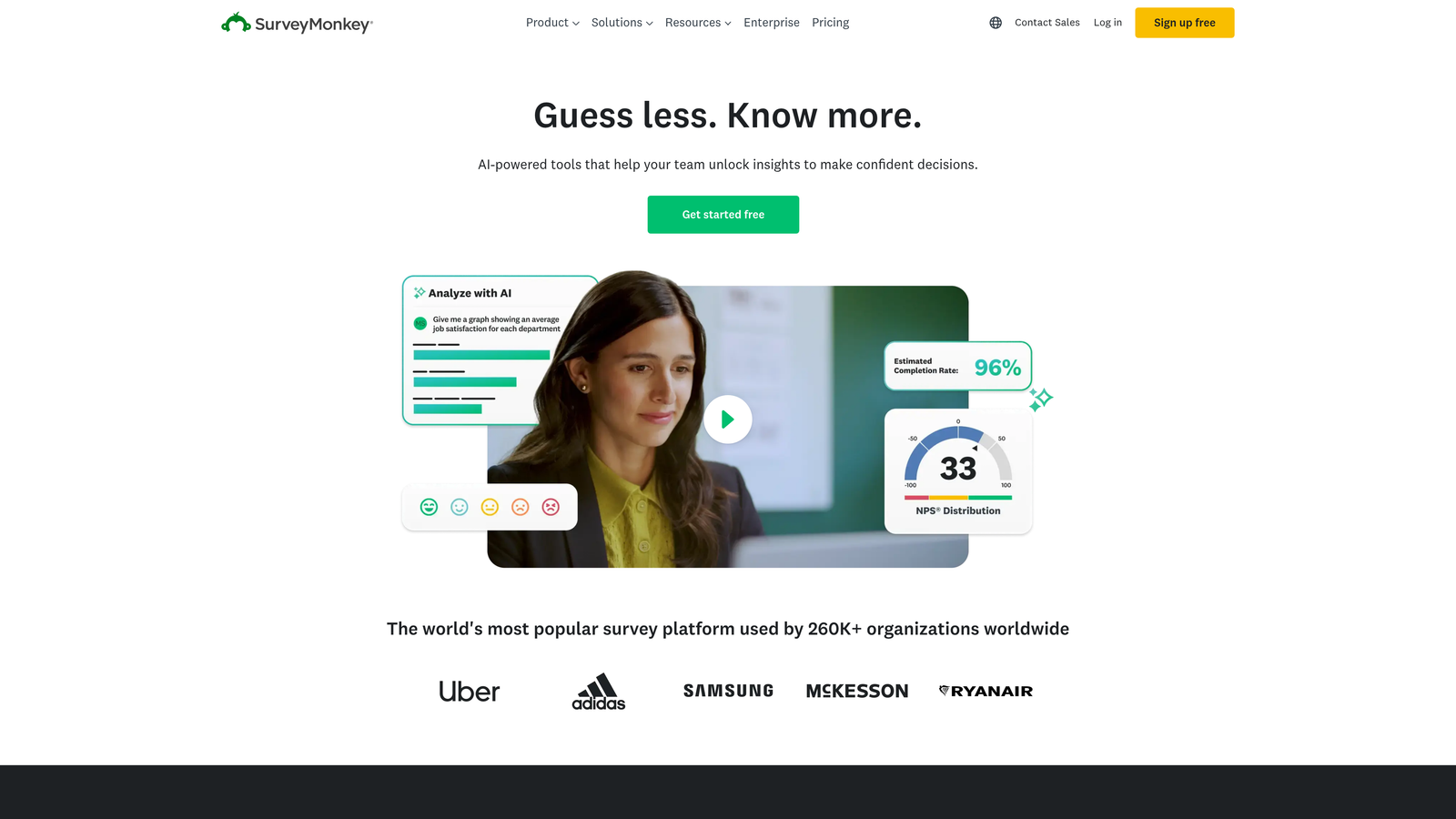
SurveyMonkey is the industry-standard survey platform with advanced analytics capabilities.
Where This Tool Shines
SurveyMonkey built its reputation on statistical rigor and research methodology. The platform provides tools that researchers and analysts actually need, from cross-tabulation to statistical significance testing.
Industry benchmarking sets SurveyMonkey apart from basic survey tools. You can compare your results against industry averages, giving context to your data that helps inform strategic decisions.
Key Features
Statistical Analysis Tools: Built-in cross-tabs, filters, and significance testing for rigorous data analysis.
Industry Benchmarking: Compare your survey results against industry standards to understand relative performance.
Advanced Question Types: Specialized question formats designed for research, including matrix questions and ranking scales.
Collaboration Features: Team access controls and shared workspaces for multi-person research projects.
Enterprise Security: HIPAA compliance, SSO, and advanced security features for sensitive research data.
Best For
SurveyMonkey is the go-to choice for market research teams, academic researchers, and organizations conducting formal studies where data validity matters. It's overkill for simple lead capture but essential for serious research.
Pricing
Free tier with basic features. Team Advantage starts at $25/user/month with advanced analysis and collaboration tools.
5. HubSpot Forms
Best for: Lead capture with native CRM integration and progressive profiling
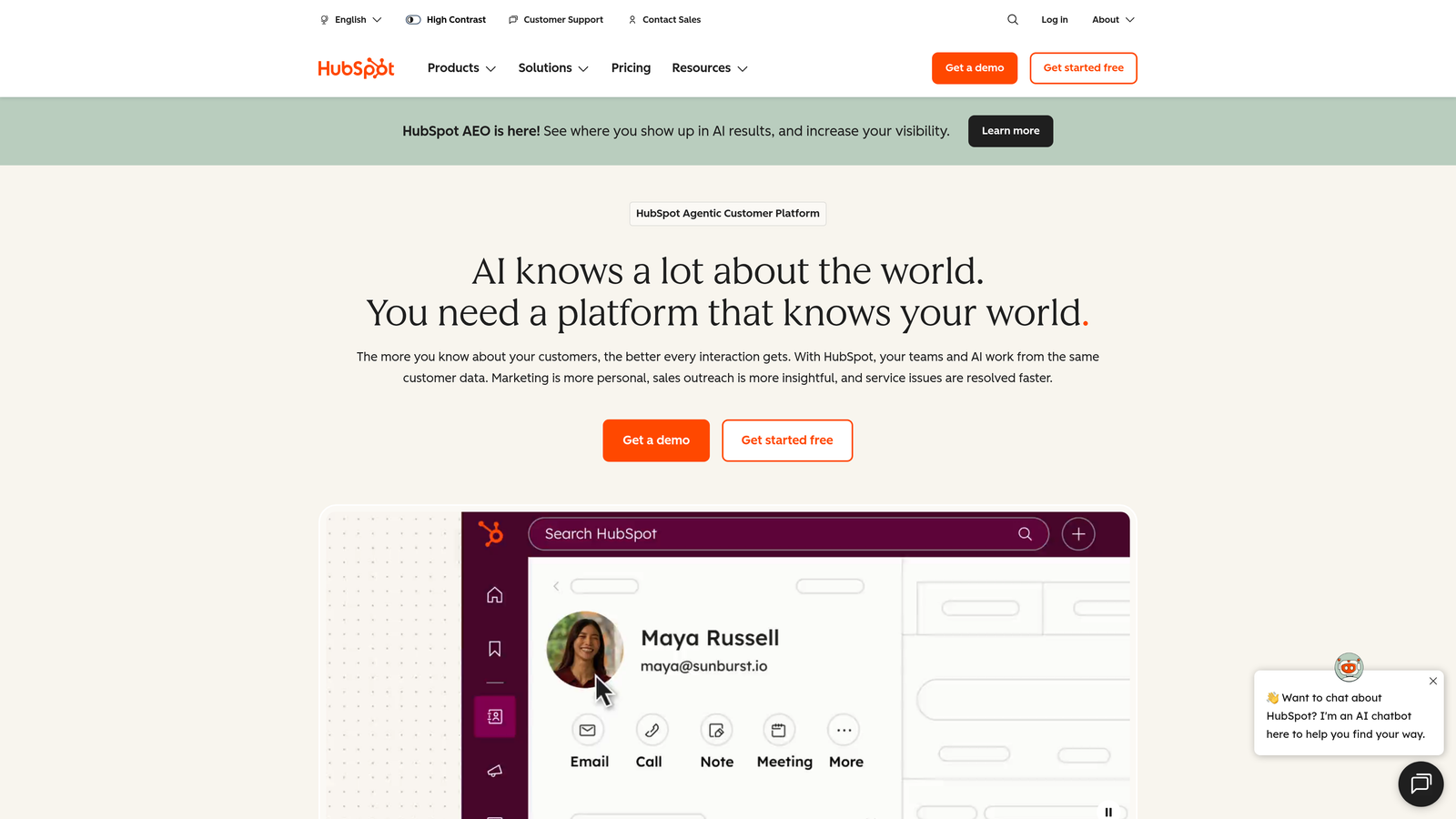
HubSpot Forms offers lead capture forms with seamless CRM integration and automation.
Where This Tool Shines
HubSpot Forms eliminates the integration headaches that plague most form builders. Because forms are native to the HubSpot ecosystem, every submission automatically syncs with contact records, workflows trigger instantly, and data never gets lost in translation.
Progressive profiling is where HubSpot truly differentiates itself. The system remembers what it already knows about a contact and asks new questions each time, building a complete profile without frustrating repeat visitors with redundant fields.
Key Features
Native CRM Sync: Instant synchronization with HubSpot CRM eliminates integration delays and data sync issues.
Progressive Profiling: Automatically shows different fields to returning visitors, building complete profiles over time.
Smart Form Fields: Pre-fills known information for returning contacts, reducing friction and improving conversion.
Automated Workflows: Triggers email sequences, task assignments, and CRM updates based on form submissions.
Contact Property Mapping: Maps form fields directly to CRM properties for organized, structured data collection.
Best For
HubSpot Forms makes sense for companies already using HubSpot CRM or planning to adopt the platform. The value comes from the ecosystem integration, not the form builder itself.
Pricing
Free with HubSpot CRM, including basic forms and workflows. Advanced features require Marketing Hub starting at $800/month.
6. Google Forms
Best for: Simple, free surveys with Google Workspace integration
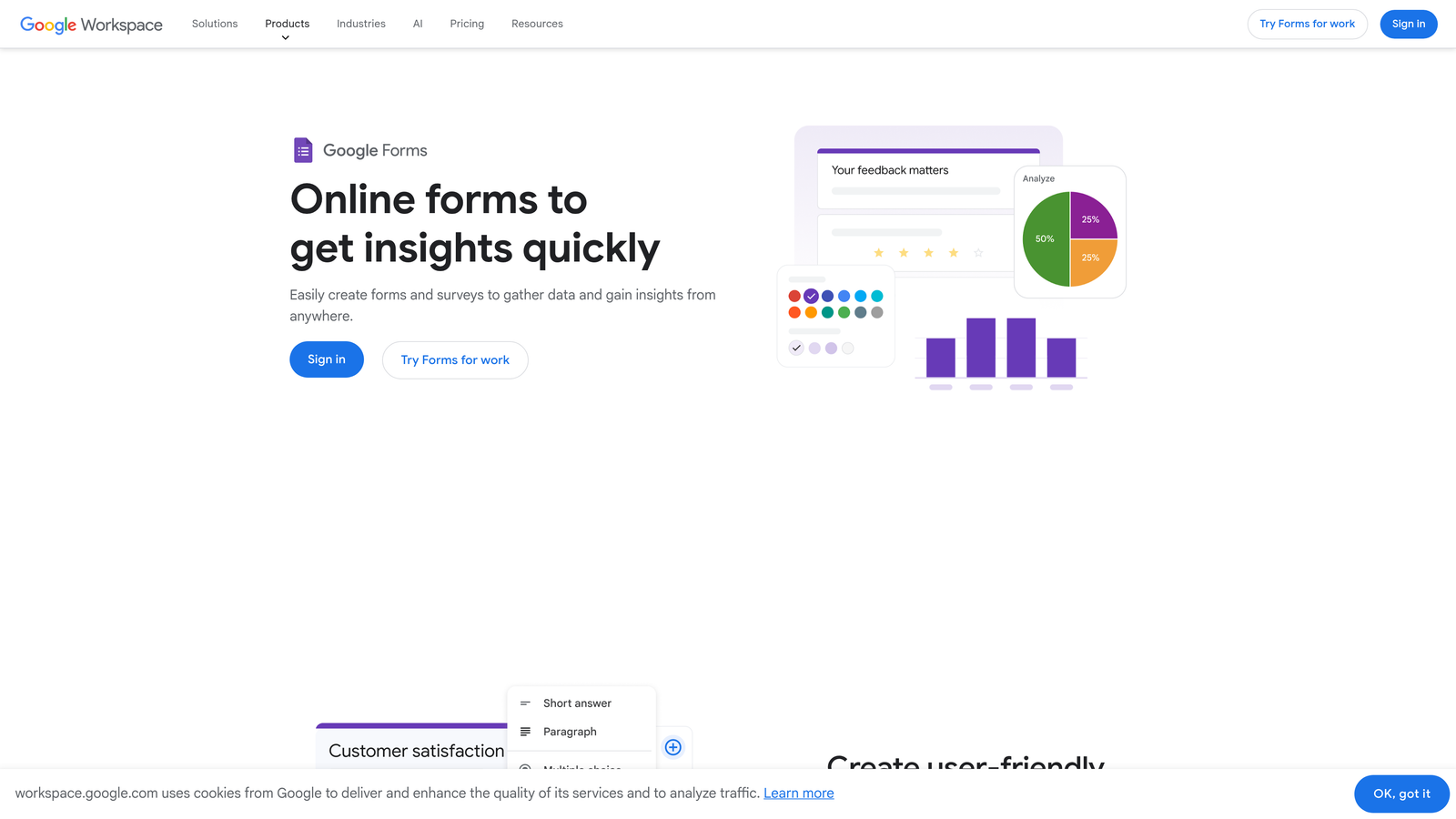
Google Forms is a free form builder integrated with Google Workspace.
Where This Tool Shines
Google Forms wins on accessibility and cost. It's completely free, requires no account setup beyond a Google login, and works immediately without learning curves or feature limitations based on pricing tiers.
The Google Sheets integration provides instant data analysis capabilities. Responses flow directly into spreadsheets where you can apply formulas, create charts, and share results with stakeholders who already use Google Workspace.
Key Features
Completely Free: No paid tiers, no feature gates, no submission limits—everything is free forever.
Google Sheets Integration: Responses automatically populate spreadsheets for analysis, charting, and sharing.
Basic Question Types: Covers essential formats including multiple choice, short answer, dropdowns, and linear scales.
Collaboration Features: Multiple team members can edit forms simultaneously with real-time updates.
Simple Response Summaries: Built-in charts and summary statistics for quick insights without external tools.
Best For
Google Forms works perfectly for internal surveys, event RSVPs, and situations where budget is zero. It's not suitable for lead generation or brand-critical forms, but excels at straightforward data collection.
Pricing
Completely free with a Google account.
7. Tally
Best for: Modern, unlimited forms with a Notion-like interface
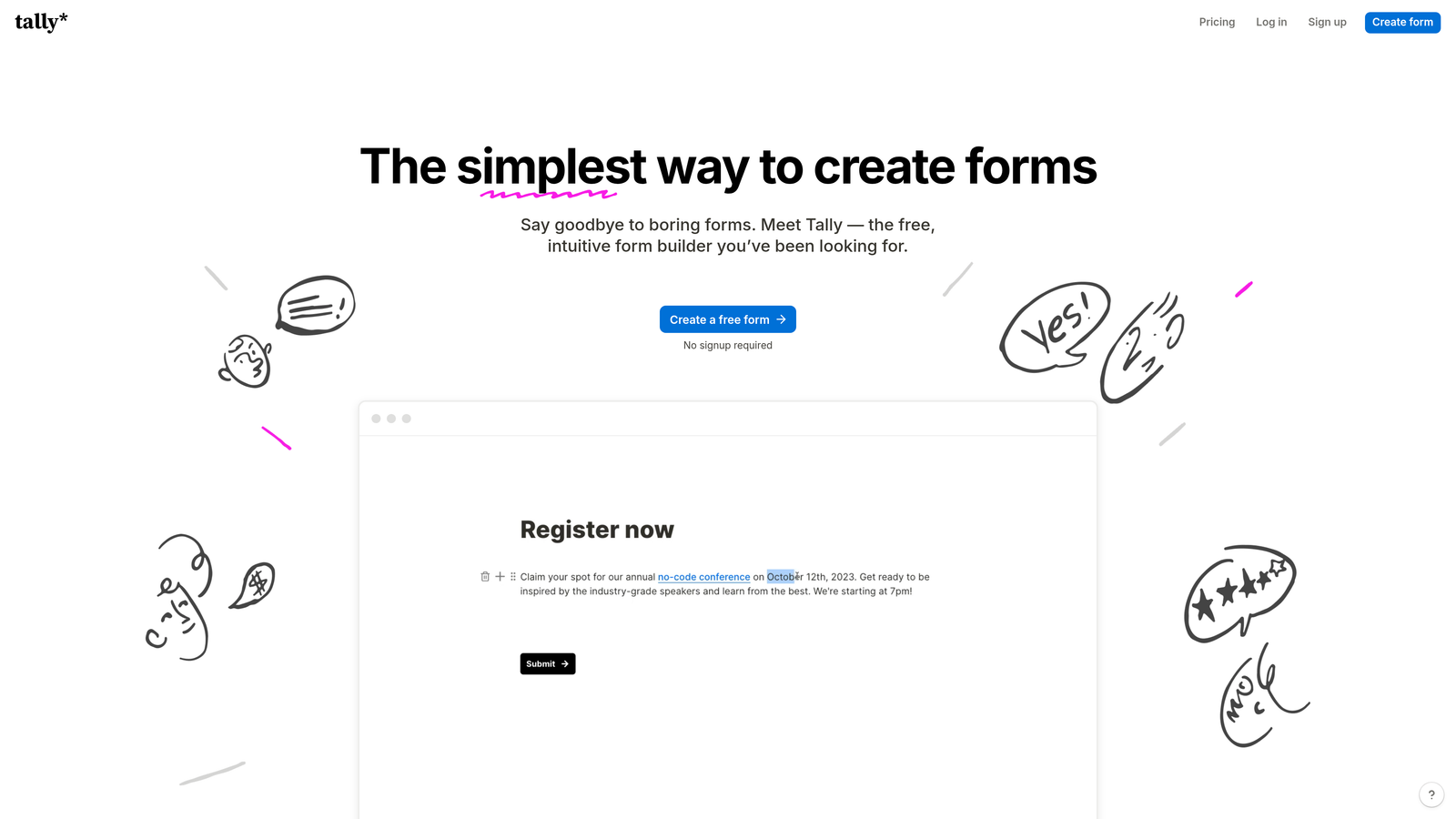
Tally is a modern form builder with a Notion-style interface and generous free tier.
Where This Tool Shines
Tally's Notion-like interface feels immediately familiar to anyone who's used modern productivity tools. You build forms by typing and formatting, not dragging widgets around a canvas. This approach is faster once you understand the paradigm.
The unlimited forms on the free tier make Tally exceptionally attractive for small teams and startups. While other platforms restrict form counts or submissions, Tally lets you create as many forms as you need without paying.
Key Features
Notion-Style Interface: Build forms by typing and formatting, creating a faster workflow for power users.
Unlimited Free Forms: No restrictions on form count, making it ideal for teams with multiple projects.
Clean Designs: Minimal, modern aesthetics that look professional without customization effort.
Basic Integrations: Connects with popular tools like Notion, Google Sheets, and Zapier for workflow automation.
Conditional Logic: Show or hide questions based on previous answers to create dynamic forms.
Best For
Tally appeals to startups, content creators, and small teams who need professional forms without budget. The interface works best for users comfortable with keyboard-driven workflows rather than visual builders.
Pricing
Free tier with unlimited forms and submissions. Pro plan at $29/month adds custom domains and advanced features.
8. Leadpages
Best for: Landing pages with integrated lead capture forms
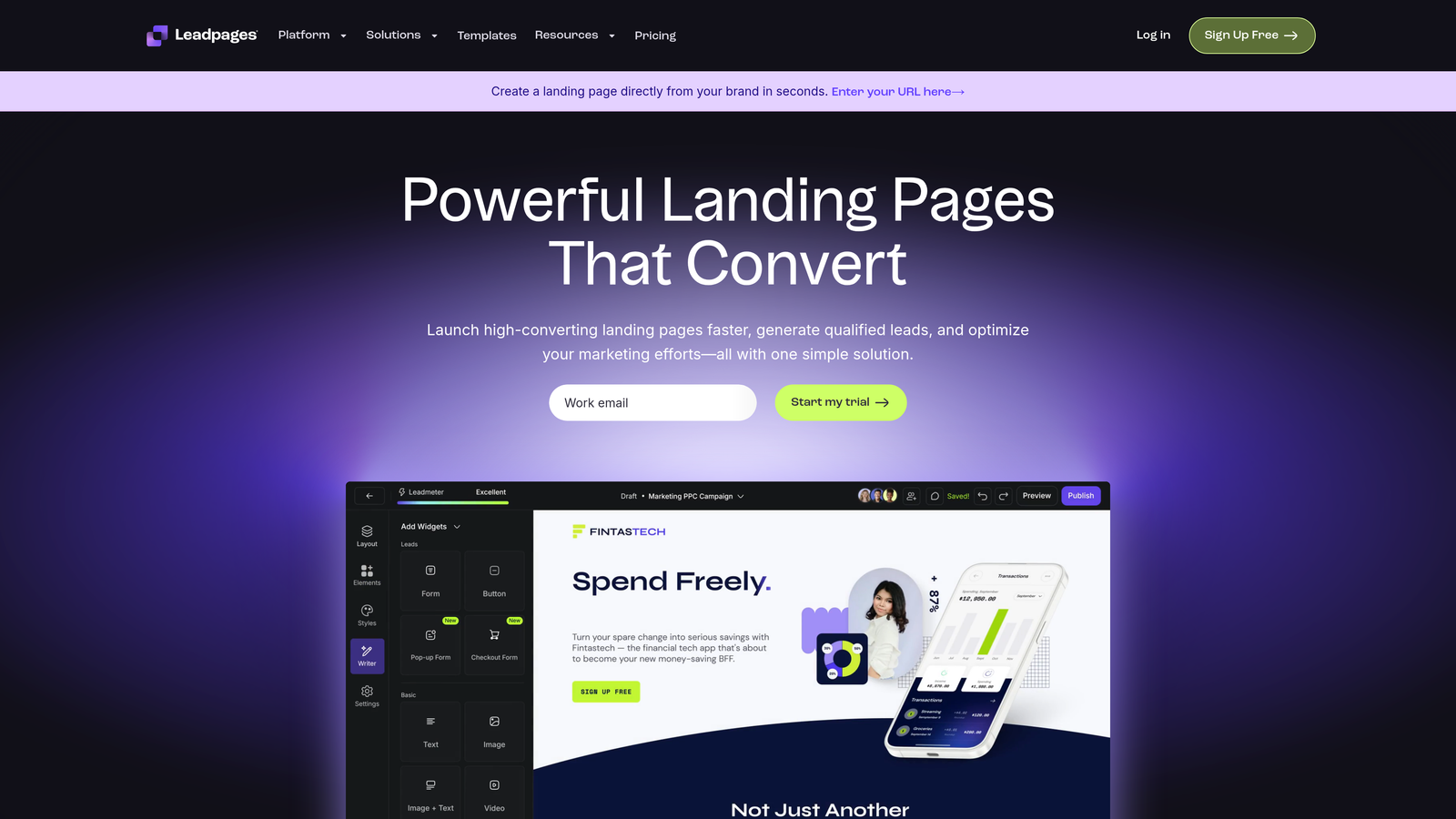
Leadpages is a landing page builder with integrated lead capture capabilities.
Where This Tool Shines
Leadpages treats forms as part of a complete landing page ecosystem. You're not just building a form—you're creating an entire conversion experience with headlines, images, testimonials, and calls-to-action working together.
The A/B testing capabilities let you optimize entire landing pages, not just form fields. This holistic approach to conversion optimization produces better results than tweaking forms in isolation.
Key Features
Full Landing Page Builder: Create complete conversion experiences, not just standalone forms.
Pop-Up and Alert Bars: Capture leads through multiple touchpoints beyond traditional forms.
A/B Testing: Test different page variations to optimize conversion rates across the entire experience.
Conversion Analytics: Track performance metrics for pages, forms, and individual elements.
Template Library: Pre-built landing page templates optimized for various industries and conversion goals.
Best For
Leadpages makes sense for marketing teams running paid advertising campaigns or creating dedicated conversion experiences. If you need forms embedded in broader landing pages, this integrated approach simplifies your stack.
Pricing
Standard plan starts at $37/month with unlimited landing pages and pop-ups.
9. Qualtrics
Best for: Enterprise research and experience management programs
Qualtrics is an enterprise survey platform for research and experience management.
Where This Tool Shines
Qualtrics operates at a different level than consumer survey tools. The platform handles complex research methodologies, multi-country studies, and sophisticated statistical analysis that academic and enterprise researchers require.
Experience management capabilities extend beyond surveys into comprehensive programs for tracking customer, employee, product, and brand experiences across touchpoints. This makes Qualtrics a strategic platform, not just a data collection tool.
Key Features
Advanced Branching Logic: Complex survey flows with nested conditions and sophisticated skip patterns for research studies.
Statistical Analysis Suite: Professional-grade analysis tools including regression, conjoint analysis, and predictive modeling.
Experience Management: Integrated platform for managing customer, employee, product, and brand experience programs.
Enterprise Security: Comprehensive security controls, compliance certifications, and data governance for regulated industries.
API Access: Robust API for integrating survey data with enterprise systems and custom applications.
Best For
Qualtrics serves enterprise organizations running formal research programs, managing experience initiatives, or operating in regulated industries. The platform is excessive for small businesses but essential for complex research needs.
Pricing
Custom enterprise pricing based on organization size and feature requirements.
Making the Right Choice
The right form builder depends entirely on your primary objective. For lead generation with intelligent qualification, Orbit AI delivers AI-powered scoring and routing that transforms how you handle inbound prospects. If you're conducting formal research or need statistical rigor, SurveyMonkey and Qualtrics provide the analysis tools researchers actually need.
When user experience matters most, Typeform's conversational approach drives higher completion rates than traditional forms. Budget-conscious teams can start with Google Forms or Tally without sacrificing functionality for basic use cases.
The key is matching the tool to your goal. Survey tools excel at data collection and analysis but often fall short on lead conversion. Lead generation platforms prioritize qualification and CRM integration over research features. Trying to force a survey tool into lead generation duty—or vice versa—creates frustration and suboptimal results.
Consider your primary use case first, then evaluate secondary capabilities. A marketing team focused on pipeline growth needs different features than a research team studying customer behavior. The best tool is the one that solves your specific problem exceptionally well, not the one that claims to do everything adequately.
Start building free forms today and see how intelligent form design can elevate your conversion strategy. Transform your lead generation with AI-powered forms that qualify prospects automatically while delivering the modern, conversion-optimized experience your high-growth team needs.


