

High-growth companies face a unique challenge: every lead matters, but manual qualification drains resources that should fuel expansion. The right form tool does more than collect data—it qualifies leads in real-time, integrates with your tech stack, and converts visitors into pipeline.
This guide evaluates nine form tools specifically built for companies scaling fast, focusing on AI capabilities, conversion optimization, and seamless workflow integration. Whether you're capturing demo requests, qualifying inbound leads, or building multi-step application flows, these tools deliver the speed and intelligence high-growth teams need.
1. Orbit AI
Best for: High-growth teams prioritizing AI-powered lead qualification and conversion optimization
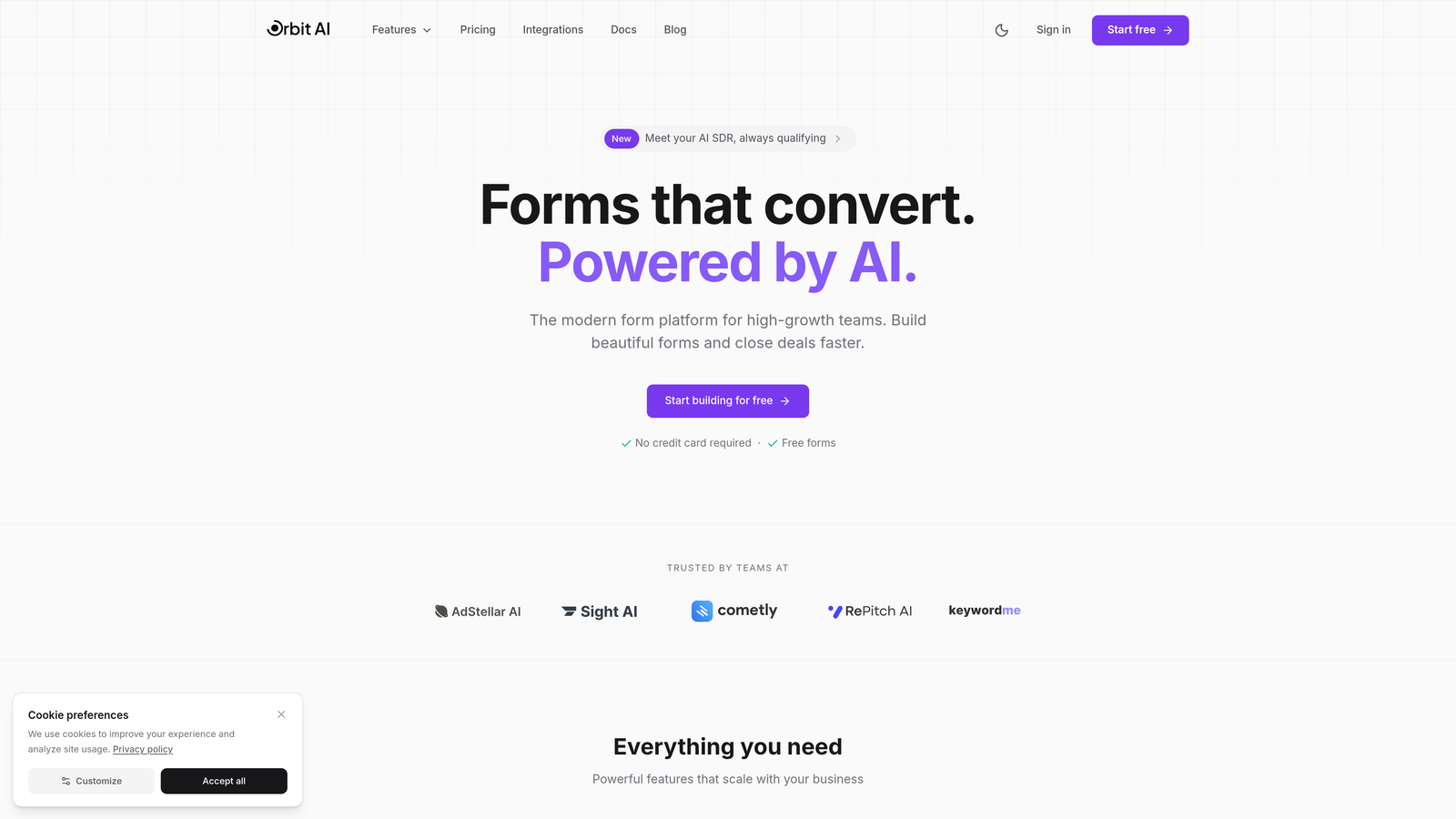
Orbit AI is an AI-powered form builder designed specifically for teams that need intelligent lead qualification built into their conversion funnel.
Where This Tool Shines
Orbit AI tackles the biggest bottleneck high-growth companies face: separating qualified leads from tire-kickers at scale. The platform uses AI to analyze responses in real-time, automatically scoring and routing leads based on fit criteria you define.
The modern interface delivers conversion rates that matter. Forms look clean and professional without the generic template feel, and the one-click integrations mean your qualified leads flow directly into your CRM without manual data entry eating up your team's time.
Key Features
AI-Powered Lead Qualification: Automatically scores and qualifies leads based on their responses, routing high-value prospects to sales instantly.
Conversion-Optimized Templates: Pre-built form designs specifically engineered for high completion rates and reduced drop-off.
Native CRM Integrations: Seamless data flow into HubSpot, Salesforce, and other major platforms without middleware.
Advanced Analytics Dashboard: Track conversion rates, drop-off points, and lead quality metrics to continuously optimize performance.
Modern Form Design: Beautiful, responsive forms that match your brand and deliver professional experiences across all devices.
Best For
This platform fits SaaS companies, B2B service providers, and any high-growth team where lead quality directly impacts revenue. If you're drowning in unqualified leads or spending too much time on manual qualification, Orbit AI's intelligent automation solves that problem at scale.
Pricing
Contact for pricing details. The platform is built for teams serious about scaling their lead generation infrastructure with AI-powered intelligence.
2. Typeform
Best for: Teams prioritizing high completion rates through conversational, engaging form experiences
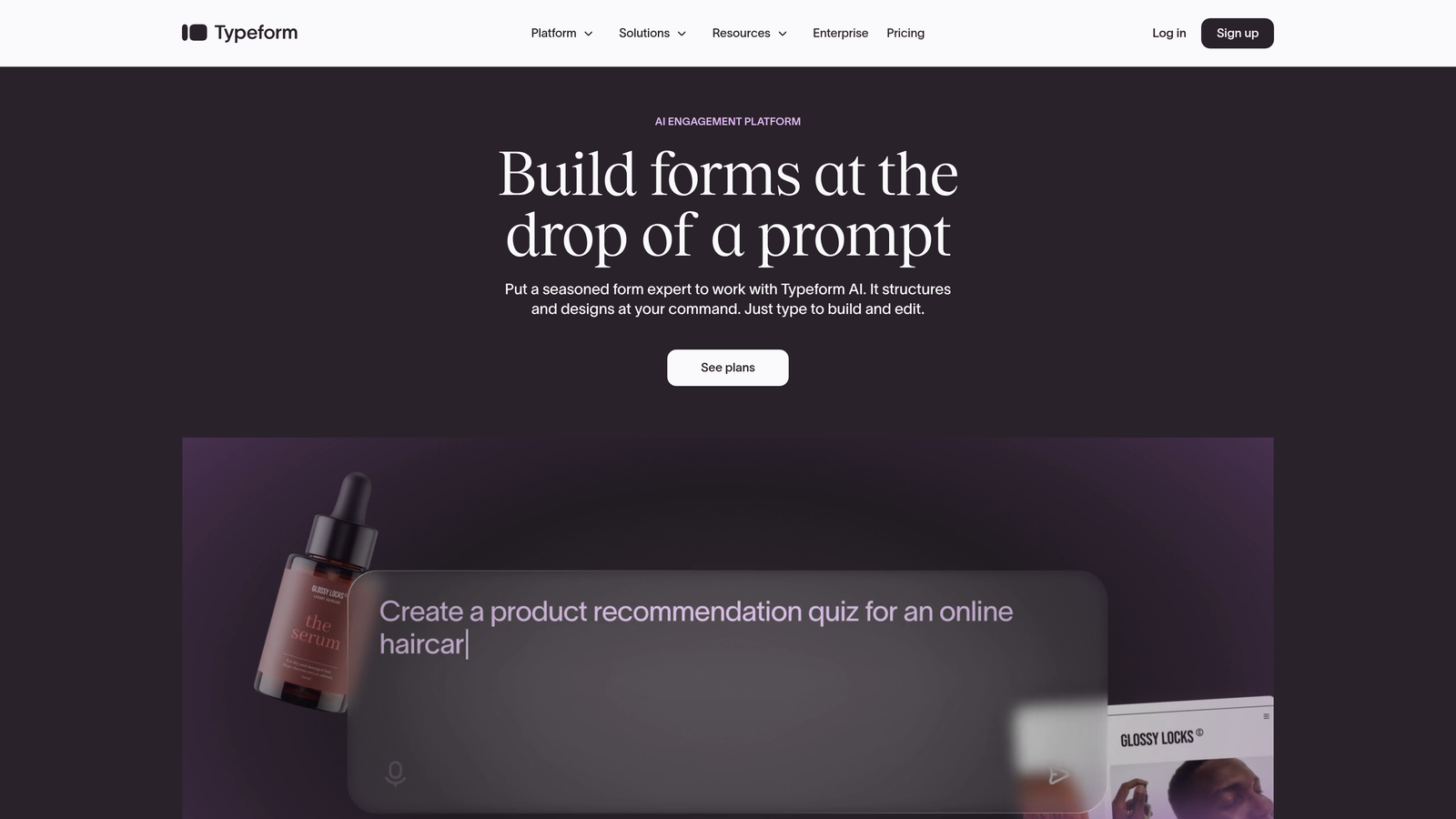
Typeform pioneered the one-question-at-a-time approach that makes filling out forms feel more like a conversation than a chore.
Where This Tool Shines
Typeform excels at reducing form abandonment through its signature conversational flow. Instead of overwhelming users with a wall of fields, it presents one question at a time, creating a more engaging experience that keeps people moving forward.
The platform's visual appeal sets it apart. You can embed images and videos directly into questions, creating interactive experiences that feel more like guided conversations than traditional data collection. This approach consistently delivers higher completion rates compared to standard multi-field forms.
Key Features
Conversational Flow: One-question-at-a-time interface that reduces cognitive load and increases completion rates.
Rich Media Support: Embed videos, images, and GIFs to create visually engaging form experiences.
Logic Jumps: Branch questions based on previous answers to create personalized paths through your form.
Native Integrations: Connect directly to Slack, Google Sheets, HubSpot, and hundreds of other tools.
Mobile-First Design: Forms automatically adapt to mobile devices with smooth, thumb-friendly navigation.
Best For
Marketing teams running lead generation campaigns, customer success teams collecting feedback, or any organization where form completion rates directly impact business outcomes. The conversational approach works particularly well for longer forms that traditionally see high abandonment.
Pricing
Free tier available with Typeform branding and basic features. Paid plans start at $25/month, with advanced logic and integrations unlocking at higher tiers.
3. Jotform
Best for: Teams needing extensive template variety and no-code flexibility for diverse form use cases
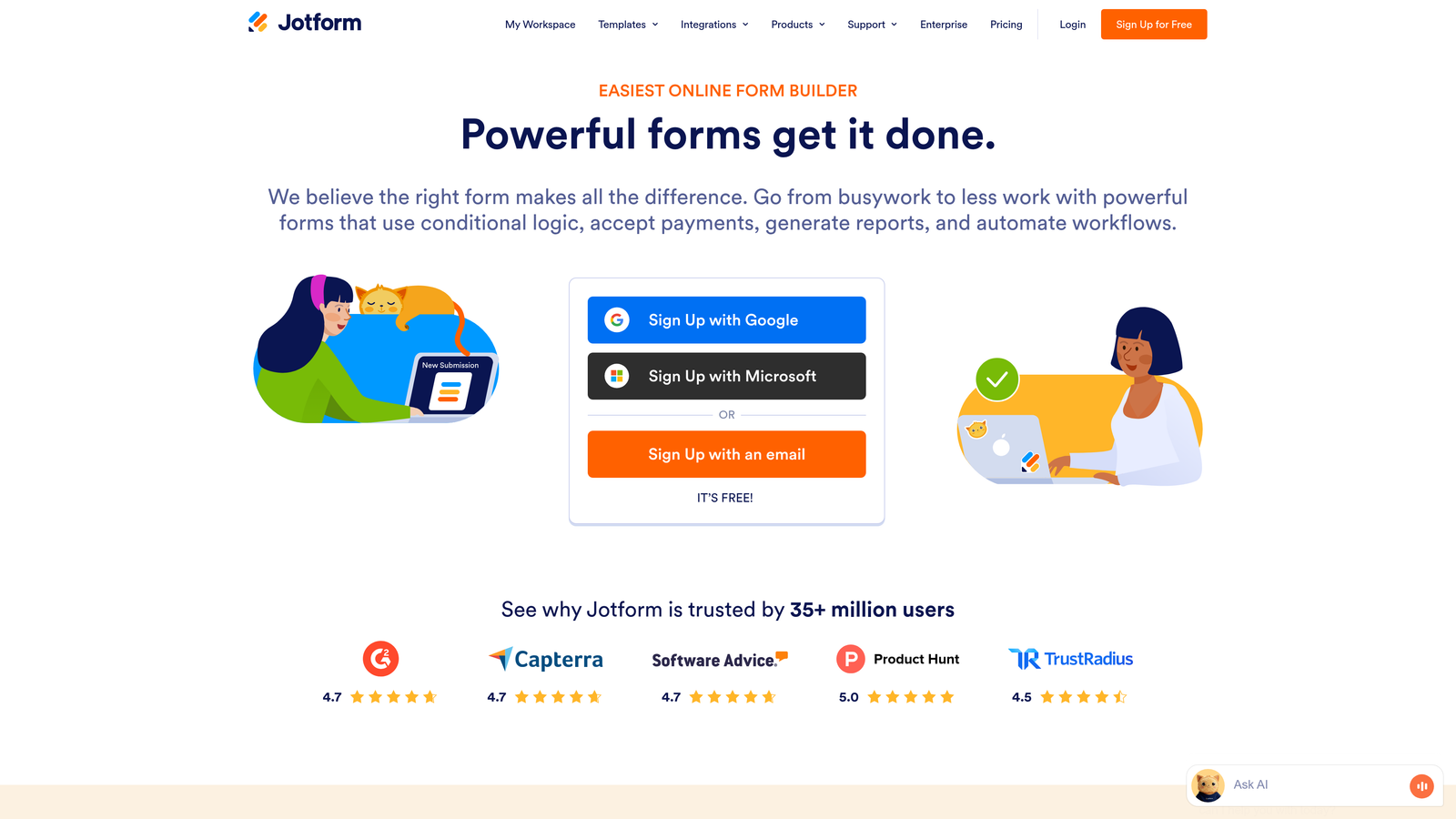
Jotform offers one of the most comprehensive template libraries in the form builder space, covering virtually every business use case imaginable.
Where This Tool Shines
Jotform's strength lies in its versatility. With over 10,000 pre-built templates, you can launch complex forms in minutes rather than hours. Need a job application with file uploads? There's a template. Event registration with payment processing? Already built.
The drag-and-drop builder gives non-technical teams the power to create sophisticated workflows without touching code. Payment collection, PDF generation, and e-signature capabilities mean you can handle entire business processes through a single form.
Key Features
Massive Template Library: Over 10,000 pre-built templates covering everything from surveys to complex application forms.
Payment Integration: Accept payments through PayPal, Square, Stripe, and other processors directly in your forms.
PDF Generation: Automatically generate formatted PDF documents from form submissions.
E-Signature Support: Collect legally binding signatures within your forms for contracts and agreements.
Approval Workflows: Route submissions through multi-step approval processes with customizable rules.
Best For
Organizations handling diverse form needs across departments, from HR onboarding to customer applications. The extensive feature set makes it ideal for companies that want one platform to handle all their form requirements rather than juggling multiple tools.
Pricing
Free tier available with Jotform branding. Paid plans start at $34/month, scaling up for teams needing higher submission volumes and advanced features.
4. HubSpot Forms
Best for: Companies already using HubSpot who need native CRM integration and marketing automation
HubSpot Forms provides seamless form functionality within the broader HubSpot ecosystem, eliminating data sync headaches.

Where This Tool Shines
If you're running on HubSpot, native forms eliminate the integration complexity that plagues multi-tool stacks. Every submission flows directly into your CRM with full contact history, automatically triggering workflows and updating lead scores without middleware or zapier connections.
Progressive profiling sets HubSpot apart for companies with longer sales cycles. The system remembers what information you've already collected from a contact, showing different questions on subsequent form fills to gradually build complete profiles without annoying repeat questions.
Key Features
Native CRM Integration: Zero-friction data flow into HubSpot CRM with complete contact history and timeline tracking.
Progressive Profiling: Automatically show different questions to returning visitors to build complete profiles over time.
Smart Content: Personalize form fields based on what you already know about the contact.
Automated Lead Scoring: Forms trigger lead scoring updates based on submission data and behavior.
Built-in A/B Testing: Test different form variations to optimize conversion rates directly in the platform.
Best For
Companies already invested in the HubSpot ecosystem who want to maintain clean data and leverage marketing automation. The native integration makes it the obvious choice if you're running HubSpot for CRM and marketing.
Pricing
Free with HubSpot CRM. Advanced features like progressive profiling and smart content unlock with paid Marketing Hub tiers starting at higher price points.
5. Tally
Best for: Lean teams and startups needing unlimited forms without recurring costs
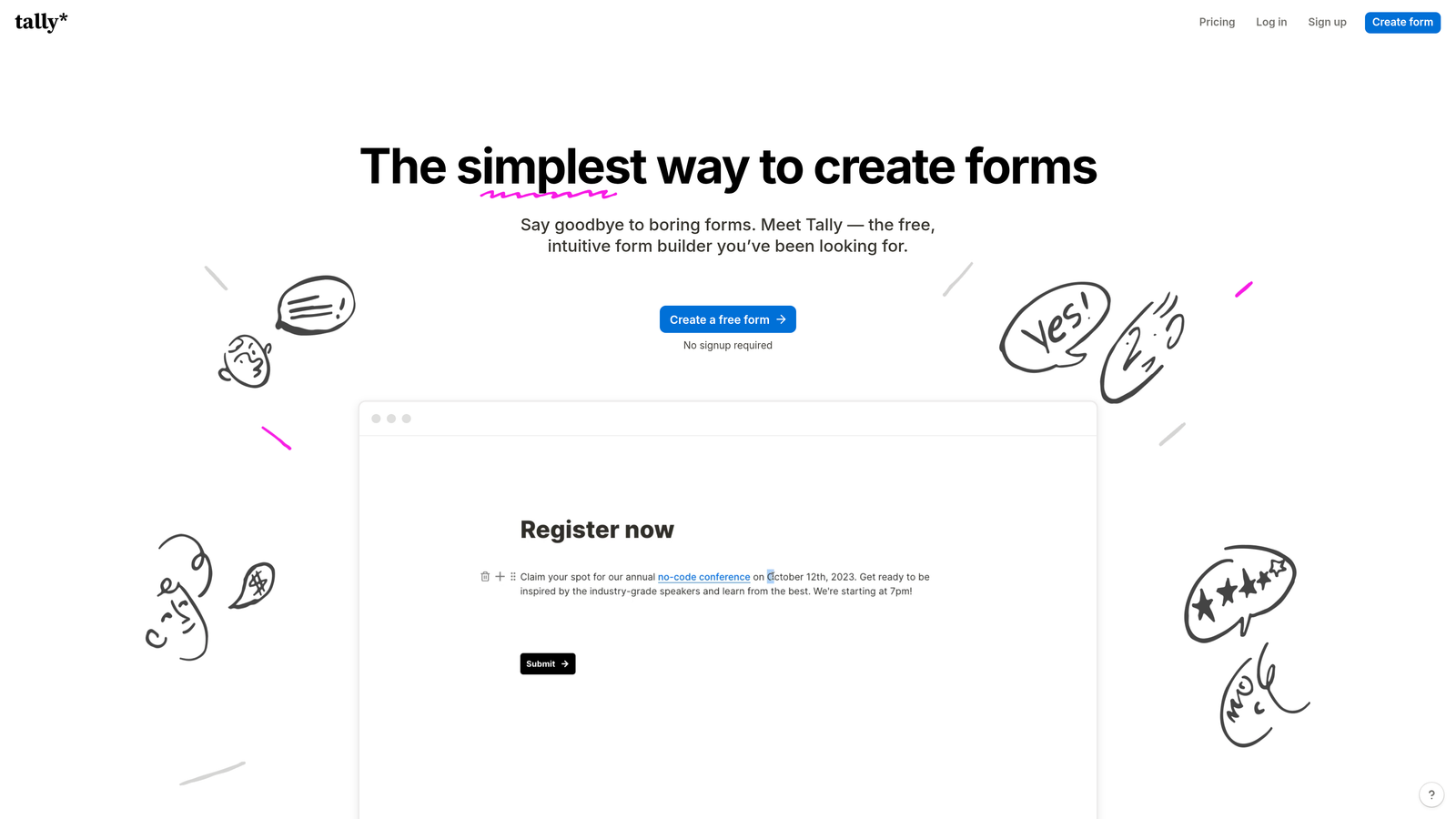
Tally brings Notion-style simplicity to form building with a generous free tier that includes unlimited forms and submissions.
Where This Tool Shines
Tally removes the cost barrier entirely. The free tier doesn't artificially limit you to three forms or 100 submissions—you get unlimited everything, making it perfect for bootstrapped startups and lean teams testing multiple lead magnets simultaneously.
The Notion-inspired block editor feels immediately familiar if you've used modern productivity tools. Building forms becomes as intuitive as writing a document, with blocks for different field types that you simply stack and configure.
Key Features
Unlimited Free Tier: Create unlimited forms with unlimited submissions at zero cost.
Block-Based Editor: Notion-style interface that makes form building intuitive and fast.
Conditional Logic: Show or hide questions based on previous answers to create dynamic forms.
Calculator Fields: Build forms that perform calculations based on user inputs, useful for quotes and estimates.
Webhook Integration: Send form data to any endpoint, enabling custom integrations with your tech stack.
Best For
Early-stage startups, solopreneurs, and any team operating on tight budgets who need professional form functionality without the recurring cost. The unlimited free tier makes it ideal for companies testing multiple lead generation strategies simultaneously.
Pricing
Completely free for unlimited forms and submissions. Pro plan at $29/month adds custom branding removal, file uploads, and priority support.
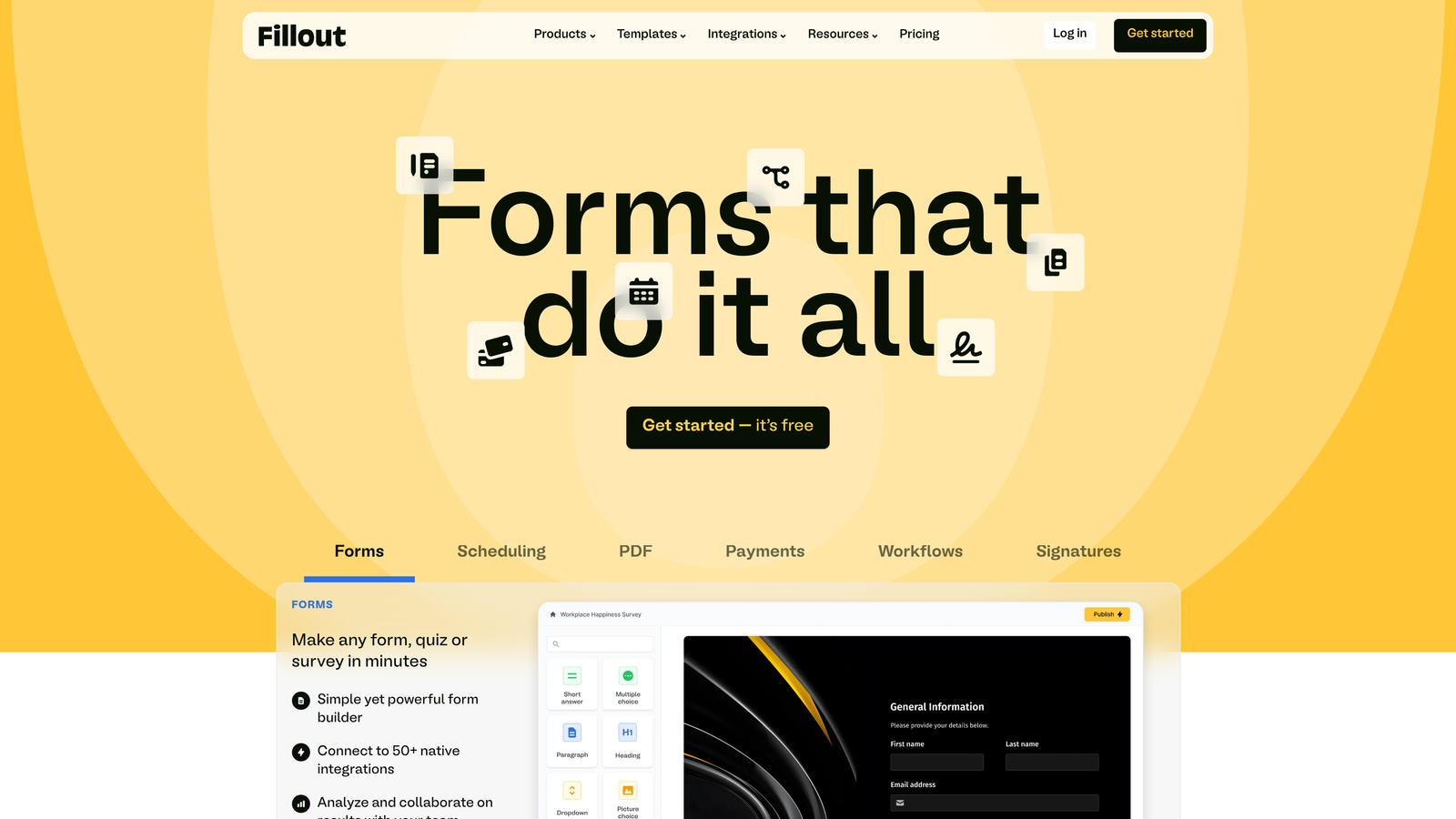
6. Fillout
Best for: Teams building complex multi-step forms with advanced conditional logic and calculations
Fillout specializes in sophisticated form workflows that adapt dynamically based on user inputs.
Where This Tool Shines
Fillout handles complexity gracefully. When you need forms that branch in multiple directions based on previous answers, perform calculations, and present different paths to different users, this platform delivers without requiring technical expertise.
The native Airtable and Notion integrations appeal to teams already using these platforms as databases. Form submissions flow directly into your existing workspace structure, maintaining the organizational systems you've already built.
Key Features
Advanced Conditional Logic: Create complex branching paths with multiple conditions and nested rules.
Native Airtable Integration: Send form data directly to Airtable bases with field mapping and relationship support.
Multi-Page Forms: Break long forms into logical steps with progress indicators to reduce abandonment.
Calculation Fields: Perform math operations on form inputs to generate quotes, estimates, or scores.
Custom Thank-You Pages: Show different confirmation messages based on form responses for personalized follow-up.
Best For
Operations teams building qualification workflows, sales teams creating dynamic quote calculators, or any organization needing forms that adapt intelligently to user inputs. The Airtable integration makes it particularly valuable for teams using Airtable as their system of record.
Pricing
Free tier available with basic features. Paid plans start at $15/month for advanced logic, custom branding, and higher submission limits.
7. Paperform
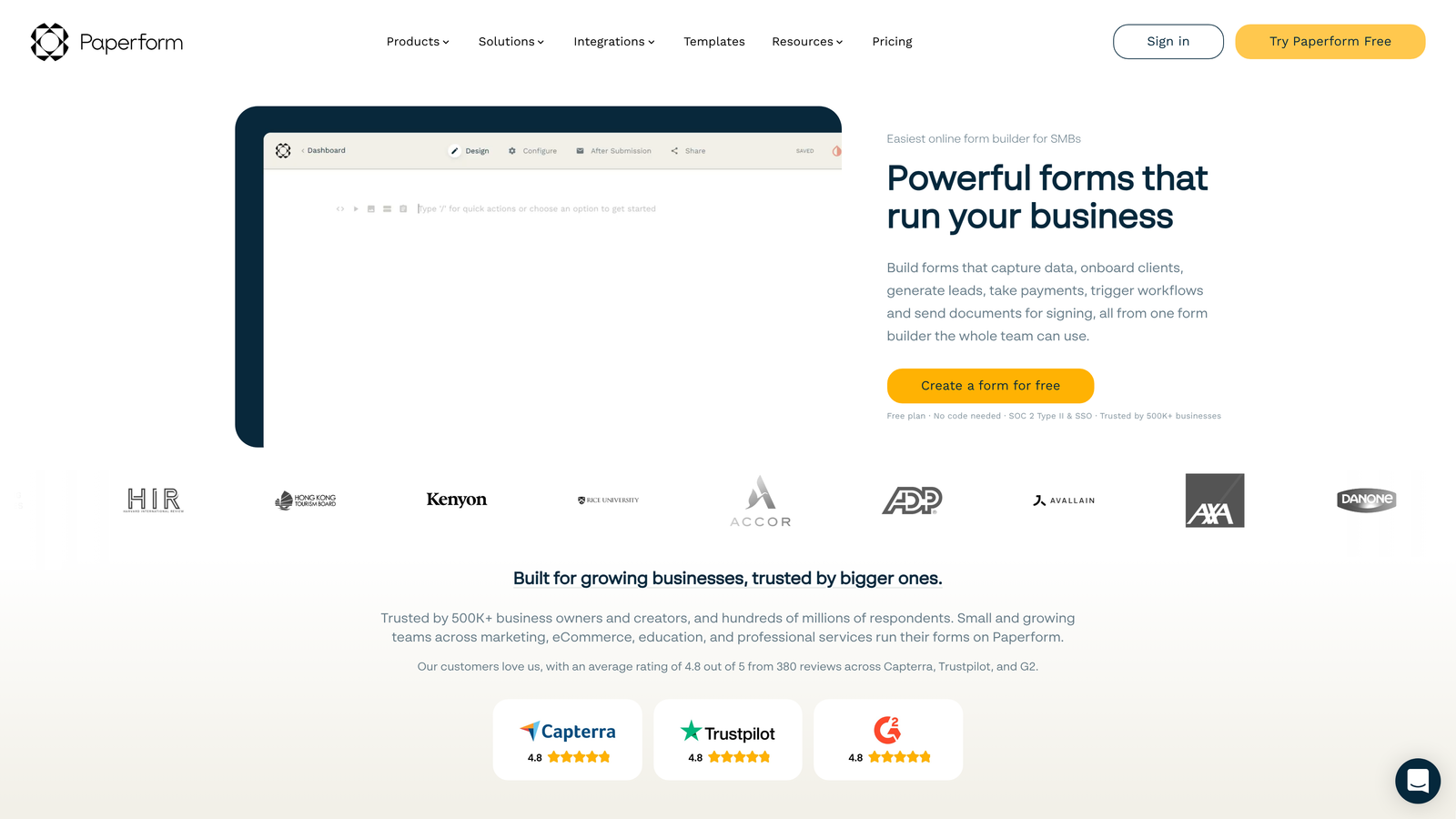
Best for: Teams needing forms that double as landing pages with built-in payment processing
Paperform blurs the line between form builders and landing page creators, offering design flexibility that makes forms feel like complete experiences.
Where This Tool Shines
Paperform treats forms as full-page experiences rather than embedded widgets. You can add hero images, marketing copy, testimonials, and product showcases alongside your form fields, creating landing pages that convert without needing separate design tools.
The built-in payment processing eliminates the need for separate checkout tools. You can sell products, accept bookings, or collect deposits directly through your forms with inventory management and product variants built in.
Key Features
Landing Page Design: Create full-page form experiences with images, text blocks, and custom styling.
Payment Processing: Accept payments through Stripe or PayPal with support for one-time charges, subscriptions, and payment plans.
Product Catalog: Build forms that function as simple e-commerce stores with product variants and inventory tracking.
Conditional Logic: Show or hide sections based on user selections to create dynamic experiences.
Custom Branding: Full control over colors, fonts, and styling to match your brand identity.
Best For
Service businesses collecting bookings and deposits, course creators selling digital products, or any team that wants their forms to serve as complete landing pages rather than simple data collection tools.
Pricing
Plans start at $24/month with payment processing and unlimited forms. Higher tiers add advanced features and remove transaction fees.
8. Formstack
Best for: Enterprise teams requiring HIPAA compliance, advanced security, and workflow automation
Formstack serves regulated industries and enterprise organizations with security and compliance features that consumer-grade form builders can't match.
Where This Tool Shines
Formstack handles sensitive data with enterprise-grade security. HIPAA compliance, advanced encryption, and granular user permissions make it the go-to choice for healthcare, finance, and other regulated industries where data protection isn't optional.
The workflow automation capabilities extend beyond simple form submission. You can generate documents, collect e-signatures, route approvals through complex chains, and trigger multi-step processes—all from a single form submission.
Key Features
HIPAA Compliance: Business Associate Agreements and security features that meet healthcare data requirements.
Advanced Permissions: Granular user roles and access controls for teams with complex organizational structures.
Document Generation: Automatically create formatted documents from form data with custom templates.
E-Signature Integration: Collect legally binding signatures with audit trails and certificate generation.
Workflow Automation: Build multi-step approval processes and automated routing based on form responses.
Best For
Healthcare organizations, financial services firms, government agencies, and any enterprise operating in regulated industries. The compliance features and security controls justify the premium pricing for organizations where data breaches carry serious consequences.
Pricing
Plans start at $50/month for basic features. Enterprise pricing available for teams needing HIPAA compliance, advanced security, and dedicated support.
9. Cognito Forms
Best for: Budget-conscious teams needing strong features at competitive pricing
Cognito Forms delivers robust functionality at price points that make sense for growing companies watching their tool budget.
Where This Tool Shines
Cognito Forms offers unlimited forms on all plans, including the free tier. This removes the artificial scarcity that forces you to delete old forms or upgrade just to test new lead magnets.
The platform handles complexity well despite the lower price point. Repeating sections let users add multiple entries within a single form submission—perfect for applications where someone needs to list multiple items, like job references or family members. The conditional logic and calculation features rival more expensive competitors.
Key Features
Unlimited Forms: Create as many forms as needed on all plans, including the free tier.
Payment Integration: Accept payments through Stripe, PayPal, or Square with no transaction fees on paid plans.
Conditional Logic: Show or hide fields based on previous answers to create dynamic experiences.
Repeating Sections: Allow users to add multiple entries within a single form for complex data collection.
Data Encryption: Built-in encryption for sensitive data with secure storage and transmission.
Best For
Small to mid-sized companies that need professional form functionality without enterprise pricing. The unlimited forms and strong feature set make it ideal for teams testing multiple lead generation strategies or managing forms across different departments.
Pricing
Free tier available with Cognito Forms branding. Paid plans start at $15/month for custom branding, payment processing, and advanced features.
Making the Right Choice
The best form tool for your high-growth company depends on where you are in your journey and what bottlenecks you're solving. For teams prioritizing AI-powered lead qualification and conversion optimization, Orbit AI delivers the intelligence needed to scale efficiently without drowning in unqualified leads.
If you're deep in the HubSpot ecosystem, native forms keep your data clean and your workflows automated. Budget-conscious startups thrive with Tally's unlimited free tier or Cognito Forms' strong features at competitive pricing. And enterprise teams in regulated industries need Formstack's compliance features—there's simply no alternative when HIPAA compliance isn't optional.
Start by identifying your biggest friction point. Is it qualification speed? Orbit AI's real-time lead scoring solves that. Completion rates dragging down your funnel? Typeform's conversational approach consistently delivers higher engagement. Integration complexity eating up engineering time? HubSpot Forms or native Airtable connections eliminate the middleware.
The form tools market has evolved beyond simple data collection. The platforms that win in 2026 understand that high-growth companies need intelligence built into their conversion funnel—not just another place to dump contact information. Your form tool should work as hard as your team does, qualifying leads automatically while delivering experiences that convert visitors into pipeline.
Transform your lead generation with AI-powered forms that qualify prospects automatically while delivering the modern, conversion-optimized experience your high-growth team needs. Start building free forms today and see how intelligent form design can elevate your conversion strategy.


