

Not all form builders are created equal. When your forms are doing the heavy lifting of lead qualification, the flexibility of your custom fields can make or break your conversion rate. Whether you need conditional logic, file uploads, multi-step flows, or AI-driven field routing, the right custom form fields software lets you collect exactly the data you need without friction.
This list covers the best tools for teams that need more than a basic text box. Each platform was evaluated on field variety, customization depth, conditional logic, integration options, and overall UX, with a focus on what matters most to high-growth SaaS and marketing teams. If you're also looking to improve how your forms perform overall, our guide on how to build effective web forms is a good companion read.
1. Orbit AI
Best for: SaaS and marketing teams that need AI-powered lead qualification built into their forms
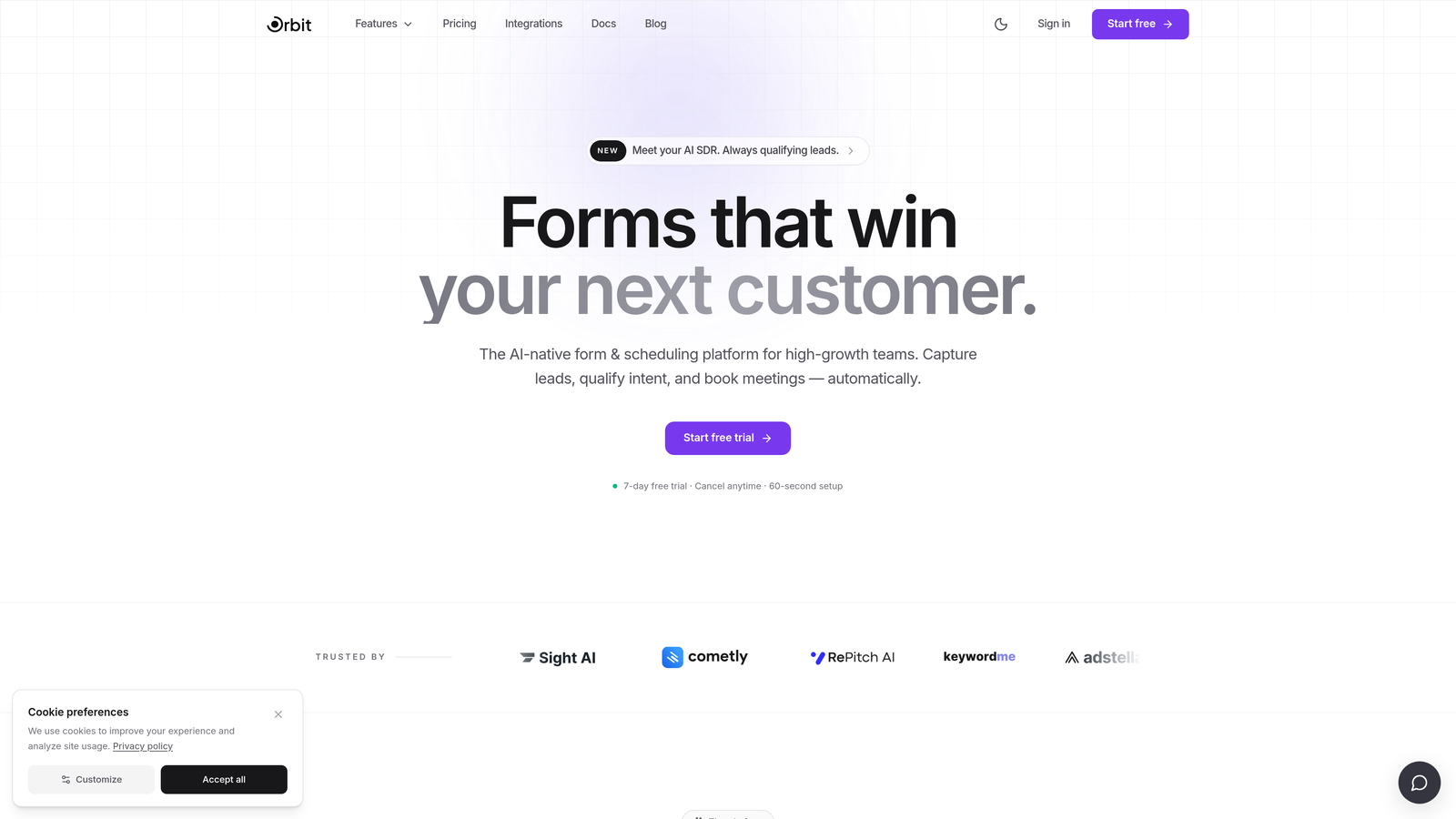
Orbit AI is an AI-powered form builder designed specifically for lead qualification and conversion optimization, built for high-growth SaaS and marketing teams.
Where This Tool Shines
Most form builders collect data and hand it off. Orbit AI goes further by layering AI-driven lead scoring and routing directly into the form experience itself, not as an afterthought, but as a core part of how the product works. That distinction matters enormously for B2B teams where lead quality is just as important as lead volume.
The custom fields are designed with conversion in mind from the ground up. Conditional routing responds not just to what a user selects, but to how their responses score against your qualification criteria. For teams tired of manually sorting through form submissions, this is a meaningful shift in how forms can function.
Key Features
AI-Powered Lead Qualification: Lead scoring and routing logic is embedded directly into the form flow, automatically qualifying prospects as they engage.
Conversion-Optimized Custom Fields: Field types are built with lead generation goals in mind, not just data collection.
Conditional Routing by Lead Score: Forms branch and adapt based on how a respondent scores, creating personalized paths without manual configuration.
No-Code Design Customization: Modern, beautiful form design that teams can customize without touching a line of code.
CRM and Marketing Automation Integrations: Built-in connections to the tools high-growth teams already use, so qualified leads flow directly into your pipeline.
Best For
B2B SaaS teams, demand generation marketers, and growth-focused companies that want their forms to do more than collect responses. Orbit AI is the strongest fit when lead quality and conversion optimization are the primary goals, not just data capture.
Pricing
Paid plans available. Visit orbitforms.ai for current pricing details and plan options.
2. Typeform
Best for: Teams that want a polished, conversational form experience with strong conditional logic
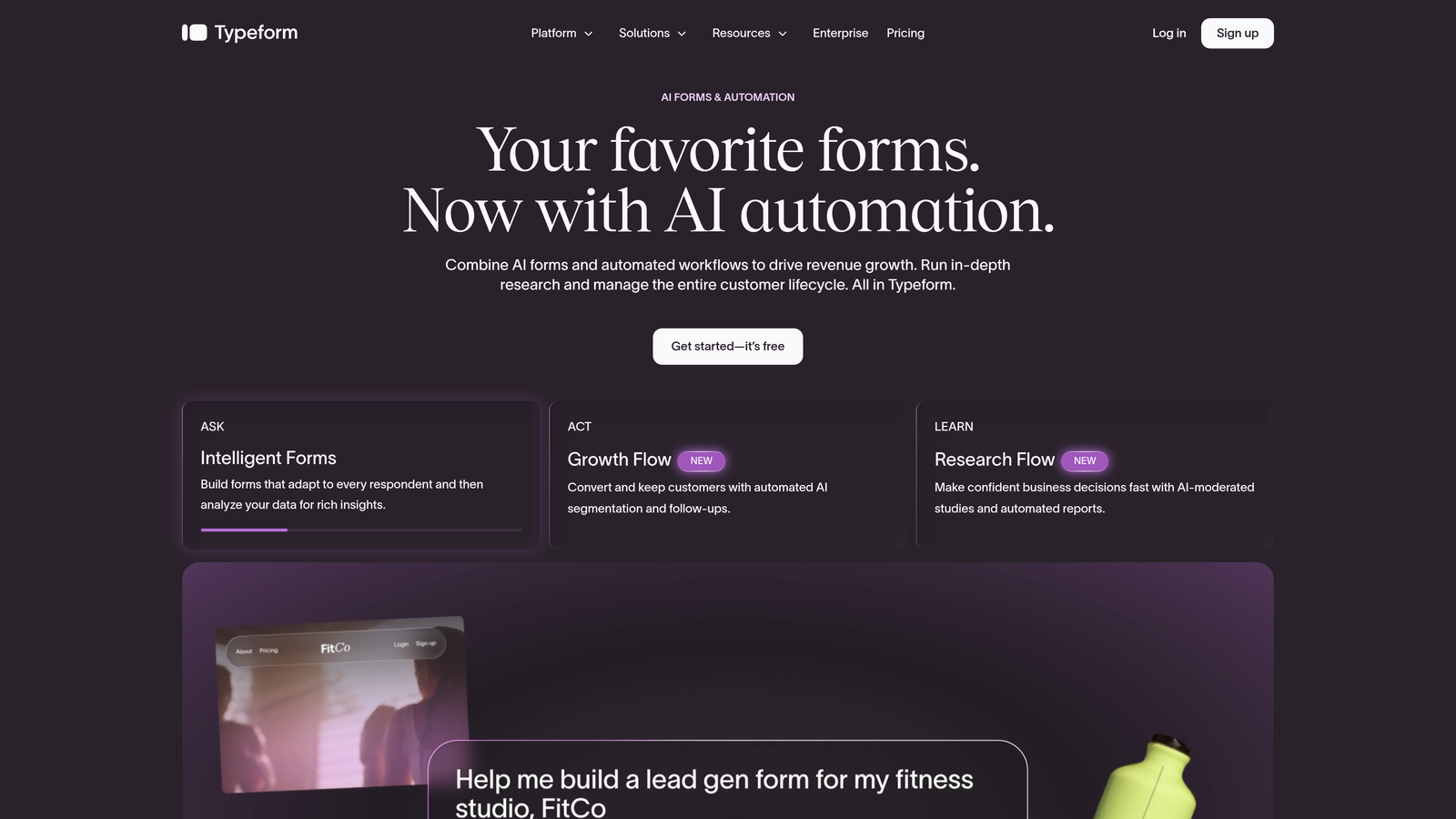
Typeform is a conversational form builder known for its one-question-at-a-time UX and clean, design-forward interface.
Where This Tool Shines
Typeform's signature approach, presenting one question at a time, tends to reduce form abandonment and creates a more engaging experience than a wall of fields. For surveys, onboarding flows, and lead capture forms where first impressions matter, that UX philosophy pays dividends.
The conditional logic is genuinely solid, allowing you to branch respondents to entirely different question paths based on their answers. Combined with a clean field editor and strong brand customization options, it's a reliable choice for teams that care about how their forms look and feel.
Key Features
Conversational Single-Question Flow: One question at a time reduces cognitive load and typically improves completion rates.
Diverse Custom Field Types: Includes picture choice, ranking, opinion scale, file upload, and more beyond standard text inputs.
Conditional Logic: Branch respondents to different paths based on their answers with a visual logic editor.
Brand Kit Customization: Apply custom fonts, colors, and backgrounds to match your brand identity.
Broad Integration Support: Connects with HubSpot, Salesforce, Zapier, and many other platforms.
Best For
Marketing teams running surveys, product onboarding flows, or lead capture forms where design quality and respondent experience are priorities. Teams on lower tiers should be aware that response limits can become a constraint as volume grows.
Pricing
Free plan available. Paid plans start at approximately $25/month billed annually, with pricing scaling based on response volume and features.
3. Jotform
Best for: Operations-heavy teams that need the broadest possible library of field types
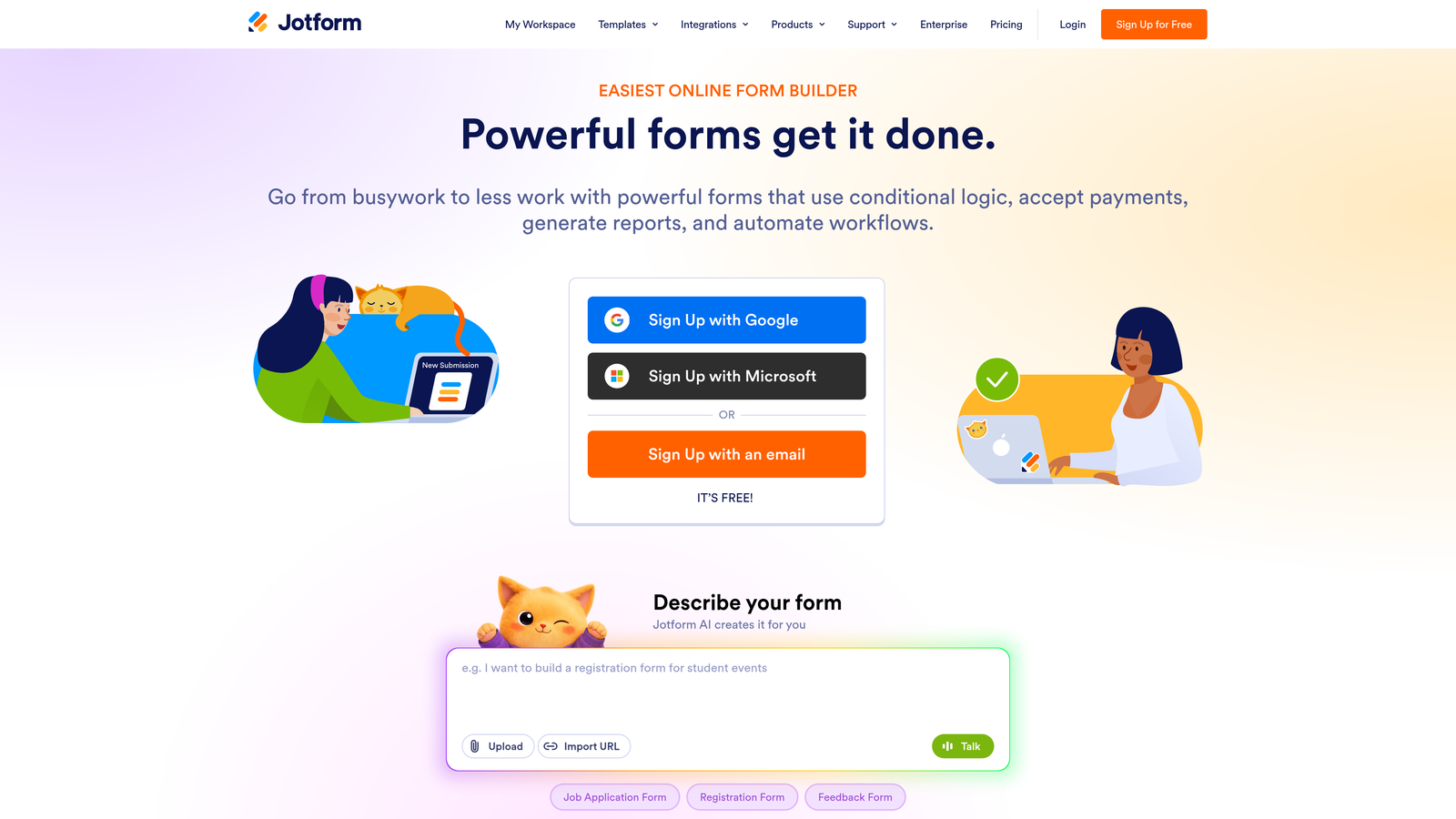
Jotform is a feature-rich form builder with one of the largest custom field libraries available on any platform.
Where This Tool Shines
If raw field variety is your primary requirement, Jotform is hard to beat. With over 100 field types and a widget marketplace for extended functionality, it covers use cases that most other tools simply don't support out of the box, including geolocation, barcode scanning, and e-signature fields.
The platform has a strong template ecosystem and handles complex multi-page forms well. The interface can feel visually dated compared to newer tools, but for teams prioritizing functionality over aesthetics, that's often an acceptable tradeoff.
Key Features
100+ Field Types: Includes signature capture, geolocation, barcode scanning, and a wide range of specialty input types.
Widget Marketplace: Extend form functionality with third-party widgets for niche use cases.
Payment Fields: Native support for Stripe, PayPal, and Square directly within forms.
Conditional Logic and Multi-Page Forms: Build branching, multi-step experiences with visibility and routing rules.
HIPAA-Compliant Plan: Available for healthcare and regulated industry use cases.
Best For
Operations teams, healthcare organizations, event coordinators, and anyone who needs a wide variety of field types in a single platform. Also a strong choice for teams that need payment collection built into their forms.
Pricing
Free plan available. Paid plans start at approximately $34/month, with higher tiers unlocking more submissions, storage, and compliance features.
4. Gravity Forms
Best for: WordPress-based teams that need deep developer customization and a mature add-on ecosystem
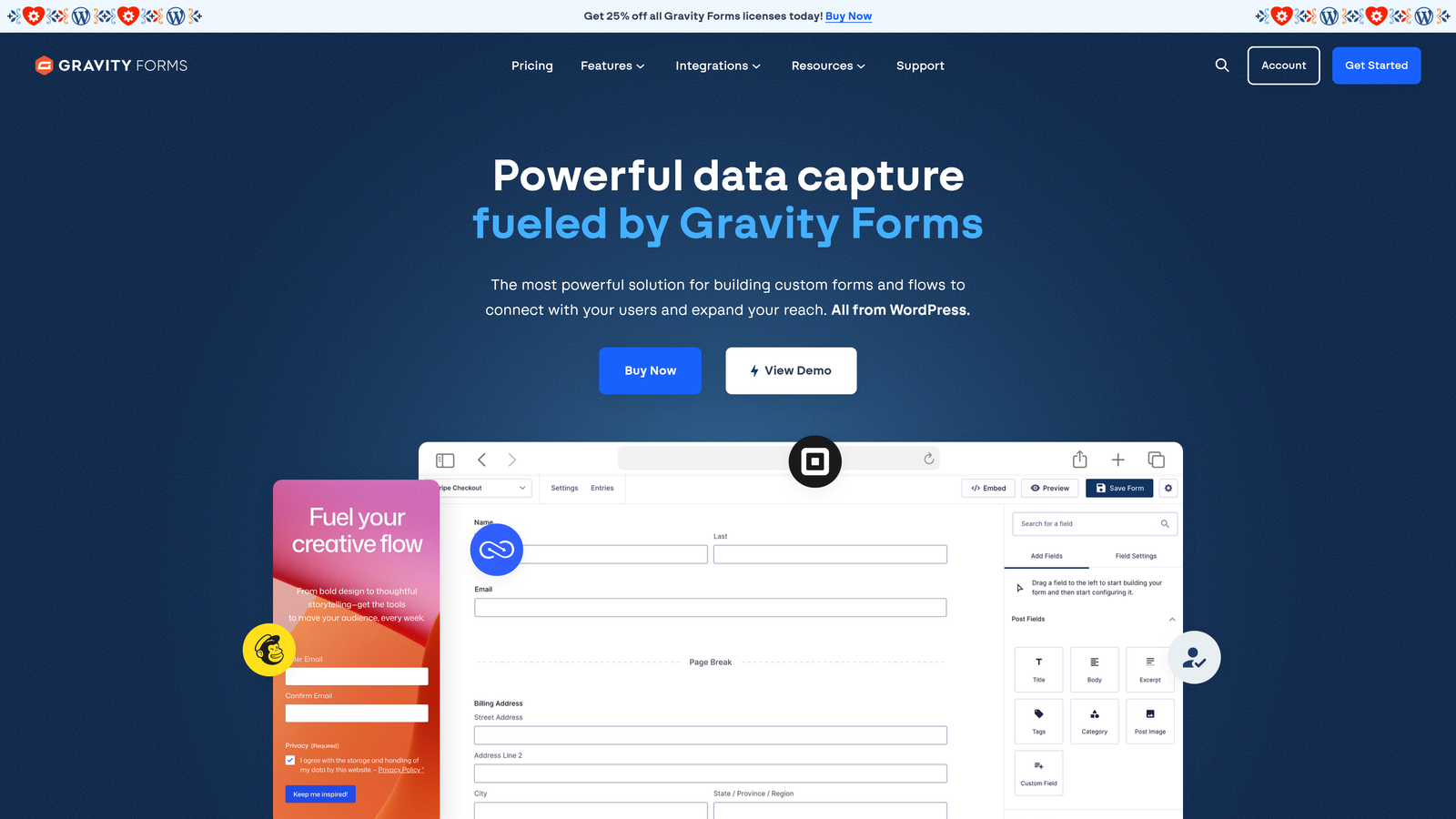
Gravity Forms is the go-to custom form fields plugin for WordPress, with a deep developer ecosystem and extensive add-on library.
Where This Tool Shines
For WordPress environments, Gravity Forms has long been the standard for serious form building. The developer-facing feature set is genuinely impressive: extensive hooks and filters let you customize field behavior at a code level, and the add-on library covers payments, CRM connections, surveys, and more.
Repeater fields and post creation fields are standout capabilities that few other tools offer, making it particularly valuable for content-heavy WordPress sites. The conditional logic system is mature and reliable, with support for complex multi-condition rules.
Key Features
Repeater Fields: Allow respondents to add multiple entries to the same field group, useful for collecting variable-length data.
Developer Hooks and Filters: Extensive API for customizing field behavior, validation, and processing at a code level.
Add-On Library: Official add-ons for payments, CRM platforms, surveys, user registration, and more.
Advanced Conditional Logic: Multi-condition rules for field visibility, required status, and page progression.
Multi-Page Forms with Progress Indicators: Break long forms into manageable steps with visual progress feedback.
Best For
WordPress developers and agencies building custom solutions. Not suitable for teams outside the WordPress ecosystem, as it requires a WordPress installation to function. Best when you need deep customization that a no-code tool can't provide.
Pricing
Starts at approximately $59/year for a single site license. Higher tiers unlock additional add-ons and multi-site support.
5. HubSpot Forms
Best for: Teams already using HubSpot CRM who want native field mapping and progressive profiling
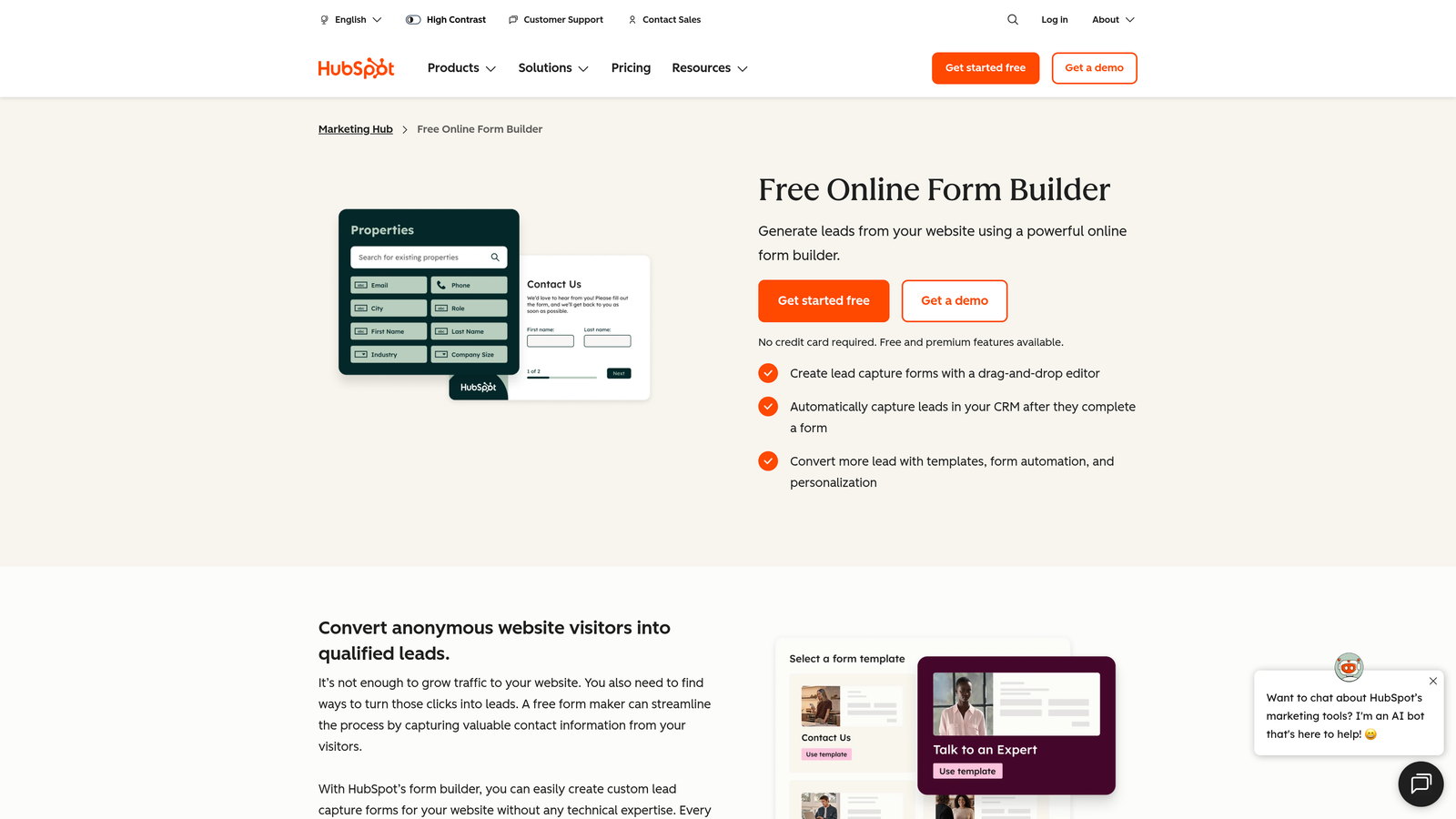
HubSpot Forms is a CRM-native form builder that maps custom fields directly to HubSpot contact and deal properties.
Where This Tool Shines
If your team lives in HubSpot, the native form builder removes a layer of integration friction that every other tool on this list requires. Custom fields map directly to CRM properties without any middleware, and form submissions update contact records in real time.
Progressive profiling is the standout feature: HubSpot Forms can detect returning contacts and swap out fields they've already answered for new ones, so you're always collecting fresh data without asking people to repeat themselves. For CRM-driven lead nurturing, that capability is genuinely useful.
Key Features
Progressive Profiling: Fields adapt based on what HubSpot already knows about a contact, collecting new data on each visit.
Native CRM Field Mapping: Custom fields sync directly to HubSpot contact and deal properties without third-party connectors.
Smart Forms: Context-aware field behavior based on contact lifecycle stage and known properties.
Embedded and Pop-Up Options: Deploy forms inline on pages or as triggered pop-ups.
Free Tier Access: Core form functionality is available within HubSpot's free CRM.
Best For
Marketing and sales teams running their pipeline through HubSpot. Design flexibility is limited compared to standalone form builders, so teams with strong brand requirements or complex custom field needs may find it constraining outside the HubSpot ecosystem.
Pricing
Free with HubSpot CRM. Advanced features require Marketing Hub, which starts at approximately $15/month per seat.
6. Formstack
Best for: Enterprise teams that need custom fields, approval workflows, and document generation in one platform
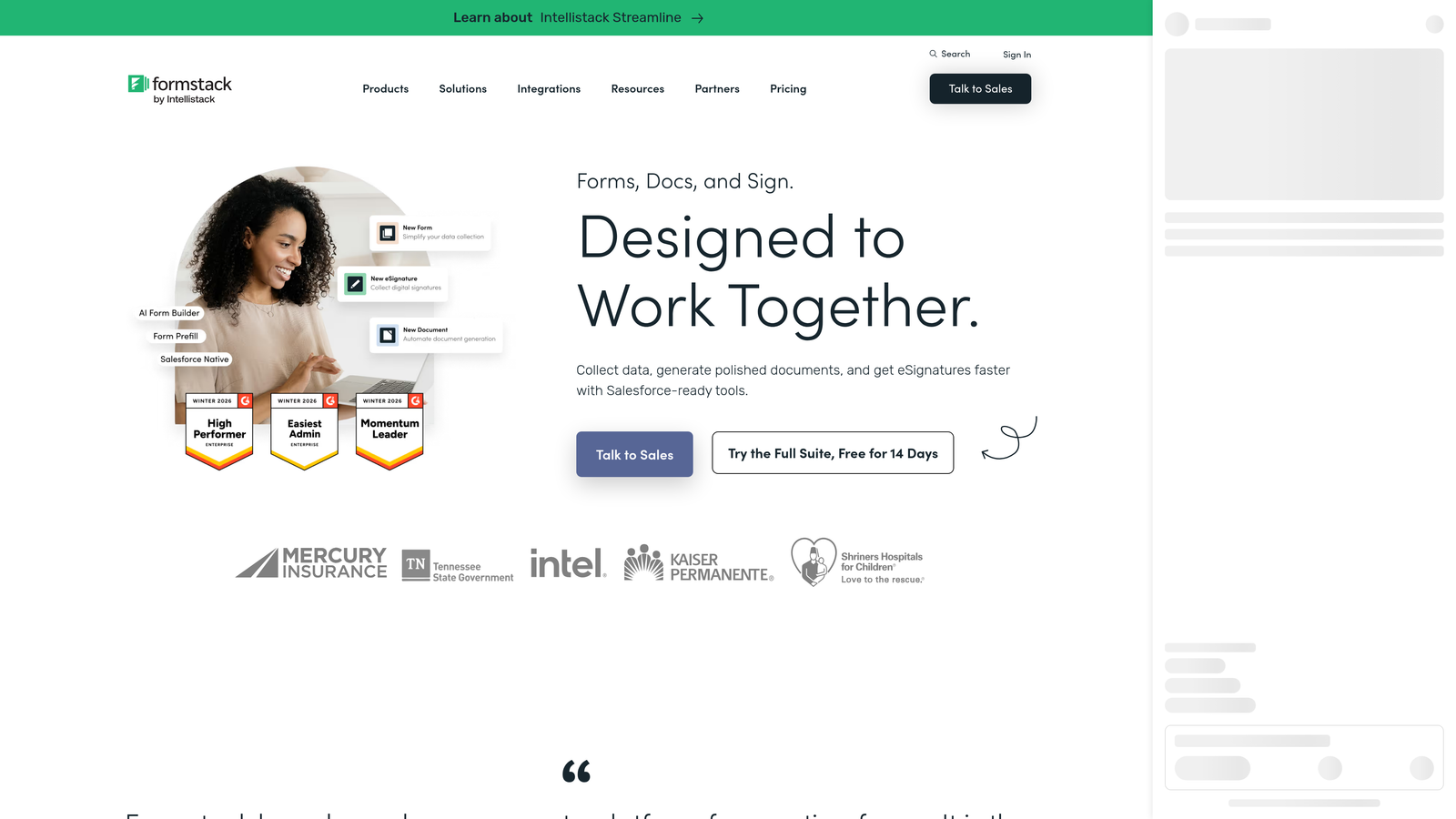
Formstack is an enterprise form platform combining advanced custom fields with multi-step approval routing and document generation.
Where This Tool Shines
Formstack goes beyond form building into workflow automation territory. The approval routing system lets form submissions trigger multi-step review processes, which is particularly valuable for procurement, HR, and compliance-heavy operations where forms are part of a larger business process.
The document generation capability, via Formstack Documents, means you can turn form submissions directly into populated PDFs, contracts, or reports without manual data transfer. For enterprise teams managing complex data workflows, that end-to-end capability justifies the premium pricing.
Key Features
Multi-Step Approval Routing: Form submissions can trigger sequential approval workflows across multiple stakeholders.
Custom Fields with Validation Rules: Data formatting and validation rules ensure clean, consistent submissions.
Document Generation: Automatically populate documents and PDFs from form submission data.
Compliance Options: HIPAA and GDPR-compliant configurations available for regulated industries.
300+ Integrations: Connects with Salesforce, Slack, and a wide range of enterprise tools.
Best For
Enterprise operations, HR, legal, and compliance teams where forms are part of structured business workflows rather than standalone data collection. The pricing reflects the enterprise positioning, so smaller teams may find better value elsewhere.
Pricing
Starts at approximately $83/month billed annually. Higher tiers include document generation and advanced workflow features.
7. Cognito Forms
Best for: Teams that need powerful calculation and formula fields for pricing, scoring, or dynamic totals
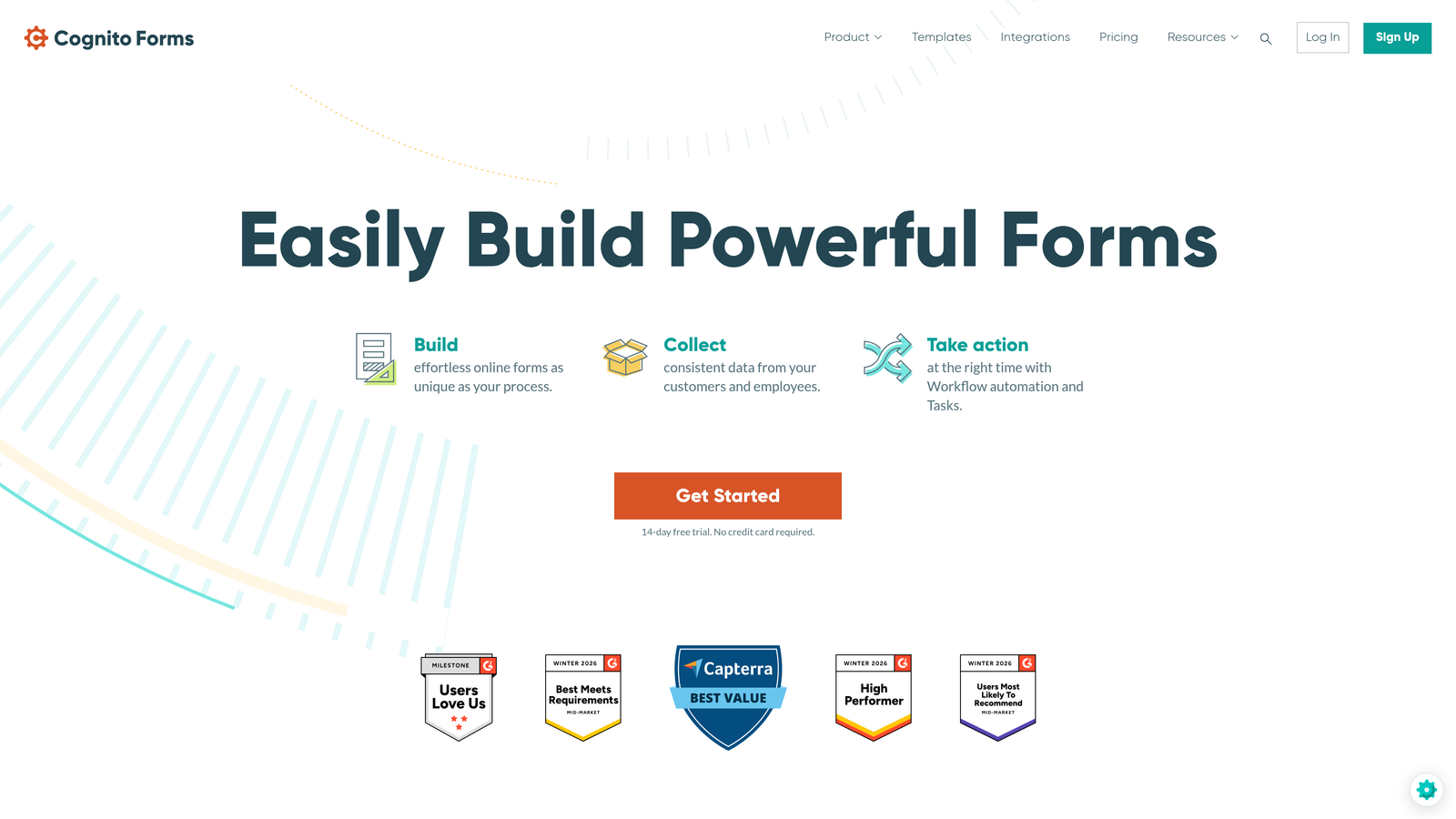
Cognito Forms is a form builder with uniquely capable calculation fields, a formula editor, and a generous free tier.
Where This Tool Shines
Cognito Forms is genuinely underrated, particularly for teams that need math in their forms. The formula editor lets you build dynamic pricing calculators, lead scoring systems, or running totals directly within the form logic, without any external integrations or custom code. That's a capability most tools either don't offer or handle poorly.
The repeating sections feature is another standout: respondents can add multiple instances of the same field group, which is useful for collecting variable-length data like line items, attendees, or project details. The UI is functional rather than flashy, but the underlying feature set punches above its price point.
Key Features
Calculation Fields with Formula Editor: Build dynamic pricing, scoring, and totals directly in the form using a visual formula editor.
Repeating Sections: Allow respondents to add multiple entries to the same field group within a single submission.
Conditional Logic: Control field visibility and required status based on other field values.
Payment Collection: Native Stripe integration for collecting payments directly through forms.
Generous Free Tier: Unlimited forms on the free plan, making it accessible for teams testing the platform.
Best For
Teams building pricing calculators, quote request forms, scoring tools, or any use case where calculated fields are central to the form's purpose. Also a strong choice for budget-conscious teams that need more than Google Forms can offer.
Pricing
Free plan available with unlimited forms. Paid plans start at approximately $15/month, unlocking higher submission limits and advanced features.
8. Paperform
Best for: Creators, coaches, and small businesses that want design flexibility alongside custom form fields
Paperform is a design-forward form builder that blends landing page flexibility with custom form field functionality.
Where This Tool Shines
Paperform takes a different approach to form layout: rather than a structured field-by-field editor, it gives you a free-form canvas where you can place fields anywhere alongside text, images, and video. The result feels more like a designed landing page than a traditional form, which works particularly well for sales pages, intake forms, and product selling scenarios.
The product fields feature lets you sell items directly through a Paperform, making it a hybrid between a form builder and a lightweight e-commerce tool. For creators and service businesses, that combination of design flexibility and transactional capability is a genuine differentiator.
Key Features
Free-Form Layout Editor: Place fields anywhere on the page alongside rich media, text, and images for a landing page-style experience.
Product Fields: Sell products or services directly through forms with built-in e-commerce functionality.
Custom Field Types: Includes slider, ranking, matrix, and other field types beyond standard inputs.
Conditional Logic and Calculated Fields: Branch form paths and compute values based on respondent input.
Strong Branding and Typography: Extensive font, color, and layout customization for brand-consistent forms.
Best For
Creators, coaches, consultants, and small businesses that want their forms to look and feel like designed pages. Less suited to high-volume B2B lead generation or enterprise workflows, but excellent for customer-facing forms where aesthetics drive trust.
Pricing
Starts at approximately $24/month billed annually. No free plan is available, though a trial period is offered.
9. Google Forms
Best for: Internal use, zero-budget scenarios, or simple data collection within Google Workspace
Google Forms is a free, no-frills form tool with core custom field types, best suited for internal or budget-constrained use cases.
Where This Tool Shines
There's a reason Google Forms remains widely used: it costs nothing, requires no setup, and connects directly to Google Sheets for automatic response collection. For internal surveys, event RSVPs, or quick data gathering within a Google Workspace environment, it gets the job done without any friction.
The collaboration features are also genuinely useful. Multiple team members can edit a form simultaneously, and sharing is as simple as sending a link. For teams already living in Google Workspace, the zero-cost entry point is hard to argue with for low-stakes use cases.
Key Features
Completely Free: No paid tiers, no submission limits, no hidden costs with any Google account.
Core Field Types: Covers text, multiple choice, checkbox, dropdown, file upload, date/time, linear scale, and grid inputs.
Basic Conditional Logic: Section branching based on multiple choice answers provides simple routing capability.
Automatic Google Sheets Integration: Responses flow directly into a connected spreadsheet in real time.
Collaboration and Sharing: Easy multi-editor access and simple link-based sharing within Google Workspace.
Best For
Internal teams, educators, nonprofits, and anyone who needs basic form functionality at zero cost. Not suitable for lead generation, CRM integration, advanced conditional logic, or brand-consistent external-facing forms. The field type limitations and lack of design control make it a poor fit for customer-facing use cases.
Pricing
Completely free with any Google account. No paid tiers exist.
Which Tool Is Right for Your Team
The best custom form fields software depends entirely on what you're trying to accomplish. Here's a quick breakdown to help you cut through the options.
If you're a B2B SaaS or marketing team focused on lead quality and conversion optimization, Orbit AI is the clear choice. It's the only tool in this list that combines flexible custom fields with AI-powered lead qualification at the form level, so you're not just collecting data, you're qualifying prospects in real time. Start building free forms today and see how intelligent form design can elevate your conversion strategy.
For teams already running their pipeline through HubSpot, HubSpot Forms is the natural fit, especially if progressive profiling and native CRM field mapping are priorities. WordPress-based teams with developer resources should look at Gravity Forms first. Enterprise operations teams that need approval workflows and document generation alongside custom fields will find Formstack worth the investment.
If budget is the primary constraint and your use cases are internal, Google Forms handles the basics at no cost. For teams that need calculation fields and dynamic pricing logic, Cognito Forms offers remarkable capability at a very accessible price point.
Whatever platform you choose, the underlying principle holds: the more precisely your custom fields match the data you actually need, the better your downstream qualification and conversion will be. For teams serious about that outcome, pairing the right form tool with a clear field strategy is where the real gains come from.
For more on building forms that convert, explore our resources on effective web form design and lead qualification best practices at orbitforms.ai.


