

Most form builders promise simplicity but deliver friction. For teams focused on lead generation, that friction costs conversions. Whether you're capturing leads, qualifying prospects, or routing responses, the form builder you choose shapes the entire experience your audience has with your brand.
The free online form builder market has matured significantly in 2026. Teams now expect more than basic data collection. They want forms that integrate with CRMs, qualify leads automatically, and deliver branded experiences. The shift toward AI-assisted form flows is one of the defining trends of this moment, with platforms beginning to embed conditional logic and lead scoring directly into the form experience itself.
This list covers the best free online form builders available right now, evaluated on ease of use, free plan generosity, design quality, and lead capture capabilities. Selection criteria include free plan availability, form design quality, integrations, lead qualification features, and scalability for growing teams. We've included only tools we'd genuinely recommend, from AI-powered platforms built for conversion to versatile builders suited for simpler needs.
1. Orbit AI
Best for: High-growth SaaS and marketing teams that need forms to qualify leads, not just collect them.
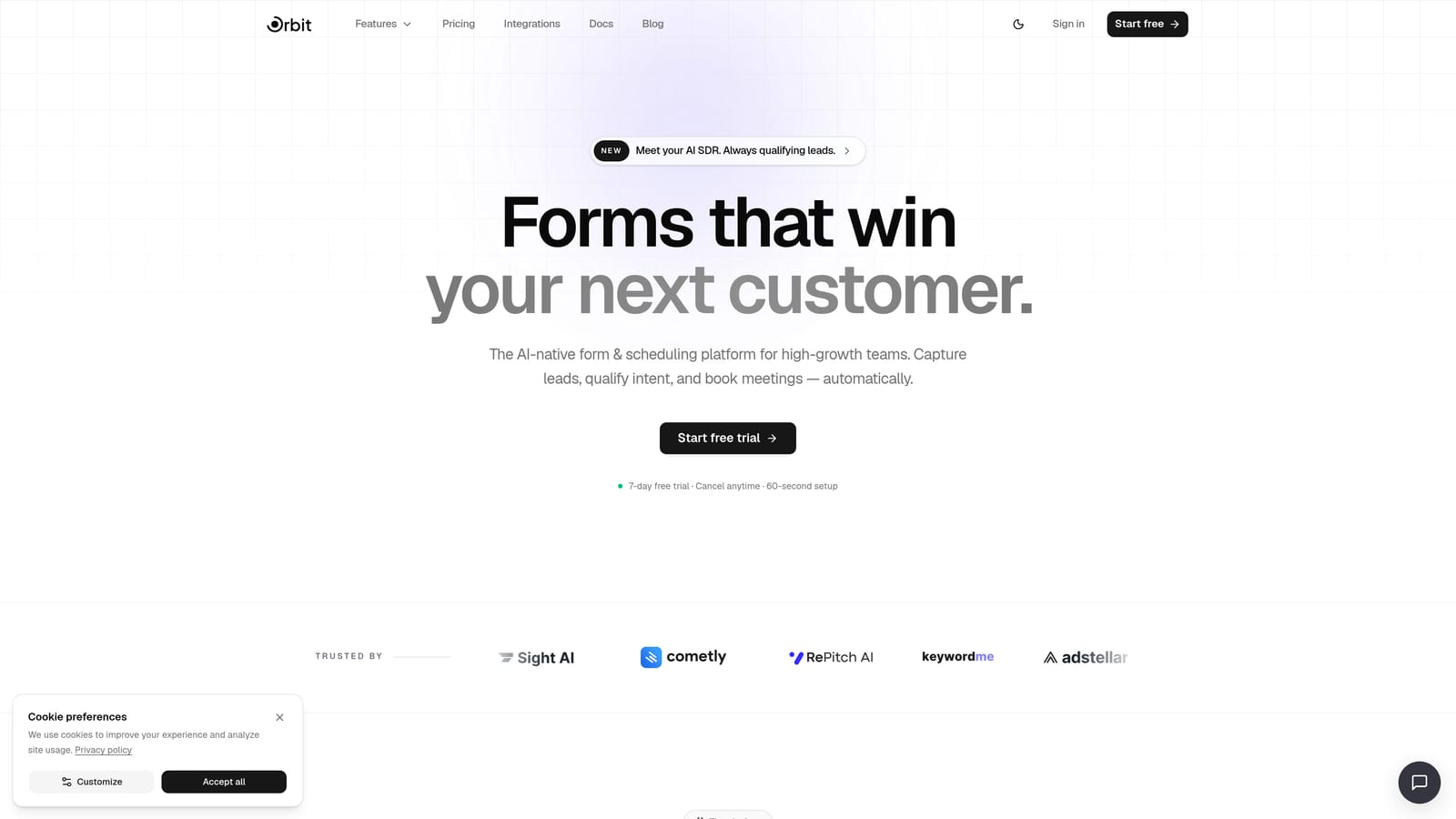
Orbit AI is an AI-powered form builder designed specifically for teams that treat their forms as pipeline assets, not just data collection tools.
Where This Tool Shines
Orbit AI's standout capability is AI-powered lead qualification built directly into the form flow. Instead of collecting raw responses and pushing them into a CRM for manual review, Orbit AI can score and route leads based on what respondents actually say. That means your sales team receives better-qualified prospects, and low-intent leads don't clog your pipeline.
The design philosophy is equally deliberate. Orbit AI is built around conversion-optimized form experiences with a modern UI that feels native to high-quality SaaS products. For teams where brand perception matters at every touchpoint, this is a meaningful differentiator from legacy builders that still feel like they belong in 2015.
Key Features
AI-Powered Lead Qualification: Forms intelligently score and route leads based on responses, reducing manual triage and improving pipeline quality.
Conversion-Optimized Design: Modern, clean UI designed to reduce drop-off and improve form completion rates across devices.
Lead Routing and Scoring: Automatically segment and direct respondents based on their answers, enabling faster follow-up from the right team member.
Built for SaaS and Marketing Teams: Workflows and features are tailored to growth-focused teams, not generic use cases.
Form Performance Analytics: Insights into how your forms are performing so you can iterate on what's working and fix what isn't.
Best For
Orbit AI is the right choice for SaaS companies, marketing teams, and growth-focused organizations that need forms to do more than collect data. If lead qualification, pipeline quality, and conversion optimization are priorities, this is the tool built around those goals from the ground up.
Pricing
A free plan is available. For current submission limits and paid tier details, visit orbitforms.ai/pricing directly, as plan details are updated regularly.
2. Tally
Best for: Teams that need unlimited free forms with no watermarks and a clean, modern editing experience.
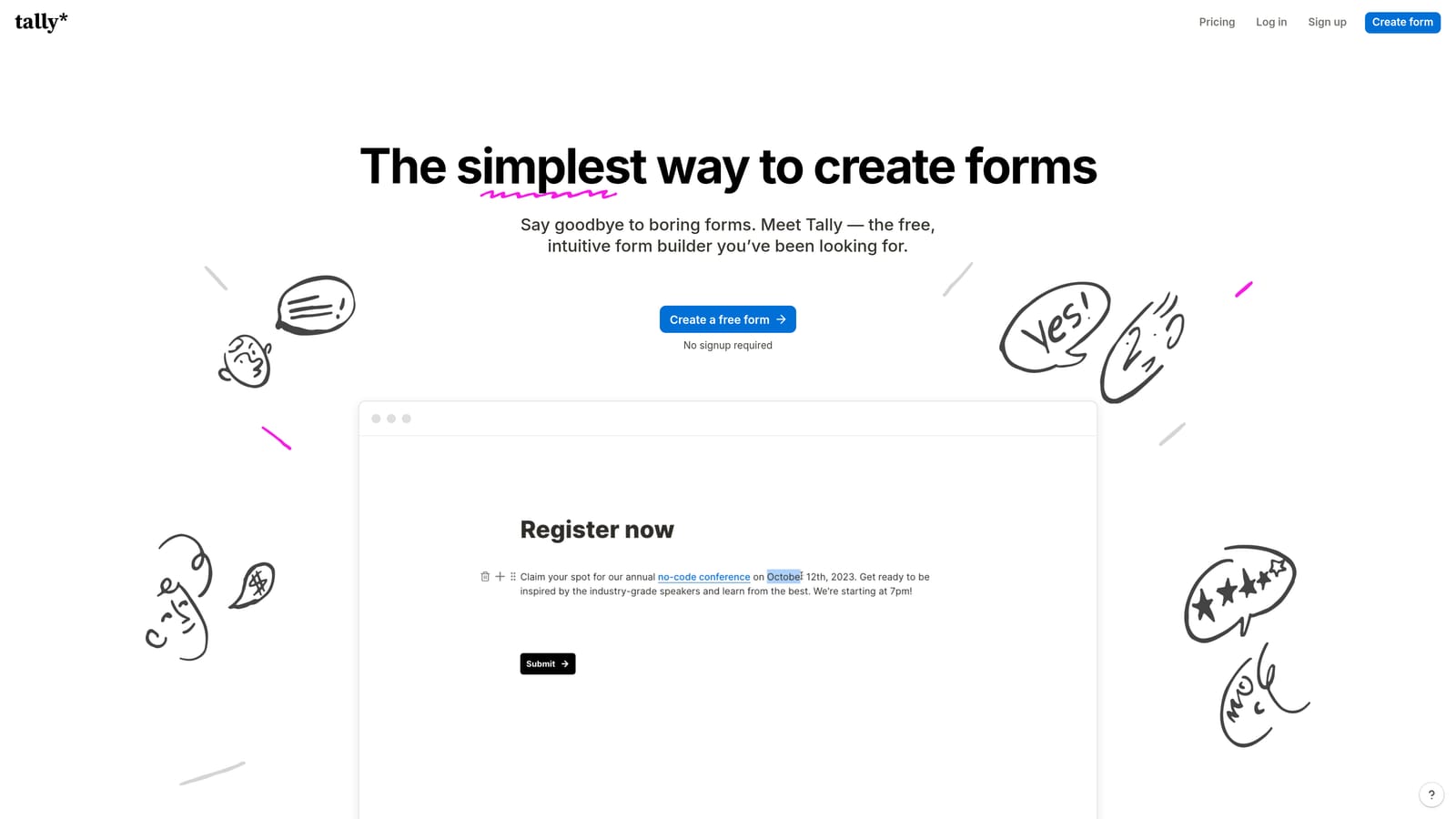
Tally is a minimalist form builder with one of the most genuinely generous free plans available in the market today.
Where This Tool Shines
Tally's free plan is its headline feature. Unlimited forms and unlimited submissions without Tally branding on the free tier is a combination that most competitors simply don't offer. For lean teams or early-stage startups that need professional-looking forms without a monthly bill, Tally removes nearly every barrier.
The editor feels like Notion, which means anyone already comfortable with modern productivity tools can build a form in minutes. The learning curve is almost nonexistent. Tally handles conditional logic, file uploads, and a solid range of integrations, making it capable of handling most standard use cases without needing to upgrade.
Key Features
Unlimited Forms and Submissions on Free Plan: No artificial caps that force you to upgrade just as your volume grows.
No Tally Branding on Free Forms: A rare offering at the free tier; verify current terms at tally.so as policies can change.
Notion-Style Editor: Familiar block-based editing that feels intuitive for modern teams.
Conditional Logic and File Uploads: Supported on the free plan, covering most standard workflow needs.
Integrations with Notion, Slack, and Google Sheets: Connects to the tools modern teams already rely on.
Best For
Tally is ideal for teams that need high-volume, no-cost form publishing without branding restrictions. It works well for internal forms, research surveys, and simple lead capture. It's less suited for complex lead qualification workflows or teams that need deep CRM integration and scoring logic.
Pricing
Free plan with generous limits. Tally Pro is available for advanced features. Confirm current pricing and plan details at tally.so.
3. Typeform
Best for: Teams that prioritize conversational form experiences and strong visual branding.
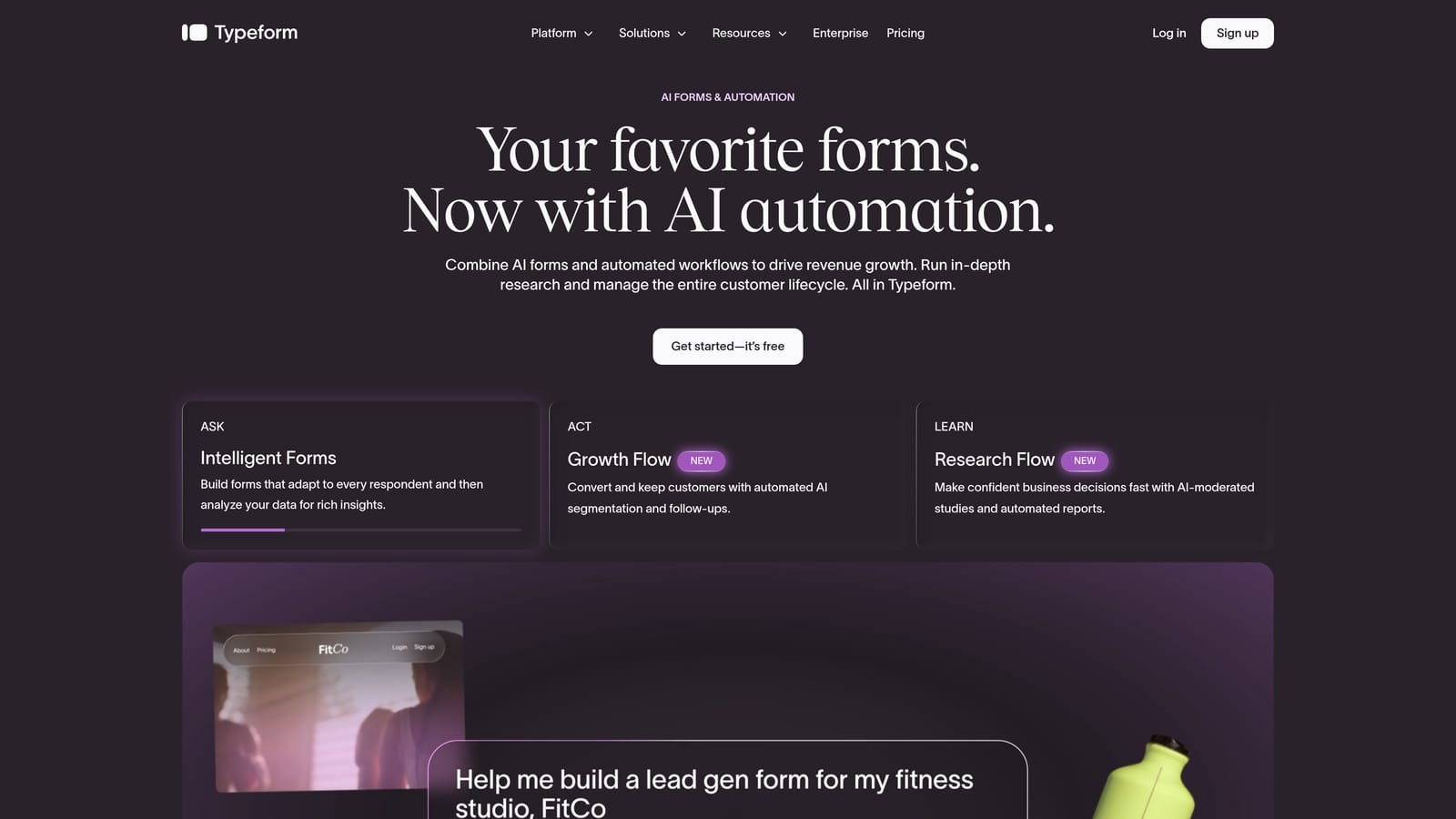
Typeform is the original conversational form builder, known for its one-question-at-a-time format that creates engaging, brand-forward form experiences.
Where This Tool Shines
Typeform pioneered the idea that a form could feel like a conversation rather than a chore. The one-question-at-a-time format reduces cognitive load for respondents and creates a more focused, guided experience. This format has built a strong reputation in marketing and research contexts where engagement and completion quality matter.
The design and customization options are genuinely strong. Typeform forms look polished out of the box and can be heavily branded to match your product or campaign aesthetic. For teams running high-visibility campaigns where the form is part of the brand experience, Typeform delivers consistently.
Key Features
Conversational One-Question-at-a-Time UX: Reduces drop-off by presenting questions sequentially rather than as a dense multi-field layout.
Logic Jumps and Conditional Branching: Tailor the form path based on previous answers for a personalized experience.
Strong Brand Design and Customization: Background images, color themes, and typography options that align forms with your visual identity.
Integrations with HubSpot, Salesforce, and Zapier: Connects to major CRM and automation platforms for seamless data flow.
Video and Image Embedding: Enrich form questions with visual media directly within the question interface.
Best For
Typeform suits marketing teams, researchers, and brand-conscious organizations that want forms to feel like an extension of their product experience. Note that the free plan includes submission and question limits that may be restrictive for high-volume use. Verify current limits at typeform.com before committing.
Pricing
Free plan available with submission and question limits. Paid plans start at a monthly fee. Verify current pricing at typeform.com.
4. Jotform
Best for: Teams that need the broadest feature set on a free plan, including payments and extensive integrations.
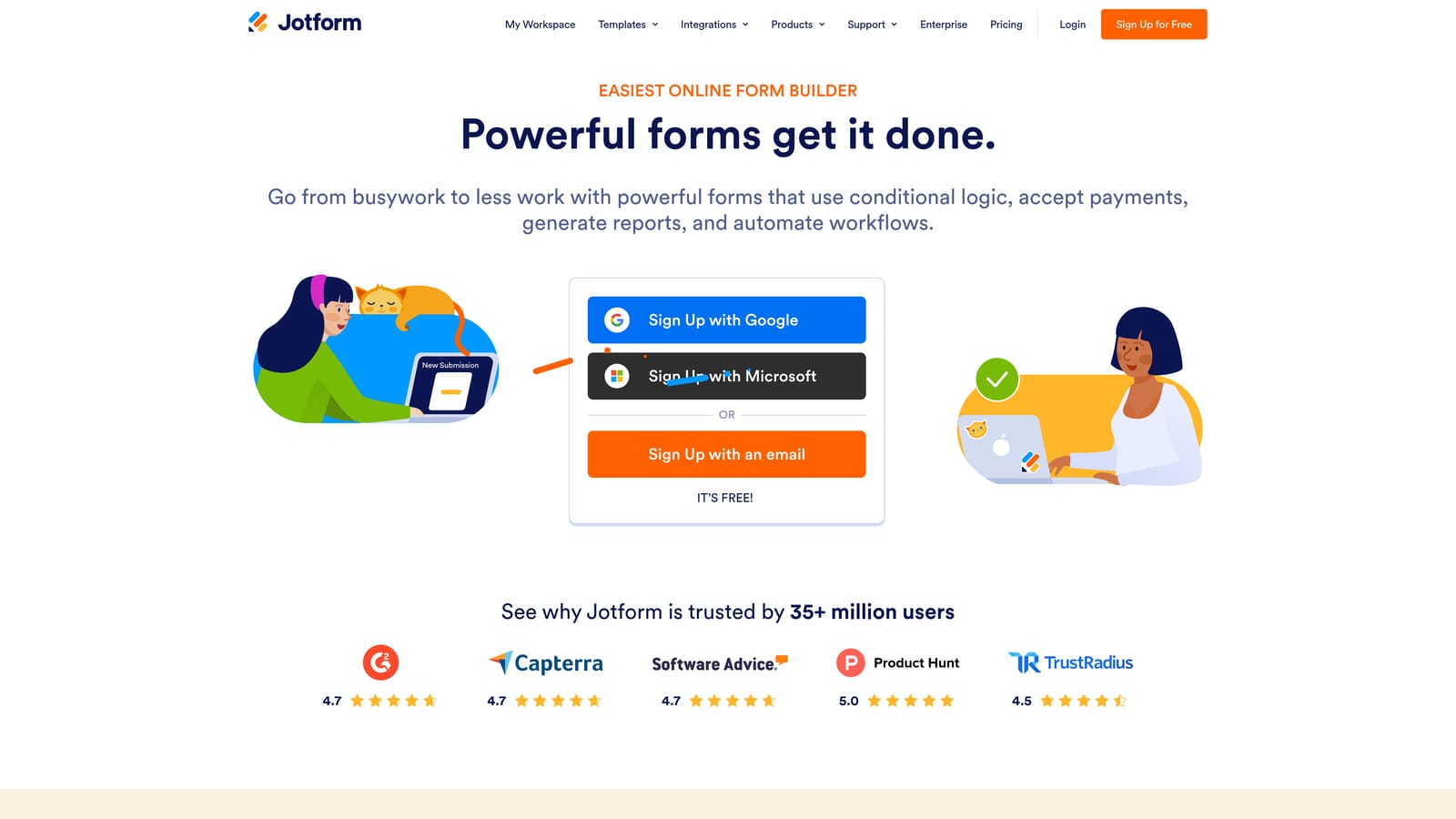
Jotform is a feature-rich form builder with one of the most comprehensive free plans in the market, covering everything from payment collection to a massive library of native integrations.
Where This Tool Shines
Jotform's free plan punches well above its weight. Payment collection, multi-page forms, conditional logic, and access to over 10,000 templates are all available without paying a cent. For teams that need to do a lot with limited budget, Jotform offers more built-in capability than most competitors at the same price point.
The sheer breadth of use cases Jotform covers is also notable. From simple contact forms to complex multi-page workflows, event registrations, and HIPAA-compliant healthcare forms on higher tiers, Jotform scales with organizational complexity in a way that simpler tools don't.
Key Features
Extensive Template Library: Over 10,000 templates spanning industries and use cases, dramatically reducing build time.
100+ Native Integrations: Connects with CRMs, payment processors, marketing platforms, and productivity tools without requiring Zapier as middleware.
Payment Collection on Free Plan: Collect payments directly through forms without upgrading, a capability most competitors reserve for paid tiers.
Multi-Page Forms and Conditional Logic: Build complex, branching form experiences without hitting a feature wall on the free tier.
HIPAA-Compliant Options: Available on higher tiers for regulated industries with strict data handling requirements.
Best For
Jotform is well suited for small businesses, nonprofits, operations teams, and anyone who needs a wide range of form types under one roof. It's particularly strong when payment collection or a large template library is a priority. The free plan does include submission and storage limits, so verify current caps at jotform.com/pricing.
Pricing
Free plan available with submission and storage limits. Paid plans available for higher volume and advanced features. Check current limits at jotform.com.
5. Paperform
Best for: Teams that want forms to function as branded mini landing pages with rich media and freeform layouts.
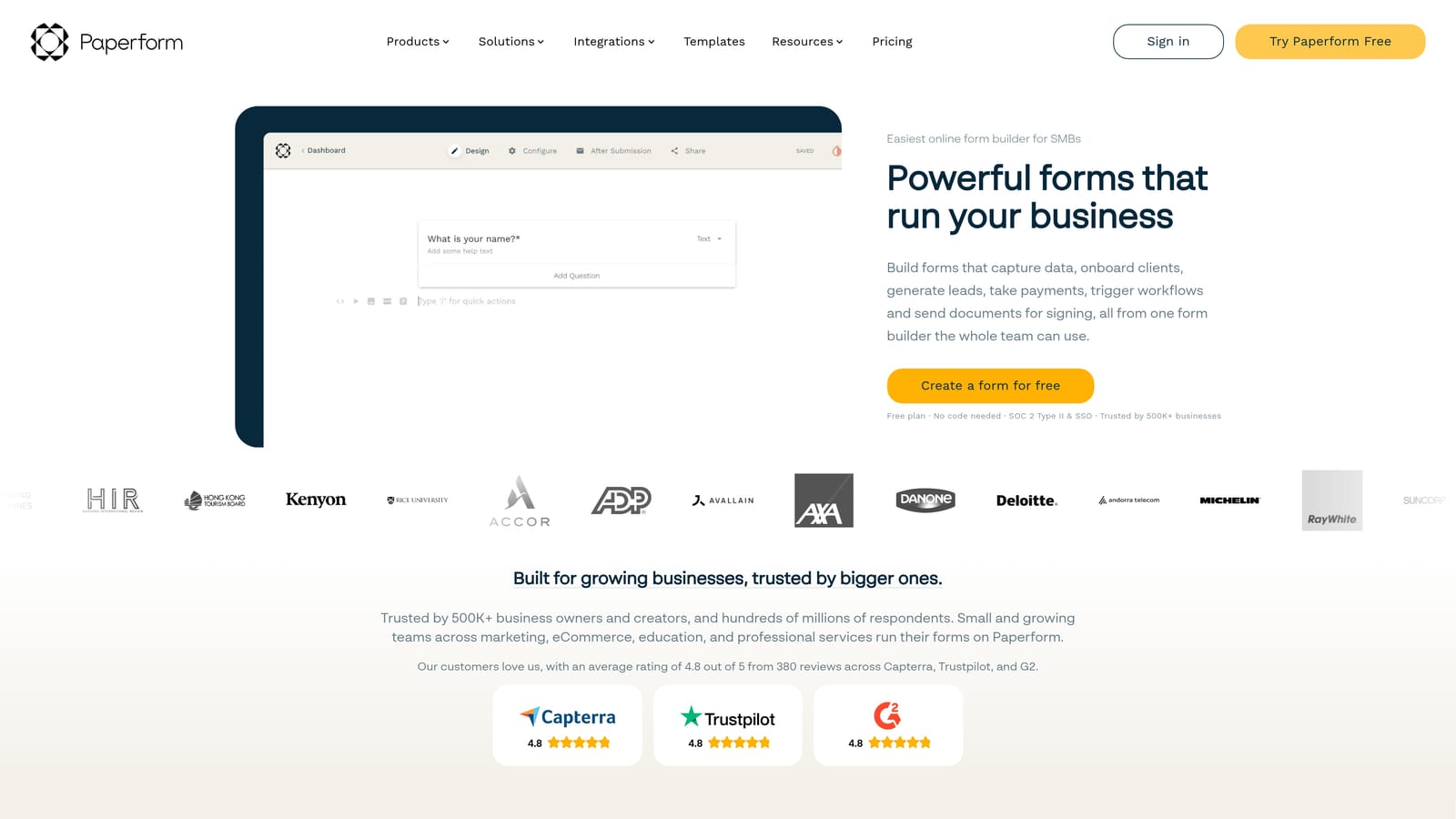
Paperform is a form builder that treats every form as a campaign asset, combining rich media embedding, freeform layout design, and strong customization for forms that feel like standalone experiences.
Where This Tool Shines
Paperform's biggest differentiator is its layout philosophy. Where most form builders stack fields in a linear column, Paperform lets you design the page more freely, mixing text, images, video, and form fields in a way that resembles a landing page more than a traditional form. For campaign-specific forms where the experience needs to feel branded and intentional, this approach stands out.
The tool also handles practical complexity well. Calculation fields, booking integrations, and payment collection are built in, making it capable of handling transactional and interactive use cases beyond simple data collection.
Key Features
Freeform Landing-Page-Style Layout: Design forms with the visual freedom of a page builder, not just a field stacker.
Rich Media Embedding: Add images, video, and custom HTML directly within the form experience.
Conditional Logic and Calculation Fields: Build dynamic, responsive form flows that adapt to user input and compute values on the fly.
Payment and Booking Integrations: Handle transactions and scheduling directly within the form without third-party workarounds.
Strong Branding and White-Label Options: Remove Paperform branding and apply your own visual identity on eligible plans.
Best For
Paperform suits marketing teams and creative professionals who want forms to feel like polished brand experiences rather than utility tools. It's particularly strong for campaign landing forms, product quizzes, and event registrations. Important note: Paperform's pricing model is primarily paid at entry level, with a trial period rather than a permanent free plan. Verify the current offering at paperform.co/pricing before committing, as "free trial" and "free plan" are meaningfully different for budget planning.
Pricing
A trial period is available. Whether a permanent free plan exists should be confirmed directly at paperform.co/pricing, as this may have changed. Plan accordingly if your team requires a no-cost long-term option.
6. Formstack
Best for: Enterprise and ops-heavy teams that need workflow automation, document generation, and compliance-ready data collection.
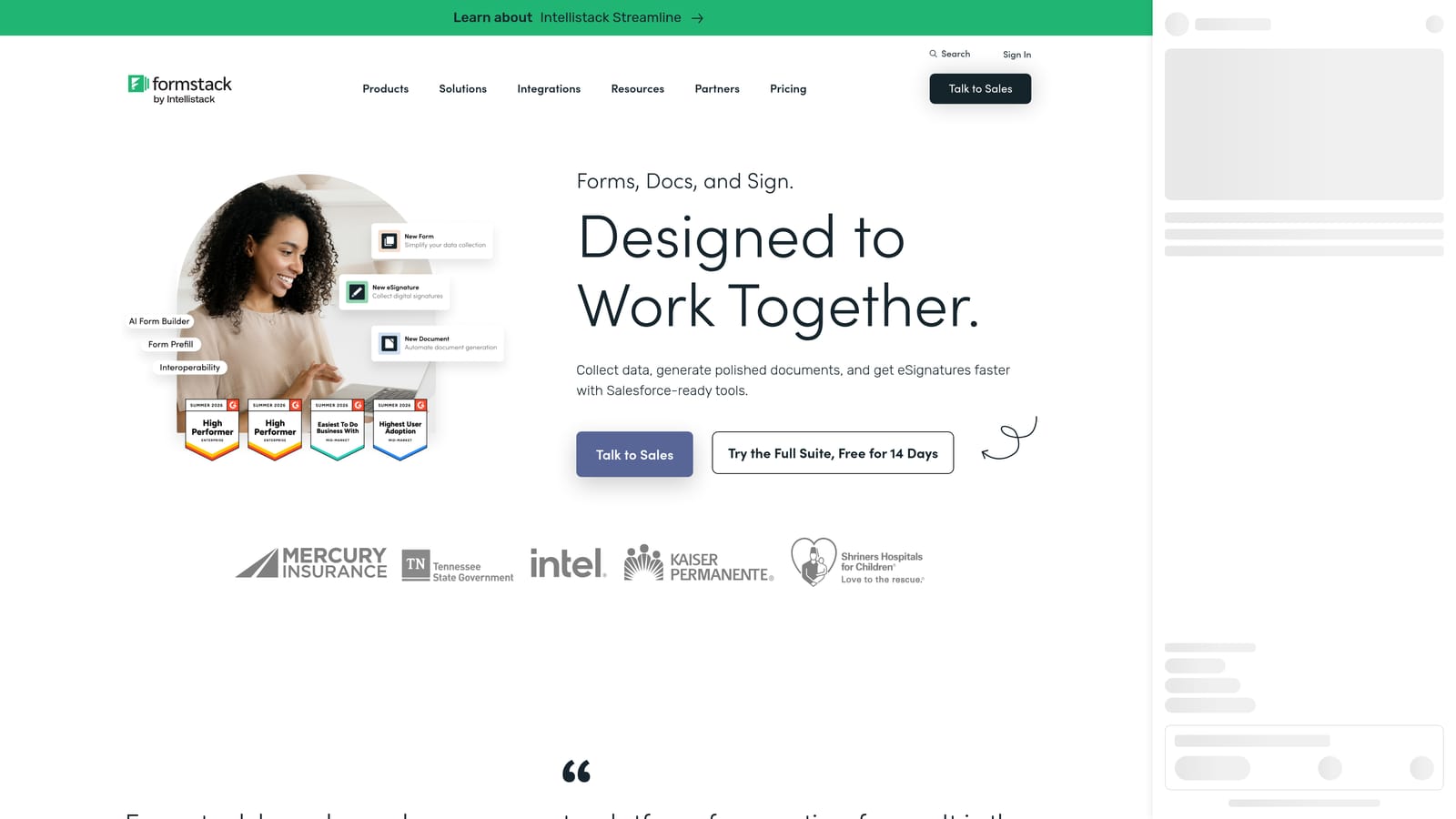
Formstack is an enterprise-grade form and workflow platform built for organizations that need forms to trigger approvals, generate documents, and meet strict compliance requirements.
Where This Tool Shines
Formstack operates at a different level of organizational complexity than most tools on this list. Its workflow routing and approval chain capabilities mean that a form submission can kick off a multi-step internal process automatically. Combined with document generation from form data and electronic signature collection, Formstack is less a form builder and more a full data workflow platform.
For regulated industries, Formstack's HIPAA and GDPR compliance features are a genuine differentiator. Healthcare organizations, financial services teams, and legal departments that need to collect sensitive data with proper controls will find capabilities here that simpler tools don't offer.
Key Features
Advanced Workflow Routing and Approval Chains: Automate multi-step internal processes triggered by form submissions, reducing manual handoffs.
Document Generation from Form Submissions: Automatically produce formatted documents, contracts, or reports from collected data.
HIPAA and GDPR Compliance Features: Built-in controls for regulated industries that need to handle sensitive data responsibly.
Salesforce and Enterprise CRM Integrations: Deep integrations with enterprise systems, not just lightweight webhook connections.
Electronic Signature Collection: Capture legally binding signatures as part of the form flow without a separate e-signature tool.
Best For
Formstack is the right fit for enterprise teams, regulated industries, and operations-heavy organizations that need forms embedded in larger workflows. It is not the right starting point for lean startup teams or anyone primarily focused on lead generation volume. Formstack is primarily a paid platform. Verify whether a free plan or trial is currently available at formstack.com/pricing before evaluating it as a no-cost option.
Pricing
Primarily a paid platform. A free plan or trial may be available; confirm current options at formstack.com/pricing. Best suited for teams with budget allocated for enterprise tooling.
Which Tool Is Right for Your Team?
The right form builder depends entirely on what you need your forms to do. Here's how to match the tool to the job.
If lead qualification and conversion optimization are your primary goals, Orbit AI is purpose-built for exactly that. The AI-powered lead scoring and routing capabilities go well beyond what any other tool on this list offers, and the modern design philosophy means your forms reflect the quality of your product.
If you need unlimited free forms with no watermarks and a clean editing experience, Tally is genuinely hard to beat. It's the most generous free plan in this category and suits teams that need volume without budget.
For conversational, brand-forward form experiences, Typeform remains the standard. For the broadest feature set on a free plan, including payments and 100+ integrations, Jotform delivers. For forms that feel like branded mini landing pages, Paperform is the creative choice, though verify its current free plan status before committing. For enterprise workflows with compliance requirements, Formstack is in a category of its own.
One practical note: free plan details across all these tools change regularly. Submission limits, storage caps, and branding restrictions are worth verifying directly on each tool's pricing page before making a decision.
If your team is focused on turning form submissions into qualified pipeline, the most important question isn't which builder has the most templates. It's which one makes your forms smarter. Start building free forms today with Orbit AI and see how intelligent form design can elevate your conversion strategy from the very first touchpoint.


