

Finding the right form software shouldn't drain your small business budget. With dozens of options ranging from free tiers to enterprise pricing, choosing the best value can feel overwhelming. This guide breaks down 9 form builders that deliver real results without the sticker shock—covering everything from AI-powered lead qualification to simple contact forms.
We've evaluated each tool based on what matters most to small businesses: pricing transparency, essential features included at each tier, scalability as you grow, and actual value per dollar spent. Whether you're collecting leads, processing payments, or gathering customer feedback, you'll find an option that fits your budget and business needs.
1. Orbit AI
Best for: Small businesses focused on lead qualification and conversion optimization
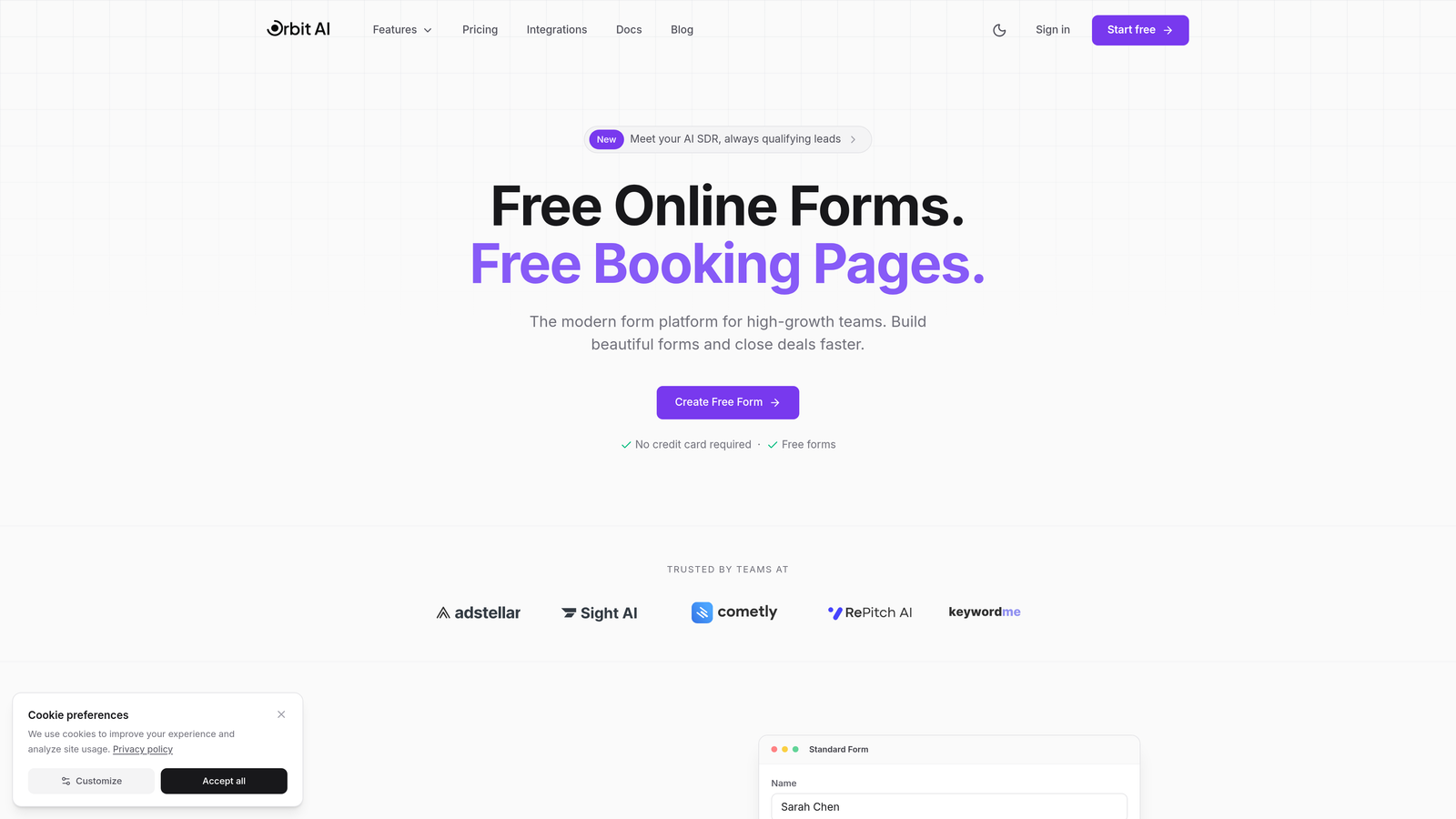
Orbit AI is an AI-powered form builder designed specifically for high-growth teams who need more than just data collection.
Where This Tool Shines
What sets Orbit AI apart is its intelligent lead qualification system that automatically scores and routes prospects based on their form responses. Instead of manually reviewing every submission, you get instant insights into which leads deserve immediate attention.
The platform focuses on conversion optimization with templates built around actual performance data. Every form element is designed to reduce friction and increase completion rates, which translates directly to more qualified leads for your business.
Key Features
AI-Powered Lead Qualification: Automatically scores and prioritizes leads based on their responses and behavior patterns.
Conversion-Optimized Templates: Pre-built form designs tested for maximum completion rates across industries.
Built-In Analytics and Workflows: Track form performance and automate follow-up actions without third-party tools.
Native CRM Integrations: Connect seamlessly with popular CRM platforms to sync qualified leads instantly.
Modern Form Designs: Beautiful, branded forms that match your company's visual identity and enhance user experience.
Best For
Small businesses and growing teams that treat forms as a strategic lead generation tool rather than just a contact method. Particularly valuable if you're drowning in unqualified submissions and need intelligent filtering to focus your sales efforts where they matter most.
Pricing
Competitive pricing tiers designed for growing businesses. Visit orbitforms.ai/pricing for current plans that scale with your lead volume and feature needs.
2. Jotform
Best for: Small businesses needing extensive template variety and generous free tier
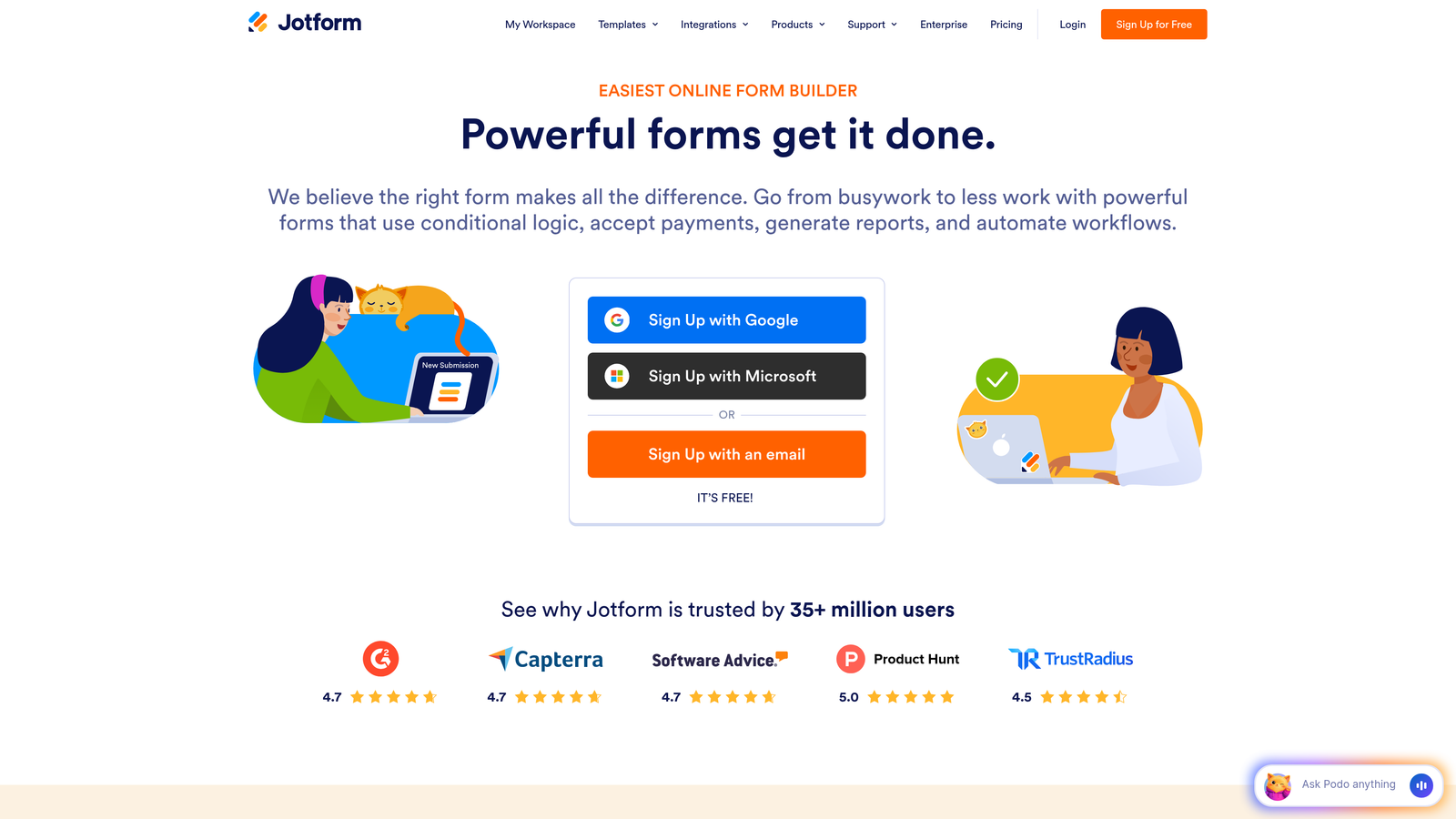
Jotform is an established form builder with one of the largest template libraries in the industry.
Where This Tool Shines
Jotform's massive template collection means you'll almost certainly find a pre-built form that matches your exact use case. From event registrations to job applications, the 10,000+ templates cover virtually every business scenario imaginable.
The free tier is genuinely usable for small businesses just starting out. Five forms with 100 monthly submissions gives you real runway to test and validate your form strategy before committing to paid plans.
Key Features
10,000+ Pre-Built Templates: Industry-specific forms ready to customize and deploy immediately.
Generous Free Tier: Five forms with 100 monthly submissions included at no cost.
Payment Integrations: Accept payments through Stripe, PayPal, Square, and other processors directly in forms.
PDF Form Generation: Automatically convert submissions into formatted PDF documents for records.
Mobile App: Manage forms and review submissions on the go with native iOS and Android apps.
Best For
Small businesses that want to hit the ground running with proven form templates and need flexibility to collect payments or generate documents. Ideal if you're bootstrapping and want maximum features on a free tier.
Pricing
Free tier available with basic features. Bronze tier starts around $34/month for increased submissions and forms, with higher tiers adding advanced features and team collaboration.
3. Typeform
Best for: Customer-facing forms where engagement and completion rates matter most
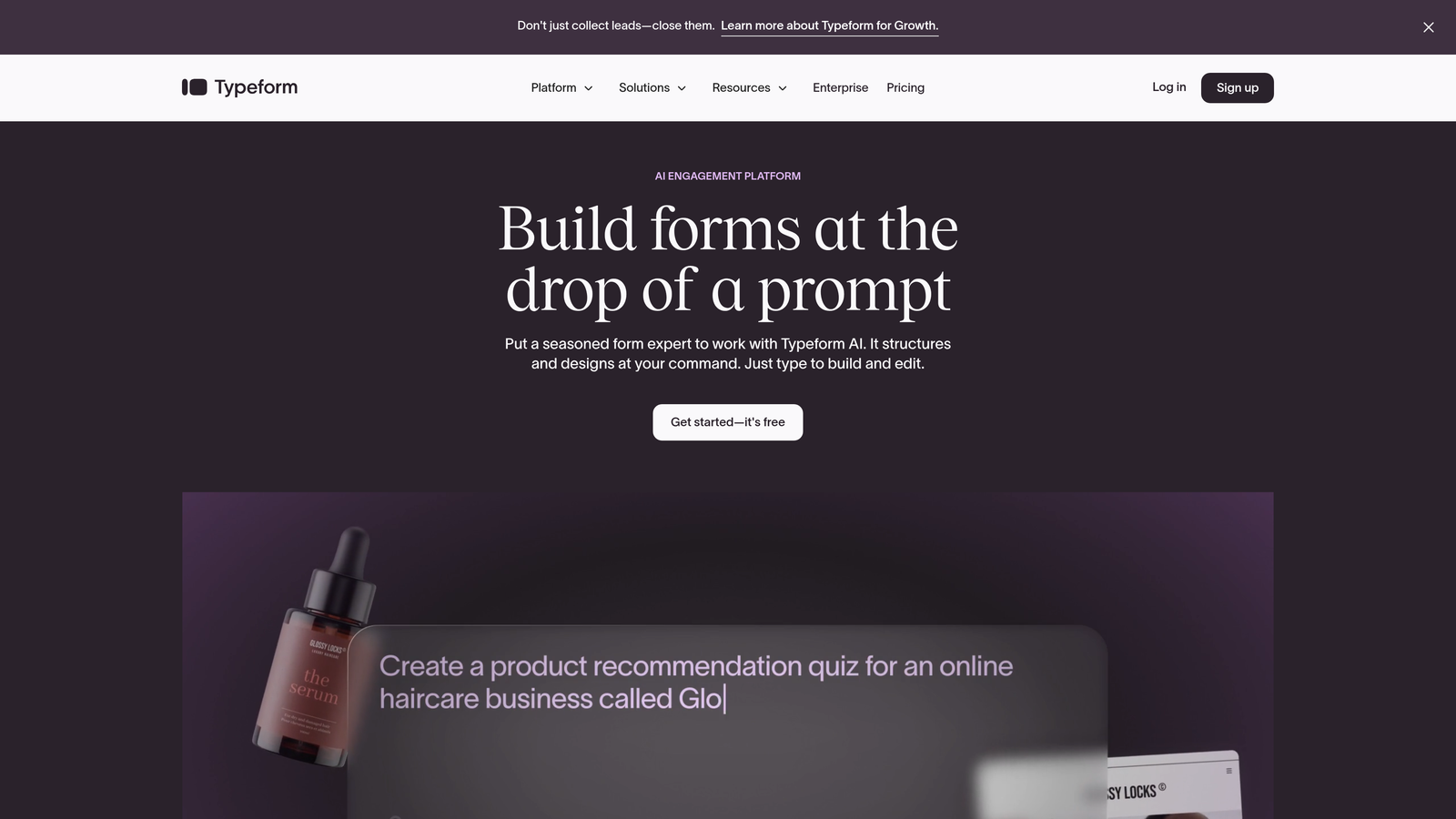
Typeform is a conversational form builder known for its distinctive one-question-at-a-time format that drives higher completion rates.
Where This Tool Shines
Typeform's signature approach treats forms like conversations rather than interrogations. By showing one question at a time, users feel less overwhelmed and are more likely to complete your entire form. This makes a measurable difference for customer surveys and lead capture where every percentage point in completion rate matters.
The platform excels at creating branded, visually stunning forms that feel premium. If your forms represent your brand to customers, Typeform ensures they make the right impression with smooth animations and thoughtful design details.
Key Features
Conversational Format: One-question-at-a-time interface that significantly improves completion rates compared to traditional forms.
Logic Jumps and Branching: Create personalized form paths based on previous answers to keep forms relevant.
Rich Media Support: Embed videos, images, and GIFs to make forms more engaging and interactive.
Strong Brand Customization: Match forms precisely to your brand guidelines with extensive design controls.
Performance Analytics: Track completion rates, drop-off points, and time-to-complete metrics to optimize forms.
Best For
Small businesses where form completion directly impacts revenue, such as lead generation agencies, consultancies, and service businesses. Worth the investment when user experience and brand perception are business priorities.
Pricing
Free tier allows 10 responses per month. Basic plan starts around $25/month for 100 responses, with pricing scaling based on response volume and advanced features needed.
4. Google Forms
Best for: Budget-conscious businesses already using Google Workspace
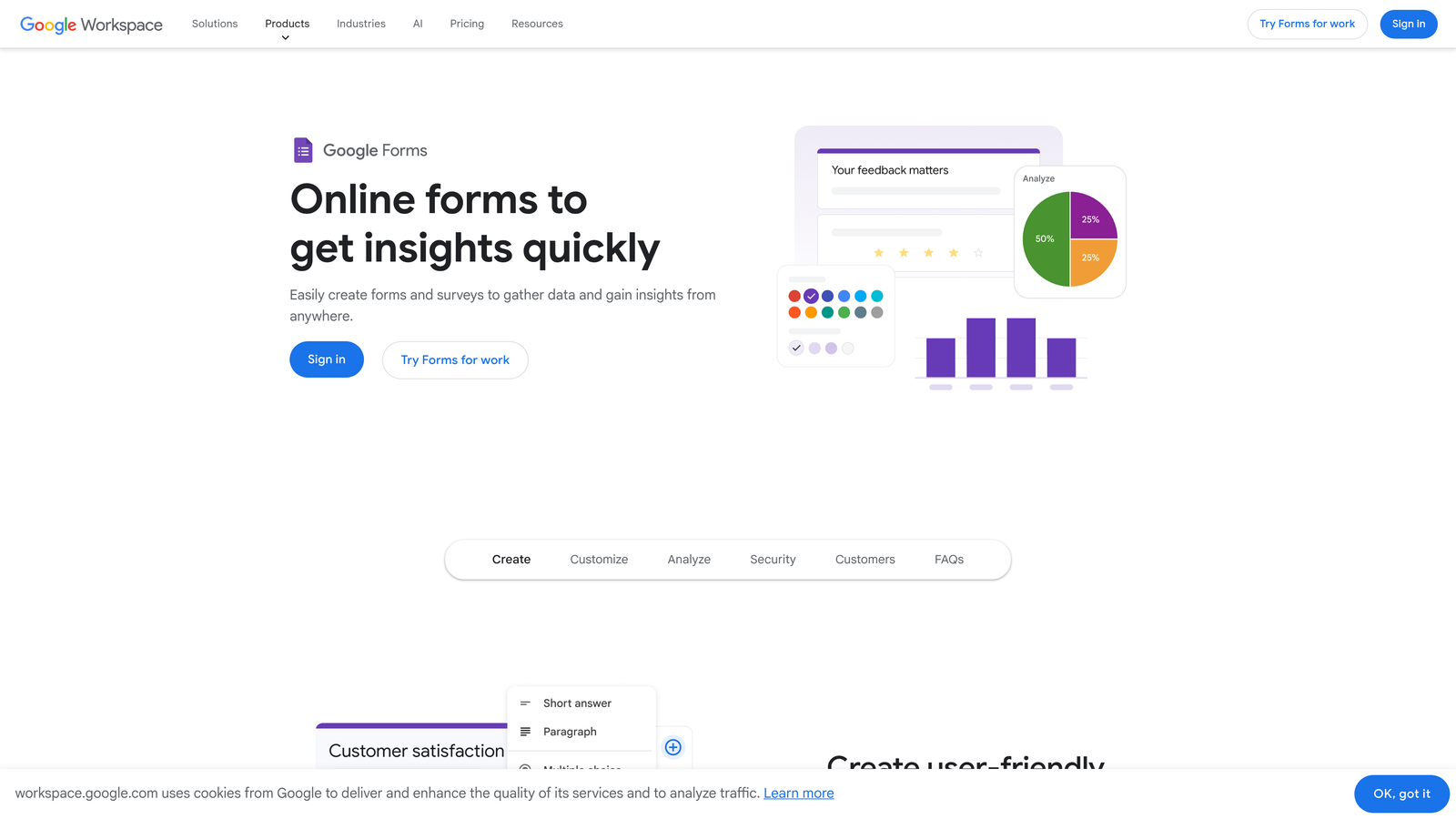
Google Forms is a completely free form builder integrated seamlessly with the Google ecosystem.
Where This Tool Shines
You genuinely cannot beat the price. Google Forms offers unlimited forms and unlimited responses at zero cost, making it perfect for small businesses watching every dollar. There are no hidden fees, no submission caps, and no surprise charges as you scale.
The direct integration with Google Sheets means your form data flows automatically into spreadsheets where you can analyze, sort, and manipulate responses using familiar tools. If your team already lives in Google Workspace, this integration alone saves hours of manual data transfer.
Key Features
Completely Free: Unlimited forms and responses with any Google account, no credit card required.
Google Sheets Integration: Responses automatically populate spreadsheets in real-time for instant analysis.
Real-Time Collaboration: Multiple team members can edit forms simultaneously with change tracking.
Quiz Functionality: Built-in quiz features with automatic grading for training or assessment purposes.
Basic Logic: Section branching based on answers to create simple conditional forms.
Best For
Small businesses prioritizing cost savings over advanced features, or teams already invested in Google Workspace who want seamless integration. Perfect for internal forms, basic lead capture, and situations where form aesthetics aren't critical to brand perception.
Pricing
Completely free with any Google account. No paid tiers or premium features to consider.
5. Tally
Best for: Small businesses wanting unlimited forms without subscription costs
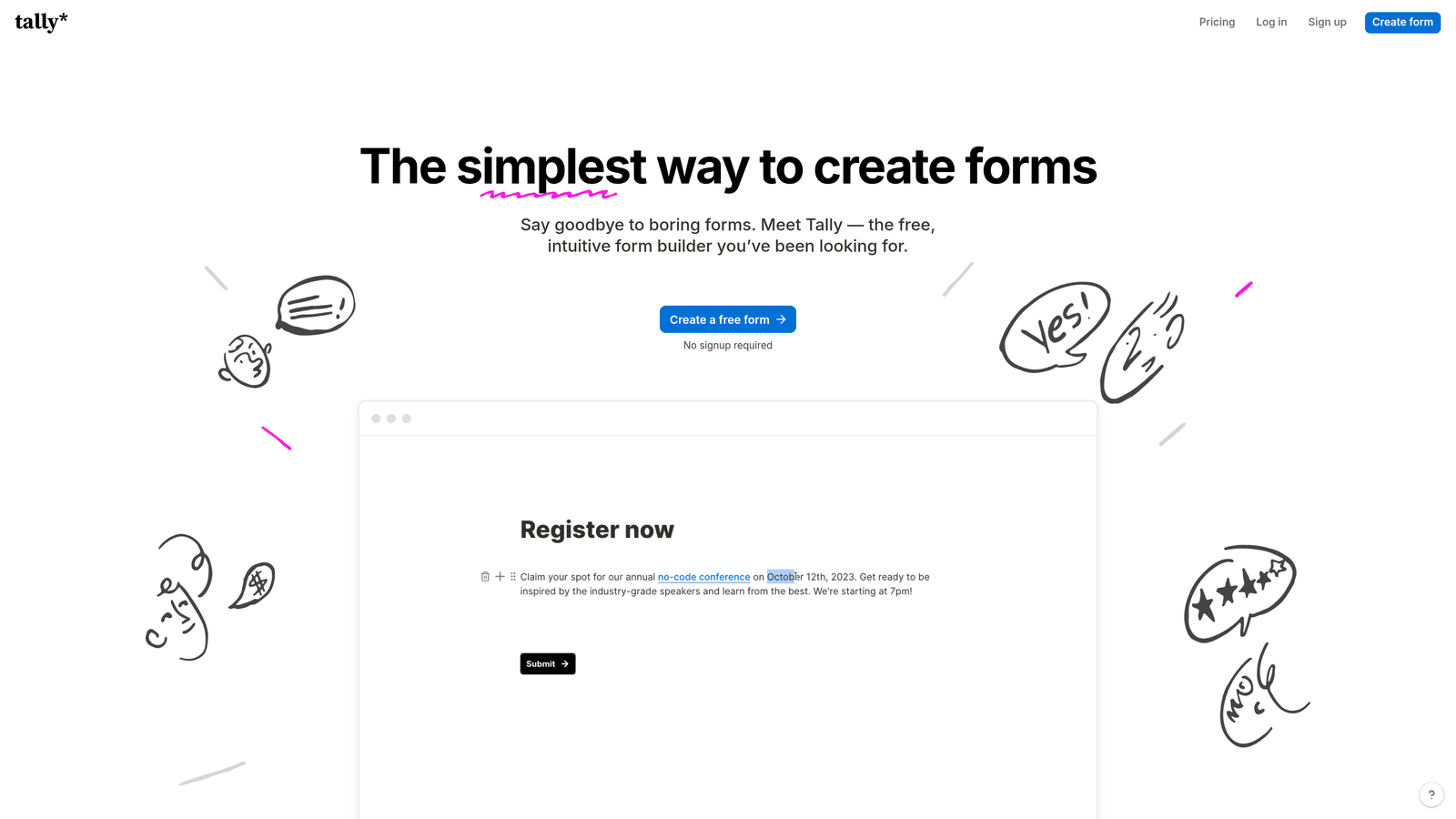
Tally is a modern form builder with a Notion-like interface that offers genuinely unlimited forms and submissions on its free tier.
Where This Tool Shines
Tally's free tier is almost too good to be true. Unlike competitors that cap submissions or forms, Tally lets you create unlimited forms with unlimited responses at no cost. This removes the anxiety of hitting submission limits during a successful campaign or viral moment.
The interface feels familiar if you've used Notion or similar block-based editors. Building forms feels intuitive and fast, with a clean aesthetic that produces professional-looking results without design expertise.
Key Features
Unlimited Free Forms: No caps on form creation or submission volume on the free plan.
File Uploads Included: Accept file uploads from respondents without paying for storage or premium features.
Calculations and Logic: Build forms with calculated fields and conditional logic at no additional cost.
Hidden Fields: Pass UTM parameters and tracking data through forms for attribution.
Clean Interface: Notion-style block editor that makes form building intuitive and enjoyable.
Best For
Small businesses that need professional forms without budget constraints, or companies experiencing unpredictable submission volumes who don't want overage charges. Excellent for content creators, educators, and community builders who need unlimited capacity.
Pricing
Generous free tier with unlimited forms and submissions. Pro plan starts at $29/month for custom branding, custom domains, and priority support.
6. Paperform
Best for: Small businesses prioritizing beautiful, branded form experiences
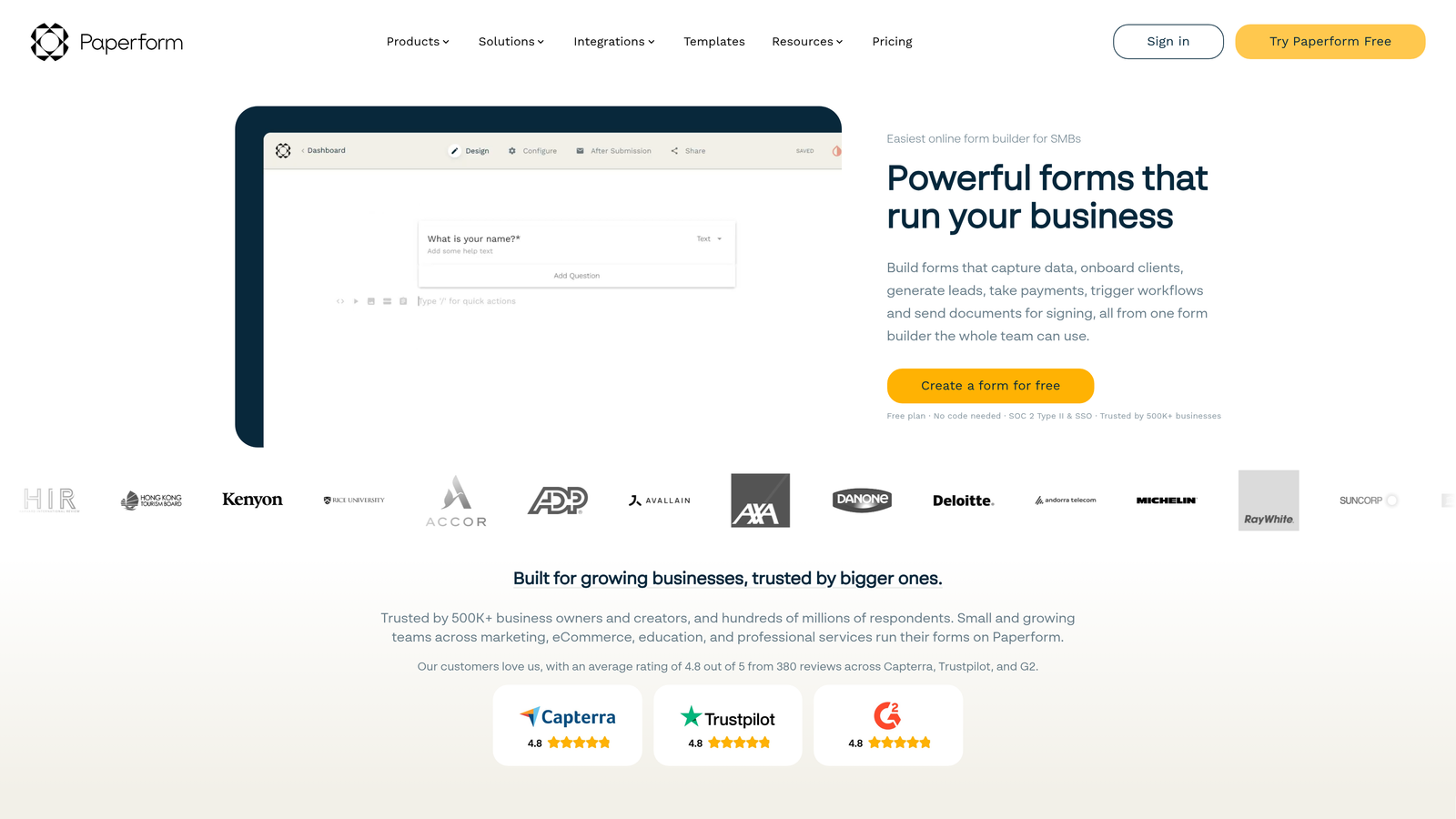
Paperform is a document-style form builder that creates forms resembling beautifully designed web pages rather than traditional questionnaires.
Where This Tool Shines
Paperform treats forms as content experiences. Instead of sterile input fields, you create forms that read like landing pages with rich text, images, and thoughtful formatting. This approach works exceptionally well for booking forms, product orders, and any customer-facing form where presentation matters.
The platform includes robust e-commerce and booking features built-in, eliminating the need for separate scheduling or payment tools. You can create entire booking flows or product purchase experiences within a single form.
Key Features
Document-Style Creation: Build forms that look like beautifully designed documents rather than traditional forms.
Visual Customization: Extensive design controls to match forms precisely to your brand aesthetic.
E-Commerce Features: Product catalogs, shopping carts, and checkout flows built directly into forms.
Booking Functionality: Calendar integration and appointment scheduling without third-party tools.
Payment Processing: Accept payments through Stripe and PayPal with customizable checkout experiences.
Best For
Small businesses in creative industries, service providers, and anyone selling products or booking appointments where the form itself is part of the customer experience. Particularly valuable for consultants, coaches, and boutique service businesses.
Pricing
Essentials plan starts around $24/month for core features. Higher tiers add advanced integrations, priority support, and increased submission limits.
7. Cognito Forms
Best for: Small businesses processing payments without wanting transaction fees
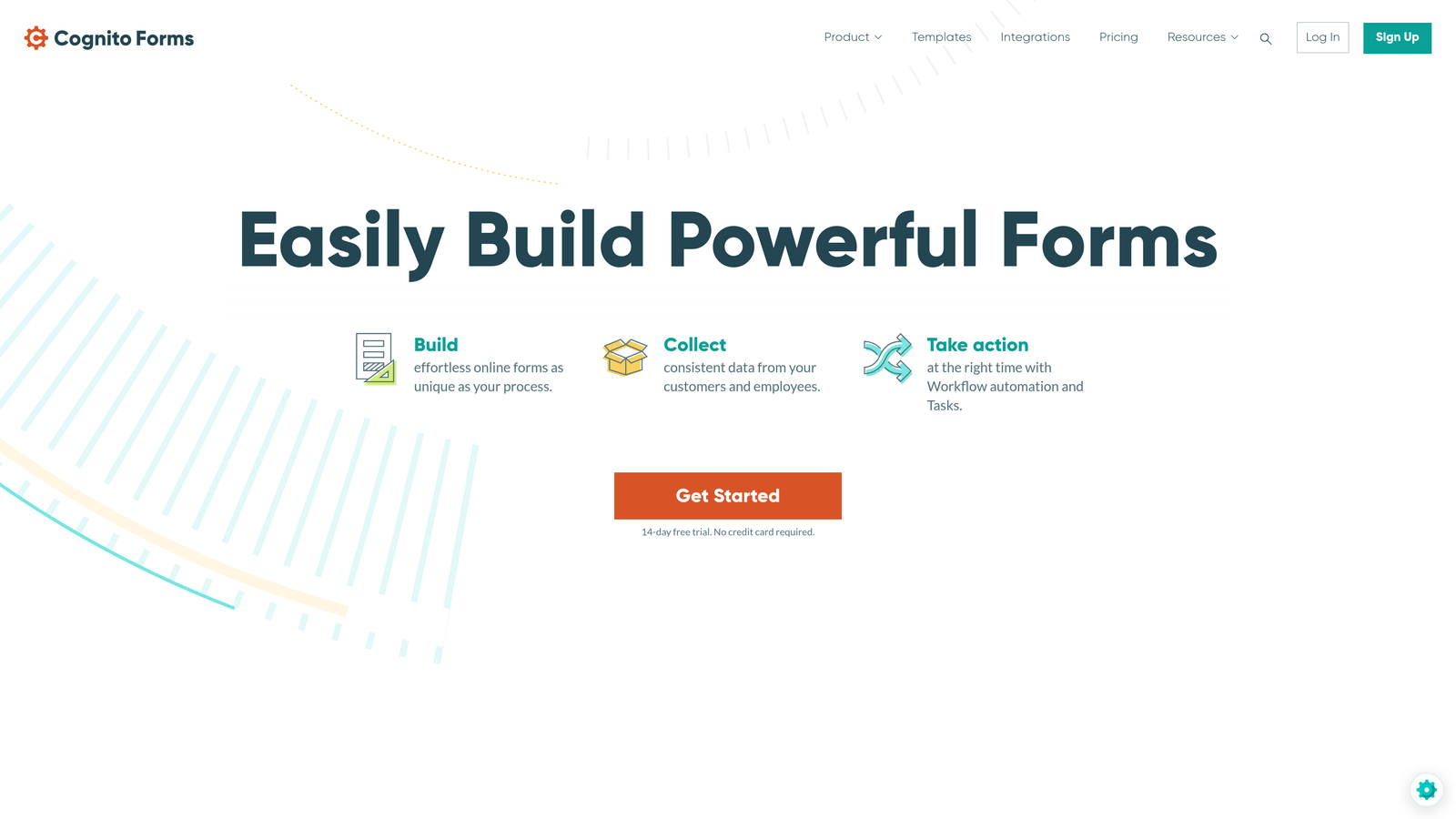
Cognito Forms is a form builder that eliminates transaction fees on payments collected through forms.
Where This Tool Shines
The standout feature is zero transaction fees on payment processing. While you still pay standard processor fees to Stripe or PayPal, Cognito Forms doesn't take an additional cut. For businesses collecting significant payment volume, this saves hundreds or thousands annually compared to platforms charging 2-3% on top of processor fees.
Advanced calculation capabilities let you build complex pricing forms with conditional pricing, quantity calculations, and dynamic totals. This makes Cognito Forms particularly strong for order forms, registration with variable pricing, and donation forms.
Key Features
No Transaction Fees: Zero additional fees on payments beyond standard processor charges.
Advanced Calculations: Build complex pricing logic with formulas, conditions, and dynamic totals.
Repeating Sections: Allow users to add multiple items or entries within a single form submission.
Electronic Signatures: Collect legally binding signatures directly within forms.
Strong Encryption: HIPAA-compliant options available for handling sensitive data securely.
Best For
Small businesses collecting payments through forms, particularly those with high transaction volumes where percentage fees add up quickly. Excellent for nonprofits collecting donations, service businesses taking deposits, or any business selling products through forms.
Pricing
Free tier available for individual use. Pro plan starts at $15/month for business features, with higher tiers adding team collaboration and advanced capabilities.
8. 123FormBuilder
Best for: Small businesses in regulated industries needing compliance features
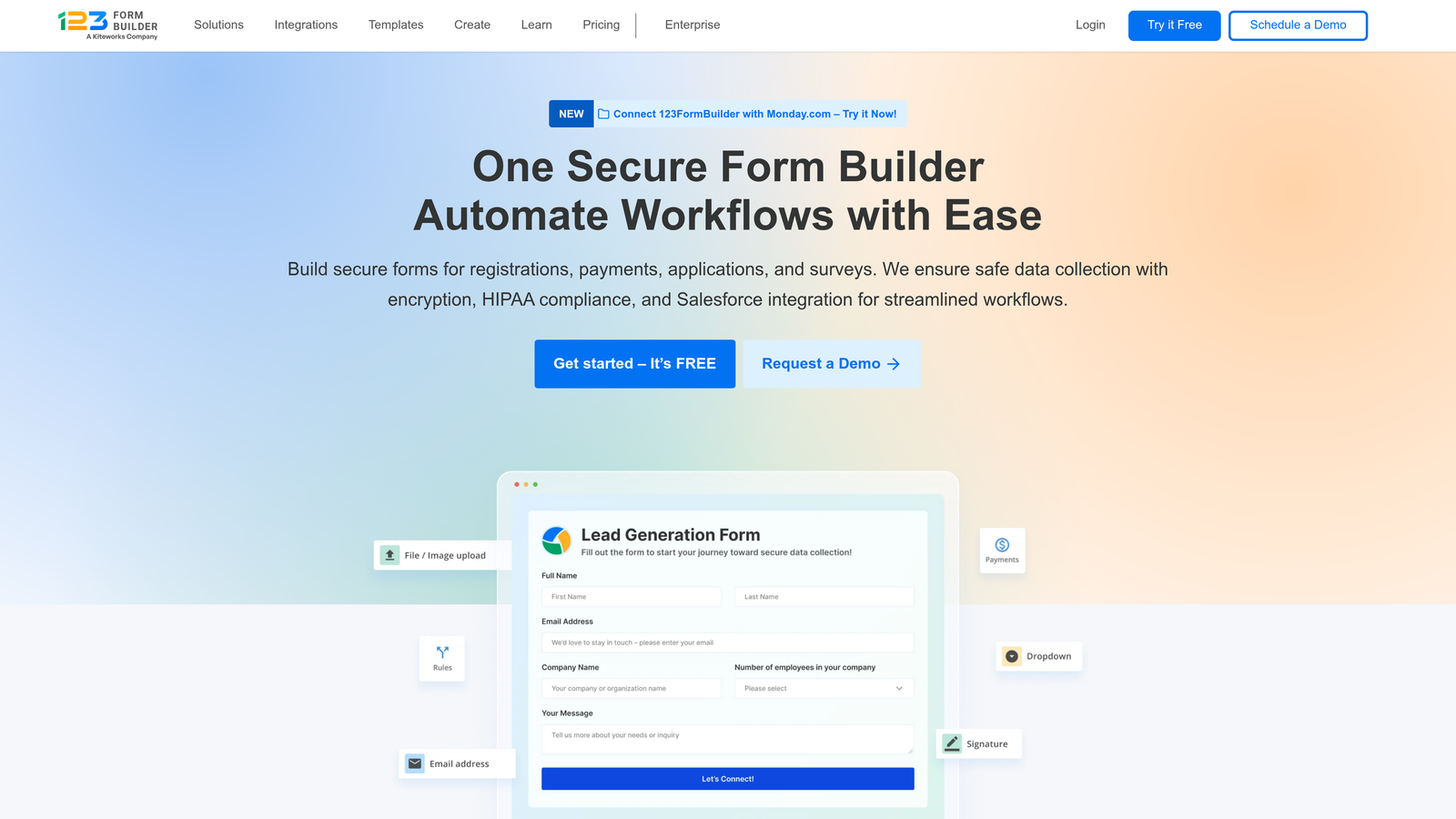
123FormBuilder is an enterprise-grade form builder offering HIPAA compliance and industry-specific templates for regulated sectors.
Where This Tool Shines
If you operate in healthcare, finance, or other regulated industries, 123FormBuilder provides the compliance features you legally need. HIPAA and GDPR compliance options ensure you're handling sensitive data according to regulations without building custom solutions.
The platform offers industry-specific templates designed around actual compliance requirements. Instead of guessing whether your form meets regulations, you start with templates built by compliance experts for your specific industry.
Key Features
HIPAA Compliance: Business Associate Agreements and encrypted data handling for healthcare applications.
GDPR Features: Built-in consent management and data processing controls for EU compliance.
Industry Templates: Pre-built forms for healthcare, education, finance, and other regulated sectors.
Advanced Reporting: Detailed analytics and custom reports for tracking form performance and submissions.
Team Collaboration: Role-based permissions and approval workflows for multi-person teams.
Best For
Small businesses in healthcare, legal, financial services, or any industry where data compliance isn't optional. Worth the investment when regulatory violations could cost far more than the subscription.
Pricing
Free tier available with basic features. Gold plan around $24.99/month covers most small business needs, with Platinum tier adding compliance features and advanced capabilities.
9. Formstack
Best for: Small businesses needing advanced workflow automation and document generation
Formstack is a workflow-focused form platform designed for businesses that need sophisticated automation beyond basic form submission.
Where This Tool Shines
Formstack treats forms as the starting point for complex business workflows. After submission, you can automatically generate contracts, route approvals through your team, trigger multi-step processes, and update multiple systems simultaneously. This eliminates manual handoffs that slow down operations.
The platform's document generation capabilities turn form data into formatted contracts, proposals, or reports automatically. If you're currently copying form responses into Word templates manually, Formstack saves hours per week through automation.
Key Features
Workflow Automation: Build multi-step processes triggered by form submissions with conditional logic.
Document Generation: Automatically create formatted documents from submission data using custom templates.
Electronic Signatures: Collect legally binding signatures as part of automated workflows.
Salesforce Integration: Native Salesforce connector for seamless CRM data synchronization.
Approval Workflows: Route submissions through approval chains with notifications and tracking.
Best For
Small businesses with complex processes that currently involve multiple manual steps after form submission. Particularly valuable for teams generating contracts, processing applications with approvals, or managing multi-step customer onboarding.
Pricing
Starts around $50/month for base features. Positioned for businesses with more complex needs who can justify the investment through time savings and process efficiency.
Making the Right Choice
Your ideal form software depends on balancing immediate needs against growth trajectory. Most small businesses find their sweet spot in the $20-50/month range with room to scale as submission volumes increase.
If AI-powered lead qualification matters to your growth strategy, Orbit AI delivers the intelligent filtering that helps small teams focus on high-value prospects. The conversion optimization features translate directly to better ROI from your forms.
Budget-conscious businesses should consider Tally or Google Forms for unlimited capacity at zero cost. Both handle the fundamentals well without subscription pressure.
For customer-facing scenarios where completion rates impact revenue, Typeform's conversational approach justifies the premium. The engagement difference shows up in your conversion metrics.
Processing payments? Cognito Forms eliminates transaction fees that compound over time. The savings become significant as your payment volume grows.
Regulated industries need 123FormBuilder's compliance features. The cost of non-compliance far exceeds any subscription savings from cheaper alternatives.
Think beyond base pricing when evaluating options. Consider the total cost including integrations you'll need, submission volumes as you grow, and hidden fees like payment processing charges. A $15/month tool that requires three paid integrations often costs more than a $35/month platform with everything built-in.
The right choice aligns with where your business is heading, not just where it is today. Choose a platform with pricing tiers that scale naturally with your growth rather than forcing disruptive migrations later.
Start building free forms today and see how intelligent form design can elevate your conversion strategy. Transform your lead generation with AI-powered forms that qualify prospects automatically while delivering the modern, conversion-optimized experience your high-growth team needs.


