

Building an email list is the foundation of sustainable growth, but you don't need a big budget to get started. The right free signup form builder can help you capture leads, integrate with your existing tools, and create forms that actually convert—all without spending a dime upfront.
The challenge? Not all "free" plans are created equal. Some cap you at 10 submissions per month. Others plaster their branding all over your forms. And many lack the integrations or design flexibility you need to create a professional experience.
We've tested the leading free signup form builders to find tools that offer genuine value on their free tiers. Whether you need AI-powered lead qualification, unlimited submissions, or seamless integration with your tech stack, here are the top free signup form builders that can help you grow your list in 2026.
1. Orbit AI
Best for: High-growth teams that need AI-powered lead qualification and conversion optimization
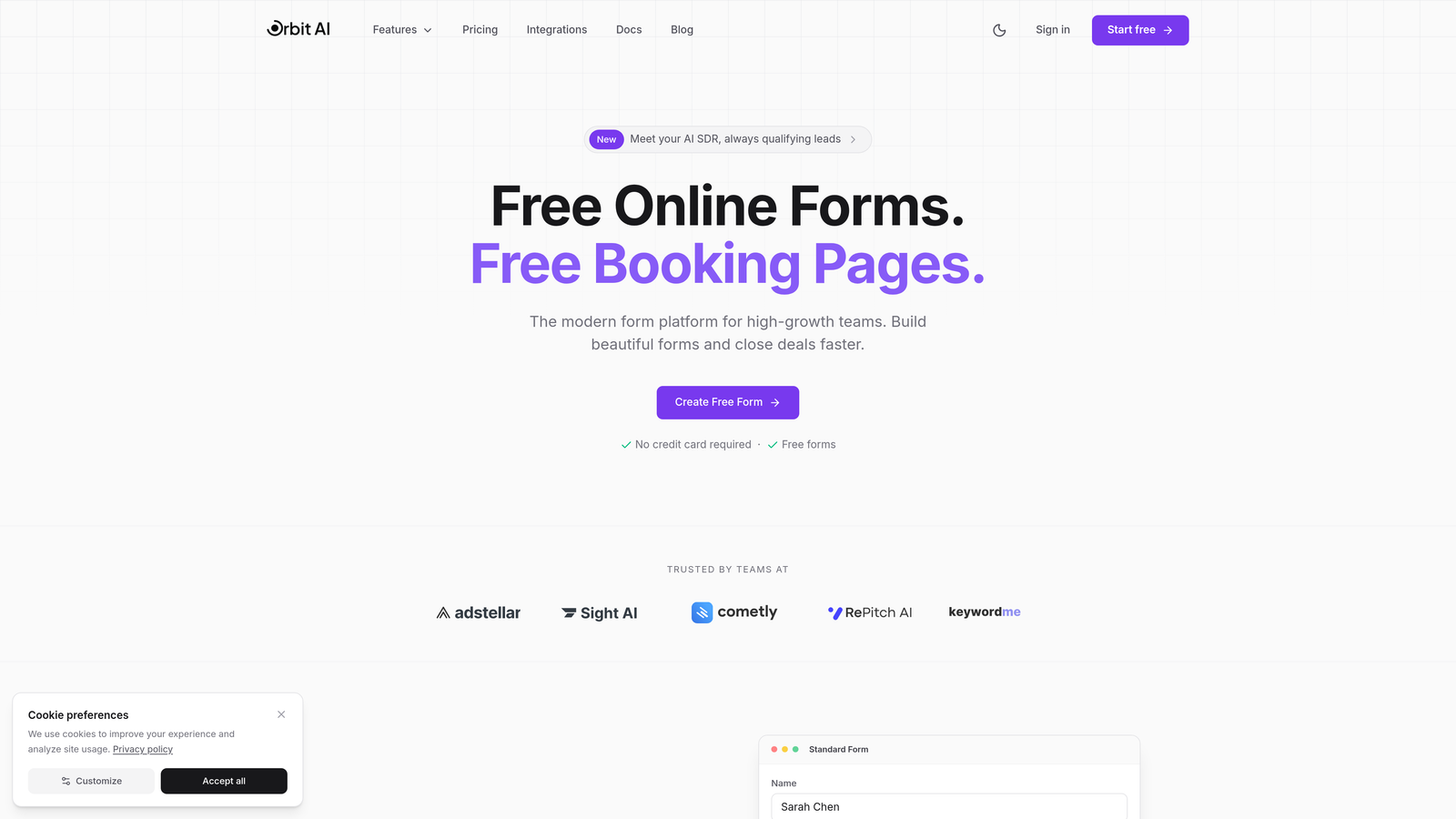
Orbit AI is an AI-powered form builder designed specifically for teams focused on lead quality, not just quantity.
Where This Tool Shines
Orbit AI stands out by automatically qualifying and scoring leads as they submit forms, helping sales teams prioritize follow-up on the prospects most likely to convert. The platform uses AI to analyze responses and assign quality scores based on your ideal customer profile.
The form builder itself focuses on modern, conversion-optimized design rather than cramming in every possible feature. Forms look professional out of the box and adapt intelligently based on user responses, creating a personalized experience that keeps completion rates high.
Key Features
AI-Powered Lead Qualification: Automatically scores and routes leads based on fit and intent signals.
Conversion-Focused Templates: Modern, mobile-responsive designs built specifically to maximize completion rates.
Smart Conditional Logic: Forms adapt in real-time based on user responses for a personalized experience.
Native CRM Integrations: Connect seamlessly with popular sales and marketing tools without third-party connectors.
Real-Time Analytics: Track form performance, conversion rates, and lead quality metrics in one dashboard.
Best For
Orbit AI is ideal for B2B companies, SaaS teams, and growth-focused businesses that need to capture high-quality leads and qualify them automatically. If you're tired of sifting through unqualified form submissions, this platform helps your sales team focus on prospects worth pursuing.
Pricing
Free tier available with core features included. Paid plans unlock advanced AI capabilities, additional integrations, and higher submission volumes for scaling teams.
2. Tally
Best for: Teams wanting unlimited forms and submissions without branding on the free tier
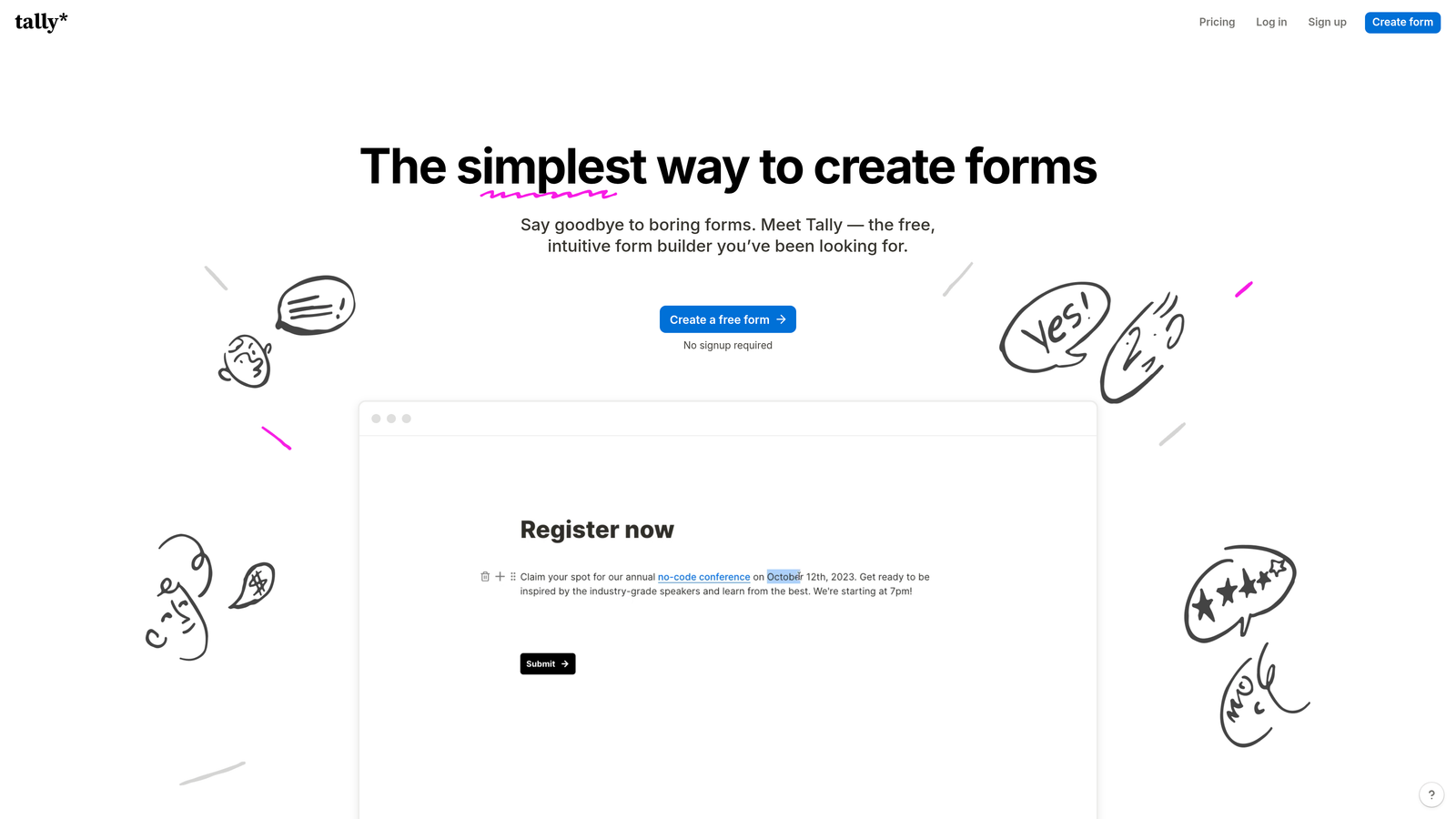
Tally is a Notion-style form builder that offers one of the most generous free plans available.
Where This Tool Shines
Tally's biggest advantage is its completely unlimited free tier—unlimited forms, unlimited submissions, and zero Tally branding. This makes it perfect for bootstrapped startups or small businesses that need professional-looking forms without budget constraints.
The block-based editor feels familiar if you've used Notion, making it incredibly easy to build forms by simply stacking blocks. The interface is clean and distraction-free, letting you focus on creating forms rather than navigating complex menus.
Key Features
Unlimited Everything Free: No caps on forms, submissions, or responses—truly unlimited on the free plan.
No Branding Required: Remove all Tally branding even on the free tier for a white-label experience.
Block-Based Editor: Notion-style interface that makes form building intuitive and fast.
Basic Integrations: Connect to popular tools like Google Sheets, Notion, and Slack on the free plan.
Clean Design Aesthetic: Minimal, modern forms that look professional without customization.
Best For
Tally works best for content creators, small businesses, and early-stage startups that need unlimited form submissions without paying monthly fees. It's also great for teams already using Notion who want a similar editing experience.
Pricing
Free with unlimited forms and submissions. Pro plan at $29/month adds file uploads, custom domains, and advanced features.
3. Google Forms
Best for: Teams already in the Google ecosystem needing simple, reliable forms with zero cost
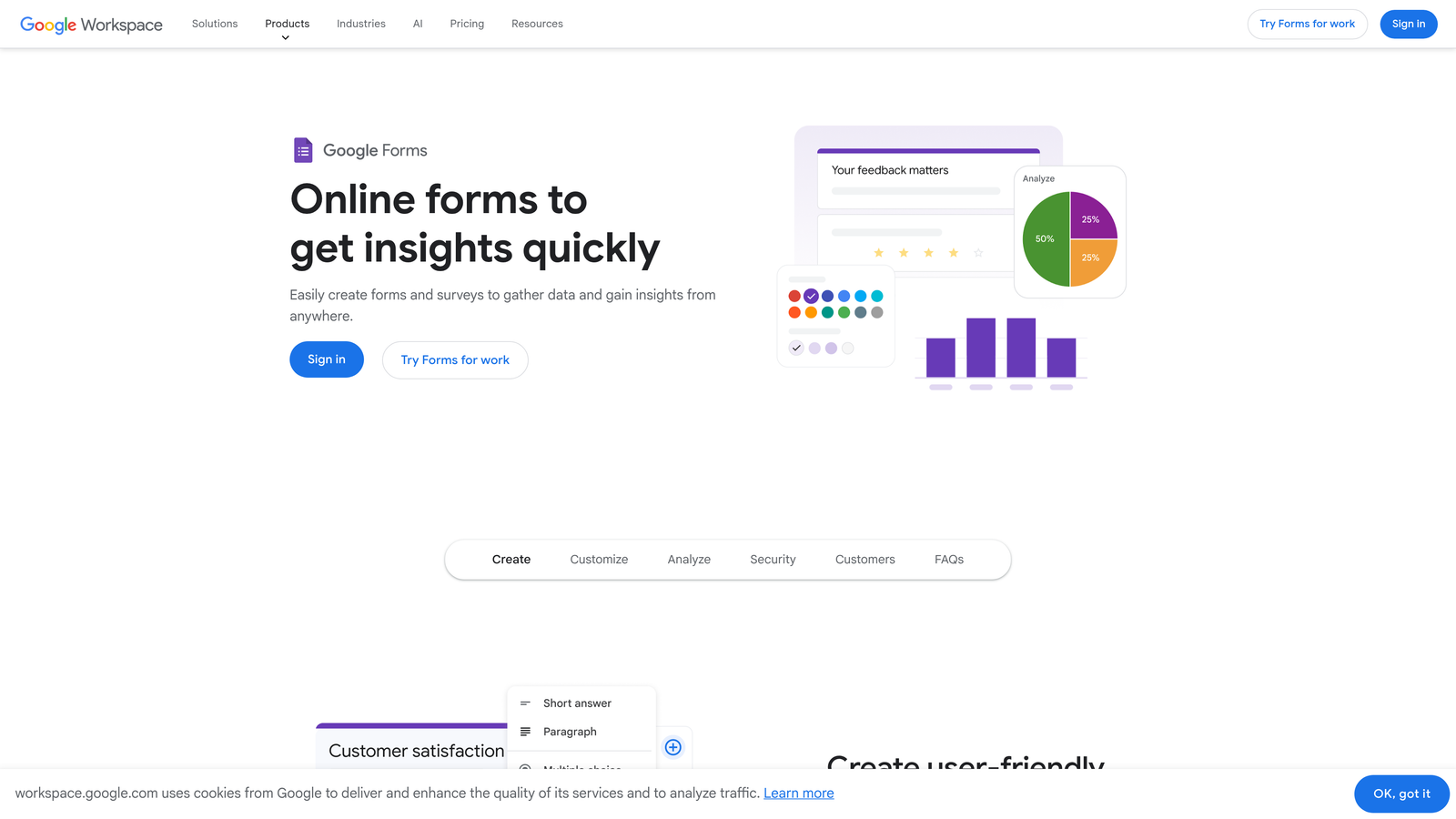
Google Forms is completely free with unlimited responses and seamless Google Workspace integration.
Where This Tool Shines
Google Forms delivers on the promise of simplicity. There are no hidden costs, no submission limits, and no surprise paywalls. If you have a Google account, you can create unlimited forms that collect unlimited responses forever.
The automatic integration with Google Sheets is where this tool really delivers value. Every response flows directly into a spreadsheet, making it easy to analyze data, create pivot tables, or share results with your team in real-time.
Key Features
100% Free Forever: Unlimited forms and submissions with any Google account—no premium tiers.
Automatic Google Sheets Integration: Responses populate directly into spreadsheets for easy analysis.
Real-Time Collaboration: Multiple team members can edit forms simultaneously like any Google Doc.
Basic Conditional Logic: Show or hide questions based on previous answers.
Mobile-Responsive: Forms automatically adapt to any screen size without configuration.
Best For
Google Forms is perfect for schools, nonprofits, internal company surveys, and anyone who needs basic form functionality without learning a new platform. If your team already lives in Google Workspace, this is the path of least resistance.
Pricing
Completely free with any Google account. No paid tiers or premium features.
4. Typeform
Best for: Creating engaging, conversational signup experiences that boost completion rates
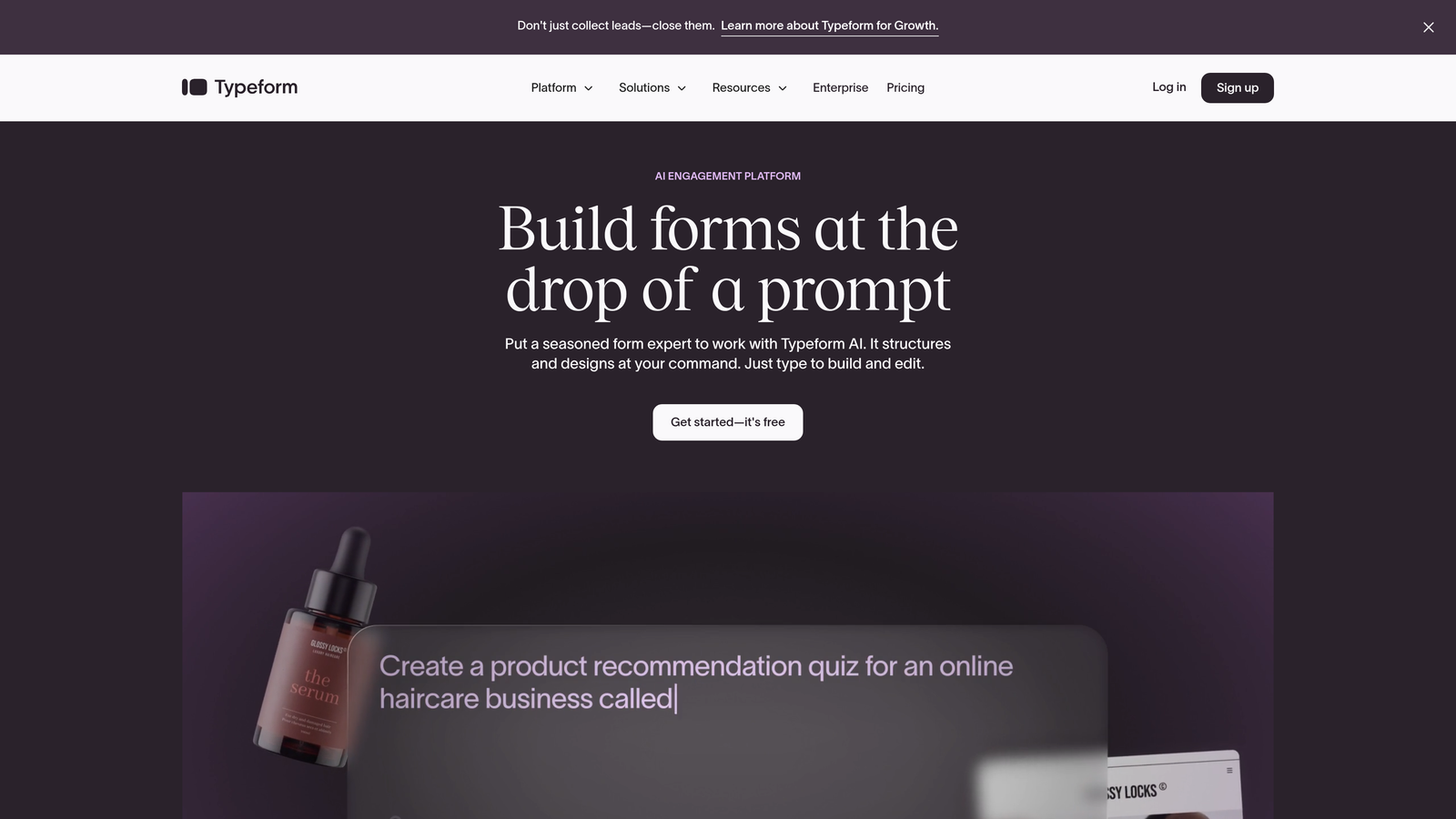
Typeform pioneered the one-question-at-a-time format that makes forms feel like conversations rather than interrogations.
Where This Tool Shines
Typeform's conversational approach significantly reduces form abandonment by showing one question at a time instead of overwhelming users with a long page of fields. This creates a more engaging experience that feels less like work and more like a natural interaction.
The design quality is exceptional. Even with minimal customization, Typeform creates beautiful, on-brand experiences with smooth transitions and thoughtful UX details that make forms feel premium.
Key Features
Conversational Format: One question per screen creates an engaging, low-friction experience.
Beautiful Templates: Professionally designed forms that look great without customization.
Logic Jumps: Branch questions based on answers to create personalized paths through your form.
Rich Media Support: Embed videos, images, and GIFs to create visually engaging forms.
Basic Integrations: Connect to email marketing and CRM tools on the free plan.
Best For
Typeform works best for customer research, lead generation campaigns, and any scenario where form completion rates matter more than volume. The engaging format is particularly effective for longer forms that would feel tedious in traditional layouts.
Pricing
Free plan limited to 10 responses per month. Basic plan at $25/month unlocks 100 responses and removes Typeform branding.
5. Jotform
Best for: Teams needing extensive templates and customization options on a generous free tier
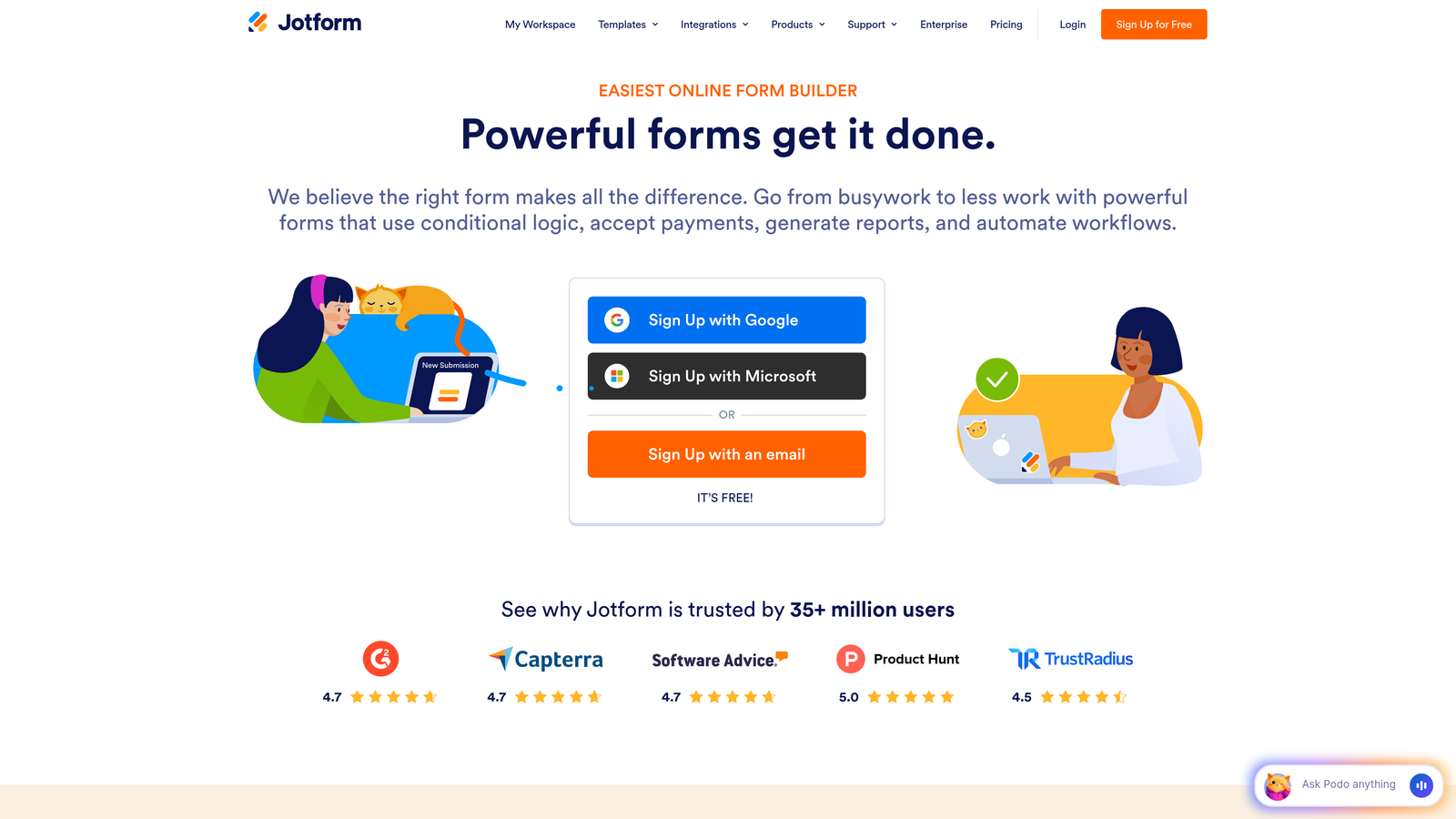
Jotform offers a massive template library and powerful customization capabilities with 100 free submissions monthly.
Where This Tool Shines
Jotform's 10,000+ pre-built templates mean you can find a starting point for virtually any use case—from event registrations to customer intake forms to payment collections. This saves hours of design work and lets you launch forms quickly.
The platform goes beyond basic signup forms with features like payment processing, PDF generation, and appointment scheduling. This makes Jotform a versatile solution that can handle complex workflows, not just simple email capture.
Key Features
10,000+ Templates: Massive library covering every industry and use case imaginable.
100 Monthly Submissions: Generous free tier that works for many small businesses and side projects.
Drag-and-Drop Builder: Intuitive interface with extensive customization options.
Payment Collection: Accept payments through forms via PayPal, Stripe, and other processors.
PDF Generation: Automatically create PDF documents from form submissions.
Best For
Jotform suits small businesses, freelancers, and organizations that need versatile forms for multiple purposes—from lead capture to order forms to registration pages. The template variety makes it especially useful if you're building different types of forms regularly.
Pricing
Free plan includes 5 forms and 100 monthly submissions. Bronze plan at $34/month increases limits and removes branding.
6. HubSpot Free Forms
Best for: Teams using or planning to use HubSpot's CRM and marketing tools
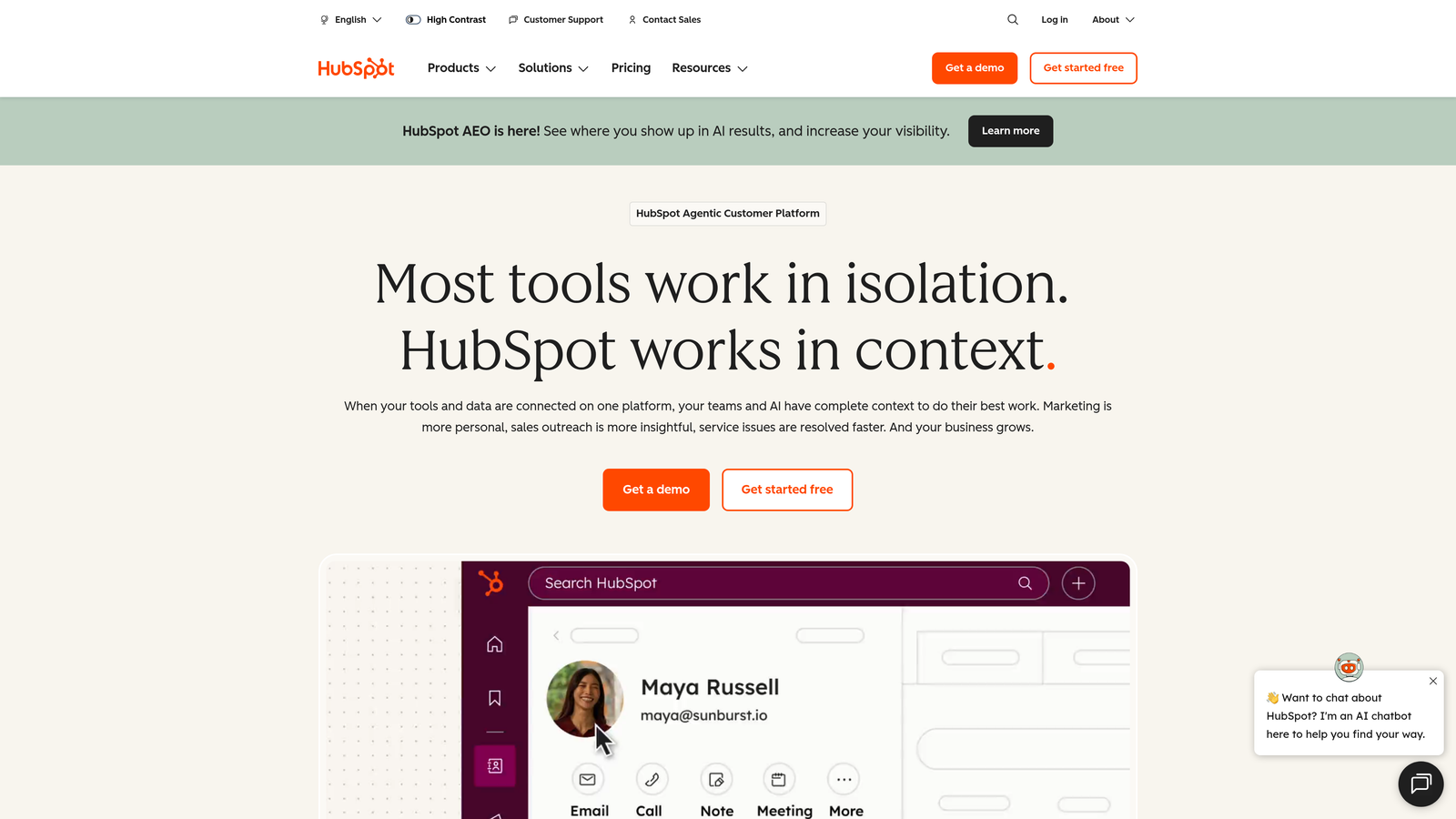
HubSpot Free Forms offers unlimited forms with built-in CRM integration at no cost.
Where This Tool Shines
HubSpot Forms' killer feature is the native CRM integration. Every form submission automatically creates or updates a contact record in HubSpot's free CRM, giving you a complete view of each lead's journey without manual data entry or third-party connectors.
The platform handles both embedded forms and pop-ups from a single interface, making it easy to deploy the same form in multiple places across your site. Contact data syncs instantly, enabling immediate follow-up workflows.
Key Features
Unlimited Forms and Submissions: No caps on form creation or responses on the free tier.
Built-In CRM: Every submission automatically populates HubSpot's contact database.
Pop-Up and Embedded Options: Deploy forms as pop-ups, slide-ins, or embedded widgets.
Basic Analytics: Track form views, submissions, and conversion rates in the HubSpot dashboard.
Email Notifications: Receive instant alerts when forms are submitted.
Best For
HubSpot Forms is ideal for businesses already invested in the HubSpot ecosystem or planning to grow into their marketing and sales tools. The tight integration makes it the obvious choice if you're using HubSpot CRM.
Pricing
Free forever with HubSpot branding on forms. Paid Marketing Hub plans start at $45/month and remove branding.
7. Mailchimp Signup Forms
Best for: Email list building with direct Mailchimp audience integration
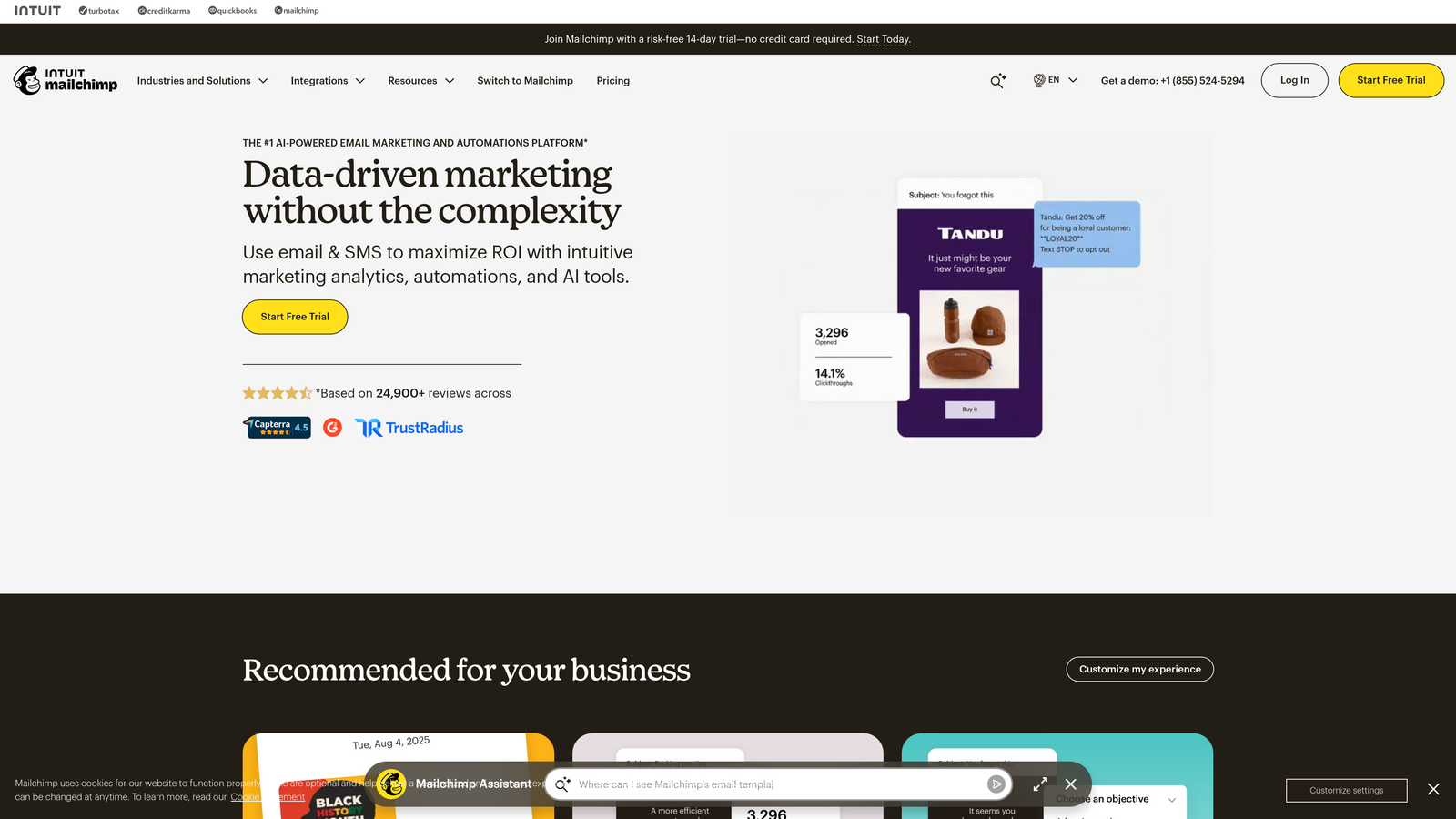
Mailchimp provides native signup forms designed specifically for growing email lists within their platform.
Where This Tool Shines
Mailchimp's signup forms are purpose-built for one thing: getting people onto your email list. The direct integration means subscribers are instantly added to your audience and can immediately receive automated welcome sequences without any middleware.
The platform offers multiple deployment options including embedded forms, pop-ups, and landing pages—all managed from the same interface. Audience segmentation happens automatically based on signup source, making it easy to send targeted campaigns.
Key Features
Direct List Integration: Subscribers instantly added to Mailchimp audiences with no delays or syncing.
Multiple Form Types: Create pop-ups, embedded forms, and standalone landing pages.
Basic Customization: Match forms to your brand with color and font controls.
Audience Segmentation: Automatically segment subscribers based on signup source.
Automated Welcome Emails: Trigger email sequences immediately upon signup.
Best For
Mailchimp Forms works best for content creators, small businesses, and anyone focused primarily on email marketing rather than lead qualification. If your goal is simply to grow an email list and send newsletters, this provides everything you need in one place.
Pricing
Free with Mailchimp's free plan that supports up to 500 contacts. Paid plans start at $13/month for larger audiences.
8. Formspree
Best for: Developers adding forms to static sites without backend infrastructure
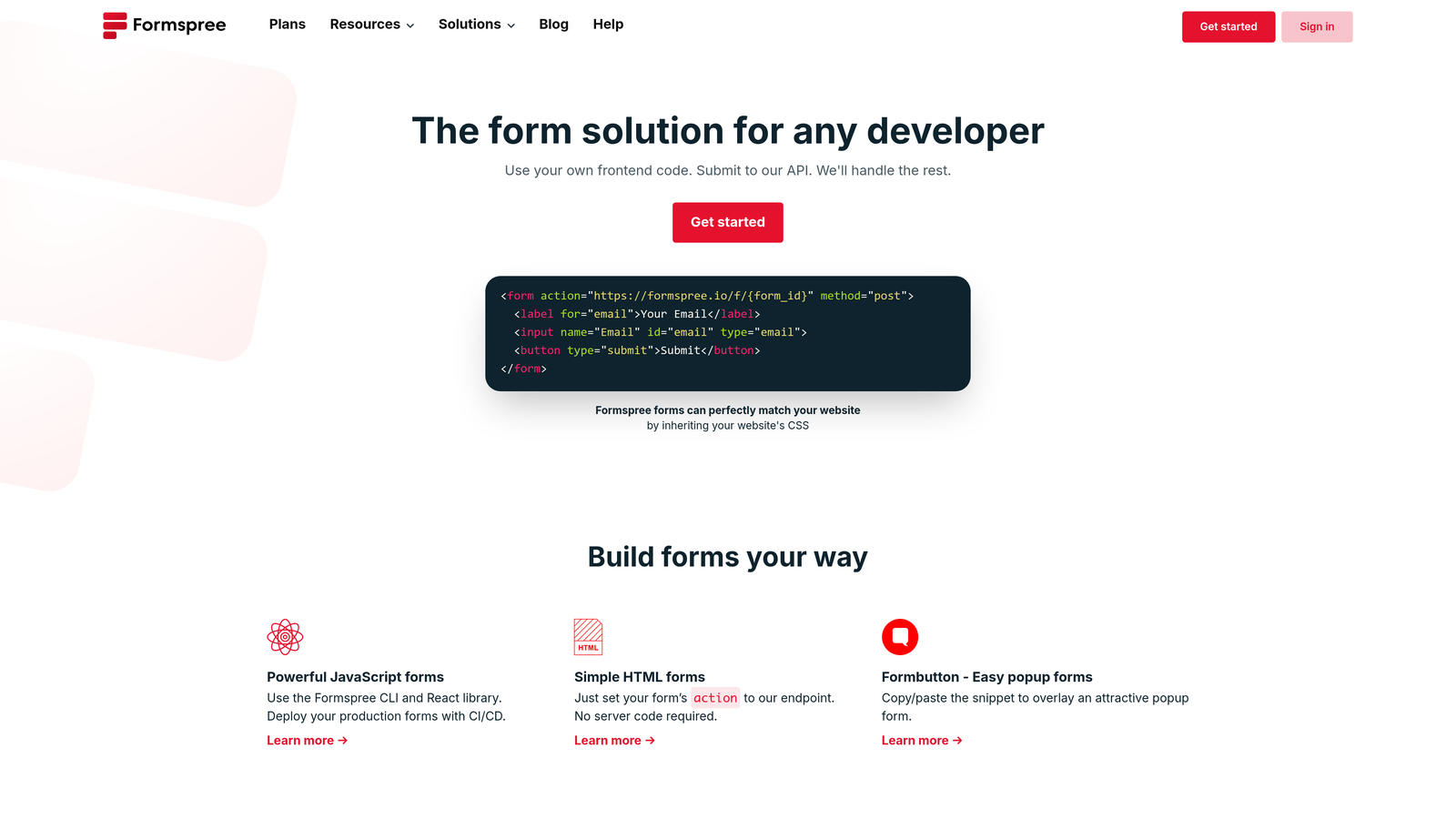
Formspree provides a form backend service that works with any HTML form on static sites.
Where This Tool Shines
Formspree solves a specific problem for developers: adding form functionality to static sites without building backend infrastructure. You simply point your HTML form to Formspree's endpoint, and it handles submission processing, spam filtering, and email notifications.
This approach gives you complete control over form design and behavior while outsourcing the backend complexity. It's particularly valuable for sites built with static site generators like Jekyll, Hugo, or Gatsby where traditional form processing isn't available.
Key Features
No Backend Required: Add forms to static sites with a simple endpoint URL.
Works With Any HTML: Compatible with any custom HTML form—no proprietary syntax required.
50 Submissions Monthly: Generous free tier for personal projects and small sites.
Spam Filtering: Built-in protection against spam submissions.
Email Notifications: Receive submissions directly in your inbox.
Best For
Formspree is perfect for developers, technical users, and anyone running static websites who needs form functionality without the complexity of setting up a backend. It's especially useful for portfolio sites, documentation sites, and JAMstack applications.
Pricing
Free plan includes 50 submissions per month. Paid plans start at $8/month for higher volumes and additional features.
9. Zoho Forms
Best for: Teams in the Zoho ecosystem needing workflow automation and CRM integration
Zoho Forms offers capable form building with strong automation features for Zoho users.
Where This Tool Shines
Zoho Forms integrates tightly with the broader Zoho suite, making it valuable if you're already using Zoho CRM, Zoho Projects, or other Zoho applications. Form submissions can trigger workflows across multiple Zoho products, creating sophisticated automation without third-party tools.
The platform includes conditional rules and approval workflows that go beyond basic form building. You can route submissions to different team members, require approvals, and automate follow-up actions based on form responses.
Key Features
3 Free Forms: Limited but functional free tier for basic needs.
Zoho CRM Integration: Direct connection to Zoho's customer relationship management platform.
Conditional Rules: Show or hide fields and create branching logic based on responses.
Mobile App: Review and manage form responses from iOS or Android devices.
Basic Reporting: Track submission trends and analyze form performance.
Best For
Zoho Forms suits small to medium businesses already invested in the Zoho ecosystem. The platform makes the most sense if you're using Zoho CRM or planning to adopt other Zoho products, as the integration value compounds across the suite.
Pricing
Free plan includes 3 forms with basic features. Basic plan at $10/month unlocks unlimited forms and advanced capabilities.
Making the Right Choice
The best free signup form builder depends on what matters most to your team. If you need AI-powered lead qualification and conversion optimization, Orbit AI delivers intelligent forms that help you capture quality leads, not just contact information. For unlimited submissions without any restrictions, Tally offers the most generous free tier available. Teams seeking simplicity and reliability will appreciate Google Forms' straightforward approach with zero learning curve.
Looking for engagement? Typeform's conversational format significantly improves completion rates for longer forms. Already using HubSpot? Their native forms integrate seamlessly with the CRM. And if you're focused purely on email list growth, Mailchimp's signup forms get subscribers into your audience instantly.
Consider your submission volume, integration requirements, and whether you need advanced features like lead scoring or conditional logic. Most teams will outgrow basic form builders as they scale, making it worth starting with a platform that can grow with you.
Transform your lead generation with AI-powered forms that qualify prospects automatically while delivering the modern, conversion-optimized experience your high-growth team needs. Start building free forms today and see how intelligent form design can elevate your conversion strategy.


