

Every form submission that doesn't reach your CRM is a lead slipping through the cracks. Manual data entry creates delays, introduces errors, and pulls your sales team away from what they do best—closing deals. CRM form integration tools solve this by automatically syncing form submissions with your customer database, ensuring leads get routed, scored, and followed up on instantly.
We've evaluated dozens of integration tools based on ease of setup, CRM compatibility, automation depth, and pricing flexibility. Whether you're running HubSpot, Salesforce, Pipedrive, or a newer CRM like Attio, this list covers the best options for connecting your forms to your sales pipeline without touching a spreadsheet.
1. Orbit AI
Best for: Teams wanting AI-powered lead qualification built into their form-to-CRM workflow
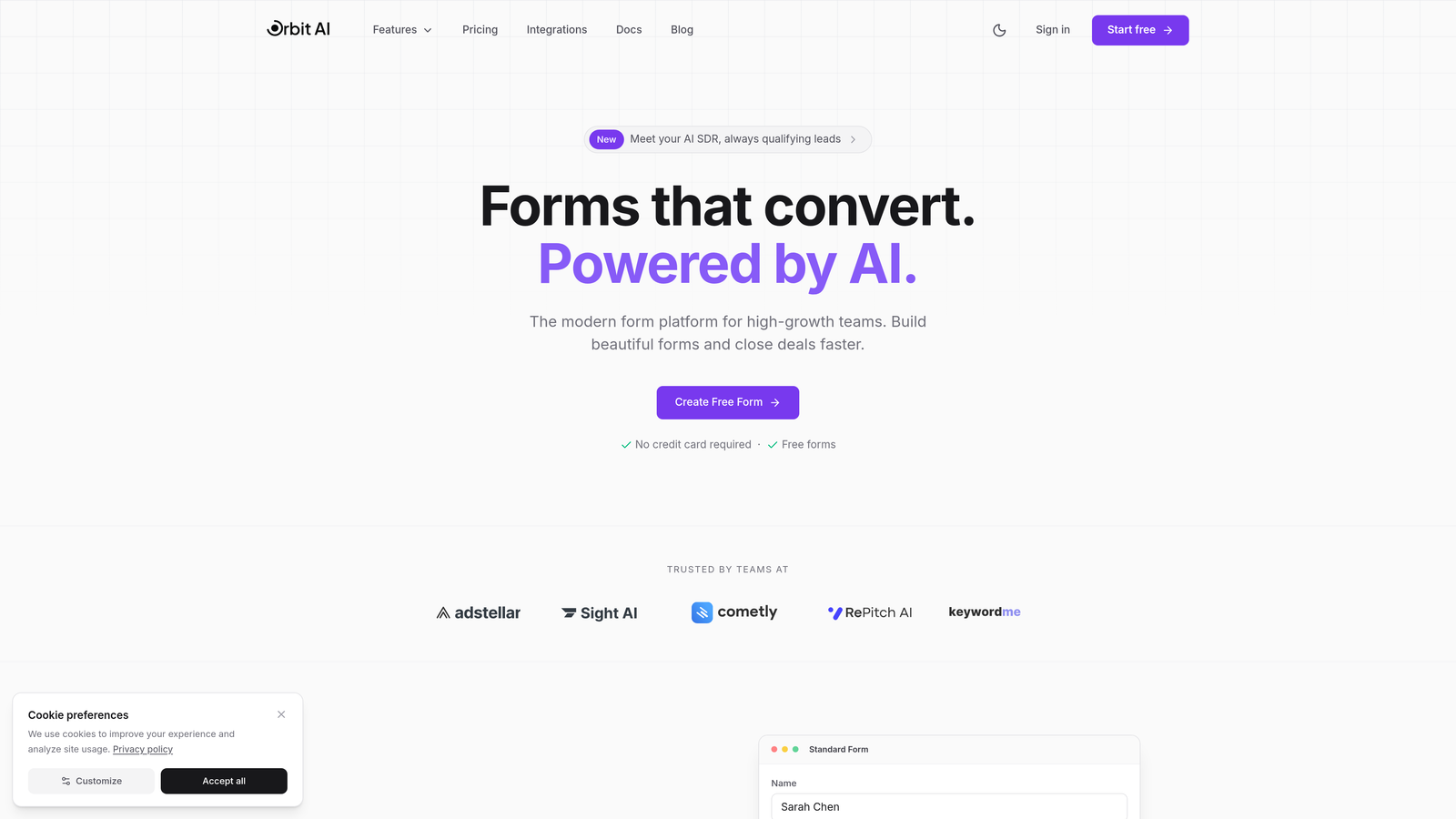
Orbit AI combines form building with intelligent lead qualification, automatically scoring and routing prospects before they hit your CRM.
Where This Tool Shines
Unlike traditional form builders that just capture and forward data, Orbit AI analyzes responses in real-time to qualify leads before syncing them to your CRM. This means your sales team only receives leads that meet your qualification criteria, with context about why each prospect matters.
The platform connects natively with HubSpot, Salesforce, Pipedrive, Attio, and Close—no middleware required. You build conversion-optimized forms using modern templates, and the AI handles the qualification logic that typically requires complex conditional branching in other tools.
Key Features
AI-Powered Lead Qualification: Automatically scores leads based on responses and routes high-priority prospects to the right team members.
Native CRM Integrations: Direct connections with HubSpot, Salesforce, Pipedrive, Attio, and Close eliminate the need for third-party automation platforms.
Conversion-Optimized Templates: Pre-built form designs tested for maximum completion rates across industries.
Real-Time Lead Scoring: Assigns qualification scores as users complete forms, triggering immediate routing rules.
Built-In Analytics Dashboard: Track form performance, conversion rates, and lead quality metrics in one place.
Best For
High-growth teams focused on lead quality over quantity. Particularly valuable for B2B companies with complex qualification criteria who want to eliminate manual lead scoring while maintaining control over which prospects reach their sales pipeline.
Pricing
Free tier available for teams getting started. Paid plans start at competitive rates designed for growing teams, with pricing that scales based on form submissions and CRM connections.
2. Zapier
Best for: Connecting any form builder to any CRM without coding
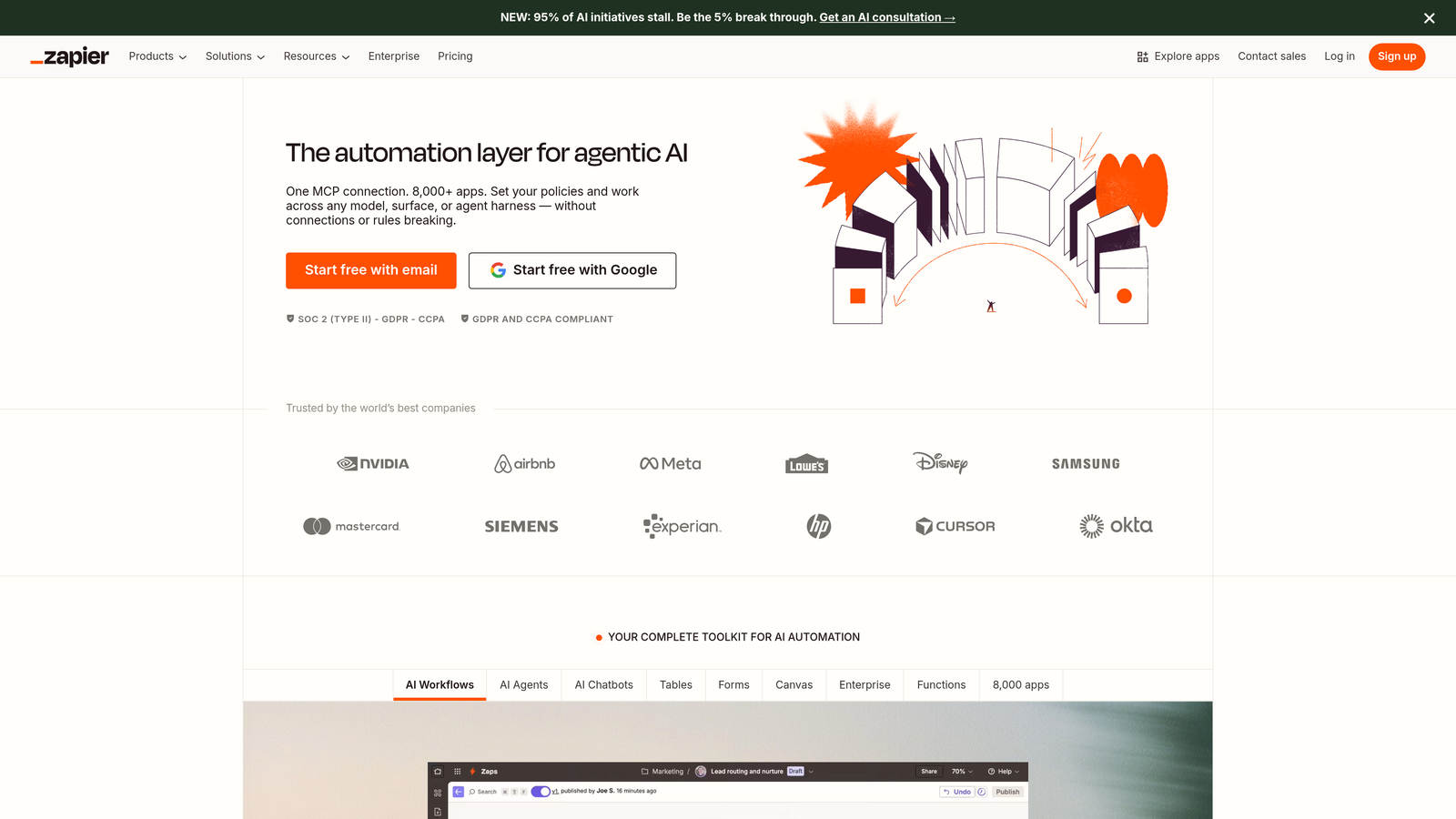
Zapier is the Swiss Army knife of automation, connecting over 5,000 apps including every major form builder and CRM platform.
Where This Tool Shines
Zapier excels at flexibility. Already using Google Forms, Wufoo, or a custom form solution? Zapier connects it to your CRM in minutes. The platform handles the integration layer so you can keep using the tools you already know.
Multi-step Zaps let you build sophisticated workflows—capture a form submission, check if the contact exists in your CRM, create or update the record, send a Slack notification, and add them to a nurture sequence. All without writing code.
Key Features
5,000+ App Connections: If it has an API, Zapier probably connects to it, including niche CRMs and industry-specific form tools.
Multi-Step Workflows: Chain together multiple actions triggered by a single form submission.
Conditional Logic and Filters: Route leads to different CRM pipelines based on form responses or field values.
Formatter Tools: Transform data formats, split names, clean phone numbers, and standardize inputs before CRM sync.
Paths for Branching Workflows: Create if/then logic to handle different submission types with different automation sequences.
Best For
Teams using multiple form builders or working with a CRM that lacks native integrations. Perfect for agencies managing client workflows across different platforms or businesses with diverse lead sources.
Pricing
Free plan includes 100 tasks per month. Paid plans start at $19.99/month for 750 tasks, with Professional and Team tiers offering premium apps and advanced features.
3. HubSpot Forms
Best for: HubSpot users wanting zero-config CRM integration
HubSpot Forms is the native form builder within the HubSpot ecosystem, offering seamless integration with HubSpot CRM.

Where This Tool Shines
If you're already using HubSpot CRM, their form builder requires literally zero integration setup. Every submission automatically creates or updates contact records, with full activity history visible in the CRM timeline. No field mapping, no API keys, no middleware.
Progressive profiling is the standout feature—forms automatically hide fields for known contacts and ask new qualification questions instead. This reduces form fatigue while continuously enriching your contact database.
Key Features
Zero-Config CRM Integration: Forms connect to HubSpot CRM automatically with no setup required.
Progressive Profiling: Smart forms that remember previous submissions and ask different questions to known contacts.
Smart Fields: Pre-fill known contact information to reduce friction for returning visitors.
Embedded and Popup Options: Deploy forms as embedded widgets, standalone pages, or exit-intent popups.
Built-In Analytics: Track submission rates, conversion paths, and form performance tied directly to contact records.
Best For
Companies already invested in the HubSpot ecosystem who want the tightest possible integration between forms and CRM. Ideal for marketing teams running complex nurture campaigns where form data triggers automated workflows.
Pricing
Free with HubSpot CRM. Advanced features like progressive profiling and A/B testing require Marketing Hub, starting at $45/month for Starter tier.
4. Typeform
Best for: Creating engaging conversational forms with high completion rates
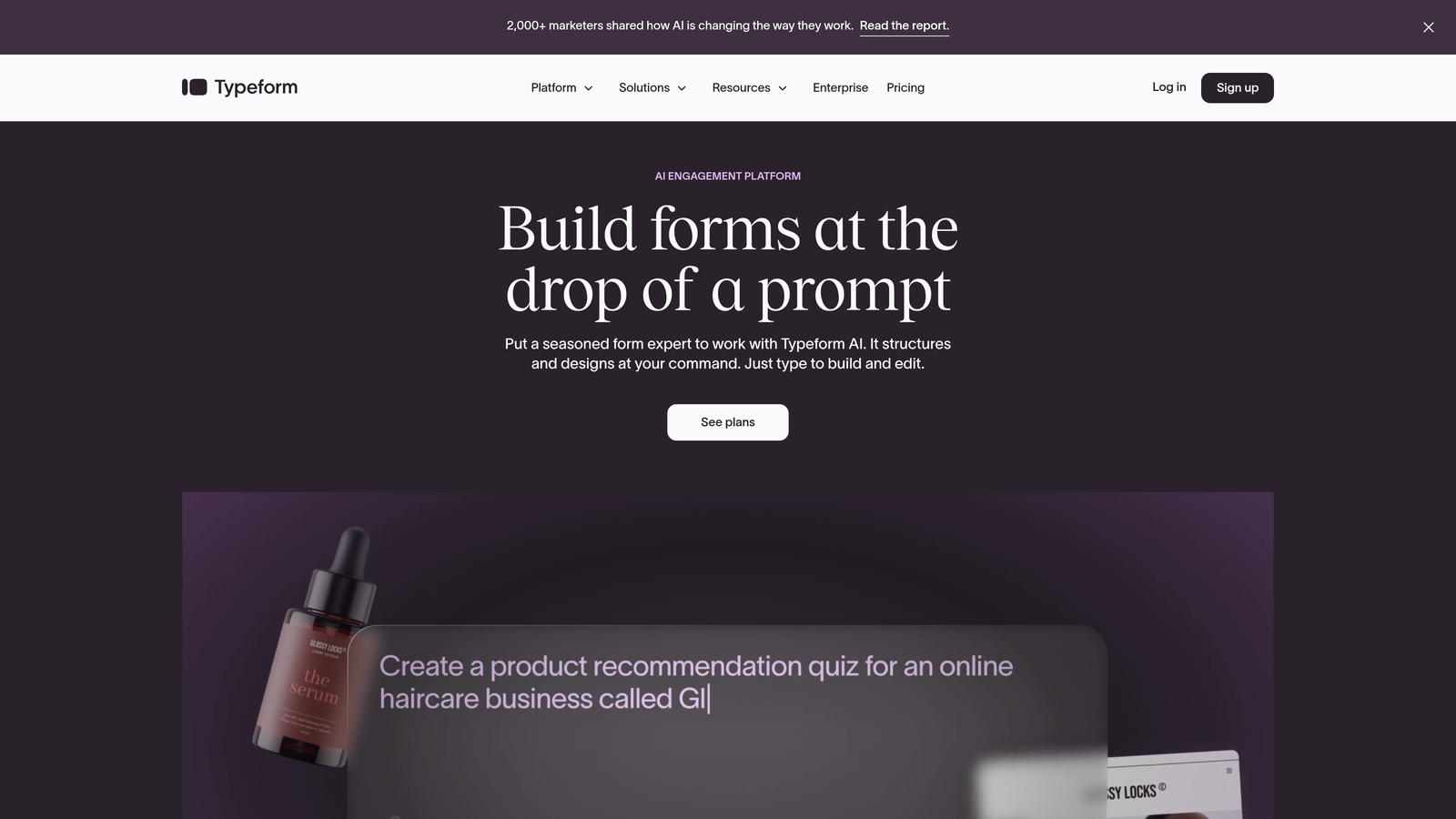
Typeform pioneered the one-question-at-a-time format that feels more like a conversation than a traditional form.
Where This Tool Shines
Typeform's interface reduces form abandonment by showing one question at a time, making even lengthy forms feel manageable. The visual design is clean and modern, with smooth transitions that keep users engaged through completion.
Native integrations with HubSpot, Salesforce, and Pipedrive mean you can sync responses directly without automation platforms. For other CRMs, Zapier and Make connections provide the flexibility to route data anywhere.
Key Features
One-Question-at-a-Time Interface: Reduces cognitive load and improves completion rates compared to traditional multi-field forms.
Native CRM Integrations: Direct connections to HubSpot, Salesforce, and Pipedrive with field mapping built into the platform.
Logic Jumps and Conditional Branching: Show different questions based on previous answers to create personalized qualification paths.
Custom Thank-You Screens: Display personalized messages or redirect to different pages based on form responses.
Zapier and Make Connections: Extend integration capabilities to hundreds of other CRMs and marketing tools.
Best For
Teams prioritizing user experience and completion rates over traditional form design. Works particularly well for lead magnets, event registrations, and qualification surveys where you need detailed information without overwhelming prospects.
Pricing
Free tier available with basic features. Basic plan starts at $25/month for unlimited forms and responses, with Plus and Business tiers adding advanced integrations and logic.
5. Jotform
Best for: Enterprise teams needing extensive CRM options and compliance features
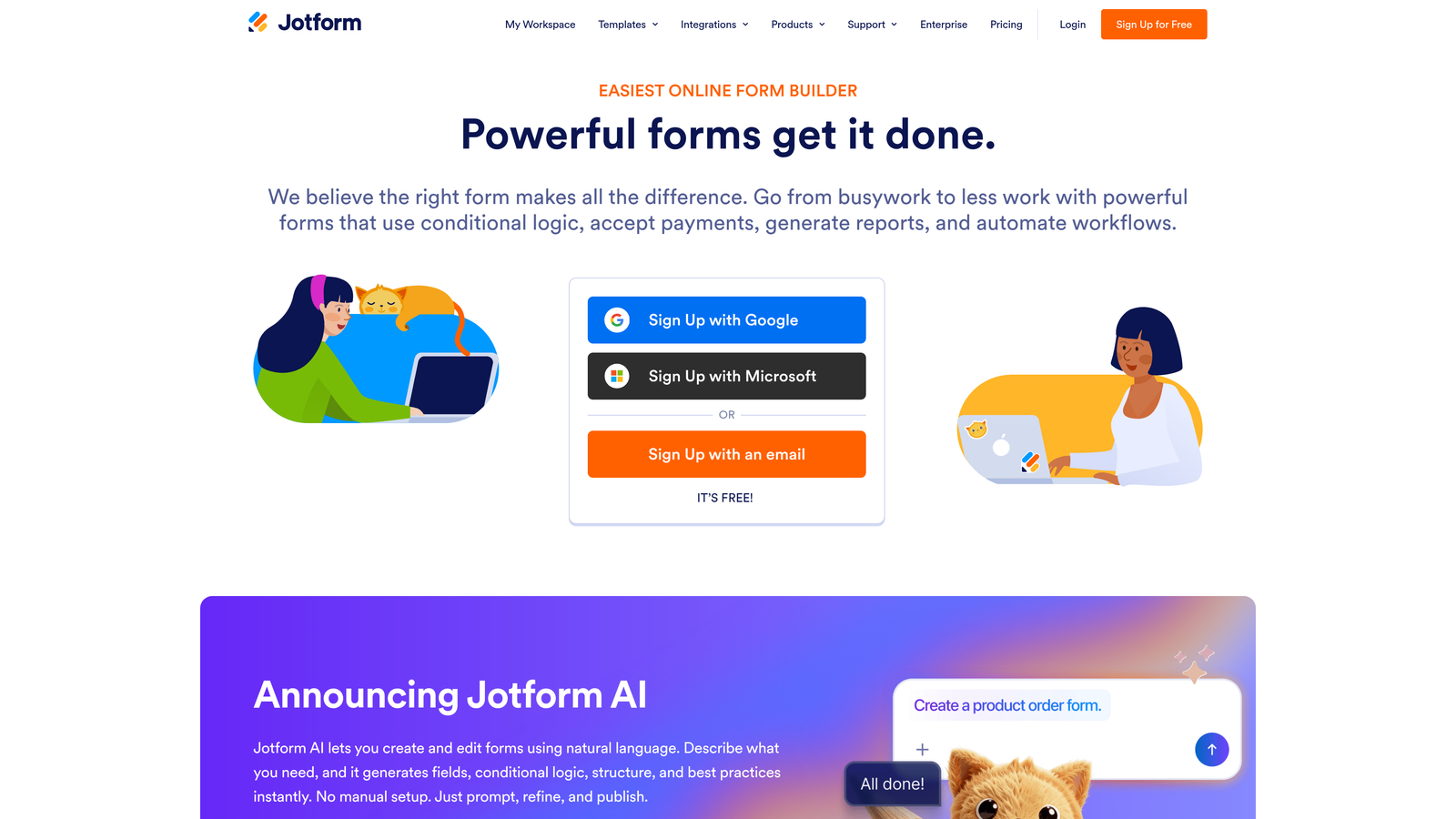
Jotform offers over 100 native CRM integrations, making it one of the most connection-rich form builders available.
Where This Tool Shines
Jotform's integration library is massive. Whether you're using a mainstream CRM like Salesforce or a niche platform specific to your industry, chances are Jotform has a native connector. This eliminates the need for middleware in most cases.
The HIPAA compliance option makes Jotform stand out for healthcare, legal, and financial services companies that need to capture sensitive information while maintaining regulatory compliance. Combined with payment processing and e-signature capabilities, it's a complete data capture solution.
Key Features
100+ Native CRM Integrations: Direct connections to major platforms plus industry-specific CRMs without requiring third-party automation tools.
HIPAA Compliance Option: Business and Enterprise plans include HIPAA-compliant form hosting and data handling.
Conditional Logic and Calculations: Show/hide fields, calculate values, and create dynamic forms based on user input.
Payment Processing Built-In: Accept payments through forms with integrations for Stripe, PayPal, Square, and others.
Jotform Tables: Manage form submissions in a spreadsheet-like interface with filtering, sorting, and team collaboration.
Best For
Enterprise teams with complex compliance requirements or organizations using less common CRM platforms. Particularly valuable for companies that need to combine lead capture with payment processing or document collection.
Pricing
Free for up to 5 forms with 100 monthly submissions. Bronze plan starts at $34/month for unlimited forms, with Silver and Gold tiers adding HIPAA compliance and advanced features.
6. Formstack
Best for: Salesforce users requiring deep bi-directional CRM sync
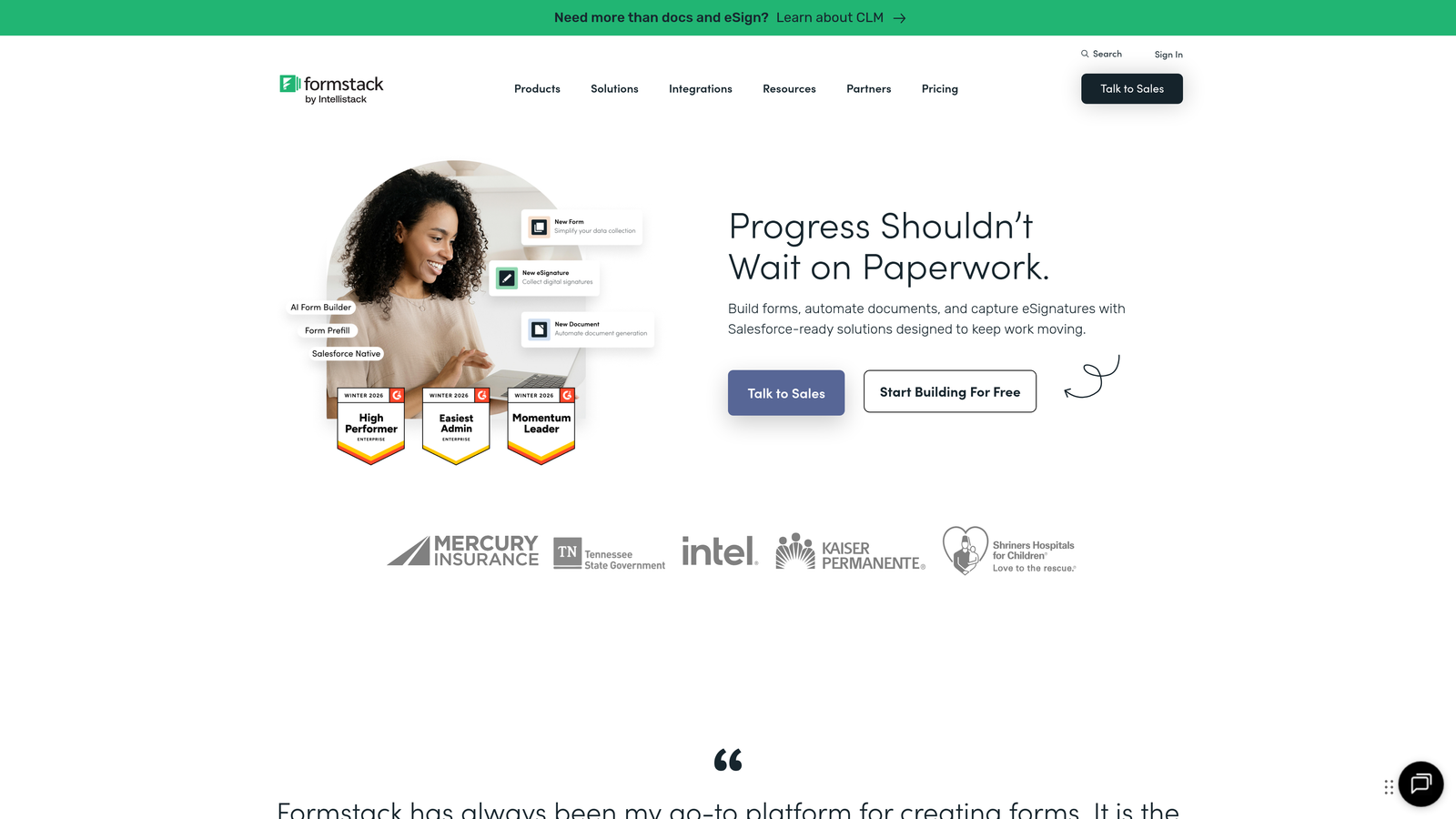
Formstack specializes in form and document automation with particularly strong Salesforce integration capabilities.
Where This Tool Shines
Formstack's native Salesforce app provides bi-directional sync, meaning you can not only push form data into Salesforce but also pull Salesforce data into forms for pre-filling or conditional logic. This level of integration is rare among form builders.
The platform extends beyond basic form-to-CRM sync with document generation and e-signature capabilities. Capture a form submission, create a contract from the data, route it for signatures, and store the completed document in Salesforce—all automated.
Key Features
Native Salesforce App: Deep bi-directional integration installed directly in Salesforce with real-time sync capabilities.
Document Generation: Automatically create PDFs, contracts, or reports from form submission data using custom templates.
Electronic Signatures: Built-in e-signature functionality for contracts and approvals without third-party tools.
HIPAA and GDPR Compliance: Enterprise-grade security and compliance features for regulated industries.
Workflow Automation with Approvals: Route form submissions through approval chains before CRM sync or document generation.
Best For
Salesforce-centric organizations that need more than basic lead capture. Ideal for sales teams managing proposals, legal teams handling contracts, or HR departments processing applications with approval workflows.
Pricing
Starter plan begins at $50/month for basic features. Salesforce integration requires Business tier or higher, with custom pricing for enterprise deployments.
7. Make (formerly Integromat)
Best for: Building complex multi-step automation workflows visually
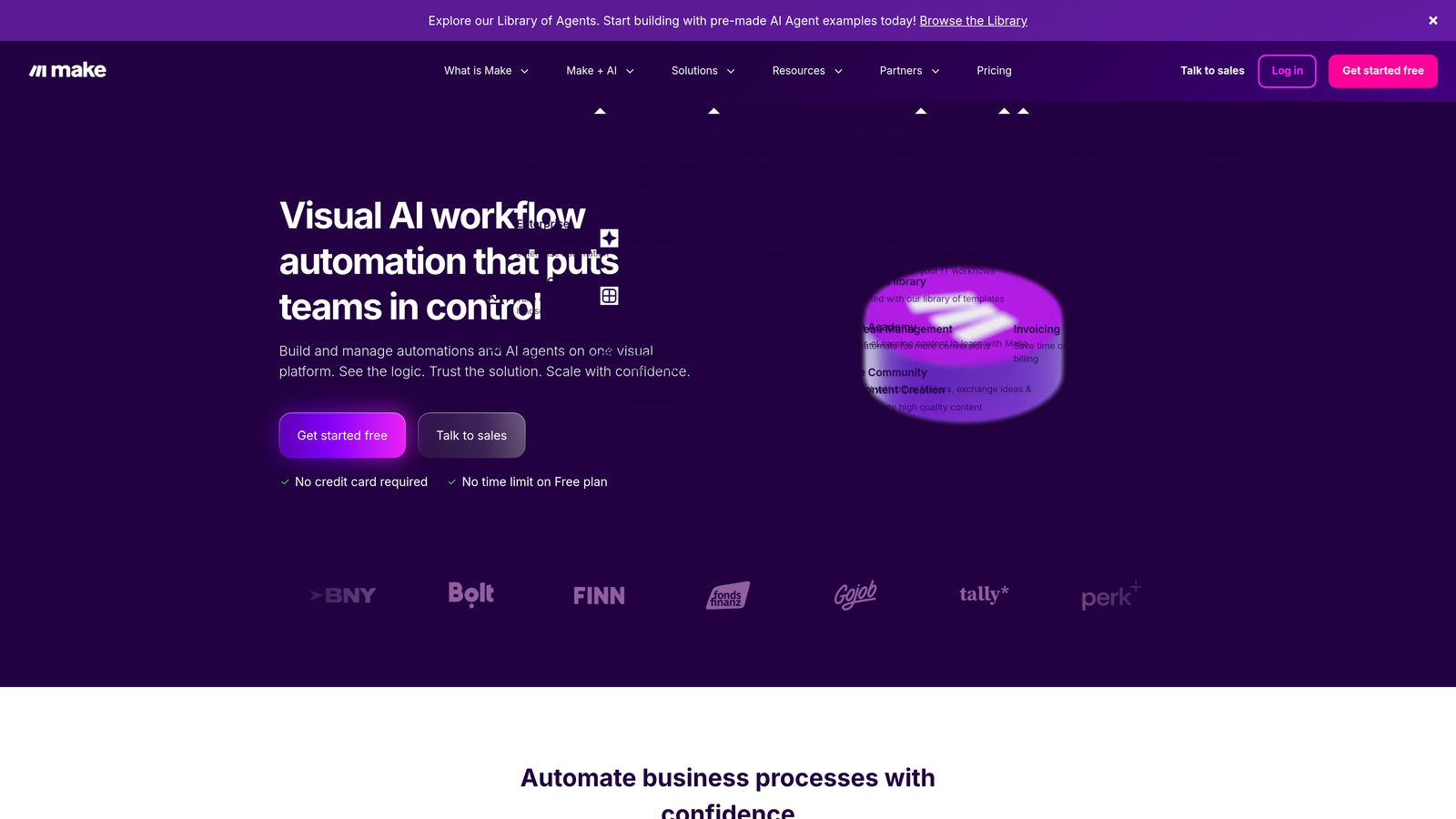
Make is a visual automation platform that excels at creating sophisticated workflows with parallel processing and error handling.
Where This Tool Shines
Make's visual scenario builder shows your entire workflow as a flowchart, making complex automations easier to understand and troubleshoot than code-based alternatives. You can see exactly how data flows from form submission through multiple steps to your CRM.
The router module lets you split workflows into parallel paths—send one lead to Salesforce, another to HubSpot, and a third to a Google Sheet, all based on different conditions. This level of branching logic handles scenarios that would require multiple separate automations in other platforms.
Key Features
Visual Scenario Builder: Drag-and-drop interface that displays workflows as flowcharts for easy understanding and modification.
Routers for Parallel Workflows: Split single triggers into multiple parallel paths based on conditional logic.
Error Handling and Retry Logic: Built-in mechanisms to catch failures and automatically retry failed operations.
Data Transformation Tools: Extensive functions for manipulating data formats, parsing text, and restructuring objects.
HTTP/Webhook Modules: Connect to any API, even without a pre-built connector, using custom HTTP requests.
Best For
Technical teams or operations managers building sophisticated automation workflows that go beyond simple form-to-CRM sync. Perfect for companies with complex lead routing rules or multi-system data flows.
Pricing
Free tier includes 1,000 operations per month. Core plan starts at $9/month for 10,000 operations, with Pro and Teams tiers offering higher limits and advanced features.
8. Gravity Forms
Best for: WordPress sites needing native CRM integration without leaving the platform
Gravity Forms is the leading WordPress form plugin with official add-ons for major CRM platforms.
Where This Tool Shines
For WordPress users, Gravity Forms keeps everything inside the platform you already manage daily. No need to learn a separate form builder or manage integrations across multiple dashboards—build forms, map fields to your CRM, and manage submissions all within WordPress.
The plugin architecture means you only pay for the CRM integrations you actually need. Running Salesforce? Add that integration. Using HubSpot? Add that one instead. You're not paying for connections you'll never use.
Key Features
Native WordPress Integration: Build and manage forms directly in your WordPress dashboard alongside your content.
Official CRM Add-Ons: First-party integrations for Salesforce, HubSpot, and other major platforms maintained by the Gravity Forms team.
Conditional Logic: Show or hide fields, skip pages, or route submissions based on user responses.
Multi-Page Forms: Break long forms into steps with progress indicators to improve completion rates.
Entry Management: View, edit, and export form submissions directly within WordPress before or after CRM sync.
Best For
WordPress-based businesses that want to consolidate form management within their existing content platform. Particularly valuable for agencies managing multiple client sites or publishers with complex content workflows.
Pricing
Basic license starts at $59/year for single-site use with core features. Elite license at $259/year includes all official add-ons including CRM integrations.
9. Tray.io
Best for: Enterprise-scale automation with unlimited operations and API-first architecture
Tray.io is an enterprise automation platform designed for companies with complex integration needs at scale.
Where This Tool Shines
Tray.io removes the operation limits that constrain other automation platforms. Whether you're processing 1,000 form submissions or 100,000, you pay the same flat rate. This makes it economically viable for high-volume lead generation campaigns that would become prohibitively expensive on per-operation pricing.
The API-first architecture means Tray.io can connect to literally any system with an API, including custom-built CRMs or proprietary internal tools. For enterprises with unique technology stacks, this flexibility is essential.
Key Features
Unlimited Operations: All plans include unlimited workflow executions, eliminating concerns about usage-based pricing.
API-First Architecture: Connect to any system with an API using HTTP connectors and custom authentication.
Pre-Built Enterprise Connectors: Ready-made integrations for Salesforce, Microsoft Dynamics, SAP, and other enterprise platforms.
Custom Logic with JavaScript: Write custom code within workflows for complex data transformations or business logic.
SOC 2 Type II Compliance: Enterprise-grade security certifications and audit trails for regulated industries.
Best For
Large enterprises processing high volumes of form submissions or companies with complex, multi-system integration requirements. Particularly valuable for organizations where operation-based pricing would become cost-prohibitive.
Pricing
Custom enterprise pricing based on organizational needs and user count. Contact Tray.io sales for quotes—expect pricing to start in the thousands per month for enterprise deployments.
Making the Right Choice
Selecting the right CRM form integration tool depends on your existing tech stack and workflow complexity. If you're using HubSpot, their native forms offer the smoothest experience with zero setup friction. Salesforce users should look at Formstack for deep bi-directional integration that goes beyond basic lead capture.
For teams juggling multiple tools or working with newer CRMs like Attio or Close, Zapier and Make provide the flexibility to connect anything to anything. WordPress users will find Gravity Forms keeps everything consolidated within their existing platform.
And if you want to eliminate the form-builder-plus-integration dance entirely, Orbit AI combines AI-powered forms with native CRM sync in one platform—particularly valuable for teams focused on lead qualification and conversion optimization. The AI layer adds intelligence that traditional form tools can't match, automatically scoring and routing leads before they reach your sales team.
Start by mapping your current form-to-CRM workflow. Where do leads get stuck? Where does manual work slow down follow-up? Where do errors creep into your data? Choose the tool that eliminates those specific friction points.
Most options on this list offer free trials or free tiers. Test your top two picks with real form submissions before committing. Pay attention to setup time, field mapping flexibility, and how the tool handles edge cases like duplicate contacts or missing data.
Transform your lead generation with AI-powered forms that qualify prospects automatically while delivering the modern, conversion-optimized experience your high-growth team needs. Start building free forms today and see how intelligent form design can elevate your conversion strategy.


