

Most form tools were built to collect data. Fill out the form, hit submit, done. But if you're running a high-growth SaaS product or a serious B2B pipeline, data collection alone isn't enough. You need forms that actively help you identify who's worth pursuing before a single sales rep gets involved.
That's where lead qualification at the point of capture changes everything. Instead of dumping every submission into your CRM and sorting through the noise later, the right form tool does the heavy lifting upfront: scoring prospects, routing leads intelligently, and surfacing your best opportunities the moment they raise their hand.
We evaluated these tools specifically on qualification depth, conditional logic, CRM integrations, ease of setup, and how well they serve teams focused on conversion rather than just collection. Here are the top form tools for lead qualification worth considering in 2026.
1. Orbit AI
Best for: High-growth SaaS and B2B teams that need AI-powered lead qualification built directly into the form experience.
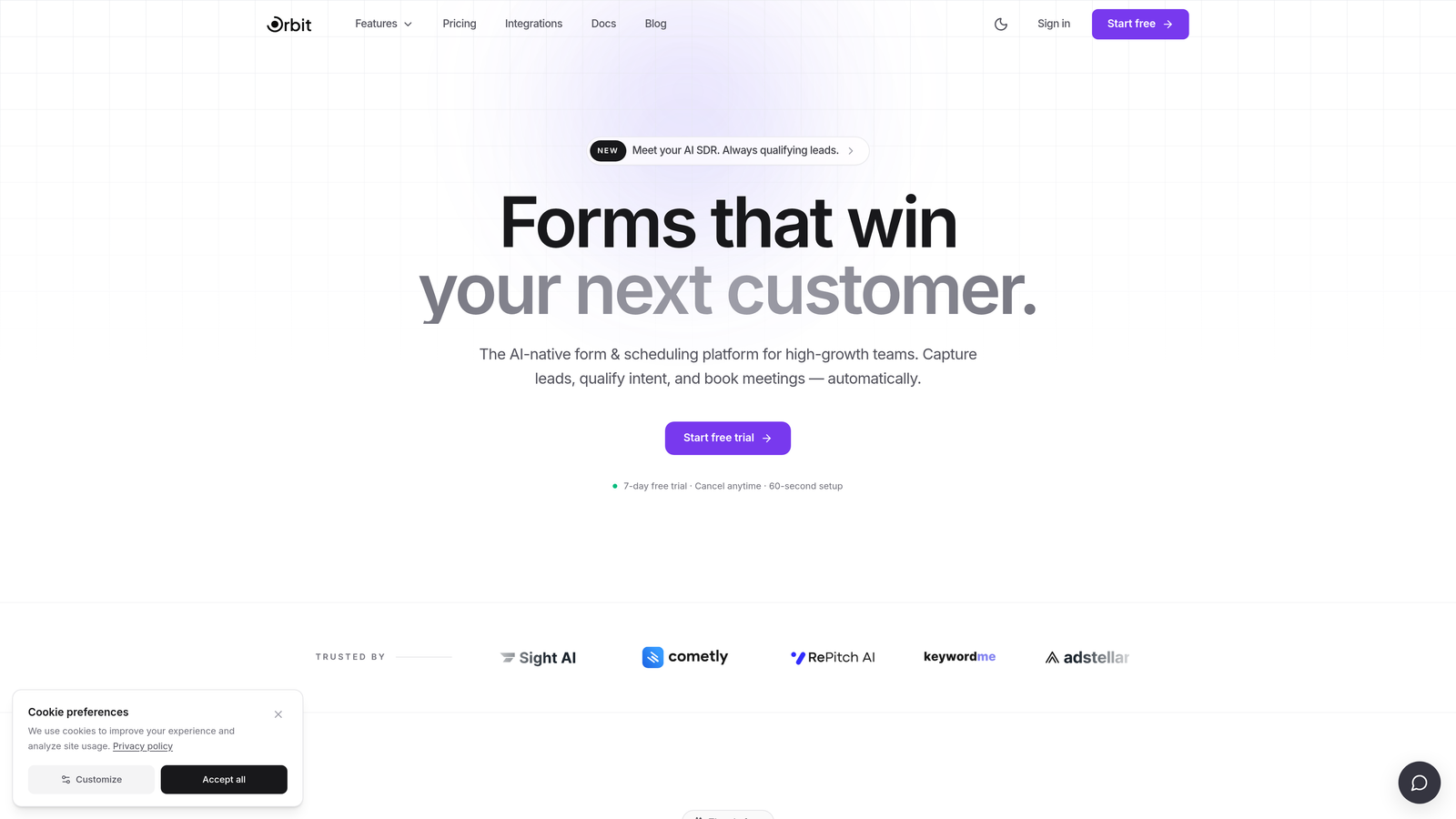
Orbit AI is an AI-powered form builder designed specifically for lead qualification and conversion optimization at the point of capture.
Where This Tool Shines
What separates Orbit AI from most tools on this list is where qualification happens. Rather than passing raw submissions downstream to a CRM for a sales rep to sort through, Orbit AI scores and routes leads within the form flow itself. That means your pipeline receives pre-qualified prospects rather than a mixed bag of contacts requiring manual triage.
The form UX is built with conversion in mind. Clean, modern design reduces friction and drop-off, which matters when you're asking qualification-heavy questions that might otherwise cause prospects to abandon the form. For teams where pipeline quality directly affects revenue, that combination of intelligent scoring and polished design is genuinely difficult to replicate with general-purpose tools.
Key Features
AI-Powered Lead Scoring: Qualification scoring is embedded directly into the form flow, not added as an afterthought in a separate CRM workflow.
Adaptive Conditional Logic: Questions adjust dynamically based on qualification signals, creating a personalized experience that surfaces the right information from the right prospects.
Automatic Lead Routing: Leads are routed based on qualification outcomes, ensuring high-value prospects reach the right team member immediately.
Conversion-Optimized Design: Form layouts are purpose-built to reduce drop-off, with clean UX designed for high-growth SaaS and B2B audiences.
Modern Form Builder: Built for teams that care equally about form performance and visual quality, without requiring design expertise.
Best For
Orbit AI is the strongest choice for SaaS companies, B2B teams, and growth-focused organizations that want lead qualification to happen before prospects reach a sales rep. If pipeline quality is a priority and you're tired of manually sorting through unqualified submissions, this is where to start.
Pricing
Visit orbitforms.ai for current pricing plans. A free starting option is available for teams ready to explore the platform.
2. Typeform
Best for: Teams that want conversational qualification flows that feel natural and reduce form abandonment.
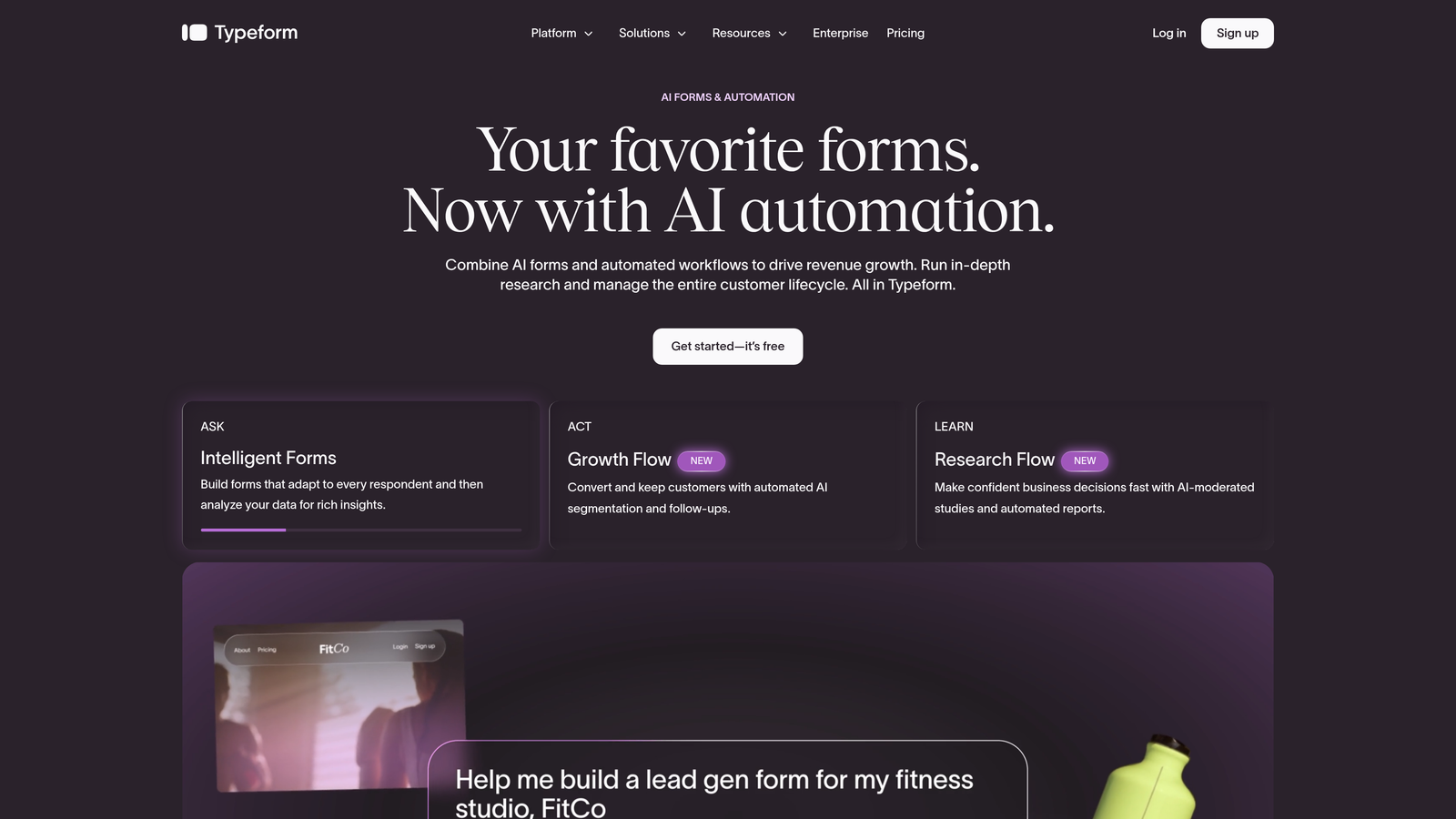
Typeform is a conversational form platform known for its one-question-at-a-time interface that transforms qualification flows from interrogations into genuine conversations.
Where This Tool Shines
Typeform's core strength is experience design. When you're asking prospects a series of qualifying questions, the way you ask matters. Typeform's sequential format keeps respondents engaged and makes longer qualification flows feel approachable rather than overwhelming.
Logic jumps allow you to branch question paths based on answers, so a prospect who identifies as an enterprise buyer sees a different flow than a small business owner. That said, native lead scoring isn't built in — qualification intelligence still lives downstream in your CRM or automation layer.
Key Features
Conversational Interface: One-question-at-a-time format that typically improves completion rates on longer qualification forms.
Logic Jumps: Conditional routing sends respondents down different question paths based on their answers.
Native CRM Integrations: Direct connections with HubSpot, Salesforce, and Zapier for routing submissions into your existing stack.
Media Embedding: Video and images can be embedded within form flows for context-setting or product demos.
Drop-Off Analytics: Built-in dashboard shows where respondents abandon forms, helping you optimize qualification flows over time.
Best For
Typeform works well for teams that prioritize form experience and already have lead scoring configured in their CRM. It's a strong option for B2B teams running longer qualification surveys where respondent engagement is a genuine concern.
Pricing
Free plan available with limited responses. Paid plans start at $25/month, though pricing has increased in recent years, prompting some teams to evaluate alternatives.
3. HubSpot Forms
Best for: Teams already invested in the HubSpot ecosystem who want seamless CRM integration without additional setup.
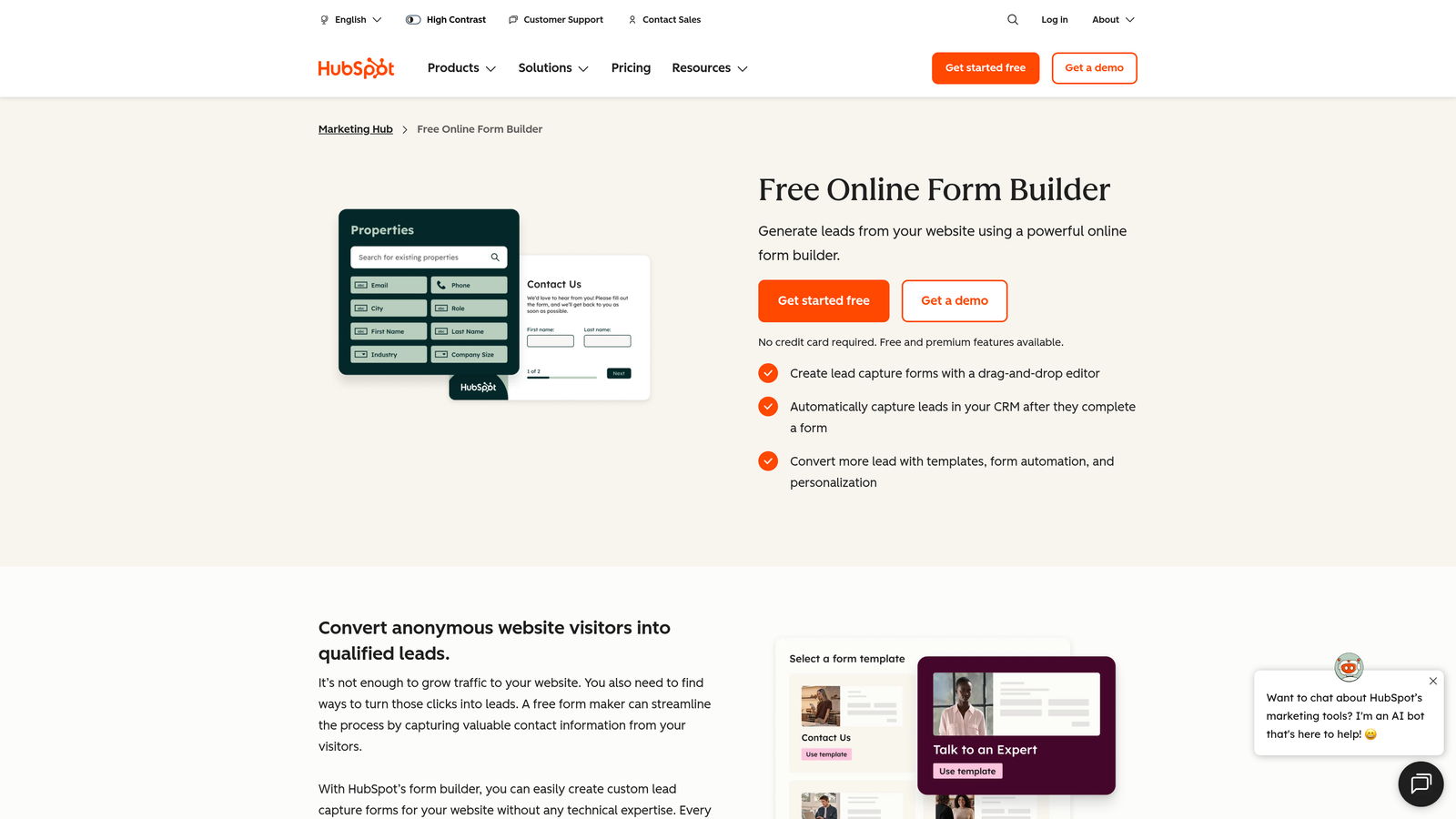
HubSpot Forms is a native form builder included within the HubSpot platform, designed to feed leads directly into HubSpot CRM with progressive profiling and workflow automation.
Where This Tool Shines
If your team is already paying for HubSpot, the forms tool is a natural extension of your existing workflow. There's zero integration overhead, and every submission flows directly into your CRM with full contact enrichment. Progressive profiling is a standout feature: instead of asking returning visitors the same questions, HubSpot Forms surfaces new fields to gradually build out contact records over multiple visits.
Lead scoring and routing happen through HubSpot's workflow engine rather than within the form itself, which means qualification intelligence is powerful but requires setup time and familiarity with HubSpot's automation layer.
Key Features
Native CRM Integration: Submissions flow directly into HubSpot CRM with no configuration required for existing users.
Progressive Profiling: Automatically shows new questions to returning visitors, enriching contact records without repetitive asks.
Smart Fields: Fields are hidden for contacts whose information is already known, reducing form length for warm prospects.
Workflow-Based Lead Scoring: Lead scoring and routing are managed through HubSpot's broader automation workflows.
Free Access: Available at no additional cost for all HubSpot CRM users.
Best For
HubSpot Forms is best for marketing and sales teams already operating within the HubSpot platform. If you're not a HubSpot customer, the standalone form builder isn't compelling enough to justify adopting the platform just for forms.
Pricing
Free with HubSpot CRM. Advanced features such as A/B testing and detailed reporting require paid HubSpot tiers starting at $20/month.
4. Jotform
Best for: Operations teams and agencies that need highly configurable multi-step qualification workflows with extensive template options.
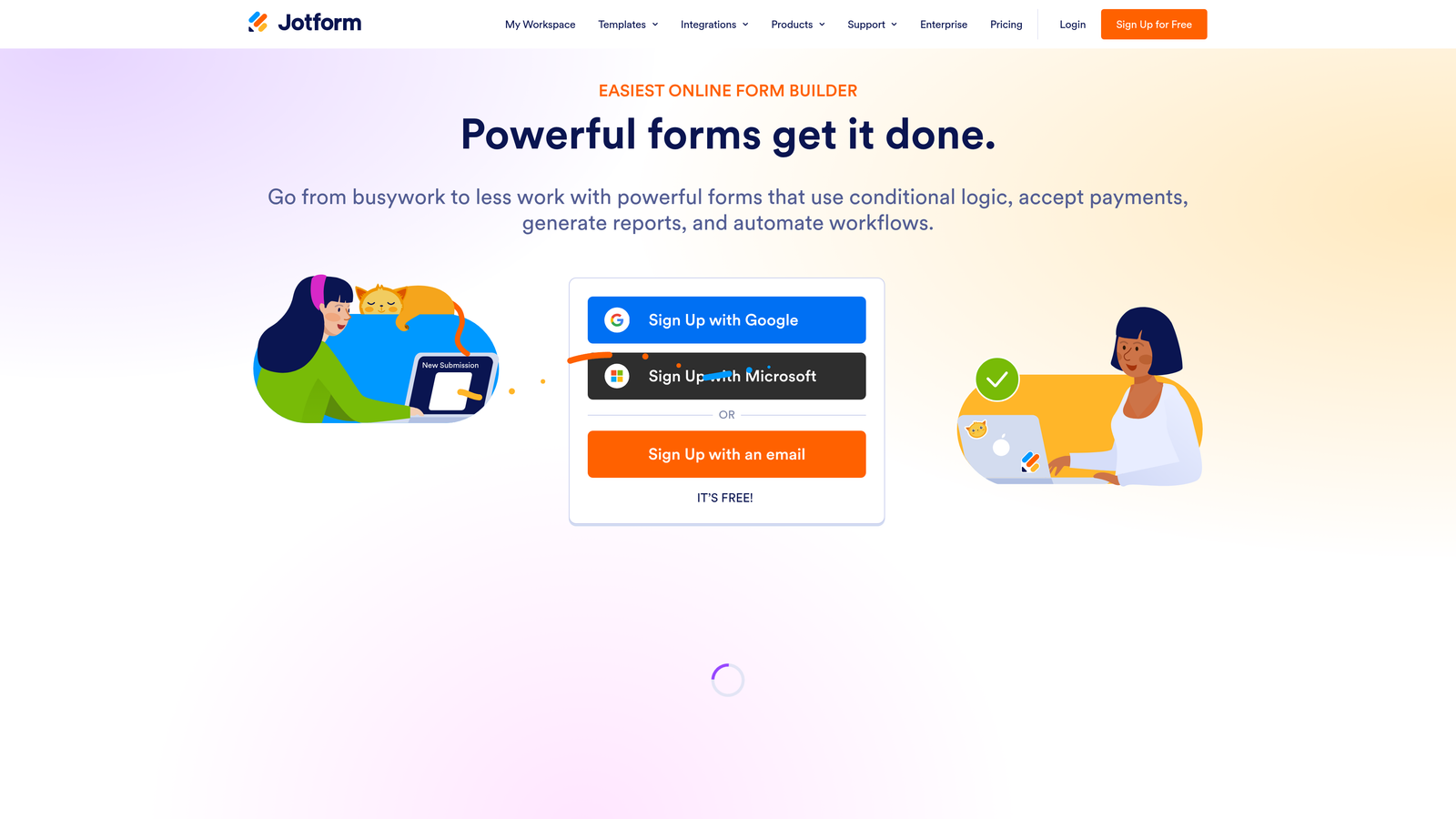
Jotform is a highly configurable form builder with an extensive template library and powerful conditional logic, suited for teams that need complex multi-step qualification workflows.
Where This Tool Shines
Jotform's depth is hard to match. With over 10,000 templates and one of the most mature conditional logic engines in the market, it's capable of handling genuinely complex qualification flows with multi-branch routing. Jotform Approvals extends the platform beyond form capture into post-submission workflow automation, which is useful for teams managing intake processes across multiple stakeholders.
The trade-off is that Jotform wasn't designed specifically for lead qualification. You can build qualification logic into it, but it requires deliberate configuration. Teams with clear requirements and the time to set things up properly will get a lot out of it.
Key Features
Advanced Conditional Logic: Multi-branch routing handles complex qualification scenarios with nested conditions.
Template Library: 10,000+ templates including lead generation, intake, and sales-focused form designs.
Jotform Approvals: Post-submission workflow automation for routing, approval chains, and team notifications.
Calculation Fields: Basic scoring logic can be built using calculation fields for simple lead scoring setups.
Wide Integration Library: Native connections with Salesforce, HubSpot, Slack, and hundreds of other tools.
Best For
Jotform is a strong fit for agencies managing multiple clients, operations teams handling complex intake workflows, and businesses that need maximum configurability without a large per-form cost.
Pricing
Free plan available with limited submissions. Paid plans start at $34/month, scaling with submission volume and feature access.
5. Tally
Best for: Early-stage startups and lean teams that need capable forms with solid conditional logic and no budget commitment.
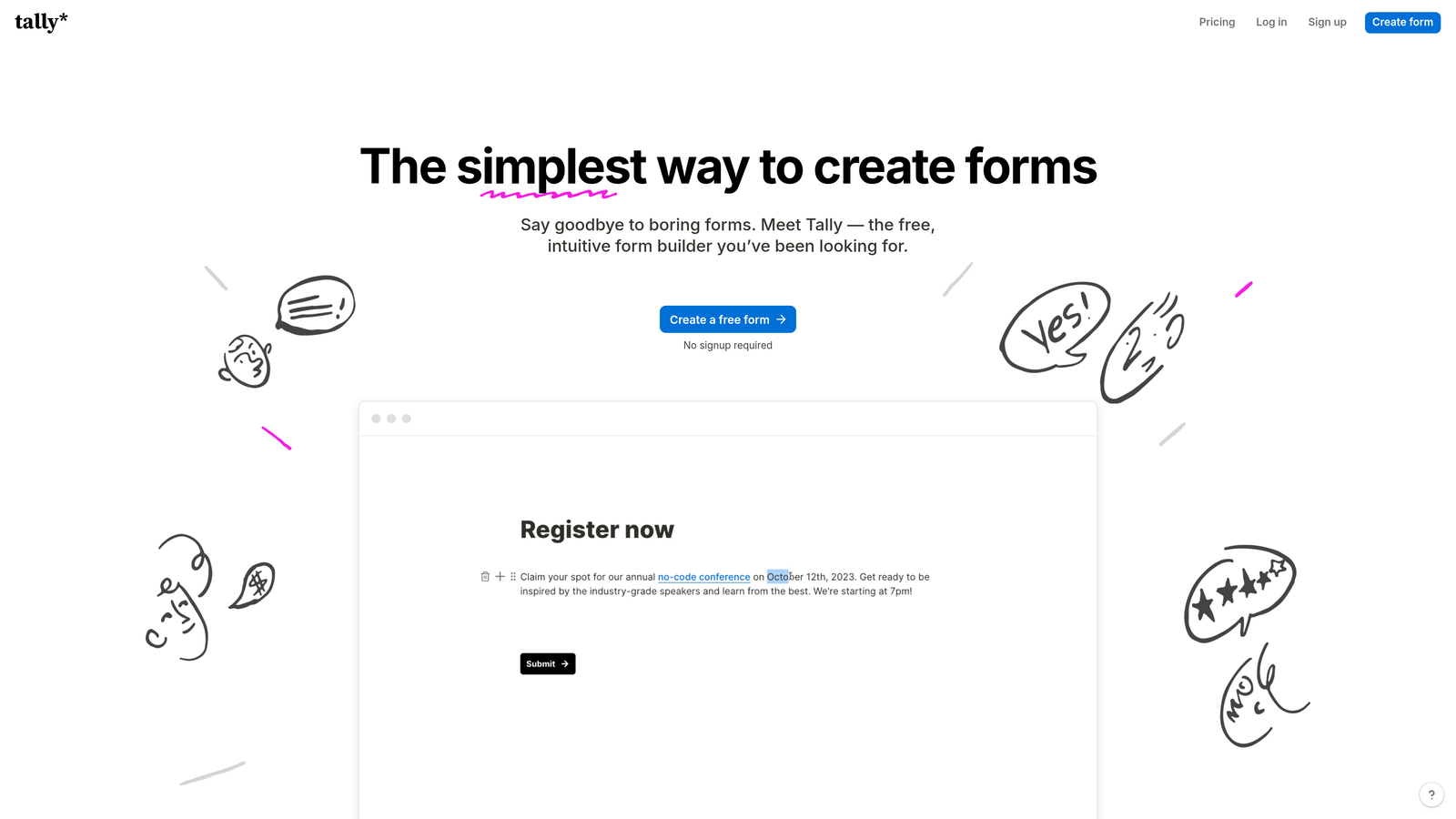
Tally is a Notion-inspired form builder with a generous free tier, clean design, and solid conditional logic, making it a strong pick for teams that need capable forms without the cost.
Where This Tool Shines
Tally has become a go-to choice in the startup community because the free tier is genuinely useful. Unlimited forms and unlimited submissions at no cost is a rare offering, and the form-building interface is clean and intuitive — familiar to anyone who uses Notion regularly.
Conditional logic and hidden fields are supported, which means you can build basic qualification branching without upgrading. That said, Tally doesn't offer native lead scoring, and CRM connectivity relies on Zapier or Make integrations rather than direct connections. For teams just starting to think about lead qualification, it's a capable starting point.
Key Features
Unlimited Free Tier: Unlimited forms and submissions on the free plan, with no artificial response caps.
Conditional Logic: Basic qualification branching and hidden fields supported on free and paid plans.
Minimal Interface: Distraction-free form design that keeps respondents focused on the questions.
Zapier and Make Integrations: CRM connectivity available through automation platforms for teams willing to configure workflows.
No Branding on Paid Plans: Tally branding is removed on Pro, which matters for client-facing or branded qualification flows.
Best For
Tally is ideal for early-stage teams, bootstrapped startups, and anyone who needs functional forms quickly without a budget. It's not the right tool for teams with serious lead scoring requirements, but it punches well above its price point.
Pricing
Free plan available with unlimited forms and submissions. Tally Pro is $29/month for branding removal and additional features.
6. Paperform
Best for: Sales-focused teams that want forms which educate and qualify prospects simultaneously through rich, page-like experiences.
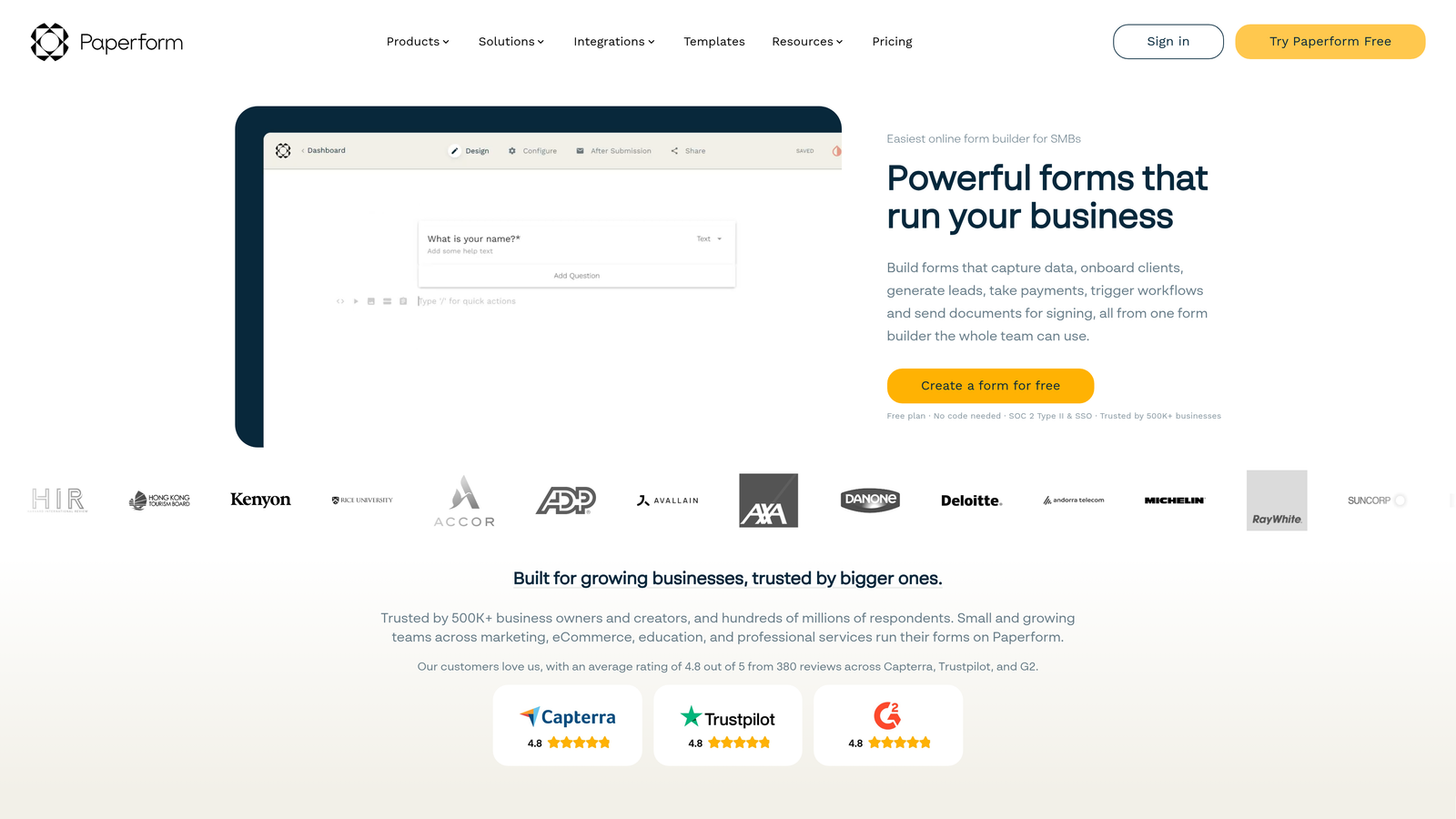
Paperform is a form builder that blends rich content with form logic, creating page-like experiences that can educate and qualify prospects at the same time.
Where This Tool Shines
Paperform sits in an interesting niche: it's part form builder, part landing page. You can embed rich text, images, and media alongside your form fields, which means a prospect can read product context, pricing explanations, or qualification criteria while they're filling out the form. This is particularly effective for longer sales cycles where prospects need information before they'll commit to answering qualification questions honestly.
Calculation fields add a lightweight scoring layer, useful for building simple lead scoring logic or instant quote estimators without external tools.
Key Features
Rich Content Integration: Text, images, and media sit alongside form fields, creating an educational form experience.
Conditional Sections: Logic-based branching hides or reveals entire sections based on qualification answers.
Calculation Fields: Enables basic scoring or pricing estimate logic within the form itself.
CRM Integrations: Native connections with HubSpot, Mailchimp, and Zapier for submission routing.
Custom Domain Support: Branded form pages on your own domain for a polished, professional qualification experience.
Best For
Paperform is well-suited for consultancies, service businesses, and SaaS teams with longer consideration cycles where prospects benefit from context before completing a qualification form.
Pricing
Plans start at $29/month. A 14-day free trial is available, with no credit card required.
7. Gravity Forms
Best for: WordPress-native businesses that need robust lead qualification logic with a mature add-on ecosystem.
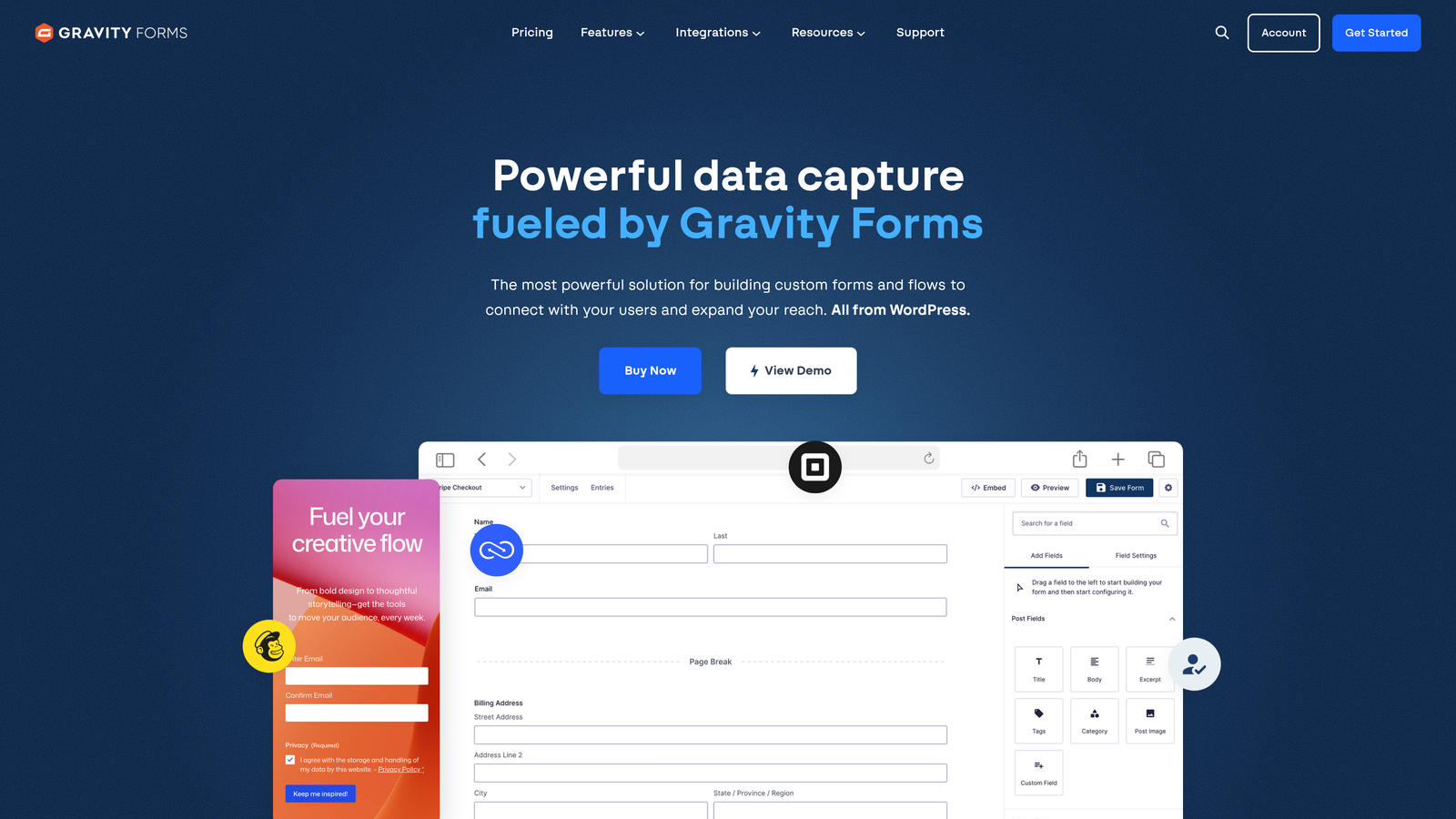
Gravity Forms is a powerful WordPress form plugin with a mature add-on ecosystem, making it the go-to option for WordPress-based businesses that need serious lead qualification logic.
Where This Tool Shines
For teams running their primary web presence on WordPress, Gravity Forms is the most capable form solution available. It integrates deeply with WordPress page builders, supports conditional logic, multi-page forms, and file uploads natively, and connects to virtually every major CRM through its add-on library.
The annual license model is also a genuine advantage for high-volume teams. There are no per-submission fees, which means scaling your lead qualification forms doesn't come with escalating costs the way SaaS-based tools often do.
Key Features
Deep WordPress Integration: Works natively with WordPress page builders and themes without compatibility issues.
Conditional Logic: Multi-page forms with conditional branching for complex qualification flows.
Add-On Ecosystem: Official add-ons for HubSpot, Salesforce, Mailchimp, Stripe, and many more platforms.
User Registration and Post Submission: Can trigger WordPress user creation or custom post types on form submission.
No Per-Submission Fees: Annual license covers unlimited submissions, making it cost-effective at scale.
Best For
Gravity Forms is the right choice for WordPress-native businesses, marketing agencies running client sites on WordPress, and teams that need reliable conditional logic without ongoing per-submission pricing.
Pricing
Starts at $59/year for a single site license. Higher tiers unlock more add-ons and multi-site support.
8. Leadpages Forms
Best for: Teams running dedicated lead generation campaigns who want forms and landing pages to operate as a unified conversion system.
Leadpages is a landing page platform with native form capabilities, designed for teams who want their forms and conversion pages to work as a single integrated system.
Where This Tool Shines
Leadpages isn't a standalone form builder. It's a full lead generation platform where forms are one component of a broader conversion system. The value is in the combination: conversion-optimized landing page templates, built-in A/B testing, and form analytics all in one place. If you're running paid campaigns where every landing page needs to perform, that integration is genuinely useful.
Alert bar and pop-up form formats extend lead capture beyond standard page forms, which helps teams capture prospects at multiple points in the browsing experience without requiring separate tools.
Key Features
Integrated Landing Pages: Forms are embedded within conversion-optimized landing page templates, not bolted on separately.
A/B Testing: Test form variants and full page variants to optimize qualification conversion rates.
Multiple Form Formats: Alert bars, pop-ups, and standard page forms give teams multiple capture touchpoints.
Real-Time Analytics: Conversion data per page and per form for ongoing optimization.
CRM and Email Integrations: Connects with major email platforms and CRMs for downstream lead routing.
Best For
Leadpages is best for performance marketing teams and growth marketers running dedicated paid campaigns who want landing pages and forms managed in a single platform. It's not the right fit for teams looking for a standalone form tool.
Pricing
Plans start at $49/month. There is no standalone form-only plan; forms are part of the full Leadpages subscription.
9. Google Forms
Best for: Internal workflows, simple surveys, and teams with no form budget and minimal qualification requirements.
Google Forms is Google's free, no-frills form tool: reliable, universally accessible, and completely free, but limited in qualification intelligence.
Where This Tool Shines
Google Forms earns its place on this list for one reason: it's free, and it works. For internal use cases like employee surveys, event registrations, or simple intake forms, it gets the job done without any setup friction. Every response flows directly into Google Sheets, which is useful for teams already working in Google Workspace.
That said, Google Forms was not designed for lead qualification. There's no lead scoring, no intelligent routing, and conditional logic is limited to basic section branching. For external-facing B2B qualification flows, it will likely underperform both in completion rates and in the quality of qualification data it can surface.
Key Features
Completely Free: No cost, no submission limits, and no paid tiers required for any features.
Basic Branching Logic: Section-level branching based on answer selections for simple conditional flows.
Google Sheets Integration: Responses populate directly into a connected spreadsheet for easy tracking.
Unlimited Forms and Responses: No caps on form volume or submission count.
Simple Sharing: Forms are shareable via link or embeddable on any page without technical setup.
Best For
Google Forms is appropriate for internal workflows, academic research, event sign-ups, and any use case where qualification intelligence isn't required. For serious B2B lead qualification pipelines, it isn't the right tool.
Pricing
Completely free for all Google account holders, with no paid tier or premium features.
Which Tool Is Right for Your Team?
The right form tool for lead qualification depends on where you are in your growth journey and what kind of qualification intelligence you actually need.
If you want AI-powered lead scoring and routing built directly into the form experience, Orbit AI is the standout choice. It's the only tool on this list purpose-built for qualification at the point of capture, which is increasingly where high-growth teams want that intelligence to live.
For teams already deep in the HubSpot ecosystem, HubSpot Forms is the path of least resistance. Progressive profiling and workflow-based scoring are genuinely powerful if your team already knows how to use them. For WordPress-native businesses, Gravity Forms offers the most mature qualification logic available within that environment.
If budget is the primary constraint, Tally delivers surprising capability at no cost. And if you're running high-volume paid campaigns where landing pages and forms need to operate as a system, Leadpages is the right integrated solution.
Here's a quick selection guide by team type:
High-growth SaaS or B2B teams prioritizing pipeline quality: Start with Orbit AI. Qualification intelligence at the form level is a genuine competitive advantage when your competitors are still sorting through unqualified CRM submissions manually.
Teams already using HubSpot: HubSpot Forms is a natural extension of your existing stack.
Agencies or operations teams with complex workflows: Jotform's configurability is hard to beat at its price point.
Early-stage teams on a budget: Tally gives you more capability for free than almost any other tool on this list.
WordPress-native businesses: Gravity Forms is the mature, reliable choice.
Transform your lead generation with AI-powered forms that qualify prospects automatically while delivering the modern, conversion-optimized experience your high-growth team needs. Start building free forms today and see how intelligent form design can elevate your conversion strategy.


