

Heavy form builders were built for a different era. One where teams had developers on standby, bloated plugin stacks were considered normal, and nobody questioned why a simple contact form needed a 15-step setup. High-growth teams today need something faster, leaner, and smarter.
Whether you're replacing an overpowered enterprise tool, escaping a WordPress plugin nightmare, or simply tired of paying for features you never use, the options below cover the best lightweight form builder alternatives available right now. Each tool was evaluated on ease of setup, performance impact, feature-to-weight ratio, integration depth, and suitability for lead generation and conversion-focused use cases.
If you're also thinking about how your forms affect pipeline health, check out our guides on how to build a sales pipeline and form abandonment rate solutions before diving in.
1. Orbit AI
Best for: AI-powered lead qualification and conversion optimization for high-growth SaaS teams
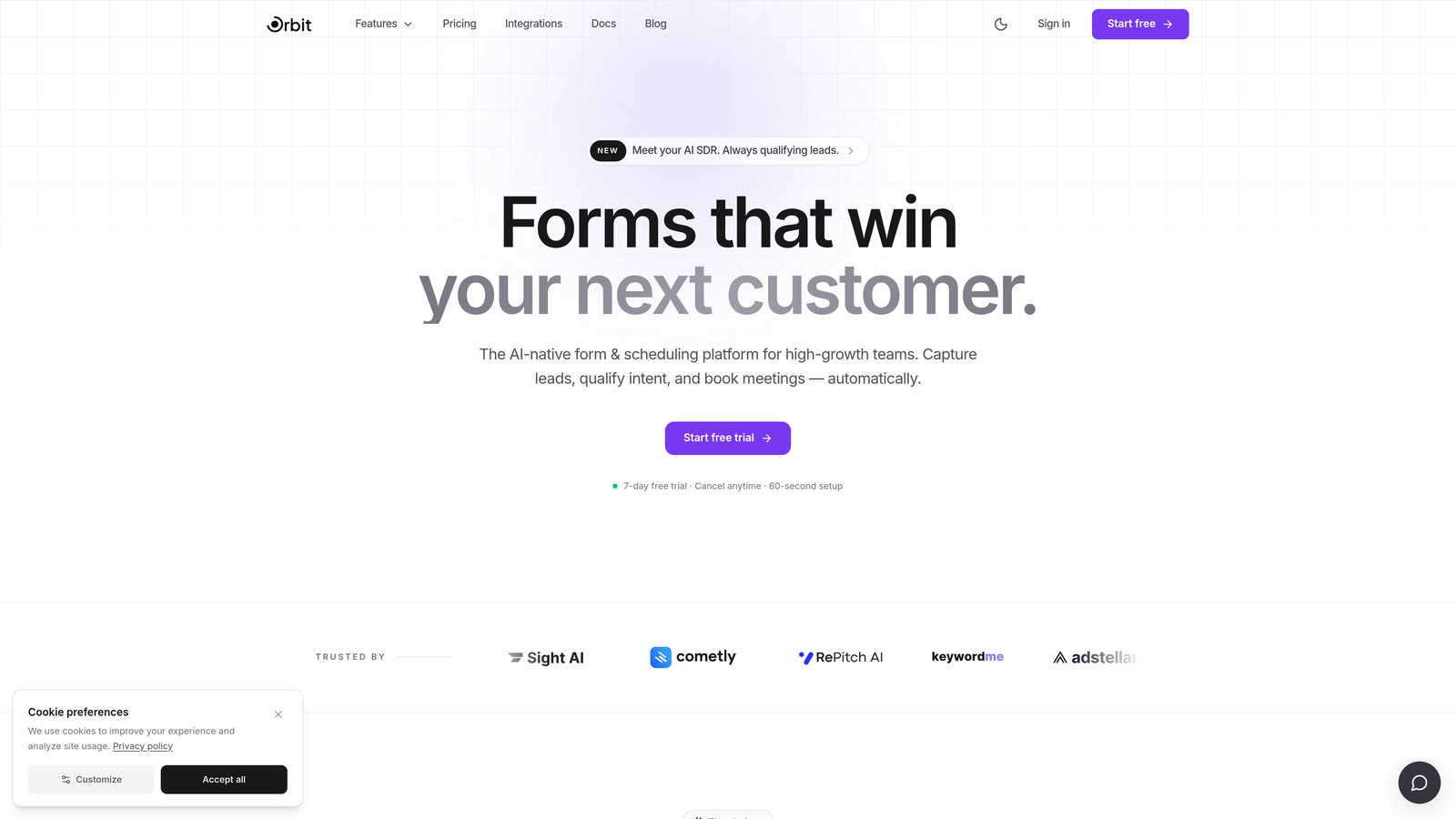
Orbit AI is an AI-powered form builder with native lead qualification capabilities designed for conversion-focused marketing and sales teams.
Where This Tool Shines
Most form builders stop at collecting data. Orbit AI goes further by scoring and routing leads automatically based on how respondents answer your forms. That means your sales team receives pre-qualified prospects rather than a raw list of submissions to sort through manually.
The platform is built with performance in mind. Its lightweight embed script won't drag down your landing page load times, and the design defaults are polished enough that you can ship a conversion-ready form without touching a single line of CSS.
Key Features
AI Lead Qualification: Automatically scores and routes leads based on form responses, so high-intent prospects reach your pipeline faster.
Conversion-Optimized Templates: Pre-built templates designed specifically for landing pages and lead generation, not generic contact forms.
Drag-and-Drop Builder: Modern visual editor with beautiful design defaults that work out of the box without custom styling.
Pipeline Integration: Connects qualified leads directly to sales workflows, bridging the gap between form submission and revenue activity.
Lightweight Embed: Minimal JavaScript footprint ensures your pages load fast, which matters for both SEO and conversion rates.
Best For
Orbit AI is the strongest fit for SaaS companies, growth marketers, and demand generation teams who need more than a data collection tool. If lead quality and pipeline velocity matter to your team, the built-in qualification layer is a genuine differentiator compared to every other tool on this list.
Pricing
Visit orbitforms.ai for current pricing plans. A free starting option is available for teams wanting to explore the platform before committing.
2. Tally
Best for: Startups and indie teams who want unlimited forms with zero upfront cost
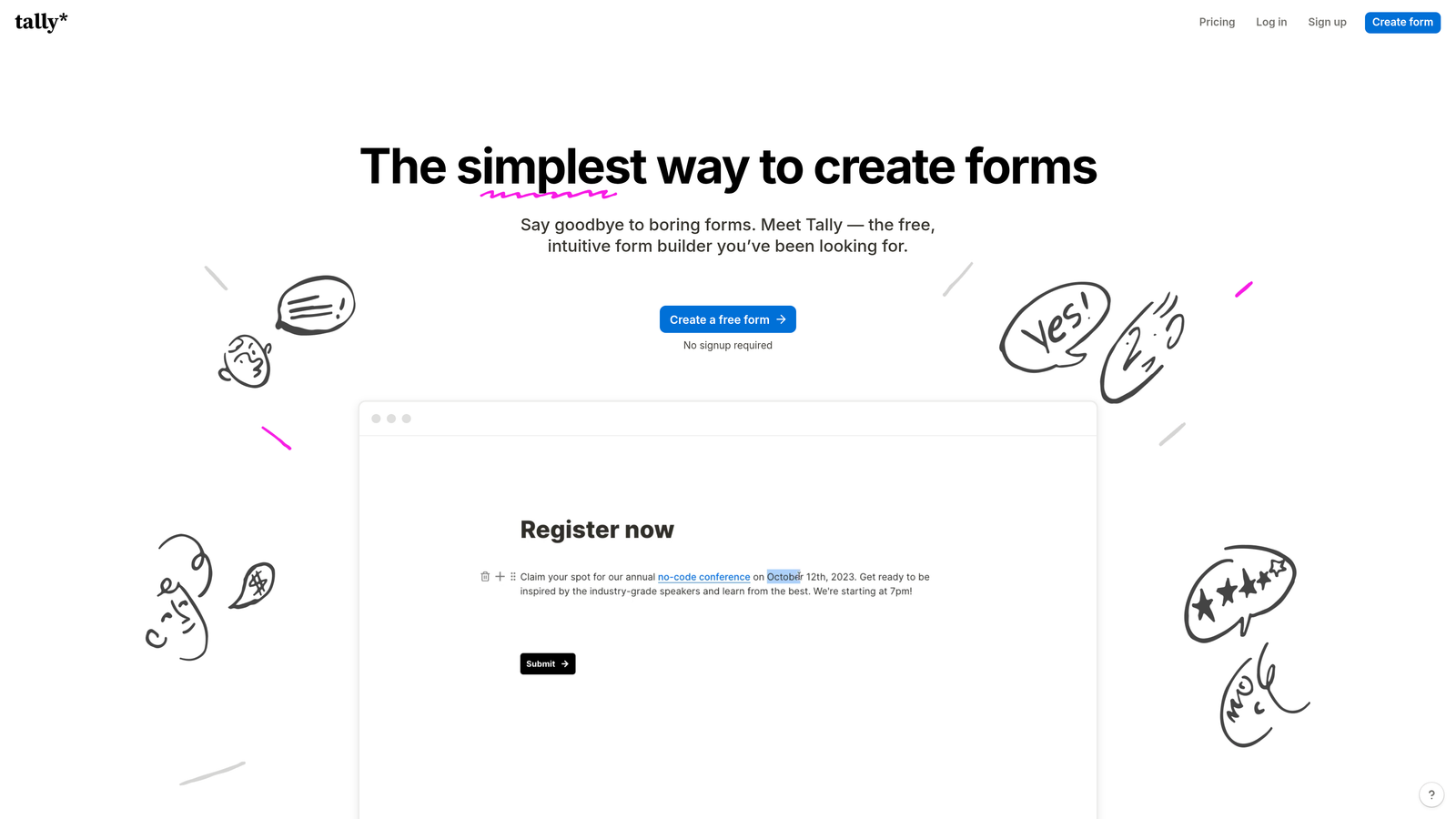
Tally is a Notion-inspired form builder with a generous free tier, minimal setup, and a clean block-based editor built for speed.
Where This Tool Shines
Tally's free plan is genuinely unusual in this market. Unlimited forms and unlimited responses without paying anything is a rare offer, and it's why the tool has built a loyal following in the startup and indie hacker community since launching in 2020.
The block-based editor feels immediately familiar if your team already lives in Notion. You can build a functional, conditional form in minutes without any onboarding or tutorials. The embed script is lightweight, which makes it a solid choice for performance-conscious marketing sites.
Key Features
Unlimited Free Forms: No submission caps or form limits on the free tier, which is rare among competitors.
Block-Based Editor: Notion-style editing interface that makes form creation fast and intuitive for non-technical users.
Lightweight Embed: Minimal page load impact when embedded on external sites or landing pages.
Conditional Logic: Logic branching and hidden fields are available even on the free plan, not locked behind a paywall.
Integration Support: Connects with Zapier, Make, and direct webhooks for workflow automation.
Best For
Tally is ideal for early-stage startups, solo operators, and small teams who need capable forms without a budget. It's also a great fit for internal tools, feedback forms, and light lead capture where advanced qualification isn't a priority.
Pricing
Free plan available with unlimited forms and responses. Pro plan starts at $29/month with additional features including custom domains and removal of Tally branding.
3. Typeform
Best for: Conversational lead gen and survey flows where engagement and completion rates are the priority
Typeform is the original conversational form platform, using a one-question-at-a-time format designed to boost respondent engagement.

Where This Tool Shines
Typeform's conversational format genuinely changes how people interact with forms. Instead of staring at a wall of fields, respondents move through questions one at a time, which tends to feel more like a dialogue and less like a chore. This format works particularly well for longer lead gen forms, onboarding questionnaires, and surveys where you'd otherwise expect high drop-off.
The logic jump system is mature and flexible. You can build personalized form paths that adapt based on previous answers, creating experiences that feel tailored without requiring any code. That said, Typeform's pricing has increased significantly in recent years, which is partly why so many teams are actively searching for alternatives.
Key Features
Conversational Interface: One-question-at-a-time format that improves engagement on longer forms and surveys.
Logic Jumps: Branching logic that personalizes the form flow based on each respondent's answers.
Native Integrations: Direct connections to HubSpot, Salesforce, Slack, and dozens of other platforms.
Rich Media Support: Add video and images within individual questions to create more engaging experiences.
Drop-Off Analytics: Built-in reporting on where respondents abandon forms, useful for iterating on conversion.
Best For
Marketing teams running lead generation campaigns, product teams collecting user research, and anyone building longer multi-step forms where engagement matters. Less ideal for teams on tight budgets or those who only need simple contact forms.
Pricing
Basic from $25/month; Plus from $50/month; Business from $83/month, all billed annually. Monthly billing is available at higher rates.
4. Fillout
Best for: Ops and product teams building database-connected workflows in Notion, Airtable, or Supabase
Fillout is a modern form builder with native two-way sync to popular no-code databases, ideal for teams who want forms that write directly to their data layer.

Where This Tool Shines
Fillout's core differentiator is its database connectivity. Most form builders push submissions to a spreadsheet or send an email notification. Fillout writes directly to Notion databases, Airtable bases, and Supabase tables with two-way sync, meaning updates in your database can also reflect in the form. For operations teams managing structured workflows, this is a significant time saver.
The tool has grown quickly since launching around 2022, and its pricing is notably more accessible than Typeform for comparable feature depth. The UI is clean, mobile-responsive, and quick to set up without a learning curve.
Key Features
Two-Way Database Sync: Native integration with Notion, Airtable, and Supabase that goes beyond one-way data dumping.
Multi-Step Forms: Conditional logic and multi-page forms with scheduling capabilities built in.
Mobile-Responsive UI: Clean design that works well on both desktop and mobile without additional configuration.
Stripe Payments: Built-in payment collection without needing a third-party integration layer.
Generous Free Tier: Up to 1,000 responses per month on the free plan, which covers most small team needs.
Best For
Product and operations teams already using Notion or Airtable as their system of record. Also a strong fit for teams wanting Typeform-level polish at a lower price point.
Pricing
Free plan available up to 1,000 responses/month. Starter from $15/month; Pro from $40/month.
5. Paperform
Best for: Agencies and service businesses needing highly branded, design-flexible forms with payments and scheduling
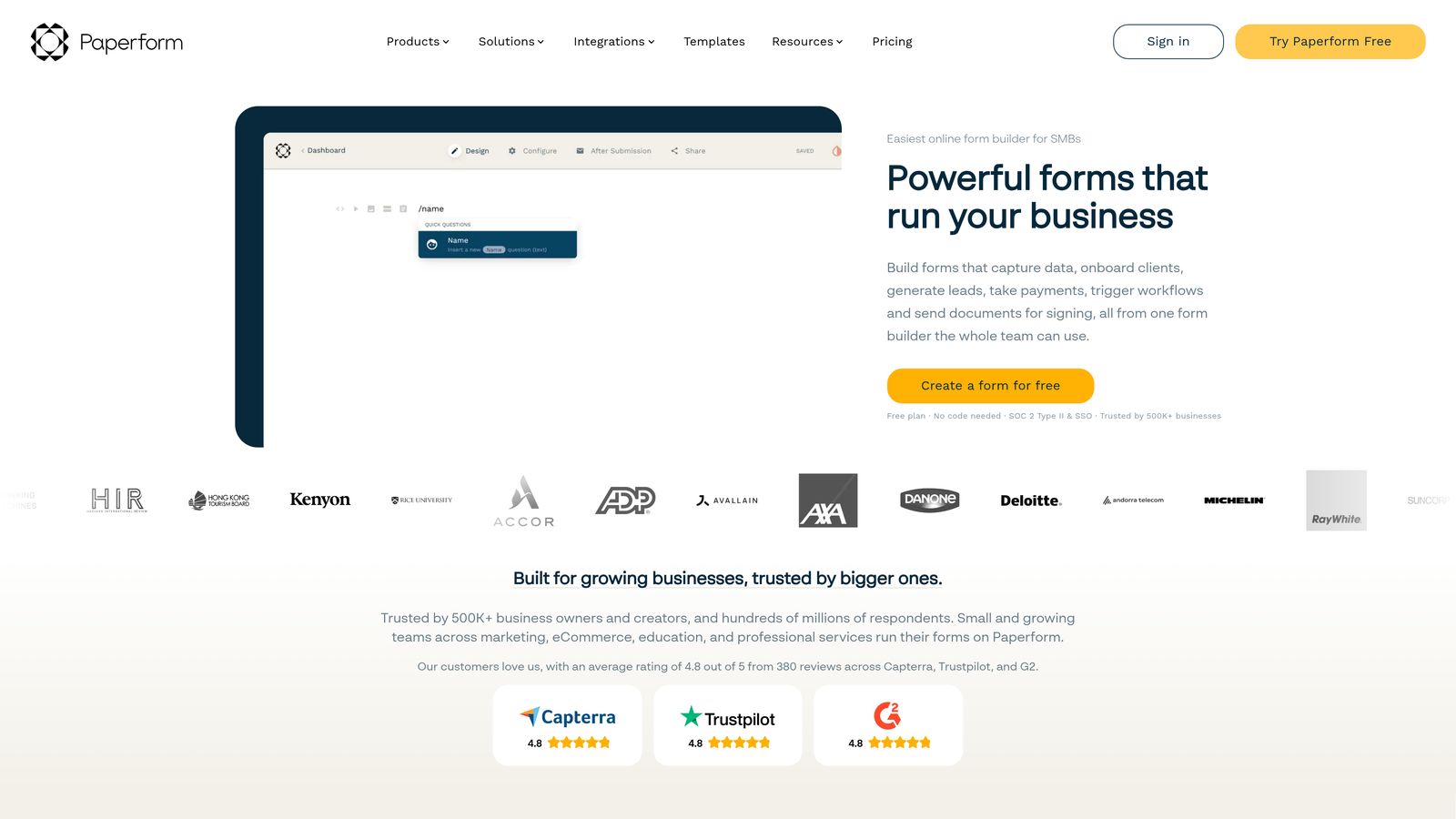
Paperform is a document-style form builder with strong design flexibility, advanced conditional logic, and built-in support for payments and appointment booking.
Where This Tool Shines
Paperform looks and feels different from most form builders. Its document-style editor lets you create forms that resemble branded landing pages rather than sterile data collection tools. You can mix text, images, and form fields freely, giving designers and brand-conscious teams far more creative control than typical drag-and-drop builders allow.
The breadth of built-in functionality is also notable. Payments, scheduling, quizzes, and calculation fields are all available without needing separate integrations. For agencies managing multiple client projects, the white-labeling options on higher plans add meaningful value.
Key Features
Document-Style Editor: Freeform layout that blends content and form fields for highly visual, branded experiences.
Multi-Payment Processor Support: Accept payments via Stripe, PayPal, and Square without additional plugins.
Advanced Conditional Logic: Sophisticated branching and calculation fields for complex form workflows.
Scheduling and Booking: Built-in appointment booking support, reducing the need for a separate scheduling tool.
White-Labeling: Custom domains and brand removal available on Agency and higher plans.
Best For
Creative agencies, consultants, and service businesses who need forms that look like an extension of their brand. Also strong for teams that want payments and scheduling in one tool rather than stitching together multiple platforms.
Pricing
Essentials from $24/month; Pro from $49/month; Agency from $159/month, all billed annually.
6. Jotform
Best for: Teams needing the widest possible template library and broadest integration ecosystem
Jotform is one of the most established form builders available, with thousands of templates, 200+ integrations, and a feature set covering nearly every form use case imaginable.
Where This Tool Shines
Jotform's template library is genuinely impressive. With over 10,000 templates spanning industries from healthcare to e-commerce to education, it's often the fastest way to get a specialized form up and running. Rather than building from scratch, you find a template close to your use case and customize from there.
The integration breadth is equally strong. If you use a CRM, payment processor, or storage tool, there's a good chance Jotform connects to it natively. It's worth noting that Jotform isn't the lightest tool technically, but its ease of use and reliability make it a frequent recommendation for teams that prioritize flexibility over minimalism.
Key Features
10,000+ Templates: The largest template library in the market, covering virtually every industry and form type.
200+ Native Integrations: Connects with CRMs, payment processors, cloud storage, and project management tools.
HIPAA Compliance: Enterprise plan includes HIPAA-compliant forms for healthcare and regulated industries.
Form Analytics: Built-in conversion tracking and drop-off reporting without needing external analytics tools.
Jotform Tables: Manage and view form submissions in a spreadsheet-style interface directly within the platform.
Best For
Teams in regulated industries, agencies managing diverse client needs, and organizations that want a single platform handling a wide variety of form types without custom development.
Pricing
Free plan includes up to 5 forms and 100 monthly submissions. Bronze from $34/month; Silver from $39/month with higher limits and features.
7. HubSpot Forms
Best for: Teams already in the HubSpot ecosystem who want zero-configuration CRM sync
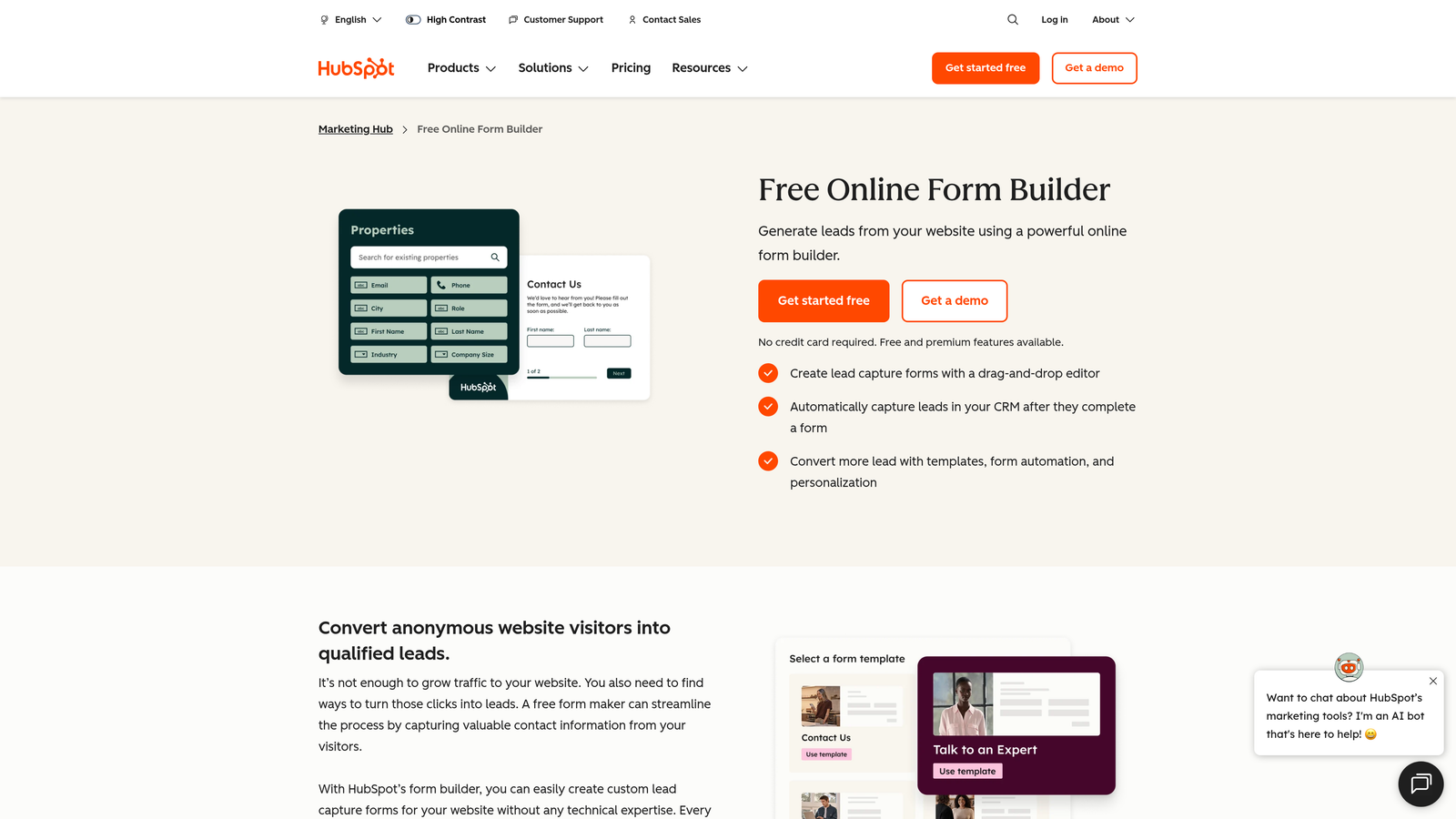
HubSpot Forms is a free form tool built natively into the HubSpot platform, offering seamless CRM integration and marketing automation for existing HubSpot users.
Where This Tool Shines
If your team is already paying for HubSpot, the forms tool is a no-brainer addition. Every submission automatically creates or updates a contact record in your CRM, triggers list segmentation, and can kick off automated follow-up sequences. There's genuinely zero configuration required to make that happen.
The key caveat is that HubSpot Forms is most valuable inside the HubSpot ecosystem. As a standalone form tool for teams not using HubSpot CRM, it's harder to justify compared to more flexible alternatives on this list. But for HubSpot shops, it removes an entire layer of integration work.
Key Features
Native CRM Sync: Automatic contact creation and property updates in HubSpot CRM with every form submission.
List Segmentation: Automatically adds contacts to smart lists based on form answers for targeted follow-up.
Workflow Automation: Triggers follow-up emails and sales sequences directly from form submissions.
Embed and Pop-Up Options: Deploy forms as embedded units or exit-intent pop-ups without additional tools.
Free Access: Available to any HubSpot account holder at no additional cost on the base tier.
Best For
Marketing and sales teams who are already invested in the HubSpot platform and want their forms to feed directly into their CRM and automation workflows without manual data transfer.
Pricing
Free with any HubSpot account. Advanced features and higher limits require Marketing Hub Starter from $20/month.
8. Formspree
Best for: Developers building custom or static sites who need a backend form handler without writing server-side code
Formspree is a developer-focused form backend that processes standard HTML form submissions, handling spam filtering, notifications, and webhooks without any server infrastructure.
Where This Tool Shines
Formspree occupies a unique position on this list: it's not a form builder at all. You write your own HTML form with standard markup, point the action attribute at Formspree's endpoint, and it handles everything on the backend. No JavaScript required, no visual editor, no templates. Just clean, functional form handling.
For developers working on JAMstack sites, static site generators like Next.js, Gatsby, or Hugo, or any custom-built web project, Formspree is often the simplest possible solution. It's as lightweight as it gets because the form itself is just HTML you already control.
Key Features
Pure HTML Support: Works with standard HTML forms using no JavaScript, making it compatible with any web stack.
Spam Filtering: Built-in reCAPTCHA and honeypot field support to block bot submissions automatically.
Email Notifications and Webhooks: Submission alerts and webhook forwarding available on paid plans.
Static Site Compatibility: Works seamlessly with Next.js, Gatsby, Hugo, Eleventy, and any other static site generator.
No Visual Builder: Purely a backend processor, meaning full design control stays with the developer.
Best For
Frontend developers, JAMstack builders, and technical teams who want to maintain complete control over form design and markup while outsourcing submission handling, spam filtering, and notifications to a reliable backend service.
Pricing
Free plan includes 50 submissions/month. Gold from $10/month; Platinum from $40/month with higher submission limits and advanced features.
9. Pabbly Form Builder
Best for: Cost-conscious teams and agencies who want unlimited submissions without ongoing monthly fees
Pabbly Form Builder is a budget-friendly form builder offering unlimited submissions on all paid plans, with a one-time lifetime pricing option that stands out in a market dominated by recurring subscriptions.
Where This Tool Shines
Pabbly's pricing model is its clearest differentiator. While virtually every other tool on this list charges monthly or annual SaaS fees, Pabbly periodically offers lifetime deals that let you pay once and use the product indefinitely. For agencies managing multiple client projects or bootstrapped teams watching every dollar, this changes the total cost calculation significantly.
The product itself covers the fundamentals well. A drag-and-drop builder with 200+ field types handles most standard form use cases, and native integration with Pabbly Connect means you can build automation workflows without needing Zapier or Make as a separate paid layer.
Key Features
Unlimited Submissions: No submission caps on any paid plan, removing a common pain point as your forms scale.
Lifetime Pricing Option: Periodic one-time payment deals available, offering long-term cost savings over monthly subscriptions.
200+ Field Types: Broad drag-and-drop builder covering standard and specialized form field requirements.
Pabbly Connect Integration: Native workflow automation without needing a separate Zapier or Make subscription.
Payment Collection: Built-in PayPal and Stripe support for forms that need to accept payments.
Best For
Budget-conscious teams, freelancers, and agencies who prioritize low total cost of ownership over cutting-edge features. Particularly compelling for anyone who can take advantage of the lifetime pricing window.
Pricing
Available as part of the Pabbly Suite from $19/month. Lifetime deal pricing is offered periodically. Check the Pabbly website for current availability.
Which Tool Is Right for Your Team?
The right form builder depends entirely on what you're optimizing for. Here's a quick decision guide to help you cut through the options.
AI-powered lead qualification: Orbit AI is the only tool on this list that scores and routes leads automatically based on form responses. If pipeline quality matters, this is where to start.
Free plan with no limits: Tally's unlimited forms and responses on the free tier make it the clear winner for startups and solo operators who aren't ready to pay yet.
Conversational engagement: Typeform's one-question-at-a-time format remains the gold standard for longer surveys and lead gen flows where completion rate is the primary metric.
Database-connected workflows: Fillout is the strongest choice for teams whose source of truth lives in Notion, Airtable, or Supabase and who need forms to write directly to those databases.
Branded, design-forward forms: Paperform's document-style editor gives agencies and service businesses creative control that standard drag-and-drop builders simply can't match.
Maximum template and integration coverage: Jotform's library depth and 200+ native integrations make it the safest choice for teams with diverse or specialized form needs.
HubSpot ecosystem users: HubSpot Forms removes every integration headache for teams already on the platform. The zero-configuration CRM sync alone justifies using it over a separate tool.
Developer-built or static sites: Formspree is the simplest, lightest solution for developers who want to write their own HTML and outsource the backend handling.
Lifetime pricing and unlimited submissions: Pabbly is the strongest option for cost-focused teams who want to avoid recurring SaaS fees indefinitely.
If your team is focused on lead generation and conversion optimization, the tools that go beyond data collection are worth a closer look. Forms are often the first touchpoint between a prospect and your pipeline, and the quality of that experience directly affects how many qualified leads actually make it through.
Transform your lead generation with AI-powered forms that qualify prospects automatically while delivering the modern, conversion-optimized experience your high-growth team needs. Start building free forms today and see how intelligent form design can elevate your conversion strategy.


