

When a lead fills out your form and has to wait 24 hours for a follow-up email with a calendar link, you lose momentum. Often, you lose the lead entirely. The fix is a form builder that handles scheduling in the same flow, so prospects can book a call the moment they express interest.
This guide covers the best form builders with built-in or tightly integrated calendar scheduling, evaluated on conversion design, scheduling flexibility, lead qualification, and ease of setup. Whether you're a SaaS team running demo requests or a service business booking consultations, one of these tools will fit your workflow.
1. Orbit AI
Best for: High-growth SaaS teams that need to qualify leads before they reach the calendar.
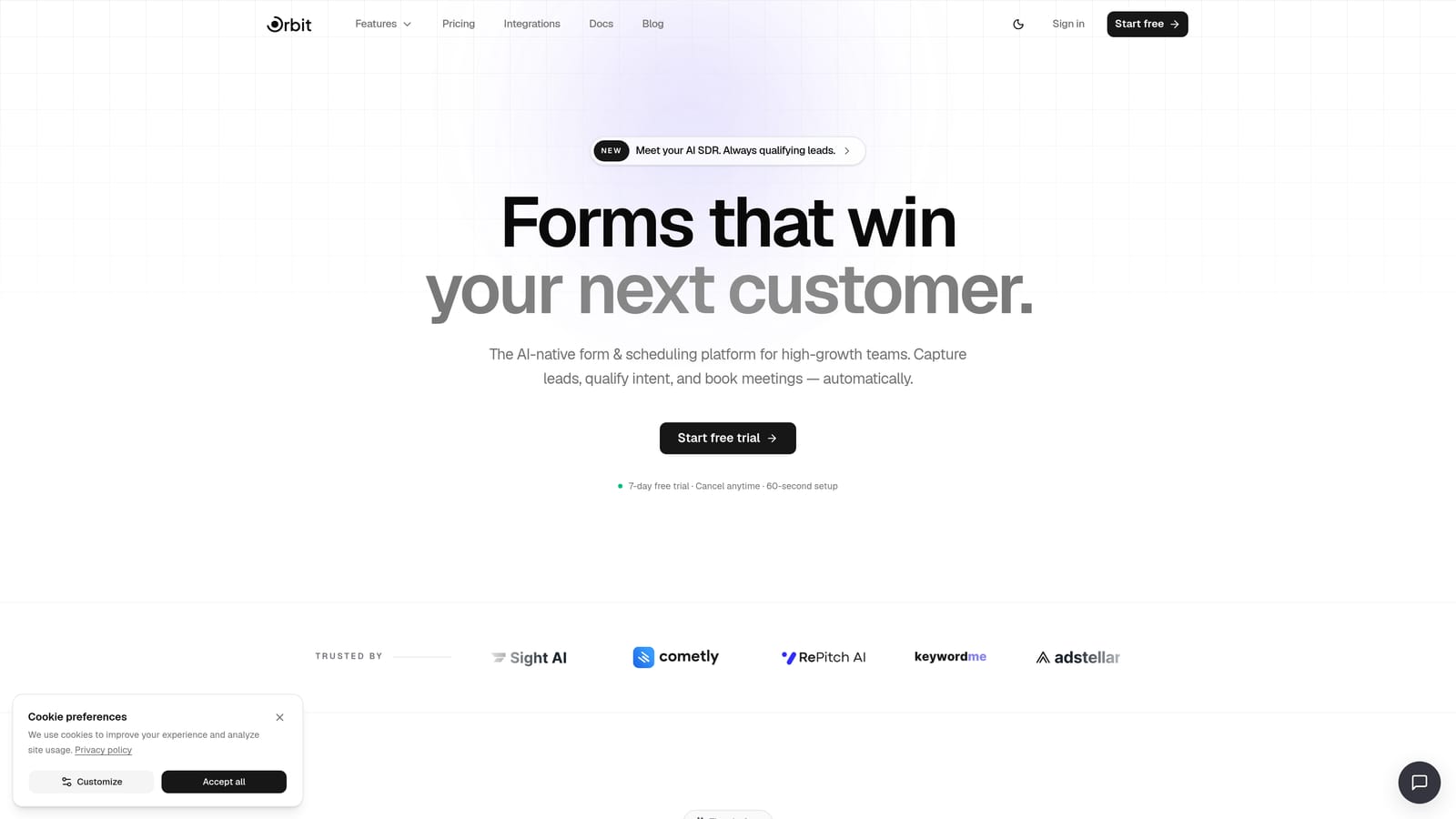
Orbit AI is an AI-powered form builder with native lead qualification and a built-in scheduler designed to gate booking access based on lead fit.
Where This Tool Shines
Most form-to-calendar tools show the booking option to everyone who submits a form. Orbit AI takes a different approach: its AI qualification layer evaluates leads within the form flow itself, and only surfaces the scheduler to prospects who meet your defined criteria. This means your calendar fills with people who are actually a fit, not just anyone curious enough to click submit.
For high-growth teams where sales capacity is limited and every booked call needs to count, this qualification-first model is a meaningful differentiator. The platform also emphasizes conversion-optimized design, so the forms themselves are built to reduce abandonment before a lead even reaches the scheduling step.
Key Features
AI-Driven Lead Qualification: Evaluates lead responses within the form flow and routes prospects based on fit criteria you define.
Native Scheduler: A built-in scheduling feature that only surfaces booking options to qualified leads, keeping unqualified submissions out of your calendar.
Conversion-Optimized Form Design: Modern, visually polished form templates built to minimize drop-off at every step.
Lead Management and Contact Tracking: Centralizes lead data so your team has full context before a call happens.
Workflow Automation and Sequences: Automates follow-up steps and sequences based on form responses and qualification outcomes.
Best For
Orbit AI is purpose-built for high-growth SaaS teams and B2B businesses running demo requests, discovery calls, or consultation bookings where lead quality matters as much as lead volume. If you've ever ended a call thinking "this person was never going to buy," Orbit AI's qualification layer addresses that problem at the source.
Pricing
Visit orbitforms.ai/pricing for current plan details. A free starting option is available.
2. Typeform
Best for: Teams that prioritize conversational UX and brand aesthetics in their form experience.
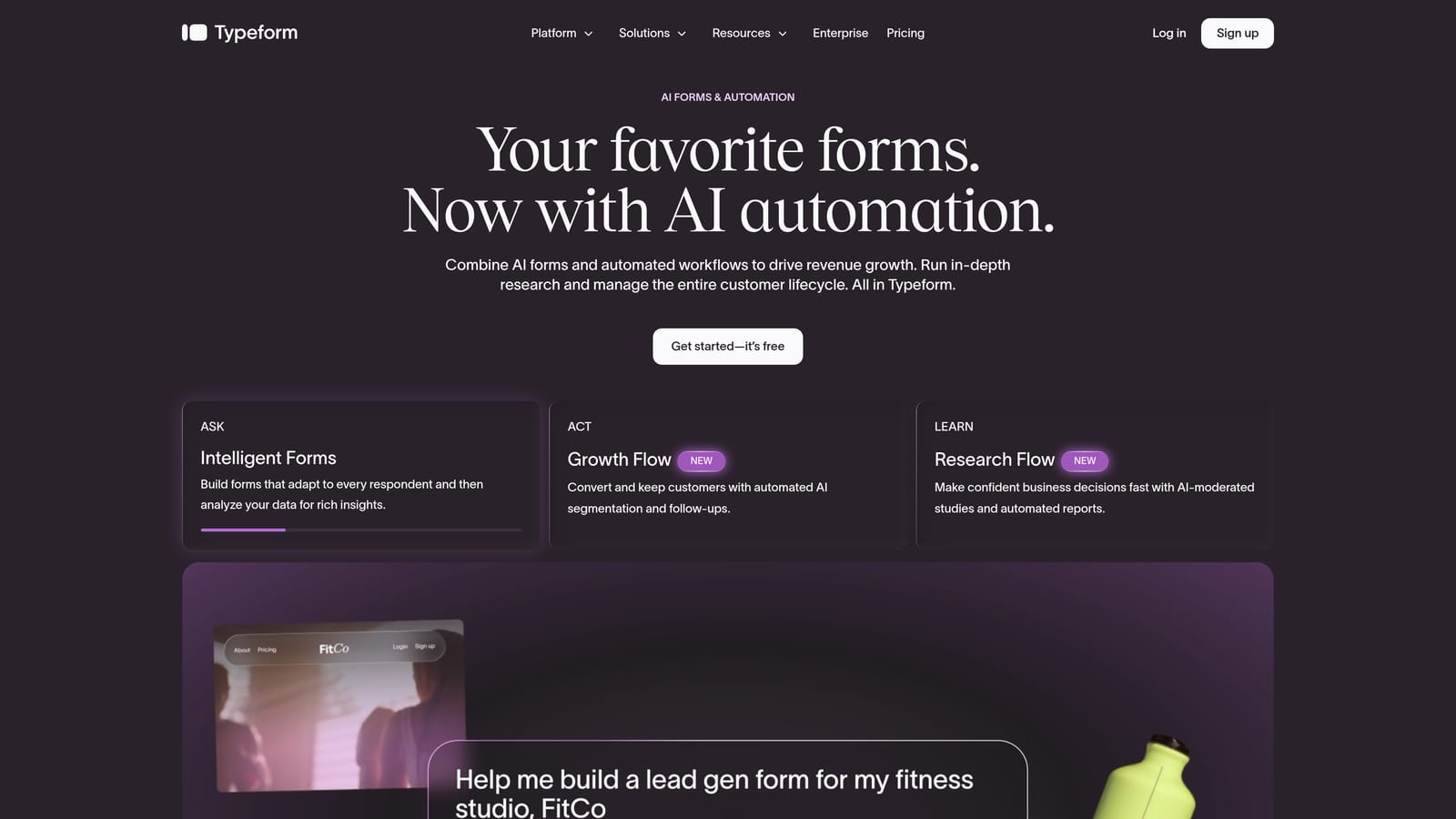
Typeform is a well-established conversational form builder known for its one-question-at-a-time format that reduces abandonment compared to traditional multi-field forms.
Where This Tool Shines
Typeform's signature UX is genuinely engaging. The single-question flow feels more like a conversation than a form, which tends to keep respondents moving through to completion. For brand-conscious teams, the design customization options are strong, and the finished product looks polished without requiring a designer.
Scheduling isn't native to Typeform, but the workaround is clean: you can redirect respondents to a Calendly page or embed a scheduling widget at the end of the form flow. It's an extra integration step, but for teams already using Calendly, it connects smoothly enough that most respondents won't notice the seam.
Key Features
Conversational One-Question Format: Presents questions one at a time to create a guided, low-friction experience.
Brand Customization: Strong control over fonts, colors, imagery, and overall visual identity within forms.
Scheduling via Integration: Connects with Calendly and similar tools via redirect or embed to add a booking step at form completion.
Logic Jumps and Conditional Branching: Routes respondents through different question paths based on their answers.
Free Plan Available: A limited free tier lets you get started before committing to a paid plan.
Best For
Typeform suits marketing and sales teams where the form experience itself is a brand touchpoint. It's a strong choice when you want a polished, conversational intake flow and are comfortable managing scheduling through an external tool like Calendly.
Pricing
Free plan available with limitations. Paid plans start at approximately $25 per month, with higher tiers unlocking more responses and advanced features.
3. Jotform
Best for: Teams that want native appointment scheduling built directly into the form, no third-party tool required.
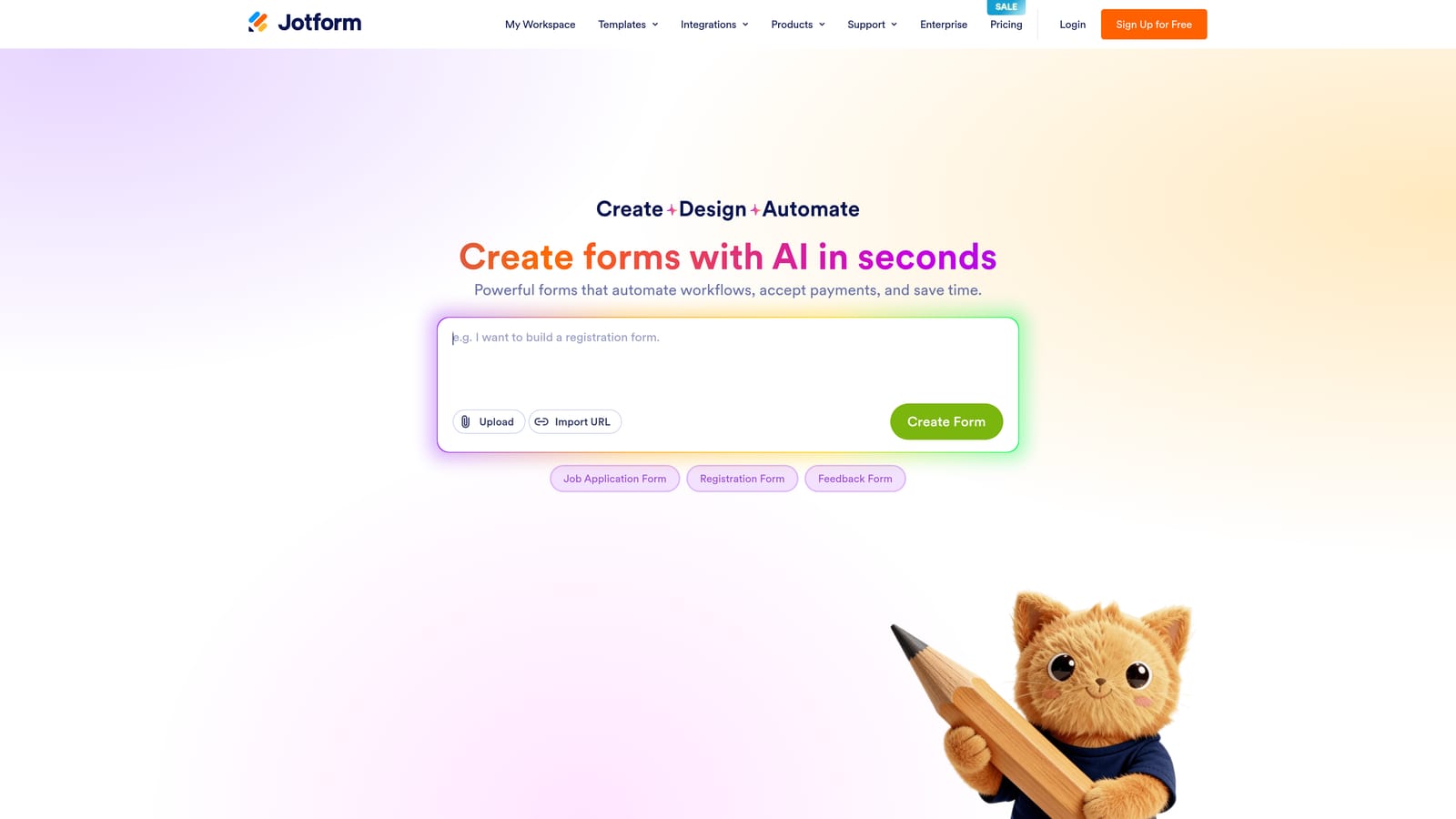
Jotform is one of the most feature-rich form builders available, with a native Appointment field type that lets respondents pick available time slots directly inside the form.
Where This Tool Shines
Jotform's native scheduling widget is a genuine strength. Instead of redirecting to a separate calendar tool after form submission, respondents select their time slot as part of the form itself. This keeps the entire experience in one place and reduces the drop-off that happens when people are sent to an external link.
Beyond scheduling, Jotform's breadth is impressive. With thousands of templates, a wide range of field types, and integrations that include Google Calendar and various payment processors, it's a versatile tool that works well for SMBs, agencies, and anyone who needs a form builder that can handle a lot of different use cases without switching platforms.
Key Features
Native Appointment Scheduling Widget: Built directly into the form so respondents pick time slots without leaving the form experience.
Google Calendar Integration: Syncs booked appointments with your calendar automatically.
Extensive Template Library: Thousands of pre-built templates covering a wide range of industries and use cases.
Payment Integrations: Supports collecting payment at the time of booking, useful for paid consultations or services.
Wide Field Type Range: Covers everything from file uploads to signature fields, making it adaptable to complex intake flows.
Best For
Jotform is a strong choice for service businesses, agencies, and SMBs that want native scheduling without the complexity of managing external integrations. It's particularly well-suited to use cases like appointment booking, consultation intake, and event registration where the scheduling step is central to the form's purpose.
Pricing
Free plan available. Paid plans start at approximately $34 per month and scale based on submission volume and feature access.
4. Paperform
Best for: Consultants and small service businesses that want design flexibility and the ability to embed scheduling within a rich form page.
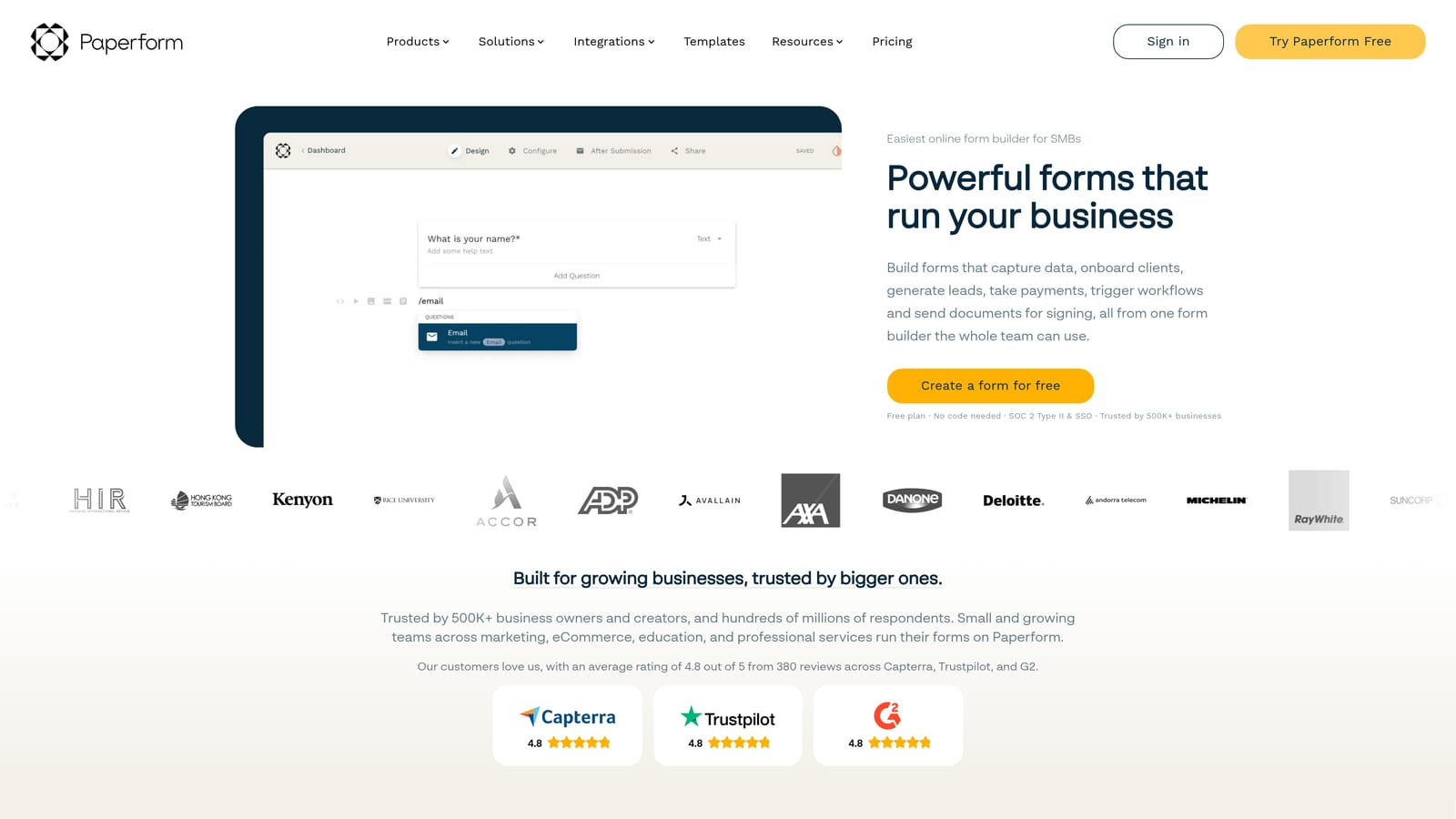
Paperform is a flexible form-page builder where each form functions as a mini landing page, with strong design customization and support for embedding external scheduling tools.
Where This Tool Shines
Paperform's approach is distinct from most form builders: rather than presenting a traditional form layout, it creates a document-style page where text, images, and form fields sit together. This makes it feel more like a bespoke intake page than a generic form, which works particularly well for coaches, consultants, and service providers who want their forms to reflect their brand more fully.
Scheduling isn't native in the same way Jotform's is, but Paperform supports embedding external scheduling widgets within the form page, so the experience can still feel cohesive. It also has a native date and time question type for simpler scheduling needs.
Key Features
Form Pages as Mini Landing Pages: Combines rich text, images, and form fields in a document-style layout for a more branded experience.
Scheduling Widget Embedding: Supports embedding external calendar tools directly within the form page.
Native Date and Time Field: Collects scheduling preferences without an external tool for simpler use cases.
High Design Flexibility: Extensive customization of fonts, colors, layout, and visual elements.
Conditional Logic and Payment Support: Routes respondents based on answers and can collect payment within the same flow.
Best For
Paperform is best for independent consultants, coaches, and small service businesses that want a highly customized intake experience and are comfortable embedding a scheduling tool rather than needing one built in natively.
Pricing
No permanent free plan. Paid plans start at approximately $24 per month, with higher tiers available for additional features and usage.
5. Tally
Best for: Early-stage teams and budget-conscious builders who need a clean, capable form tool and are comfortable connecting scheduling via integrations.
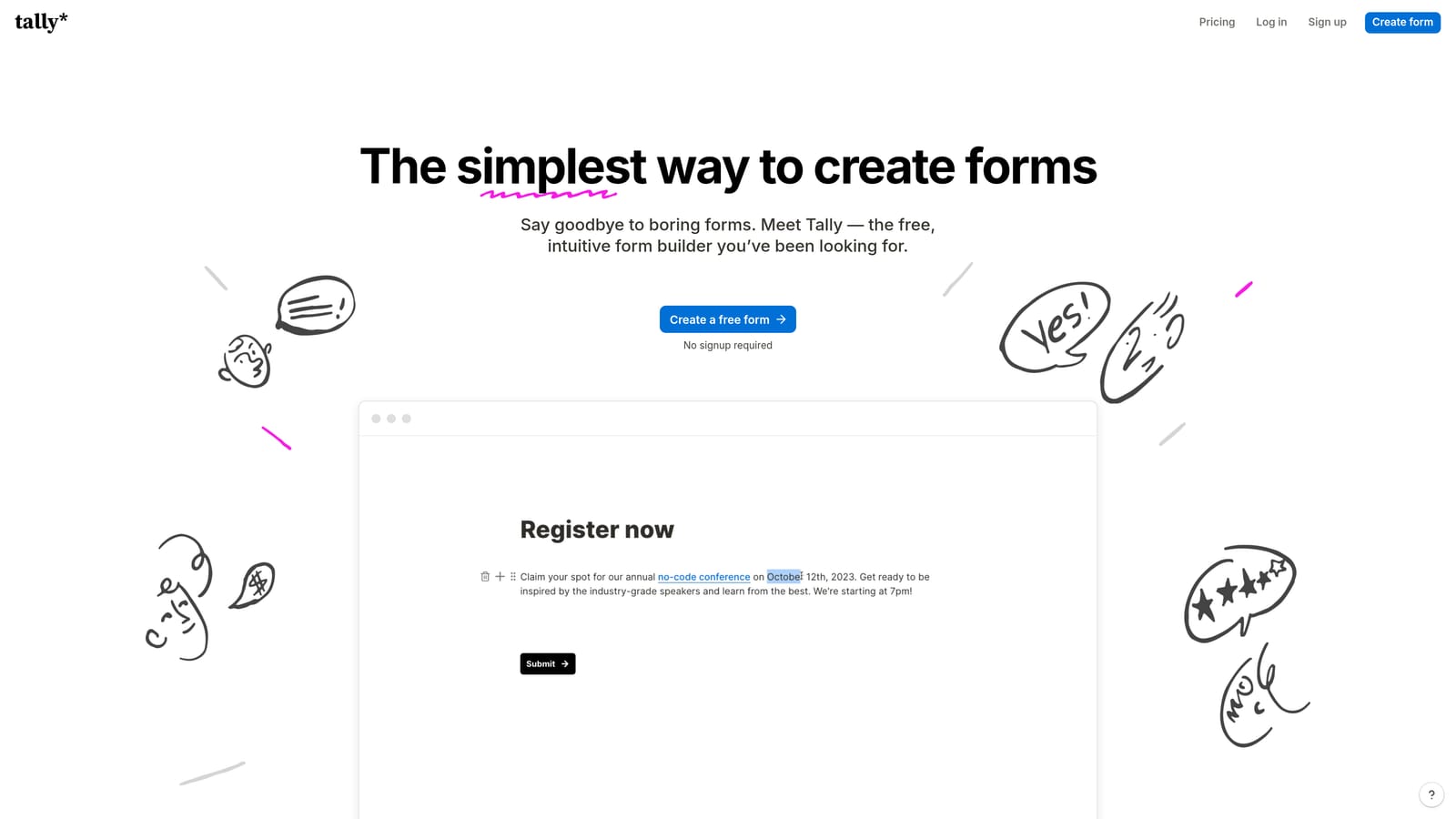
Tally is a lightweight, Notion-inspired form builder with one of the most generous free tiers in the category and a clean block-based editor.
Where This Tool Shines
Tally's appeal is its simplicity and accessibility. The block-based editor feels familiar to anyone who uses Notion, which makes building forms fast and low-friction. The free plan includes unlimited forms and unlimited responses, which is genuinely unusual in this space and makes it a standout option for startups and indie makers watching their tool spend.
Scheduling isn't native to Tally, so you'll need to connect an external calendar tool via Zapier or embed one at the end of the form. It's a workaround rather than a native flow, but for teams with straightforward needs and existing scheduling tools, it gets the job done without adding cost.
Key Features
Block-Based Editor: Notion-style interface that makes building forms fast and intuitive for teams already in that ecosystem.
Generous Free Plan: Unlimited forms and unlimited responses on the free tier, with no submission caps.
Scheduling via Integrations: Connects with external scheduling tools through Zapier or supports embedding calendar widgets after form submission.
Clean, Distraction-Free UX: Minimal design keeps respondents focused on completing the form.
Conditional Logic: Basic logic and conditional fields available to route respondents based on answers.
Best For
Tally is the right pick for early-stage startups, solo founders, and budget-conscious teams who need capable forms without the cost. If scheduling is a secondary need and you already have a calendar tool you like, Tally's integration path works well enough.
Pricing
Free plan available with unlimited forms and responses. Tally Pro is approximately $29 per month and unlocks additional customization and features.
6. Formstack
Best for: Enterprise teams that need scheduling as one step in a larger, CRM-driven workflow with compliance and security requirements.
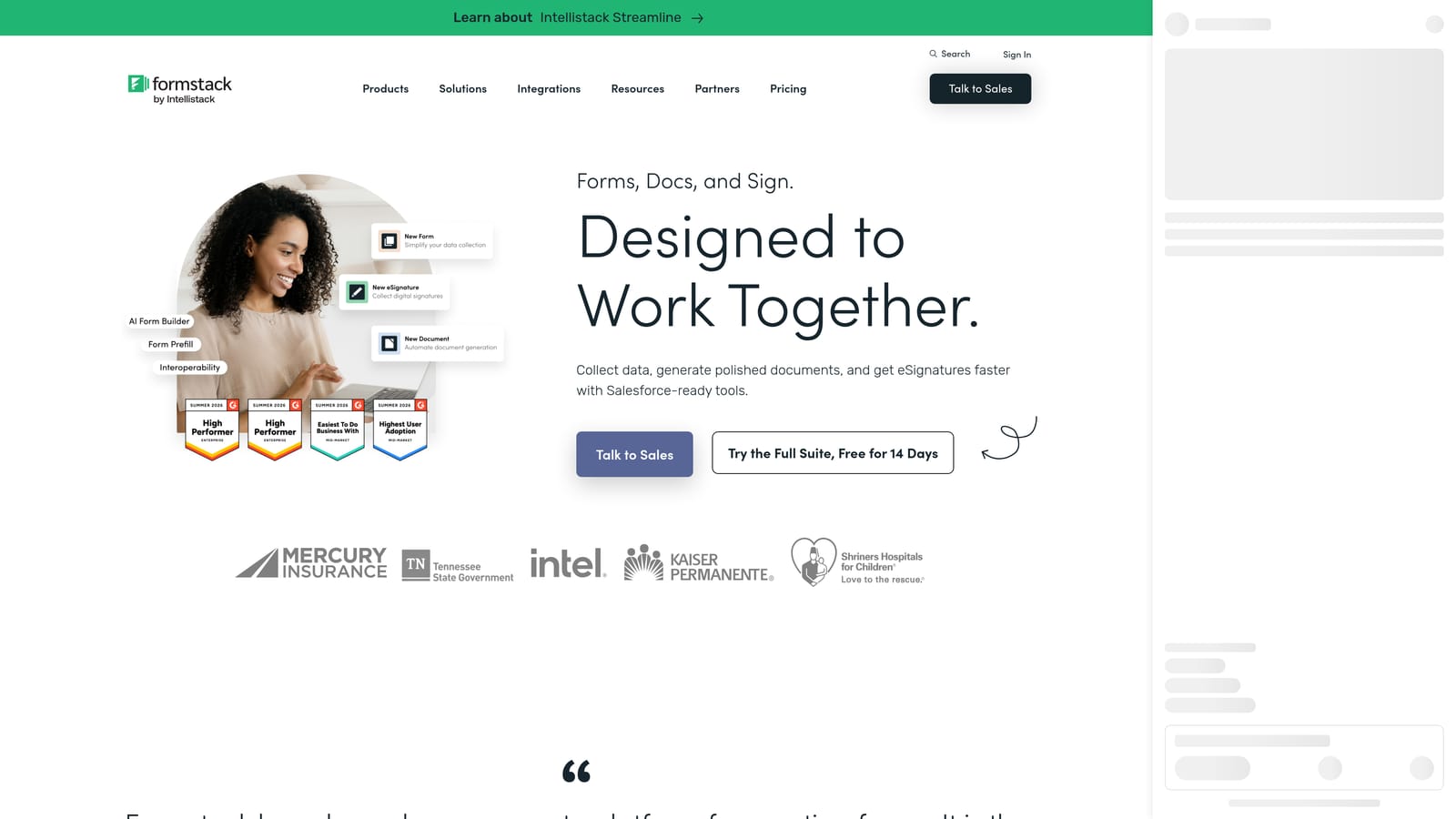
Formstack is an enterprise-grade forms and workflow platform with deep Salesforce integration and the ability to incorporate scheduling triggers within complex multi-stage workflows.
Where This Tool Shines
Formstack is built for organizations where forms aren't a standalone tool but a component of a broader data and workflow system. Its Salesforce integration is deep, and its workflow automation capabilities mean you can build multi-step processes where a form submission triggers routing, approval, scheduling, document generation, and CRM updates in sequence.
Scheduling in Formstack is less about a consumer-friendly booking experience and more about triggering the right step in a business process. For enterprise teams managing complex intake flows with compliance requirements, that distinction matters. It's not the right tool if you want a simple form-to-calendar experience, but it's well-suited to environments where scheduling is one node in a larger operational workflow.
Key Features
Deep Salesforce Integration: Syncs form data directly with Salesforce records, enabling CRM-driven routing and follow-up.
Multi-Step Workflow Automation: Builds complex workflows where scheduling can be triggered as a step based on form responses.
Enterprise Security and Compliance: Meets security and compliance requirements relevant to regulated industries.
Document Generation and E-Signature: Generates documents and collects signatures within the same workflow as the form.
Advanced Routing and Approval Workflows: Routes submissions through approval chains before scheduling or next steps are triggered.
Best For
Formstack is suited to mid-market and enterprise teams in regulated industries or complex sales environments where forms feed into multi-step operational workflows. If your scheduling needs are straightforward, the platform's complexity and price point are likely more than you need.
Pricing
Pricing is available on request and is positioned at the higher end of the market, reflecting its enterprise feature set and compliance capabilities.
Which Tool Is Right for Your Team?
The right choice here depends on one core question: do you need scheduling as a bolt-on at the end of a form, or as a core part of a conversion and qualification system?
If you're a high-growth SaaS team where lead quality matters as much as lead volume, Orbit AI is the standout option. Its qualification-first approach means your calendar fills with the right people, not just anyone who clicked submit. That's a fundamentally different model from every other tool on this list.
For teams where brand aesthetics and conversational UX are the priority, Typeform delivers a polished experience that pairs cleanly with external scheduling tools. If you want native scheduling without managing integrations, Jotform covers that with its built-in appointment widget. Paperform suits consultants and small service teams who want design freedom and a landing-page-style form experience. Tally is the go-to for budget-conscious early-stage teams who need capable forms at low or no cost. And Formstack fits enterprise environments where scheduling is one step in a larger CRM-driven process.
For teams where every booked call counts, the smartest move is to start with a tool that filters leads before they reach your calendar, not after. Start building free forms today with Orbit AI and see how an AI-powered qualification layer can change the quality of conversations your team is having.


