

Squarespace's built-in forms are fine for simple contact pages. But if you're running a high-growth operation where every lead counts, they reveal their limits fast. There's no conditional logic, no lead scoring, no native automation beyond basic email notifications, and customization options are tightly constrained by the platform's design system.
For teams focused on conversion optimization, that's a ceiling you'll hit quickly.
The good news: a new generation of standalone form builders has emerged that treat forms not as a website feature, but as a core revenue tool. These platforms integrate cleanly with any site, including Squarespace, and bring capabilities like AI-powered lead qualification, multi-step flows, workflow automation, and deep analytics that Squarespace's native forms simply can't match.
This guide covers seven of the best Squarespace form alternatives, evaluated specifically for teams that care about lead quality, conversion rates, and scalability. Whether you're capturing demo requests, qualifying inbound leads, or running onboarding flows, these tools give you the infrastructure to do it properly.
1. Orbit AI: Built for Lead Qualification from the Ground Up
The Challenge It Solves
Most form builders are designed to collect data. Orbit AI is designed to qualify leads. If your team is spending time manually reviewing form submissions, chasing down low-intent prospects, or trying to stitch together a form tool, an automation platform, and a CRM, that's the exact problem Orbit AI was built to eliminate.
The Strategy Explained
Orbit AI is an AI-powered form builder with native lead qualification, workflow automation, and contact management built into a single platform. Instead of routing raw form data to a spreadsheet or a disconnected CRM, Orbit AI's AI agents evaluate each submission in real time, score and qualify leads based on your criteria, and trigger automated follow-up sequences without any manual intervention.
The form builder itself is designed for high-growth teams: modern, conversion-optimized layouts, multi-step flows, and conditional logic that adapts the experience to each respondent. And because it generates a standard embed code, it installs on any Squarespace page in minutes.
Implementation Steps
1. Build your form inside Orbit AI, configuring your qualification criteria and any automated sequences you want triggered on submission.
2. Copy the embed code from your Orbit AI dashboard.
3. In Squarespace, add a Code Block to the page where you want the form to appear and paste the embed code.
4. Preview and publish. Your form is live, and leads are being qualified automatically from the moment the first submission comes in.
Pro Tips
Start with your highest-traffic form, whether that's a demo request, a contact page, or a lead magnet. This gives you the fastest signal on lead quality improvement. Use Orbit AI's contact management view to monitor how qualified leads are progressing rather than just tracking raw submission volume.
2. Typeform: Conversational Forms That Reduce Drop-Off
The Challenge It Solves
Long, static forms are a well-documented source of abandonment. When respondents see a wall of fields, many leave before completing the first one. Typeform addresses this through a one-question-at-a-time format that makes filling out a form feel more like a conversation and less like a chore.
The Strategy Explained
Typeform's core design philosophy is conversational UX. Each question appears individually, with smooth transitions between steps. The result is a more engaging experience that can improve completion rates, particularly for longer forms like applications, surveys, and multi-step lead flows.

Beyond the format, Typeform supports strong logic jumps, allowing you to route respondents through different question paths based on their answers. Brand customization is solid, with control over fonts, colors, and imagery. It integrates with a wide range of third-party tools through native connections and Zapier.
Implementation Steps
1. Build your form in Typeform, setting up logic jumps for any branching paths you need.
2. Navigate to the Share panel and select the Embed option to generate your embed code.
3. Add a Code Block to your Squarespace page and paste the embed code.
4. Choose your embed style: standard embed, popup, or slider, depending on how you want the form to appear on the page.
Pro Tips
Typeform works best for forms where engagement matters: job applications, client onboarding questionnaires, and detailed lead qualification flows. For simple contact forms, the conversational format may feel like overkill. Reserve it for the use cases where the experience itself is part of the value.
3. Tally: The Lightweight Option for Early-Stage Teams
The Challenge It Solves
Not every team needs enterprise-grade automation on day one. If you're early-stage, running lean, or just need a clean, functional form without a monthly subscription eating into your budget, Tally offers a genuinely capable free tier that covers most basic use cases.
The Strategy Explained
Tally uses a Notion-inspired block editor that makes building forms feel intuitive, especially for teams already living in Notion. The free plan includes unlimited forms, unlimited submissions, and basic conditional logic, which is a more generous offering than most competitors at the same price point.
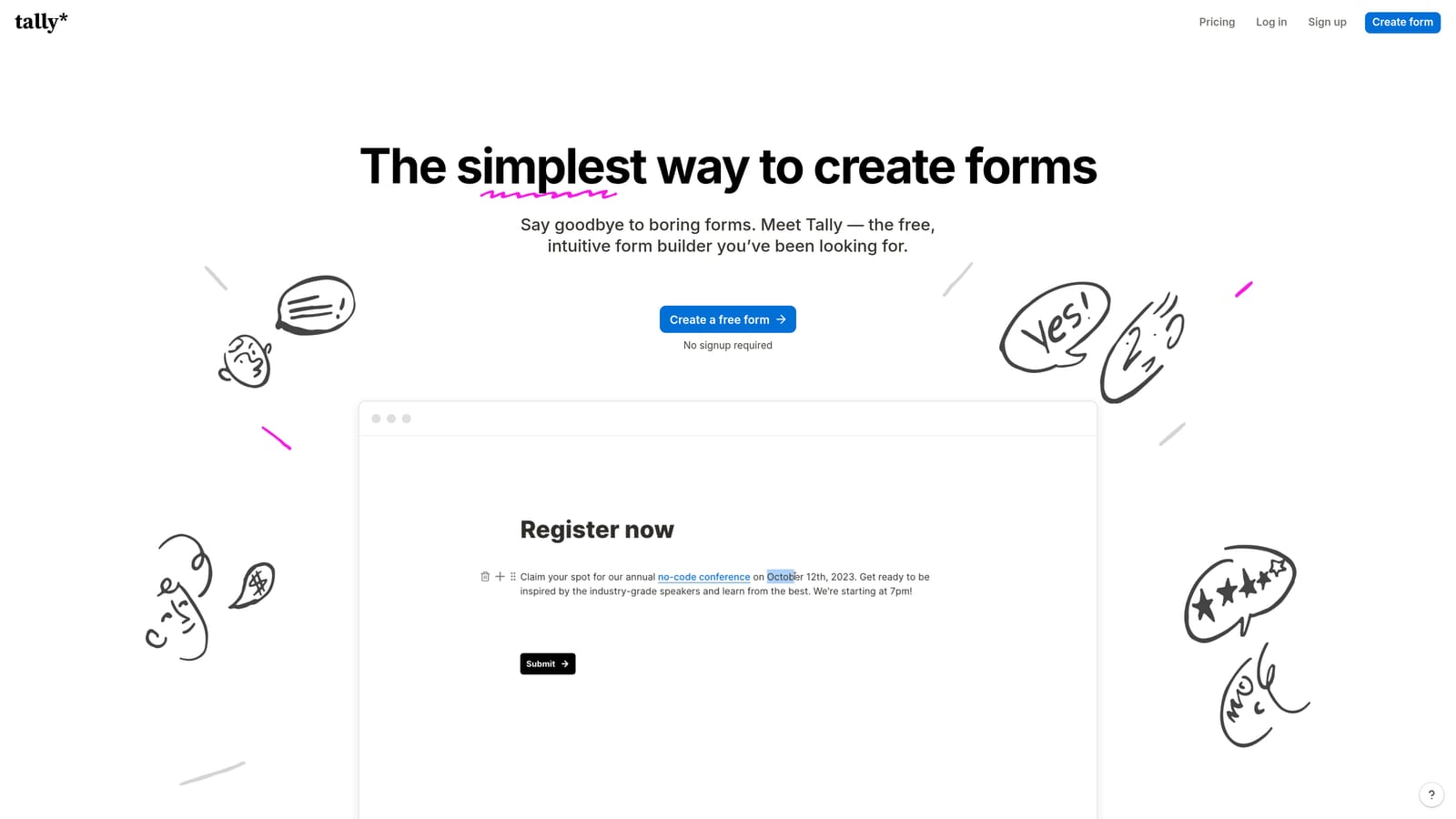
It supports file uploads, hidden fields, and a range of field types. Integrations are available with tools like Google Sheets, Notion, and Slack, though deeper automation requires connecting through Zapier or Make. It won't replace a dedicated lead qualification platform, but for early-stage teams collecting contact information or running simple surveys, it's a practical starting point.
Implementation Steps
1. Create your form in Tally using the block editor.
2. Open the Share menu and select Embed to access your embed code.
4. Adjust the iframe height in the embed code if needed to prevent scrolling issues on the page.
Pro Tips
Tally is a strong choice when you need something live quickly without a budget commitment. As your team scales and you need lead scoring, automated sequences, or CRM sync, plan to migrate to a more capable platform. Think of Tally as a starting point, not a long-term lead generation infrastructure.
4. Paperform: When Your Form Needs to Do More Than Collect Data
The Challenge It Solves
Some form use cases don't fit neatly into a standard field-and-submit structure. If you're building a product configuration flow, a service intake form with pricing calculations, or a proposal that combines rich content with form fields, a standard form builder creates awkward workarounds. Paperform was designed for exactly these hybrid scenarios.
The Strategy Explained
Paperform blends a landing page builder with a form builder. You can mix text, images, video, and headings alongside form fields, creating experiences that feel more like interactive documents than traditional forms. It supports conditional logic, payment collection through Stripe and PayPal, and calculation fields that can compute pricing or scores dynamically based on user inputs.
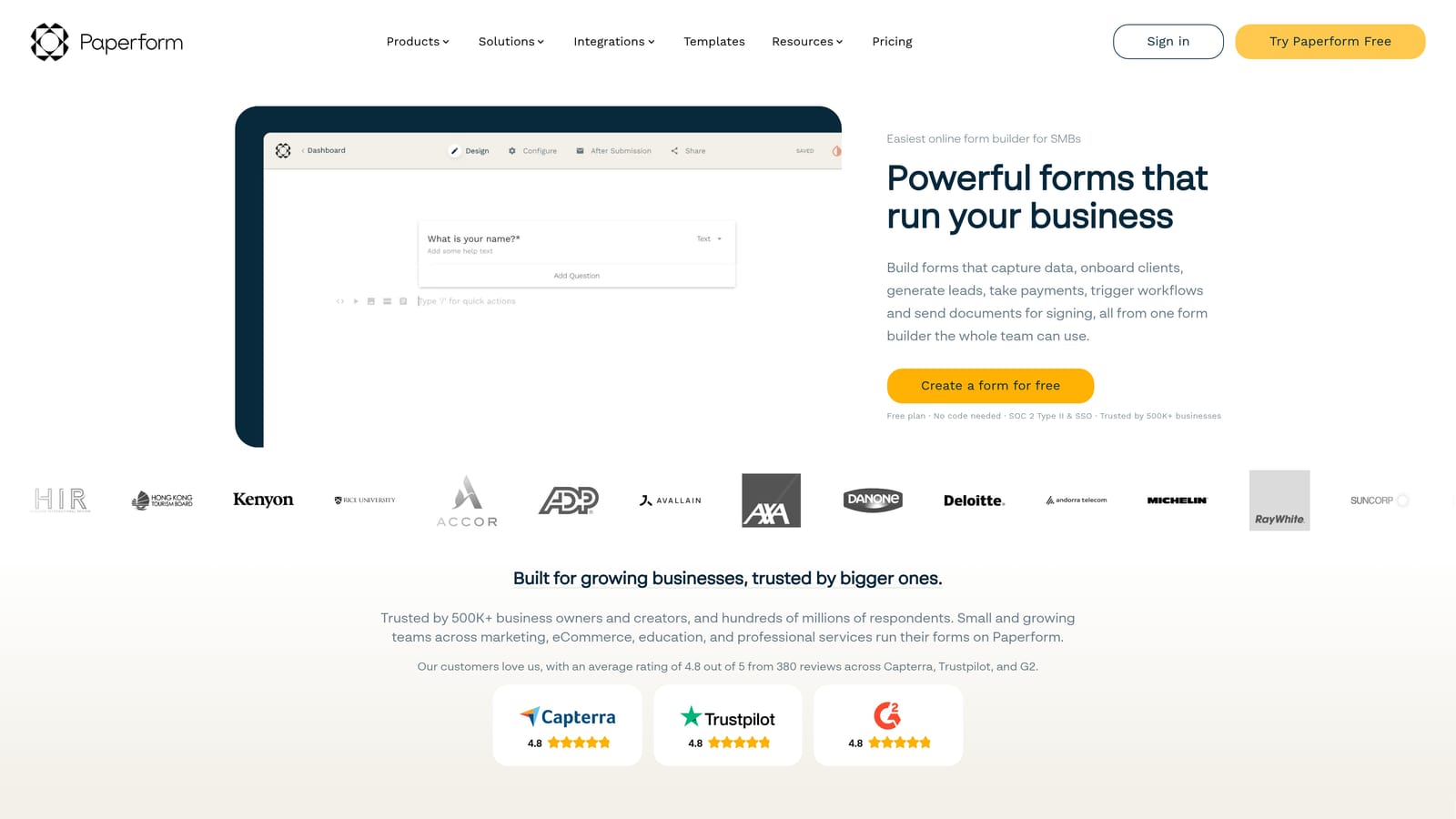
This makes Paperform particularly well-suited for service businesses, agencies, and product teams that need forms to carry context, not just collect it. The editor is visual and relatively easy to learn, and the output looks polished without requiring design expertise.
Implementation Steps
1. Build your form or landing page in Paperform, adding content blocks and form fields as needed.
2. From the Share section, copy the embed code for your form.
4. Test the embedded form on both desktop and mobile to confirm layout and field behavior work as expected.
Pro Tips
Use Paperform's calculation fields to build dynamic pricing estimators or lead scoring logic directly inside the form. This reduces the friction of follow-up conversations by giving respondents immediate, relevant output based on their answers, which often improves both completion rates and lead quality.
5. Jotform: Feature Depth for Complex Requirements
The Challenge It Solves
Some teams have form requirements that go well beyond lead capture. If you need e-signatures, payment collection, HIPAA compliance, or a library of pre-built templates for regulated industries, most lightweight form builders fall short. Jotform is built for this level of complexity.
The Strategy Explained
Jotform is one of the most feature-rich form platforms available. Its template library covers thousands of use cases across industries, which makes it a strong starting point for teams that need to move quickly without building from scratch. It supports payment collection through multiple processors, e-signature workflows, conditional logic, and a range of compliance features relevant to healthcare, legal, and financial services teams.
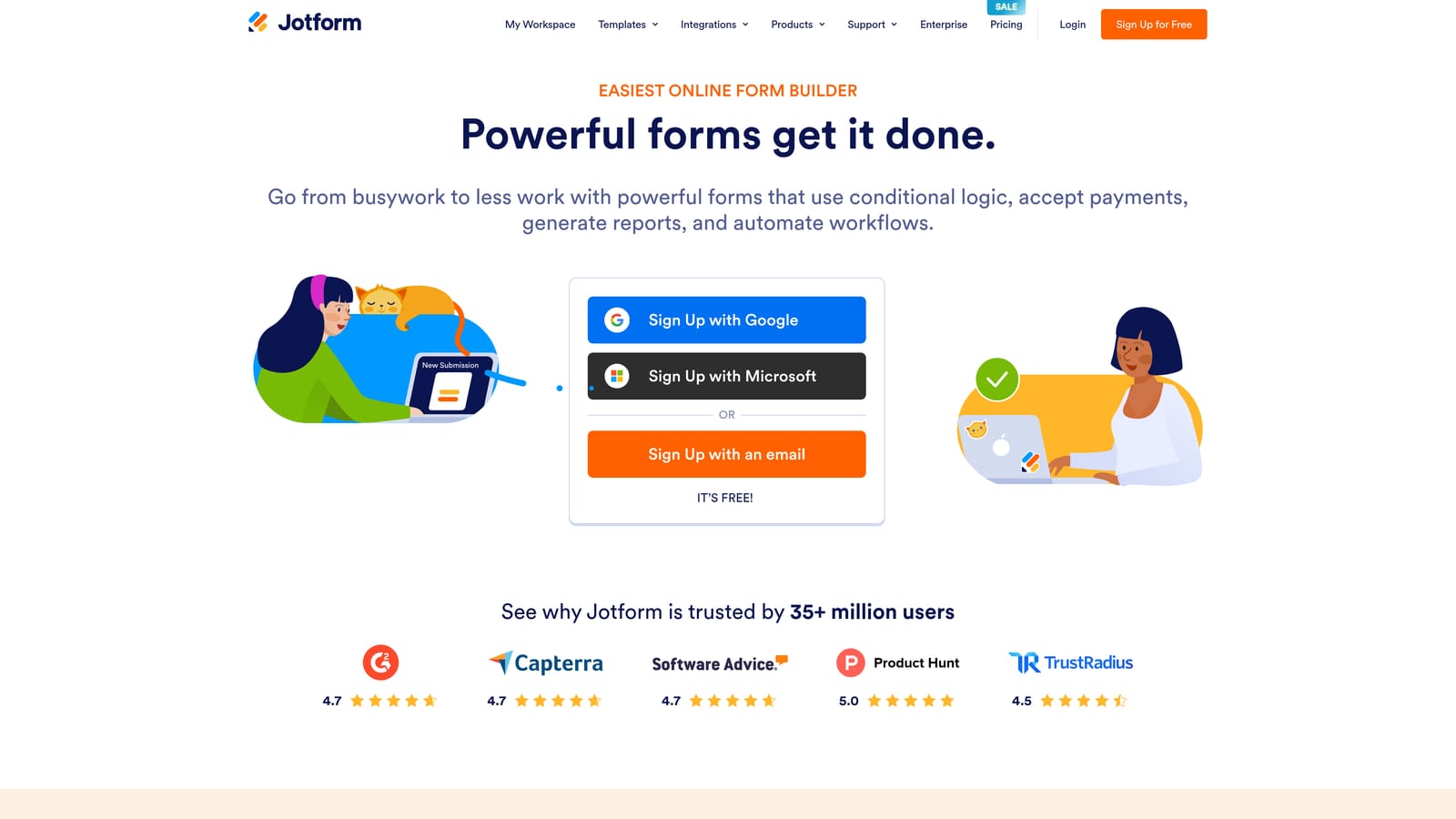
The drag-and-drop builder is approachable, and the platform integrates with a wide range of CRMs, payment tools, and productivity apps. For teams with genuinely complex form requirements, Jotform provides the depth to handle them without requiring custom development.
Implementation Steps
1. Select or build your form in Jotform, configuring fields, logic, and any payment or signature workflows needed.
2. Open the Publish tab and select Embed Code to generate your embed snippet.
4. Review submission notifications and integrations to confirm data is routing to the right destinations.
Pro Tips
Jotform's strength is breadth, not specialization. If your primary goal is lead generation and qualification, you may find the platform's complexity exceeds your actual needs. It's best suited for teams that have specific compliance requirements or need e-signature and payment workflows alongside form collection.
6. Formstack: Operations-First Workflows for Internal Processes
The Challenge It Solves
Not every form is customer-facing. If your team is managing internal approval workflows, HR processes, document generation, or multi-step data routing between departments, you need a platform built around operations rather than marketing. Formstack occupies this space.
The Strategy Explained
Formstack is an operations-focused platform built around multi-step approvals, document generation, and structured data routing. Forms feed into workflow sequences that can route submissions through approval chains, generate pre-filled documents, and push data to specific systems based on conditional rules.
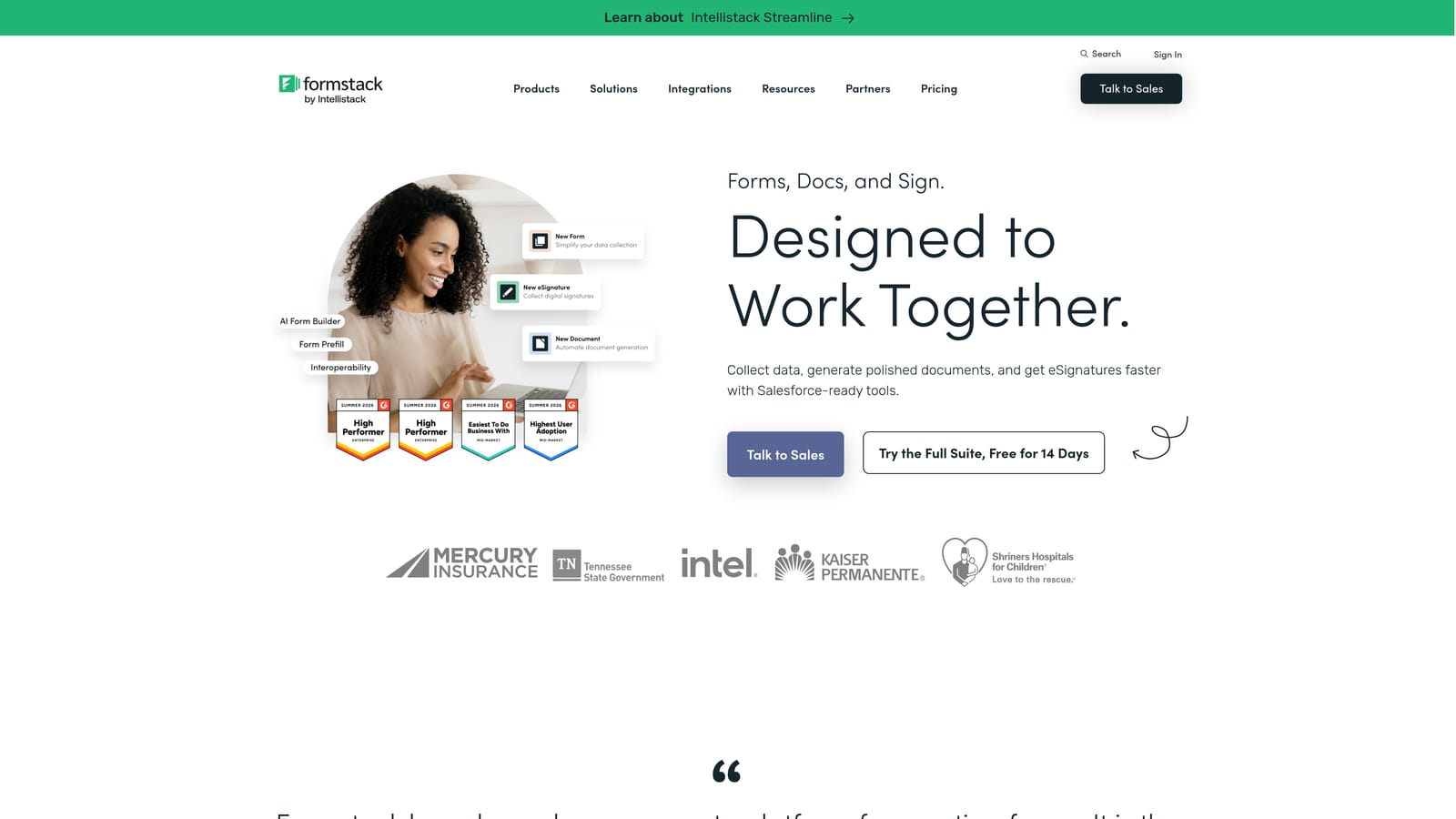
It's a strong fit for HR teams managing onboarding paperwork, operations teams handling procurement requests, or legal teams running contract workflows. Where it's less suited is marketing lead generation: the platform's design and positioning are oriented toward internal process efficiency rather than conversion optimization or lead qualification.
Implementation Steps
1. Build your form and configure the associated workflow in Formstack, setting up approval steps and document generation as needed.
2. Use the Embed option in Formstack to generate your embed code.
3. Add a Code Block to your Squarespace page and paste the embed code if the form has a public-facing component.
4. Test the full workflow end-to-end, including approval notifications and document output, before publishing.
Pro Tips
If your use case is primarily external lead generation, Formstack is likely more platform than you need, and its pricing reflects its enterprise positioning. Consider it when you have genuine internal workflow complexity that simpler form tools can't handle. For lead generation, the other tools on this list will serve you better.
7. How to Embed Any Third-Party Form on Squarespace
The Challenge It Solves
Choosing the right form tool is only half the equation. You also need to get it onto your Squarespace site cleanly, without broken layouts, double scroll bars, or mobile rendering issues. Squarespace's embed process is straightforward once you know the method, but there are a few common pitfalls worth avoiding before you go live.
The Strategy Explained
Squarespace supports third-party embeds through its Code Block element, available on the Business plan and above. Most standalone form builders generate either an iframe embed or a JavaScript snippet, both of which work with Squarespace's Code Block. The process is consistent across tools: generate the embed code in your form platform, paste it into a Code Block on your Squarespace page, and publish.
The key variables are placement and sizing. Where you position the form on the page affects both visibility and conversion. How the iframe height is configured determines whether the form displays cleanly or forces an awkward inner scroll.
Implementation Steps
1. In your form platform, navigate to the Share or Publish section and copy the embed code. Most tools offer iframe and JavaScript options; either typically works, but JavaScript embeds often handle dynamic height adjustment better.
2. In Squarespace, edit the page where you want the form to appear. Add a Code Block from the block menu and paste your embed code into it.
3. Preview the page on both desktop and mobile before publishing. Check for inner scroll bars on the form, which usually indicate the iframe height needs to be increased in the embed code.
4. Place the form above the fold or immediately following a clear value proposition on the page. Forms buried below extensive content tend to see lower completion rates.
5. Test a complete submission after publishing to confirm data is routing correctly to your connected tools or inbox.
Pro Tips
If your form platform offers a popup or slide-in embed option, test it against a standard inline embed. For high-intent pages like demo request pages, an inline form often converts better because it signals commitment. For content pages where the form is secondary, a popup triggered by scroll depth can capture leads without disrupting the reading experience.
Your Implementation Roadmap
Squarespace's native forms will always have a place for basic contact pages. But if lead generation and conversion optimization are priorities, you need a dedicated form platform built for that purpose.
The tools covered here span a wide range of use cases. Tally is the right starting point if you need something free and functional today. Typeform excels when the form experience itself matters. Paperform handles hybrid content-and-form scenarios well. Jotform covers complex compliance and payment requirements. Formstack is purpose-built for internal operational workflows.
For high-growth teams where lead quality and follow-up speed are the metrics that matter, the clearest upgrade path is a platform built around qualification from the ground up. Orbit AI is designed specifically for this: AI agents that qualify leads in real time, automated follow-up sequences, native contact management, and a modern form builder that embeds cleanly on any Squarespace site. Instead of patching together a form tool, an automation platform, and a CRM, you get a single system that handles the full lead lifecycle.
Start by identifying your highest-traffic form, whether that's a demo request, a contact page, or a lead magnet, and replace it with a tool from this list. Measure completion rates and lead quality over 30 days. The difference will be immediately visible.
Transform your lead generation with AI-powered forms that qualify prospects automatically while delivering the modern, conversion-optimized experience your high-growth team needs. Start building free forms today and see how intelligent form design can elevate your conversion strategy.


