

Tally has earned genuine respect as a free form builder. Clean interface, no-code setup, and a generous free tier make it a natural starting point for teams that need forms fast. But for high-growth teams focused on lead qualification and conversion optimization, Tally has a ceiling — and many teams hit it sooner than expected.
The most common friction points: limited AI capabilities, basic conditional logic, minimal lead scoring, and integrations that require workarounds. When your form is the first touchpoint in a sales funnel, "good enough" data collection isn't good enough. You need a platform that qualifies leads in real time, adapts to each respondent, and routes submissions intelligently to the right person on your team.
This is where AI-powered alternatives are changing the game. Modern form platforms don't just collect data. They score leads on submission, branch question paths based on responses, surface insights that help sales teams prioritize, and reduce the gap between a form fill and a meaningful conversation.
This guide covers seven Tally alternatives that bring genuine AI capabilities to the table. Not cosmetic automation, but tools that help you capture better data, convert more visitors, and move qualified leads faster. Each alternative is evaluated on AI features, ease of use, integration depth, and suitability for conversion-focused teams.
1. Orbit AI: Purpose-Built Lead Qualification for High-Growth Teams
The Challenge It Solves
Most form builders were designed to collect data, with lead qualification added as an afterthought. For SaaS and B2B teams running high-volume inbound campaigns, that architecture creates a problem: your form fills your CRM, but your sales team still has to manually sort, score, and prioritize every submission. That lag between interest and conversation costs pipeline.
The Strategy Explained
Orbit AI is purpose-built for exactly this use case. Rather than layering AI features onto a legacy form builder, Orbit AI's lead qualification engine is central to how the platform works. Forms built on Orbit AI can score leads in real time based on response patterns, route high-intent submissions directly to sales, and adapt question flows based on what each respondent reveals about themselves.
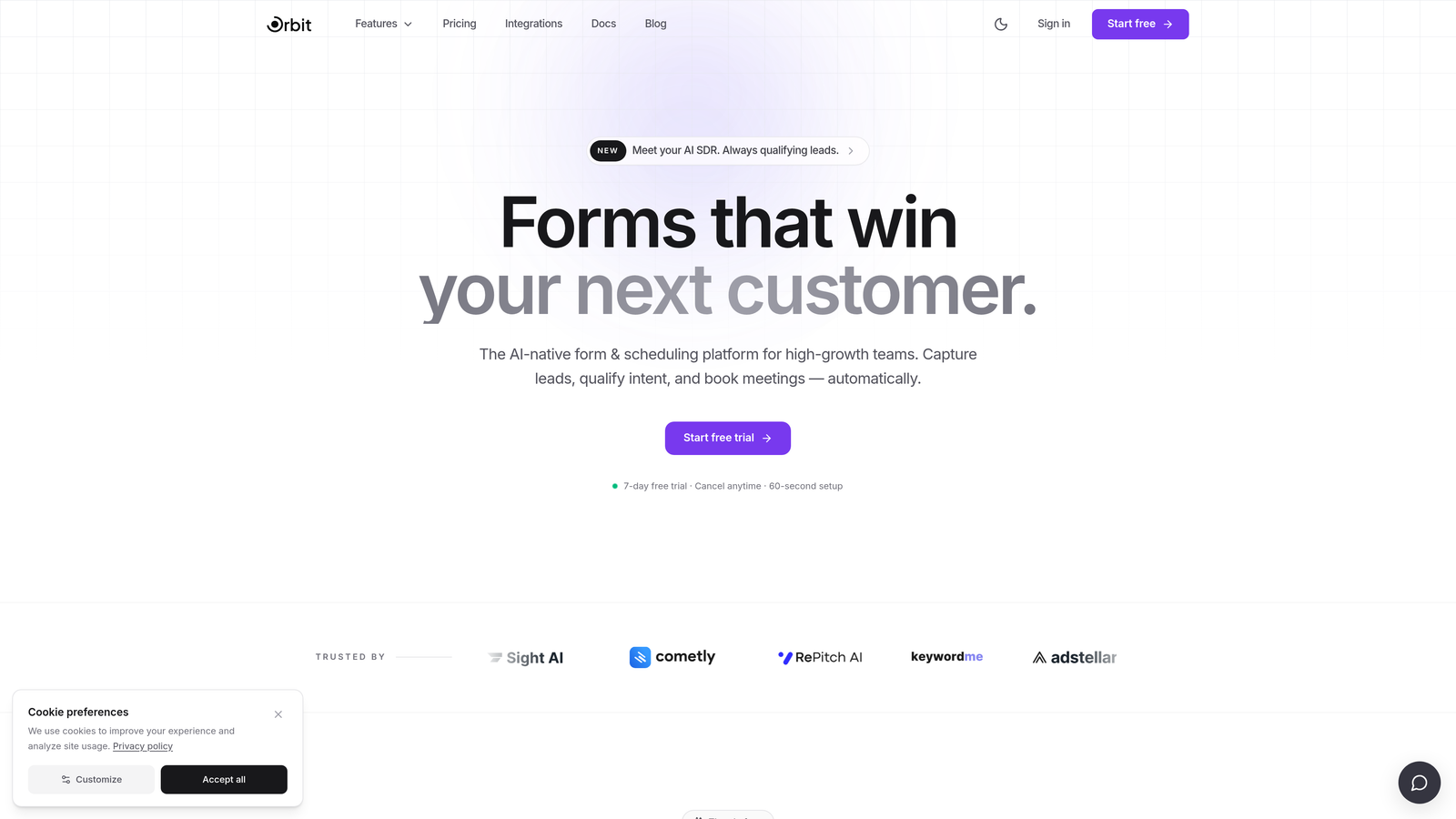
For high-growth teams, this means the form itself becomes an active participant in the qualification process. A prospect who indicates enterprise-level budget and a 30-day buying timeline gets treated differently from one exploring options with no timeline. That differentiation happens automatically, before anyone on your team touches the submission.
Orbit AI is also designed with conversion optimization in mind. Forms are visually modern, mobile-optimized, and built to minimize drop-off at every step. The combination of beautiful form design and intelligent qualification logic makes it the strongest Tally alternative for B2B growth teams.
Implementation Steps
1. Map your qualification criteria before building. Define what makes a lead "qualified" for your team: company size, budget range, role, buying timeline. This becomes the scoring logic inside Orbit AI.
2. Build your form using Orbit AI's AI-assisted form builder, which can generate question flows from a prompt and then refine branching logic based on your qualification criteria.
3. Configure lead scoring rules so that high-intent responses automatically trigger routing to your sales team or CRM pipeline, while lower-intent submissions enter a nurture sequence.
Pro Tips
Keep your qualification questions early in the form flow so the AI has signal to work with before a respondent drops off. Pair Orbit AI's routing with your CRM's deal stage logic to create a seamless handoff from form submission to active opportunity. Visit orbitforms.ai to explore the full feature set.
2. Typeform: Conversational UX With Growing AI Capabilities
The Challenge It Solves
Traditional multi-field forms create cognitive overload. When a prospect lands on a page and sees twenty fields stacked vertically, many simply leave. For teams where form completion rate directly impacts lead volume, the visual experience of the form matters as much as what it asks.
The Strategy Explained
Typeform's one-question-at-a-time format reduces that cognitive friction significantly. Each question appears in isolation, creating a conversational rhythm that feels less like a form and more like a dialogue. This approach tends to improve completion rates, particularly for longer qualification flows where asking everything at once would overwhelm respondents. To understand how this stacks up against traditional approaches, the comparison of conversational forms vs traditional forms is worth reviewing.

On the AI side, Typeform has introduced AI form generation, allowing teams to generate question sets from a text prompt, and response analysis features that surface themes and patterns across large volumes of submissions. The platform also supports conditional logic, allowing different question paths based on previous answers.
Where Typeform excels is brand alignment. Forms are highly customizable in terms of visual design, making them a strong choice for companies where on-brand experience matters at every touchpoint. It integrates with most major CRMs and marketing automation platforms through native connectors and Zapier.
Implementation Steps
1. Use Typeform's AI generation feature to create an initial question set from a prompt describing your use case, then refine the flow manually to match your qualification criteria.
2. Set up conditional logic branches so that respondents who indicate high intent see follow-up questions that deepen qualification, while others are routed to shorter flows.
3. Connect Typeform to your CRM using a native integration or Zapier to ensure submissions are mapped to the right contact properties and trigger the appropriate follow-up workflows.
Pro Tips
Typeform's logic jumps work best when you design the form with a clear decision tree in mind before building. Sketch out your branching paths on paper first. Also consider using Typeform's hidden fields to pass UTM data through to your CRM for attribution tracking.
3. Jotform: Feature-Rich Automation for Complex Multi-Step Workflows
The Challenge It Solves
Some teams need more than a qualification form. They need approval workflows, multi-department routing, document generation, and payment collection, all connected to the same form submission. Tally's simplicity becomes a limitation when your use case requires that level of operational complexity.
The Strategy Explained
Jotform is one of the most feature-dense form builders available. Its AI form builder generates complete forms from text prompts, including appropriate field types, conditional logic, and layout. For teams with complex intake processes, this dramatically reduces the time required to build functional forms from scratch.
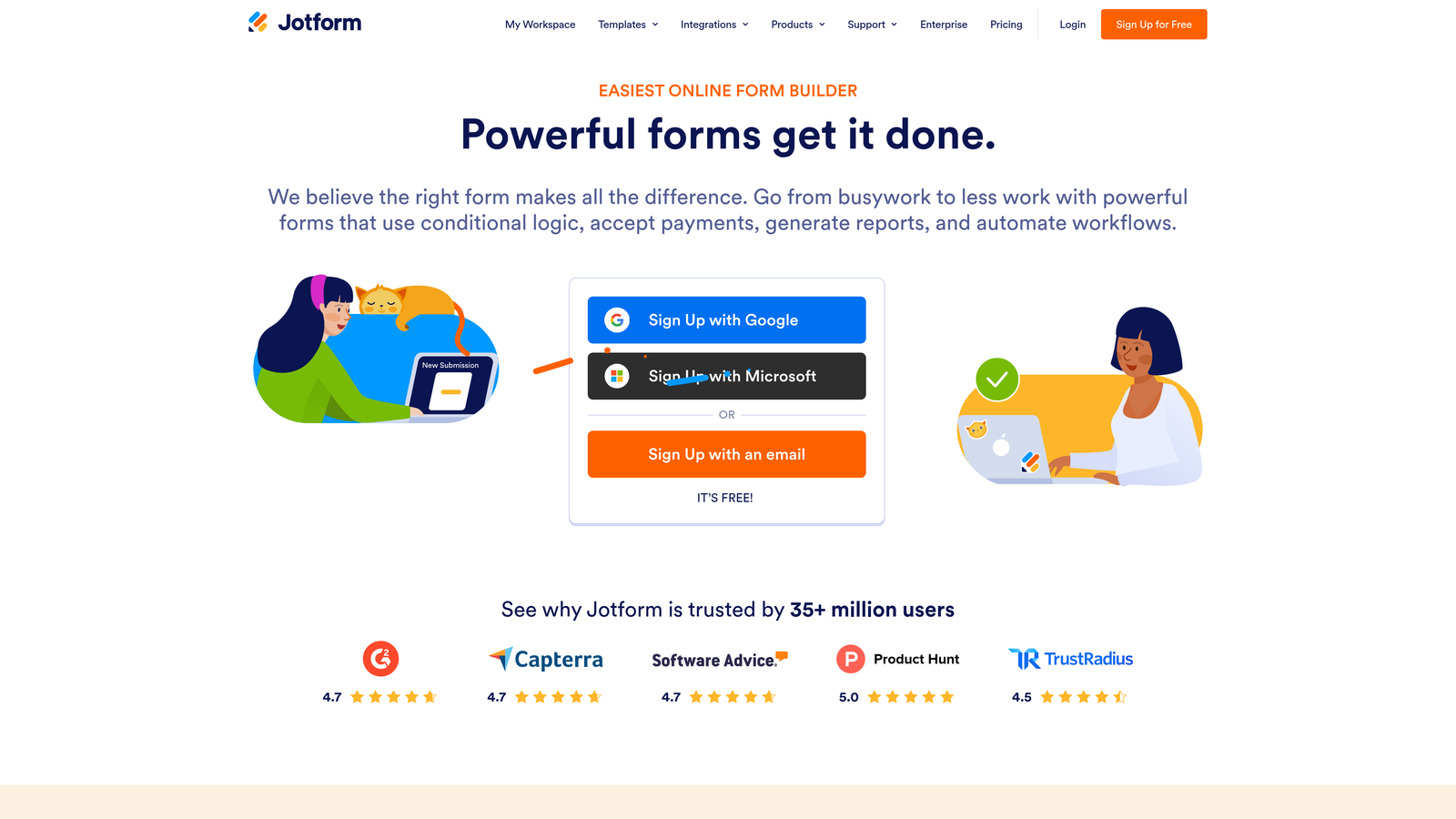
Beyond form generation, Jotform's workflow automation engine allows teams to build multi-step approval processes, automated notifications, and conditional routing based on form responses. An enterprise sales inquiry can trigger one workflow while a small business inquiry triggers another, all from a single form.
Jotform also offers an extensive template library covering hundreds of use cases, which is useful for teams that need to spin up forms quickly across multiple departments. The trade-off is that the platform's breadth can make it feel less focused than purpose-built lead qualification tools.
Implementation Steps
1. Use Jotform's AI form builder to generate a base form from a prompt, then customize fields and layout to match your specific qualification or intake requirements.
2. Build approval and routing workflows in Jotform's workflow builder, defining conditions that determine which team or individual receives each type of submission.
3. Integrate with your CRM or project management tool using Jotform's native integrations to ensure submissions flow into the right system without manual data entry.
Pro Tips
Jotform's conditional logic can become complex quickly. Use the platform's visual logic builder to map conditions clearly before activating. For lead generation specifically, pair Jotform with a dedicated CRM integration rather than relying on email notifications to manage follow-up.
4. Fillout: Precision Conditional Logic With Native Database Integrations
The Challenge It Solves
Many teams manage their data in Notion or Airtable rather than traditional CRMs. When form submissions need to flow directly into those databases with clean field mapping and no middleware friction, most form builders create unnecessary complexity. Tally's integrations in this area require workarounds that break under volume.
The Strategy Explained
Fillout was built with native Notion and Airtable integrations as a core feature, not an afterthought. Form submissions map directly to database fields, relationships, and views without requiring Zapier or custom API work. For teams that live in these tools, this alone makes Fillout worth evaluating.

On the AI side, Fillout offers AI-assisted branching logic that helps teams build complex conditional flows without needing to manually configure every decision point. The platform's conditional logic engine is among the most flexible available, supporting multi-condition branches, skip logic, and dynamic field visibility.
Fillout also integrates natively with popular CRMs including HubSpot and Salesforce, making it a strong option for teams that need both database-level flexibility and CRM connectivity from the same form platform.
Implementation Steps
1. Connect Fillout to your Notion database or Airtable base and map form fields to the appropriate columns or properties before building your form questions.
2. Use Fillout's AI branching assistant to generate conditional logic paths based on your qualification criteria, then review and refine each branch manually.
3. Test the full submission flow end-to-end before publishing, verifying that each conditional path routes correctly and that data lands in the right database fields.
Pro Tips
Fillout's database-native approach means your form data is immediately queryable in Notion or Airtable. Take advantage of this by building views that surface high-intent submissions automatically, so your team sees priority leads without manually filtering every submission.
5. Paperform: Flexible Content-Rich Forms for Consultants and Small Businesses
The Challenge It Solves
Not every form use case is a straightforward lead capture flow. Consultants, coaches, and small businesses often need forms that combine rich content, images, and video with data collection, scoring, and calculations, all in a single page that feels like a landing page rather than a sterile form.
The Strategy Explained
Paperform blurs the line between form and landing page. You can embed images, video, rich text, and custom branding throughout a form, creating an experience that educates and qualifies simultaneously. For use cases like intake questionnaires and project scoping forms, or quiz-style lead magnets, this flexibility is genuinely valuable.
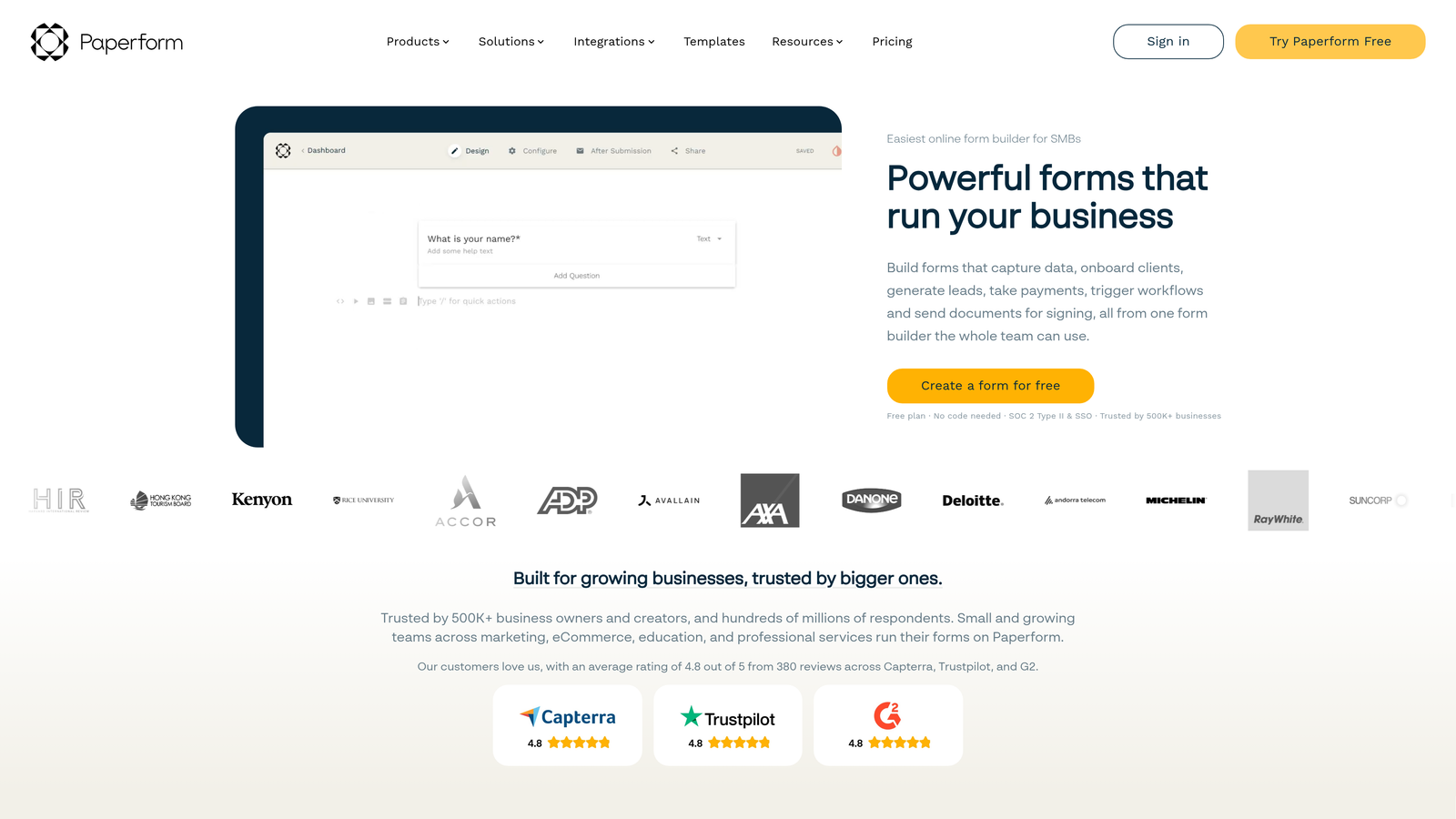
Paperform supports scoring fields and calculation logic, which means you can build forms that calculate a score, price estimate, or recommendation based on a respondent's answers. Combined with AI-assisted content generation for form copy and question suggestions, it reduces the effort required to build polished, content-rich forms.
The platform is better suited for small businesses and consultants than for high-volume SaaS lead generation. Its strengths are in presentation quality and calculation flexibility rather than real-time lead scoring or advanced CRM routing.
Implementation Steps
1. Define the scoring or calculation logic your form needs to produce, whether that's a lead score, a price estimate, or a recommendation category, before building your question flow.
2. Use Paperform's AI content generation to draft question copy and supporting text, then refine the tone and specificity to match your audience.
3. Configure result pages or follow-up emails that deliver a personalized output based on the calculated score, creating a value exchange that increases completion rates.
Pro Tips
Paperform's calculation fields are powerful but require careful setup. Test every scoring combination before publishing to ensure results are accurate. For lead generation, pair a scored output with a clear next step, such as a calendar link or a tailored resource, to convert completions into conversations.
6. HubSpot Forms: CRM-Native Lead Capture With Progressive Profiling
The Challenge It Solves
For teams already running their entire go-to-market motion inside HubSpot, using a third-party form builder creates unnecessary friction. Data has to sync, field mappings have to be maintained, and lead scoring has to be configured in two places. The integration overhead adds up quickly.
The Strategy Explained
HubSpot Forms eliminates that overhead entirely by being native to the CRM. Every form submission updates contact records directly, triggers workflows, advances deal stages, and feeds into HubSpot's AI-powered lead scoring without any integration configuration. For HubSpot-committed teams, this native architecture is a meaningful advantage.
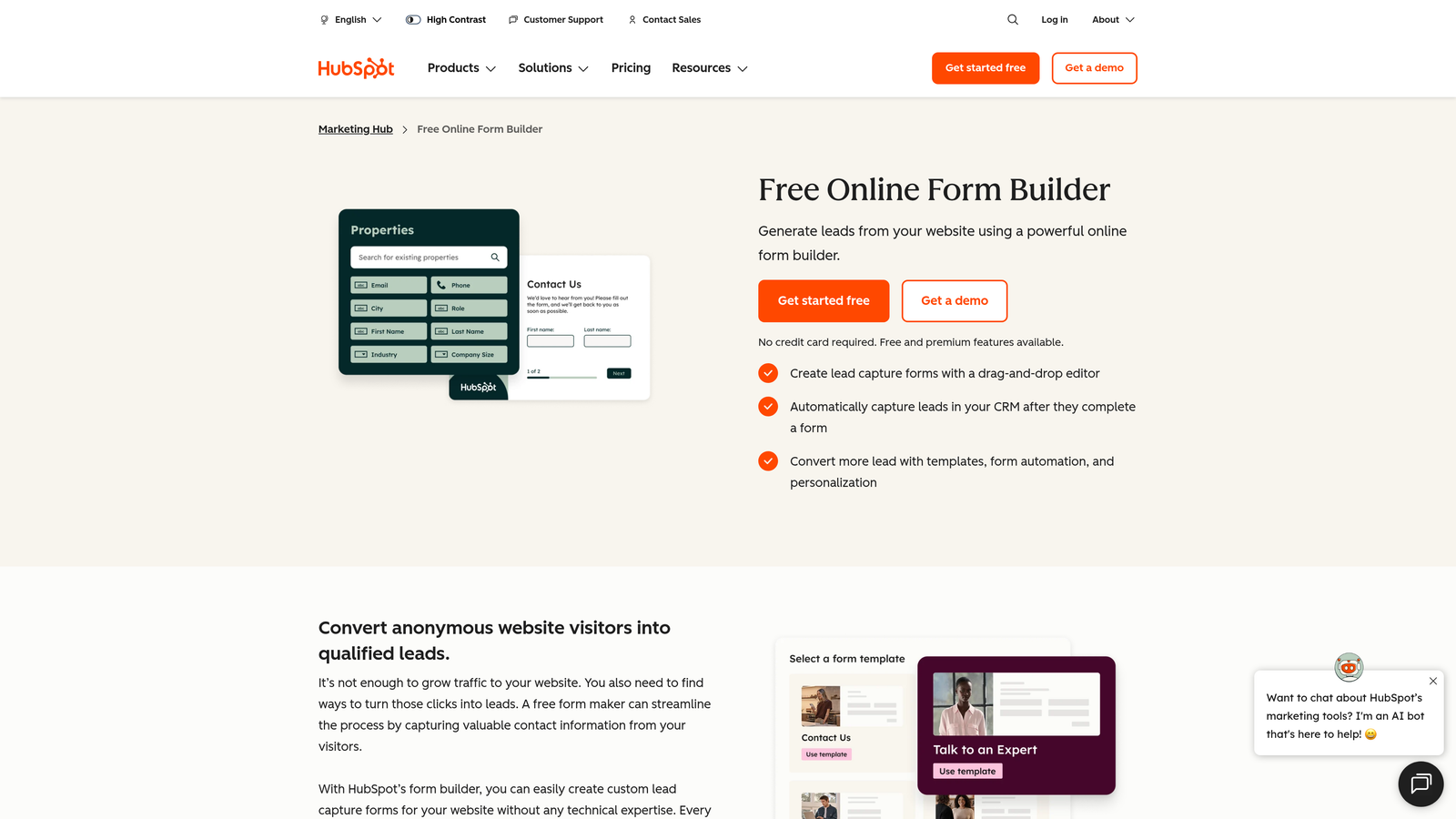
The standout feature for conversion-focused teams is progressive profiling. Rather than asking the same questions to returning visitors, HubSpot Forms detects known contacts and automatically replaces fields you already have data for with new questions. Over multiple interactions, you build a richer contact profile without ever asking someone to repeat themselves. This is a recognized best practice for reducing form friction without sacrificing data completeness.
The limitation is that HubSpot Forms is only compelling if you're fully committed to the HubSpot ecosystem. The form builder itself is less flexible than dedicated platforms, and the AI features are tightly coupled to HubSpot's broader CRM and marketing tools.
Implementation Steps
1. Audit your existing HubSpot contact properties to identify which fields you already have data for and which gaps progressive profiling should fill over time.
2. Build forms that prioritize unknown fields for new contacts and configure progressive profiling rules to swap in gap-filling questions for returning visitors.
3. Connect form submissions to HubSpot workflows that trigger lead scoring updates, task creation for sales reps, and enrollment in the appropriate nurture sequences.
Pro Tips
HubSpot Forms work best when your contact properties are clean and consistently mapped. Before building forms, standardize your property names and values across your CRM to avoid duplicate or conflicting data. Messy properties undermine the value of progressive profiling.
7. Formless by Typeform: Fully AI-Driven Conversational Forms With No Fixed Structure
The Challenge It Solves
Traditional forms, even conversational ones, follow a fixed script. Every respondent sees the same questions in the same order, with conditional logic determining which branches they follow. For complex qualification scenarios where the ideal question depends heavily on what someone just said, a fixed structure still creates limitations.
The Strategy Explained
Formless is Typeform's answer to that limitation. It's a fully AI-driven conversational form product where there is no fixed question structure. The AI adapts questions dynamically in real time based on each respondent's answers, following the natural flow of a conversation rather than a predetermined decision tree.
In practice, this means Formless can probe deeper when a respondent gives a nuanced answer, skip irrelevant questions based on context, and adjust its tone and framing based on what it learns mid-conversation. For qualification scenarios where the right questions genuinely depend on what someone reveals earlier, this dynamic approach can surface richer data than a fixed-logic form.
Formless is best suited for teams comfortable with AI-generated conversation flows and willing to invest time in configuring the AI's goals and guardrails. It requires more setup and testing than a traditional form builder, and the outputs can be less predictable. But for teams pushing the edge of what conversational qualification can do, it represents a genuinely different approach to the form-as-dialogue model.
Implementation Steps
1. Define clear goals for what information the AI needs to gather from each respondent. Formless uses these goals to guide its question generation, so specificity here directly affects output quality.
2. Set guardrails that define what topics are in scope and out of scope for the AI, preventing the conversation from drifting into territory that isn't relevant to your qualification objectives.
3. Run extensive test conversations before publishing, simulating a range of respondent profiles to verify that the AI consistently reaches the qualification outcomes you need.
Pro Tips
Formless is powerful but less predictable than structured form builders. Invest significant time in the testing phase, and monitor early live submissions closely to identify cases where the AI's conversation path produced unexpected results. Treat the first few weeks as a calibration period rather than a fully automated system.
Putting It All Together: Your Implementation Roadmap
Choosing the right Tally alternative comes down to your primary use case and where AI needs to do the most work in your lead generation flow.
For most SaaS and B2B growth teams, the evaluation should start with Orbit AI. Its purpose-built lead qualification engine, real-time scoring, and intelligent routing are designed specifically for the use case where form quality directly impacts pipeline quality. If conversational UX is the priority, Typeform or Formless deserve serious consideration. If your data lives in Notion or Airtable, Fillout's native integrations remove significant friction. HubSpot Forms makes sense only if you're already fully committed to the HubSpot ecosystem.
The shift from passive data collection to active lead qualification is a strategic one. Every form submission is a signal. The platforms on this list help you read those signals faster, route the right leads to the right people, and reduce the gap between interest and conversation.
Before choosing, audit your current form flows. Where are leads dropping off? Where is qualification happening manually that could be automated? Where is your sales team spending time on leads that were never going to convert? The right AI-powered form platform should eliminate those gaps, not create new ones.
Transform your lead generation with AI-powered forms that qualify prospects automatically while delivering the modern, conversion-optimized experience your high-growth team needs. Start building free forms today and see how intelligent form design can elevate your conversion strategy.


