

Most teams obsess over driving traffic to their forms. The harder problem? Keeping visitors there long enough to actually submit. A bloated field layout, a generic design, or a form that asks the same question your CRM already knows the answer to — any of these can quietly drain your conversion rate without a single error message.
A web form optimization platform goes beyond basic form building. The best ones combine conditional logic, A/B testing, field-level analytics, and smart integrations to turn your forms into genuine conversion engines. If you want to go deeper on the fundamentals before diving in, check out our guides on how to improve form conversion rates and how to increase form submissions.
In building this list, we evaluated platforms on five criteria: conversion-focused features, ease of use, analytics depth, integration ecosystem, and pricing flexibility. Whether you're a lean startup or a scaling SaaS team, there's a platform here built for your workflow.
1. Orbit AI
Best for: High-growth teams that need AI-powered lead qualification built directly into the form experience.
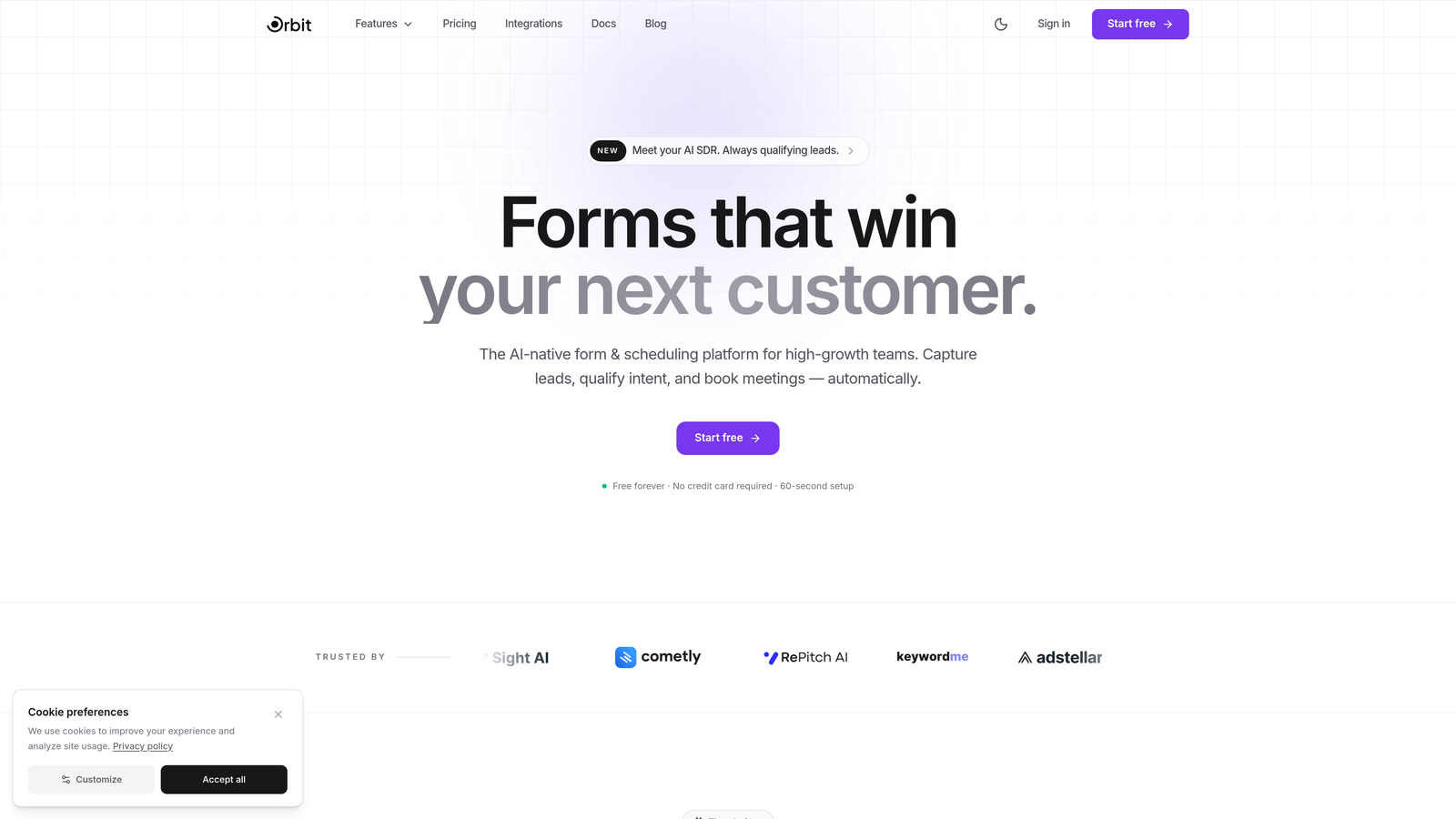
Orbit AI is an AI-powered form builder that combines conversion-optimized design with intelligent lead scoring and routing at the moment of capture.
Where This Tool Shines
Most form builders treat qualification as an afterthought — you collect the submission, then figure out lead quality later inside your CRM. Orbit AI flips that model. Lead scoring and routing happen inside the form itself, so your sales team receives pre-qualified leads without any manual triage.
The platform is built specifically for high-growth teams that care about every submission. The templates aren't just visually polished — they're structured around conversion research, with field order, step progression, and CTA placement designed to reduce drop-off. Dynamic fields that adapt based on user input mean respondents only see what's relevant to them, keeping the experience tight and frictionless.
Key Features
AI-Powered Lead Qualification and Scoring: Automatically scores and routes leads based on form responses at the moment of submission, eliminating manual qualification steps.
Conversion-Optimized Templates: Pre-built form layouts designed for high-growth teams, with structure informed by conversion best practices rather than generic design defaults.
Dynamic Form Fields: Fields adapt in real time based on user input, creating a personalized experience that reduces friction and irrelevant questions.
CRM and Marketing Tool Integrations: Seamlessly connects with major CRM and marketing platforms so lead data flows directly into your existing stack.
Real-Time Analytics with Field-Level Drop-Off Insights: See exactly where respondents abandon your form so you can make targeted improvements rather than guessing.
Best For
Orbit AI is the strongest fit for SaaS companies, growth marketers, and sales-led teams that need more than a form submission — they need qualified pipeline. If lead quality and conversion rate are both KPIs you own, this platform is built for your workflow.
Pricing
Visit orbitforms.ai for current pricing plans. A free starting option is available for teams ready to explore the platform.
2. Typeform
Best for: Teams that want high engagement through a polished, conversational form experience.
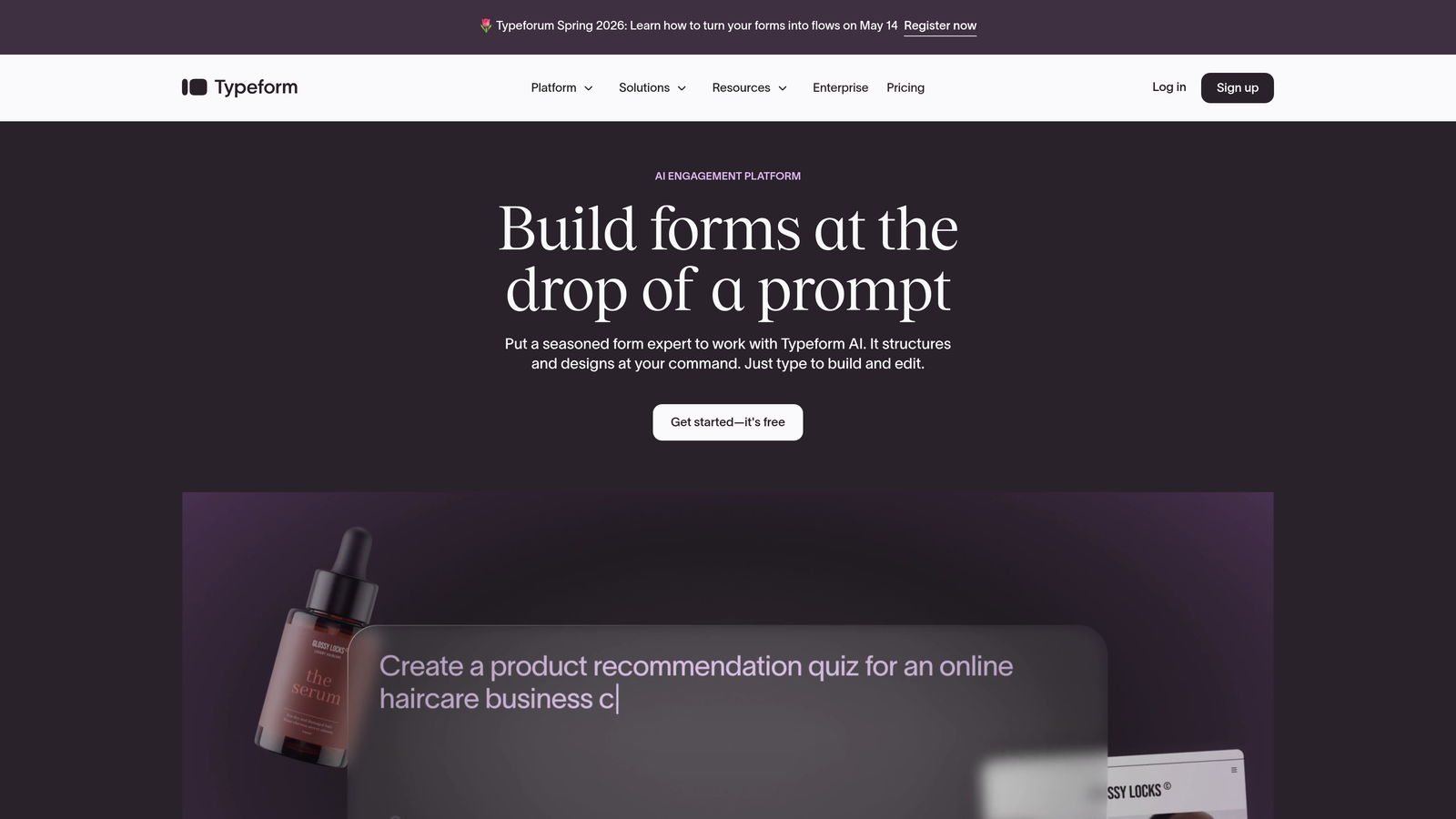
Typeform is a conversational form platform built around a one-question-at-a-time interface that consistently drives strong completion rates.
Where This Tool Shines
Typeform's signature format works because it reduces cognitive load. Instead of presenting a full page of fields, it focuses respondents on a single question at a time, making even longer forms feel manageable. This approach tends to work especially well for surveys, lead gen forms, and onboarding flows where user experience directly affects completion rates.
The design quality is genuinely best-in-class for out-of-the-box aesthetics. Brand kit support means your forms match your visual identity without custom CSS, and the native integration library covers most major marketing and CRM tools teams already use.
Key Features
One-Question-at-a-Time Format: Conversational flow that reduces friction and keeps respondents focused throughout the form experience.
Logic Jumps and Conditional Branching: Route respondents to different questions or endings based on their previous answers.
Native Integrations: Connects with HubSpot, Salesforce, Mailchimp, Slack, and other major marketing and CRM platforms out of the box.
Brand Kit Support: Apply custom fonts, colors, and logos to maintain consistent visual identity across all forms.
Built-In Analytics: Track completion rates, drop-off points, and response data without a third-party analytics tool.
Best For
Typeform is ideal for marketing teams, agencies, and product teams running surveys, NPS flows, or lead capture where design and user experience are high priorities. Less suited for teams that need deep CRM-native qualification or enterprise workflow automation.
Pricing
Free plan available with limited responses; paid plans start at $25/month with expanded response limits and integrations.
3. Unbounce Smart Builder
Best for: Performance marketers who want unified landing page and form optimization in a single platform.
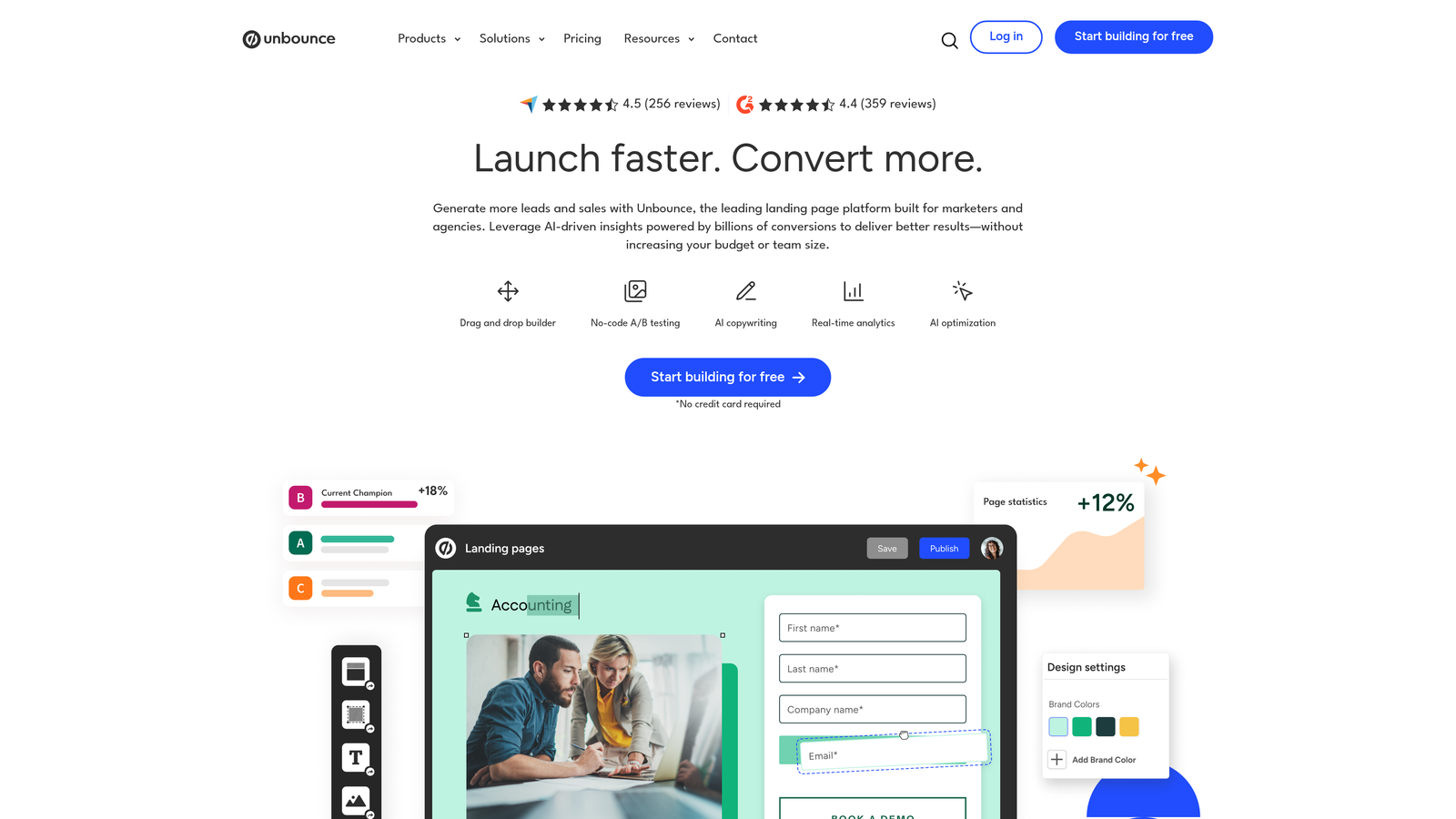
Unbounce Smart Builder is an AI-powered landing page and form platform that uses Smart Traffic to automatically route visitors to the highest-converting page variant.
Where This Tool Shines
Unbounce occupies a unique position in this space: it's not just a form builder, it's a full conversion optimization environment. Smart Traffic uses machine learning to analyze visitor attributes and automatically send them to the variant most likely to convert — without waiting for statistical significance the way traditional A/B tests do.
For paid acquisition teams running campaigns across multiple audiences, this is a meaningful advantage. Dynamic text replacement lets you match page and form copy to the exact ad a visitor clicked, creating a seamless experience from ad to submission that typically lifts conversion rates.
Key Features
AI Smart Traffic: Automatically routes visitors to the highest-converting variant based on real-time behavioral data.
Drag-and-Drop Builder: Build complete landing pages with embedded forms without touching code.
A/B Testing with Statistical Reporting: Run traditional split tests with confidence interval tracking alongside Smart Traffic optimization.
Dynamic Text Replacement: Automatically match page and form copy to the keyword or ad that brought a visitor to the page.
Popups and Sticky Bars: Capture additional form submissions through secondary conversion surfaces on the same page.
Best For
Unbounce is best suited for paid media teams, growth marketers, and agencies running high-volume campaigns where landing page and form performance are tightly coupled. Less relevant for teams that only need standalone form optimization without page-building capabilities.
Pricing
Plans start at $74/month billed annually; higher tiers unlock Smart Traffic and additional conversion tools.
4. HubSpot Forms
Best for: Teams already operating inside the HubSpot ecosystem who want forms with native CRM intelligence.
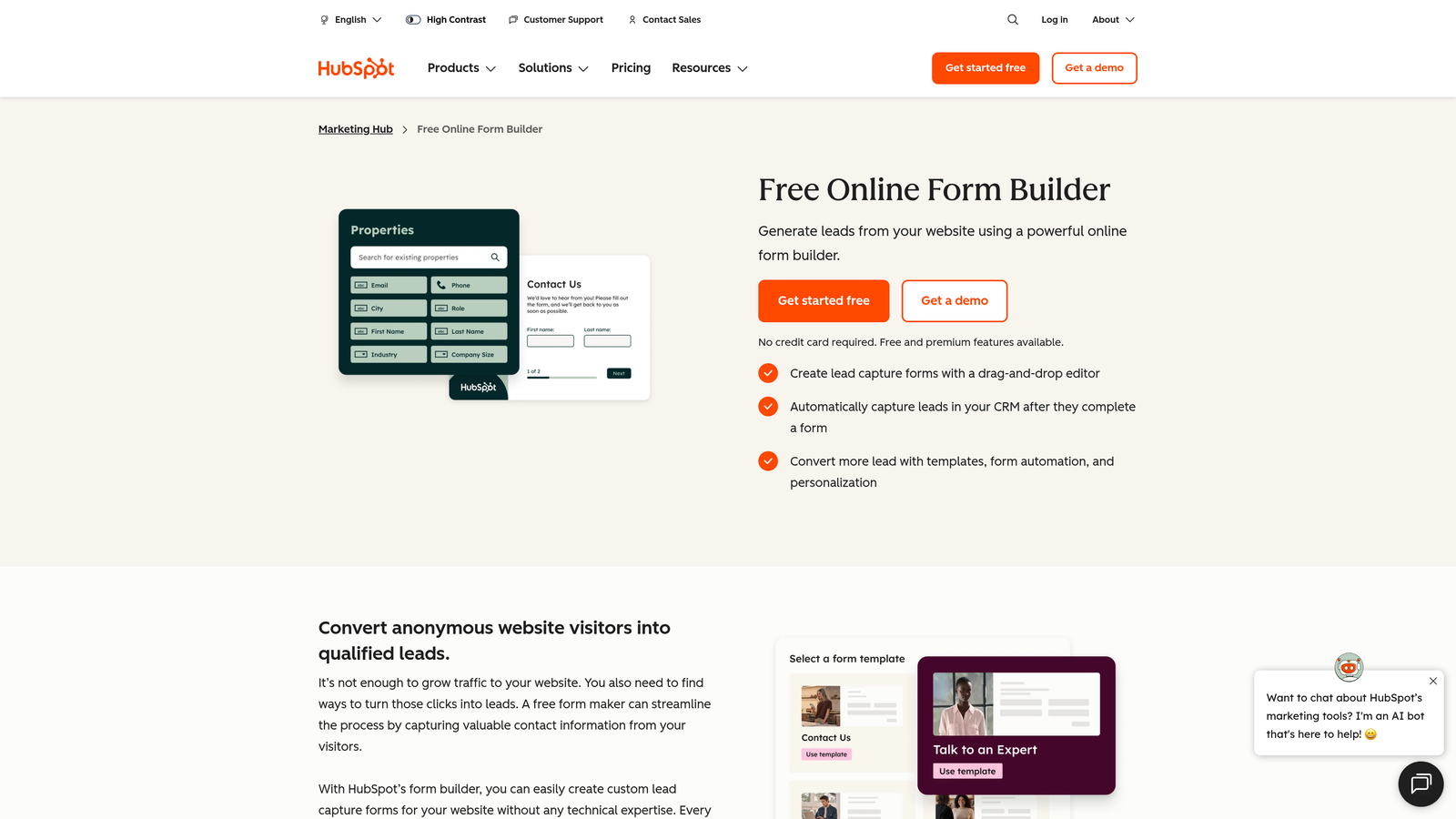
HubSpot Forms is a CRM-native form builder with progressive profiling and smart fields that automatically adapt based on existing contact data.
Where This Tool Shines
The standout capability here is progressive profiling. When a known contact fills out a HubSpot form, the platform automatically replaces fields it already has answers for with new questions — so you're always collecting net-new data without making returning visitors repeat themselves. For teams building long-term contact profiles, this is genuinely powerful.
The native connection to HubSpot CRM and Marketing Hub means form submissions trigger workflows, update contact records, and route leads to sales without any middleware. If your team lives in HubSpot, the forms product feels less like a separate tool and more like a natural extension of your CRM.
Key Features
Progressive Profiling: Automatically swaps out fields for returning contacts so every submission adds new information to the CRM record.
Smart Fields: Fields adapt based on what HubSpot already knows about a contact, eliminating redundant questions.
Multiple Form Types: Embedded, standalone page, and popup form options to suit different placement needs.
Automatic Lead Routing: Trigger sales notifications and CRM assignments directly from form submission data.
Deep HubSpot Integration: Native connection to CRM, email workflows, and Marketing Hub with no third-party connector required.
Best For
HubSpot Forms is the obvious choice for teams already using HubSpot CRM or Marketing Hub. Outside the HubSpot ecosystem, its value diminishes considerably compared to more standalone optimization-focused platforms.
Pricing
Free forms included with HubSpot CRM; advanced features available in Marketing Hub Starter starting at $20/month.
5. Jotform
Best for: Teams that need a versatile, template-rich form builder with built-in payments and workflow automation.
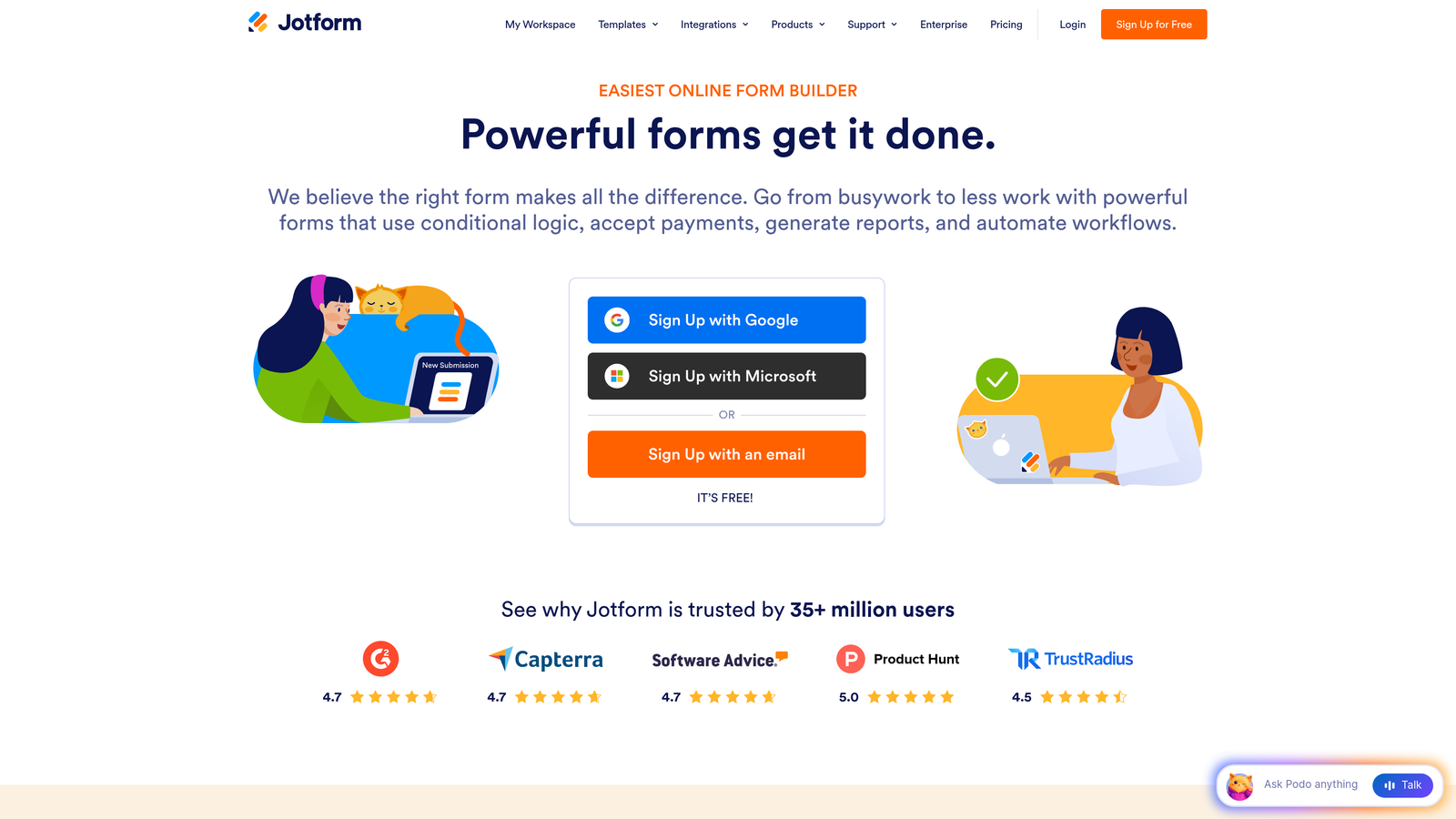
Jotform is a feature-dense form builder offering over 10,000 templates, payment processing, approval workflows, and e-signature support across a wide range of industries.
Where This Tool Shines
Jotform's breadth is its biggest asset. Whether you need a HIPAA-compliant intake form, a payment-enabled order form, or a multi-step lead capture flow, the template library almost certainly has a starting point. This makes it especially valuable for teams managing diverse form needs across departments rather than a single conversion use case.
The approval workflow functionality sets Jotform apart from pure lead generation tools. Form submissions can trigger multi-step review processes, automated notifications, and conditional routing — making it useful for operations, HR, and finance teams alongside marketing.
Key Features
10,000+ Templates: Pre-built form designs across dozens of industries and use cases, significantly reducing build time.
Built-In Payment Processing: Supports over 30 payment gateways including Stripe, PayPal, and Square directly within forms.
Approval Workflows: Route form submissions through multi-step approval chains with automated notifications.
Conditional Logic and Calculations: Show or hide fields dynamically and perform real-time calculations within forms.
HIPAA-Compliant Forms: Dedicated compliance features for healthcare organizations handling sensitive patient data.
Best For
Jotform fits mid-size businesses and teams with varied, cross-departmental form needs. It's particularly strong for organizations that need payment collection, compliance features, or approval workflows alongside standard lead capture.
Pricing
Free plan supports up to 5 forms with limited submissions; paid plans start at $34/month with expanded form limits and features.
6. Formstack
Best for: Enterprise teams that need form data to flow into document generation, e-signatures, and compliance-ready workflows.
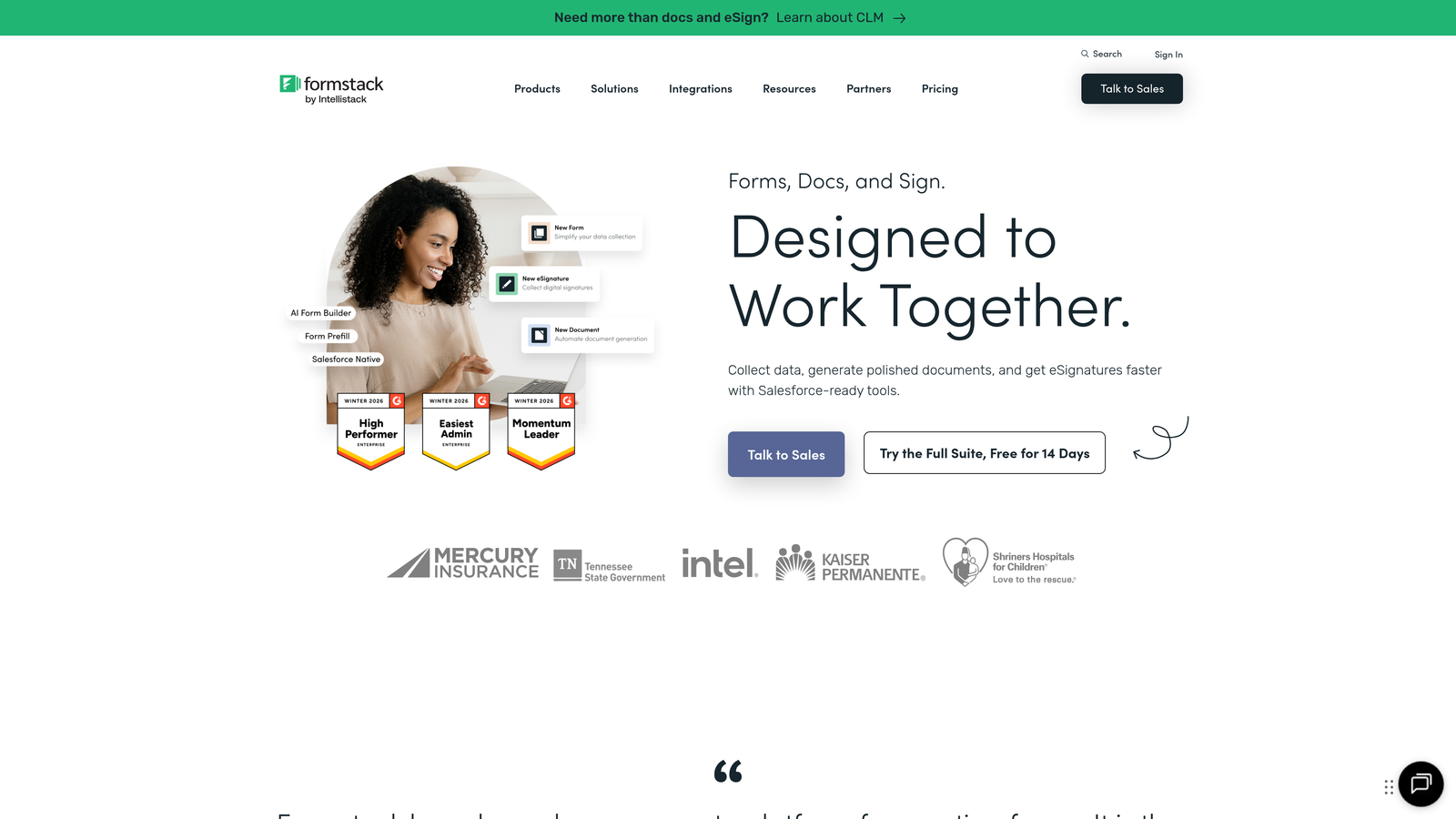
Formstack is an enterprise-grade form and workflow automation platform that extends well beyond data collection into document creation, digital signatures, and regulated industry compliance.
Where This Tool Shines
Formstack's differentiation is in what happens after the form submission. The platform's document generation capability lets teams automatically populate contracts, proposals, or reports from form data — a workflow that typically requires multiple tools stitched together. Combined with built-in e-signature support, it creates a complete data-to-document pipeline.
For Salesforce-heavy organizations, the native Salesforce integration is particularly well-developed. Forms can read from and write to Salesforce objects directly, making it a strong choice for sales operations teams that need form data to map precisely to CRM records without custom development work.
Key Features
Form-to-Document Generation: Automatically populate documents, contracts, and reports from form submission data.
E-Signature Workflows: Collect legally binding signatures as part of the form or post-submission process.
Field-Level Encryption and Compliance: HIPAA and GDPR-ready security controls with field-level data encryption.
Salesforce-Native Integration: Read and write Salesforce object data directly from forms without middleware.
Role-Based Access Controls: Manage team permissions and form access at a granular level for enterprise governance.
Best For
Formstack is built for enterprise teams in regulated industries, sales operations teams running Salesforce-heavy workflows, and organizations that need form data to trigger document and signature processes automatically.
Pricing
Forms-only plans start at $50/month; bundled platform pricing covering documents and signatures is available at higher tiers.
7. Leadformly
Best for: Conversion rate optimization teams that want forms built from the ground up around CRO principles.
Leadformly is a conversion-focused lead capture form builder that treats multi-step design and A/B testing as default features rather than add-ons.
Where This Tool Shines
Leadformly was built with a specific thesis: most forms fail because they're designed for data collection, not for user psychology. The platform's multi-step form layouts are structured around conversion research, with micro-commitments and progressive disclosure baked into the default templates rather than requiring manual configuration.
The built-in A/B testing is genuinely first-class for a form-specific tool. Teams can test form variants without routing testing through a separate experimentation platform, and field-level drop-off analytics provide the granularity needed to make meaningful optimizations rather than broad guesses.
Key Features
Multi-Step Form Design: Layouts built on conversion research that guide respondents through progressive disclosure rather than presenting all fields at once.
Built-In A/B Testing: Test form variants natively without requiring a separate experimentation tool.
Lead Scoring and Qualification Logic: Score and segment leads based on form responses before they reach your CRM.
Field-Level Drop-Off Analytics: Identify exactly which fields cause abandonment to prioritize targeted improvements.
CRM and Marketing Integrations: Connects with major CRM and email marketing platforms to keep lead data flowing downstream.
Best For
Leadformly is a strong fit for CRO-focused marketers, digital agencies managing lead generation for clients, and performance teams that want a purpose-built form optimization tool rather than a general-purpose form builder.
Pricing
Plans start at approximately $37/month; custom pricing is available for agencies managing multiple client accounts.
8. Gravity Forms
Best for: WordPress site owners and developers who want granular control over form functionality through a mature plugin ecosystem.
Gravity Forms is the leading WordPress-native form plugin, offering deep platform integration, an extensive add-on marketplace, and developer-friendly extensibility.
Where This Tool Shines
For WordPress-based teams, Gravity Forms occupies a category of its own. The plugin's maturity means the add-on ecosystem is genuinely comprehensive — payments, CRM connections, survey tools, email marketing integrations, and more are available without leaving the WordPress environment. Teams can build sophisticated form workflows without stitching together multiple SaaS tools.
The partial entries feature deserves specific mention for optimization-focused teams. Gravity Forms can capture incomplete form submissions, giving you data on what respondents filled in before abandoning — insight that most form tools simply don't provide and that can meaningfully inform field-level improvements.
Key Features
Deep WordPress Integration: Native support for shortcodes, the block editor, and WordPress user roles without any custom development.
Extensive Add-On Marketplace: Hundreds of official and community add-ons covering payments, CRM, email, and survey functionality.
Conditional Logic and Multi-Page Forms: Show, hide, or skip fields and pages based on user responses.
Developer-Friendly Architecture: Hooks, filters, and a REST API give developers fine-grained control over form behavior and data.
Partial Form Entry Capture: Collect data from incomplete submissions to understand abandonment patterns and recover lost leads.
Best For
Gravity Forms is the natural choice for WordPress developers, agencies building client sites on WordPress, and content-driven businesses that want powerful form functionality without migrating to an external SaaS platform.
Pricing
Annual licenses start at $59/year for the Basic tier; the Elite license covering all add-ons is $259/year.
9. Zoho Forms
Best for: Teams already using the Zoho suite who want a tightly integrated, budget-friendly form solution.
Zoho Forms is a cost-effective form builder with strong native integration across the Zoho ecosystem, offering conditional logic, payment collection, and approval workflows at competitive pricing.
Where This Tool Shines
Zoho Forms earns its place on this list primarily through value and ecosystem depth. For teams running Zoho CRM, Zoho Campaigns, or Zoho Analytics, the native integrations eliminate the data-mapping friction that external form tools typically introduce. Form submissions flow directly into Zoho's suite without any middleware configuration.
The offline data collection capability is a practical differentiator for field teams or event-based lead capture. Mobile-responsive forms can collect submissions without an internet connection and sync when connectivity returns — a feature most SaaS-first form tools don't prioritize.
Key Features
Native Zoho Ecosystem Integration: Direct connections to Zoho CRM, Analytics, and Campaigns without third-party connectors.
Conditional Rules and Page Branching: Show or hide fields and pages based on respondent input to keep forms focused.
Offline Data Collection: Collect form submissions on mobile devices without internet connectivity and sync when back online.
Payment Collection and Approval Workflows: Accept payments and route submissions through multi-step approval processes natively.
UTM Tracking and Form Analytics: Track traffic sources and basic form performance metrics to understand where leads originate.
Best For
Zoho Forms is the right call for small to mid-size businesses already invested in the Zoho ecosystem, teams with field operations that need offline collection, and budget-conscious organizations that need solid form functionality without enterprise pricing.
Pricing
Free plan available with basic features; paid plans start at $10/month, making it one of the most affordable options on this list.
Choosing the Right Platform for Your Team
The best web form optimization platform isn't the one with the longest feature list — it's the one that aligns with your team's specific conversion goal. Start there, and the right choice becomes much clearer.
If your priority is AI-powered lead qualification and you want scoring built into the form itself rather than bolted on afterward, Orbit AI is the strongest option for high-growth teams. The combination of intelligent lead routing, dynamic fields, and conversion-optimized templates makes it purpose-built for teams where lead quality and form performance are both on the scorecard.
For conversational design and high engagement rates, Typeform remains the benchmark. If you're running paid campaigns and need landing pages and forms optimized together, Unbounce Smart Builder is the logical choice. Teams deep in the HubSpot ecosystem will find HubSpot Forms the most natural fit, while Zoho Forms delivers exceptional value for Zoho-native stacks.
For workflow-heavy use cases involving documents and compliance, Formstack is the enterprise-grade answer. Jotform handles diverse, cross-departmental form needs with breadth. Leadformly is the specialist pick for CRO-focused teams. And if your stack is built on WordPress, Gravity Forms has no real competition in its category.
Before committing to any platform, define your optimization goal precisely. Are you trying to reduce drop-off on a specific form? Improve lead quality before it reaches sales? Automate post-submission workflows? The answer shapes everything from which features matter to which pricing tier makes sense. For more context on what good looks like, explore our guides on form submission rate benchmarks and how to build effective web forms.
Ready to put AI to work on your lead generation? Start building free forms today and see how intelligent form design can transform your conversion strategy from the first field to the final submission.


