For high-growth teams building custom workflows, API access in a form builder isn't a nice-to-have. It's essential infrastructure. Whether you're pushing submissions into a proprietary CRM, triggering backend automations, or syncing data across platforms, the API is where your forms stop being standalone tools and start becoming part of your stack.
The problem? API access comes at wildly different price points. Some platforms include it on free tiers. Others lock it behind enterprise plans that cost thousands per month. And even when API access is technically available, what you actually get varies enormously: endpoint coverage, rate limits, webhook support, and authentication methods all differ platform to platform.
This guide breaks down the top form builders that offer API access, comparing what you actually get at each price point. We focused on platforms that serve developers and growth teams who need programmatic control over form creation, submission retrieval, and data routing.
1. Orbit AI
Best for: High-growth teams needing AI-powered lead qualification with full programmatic form control
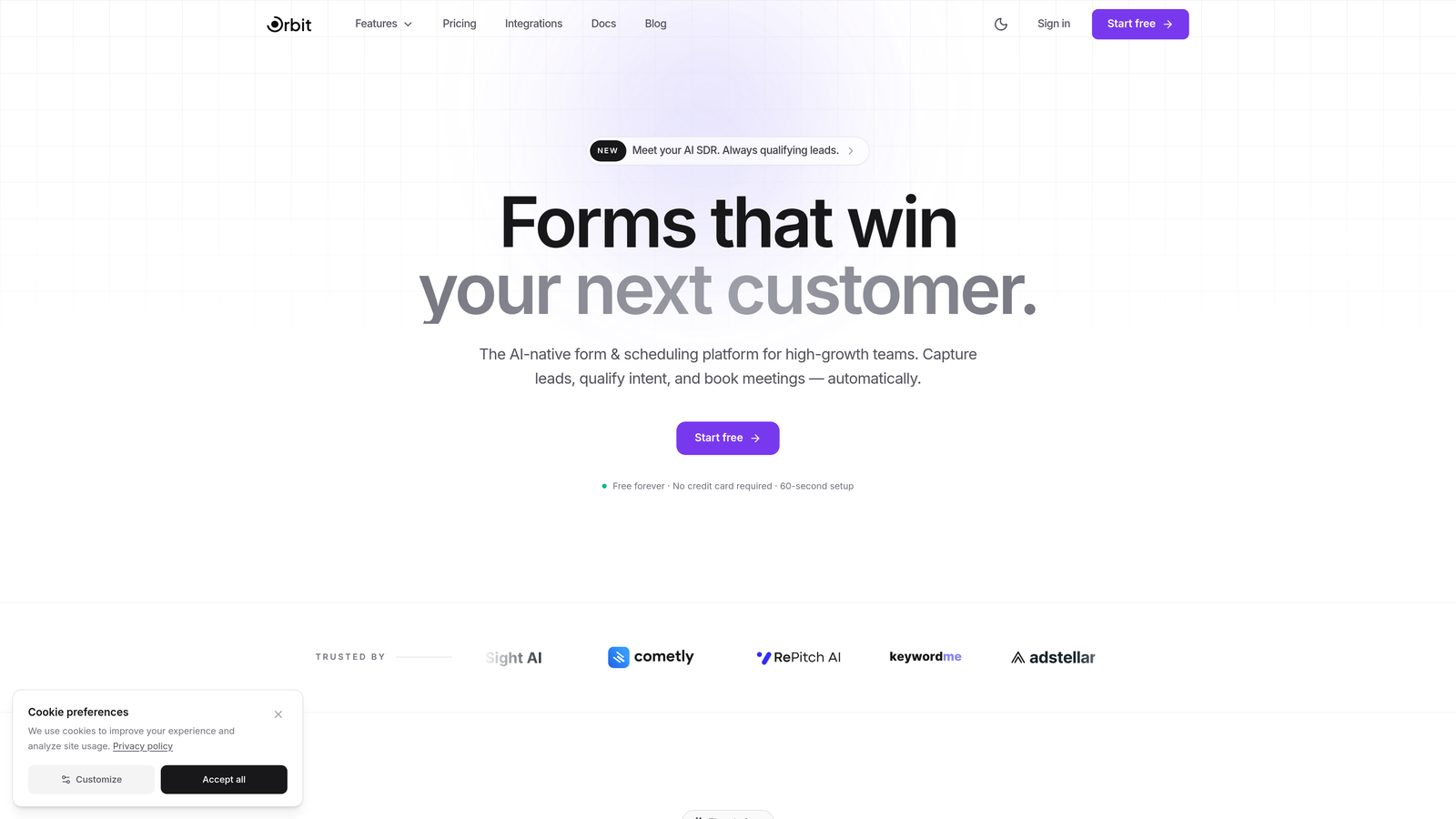
Orbit AI is an AI-powered form builder designed for growth teams that need both conversion-optimized forms and the programmatic control to route lead data wherever it needs to go.
Where This Tool Shines
What separates Orbit AI from most form builders on this list is the combination of AI-driven lead qualification and API access in one platform. Rather than just collecting submissions and passing raw data downstream, Orbit AI scores and qualifies leads at the point of submission, so the data your API calls retrieve is already enriched and actionable.
For teams running demand generation or product-led growth motions, this matters. You're not just pulling form data into your CRM. You're pulling pre-qualified lead signals that your sales team can act on immediately.
Key Features
AI-Powered Lead Qualification: Automatically scores and qualifies submissions so your pipeline receives enriched, prioritized lead data rather than raw form responses.
API Access: Programmatic access for form management and submission data retrieval, designed for teams integrating forms into larger workflows and infrastructure.
Webhook Support: Real-time data routing to CRMs, automation platforms, and custom backends via webhooks, reducing latency between submission and action.
Conversion-Optimized Templates: Form templates built specifically for lead generation use cases, with friction reduction built into the design layer.
Modern Form Design: Clean, polished UI that reflects well on your brand without requiring custom CSS work from your team.
Best For
Orbit AI is the right fit for SaaS companies, growth teams, and revenue operations teams that want forms to do more than collect data. If lead qualification is a priority and you need API access to connect form data to the rest of your stack, this is purpose-built for that use case.
Pricing
Visit orbitforms.ai for current pricing tiers and details on API access at each level.
2. Typeform
Best for: Teams wanting a polished conversational form experience with a well-documented developer API
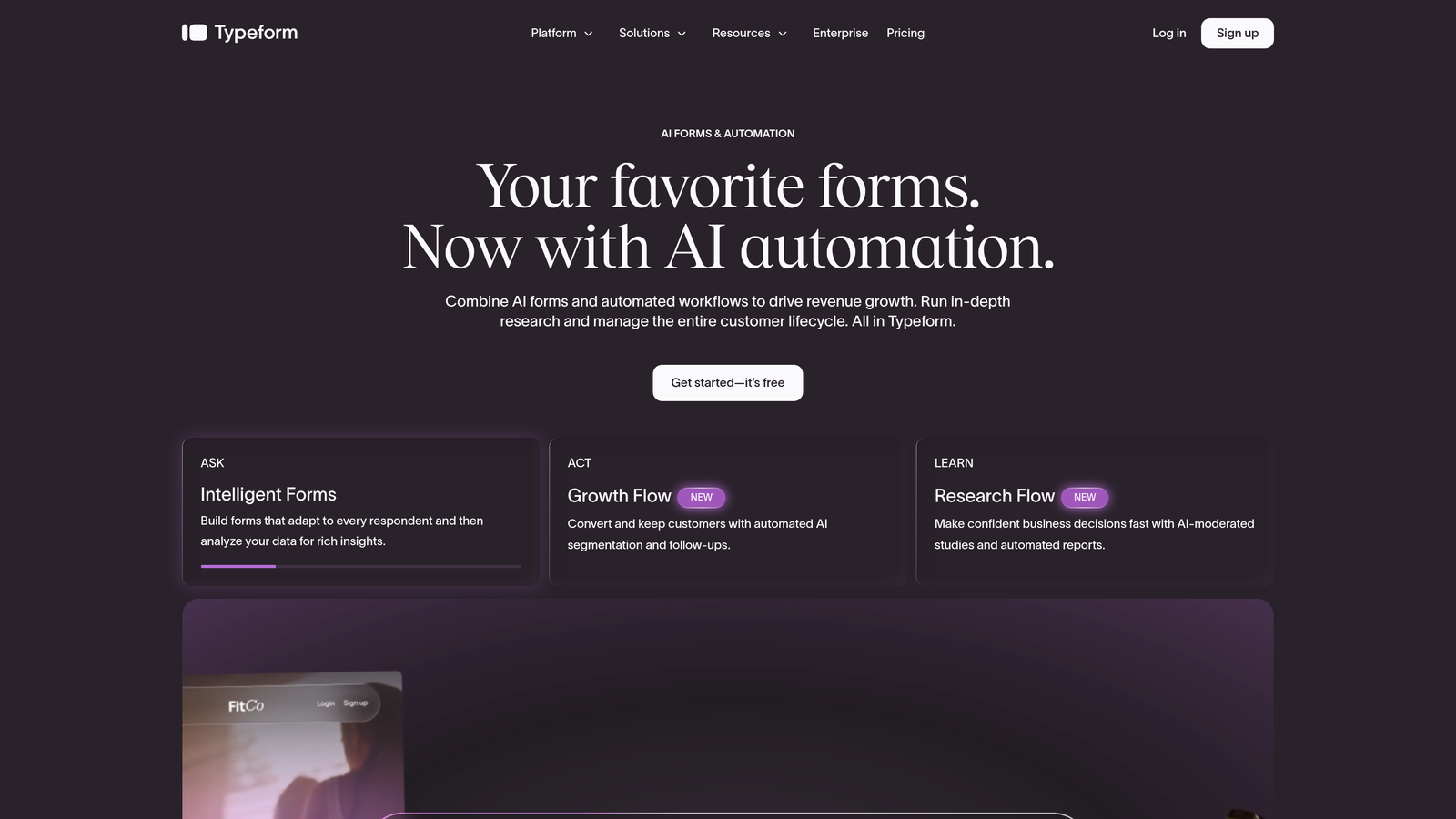
Typeform is a conversational form builder known for its one-question-at-a-time experience, with a mature REST API that developers have relied on for years.
Where This Tool Shines
Typeform's API documentation is genuinely one of the best in the form builder space. Endpoints are well-organized, OAuth 2.0 authentication is supported, and the developer community around it is active. If your team values clean API design alongside a great end-user form experience, Typeform delivers on both.
The conversational format also tends to drive higher completion rates on longer forms, which matters when you're using API-retrieved submission data for downstream analysis or qualification.
Key Features
Comprehensive REST API: Endpoints covering form creation, retrieval, and full response management for programmatic control.
OAuth 2.0 Authentication: Secure, standards-based API authentication suitable for production integrations.
Webhook Support: Real-time submission notifications to external systems as responses come in.
Conversational UI: One-question-at-a-time format that typically improves completion rates on complex forms.
API Access from Basic Plan: You don't need an enterprise contract to get API access, which keeps the entry cost manageable.
Best For
Marketing teams and growth engineers who want a premium form experience for lead capture or surveys, and need API access for CRM integration or custom data pipelines without negotiating an enterprise deal.
Pricing
Basic plan starts around $25/month with API access included from that tier upward. Verify current pricing at typeform.com as tiers and rates may have changed.
3. JotForm
Best for: Budget-conscious developers who need full API access without paying for a subscription
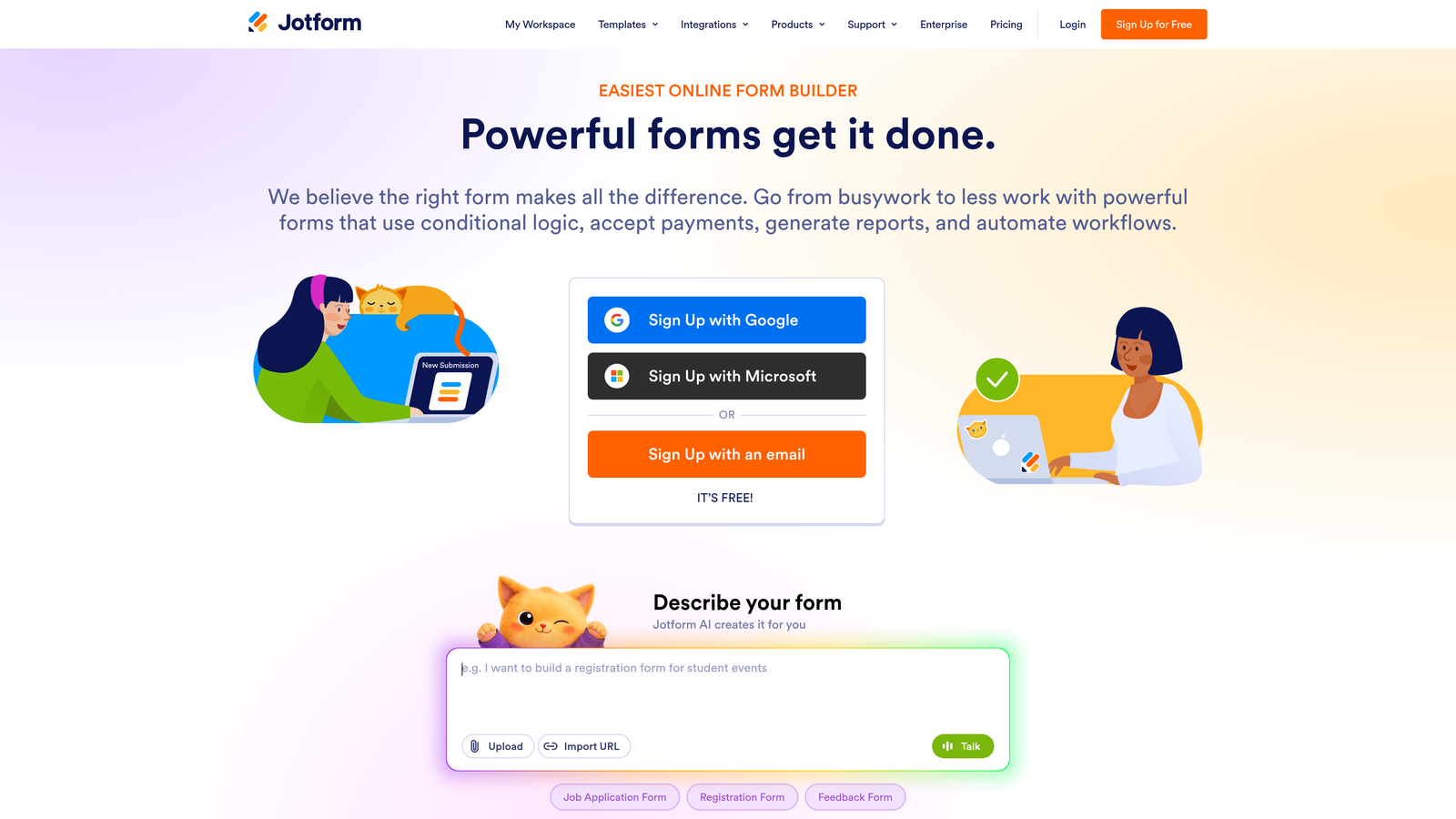
JotForm is one of the most feature-rich form builders available, and its free-tier API access makes it genuinely stand out in a market where competitors often gatekeep programmatic access.
Where This Tool Shines
The fact that JotForm includes full API access on its free plan is notable. Most competitors treat API access as a paid feature. JotForm's free tier gives you access to endpoints covering forms, submissions, reports, and user management, which is more than many paid plans elsewhere.
The template library is also exceptional. With over 10,000 form templates available, teams can move quickly from concept to deployed form without starting from scratch.
Key Features
Free Tier API Access: Full API endpoints available without a paid subscription, making it accessible for startups and individual developers.
Broad Endpoint Coverage: APIs for forms, submissions, reports, and user management give solid programmatic control over the platform.
API Key Authentication: Straightforward setup that doesn't require complex OAuth flows for basic integrations.
10,000+ Templates: Extensive template library covering virtually every form use case imaginable.
Generous Free Submission Limits: The free plan includes enough submission volume to be genuinely useful, not just a trial.
Best For
Developers building prototypes, startups on tight budgets, or teams that need API access quickly without procurement cycles. Also strong for agencies managing multiple client forms under one account.
Pricing
Free plan includes API access. Paid plans start around $34/month for higher submission limits and additional features. Confirm current tiers at jotform.com.
4. Formstack
Best for: Enterprise teams with complex Salesforce workflows and compliance requirements
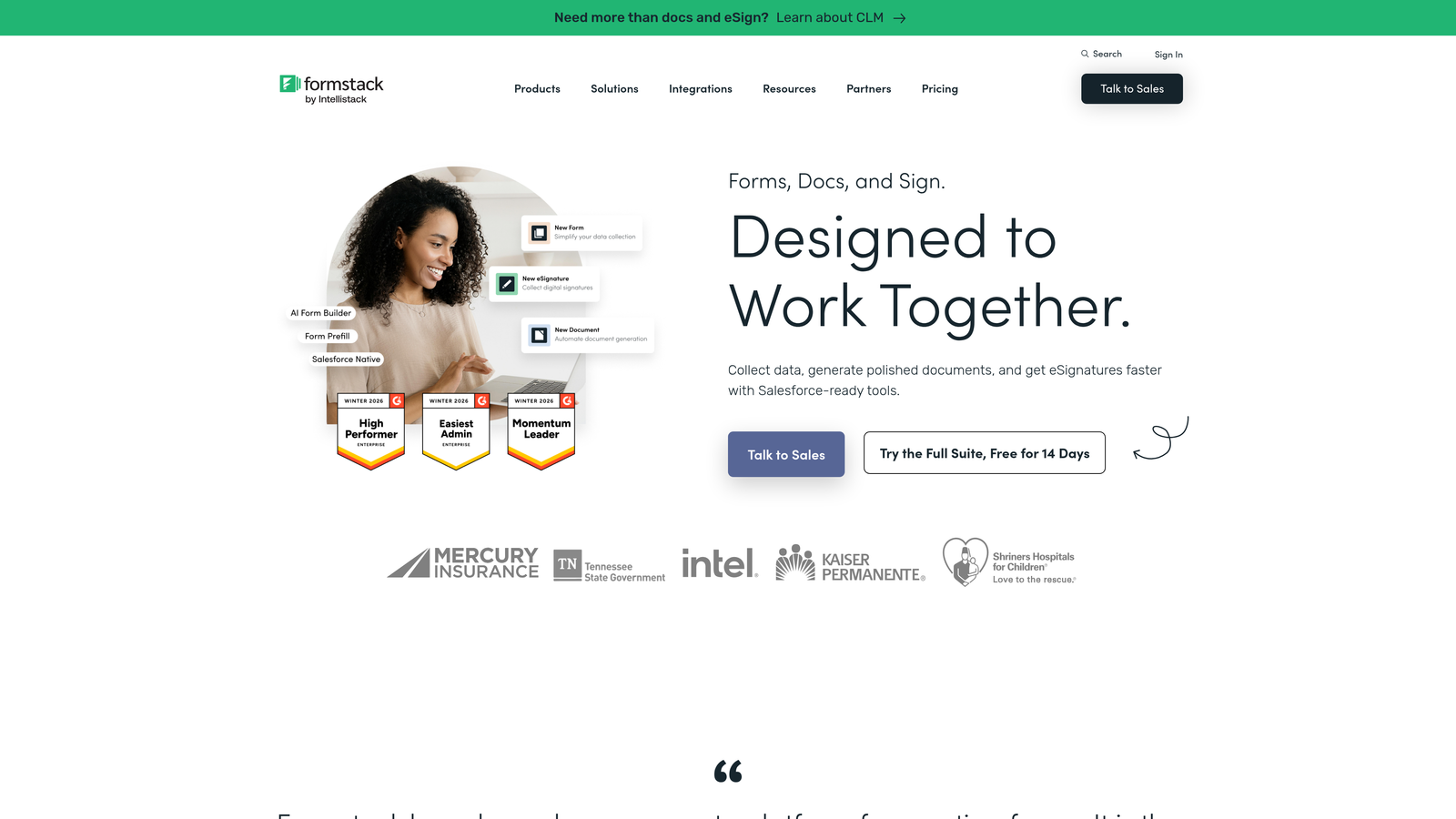
Formstack is an enterprise-grade form and workflow platform built for organizations that need deep CRM integration, approval workflows, and compliance-ready data handling alongside API access.
Where This Tool Shines
Formstack's native Salesforce integration is among the deepest available in the form builder market. For revenue operations teams that live in Salesforce, the ability to map form fields directly to Salesforce objects, trigger workflows, and maintain data integrity without middleware is a significant operational advantage.
HIPAA compliance availability also makes Formstack one of the few form builders suitable for healthcare organizations that need both workflow automation and regulatory compliance.
Key Features
REST API: Programmatic access for form and submission management within enterprise environments.
Native Salesforce Integration: Direct CRM mapping without relying on third-party connectors or Zapier intermediaries.
Workflow Automation: Conditional logic, approval routing, and multi-step workflows built into the platform.
HIPAA Compliance: Available for healthcare and regulated industry use cases where data handling requirements are strict.
Enterprise Security Controls: Role-based access, audit logs, and enterprise SSO support.
Best For
Enterprise organizations with Salesforce-heavy operations, healthcare teams requiring HIPAA compliance, or any team that needs approval workflows and complex data routing alongside form collection.
Pricing
Plans start around $50/month, with API access generally available on higher tiers. Verify current pricing and API tier requirements at formstack.com, as enterprise pricing often requires a direct quote.
5. Cognito Forms
Best for: Teams needing payment processing and API access at a competitive price point
Cognito Forms is an affordable form builder that combines built-in payment processing with API access, making it a practical choice for teams that don't want to stitch together separate tools for forms and transactions.
Where This Tool Shines
The combination of native payment processing (Stripe, PayPal, and Square are all supported) with API access at mid-range pricing is genuinely useful for small businesses and product teams running e-commerce or event registration workflows. You get programmatic entry management without paying enterprise rates.
Cognito Forms also handles complex data collection well, with repeating sections that allow respondents to submit multiple rows of structured data in a single form, which is useful for order forms, expense reports, and similar use cases.
Key Features
API for Entry Management: Programmatic access to form entries and data for integration into external systems.
Built-In Payment Processing: Native Stripe, PayPal, and Square support without needing a separate payment integration.
Repeating Sections: Allows structured multi-row data collection within a single form submission.
Conditional Logic: Show and hide fields dynamically based on user input to reduce form friction.
Calculation Fields: Built-in formula support for pricing, totals, and dynamic field values.
Best For
Small businesses, nonprofits, and product teams that need payment-capable forms with API access and don't want to pay enterprise prices to get there.
Pricing
Free plan available. Paid plans start around $15/month. Check cognitoforms.com for which tier includes API access, as this may vary by plan.
6. Paperform
Best for: Teams that want landing-page-quality form design with webhook and API data access
Paperform is a design-forward form builder that doubles as a lightweight landing page creator, with webhook support and API access for teams that care as much about form aesthetics as they do about data routing.
Where This Tool Shines
Paperform's editing experience is closer to a page builder than a traditional form tool. You can embed images, video, and rich text alongside form fields, which makes it well-suited for product pages, event registrations, and lead capture forms where brand presentation matters.
Built-in analytics and conversion tracking give you visibility into how forms are performing without needing to set up separate tracking infrastructure, which is a time-saver for smaller teams.
Key Features
Webhook Support: Real-time data push to external systems, CRMs, and automation platforms on form submission.
Direct API Access: Submission retrieval via API for teams that need programmatic data access.
Rich Media Form Design: Embed images, video, and formatted text alongside form fields for a landing-page-style experience.
Built-In Analytics: Conversion tracking and submission analytics without requiring third-party tools.
Product and Payment Pages: Sell products and accept payments directly through Paperform without a separate e-commerce setup.
Best For
Marketing teams, solopreneurs, and small businesses that want beautiful forms with payment capability and basic API/webhook access, and don't need deep developer tooling.
Pricing
Plans start around $24/month. API and webhook access are included on paid plans. Confirm current tier details at paperform.co.
7. Fillout
Best for: Teams using Airtable, Notion, or Supabase who need native database-connected forms with API access
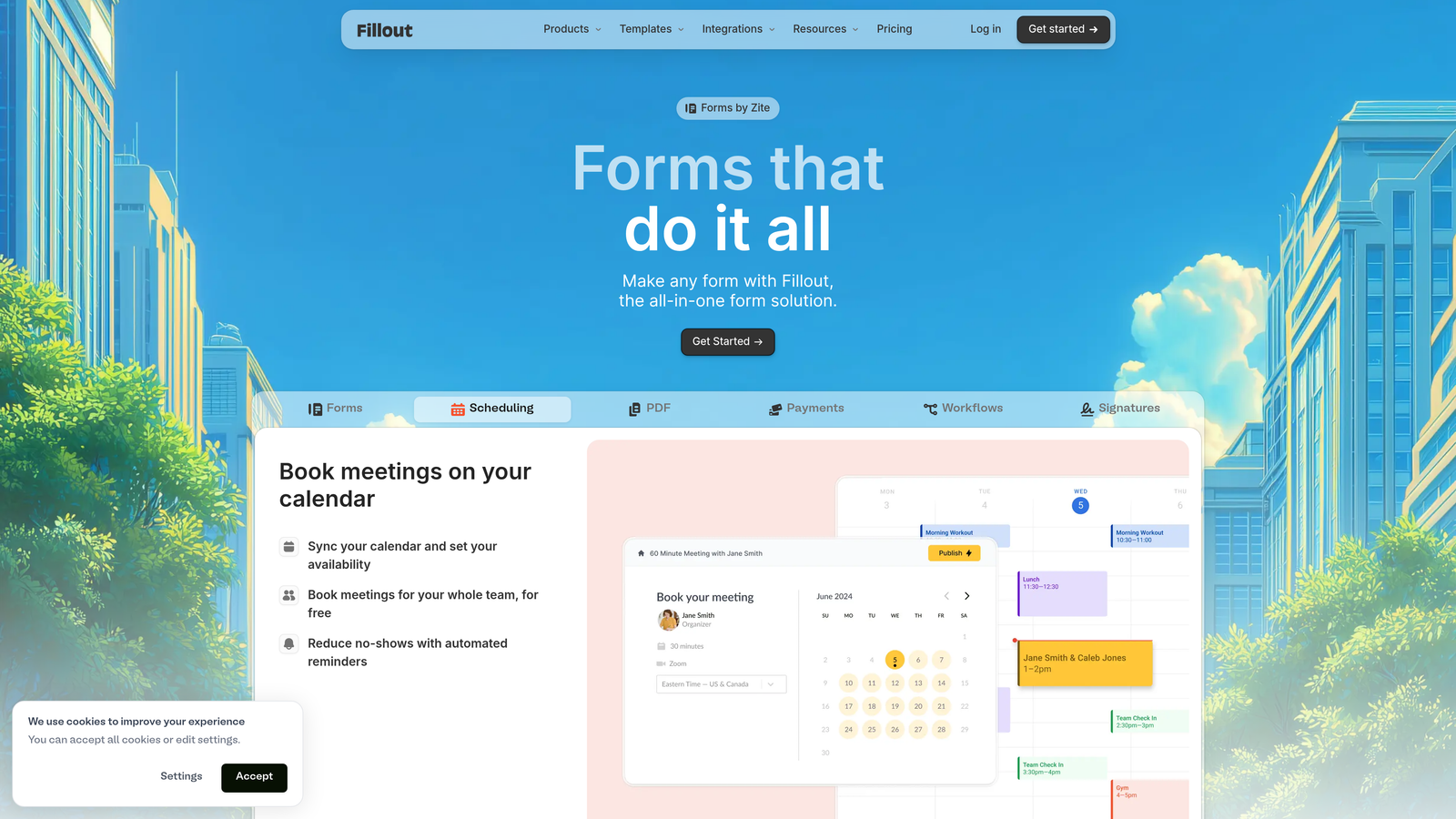
Fillout is a modern form builder that has gained real traction among teams building on top of no-code databases, offering native integrations and a REST API for programmatic control.
Where This Tool Shines
Fillout's native integrations with Airtable, Notion, Google Sheets, and Supabase are genuinely deep, not just Zapier passthrough connections. This means form submissions can write directly to your database with field mapping, relational lookups, and conditional routing that most form builders can't match natively.
The generous free tier also makes Fillout a practical starting point for teams that want to evaluate API access and integrations before committing to a paid plan.
Key Features
Native Database Integrations: Direct connections to Airtable, Notion, Google Sheets, and Supabase with proper field mapping.
REST API: Programmatic form and submission management for custom workflow integration.
Multiple Form Types: Scheduling, payment, quiz, and standard data collection forms in one platform.
Conditional Logic and URL Parameters: Dynamic form behavior based on user input or pre-populated URL data.
Generous Free Tier: Core features including integrations available without a paid subscription.
Best For
Product teams and operations teams that have already built their workflows around Airtable, Notion, or Supabase and want forms that connect natively rather than through middleware.
Pricing
Free plan available. Paid plans start around $19/month. Verify which tier includes REST API access at fillout.com.
8. Tally
Best for: Startups and indie developers who need webhook support and unlimited forms without paying anything
Tally is a minimalist form builder with a remarkably generous free tier, including unlimited forms, unlimited submissions, and webhook support that makes it a legitimate free option for developers who need real-time data routing.
Where This Tool Shines
The free plan's webhook support is what makes Tally genuinely interesting for developers. Most form builders treat webhooks as a paid feature. Tally includes them on the free tier, which means you can push submission data to your backend, CRM, or automation platform in real time without spending anything.
The Notion-like editor also lowers the learning curve significantly. If your team already uses Notion, building forms in Tally feels immediately familiar.
Key Features
Unlimited Free Forms and Submissions: No caps on the free plan for form creation or submission volume.
Free Webhook Support: Real-time data push to external systems available on the free tier, not gated behind a paid plan.
Notion-Style Editor: Block-based editing interface that feels intuitive for teams already in the Notion ecosystem.
Conditional Logic and Hidden Fields: Dynamic form behavior and pre-population support on free and paid plans.
No-Branding Option: Remove Tally branding on the Pro plan for a cleaner respondent experience.
Best For
Indie developers, early-stage startups, and side projects where budget is constrained but real-time data routing via webhooks is still required. Also strong for teams prototyping integrations before committing to a paid platform.
Pricing
Free plan includes webhooks and unlimited forms. Pro plan is around $29/month for advanced features and no-branding. Confirm current pricing at tally.so.
9. Feathery
Best for: Developer and product teams building onboarding flows, signups, and checkout directly into their applications
Feathery is a developer-first form infrastructure platform built for product teams that need forms embedded directly into their applications, with a React SDK, full REST API, and advanced logic for complex multi-step flows.
Where This Tool Shines
Feathery is the most developer-native option on this list. The React SDK lets product engineers embed forms directly into their web applications with full programmatic control over rendering, logic, and data flow. This is fundamentally different from iframe-embedded forms that most builders offer.
For product onboarding, signup, and checkout flows where the form needs to feel like a native part of the application rather than a third-party widget, Feathery is purpose-built for that requirement.
Key Features
React SDK: Embed forms natively into React applications with full programmatic control, not just iframe embeds.
Full REST API: Programmatic form creation, management, and submission retrieval for complete infrastructure integration.
Advanced Conditional Logic: Multi-step flow support with complex branching for onboarding and qualification flows.
Custom CSS and JavaScript: Complete design and behavior control without being constrained by platform styling.
Product Flow Optimization: Built specifically for onboarding, signup, and checkout use cases where form completion directly impacts activation rates.
Best For
Engineering and product teams at SaaS companies that need forms to function as native application components, not embedded third-party tools. Ideal for onboarding flows, signup sequences, and checkout experiences where full control matters.
Pricing
Free tier available. Paid plans start around $49/month. Built for developer and product teams, so pricing reflects the infrastructure-grade feature set. Verify current tiers at feathery.io.
Choosing the Right Form Builder API for Your Team
The right choice here depends less on which platform has the most features and more on where API access sits in your actual workflow requirements and budget.
If budget is the primary constraint, JotForm and Tally both offer meaningful API and webhook access on free plans, making them strong starting points before committing to a paid platform. JotForm gives you broader endpoint coverage; Tally gives you simplicity and unlimited volume.
For developer and product teams building forms into applications rather than alongside them, Feathery's React SDK and API-first design is in a different category from the rest of this list. It's the right tool when you need forms to behave like native product components.
Enterprise teams with Salesforce dependencies should evaluate Formstack seriously, particularly if HIPAA compliance or approval workflows are also requirements. The higher price point reflects the depth of CRM integration and compliance infrastructure.
For growth teams focused on lead generation and qualification, the combination of API access with intelligent lead scoring is where Orbit AI stands apart. Most platforms on this list retrieve raw submission data via API. Orbit AI enriches that data with AI-powered lead qualification before it ever reaches your CRM, which changes the value of every API call your team makes.
When evaluating any platform on this list, look beyond the monthly price and examine the full picture: which plan tier actually unlocks API access, what endpoint coverage you get, whether rate limits will constrain your use case, and what authentication methods are supported. Total cost of ownership includes the engineering time to work around limitations, not just the subscription fee.
Start your free trial today and see how AI-powered lead qualification combined with full API access can transform how your growth team captures, routes, and acts on lead data.