

A vendor submits banking details in a PDF, tax information in an email thread, and insurance documents as mismatched file names. Finance can't verify the remit-to record, procurement doesn't know whether legal has reviewed the supplier, and AP re-enters the same company name into three systems with three different spellings. That's the vendor onboarding problem teams are dealing with right now. It's rarely the lack of a vendor form template. It's the gap between a filled form and an approvable vendor record.
The right vendor form starts before the first field. It starts with the approval path, the risk triggers, the required documents, and the destination system. If the form doesn't validate legal entity data, separate low-risk from high-risk submissions, and route complete records to the people who need them, the template becomes another intake dead end.
That matters whether you're building a supplier intake process from scratch or patching one onto an existing ops stack. Teams often begin with a generic web form, then discover too late that routing, document collection, and ownership matter more than visual polish. The same dynamic shows up in adjacent operational workflows too, including front-desk operations covered in this office visitor management system guide.
Below are ten vendor form template resources worth considering in 2026. I'm comparing them by workflow fit, not just whether they offer a template. The useful differences are in validation depth, conditional logic, document handling, approvals, customization, and what happens after submission. Orbit AI sits at the center of that conversation because its embedding, enrichment, qualification, and sync capabilities can turn a static vendor intake form into an operational workflow without forcing teams to stitch everything together manually.
1. Orbit AI
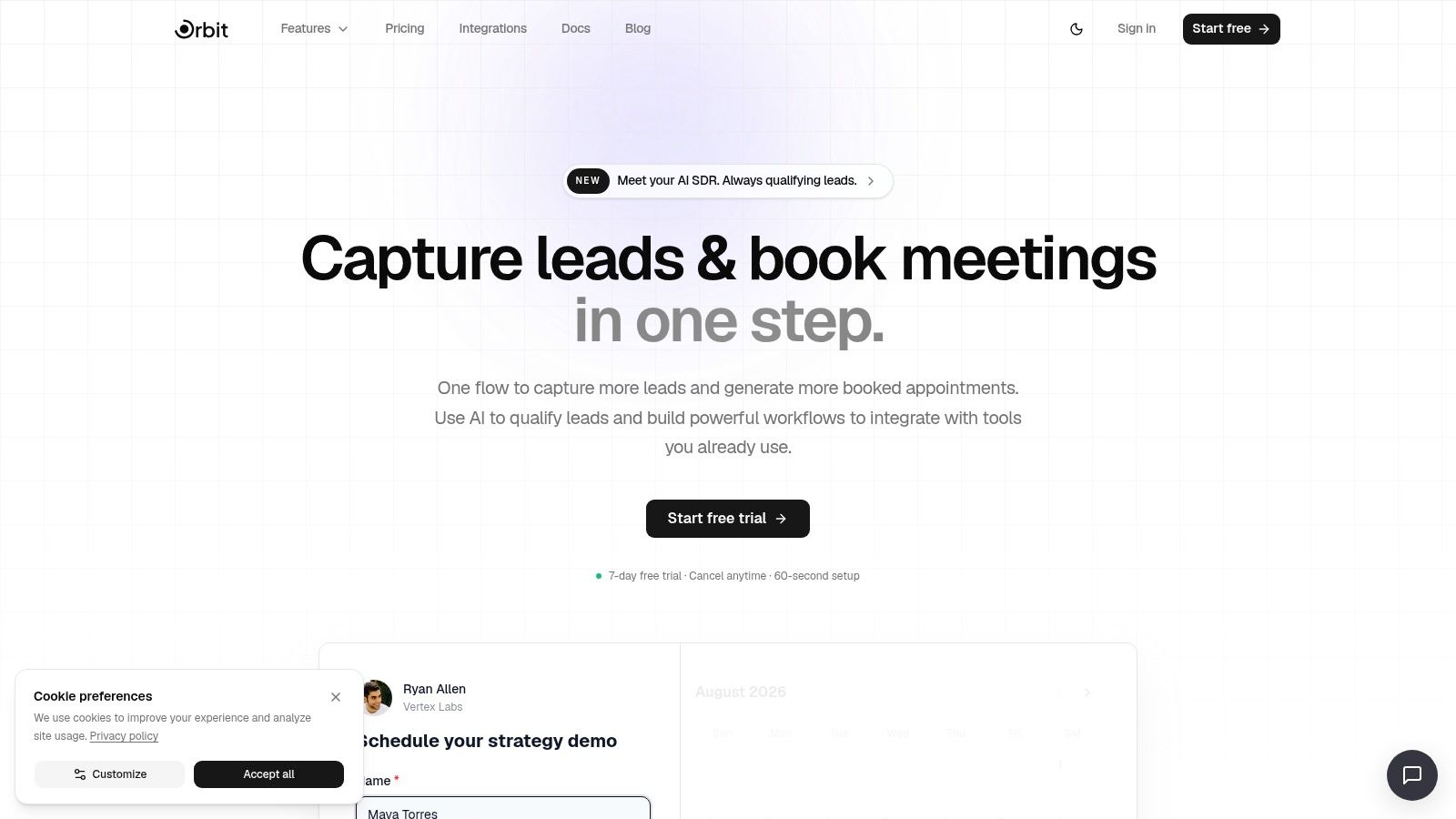
Orbit AI is the strongest option here when the form is only one part of the job. If you need to collect vendor information, qualify what came in, enrich the submission, and push usable data into the right system, Orbit AI has the best overall workflow fit.
What makes it different is that it doesn't stop at form capture. Teams can build traditional multi-field forms or conversational flows, embed them on-site, and connect them to downstream actions. For a team that wants a vendor form template to become an intake engine instead of a static submission box, that matters more than having the biggest template gallery.
A practical starting point is Orbit AI's lead generation form template library, not because vendor onboarding is lead gen, but because the same embedded capture, qualification, and routing model translates well to supplier intake.
Where Orbit AI fits best
Orbit AI works especially well when vendor intake overlaps with commercial ops, partner onboarding, channel programs, or multi-team qualification. If your process depends on checking business context, assigning ownership, and syncing clean records into CRM or operating systems, Orbit AI is built for that handoff.
Its AI SDR layer is the part that should be thought through carefully. For vendor workflows, that can help classify submissions, flag missing context, and support routing logic tied to your own rules. It can also pull in enriched context and surface the records that need attention first.
Practical rule: Use AI qualification to support routing and review priority. Don't use it as a substitute for tax, compliance, or banking verification.
Orbit AI also reduces tool sprawl. Scheduler, workflows, contacts, analytics, and outbound sequences live in one place. That's more useful than it sounds when your current process involves a form builder, a spreadsheet, Slack alerts, a CRM sync, and manual follow-up just to fix missing fields.
Trade-offs and implementation notes
The main drawback is pricing visibility. Long-term and enterprise pricing require a sales conversation, which can slow internal budgeting. Teams in tightly regulated environments should also validate how AI enrichment and third-party services fit their data handling rules before launch.
The implementation upside is speed. You can embed the form, define field logic, set routing paths, and connect records into the systems that matter. If I were using Orbit AI for vendor intake, I'd keep the form focused on required supplier data, then use enrichment and workflows to assign owner, classify vendor type, and sync the record into CRM or procurement ops without another round of manual re-keying.
2. Typeform
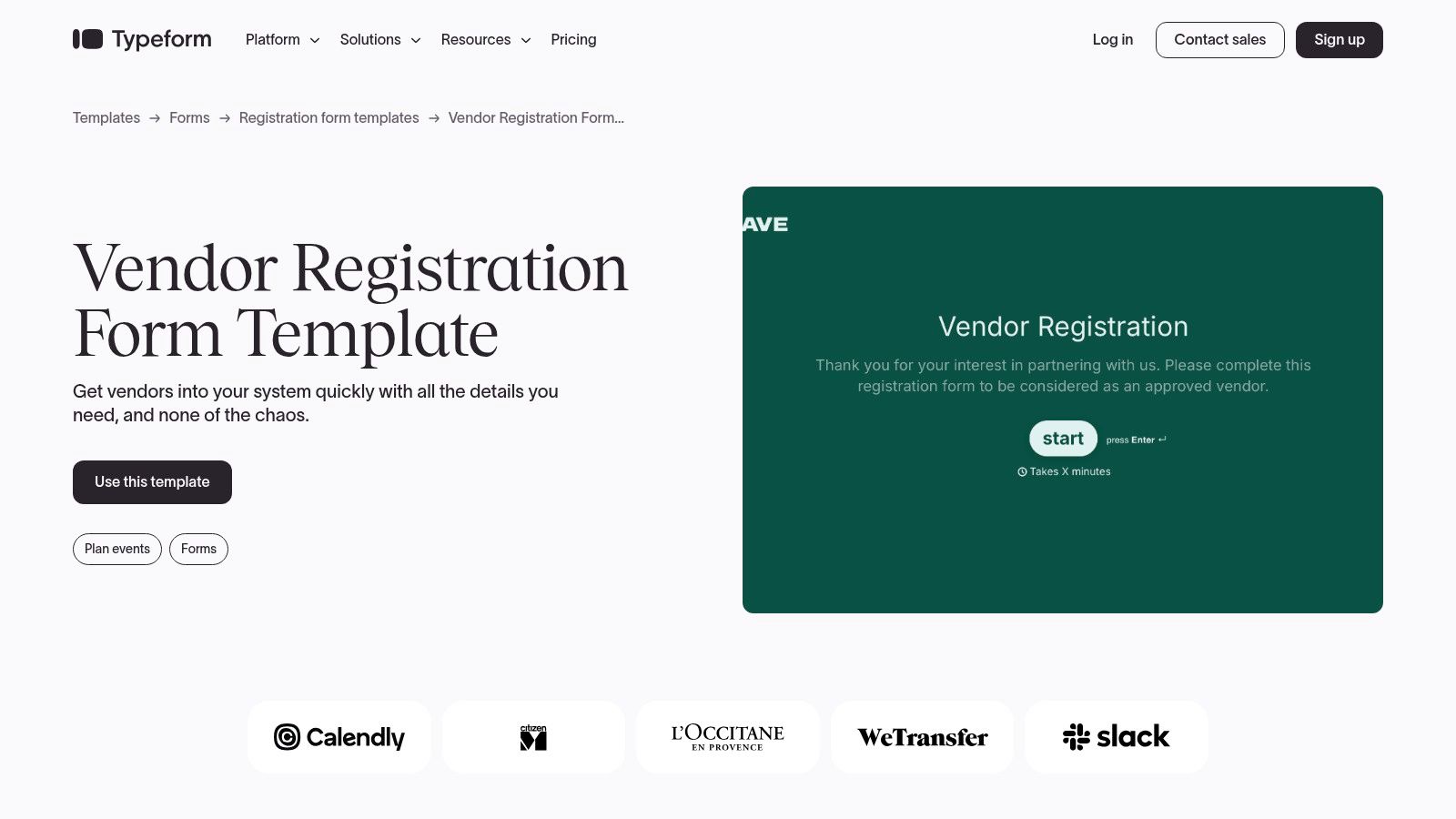
Typeform is the easiest recommendation when completion experience matters more than back-office complexity. Its vendor registration template feels light, modern, and less intimidating than a dense procurement form.
That's useful when vendors are external partners who may abandon a rigid intake page. The one-question-at-a-time flow can keep people moving, and file upload support helps when you need supporting documents without forcing a portal login.
If you're weighing UX against conversion trade-offs, Orbit AI's review of a Typeform alternative with better conversion is worth reading alongside your shortlist.
What it does well, and where it strains
Typeform is strong for front-end experience, basic logic, branded flows, and quick deployment. It's a good fit for first-pass intake, partner applications, or supplier interest forms where the submission still needs internal review afterward.
The limitation shows up when vendor onboarding gets dense. Banking information, tax structure, compliance attestations, and internal routing fields can make the conversational style feel slower than a well-structured traditional form. It's also less natural for table-like data entry or processes that depend on heavy approval logic.
A polished vendor experience helps. It doesn't fix unclear internal ownership.
If your team chooses Typeform, define what happens after submit before you publish. Who checks files? Where does the legal entity record live? Which missing fields trigger follow-up? Typeform gives you a cleaner front door. You still need a disciplined room behind it.
3. Jotform
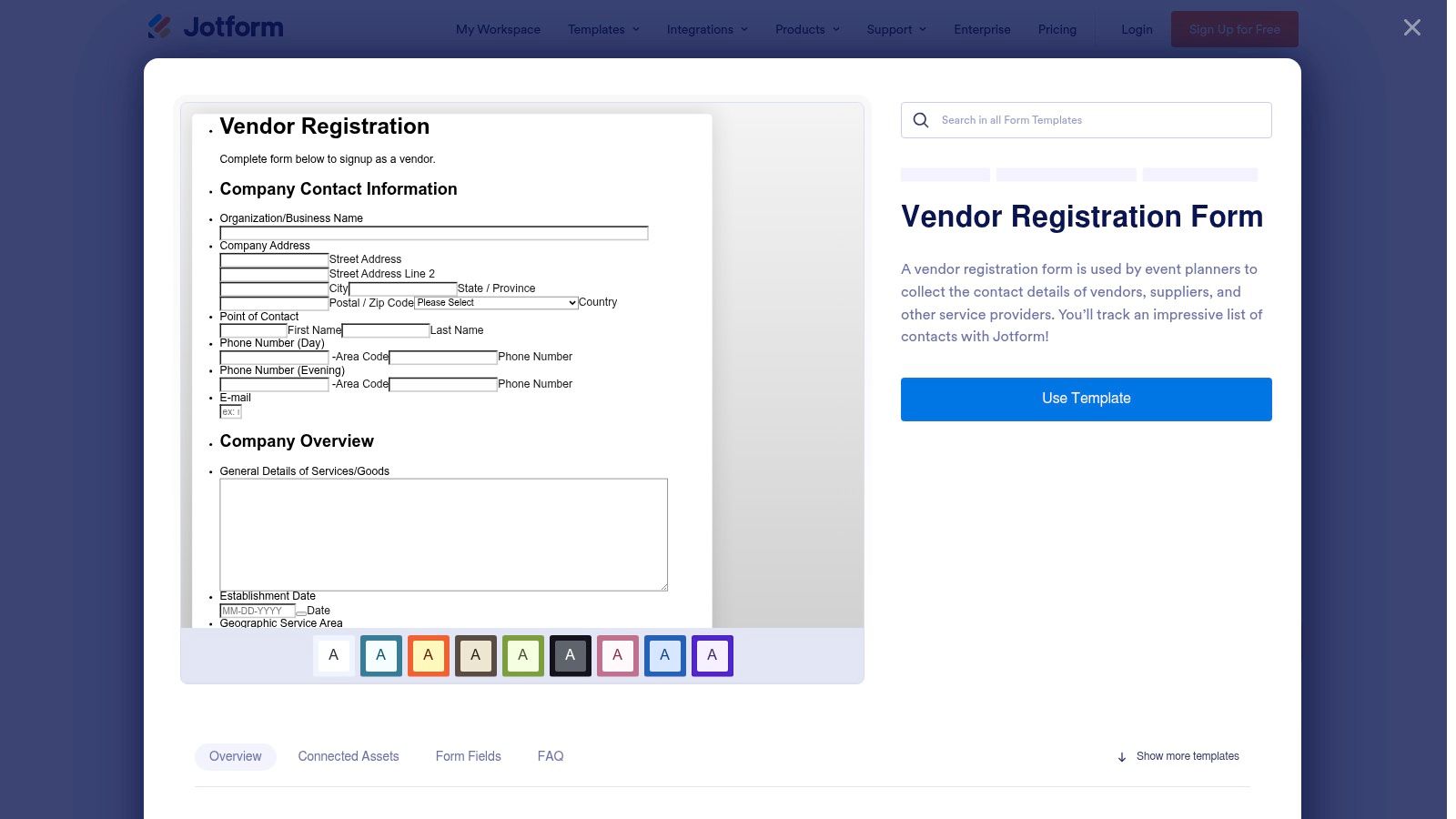
Jotform wins on breadth. If you want a huge library, fast duplication, embeddable forms, and a lot of adjacent features, it's one of the fastest ways to get a vendor form template live.
For teams that haven't finalized their process, that flexibility is attractive. You can start with a vendor registration form, add approvals, layer in file uploads, and generate PDFs without moving to a different platform right away.
If your comparison includes budget and scaling concerns, this breakdown of Jotform pricing vs alternatives helps frame where upgrades tend to matter.
Best use case for Jotform
Jotform is a solid middle ground for operations teams that need flexibility but don't want an enterprise stack. It's especially good when your intake process includes signatures, document generation, optional payment collection, or a mix of internal and external form use cases.
The weak point is sprawl inside the builder. As forms multiply and automations get layered in, the workspace can feel cluttered. Teams also run into plan caps and branding limits sooner than expected if the form becomes broadly used across departments.
One thing I like about Jotform for vendor onboarding is that it gives non-technical teams room to iterate. One thing I like less is that those same teams can publish a workable form before they've thought through source-of-truth ownership.
Field design matters more than template count
A large template library is helpful. It isn't the deciding factor. The practical test is whether your Jotform setup separates required registration data, document triggers, and internal review notes in a way your procurement or AP team can act on later.
4. Formstack
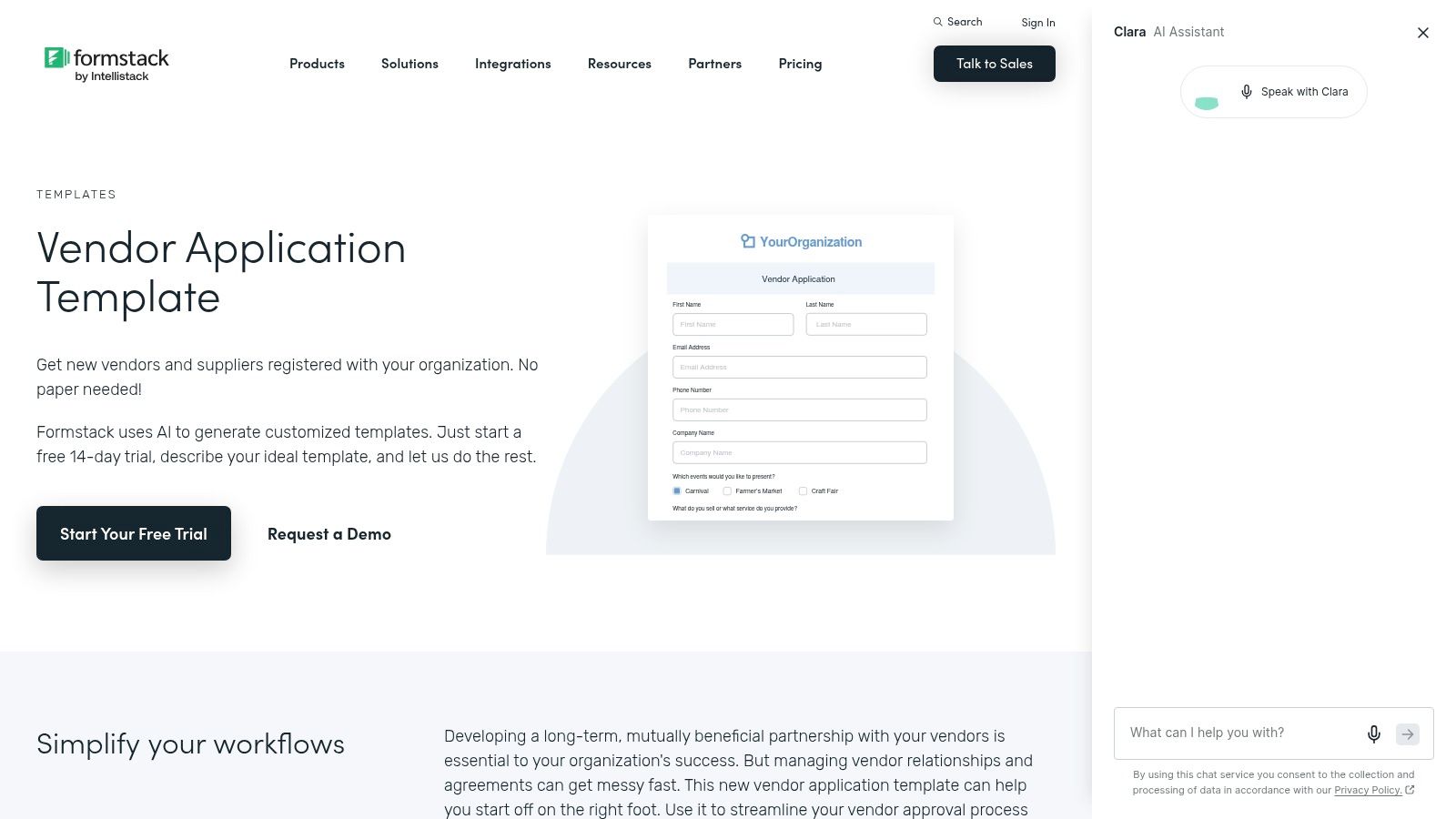
Formstack is for organizations that care less about template novelty and more about governed workflow. Its new vendor application template sits inside a broader stack that combines forms, document generation, and e-signature, which is exactly the combination many procurement-heavy teams end up needing.
This is one of the better fits when vendor onboarding doesn't end at intake. If your process moves from submitted data to generated documents to signed agreements, keeping those steps closer together reduces handoff risk.
Why enterprise teams like it
Formstack is comfortable in structured approval environments. Admins can build routing, connect form submissions to downstream documents, and control how records move through review. That matters when procurement, legal, and finance all touch the same vendor packet.
The trade-off is overhead. Formstack has more depth than many SMB-focused builders, and that depth creates a learning curve. It's also not the cheapest route if all you need is a simple supplier registration page with a few uploads.
Use Formstack when the review framework already exists and you need the form to feed it cleanly. Don't use it just because the word “enterprise” sounds reassuring. If your actual process is still unresolved, a heavier platform won't solve the ownership problem for you.
Implementation note: Formstack makes more sense after you've mapped approvals, document outputs, and signature triggers. Before that, it can feel bigger than the problem.
5. Cognito Forms
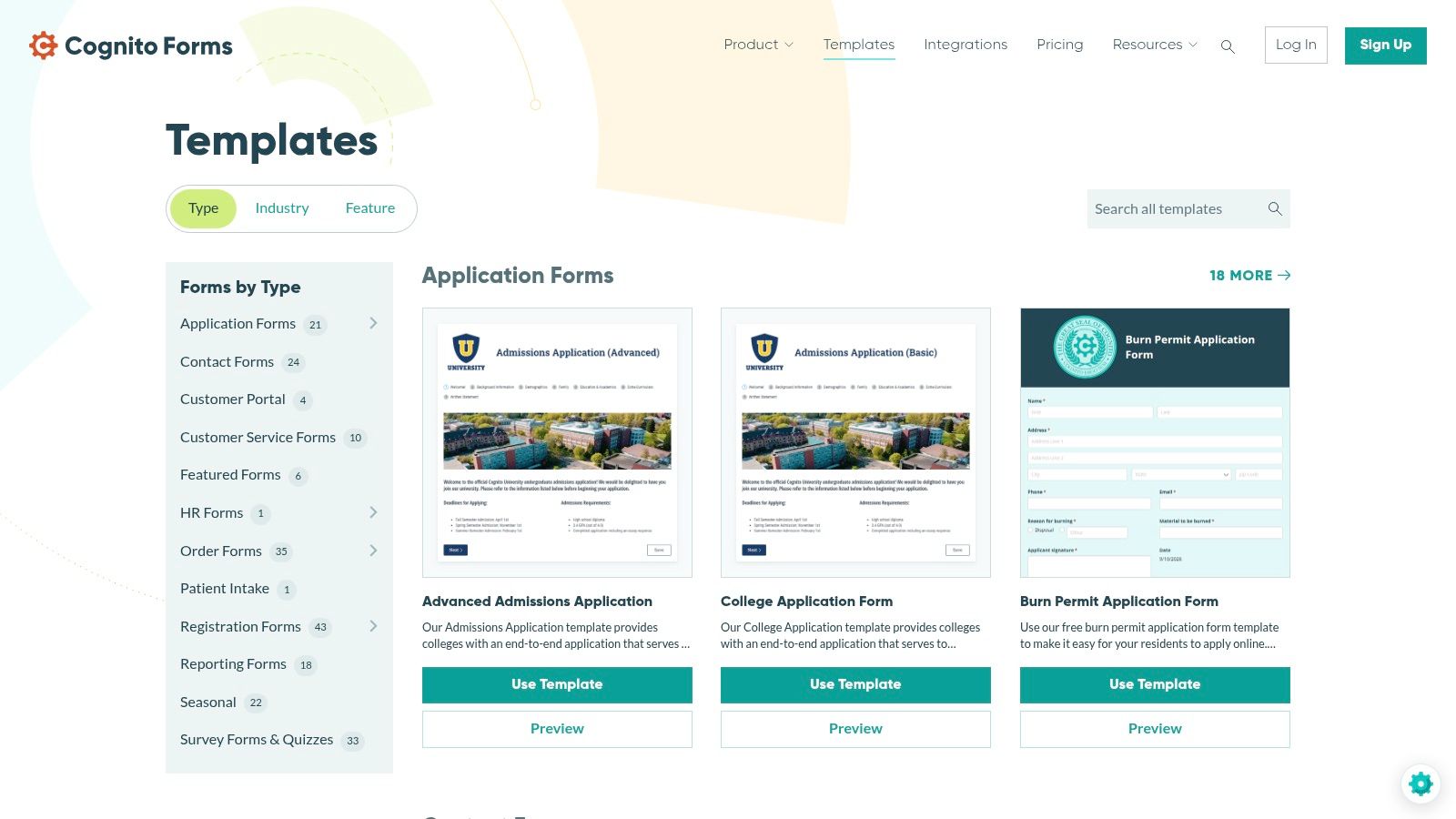
Cognito Forms is one of the most practical choices for teams that need logic depth without jumping into a large enterprise platform. It's especially good when your vendor intake includes conditional sections, calculations, repeating entries, or document generation.
This is the kind of builder I'd shortlist if the process varies a lot by vendor type. Domestic contractor, software provider, facilities vendor, and international supplier rarely need the same path. Cognito Forms handles that kind of branching well.
If you're comparing similar builders, Orbit AI's take on Cognito Forms alternative options helps clarify where AI-driven routing changes the equation.
Where Cognito Forms stands out
Cognito Forms is good at structured complexity. You can collect a base set of supplier data, then reveal additional sections only when a response requires them. That's directly aligned with established vendor onboarding design advice that says forms work best when they collect only the minimum required data, use conditional logic by vendor type or risk level, and rely on structured field types such as validation rules and separate fields for legal entity name versus DBA, according to MangoApps' vendor supplier onboarding guidance.
That matters because “just add another field” is how vendor forms become completion traps. Cognito gives builders enough logic control to avoid that.
The trade-off
Its design experience is less flashy than Typeform or Paperform. If your stakeholders care a lot about visual polish, Cognito may look more utilitarian. But for internal ops, that's often a fair trade.
I'd choose Cognito Forms over prettier tools when the hard part is decision logic, not branding. It's a builder for teams that care what the form does after completion.
6. Paperform
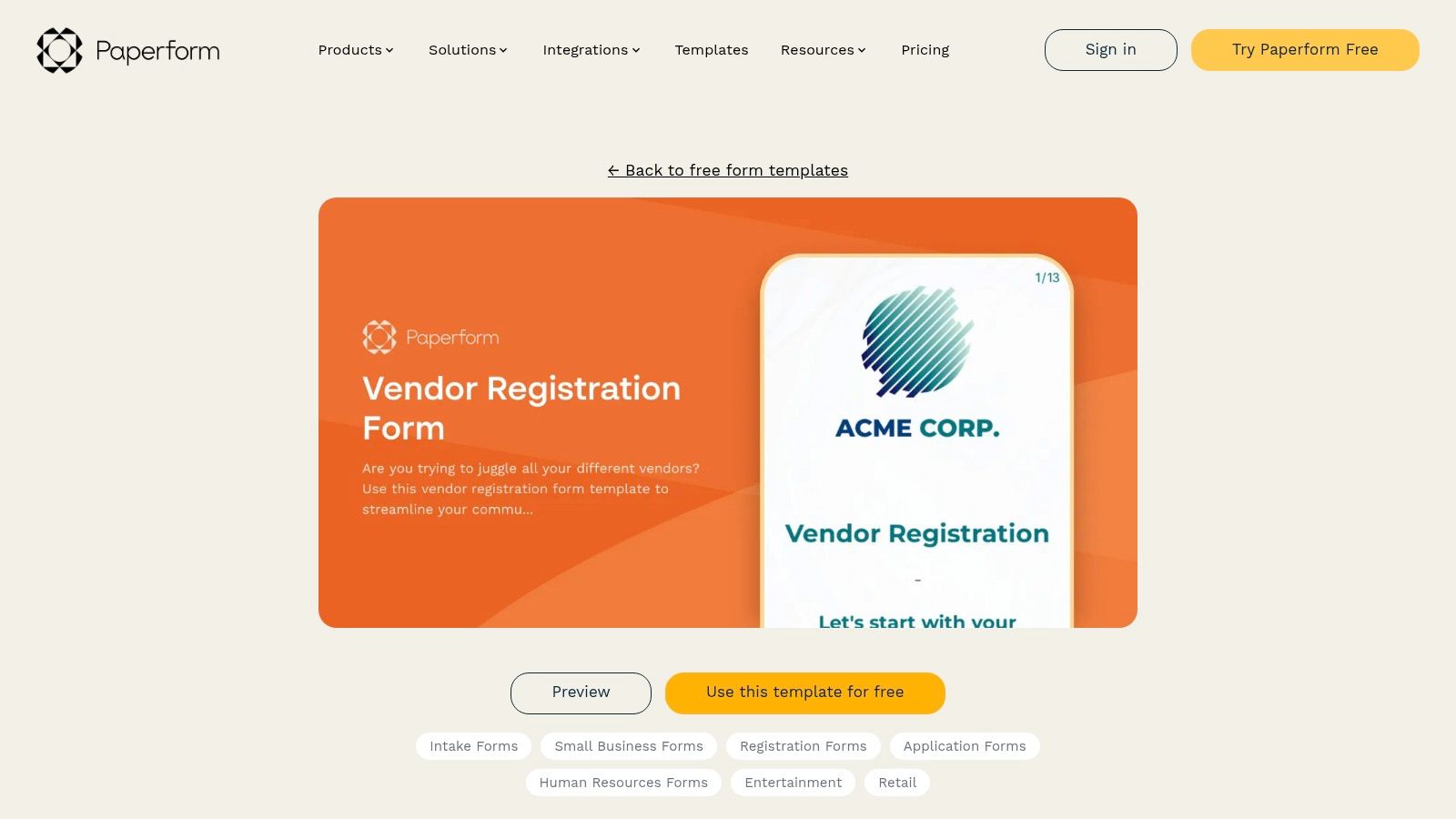
Paperform sits in a useful middle zone. It's more design-friendly than traditional builders, but it still supports structured intake well enough for many vendor workflows. If you want your vendor form template to feel like a branded onboarding page instead of a standard form, this is one of the better options.
Its vendor and supplier onboarding resources reflect a category that had become more mature by 2026, with specialized variants for approval, compliance review, risk assessment, and activation readiness, as shown in Paperform's supplier onboarding approval template library. That maturity shows in how teams now expect the form to support workflow, not just contact collection.
Good fit for branded intake
Paperform is strong when the external experience matters and you want content, instructions, sections, and supporting media around the fields. That helps when vendors need guidance on what to upload or how to complete the process.
It's also easier to make a Paperform page feel like part of your site or onboarding environment. That can improve trust, especially when you're requesting sensitive business details.
Where it falls short
Paperform isn't the first tool I'd choose for deep approval orchestration. It can collect, brand, and route, but the heavier your internal review process becomes, the more likely you are to supplement it with other systems.
For many teams, that's fine. The key is to treat Paperform as the presentation layer and decide where review ownership, record sync, and activation status will live after submission.
7. Formsite
Formsite is the classic choice. It doesn't try to feel conversational or highly stylized. It focuses on dependable web forms, notifications, exports, and the kind of straightforward layouts many back-office teams still prefer.
That simplicity is a strength when the people managing the form don't want a design-heavy experience or a layered automation builder. Vendor details, contacts, service categories, and review-related fields fit neatly into its model.
Why some teams still prefer it
A traditional layout is often better for dense business data. Vendors can see what's being asked, jump through sections, and complete the form in a familiar pattern. That's useful when your intake includes company identifiers, operational notes, service descriptions, and recurring updates.
Formsite also works well for organizations that already rely on exports and email notifications more than CRM-first automation. If the workflow centers on administrative review rather than embedded qualification or enrichment, it can be enough.
Conventional forms aren't outdated when the submission is dense and the reviewers want structure.
The downside is obvious. Formsite feels more conventional than newer tools, and advanced capabilities may push you toward higher tiers. Still, if your team values reliability over polish, Formsite remains a credible vendor form template option.
8. Smartsheet
Smartsheet makes the most sense when procurement operations already run in Smartsheet. In that environment, a downloadable vendor registration document or a live form is less important than the fact that submissions land in sheets, trigger alerts, and move through existing views and approvals.
This is not the best choice for the most polished front-end form experience. It is a very practical choice when your operating system is already Smartsheet and you want intake to meet the team where it works.
Best for operations-first teams
Smartsheet's downloadable vendor registration forms in Excel, Word, or PDF are useful starting points. They help teams adapt policy language before deciding whether to convert the process into a live sheet-based workflow.
Once the process moves into Smartsheet proper, the strength is visibility. Rows, status columns, automations, approvals, and dashboards are familiar to teams already using the platform.
What to watch
Static files create friction. Word and PDF documents still need a collection method, and they don't solve verification or routing on their own. Live Smartsheet forms are better, but their value depends on whether your team has already committed to Smartsheet for the broader process.
I'd rank Smartsheet highly for internal operational alignment, not for vendor-facing UX. That distinction matters when you decide what problem you're trying to solve.
9. DocuSign
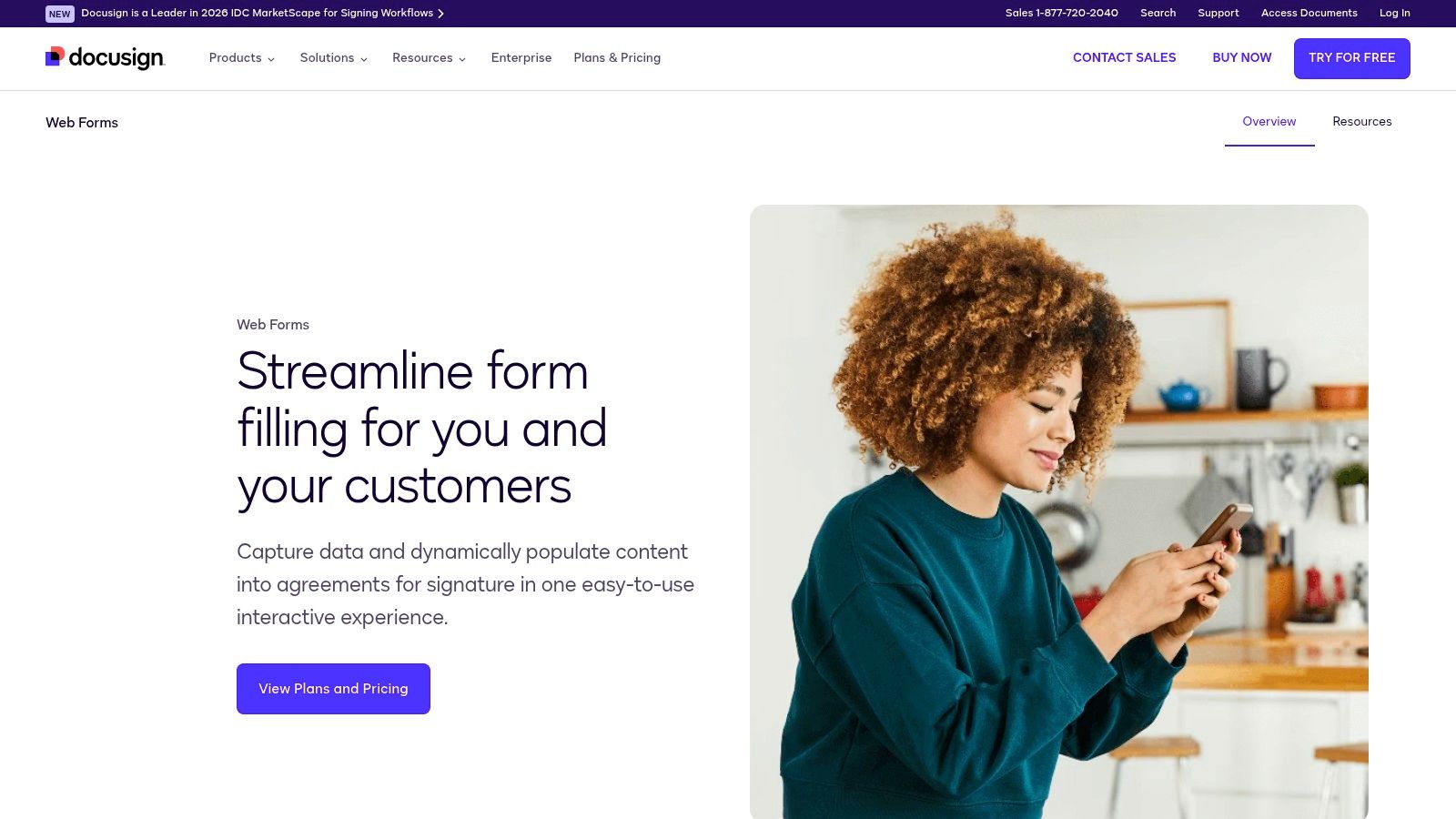
DocuSign belongs on this list for one reason. Some vendor onboarding processes only count as complete when the intake ends in an executed agreement. If your form feeds an NDA, MSA, supplier code of conduct, or policy acknowledgment, DocuSign Web Forms is built for that final mile.
It's not a broad-purpose form builder in the same way the others are. It's a workflow tool for collecting information that will populate agreement templates and move into signature and approval.
If signature is central to your process, Orbit AI's guide to digital signature forms is a useful complement when planning the intake layer before DocuSign takes over.
When DocuSign is the right answer
DocuSign is strongest when legal enforceability, audit trails, and routed approvals dominate the workflow. It reduces re-keying from intake into contract templates and keeps the signed output connected to the process.
That makes it a smart fit for legal-led vendor onboarding, especially where procurement won't activate a supplier until core terms are signed.
When it isn't
If you need broad survey-style flexibility, richer page customization, or lightweight front-end experimentation, DocuSign isn't the best primary form tool. Use it when agreement execution is the operational center of gravity.
The practical pattern I've seen work best is simple. Use a front-end intake layer that captures only what's needed to prepare the agreement, then let DocuSign handle the controlled signature path.
10. Airtable
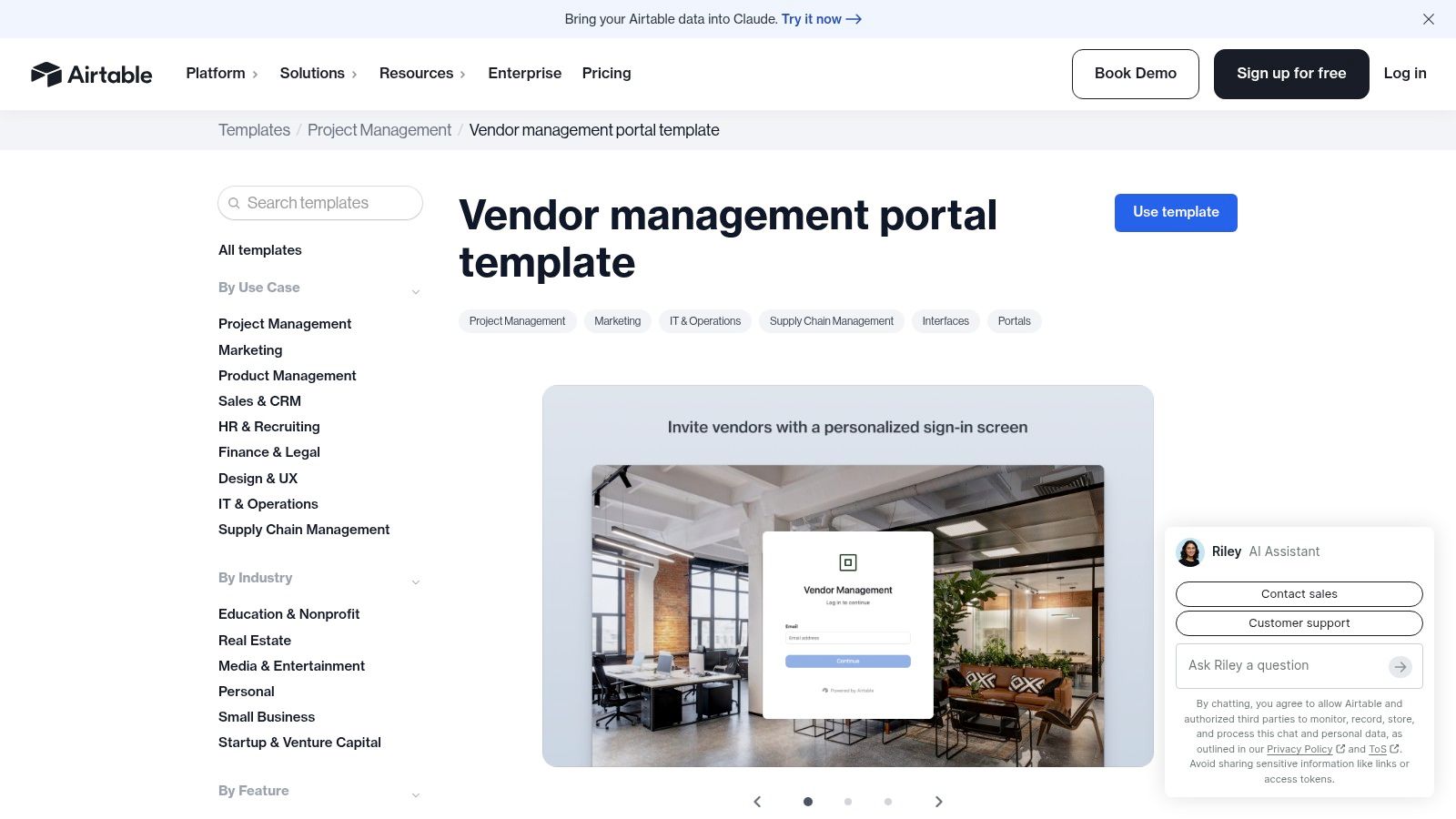
Airtable is the best database-first option in this group. If your problem isn't just collecting a vendor application but maintaining a living vendor record with status, owners, documents, and contract context, Airtable is a strong contender.
Its vendor management portal approach works well when the intake form is one entry point into a broader vendor data model. That makes it more useful for ongoing management than many pure form tools.
Why Airtable can outlast the template phase
Procurement-oriented onboarding often works better when teams break the process into registration, qualification, pay enablement, and enrichment fields, as described in Umbrex's supplier onboarding and qualification design playbook. Airtable maps well to that structure because the base can represent each stage without forcing everything into one long form.
You can expose a form externally, then let internal teams manage the record, approvals, and related objects from the Airtable side. That's a cleaner approach than trying to cram every internal action into the submission experience itself.
Limitation to understand upfront
Airtable forms are functional, not especially stylish. Heavy logic may also require additional automation design. The payoff comes when your team adopts Airtable as the place where vendor records live and evolve.
If you only want a quick vendor form template, Airtable may feel like too much. If you want a living supplier operations layer, it's one of the better long-term choices.
Vendor Form Template: Top 10 Tools Comparison
| Product | Core features | UX & Setup | Best for / Target audience | Unique selling point | Pricing / Value |
|---|---|---|---|---|---|
| Orbit AI | AI-native forms & scheduler, AI SDR lead qualification/enrichment, visual builder, Flows, workflows, real-time analytics, 50+ integrations | Fast visual builder, 60‑sec setup, templates, built-in scheduler | High-growth revenue teams, SDRs & marketers capturing & qualifying leads | AI SDR + smart lead scoring that continuously qualifies & enriches leads; all‑in‑one stack replaces multiple tools | 7‑day free trial (no card), enterprise pricing on request; low‑friction start |
| Typeform | Conversational one‑question flows, templates, logic, file upload, integrations | Polished, modern conversational UX; quick to launch | Customer-facing surveys, vendor/registration forms focused on completion | Best‑in‑class conversational experience for reducing abandonments | Pricing scales with responses; paid tiers for advanced features |
| Jotform | Large template library, drag‑and‑drop, e‑sign, payments, PDF generation, automations | Feature‑rich builder; can feel cluttered at scale | Teams needing many templates, payment/e‑sign workflows, embeddable forms | Extensive searchable templates and add‑on ecosystem | Free plan (with branding); caps may force upgrades to paid plans |
| Formstack | Forms + Documents + e‑sign, approvals, advanced logic, AI‑assisted templates | Powerful enterprise UI with steeper learning curve | Regulated teams and mid‑market/enterprise compliance workflows | All‑in‑one forms, doc generation and e‑sign for compliant onboarding | Enterprise‑oriented pricing; higher than many SMB tools |
| Cognito Forms | Conditional logic, calculations, repeating sections, document merge (PDF/Docs) | Functional editor; less brand polish but powerful for logic | Complex intake (fees, calculations, compliance fields) | Strong advanced logic & document generation at competitive value | Good value for advanced logic; some features gated by tiers |
| Paperform | Page‑based, brandable forms, rich content blocks, logic, payments | Smooth, WYSIWYG editor; highly brandable layouts | Branded intake forms and multi‑page vendor registrations | Mini‑site look & feel; strong content/branding flexibility | Mid‑tier pricing; fewer heavy enterprise features |
| Formsite | Classic web forms, notifications, embeds, exports, integrations | Straightforward, reliable builder with conventional styling | Orgs preferring traditional form layouts and simple workflows | Stable, no‑frills form builder for classic use cases | Basic tiers affordable; advanced features on higher plans |
| Smartsheet | Downloadable templates (Excel/Word/PDF), Smartsheet web forms, automations | Spreadsheet‑first UX; familiar if you use Smartsheet | Procurement teams already using Smartsheet for ops | Tight integration to sheets, automations and dashboards | Templates free; live forms/automations depend on Smartsheet licenses |
| DocuSign | Web Forms → agreement templates, e‑sign, routing, audit trails, compliance | Signature‑centric workflow; admin setup can be complex | Vendor intake requiring executed agreements (NDA, MSA) | Market‑leading e‑signature and legal/compliance controls | Priced for signature workflows; not positioned as general survey tool |
| Airtable | Vendor management base + intake form, portals, automations, integrations | Flexible, database‑first UX; simple form styling | Teams needing centralized vendor master data and workflows | Database + form combo for ongoing vendor data & automation | Best with org adoption; paid tiers for advanced automations and blocks |
Turn the Template Into a Repeatable Intake System
The best vendor form template depends on where the friction is. If the problem is fragmented intake, missing context, and weak downstream handoff, Orbit AI is the strongest fit because it supports embedded forms, enrichment, qualification logic, and system sync in one workflow. If the problem is completion experience, Typeform and Paperform are better bets. If your challenge is dense branching logic, Jotform and Cognito Forms give you more operational flexibility.
Formstack and DocuSign belong in workflows where approvals, documents, and signatures drive the process. Smartsheet, Formsite, and Airtable make more sense when the existing operational system matters more than front-end form aesthetics. That's the lens I'd use for narrowing the list. Don't choose based on who has the prettiest template gallery. Choose based on where the submission needs to go next.
The most useful design principle is data minimization. One vendor onboarding template explicitly recommends collecting only the business, tax, banking, and security data needed for the approval path in line with GDPR Article 5, and another advises collecting only the data needed for onboarding and payment, as noted in MangoApps' vendor onboarding form guidance. In practice, that means resisting the urge to front-load every possible question into one form.
The operational benchmark that matters most is workflow tiering. Low-risk and high-risk vendors shouldn't move through the same path. Tiered onboarding can reduce time-to-productivity by up to 40% when lower-risk vendors use lighter forms and higher-risk vendors trigger extra compliance sections and approvals, according to Gmelius' vendor onboarding checklist. That's a form design decision as much as a process decision.
For U.S. vendor onboarding, don't forget the basics. A W-9 is the standard tax form used to collect legal name, business name, tax classification, address, and TIN, and it's commonly required before issuing a 1099 when payments reach $600 or more in a calendar year, according to Superdocu's W-9 vendor collection guide. If your form ignores that requirement or collects partial tax data in free text, AP will feel the pain later.
One detail most template pages still underplay is routing readiness. The common field set is well known, but many resources still stop short of showing how a submission moves through procurement, finance, tax, security, and AP without manual back-and-forth. That gap is called out in Jodoo's analysis of vendor onboarding forms. It's why some forms look complete but still fail operationally.
A good rollout sequence is simple. Map required fields by stakeholder. Define validation and conditional paths. Test document upload handling and naming. Embed the form where vendors will use it. Configure Orbit AI enrichment and routing where that model fits. Sync records into CRM or operational systems. Then review drop-off, incomplete submissions, and internal handoff friction after launch.
A compact form can still be thorough. One published vendor onboarding template lists 4 pages, 15 fields, and an estimated 5 minutes to complete, as shown in this structured vendor onboarding template example. That's a good reminder that speed doesn't have to come from asking less important questions. It comes from asking the right ones in the right order.
To pressure-test your own form, compare it against a supplier example. One new supplier onboarding template includes official trade name, commercial registration number, expiry date, national address, VAT number, entity type, bank name, account number, IBAN, account holder name, direct contact, and official email, as shown in Qoyod's new supplier onboarding template. You probably won't need every field, but you should know exactly why each one is or isn't in your workflow.
The teams that get vendor onboarding right don't treat the form as paperwork. They treat it as the front end of a controlled data and approval system.
Orbit AI gives teams more than a vendor form template. It combines embedded forms, AI-based qualification, enrichment, routing, and CRM sync so submissions arrive with context and move faster once they're in. If you want your intake form to do real operational work instead of creating another review queue, take a look at Orbit AI.


