If you've been using Cognito Forms and find yourself hitting walls, you're not alone. Limited design flexibility, basic lead qualification, and pricing that doesn't scale gracefully are common friction points for teams whose ambitions have outgrown their tooling. Cognito Forms is a capable platform for straightforward data collection, but it was built for forms-as-forms, not forms-as-growth-infrastructure.
The distinction matters more than it might seem. A form that simply collects submissions is a passive endpoint. A form that qualifies leads, adapts to user behavior, routes prospects intelligently, and presents a brand experience worth converting on is an active part of your revenue engine. That's the standard modern high-growth teams are holding their tools to.
This article breaks down seven of the best Cognito Forms alternatives, each suited to a different use case or growth stage. Whether you're a SaaS team optimizing a demo request flow, a marketing agency managing multiple client forms, or a B2B sales team that needs smarter lead routing, there's a better fit for your needs.
We'll cover what makes each option stand out, which scenarios it fits best, and how to evaluate each against your specific requirements. The goal isn't a lateral move. It's a meaningful upgrade.
1. Orbit AI: AI-Powered Lead Qualification Built Into Every Form
The Challenge It Solves
Most form builders are passive. They collect whatever a visitor submits and hand it off to your CRM or inbox without any judgment about quality. For high-growth SaaS and B2B teams, this creates a downstream problem: sales teams spend time chasing unqualified leads, and marketing teams lose visibility into which form submissions are actually worth pursuing. The qualification work happens after the form, not at the point of capture.
The Strategy Explained
Orbit AI flips that model. Built specifically for conversion-focused teams, it combines modern form design with AI-powered lead scoring and qualification logic that activates the moment someone starts filling out a form. Rather than treating every submission equally, Orbit AI evaluates responses in real time, routes leads based on fit, and helps your team prioritize the prospects most likely to convert.
Think of it like having a pre-sales filter embedded directly in your form layer. A demo request form built in Orbit AI doesn't just collect company name and email. It can assess company size, use case fit, and intent signals, then route high-quality leads to a fast-track booking flow while directing others to a nurture sequence. The form becomes an active participant in your pipeline, not just a data entry point.
Implementation Steps
1. Map your ideal customer profile criteria to form fields, identifying which responses indicate high-fit versus low-fit leads before you build anything.
2. Build your form in Orbit AI using conditional logic and AI qualification rules that adapt the experience based on how visitors respond.
3. Configure lead routing so that high-scoring submissions trigger immediate follow-up actions, such as calendar booking or direct CRM assignment, while others enter an appropriate nurture flow.
Pro Tips
Start with your highest-volume entry point form, typically a demo request or contact form, rather than trying to rebuild everything at once. The qualification logic you develop there will inform how you approach other forms across your funnel. Orbit AI's design tools also let you match your brand precisely, so the form feels like a natural extension of your site rather than a third-party widget. Teams focused on lead capture forms for SaaS will find this approach particularly effective for improving pipeline quality from the very first touchpoint.
2. Typeform: Conversational Forms That Reduce Friction and Boost Engagement
The Challenge It Solves
Traditional multi-field forms present visitors with a wall of questions all at once. For anyone filling out a form on a mobile device, or anyone who hasn't fully committed to engaging yet, that visual load creates hesitation. Completion rates suffer not because the questions are wrong, but because the format is uninviting. Teams who rely on surveys, onboarding flows, or customer research forms feel this problem acutely.
The Strategy Explained
Typeform's one-question-at-a-time format addresses this by reducing cognitive load at each step. Rather than seeing ten fields simultaneously, respondents answer one question and move forward. The experience feels closer to a conversation than a data entry task, which tends to keep people engaged longer. If you're weighing your options, a detailed look at Cognito Forms vs Typeform can help clarify which conversational approach best fits your use case. Typeform is particularly well-suited for survey-style forms, lead capture flows where brand experience matters, and any context where completion quality is as important as completion rate.
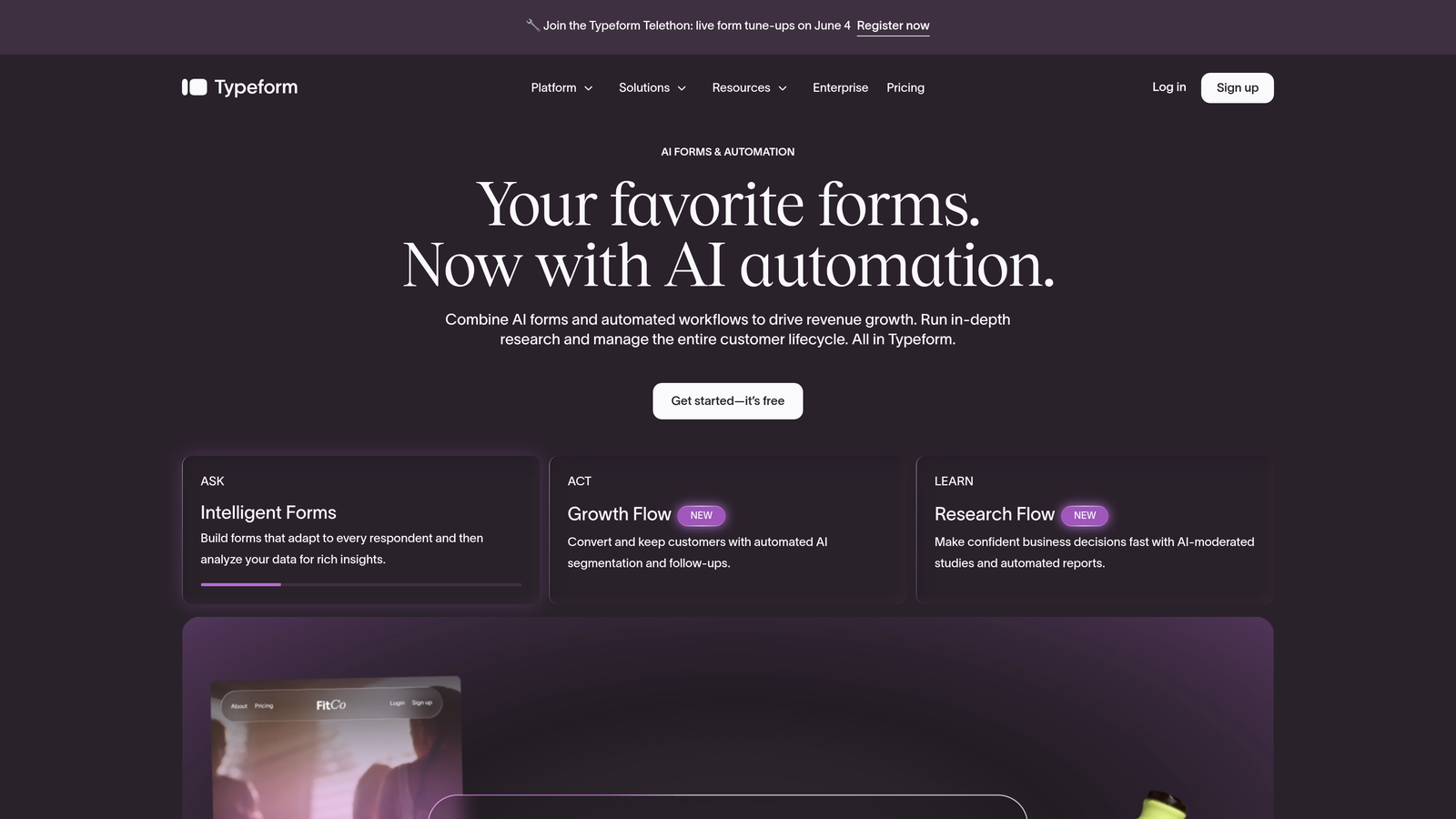
Its design tools are polished and the template library covers a wide range of use cases. Integrations with popular CRMs, email platforms, and analytics tools are solid, and the platform has a well-established track record in the CRO community.
Implementation Steps
1. Identify forms in your funnel where drop-off is a known problem and conversational pacing could help, such as multi-step onboarding flows or longer surveys.
2. Use Typeform's logic jumps to personalize the question path based on earlier answers, so respondents only see questions relevant to their situation.
3. Connect Typeform responses to your CRM or marketing automation platform so qualified submissions move directly into the right workflow.
Pro Tips
Typeform works best when the number of questions is genuinely limited. The conversational forms vs traditional forms debate often comes down to length: the format loses its appeal if you're asking 20 questions sequentially. Audit your form fields ruthlessly before building, and keep the experience tight. Fewer, better questions will outperform longer forms regardless of the format.
3. Jotform: Broad Functionality for Teams That Need Versatility Fast
The Challenge It Solves
Some teams don't have a single form problem. They have many. A marketing team might need a lead capture form, an event registration form, a customer satisfaction survey, a payment collection form, and an internal request form, all running simultaneously. Building and maintaining that variety in a platform with limited templates or narrow functionality creates constant bottlenecks.
The Strategy Explained
Jotform's strength is breadth. With thousands of templates covering nearly every form type imaginable and an extensive integration library, it's built for teams that need to deploy diverse form types quickly without starting from scratch each time. The drag-and-drop builder is approachable for non-technical users, and the platform supports payment processing, file uploads, e-signatures, and complex conditional logic out of the box.
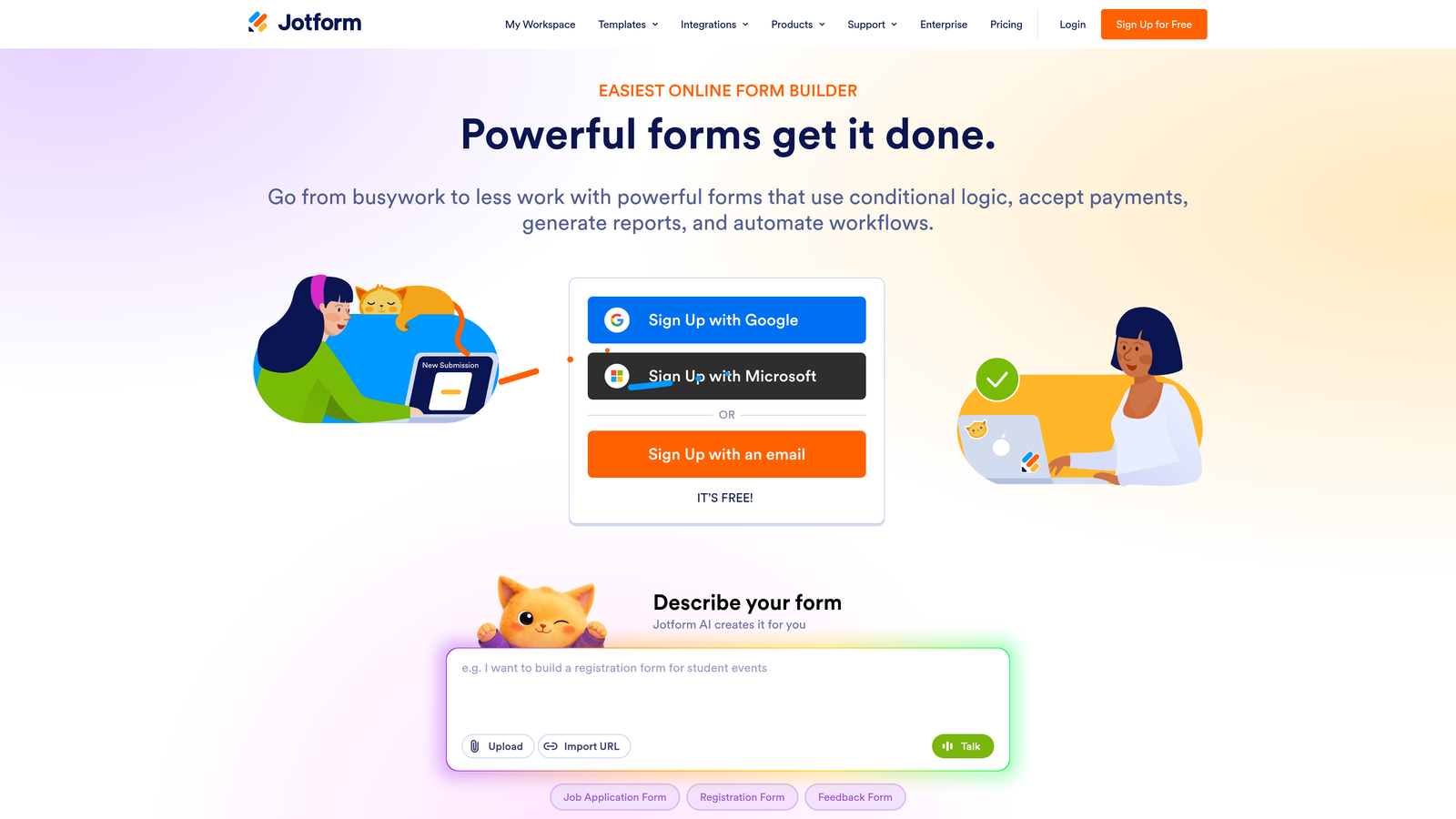
For agencies managing multiple clients or operations teams handling varied internal workflows, Jotform offers a practical all-in-one environment. It's less focused on conversion optimization specifically, but its flexibility makes it a strong utility player. Teams running lead capture forms for marketing agencies will appreciate how quickly Jotform can be adapted across different client contexts without rebuilding from scratch.
Implementation Steps
1. Browse Jotform's template library to identify starting points for each form type you need, rather than building from a blank canvas.
2. Use Jotform's conditional logic to tailor form behavior based on user input, ensuring each form type presents only the relevant fields for a given respondent.
3. Set up integrations with your existing stack, including CRM, email, and project management tools, so form data flows automatically to the right destination.
Pro Tips
Jotform's free tier has submission limits that can catch teams off guard as volume grows. Map out your expected monthly submission volume across all forms before committing to a plan, and factor in growth. Upgrading mid-campaign is disruptive in ways that are easy to avoid with a little upfront planning.
4. Tally: Fast, Free, and Refreshingly Simple
The Challenge It Solves
Not every form needs to be a sophisticated lead qualification engine. Internal tooling, quick feedback collection, event signups, and lightweight surveys often just need to work reliably without requiring a paid subscription or a lengthy setup process. Early-stage teams and lean operations often find themselves paying for capabilities they don't yet need, or wrestling with bloated tools for simple jobs.
The Strategy Explained
Tally takes a minimalist approach that makes it genuinely fast to use. The builder works like a document editor, which means there's almost no learning curve. You type your questions, add the field types you need, and publish. The free tier is notably generous, with unlimited forms and unlimited submissions included, which sets it apart from most competitors.
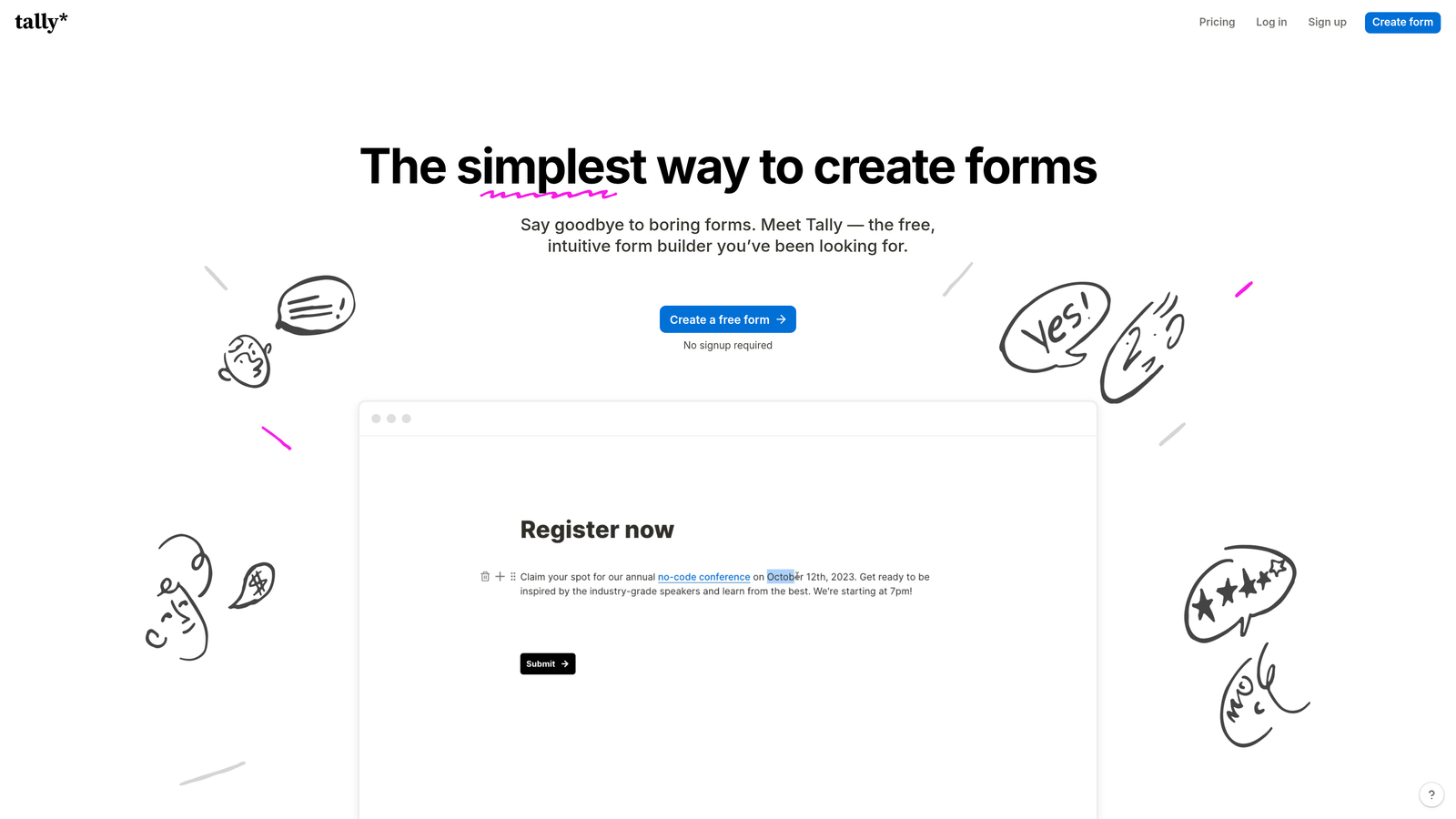
For teams that need to spin up forms quickly for internal processes, employee surveys, or simple external data collection, Tally removes friction at every step. It's not built for complex lead qualification workflows, but for its intended use cases, it's hard to beat on simplicity and cost.
Implementation Steps
1. Create a Tally account and use the document-style editor to build your first form in minutes, starting with a simple internal use case to get familiar with the interface.
2. Embed the form on your site or share the Tally link directly, depending on whether you need a branded experience or just a functional one.
3. Connect Tally to your existing tools via native integrations or Zapier to ensure responses land where you need them without manual effort.
Pro Tips
Tally is an excellent choice for internal forms, but think carefully before using it as your primary external-facing lead capture tool. Its minimalist design is clean, but it doesn't offer the branding control or conversion optimization features that customer-facing forms typically benefit from. Use it where simplicity is genuinely the right fit.
5. Paperform: Where Forms Meet Landing Pages
The Challenge It Solves
Standard form builders separate the form from the surrounding context. You build a landing page in one tool, drop in a form embed from another, and hope the experience feels cohesive. For sales and marketing teams, this creates a fragmented workflow and often results in forms that feel disconnected from the copy and visual design meant to support conversion.
The Strategy Explained
Paperform blurs the line between form builder and landing page tool. You can combine rich text, images, video, and form fields in a single page, creating a fully self-contained conversion experience without needing a separate landing page builder. This makes it particularly effective for product launches, event registrations, service bookings, and any scenario where context and copy are essential parts of the conversion moment. If you're evaluating whether Paperform is the right long-term fit, exploring Paperform alternative options alongside it can sharpen your decision.
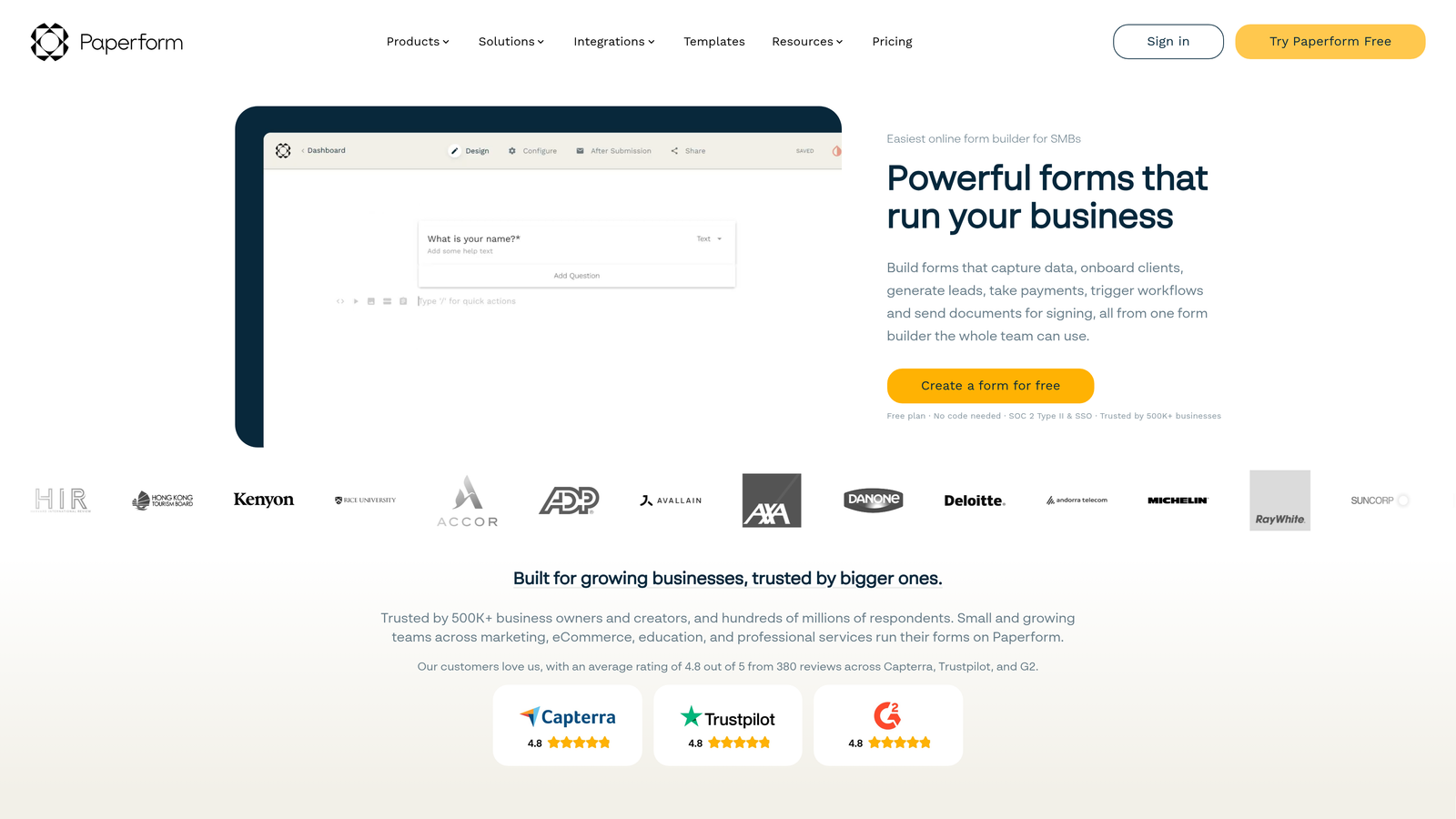
The design flexibility is meaningful. Paperform pages can be styled to match a brand closely, and the combination of narrative content with embedded form fields creates a more immersive experience than a standalone form widget typically allows.
Implementation Steps
1. Identify a conversion flow where the form currently exists in isolation from supporting copy or visuals, such as a product waitlist or a service inquiry page.
2. Rebuild that experience in Paperform, integrating the copy, imagery, and form fields into a single cohesive page rather than treating them as separate components.
3. A/B test the Paperform version against your existing approach to evaluate whether the integrated format improves completion and conversion rates for that specific use case.
Pro Tips
Paperform's strength is the integration of content and form in a single environment. If you find yourself adding extensive copy to a Paperform page, that's a signal you're using the tool as intended. If you're keeping forms minimal and stripped of context, a simpler form builder may serve you better at a lower cost.
6. Google Forms: The Zero-Cost Standard for Internal Workflows
The Challenge It Solves
Budget constraints are real, especially for early-stage teams or departments operating without dedicated tooling budgets. When the form need is internal, the audience is trusted, and the data ends up in Google Sheets anyway, paying for a premium form builder can feel like an unnecessary expense. The challenge is finding a free option that's reliable and already integrated with the tools your team uses.
The Strategy Explained
Google Forms is free, stable, and deeply embedded in the Google Workspace ecosystem. If your team already lives in Google Docs, Sheets, and Drive, Forms is a natural extension. Responses flow directly into Google Sheets for analysis, sharing is simple, and there's no setup overhead. For internal surveys, employee feedback forms, event registrations for internal audiences, and lightweight data collection tasks, it handles the job without friction.
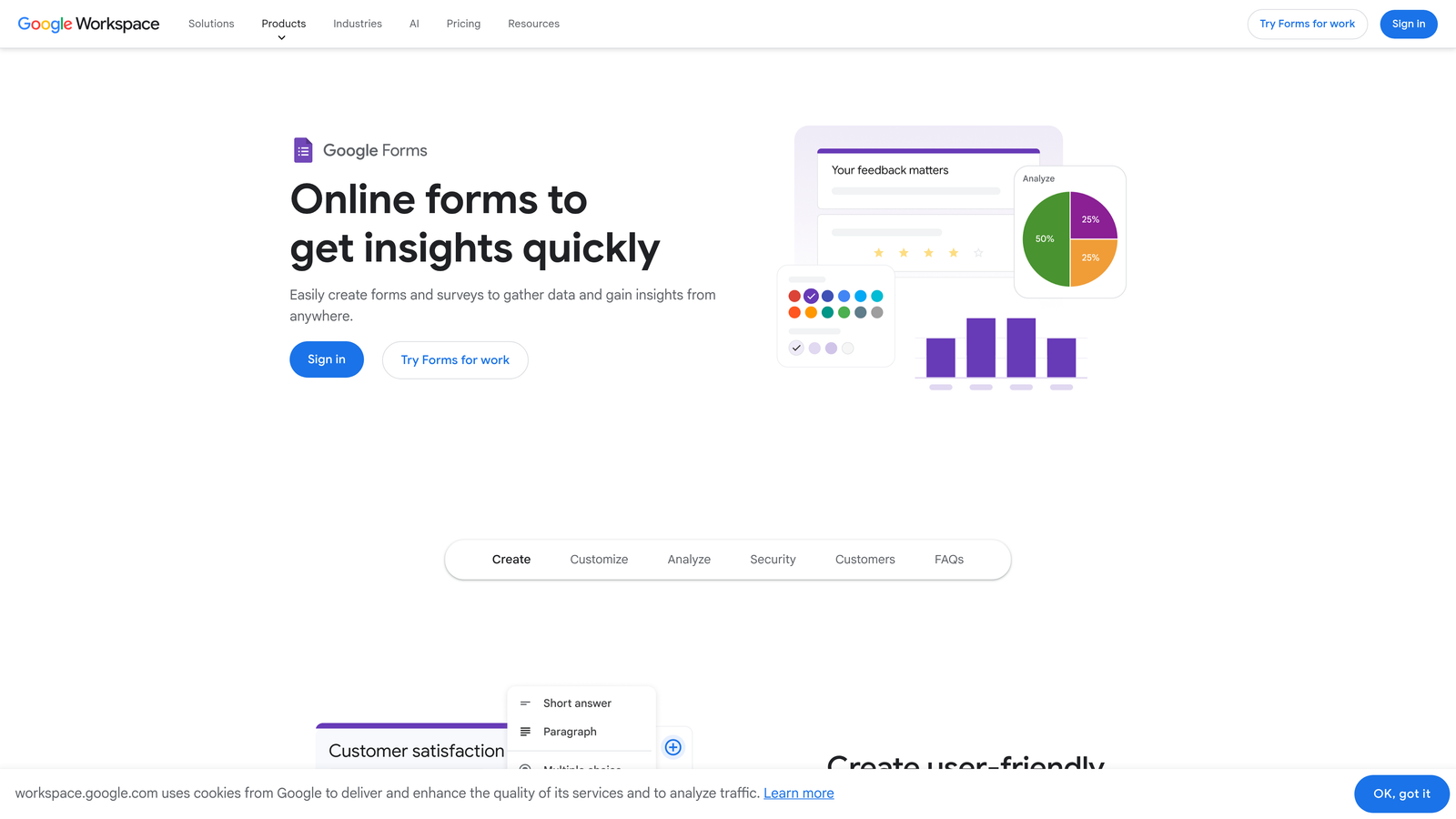
Where Google Forms falls short is anywhere brand experience, design control, or lead qualification matter. It offers minimal customization, no conditional routing sophistication, and no integration with CRM or marketing automation tools that modern growth teams rely on. It's a tool for forms-as-forms in the most literal sense. Teams that have outgrown it should explore a dedicated Google Forms alternative for business that better supports lead generation and brand consistency.
Implementation Steps
1. Audit your current form needs and identify which ones are purely internal or low-stakes, such as team feedback surveys or internal request forms, as these are the right fit for Google Forms.
2. Build your form using Google Forms' straightforward interface and connect it to a Google Sheet for automatic response capture and easy analysis.
3. Reserve Google Forms exclusively for internal or informal use cases, and use a more capable platform for any form that represents your brand externally or serves a lead generation function.
Pro Tips
The biggest mistake teams make with Google Forms is using it for external lead capture because it's convenient and free. The cost savings are real, but so are the costs in brand perception, conversion performance, and data quality. Use it for what it's genuinely good at, and invest in better tooling where it matters for growth.
7. HubSpot Forms: Native CRM Integration for Teams Already in the HubSpot Ecosystem
The Challenge It Solves
For teams running their marketing and sales operations in HubSpot, a standalone form builder creates an integration problem. Form submissions need to sync to contact records, trigger workflows, update lifecycle stages, and feed into reporting. When that sync happens through a third-party integration, it introduces latency, mapping errors, and maintenance overhead that compounds over time.
The Strategy Explained
HubSpot Forms eliminates that friction entirely for teams already on the platform. Because forms are native to HubSpot, every submission writes directly to the CRM in real time. Contact records are created or updated automatically, workflows trigger without delay, and the data lives where your sales and marketing teams are already working. There's no sync to configure or maintain. Teams evaluating whether to stay on HubSpot or switch should also consider HubSpot Forms alternative solutions that offer similar CRM connectivity with greater form design flexibility.
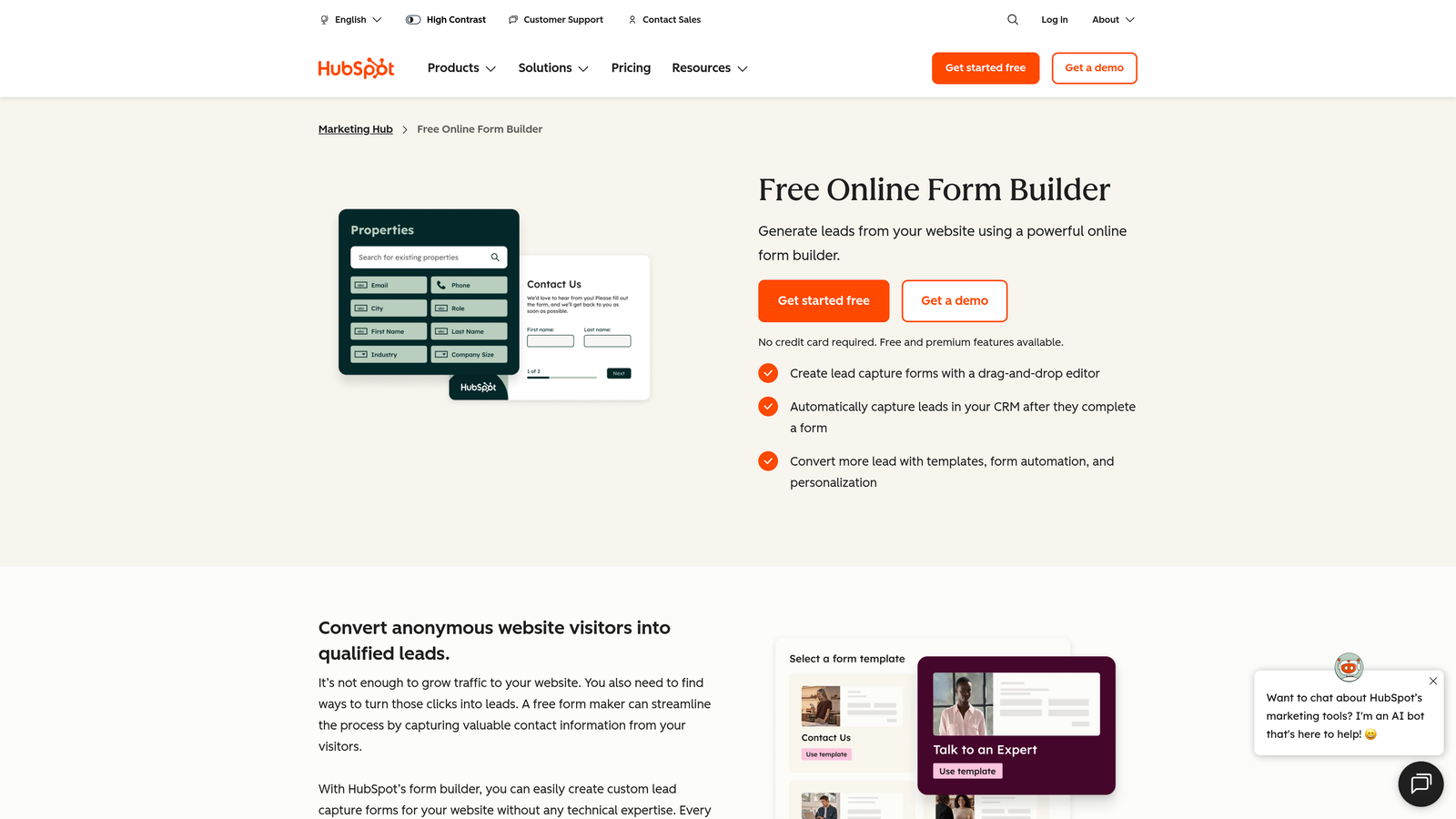
HubSpot's progressive profiling feature is particularly valuable for teams with existing contact databases. Rather than asking known contacts to re-enter information they've already provided, progressive profiling surfaces new questions for returning visitors, gradually enriching contact records over time without creating friction in the form experience. This is a genuine differentiator for teams with high return visitor traffic and a focus on contact data quality.
Implementation Steps
1. Audit your current form-to-CRM workflow to identify where data sync delays, field mapping errors, or manual cleanup steps are creating friction for your sales or marketing team.
2. Rebuild your highest-priority external forms natively in HubSpot, using smart fields and progressive profiling to tailor the experience for both new and returning contacts.
3. Connect form submissions to HubSpot workflows that trigger the appropriate follow-up actions, such as lead assignment, email sequences, or lifecycle stage updates, based on the data captured.
Pro Tips
HubSpot Forms is most powerful when you're fully committed to HubSpot as your CRM and marketing platform. If you're using a different CRM or considering a platform migration, building deeply on HubSpot Forms creates lock-in that can complicate future moves. Evaluate your long-term platform strategy before making it your primary form infrastructure.
How to Choose the Right Cognito Forms Alternative for Your Team
The right choice depends on a few key dimensions: what you need forms to do, how sophisticated your lead generation goals are, what your existing tech stack looks like, and how much budget and technical capacity you're working with.
Here's a practical decision framework to guide your evaluation:
For AI-powered lead qualification and conversion optimization: Orbit AI is the clear choice for high-growth SaaS and B2B teams who need forms to actively filter and route leads, not just collect them. If your primary goal is improving lead quality and accelerating your pipeline, start here.
For engagement-focused surveys and polished UX: Typeform excels when completion quality and brand experience are the priority.
For versatile, multi-use form deployment: Jotform's breadth makes it a strong fit for agencies and operations teams managing diverse form types.
For fast, free, no-frills publishing: Tally is ideal for early-stage teams and internal tooling where simplicity matters more than sophistication.
For integrated landing page and form experiences: Paperform serves sales and marketing teams who want copy, media, and form fields in a single conversion-focused page.
For internal workflows with zero budget: Google Forms handles lightweight, low-stakes data collection reliably at no cost.
For teams fully embedded in HubSpot: HubSpot Forms provides native CRM sync and progressive profiling that no third-party integration can fully replicate.
If lead generation and conversion optimization are central to your team's goals, the most important thing to recognize is that not all form builders are built for that job. Most are built for data collection. Orbit AI is built for growth.
Transform your lead generation with AI-powered forms that qualify prospects automatically while delivering the modern, conversion-optimized experience your high-growth team needs. Start your free trial today and see how intelligent form design can elevate your conversion strategy.