

Email capture is still one of the highest-ROI activities for growth-focused teams, but the tool you use to collect those leads matters more than most people realize. A clunky, generic form doesn't just look bad; it actively kills conversions. The right email capture form builder makes it easy to create forms that feel native to your brand, qualify leads as they come in, and connect seamlessly with your marketing stack.
This list covers the best tools available in 2026, evaluated on ease of use, customization, integrations, lead qualification capabilities, and pricing. Whether you're a SaaS startup running high-volume campaigns or a lean growth team optimizing every touchpoint, there's a right tool here for your workflow. We'll cover everything from AI-powered builders to lightweight embeds, so you can stop guessing and start converting.
1. Orbit AI
Best for: High-growth SaaS and B2B teams that need lead qualification built into the form itself.
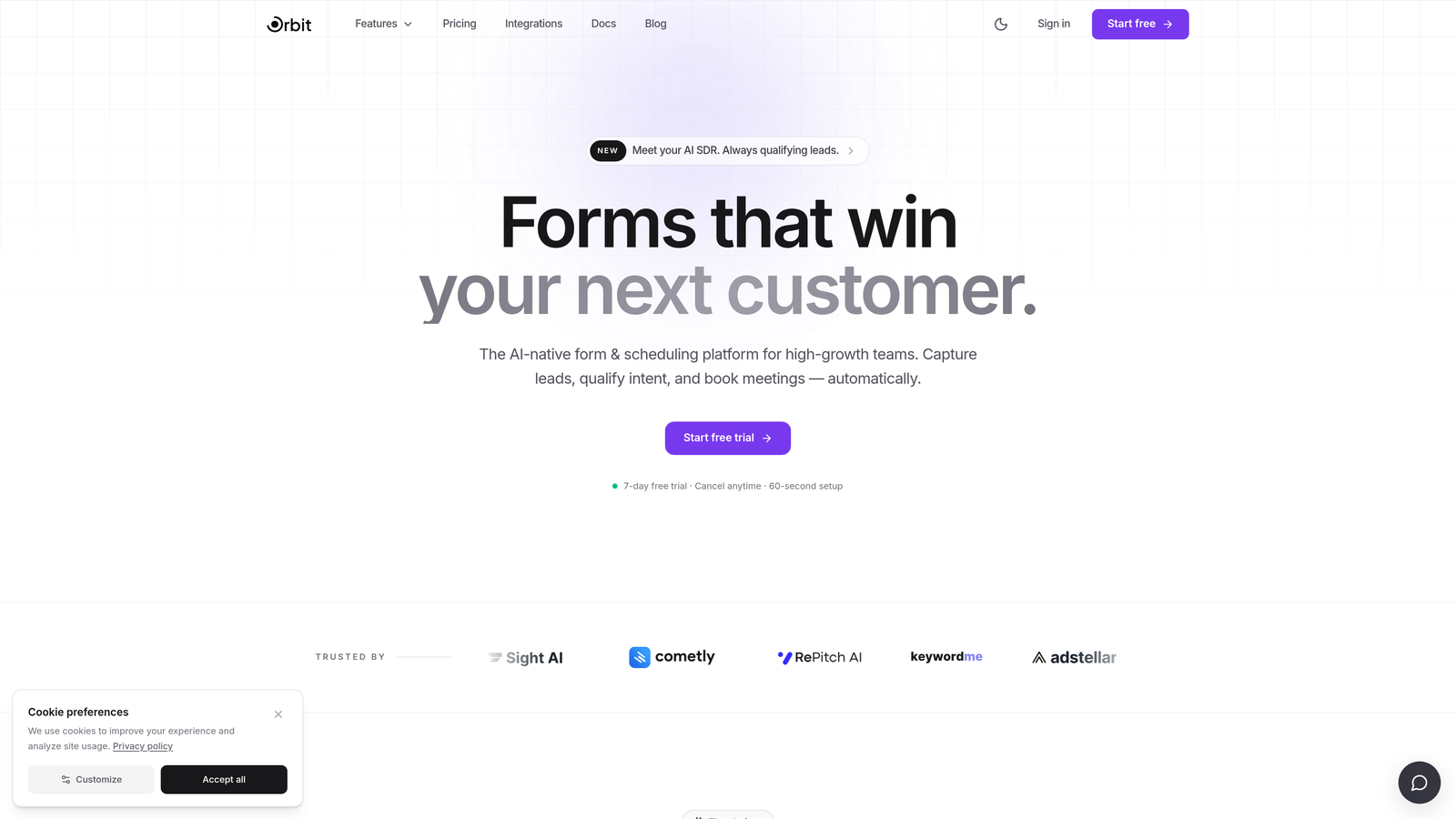
Orbit AI is an AI-powered form builder designed specifically for teams where lead quality matters as much as lead volume.
Where This Tool Shines
Most form builders treat capture and qualification as two separate problems. Orbit AI collapses them into one. When a prospect fills out your form, the platform scores, routes, and segments them in real time based on their responses, so your sales or marketing team receives leads that are already pre-qualified rather than a raw list to sort through later.
The design system is conversion-optimized out of the box. You're not starting from a blank canvas or fighting with a generic template. The forms look modern and feel brand-native, which matters when first impressions drive whether someone completes a form or bounces.
Key Features
AI-Powered Lead Qualification: Scores and routes leads automatically at the point of capture based on form responses.
Conversion-Optimized Templates: Pre-built form designs engineered for high completion rates, not just aesthetics.
Real-Time Lead Scoring and Routing Logic: Define rules that segment and direct leads to the right workflow the moment they submit.
Modern, Brand-Native Design System: Flexible styling controls that make forms feel like a natural extension of your product or website.
CRM and Marketing Platform Integrations: Connects with major CRMs and email platforms so lead data flows directly where your team works.
Best For
Orbit AI is the strongest fit for SaaS companies, B2B growth teams, and demand generation marketers who need more than a simple capture layer. If you're running high-volume campaigns and want qualification logic baked into the form rather than bolted on afterward, this is built for that workflow.
Pricing
Paid plans are available. Visit orbitforms.ai for current pricing details, as plans are updated regularly.
2. Typeform
Best for: Teams that want a polished, conversational form experience with minimal setup.
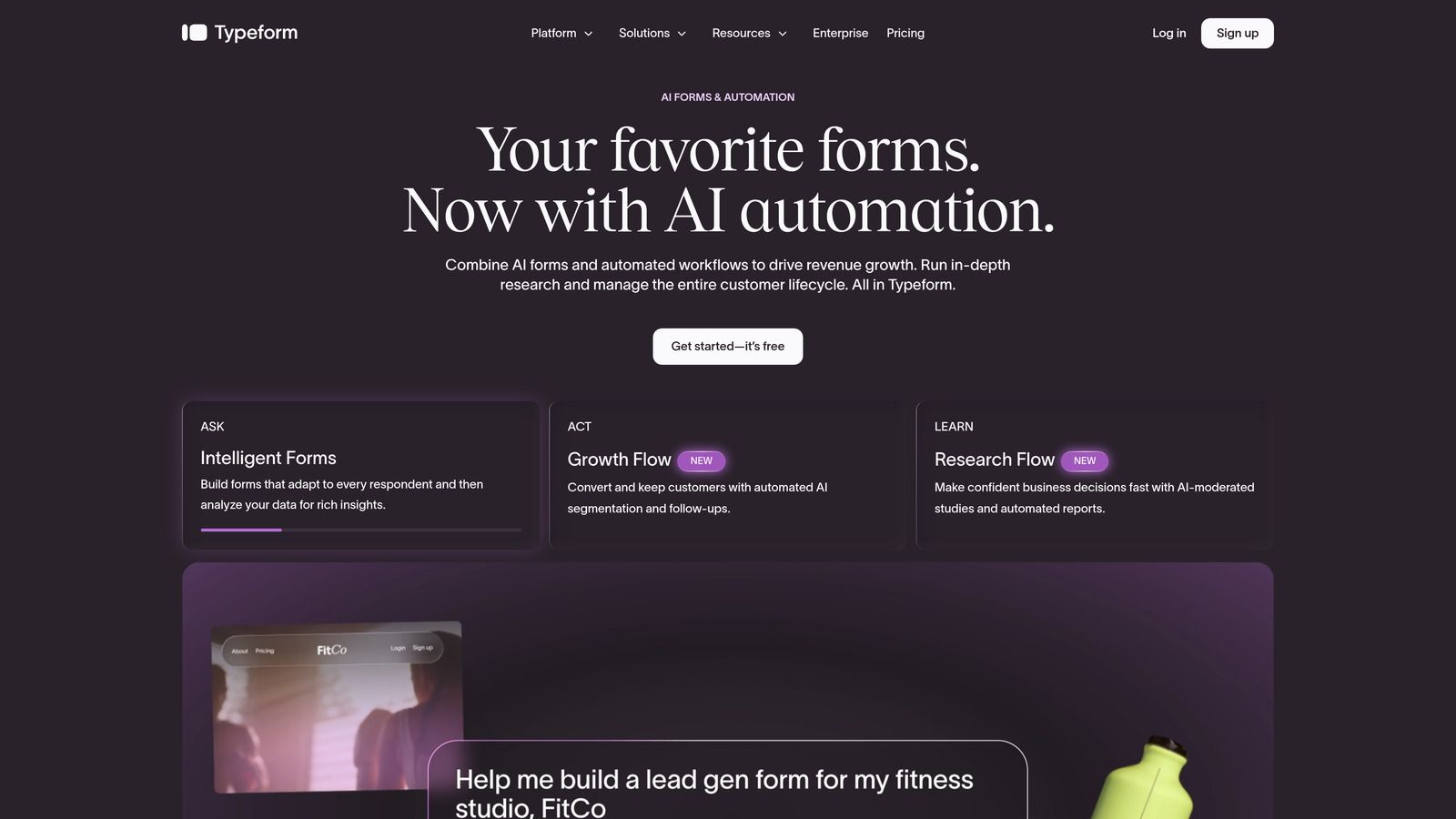
Typeform is one of the most recognized form builders globally, known for its one-question-at-a-time UX that reduces form fatigue.
Where This Tool Shines
Typeform's core innovation is the conversational format. Instead of presenting a wall of fields, it walks respondents through questions one at a time, which typically improves completion rates for longer forms. It's particularly effective for surveys, onboarding flows, and lead gen forms where the experience itself reflects on your brand.
The template library is extensive and the integration ecosystem is broad. If you need a good-looking form connected to your CRM or email platform quickly, Typeform gets you there fast. The tradeoff is that it lacks native lead scoring, so qualification happens downstream rather than at capture.
Key Features
Conversational Single-Question Flow: Guides respondents through one question at a time to reduce abandonment on longer forms.
Logic Jumps and Conditional Branching: Show or skip questions based on previous answers for a personalized experience.
Large Template Library: Hundreds of pre-built templates across use cases including lead gen, surveys, and onboarding.
Video and Image Embed Support: Add multimedia elements directly into your form for richer context.
Wide Integration Ecosystem: Connects with HubSpot, Salesforce, Mailchimp, Slack, and many others via native integrations and Zapier.
Best For
Typeform works well for marketing teams, agencies, and product teams that prioritize form UX and brand polish. It's less suited for teams that need built-in qualification logic or are cost-sensitive at scale, as pricing has increased in recent years.
Pricing
Free plan available with limited responses. Paid plans start at $25/month, with higher tiers unlocking more responses and advanced features.
3. HubSpot Forms
Best for: Teams already using HubSpot CRM who want zero-friction lead capture with direct contact sync.
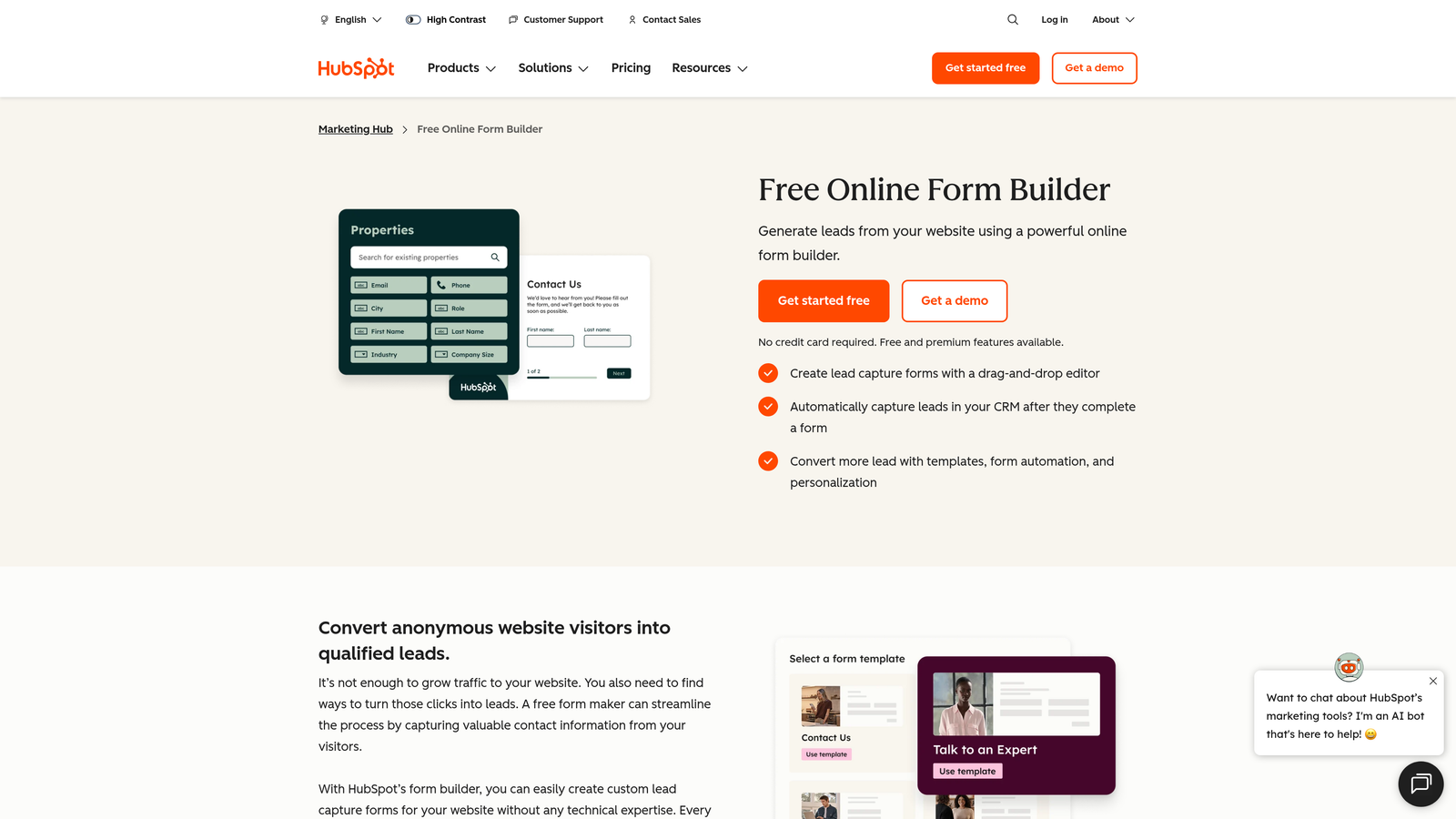
HubSpot Forms is a native form builder inside the HubSpot platform that maps submissions directly to CRM contact records.
Where This Tool Shines
The value proposition here is tight ecosystem integration. When someone submits a HubSpot form, a contact record is created or updated automatically, and any HubSpot workflow can fire immediately. For teams running their entire marketing and sales operation inside HubSpot, this eliminates the middleware layer entirely.
Progressive profiling is a standout feature: instead of asking the same fields repeatedly, HubSpot shows new questions to returning visitors, building richer contact profiles over time without increasing friction on any single form visit.
Key Features
Direct CRM Contact Record Creation: Every form submission automatically creates or updates a HubSpot contact record.
Progressive Profiling: Shows new fields to returning visitors to gradually enrich contact data without repeating questions.
Embedded and Pop-Up Form Types: Deploy forms inline on your site or as triggered overlays depending on your use case.
Native HubSpot Workflow Triggers: Form submissions can instantly trigger enrollment in sequences, notifications, or lead routing workflows.
Free with HubSpot CRM: Full form functionality is available on the free HubSpot tier, making it accessible for smaller teams.
Best For
HubSpot Forms is the obvious choice for any team already invested in the HubSpot ecosystem. It's less compelling as a standalone form builder, since design flexibility is limited compared to dedicated tools. If HubSpot is your CRM, this is the path of least resistance.
Pricing
Free with the HubSpot free tier. Advanced features like smart forms and A/B testing require Marketing Hub paid plans, which start at $15/month per seat.
4. Mailchimp Forms
Best for: Email-first teams using Mailchimp as their primary marketing platform.
Mailchimp Forms is the built-in form builder for Mailchimp users, designed to capture emails directly into audience lists.
Where This Tool Shines
If Mailchimp is your email platform, the case for using its native forms is straightforward. There's no integration to configure, no data mapping to maintain, and no API keys to manage. A subscriber fills out the form and lands in your Mailchimp audience, ready to receive your next campaign or automation.
The double opt-in support is a practical feature for teams building compliant lists, particularly in markets where email consent standards are high. The tradeoff is limited design control and no advanced qualification logic, which makes it better suited for simple newsletter signups than complex B2B lead gen.
Key Features
Native Audience List Sync: Submissions flow directly into your Mailchimp audience without any third-party integration.
Embedded and Hosted Form Options: Deploy forms on your own site or use a Mailchimp-hosted URL for standalone landing pages.
Double Opt-In Support: Confirm subscriber intent with an automated confirmation email before adding to your list.
Basic Branding Customization: Adjust colors, fonts, and field labels to match your brand within the platform's constraints.
Direct Connection to Mailchimp Automations: Trigger welcome sequences and drip campaigns immediately on form submission.
Best For
Mailchimp Forms is the right fit for small businesses, bloggers, and email-first marketers who live inside Mailchimp and need a no-fuss way to grow their list. Teams that need advanced form logic or design flexibility will find it limiting.
Pricing
Included with all Mailchimp plans. A free plan is available with limitations on audience size and send volume.
5. Kit (ConvertKit) Forms
Best for: Creators and indie businesses building subscriber lists with strong segmentation needs.
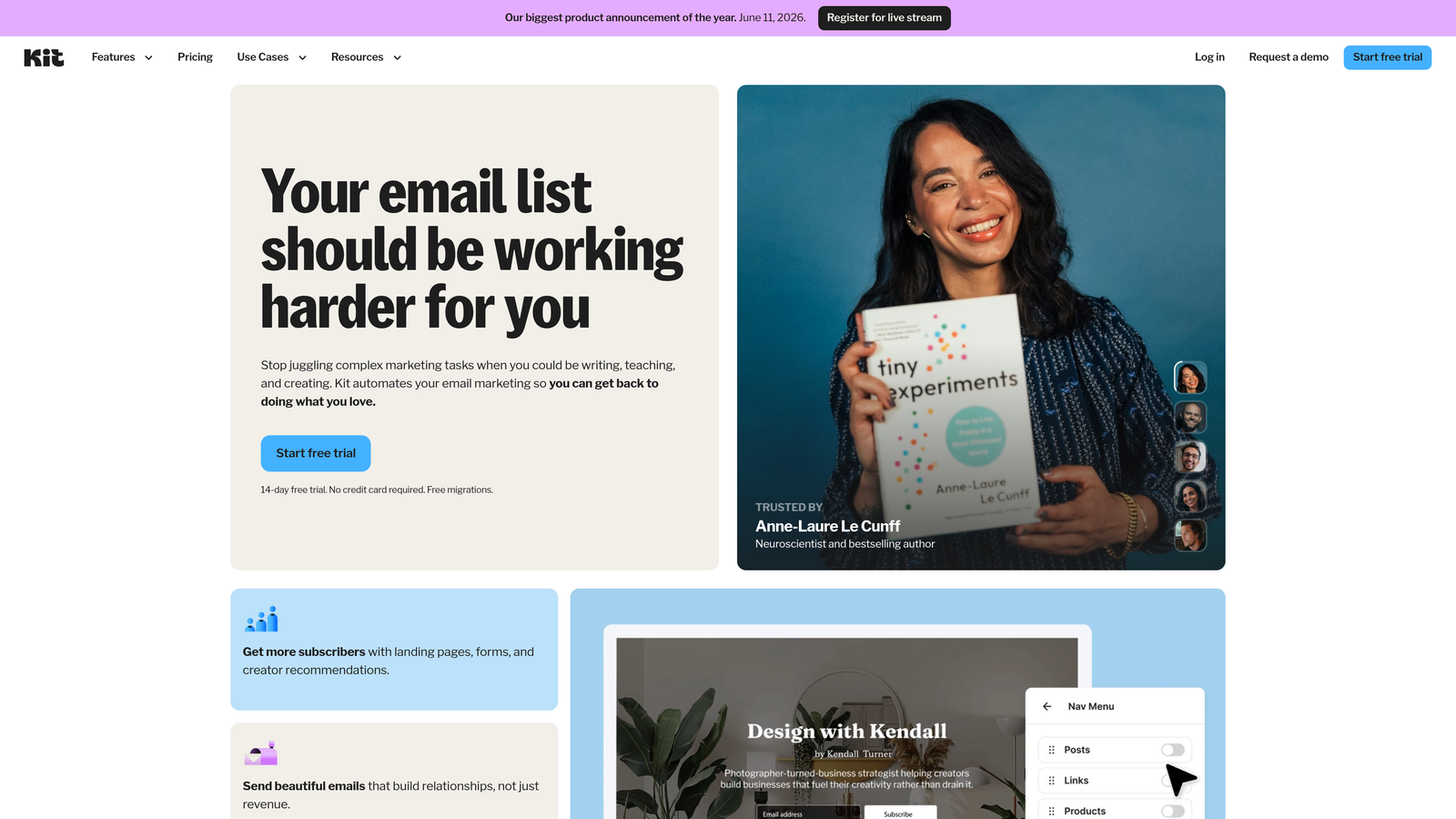
Kit (formerly ConvertKit) is a minimalist form builder built into the Kit platform, designed for creators growing and segmenting email audiences.
Where This Tool Shines
Kit's forms are intentionally clean. There's no visual noise, no excessive customization rabbit holes, just a fast path to a functional form that connects directly to your subscriber list. What sets it apart from other simple builders is the tagging system: you can automatically tag and segment subscribers based on which form they used or which incentive they claimed, giving you meaningful audience segmentation from day one.
The lead magnet delivery workflow is well-executed. If you're offering a free guide, checklist, or course as a signup incentive, Kit handles the delivery automatically without needing a separate tool or zap.
Key Features
Tag and Segment Subscribers on Submit: Automatically apply tags based on form source or response, enabling granular list segmentation.
Inline, Modal, and Slide-In Form Types: Multiple deployment options to match the context of your page or content.
Incentive Delivery (Lead Magnets): Automatically deliver a downloadable or digital resource to new subscribers on signup.
A/B Testing on Form Variants: Test different headlines, copy, or designs to improve conversion rates over time.
Clean, Minimal Form Design: Stripped-down aesthetic that loads fast and keeps the focus on the signup action.
Best For
Kit Forms is ideal for content creators, course sellers, newsletter writers, and indie SaaS founders who are building an audience-first business. It's not designed for complex B2B qualification flows or enterprise-scale lead generation.
Pricing
Free plan available for up to 10,000 subscribers. Paid plans start at $25/month with access to automations, A/B testing, and advanced features.
6. OptinMonster
Best for: On-site conversion optimization teams using behavior-triggered overlays and exit-intent pop-ups.
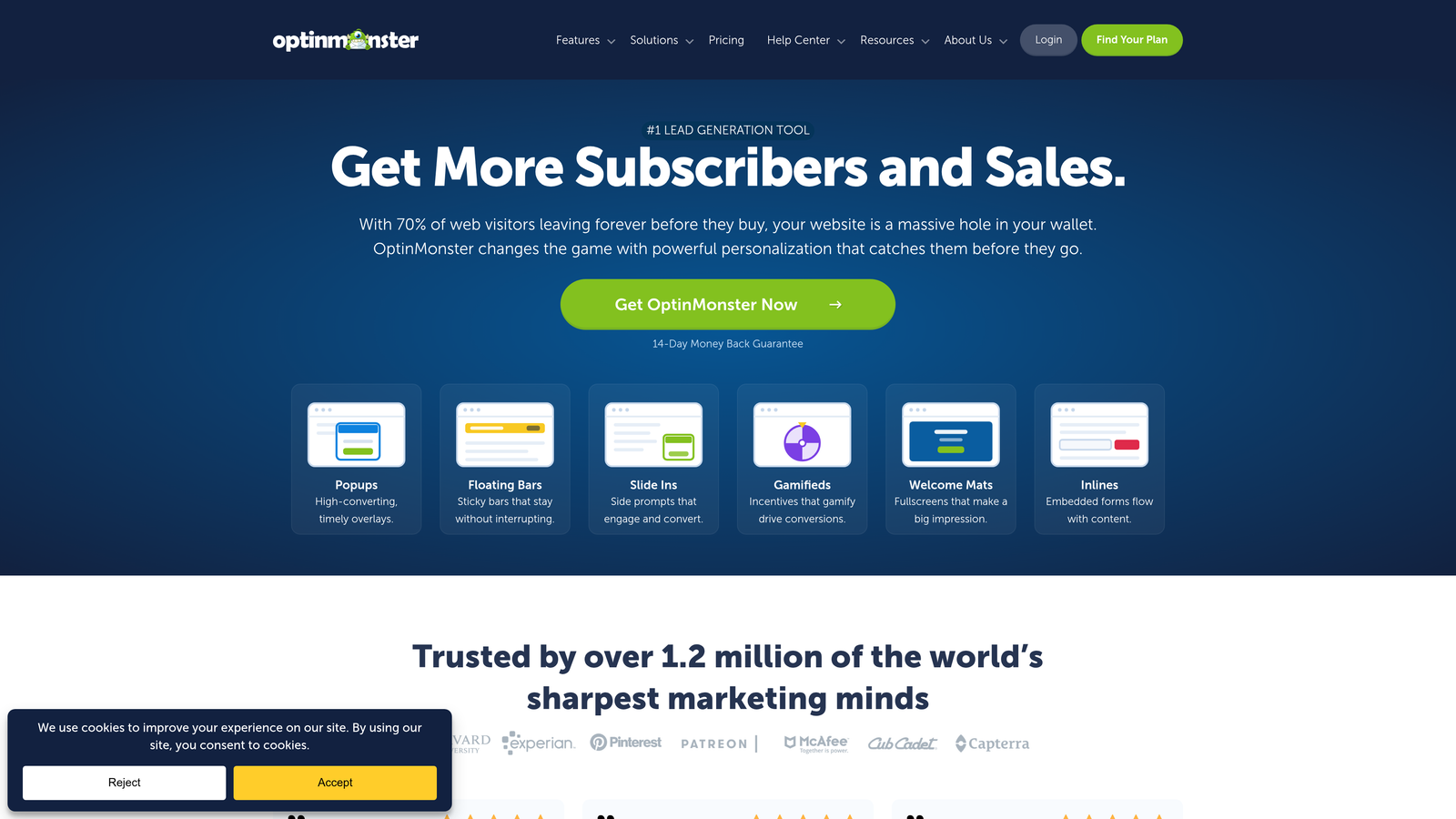
OptinMonster is a behavior-triggered overlay and pop-up tool focused on on-site email capture optimization.
Where This Tool Shines
OptinMonster's strength is timing. Most form builders show the same form to every visitor regardless of behavior. OptinMonster lets you target based on exit intent, scroll depth, time on page, geolocation, and device type, which means you can serve the right offer at the moment a visitor is most likely to convert or most at risk of leaving.
It's worth noting that OptinMonster is a capture layer, not an email platform. It works alongside your existing email tool rather than replacing it. This means you're adding a subscription cost on top of your email platform, which is worth factoring into the total cost calculation.
Key Features
Exit-Intent Detection: Triggers a form or offer precisely when a visitor's cursor behavior suggests they're about to leave the page.
Scroll-Depth and Time-on-Page Targeting: Show forms only to visitors who have demonstrated engagement with your content.
Geolocation and Device-Based Targeting: Serve different offers to visitors based on location or whether they're on mobile or desktop.
A/B Testing for Pop-Up Variants: Run split tests on headlines, offers, and designs to continuously improve capture rates.
Broad Email Platform Integrations: Connects with Mailchimp, Kit, HubSpot, Klaviyo, and most major email and CRM platforms.
Best For
OptinMonster is best for content sites, e-commerce stores, and marketing teams that have significant web traffic and want to extract more email signups from existing visitors. It adds the most value when layered on top of an existing email platform rather than used as a standalone solution.
Pricing
Plans start at $9/month billed annually. Higher tiers unlock advanced targeting features and additional site licenses.
7. Gravity Forms
Best for: WordPress sites that need advanced form logic, custom data handling, or developer extensibility.
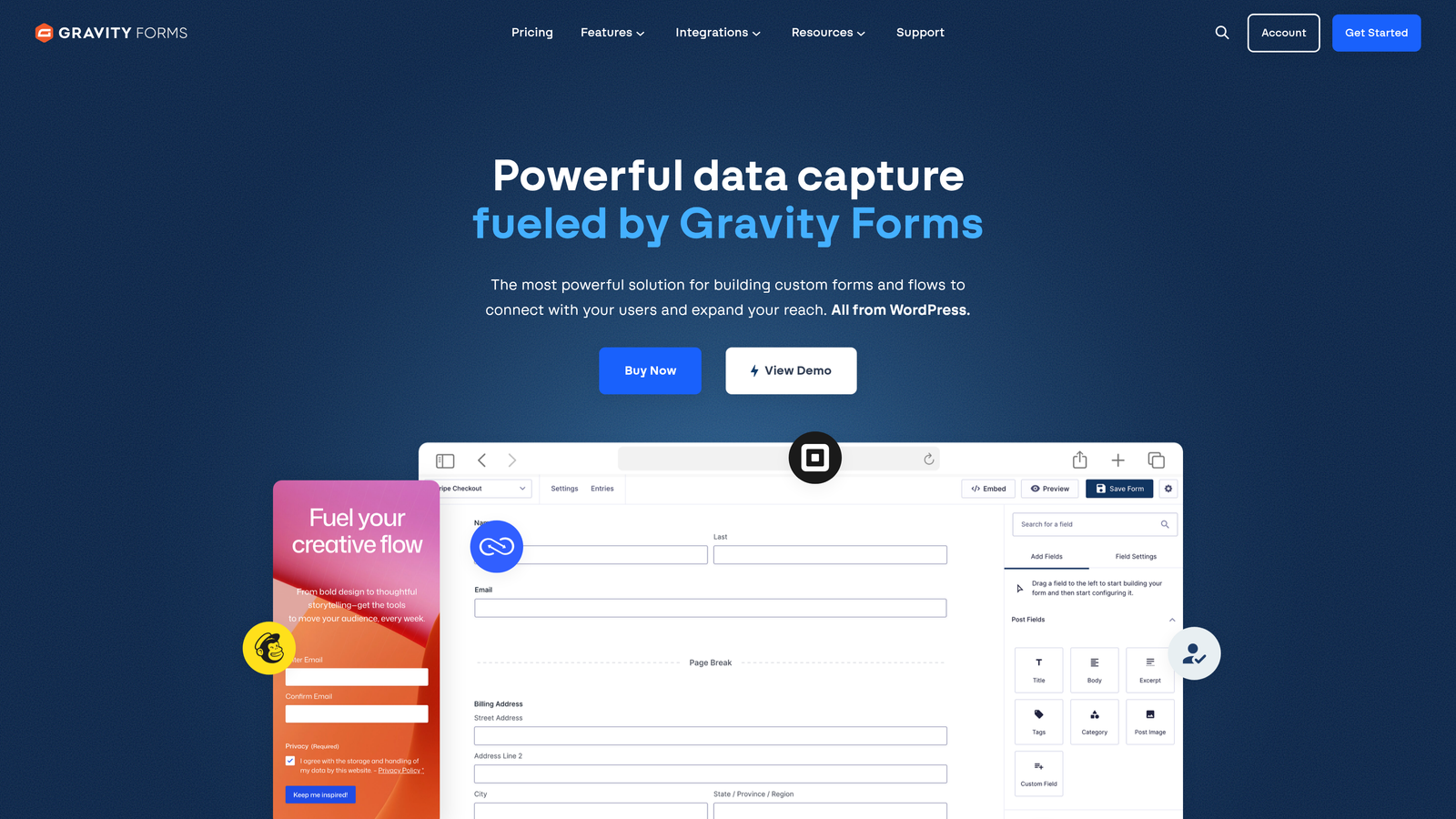
Gravity Forms is a developer-friendly WordPress form plugin with a large add-on ecosystem and deep conditional logic capabilities.
Where This Tool Shines
Gravity Forms is the power tool of the WordPress form world. If you need complex conditional logic, multi-page forms, file uploads, payment collection, or custom developer hooks, it handles all of it within a single plugin. The add-on library extends it further into CRM sync, signature capture, user registration, and more.
The tradeoff is the platform dependency. Gravity Forms only works on WordPress, and it requires a paid license from day one. For non-technical users, the interface can feel more complex than modern drag-and-drop builders. But for teams with a developer on hand and a WordPress site, it's hard to beat for flexibility.
Key Features
Advanced Conditional Logic: Show, hide, or require fields based on previous answers with granular rule-building capabilities.
Extensive Add-On Library: Official and third-party add-ons for payments, CRMs, email platforms, and custom functionality.
Multi-Page Form Support: Break long forms into multiple steps to reduce visual overwhelm and improve completion rates.
File Upload and Signature Fields: Collect documents, images, and digital signatures directly through the form.
Developer Hooks for Custom Functionality: Extensive filter and action hooks allow developers to customize behavior at every stage of the form lifecycle.
Best For
Gravity Forms is the right choice for WordPress agencies, developers, and businesses with complex data collection requirements. It's not suitable for teams not on WordPress or those who need a no-code, fast-deployment experience.
Pricing
Starts at $59/year for a single site license. Higher tiers include access to premium add-ons and multi-site licensing.
8. Tally
Best for: Early-stage startups and indie makers who need a generous free plan with minimal friction.
Tally is a Notion-inspired free form builder offering unlimited forms and responses on its free plan.
Where This Tool Shines
Tally's free plan is genuinely generous. Unlimited forms, unlimited responses, and embeddable on any website, all without paying anything. For early-stage teams or indie projects where budget is constrained, this removes a real barrier. The block-based editor feels intuitive if you're already familiar with Notion, and forms can be live in minutes.
The limitations become apparent when you need advanced logic or qualification workflows. Tally supports basic conditional logic but isn't built for complex routing or lead scoring. It's a strong tool for what it is: a fast, clean, free form builder for teams that don't need enterprise-grade capabilities yet.
Key Features
Unlimited Forms and Responses on Free Plan: No caps on form count or submission volume at the free tier, which is rare in the market.
Notion-Like Block Editor: Familiar drag-and-drop block interface for building forms without a learning curve.
Embeddable on Any Website: Simple embed code works across most website platforms and CMS tools.
Basic Conditional Logic: Show or hide fields based on responses for simple branching flows.
Zapier and Native Integrations: Connect to popular tools via Zapier or a growing set of native integrations on paid plans.
Best For
Tally is ideal for indie hackers, early-stage startups, and solo founders who need functional forms without a budget. Teams that outgrow its logic capabilities will likely need to migrate to a more advanced tool as they scale.
Pricing
Free plan available with unlimited forms and responses. Pro plan at $29/month unlocks custom domains, integrations, and branding removal.
9. Klaviyo Forms
Best for: E-commerce brands already using Klaviyo who want tightly integrated on-site capture.
Klaviyo Forms is a native form builder inside Klaviyo, tightly integrated with e-commerce email flows and list segments.
Where This Tool Shines
For Klaviyo users, the native forms offer something that third-party tools can't fully replicate: zero-latency integration with your Klaviyo lists, flows, and segments. A visitor signs up, they're added to the right list, and a welcome flow fires instantly, all without a webhook, zap, or API call in between. For e-commerce brands where abandoned cart flows and post-purchase sequences are revenue-critical, that tight integration matters.
The targeting capabilities are solid. You can trigger forms based on URL, device, and behavioral signals, and A/B testing is built in. The limitation is ecosystem lock-in: Klaviyo Forms is most valuable if Klaviyo is your primary platform, and it adds less value outside that context.
Key Features
Native Klaviyo List and Segment Sync: Submissions map directly to Klaviyo lists and segments without any integration layer.
Pop-Up, Flyout, and Embed Form Types: Multiple form formats to match different on-site placement strategies.
Targeting by URL, Device, and Behavior: Show forms to specific visitors based on where they are, what they're using, and how they're engaging.
Direct Flow Triggers on Submit: Form submissions instantly trigger Klaviyo email or SMS flows for immediate follow-up.
Built-In A/B Testing: Test form variants natively within Klaviyo without needing a separate testing tool.
Best For
Klaviyo Forms is purpose-built for e-commerce brands running on Klaviyo. If you're in DTC, retail, or any product-based business using Klaviyo as your marketing platform, this is the most frictionless capture solution available. Outside of the Klaviyo ecosystem, its value diminishes significantly.
Pricing
Included with all Klaviyo plans. Free plan available for up to 250 contacts; pricing scales with list size from there.
Which Tool Is Right for Your Team?
The best email capture form builder depends entirely on what you're trying to accomplish and where you are in your growth journey.
If you're a SaaS or B2B team that needs lead qualification built into the capture layer, not bolted on afterward, Orbit AI is the strongest choice. It's the only tool on this list that combines conversion-optimized design with real-time lead scoring and routing, which is a meaningful advantage for high-growth teams where lead quality drives pipeline.
For teams prioritizing form experience and brand polish, Typeform remains the benchmark. For teams already deep in HubSpot or Klaviyo, the native form builders offer the most frictionless path to capture. And for early-stage teams with tight budgets, Tally's free plan is hard to argue with as a starting point.
A few quick recommendations by team type:
SaaS and B2B growth teams: Orbit AI for qualification-first capture, or HubSpot Forms if you're already in that ecosystem.
E-commerce brands: Klaviyo Forms if you're on Klaviyo; OptinMonster if you want behavior-triggered overlays on top of your existing platform.
Creators and newsletter builders: Kit Forms for its segmentation and lead magnet delivery capabilities.
WordPress-heavy teams: Gravity Forms for complex logic and developer extensibility.
Early-stage or budget-constrained teams: Tally for unlimited free usage, or Mailchimp Forms if you're already on Mailchimp.
Transform your lead generation with AI-powered forms that qualify prospects automatically while delivering the modern, conversion-optimized experience your high-growth team needs. Start building free forms today and see how intelligent form design can elevate your conversion strategy.


