

If your forms are still just collecting names and emails, you're leaving serious pipeline on the table. The best custom form builder solutions today do far more than capture data: they qualify leads, adapt to user behavior, and integrate seamlessly into your growth stack.
Whether you're running a SaaS onboarding flow, a B2B lead gen campaign, or a multi-step sales intake, the right form builder can be the difference between a filled CRM and a bounce. This guide covers the strongest options available in 2026, evaluated on customization depth, AI capabilities, conversion optimization features, and ease of use. We've included tools at different price points and complexity levels so you can find the right fit, whether you're a lean startup or a scaling enterprise team.
1. Orbit AI
Best for: High-growth SaaS and B2B teams focused on lead qualification and conversion optimization.
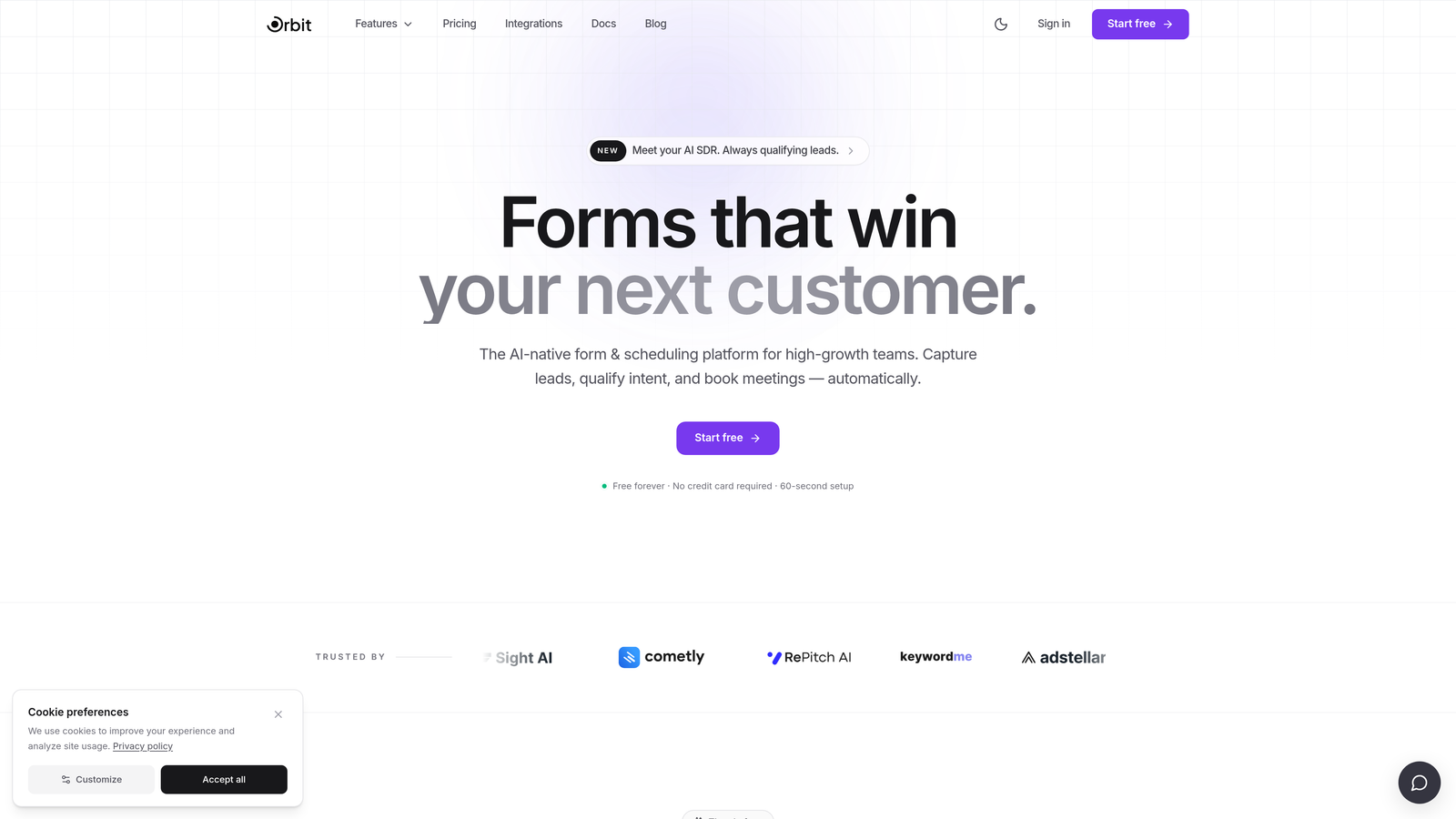
Orbit AI is an AI-powered form builder purpose-built for lead qualification and conversion optimization, designed specifically for high-growth SaaS and B2B teams.
Where This Tool Shines
Most form builders treat lead qualification as an afterthought. Orbit AI builds it directly into the form flow. Instead of just collecting responses and dumping them into your CRM, Orbit AI scores leads as they fill out your form, so your sales team knows exactly who to prioritize before they even open their inbox.
The platform also stands out on design. Forms look modern and polished without requiring any design expertise, which matters when your form is the first touchpoint a potential customer has with your brand. Conversion optimization is baked into every template and interaction pattern.
Key Features
AI-Powered Lead Qualification Scoring: Automatically scores and prioritizes leads based on their form responses, giving sales teams a head start on outreach.
Conversion-Optimized Form Design: Clean, modern UI templates designed to reduce friction and improve completion rates for B2B audiences.
Conditional Logic: Forms adapt dynamically based on user responses, showing only the most relevant questions to each visitor.
CRM and Sales Stack Integrations: Connects seamlessly with the tools your revenue team already uses, keeping data flowing without manual intervention.
Purpose-Built for B2B Lead Generation: Unlike general-purpose form tools, Orbit AI is designed around the specific needs of B2B pipeline building.
Best For
SaaS companies and B2B teams that need more than a data collection form. If lead quality and sales efficiency are priorities, Orbit AI's scoring and qualification layer gives it a meaningful edge over generic form builders. Ideal for growth teams running high-volume lead generation campaigns.
Pricing
Check current pricing and plan details at orbitforms.ai. Pricing may vary based on team size and feature requirements.
2. Typeform
Best for: Teams that prioritize form completion rates and brand-forward conversational experiences.
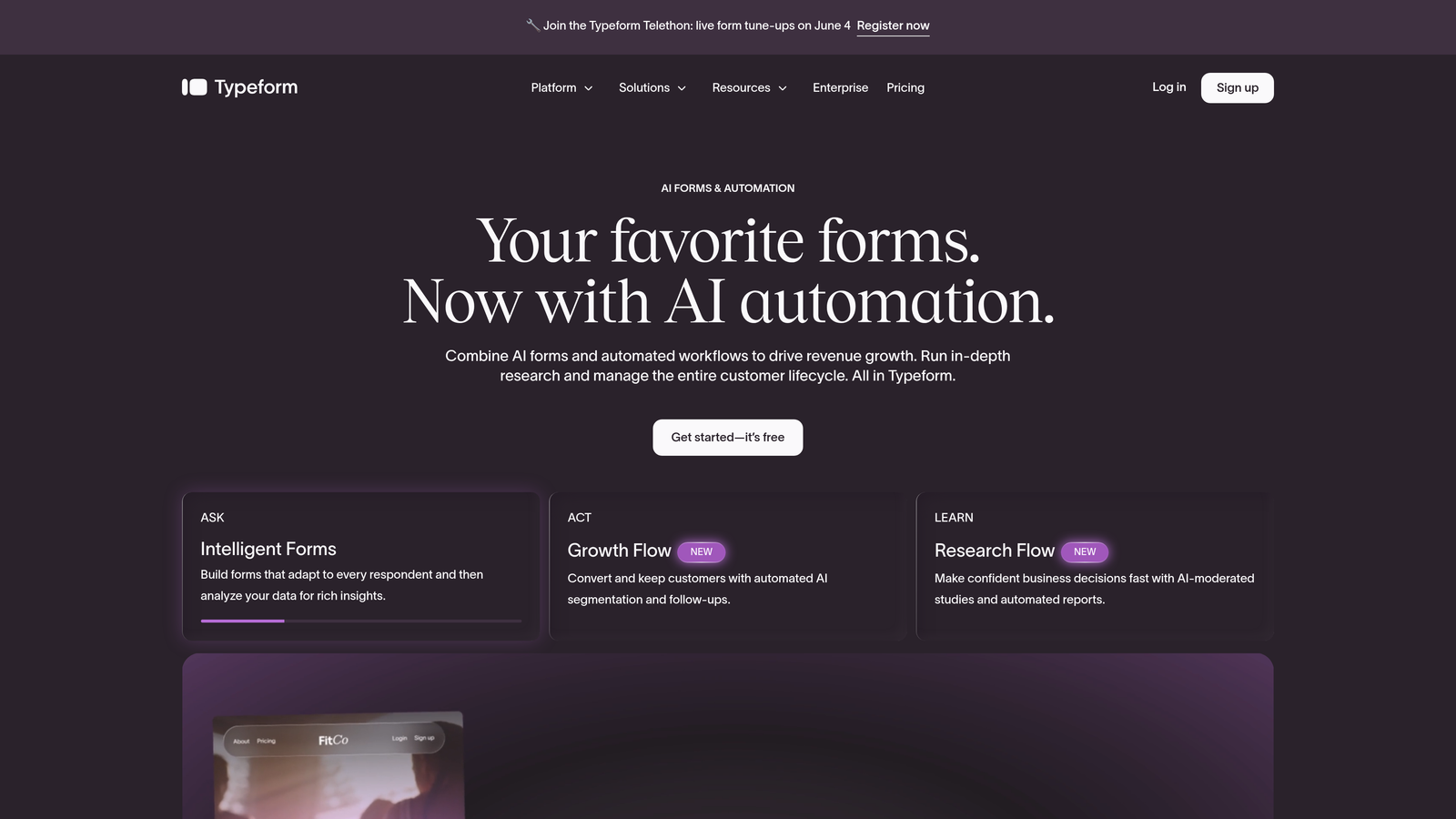
Typeform is a conversational form builder known for its one-question-at-a-time format and polished, engaging user experience.
Where This Tool Shines
Typeform's signature format works particularly well for longer forms where traditional multi-field layouts tend to cause drop-off. By presenting one question at a time, it creates a more focused, dialogue-like experience that tends to feel less overwhelming for respondents.
The visual design and customization options are genuinely strong. You can match forms closely to your brand without needing a developer, and the integration library covers most major marketing and CRM tools. That said, the free tier has become more limited over time, and teams with high response volumes will need to move to a paid plan fairly quickly.
Key Features
Conversational One-Question Format: Presents questions sequentially to reduce cognitive load and improve completion rates on longer forms.
Brand Customization: Strong visual theming options including custom fonts, colors, backgrounds, and logo placement.
Logic Jumps and Conditional Branching: Routes respondents to different questions based on their answers, enabling personalized form paths.
Integration Library: Connects with HubSpot, Slack, Zapier, Salesforce, and many other tools in the modern marketing stack.
Video and Image Embedding: Supports rich media within questions to add context or personality to your forms.
Best For
Marketing teams and agencies that want beautiful, on-brand forms with strong completion rates. Also well-suited for customer research, NPS surveys, and lead gen campaigns where form experience is a differentiator. Less ideal for teams needing deep lead qualification logic.
Pricing
Free tier available with limited responses. Paid plans start at a mid-market price point. Verify current pricing at typeform.com/pricing.
3. Jotform
Best for: Teams with diverse form needs across multiple departments and use cases.
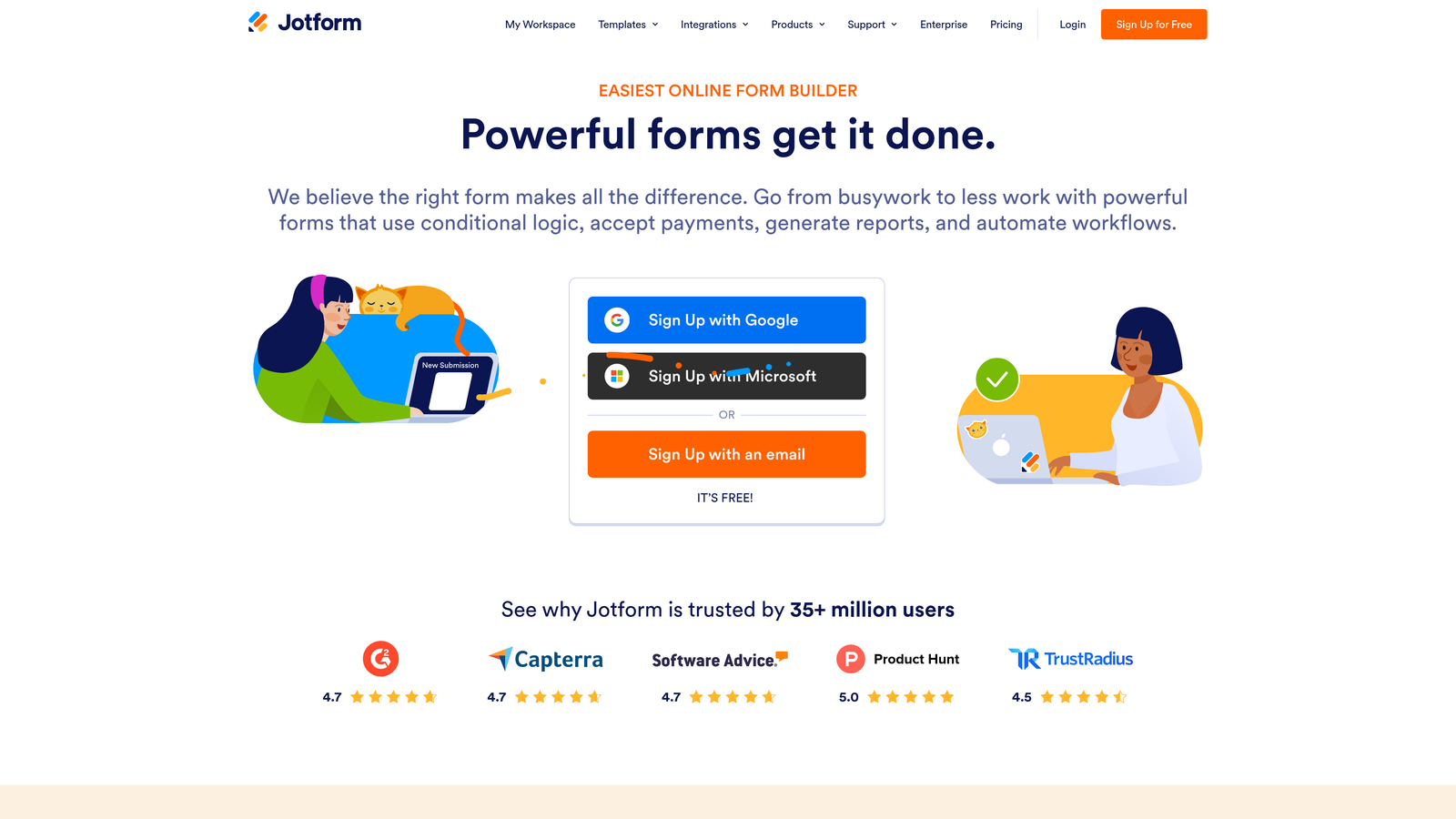
Jotform is a feature-rich form builder offering over 10,000 templates, payment collection, and enterprise compliance options.
Where This Tool Shines
Jotform's breadth is its biggest strength. Whether your team needs a simple contact form, a payment collection workflow, a HIPAA-compliant intake form, or an approval routing system, there's likely a template and a feature set that covers it. This makes it particularly valuable for organizations managing many different form types across departments.
The template library alone is a significant time-saver. Rather than building from scratch, most teams can find a starting point that gets them 80% of the way there. The tradeoff is that the interface can feel complex, especially for users who just need something simple.
Key Features
10,000+ Templates: One of the largest template libraries available, spanning industries and use cases from HR to healthcare to e-commerce.
Payment Collection: Supports Stripe, PayPal, Square, and other payment gateways directly within forms.
HIPAA-Compliant Forms: Available on qualifying plans for healthcare and regulated industry use cases.
Workflow Automation and Approval Flows: Multi-step approval routing for forms that require sign-off before action is taken.
Extensive Integration Library: Connects with hundreds of third-party apps across CRM, marketing, productivity, and payment platforms.
Best For
Mid-size to enterprise teams with varied form needs across multiple departments. Also a strong fit for healthcare organizations needing compliance-ready forms and any business that needs payment collection built into the form experience.
Pricing
Free tier available. Paid plans scale based on submission volume and features. Verify current pricing at jotform.com/pricing.
4. HubSpot Forms
Best for: Teams already using HubSpot CRM who want zero-friction form-to-CRM data flow.
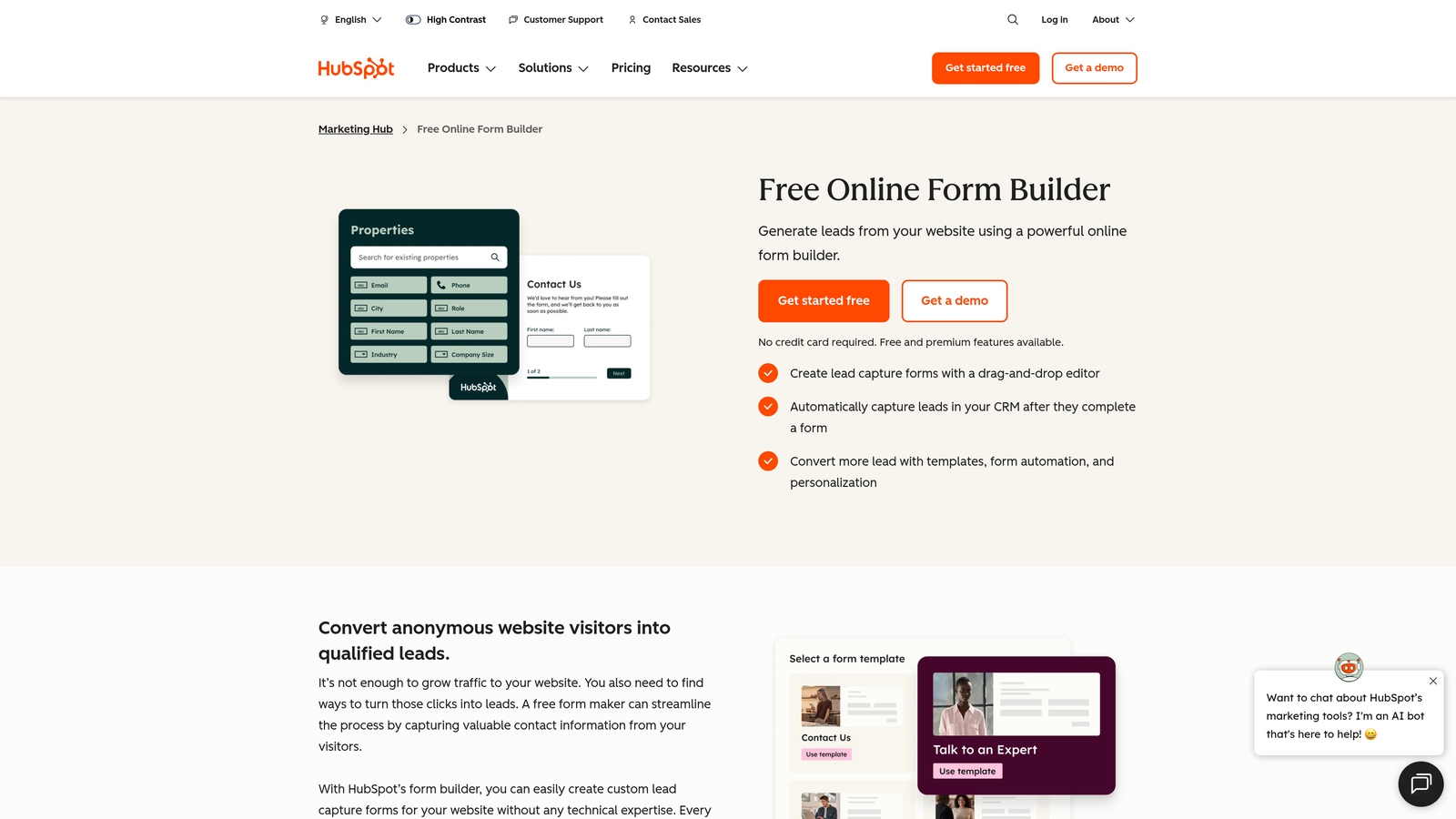
HubSpot Forms is a native form builder within the HubSpot ecosystem with direct CRM sync and progressive profiling built in.
Where This Tool Shines
If your team lives in HubSpot, this is the path of least resistance. There's no mapping, no Zapier middleware, no manual data transfer: form submissions go directly into contact records, trigger workflows, and update deal stages automatically. That native integration is genuinely hard to replicate with third-party tools.
Progressive profiling is the other standout capability. Rather than asking returning visitors the same questions again, HubSpot Forms shows new fields to contacts it already knows, gradually enriching profiles over time. For B2B teams running content-gated campaigns, this is a meaningful conversion advantage.
Key Features
Native HubSpot CRM Sync: Form submissions automatically create or update contact records with zero manual data handling.
Progressive Profiling: Displays new fields to returning visitors, enriching contact data incrementally without repeating questions.
Smart Fields: Auto-populates known contact data so returning visitors don't have to re-enter information.
Workflow Triggers: Form submissions can automatically enroll contacts into nurturing sequences, assign owners, or update lifecycle stages.
Free with HubSpot CRM: Basic form functionality is included at no cost with HubSpot's free tier.
Best For
Teams already committed to the HubSpot ecosystem. The value compounds the more HubSpot tools you use. Less compelling as a standalone form builder if you're not already in HubSpot, since customization outside HubSpot's design system is limited.
Pricing
Free with HubSpot's free CRM tier. Advanced features require a Marketing Hub subscription. Verify current pricing at hubspot.com/pricing.
5. Tally
Best for: Startups and lean teams that want a powerful free tier with a clean, Notion-like editing experience.
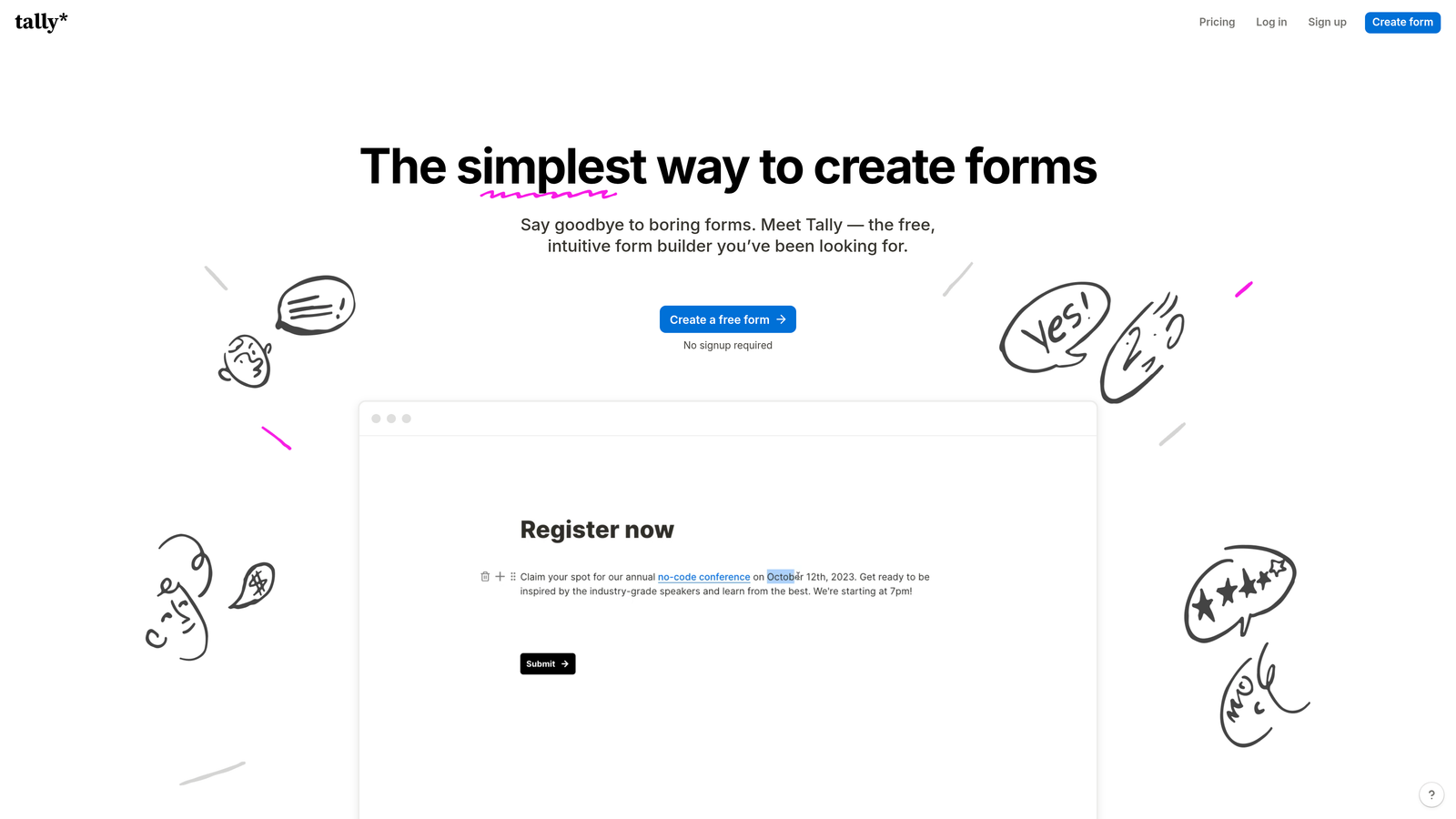
Tally is a Notion-inspired block-based form builder with a generous free tier and minimal, distraction-free design.
Where This Tool Shines
Tally's free tier is genuinely remarkable by industry standards. Unlimited forms, unlimited responses, and access to most core features without paying anything. For early-stage startups or small teams that need capable forms without a budget line item, it's hard to beat.
The block-based editor will feel immediately familiar to anyone who uses Notion. Building a form feels more like writing a document than configuring a tool, which lowers the learning curve significantly. It's not the most enterprise-ready option, but for its target audience it delivers well above its price point.
Key Features
Unlimited Forms and Responses on Free Plan: No submission caps or form limits, even on the free tier.
Block-Based Editor: Notion-style editing experience that makes form building intuitive and fast.
Conditional Logic and Multi-Page Forms: Supports branching logic and multi-step form flows without requiring a paid plan.
Custom Domain Support: Available on Tally Pro for teams that want branded form URLs.
Integrations: Connects with Zapier and a growing list of native integrations for workflow automation.
Best For
Startups, indie makers, and lean teams that need solid form functionality without budget pressure. Also great for internal ops forms, quick surveys, and lightweight lead capture. Teams needing advanced enterprise features or deep CRM integrations may find it limiting.
Pricing
Very generous free tier. Tally Pro available at a low monthly rate. Verify current pricing at tally.so/pricing.
6. Paperform
Best for: Small businesses and creators who want forms that double as landing pages with rich media and payment support.
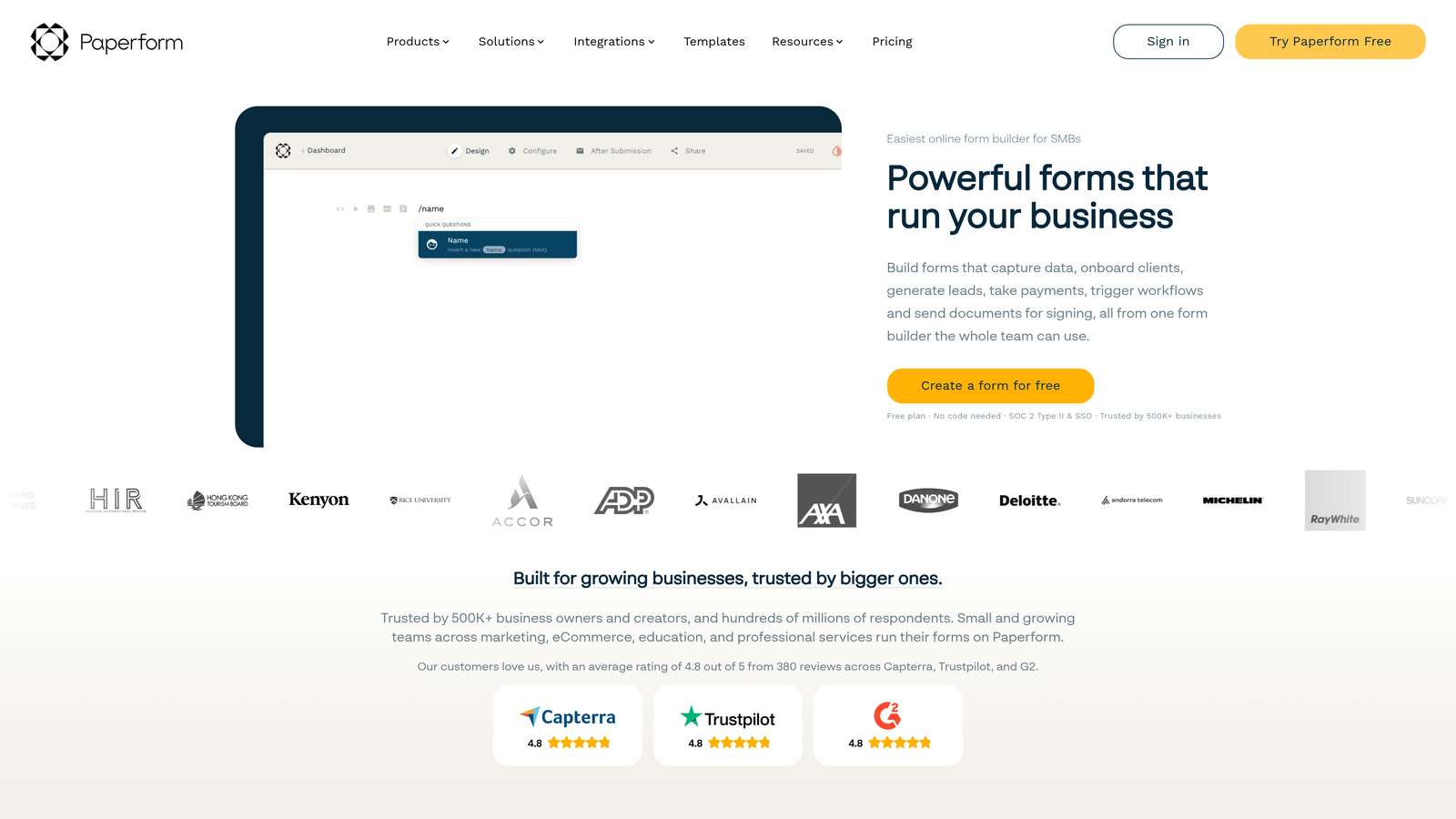
Paperform is a form builder that doubles as a landing page tool, combining rich media support, product listings, and payment collection in a single editor.
Where This Tool Shines
Paperform blurs the line between a form and a microsite. You can embed images, video, rich text, and product listings alongside your form fields, creating experiences that feel more like a landing page than a traditional data collection form. For businesses selling products or services directly through a form, this is a genuinely useful capability.
The scheduling and booking integrations add another layer of utility, making it a reasonable choice for service businesses that need to capture information and book appointments in a single flow. It's less focused on B2B lead gen or enterprise use cases, but for its core audience it's well-designed.
Key Features
Rich Media Embedding: Supports images, video, and formatted text within form fields for a landing-page-quality experience.
Product Listings and E-Commerce: Enables product showcases and direct purchase flows within the form itself.
Payment Collection: Integrates with multiple payment gateways for direct transactions.
Custom Themes and Branding: Full visual customization to match brand identity without requiring design skills.
Scheduling and Booking Integrations: Connects with calendar tools to enable appointment booking as part of the form flow.
Best For
Small businesses, freelancers, and creators who need forms that can serve as standalone sales or booking pages. Less suited for enterprise teams or high-volume B2B lead generation requiring deep CRM integration and qualification logic.
Pricing
Paid plans only; no free tier. Starts at a mid-market monthly rate. Verify current pricing at paperform.co/pricing.
7. Google Forms
Best for: Internal data collection, quick surveys, and any use case where cost is the primary constraint.
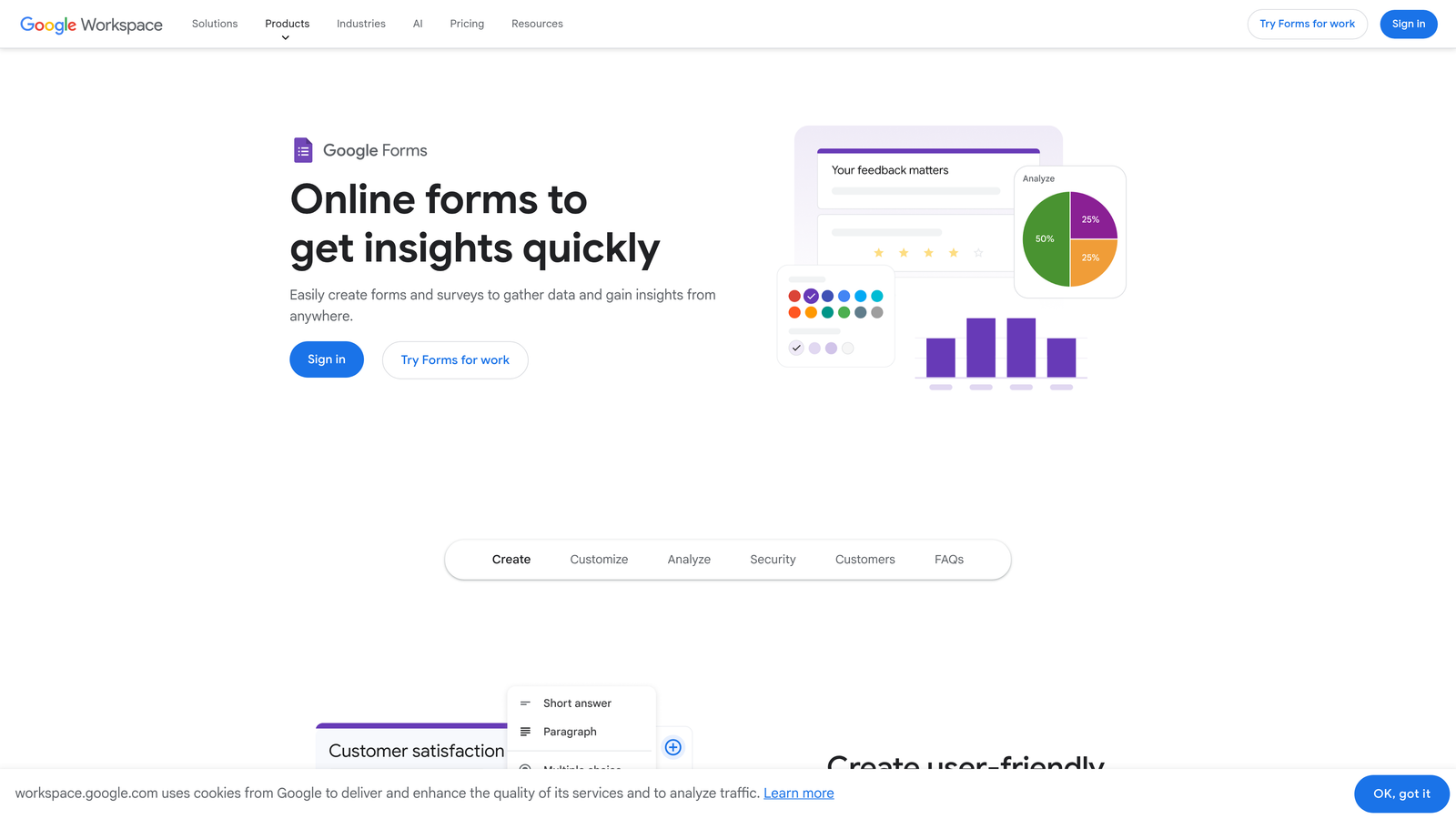
Google Forms is a free, zero-setup form builder fully integrated with Google Workspace for basic data collection needs.
Where This Tool Shines
The value proposition is simple: it's free, it works, and if you have a Google account you're already set up. For internal surveys, event RSVPs, quick feedback forms, or team polls, Google Forms gets the job done without any friction or cost.
The automatic response collection in Google Sheets is genuinely useful for teams that already live in the Google ecosystem. You don't need to export anything: responses appear in a spreadsheet in real time. The limitations become apparent quickly for any external-facing or conversion-oriented use case, but for what it is, it's reliable and accessible.
Key Features
Completely Free: No cost, no submission limits, included with any Google account.
Automatic Google Sheets Integration: Responses populate a connected spreadsheet in real time with no manual export needed.
Basic Conditional Logic: Section branching allows simple routing based on multiple-choice answers.
Quiz and Survey Modes: Built-in scoring and quiz functionality for educational or assessment use cases.
No Submission Limits: Collect as many responses as needed without hitting a cap.
Best For
Internal teams, educators, and anyone who needs a quick, no-cost form without customization requirements. Not suitable for external lead generation, brand-forward experiences, or any use case requiring CRM integration, conditional logic depth, or conversion optimization.
Pricing
Completely free. Included with any Google account, including free Gmail accounts.
8. Formstack
Best for: Enterprise and regulated-industry teams that need compliance certifications alongside workflow automation.
Formstack is an enterprise form and workflow platform with strong compliance certifications designed for regulated industries and complex operational workflows.
Where This Tool Shines
Formstack is built for environments where compliance isn't optional. HIPAA, SOC 2, and GDPR certifications are built into the platform, which is a significant differentiator for healthcare, financial services, legal, and other regulated sectors where data handling requirements are strict.
Beyond compliance, Formstack extends into document generation and e-signature workflows, making it a broader operational tool than most form builders. If your team needs forms that trigger document creation, route approvals, and collect signatures, Formstack handles that entire chain without requiring multiple tools.
Key Features
Compliance Certifications: HIPAA, SOC 2, and GDPR compliance built in for regulated industry requirements.
Document Generation and E-Signatures: Creates documents from form data and collects legally binding signatures within the same workflow.
Advanced Conditional Logic: Sophisticated branching and routing for complex, multi-path form flows.
CRM and Database Prefill: Pulls existing data from connected CRM systems to pre-populate form fields for returning contacts.
Workflow Automation and Approval Routing: Multi-step approval chains ensure the right people review submissions before action is taken.
Best For
Enterprise organizations in healthcare, finance, legal, and other regulated industries where compliance is non-negotiable. Also well-suited for operations-heavy teams that need forms connected to document workflows and approval processes. The price point reflects its enterprise positioning.
Pricing
Enterprise pricing with significant variation by features and team size. Verify current pricing at formstack.com/pricing.
9. Fillout
Best for: No-code and ops teams that need native Notion and Airtable database connections with advanced conditional logic.
Fillout is a logic-rich form builder with native Notion and Airtable integrations, popular with no-code builders and operations-focused teams.
Where This Tool Shines
Fillout's native Notion and Airtable connections are its defining feature. Rather than routing data through Zapier or other middleware, Fillout connects directly to your databases, which means form submissions can create, update, or retrieve Notion pages and Airtable records in real time. For no-code teams that have built their operations on these platforms, this is a significant workflow advantage.
The conditional logic capabilities are also genuinely strong. Multi-step forms with progress indicators, branching paths, and scheduling support make it a capable tool for complex intake flows. The free tier offers meaningful access to core features, which has helped it build a loyal following among ops-heavy teams.
Key Features
Native Notion and Airtable Connections: Direct database integrations without middleware, enabling real-time record creation and updates.
Advanced Conditional Logic: Sophisticated branching and multi-path form flows for complex intake and qualification scenarios.
Multi-Step Forms with Progress Indicators: Keeps respondents oriented and reduces drop-off on longer form sequences.
Scheduling and Payment Support: Built-in support for appointment booking and payment collection within form flows.
Generous Free Tier: Strong feature access on the free plan, making it accessible for teams evaluating the tool before committing.
Best For
No-code builders, operations teams, and anyone running their workflow on Notion or Airtable who needs forms that feed directly into those systems. Also a strong choice for teams that need advanced conditional logic without the complexity or cost of an enterprise platform.
Pricing
Free tier available. Paid plans at competitive rates. Verify current pricing at fillout.com/pricing.
Which Tool Is Right for Your Team?
The right custom form builder solution depends almost entirely on what you need your forms to do. Here's a quick way to think through it.
If lead qualification and conversion optimization are your primary goals, Orbit AI is purpose-built for exactly that. Its AI-powered scoring and B2B-focused design give it a meaningful edge over general-purpose tools for high-growth SaaS and B2B teams.
If you're already running HubSpot, HubSpot Forms is the obvious choice for zero-friction CRM sync and progressive profiling. If you need compliance certifications for a regulated industry, Formstack is the enterprise-grade option. If you're on a tight budget and live in Notion or Airtable, Fillout or Tally offer strong free-tier capabilities without locking you into expensive plans.
For teams that want beautiful, conversational form experiences, Typeform remains a strong option. And if you just need something free and functional for internal use, Google Forms is always there.
But if you're a high-growth team serious about turning form submissions into qualified pipeline, the gap between a basic form builder and an AI-powered solution becomes very clear very fast. Transform your lead generation with AI-powered forms that qualify prospects automatically while delivering the modern, conversion-optimized experience your high-growth team needs. Start building free forms today and see how intelligent form design can elevate your conversion strategy.


