

Every form submission represents a potential customer, partnership, or critical business insight. But when your data lives in scattered spreadsheets, disconnected CRMs, and email inboxes, those opportunities slip through the cracks.
Form data management software centralizes, organizes, and activates your submission data, turning chaotic inputs into actionable business intelligence. The right platform doesn't just store responses—it qualifies leads, triggers workflows, and connects seamlessly with your existing tech stack.
This guide covers the top tools for managing form data in 2026, evaluated on integration capabilities, automation features, data security, and ease of use. Whether you're handling hundreds or hundreds of thousands of submissions monthly, you'll find a solution that fits your workflow.
1. Orbit AI
Best for: High-growth teams needing AI-powered lead qualification and intelligent data routing
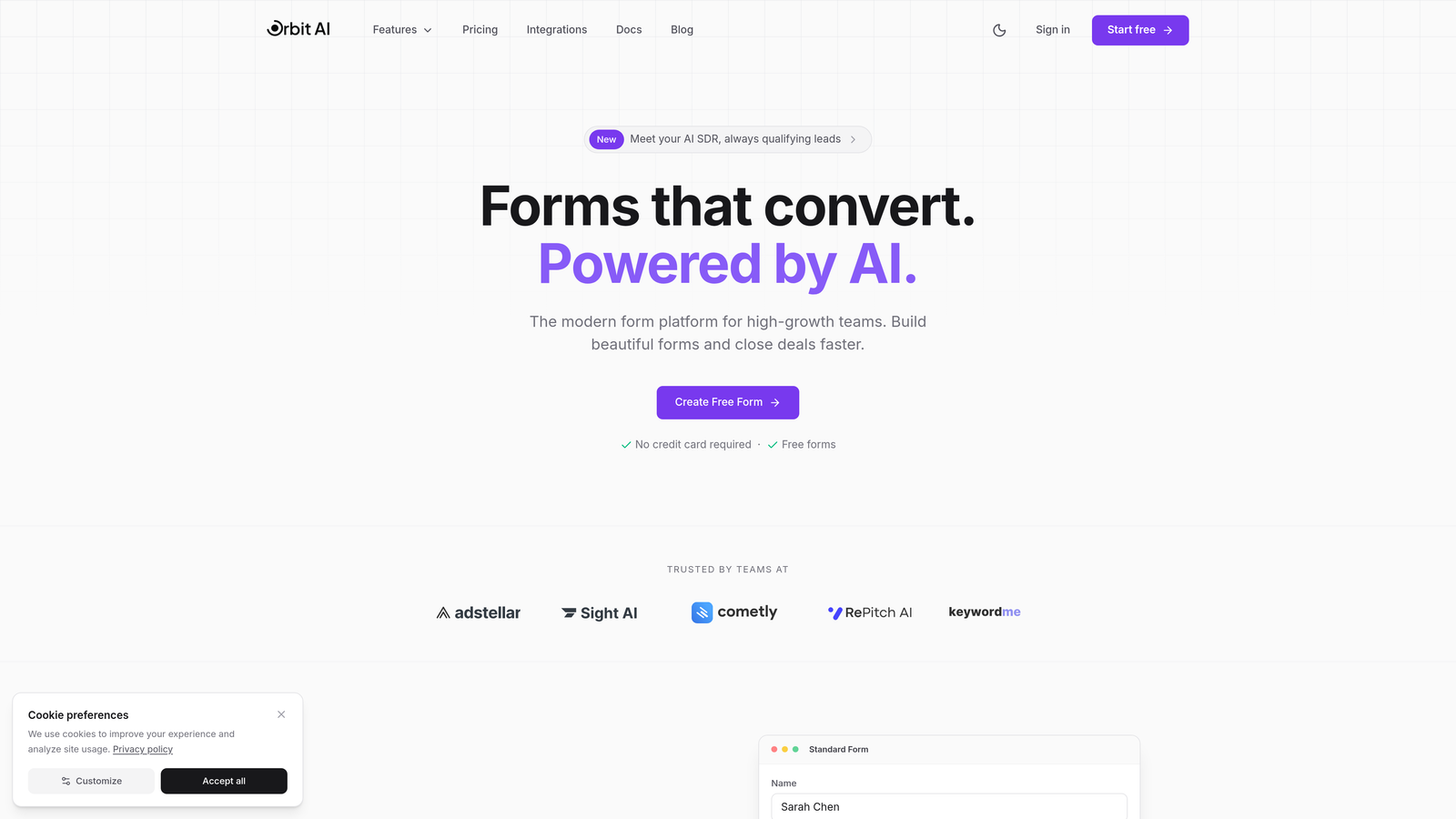
Orbit AI is an AI-powered form builder that automatically qualifies leads and routes submissions based on intelligent scoring.
Where This Tool Shines
Orbit AI takes a fundamentally different approach to form data management by applying artificial intelligence at the point of submission. Instead of collecting data and manually sorting through it later, the platform analyzes responses in real-time, scoring lead quality and triggering appropriate workflows automatically.
This intelligence layer transforms how high-growth teams handle form submissions. Marketing teams can instantly identify hot leads and route them to sales, while lower-quality submissions flow into nurture campaigns. The platform's modern, conversion-optimized form designs also address the submission rate problem many teams face with traditional form builders.
Key Features
AI-Powered Lead Qualification: Automatically scores and categorizes submissions based on response patterns and data quality.
Intelligent Workflow Routing: Sends qualified leads directly to sales, routes support requests to appropriate teams, and segments data based on custom criteria.
Native CRM Integrations: Connects seamlessly with major CRM platforms to ensure lead data flows into your existing systems.
Real-Time Analytics: Tracks conversion rates, submission quality, and form performance with detailed dashboards.
Conversion-Optimized Design: Modern, mobile-responsive form templates built specifically to maximize completion rates.
Best For
Orbit AI is ideal for B2B companies, SaaS businesses, and marketing teams that receive high volumes of form submissions and need to separate qualified leads from noise. It's particularly valuable when your sales team needs immediate notification of hot prospects, or when you're running multiple campaigns requiring different routing logic.
Pricing
Free tier available for small teams getting started. Paid plans begin at $29/month with advanced AI features, scalable form limits, and premium integrations.
2. Typeform
Best for: Creating engaging, conversational form experiences with strong completion rates
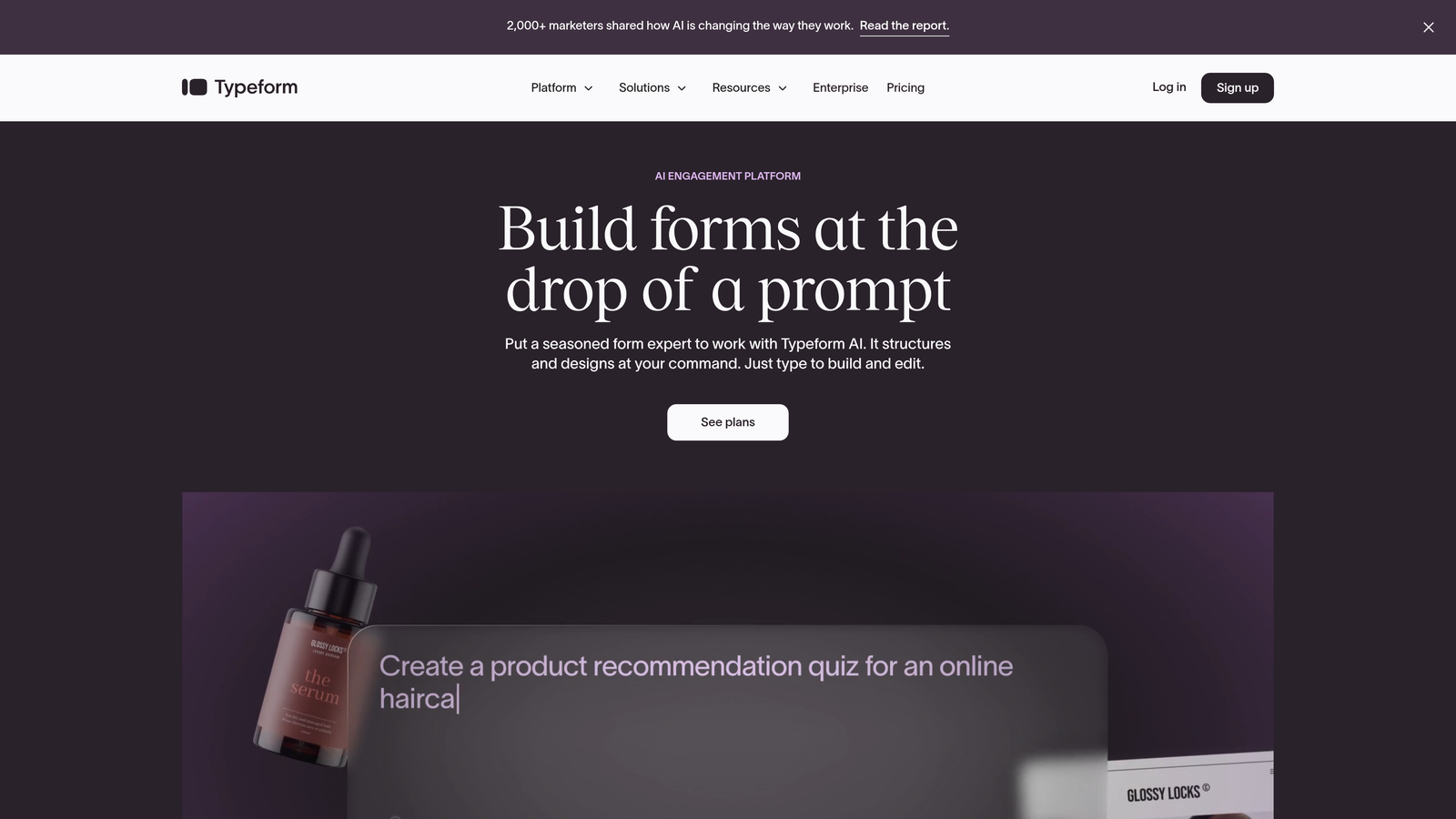
Typeform is a conversational form builder known for its one-question-at-a-time approach that creates engaging user experiences.
Where This Tool Shines
Typeform revolutionized form design by treating data collection as a conversation rather than an interrogation. The platform's signature one-question-at-a-time format reduces cognitive load and creates a more natural flow, often resulting in higher completion rates compared to traditional multi-field forms.
The platform's built-in analytics go beyond basic submission counts. You'll see exactly where respondents drop off, how long they spend on each question, and which paths they take through logic jumps. This visibility helps teams continuously optimize their data collection process.
Key Features
Conversational Interface: Presents one question at a time with smooth transitions that feel more like a dialogue than a form.
Logic Jumps: Creates personalized question paths based on previous answers, collecting relevant data without overwhelming users.
Response Analytics: Provides detailed insights into completion rates, drop-off points, and average completion times.
Native Integrations: Connects with popular tools like Google Sheets, Slack, HubSpot, and Salesforce for automated data routing.
Custom Branding: Allows full customization of colors, fonts, and layouts to match your brand identity.
Best For
Typeform works best for customer research, event registrations, feedback collection, and any scenario where user experience directly impacts completion rates. It's particularly effective when you need to collect detailed information but want to avoid overwhelming respondents with long, traditional forms.
Pricing
Free tier available with basic features. Paid plans start at $25/month, unlocking advanced logic, integrations, and removal of Typeform branding.
3. JotForm
Best for: Enterprise teams requiring compliance certifications and extensive template libraries
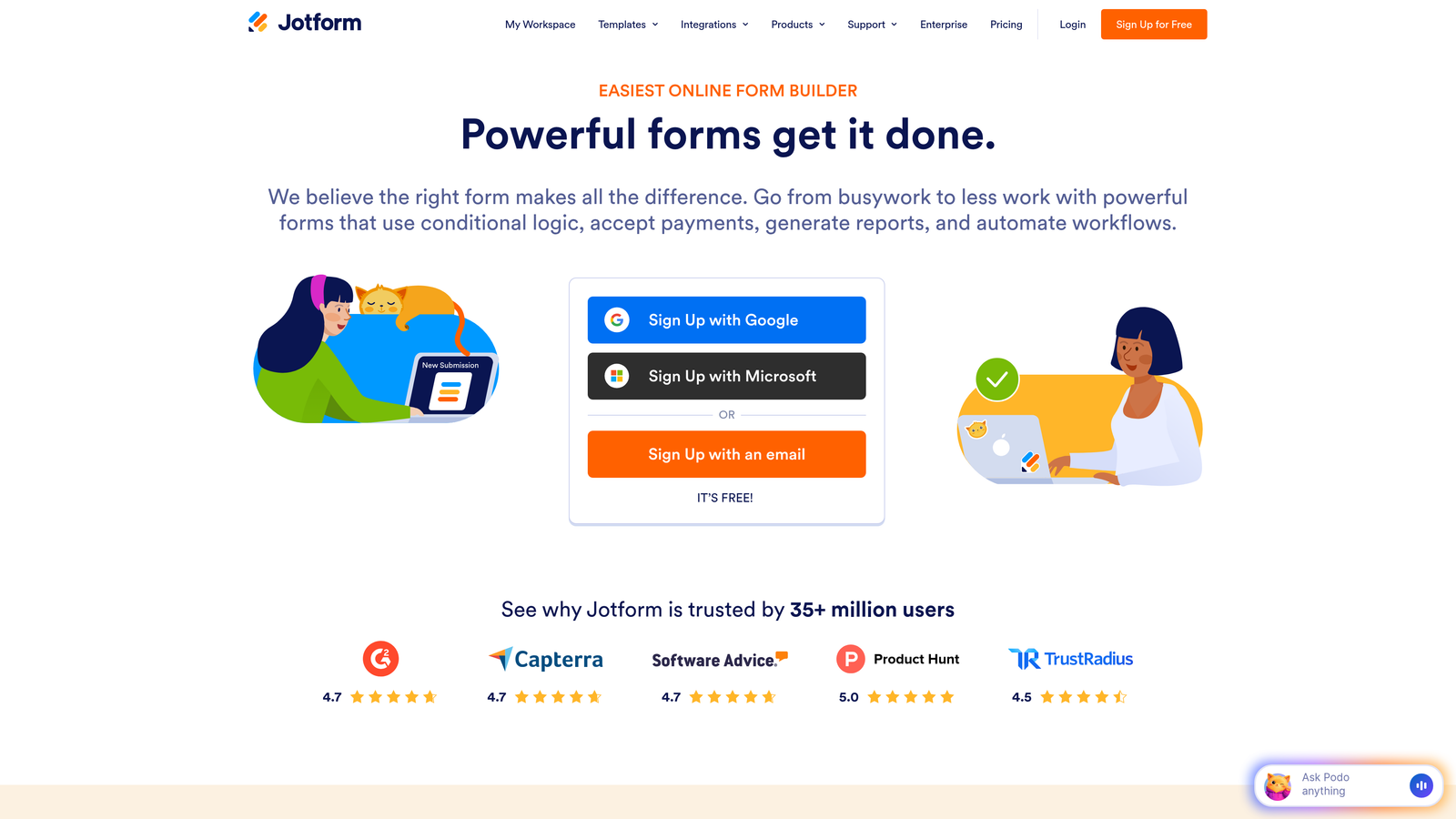
JotForm is an enterprise-ready form builder offering robust data storage, compliance features, and thousands of pre-built templates.
Where This Tool Shines
JotForm has built its reputation on two pillars: comprehensive compliance certifications and extensive template coverage. For organizations in healthcare, finance, or other regulated industries, the platform's HIPAA-compliant forms and data handling provide essential peace of mind that many competitors can't match.
The platform's JotForm Tables feature transforms how teams manage collected data by presenting submissions in a database-style interface. Instead of viewing individual responses, you can see all your data in a spreadsheet-like grid, making it easier to spot patterns, bulk-edit entries, and manage large datasets efficiently.
Key Features
HIPAA Compliance: Offers Business Associate Agreements and encrypted data handling for healthcare organizations collecting sensitive patient information.
JotForm Tables: Converts form submissions into a database-style view with filtering, sorting, and bulk editing capabilities.
Approval Workflows: Routes submissions through custom approval chains, perfect for purchase requests, time-off forms, or content reviews.
Offline Forms: Collects data without internet connection and automatically syncs when connectivity returns.
10,000+ Templates: Provides pre-built forms for virtually every use case, from job applications to event registrations.
Best For
JotForm is ideal for healthcare providers, financial institutions, educational organizations, and any business requiring strict data compliance. It's also excellent for teams managing approval processes or collecting data in locations with unreliable internet connectivity.
Pricing
Free tier available with submission limits. Paid plans begin at $34/month, with HIPAA compliance requiring higher-tier subscriptions.
4. Formstack
Best for: Workflow automation combining forms, documents, and electronic signatures
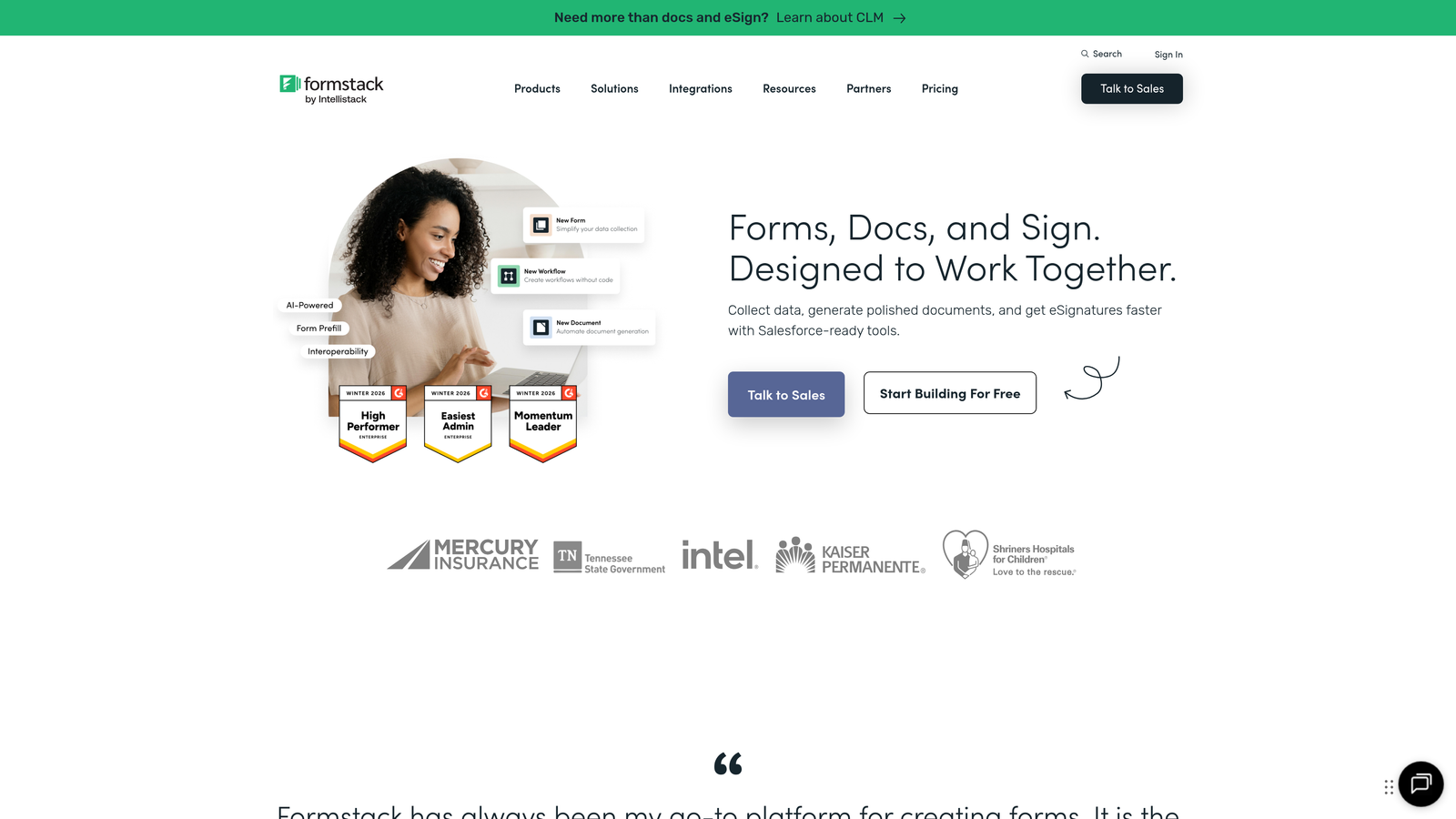
Formstack is a workflow-focused platform that extends beyond form building to include document generation and signature collection.
Where This Tool Shines
Formstack's unique value lies in its end-to-end workflow capabilities. The platform doesn't just collect data—it can automatically generate documents from that data, route them for signatures, and trigger follow-up actions based on completion. This makes it particularly powerful for processes like client onboarding, contract management, or approval workflows.
The platform's advanced conditional logic goes beyond simple show-hide rules. You can perform calculations, set field values based on complex criteria, and create multi-step workflows that adapt based on user input. For teams managing sophisticated data collection processes, this flexibility eliminates the need for custom development.
Key Features
Form-to-Document Automation: Automatically populates PDF templates, contracts, or reports with form submission data.
Electronic Signatures: Integrates signature collection directly into workflows without requiring separate tools.
Advanced Calculations: Performs complex calculations within forms for pricing quotes, scoring, or data validation.
Compliance Features: Includes HIPAA compliance, data encryption, and audit trails for regulated industries.
A/B Testing: Tests different form versions to optimize conversion rates based on real performance data.
Best For
Formstack excels for organizations with complex approval processes, legal and financial services firms needing document generation, and teams managing multi-step workflows that require both data collection and document handling in a unified platform.
Pricing
Plans start at $50/month. Document generation and signature features require higher-tier subscriptions, with enterprise pricing available for large organizations.
5. Airtable
Best for: Teams needing flexible database structures with multiple views and custom relationships
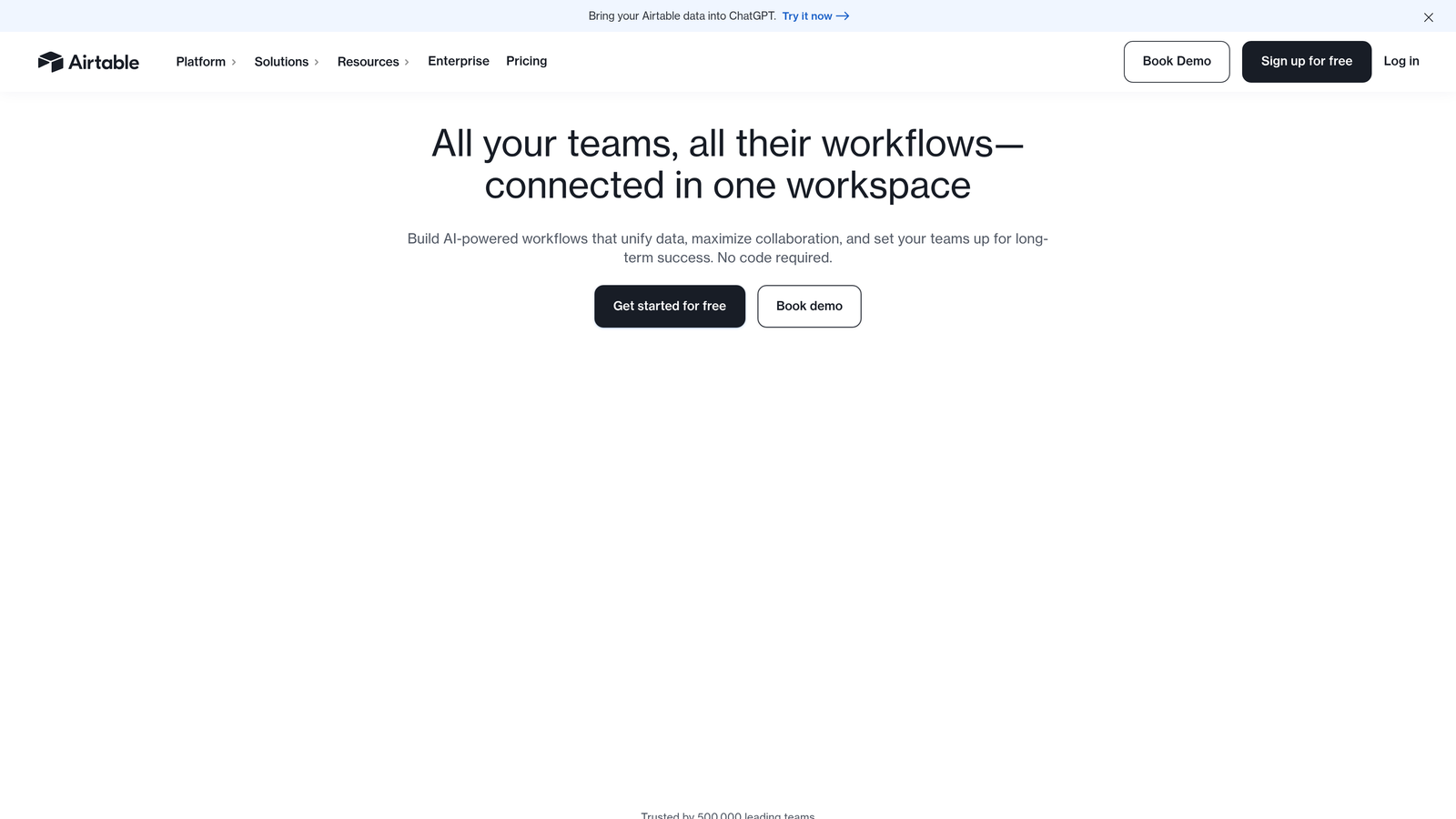
Airtable is a flexible database platform that includes form capabilities for collecting data into custom-structured bases.
Where This Tool Shines
Airtable approaches form data management from a fundamentally different angle than traditional form builders. Instead of building forms first, you design your ideal database structure, then create forms to populate it. This database-first approach gives you unprecedented flexibility in how you organize, relate, and visualize your data.
The platform's multiple view options transform how teams work with collected data. Switch from a traditional spreadsheet grid to a kanban board for pipeline management, a calendar view for event submissions, or a gallery view for image-heavy responses. This flexibility means the same data can serve different team members in the format they find most useful.
Key Features
Relational Database: Links records across tables to create complex data relationships and eliminate duplicate entry.
Multiple Views: Displays the same data as grid, kanban, calendar, gallery, or form depending on your needs.
Automation Builder: Creates workflows that trigger when records meet certain criteria, sending notifications or updating fields automatically.
Collaborative Editing: Allows multiple team members to work simultaneously with real-time updates and commenting.
Custom Apps: Extends functionality with pre-built apps for charts, maps, timelines, and custom interfaces.
Best For
Airtable is ideal for product teams managing feature requests, event coordinators tracking multiple submission types, and operations teams needing to relate form data to other business information. It's particularly valuable when you need different team members to interact with the same data in different ways.
Pricing
Free tier available for small teams. Paid plans start at $20/user/month, with advanced features like automations and sync requiring higher tiers.
6. Google Forms
Best for: Budget-conscious teams needing simple data collection with Google Sheets integration
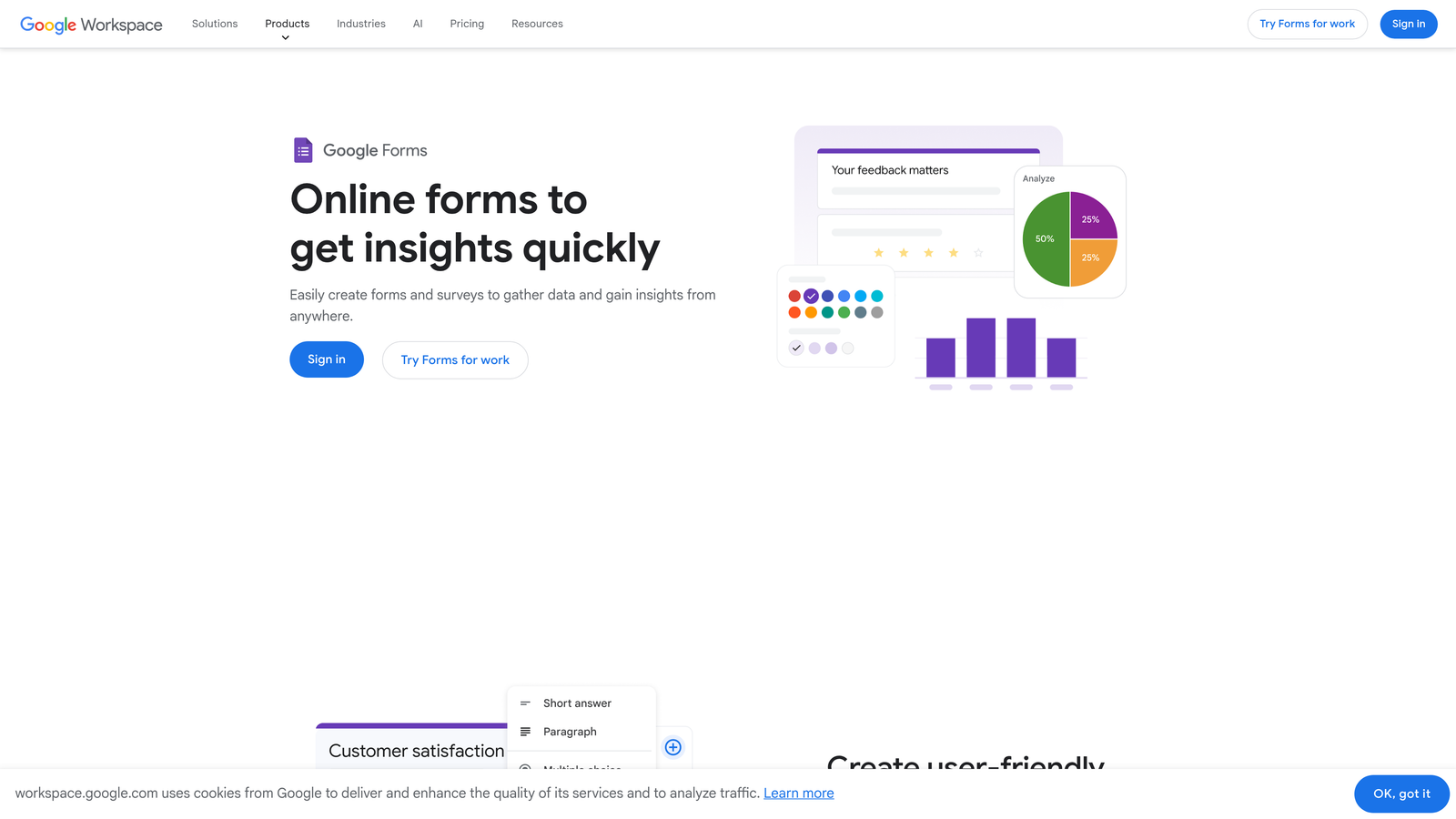
Google Forms is a free, straightforward form tool that syncs directly with Google Sheets for basic data collection needs.
Where This Tool Shines
Google Forms removes every barrier to getting started with form data management. There's no pricing to evaluate, no trial period to worry about, and no learning curve for teams already using Google Workspace. The direct Google Sheets integration means your data lands in a familiar spreadsheet format where you can analyze, sort, and share it using tools you already know.
The platform's collaborative editing capabilities mirror Google Docs, allowing multiple team members to build and refine forms simultaneously. This makes it particularly effective for teams that need to quickly iterate on surveys, feedback forms, or event registrations without getting bogged down in approval processes or complex workflows.
Key Features
Direct Sheets Sync: Sends all form responses automatically to a Google Sheet with real-time updates as submissions arrive.
Collaborative Editing: Allows multiple users to build and edit forms simultaneously with change tracking.
Basic Analytics: Provides summary charts and individual response views directly within the form interface.
Quiz Capabilities: Enables automatic grading and scoring for assessments, tests, and knowledge checks.
Response Validation: Sets rules for email formats, number ranges, and text patterns to ensure data quality.
Best For
Google Forms works best for internal surveys, event RSVPs, simple feedback collection, and any scenario where you need quick data collection without advanced automation. It's particularly effective for educational institutions, nonprofits, and small businesses with limited budgets.
Pricing
Completely free with a Google account. Google Workspace plans start at $6/user/month for business features like custom email domains and enhanced security.
7. Cognito Forms
Best for: Payment processing and complex calculations within forms
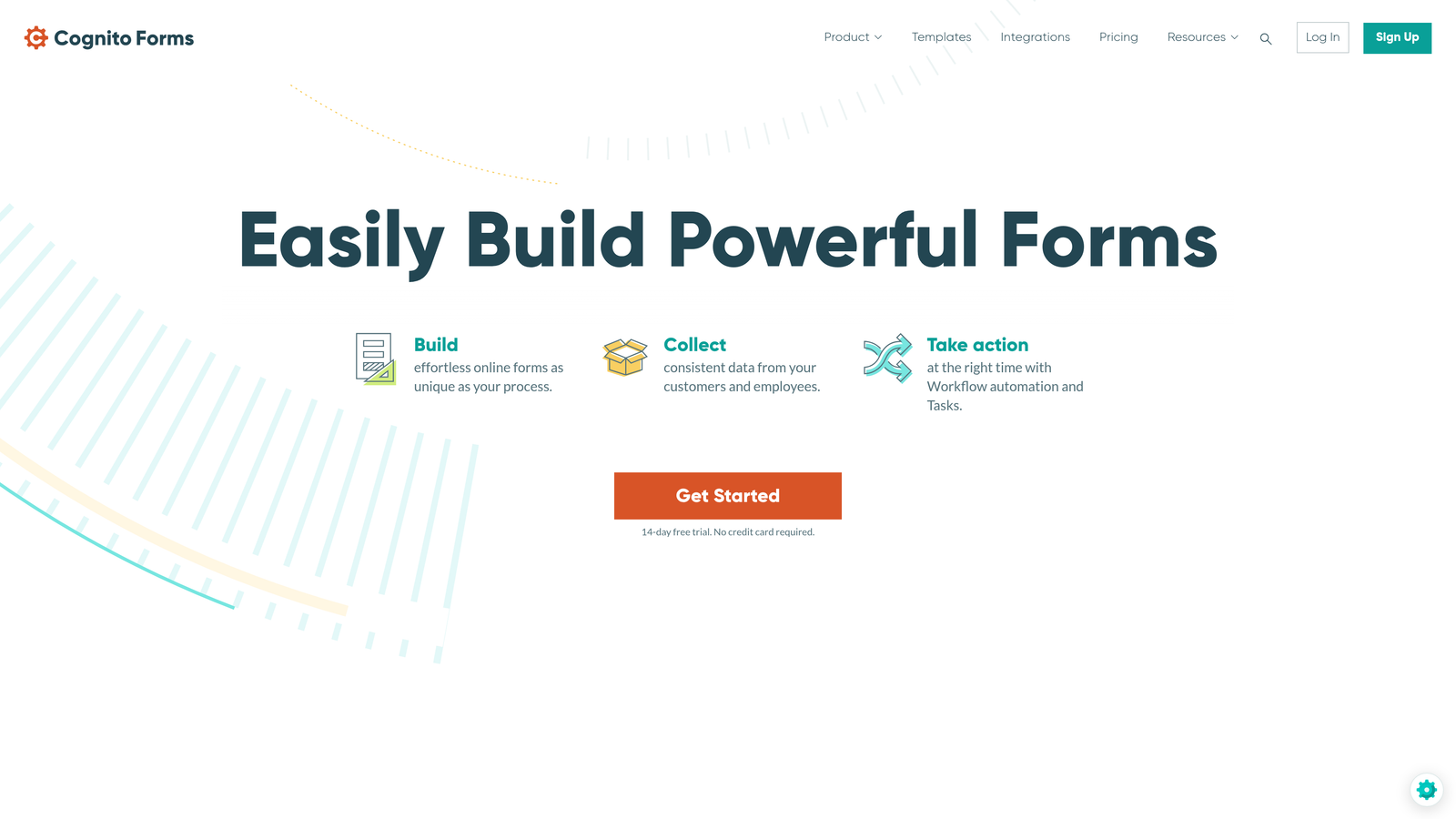
Cognito Forms is a feature-rich form builder with powerful payment processing and advanced calculation capabilities.
Where This Tool Shines
Cognito Forms has carved out a niche by excelling at two specific capabilities: payment processing and calculations. The platform's integrated payment handling supports Stripe, PayPal, and Square without requiring separate accounts or complex setup. This makes it particularly valuable for order forms, registration fees, and donation collection where you need to collect both data and money simultaneously.
The calculation engine goes far beyond basic arithmetic. You can build dynamic pricing that adjusts based on selections, create scoring systems for assessments, or perform complex financial calculations within the form itself. This eliminates the need for external calculators or manual processing of submitted data.
Key Features
Integrated Payments: Processes credit cards, ACH transfers, and digital wallets directly within forms without external payment pages.
Advanced Calculations: Performs complex math, conditional pricing, and dynamic totals based on user selections.
Repeating Sections: Allows users to add multiple instances of field groups, perfect for order forms or applications with variable entries.
Data Encryption: Encrypts sensitive data at rest and in transit with SOC 2 Type II certification.
Conditional Logic: Shows, hides, or requires fields based on previous answers to create personalized experiences.
Best For
Cognito Forms excels for e-commerce businesses, event organizers collecting registration fees, nonprofits managing donations, and any organization needing to combine data collection with payment processing in a single, seamless experience.
Pricing
Free tier available for basic forms. Paid plans start at $15/month, with payment processing requiring higher tiers that include lower transaction fees.
8. Paperform
Best for: Creating visually rich, branded form experiences with embedded content
Paperform is a design-forward form builder that allows extensive customization and rich media embedding.
Where This Tool Shines
Paperform treats forms as content experiences rather than simple data collection tools. The platform allows you to embed videos, images, and rich text directly within forms, creating experiences that feel more like landing pages than traditional forms. This approach is particularly effective when you need to provide context, showcase products, or maintain brand consistency throughout the submission process.
The built-in analytics dashboard provides visibility beyond basic submission counts. Track completion rates, analyze drop-off points, and monitor conversion performance across different form versions. Combined with custom success pages and redirect options, you can create complete conversion funnels within a single tool.
Key Features
Rich Media Embedding: Inserts videos, images, and formatted text directly within forms to provide context and maintain engagement.
Custom Branding: Offers extensive design control over colors, fonts, layouts, and styling to match your brand identity perfectly.
Product Capabilities: Includes shopping cart functionality for selling products or services directly through forms.
Booking Integration: Connects with calendar systems to handle appointment scheduling and availability management.
Custom Success Pages: Displays personalized thank-you pages or redirects users based on their responses.
Best For
Paperform is ideal for agencies creating branded experiences for clients, e-commerce businesses needing product forms, service providers managing bookings, and any organization where form design quality directly impacts brand perception and conversion rates.
Pricing
Plans start at $24/month with all core features included. Higher tiers add increased submission limits, priority support, and removal of Paperform branding.
9. Zoho Forms
Best for: Organizations using Zoho's ecosystem for unified business data management
Zoho Forms is a form builder deeply integrated with the Zoho suite for seamless data flow across business applications.
Where This Tool Shines
Zoho Forms delivers its greatest value to organizations already invested in the Zoho ecosystem. The native integrations with Zoho CRM, Zoho Analytics, Zoho Projects, and other suite applications create seamless data flow without requiring third-party integration tools or complex API connections. This unified approach eliminates data silos and ensures form submissions automatically appear in the right business context.
The mobile app with offline capabilities addresses a specific pain point for field teams. Sales representatives, event staff, or researchers can collect data without internet connectivity, with submissions automatically syncing when connection returns. This reliability makes it particularly valuable for organizations with mobile workforces or teams operating in areas with unreliable connectivity.
Key Features
Native Zoho Integration: Connects seamlessly with Zoho CRM, Analytics, Projects, and other suite applications without third-party tools.
Approval Workflows: Routes submissions through custom approval chains with task assignments and status tracking.
Offline Mobile App: Collects data without internet and syncs automatically when connectivity returns.
Custom Reports: Creates detailed analytics and visualizations of form data with Zoho's reporting engine.
Multi-User Collaboration: Allows teams to build, manage, and analyze forms together with role-based permissions.
Best For
Zoho Forms is ideal for organizations already using Zoho CRM or other Zoho applications, field teams requiring offline data collection, and businesses seeking an affordable, comprehensive solution that grows with their needs across the entire Zoho ecosystem.
Pricing
Free tier available for basic needs. Paid plans start at $10/month, with deeper integrations and advanced features available at higher tiers. Often bundled with other Zoho applications for additional savings.
Making the Right Choice
Choosing the right form data management software depends on your specific workflow needs and priorities. For AI-powered lead qualification that automatically identifies and routes high-value prospects, Orbit AI offers a modern approach built specifically for conversion-focused teams. If creating engaging, conversational experiences is your priority, Typeform's one-question-at-a-time format delivers superior completion rates.
Organizations needing enterprise compliance should consider JotForm's HIPAA certifications or Formstack's document generation capabilities. Teams wanting database flexibility and custom views will appreciate Airtable's relational approach, while budget-conscious organizations can start immediately with Google Forms' free tier.
For payment processing and complex calculations, Cognito Forms handles both seamlessly. Design-focused teams will prefer Paperform's rich media capabilities, and Zoho users benefit from Forms' native ecosystem integration.
Evaluate based on three key factors: your integration requirements with existing tools, your monthly submission volume and storage needs, and how you plan to act on collected data. The best form data management software doesn't just store submissions—it transforms them into outcomes.
Transform your lead generation with AI-powered forms that qualify prospects automatically while delivering the modern, conversion-optimized experience your high-growth team needs. Start building free forms today and see how intelligent form design can elevate your conversion strategy.


