

No-code form builders have quietly become some of the most important infrastructure in a modern go-to-market stack. The right form doesn't just collect data — it qualifies leads, routes prospects, and starts the sales conversation before a human ever gets involved.
But the market is crowded, and most tools are built for very different problems. Some are designed for internal surveys. Others are built for developer workflows. A select few are purpose-built for revenue teams that need every form submission to move the pipeline forward.
This list cuts through the noise. We evaluated these solutions based on ease of use, conversion features, integration depth, pricing transparency, and how well they serve high-growth teams. No filler — just the tools worth your time in 2026.
1. Orbit AI
Best for: High-growth SaaS and B2B teams that need forms to qualify leads automatically, not just collect contact details.
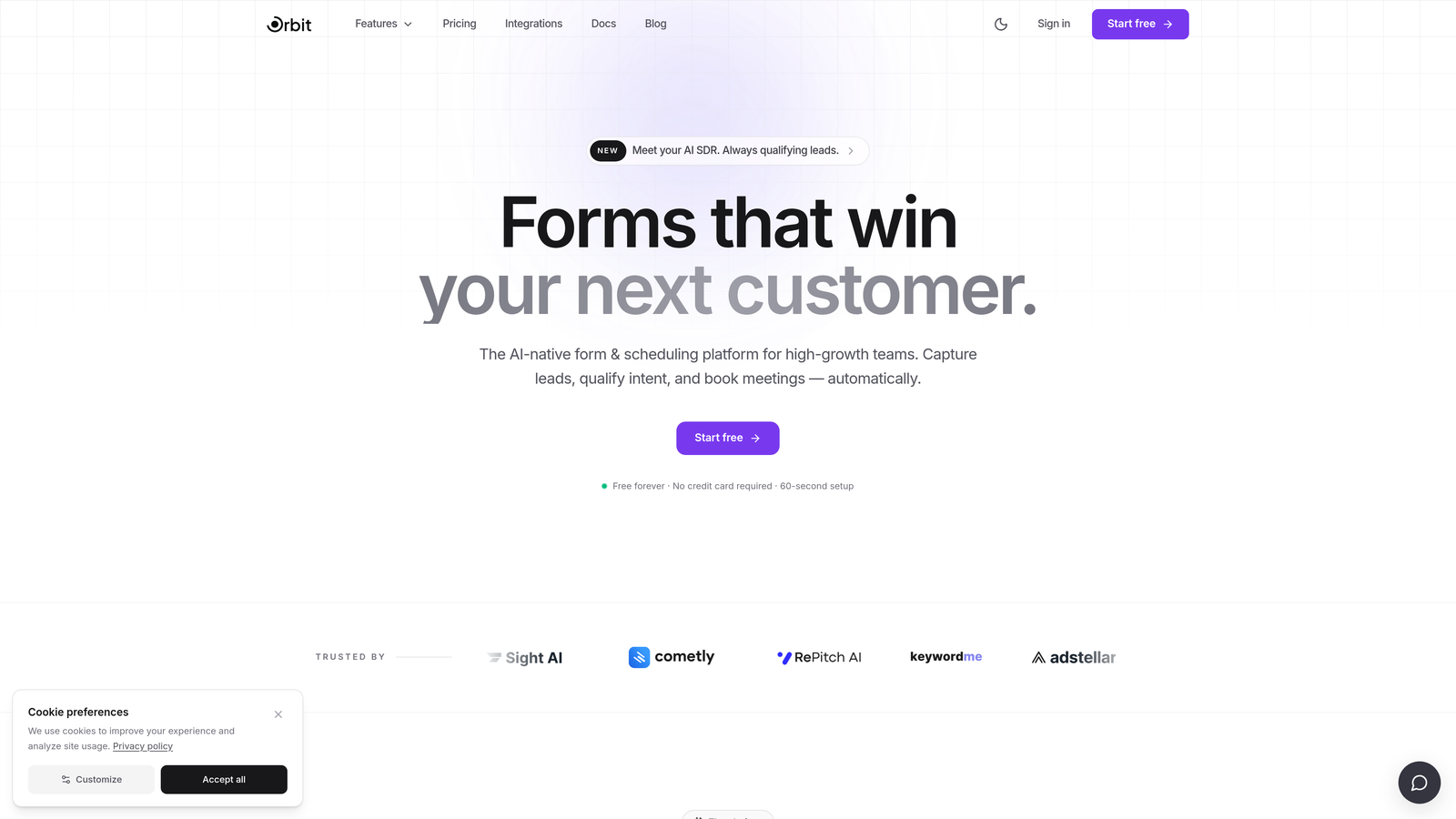
Orbit AI is an AI-powered form builder built for teams where lead quality matters as much as lead volume.
Where This Tool Shines
Most form builders stop at data collection. Orbit AI goes further by embedding lead qualification directly into the form flow itself. Instead of passing raw submissions to your CRM and hoping sales can sort them out, Orbit AI scores and routes leads based on how they respond — so your team only spends time on prospects that actually fit.
The design quality is also worth noting. Orbit AI forms are built to convert, with a modern UI that doesn't look like an afterthought. For high-growth teams where every touchpoint reflects the brand, this matters more than it might seem.
Key Features
AI-Powered Lead Qualification: Scores and routes leads automatically based on form responses, so your sales team receives pre-qualified prospects rather than raw submissions.
Conversion-Optimized Design: Modern, polished form UI designed to maximize completion rates without requiring custom CSS or developer involvement.
Conditional Logic: Dynamic form paths that adapt based on respondent answers, creating personalized experiences that feel less like a form and more like a conversation.
Lead Scoring and Routing: Automatically segments and routes leads to the right team members or CRM pipelines based on qualification criteria you define.
CRM and Sales Tool Integrations: Connects with the tools your revenue team already uses, keeping your stack tight and your data clean.
Best For
SaaS companies, B2B teams, and growth-focused businesses that treat their forms as a conversion asset rather than a data collection checkbox. If lead quality and pipeline efficiency are priorities, this is where to start.
Pricing
Visit orbitforms.ai for current pricing details. A free starting option is available for teams ready to explore the platform.
2. Typeform
Best for: Marketing teams that prioritize respondent experience and brand-consistent form design.
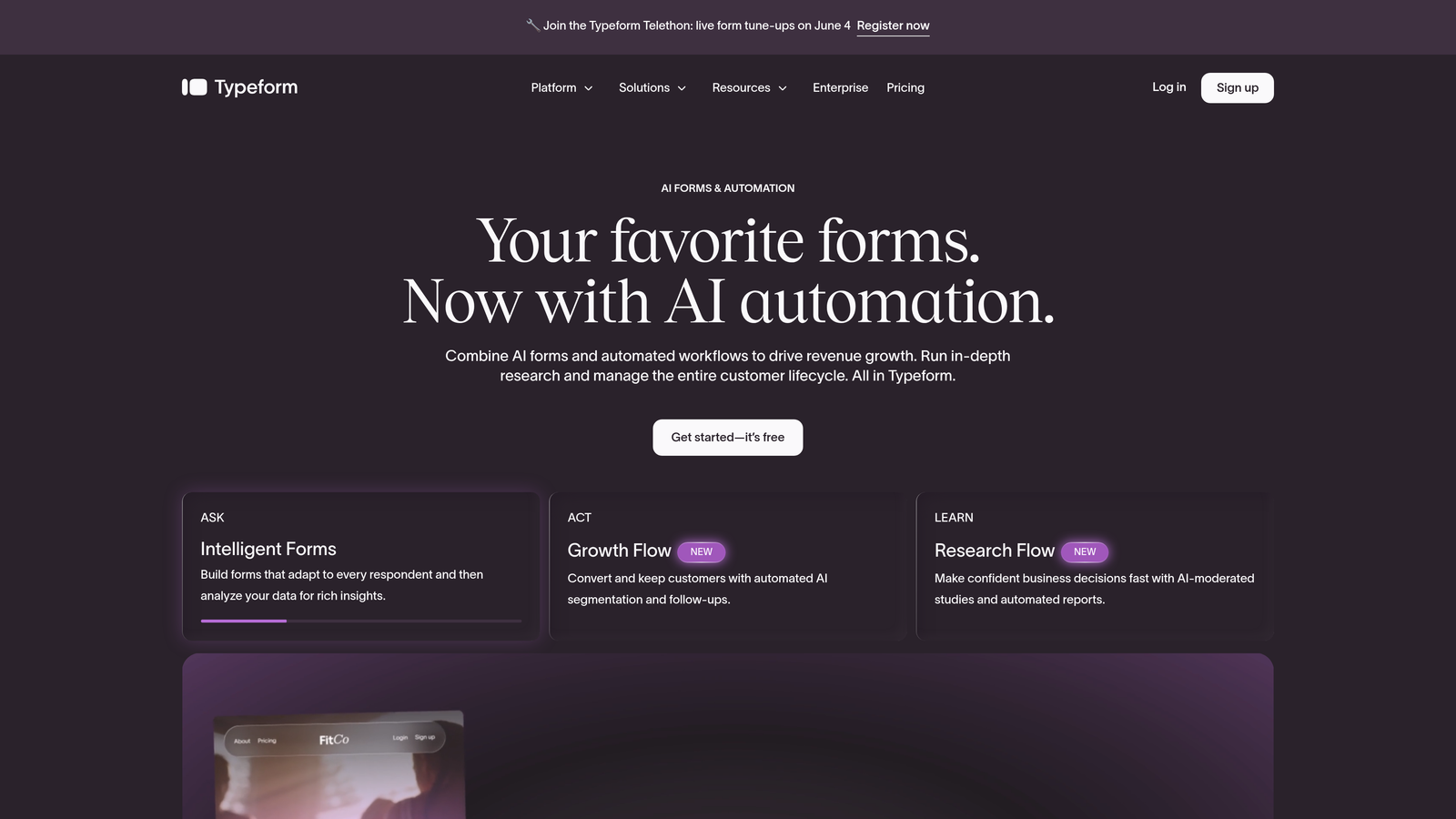
Typeform is a conversational form builder known for its one-question-at-a-time format and polished, highly customizable design.
Where This Tool Shines
Typeform pioneered the conversational form format, and it still does it better than most. The one-question-at-a-time approach reduces cognitive load for respondents, which tends to improve completion rates on longer forms and qualification flows. If your form asks more than five questions, this format is worth considering.
The design customization is genuinely strong. You can match your brand's fonts, colors, and imagery without touching code, making Typeform a favorite for marketing teams that care about how a form looks as much as what it collects.
Key Features
Conversational Format: One question at a time keeps respondents focused and reduces form abandonment on longer flows.
Brand Theming: Deep design customization including custom fonts, colors, backgrounds, and imagery.
Logic Jumps: Conditional branching that routes respondents to different questions based on their answers.
Integration Library: Native connections to HubSpot, Salesforce, Zapier, and a wide range of marketing and CRM tools.
Media Embedding: Add video and images directly within the form flow to enrich the respondent experience.
Best For
Marketing teams running surveys, lead capture flows, or customer research who want a polished experience and strong brand alignment. Less ideal for teams that need built-in lead scoring or AI qualification.
Pricing
Free plan available with limited responses. Paid plans start at $25/month. Pricing has increased over recent years, so verify current tiers before committing.
3. Tally
Best for: Startups and indie teams that need powerful, flexible forms without a monthly subscription.
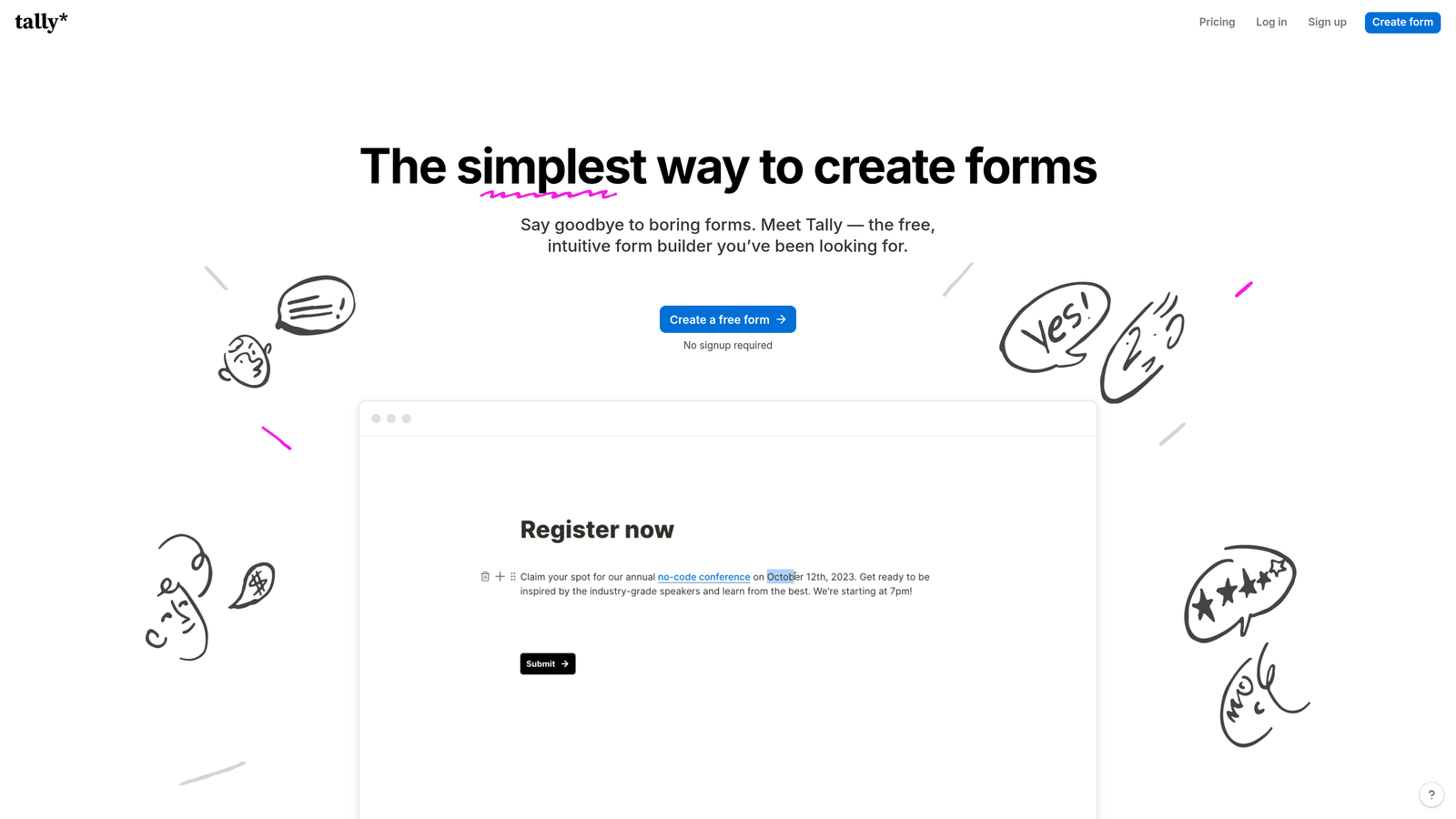
Tally is a Notion-inspired no-code form builder with one of the most genuinely generous free tiers in the market.
Where This Tool Shines
Tally's free plan is the real story here. Unlimited forms, unlimited responses, and conditional logic — all without paying a cent. For early-stage teams or indie projects where budget is tight and form needs are real, Tally fills the gap that most competitors leave open.
The block-based editor will feel immediately familiar to anyone who uses Notion. Building a form feels more like writing a document than configuring a tool, which lowers the learning curve considerably for non-technical users.
Key Features
Unlimited Free Tier: Unlimited forms and unlimited responses on the free plan — a genuine differentiator in this category.
Block-Based Editor: Notion-style editing interface that's intuitive for teams already in that ecosystem.
Conditional Logic: Multi-step forms with branching logic, available even on the free plan.
Embed Flexibility: Easily embeds into websites, Notion pages, and other tools without friction.
Automation Integrations: Connects to Zapier and Make for routing responses to other tools in your stack.
Best For
Early-stage startups, indie hackers, and small teams that need real form functionality without a recurring cost. Also a strong option for teams already living in Notion who want forms that feel native to that workflow.
Pricing
Free plan with unlimited forms and responses. Tally Pro is $29/month for additional features including custom domains and removed branding.
4. Jotform
Best for: Teams in regulated industries or those that need enterprise-grade compliance features and a deep template library.
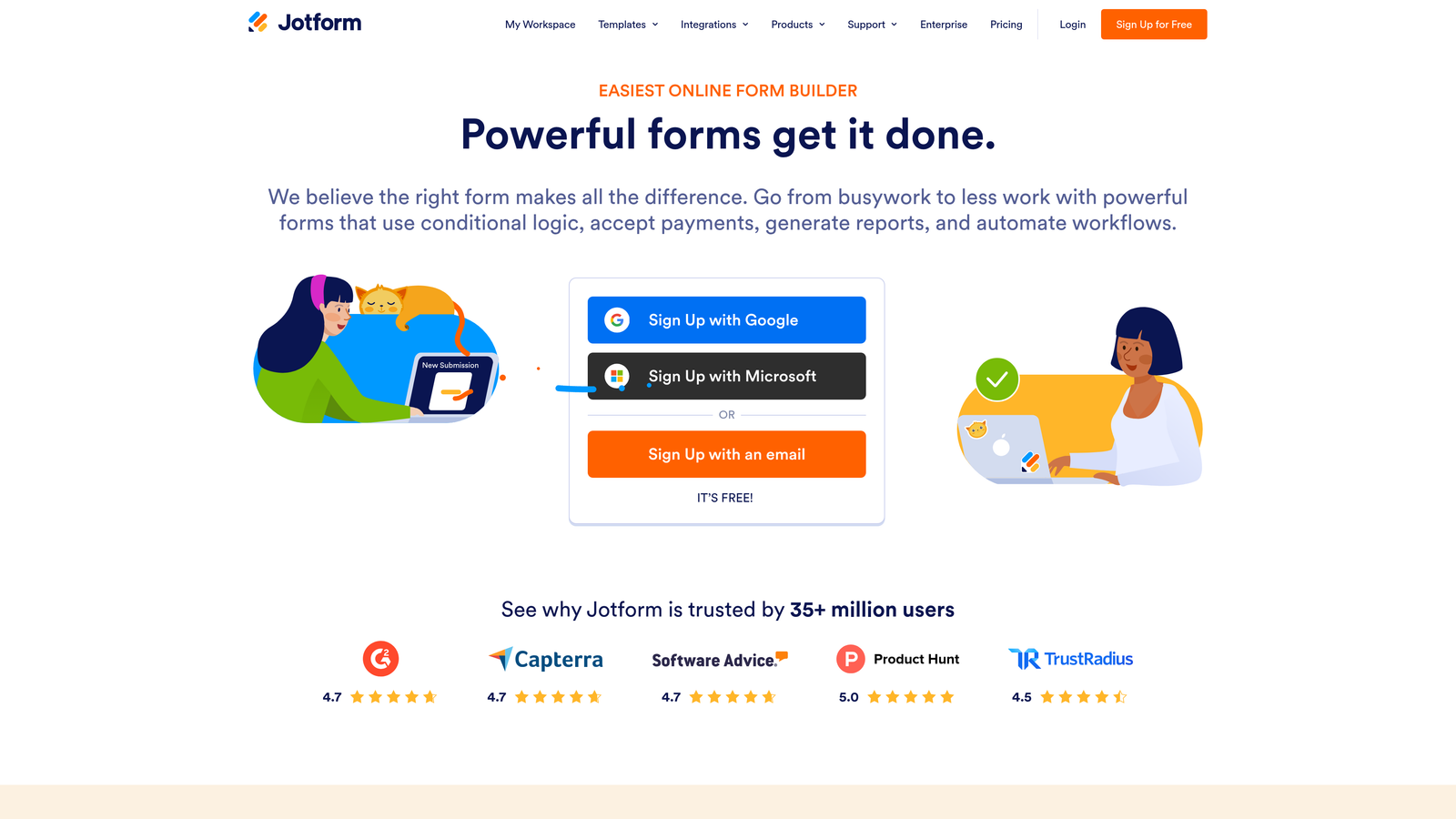
Jotform is one of the most established form builders on the market, with over 10,000 templates and compliance features that few competitors can match.
Where This Tool Shines
Jotform's depth is its defining characteristic. The template library covers virtually every industry and use case imaginable, which means most teams can get a functional form deployed in minutes rather than building from scratch. For organizations that need a form builder to handle many different workflows, that breadth is genuinely valuable.
The compliance story is also strong. HIPAA-compliant plans make Jotform one of the few form tools viable for healthcare teams, and GDPR support is baked in rather than bolted on. If your organization operates in a regulated environment, Jotform is one of the few tools that can realistically serve you.
Key Features
10,000+ Templates: Industry-spanning template library that covers nearly every form use case without starting from scratch.
HIPAA-Compliant Plans: Enterprise plans include the compliance infrastructure required for healthcare data handling.
Payment Collection: Native integrations with Stripe, PayPal, and Square for collecting payments directly through forms.
Advanced Logic and Calculations: Conditional logic combined with calculated fields for complex form workflows.
Jotform Tables: Built-in response management database so you can work with submissions without exporting to another tool.
Best For
Healthcare organizations, regulated industries, and enterprise teams that need compliance features alongside a flexible form builder. Also well-suited for teams that rely heavily on templates to move quickly.
Pricing
Free plan available with limited submissions. Paid plans start at $34/month. Enterprise and HIPAA-compliant plans are available at higher tiers.
5. HubSpot Forms
Best for: Teams already running their CRM and marketing operations inside HubSpot.
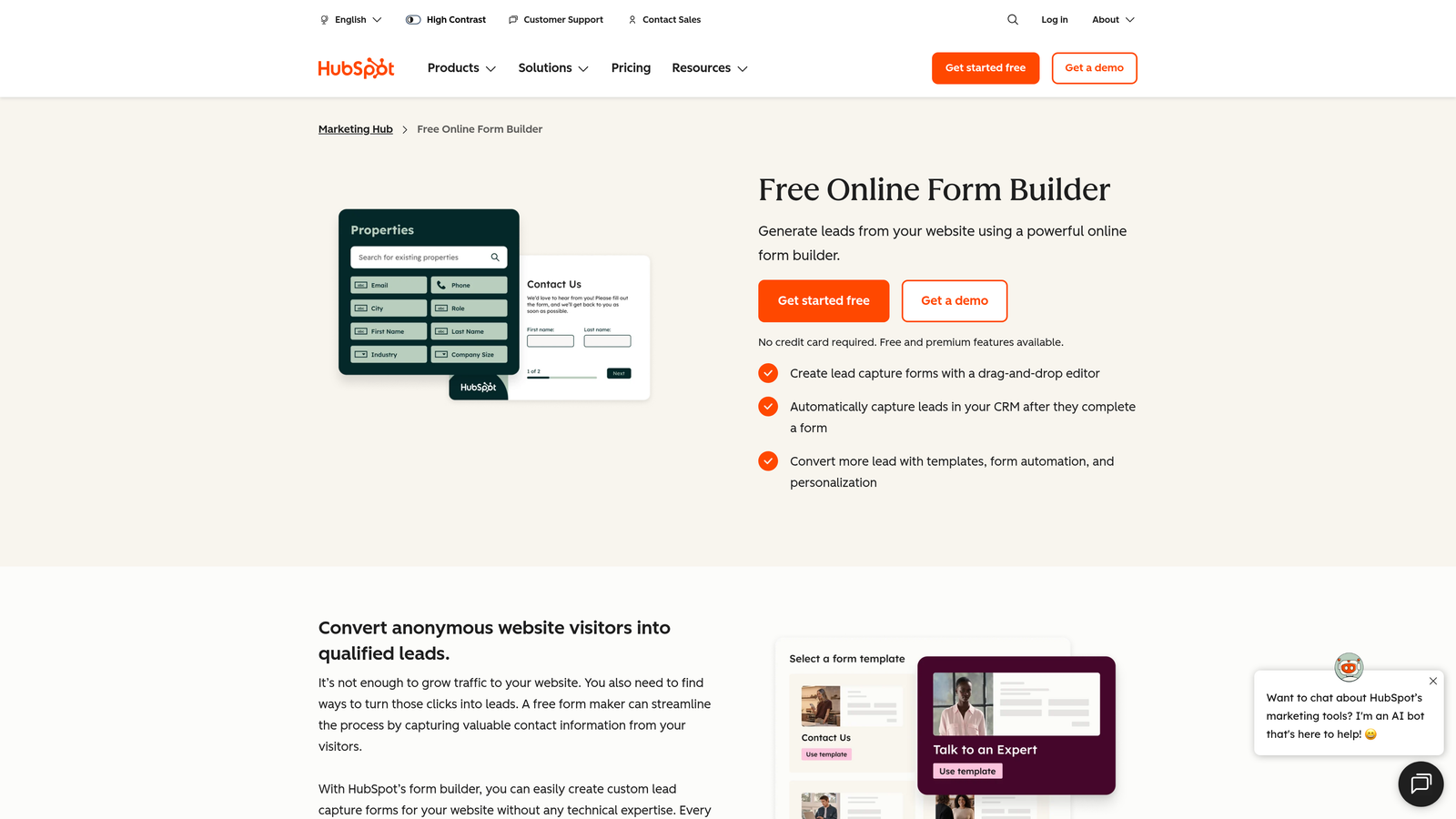
HubSpot Forms is a native form builder included within the HubSpot platform, designed to feed directly into HubSpot CRM without any connectors or middleware.
Where This Tool Shines
The value of HubSpot Forms is entirely dependent on your HubSpot adoption. If your team lives in HubSpot, the native CRM sync is a genuine advantage — form submissions become contact records instantly, with full history attached. There's no Zapier zap to maintain, no field mapping to troubleshoot, and no data delay.
Progressive profiling is another standout feature. HubSpot Forms can detect known contacts and avoid re-asking fields you already have, which makes repeat visitors feel less like they're starting from scratch every time they fill out a form on your site.
Key Features
Native CRM Sync: Form submissions map directly to HubSpot contact and deal records without third-party connectors.
Progressive Profiling: Automatically swaps out fields for known contacts so you gather new data on each interaction rather than repeating questions.
Form Analytics: Completion rates and field-level analytics tied directly to contact records in HubSpot.
Multiple Form Types: Embedded forms, pop-ups, and slide-ins all available within the same builder.
Free Access: Available at no additional cost with any HubSpot account, including the free tier.
Best For
HubSpot-centric marketing and sales teams that want tight CRM integration without managing separate tools. Not recommended as a standalone form solution for teams outside the HubSpot ecosystem.
Pricing
Free with any HubSpot account. Advanced features like A/B testing and smart content require Marketing Hub, which starts at $20/month.
6. Paperform
Best for: Small businesses and solopreneurs who want forms that function like standalone landing pages.
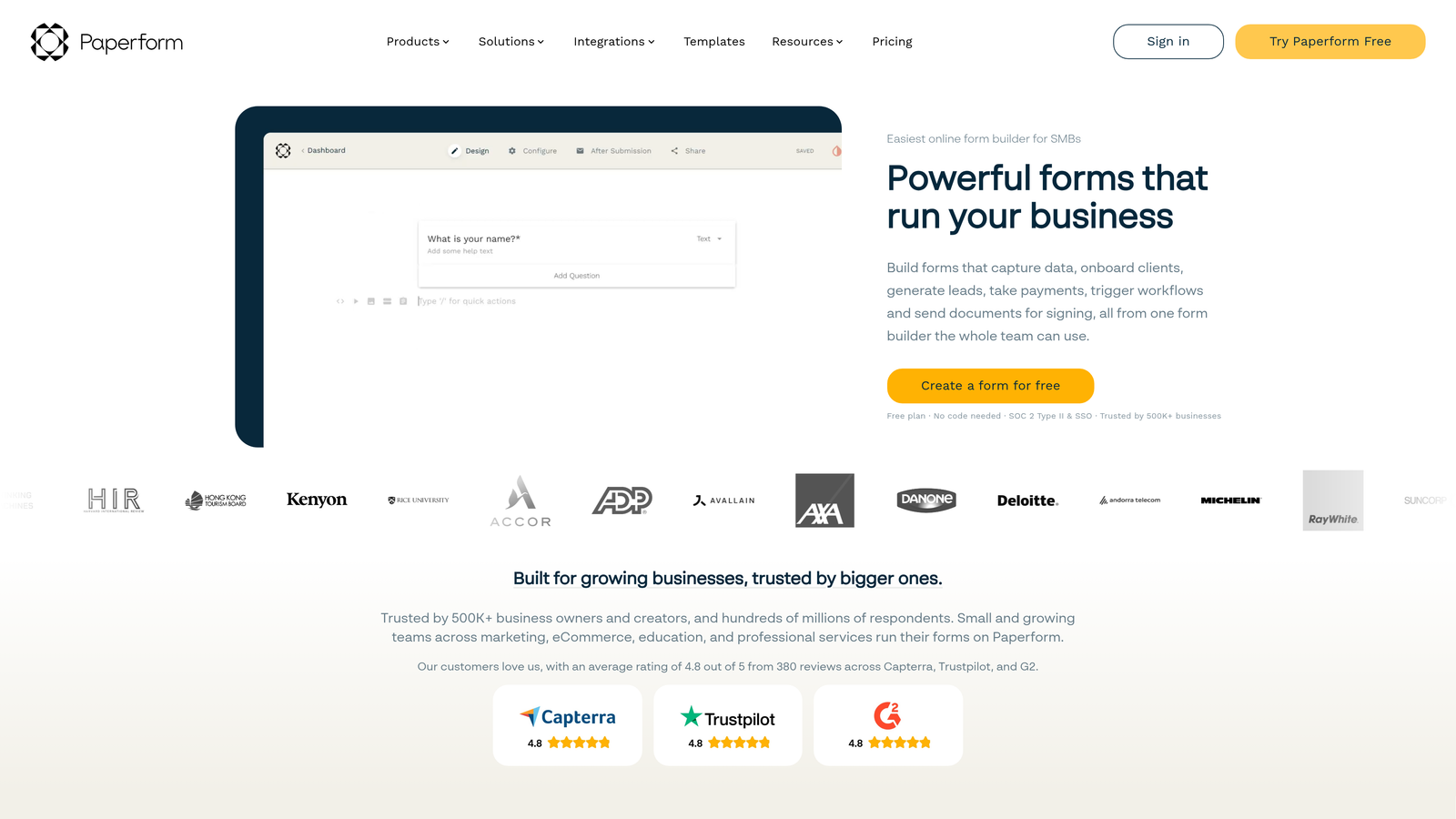
Paperform is a flexible form builder that blends rich content editing with form logic, letting you create forms that look and feel like mini landing pages.
Where This Tool Shines
Paperform occupies an interesting niche: it's part form builder, part lightweight landing page tool. You can embed text, images, and video alongside your form fields, which means the form itself can do some of the selling or explaining before a respondent hits submit. For solopreneurs and small teams without a dedicated landing page tool, this is a meaningful capability.
The payment and booking functionality built directly into the form flow is also notable. You can collect a booking, take a payment, and capture lead information all in one experience — without stitching together multiple tools.
Key Features
Rich Content Editing: Add text, images, and video alongside form fields to create immersive, informative form experiences.
Conditional Logic: Dynamic form paths and calculated fields for more complex workflows.
Payment and Booking: Native payment collection and appointment booking built into the form flow.
Custom Domain Support: Host forms on your own domain for a fully branded standalone page experience.
200+ Integrations: Native connections plus Zapier support for connecting to the rest of your stack.
Best For
Solopreneurs, consultants, and small businesses that want a form tool that doubles as a lightweight landing page. Particularly useful for service businesses that need to combine intake forms with payment or booking.
Pricing
Plans start at $29/month. A 14-day free trial is available — no credit card required to get started.
7. Google Forms
Best for: Internal surveys, quick polls, and simple data collection within Google Workspace environments.
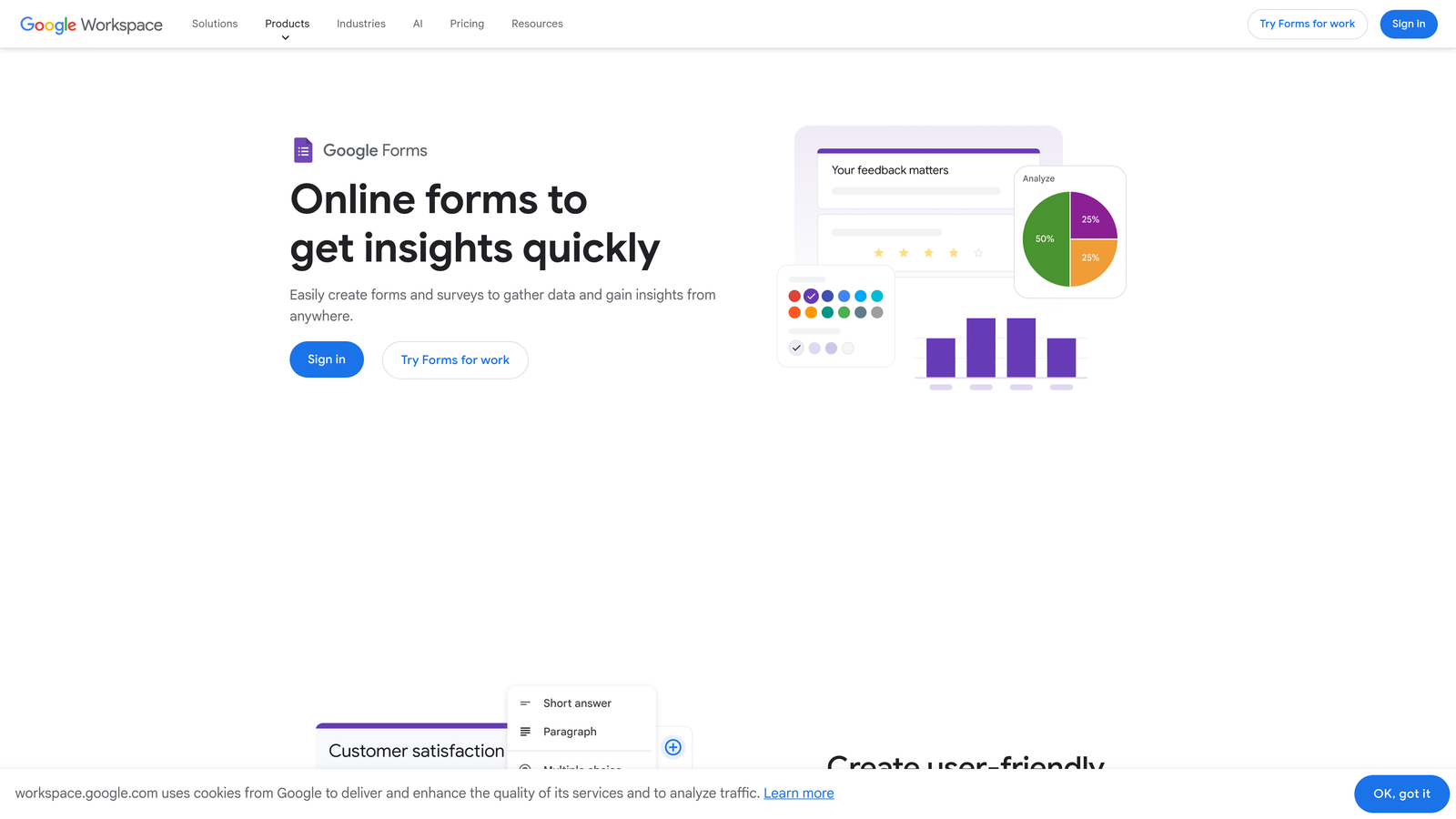
Google Forms is Google's free, no-frills form builder — completely free, deeply integrated with Google Workspace, and not built for conversion optimization.
Where This Tool Shines
Google Forms is the right tool for a specific job: fast, free, internal data collection. Need to survey your team, collect event RSVPs, or run a quick poll? Google Forms gets it done in five minutes with zero setup. The fact that responses automatically populate a Google Sheet means you already have a workable dataset the moment submissions start coming in.
The collaborative editing is also genuinely useful for teams. Multiple people can build and edit a form simultaneously, and sharing access is as simple as sharing any other Google Doc. For internal workflows, that frictionlessness is hard to beat at any price.
Key Features
Completely Free: No submission limits, no paid tiers — fully functional with any Google account.
Google Sheets Integration: Responses automatically populate a connected spreadsheet in real time.
Basic Branching Logic: Section-based logic for simple conditional flows.
Collaborative Editing: Multiple team members can build and edit forms simultaneously within Google Workspace.
Quiz Functionality: Built-in scoring and answer feedback for assessments and quizzes.
Best For
Teams that need fast, free, internal data collection and are already operating within Google Workspace. Not suitable for external lead generation, conversion optimization, or any use case where form design or brand experience matters.
8. Fillout
Best for: Teams using Notion, Airtable, or Supabase as their primary database who need forms with genuine two-way sync.
Fillout is a newer no-code form builder that has gained traction by solving a problem older tools largely ignore: deep, two-way database integration.
Where This Tool Shines
Most form builders write data to a destination. Fillout reads and writes — meaning your forms can pre-populate with existing data, update records rather than just creating new ones, and stay in sync with your Notion, Airtable, or Supabase database in both directions. For ops teams and no-code builders, this is a significant capability gap that Fillout fills well.
The AI form generation feature is also worth noting. You can describe what you need in plain text and Fillout generates a working form structure, which meaningfully reduces the time from idea to deployed form. It's a practical application of AI that actually saves time rather than just checking a feature box.
Key Features
Two-Way Database Sync: Reads from and writes to Notion, Airtable, and Supabase — not just one-directional submission handling.
Multi-Step Conditional Forms: Branching logic and multi-page flows for complex data collection workflows.
Scheduling and Payments: Built-in scheduling and payment integrations for service-based workflows.
White-Labeling: Custom subdomain and branding options for client-facing or branded form experiences.
AI Form Generation: Generate a form structure from a plain-text description, then customize from there.
Best For
No-code operators, ops teams, and product builders using Airtable, Notion, or Supabase as their data layer who need forms that stay in sync rather than just pushing data one way.
Pricing
Free plan available. Paid plans start at $15/month, making it one of the more accessible paid options in this category.
9. Formspree
Best for: Developers building custom frontends who need reliable form submission handling without managing server infrastructure.
Formspree is not a visual form builder — it's a form backend service that handles submissions from any HTML form you build yourself.
Where This Tool Shines
Formspree solves a specific developer problem: you've built a beautiful custom form in React, a static site, or a JAMstack project, and now you need somewhere for the submissions to actually go. Building and maintaining a form submission endpoint is tedious infrastructure work. Formspree handles all of it — spam filtering, email notifications, webhook forwarding, file uploads — so developers can stay focused on the frontend.
The simplicity of the integration is the point. You point your HTML form's action attribute at a Formspree endpoint, and submissions start arriving. No backend code required, no server to maintain, no infrastructure to monitor. For developer teams working on custom builds, that's a meaningful time saver.
Key Features
HTML Form Endpoint: Works with any custom frontend — just point your form's action to a Formspree URL and submissions are handled automatically.
Spam Filtering: Built-in spam protection and reCAPTCHA support to keep submission quality high.
Email and Webhook Notifications: Route submissions to email inboxes or downstream services via webhooks.
File Upload Handling: Accepts file attachments from form submissions without additional infrastructure.
Static Site Compatible: Works seamlessly with JAMstack, Next.js, Gatsby, and any static site generator.
Best For
Developers, agencies, and technical teams building custom web projects who need form submission infrastructure without the overhead of managing it themselves. Not relevant for non-technical users looking for a visual form builder.
Pricing
Free plan available with 50 submissions per month. Paid plans start at $10/month for higher volume and additional features.
Which Tool Is Right for Your Team?
The best no-code form solution is the one that matches your actual workflow — not the one with the longest feature list. Here's a quick-reference breakdown by use case to help you decide.
AI lead qualification and conversion optimization: Orbit AI is the clear choice. If your forms are part of a revenue workflow and you need leads scored and routed automatically, no other tool on this list does that natively within the form flow itself.
Best free tier for real functionality: Tally. Unlimited forms, unlimited responses, and conditional logic — all at no cost. For early-stage teams, it's genuinely hard to argue against starting here.
Enterprise compliance and template depth: Jotform. If you're in healthcare or any regulated industry, Jotform's HIPAA-compliant plans and massive template library make it the practical choice.
Already inside HubSpot: HubSpot Forms. Don't add another tool to your stack when the native integration does the job cleanly. The progressive profiling alone is worth it for teams with an existing contact database.
Database-connected workflows: Fillout. If your team runs on Airtable, Notion, or Supabase, Fillout's two-way sync is a capability the older tools simply don't offer.
Developer-built custom frontends: Formspree. It's not a visual builder, and it doesn't need to be. For technical teams, it handles exactly the infrastructure problem they need solved.
The honest advice here: resist the urge to chase features you won't use in the next 90 days. Pick the tool that solves your most pressing problem right now, and upgrade or switch when your needs actually outgrow it.
If lead quality and conversion optimization are your priority — if you need your forms to do more than collect an email address — start building free forms today with Orbit AI and see what AI-powered qualification looks like in practice.


