

Finding a form builder with clear, upfront pricing shouldn't feel like pulling teeth. Yet many platforms hide their costs behind 'contact sales' buttons or bury essential features in enterprise tiers. Whether you're a startup watching every dollar or a growing team planning your tech stack, you need to know exactly what you're paying for before you commit.
This guide breaks down 9 form builders that offer transparent pricing structures, comparing what you actually get at each tier so you can make an informed decision without scheduling a sales call.
1. Orbit AI
Best for: High-growth teams focused on lead qualification and conversion optimization
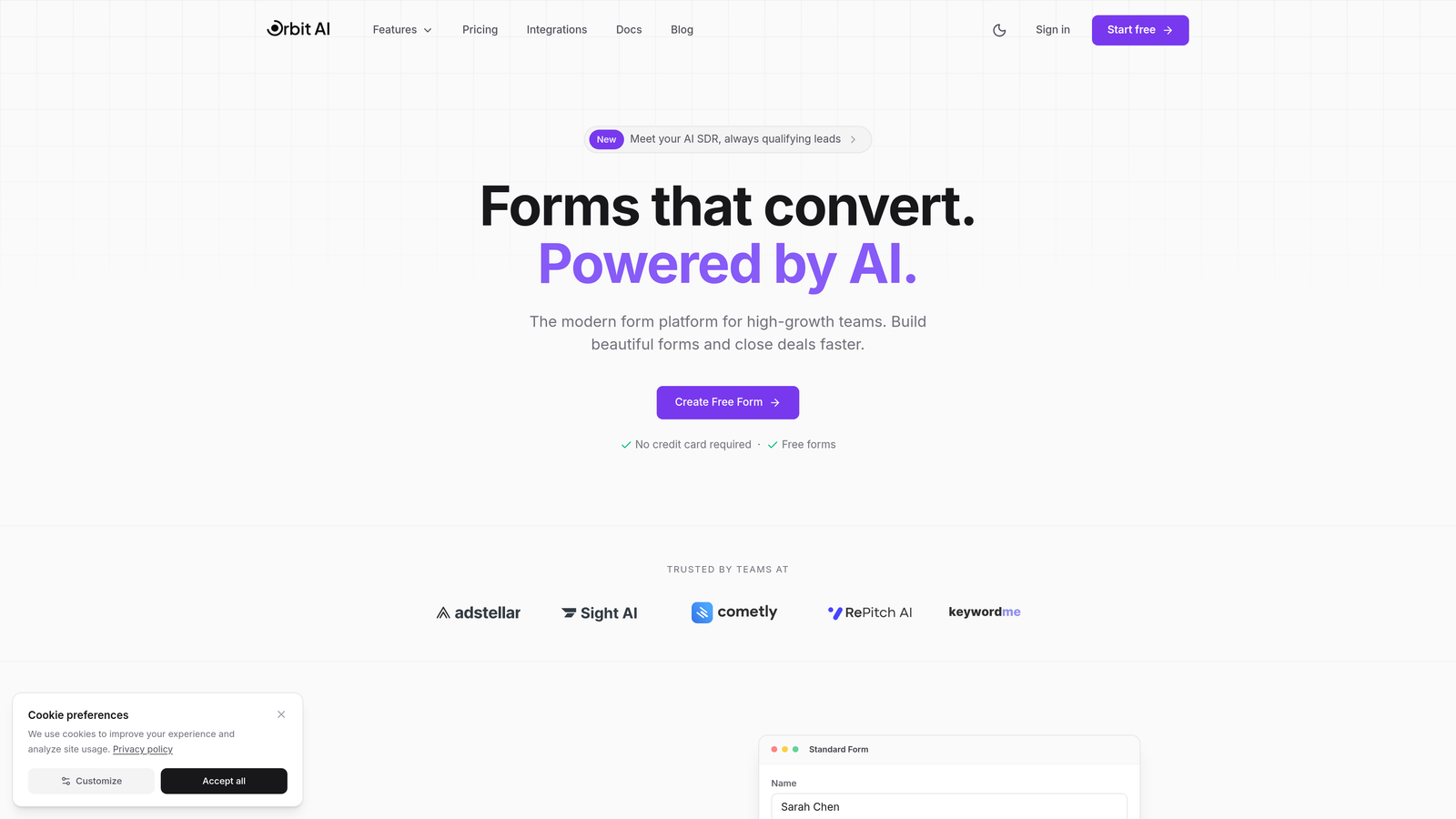
Orbit AI is an AI-powered form builder that automatically qualifies leads while creating conversion-optimized form experiences.
Where This Tool Shines
The platform's standout feature is its AI-powered lead qualification engine. Instead of collecting form submissions and manually sorting through them later, Orbit AI analyzes responses in real-time to identify your best prospects. This means your sales team spends time on qualified leads rather than tire-kickers.
The conversion-focused approach extends to form design itself. Every template is built with conversion optimization in mind, using proven patterns that reduce form abandonment. The analytics dashboard shows you exactly where prospects drop off, so you can continuously improve performance.
Key Features
AI Lead Qualification: Automatically scores and routes leads based on response patterns and qualification criteria you define.
Conversion-Optimized Templates: Pre-built forms designed specifically to maximize completion rates and reduce abandonment.
Built-in Analytics: Track form performance, completion rates, and drop-off points without connecting external analytics tools.
Workflow Automation: Trigger actions based on form submissions, from email notifications to CRM updates.
Native CRM Integrations: Connect directly to your existing tech stack without third-party middleware or Zapier.
Best For
Orbit AI works best for B2B companies and high-growth teams where lead quality matters as much as quantity. If you're spending significant time manually qualifying inbound leads or your sales team complains about low-quality form submissions, the AI qualification features deliver immediate value.
Pricing
Transparent tier-based pricing is published directly on their website, with plans scaling based on submission volume and AI qualification features. No sales calls required to see what you'll pay.
2. Typeform
Best for: Creating engaging, conversational form experiences with one-question-at-a-time format
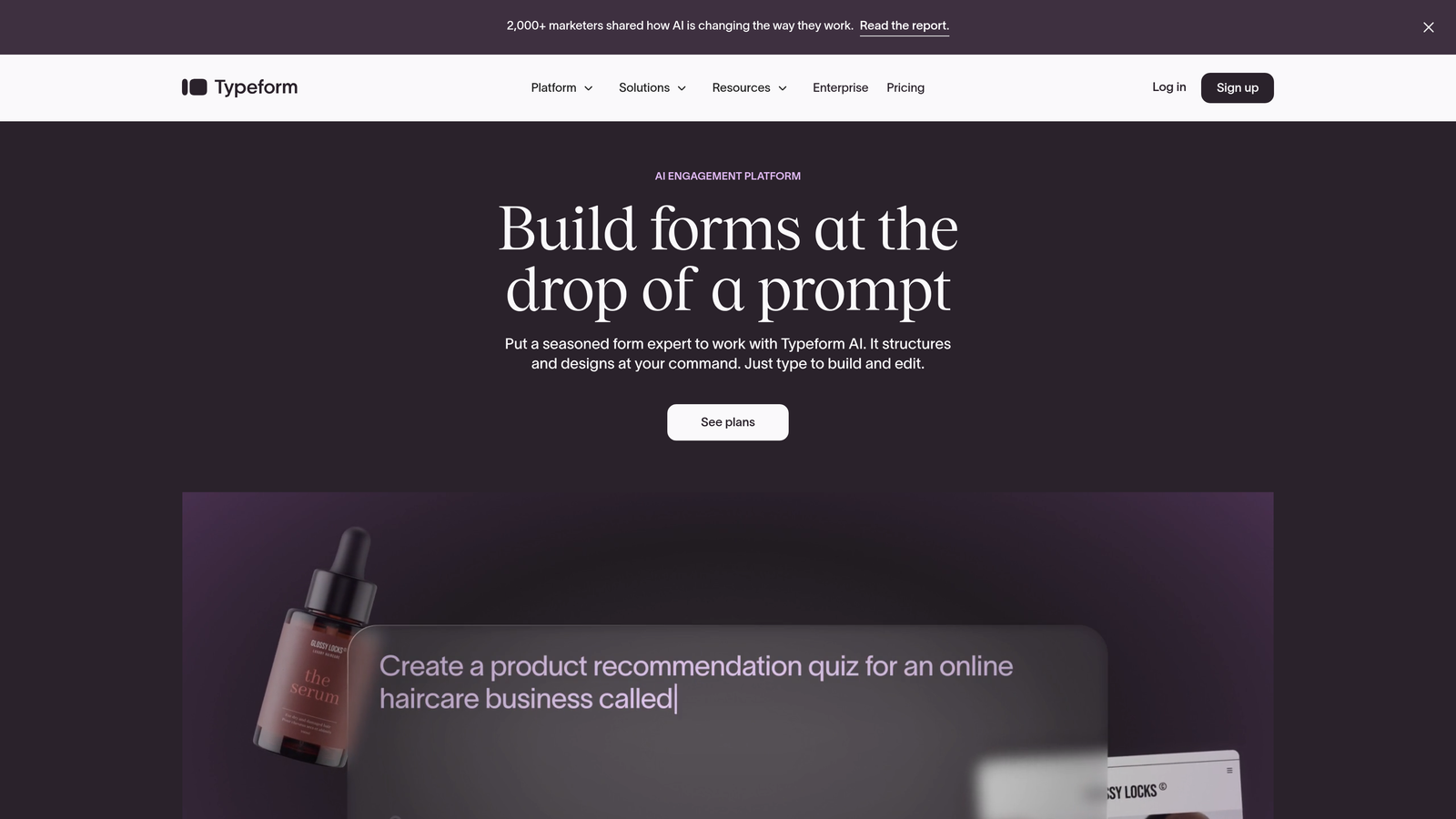
Typeform is a conversational form builder that presents questions one at a time for higher engagement.
Where This Tool Shines
Typeform revolutionized form design by making forms feel like conversations rather than interrogations. The one-question-at-a-time approach reduces cognitive load and keeps respondents focused. This format works particularly well for surveys, quizzes, and lead generation forms where you want to maintain engagement throughout.
The design customization options are extensive. You can match forms to your brand with custom colors, fonts, and images. The interface feels modern and polished, which matters when first impressions count.
Key Features
Conversational Interface: One-question-at-a-time format that feels more like a conversation than a traditional form.
Logic Jumps: Create branching paths based on answers to show relevant questions and skip irrelevant ones.
Design Customization: Full control over colors, fonts, backgrounds, and branding to match your visual identity.
Integration Marketplace: Connect to hundreds of tools including CRMs, email platforms, and analytics software.
Video Integration: Embed videos directly in forms to add context or personality to questions.
Best For
Typeform excels for marketing teams creating surveys, quizzes, or lead generation forms where engagement and completion rates are critical. The conversational format works especially well for longer forms that might otherwise feel overwhelming.
Pricing
Basic plan starts at $25/month with 100 responses per month. Plus plan at $50/month includes 1,000 responses. Pricing scales based on response volume, with clear limits published for each tier.
3. Jotform
Best for: Teams needing extensive templates and versatile form types with generous free tier
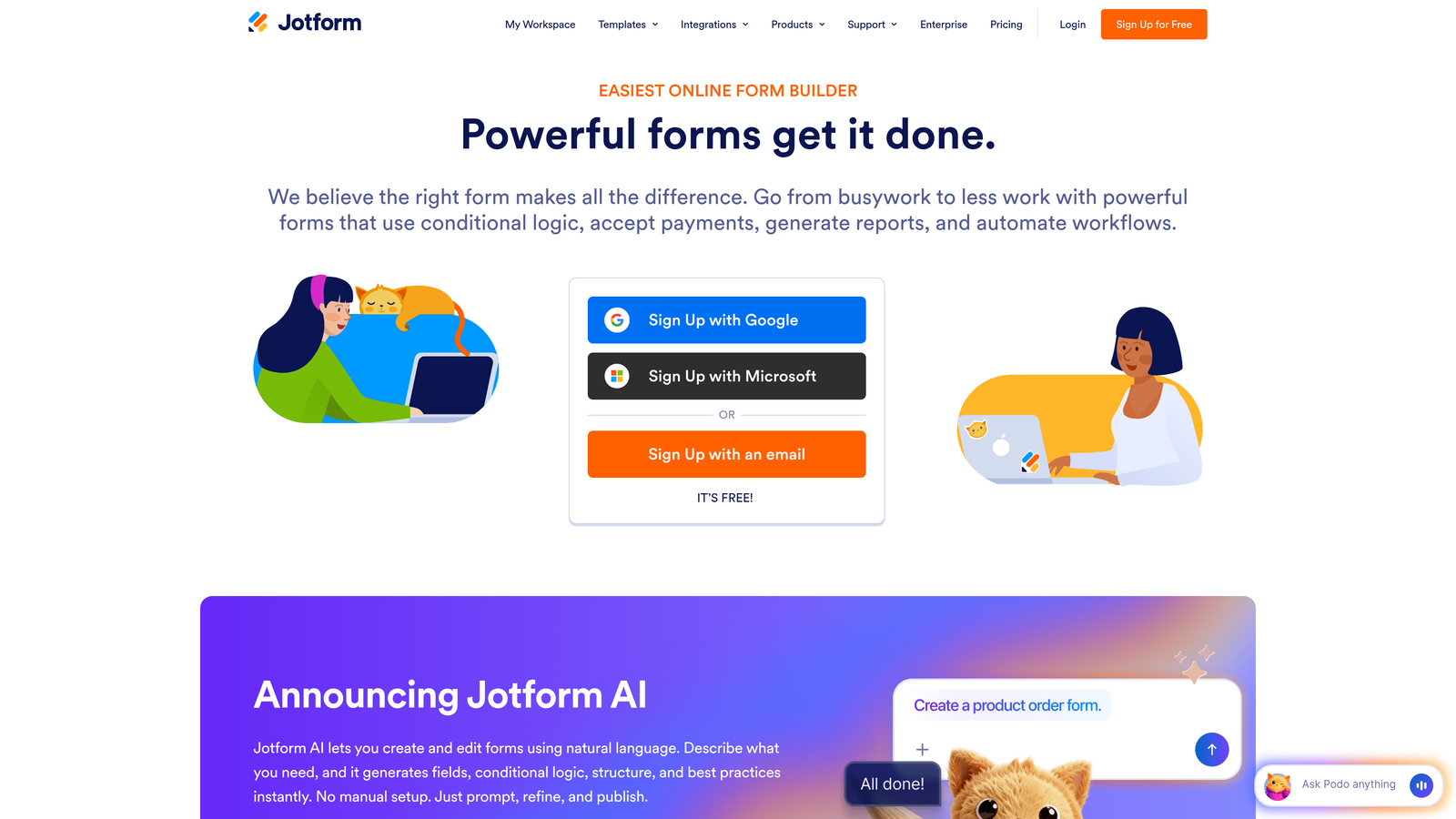
Jotform is a versatile form builder offering over 10,000 templates and robust features across multiple use cases.
Where This Tool Shines
The sheer breadth of templates is Jotform's superpower. With over 10,000 pre-built forms covering everything from event registrations to job applications, you'll rarely need to start from scratch. Each template is fully customizable, so you can adapt them to your specific needs rather than building forms from a blank canvas.
The platform handles complex use cases well. Need to generate PDFs from form submissions? Done. Want to collect payments? Built-in. Require HIPAA compliance for healthcare data? Available on higher tiers. This versatility makes Jotform a solid choice for organizations with diverse form requirements.
Key Features
10,000+ Templates: Pre-built forms for virtually every use case, from simple contact forms to complex applications.
PDF Generation: Automatically convert form submissions into formatted PDF documents for records or distribution.
Payment Collection: Integrate with payment processors to collect fees, donations, or purchases directly through forms.
Conditional Logic: Show or hide fields based on previous answers to create dynamic, personalized form experiences.
HIPAA Compliance: Enterprise plans include HIPAA-compliant features for handling protected health information.
Best For
Jotform works well for organizations managing multiple form types across different departments. The extensive template library and feature set make it particularly valuable for teams that need versatility without learning multiple tools.
Pricing
Free tier includes 5 forms and 100 monthly submissions. Bronze plan starts at $34/month for 25 forms and 1,000 submissions. Higher tiers scale submissions and add compliance features with clear pricing published.
4. Tally
Best for: Budget-conscious teams wanting unlimited forms without submission caps
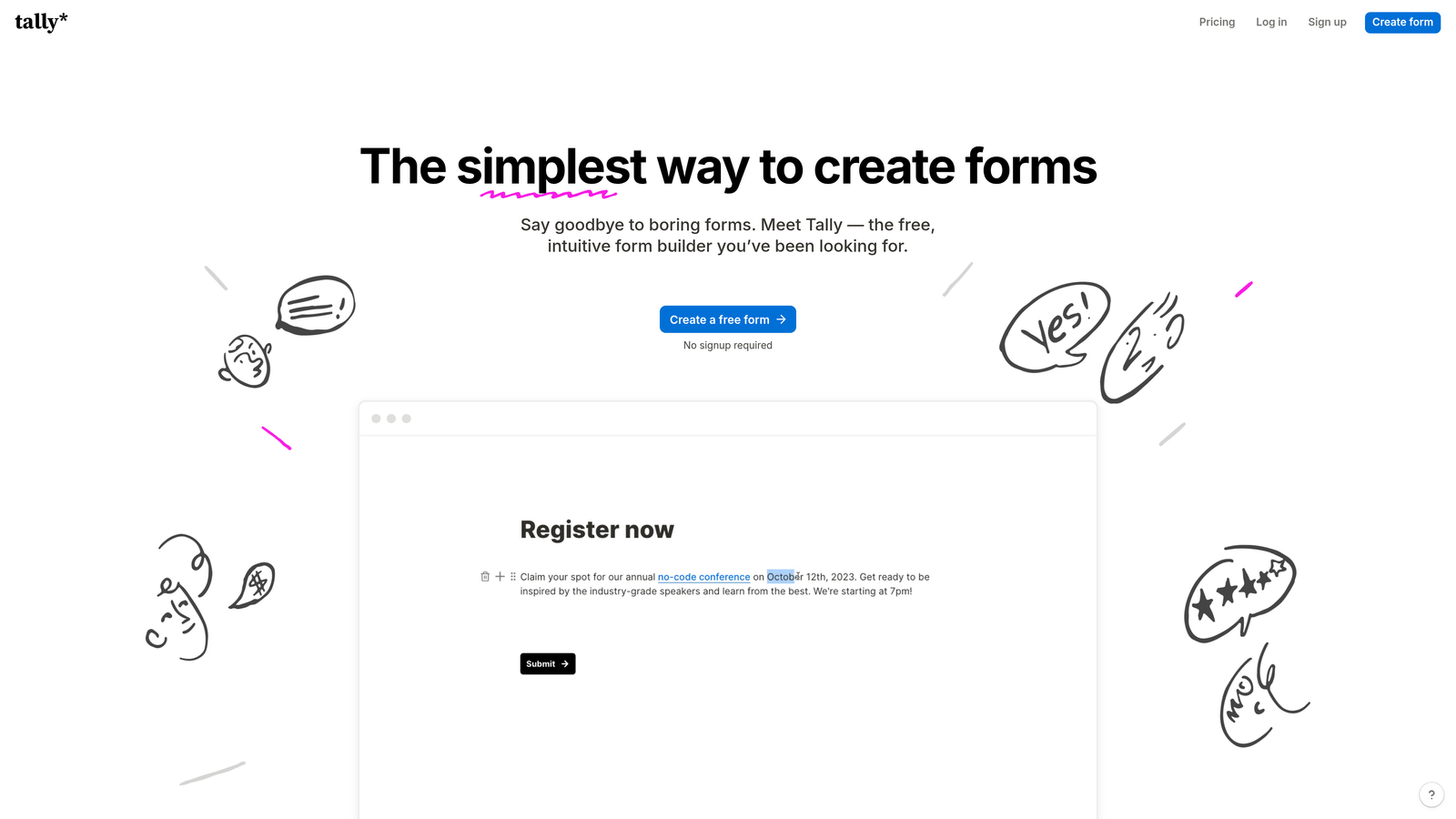
Tally is a minimalist form builder offering unlimited forms and submissions on its free forever plan.
Where This Tool Shines
Tally's pricing model is refreshingly simple: unlimited forms and unlimited submissions, even on the free plan. This eliminates the anxiety of watching submission counts or worrying about overage charges. For startups and small teams with unpredictable form volume, this predictability is invaluable.
The Notion-like interface makes form building intuitive if you're already familiar with block-based editors. You build forms by adding blocks for different question types, rearranging them with drag-and-drop, and configuring settings inline. The learning curve is minimal.
Key Features
Unlimited Free Forms: Create as many forms as you need with no artificial limits on the free plan.
No Submission Caps: Collect unlimited responses without worrying about hitting monthly quotas or overage fees.
Block-Based Editor: Notion-style interface that feels familiar and intuitive for building forms quickly.
Custom Domains: Pro plan includes the ability to host forms on your own domain for brand consistency.
File Uploads: Accept file attachments from respondents, useful for applications or support requests.
Best For
Tally is ideal for startups, solopreneurs, and small teams with limited budgets but potentially high form volume. If you're running multiple campaigns or need forms for various purposes without paying per-submission, Tally's model makes sense.
Pricing
Free plan includes unlimited forms and submissions forever. Pro plan at $29/month adds custom domains, hidden fields, and removes Tally branding. Pricing is straightforward with no hidden fees.
5. Paperform
Best for: Creating document-style forms with e-commerce and booking capabilities
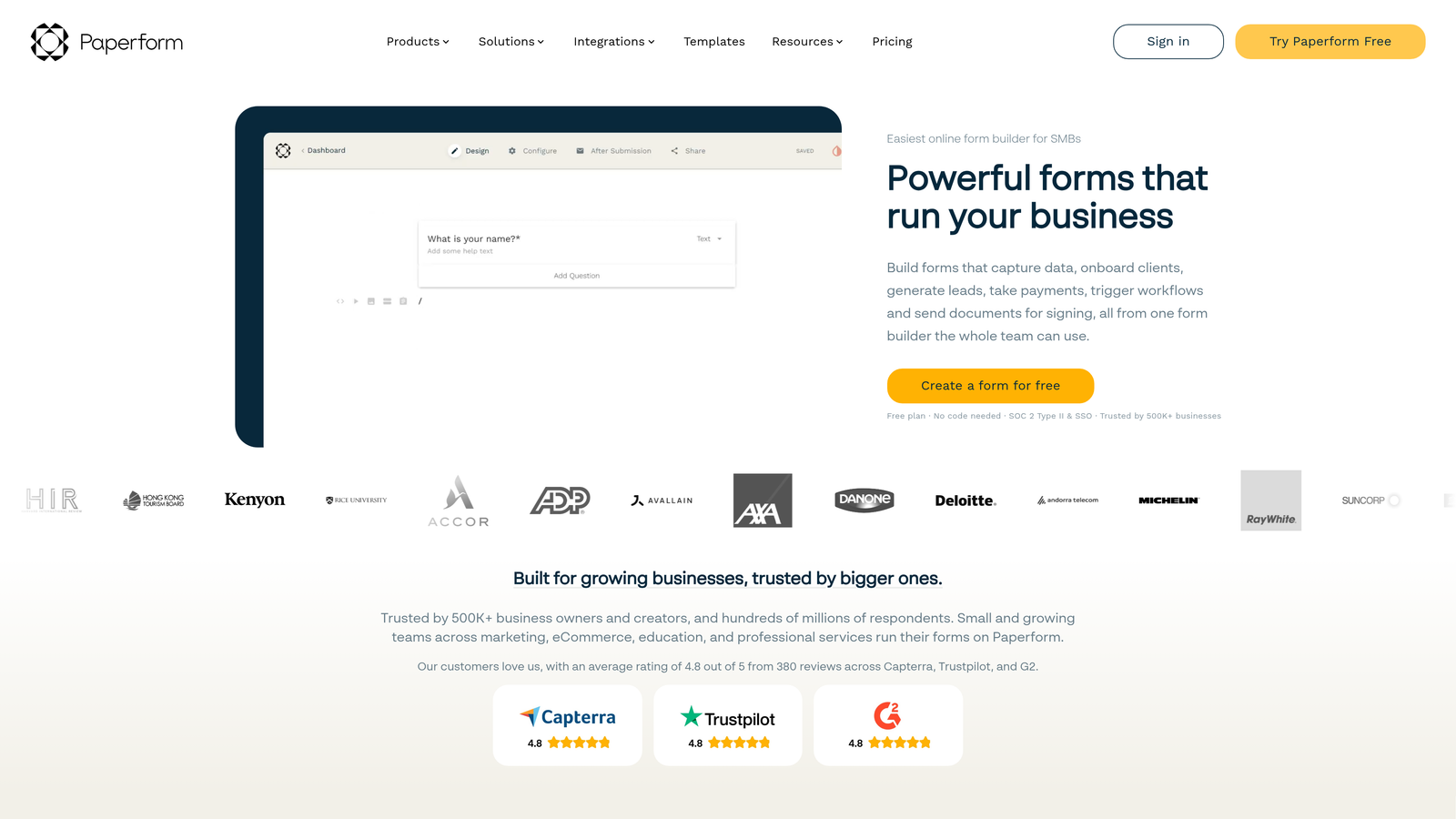
Paperform is a form builder that combines document-style layouts with built-in e-commerce and appointment booking features.
Where This Tool Shines
Paperform's document-style approach feels more like creating a landing page than building a traditional form. You can mix form fields with rich text, images, and videos to create experiences that tell a story while collecting information. This format works particularly well for product orders, event registrations, or any scenario where context matters as much as data collection.
The e-commerce capabilities are genuinely robust. You can create product catalogs, calculate totals with conditional pricing, and process payments without leaving the platform. Combined with appointment booking features, Paperform becomes a complete booking and payment solution rather than just a form builder.
Key Features
E-commerce Integration: Built-in product catalogs, shopping cart functionality, and payment processing for selling products or services.
Calculations and Pricing: Dynamic calculations that adjust totals based on selections, quantities, or conditional logic.
Appointment Booking: Calendar integration for scheduling appointments, consultations, or reservations directly through forms.
All Features Available: Unlike many competitors, all features are available on all paid plans without artificial tier restrictions.
Custom Domains: Host forms on your own domain for seamless brand integration.
Best For
Paperform excels for service businesses, consultants, and anyone selling products or booking appointments. If you need more than basic lead capture and want to handle transactions or scheduling, Paperform's integrated approach eliminates the need for multiple tools.
Pricing
Starts at $24/month per seat with all features included. No feature gates between tiers. Pricing scales by number of users rather than submissions, making costs predictable for teams.
6. Formstack
Best for: Enterprise teams needing compliance features and advanced workflow automation
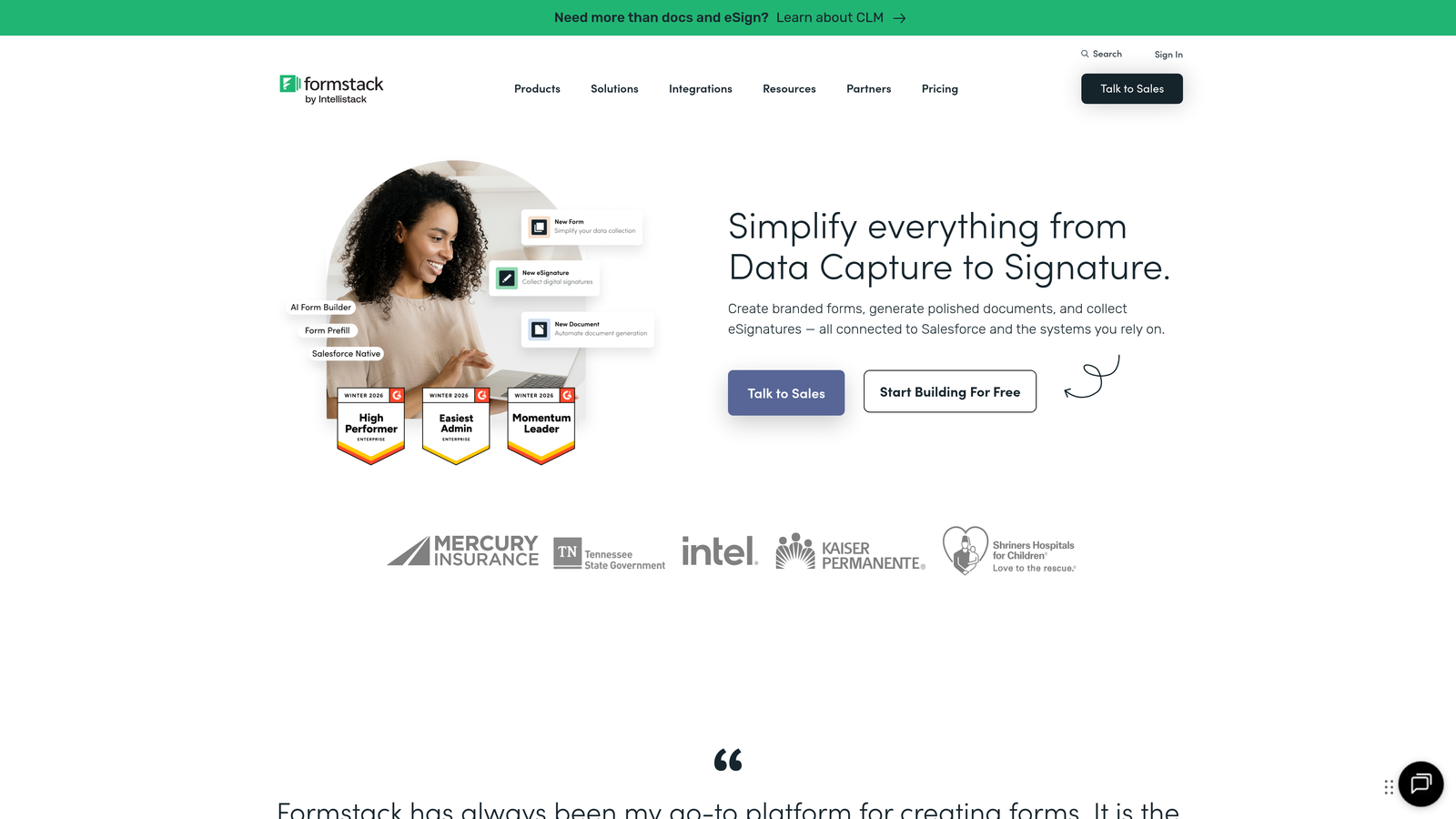
Formstack is an enterprise-grade form builder with built-in compliance features and document generation capabilities.
Where This Tool Shines
Formstack takes compliance seriously, which matters if you're in healthcare, finance, or any regulated industry. HIPAA compliance features are built into the platform, not bolted on as an afterthought. This includes encrypted data storage, audit trails, and business associate agreements. For organizations handling sensitive data, these features aren't optional extras—they're table stakes.
The workflow automation goes beyond simple email notifications. You can route submissions through approval processes, generate documents automatically, collect electronic signatures, and update multiple systems based on form data. This level of automation transforms forms from simple data collection tools into workflow engines.
Key Features
HIPAA Compliance: Built-in features for handling protected health information with required security and audit capabilities.
Document Generation: Automatically create formatted documents from form data for contracts, reports, or records.
Electronic Signatures: Collect legally binding signatures directly within forms without third-party signature tools.
Advanced Workflows: Route submissions through multi-step approval processes with conditional logic and notifications.
Data Routing: Send form data to multiple systems simultaneously based on rules you configure.
Best For
Formstack is built for enterprise teams and regulated industries where compliance, security, and advanced automation are non-negotiable requirements. If you're replacing paper-based processes or need audit trails, Formstack delivers enterprise capabilities.
Pricing
Starts at $50/month for basic features. Enterprise pricing is published on their website with clear tier breakdowns. No need to contact sales for standard plans, though custom enterprise needs may require consultation.
7. Google Forms
Best for: Teams wanting completely free forms with Google Workspace integration
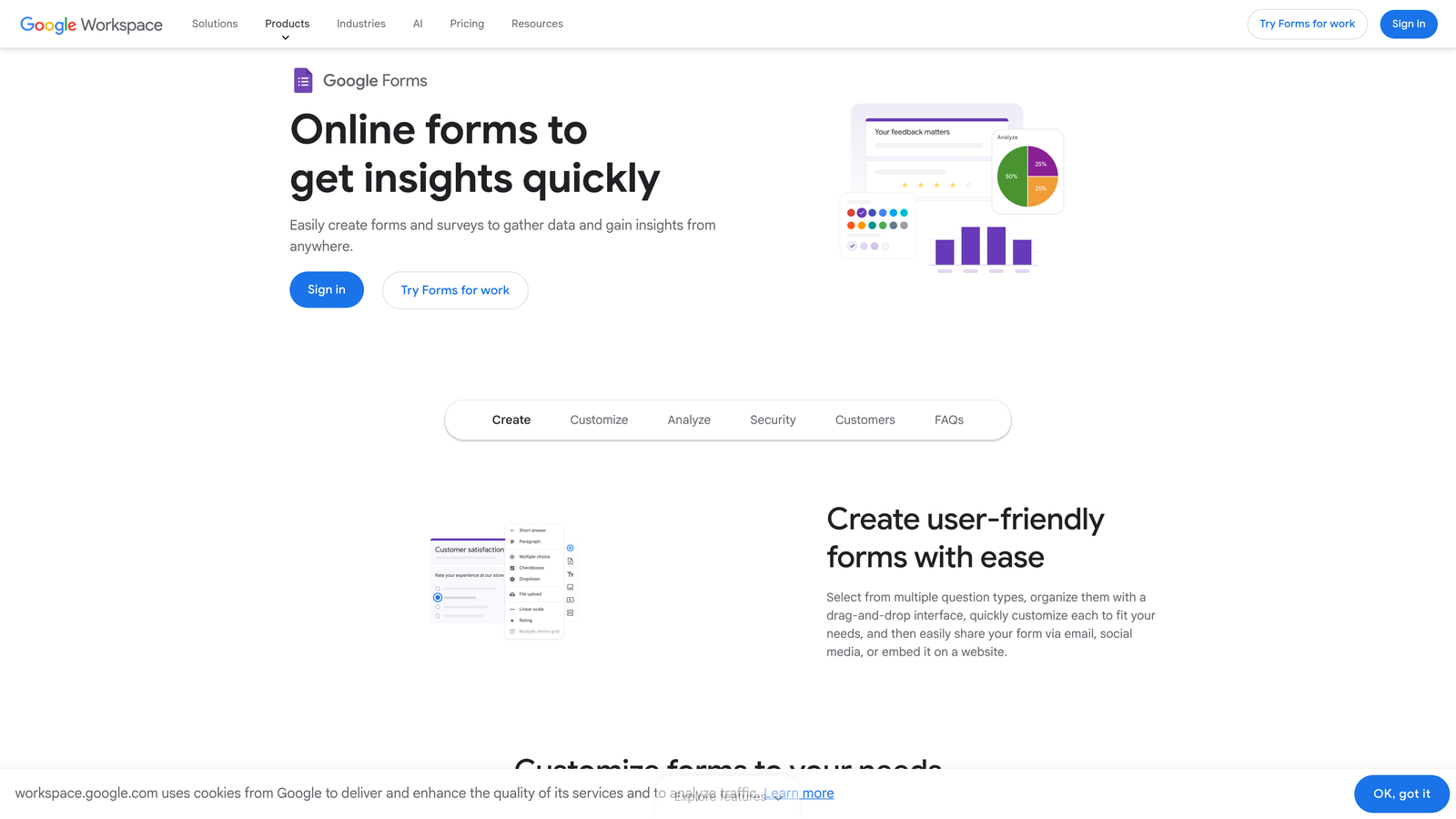
Google Forms is a free, straightforward form builder integrated directly into Google Workspace.
Where This Tool Shines
Google Forms wins on simplicity and price: it's completely free with no submission limits, no feature gates, and no hidden costs. For basic surveys, event registrations, or internal data collection, it handles the essentials without requiring a budget allocation or approval process.
The Google Sheets integration is seamless. Responses flow directly into spreadsheets where you can analyze data, create charts, or share results with stakeholders. If your team already lives in Google Workspace, this integration feels natural and requires zero setup.
Key Features
Completely Free: No cost for unlimited forms and unlimited responses with a Google account.
Google Sheets Integration: Automatic data export to spreadsheets for analysis and reporting.
Real-time Collaboration: Multiple team members can edit forms simultaneously with live updates.
Basic Analytics: Built-in summary charts and response visualization without external tools.
Quiz Mode: Create self-grading quizzes with automatic scoring and feedback.
Best For
Google Forms works well for internal surveys, event planning, quick feedback collection, or any scenario where basic functionality is sufficient. It's particularly valuable for schools, nonprofits, and small teams with limited budgets.
Pricing
Free with any Google account. Google Workspace pricing is transparent and published, starting at $6/user/month, but Forms itself requires no additional cost beyond the basic Google account.
8. Cognito Forms
Best for: Payment collection with clear transaction fee structure and calculations
Cognito Forms is a form builder specializing in payment processing with transparent transaction fees and advanced calculations.
Where This Tool Shines
Cognito Forms excels at handling payments with clarity around costs. The transaction fee structure is published upfront—no surprises when you process your first payment. This transparency extends to the entire pricing model, making it easy to calculate total costs including both subscription fees and payment processing.
The calculation engine is surprisingly powerful. You can create complex formulas that calculate totals, apply discounts, add conditional fees, or compute values based on multiple inputs. This makes Cognito Forms particularly useful for order forms, registration forms with variable pricing, or applications requiring calculated fields.
Key Features
Payment Processing: Accept credit cards and online payments with clearly published transaction fee structure.
Advanced Calculations: Create complex formulas and calculations that update dynamically based on form inputs.
Conditional Logic: Show or hide fields, sections, or pages based on previous answers or calculated values.
Entry Management: Built-in tools for managing, editing, and updating submitted form entries.
Repeating Sections: Allow respondents to add multiple items or entries within a single form submission.
Best For
Cognito Forms works best for organizations collecting payments through forms, whether for event registrations, product orders, or service bookings. The calculation features make it valuable for any scenario requiring dynamic pricing or complex math.
Pricing
Free tier available with Cognito branding. Paid plans start at $15/month plus clearly published transaction fees for payment processing. All pricing tiers and fees are transparent on their website.
9. 123FormBuilder
Best for: Enterprise features with predictable annual pricing and white-labeling
123FormBuilder is a form builder offering enterprise features including workflow automation and white-labeling with transparent annual pricing.
Where This Tool Shines
123FormBuilder's strength lies in its enterprise feature set offered at mid-market pricing. White-labeling capabilities let you remove their branding and add your own, making forms feel like a native part of your platform. For agencies or companies offering forms as part of their service, this branding control is essential.
The data routing and workflow features handle complex scenarios well. You can send different form data to different systems based on conditions, trigger multi-step workflows, and automate processes that would otherwise require manual intervention. Combined with compliance features, this makes 123FormBuilder capable of replacing paper-based enterprise processes.
Key Features
Workflow Automation: Create multi-step automated processes triggered by form submissions with conditional routing.
Data Routing: Send form data to different systems or recipients based on rules and conditions you configure.
Compliance Features: GDPR, HIPAA, and other compliance capabilities for regulated industries.
White-labeling: Remove 123FormBuilder branding and add your own for seamless brand integration.
Mobile Forms: Optimized mobile experience with offline data collection capabilities.
Best For
123FormBuilder serves mid-market and enterprise teams needing advanced features without enterprise-only pricing. Agencies reselling form solutions or companies requiring white-labeled forms find particular value in the branding capabilities.
Pricing
Starts at $24.99/month with annual discounts clearly published. All pricing tiers are transparent on their website, including feature breakdowns for each plan. Annual billing offers significant savings over monthly.
Making the Right Choice
The form builder market has shifted dramatically toward pricing transparency. The days of mandatory sales calls just to learn basic costs are fading, replaced by clear tier structures and published pricing pages.
When evaluating total cost of ownership, look beyond the monthly subscription fee. Consider submission limits, storage caps, integration fees, compliance add-ons, and overage charges. A $25/month plan with a 100-response cap might cost more than a $50/month unlimited plan if you're collecting high volumes.
For budget-conscious teams with unpredictable volume, Tally's unlimited free plan or Google Forms eliminate cost anxiety entirely. If you're collecting payments, Cognito Forms or Paperform integrate commerce features without requiring separate tools. Enterprise teams handling sensitive data should prioritize Formstack or 123FormBuilder for compliance capabilities.
The emergence of AI-powered features is creating new pricing considerations. Tools like Orbit AI that automatically qualify leads or optimize conversion represent a shift from passive data collection to active intelligence. If lead quality matters as much as quantity for your business, the AI capabilities can deliver ROI that justifies premium pricing.
Transform your lead generation with AI-powered forms that qualify prospects automatically while delivering the modern, conversion-optimized experience your high-growth team needs. Start building free forms today and see how intelligent form design can elevate your conversion strategy.


